




About a year before Adalo shipped its Adalo 3.0 update, I tried building a small local-business directory inside it and gave up fast. Dragging elements felt laggy, the canvas occasionally refused to scroll, and one session wiped out a screen edit I'd finished. I shelved the tool and didn't touch it again for months.
This time, after that update, I came back for this Adalo review with a specific test build in mind: a two-sided booking app for dog walkers and pet sitters. Owners sign up to browse and book services, and sitters sign up to list what they offer and manage the bookings they get.
I gave Adalo's AI assistant one prompt to get started. Then I kept building on and off for roughly three weeks to see how far I could get before writing code.
By the end, you'll know how long Adalo stayed easy in my test, what broke first, and what remained locked inside the platform.
What Is Adalo?
Adalo is a visual app builder that hands non-technical builders the tools to design, prototype, and publish mobile and web apps without writing code. It's built for founders, freelancers, and small teams who want to validate an app idea before hiring a developer.
The core mechanic is a drag-and-drop screen editor paired with a built-in, spreadsheet-style database.
Unlike web-wrapper tools, Adalo publishes true native apps to both the Apple App Store and Google Play. It's kept shipping real updates for years, including the Adalo 3.0 infrastructure overhaul in September 2025. I've used it more than once over the past few years, and this review is my most thorough test of it yet.
Also read our best AI app builders guide for what else is worth trying beyond visual drag-and-drop builders.
Features
Adalo's core feature set holds up well for apps that are mostly create, read, update, and delete (CRUD) work. That's exactly the type of app this review tested. The features below show what stood out, and where each one stops.
Visual database: A spreadsheet-style database handles your data with no structured query language (SQL) required. Relating collections to each other (walkers, owners, bookings) takes a few clicks.
With a few hundred dummy bookings loaded, list screens took close to three seconds to load.
True native publishing: Adalo compiles to native apps for the Apple App Store and Google Play. Getting a build published still means paying for a $99 Apple Developer account, charged every 12 months. Google Play adds a one-time $25 fee, on top of whatever Adalo plan you're on.
Ada AI assistant (Magic Start and Magic Add): Every plan, Free included, gets Adalo's AI assistant at no extra token cost. I fed Magic Start one prompt describing the booking app I wanted, and it generated a connected database and five working starter screens in under two minutes.
Magic Add works the same way later, when you want to add a new feature. Describe what you need, and it builds the pieces. Both are a fast starting point. Database fields, screen actions, and styling all still happen by hand after that first pass.
Templates: The template library is fastest for CRUD-heavy app types like directories, trackers, and bookings. If you're after a distinctive, custom-feeling interface, you'll spend more time fighting the templates than using them.
Custom Actions: These let you connect Adalo to outside services and layer in conditional logic that it doesn't offer out of the box.
They're gated to the Professional plan and up, and they require a hand-typed JSON body because this step has no drag-and-drop control. In my test, this was the only feature where I had to write code by hand.
Pricing
These are Adalo's publicly priced plans, on month-to-month and annual billing.
Every tier, including Free, lists unlimited app actions. Because Adalo no longer charges for app actions, a traffic spike will not produce app-action overage fees. This differs from Adalo’s previous pricing model, which included monthly app-action limits and charged customers for exceeding them.
While I was on Free, Version History and external data connections each triggered a start-a-trial prompt before I could use them. Getting the Custom Action I needed to stop a walker from being double-booked required moving up to Professional. That logic layer isn't available below it.
Yes, Adalo is free to use. The Free plan gives you 500 records, one app editor, and unlimited screens and app actions. That's enough to build and test a small prototype before you pay. You can't publish to a custom domain or either app store until you're on a paid plan.
Adalo Reviews: What Real Users Are Saying
Pros
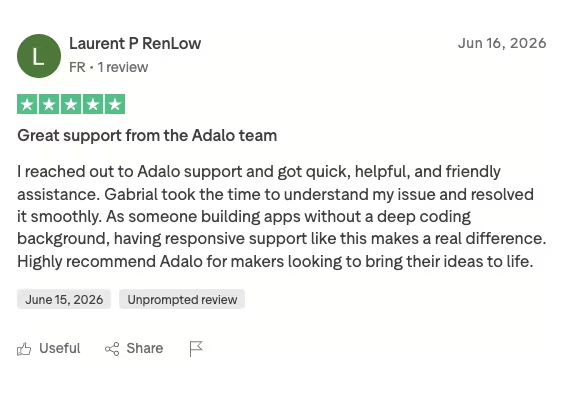
“Adalo is a simple and easy-to-learn low-code/no-code editor. There are many great templates you can easily customize and get started with.” - Eva E., G2
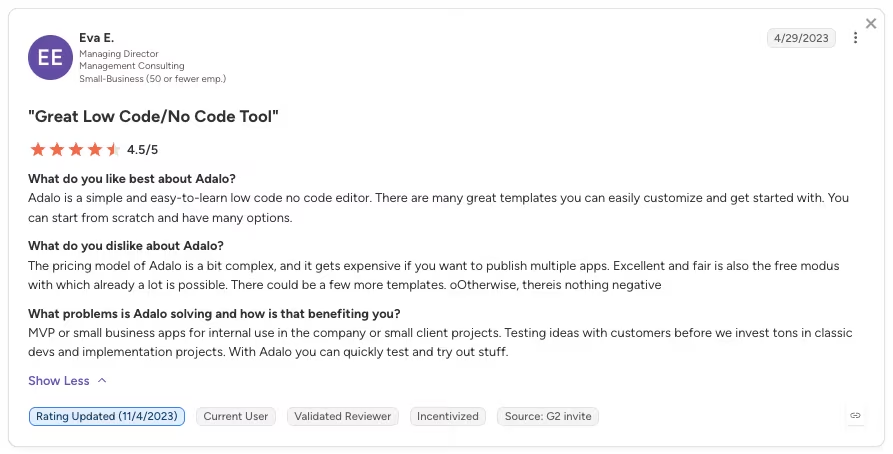
“I've seen everything from a simple as meal prep and timer apps all the way to apps for event with 3-D guided maps. It's really up to you and the limits of your creativity because anything is possible.” - Daniel M., Capterra
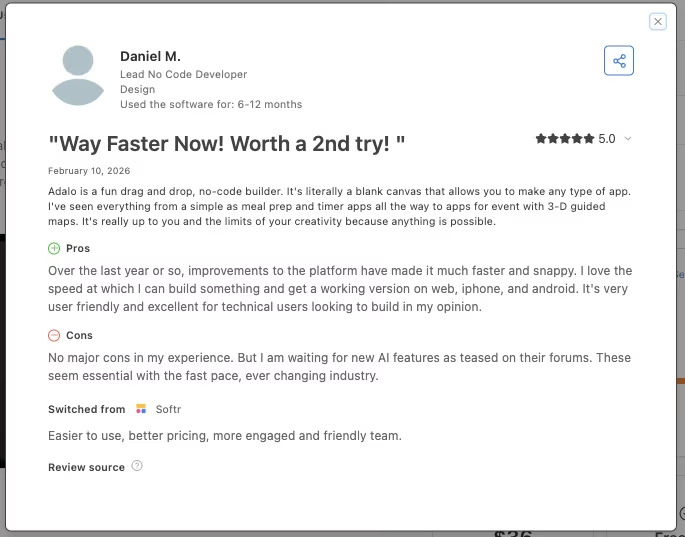
“I reached out to Adalo support and got quick, helpful, and friendly assistance.” - Laurent P RenLow, Trustpilot
Cons
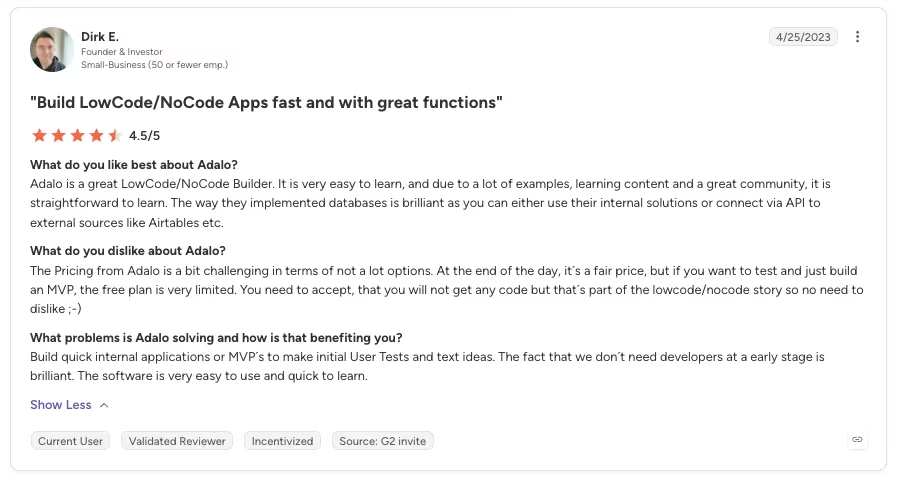
“The Pricing from Adalo is a bit challenging in terms of not a lot [of] options.” - Dirk E., G2
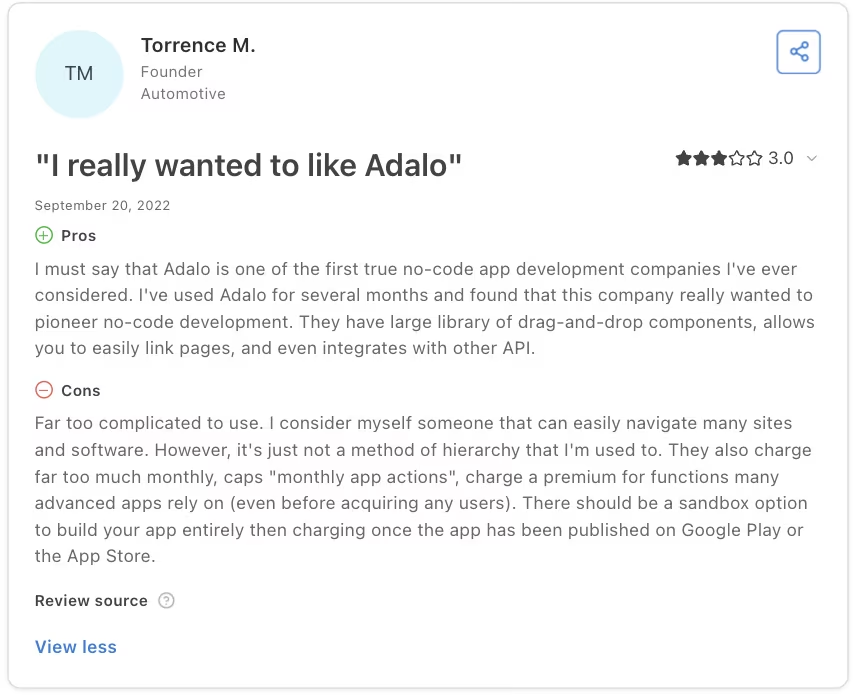
“Far too complicated to use. I consider myself someone that can easily navigate many sites and software. However, it's just not a method of hierarchy that I'm used to.” - Torrence M., Capterra
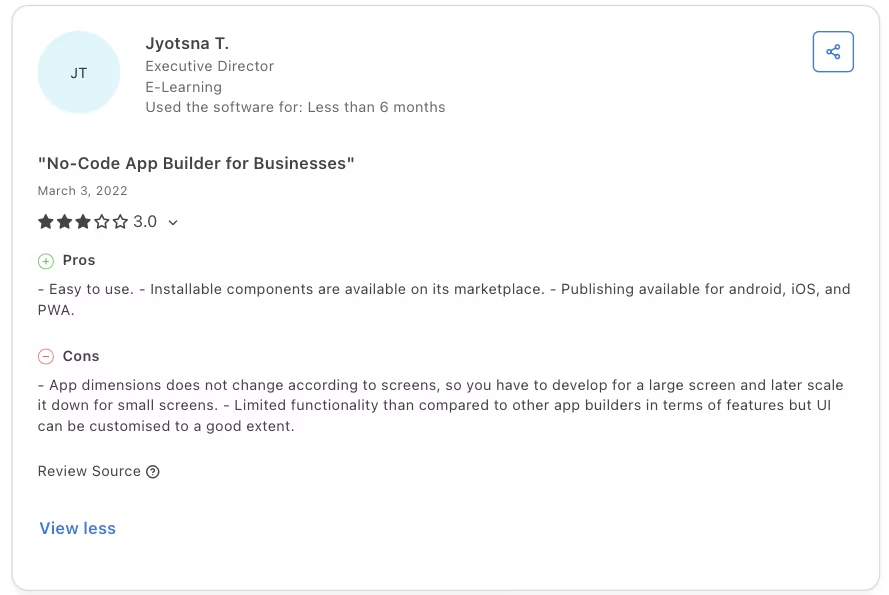
“Limited functionality … compared to other app builders in terms of features but UI can be customised to a good extent.” - Jyotsna T., Capterra
My Personal Take on Adalo
This is the exact prompt I fed Adalo's Magic Start to kick off the build:
"Build a booking app for pet sitting and dog walking. Pet owners can sign up, browse local walkers and sitters, and book a service. Walkers and sitters can sign up, list the services they offer with rates, and see the bookings they've received."
In under two minutes, Adalo generated a related database (walkers, owners, services, and bookings as connected collections). It also produced five working starter screens, covering a combined sign-up and login, a browsable service list, a service detail view, a booking form, and a bookings dashboard.
The small stuff took an afternoon. I added a status field to bookings (pending, confirmed, and completed) and wired the booking form to write a new record into the database. Then I split the home screen so walkers and owners land on different dashboards depending on their role.
The friction showed up fast in small ways. Editing one line of text nested inside a card meant double-clicking through several layers of grouped elements to select it. That's a task that should have taken seconds.
While still on Free, I hit the same start-a-trial prompts covered in the Pricing section.
I kept returning to the same build over roughly three weeks of on-and-off work.
I layered in more booking rules, including back-to-back bookings, same-day cancellations, and a walker's available hours. Stopping a walker from getting double-booked required a Professional-plan Custom Action with a JSON body I typed manually.
That's the one place Adalo stopped feeling like drag-and-drop. By week three, that small web of conditionals had grown tangled enough that changing one rule started breaking another. Getting it working again took dedicated time, though I expected a five-minute fix.
I also loaded a few hundred dummy bookings into the database to see what would happen. List screens that loaded instantly with a couple of dozen test records slowed to nearly three seconds.
Then I tested what would happen if I wanted to leave. The database exported cleanly as a CSV.
There was no equivalent export for the screens, booking-conflict logic, or Custom Actions I'd built. Rebuilding it with FlutterFlow would mean recreating every screen and all the logic yourself.
I tested the app on my phone using Adalo's preview app, which is as far as this test went.
Getting it published to the App Store or Google Play would mean paying Apple $99, charged every 12 months, for a Developer account. Google Play adds a one-time $25 charge on top of whatever Adalo plan you're already paying for.
I also tested support with a custom-domain setup question and got a fast, specific answer from a named person.
After three weeks, I'd recommend Adalo to a non-technical builder testing a simple app built around forms and lists. Skip it if the build needs complex custom logic or if you need to move the full app to another platform later.
Also read our best Bubble alternatives guide for what else handles complex logic without the lock-in concerns.
Is Adalo Right for You?
The dividing lines are the complexity of your logic and whether a CSV-only export is enough. Check those requirements before you start so you know whether Adalo's visual database and templates can handle the build.
Who will love it:
- You're validating a directory, tracker, form-heavy, or booking-flow app idea and want a working prototype within days.
- Your app is mostly user accounts and simple list-and-form screens, the type of build Adalo's visual database handles natively.
- You want a working minimum viable product (MVP) on both the Apple App Store and Google Play without hiring a developer first.
- You value speed and beginner accessibility more than fine-grained control over every interaction.
Who should avoid it:
- You already know your app needs complex state management or logic that changes based on several conditions at once.
- You want a distinctive, custom-feeling interface and find Adalo's template-driven look too limiting.
- You need heavy custom logic beyond what Custom Actions and JSON conditions can reasonably handle.
- You need a clean way to move the full build to another platform later. Adalo lets you export the data as CSV, but the screens and logic require a manual rebuild.
The Best Adalo Alternative: Emergent
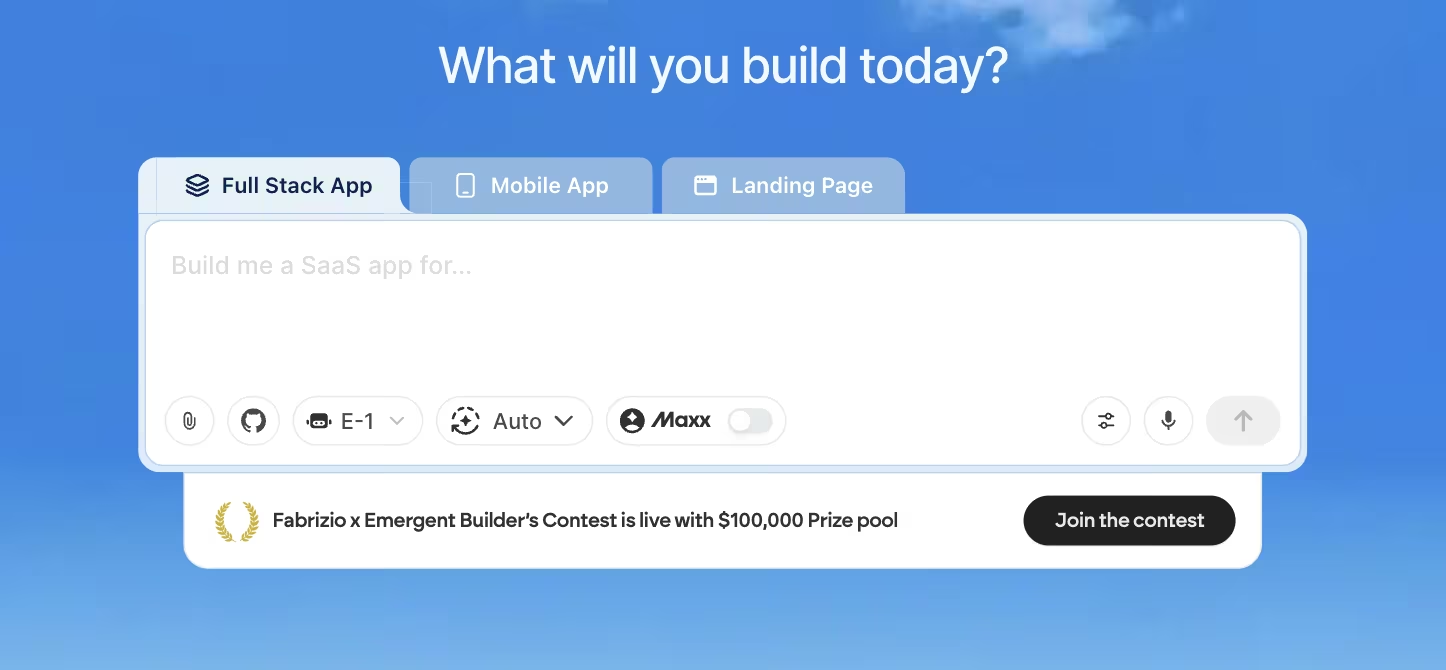
I hit that same wall around week three. Once a build outgrows a template-driven visual builder, Emergent is the Adalo alternative I'd evaluate next.
By then, those stacked booking rules had tangled to the point where one change broke another, and untangling them meant editing nested JSON directly.
Handing that rule to a builder that turns instructions into working logic would remove most of the tracing.
Emergent works that way. You describe what you want in plain English, like preventing a double-booking across overlapping time slots. Its agents scope the request, build it end-to-end, handle the conditional debugging, then check the result before handing it back to you.
Emergent produces a working app you can inspect and extend, where my Adalo build left only the database exportable.
That Custom Action needed Adalo's Professional plan, and publishing would still carry Apple's $99 and Google's $25 fees.
Emergent's Free plan starts at $0 a month with 10 credits. I did not run the example rule, so this test does not establish how many credits it would use.
Adalo gave me a fast first pass for a simple, CRUD-heavy idea because of its templates and Magic Start. Once the build pushes past what templates can carry, Emergent is worth evaluating.
Curious where your own build's ceiling sits? Try building your first app on Emergent and describe what you want it to do.
Final Verdict
This Adalo review lands here: Adalo works best for a simple, database-backed app where speed is the priority. If the first version needs complex logic or full portability, plan for those limits before you build because moving later requires rebuilding the screens and logic.

Most AI app builders stop at prototypes. Emergent creates production-ready apps you can actually launch.
- Production-ready apps
- Web & mobile apps
- Deploy in minutes







