




Every React Native app builder promises the same thing. Describe your app in plain English and get something you can install on a phone. Then you ask for user sign-in, a payment button, or an App Store submission, and the differences between these tools get expensive fast.
I compared five of the most talked-about builders side by side, working through their documentation, their current pricing pages, and dozens of user reviews on G2 and Trustpilot. I read the praise and the complaints alike, because the complaints are where the credit bills hide.
By the end, you'll know which of these five builders fits your project, what each one costs per month, and where each one falls short before you spend a single credit.
Why Use a React Native App Builder?
A React Native app builder lets you ship one app to both iPhone and Android from a single project, without learning Swift or Kotlin. React Native is the open-source framework from Meta, used across its own products including Ads Manager, and it renders real native components instead of wrapping a website in an app shell.
Native rendering is what gets an app past Apple's review. Apple regularly rejects web-wrapper apps under its minimum functionality guideline, so a tool that outputs genuine React Native code gives your app a far better shot at store approval.
The AI layer is what changed in the last two years. The old visual builders had you dragging components onto a canvas for weeks. Now you describe the app the way you'd explain it to a friend, and the tool writes the code. This is the vibe coding approach, and it can turn what used to be a months-long project into an afternoon of prompting.
If you're weighing a broader set of options beyond React Native, our guide to the best AI mobile app builders covers the wider field.
How I Researched These Five Builders
I evaluated each tool against the same checklist, using its official documentation, its live pricing page, and public user reviews. Tools that only generate web apps, like Lovable, and drag-and-drop platforms that don't output React Native code, like Bubble and Adalo, were cut from consideration.
Each tool was scored on five criteria:
- Output quality: Whether the tool generates standard React Native and Expo code you can export and keep
- Scope: Whether it builds screens only, or the sign-in, data storage, and payments a working app needs
- Path to the stores: How much of the App Store and Google Play submission process does it handle
- Pricing: What the monthly cost buys in credits, and where users report hitting walls
- User sentiment: What reviewers on G2, Trustpilot, and community forums consistently praise or flag
This research showed me which builders hold up past the demo stage and which ones look better on a landing page than in a project.
Quick Comparison of the 5 Builders
The table below sums up the five tools at a glance:
1. RapidNative: Best for Chat-Driven UI Iteration
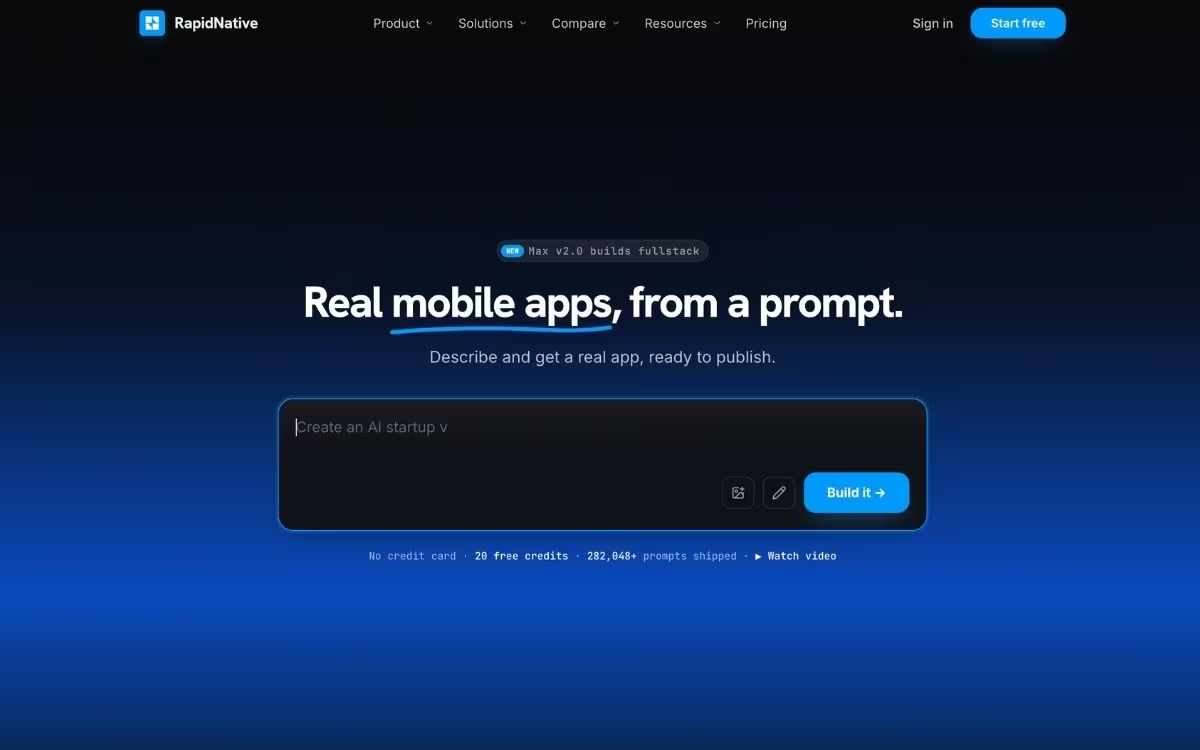
What it does: RapidNative is a chat-driven builder for people who iterate on screens fast. Describe or sketch a screen, watch it render, and get exportable React Native and Expo code at the end.
Best for: Founders, product managers, and designers who iterate on screens constantly and want structured, exportable code at the end.
RapidNative's pitch is speed of iteration. You describe a screen, watch it render, then click any element and tell the AI what to change. The platform styles everything with NativeWind, a styling toolkit adapted from the web's popular Tailwind CSS, which is a big reason reviewers describe the generated code as unusually clean and modular.
The collaboration angle sets it apart from the other tools here. Your whole team can work on the same project at once, and the whiteboard-to-app feature turns rough sketches into working screens. Until recently, the tool generated interfaces only, but the v2.0 release now builds the data and logic layer from the same prompt.
Key Features
- Point-and-edit changes: Click any part of the app and describe the change, and the AI updates that element directly
- Multi-format input: A sentence, a sketch, a requirements document, or a screenshot all work as starting points
- Code export with no lock-in: Download standard React Native and Expo code that runs anywhere, on any plan from Starter up
- Real-time collaboration: Designers, product managers, and developers build in the same project simultaneously
- Phone testing: Preview builds on iPhone and Android at the same time through Expo Go, a free preview app for your phone
Pros and Cons
Pros:
- Generated code follows standard React Native conventions, so developers can extend it without a rewrite
- Live collaboration replaces the "send me the latest version" loop for teams
- Flexible inputs (sketches, requirement docs, screenshots) suit non-technical teammates
Cons:
- Full data-and-logic generation only arrived with Max v2.0, so it's newer and less proven than the UI side
- Reviewers note the first output rarely nails the vision, and refining screens consumes credits
What Users Say
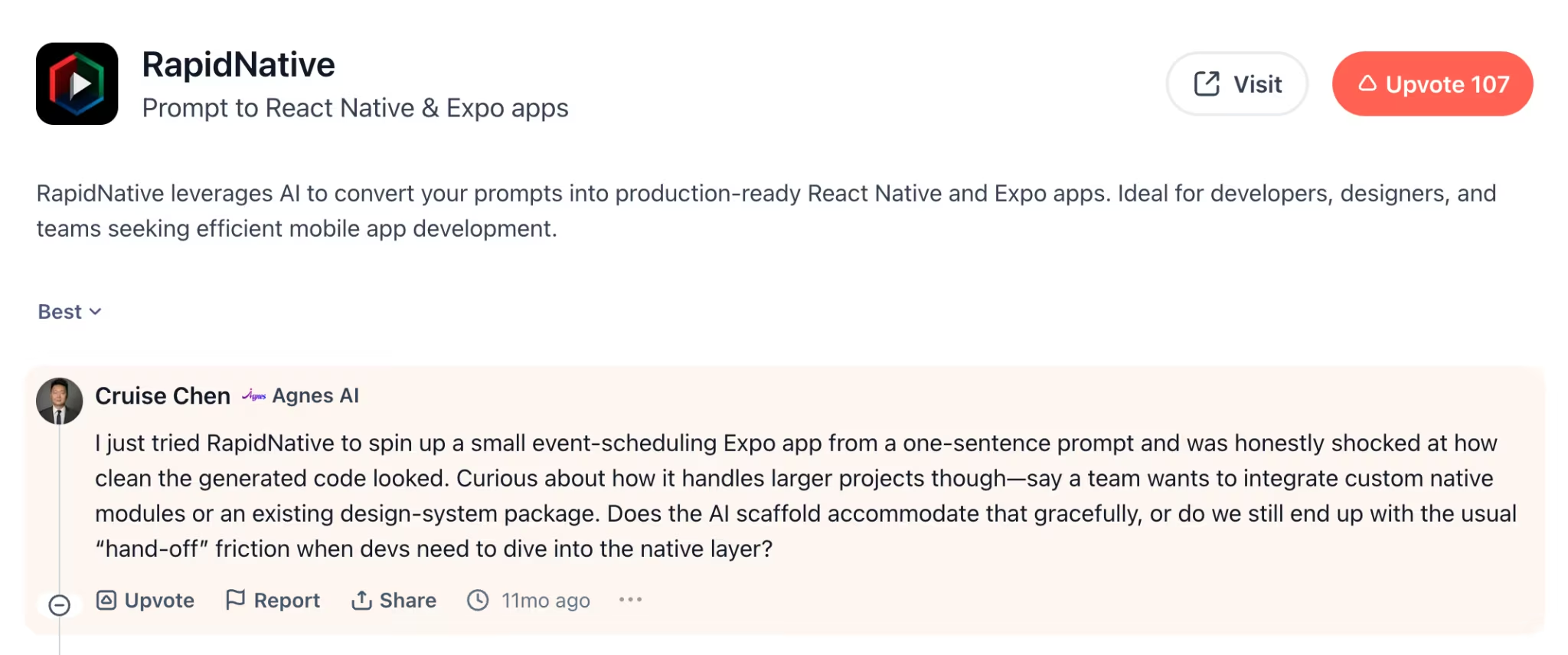
Pro: "I just tried this tool to spin up a small event-scheduling Expo app from a one-sentence prompt and was honestly shocked at how clean the generated code looked." — Cruise C., Product Hunt
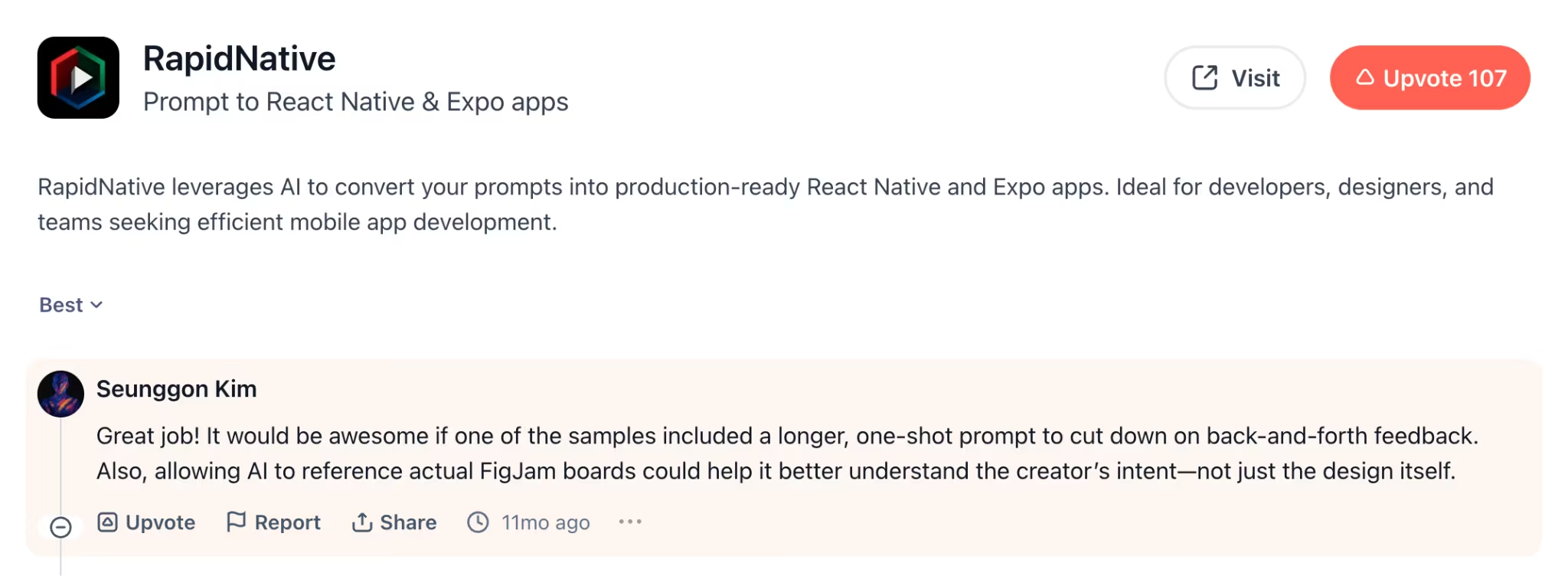
Con: "It would be awesome if one of the samples included a longer, one-shot prompt to cut down on back-and-forth feedback." — Seunggon K., Product Hunt
Pricing
RapidNative's pricing runs on monthly AI credits. The Free plan includes 20 credits per month with a 5-screen limit per project. Starter costs $20/month ($119/year billed annually) for 50 credits, unlimited screens, and code export.
Pro costs $49/month ($199/year billed annually) for 150 credits, Max costs $99/month ($399/year billed annually) for 330 credits, and Ultra costs $199/month ($799/year billed annually) for 725 credits. Enterprise pricing is custom.
Bottom Line
RapidNative is the strongest pick for teams that live in the design-and-iterate loop. Its data-and-logic layer is still new, so keep bigger logic-heavy builds on a short leash until Max v2.0 proves out.
2. Emergent: Best for Complete Apps With Payments and Sign-In Built In
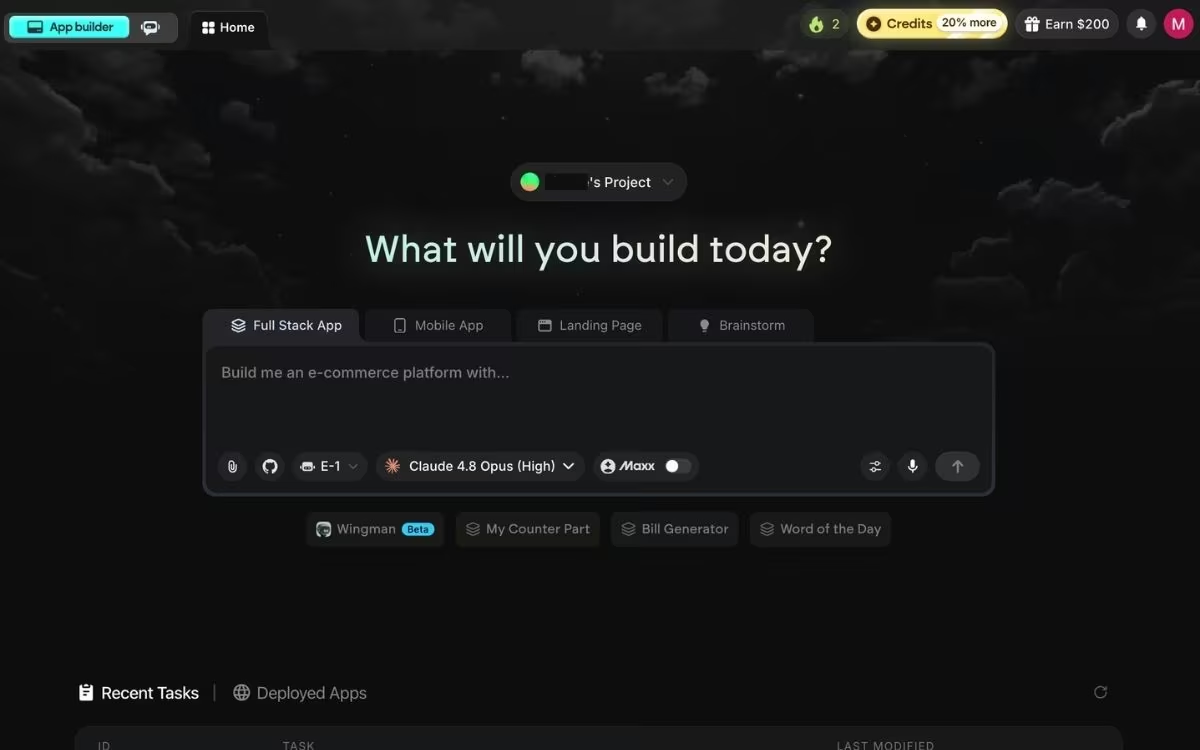
What it does: Emergent is an AI app-building platform built for vibe coding, where a team of specialized agents turns one plain-English description into a complete, working app for web and mobile.
Best for: Non-technical founders and small business owners who need a product that takes payments from customers and handles daily users, without hiring a developer.
Where most of these tools focus on generating screens, Emergent builds the whole app. Some agents shape the screens people see, others wire up the logic and integrations, and testing agents check the result before you do.
Mobile builds run on React Native and Expo, and every project opens with a short round of clarifying questions before any code gets written.
Payments are where Emergent pulls ahead of the field. Mention Stripe or Razorpay in your prompt, and the agent wires up the checkout flow. Google sign-in works the same way, managed by Emergent for you. Beyond payments, it connects to 100+ integrations, including SendGrid, Twilio, and Shopify.
Publishing is a step you take yourself. For mobile, Emergent can build and submit your app to both the App Store and Google Play through Expo's build service. Because those builds run in the cloud, an iOS release doesn't need a Mac or Xcode on your end, and you preview every build on your own phone through Expo Go first.
Key Features
- Mobile Agent: Choose it at the start of a mobile build, and it coordinates the specialized agents underneath, some shaping the screens, others wiring up the logic and integrations, with testing agents checking the result
- Clarifying questions before building: The agent asks about sign-in, storage, and design up front, so the first build matches what you meant
- Payments from a prompt: Stripe and Razorpay checkout flows get wired up when you ask for them
- Maxx: A deeper-reasoning mode on the Pro plan that holds larger projects in context for complex builds
- Testing agents: Automated checks run against your build, and broken code gets rewritten before you see it
- Code ownership: From the Standard plan up, every build syncs to a GitHub repository under your account
Pros and Cons
Pros:
- Builds the sign-in, data, and payment layers most screen-focused tools skip
- Web and mobile apps come from the same workspace, so one idea covers both
- You own the code and can export it, so there's no platform lock-in
Cons:
- The free plan's 10 monthly credits run out before a full app is finished
- Apple Watch and iPad apps can't be published through Emergent yet
What Users Say
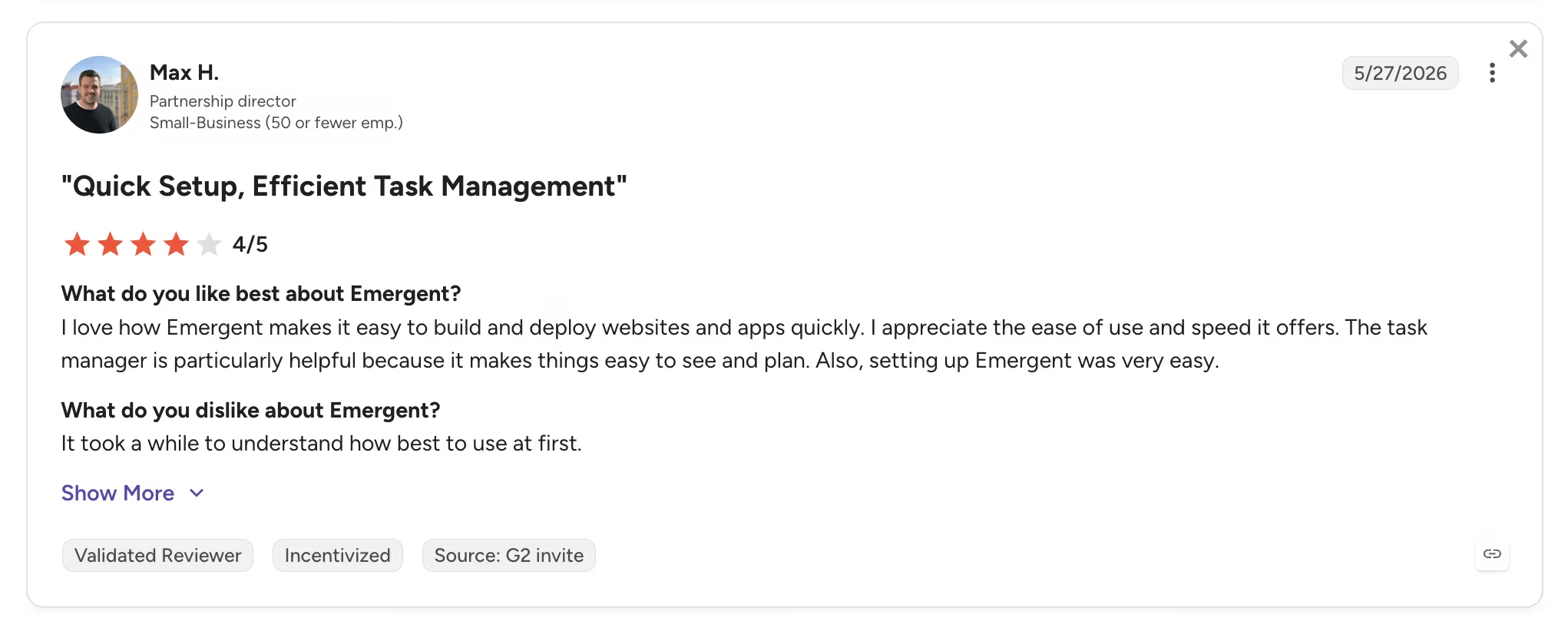
Pro: "I love how Emergent makes it easy to build and deploy websites and apps quickly." — Max H., G2
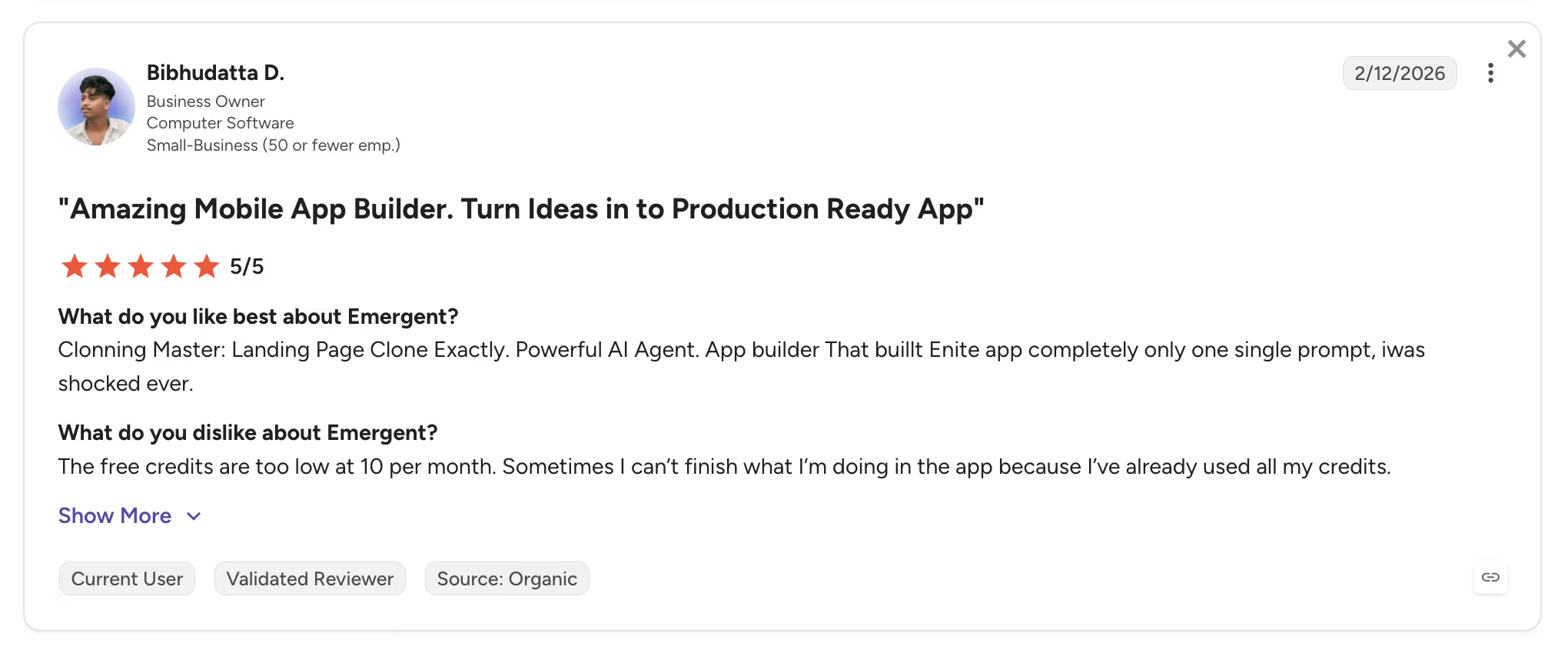
Con: "The free credits are too low at 10 per month. Sometimes I can't finish what I'm doing in the app because I've already used all my credits." — Bibhudatta D., G2
Pricing
Emergent's pricing is credit-based. Its free plan includes 10 monthly credits, enough to try a prompt or two. Standard costs $20/month ($17/month billed annually) for 100 credits, private hosting, and GitHub sync.
Pro costs $200/month ($167/month billed annually) for 750 credits, a 1M context window, Maxx, and custom agents. Business and Enterprise plans have custom pricing with team workspaces, SSO, and deployment in your own cloud.
Bottom Line
Emergent earns its spot for anyone whose app has to do more than look good, which means handling sign-ins, money, and daily users. Developers who want to hand-edit native Kotlin or Swift code will be happier in a code-first tool.
3. Newly: Best for Native App Store Submissions With the Data Layer Included
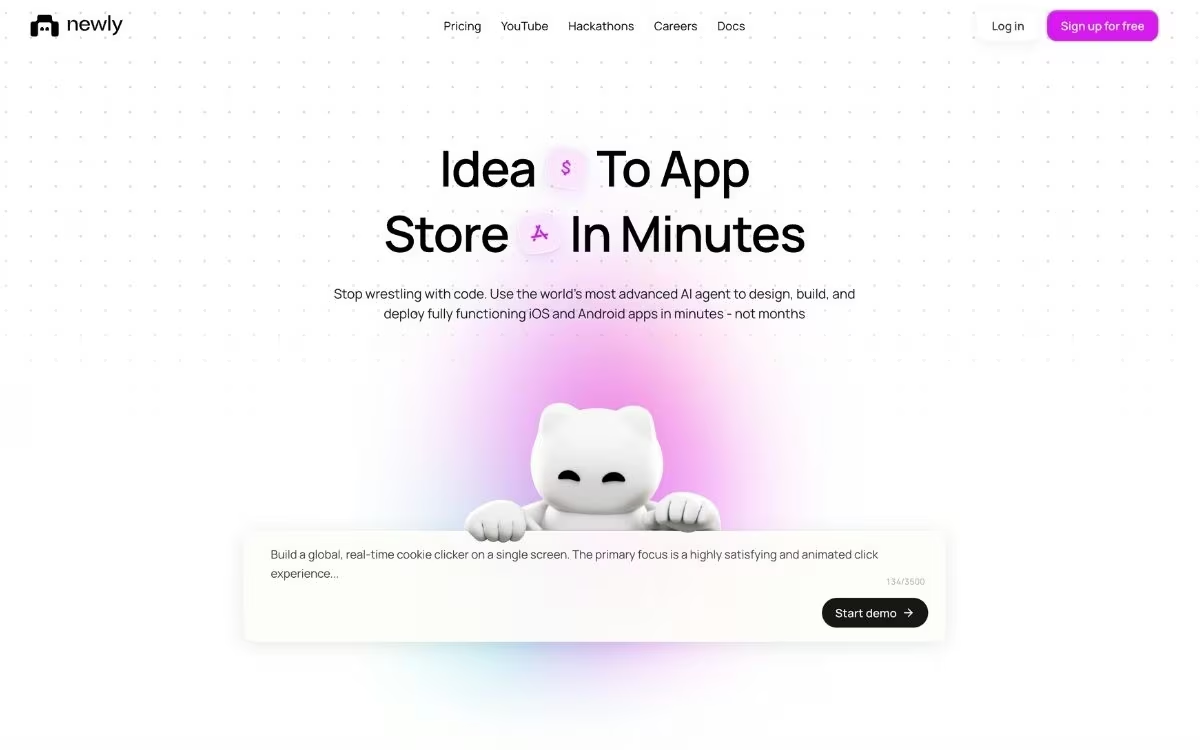
What it does: Newly generates native iOS and Android apps from natural-language prompts using React Native and Expo, with a built-in data layer it wires up automatically.
Best for: Builders whose end goal is an app live on the App Store and Google Play, with the data plumbing handled for them.
Newly is a Stockholm-based platform with a sharp focus: Get your app approved and published. The company bakes App Store and Play Store readiness into the build process, which matters because Apple's review and how often it rejects first submissions is where many new app projects die.
Its standout is Liquid Backend, Newly's included data layer. Prompt for a user profile table or Google sign-in, and the platform sets up the storage, sign-in, and file handling automatically, at no extra cost beyond your subscription. An APK builder is also included, so you can generate an installable Android file with one click.
You own everything. Projects export as a ZIP or straight to a GitHub repository, and the generated React Native code follows standard conventions, so a developer can pick it up later.
Key Features
- Liquid Backend included: Data storage, sign-in (email or Google), file storage, and live updates come from prompts, inside the subscription
- Built-in APK and AAB builder: Generate installable Android files without extra tools or fees
- Expo Launch publishing: Push finished apps to the App Store, Google Play, and the web
- On-device preview: Test each build on your phone through Expo Go, with roughly five-minute generation per prompt
- Full code export: Download as ZIP or sync to GitHub with no lock-in
Pros and Cons
Pros:
- The included data layer means one subscription covers what other tools split across services
- Store-approval focus reduces the risk of an Apple rejection ending your project
- Simple pricing: Every plan has all features, and higher tiers add credits
Cons:
- No free tier, so trying it costs $25 up front
- Users on Trustpilot report the AI struggling to fix its own errors on complex builds
What Users Say
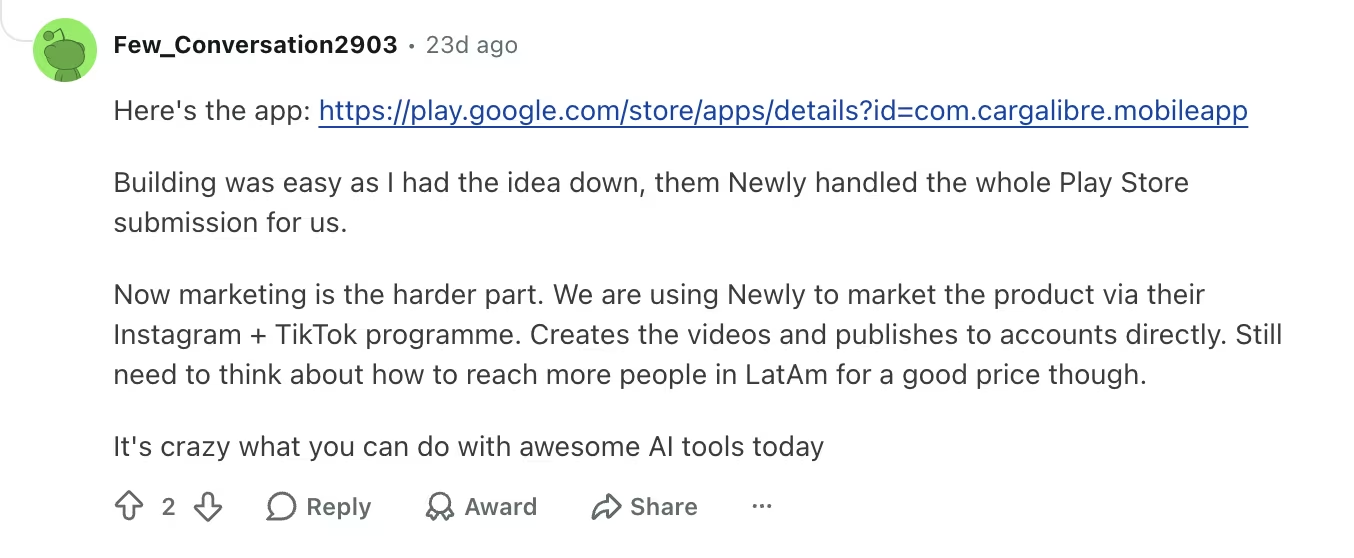
Pro: "Building was easy as I had the idea down, them Newly handled the whole Play Store submission for us." — Few_Conversation2903, Reddit
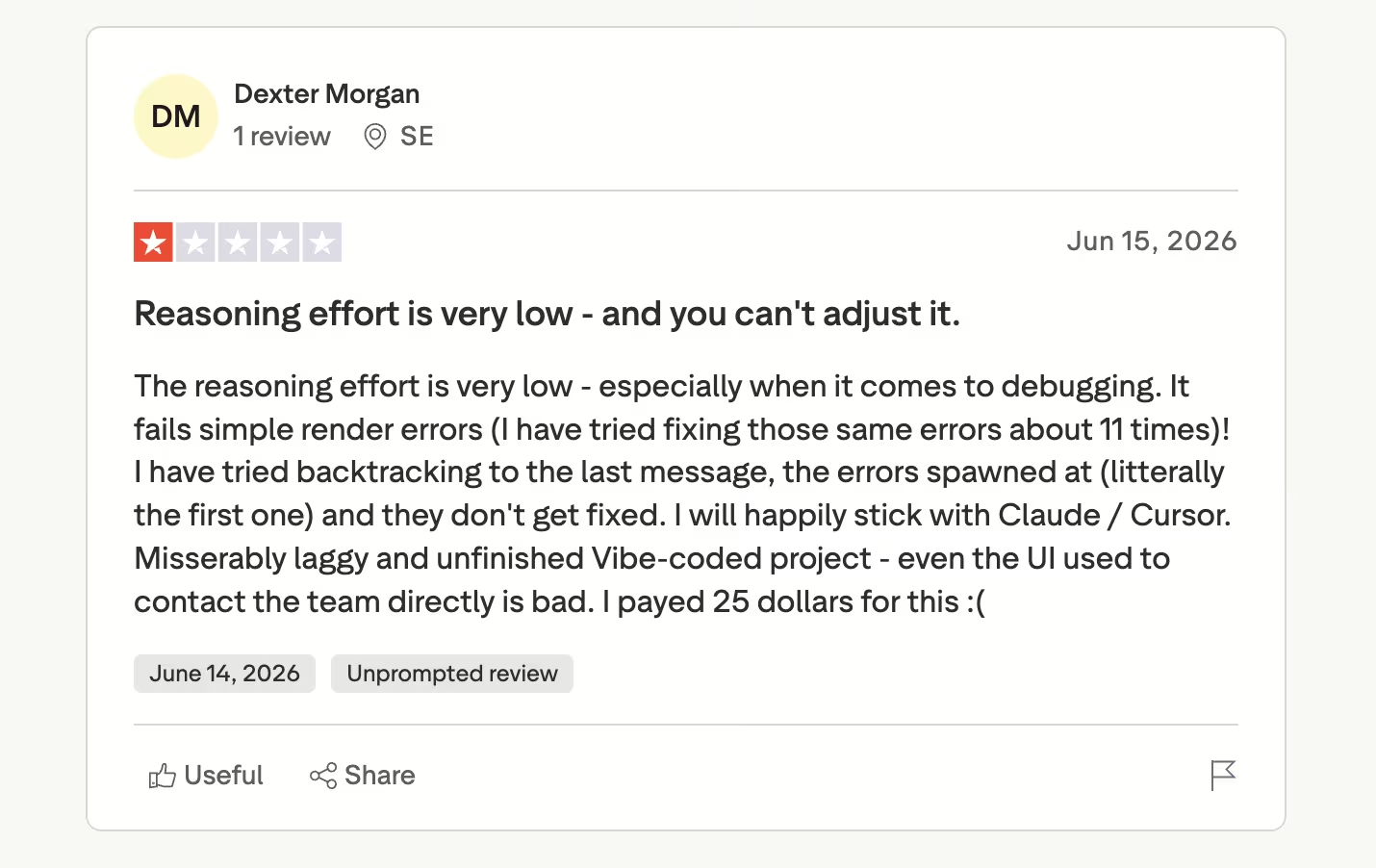
Con: "The reasoning effort is very low - especially when it comes to debugging. It fails simple render errors (I have tried fixing those same errors about 11 times)!" — Dexter M., Trustpilot
Pricing
Newly's pricing starts at $25/month for 50 credits, with no free tier. Higher tiers add more monthly credits, and every plan includes AI generation, device preview, the code editor, APK and AAB building, GitHub sync, and Liquid Backend.
Simple apps typically need 10 to 30 credits, while feature-rich apps can take 50 to 100 (per Newly's FAQ). Budget separately for the store accounts themselves: An Apple Developer account costs $99/year, and a Google Play developer account carries a one-time $25 fee.
Bottom Line
Newly makes sense when the App Store listing is the finish line, and you want the data layer handled without a second service. The debugging complaints cluster around complex builds, so it's a safer bet for a focused first app than a sprawling one.
4. Draftbit: Best for Visual Builders Who Want Full Code Ownership
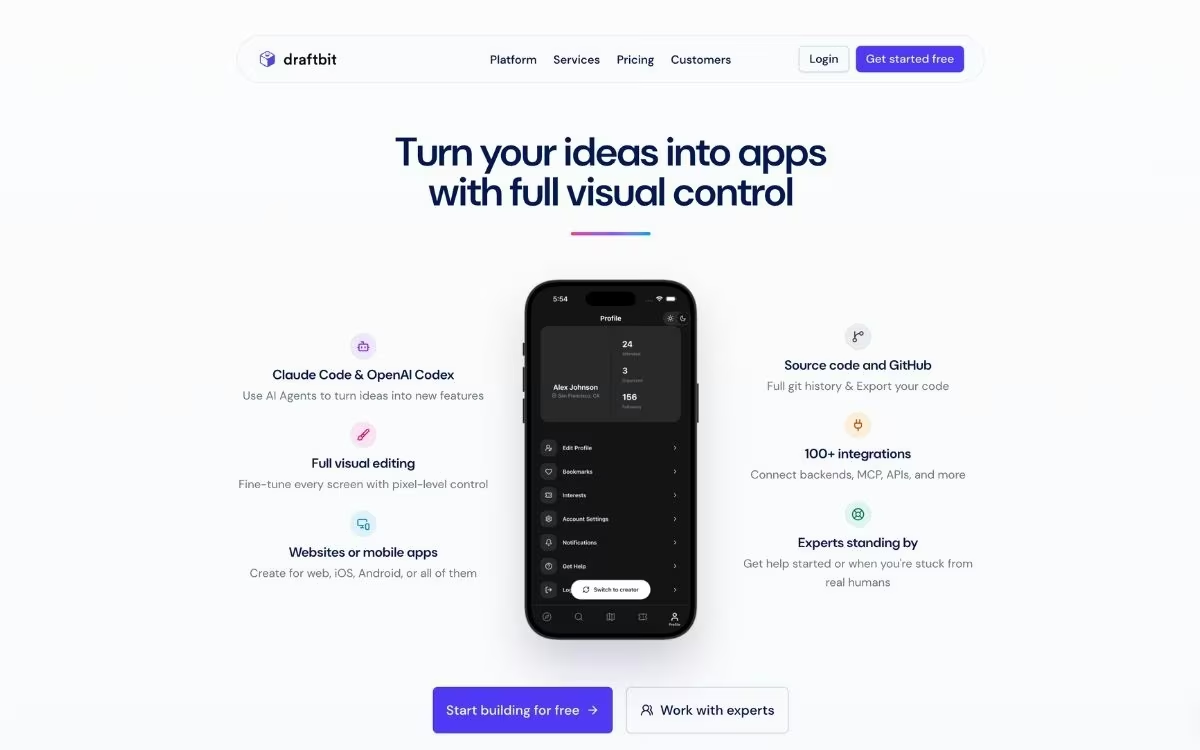
What it does: Draftbit is a low-code platform built on open-source React Native code, combining a drag-and-drop visual editor with AI agents that build alongside you.
Best for: Builders who want hands-on visual control over every screen, plus clean code export at any time.
Draftbit is the veteran here, and it shows in the range of control it offers. You design your app visually on a standard layout grid, adjusting components, spacing, and styling directly, while AI agents like Claude Code and OpenAI Codex handle the heavier construction work inside your project. It sits between pure prompting and hand coding.
Its connectivity is unusually open. Draftbit connects to any data source you already run, using the standard connection types developers know (REST or GraphQL), and you can even bring your own Claude or OpenAI account to power the AI features.
Export is the other differentiator. At any point, you can pull clean, human-readable React Native code out of the platform and keep building elsewhere. Draftbit holds a 4.8 average rating across 200,000+ builders.
Key Features
- Visual editing with AI agents: Drag-and-drop control over every element, with agents doing the bulk construction
- Open data connections: Your existing data source plugs straight in, using the standard connection types (REST or GraphQL)
- Your own AI accounts: Use your existing Claude or OpenAI subscription for the AI features
- One-click publishing: Ship to web, iOS, and Android, with App Store submission assistance on the Pro plan
- Human experts on call: Paid services connect you with engineers when the AI gets you 80% there
Pros and Cons
Pros:
- Visual control suits people who'd rather adjust a layout by hand than describe it in a prompt
- Exported code is clean and standard, so hiring a developer later is painless
- The $15/month Standard plan ($12/month billed annually) is the cheapest paid entry point of the five
Cons:
- Paid plans don't include credits, so AI usage is an add-on cost on top of the subscription
- G2 reviewers report uneven results from the AI, with credits spent on changes that don't land
What Users Say
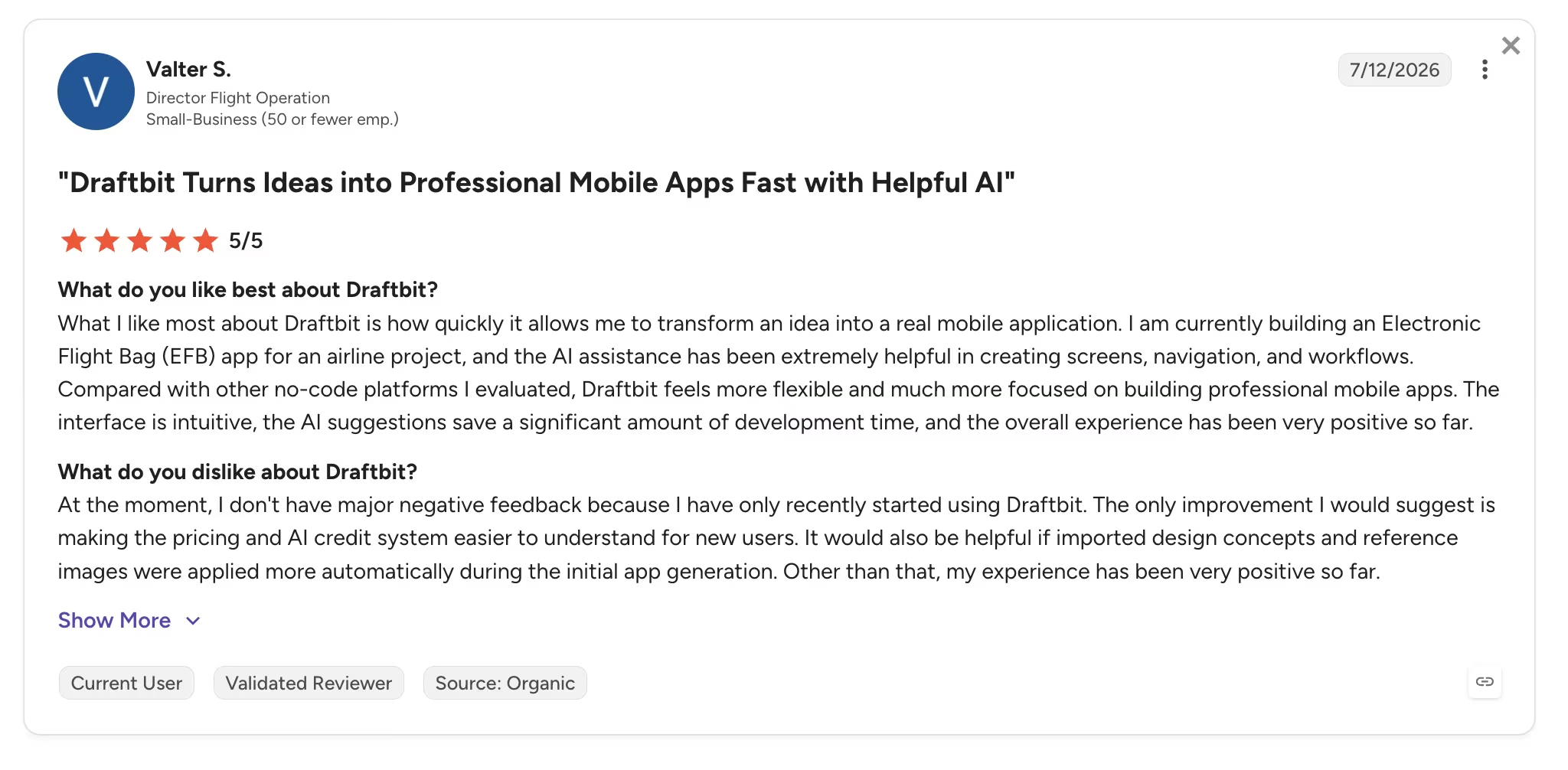
Pro: "What I like most about Draftbit is how quickly it allows me to transform an idea into a real mobile application." — Valter S., G2
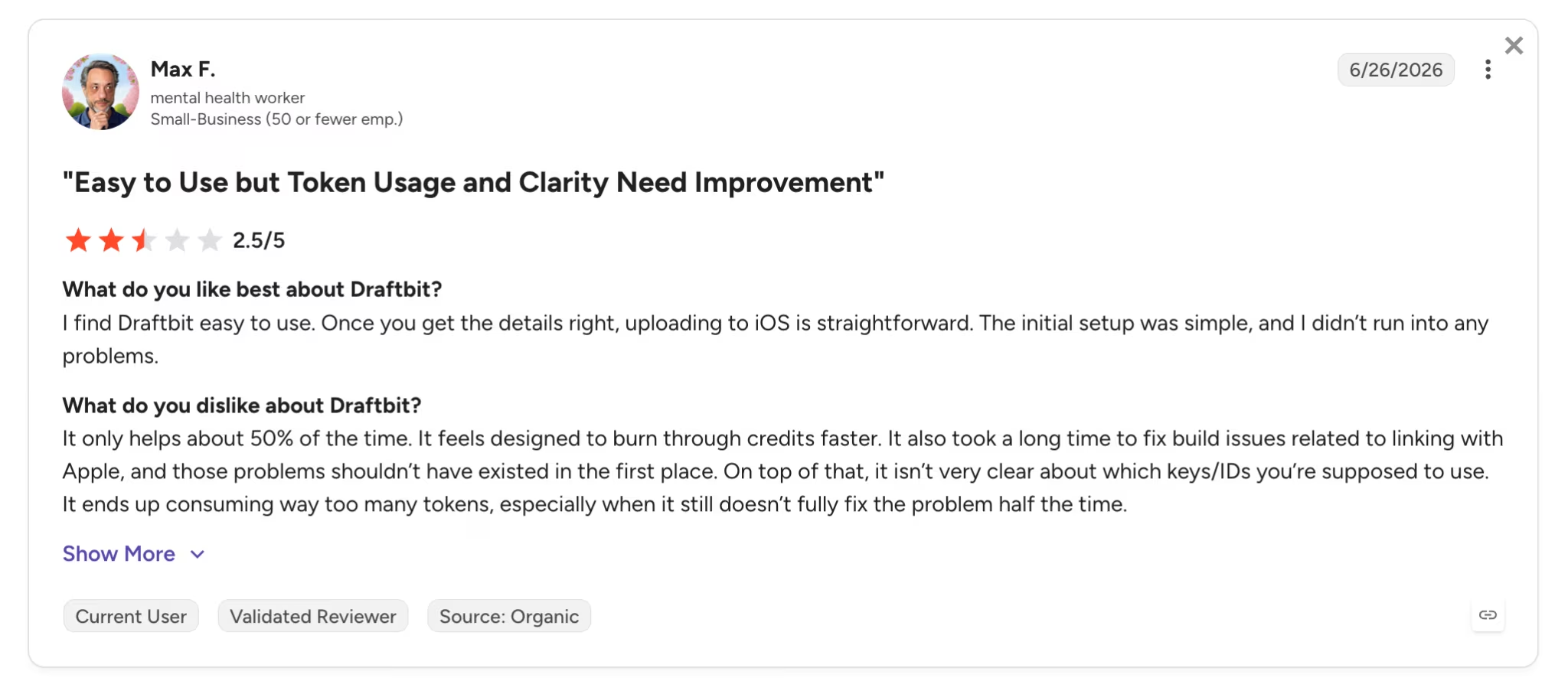
Con: "It only helps about 50% of the time. It feels designed to burn through credits faster." — Max F., G2
Pricing
Draftbit's pricing starts with a Free plan that includes 5,000 one-time credits, 3 projects, and web publishing. Standard costs $15/month ($12/month billed annually) with unlimited projects, full code export, and iOS and Android publishing, though credits are purchased separately on paid plans.
Pro costs $30/month ($24/month billed annually) and adds GitHub export, device simulators, multiple concurrent agents, and App Store submission assistance. Team costs $150/month ($120/month billed annually) for 10 editor seats and live collaboration, and Enterprise pricing is custom.
Bottom Line
Pick Draftbit if you think in layouts and want the exit door of clean code export always open. The subscription is only half the cost, though: AI usage runs on credits you buy separately, so price the whole thing before you commit.
5. Rork: Best for Fast Cross-Platform MVPs and Mobile Games
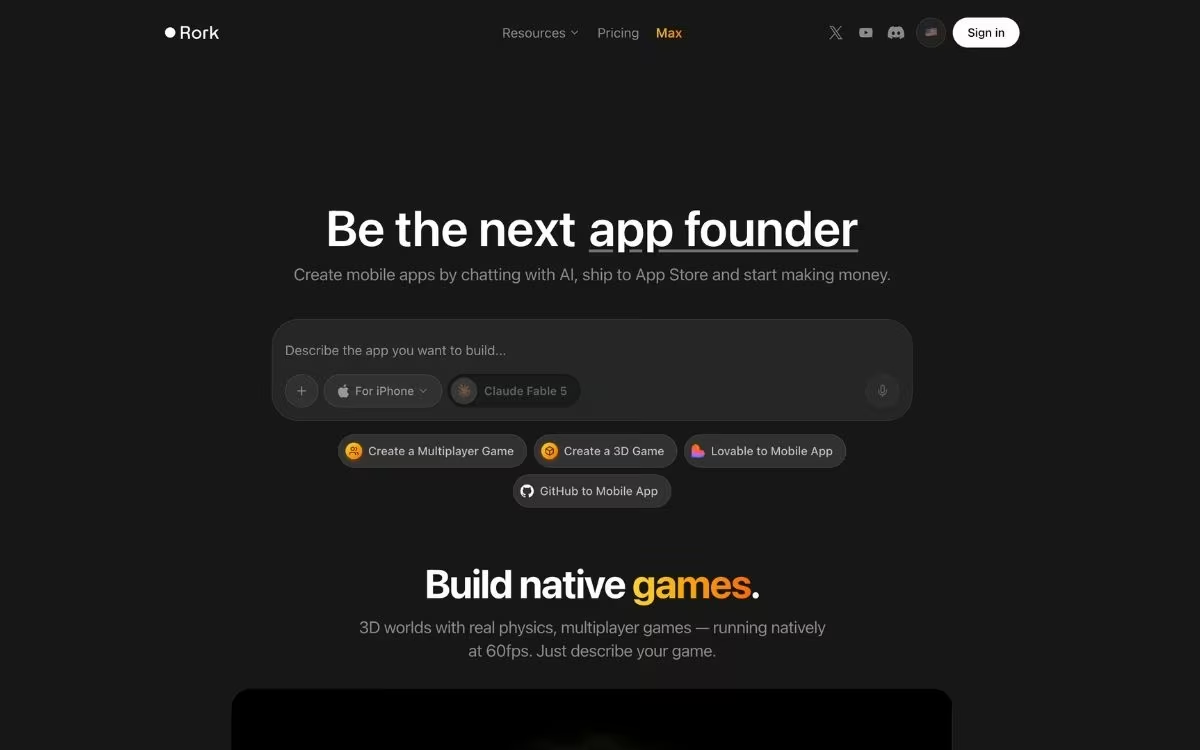
What it does: Rork builds cross-platform iOS, Android, and web apps by chatting with AI, with native game support and publishing paths to both app stores.
Best for: Solo founders and indie builders who want to validate an app idea in a weekend, including 3D and multiplayer games no other tool here attempts.
Rork is the speed play. You describe the app, and its Expo-based React Native builds render on your own phone through a QR-code scan minutes later. The company raised a $15M seed round in 2026 and has been shipping fast. Its newest addition is Rork Max, a separate tier that generates apps in SwiftUI, Apple's own UI framework, so they run across iPhone, iPad, Apple Watch, and Vision Pro.
Games are its genuinely unique angle. Rork runs 3D worlds, physics, and multiplayer games natively at 60fps, territory the rest of these builders stay away from.
The trade-off shows in the reviews. Rork holds a 1.8 out of 5 rating on Trustpilot across 20 reviews, with credit consumption during bug fixes as the recurring complaint, though recent reviewers note improvement.
Key Features
- Chat-to-app workflow: Describe the app, scan a QR code, and test the build on your own phone in minutes
- Native game building: 3D graphics, physics, and multiplayer support no other builder in this roundup offers
- Rork Max tier: Builds in Apple's native technology for iPhone, iPad, Apple Watch, and Vision Pro
- Dev mode: Paid plans let you open and edit the underlying code, with GitHub sync for developers
- Store publishing: Submission paths to the App Store and Google Play through Expo's build tooling
Pros and Cons
Pros:
- Fastest idea-to-phone loop of the five, ideal for validating concepts
- Game support opens a category none of its rivals here match
- The free plan (5 credits per day) is enough to genuinely evaluate the workflow
Cons:
- The lowest user-review scores of the five, with credit costs during bug fixes as the top complaint
- Credits reset monthly with no rollover, and each fix attempt costs one
What Users Say
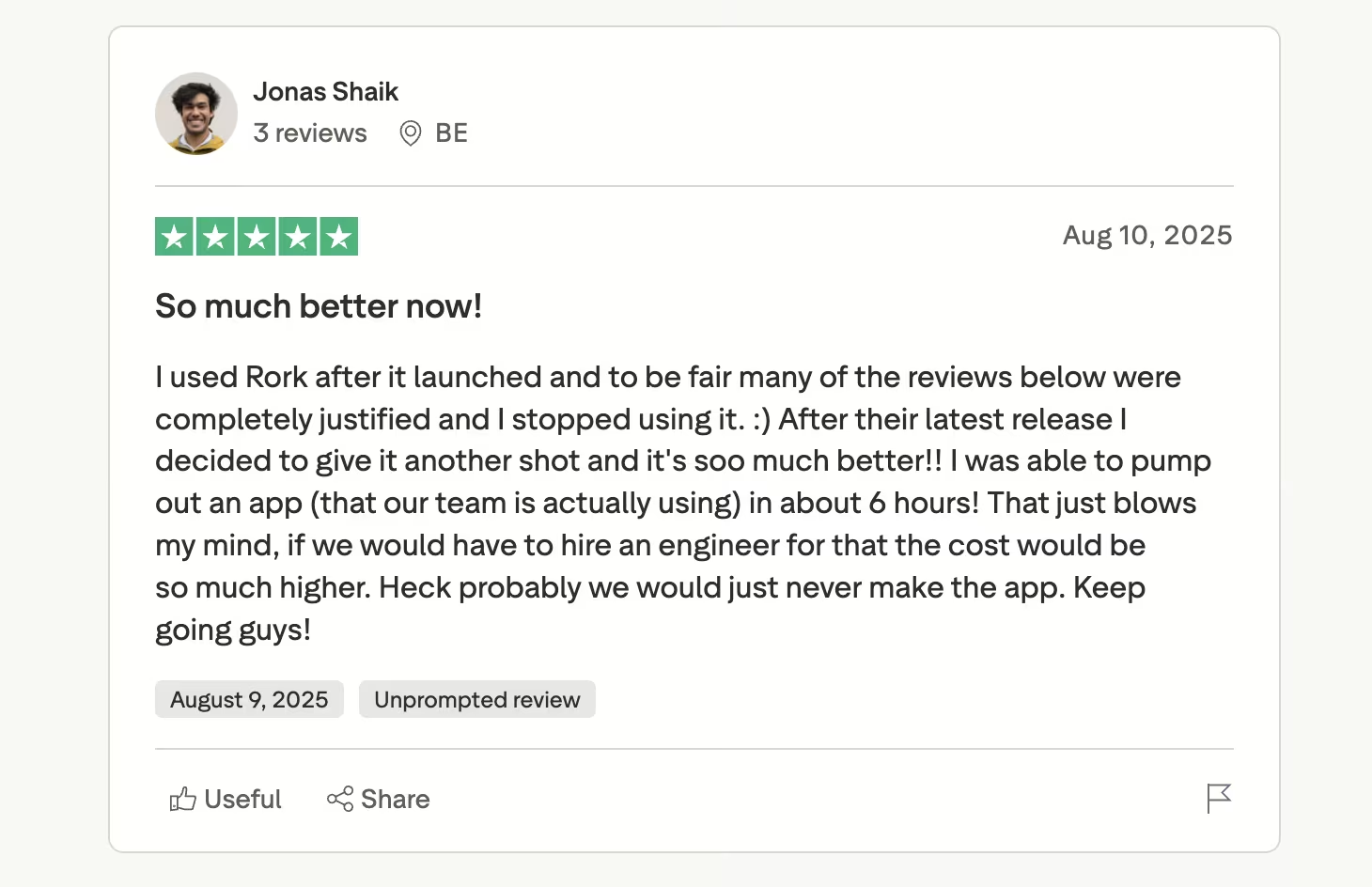
Pro: "After their latest release I decided to give it another shot and it's soo much better!! I was able to pump out an app (that our team is actually using) in about 6 hours!" — Jonas S., Trustpilot
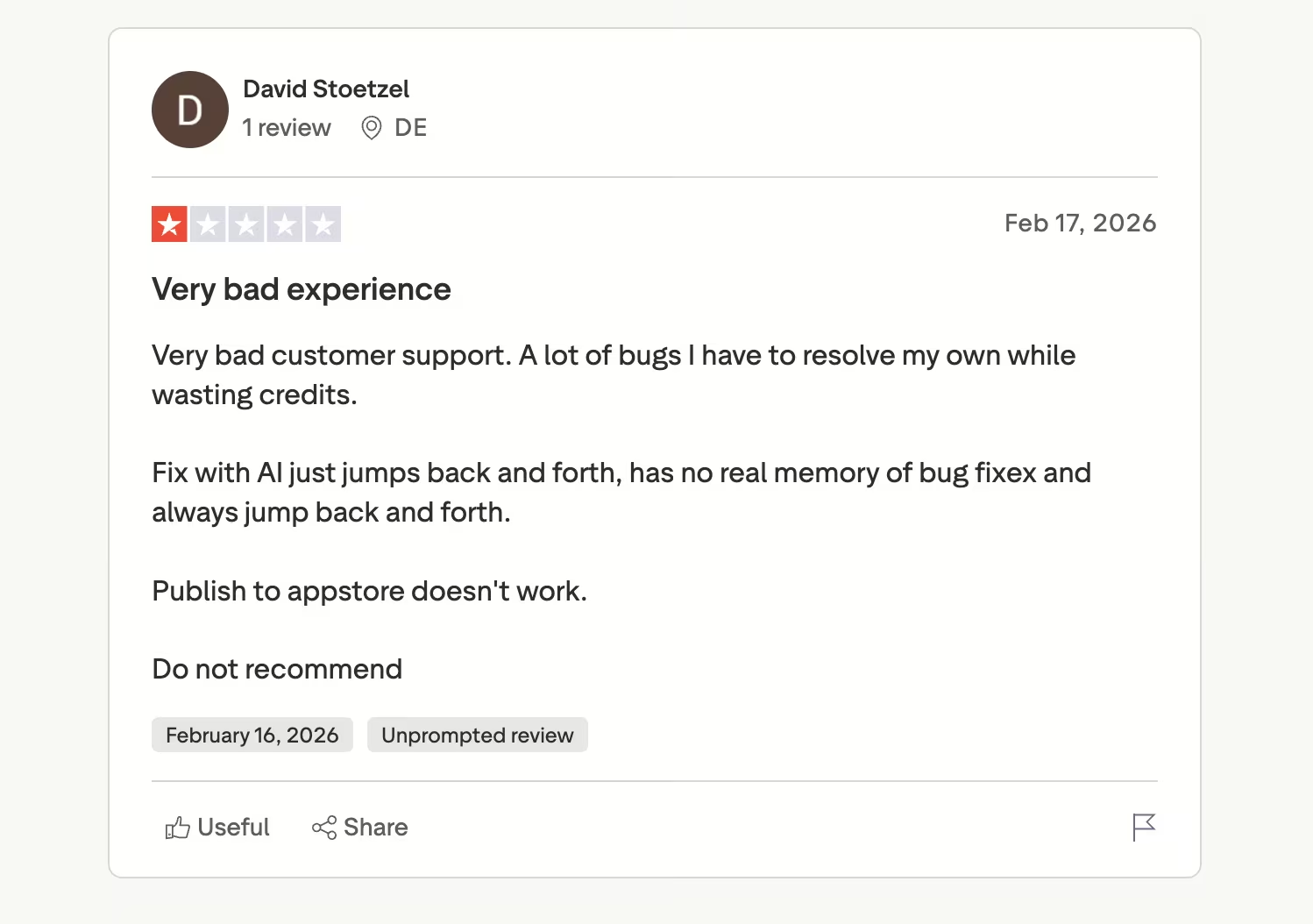
Con: "A lot of bugs I have to resolve my own while wasting credits." — David S., Trustpilot
Pricing
Rork's pricing has three plans. Its free plan gives you 5 credits per day, up to 35 a month in major markets, limited to public projects. Rork Pro starts at $20/month for 100 credits (or $100/month for 500) and includes Expo React Native builds, native Android, private projects, and dev mode.
Rork Max starts at $200/month for 1,000 credits, scaling to $1,800/month for 10,000, and adds native apps for iPhone, iPad, Apple Watch, and Vision Pro, plus games. Each prompt costs one credit, and credits don't roll over.
Bottom Line
Rork is worth a weekend if you're testing an idea or building a mobile game, and the free tier makes trying it painless. For an app your business will depend on, the weak review scores are the warning sign: look further up this roundup instead.
If React Native is not a hard requirement, we recommend our best app building software guide, which compares the wider field on app fit, build style, publishing options, and pricing model.
Which Builder Should You Choose?
The right pick depends on the hardest part of your project, and each of these five tools wins a different one. If you're still deciding whether your business needs an app at all, our guide to custom mobile apps for business walks through when the investment pays off.
Choose RapidNative if you:
- Iterate on UI constantly and want your team designing in one shared project
- Have developers who'll extend the exported code and care about its structure
Choose Emergent if you:
- Need sign-in, payments, and data storage working, without touching code
- Want web and mobile versions of the same product from one workspace
Choose Newly if you:
- Measure success by an approved App Store listing, with the data layer handled
Choose Draftbit if you:
- Prefer visual, hands-on control over prompting and already have a data source to connect
Choose Rork if you:
- Want to validate an idea this weekend, or you're building a mobile game
Skip this category entirely if:
- You need deep hardware features like augmented reality or health sensors, where a Swift developer or a native-code tool serves you better
- Your app is a marketing site in disguise, in which case a website builder is cheaper and simpler
Final Verdict
If your app has to take money and handle daily users, Emergent is the strongest pick of the five, because it treats payments, sign-in, and testing as part of the build itself. RapidNative is the better choice for design-driven teams, and its code quality is the best reviewed of the five.
The honest caveat applies to all five: Every one of these tools runs on credits, and every one has users complaining about spending them on fixes. The economics only hold up if you write detailed first prompts and request one change at a time. Prompt vaguely and even the cheapest plan gets expensive.
Match the tool to your project's hard part, whether that's payments, store approval, or raw speed, and the credit math stays sane.
Ship Your First Mobile App With Emergent
Emergent's free plan includes 10 credits, enough to run a first build and judge the workflow for yourself. This is what it brings to a mobile project:
- Get a working app, screens to sign in: A coordinated team of agents turns one plain-English prompt into a working app, including the parts that store data and handle users.
- Take payments from day one: Ask for Stripe or Razorpay in your prompt, and the checkout flow gets wired up for you.
- Test on your own phone before anyone else sees it: Mobile builds run on React Native and Expo, so you preview every version in Expo Go and fix issues early.
- Publish to both app stores: Emergent builds and submits your app to the App Store and Google Play through Expo's build service, so an iOS release doesn't need a Mac or Xcode on your end.
- Own every line of code: From the Standard plan up, builds sync to a GitHub repository under your account, ready to export or hand to a developer.
Most builders stop at a prototype. Emergent ships real web and mobile apps, with accounts, databases, and payments included.
- Production-ready apps
- Web & mobile apps
- Deploy in minutes







