

Build a Construction Management Web App Using AI in Minutes
Describe your Construction Management Web App in plain English and create a production-ready build, from design and development to deployment, in minutes. No code needed.
Create a construction management web application.
Trusted by Builders Worldwide
Active Builders Worldwide
Apps Successfully Created
Countries Globally Reached



How to Build a Construction Management Web App Without Coding
Describe the app instead of assembling it. Give the construction management web app builder your projects, sites, and rules in plain English and get a running construction management web app in minutes, not weeks.
Describe the projects and sites your construction management web app should handle. That single description replaces the entire setup process.
A functional first version renders in front of you, projects and sites included, ready to test.
Tweak it the same way you built it. Describe the change and it is applied in place.
Deploy with one click, invite your users, and let it carry the daily work from day one.
What can you build with the construction management web app builder?
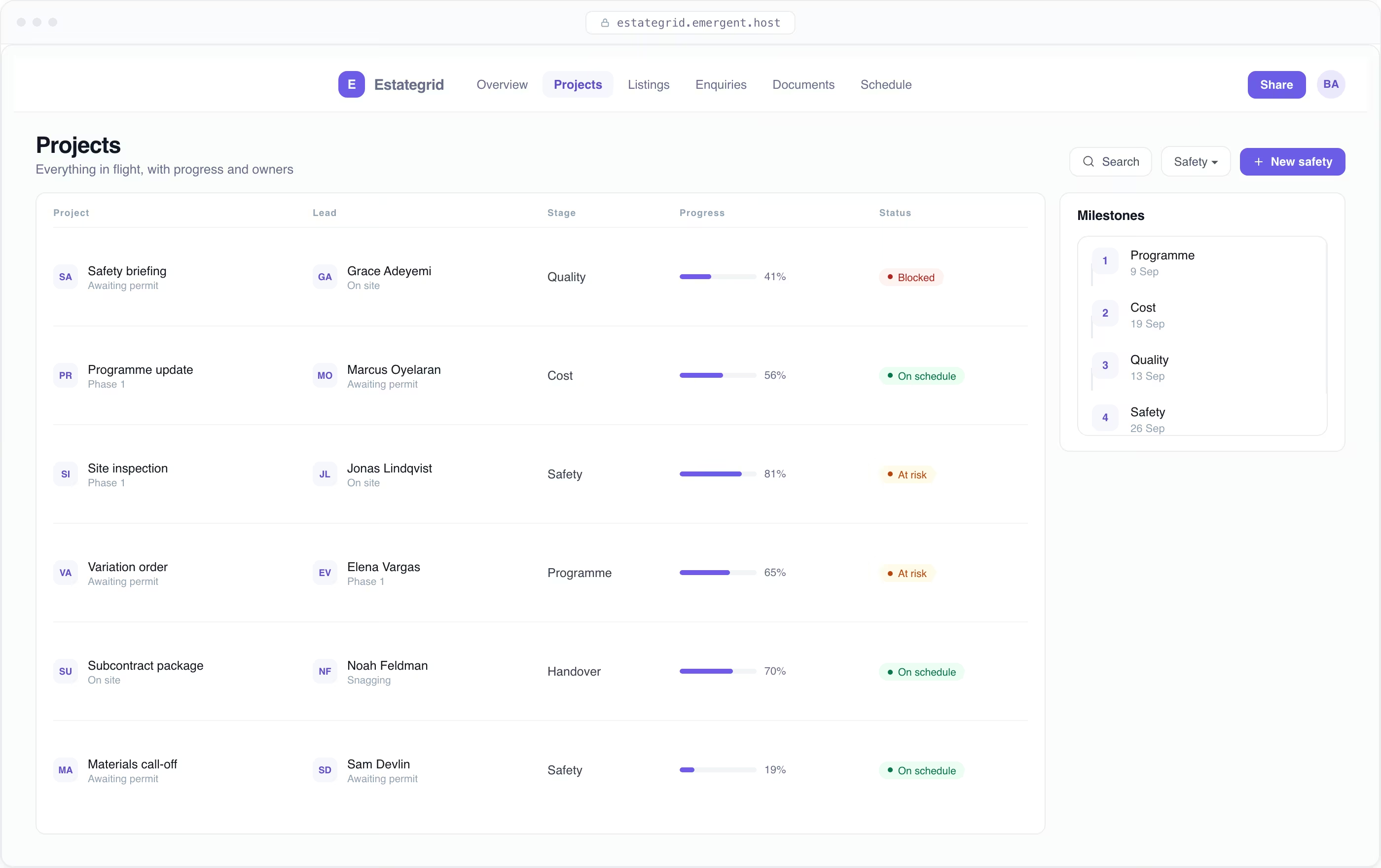
Listings & Project Records
Manage properties or projects with photos, documents, and status. Prompt it in plain English and this workflow ships working.
window.awbMockup = { listingsProjects: "Build a construction management web app that manages listings or projects with documents and status.", enquiries: "Build enquiry capture with follow-ups that never slip.", milestones: "Build stage tracking with milestones, owners, and sign-offs.", clientUpdates: "Build a client portal with live updates on their project or purchase.", };
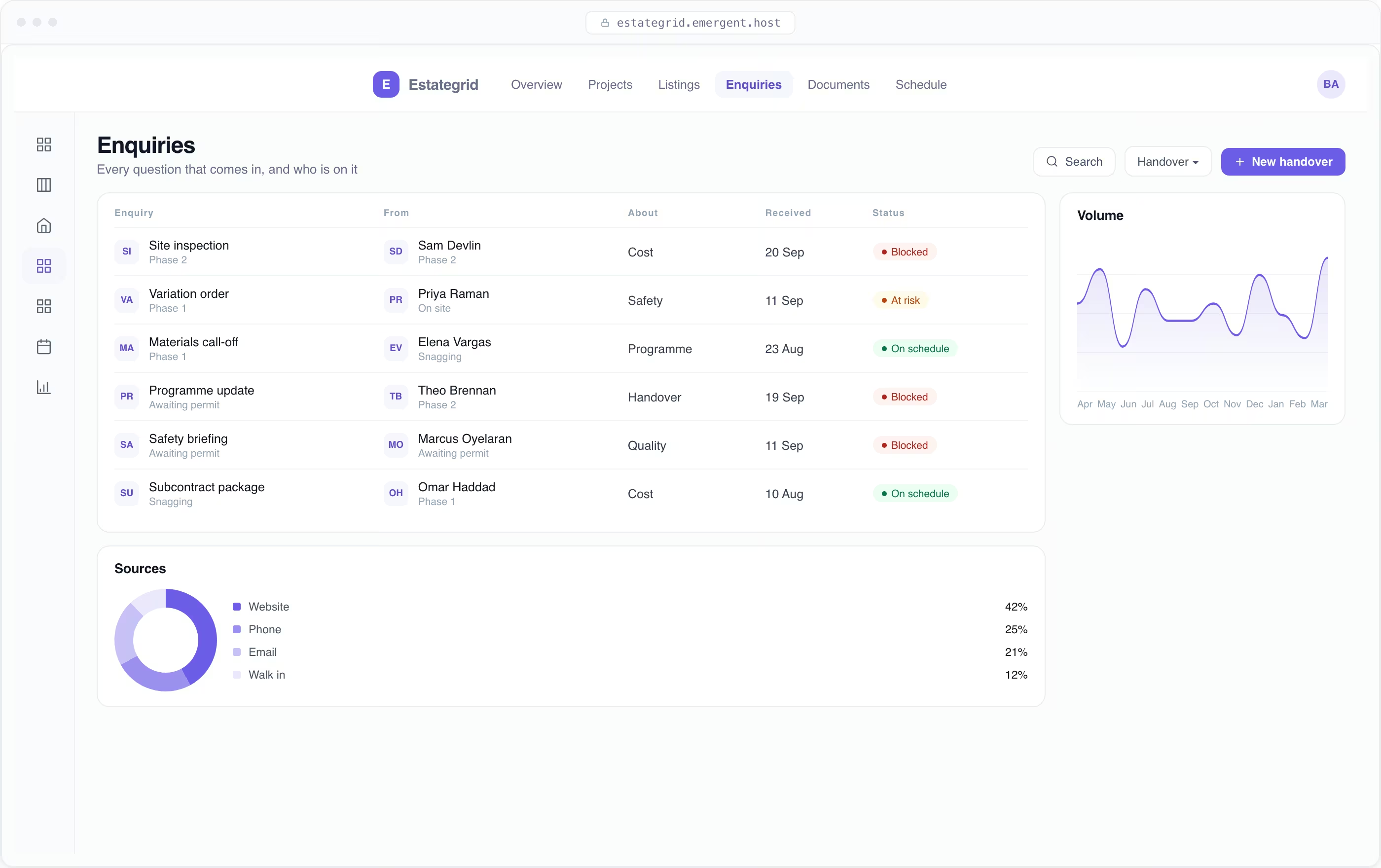
Enquiries & Follow-Ups
Capture enquiries and keep every follow-up on schedule. One clear description is all it takes to get this into your construction management web app.
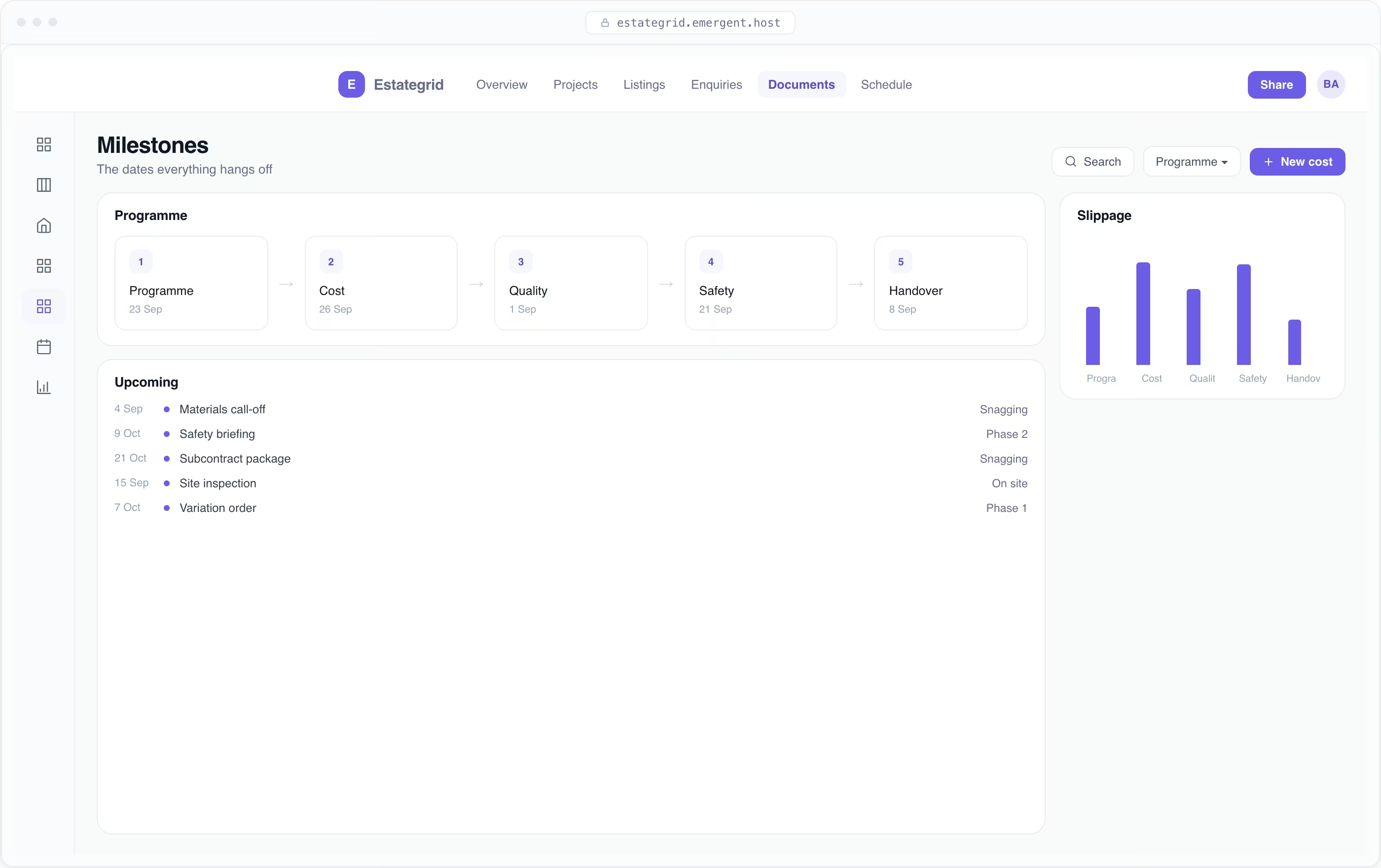
Stages & Milestones
Track progress through stages with dates, owners, and sign-offs. Describe this flow in a sentence and your construction management web app is generated around it.
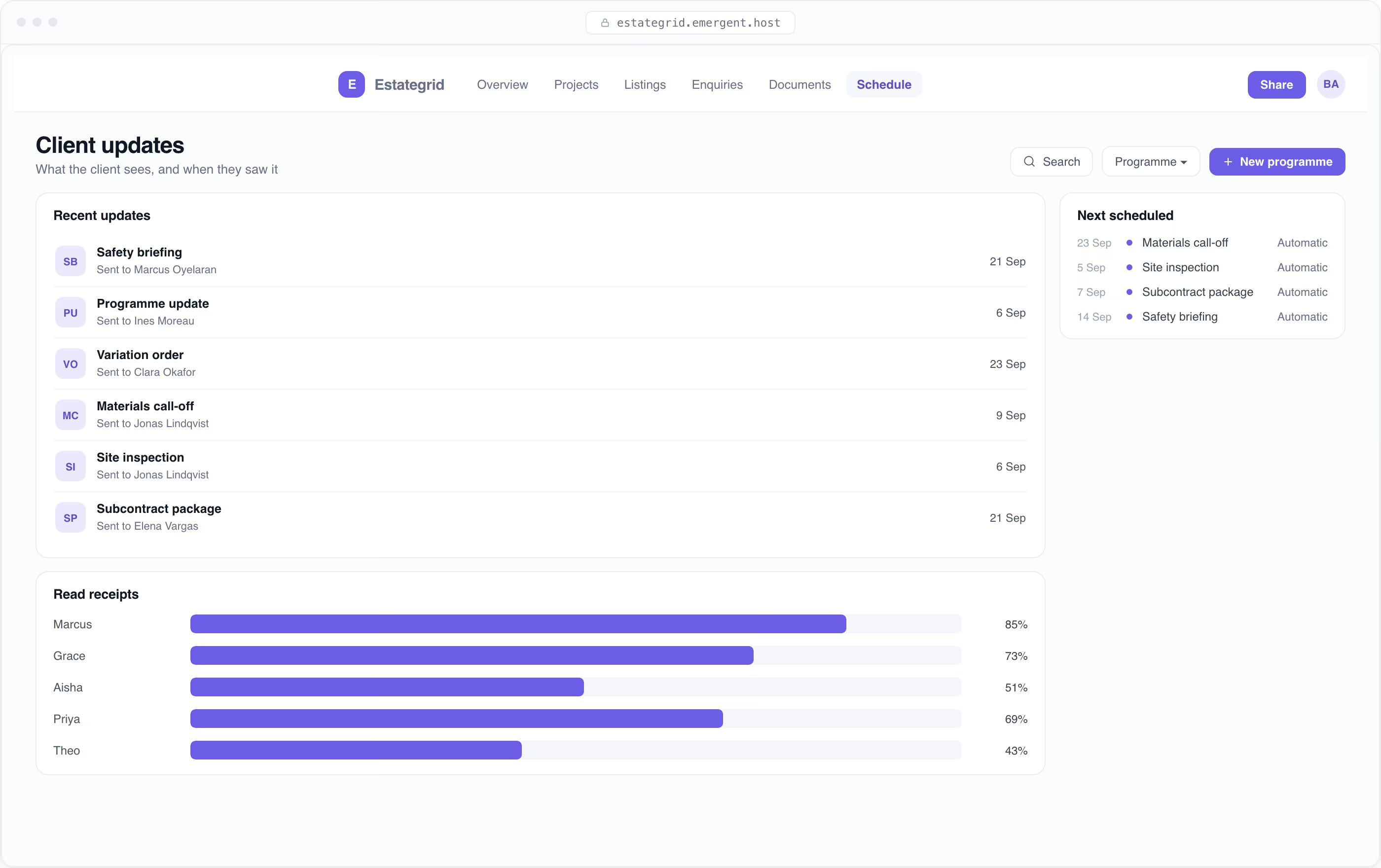
Client Updates & Portals
Keep clients informed with updates or a portal of their own. This is what building a construction management web app with AI looks like in practice.
One construction management web app builder. Everything included.
Build a construction management web app and all of this is generated with it. Nothing bolted on later, nothing extra to configure.
Project & Site Records
Create, edit, and organize projects, sites, tasks, and materials in one place, with fields, filters, and views shaped to your workflow. Tell the builder what you manage and the structure is created for you.
Plan-to-Handover Flow
Take builds from planning through site work to handover with every status, handoff, and edge case handled. Describe how it should move and the handoffs are built in from the start.
Site Diaries & Photo Logs
Capture daily progress with photos and notes from the site. Prompt it in a sentence and it is part of the build, not a plugin.
Construction Automation
Set up task deadlines, inspection reminders, and delay alerts that run themselves. Set them up by prompting, and they fire on schedule without manual pushes.
Construction Integrations
Connect calendars, file storage, and accounting, plus anything with an API or webhook. Describe what should stay in sync and the connections are configured for you.
RFIs & Change Orders
Track RFIs and change orders with cost impact and approvals recorded. Describe your process and the flows are generated.
Why Choose Emergent for Building Your Construction Management Web App?
Build a construction management web app around your unique workflows, with the flexibility to customize, scale, and adapt as your business grows.
| Other Tools |  | |
|---|---|---|
| Built for | Demos and MVPs | Products you keep growing |
| What you get | Front-end shell only | Full stack, wired end to end |
| Backend and database | Set it up yourself | Built and connected for you |
| Customization | Surface-level styling | Deep workflow control |
| Integrations and APIs | Manual glue work | Connected from a prompt |
| Code ownership | Locked to the platform | Clean code you can export |
| Time to launch | Weeks of patching and setup | Live the same day |

Every integration your web app needs from day one
Email and calendar
Inbox and calendar sync both ways, so every reply, meeting and no-show lands on the contact record without anyone logging it.




Messaging and support
Conversations from chat, WhatsApp and your helpdesk attach to the right contact, so sales and support see the same history.




Payments and billing
Invoices, subscriptions and payment status flow back into the deal, so revenue and pipeline stay in one place.




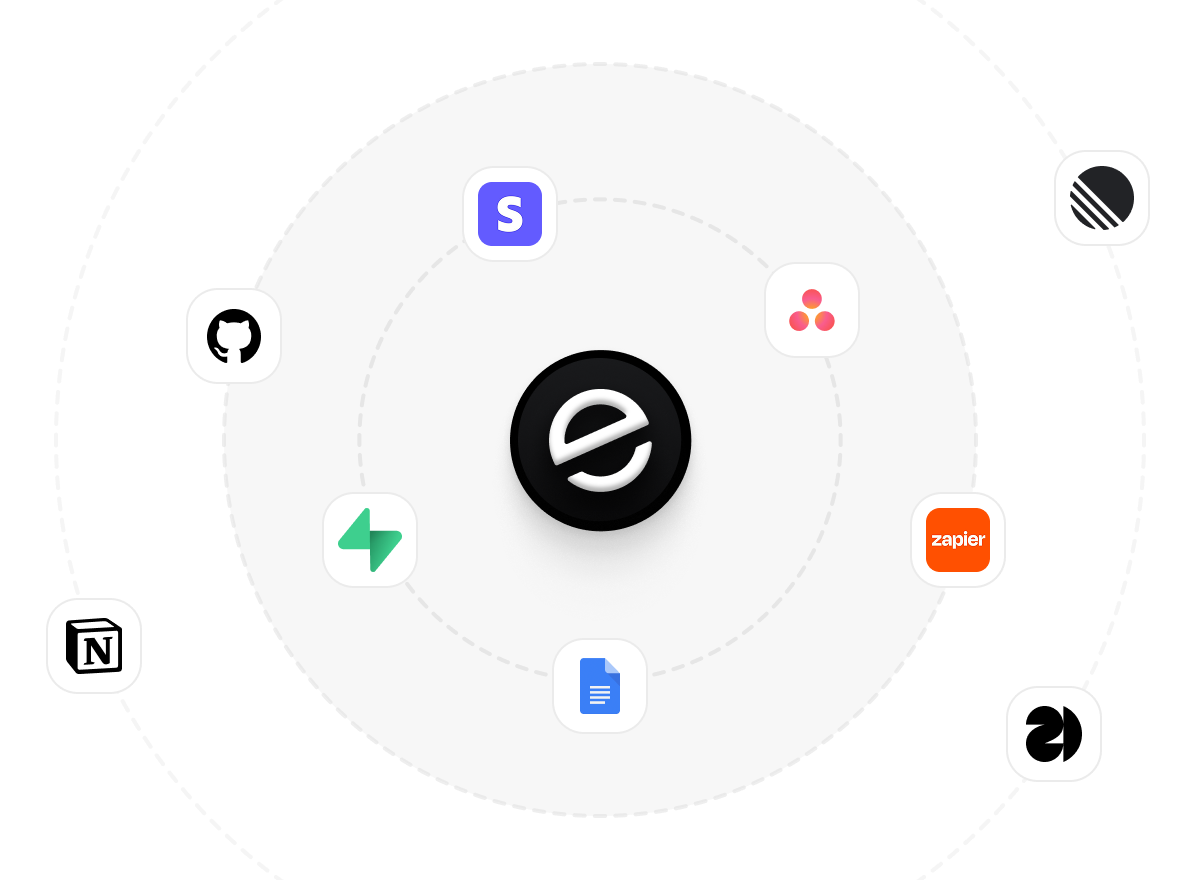
If it has an API, your web app can connect to it.
Emergent builds the connection against the API itself, including internal tools your team made. No closed ecosystem, no approved-partner list, no waiting for a connector to ship.

More things you can build
with Emergent
AI Website Builder
Build and publish responsive websites with AI from landing pages to complete websites.
AI App Builder
Create and launch mobile apps with AI, without the complexity of traditional app development.
AI Web App Builder
Build and ship fully functional web apps with custom interfaces, logic, and workflows.
AI Dashboard Builder
Create interactive dashboards to visualize data, track KPIs, and manage business operations.
AI SaaS Builder
Build complete SaaS products with user accounts, subscriptions, dashboards, and core product workflows.
AI CRM Builder
Build custom CRMs for managing contacts, leads, pipelines, campaigns, and automated workflows.
AI Agent Builder
Create AI agents that can understand tasks, use tools, automate workflows, and work across your business.
Build Your Own
Start with any idea and build exactly what you need with AI, no templates or limits.
Pick the Pricing Plan That Works for You
Choose the plan that fits your building ambitions. From weekend projects to enterprise applications, we've got you covered.




Find the Right Web App Builder for Your Business
Frequently Asked Questions
Your Questions, Answered
Don't change this element unless you know what you are doing
on Emergent today


