



I built a task manager with auth, a database, and a live URL on all nine free tiers. These are the ones worth using in 2026, ranked by how far they let you go before asking for a credit card.
9 Best Free AI App Builders at a Glance
Many free tiers are generous enough to validate an idea or build a working prototype. The gap shows up when you try to connect a database, add sign-in, or deploy something a user can reach. That's when the paywalls and watermarks tend to appear.
Pricing verified June 2026 directly from official vendor pricing pages.
How I Researched and Tested These Free AI App Builders
I ran the same project across all nine free plans. A task manager with sign-in, a database-backed list, and a basic dashboard. Three weeks total, mobile included where supported.
Here is what I evaluated on every platform:
- Free tier usability: Whether the free plan is functional or a restricted demo. I tracked exactly where each tool stopped me and what it required before I could continue.
- Output quality: How close the first-pass result was to something shippable, and how many prompts it took to get there without breaking earlier work.
- Deployment: Whether I could publish and share a live URL on the free plan, and how much friction was involved.
- Integrations: How easily each tool connected to external services like GitHub, Supabase, or Stripe, and whether those integrations required a paid plan.
- Pricing transparency: How clearly the tool communicated its free plan limits upfront, before I ran into them.
This gave me a clear read on which tools deliver on their free tier and which ones use it mostly to push you toward a paid plan.
1. Bolt.new: Best for Prompt-to-App with Code Control
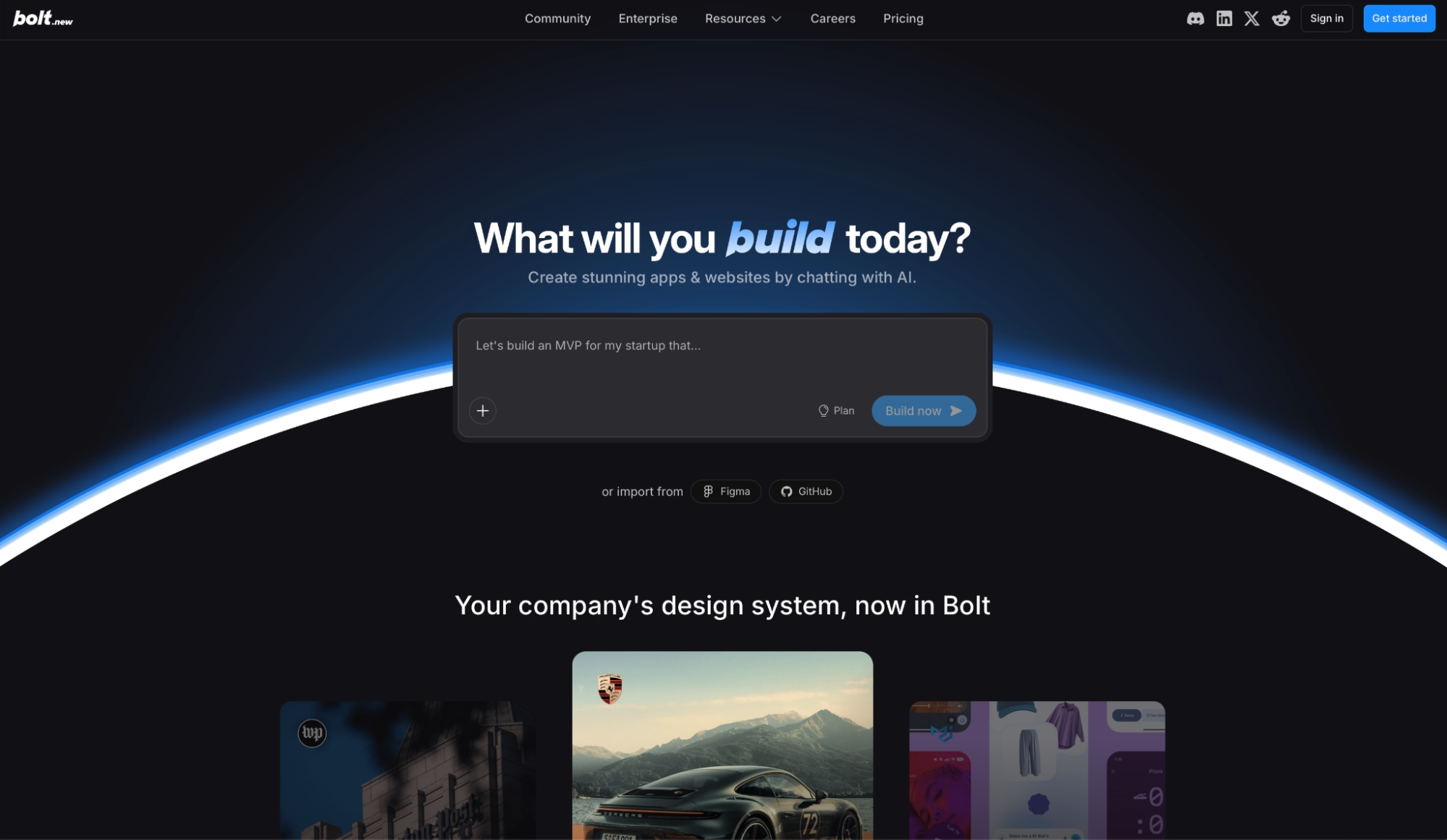
What it does: Bolt.new turns a plain-language prompt into a deployable web app with live code editing, hosting, and GitHub integration, all inside a browser.
Best for: Founders and developers who want to ship fast without giving up access to the underlying code.
I tested Bolt.new by building a task manager with authentication and a connected database from a single prompt. The first pass was closer to shippable than I expected.
The live preview updated as the agent wrote code, and I could tap any element and ask for changes without restarting the conversation. After ten or twelve prompts layering on features, earlier functionality stayed intact. Several tools I tested break something by prompt six.
Key Features
- Live preview with click-to-edit UI: Changes render as you prompt and you can select any element on screen to modify it through chat, without opening the code view at all.
- Bolt Cloud (database, hosting, and auth): Backend infrastructure with unlimited databases, user authentication, hosting with analytics, and SEO configuration, with no third-party configuration needed.
- GitHub integration: Link a repository and keep your Bolt project in sync with your existing codebase, all from the browser.
- Private sharing links: Generate a private link to your live project for client reviews or early testing before making it public. Available on Pro.
- SEO configuration: Your project is indexable from the start without touching meta tags manually.
Pros and Cons
Pros:
- 1M tokens per month with hosting, unlimited databases, and deployment all included on the free plan
- Context retention on long builds held up better than the other tools I tested
- Click-to-edit UI alongside full code access lets you work at whatever depth the task requires
Cons:
- Free plan projects display a "Made with Bolt" badge on published sites and tokens expire each month
- Version history doesn't track changes made in the code view, only prompt-driven edits
- File uploads are capped at 10MB on the free plan, which creates friction on asset-heavy projects
What Users Say

"I can describe what I want in natural language, and it generates a full-stack app (frontend, backend, and database) right in the browser." — Himanshu J., G2
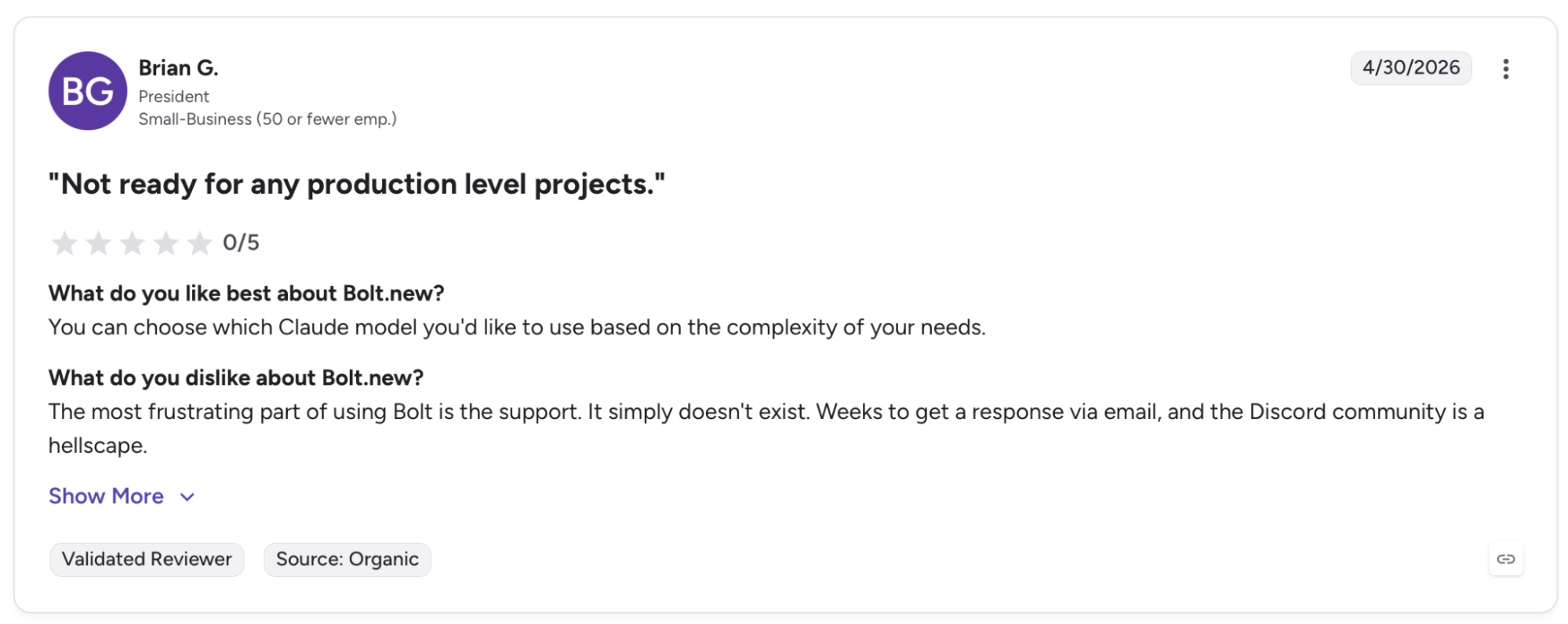
"The most frustrating part of using Bolt is the support. It simply doesn't exist. Weeks to get a response via email, and the Discord community is a hellscape." — Brian G., G2
Pricing
Bolt.new is free to start with 1M tokens per month, hosting, and deployment included. If you need more tokens, no branding, and custom domains, Pro is $25 per month billed monthly per workspace.
Bottom Line
Bolt.new has the most usable free tier here for founders and developers who want to build and ship a project without paying first. I'd recommend it to anyone who needs to validate an idea with a working app before spending anything.
For mobile alongside web, Emergent and Anything are the stronger options.
Already weighing your options beyond Bolt.new? Our Best Bolt.new Alternatives breakdown covers what else is worth trying.
2. Lovable: Best for Fast Full-Stack MVPs
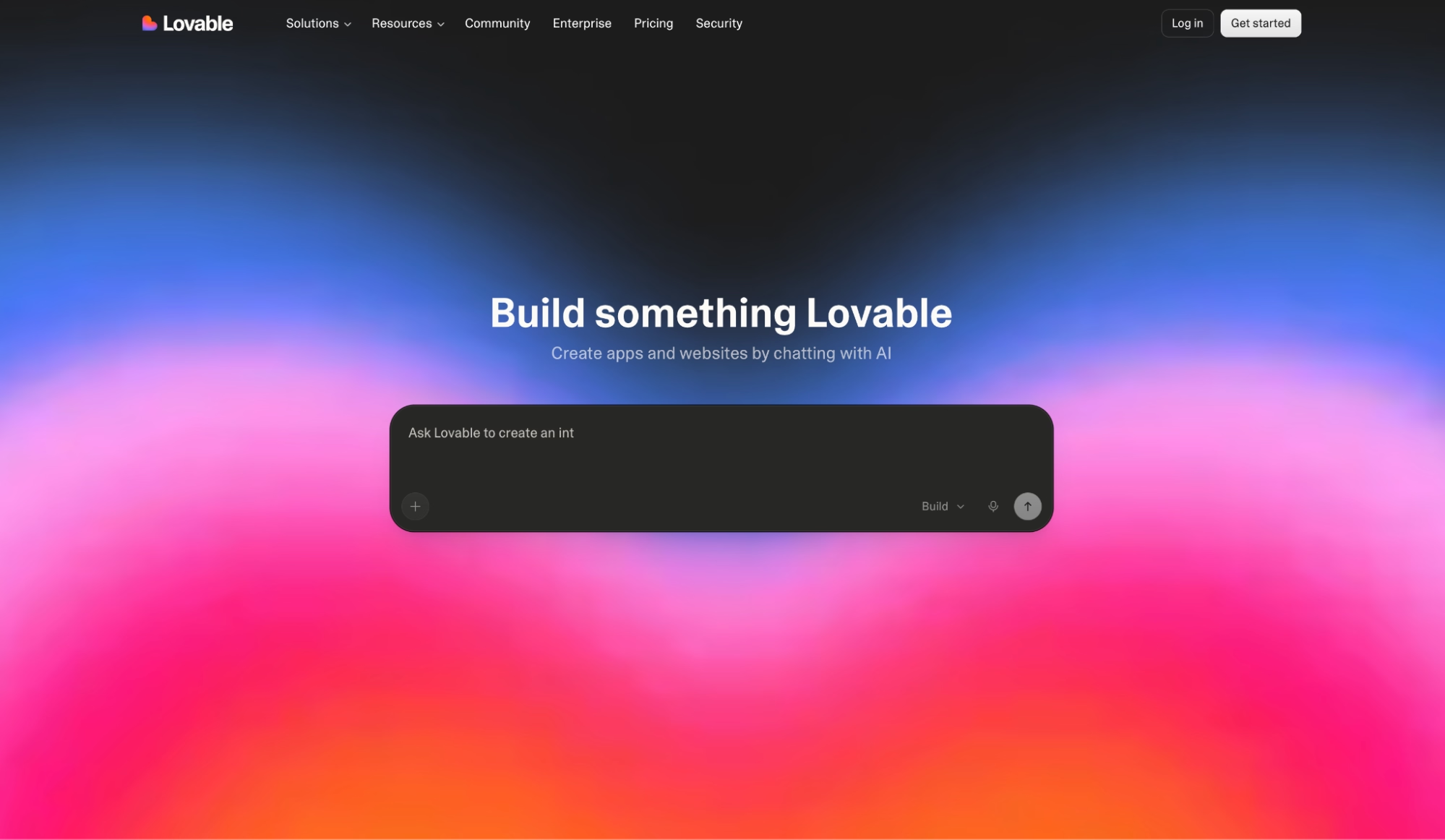
What it does: Lovable turns plain-language descriptions into full-stack web apps with editable code, GitHub sync, and deployment included.
Best for: Non-technical founders, designers, and PMs who need a working app with full code ownership from the start.
Lovable separates planning from execution. Before generating anything, it asks clarifying questions about flows, permissions, and edge cases. In my testing, the first output was more complete and structured than tools that jump straight to generation.
I built a client portal with authentication and a payment flow, and the structure held together through a dozen iterations without needing a full rebuild. The credit cost scales with how much you build. A simple styling change costs around 0.5 credits; authentication runs closer to 1.2 credits.
Key Features
- Plan mode and Agent mode: Plan mode lets you review the approach before anything changes. Agent mode executes once you approve the direction, keeping planning and implementation from stepping on each other.
- Code mode: Edit the underlying code inside Lovable without switching to an external editor or losing the AI context. Pro only.
- Custom domains: Attach your own domain to any Lovable project. Requires Pro.
- On-demand credit top-ups: Buy additional credits mid-cycle in 50-credit increments, valid for 12 months. Available on Pro and Business.
- User roles and permissions: Assign roles across team members within a shared workspace. Pro and above.
Pros and Cons
Pros:
- Stronger default design quality than other tools at the same price point, especially on early prototypes
- Plan mode separates planning from execution, which prevented the partial rewrites that kept breaking my work on other tools
- Private projects available on the free plan, which is uncommon at this price point
Cons:
- Free plan caps at 30 credits per month (5 daily, non-rollover), which covers an initial evaluation but runs out before you can build iteratively
- Architecture and infrastructure decisions are handled by Lovable, not the user, which becomes a constraint as projects scale
- The "Edit with Lovable" badge stays on published apps until you upgrade to Pro
What Users Say
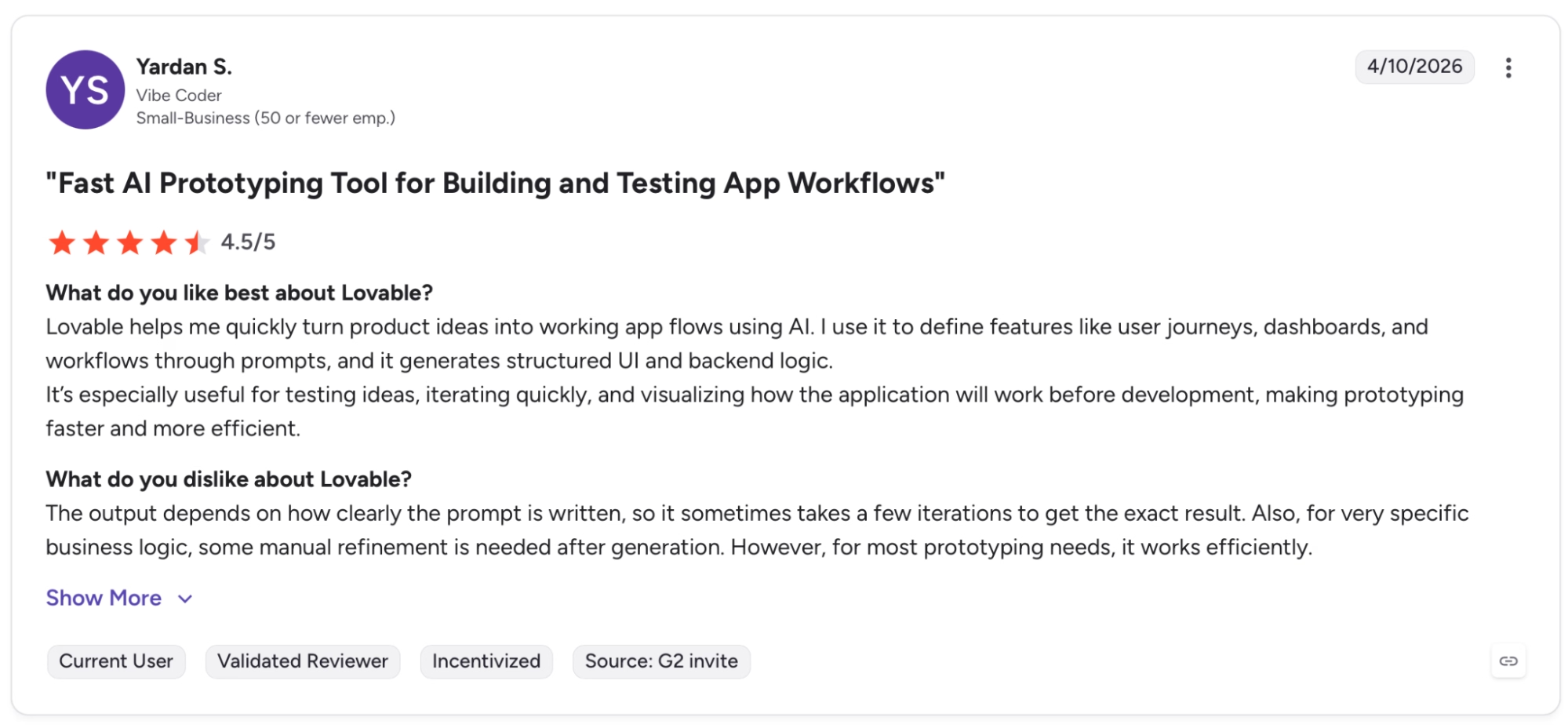
"I use it to define features like user journeys, dashboards, and workflows through prompts, and it generates structured UI and backend logic." — Yardan S., G2

"Transparency on the AI model used. Have more access to the root of the project, packages, etc." — Jimmy B., G2
Want more user takes before you decide? Read our Lovable Review for a fuller picture.
Pricing
Lovable is free to start with 5 daily credits, up to 30 per month, private projects, and unlimited workspace members. Pro is $25 per month billed monthly (or $21 per month billed annually), which removes the Lovable badge and raises the credit ceiling to $150 credits per month.
Bottom Line
Lovable works best for non-technical founders who want solid, exportable code with a clean GitHub trail. The free plan caps at 30 credits per month. Use it to evaluate the platform before moving to Pro.
Not sure Lovable is the right fit for what you're building? Our Best Lovable Alternatives breakdown covers the closest options worth trying.
3. Replit: Best for Autonomous Full-Stack Builds
What it does: Replit Agent builds, deploys, and hosts full-stack apps from a plain-language description, inside a browser with nothing to install locally.
Best for: Founders and small teams who want an AI agent that builds, tests, and fixes apps autonomously without constant supervision.
Replit's agent goes further before asking for input than any other tool I tested here. I described a running tracker with user profiles, a weekly plan, and a leaderboard.
The agent set up the database, wired authentication, wrote the logic, and deployed a live URL without a single follow-up prompt. With Design Canvas you can sketch a visual mockup before any code is written, and in my testing it caught layout and flow issues before they made it into the build.
Also pull live data from Slack, Notion, BigQuery, or Linear from inside the chat without switching context or setting up manual API connections.
Key Features
- Replit Agent with multiple build modes: Lite handles quick fixes, Autonomous covers full builds with Economy or Power model tiers, and Max is for long-running hands-off projects. Pro users also get Turbo for faster builds.
- Plan mode: Map out your project and review the agent's approach before any code is written or changed.
- Design Canvas: Visual mockup environment for exploring layouts and flows before committing to code. Available on Core and Pro.
- Parallel agents: Run up to 2 agents simultaneously on Core, up to 10 on Pro, each handling separate tasks of the same project.
- Connectors: Pull live data from BigQuery, Slack, Notion, and Linear straight from the chat with no API wiring needed.
Pros and Cons
Pros:
- Agent builds, tests, and self-corrects autonomously, creating checkpoints throughout so you can roll back to any previous state
- Everything runs and deploys in the browser, including on a tablet or secondary device with no local environment
- Design Canvas lets you validate layout and flow visually before the agent writes a single line of code
Cons:
- Free plan is limited to publishing 1 project and carries a "Made with Replit" badge on published apps
- Max mode and Turbo are Pro-only, so Core users hit a ceiling on longer or more demanding builds
- Credits deplete fast on heavy Autonomous or Power mode builds and the $25 monthly credit on Core may not stretch far on demanding projects
What Users Say
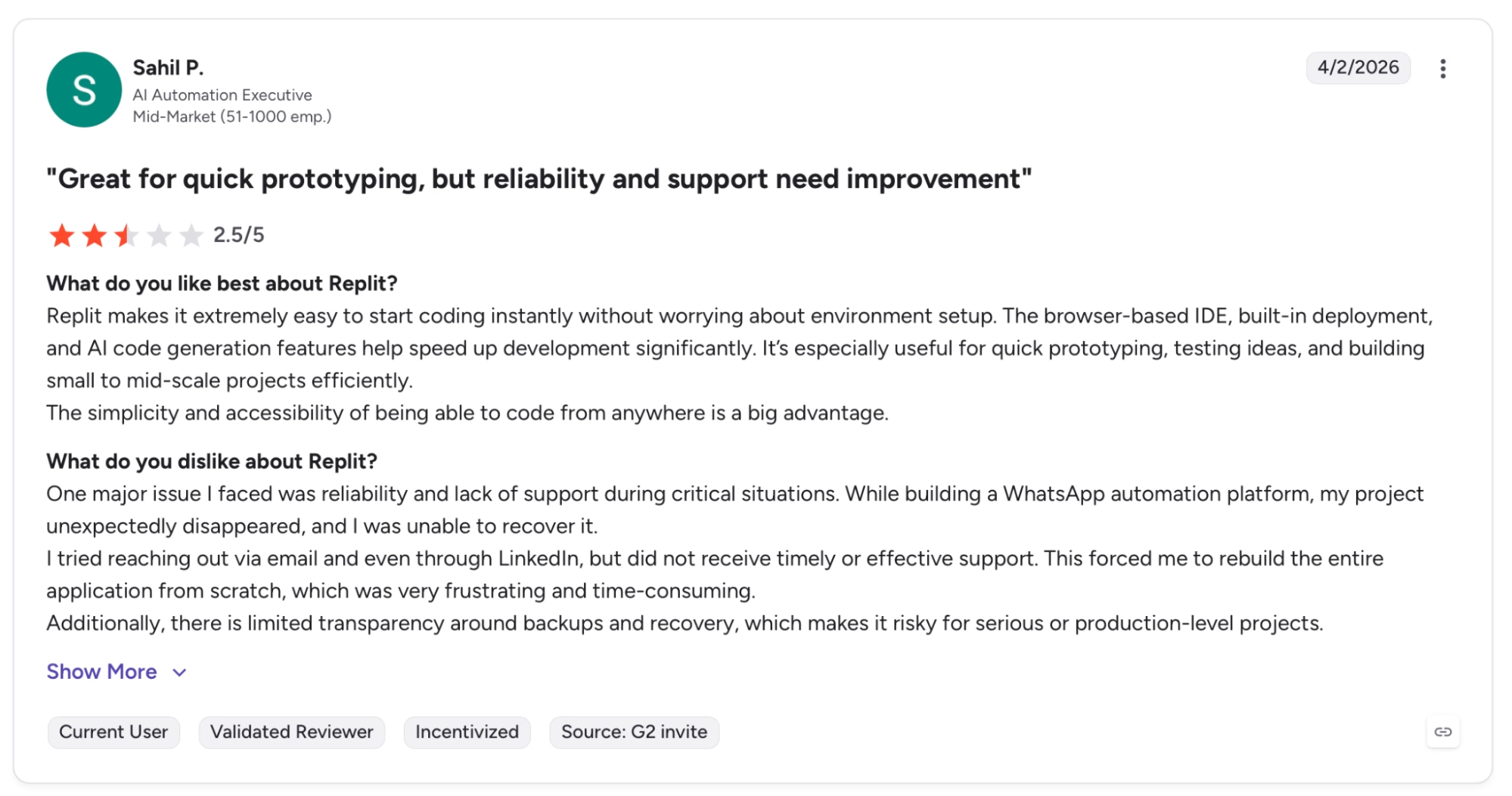
"The browser-based IDE, built-in deployment, and AI code generation features help speed up development significantly." — Sahil P., G2
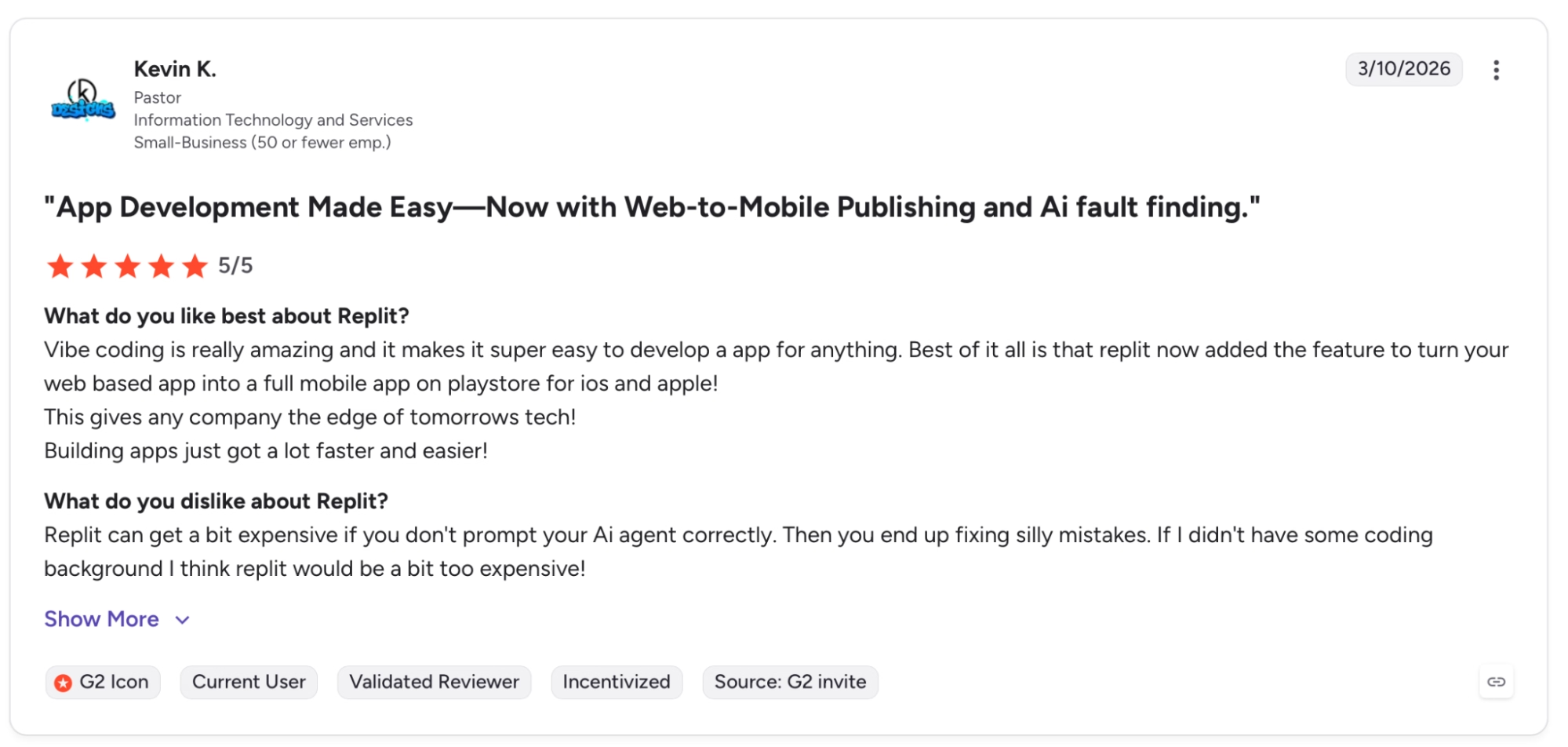
"Replit can get a bit expensive if you don't prompt your AI agent correctly." — Kevin K., G2
See what real users think in our Replit reviews breakdown.
Pricing
Replit is free to start with daily Agent credits, a built-in database, and 1 published project included. Core is $20 per month billed monthly, which removes the Replit badge, adds $25 in monthly credits, parallel agents, and unlimited workspaces.
Bottom Line
Replit is the best free option here for anyone building an app that needs an agent that builds, tests, and self-corrects without supervision. The free plan is tight at 1 published project. For mobile alongside web from the same workspace, Emergent covers that.
Already hitting Replit's limits or need more than it offers? Our Best Replit Alternatives breakdown covers what else is worth trying.
4. Emergent: Best for Production-Ready Web and Mobile Apps
What it does: Emergent turns a plain-language conversation into a complete, deployable product with payments, a database, authentication, managed hosting, and native iOS and Android apps, all from one workspace.
Best for: Founders and product teams who need a complete, deployable product across web and mobile without an engineering team.
One prompt describing a subscription-based fitness platform. Emergent returned a working app with Stripe payments, user authentication, a database, and a live URL. The same workspace was pushed to iOS and Android once I connected my developer accounts.
Emergent's multi-agent architecture coordinates the build internally. One agent handles the interface, one the application logic, one runs end-to-end tests before anything deploys.
That internal QA loop catches broken flows before you see them, which saves me a lot of debugging time on the more involved builds.
Key Features
- Complete app on the first build: Built-in authentication, database, payments via Stripe, hosting, and custom domain included from the first prompt.
- Web and mobile from one workspace: Builds web and mobile apps using React Native and Expo, with live device previewing and production-ready builds for App Store and Google Play submission.
- Universal LLM Key: Plug Claude, GPT, or Gemini into your own app using Emergent credits, no separate API accounts required.
- Multiple integrations out of the box: Connect hundreds of tools including WhatsApp, iMessage, and Telegram for preview links and job creation.
- Your code is yours: Everything syncs to GitHub from the Standard plan up, open it in VS Code, or hand it to a developer.
Pros and Cons
Pros:
- Ships web and native mobile from a single workspace with no separate configuration or subscription needed
- End-to-end testing runs before deployment, catching broken flows before they reach production
- One-click LLM integration lets you embed Claude, GPT, or Gemini into your app on the free plan, no external API account required
- Deployment includes analytics, traffic monitoring, health checks, and logs, with no third-party services required
- SOC 2 Type I certified, covering enterprise-grade security without additional configuration
Cons:
- 10 credits per month on the free plan is the tightest limit across all nine tools, so treat it as a structured trial
- After 3-4 deployment cycles, the local preview database can diverge from the cloud database
What Users Say

"Clean code, very little errors with good interface and dashboard architecture and design." — Shervin K., Product Hunt
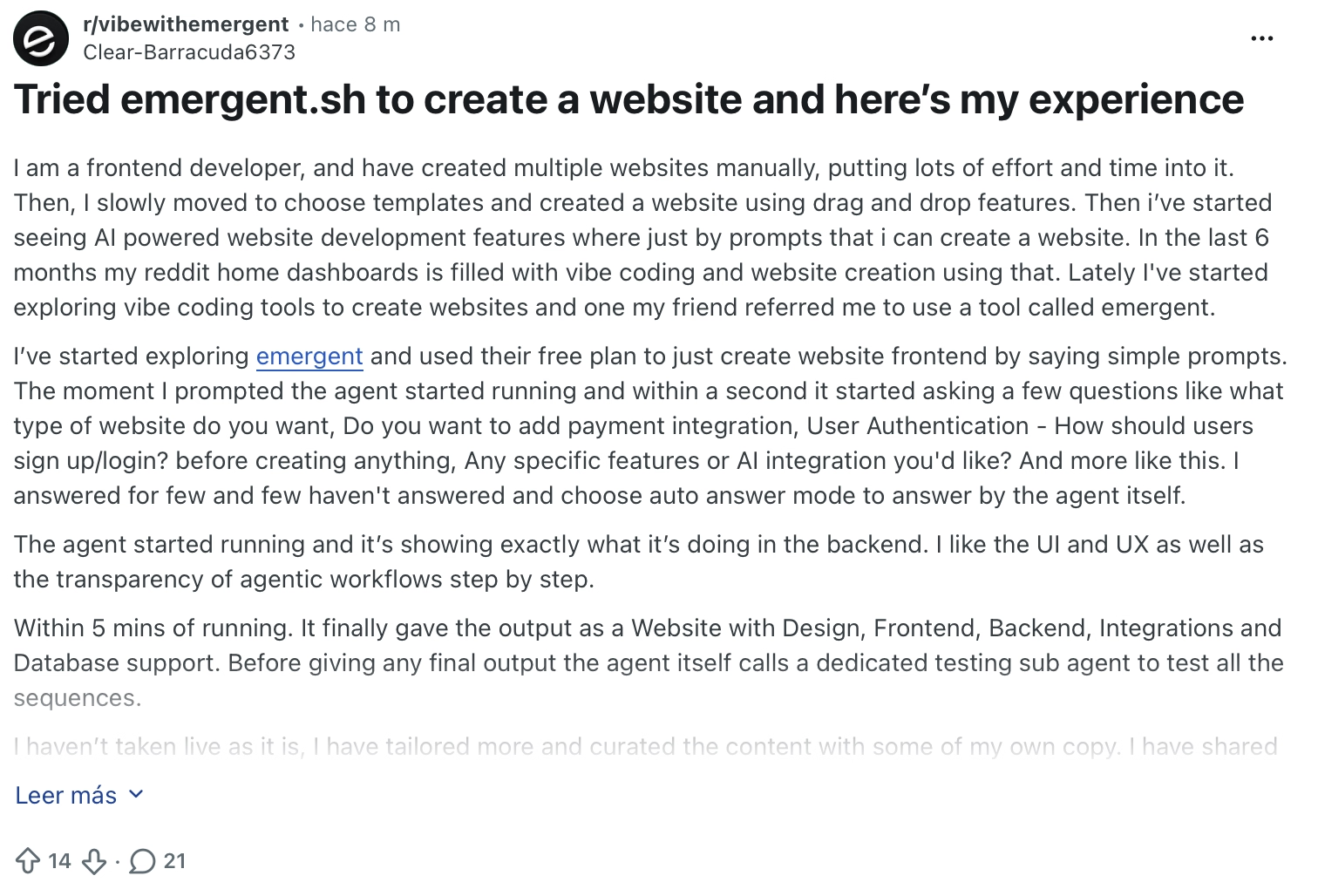
"Overall the experience was smooth and the only thing is not all the features are actually visible in the free plan." — Verified User, Reddit
Pricing
Emergent is free to start with 10 credits per month, web and mobile builds, and access to advanced AI models included. Standard is $20 per month or $17/month billed annually, which adds 100 credits per month, private hosting, GitHub integration. Pro is $200 per month with 750 credits.
Bottom Line
Emergent is worth testing when the goal is a deployable product across web and mobile, with payments and Emergent Auth already wired in. The free tier is the tightest of the nine at 10 credits per month, so treat it as a trial. Skip it for video games, heavy PDF reporting, or Apple Watch apps.
5. v0 by Vercel: Best for UI-First Development and Fast Deploys
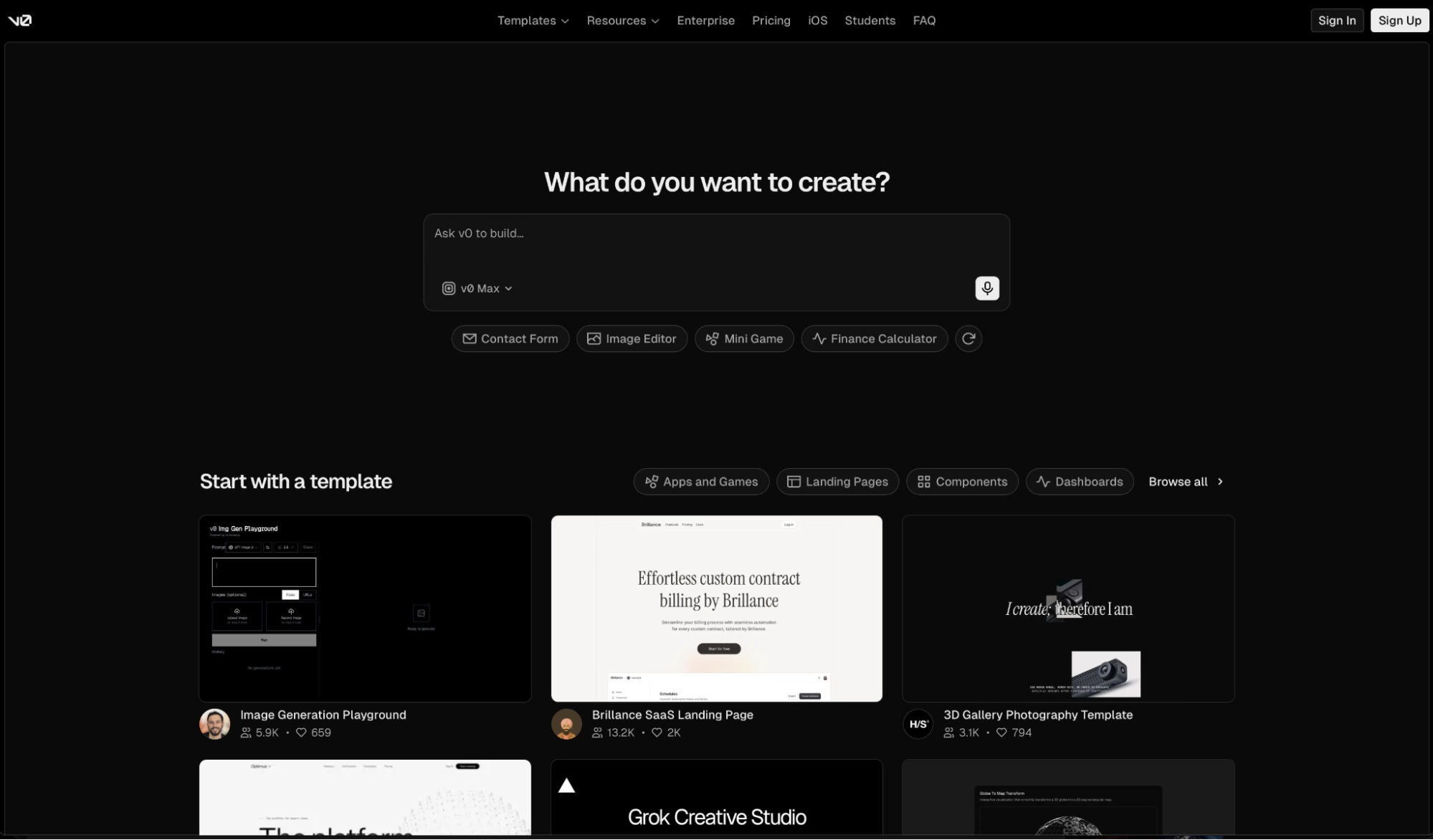
What it does: v0 turns prompts, wireframes, and Figma files into production-ready full-stack apps and deploys them on Vercel's infrastructure.
Best for: Designers, product managers, engineers, and founders who need to go from idea to live app fast using modern frontend frameworks with a backend attached.
I described a dashboard with a connected database and live data queries to v0 by Vercel. It scaffolded a working Next.js app with Tailwind, backend API routes, and a Vercel deployment in one pass.
v0 works inside your existing stack, using your own APIs, databases, and component libraries. Design Mode lets you tap any rendered element and edit it without writing a prompt, which gives you visual control over the output alongside the code.
Key Features
- Design Mode: Click on any rendered element to make visual edits without writing a prompt, bridging visual iteration and code generation in one interface.
- Deploy to Vercel with one click: Every project goes live on Vercel's global infrastructure from inside the v0 interface, with no separate configuration required.
- GitHub sync: Link a repository and keep your v0 project in sync with your codebase. Pull requests are generated on every change.
- Automatic error fixing: Detects and fixes runtime errors without requiring manual debugging input.
- Multi-model support: Choose between v0 Mini, v0 Pro, v0 Max, and v0 Max Fast depending on the demands and speed requirements of the task.
Pros and Cons
Pros:
- Works with your existing stack, including Next.js, Tailwind, shadcn/ui, your own APIs, databases, and component libraries
- Design Mode combines visual editing and code generation in a single interface
- Deploys to a live URL on Vercel's edge network with one click, straight to production
Cons:
- Free plan caps at 7 messages daily, which interrupts any build that requires more than a handful of iterations in one session
- Training opt-out is only available on Business at $100 per user per month, which matters for teams handling sensitive or confidential UI work
What Users Say
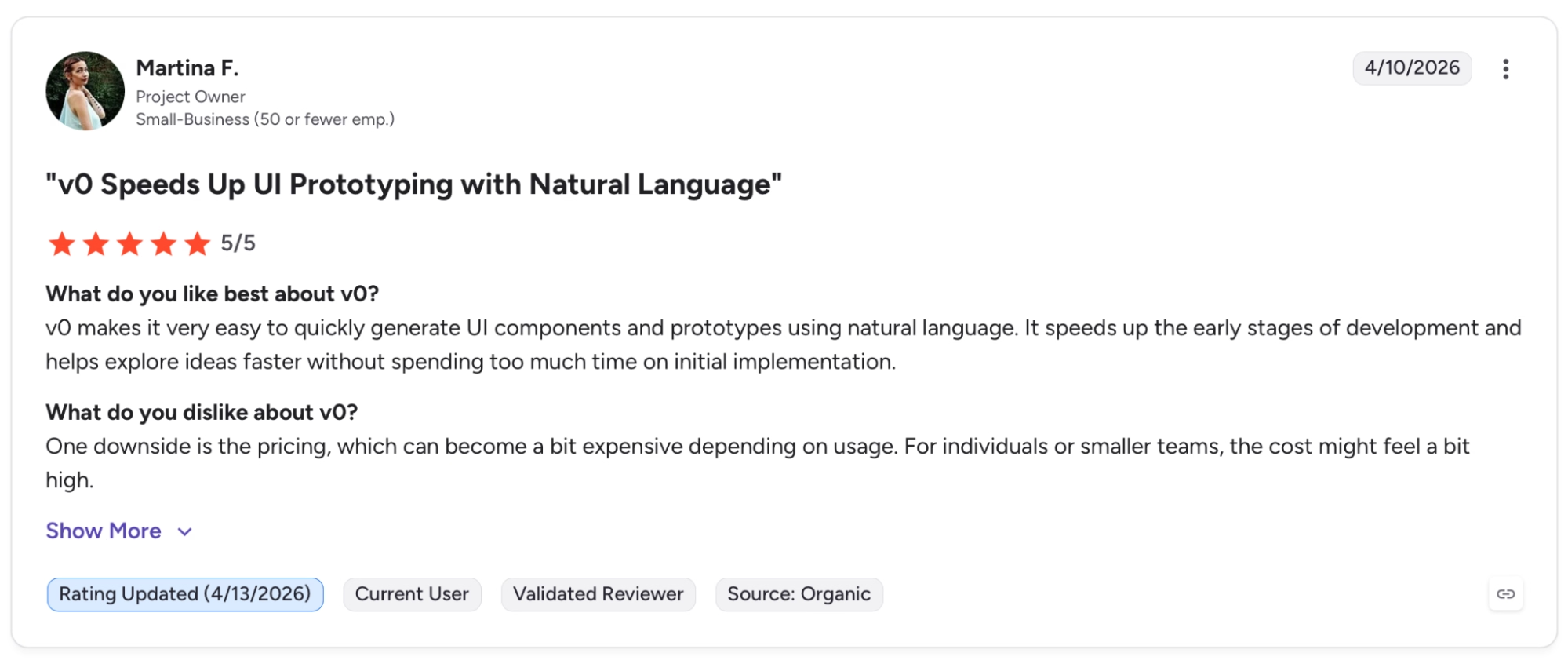
"v0 makes it very easy to quickly generate UI components and prototypes using natural language." — Martina F., G2
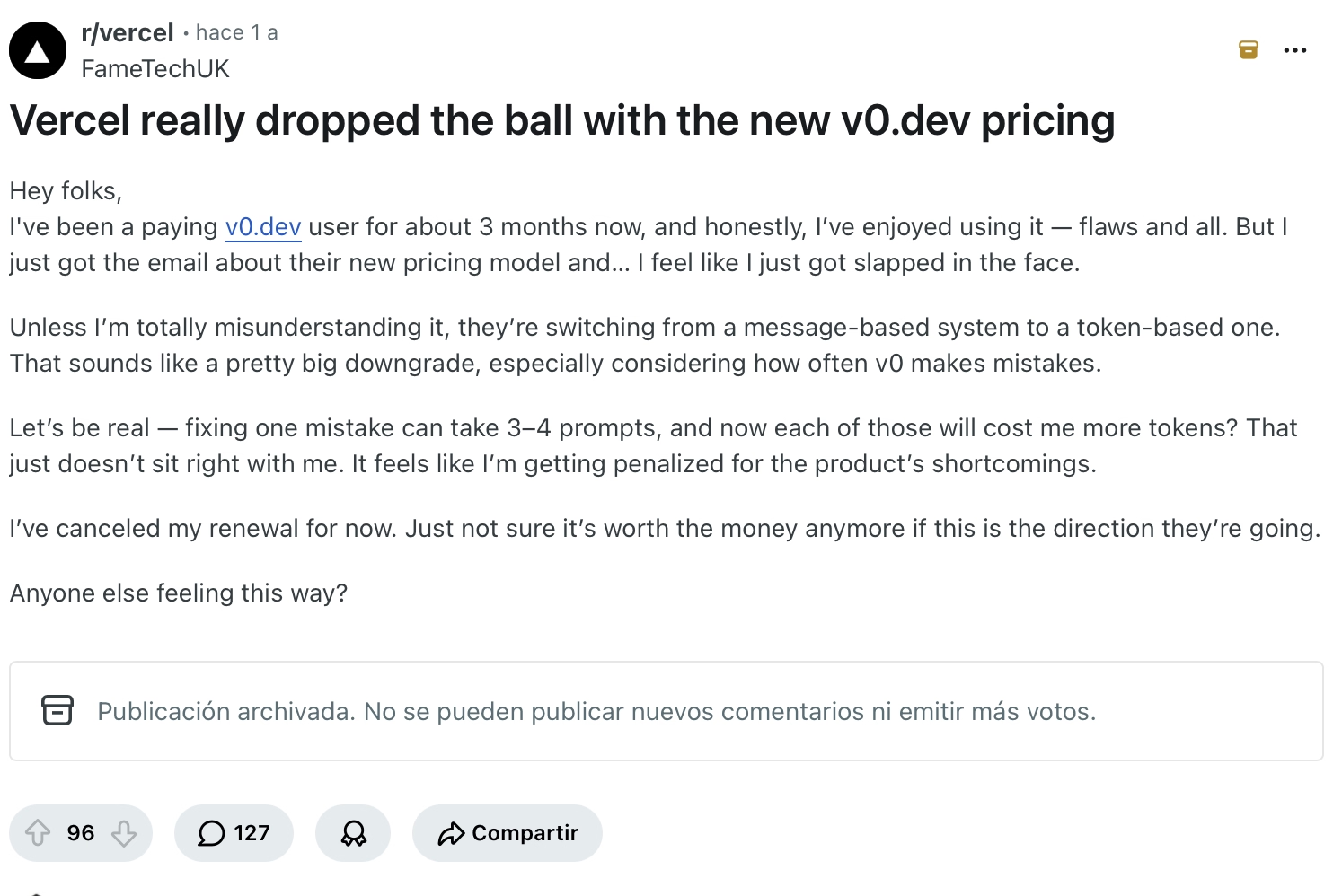
"Fixing one mistake can take 3–4 prompts, and now each of those will cost me more tokens? That just doesn’t sit right with me." — Verified User, Reddit
Pricing
v0 is free to start with $5 in monthly credits, 7 messages per day, Vercel deployment, and GitHub sync included. Team is $30 per user per month billed monthly, which adds centralized billing, and team collaboration.
Bottom Line
v0 is the clearest choice here for anyone who works in modern frontend frameworks and wants to ship fast. The free tier caps at 7 messages per day, which limits how far you can take a demanding build without upgrading.
For mobile alongside web, or an agent that builds more autonomously, Replit or Emergent are worth testing.
Already hitting v0's daily message cap or need more than frontend? Our Best v0 Alternatives breakdown covers what else is worth trying
6. Figma Make: Best for Designers and PMs Who Build Inside Figma
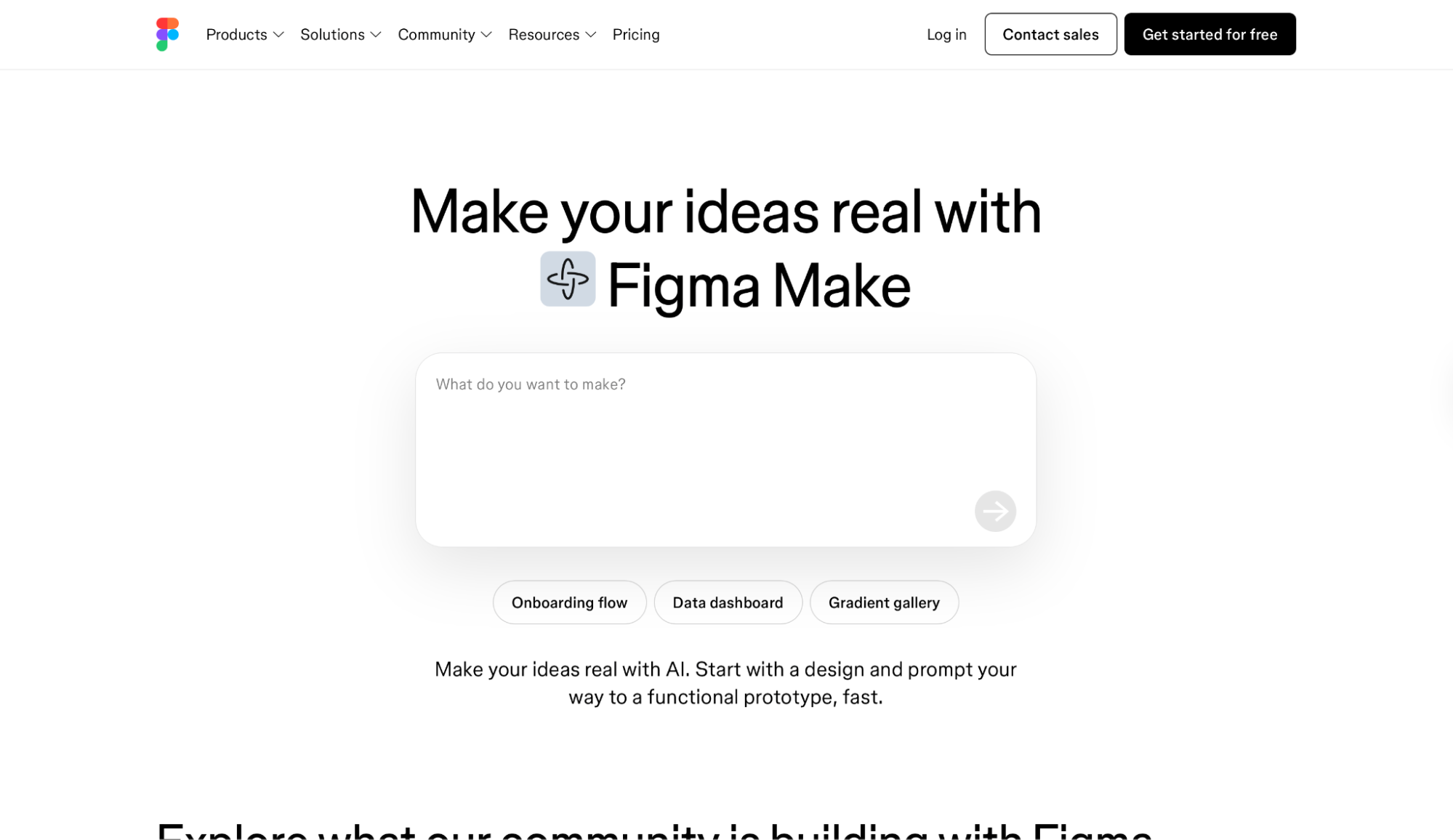
What it does: Figma Make turns prompts and existing Figma designs into functional prototypes and web apps, publishable with a dedicated URL, without leaving the Figma workspace.
Best for: Designers, product managers, and design engineers who already work in Figma and want to turn their designs into working apps without switching tools.
When I tested Figma Make, I attached an existing Figma component library to the prompt and the output matched our design system from the first generation. Colors, fonts, and spacing were correct without a single correction prompt. The app already looked like it belonged to the product.
I tested the Supabase integration next and connected user authentication and a data table in a single session. Designers who already think in Figma will get the most out of it. Founders who need to move fast without a design foundation will likely hit its limits early.
Key Features
- Design-to-app with Figma context: Attach existing Figma designs, components, and libraries to your Make prompt so generated apps inherit your design system automatically.
- Supabase integration: Wire up user authentication, store user data, and access private APIs from inside Make. Professional tier.
- Publish to the web with a dedicated URL: Deploy your Make app as a live website with its own URL. Professional tier only.
- Share with AI coding agents: Export Make files and code context to AI coding agents like Cursor or GitHub Copilot to move prototypes into production. Requires Professional.
- Connect external tools: Pull PRDs, tickets, and product documentation from external tools into Make prompts. Professional plan.
Pros and Cons
Pros:
- Attaching a Figma design library generates output that matches your design system from the first pass, with no correction prompts needed
- Lives inside the same workspace as your design files, removing the handoff gap between design and functional prototype
- Supabase integration wires authentication and data storage inside the Figma environment
Cons:
- Web publishing with a dedicated URL requires a Professional seat at $16 per seat per month billed annually, the free plan only shares through Figma Community
- Iteration is slower than purpose-built app builders in my testing, which makes it less practical for founders who need to ship fast
- AI credit limits reset daily at 150 per day and 500 per month on Starter, so sustained building sessions will hit the cap before a longer app is complete
What Users Say
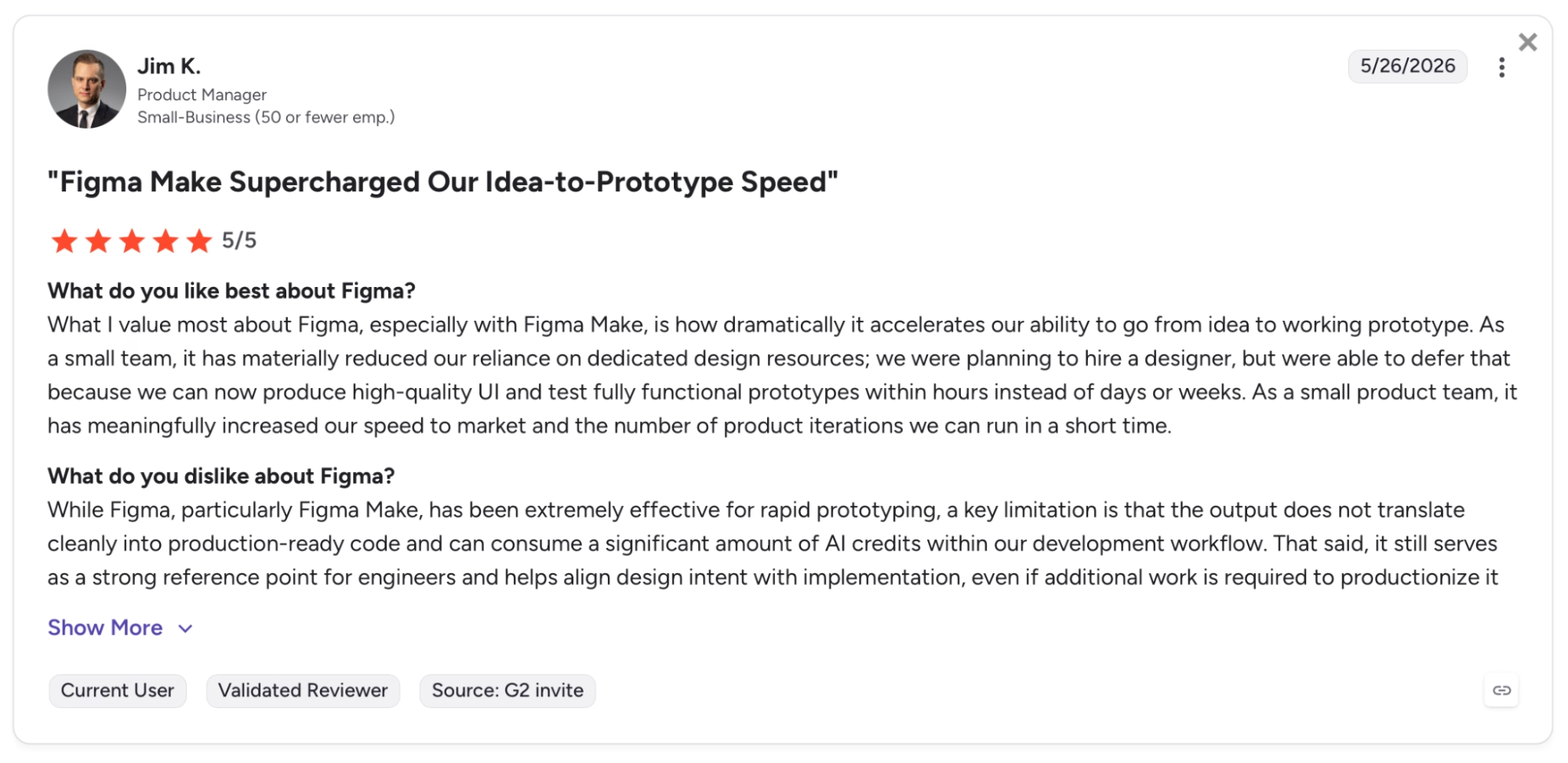
"What I value most about Figma, especially with Figma Make, is how dramatically it accelerates our ability to go from idea to working prototype." — Jim K., G2
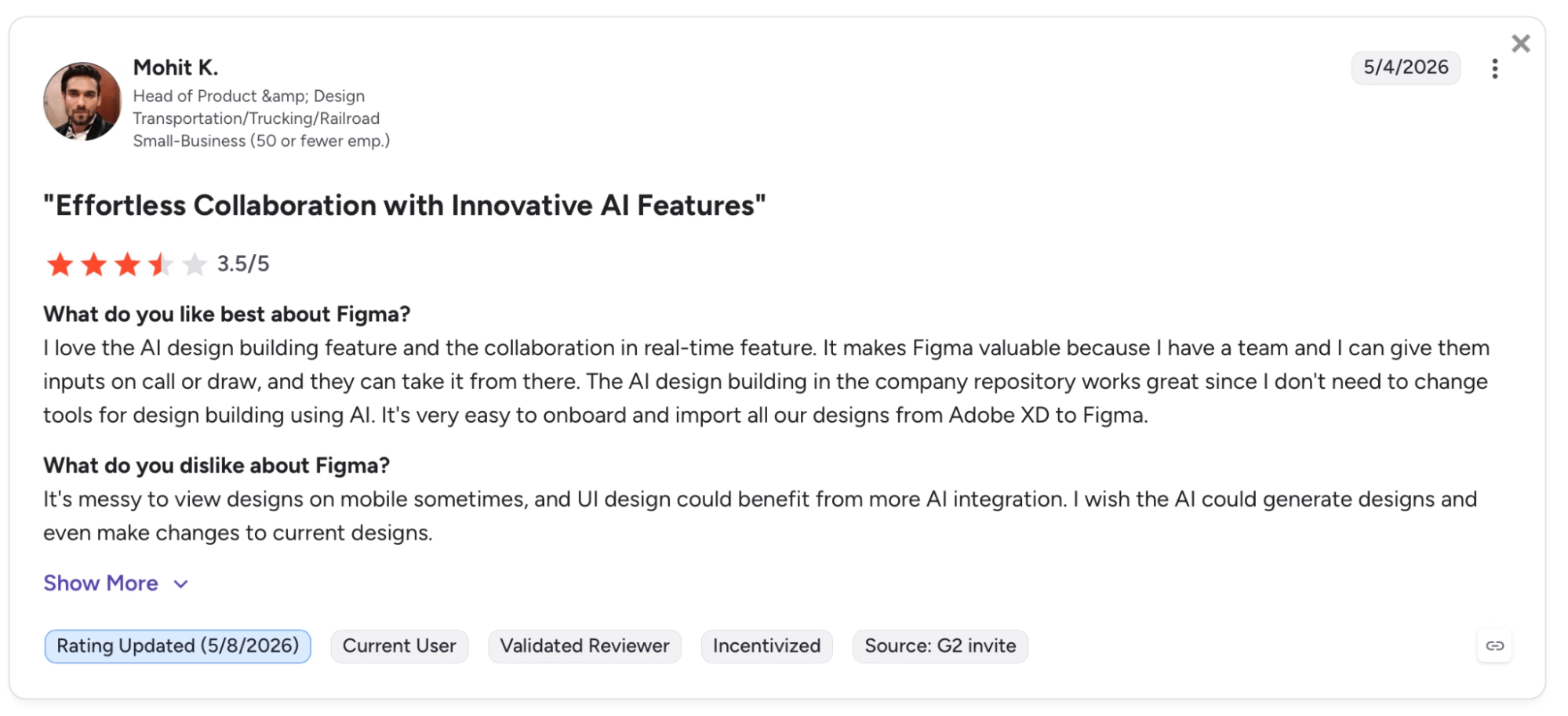
"It's messy to view designs on mobile sometimes, and UI design could benefit from more AI integration. I wish AI could generate designs and even make changes to current designs." — Mohit K., G2
Pricing
Figma Make is free on the Starter plan with 150 AI credits per day and up to 500 per month, though web publishing with a dedicated URL requires upgrading. Professional is $16 per seat per month billed annually (or $20 billed monthly), which adds 3,000 AI credits per month.
Bottom Line
Figma Make is a solid pick for designers and PMs who want to validate a product idea inside the same tool where they design it. The design system context it inherits from Figma libraries is its clearest advantage over every other tool here.
7. Glide: Best for Internal Tools Built from Spreadsheets
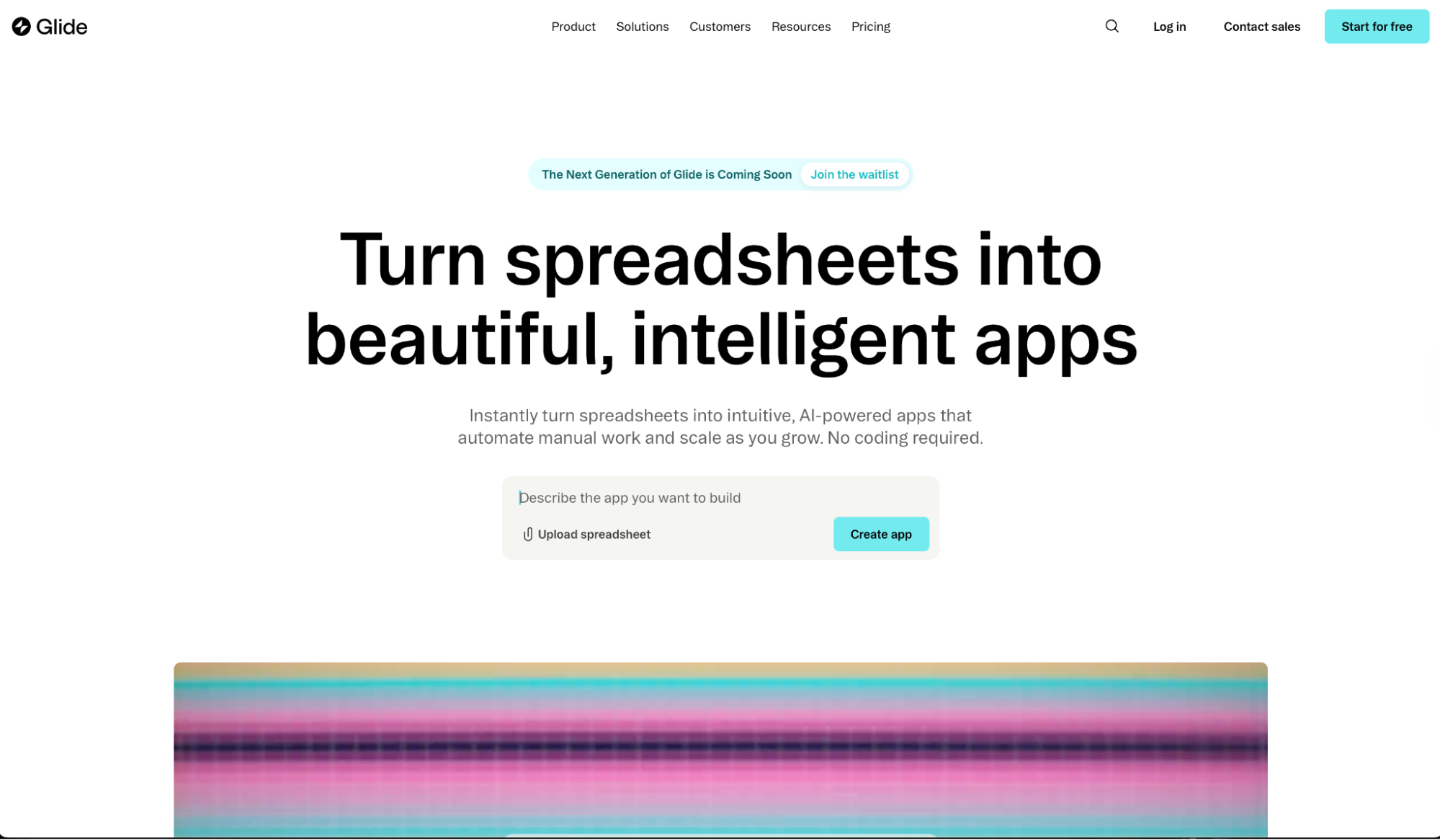
What it does: Glide turns spreadsheets, Airtable bases, and Excel files into internal tools and business apps powered by AI, without writing code.
Best for: Operations teams, field teams, and business owners who need a working internal tool fast from data they already have in a spreadsheet.
Glide solves a specific problem better than anything else I tested. You have a Google Sheet or Airtable base with business data and you need a proper app interface on top of it today.
I tested it by connecting a Google Sheet with inventory data and using Glide Agent to generate the app structure. The agent built the layout, data table, and filtering logic fast, and the app was live with my data shortly after.
The free plan strips out workflows and API access entirely, so anything beyond a simple read-and-display app requires upgrading.
Key Features
- Glide Agent: Describe the tool you need in plain language and Glide Agent produces the app structure, data layout, and UI components from your connected data source.
- Generate UI components: Build custom interface elements like interactive cards, progress bars, and sliders through chat without touching code.
- 40+ pre-built building blocks: Ready-to-use UI elements across lists, forms, charts, and maps that pull from your data.
- Workflow intelligence: Add AI to your workflows on Business to prioritize tickets, flag anomalies, and process data from audio, images, and documents.
- SOC 2 Type 2, GDPR, and CCPA certified: Glide AI never trains on your data, which matters for any team handling customer or financial information.
Pros and Cons
Pros:
- Connects to existing data sources like Google Sheets, Airtable, and Excel and generates a working app on top of them with no data migration required
- Glide Agent produces the layout, data structure, and UI components from a single plain-language description
- SOC 2 Type 2, GDPR, and CCPA certified, which matters for internal tools handling sensitive business data
Cons:
- Automation and API access are locked behind Business, which limits the free plan to read-and-display apps with no external integrations
- Business starts at $199 per month billed annually, the steepest upgrade from free in this comparison
What Users Say
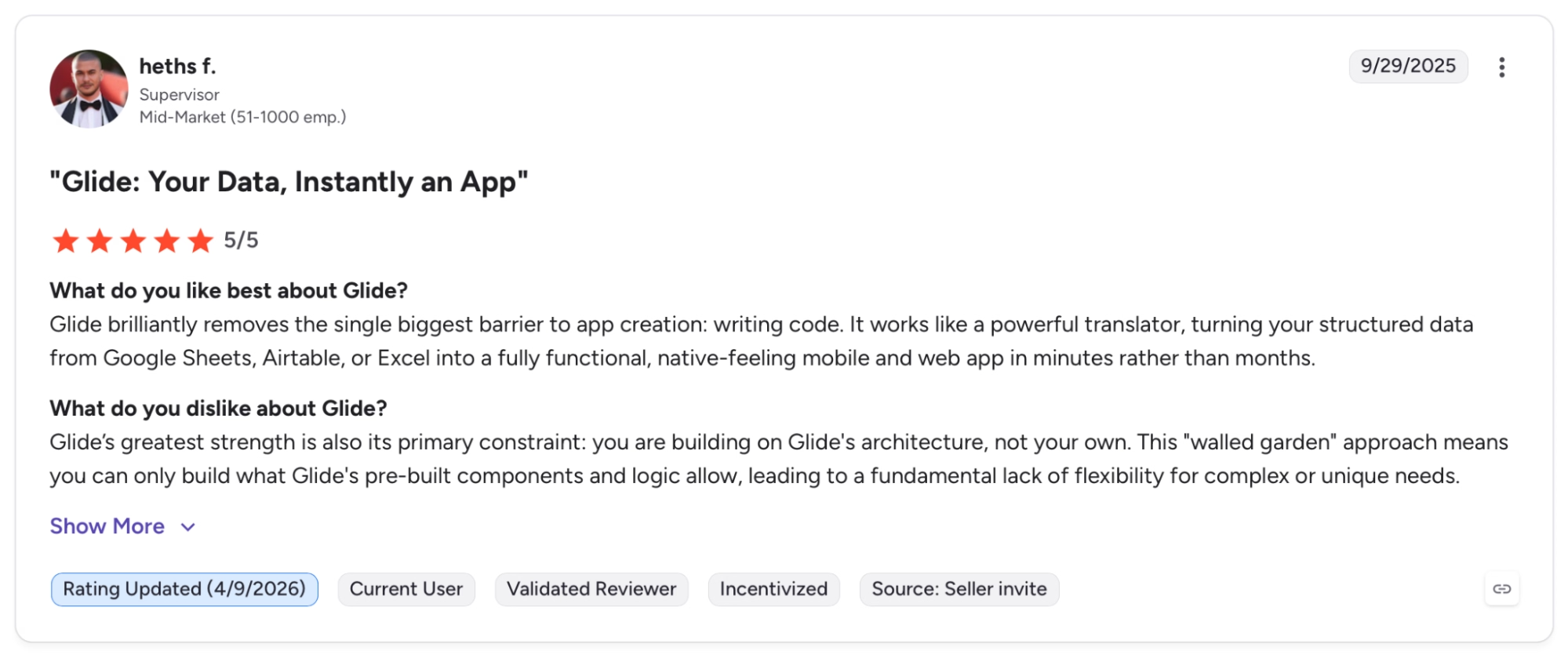
"Glide brilliantly removes the single biggest barrier to app creation: writing code." — Heths F., G2
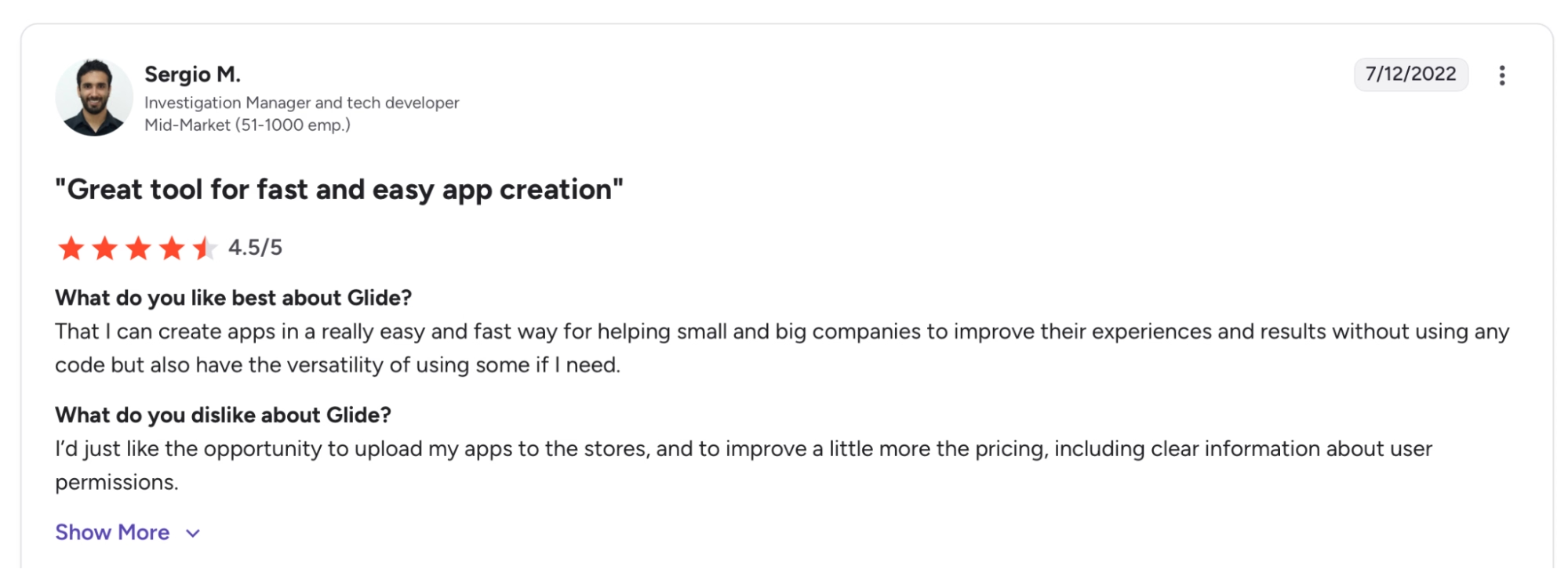
"I’d just like the opportunity to upload my apps to the stores, and to improve the pricing a little more, including clear information about user permissions." — Sergio M., G2
Pricing
Glide is free to start with 100 personal users, 250 updates per month, and 500MB of storage, though workflows and API access require upgrading. Explorer pay plan starting at $19 per month (billed annually).
Bottom Line
Glide works well for operations teams who need an app interface on top of data they already manage in a spreadsheet. The free plan covers simple read-only tools. You'll need Business at $199 per month once you want workflows, API connections, or automation.
Need more flexibility than Glide offers without the steep jump to Business? Our Best Glide Alternatives breakdown covers what else is worth trying.
8. Jotform: Best for Form-Driven Apps with AI Agents
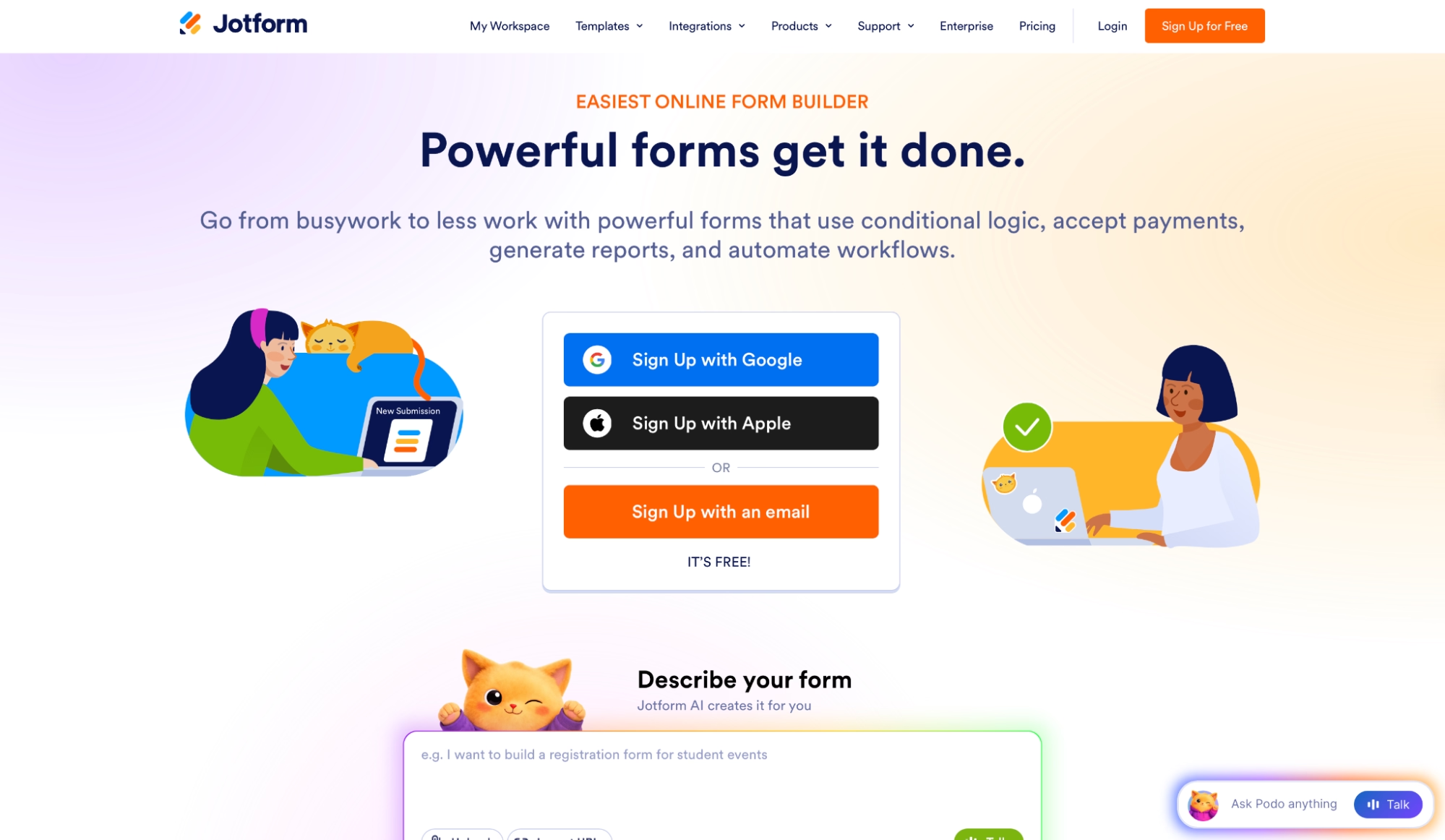
What it does: Jotform builds form-driven web and mobile apps with AI Agents included that handle conversations, voice calls, and SMS, with no coding required.
Best for: Teams and small businesses that need data collection, workflows, and AI-driven customer interactions in a single platform, with no coding required.
Jotform starts from forms and data collection flows. When I tested it, I described a patient intake app. Jotform generated the form structure, conditional logic, and a voice-and-chat AI Agent in one session.
The AI built the form structure, added conditional logic, and set up an AI Agent to handle follow-up conversations over chat and voice.
The 3,000 monthly voice call minutes included on the free plan is more than enough for most teams getting started. The platform covers more ground than most form builders. You get 40+ payment gateways with zero transaction fees, signed documents, and HIPAA-friendly mode.
Key Features
- AI Agents with voice, chat, and SMS: Build AI Agents that handle customer conversations across chat, web voice calls, and phone calls, trained on a custom knowledge base without using your data to improve Jotform's services.
- AI App generation: Describe your app and Jotform generates the structure, forms, and layout. Start from a description or from one of 3,500+ ready-made templates.
- 40+ payment gateways at zero transaction fees: Accept payments via Square, PayPal, Stripe, and 37 other processors inside your app, with no additional transaction fees on any plan.
- Push notifications: Send alerts to app users across devices directly from the app builder, without a third-party notification service.
- HIPAA-friendly mode: Available on Gold and Enterprise using Google Gemini via Vertex AI with a Business Associate Agreement, making it a practical choice for healthcare-adjacent use cases.
Pros and Cons
Pros:
- AI Agents handle voice calls, chat, and SMS from a single platform at a price point that's hard to find elsewhere in this category
- Zero transaction fees across 40+ payment gateways, including Square, PayPal, and Stripe
- HIPAA-friendly mode with BAA support on Gold makes Jotform a practical option for healthcare-adjacent use cases
Cons:
- Free plan caps at 5 active forms and 100 submissions per month, a tight ceiling for anything beyond a single use case
- App design output was functional but visually basic in my testing, less polished than purpose-built builders like Lovable or Bolt.new
What Users Say
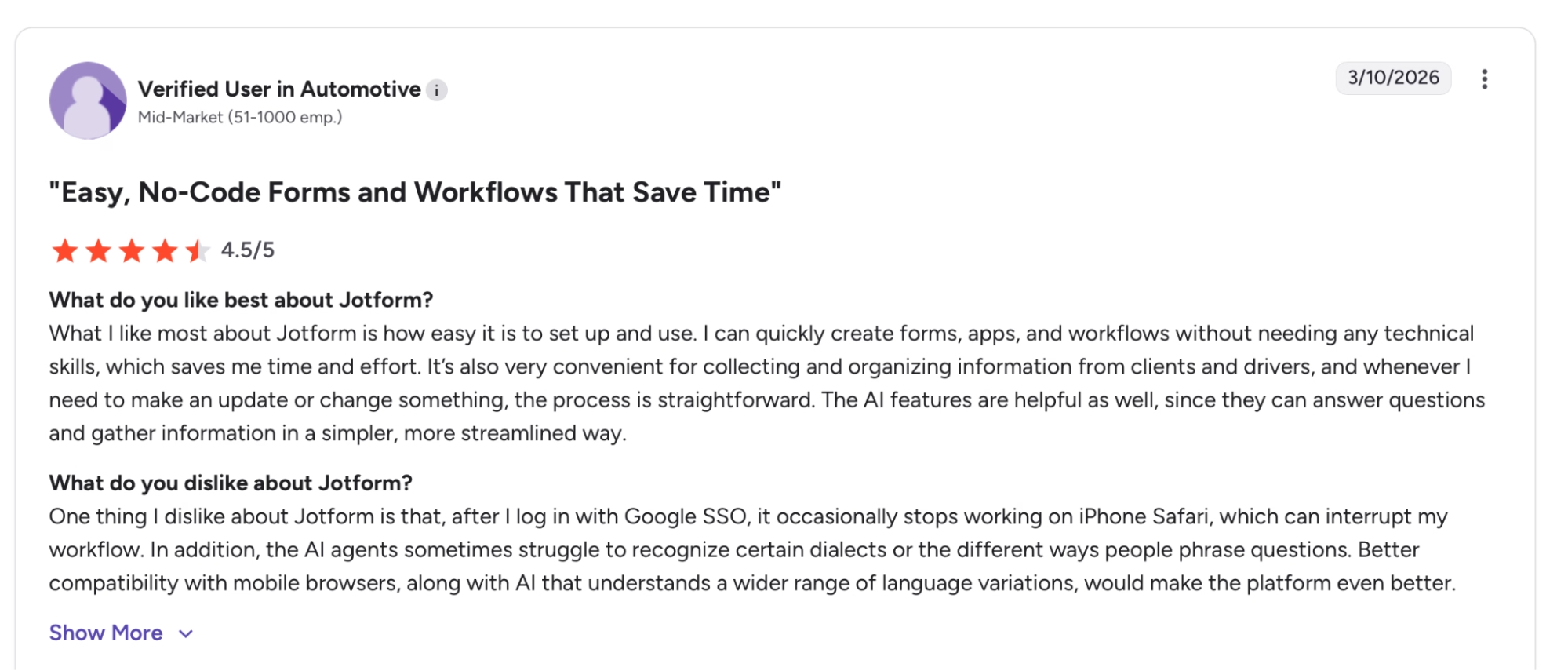
"What I like most about Jotform is how easy it is to set up and use. I can quickly create forms, apps, and workflows without needing any technical skills." — Verified User, G2
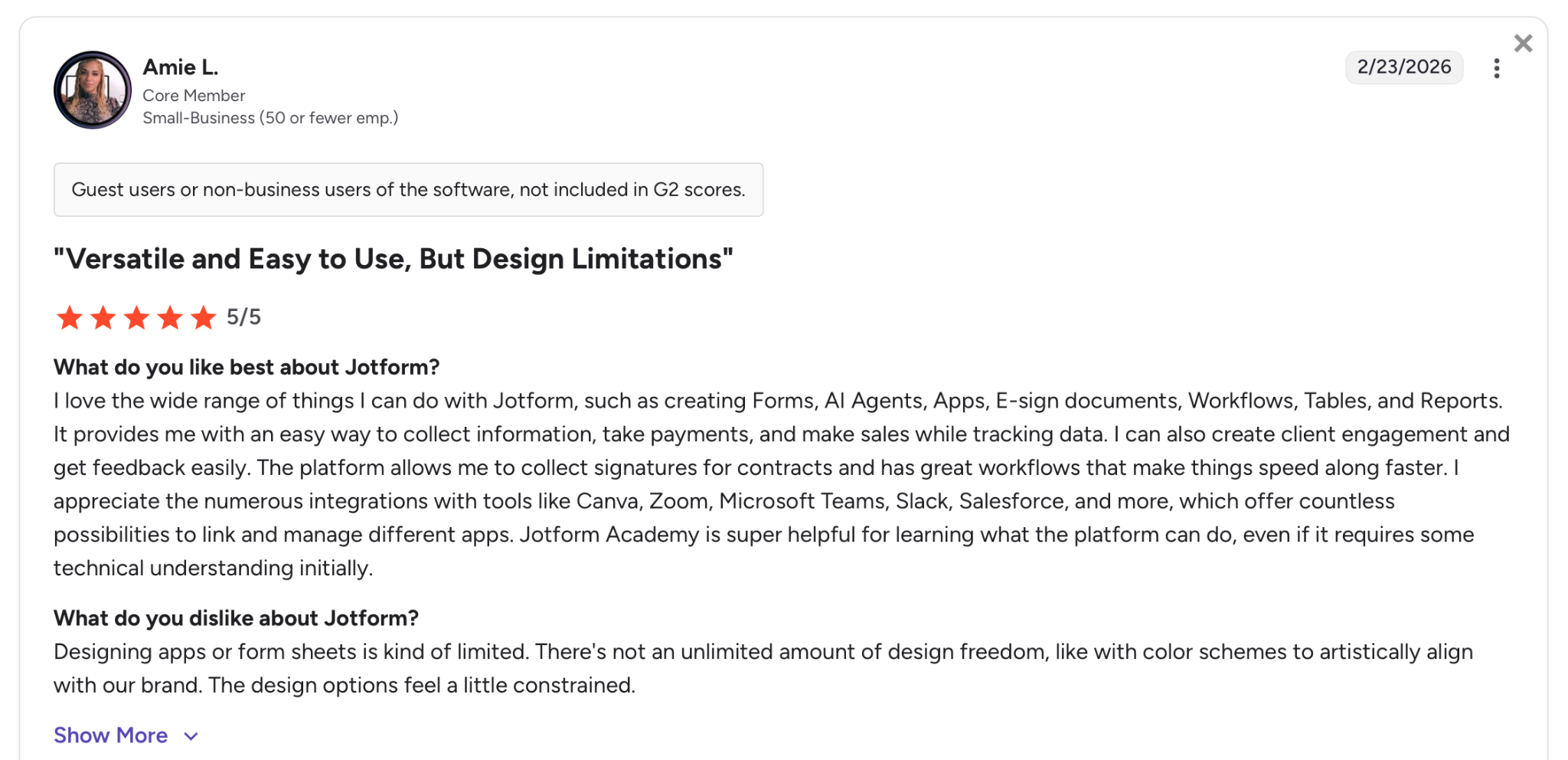
"Designing apps or form sheets is kind of limited. There's not an unlimited amount of design freedom, like with color schemes to artistically align with our brand." — Amie L., G2
Pricing
Jotform is free to start with 5 active forms, 100 monthly submissions, 5 AI Agents, and 3,000 monthly voice call minutes included. Bronze is $39 per month billed monthly (or $34 per month billed annually), which raises the limits to 25 active forms.
Bottom Line
Jotform is worth considering for teams that need AI-driven conversations, voice handling, and data collection running together from a single platform. The free plan caps at 5 active forms and 100 submissions per month, so treat it as an evaluation before committing.
9. Anything: Best for Mobile-First Builds with a Useful Free Tier
What it does: Anything turns plain-language prompts into native iOS, Android, and web apps sharing a single backend, with Stripe payments, image generation, and automatic error fixing included.
Best for: Non-technical builders who want to ship to the App Store and the web from a single project at no cost, without having to configure a backend.
Anything is the least well-known tool in this comparison and one of the more capable on the free tier. I tested it by describing a habit tracker with user authentication, push notifications, and payment integration.
The agent searched API documentation on its own, generated the relevant code, and fixed three errors automatically without a single follow-up prompt.
The web app and the App Store build come from the same project, with no separate mobile workspace or extra subscription. The design quality was noticeably above what I expected for a tool at this price point.
Key Features
- Mobile and web from one project: Build a native iOS app, an Android app, and a web app from a single project and a single prompt, sharing the same backend logic throughout.
- Web search for API documentation: Anything searches the web for API docs, references, and examples during a build, so external integrations skip manual configuration and separate API key setup.
- Self-healing error detection: Detects and fixes errors without breaking build context or requiring a new prompt, and explains issues in plain English so non-technical builders stay unblocked.
- Voice input for builds: Describe what you want to build or change using your voice directly from the iOS app. Available on Anything Mobile.
- Multi-agent parallel builds: Run multiple agents simultaneously to build different parts of the same project at the same time. Available on the Max plan.
Pros and Cons
Pros:
- Native iOS, Android, and web from a single project with shared backend logic, with no separate mobile workspace or additional subscription required
- Automatic web search for API docs means integrating external services happens inside the build without switching context
- Scales to over 100,000 lines of code through automatic refactoring, a ceiling that similar tools tend to reach much sooner
Cons:
- Private builds and custom domains require upgrading, so everything on the free tier is public with Anything branding
- Less established than Bolt.new or Lovable with a smaller community and fewer third-party resources when a build gets stuck
What Users Say
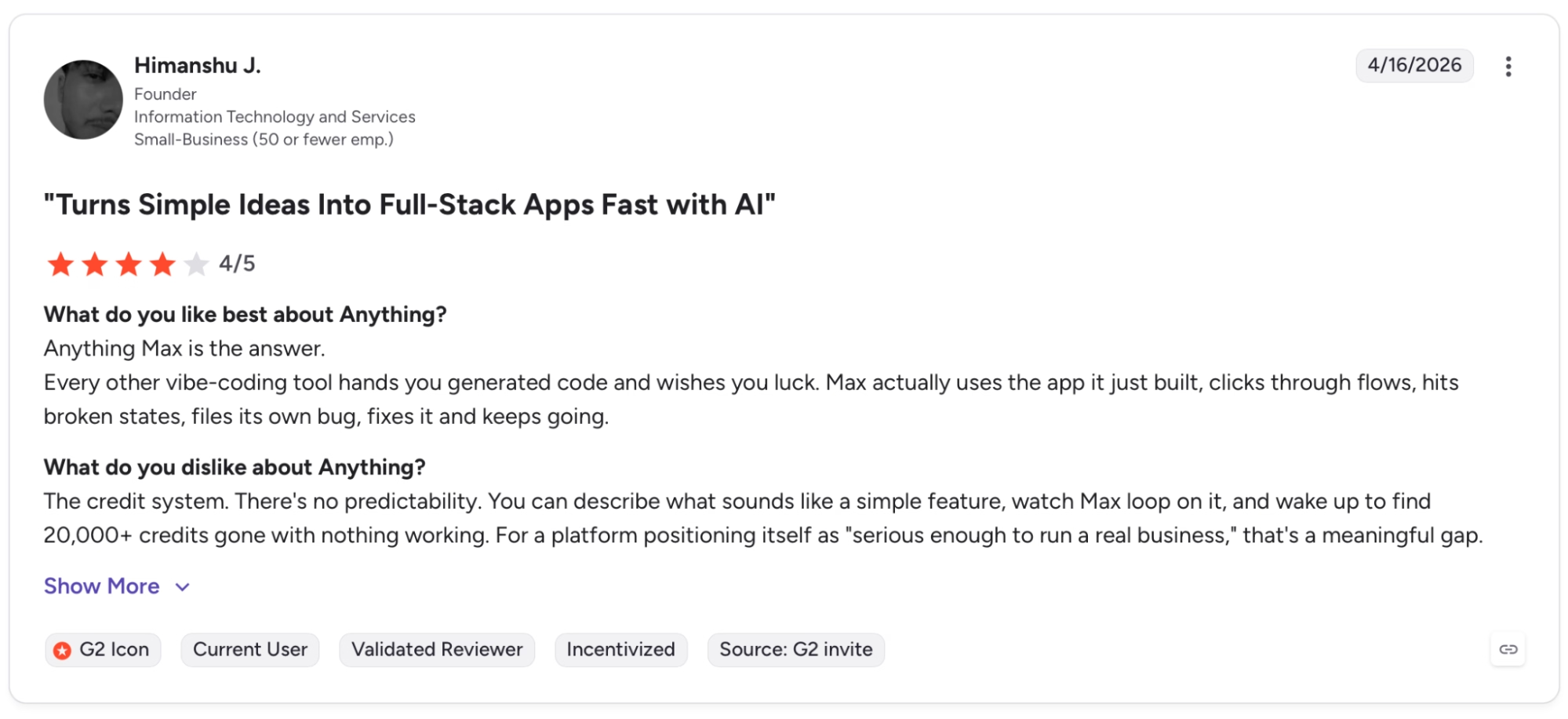
"Max actually uses the app it just built, clicks through flows, hits broken states, files its own bug, fixes it and keeps going." — Himanshu J., G2
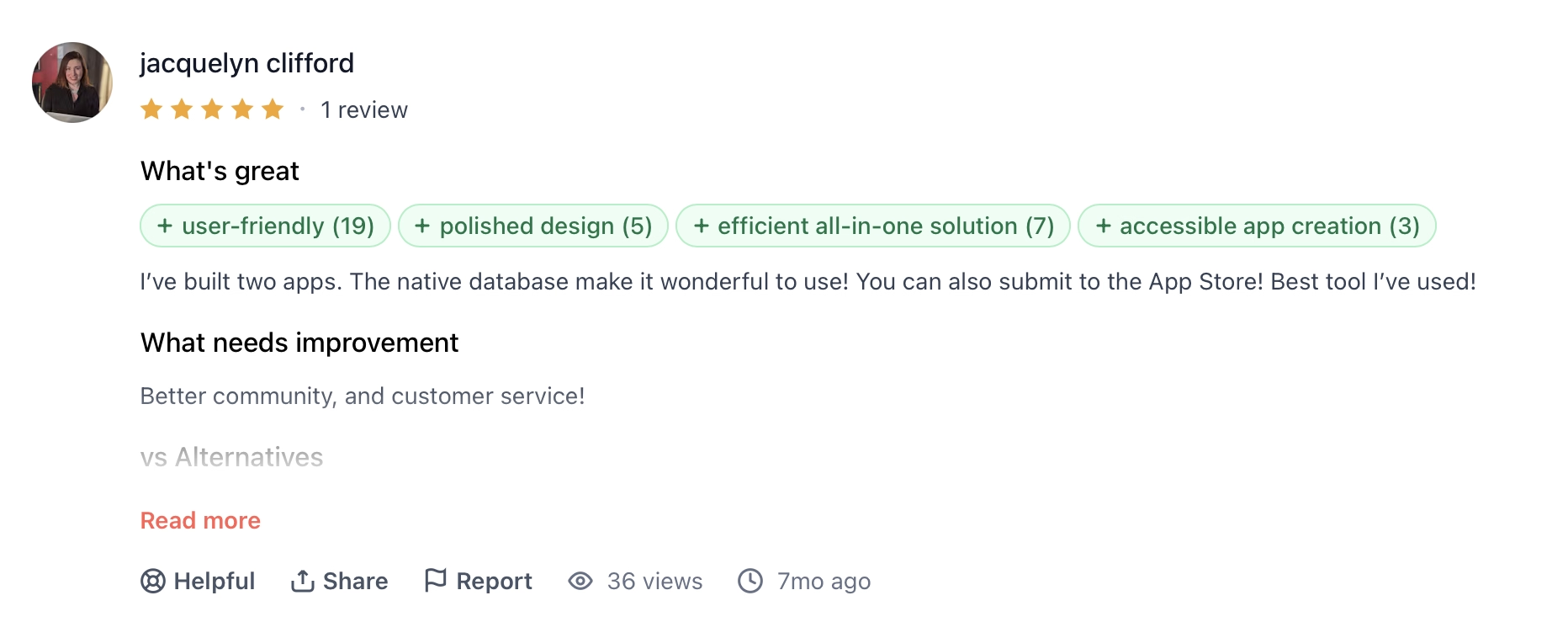
"What needs improvement: Better community, and customer service!" — Jacquelyn Clifford, Product Hunt
Pricing
Anything is free to start with 3K monthly credits plus daily, web and mobile publishing, and AI integrations included. Pro 20k is $24 per month, billed monthly, (or $19 per month, billed annually).
Bottom Line
Anything is a capable free option for anyone whose primary goal is shipping to the App Store and the web from a single project without paying. The free tier covers mobile and web and includes payments. The trade-off is that private projects and custom domains require upgrading.
Which Free AI App Builder Should You Choose?
The right tool depends almost entirely on what you're building and whether you need mobile alongside the web.
Choose Bolt.new if you:
- Want the most generous free tier for web app builds, with 1M tokens per month, hosting, unlimited databases, and deployment included
- Need full code access alongside AI generation without switching to an external editor
- Are a developer or technical founder who wants to stay close to the code while moving fast
Choose Lovable if you:
- Care about exportable, production-quality code with a clean GitHub trail
- Need Plan mode to review the agent's approach before any code changes, especially on involved data structures
- Are a non-technical founder who wants strong default design quality from the first generated output
Choose Replit if you:
- Prefer an autonomous agent that builds, tests, and self-corrects with minimal supervision
- Need everything to run in the browser with zero local installation, including on a tablet or secondary device
- Are building an app that needs a database, server-side logic, and deployment all handled in one place
Choose Emergent if you:
- Need web and native mobile from a single workspace with no separate configuration
- Want Stripe payments, authentication, and hosting wired in from the first prompt
- Are building a product that needs to go to the App Store and Google Play alongside a web URL
Choose v0 if you:
- Already work in Next.js, Tailwind, or modern frontend frameworks and want to stay in your stack
- Need one-click deployment to Vercel's production infrastructure from the first build
- Want Design Mode for visual editing alongside code generation in the same interface
Choose Figma Make if you:
- Already have a Figma design system and want generated apps to inherit it automatically
- Are a designer or PM who needs to validate a product idea without leaving the design workspace
- Want to export code context to AI coding agents like Cursor or GitHub Copilot for the production handoff
Choose Glide if you:
- Have business data already living in a Google Sheet, Airtable base, or Excel file and need an app interface on top of it today
- Are building an internal tool for an operations or field team, not a customer-facing product
- Handle sensitive business data and need SOC 2 Type 2, GDPR, and CCPA compliance out of the box
Choose Jotform if you:
- Need AI Agents handling customer conversations across chat, voice, and SMS from a single platform
- Process payments and need zero transaction fees across 40+ gateways including Stripe and Square
- Are in a healthcare-adjacent use case and need HIPAA-friendly mode with BAA support
Choose Anything if you:
- Want a free path to shipping on the App Store and the web from a single project
- Need a build agent that searches API documentation automatically and fixes errors without breaking context
- Are you a non-technical founder building a mobile-first product and want a working version before paying
Skip this category entirely if you:
- Are you a senior engineer on a large production codebase, where a dedicated AI code editor like Cursor or GitHub Copilot is a better fit
- Need a native desktop app, since none of these tools target that output
- Have specific enterprise compliance requirements, so verify directly with the vendor before committing
The Bottom Line
Bolt.new's free tier holds up better than anything else here for web app builds, with no credit card required and a 1M token monthly allowance. If the web is all you're building, start there.
If mobile is part of the plan, Anything ships to the App Store and the web from a single free project. Emergent covers the same ground with a tighter credit limit, and adds payments, authentication, and managed hosting already configured.
Several of these tools have a free tier worth thirty minutes of testing. Pick two or three that match your use case, build the same thing on each, and you'll know which one works before you see a paywall.

Most AI app builders stop at prototypes. Emergent creates production-ready apps you can actually launch.
- Production-ready apps
- Web & mobile apps
- Deploy in minutes







