



Google Antigravity pricing starts at $0/month on the Individual plan and tops out at $200/month for the top Google AI Ultra tier, with an Organization plan through Google Cloud for teams that need enterprise terms.
What you pay comes down to how your weekly usage stacks up against each tier's rate ceiling, which Google can adjust as capacity requires.
We pulled every number from Google's official Antigravity documentation and its May 2026 plan-change announcement, which restructured the paid tiers and adjusted quotas.
The plan breakdown below covers each tier in full, with the rate-limit rules that put the prices in context.
Google Antigravity Pricing Plans at a Glance
| Plan | Price | Best For | Key Features |
|---|---|---|---|
| Individual | $0/month | Testing Antigravity before paying | Multi-model access, unlimited Tab completions, basic weekly rate limits |
| Google AI Pro | $20/month | Solo developers who've outgrown the free tier | Higher rate limits, AI credits available as overage |
| Google AI Ultra ($100) | $100/month | Regular users who hit Pro's weekly ceiling | 5x the token rate allowance of Pro |
| Google AI Ultra ($200) | $200/month | Power users running sustained agent workloads | 20x the token rate allowance of Pro (down from $250) |
| Organization | Custom via Google Cloud | Teams needing enterprise billing and governance | Consumption-based API pricing under Google Cloud Terms of Service |
The four self-serve tiers are flat monthly prices for one user. The Organization plan bills by consumption through Google Cloud, so its cost scales with usage rather than a fixed seat rate.
How Google Antigravity's Rate Limits and Credit System Work
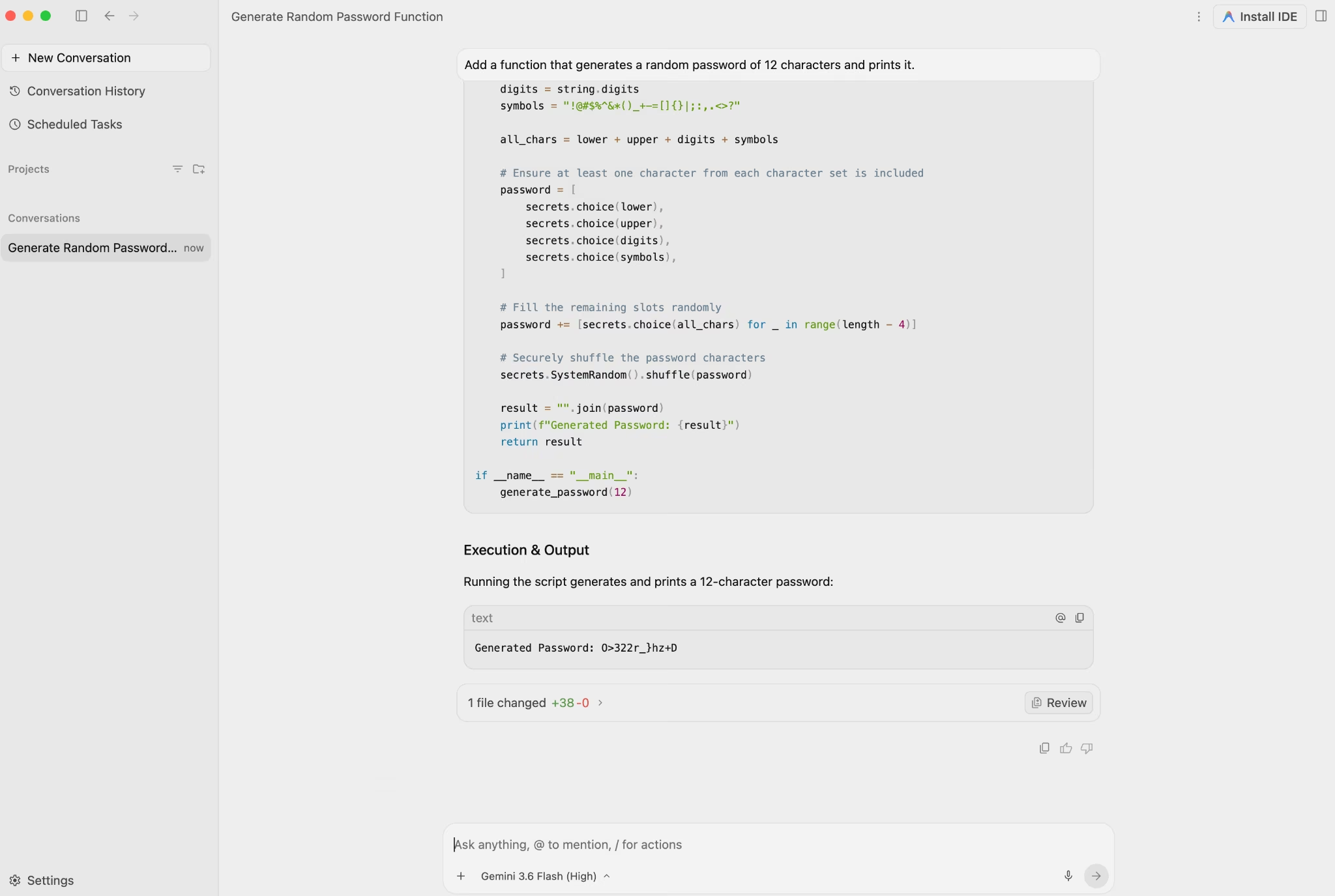
Every Antigravity plan runs on rate limits that cap agent usage over a rolling window. Competing tools tend to meter a monthly credit pool instead. All plans get full product features and unlimited Tab completions, and the ceiling rises with each paid tier.
Refresh timing splits by plan. Paid plans top up every five hours until you hit the weekly limit, while the free tier only resets once a week.
The May 2026 plan changes reshaped how those limits are drawn. Google combined Gemini Flash and Gemini Pro into a single shared rate-limit pool, priced per API, while non-Gemini models (Claude Sonnet 4.6, Claude Opus 4.6, and gpt-oss-120b) remain on a separate, fixed limit due to capacity constraints.
That same update also restructured the paid tiers. Google added a $100/month Ultra plan for developers with lighter but regular needs, and cut the top Ultra plan from $250 to $200 per month.
One caveat runs across all of them. Google's own plan documentation says usage limits are "subject to modification" to manage capacity and maintain stability, and that note sits in plain view on the plans page rather than in fine print.
What shapes Antigravity costs:
- How the limits work: Each plan has a usage ceiling. Paid plans refresh every five hours until the weekly limit is reached, and the free tier refreshes weekly. An intense sprint can push you to the cap faster than a monthly-credit model would.
- Shared Gemini pool: Gemini Flash and Gemini Pro draw from the same limit. Heavy Flash use eats into your Pro model capacity.
- Separate non-Gemini limit: Claude and gpt-oss models run against their own, fixed cap.
- AI credits as overage: Google removed AI credits from the base plans. They now work only as an overage mechanism once your baseline quota is exhausted, consumed at standard Gemini Enterprise Agent Platform pricing. Credit pricing shows in your account when logged in.
- No rollover: Unused weekly allowance doesn't carry to the next week. A slow week doesn't bank anything.
Keeping costs under control:
- Run a test week before committing. One week at your normal working pace tells you whether Pro covers your usage or whether you'll need Ultra.
- Set a spend cap before your first heavy session. Overage charges accrue without a hard stop unless you set one.
- Match the model to the task. Heavier models cost more against your weekly allowance. Default to Gemini Flash for routine tasks and route to Claude or gpt-oss only when the task calls for it.
Choosing the right platform often comes down to features, flexibility, and cost, and Best Google Antigravity Alternatives and Competitors looks at how the top options compare.
Google Antigravity Pricing Plans Breakdown
Individual: $0/Month
What's included:
- Agent model access to Gemini 3.5 Flash, Gemini 3.1 Pro, Gemini 3 Flash, Claude Sonnet & Opus 4.6, and gpt-oss-120b
- Unlimited Tab completions
- Full access to product features
- Basic weekly rate limits on agent usage
Best for: Developers who want to test Antigravity's multi-agent workflow without paying first.
Pros:
- No cost to start, with no credit card required.
- Multi-model access on the free tier, including Claude Sonnet 4.6 and Claude Opus 4.6, is an uncommon free-tier offer. Many competing tools limit free users to a single model.
- Full feature access from day one.
Cons:
- Basic weekly rate limits can run out quickly during active build periods. Google doesn't publish the exact numbers publicly.
- Free-tier quota refreshes only once a week, so after a demanding day, you're waiting far longer for a reset than paid users on the five-hour cycle.
- Google's plan terms let it adjust usage limits to manage capacity, and the free tier carries that same caveat as the paid ones.
Google AI Pro: $20/Month
What's included:
- Everything in Individual, plus more generous weekly rate limits
- The option to use purchased AI credits for usage beyond your plan's weekly ceiling
Best for: Solo developers who use Antigravity regularly throughout the week and have outgrown what the free tier allows.
Pros:
- At $20/month, it matches Cursor's $20 Individual plan and Replit Core's $20 monthly rate.
- If you already pay for Google AI Pro for other Google services, Antigravity access is included at no extra charge.
- Purchased AI credits give you a buffer past the weekly limit without hitting a hard stop immediately.
Cons:
- Weekly resets still apply. Once the weekly cap is hit, the five-hour refresh stops until the week rolls over.
- The step up to $100 Ultra is a 5x jump, so once you outgrow Pro, there's no gentle middle tier to land on.
- The credit-to-token conversion rate isn't publicly disclosed, which makes cost planning difficult for anyone running consistent workloads.
Google AI Ultra ($100): $100/Month
What's included:
- Everything in Pro, plus a rate limit worth 5x the tokens of the $20 Pro plan
- Overage usage available through purchased AI credits
Best for: Developers who hit Pro's ceiling regularly and need meaningful headroom without committing to the top tier.
Pros:
- Google added this tier in its May 2026 plan changes for developers with lighter but regular needs, giving a step between the $20 Pro plan and the $200 top tier.
- Five times Pro's token allowance is a substantial jump if you put in several intensive sessions a week.
Cons:
- There's no step between Pro and this tier, so a $20 plan jumps straight to $100.
- And 5x is a weekly number, so how you spread the work across the week counts for as much as the headline figure.
Google AI Ultra ($200): $200/Month
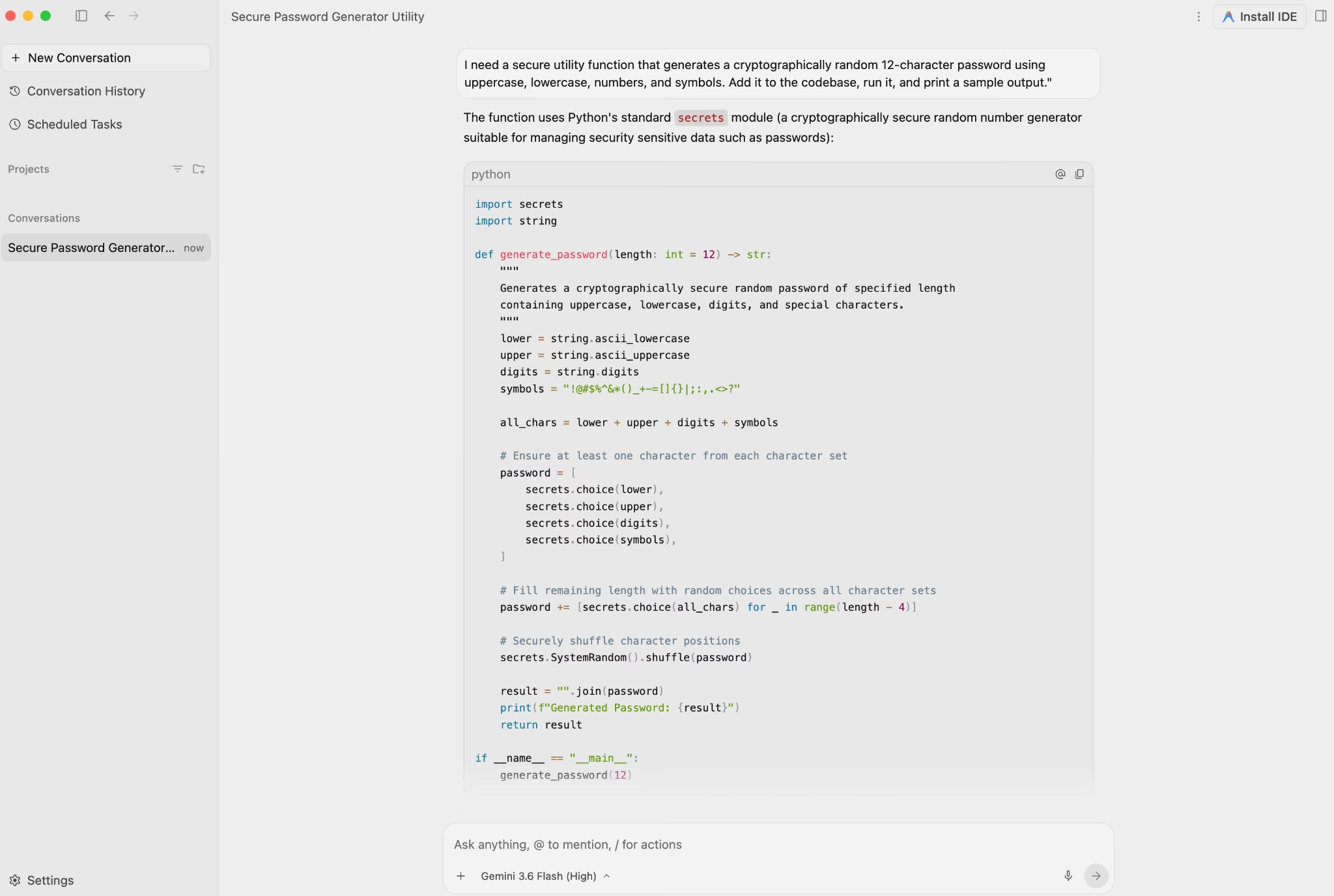
What's included:
- Everything in Pro, plus a rate limit worth 20x the tokens of the $20 Pro plan
- Google's highest self-serve rate ceiling
- Overage usage available through purchased AI credits
- Reduced from the previous $250/month price point
Best for: Power users running sustained, high-volume agent workloads where hitting weekly limits would be a recurring problem at lower tiers.
Pros:
- 20x Pro's token allowance is the highest ceiling Antigravity offers outside the Organization plan.
- The price dropped from $250 to $200/month in the May 2026 changes, a $50/month cut for anyone already at this tier.
Cons:
- $200/month is a lot for one developer to carry, and the same capacity caveat applies here as on every tier.
- Even at the top self-serve tier, a full week of sustained work can still hit the weekly cap. The limit rises with the tier but stays finite.
- Teams that need enterprise governance or Google Cloud integration still need the Organization plan through Google Cloud.
Organization Plan: Via Google Cloud
What's included:
- Access to Antigravity 2.0 and CLI through the Gemini Enterprise Agent Platform on Google Cloud
- Consumption-based API pricing under Google Cloud's billing model
- Google Cloud Project integration
- Access governed by Google Cloud Terms of Service
Best for: Organizations that need enterprise procurement, governance, or access that self-serve subscriptions can't cover.
Pros:
- Consumption-based pricing can be easier to forecast for large teams whose usage stays steady enough to estimate.
- Access through an existing Google Cloud relationship means no separate vendor contract to manage.
- Backed by Google Cloud's broader enterprise infrastructure.
Cons:
- Requires a Google Cloud setup, not a self-serve upgrade from the $200/month tier.
- Pricing is custom and requires a conversation with Google Cloud before you can budget for it.
- Enterprise use runs under Google Cloud's Terms of Service and data governance. Teams with specific compliance requirements should confirm current status through their Google Cloud contact before signing.
Which Google Antigravity Plan Should You Choose?
Choose Individual if you:
- Want to test Antigravity's multi-agent workflow at no cost.
- Use agents occasionally rather than on a daily or weekly schedule.
- Are comfortable with weekly rate limits that Google hasn't published specific numbers for.
Choose Google AI Pro if you:
- Use Antigravity consistently but at a pace that Pro's limits can cover.
- Want an affordable step up from the free tier without committing to a $100/month plan.
Choose Google AI Ultra ($100) if you:
- Run into Pro's weekly cap regularly and need more than a modest increase in headroom.
- Want the mid-tier Google added for lighter but regular development needs.
- Can model your workload well enough to know whether 5x Pro covers your typical week.
Choose Google AI Ultra ($200) if you:
- Run heavy, sustained agent workloads throughout the week as your primary development environment.
- Have outgrown the $100 tier and need the highest available self-serve rate limit.
- Were previously on the $250/month tier and benefit from the price reduction.
Choose Organization if you:
- Need enterprise procurement terms, governance controls, or Google Cloud integration.
- Are deploying Antigravity access across a team that needs consistent, predictable billing.
- Require terms, support, or compliance beyond what any self-serve plan offers.
Is Google Antigravity Worth the Cost?
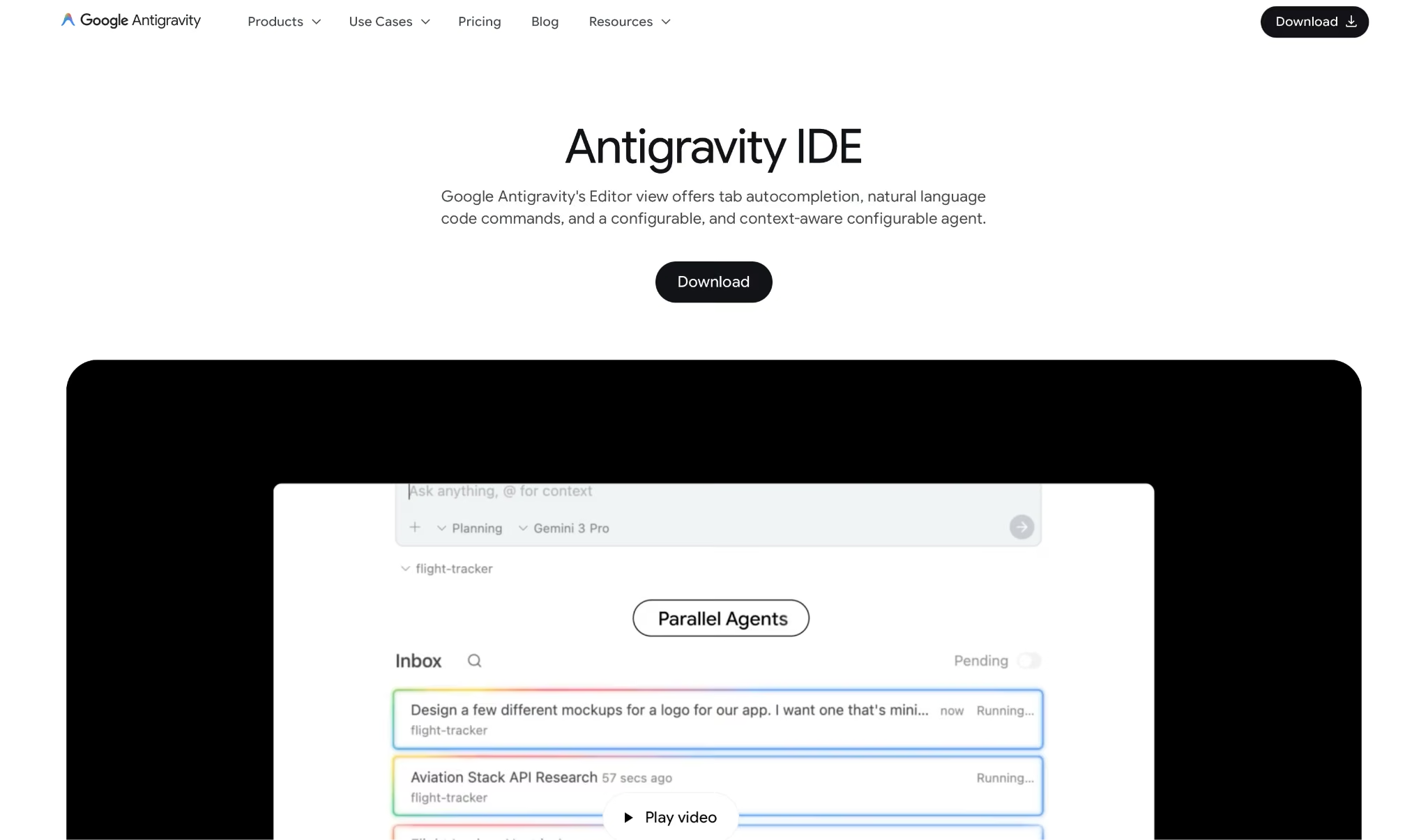
Google Antigravity pays off if you already live in Google's toolset and want to run agents in parallel without moving to another platform.
The strongest argument sits at $20/month on AI Pro, where you can run several agents at once and route tasks across Gemini, Claude, and gpt-oss models from a single interface.
The weak point is access consistency. Google's own plan documentation says usage limits are "subject to modification" to manage capacity, and the May 2026 restructuring of tiers and quotas showed those terms can move with demand and compute constraints.
Antigravity is worth it if you:
- Already pay for Google AI Pro and want parallel agent workflows without a second subscription.
- Work on focused, bounded engineering tasks where running multiple agents in parallel cuts turnaround time.
- Can run a test week before committing to a paid tier and know what your weekly usage looks like.
- Can absorb an occasional access interruption when weekly limits are hit.
Skip Antigravity if you:
- Need guaranteed daily uptime. Google's plan terms let it modify usage limits to manage capacity, so a fixed ceiling isn't promised.
- Want predictable monthly billing. Rate limits that reset and that Google reserves the right to change are harder to budget for than a monthly credit pool.
- Are building without a codebase. Antigravity requires an existing repository and developer familiarity. Going from idea to working software without writing code calls for a different category of tool.
- Need enterprise governance or Google Cloud integration. Those run through the Organization plan, not the self-serve tiers.
Google Antigravity Alternatives and Pricing Comparison
How Antigravity's pricing compares to other AI coding and app-building tools:
| Tool | Starting Price | Best For | Key Advantage |
|---|---|---|---|
| Emergent | Free tier available; paid plans from $20/month | Non-technical founders who want to turn an idea into a real, working app without touching code | Login, hosting, and payments included, with no codebase required |
| Cursor | Free (Hobby); Individual from $20/month | Developers who want predictable billing and polished AI-assisted code editing | Flat monthly pricing, cloud agents, broad IDE integrations |
| Replit | Free (Starter); Core $20/month or $18 billed annually | Builders who want cloud IDE, hosting, and databases in one place | Full Agent, deployments, and databases under one credit pool |
If you’re weighing these platforms for your next project, Replit vs Base44 vs Emergent: Which Would I Recommend? offers a practical comparison of how they differ in real-world use.
Google Antigravity vs Emergent: Which Fits Your Build?
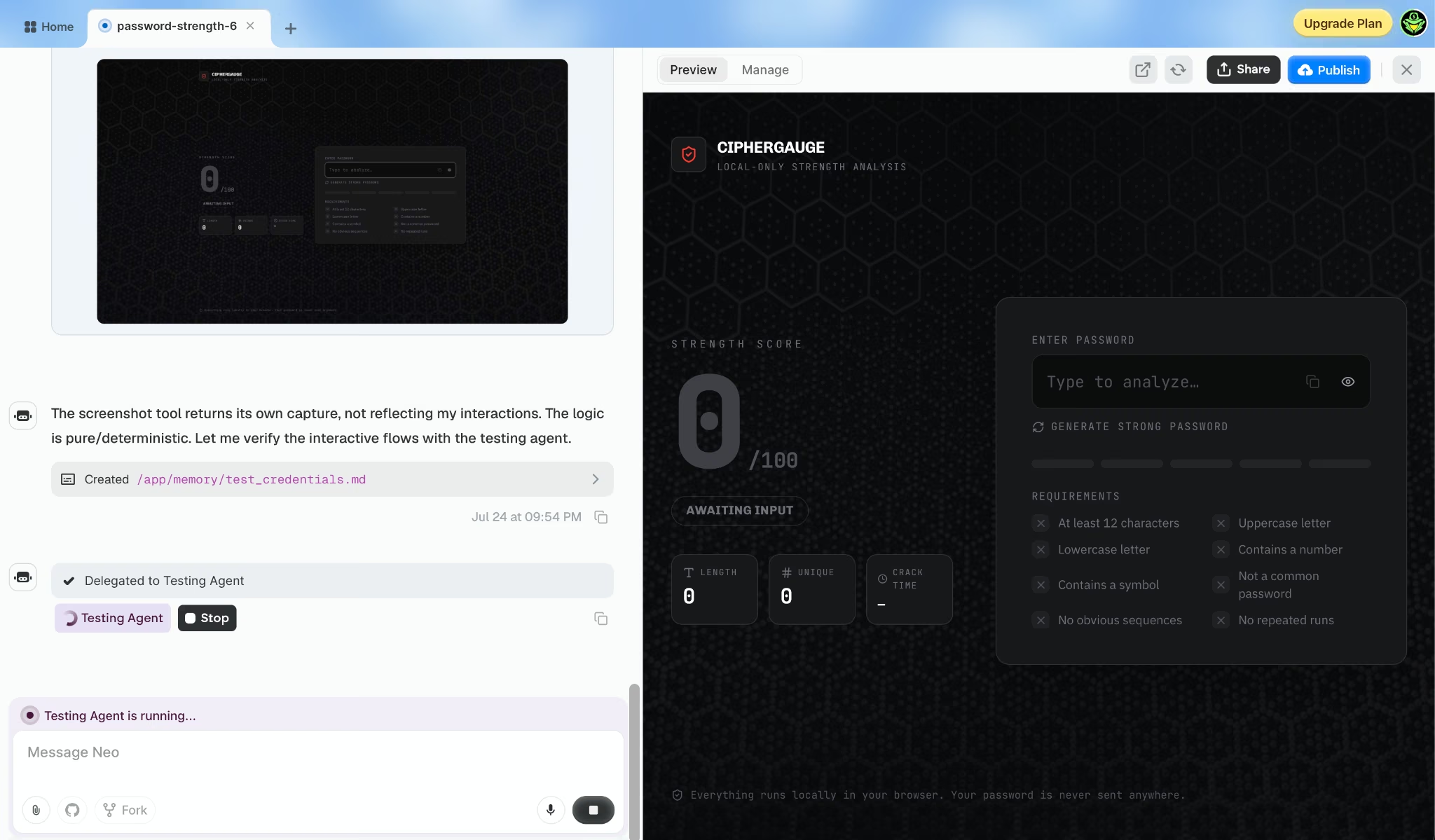
Antigravity and Emergent both use AI agents to build software. Where they part ways is what they expect from you before the agents start working.
Antigravity is a developer-first platform. You bring an existing codebase, connect it through GitHub, and dispatch agents to work through engineering tasks in parallel.
Antigravity 2.0 gives you a central UI to launch, monitor, and orchestrate those agents, and each one produces Artifacts that communicate its progress as the task runs.
The trade-off is setup. It requires GitHub, assumes you're comfortable with a terminal and a code editor, and leaves the infrastructure decisions to you.
Emergent starts from a description. You say what you want the app to do, and Emergent's coordinated agents plan the work and build it behind the scenes, then test what they ship, with no existing codebase or configured terminal on your end. They suggest next steps, like adding payments or an email capture, as the work progresses.
Emergent also connects to the tools that run the business side of what you're building:
- GitHub for version control and developer handoff
- Stripe for payments, subscriptions, and checkout flows
- Notion for database-backed apps and Notion-based workflows
- Google Sheets for spreadsheet-based apps and internal tools
- Slack for team alerts, approvals, and collaboration
- HubSpot for CRM and lead management workflows
You can also pull in external data and context through the Emergent MCP Connector, which lets agents work with your existing tools as they build.
Antigravity fits if you already have a codebase and want to run agents in parallel on it. If you're starting from an idea with no code to build on, Emergent is the closer fit. Skip the quota math and build your app on Emergent.
The Bottom Line on Google Antigravity Pricing
On the sticker price alone, Antigravity sits in the same band as the category. $0 for multi-model free access and $20/month for the first paid step; it sits right at the category's $20 entry point, level with Cursor and Replit Core.
The bigger cost driver is everything around the sticker price: the weekly limits, the resets, and Google's room to change them.
Rate limits that reset, and that Google reserves the right to modify, are harder to plan around than a monthly credit pool. The May 2026 restructuring of tiers and quotas is proof that the terms can move under you after you subscribe.
If you're a developer who can absorb that uncertainty, run a test week before committing to any paid tier and set a spend cap before your first heavy session.
If you want a tool that turns an idea into a real, working app without you having to manage rate limits, access caps, or a codebase, Antigravity is a long way from that. An AI app builder is where to start.
That's the job Emergent was made for.

Most AI app builders stop at prototypes. Emergent creates production-ready apps you can actually launch.
- Production-ready apps
- Web & mobile apps
- Deploy in minutes







