

Introduction
The goal of this project was to build a full-stack social ranking app where users can discover the best restaurants in any city and influence the rankings through upvotes and downvotes. The app also needed to support user-generated content, reviews, restaurant submissions, city search, autocomplete, and a clean modern UI.
To power this experience, the agent integrated and combined multiple data sources:
APIs used:
- OLA Maps Places API for primary restaurant data
- OpenStreetMap Overpass API for fallback restaurant and location data
- Unsplash for cuisine-specific placeholder images
This combination ensured that even cities with limited results from one provider still returned useful and rich restaurant information.
The Complete Journey
Step 1: The Initial Prompt
The agent began with this clear request:
I want to build a social ranked list of the best restaurants in cities
around the world. The data should be fetched from the Worldwide Restaurants
API from RapidAPI

Once shown on the homescreen, users can upvote/downvote a restaurant to
control the list of the best restaurants.
This defined the initial functionality, the data source, and the user interaction model.
Step 2: Clarifying Questions
Before building, the agent asked four key questions to solidify the requirements.
| Question | Answer |
|---|---|
| How should users choose cities | A search bar where users can search and select cities |
| Should users log in to vote | Yes, login required |
| What design direction should the UI follow | TripAdvisor color palette and layout style |
| Should restaurant details and search be included | Yes to both |
These answers defined the foundation for the user experience and data model.
Step 3: Iterative Development
After building the MVP, the agent refined the app through iterative feedback.
Iteration 1: Fixing broken data from the initial API
The data was unreliable, so the agent suggested switching to OpenStreetMap.
Result: reliable, free, global data source
Iteration 2: Integrating OLA Maps
The user provided OLA Maps credentials.
Result: OLA became the main provider with OSM fallback
Iteration 3: Autocomplete enhancement
use the autocomplete API in the search bar. The search field should
show both restaurants as well as cities.
Result: unified autocomplete with category indicators
Iteration 4: Increasing restaurant density
India served too few results.
Result: expanded OSM categories and improved fallback logic
Iteration 5: Community features
allow users to add nearby restaurants with photos and allow logged in
users to add reviews with a 5 star rating
Result: user submission form and complete review system
Iteration 6: UI and username enhancements
use the prefix before @ for username, polish UI, add map view
Result: cleaner identity display and an interactive map view
Iteration 7: Full design transformation
Instructions were:
- black, white, gray with one green accent
- modern fonts
- bold contemporary layout
- keep existing card styles and icons
Result: cohesive monochrome interface
Iteration 8: Bug fix from screenshot
Overlapping elements were fixed with better boundaries, spacing, and z-index
Iteration 9: Final contrast and hover adjustments
All hover states updated to maintain readable contrast
Common Issues and Solutions
Issue: API returned broken data
Solution: switched to OpenStreetMap and then OLA Maps
Issue: Some cities had very few results
Solution: expanded categories such as cafes and fast food, improved fallback logic
Issue: Emails visible in reviews
Solution: display only the prefix before the at symbol
Issue: Identical placeholder images
Solution: use cuisine or city based images from Unsplash
Issue: Layout overlap
Solution: enforce explicit component heights and correct overflow behaviors
Issue: Poor contrast on hover
Solution: update text colors for consistent readability
How to Get APIs?
OLA Maps API
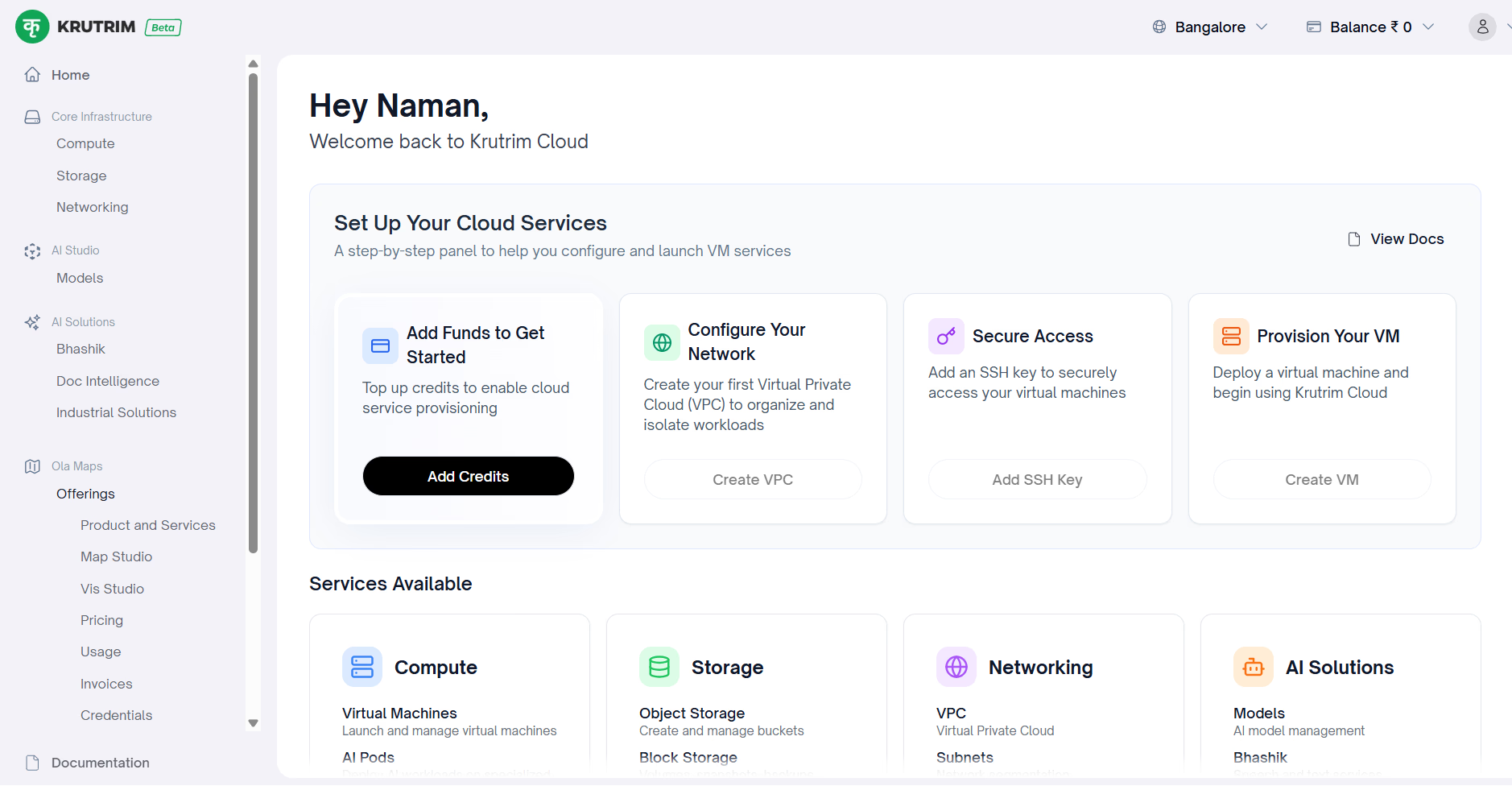
- Visit https://maps.olakrutrim.com and create an account
- Create a new project
- Generate API key, client ID, and client secret
- Enable Places API, Autocomplete API, and Nearby Search API
- Add these to your environment file:
OLA_API_KEY="your-api-key"
OLA_CLIENT_ID="your-client-id"
OLA_CLIENT_SECRET="your-client-secret"
OpenStreetMap Overpass API
No signup is required. Use:
https://overpass-api.de/api/interpreter
The Result
The final app included:
- Authentication
- Upvote and downvote system
- User restaurant submissions
- Review and rating system
- Integrated OLA Maps and OSM data
- City and restaurant autocomplete
- Map view with markers
- Monochrome UI with green accent
- Strong fallback logic for global coverage
- Mobile responsive layout
All built through conversation and precise iteration. Here's a short preview of the app and its features:

Emergent turns your idea into a full-stack web or mobile app, no coding required.
 No coding required
- Web & mobile apps
- Deploys instantly