



A rural youth skilling program in India works with unemployed young people and school dropouts across more than 50 villages. It connects them to four kinds of support: skills training, job placements, startup mentoring, and help getting a bank loan. Its outreach runs village by village, and staff work through each registration to decide which kind of support fits.
At this scale, the hard part is keeping track of every young person in enough detail to act on. That tracking has to last from the day they sign up to the day they get help. The program used Emergent's AI Web App Builder to solve this with one registration portal and staff console, without writing code. Young people now sign up through a detailed step-by-step form, while staff follow registrations and loan requests live from a single console.
Challenges
Matching a young person to the right help takes more than a name and phone number
Deciding which kind of support fits a young person depends on details a basic sign-up form never asks for. Staff need to know a person's education level, the skills they already have, and any craft they already practice at home. They need to know whether the person wants a job, wants to start a business, or is open to both. For anyone who needs a loan, they need a rough amount. Without all of this on one record, each registration turns into a follow-up conversation before anyone can act on it.
A drive across dozens of villages is hard to steer without a live view
The program signs up young people one village at a time. To plan where to go next, staff need to see which villages are signing up and which are quiet. They also need to know what people are asking for, such as AI courses, spoken English, or loan support. If these numbers only come together at the end of a drive, it is too late to change plans. Staff need them to update every time someone signs up. A map also helps, because it shows the quiet villages at a glance.
Loan requests need tracking long after the form is submitted
When a young person asks for help with a bank loan, the work has only just started. First they gather documents. Then they apply to a bank, and the bank approves or rejects the loan. If it is approved, the money is paid out. The program's public stats show hundreds of young people asking for this help. Staff need to see where each request stands, how much was asked for, and which bank is handling it, so no request gets stuck without anyone noticing.
Solution
A five-step registration form built for matching
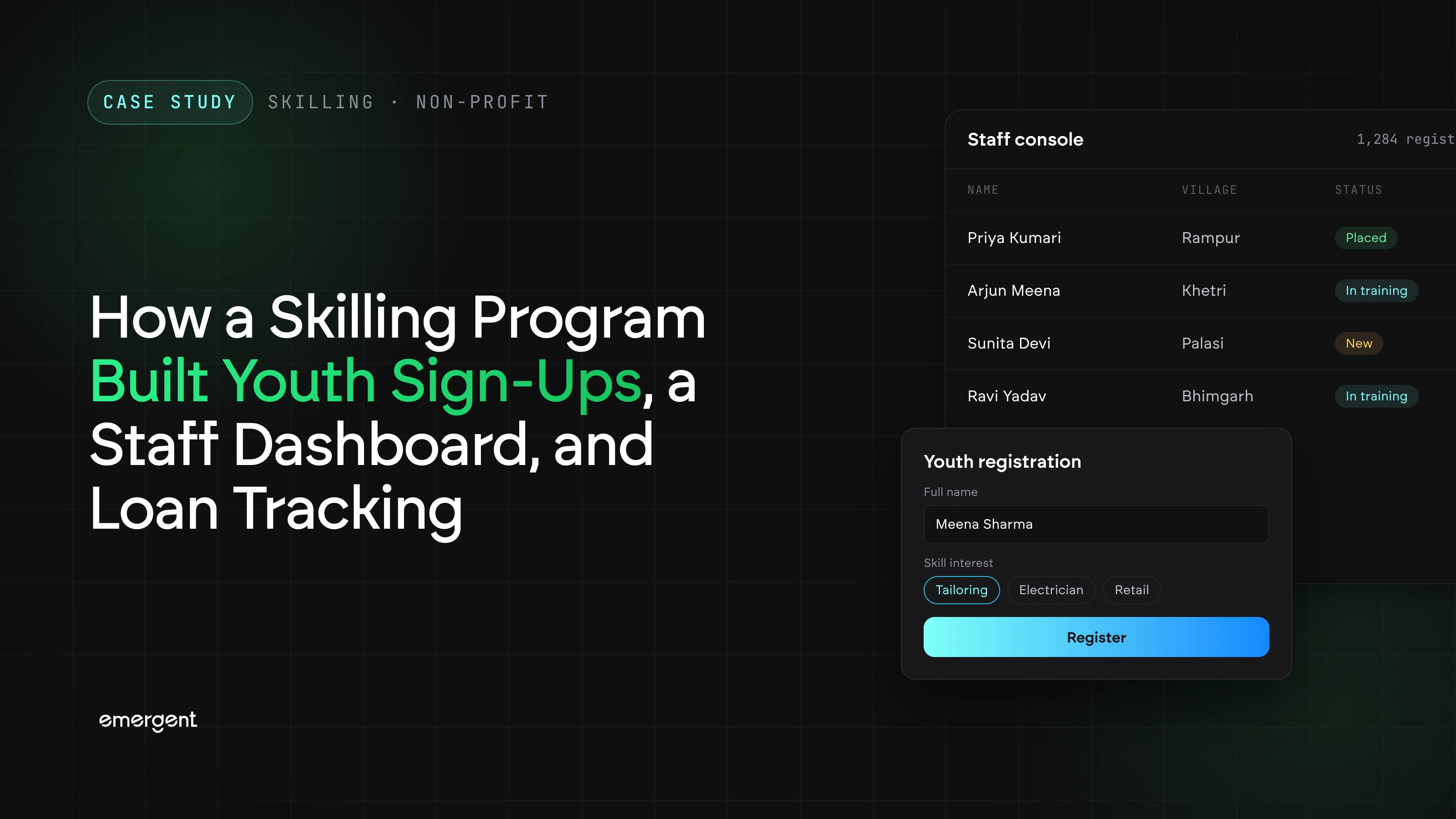
The form splits sign-up into five labeled steps, so a young person answers a few questions at a time instead of facing one long page. A progress bar marks each finished step with a green tick. A toggle in the header switches the whole form between English and the regional language.
Here is what each step asks for:
- Personal: name, gender, date of birth, mobile number, a 12-digit Aadhaar number (India's national ID), and village. The village comes from a fixed dropdown, so every entry maps to a known place.
- Education: education level and status, skills already known, and languages spoken. Two free-text boxes, each with a worked example, ask about a craft the person already practices and the skill they want to upgrade to.
- Interests: 16 domains to choose from, a searchable picker of skill-council courses, local handicrafts, and hands-on trades.
- Career: current employment status, whether they want a job, self-employment, or either, plus preferred job type and family monthly income.
- Bank & Submit: an optional startup idea and a box for loan support. Ticking the box reveals an estimated loan amount field, and a review summary shows everything entered before submission.
A staff console that shows the drive as it happens
Staff sign in through an officer login to a console that shows every registration as it comes in. The console has seven sections.
- Dashboard: live counts for total registrations, registrations today, AI upskilling interest, startup ideas, and loan support needed. Charts below show a 14-day trend, a gender split, top villages, and what people are asking for, from domains to courses.
- Registrations: every entry in one table, with search by name, mobile, or registration number, filters by village, and PDF and Excel exports. Each row is tagged automatically for AI interest, loan need, and startup ideas, and opens into the full record.
- Progress: registrations against a set target, broken down village by village.
- Heatmap: every village on a map as a circle colored by how many people have signed up. It also flags records whose village is not on the program's list, so staff can fix them.
- Bank Linkage: every loan request in one table, with its village, amount, status, and bank. Counters show how many requests sit at each stage, from Pending to Approved, Disbursed, or Rejected. Staff update a request straight from its row, and a search box and status filter pull up the ones that need attention.
- Villages: the program's village list, where staff can add or remove a village.
- Import / Export: downloads the full registration database as a CSV file, and accepts bulk CSV uploads so records collected offline can join the same database.
Public pages that guide young people before and after sign-up
The portal's public side helps young people understand what is on offer before they register, and gives them proof once they have. None of these pages need a login.
- Landing page: sets out the four kinds of support and a three-step path: register, get matched, and grow. Buttons lead straight to the registration form.
- Course catalog: 60 skill-council courses that can be filtered by council or searched. Each card shows the course duration, level, and a note on how AI applies to that trade, with an Express interest button that opens the form.
- Registration certificate: shown the moment the form is submitted. It carries a unique registration number, the person's key details, and their Aadhaar number masked to the last four digits. It can be printed or saved as a PDF.
- Stats page: the headline numbers for the whole drive, top domains, and top villages, with a button to register. At the time of recording, it showed more than 2,000 youth registered.
Read more: How to Create a Portal Website in 8 Steps (2026 Guide)
Conclusion
The main lesson here is simple: ask for the right details at sign-up. When each registration already holds a person's education, interests, goals, and loan needs, staff can decide how to help without chasing more information. The live console then shows staff where to focus next, whether that is a quiet village or a stuck loan request. Everything sits in one database, so no one has to copy data between tools.
If your organization runs sign-up drives, training programs, or community outreach, you can build the same kind of portal on Emergent. Describe the questions your form needs to ask, what your staff need to see, and how each request should move from one stage to the next. Emergent turns that description into a working web app, with a public side for the people you serve and a staff side for your team.
Emergent turns your idea into a full-stack web or mobile app, no coding required.
 No coding required
- Web & mobile apps
- Deploys instantly


on Emergent today




