


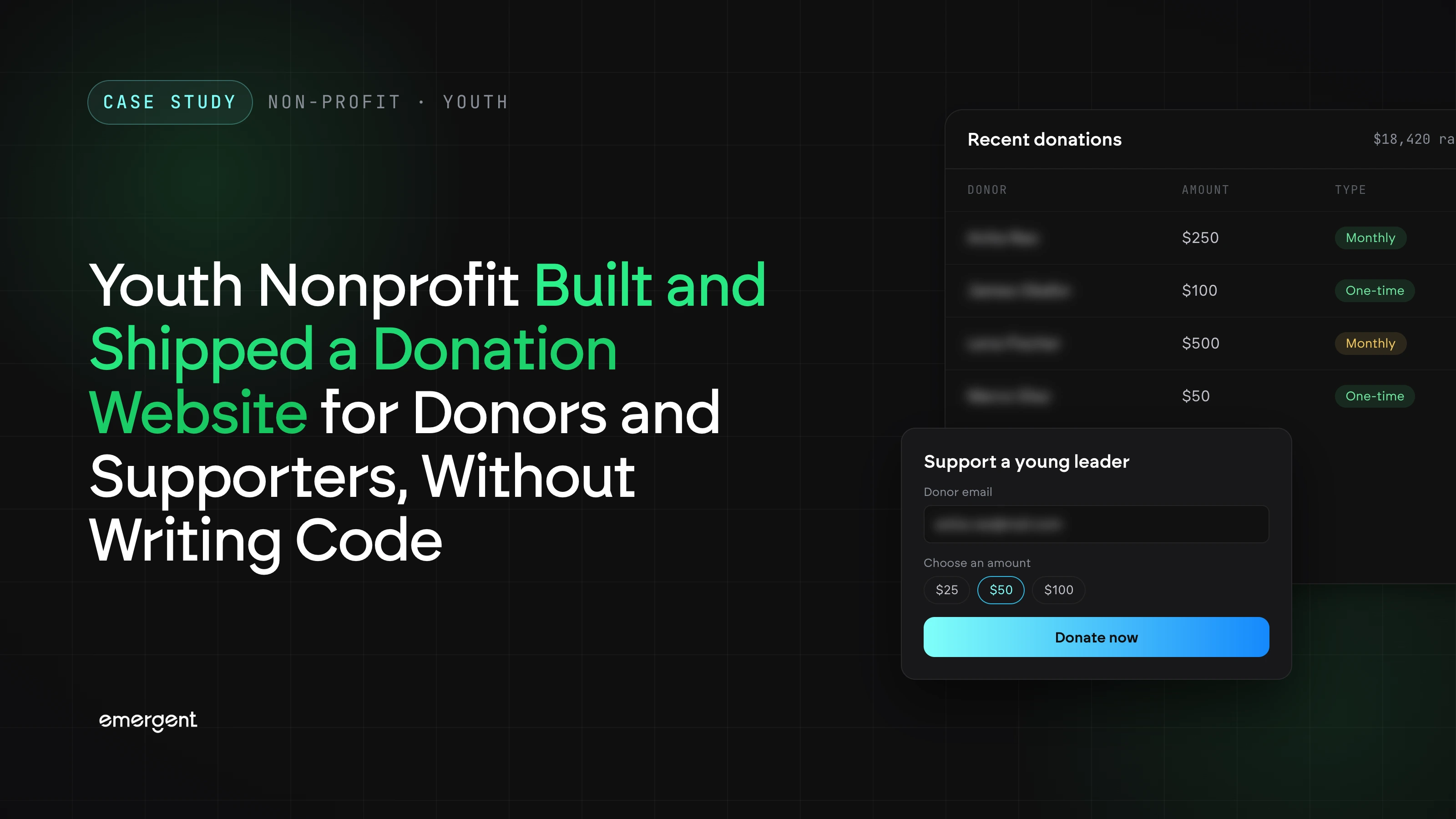
A youth-development nonprofit in the United States runs education, wellness, and career programs for young people. It raises money in three ways at once: general gifts, community fundraising events, and a separate fund set up for one cause. The organization had no in-house development team. Its challenge was getting all of that online in a way donors could follow. A basic site with a single donate button could not show donors what each gift pays for, or keep those three asks apart.
Using Emergent's non-profit website builder, the team built its public website and donation system without writing code. The site combines program pages, a donation page with three giving flows, and a Stripe checkout. Supporters now pick an amount, see what it covers, and pay by card or Apple Pay. A banner on the homepage announces the next fundraising event, and a Donate Now button on every page leads to the donation page.
Challenges
One website had to carry three different fundraising asks
The nonprofit raised money through general gifts, a community fundraising event, and a named special fund at the same time. Each one needed its own message. An event donor needed the date, the time, and what the event would pay for. A fund donor needed to know the money went to one specific area. A single generic donate form would have blurred all three. The site had to keep each ask separate while sending every gift to the same checkout.
General donors could not see what a gift would pay for
Separating the asks solved only part of the problem. General gifts funded three very different programs: technology education, mental wellness support, and trade certifications. Each one costs a different amount to deliver. Workshop supplies cost far less than a full trade certification. An empty amount field gave a supporter no sense of what their money would do. The site needed to tie each amount to a concrete use.
A date-bound event needed a path to it from every page
The event added one more problem: it had a fixed date. Many visitors land on program pages, the gallery, or the contact page instead of the homepage. If the event lived only on the homepage, those visitors might never hear about it. The nonprofit needed the event announced up front, and a way to reach it from every page before the date passed.
Solution
Separate donation flows for events, funds, and general giving
The donation page runs three flows in order: the upcoming community event first, then a named special fund, then general gifts. Each flow has its own description, preset amounts, and a custom amount option, so the ask matches the reason for giving. In the event and fund flows, name and email are optional, so a donor can give without sharing details. A banner on the homepage announces the current event with its date and time. A Donate Now button in the header of every page leads to the donation page, so visitors anywhere on the site land on the event first.
Giving levels that show what each amount funds
General giving offers five levels, from $50 to $1,000, plus a custom option. Each level states what the gift covers, such as supplies for one technology workshop or a trade certification scholarship. A spending breakdown shows that 75% of donations go to direct program support. The program pages add context by listing each program's features and student outcomes. Donors can see what a gift will do before they choose an amount.
Stripe checkout with card, Apple Pay, and local currency
Donations move to a Stripe checkout with the chosen amount already filled in. The donor does not retype the amount or create an account. They can pay by card or Apple Pay, in US dollars or their local currency, with the exchange rate shown before payment. Stripe's Link lets returning donors save their details for faster checkout. The nonprofit runs this payment flow without writing any payment code.
Conclusion
The people who run a nonprofit's programs know what each dollar buys, which asks fit which donors, and when an event needs a push. That makes them the right people to design the site that raises the money. On Emergent, the team described what it needed and got a working public site, with program pages, a homepage event banner, a Donate Now button on every page, three separate donation flows, impact-based giving levels, a spending breakdown, optional donor details for event and fund gifts, and a Stripe checkout with card, Apple Pay, and local-currency payment.
If you are a nonprofit leader sitting on an idea that solves a clear problem for the people you serve, Emergent can take you from description to deployment in the same session.
Emergent turns your idea into a full-stack web or mobile app, no coding required.
 No coding required
- Web & mobile apps
- Deploys instantly

on Emergent today




