



I spent the past few weeks running the most talked-about generative AI tools on the kind of work I do every day, from drafting articles to building a live app. These 10 earned their spot.
10 Best Generative AI Tools: Quick Comparison
Here's the short version before the detail, so skimmers can find their fit fast.
| Tool | Best For | Standout Strength | Free Plan? | Starting Price |
|---|---|---|---|---|
| Claude | Coding and technical work | Strong coding plus a safety focus | Yes | $20/month (Pro) |
| Emergent | Turning ideas into working apps | Plans, builds, tests, and deploys for you | Yes | $20/month (Standard) |
| ChatGPT | General-purpose use | Widest feature set in one app | Yes | $8/month (Go) |
| Gemini | Google users and voice | Live voice, plus video and code | Yes | $4.99/month (AI Plus) |
| NotebookLM | Research from your own files | Source-grounded notes and podcasts | Yes | $4.99/month (Plus) |
| Perplexity | Cited web research | Answers with clickable sources | Yes | $20/month (Pro) |
| ElevenLabs | Voice and audio | Lifelike voices and cloning | Yes | $6/month (Starter) |
| Zapier | Workflow automation | 8,000+ app connections | Yes | $29.99/month (Professional) |
| Notion AI | Notes and team docs | AI that reads your workspace | Trial | $24/user/month (Business) |
| Canva AI | Visual design for non-designers | Design plus AI in one editor | Yes | $18/month (Pro) |
How I Tested These Generative AI Tools
I signed up for each tool, used it on the kind of work it was built for, and noted where it held up and where it slowed me down. Here's what I weighed:
- Output quality: I judged each tool on how usable its first result was rather than how polished the demo looked.
- Usability: I checked whether a non-technical person could get value in the first 10 minutes.
- Pricing: I looked at what the free tier really covers and where the paid plans start to earn their cost.
- Use cases: I matched each tool to the specific job it does better than the others, since no single tool wins everything.
This hands-on approach showed me which tools deserve a daily-driver spot and which ones fit a narrower job. And the payoff can be bigger than saved minutes: McKinsey estimates generative AI could add $2.6 trillion to $4.4 trillion to the global economy each year.
1. Claude: Best for Coding and Technical Work
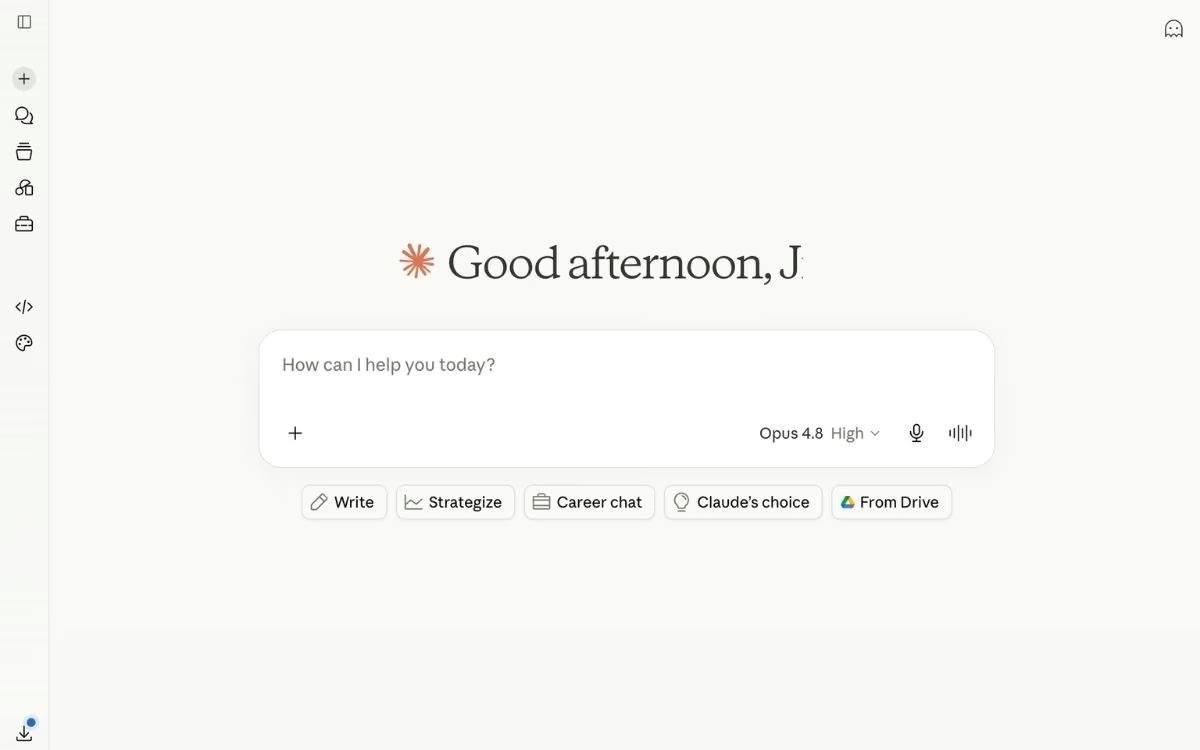
What it does: Claude is Anthropic's AI assistant for coding, analysis, and writing in plain language, with a strong focus on safety.
Best for: Developers and technical teams who want a reliable coding partner, plus anyone who wants an assistant from a company that ships new models and tools at a fast pace.
I reach for Claude first when the work involves code. Its models work across an entire codebase, and developers rate its coding tools at the top of the field. Anthropic also ships quickly, pushing out new models and features every few months, so the tool keeps improving without you switching platforms.
Key Features
- Claude Code: This coding assistant works in the command line (a text-based way to control your computer) and inside popular code editors, building and fixing software across a whole project.
- Frontier models, updated often: Claude Opus 4.8 is Anthropic's flagship model as of mid-2026, with Sonnet 5 for everyday work and Haiku 4.5 for fast, cheap tasks, and the lineup refreshes regularly.
- Safety-first design: Anthropic builds Claude around its published safety research, which is a draw for teams in regulated or high-stakes work.
- Claude Cowork: This desktop agent reads across your files and folders and carries out multi-step tasks while you work on something else.
Pros and Cons
Pros:
- Claude Code understands a whole codebase, so developers and non-engineers alike report shipping live apps with it.
- It hallucinates less than most rivals on document-specific work, according to repeat reviewers.
- Anthropic's steady release schedule means you get new models and features without changing tools.
Cons:
- Usage limits on the lower plans can lock you out mid-session during heavy use.
- It does not generate images, so you'll need another tool for visuals.
What Users Say

On G2, developers rate Claude Code highly, often above rival coding agents, and reviewers point to the careful reasoning and low error rate on detailed work.
The recurring complaint is rate limits. One reviewer said hitting a cap mid-task "completely breaks my momentum," a theme that shows up across long coding and writing sessions.
Pricing
Claude offers a free plan plus paid tiers. Every paid plan includes Claude Code and Cowork. Check the official pricing page for current rates.
- Free: Runs on Sonnet 5 with daily limits.
- Pro: $20 per month ($17 with annual billing), adding Opus access plus Claude Code and Cowork.
- Max: $100 or $200 per month for heavy daily users who hit Pro limits often.
- Team: $25 per seat per month ($20 annual) for shared workspaces and admin controls.
Bottom Line
I'd recommend Claude to anyone whose work centers on code or careful analysis, or who wants a tool from a lab that updates fast. If you need image generation or a single app that does everything, pair it with one of the tools below.
2. Emergent: Best for Turning Ideas Into Working Apps

What it does: Emergent is an AI app-building platform that turns a plain-language description into a working, deployable web or mobile app, including the parts users see and the parts that handle data, sign-in, and payments.
Best for: Anyone who wants to turn an idea into a working web or mobile app, including people with no coding experience, alongside founders and small teams.
Emergent stands out because it handles the whole build, from the screens users see to the data, sign-in, and payments behind them. When I described what I wanted, it asked clarifying questions first, then planned, built, and tested the app in front of me instead of handing back a static plan.
Key Features
- Multi-agent build: Specialized agents split the work across the build. Some shape the interface, others handle data and logic, and testing agents run end-to-end checks and rewrite broken code before anything ships.
- Real integrations: Emergent wires up sign-in, email, payments, and data through services like Stripe and Supabase, drawn from 100+ integrations.
- You own the code: Builds sync to a GitHub repository under your account from the Standard plan up, and you can export and host the app yourself.
- Built-in sign-in and payments: You can add Google sign-in or a Stripe checkout by asking for it in your prompt, and Emergent sets up the full flow.
Pros and Cons
Pros:
- It ships complete, working apps from a prompt, which people without a coding background say let them launch products they couldn't before.
- The clarifying-questions step makes the build feel like working with an engineer who checks in before making decisions.
- You keep the code, so there's no lock-in if you switch tools or hire a developer later.
Cons:
- The credit-based pricing can burn fast and unpredictably on heavy iteration, a common complaint on review sites.
- It isn't the right pick for heavy PDF reports with charts, or for Apple Watch and iPad apps; it can code but can't publish yet.
What Users Say

On G2, one builder said Emergent is "very easy to use, even for someone without a programming background." Several builders on Product Hunt say it lets them ship apps people now use daily.
Emergent's Trustpilot score sits at 3.1 out of 5, with reviewers flagging fast credit use and billing or support trouble. For context, most vibe coding platforms score in a similar range on Trustpilot. Replit holds a 3.0, Base44 sits at 2.8, and Bolt.new trails at 1.4, since credit-based pricing and AI unpredictability draw complaints across the category.
Pricing
Emergent uses credit-based pricing, where planning, building, testing, and deploying all draw from your monthly credits. Keeping a deployed app live uses about 50 credits a month, so plan for that. Verify current rates on the Emergent pricing page.
- Free: 10 credits a month for testing the platform.
- Standard: $20 per month ($17 annually) for 100 credits, GitHub sync, and private hosting.
- Pro: $200 per month ($167 annual) for 750 credits, a 1M-token context window, Maxx, and custom agents.
Bottom Line
I'd recommend Emergent to anyone who wants a working app they can launch, whether they've built software before or not. If you only need a quick demo or you build software for a living, the tools made for those jobs will serve you better.
Curious about the approach behind prompt-to-app building? Read our guide on What Is Vibe Coding to understand how it works before you build.
3. ChatGPT: Best for General-Purpose Use
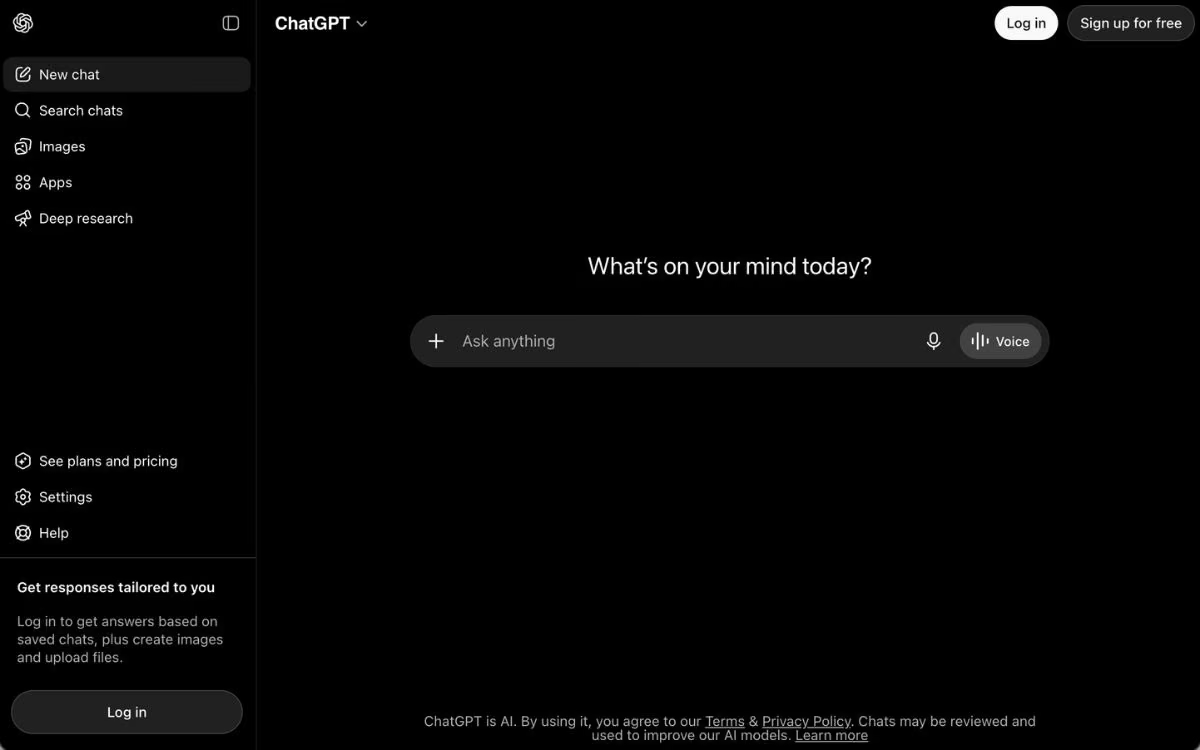
What it does: ChatGPT is OpenAI's all-purpose assistant for chat, writing, images, deep research, and voice in one app.
Best for: People who want one tool that does a bit of everything well.
ChatGPT is the AI tool most people try first, and it earns that with breadth. In one subscription, you get strong writing, image generation, deep research, a video model, and a natural voice mode, which is why it stays my default for casual, everyday questions.
Key Features
- Deep Research: ChatGPT can run a long, multi-source research task and return a structured report with citations.
- Image: Built-in image creation, so you don't need a separate tool for visuals.
- Advanced voice mode: You can hold a real, back-and-forth spoken conversation, which is handy hands-free.
- Custom GPTs: You can build small, reusable assistants tuned to a specific task without writing code.
Also read our best ChatGPT alternatives guide for what else is worth trying by use case in 2026.
Pros and Cons
Pros:
- It covers the widest range of tasks of any tool here, from text to images to video.
- The free tier is capable enough for casual use.
- Voice mode and Deep Research are strong enough to replace separate apps.
Cons:
- The free and Go tiers now show ads in the US, and the writing can drift into a generic house style.
- Message limits on lower tiers interrupt heavier sessions.
What Users Say
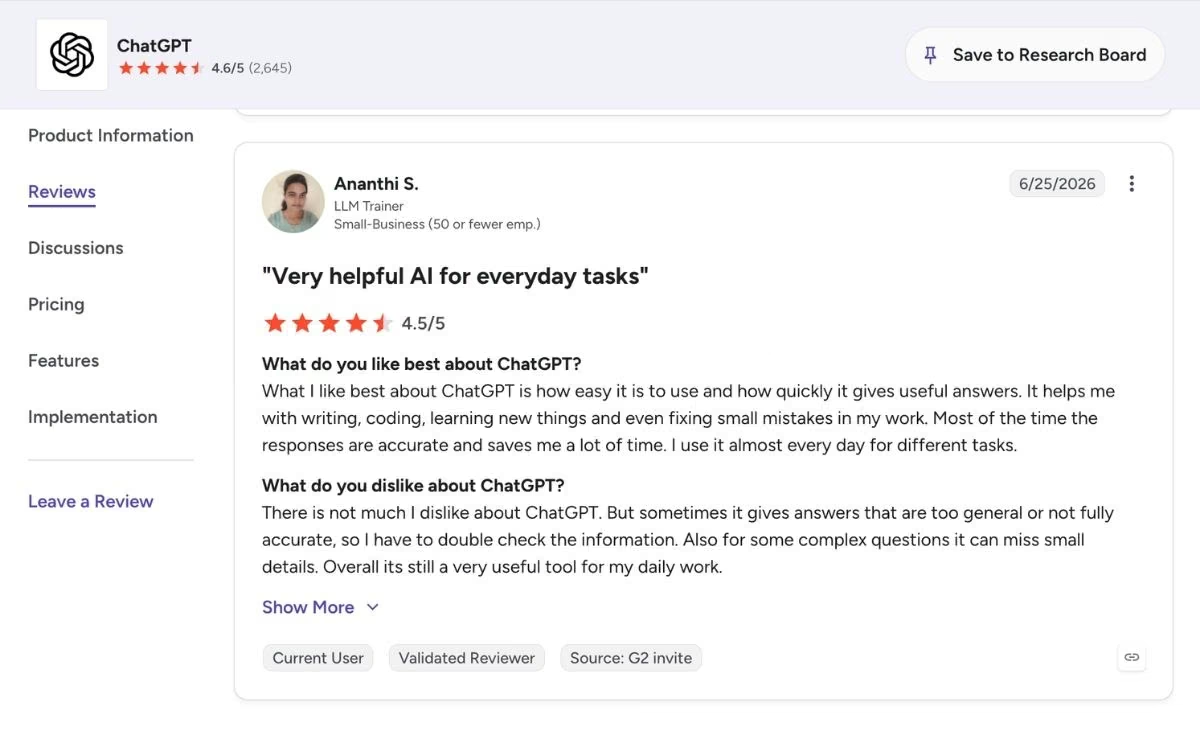
On G2, one user said he uses ChatGPT to "save time, find solutions, validate information," and praised its low cost and ease of use. Many reviewers value how much it does in one place.
The common critique is that responses can feel formulaic, and free-tier users dislike the ads that arrived in early 2026.
Pricing
ChatGPT keeps a free plan and layers paid tiers on top. See the official pricing page for current details.
- Free: Core access with daily message limits and ads in the US.
- Go: $8 per month for higher limits, still ad-supported.
- Plus: $20 per month for the full feature set, including Deep Research.
- Pro: $100 or $200 per month for the heaviest usage and the top models.
- Business: $25 per seat per month ($20 annual) for teams, with Enterprise on request.
Want the full breakdown of what each plan actually covers? Read our ChatGPT pricing guide before you commit.
Bottom Line
I'd recommend ChatGPT to anyone who wants a single, versatile assistant and doesn't want to manage several tools. If you care most about writing quality or cited research, Claude and Perplexity edge it out.
4. Gemini: Best for Google Users and Voice
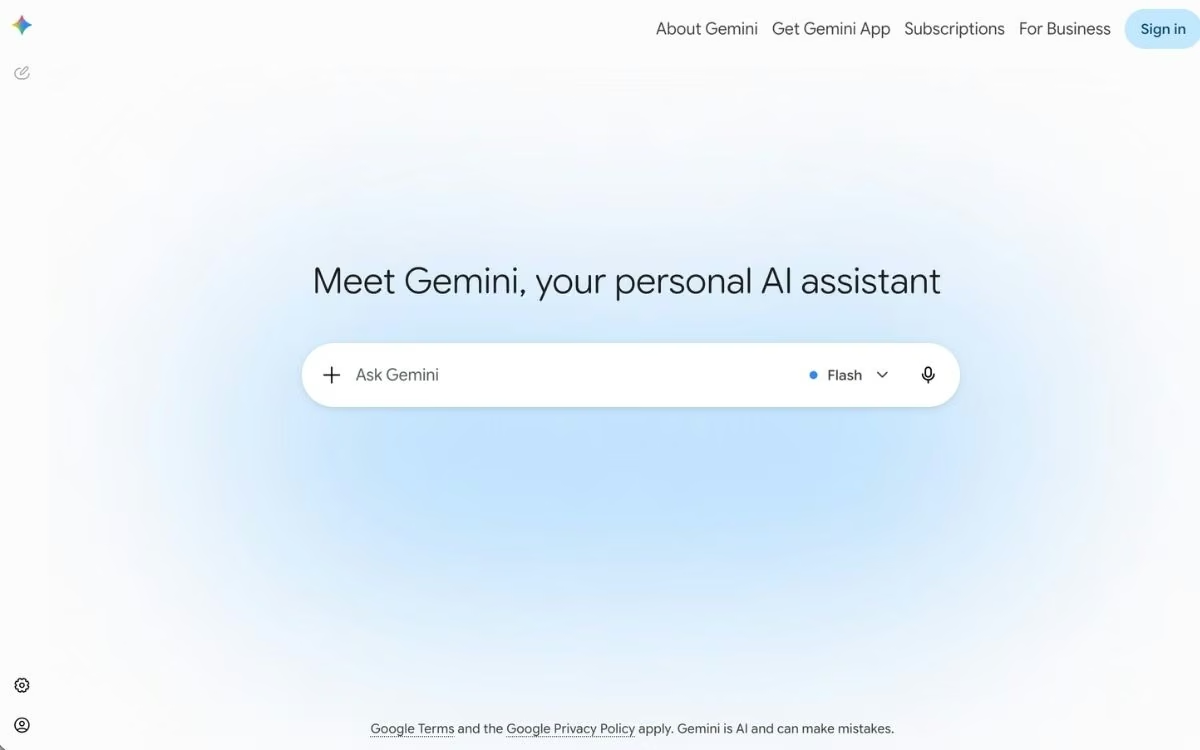
What it does: Gemini is Google's AI assistant for chat, voice, image and video generation, and coding, built into the Google apps you already use.
Best for: People who live in Gmail, Docs, and Android, and anyone who wants a strong hands-free voice assistant.
Gemini's live voice mode is the feature I keep coming back to. You can hold a natural spoken conversation for quick fact checks, live translation, and hands-free commands, and it feels a step ahead of typing.
Key Features
- Gemini Live: This is a real-time voice mode for spoken back-and-forth, translation, and hands-free help across your devices.
- Video generation with Veo 3.1: Google's Veo 3.1 model creates short, high-fidelity clips with sound generated alongside the picture.
- Coding with Gemini 3.1 Pro: Its top model handles complex reasoning and coding, with a 1M-token context window (how much it can read at once) for large documents and codebases.
- Deep Google integration: Gemini works inside Gmail, Docs, and Android, and it powers research and image tools across the suite.
Pros and Cons
Pros:
- Live voice is fast and genuinely useful for hands-free work and translation.
- The 1M-token context window handles long documents without dropping detail.
- It's built into the Google apps most people already use daily.
Cons:
- Reviewers find its writing flatter than Claude's and its coding less reliable on tricky tasks.
- The top video and agent features sit behind the pricier plans.
What Users Say
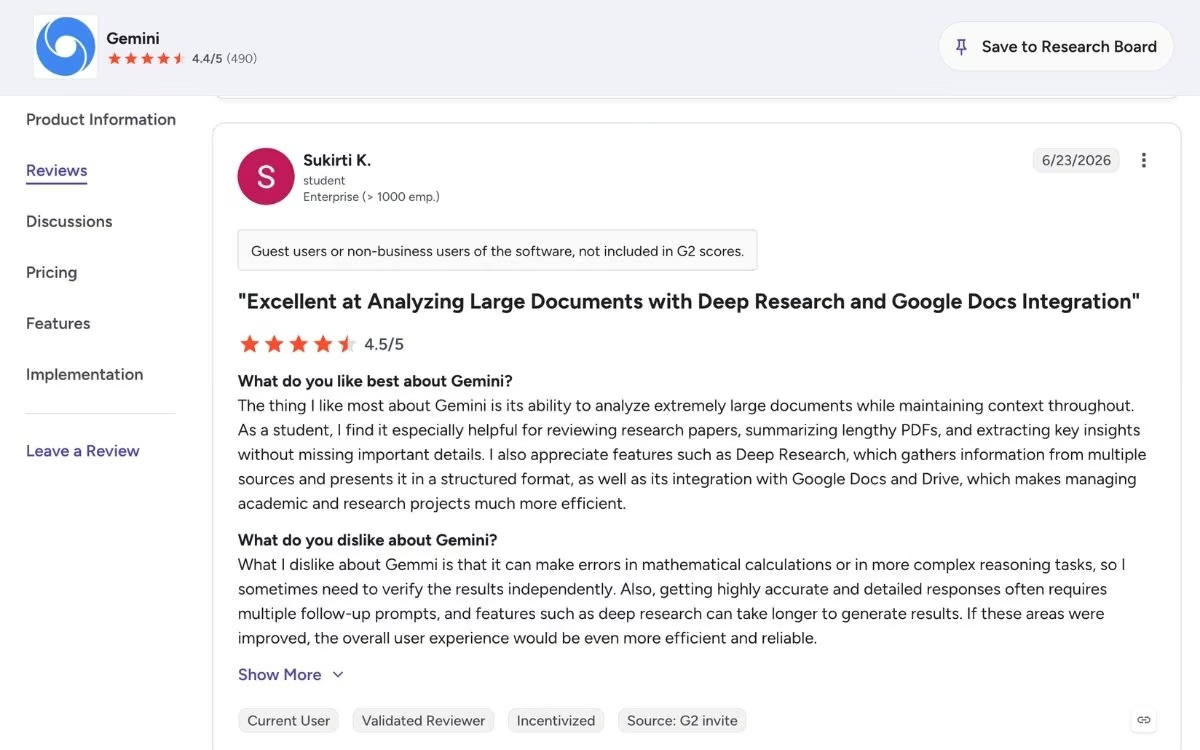
Reviewers praise Gemini's Google integration, large context window, and Android access. The voice mode draws consistent praise for everyday hands-free use.
On the critical side, reviewers say Gemini sometimes cuts off its responses partway, in both text and code.
Pricing
Gemini has a free plan, with paid tiers sold through Google AI subscriptions. Confirm current rates on the Google AI plans page.
- Free: Gemini access with daily usage limits.
- Google AI Plus: $4.99 per month for higher limits and more storage.
- Google AI Pro: $19.99 per month for the full Gemini 3.1 Pro experience and a 1M-token context window.
- Google AI Ultra: From $99.99 per month, up to $199.99 per month for the highest limits and top video features.
Bottom Line
I'd recommend Gemini to anyone deep in the Google ecosystem or anyone who wants the best voice assistant here. If writing quality is your priority, Claude is the stronger pick.
Also read our best Gemini alternatives guide for what else is worth trying if Gemini doesn't fit your workflow in 2026.
5. NotebookLM: Best for Research From Your Own Files

What it does: NotebookLM is Google's research assistant that answers questions using only the documents you upload, with citations back to the exact passage.
Best for: Students, researchers, and anyone who works from a specific set of documents instead of the open web.
NotebookLM is the tool I trust for working through my own sources. Because it answers only from what you upload and links every claim back to the source, it hallucinates far less than a general chatbot on document work.
Key Features
- Source-grounded answers: Every response cites the exact passage it came from, so you can verify claims at a glance.
- Audio Overviews: NotebookLM turns your sources into a podcast-style conversation between two AI hosts, which is great for reviewing material on the move.
- Video Overviews and study tools: It also generates visual overviews, mind maps, flashcards, and quizzes from your documents.
- Generous free tier: The free plan covers 100 notebooks, 50 sources each, and 50 chats a day, running on the latest Gemini models.
Pros and Cons
Pros:
- Source-grounded answers make it reliable for research you can't afford to get wrong.
- Audio Overviews turn dense reports into something you'll actually listen to.
- The free tier is generous enough that most people never need to pay.
Cons:
- It only works from sources you provide, with no live web search built in.
- The per-notebook source limit forces workarounds on very large projects.
What Users Say

On G2, one reviewer said the citations "fundamentally change the trust equation" because every answer links to its source. Researchers and students call the free tier surprisingly generous.
The main critiques are the source limit per notebook and a mobile experience that lags the desktop version.
Pricing
NotebookLM is free with a Google account, and you cannot buy it on its own. Higher limits come bundled with Google AI subscriptions. See the NotebookLM site for details.
- Free: 100 notebooks, 50 sources each, and 50 chats a day, running on the latest Gemini models.
- Plus: Bundled with Google AI Plus at $4.99 per month, roughly doubling the free limits.
- Pro: Bundled with Google AI Pro at $19.99 per month for 300 sources per notebook and higher daily caps.
Bottom Line
I'd recommend NotebookLM to anyone who researches from their own documents and wants answers they can verify. If you need live web results, pair it with Perplexity.
6. Perplexity: Best for Cited Web Research
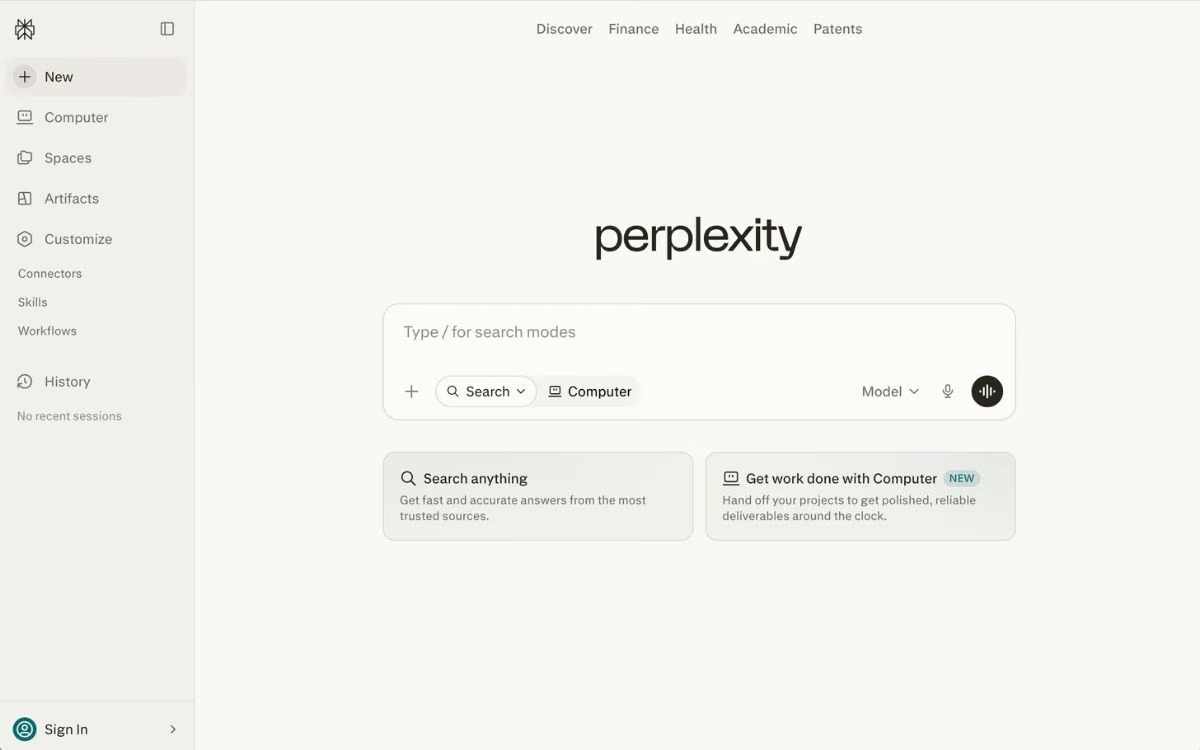
What it does: Perplexity is an AI search engine that reads the web and returns direct answers backed by clickable citations.
Best for: Researchers, analysts, and anyone who wants sourced answers instead of a list of links.
Perplexity replaced a lot of my Google tabs. It synthesizes an answer from multiple sources and footnotes every claim, so I can check the original in one click rather than re-reading whole pages.
Also read our best Perplexity alternatives guide for what else is worth trying for cited web research in 2026.
Key Features
- Citations on everything: Each sentence carries a clickable footnote so you can confirm the source instantly.
- Model switching: Pro users can route a query to models like GPT, Claude Opus 4.8, or Gemini, picking the best one per task.
- Focus modes: You can narrow a search to academic papers or finance data to cut out low-quality results.
- File and document analysis: You can drop in PDFs or screenshots and pull structured data out of them.
Pros and Cons
Pros:
- Transparent citations make fact-checking fast and build trust in the answer.
- The free plan is usable, with unlimited standard searches.
- Switching between top models in one place is convenient.
Cons:
- One audit found a high error rate, so treat its answers as a research starting point and verify them.
- It's narrowly focused on search, so it's weaker than a general assistant for writing or reasoning.
What Users Say

Perplexity holds a 4.4 out of 5 on G2, where reviewers praise the clean interface and source-backed answers. Many call it their go-to research layer.
On the critical side, the Columbia Journalism Review found a 37% error rate in one test, and some reviewers report occasionally slow or generic responses.
Pricing
Perplexity has a free plan, with paid tiers for heavier research. See the official pricing page for current details.
- Free: Five Pro searches a day, plus unlimited standard searches.
- Pro: $20 per month, or $17 a month billed annually ($200 a year), for unlimited Pro searches and model switching.
- Max: $200 per month for the highest limits and newest features.
- Education: $10 per month for verified students.
Bottom Line
I'd recommend Perplexity to anyone who does web research daily and wants sources they can verify. Always double-check key facts before you publish them.
7. ElevenLabs: Best for Voice and Audio
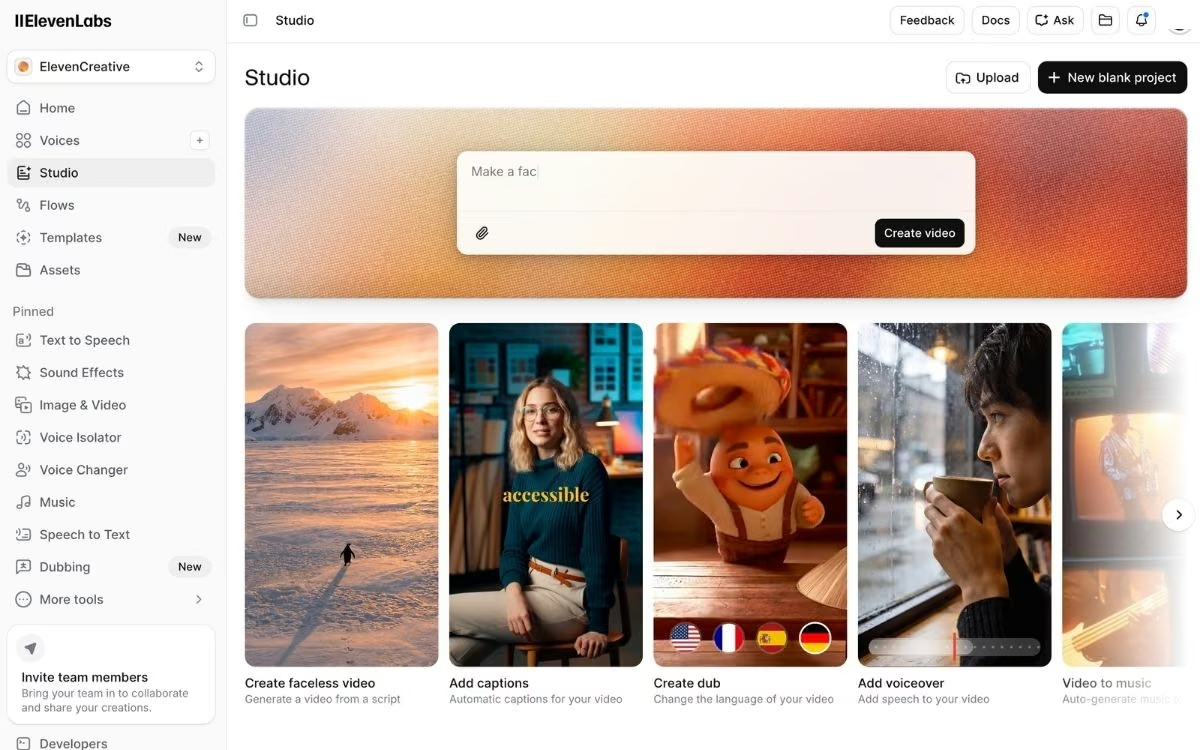
What it does: ElevenLabs is an AI voice platform for text-to-speech, voice cloning, dubbing, and conversational audio.
Best for: Creators, podcasters, and teams who need lifelike voiceovers or a branded voice.
ElevenLabs sets the bar for AI audio. Across more than 1,100 G2 reviews, voice quality is the single most praised feature, and in my testing, the narration handled tone and pacing better than any rival.
Key Features
- Lifelike text-to-speech: Its voices handle emotion and pacing in a way most tools can't match, in 29+ languages.
- Voice cloning: You can create a custom, consistent voice for narration or a branded assistant.
- Dubbing and sound design: It dubs videos into other languages and generates sound effects from a prompt.
- Conversational agents: It powers real-time voice agents for phone and support use.
Pros and Cons
Pros:
- Voice realism leads the category, with output that often needs little editing.
- Strong multilingual support covers markets many tools skip.
- The setup is simple enough for non-technical creators.
Cons:
- Credit-based pricing draws frequent "expensive" complaints, since failed regenerations still burn credits.
- It mispronounces names and uncommon words, and accuracy slips in longer multilingual content.
What Users Say
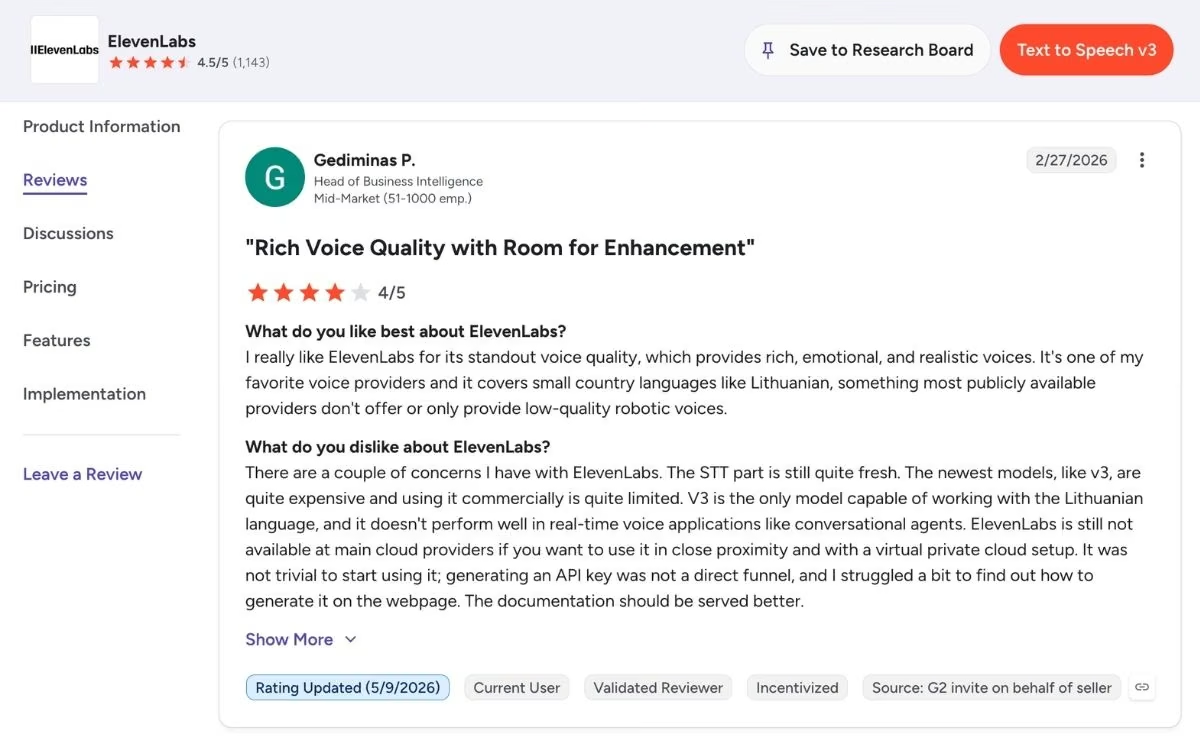
On G2, reviewers describe the audio as "on another level" compared with other tools, and voice quality dominates the praise across hundreds of reviews.
The consistent complaint is cost and credit predictability, with reviewers noting that regenerating audio quietly eats the monthly allowance.
Pricing
ElevenLabs uses credit-based pricing, so check the official pricing page for current limits.
- Free: 10,000 credits a month for non-commercial testing.
- Starter: $6 per month for commercial rights and instant voice cloning.
- Creator: $22 per month ($11 for the first month, a 50% discount) for 121,000 credits and professional voice cloning.
- Pro: $99 per month for 600,000 credits and higher-quality output for production work.
Bottom Line
I'd recommend ElevenLabs to anyone whose work depends on high-quality voice, from podcasts to product narration. Budget for more credits than you expect if you iterate a lot.
8. Zapier: Best for Workflow Automation

What it does: Zapier connects the apps you already use and automates the steps between them, with AI that builds workflows from a plain-language description.
Best for: Small teams and founders who want to automate repetitive tasks without code.
Zapier is the fastest way to make two apps talk to each other. Its Copilot turns a sentence like "when a lead fills out my form, add them to my CRM and ping Slack" into a working automation in minutes.
Key Features
- 8,000+ integrations: Zapier connects more apps than any rival, including the niche tools other platforms skip.
- AI Copilot: You describe a workflow in plain English, and Copilot builds the structure for you.
- Tables and Interfaces: Built-in data storage and simple forms mean you can run light workflows without extra tools.
- AI Agents: Newer AI agents can browse and take actions on your behalf, billed separately.
Also read our best Zapier alternatives for workflow automation guide for what else handles the repetitive tasks in 2026.
Pros and Cons
Pros:
- The largest integration library here means it usually supports your exact stack.
- It's the easiest automation tool to start with for non-technical users.
- Copilot helps when you get stuck building a workflow.
Cons:
- Task-based pricing escalates fast, with heavy users reporting bills in the hundreds or thousands.
- Its Trustpilot score sits at 1.4 out of 5, driven by billing and reliability complaints, even as G2 rates it 4.5.
What Users Say

On G2, Zapier holds 4.5 out of 5 across more than 1,800 reviews, with users praising how quickly it connects apps and removes manual work.
It has a 1.4 out of 5 rating on Trustpilot, with reviewers often pointing to surprise charges and poor support. The bigger complaint seems to be cost once usage starts to scale.
Pricing
Zapier charges by task, where one task is a single successful action step. AI Agents and Chatbots are billed separately. See the official pricing page for current details.
- Free: 100 tasks a month with two-step workflows.
- Professional: $29.99 per month ($19.99 annually) for 750 tasks and multi-step workflows.
- Team: $103.50 per month ($69 annual) for 2,000 tasks and up to 25 users.
- Enterprise: Custom pricing for high-volume automation.
Want the full breakdown of what each plan actually covers? Read our Zapier pricing guide before you commit.
Bottom Line
I'd recommend Zapier to anyone who wants the broadest app coverage and the simplest start. If you run high-volume automations, watch the task math closely.
9. Notion AI: Best for Notes and Team Docs

What it does: Notion AI is the AI layer inside Notion that writes, summarizes, and answers questions using your own workspace and connected apps.
Best for: Teams who already run their docs, wikis, and projects in Notion.
Notion AI's edge is context. Because it can read across your pages, databases, Slack, and Google Drive, it answers questions about your own work that a standalone chatbot simply can't.
Key Features
- Ask Notion: This searches your entire workspace plus connected apps and answers in plain language with source links.
- AI writing and summaries: It drafts, rewrites, and summarizes right inside any page, with no copy-paste into another tab.
- AI Agents: Agents run multi-step tasks across your workspace, like turning meeting notes into a weekly update.
- AI meeting notes: It transcribes and summarizes meetings and pulls out action items.
Pros and Cons
Pros:
- Workspace context is an advantage no standalone chatbot matches.
- AI lives where you already work, so there's no switching tools.
- It runs on multiple top models and picks the best one per task.
Cons:
- Full AI now requires the $24 Business plan, a jump that frustrated lighter users.
- Custom Agents run on credits that don't roll over, and writing quality trails dedicated tools.
What Users Say
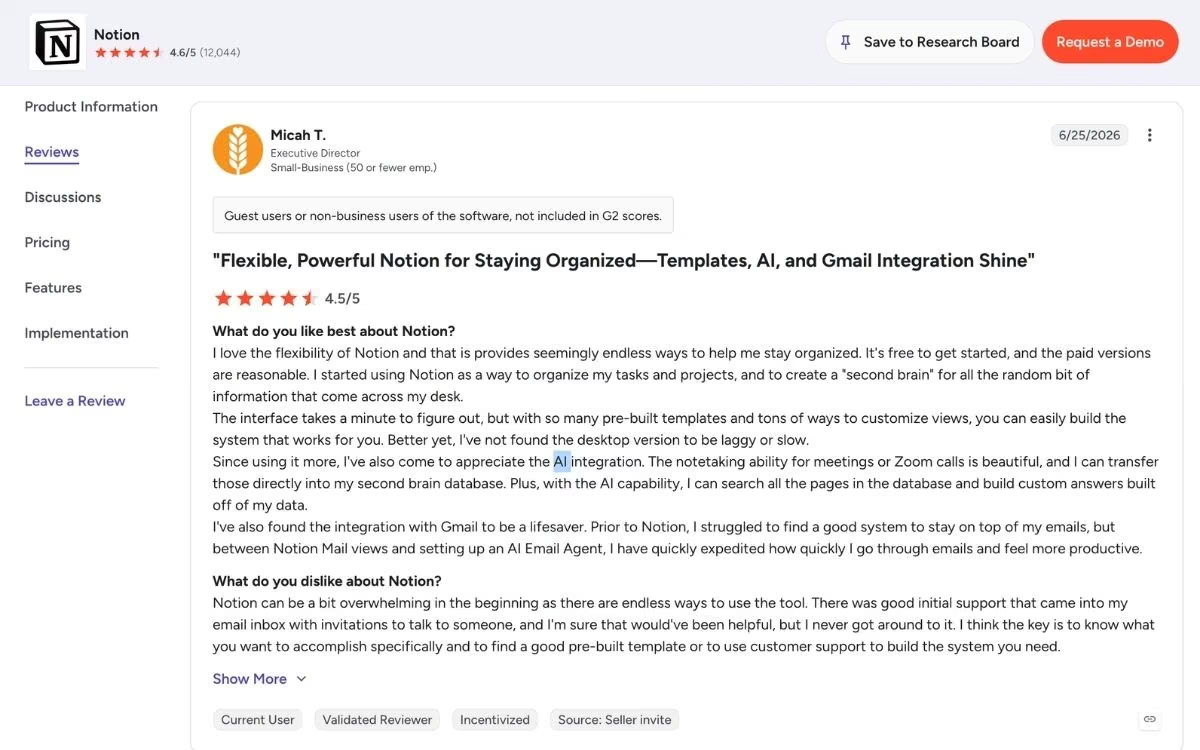
Notion holds 4.6 out of 5 on G2 across more than 10,000 reviews, with Ask Notion frequently named as the feature that justifies the upgrade.
The common critique is the pricing change that locked AI behind the Business tier, plus performance slowdowns on very large databases.
Pricing
Notion has a free plan, but full Notion AI lives on the Business tier. See the official pricing page for current details.
- Free: Core workspace with a limited AI trial.
- Plus: $12 per user per month ($10 annually) for unlimited collaboration, still with limited AI.
- Business: $24 per user per month ($20 annually) for the full Notion AI suite, including agents and AI Meeting Notes.
- Custom Agents: $10 per 1,000 credits on top of a paid plan.
Bottom Line
I'd recommend Notion AI to teams whose work already lives in Notion. If you mainly want better writing, Claude or ChatGPT deliver more at the same price.
10. Canva AI: Best for Visual Design Without a Designer
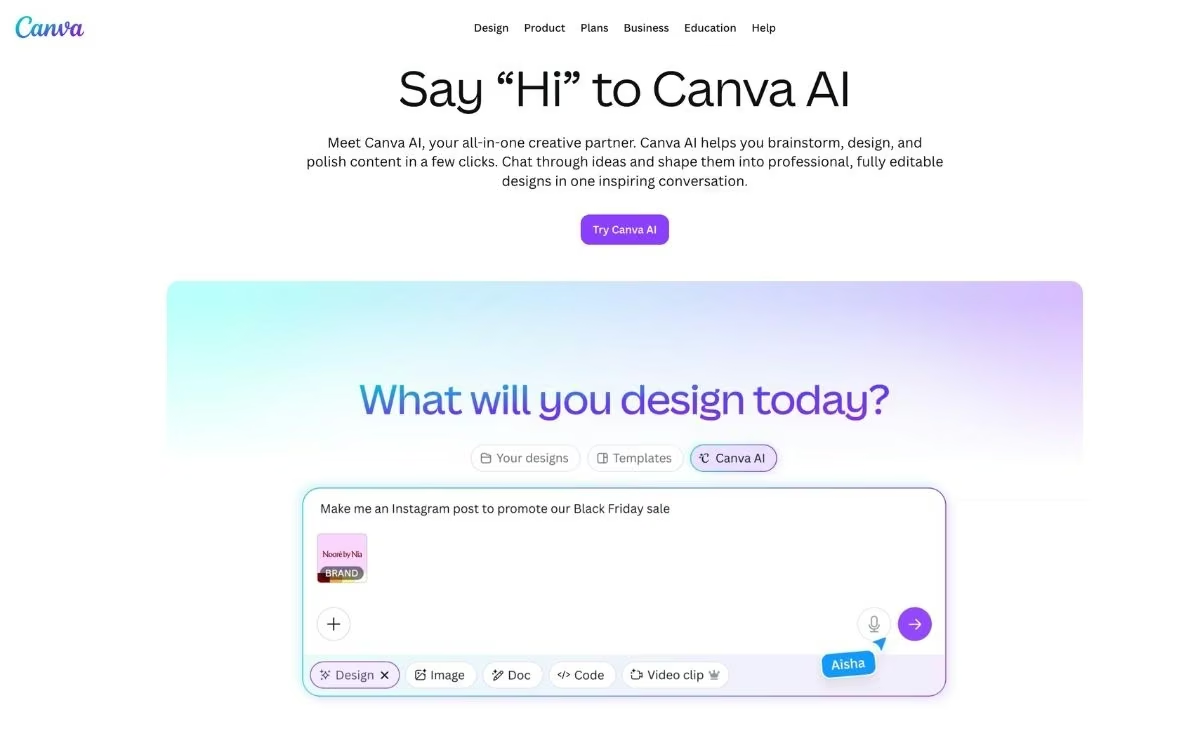
What it does: Canva AI, branded as Magic Studio, bundles AI design, image generation, and copywriting directly into Canva's editor.
Best for: Small business owners, marketers, and non-designers who need high-quality media fast.
Canva AI is the most approachable way to make professional-looking media. Because the AI sits inside the editor, you can generate an image, drop it into a template, add copy, and resize for every platform without leaving the page.
Key Features
- Magic Design: This generates a full design set, like social posts or a pitch deck, from a short prompt.
- Dream Lab: This is Canva's image generator, strong for marketing visuals and built on the Leonardo image model.
- Magic Write: This drafts captions, headlines, and short copy right inside your design.
- Magic Resize and Brand Kit: You can resize one design for every platform at once and keep your colors, fonts, and logo consistent automatically.
Pros and Cons
Pros:
- It's the easiest design-plus-AI tool for non-designers, with a genuinely useful free tier.
- Magic Resize and Brand Kit save hours for anyone posting across platforms.
- Everything lives in one editor, so you design and generate in the same place.
Cons:
- Image quality trails dedicated generators like Midjourney for high-end work.
- The pooled monthly AI credits run out fast, with no option to top up before they reset.
What Users Say
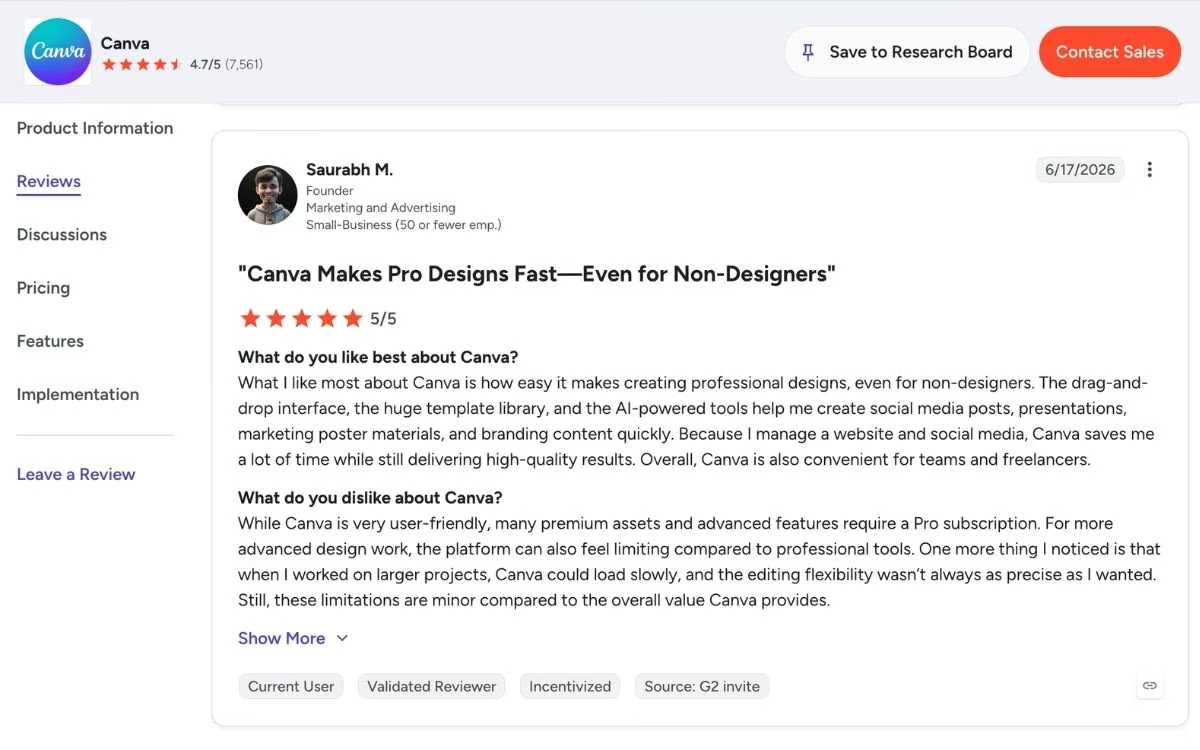
Canva's AI tools score around 4.6 out of 5, with reviewers praising how quickly non-designers can produce on-brand social posts and decks.
The common critiques are that AI image quality sits behind specialist tools and that the monthly credits deplete sooner than expected.
Pricing
Canva has a free plan with a useful subset of AI tools. See the official pricing page for current details.
- Free: Templates and limited Magic Studio access.
- Pro: $18 per month ($12 a month billed annually, or $144 a year) for up to 2,000 monthly uses of Canva's Standard AI tools (fewer for Premium and Ultra tools), Brand Kit, and 100GB of cloud storage.
- Business: $25 per user per month ($250 a year per user), replacing the old Teams plan, adding collaboration and brand controls.
Bottom Line
I'd recommend Canva AI to any non-designer who needs fast, on-brand visuals. If you need gallery-grade image quality, add a dedicated image generator.
Which Generative AI Tool Should You Choose?
No single tool wins everything, so the right pick depends on the job in front of you. Most heavy users run two or three together.
Choose Claude if you:
- Write code or do technical work and want a reliable coding partner.
- Want careful analysis and value a company that ships new models often.
Choose Emergent if you:
- Want a working web or mobile app you can launch and charge for.
- Run a business and would rather describe the tool you need than hire out the build.
Choose ChatGPT or Gemini if you:
- Want one versatile assistant for text, images, voice, and research.
- Already live in OpenAI's or Google's ecosystem.
Skip a general tool if you:
- Have a single, specialized job like cited research, voice, automation, or design. In that case, pick the specialist above that targets it.
Final Thoughts
The best generative AI tools in 2026 each do one or two things really well. Claude is the one I lean on for code; ChatGPT and Gemini handle the widest range of everyday tasks, and the rest are specialists worth keeping for the job they're built for.
What stands out most this year is that you no longer have to stop at using AI. With a platform like Emergent, you can describe the web or mobile app you want, have it built and tested for you, and deploy it live when you're ready, even with no coding experience. That takes you from asking an assistant for answers to shipping something people can use.
My advice is simple. Start with the free tier of one general tool and one specialist that fits your work, and try Emergent free when you have an idea worth building. Use each on a real task for a week, and pay only once you hit a limit.
The tool that saves you the most time is the one worth your money.
Ready to Build Your First App With AI?
If reading about Emergent made the idea of building your own app feel doable, here's what makes it the right place to start.
- Ship a working app you can launch: Emergent builds the screens, the data, the sign-in, and the payments from a single description, then deploys the app live when you click Deploy.
- Keep full ownership of your code: From the Standard plan up, every build syncs to a code repository under your account, so your app moves with you if you switch tools or hire a developer.
- Skip rebuilding the same screens: Ask for Google sign-in or Stripe checkout once, and Emergent sets up the whole flow for you.
- Connect the tools you already use: Emergent ships with 100+ integrations, so payments, email, and data are wired up from the first prompt.

Most AI app builders stop at prototypes. Emergent creates production-ready apps you can actually launch.
- Production-ready apps
- Web & mobile apps
- Deploy in minutes







