




8 Best Make Alternatives: TL;DR
- n8n: best for self-hosting, data control, and predictable costs at high volume.
- Emergent: best for building the custom app your workflows keep working around.
- Gumloop: best for AI-heavy data pipelines, web scraping, and prompt loops.
- Zapier: best for maximum app coverage and fast, plug-and-play setups.
- CodeWords: best for building automations through a chat conversation.
- Latenode: best for paying by workflow runtime instead of by step.
- Microsoft Power Automate: best for companies already running on Microsoft 365.
- Activepieces: best for open-source automation with a free tier that doesn't expire.
Nearly every module that runs costs a credit, and triggers, filters, and loop iterations all count, so a scenario that looks like three steps on the canvas can cost well more than three credits every time it fires.
That billing model drives a lot of builders to hunt for Make alternatives, and I dug into eight of the strongest ones. I compared each tool's live pricing page and docs line by line and read dozens of user reviews across G2 and Product Hunt to see where each one wins.
By the end, you'll know which alternative fits your budget, your technical comfort level, and the kind of work you're trying to automate.
Why Look Beyond Make?
People look beyond Make because its per-action billing gets expensive and hard to predict as workflows grow. Make counts nearly every module that runs as a credit, filters and triggers included, so a scenario that loops over a long list can run through thousands of credits a month while processing very little new data.
The pricing itself starts low. Make's free plan includes 1,000 credits a month, and paid plans start at $10.59/month ($9/month billed annually) for the Core plan's 5,000 credits. The problem shows up at scale when extra credit packs stack on top of the base plan, and a cheap tool stops being cheap.
Cost isn't the only reason. Some teams want their automation data on their own servers, which Make's hosted model doesn't offer. Others realize their tangle of scenarios is a workaround for a missing internal tool, and no connector platform fixes that.
How I Researched These Tools
I started with a list of 14 well-known automation platforms and narrowed it to the eight that solve Make's most common complaints in clearly different ways. The cuts are as deliberate as the picks.
I cut Workato for its enterprise-only pricing, and IFTTT for being too light for business workflows. Pabbly Connect overlapped with cheaper options already here, and Pipedream's public pricing has been unstable since Workday acquired it, which makes any figure I print unreliable.
Eight is the number because there are eight distinct reasons people leave Make. A ninth pick would have repeated one of those reasons with a weaker product, which helps nobody choose between them.
I compared each finalist on five criteria:
- Pricing model: What a unit of work costs, how overages behave, and whether the free tier is usable.
- Learning curve: Whether a non-technical operator can build a working automation in the first session.
- AI depth: How well each tool handles AI models, agents, and data-heavy workflows.
- Integrations: How many apps each platform connects to, and how painful the rare ones are.
- User sentiment: What reviewers on G2 and Product Hunt consistently praise and complain about.
This research surfaced a pattern worth stating up front: The right pick depends less on features and more on which complaint sent you looking in the first place.
The Eight Alternatives at a Glance
The table below recaps all eight tools before the detailed breakdowns:
| Tool | Best For | Starting Paid Price | Free Plan? |
|---|---|---|---|
| n8n | Self-hosting and data control | $24/month($20/month billed annually) | Free self-hosted edition |
| Emergent | Building custom apps | $20/month($17/month billed annually) | 10 credits/month |
| Gumloop | AI data pipelines | $37/month($30/month billed annually) | 5,000 credits/month |
| Zapier | Maximum app coverage | $29.99/month($19.99/month billed annually) | 100 tasks/month |
| CodeWords | Chat-built automations | $39/month($33/month billed annually) | Up to $10 in credits/month |
| Latenode | Runtime-based billing | Usage-based, no base fee | 10,000 CPU seconds/month |
| Power Automate | Microsoft 365 organizations | $15 per user/monthpaid annually | 30-day trial, or bundled with Microsoft 365 |
| Activepieces | Open-source, unlimited runs | $20/month($16/month billed annually) | Free forever: daily credits, unlimited flows, single user. |
Pricing was pulled from each vendor's official pricing page in July 2026 and can change, so treat the linked pages as the source of truth.
1. n8n: Best for Self-Hosting and Data Control
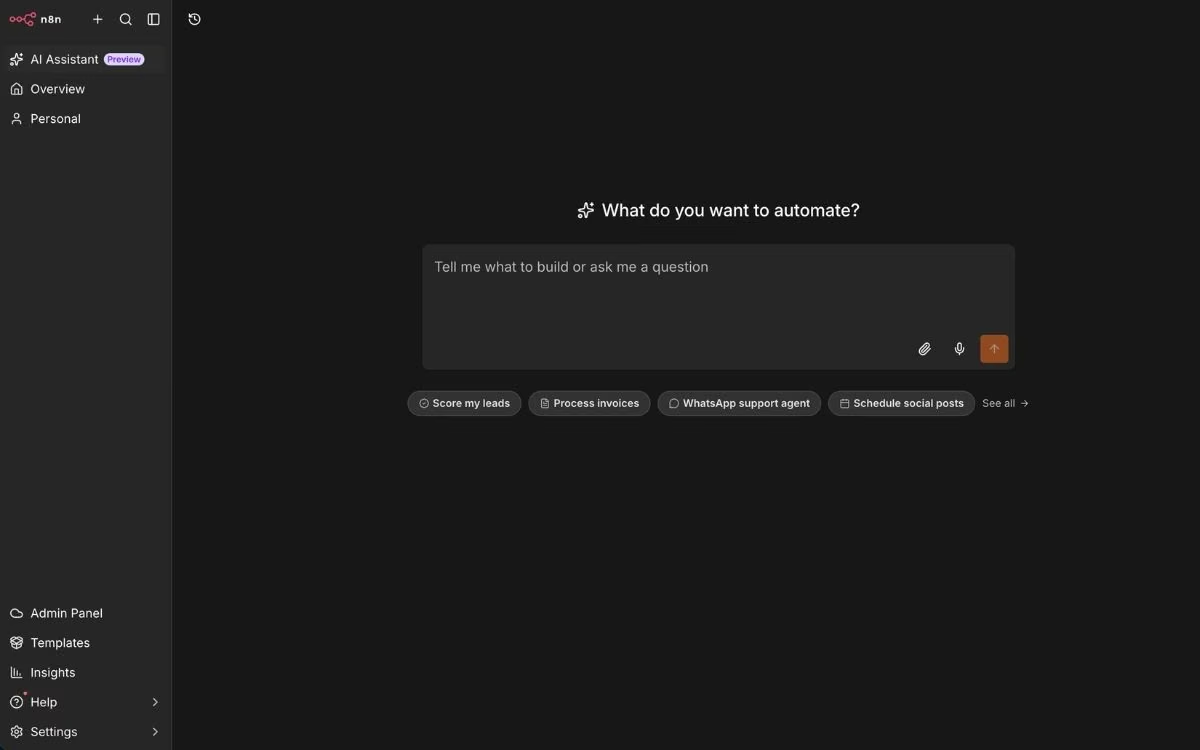
What it does: n8n is a workflow automation platform you can run on n8n's cloud or host entirely on your own servers, with the option to drop custom JavaScript or Python into any workflow.
Best for: Teams that want full control over where their data lives, and anyone running enough volume that Make's per-action billing hurts.
n8n attacks Make's two biggest pain points at once. Its Community Edition is free to self-host, so your customer data never leaves your own infrastructure. And its cloud plans bill per workflow execution, so a 50-step workflow counts as one execution where Make would count 50 credits.
That combination made n8n the default answer in nearly every "leaving Make" discussion I read. The tradeoff is that n8n expects more from you. It's a low-code tool at heart, and the reviewers who love it most tend to be people comfortable poking at code.
Key Features
- Free self-hosted Community Edition: Run n8n on your own server at no license cost, with your data staying fully in your hands.
- Per-execution pricing: One workflow run counts as one execution regardless of steps, which keeps costs predictable as workflows get longer.
- Code steps in any workflow: Write custom JavaScript or Python inside a workflow when the visual nodes can't express your logic.
- AI agent building: Native nodes for AI models and agents, plus thousands of community workflow templates to start from.
Pros and Cons
Pros:
- The most cost-effective option on this list at high volume, since self-hosting removes per-run charges entirely.
- Deep flexibility for unusual workflows, thanks to code steps and custom connections to almost any service.
- Data privacy that hosted tools can't match, which is often a hard requirement in regulated industries.
Cons:
- The steepest learning curve here, especially for anyone without a coding background.
- Self-hosting puts server setup, updates, and monitoring on your plate.
- No free cloud tier, only a limited trial before the $24/month Starter plan.
What Users Say
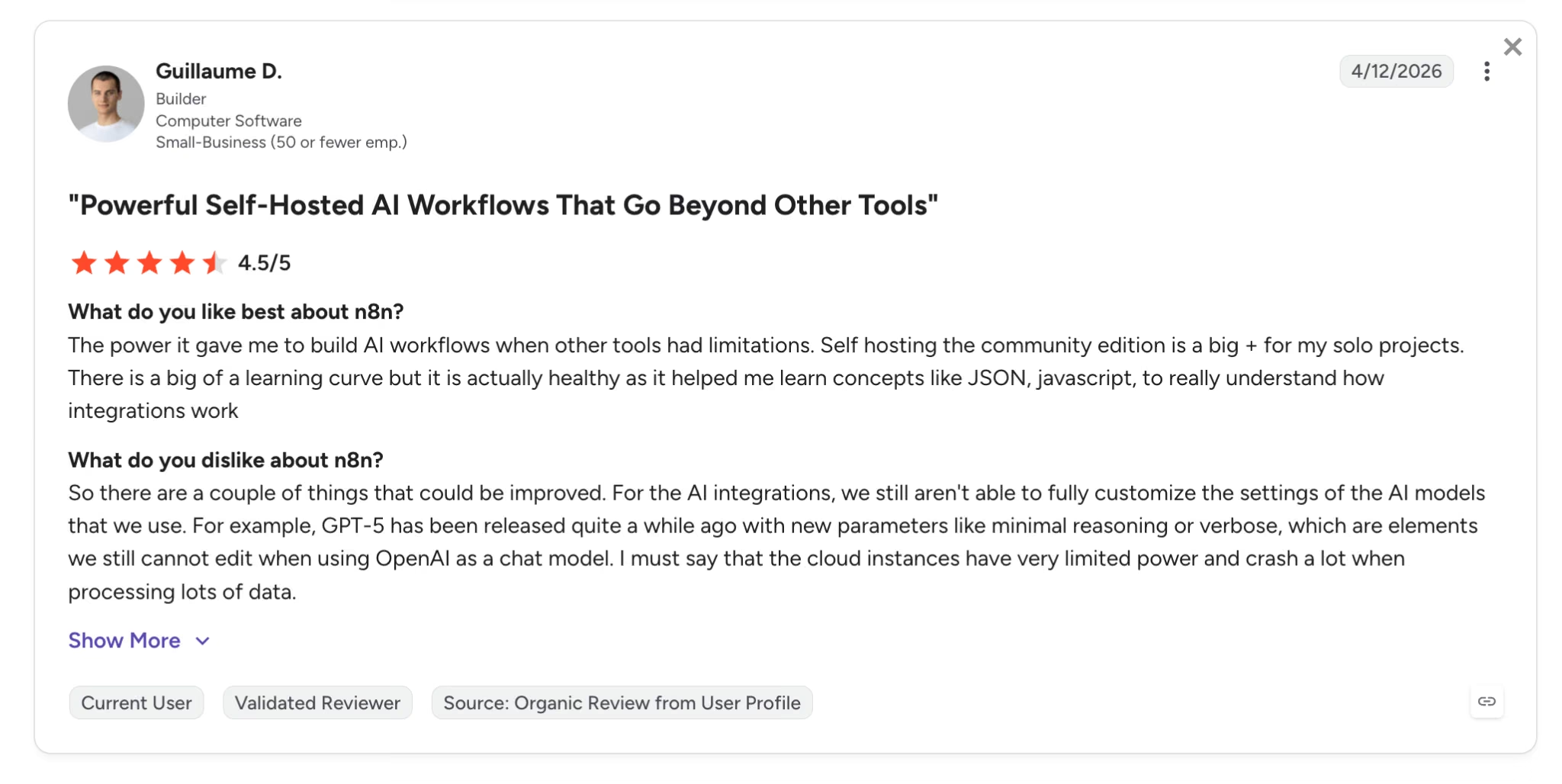
Pro: "The power it gave me to build AI workflows when other tools had limitations." — Guillaume D., G2
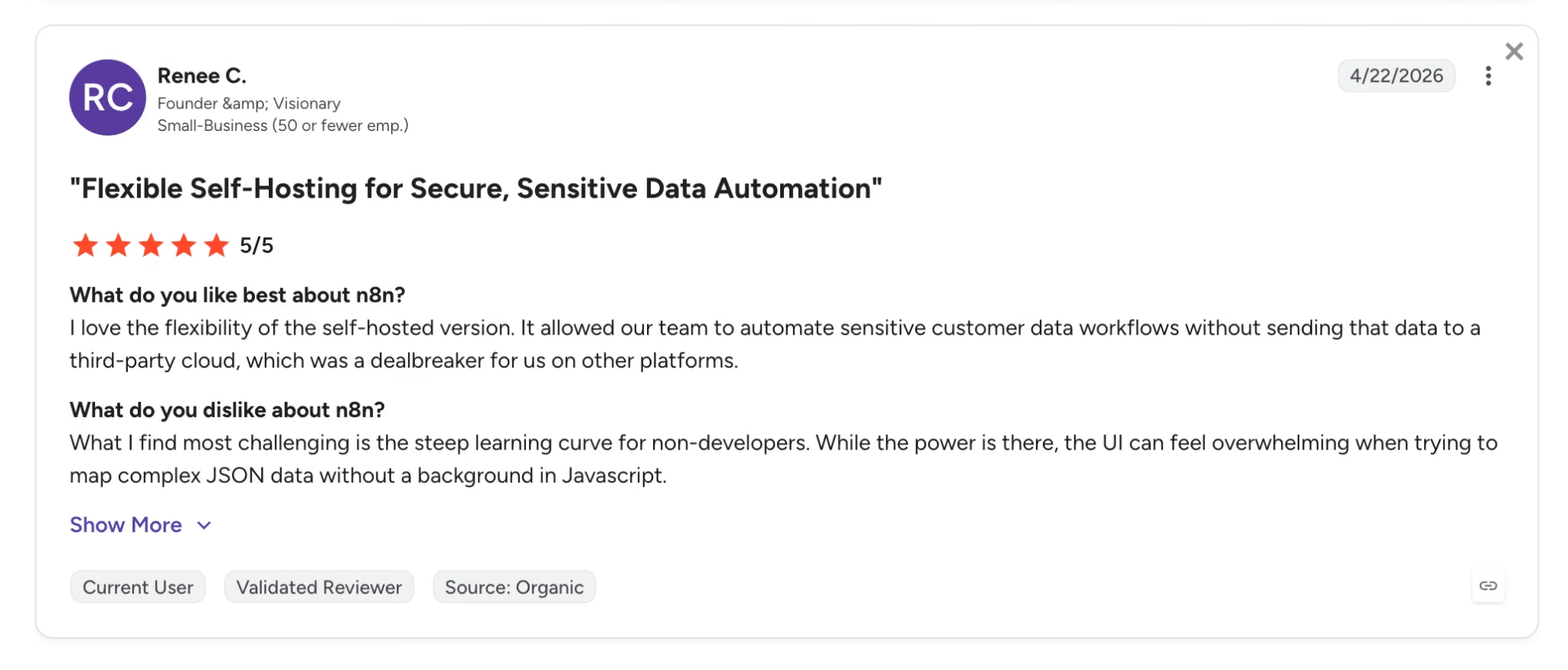
Con: "The steep learning curve for non-developers." — Renee C., G2
Pricing
n8n splits its lineup across a free self-hosted edition and its paid cloud tiers:
- Community Edition: Free to self-host, with core features and no execution limits.
- Starter: $24/month ($20/month billed annually) for 2,500 cloud executions.
- Pro: $60/month ($50/month billed annually) for 10,000 executions, more simultaneous runs, and admin roles.
- Business and Enterprise: From $960/month ($800/month billed annually), adding single sign-on, version control, and separate build environments.
Bottom Line
If you have technical confidence, or a teammate who does, n8n gives you the most automation per dollar of anything here. If a screen full of raw code makes you close the tab, start with Zapier or CodeWords.
If you’re considering n8n for your automation workflows, take a closer look at n8n pricing, including its plans, hidden costs, and when it’s worth it.
2. Emergent: Best for Building the App Itself
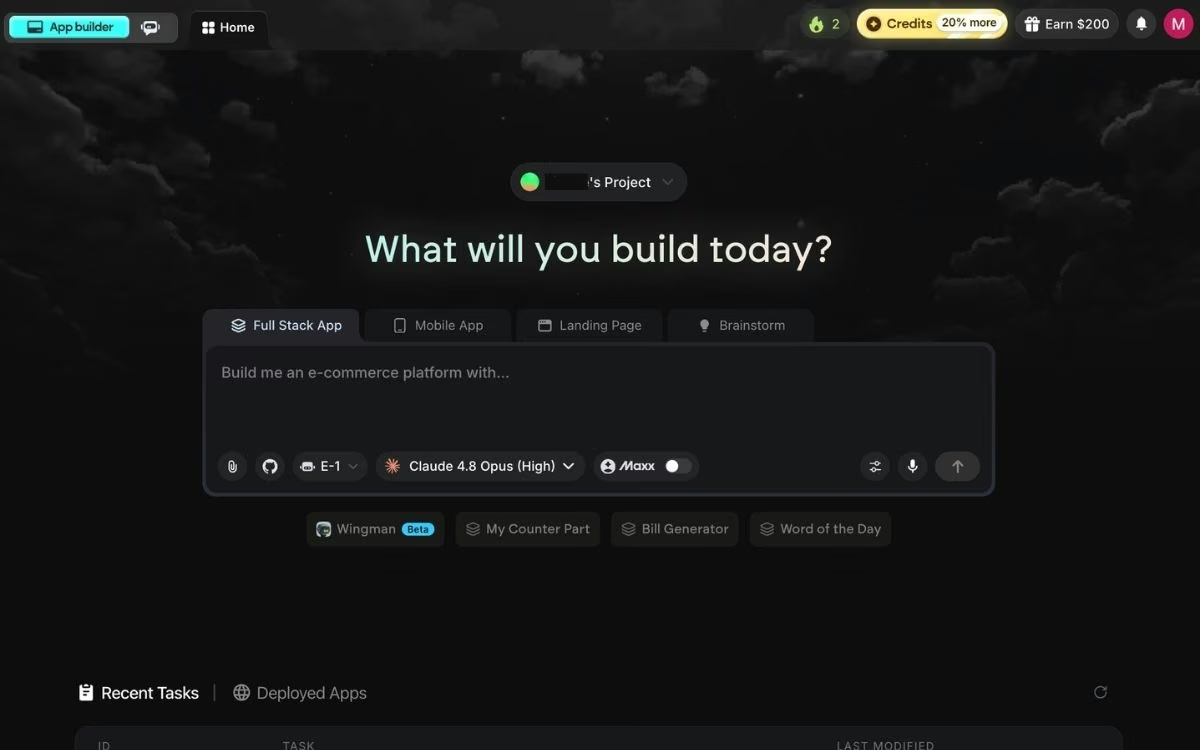
What it does: Emergent is an AI app-building platform built for vibe coding. You describe the software you need in plain English, and it delivers a complete, working app with the interface, data storage, sign-in, and payments handled for you.
Best for: Business owners whose Make scenarios have grown into a stand-in for software they need, like a CRM, a booking system, or a client portal.
Emergent is the one tool on this list that questions the premise. Sometimes the right fix for a fragile 40-module scenario is a small custom app that owns the whole process. A roofing contractor stitching together forms, spreadsheets, and reminder emails through Make is often better served by one booking app that does all three.
Where the other seven tools connect to software you already use, Emergent builds the software itself. A coordinated system of specialized agents handles the work, with some shaping the screens people see, others wiring up the logic and integrations, and testing agents checking the result end to end.
Key Features
- Plain-English app building: Describe the tool you need, answer a few clarifying questions, and get a working app without writing code.
- 100+ integrations: Stripe and Razorpay for payments, SendGrid for email, Twilio, Google sign-in, Shopify, and more connect during the build.
- Code ownership: You own what Emergent builds and can export it or run it anywhere; GitHub sync is included from the Standard plan up.
- Managed publishing: You click Deploy, and roughly 10 to 15 minutes later, the app is live on its own .emergent.host address, with no server setup on your side.
Pros and Cons
Pros:
- Replaces entire categories of automation, since an app that owns its data doesn't need a connector to move it around.
- Approachable for non-technical builders, the theme running through its G2 reviews.
- No lock-in, because the generated code is yours to export and host elsewhere.
Cons:
- Overkill for simple app-to-app triggers; a form-entry-to-Slack ping is cheaper on Zapier or Make.
- Heavy PDF reports are a weak spot, since charts can break across pages.
- Credit use varies by ambition; credits stretch further on a simple page than on a full app.
What Users Say
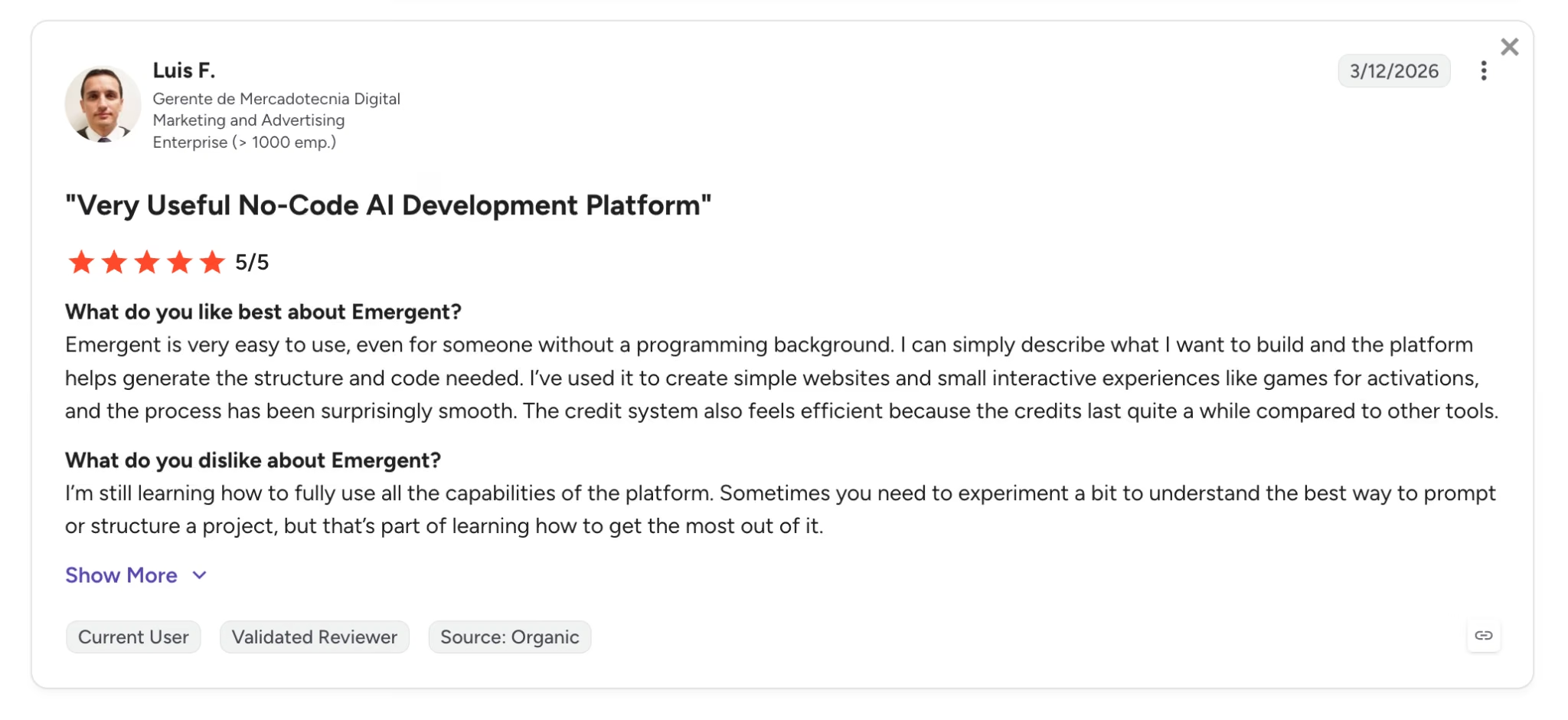
Pro: "Very easy to use, even for someone without a programming background." — Luis F., G2
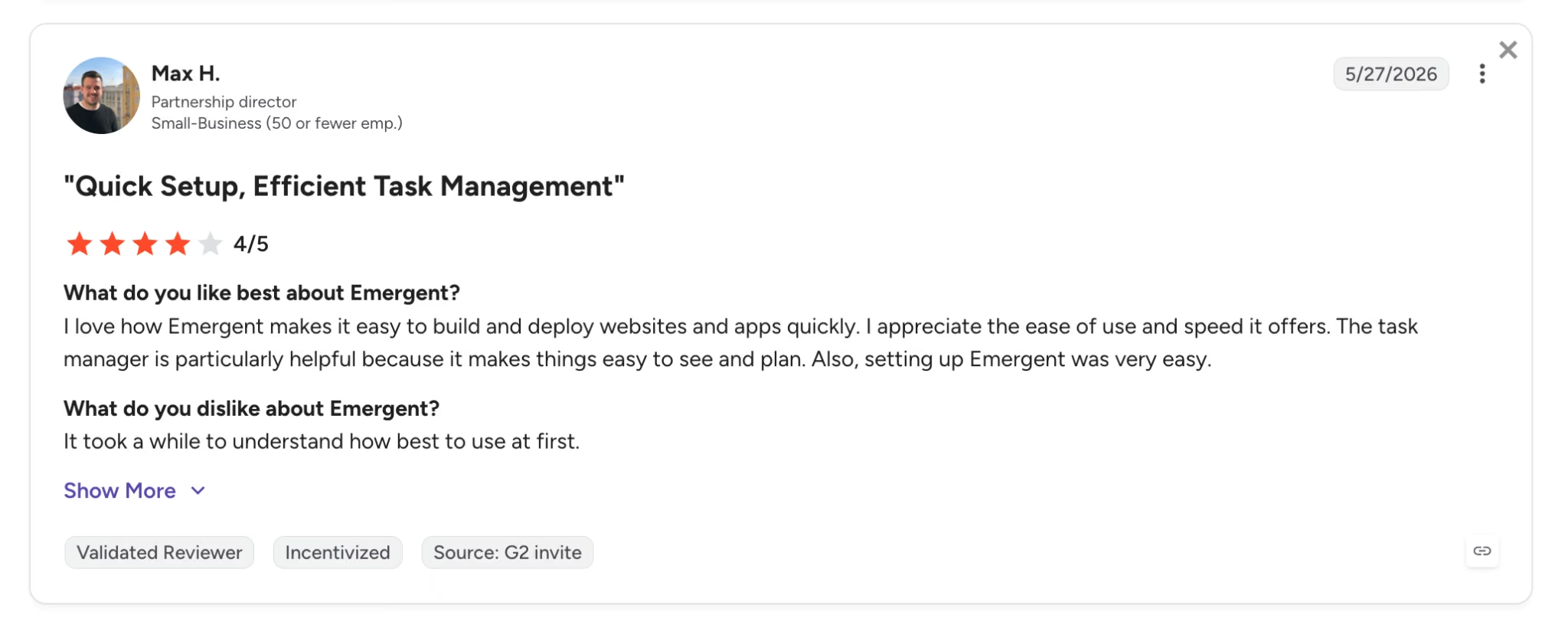
Con: "It took a while to understand how best to use at first." — Max H., G2
Pricing
Emergent uses monthly credits across its self-serve plans:
- Free: 10 monthly credits, enough to build a first app and judge the platform for yourself.
- Standard: $20/month ($17/month billed annually) for 100 credits, plus GitHub sync.
- Pro: $200/month ($167/month billed annually) for 750 credits and the most advanced agent options.
- Business and Enterprise: Custom pricing with team workspaces, single sign-on, and deployment in your own cloud.
Bottom Line
Emergent belongs on this list for one specific reader: the person whose Make scenarios exist because the right internal tool doesn't. If that's you, building the app is the upgrade. Developers who want a faster way to write code should look at Cursor or Claude Code, and anyone who only needs a marketing site is better off with Webflow.
3. Gumloop: Best for AI Data Pipelines
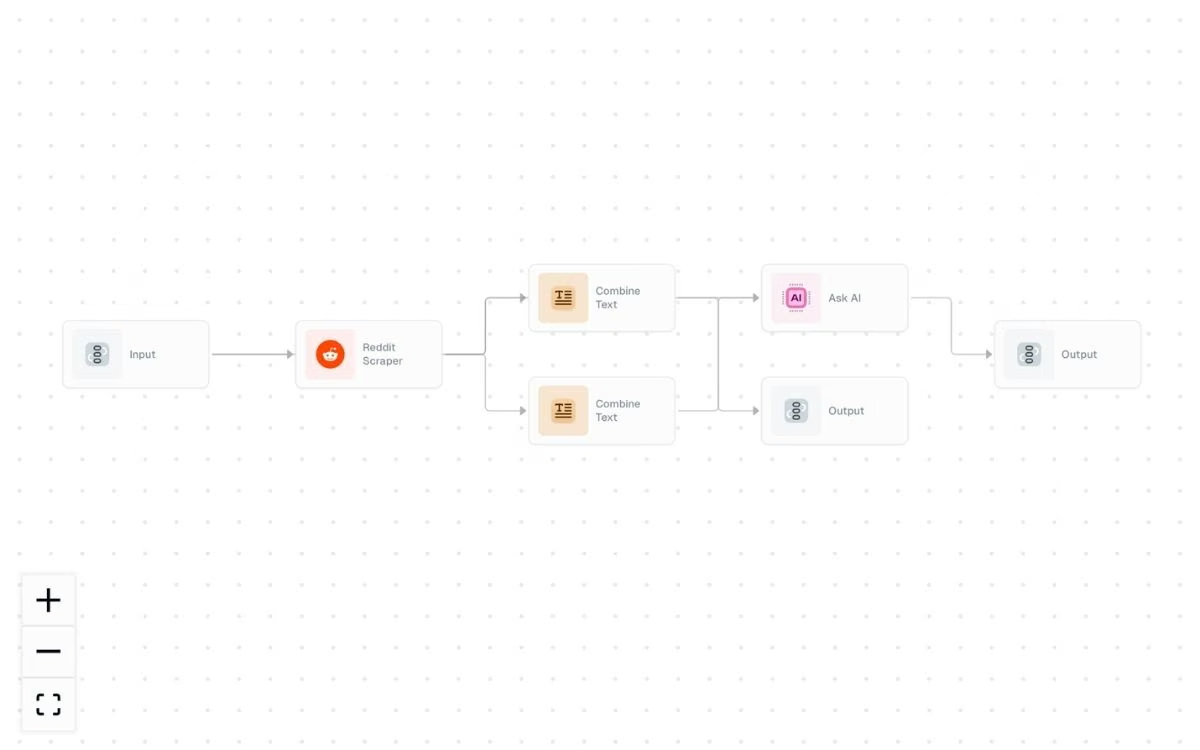
What it does: Gumloop runs a drag-and-drop canvas built from the ground up for AI workloads, with native nodes for web scraping, AI prompts, and looping large datasets through models.
Best for: Marketing, sales, and ops teams pushing big chunks of data through AI, like scraping 500 competitor pages and summarizing each one.
Make bolted AI onto a general-purpose canvas, but Gumloop built the canvas around AI from the start. That difference shows in the details, like loop mode that runs every row of a spreadsheet through a prompt, and built-in scraping nodes that would take several modules and an external service to replicate in Make.
The platform is also unusually pleasant to use. Its interface drew the most consistent praise of any tool I researched, and Gumloop lists Instacart, Shopify, and Ramp among its customers. The flip side is maturity, since Gumloop is younger than everything else here except CodeWords, and its integration catalog is thinner than those of Zapier and Make.
Key Features
- AI-native building blocks: Prompt nodes, categorizers, summarizers, and extractors ship as core features of the canvas.
- Web scraping built in: Pull pages, sitemaps, and search results into a flow without an outside scraping service.
- Loop mode for bulk work: Feed a list in, and Gumloop runs each item through the same AI steps automatically.
- Bring your own model keys: Connect your OpenAI or Anthropic account to control model spend directly.
Pros and Cons
Pros:
- Handles heavy AI data work that would be clumsy and credit-hungry to build in Make.
- Clean, intuitive interface that new users repeatedly single out in reviews.
- Usable free tier at 5,000 credits a month for testing real workflows.
Cons:
- Smaller integration library than Make or Zapier, so niche apps may need workarounds.
- A newer product, which reviewers note can give enterprise buyers pause.
- Credit-based pricing can climb fast on heavy scraping and bulk-AI jobs, the very workloads it's built for.
What Users Say
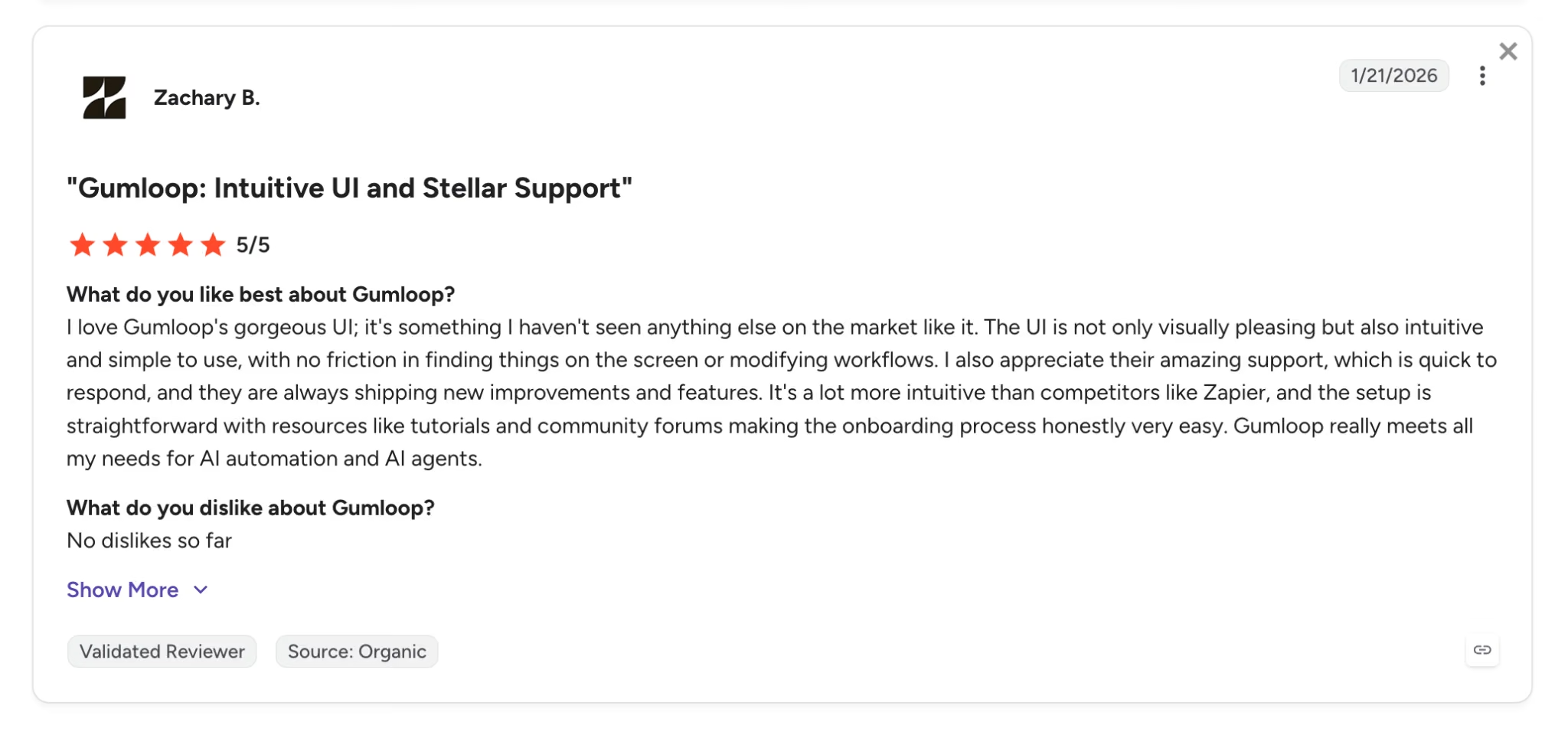
Pro: "I love Gumloop's gorgeous UI." — Zachary B., G2
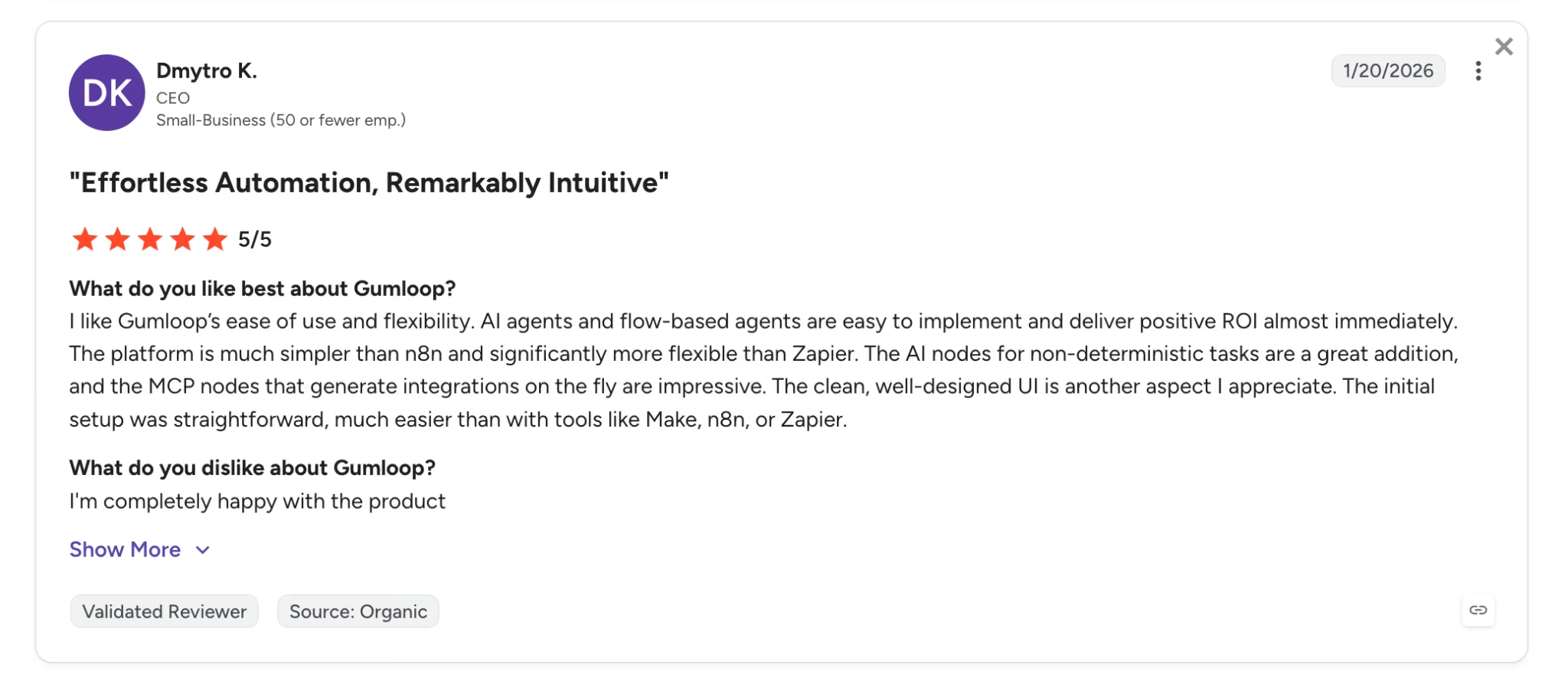
Con: "A newer product that is less mature." — Dmytro K., G2
Pricing
Gumloop keeps its lineup simple, with a free tier, one paid plan, and a custom Enterprise option:
- Free: 5,000 credits a month with one seat and one active trigger.
- Pro: From $37/month ($30/month billed annually) for 20,000 credits, unlimited seats, and more simultaneous runs.
- Enterprise: Custom pricing with role-based access controls, audit logs, and the option to run inside your own private cloud.
Bottom Line
For AI-first data work, Gumloop is my favorite tool in this lineup, and I'd pick it over Make for any scraping or bulk AI job without hesitation. Teams that mostly need broad app-to-app plumbing should weigh its smaller integration catalog first.
4. Zapier: Best for Maximum App Coverage
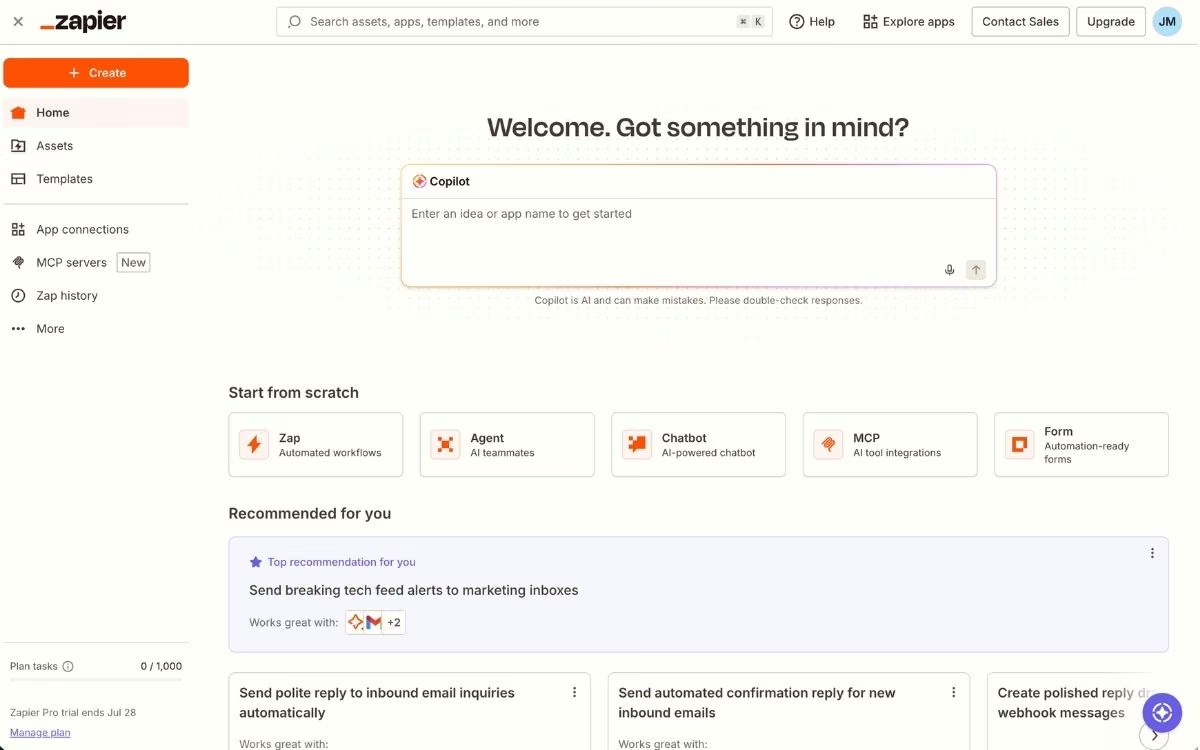
What it does: Zapier connects the widest catalog in the category, spanning more than 9,000 apps through a linear, beginner-friendly workflow builder.
Best for: Teams that value speed of setup and near-universal app support over squeezing the most out of every dollar.
Zapier remains the category's benchmark for one simple reason. Whatever software you use, Zapier almost certainly connects to it, with an integration catalog roughly triple the size of Make's 3,000+ apps. Its linear builder is also easier to learn than Make's canvas, which is why so many people build their first automation here.
The catch has always been price, and it's the main reason Zapier shows up when people search for Make alternatives. Zapier bills per task, and its Professional plan includes 750 tasks a month, while Make's cheaper Core plan includes 10,000 credits. The units aren't identical, but the volume difference is stark. You're paying for coverage and polish.
Key Features
- 9,000+ app integrations: The largest catalog in the category, spanning major platforms and long-tail niche tools.
- Linear Zap builder: A step-by-step editor that most people can learn in one sitting.
- AI workflow layer: Copilot, still labeled beta, builds Zaps from a description, and AI agents and chatbots now ship on the platform.
- Tables, Forms, and Canvas: Built-in data storage and intake tools, so simple systems don't need outside apps.
Pros and Cons
Pros:
- Best-in-class app coverage, so migrations rarely stall on a missing integration.
- Fast setup with thousands of prebuilt Zap templates.
- Mature platform with a long reliability track record.
Cons:
- The most expensive option here per unit of work, especially at high volume.
- Task usage climbs until you check the bill.
- Complex branching workflows fit awkwardly in a linear builder.
What Users Say
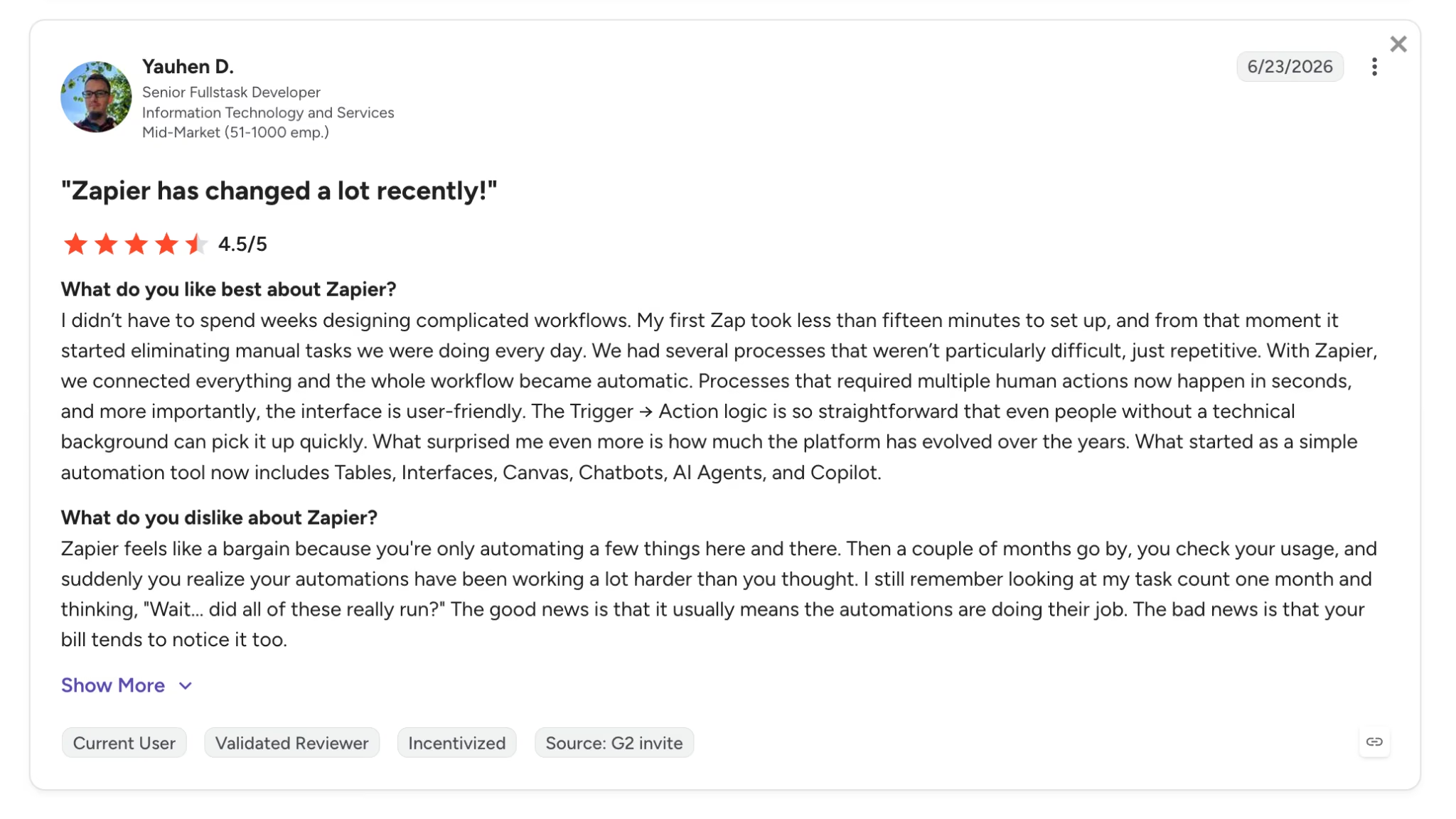
Pro: "Took less than fifteen minutes to set up." — Yauhen D., G2
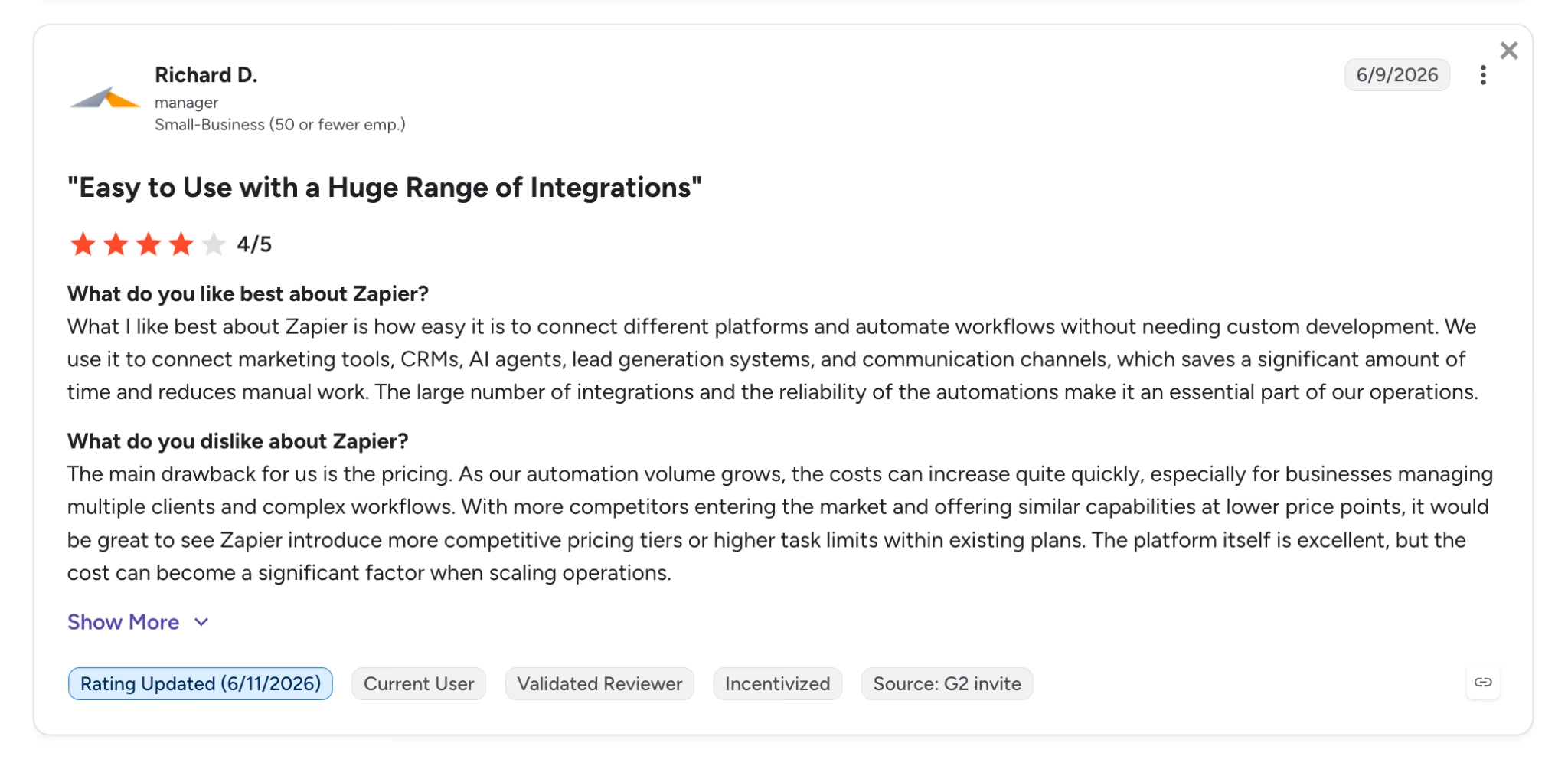
Con: "Pricing is the main drawback for us." — Richard D., G2
Pricing
Zapier's lineup is billed by task across its self-serve plans:
- Free: 100 tasks a month with unlimited two-step Zaps.
- Professional: $29.99/month ($19.99/month billed annually) for 750 tasks, multi-step Zaps, and premium apps.
- Team: $103.50/month ($69/month billed annually) for 25 users and shared workspaces.
- Enterprise: Custom pricing with advanced admin controls.
The Zapier pricing page lists higher task volumes at higher prices.
Bottom Line
Choose Zapier when a missing integration would hurt more than a bigger invoice. It's the safest, fastest pick in the category, and also the one most likely to recreate the billing anxiety that started your search.
If task limits and monthly costs are important to your decision, Zapier Pricing 2026: Plans, Task Costs & Is It Worth It breaks down what you need to know.
5. CodeWords: Best for Building Automations by Chat
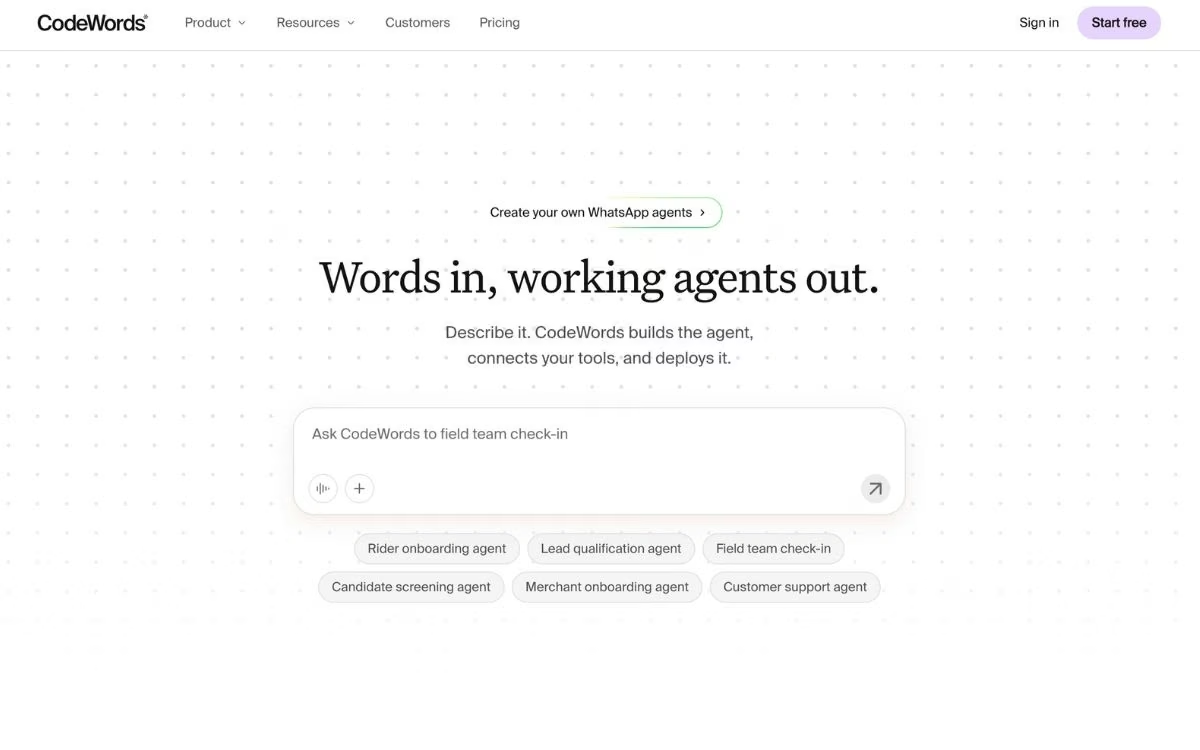
What it does: CodeWords replaces the visual canvas entirely. You describe an automation in a chat with Cody, its AI assistant, and the platform writes, tests, and deploys working automation code behind the scenes.
Best for: Casual and non-technical users who never want to drag a node or map a data field again.
CodeWords bets that the canvas itself is the problem. You skip the modules and filters, type something like "every Monday, pull last week's Stripe payments and email me a summary," answer Cody's follow-up questions, and approve the plan.
Because everything compiles to real code, it can handle logic that rigid node menus can't, and it connects to 3,000+ apps along the way.
It's also the youngest tool here. CodeWords launched publicly in September 2025 and raised a $9 million seed round in 2026, and its review footprint is thin compared with the veterans on this list. Early adopters get a fresh way of working, with the rough edges that come with it.
Key Features
- Chat-first building: Describe the automation in plain English, and Cody plans, builds, and deploys it from the same conversation.
- Python under the hood: Workflows run as Python code that you can view and export anytime.
- Triggers and schedules: Automations run on timers, app events, or incoming requests after you approve them once.
- Bundled AI access: OpenAI, Anthropic, and Google models are available inside workflows without separate accounts.
Pros and Cons
Pros:
- The lowest barrier to entry on this list; a first automation is a short conversation.
- Flexible logic that node-based tools struggle with, since everything compiles to code.
- Usage-based credits, so idle automations cost nothing.
Cons:
- Young platform with a small community and few third-party reviews to lean on.
- Editing existing workflows and templates can take trial and error.
- Per-run credit costs vary with workflow complexity, so monthly spend takes some watching.
What Users Say
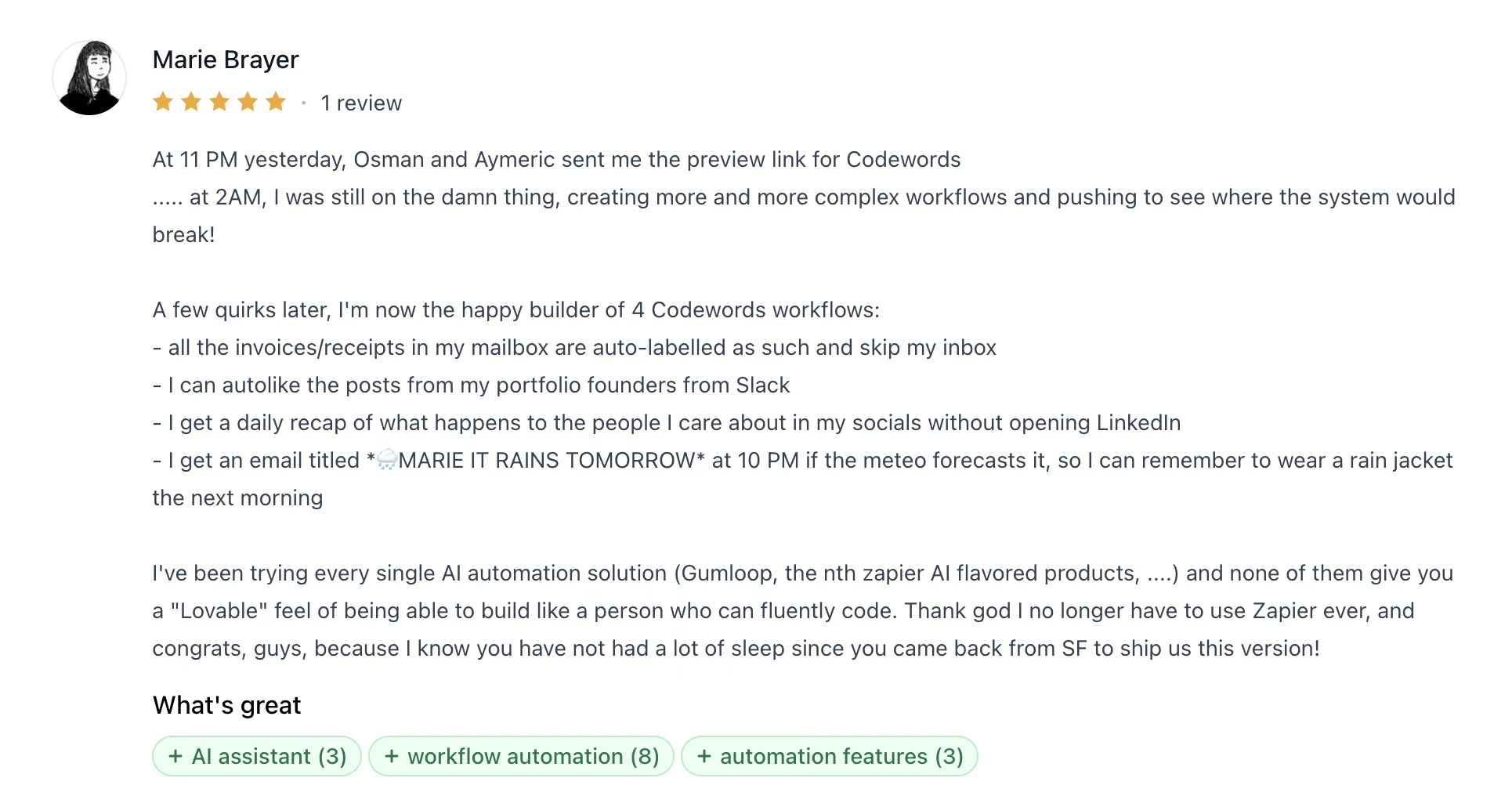
Pro: "Like a person who can fluently code." — Marie B., Product Hunt
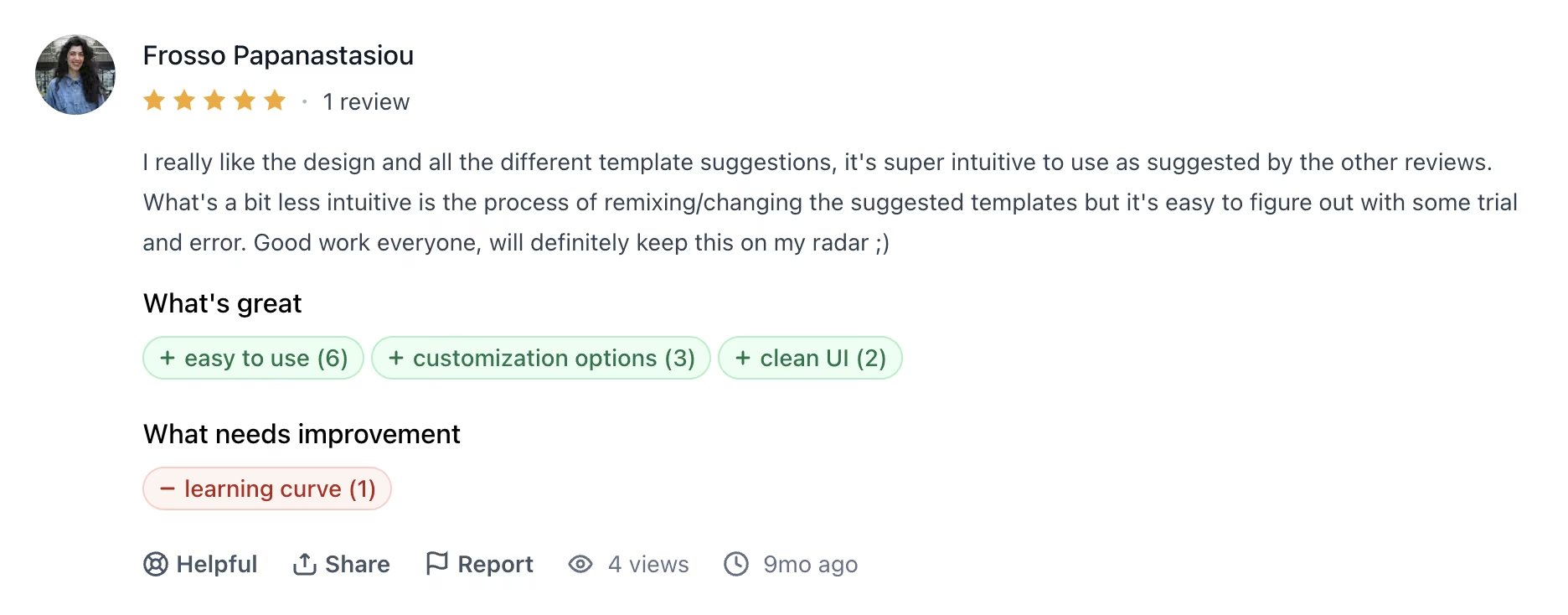
Con: "[Remixing templates is] a bit less intuitive." — Frosso P., Product Hunt
Pricing
CodeWords runs on prepaid credits with bonus multipliers on subscriptions:
- Free: Up to $10 in credits each month, a $5 signup bonus, and 100 workflow runs.
- Pro: $39/month ($33/month billed annually), which adds $60 worth of credits to your wallet each month and covers 2,500 workflow runs.
- Business: $100/month ($84/month billed annually), which adds $200 worth of credits and removes the run cap, aimed at power users and agencies.
Bottom Line
CodeWords is the most interesting experiment in this roundup, and the right pick if a chat window sounds better than a canvas. Businesses that need a proven vendor with years of reviews behind it should wait a release cycle or two.
6. Latenode: Best for Paying by Runtime Instead of Steps
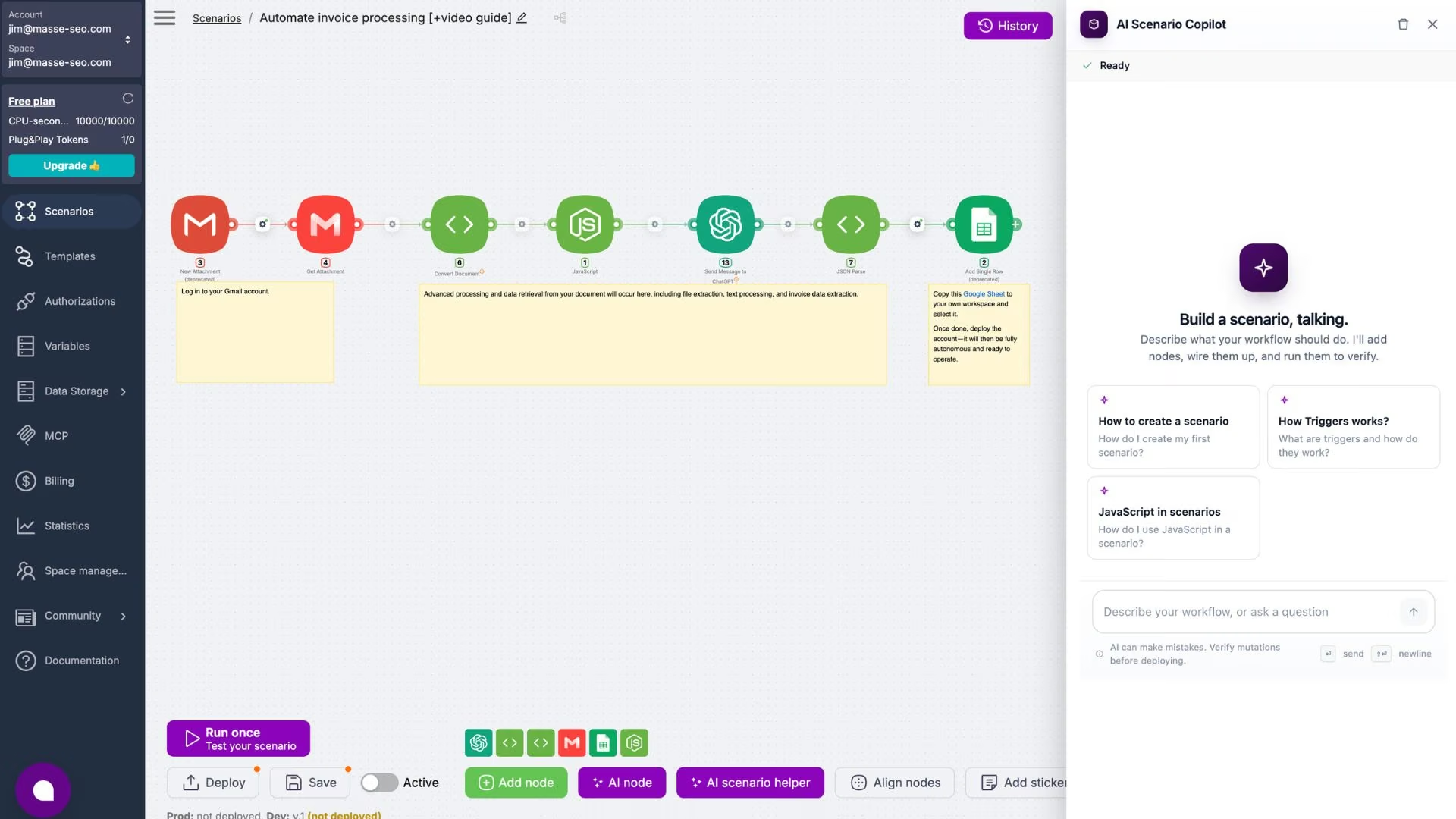
What it does: Latenode is a visual automation platform that bills for how long your workflows actually run, measured in CPU seconds, so adding steps to a scenario doesn't add to the bill.
Best for: Teams whose Make bill climbed as scenarios grew longer, even at steady volume.
Latenode answers Make's pricing complaint more directly than anything else here. Make counts each module that runs, while Latenode counts processing time. A twenty-step workflow that finishes in a second costs the same as a two-step workflow that finishes in a second, and the first 10,000 CPU seconds each month are free.
The platform is built for people who want to drop into code when the visual nodes run out. Every node accepts JavaScript, and a headless browser handles sites that offer no clean way to connect. The tradeoff shows up in the app catalog and the documentation, both of which reviewers describe as thinner than Make's.
Key Features
- Runtime-based billing: Cost follows CPU seconds, so unlimited steps in a scenario never multiply what you pay
- JavaScript in any node: Write custom logic with npm packages when a prebuilt node can't do the job
- Headless browser: Automate sites that publish no clean way to connect
- Built-in AI and storage: AI agents, a document database, and knowledge storage ship on the free plan
Pros and Cons
Pros:
- The clearest answer to per-step billing, since scenario length stops driving cost
- A free tier covering roughly 10,000 quick runs a month
- Strong ratings across G2, Capterra, and Trustpilot for a platform this young
Cons:
- CPU-second billing is harder to forecast than a flat task count
- Fewer prebuilt app connections than Make or Zapier, a complaint that recurs in reviews
- Documentation and tutorials lag behind the pace of new features
What Users Say
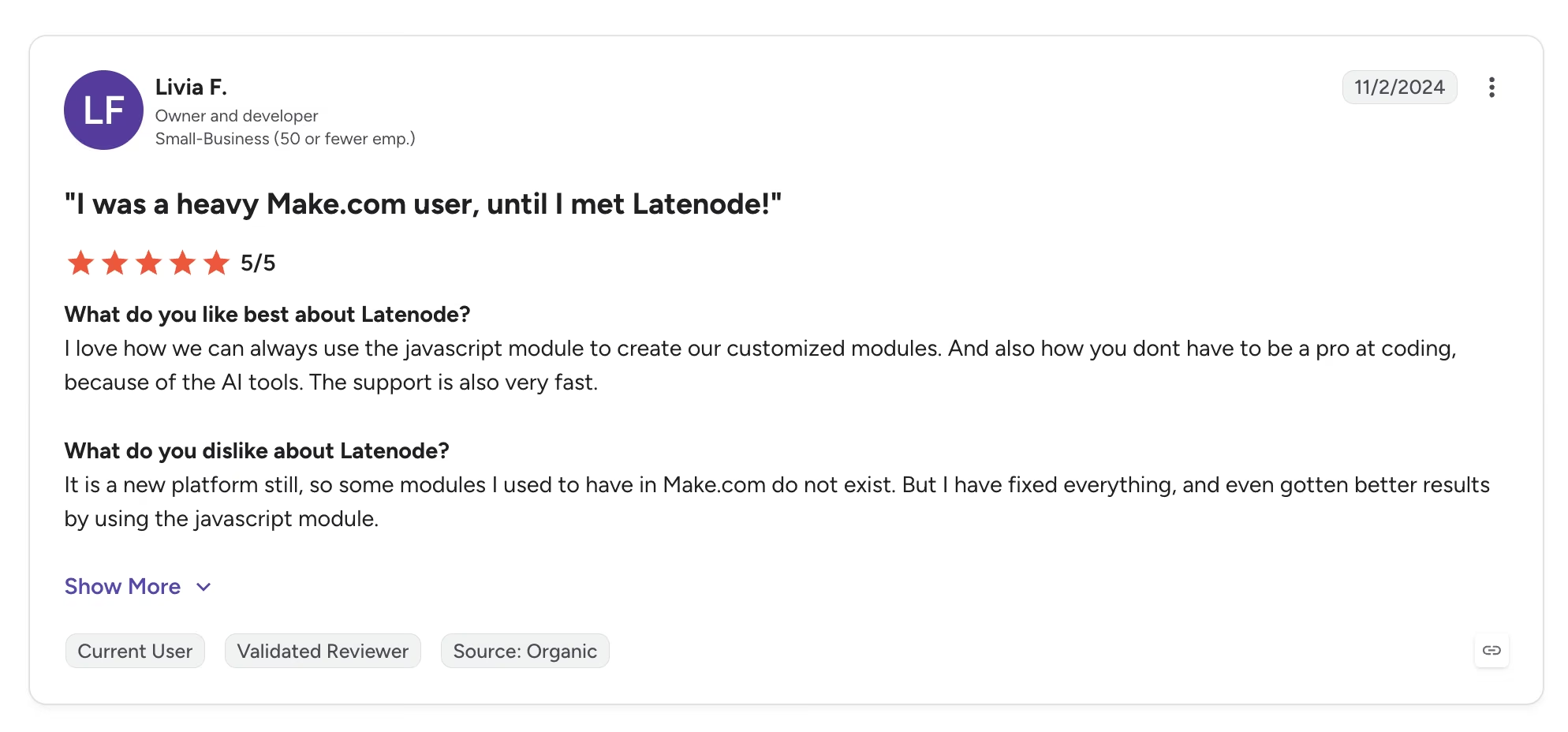
"I was a heavy Make.com user, until I met Latenode!" — Livia F., G2
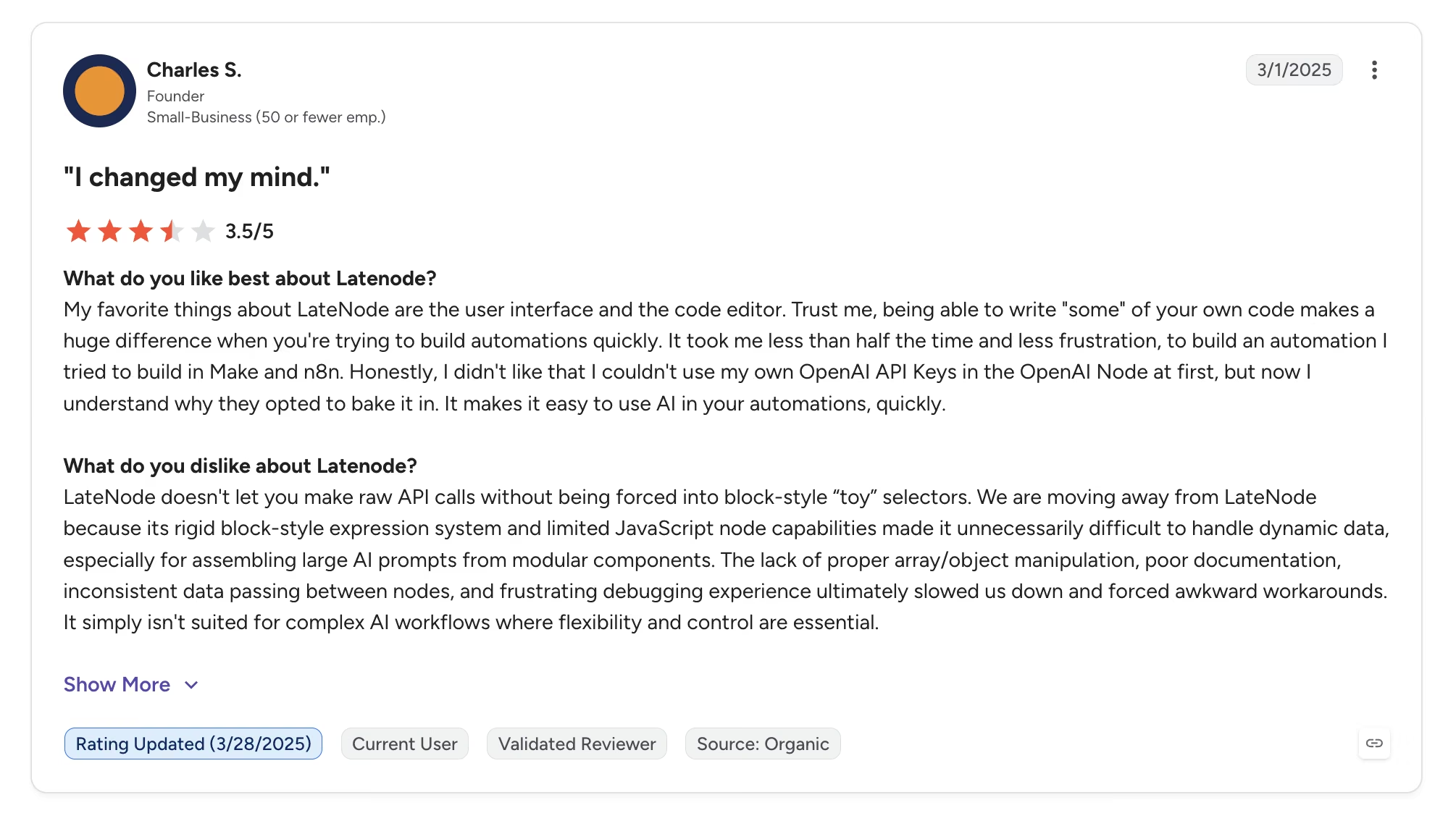
"[A] rigid block-style expression system and limited JavaScript node capabilities." — Charles S., G2
Pricing
Latenode runs on a free allowance and then pure usage billing, with no monthly platform fee:
- Free: $0/month with 10,000 CPU seconds, five active workflows, and access to every app
- Pay as you go: No base fee, starting at $0.00012 per CPU second once the free allowance runs out, with rates dropping as volume climbs
- Add-ons: Optional extras for longer runs, faster polling, larger files, and reserved capacity
- Worked example: Latenode's own pricing page puts 100,000 one-second runs at $10.80 a month
Bottom Line
Latenode is the pick when the thing that broke your Make budget was scenario length. Anyone who needs a precise number in advance will find CPU-second billing harder to plan around than a simple task quota.
7. Microsoft Power Automate: Best for Microsoft 365 Organizations
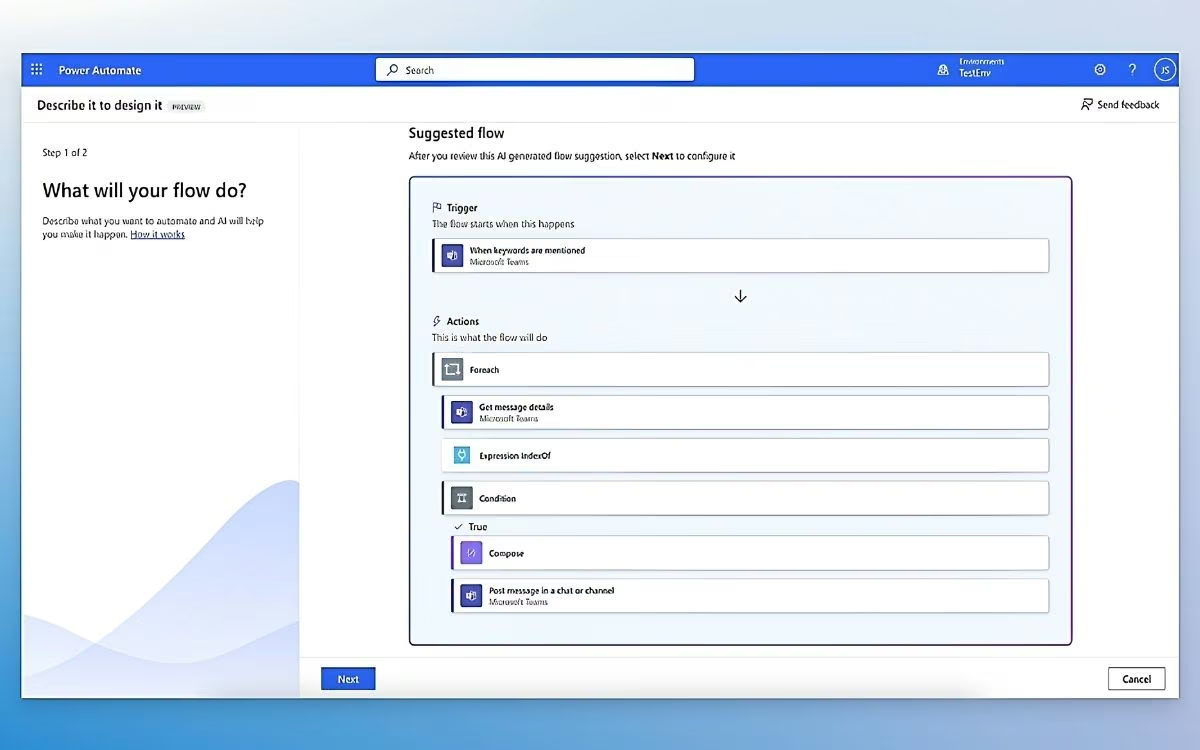
What it does: Power Automate is Microsoft's automation platform, built to connect Outlook, Teams, SharePoint, Excel, and the rest of Microsoft 365, with desktop robots available for older software that offers no other way in.
Best for: Companies already paying for Microsoft 365, where basic flows are covered by a license they hold.
For a large share of businesses, the cheapest Make alternative is one they already own. Standard-connector flows come bundled with most Microsoft 365 business licenses, so a team automating approvals between Outlook, Teams, and SharePoint can often replace a Make scenario at no extra cost.
The catch is licensing. The moment a flow needs a premium connector such as Salesforce, you move to the $15 per user Premium plan, and unattended desktop robots are priced per bot on top. Reviewers praise the Microsoft integration and complain, just as steadily, about working out what they owe.
Key Features
- Deep Microsoft 365 connections: Flows trigger from Outlook, Teams, SharePoint, Excel, and Forms with no extra setup
- Desktop robots: Automate older Windows software that offers no other way to connect, attended or unattended
- Enterprise governance: Managed environments, audit logging, and role controls that rivals reserve for custom-priced tiers
- AI Builder: Prebuilt models for reading forms and invoices, sold as an add-on
Pros and Cons
Pros:
- Effectively free for standard-connector flows if you already pay for Microsoft 365
- Unmatched depth across the Microsoft suite
- Governance and compliance controls suited to large organizations
Cons:
- The most confusing licensing here, with per-user, per-bot, and premium-connector charges stacking up
- Debugging draws steady criticism, with reviewers citing vague error messages
- Weaker outside Microsoft, where rivals connect to far more apps
What Users Say
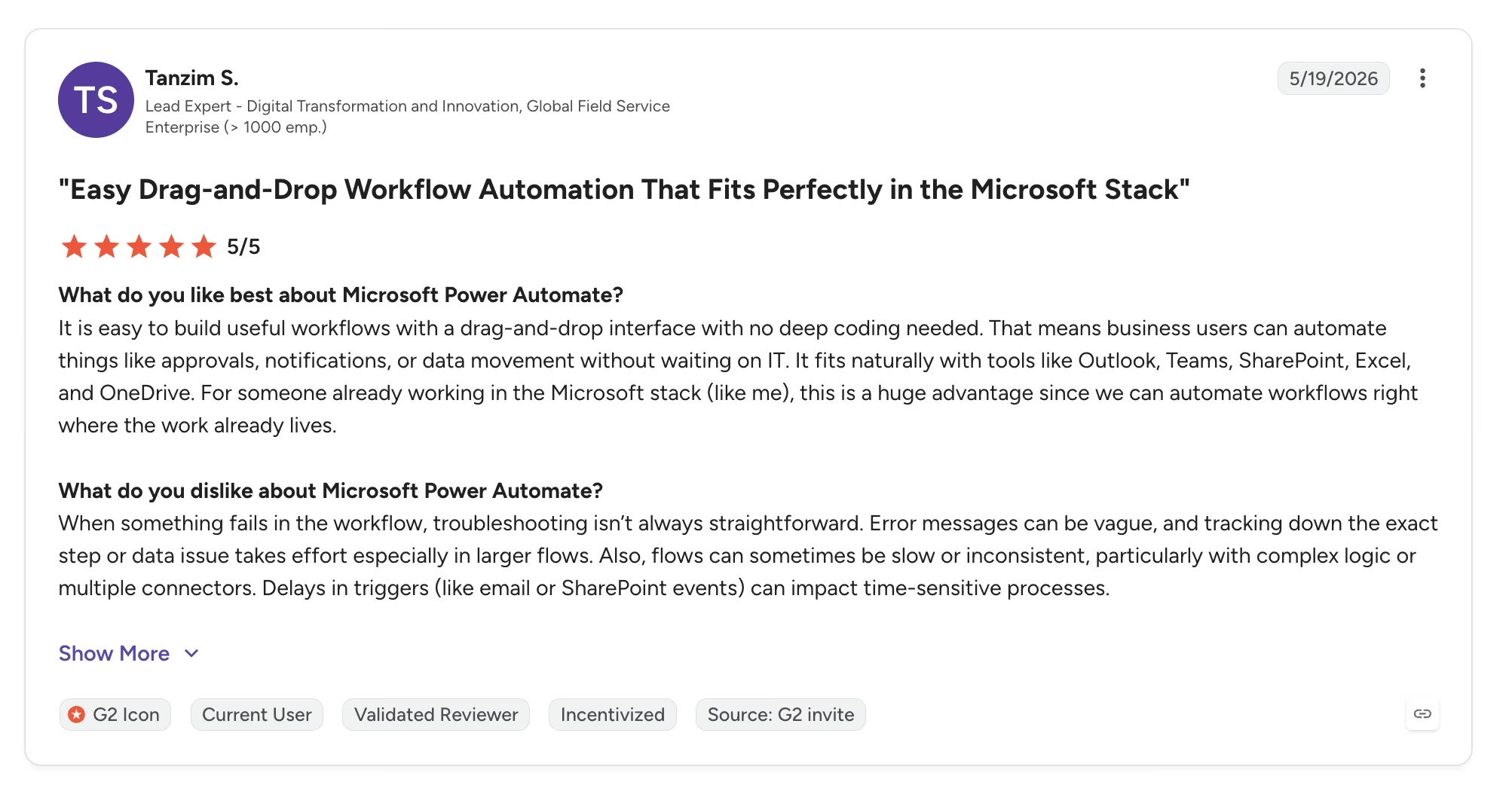
"It fits naturally with tools like Outlook, Teams, SharePoint, Excel, and OneDrive." — Tanzim S., G2
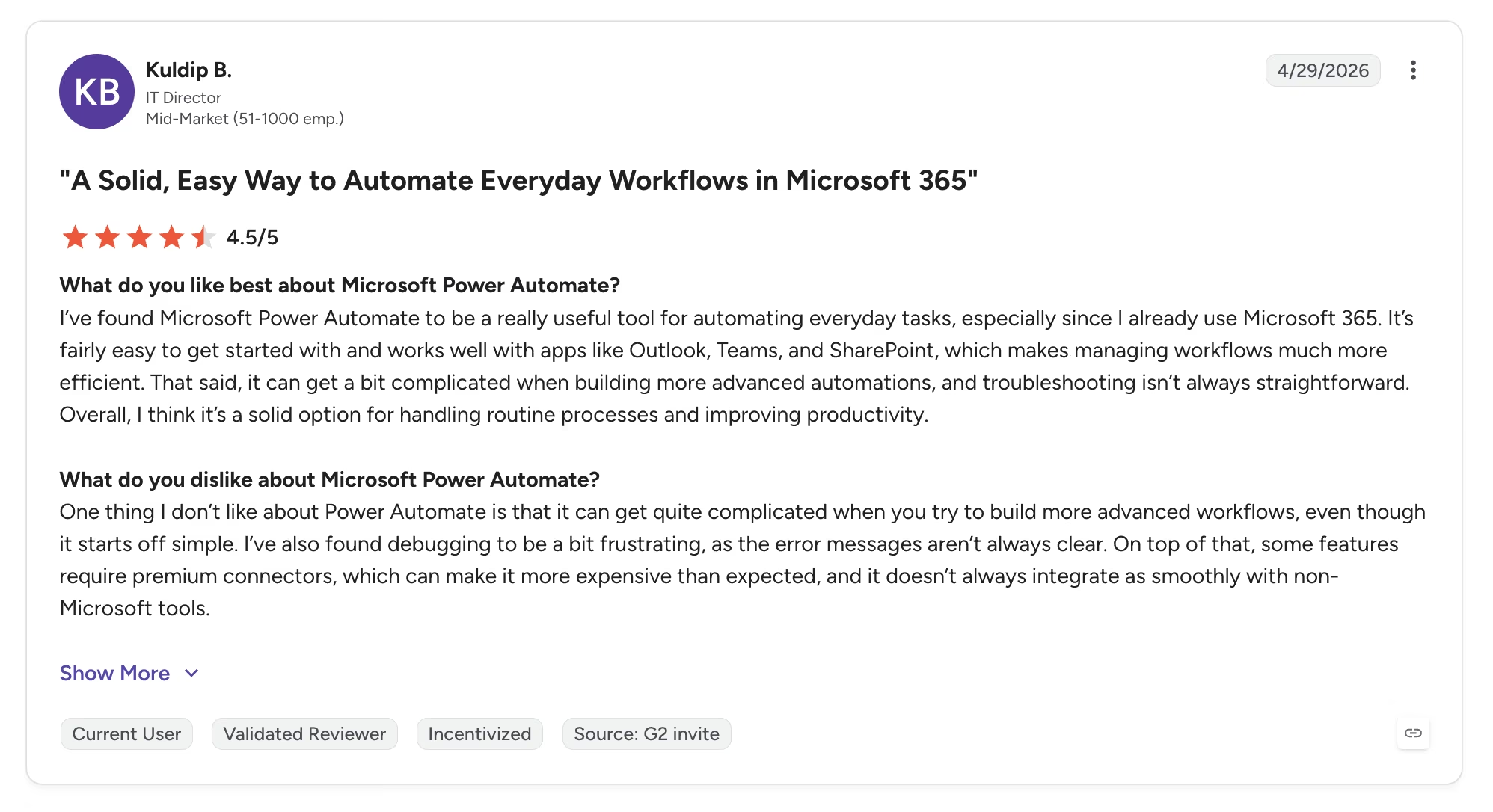
"Some features require premium connectors, which can make it more expensive than expected." — Kuldip B., G2
Pricing
Microsoft bills Power Automate yearly, with no month-to-month option on its paid plans:
- Free trial: 30 days of cloud flows on standard connectors
- Premium: $15/user/month, paid yearly, adding premium connectors, attended desktop robots, and process mining
- Process: $150 per bot/month, paid yearly, for unattended desktop robots
- Hosted Process: $215 per bot/month, paid yearly, with the robot running on Microsoft's own infrastructure
Bottom Line
If your company runs on Microsoft 365, price this one first, because a chunk of what Make does for you may already be paid for. If your stack sits mostly outside Microsoft, the licensing math turns against you quickly.
8. Activepieces: Best for Open-Source Automation With a Real Free Tier
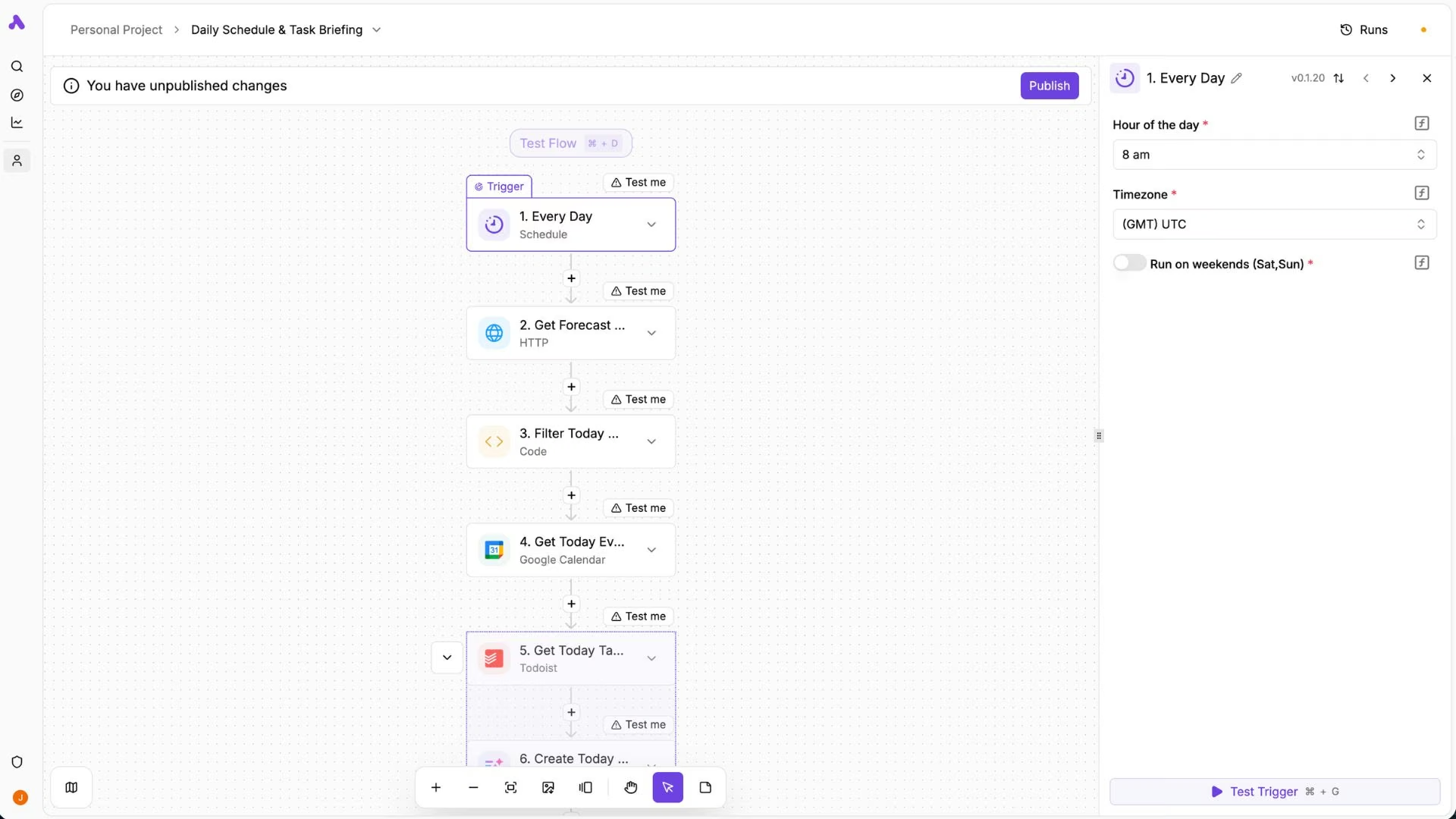
What it does: Activepieces is an MIT-licensed automation platform you can self-host for free or run in its cloud, where one flow run costs one credit, no matter how many steps sit inside it.
Best for: Teams that want open-source automation with a free tier that has no expiry date.
Activepieces prices the run, not the step. A flow run costs one credit, regardless of how many steps it contains, and every step within that flow is free. Against Make, where each module action draws down your balance, scenario length stops driving the bill.
The license is the other draw. n8n's free edition uses a fair-code license that restricts reselling it as a service, while Activepieces is MIT-licensed, so you can modify it and build on it commercially. The catalog is the weak spot at around 700 integrations, and the free tier's credits reset daily, so a heavy day stops until tomorrow.
Key Features
- One credit per flow run: Steps inside a flow cost nothing, so long scenarios don't multiply the bill.
- MIT-licensed self-hosting: Community Edition is free forever with no cap on runs, users, or flows.
- AI priced by model: 2 credits for a fast model, 10 for smart, 20 for frontier, or 1 if you bring your own key.
- Unlimited flows on every plan: Including the free tier, where the limit is daily credits.
Pros and Cons
Pros:
- A free forever tier with no card, no time limit, and unlimited flows.
- Per-run credits, so adding steps to a workflow costs nothing extra.
- A permissive license that lets you modify and commercialize the platform.
Cons:
- Around 700 integrations, well short of Make's or Zapier's catalogs.
- Free-tier credits reset daily and hard-cap, so a busy day stalls until tomorrow.
- The free self-hosted edition leaves out agents, projects, API access, and the whole admin layer.
What Users Say
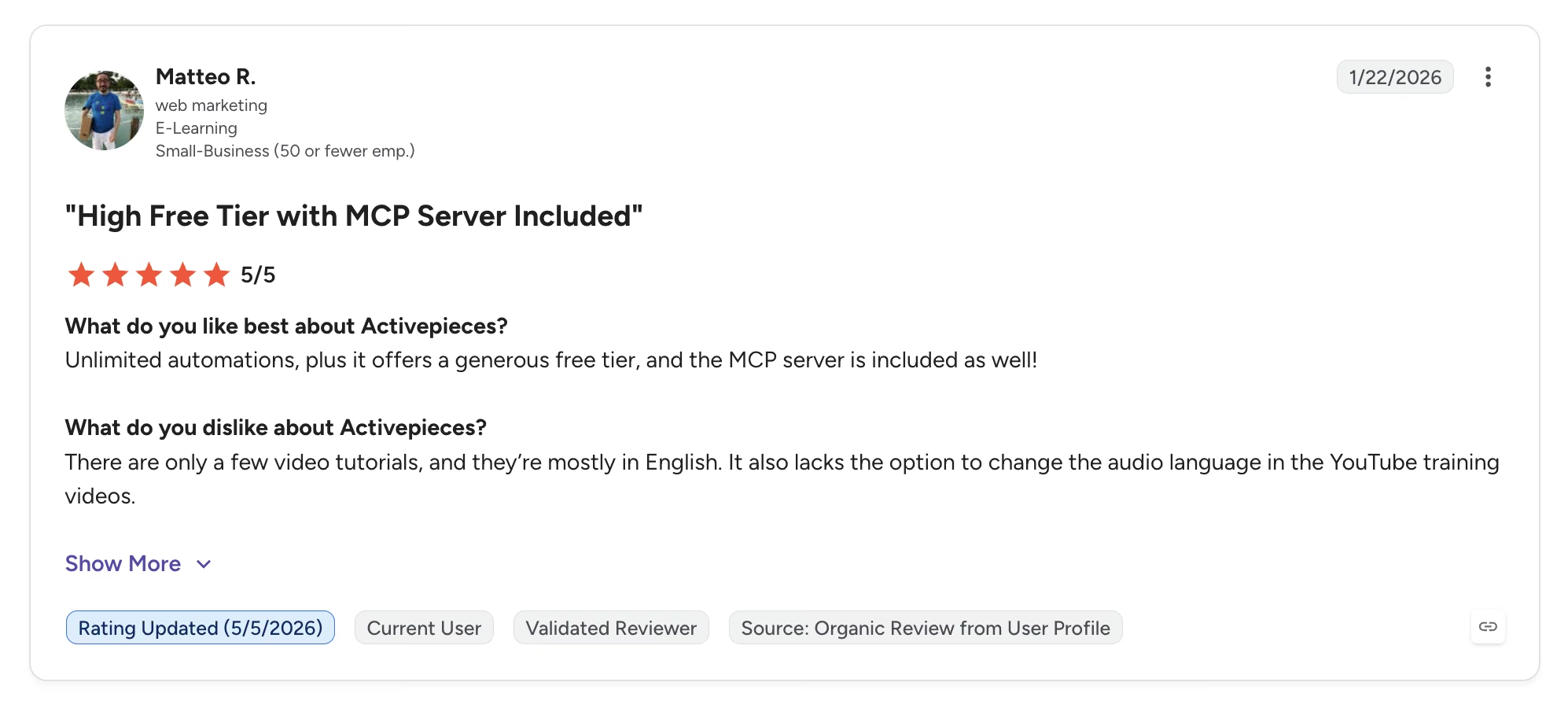
"Unlimited automations, plus it offers a generous free tier." — Matteo R., G2
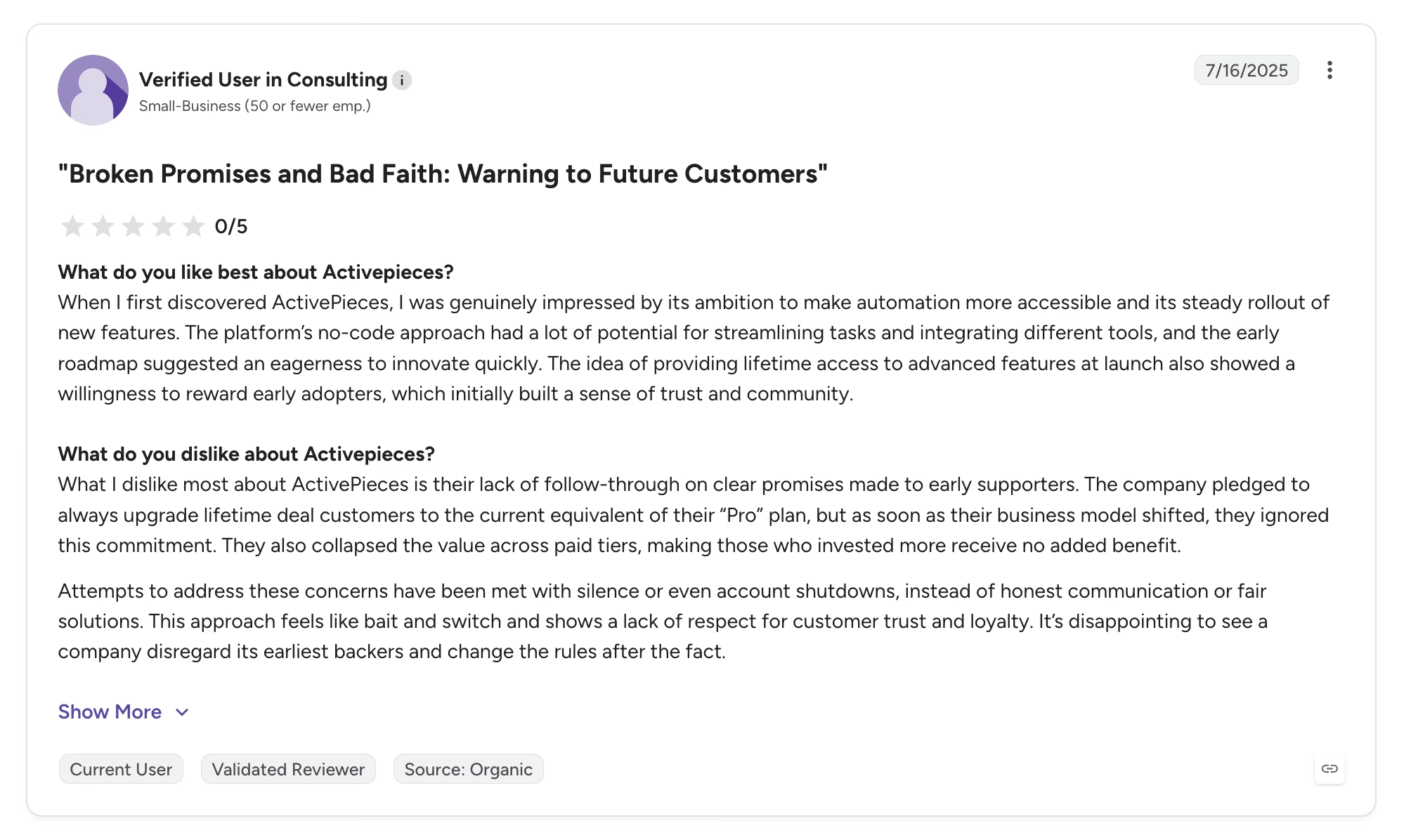
"[A] lack of follow-through on clear promises made to early supporters." — Verified User in Consulting, G2
Pricing
Activepieces prices its cloud by the run and keeps a free self-hosted edition:
- Free: $0/month forever with daily credits, unlimited flows, and a single user.
- Plus: $20/month ($16/month billed annually) with monthly credits, pay-as-you-go overage, and up to 5 users.
- Team: $200/month ($166/month billed annually) for five times the credits, 25 users, single sign-on, and email support.
- Ultimate: Custom pricing with a yearly credit pool, audit logs, SCIM provisioning, and Git Sync.
- Overage: $0.007 per extra credit beyond your plan.
Bottom Line
Activepieces suits teams who want open-source automation with a free tier that doesn't expire, and it's the only tool here you can freely fork and resell. Teams that need a wide app catalog or steady monthly credits should look elsewhere.
Which Make Alternative Should You Choose?
Choose the alternative that matches the specific complaint pushing you off Make. The eight tools split cleanly along those lines, so match the tool to your biggest frustration:
Choose n8n if you:
- Run high automation volume and want costs decoupled from step counts.
- Need your data on your own servers for privacy or compliance reasons.
Choose Emergent if you:
- Keep building scenarios that stand in for software you should just own, like a client intake tool or a job tracker.
- Want to own working software that outlives any connector setup.
Choose Gumloop if you:
- Push large datasets through AI models, scrapers, or prompt loops.
- Want a canvas designed for AI from day one.
Choose Zapier if you:
- Depend on niche apps that smaller platforms don't integrate with.
- Value setup speed and reliability over the lowest possible bill.
Choose CodeWords if you:
- Would sooner describe an automation than build one visually.
- Are comfortable adopting a young product in exchange for the easiest workflow here.
Choose Latenode if you:
- Watched your Make bill climb as scenarios grew longer, even at steady volume
- Want to drop JavaScript into a workflow without paying for every step
Choose Power Automate if you:
- Already pay for Microsoft 365 and automate mostly inside it
- Need desktop robots for older software that offers no other way in
Choose Activepieces if you:
- Run a small number of workflows that fire constantly
- Want automation software you can self-host, modify, and resell
Stay on Make if you:
- Run moderate volume that fits inside Core's 10,000 credits, where Make remains one of the best values in hosted automation.
Final Verdict
Of the Make alternatives here, n8n is the strongest replacement for most people leaving over cost or control, and it isn't close. Per-execution billing and a free self-hosted edition solve the exact problems that push people off Make, provided you can climb its learning curve.
The bigger question is whether you need a workflow tool at all. If your scenarios have grown into a shadow CRM or a duct-taped booking system, Emergent's approach of building the app itself will outlast any connector setup. Gumloop earns the AI-pipeline niche outright, Zapier stays the safe choice with the big catalog and the big invoice, and CodeWords is the one to watch.
Latenode is the sharpest answer to per-step billing, Power Automate may already be paid for if you run on Microsoft 365, and Activepieces is the value pick for a few constantly running flows.
Make is a good product with a billing model that punishes success. Pick the alternative that matches the complaint, and the switch pays for itself.

Most AI app builders stop at prototypes. Emergent creates production-ready apps you can actually launch.
- Production-ready apps
- Web & mobile apps
- Deploy in minutes







