



TL;DR
- ChatGPT: Best for general autonomous tasks on a flat monthly fee instead of a credit meter.
- Claude: Best for research and analysis, where the reasoning quality matters more than the automation.
- Genspark: Best for heavy agent use, with 10,000 monthly credits on the entry plan against 4,000 on Manus.
- Emergent: Best when the deliverable has to be deployed software you can open at a live URL.
- Lindy: Best for recurring business workflows that run on a schedule across your apps.
- Perplexity: Best for sourced research when you need citations you can open and verify.
- OpenClaw: Best for running an agent on hardware you control, free if you host it yourself.
Describe a goal to Manus, walk away, and it often comes back with finished work. The problem is the cost: you can't predict what any task will spend. The credit meter turns into a budget nobody can forecast.
So, I put seven Manus AI alternatives through the same hands-on test, and every price below comes from the vendor's own pricing page in August 2026.
Three of them replaced Manus for me: ChatGPT and Claude for research and analysis, and Emergent when I needed a finished, working app. Below is where each one pulls ahead, where it breaks down, and which fits the job you're handing off.
The Test: Three Jobs I Handed Each Tool
Every roundup claims it "tested" these agents, yet never shows the test. Here is mine. I ran all seven against the three jobs people usually hand to Manus, so each verdict below traces back to the same bench:
- A sourced research brief: Could it find the facts and flag what it could not verify?
- A small booking app with logins and payments: Did it ship working software or just code?
- A weekly task that had to fire on its own: Did the recurring run hold up unattended?
Research went to Claude and Perplexity. The app that had to ship went to Emergent. The recurring job went to Lindy. The rest of this piece is how each tool won or lost those calls.
Why Look for a Manus AI Alternative?
Manus is a capable generalist, and its output is usually fine. What wears people down is not knowing what a task will cost or whether it will finish.
Credits do not map to effort in any way you can plan around. Manus prices are $20, $40, and $200 per month for 4,000, 8,000, and 40,000 monthly credits. The plans are clear, but no estimate appears before you submit a task, so you only learn the cost after it runs. Two briefs of similar scope drained very different amounts, and you find out afterward.
Long tasks fail in a particular way. Short jobs finish clean, but stretch a run across more steps and more sites, and the failure modes stack up. A click lands on a button that moved, a consent wall appears, or something times out. Manus rarely says it is stuck, and instead reports completion on partial work. You only catch that by auditing the output.
It clicks through interfaces instead of calling APIs. The flexibility that buys you is wide, since Manus can reach almost any site or app online. The cost shows up when a workflow runs Tuesday and breaks Thursday after a site redesign.
Which Manus AI Alternative Should You Choose?
The full reviews are below. If you want the short version:
- Choose ChatGPT if you want the closest thing to Manus autonomy without a credit meter, and you can live with cloud-only execution.
- Choose Claude if the work is analysis, synthesis, or long documents, and answer quality outranks automation speed for you. For recurring jobs wired into your own apps, Lindy goes deeper.
- Choose Genspark if you burn through credits fast and want more headroom per dollar. It costs more per month than Manus, so it only pays off at high volume.
- Choose Emergent if what you asked Manus to make needs to run as working software with logins and payments. Skip it if you only need a document or a deck.
- Choose Lindy if the task repeats every week across email, calendar, and your CRM. Exploratory research falls outside what a workflow platform does.
- Choose Perplexity if the job is research and you need to click through to every source. It reaches into light task work too, but research is where it is strongest.
- Choose OpenClaw if you want the agent on infrastructure you control. Self-hosting is free and takes about an hour if you are technical, longer if you are not. The managed cloud costs $59 per month.
- Stick with Manus if you run occasional one-off tasks, the credit spend sits inside your budget, and the browser-based flexibility does something the alternatives cannot.
7 Best Manus AI Alternatives at a Glance
| Tool | Best for | Starts at |
|---|---|---|
| ChatGPT | General autonomous tasks | $8/month |
| Claude | Research and reasoning | $20/month |
| Genspark | High credit volume | $24.99/month |
| Emergent | Deployable software | $20/month |
| Lindy | Recurring workflows | $29.99/month |
| Perplexity | Sourced research | $17/month |
| OpenClaw | Self-hosted control | $59/month |
Pricing read from each vendor's own pricing page in August 2026.
The 7 Alternatives, Reviewed
Every tool below gets the same treatment. Where it wins and where it stalls, who should pick it, and what it costs, with a link to the page the price came from.
One split runs underneath all seven. Emergent and OpenClaw hand you something you can deploy and own, while the other five run in someone else's cloud. How much that matters depends on the job.
1. ChatGPT
ChatGPT is the alternative that takes the meter out of the decision. That one change reshaped how I worked in a couple of days.
On Manus, I pre-edited every prompt to avoid waste, because a vague instruction could cost a few hundred credits. On ChatGPT Plus, that hesitation went away.
I ran the research brief four times with different framings, and the fourth was clearly the strongest of the four. On a credit budget, I would have stopped at the first passable version.
Research output landed close to Manus, and ahead of it on judgment calls about what to leave out. The booking app is where it lost ground, since clean, well-explained code arrived, but deploying it was still on me.
The Monday task fires on schedule and has not stopped without warning, though setup was fiddlier than in a dedicated automation tool.
OpenAI buries one detail in the fine print. The $8 Go plan "may include ads," and for agent work it is too limited anyway, since scheduled tasks and extended reasoning start at Plus.
If you are weighing the top tier, our ChatGPT Plus vs Pro breakdown covers whether the jump pays off.
Key Features
- Flat-rate agent runs: No credit accounting, so you iterate until the output is right.
- Scheduled tasks and projects: Recurring work fires on its own, with custom GPTs holding context between runs.
- Codex access: Extended coding on Plus, maximum task volume on Pro.
Pros
- Predictable monthly cost, the main reason people leave Manus
- Strongest general-purpose output of the cloud options here
- Free tier is usable enough to evaluate before paying
Cons
- Delivers code, leaving deployment to you
- Cloud-only, with no self-hosted option
Best for
- Anyone whose complaint about Manus is the credit meter
- Research and analysis where you want to iterate freely
- Teams already standardized on OpenAI models
Pricing
ChatGPT starts free. Go is $8 per month and may include ads. Plus is $20 per month, adding GPT-5.6 reasoning, expanded deep research, projects, and scheduled tasks. Pro starts at $100 per month.
2. Claude
The research brief is where these agents stopped looking alike. I asked every one of them to flag anything it could not verify, and Claude was the only one that came back with a short list of claims it refused to stand behind. Manus had asserted two of those same claims without hedging.
That behavior is the reason to pick it. Claude Cowork, included on Pro at $17 per month billed annually, runs work in the background and checks in with intermediate output.
The upshot is that a long analysis job does not block you while it runs.
On the booking app, it wrote solid code with clear reasoning about the payment flow, but like ChatGPT, it stopped at the code and left the deployment to me.
The Monday task exposed its weak spot. Cowork now has a native scheduler, with /schedule running tasks hourly, daily, or weekly in the cloud.
The catch is that it is tied to your Claude connectors and account files rather than the deep app integrations a workflow needs, and it is still rolling out in beta.
So for recurring work wired across your own CRM and inbox, skip ahead to Lindy. One thing that's easy to miss: that single Pro price bundles Claude Code, Cowork, Design, and Science together, with no add-ons.
Key Features
- Cowork background execution: Long tasks run while you do something else, with check-ins along the way.
- Flagged uncertainty in my test: It marked the claims it could not verify and left them out.
- Bundled tools: Code, Cowork, Design, and Science all sit inside Pro.
Pros
- Best output quality of anything I ran on research and analysis
- Cheapest serious plan here at $17 per month annually
- Flags weak claims where other tools guess confidently
Cons
- Native scheduler is tied to Claude connectors and account files, not deep app integrations, and still in beta
- Cloud-only, with no local execution
Best for
- Analysis and long documents where being wrong is expensive
- Research you plan to publish or act on
- Anyone who wants reasoning quality over automation breadth
Pricing
Claude is free to start. Pro is $17 per month, billed annually ($200 upfront), or $20 per month, and includes Claude Code, Cowork, Design, and Science. Max starts at $100 per month for 5x or 20x more usage.
3. Genspark
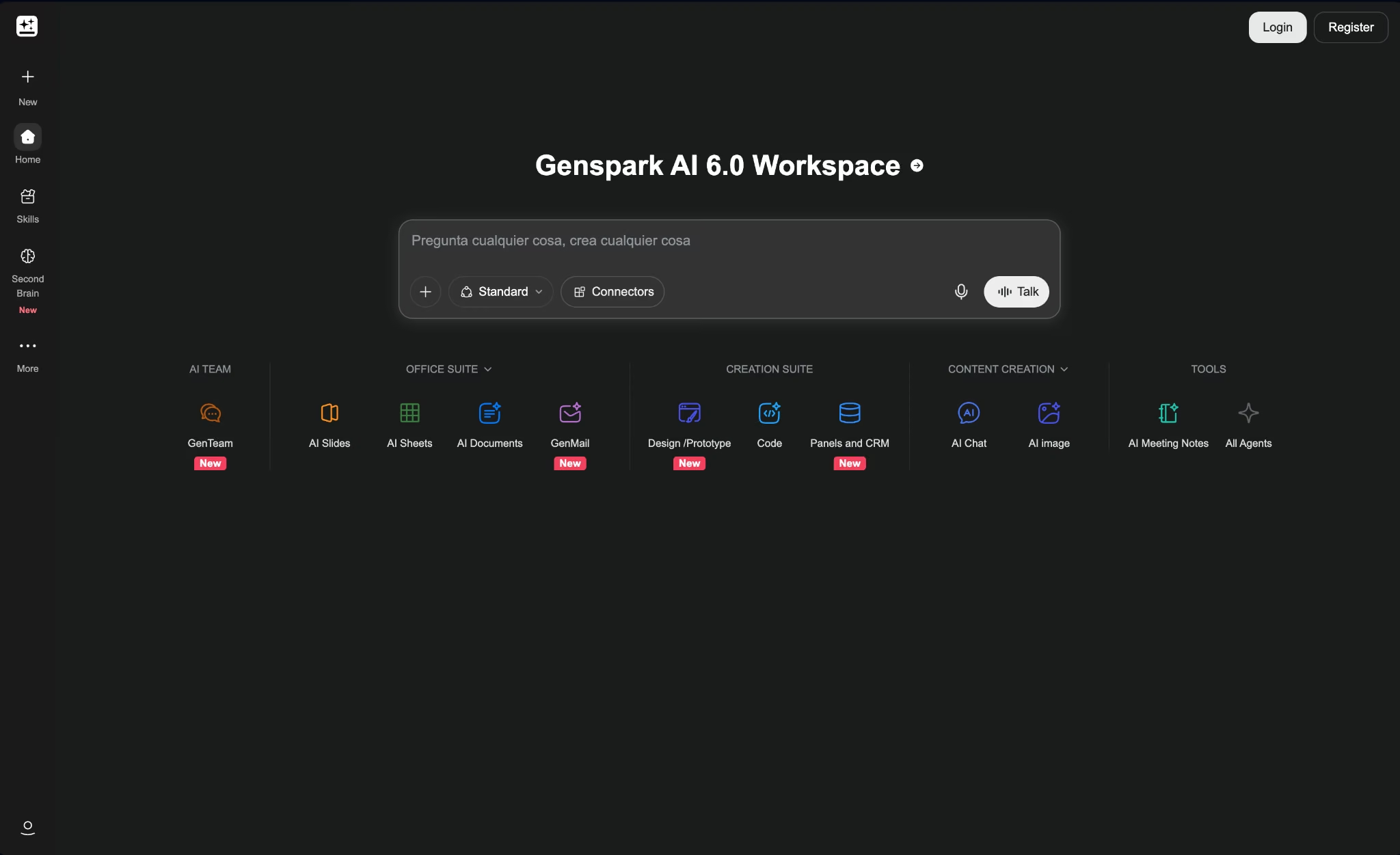
Genspark is the only option here that competes with Manus on its own terms, which means it also inherits the thing people dislike about Manus. You are still watching a credit counter. The difference is how much runway you get before it matters.
Entry is $24.99 per month for 10,000 credits, against 4,000 on the $20 Manus plan. Five dollars more buys 2.5x the headroom. In my research brief, that headroom was the difference between working freely and rationing credits. I reran it three times without coming close to the ceiling.
What you get for the money is breadth. Claude Fable 5 and GPT-5.6 cover text, GPT Image 2 and Nano Banana cover images, and Gemini Veo 3.1 covers video, plus 50GB of AI Drive storage and commercial rights on generated output.
Nano Banana Pro in 4K is reserved for the top plan, and chat and image generation do not consume credits at all.
I gave it my standard research brief: "Compare the current pricing and core features of the top Manus AI alternatives, pull every figure from the vendor's own pricing page, cite each source, and flag anything you can't verify."
One deep-research pass ran about 55 credits, so three reruns barely touched the monthly pool, and the report came back structured and cited. The booking app was its weakest showing: Genspark Code produced a working draft I'd have had to rebuild before shipping.
Key Features
- 10,000 monthly credits at entry: 2.5x the Manus starter allowance.
- All frontier models included: Text, image, video, and audio under one subscription.
- Zero-credit chat and images: Everyday use does not eat your allowance.
Pros
- More credit headroom per dollar than any other metered tool here
- Commercial use rights on generated content
- Unlimited chat and image generation outside the credit pool
Cons
- Costs more per month than Manus at every tier
- Code output needs a rewrite before deploying
- Benefits guaranteed only through the end of 2026
Best for
- Heavy agent users who hit credit ceilings on Manus
- Multimedia work spanning text, image, and video
- Anyone who wants Manus-style autonomy from another vendor
Pricing
Genspark is free to start with 100 daily credits and about 1GB of AI Drive storage, no card required. Plus runs $24.99 per month, or $19.99 billed annually, for 10,000 credits and 50GB of storage. Pro is $249.99, or $199.99 annually, for 125,000 credits and 1TB.
4. Emergent
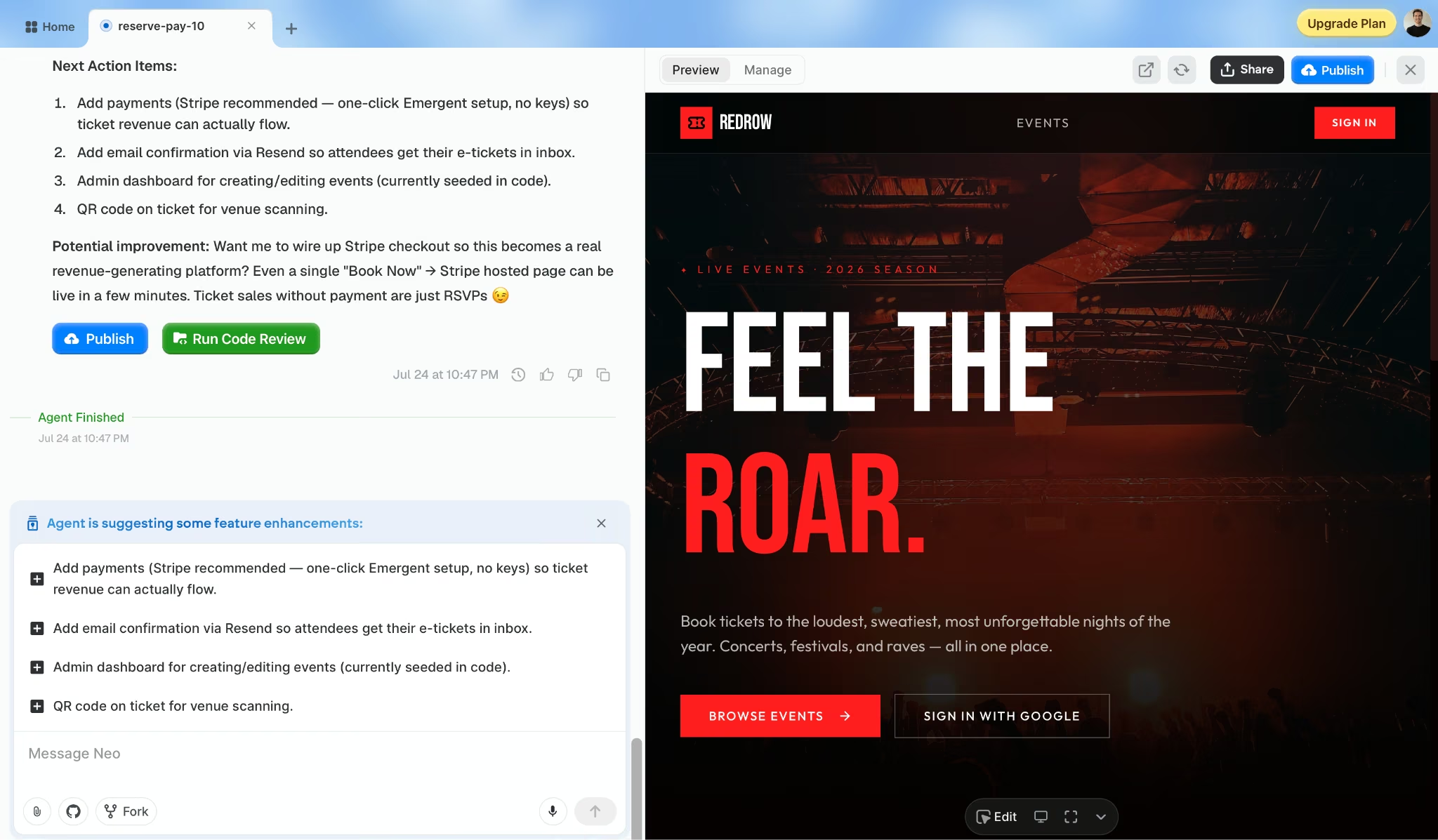
Here is the test that separates this one from the options above it. On ChatGPT, Claude, and Genspark, the booking app arrived as code I still had to deploy. On Emergent, it arrived as a URL I could open, log into, and pay through.
Whether that matters depends entirely on your job. Emergent is an AI app builder that runs a team of agents to take an app from plan to deployment in one pass.
What comes back is working software with logins, a database, and Stripe wired in.
My app went live on an .emergent.host address without me touching infrastructure. The Standard plan at $20 per month syncs with your own GitHub, so you can export and host it elsewhere.
Its limits are worth being plain about. It is the wrong tool for the research brief, where Claude and Perplexity beat it easily, and pointless for the Monday digest.
Output quality also tracks how precisely you describe the logic you want, more so than with a chat tool, because vague requirements produce a vague app you then have to rebuild.
Free credits are tight at 10 per month, which is enough to see how it works and not much else.
Key Features
- Agent team that ships: Plans, builds, tests, and deploys in one pass.
- Native payments and sign-in: Stripe, Razorpay, and Google sign-in connect without plugins.
- Code ownership: GitHub sync from Standard up, so you can export and self-host.
Pros
- Only tool here that returned a deployed, working app
- You own the code and can move it off the platform
- Payments and logins work without assembling third-party services
Cons
- Overkill for research, writing, or one-off documents
- Output quality depends heavily on how precisely you specify the logic
- Free tier is 10 credits, enough for a look and little more
Best for
- Turning an agent prompt into software people can log into and use
- Internal tools with accounts, bookings, or dashboards
- Founders shipping a product customers can sign into
Pricing
Emergent is free with 10 monthly credits. Standard is $20 per month for 100 credits, private hosting, and GitHub integration, while Pro is $200 per month for 750 credits, a 1M context window, ultra thinking, and custom AI agents.
If you’re exploring different ways to build software with natural-language prompts, 9 Best Vibe Coding Tools in 2026: Tested on Real Builds compares the tools on actual projects.
5. Lindy
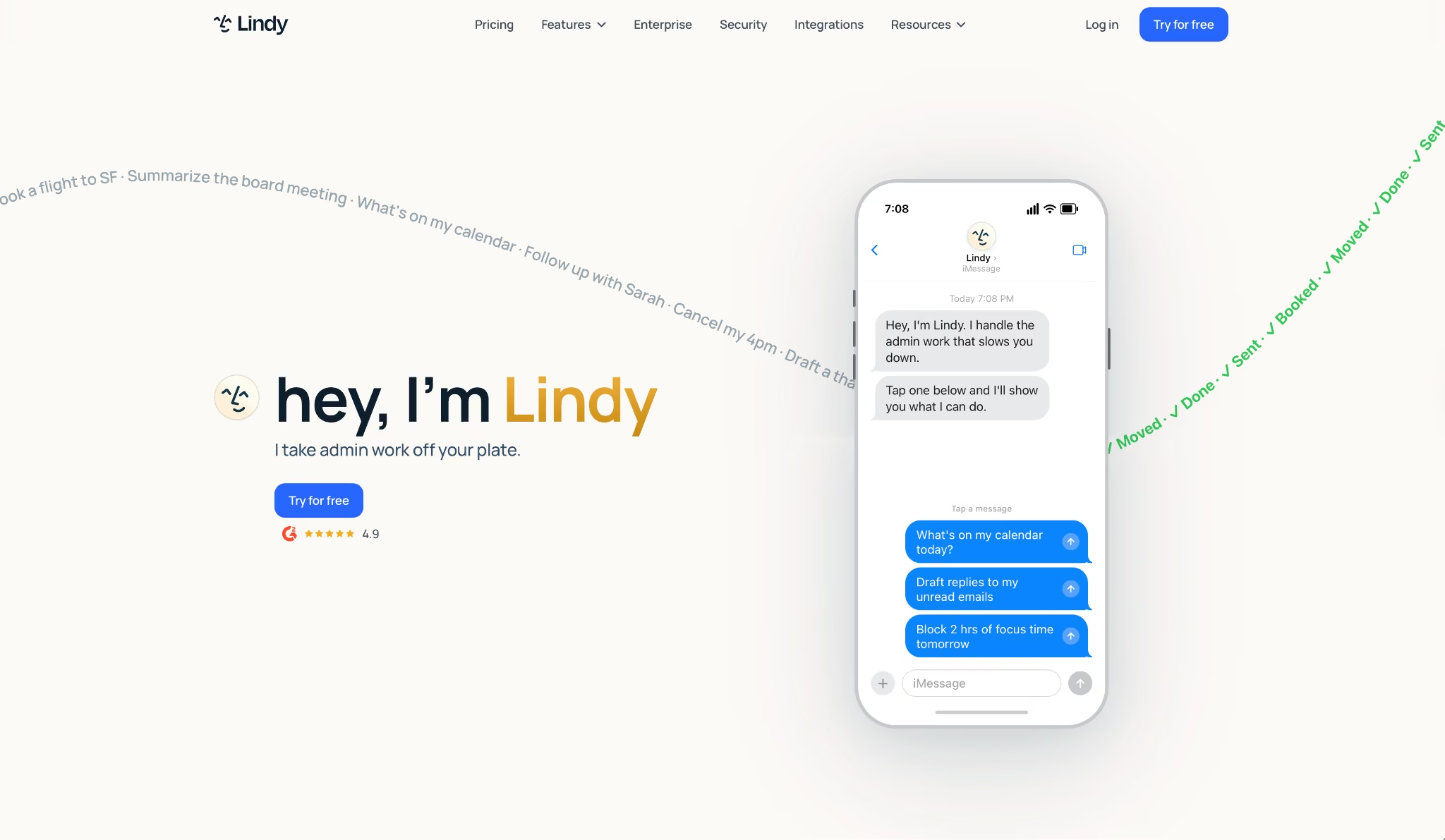
Lindy is a specialist. It only shone on one of my three jobs, the recurring one, and that's exactly what it's built for. The two it stumbled on sat outside its scope in the first place, since the exploratory research brief and the booking app both need capabilities that Lindy leaves to other tools.
The Monday task is where it pulled clearly ahead of the rest. Recurring automation is the core product, and scheduling gets the depth that chat apps reserve for their main feature. I set the trigger, connected the inbox, and it has run since without supervision.
That steadiness comes from direct API calls. Manus clicks through interfaces, which is why a site redesign can break a workflow overnight, and across my runs nothing broke from an interface change.
Price is the sticking point. Plus starts at $29.99 per month, about 1.5x the entry price of Manus, and computer use only appears on Pro at $99.99. There is no free tier, only a trial.
That price splits cleanly by use case. For one-off tasks, the math never works, but for a workflow that runs every week and replaces hours of manual admin, it does.
Key Features
- Direct API integrations: 100+ connections that survive site redesigns.
- Scheduled and triggered runs: Work fires on a calendar or an event, unattended.
- Human-in-the-loop approvals: Checkpoints for steps you do not want fully automatic.
Pros
- Steadiest unattended recurring execution of the seven
- Workflows keep running when websites change
- HIPAA compliance and signed BAAs available on Enterprise
Cons
- Entry plan is $29.99 per month, more than the flat-fee research tools at $17 to $20
- Cannot do exploratory research or produce software
- Computer use requires the $99.99 Pro plan
Best for
- Weekly work across email, calendar, and CRM
- Operators replacing recurring manual admin
- Teams needing compliance controls on automation
Pricing
Lindy Plus is $29.99 per month per user, with 3,000 credits and 100+ integrations. Pro is $99.99 for 15,000 credits (5x Plus) plus computer use, and Max is $199.99 for 35,000 credits (roughly 12x Plus). Enterprise is custom, adding HIPAA compliance with a signed BAA, shared usage, audit logs, and dedicated support.
6. Perplexity
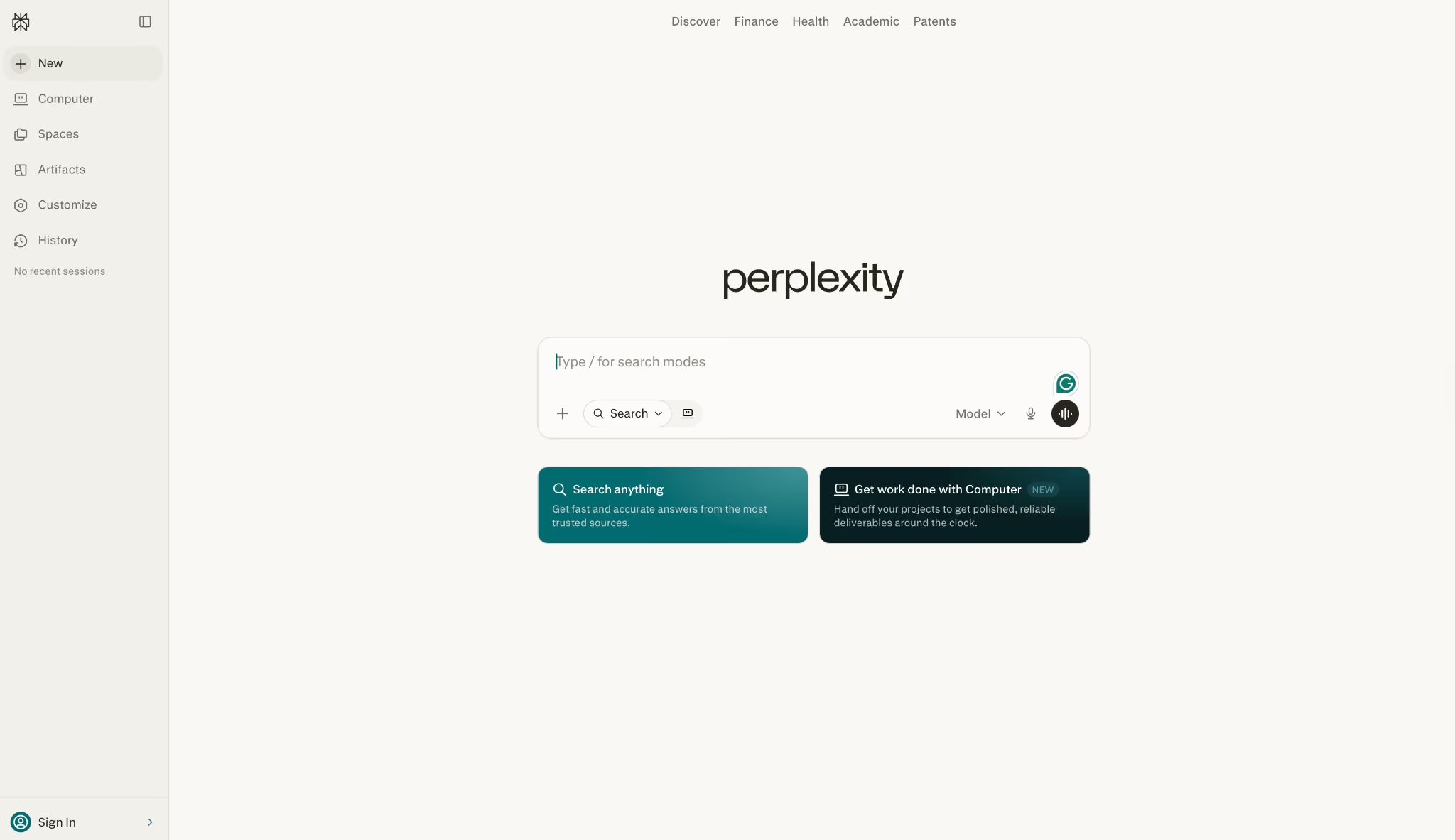
I check citations by opening them, and that habit is what moved Perplexity onto this list. When I audited the research brief across all seven, Perplexity was the fastest to verify, because every claim had a link that went where it said it would.
Its strength is answering questions with sources, which covers one specific Manus use case, the research run. I ran it the same brief: "Compare the current pricing and core features of the top Manus AI alternatives, pull every figure from the vendor's own pricing page, cite each source, and flag anything you can't verify."
Every claim came back with a numbered citation that opened where it said, so it was the fastest of the seven to fact-check. For that job, it is faster, cheaper, and easier to check.
Pro at $20 per month now includes Perplexity Computer plus 4,000 credits, which pushes it past pure search into light task execution, though not near what Manus attempts.
Scope is the obvious limit. Computer will attempt an app or a scheduled task, but on my booking app and my Monday run, it stayed shallow next to the apps built for those jobs.
So if your Manus usage is mainly finding things out and seeing where the answer came from, this handles it on a flat fee. For heavier execution, look at the tools above.
Its free tier goes further than the others here, since search with citations works without paying at all.
Key Features
- Inline citations: Every claim links to a source you can open and check.
- Perplexity Computer: Task execution on Pro, with 4,000 included credits.
- Premium database search: Access to sources beyond the open web.
Pros
- Fastest tool to fact-check, because sources are one click away
- Free tier covers sourced search without a paid plan
- Flat $20 per month for the research work Manus meters
Cons
- App building and scheduled tasks exist in Computer but stay lighter than dedicated builders and workflow tools
- Multi-step execution is limited compared to what Manus attempts
Best for
- Research where every claim has to be verifiable
- Replacing the search portion of a Manus workflow
- Analysts and writers who cite their sources
Pricing
Perplexity is free for search with citations. Pro is $20 per month, adding expanded Perplexity Computer access, 4,000 bonus credits, deep research, and access to top AI models. Max is $200 per month, with maximum Computer usage, 35,000 bonus credits, 10,000 monthly credits, and frontier AI models.
For a broader view of AI-powered search and research tools, Best Perplexity Alternatives and Competitors explores how other platforms compare with Perplexity.
7. OpenClaw
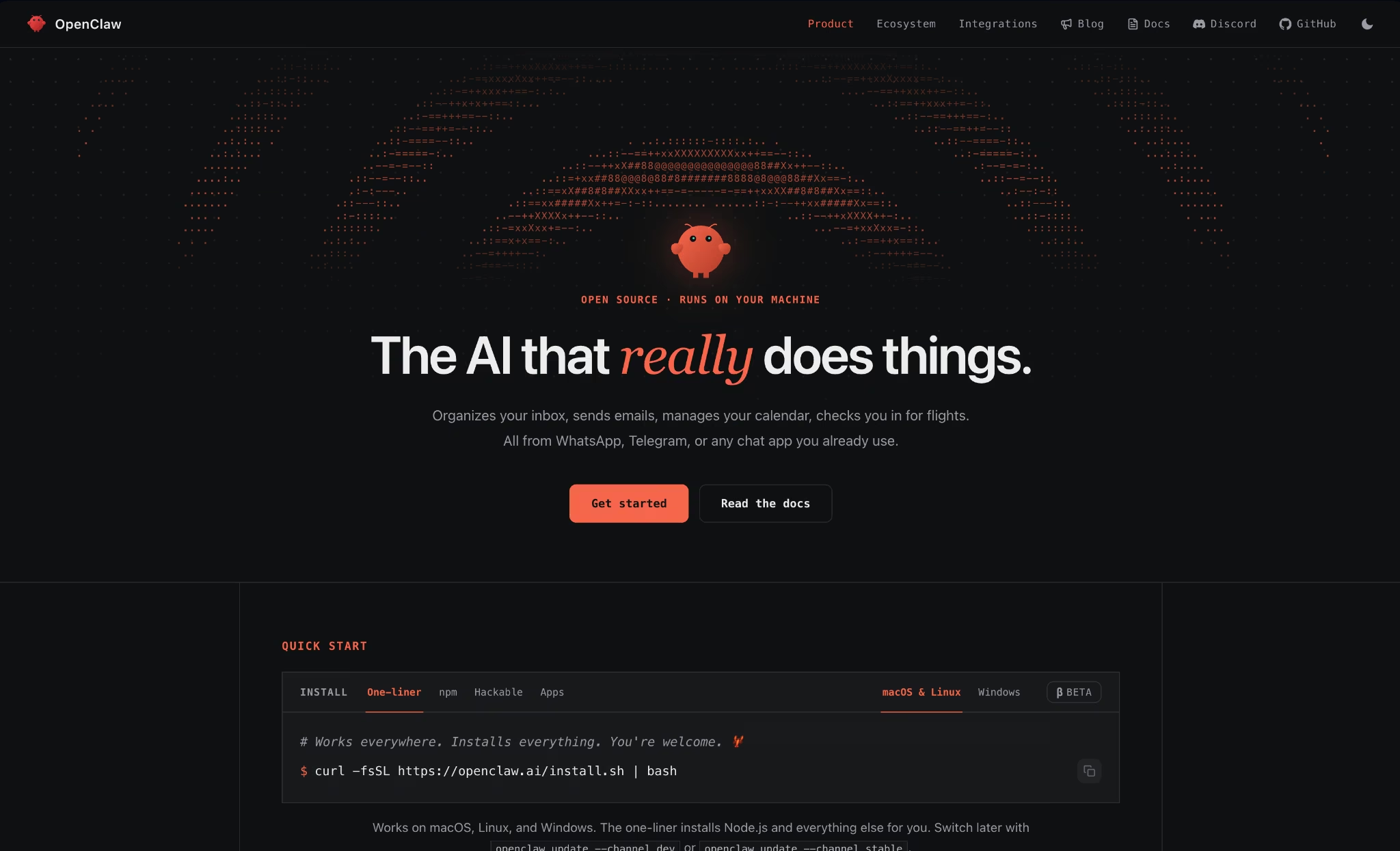
Everything else here runs on someone else's machine. OpenClaw is the answer if that is the part of Manus you want to change, and the tradeoff is that you become the operations team.
The core is open source under MIT, so self-hosting costs nothing but your time. Our guide to what OpenClaw is covers the architecture in more depth.
Its own site estimates roughly 60 minutes for the traditional setup path, from buying a VM through wiring up the bot and its webhooks, and tells non-technical users to multiply that.
The managed cloud cuts it to under a minute at $59 per month, the priciest hosting in this roundup, which only pays off if local control matters to you and maintenance does not.
Across my three jobs, it was capable but demanding. Research and the Monday task both worked once configured, with the local gateway keeping data on my hardware. The booking app was out of scope.
One caution matters before you commit. Tools run on your host without a sandbox by default, and credentials live in a config file that the model can read during operation, which is fine for a single trusted user but poor for anything shared.
Key Features
- Local gateway daemon: The agent runs on your hardware, with data staying there.
- Broad channel support: WhatsApp, Telegram, Slack, Discord, Signal, and more.
- MIT licensed: Auditable, forkable, and free to self-host.
Pros
- Only option here where your data never leaves your machine
- Free forever if you run it yourself
- Open codebase you can inspect and extend
Cons
- Self-hosting takes about an hour, longer if you are non-technical
- No sandbox by default, and credentials sit in a readable config
- The managed cloud is $59 per month, more than any other hosted option on this list
Best for
- Anyone who left Manus over where the data runs
- Developers comfortable maintaining their own agent
- Single-user setups where a trusted-operator model is acceptable
Pricing
OpenClaw is free and MIT-licensed if you self-host. OpenClaw Pro, the managed cloud, is $59 per month.
Beyond the tools covered here, OpenClaw vs. Emergent (Moltbot) provides another useful comparison of AI-powered development workflows.
How to Pick the Right One
Once you have a shortlist, four questions will settle it faster than any feature comparison. Start here:
- What does "done" look like? A document, a deployed app, or a task that repeats. Manus blurs these together, while the alternatives each pick one and say so. Answer this, and you eliminate four of the seven immediately.
- Is metered pricing the actual problem? If you left Manus over credits, moving to Genspark buys headroom but keeps the meter. ChatGPT, Claude, and Perplexity remove it entirely at $17 to $20 per month.
- Does anything have to run unattended? Chat tools schedule tasks as a side feature. Lindy treats it as the core product. If a weekly job failing without warning would hurt, that difference is the whole decision.
- Where can your data run? Six of these are cloud-only. OpenClaw is the one that keeps execution local, and Emergent is the one where you own and can export the code.
One option sits outside this list altogether. If you already work inside Claude or ChatGPT, the Emergent MCP Connector lets you build apps from the chat window you are in, without adding another subscription.
Answer those four and the field usually narrows to one. Then use the free tiers, since every option here except Lindy and Genspark lets you test before paying.
For teams building apps together, 5 Best Collaborative AI App Builders for Teams in 2026 compares the platforms that support shared projects, reviews, and development workflows.
Start From the Output You Need
Manus is a generalist, and generalists lose to specialists on any specific job. All seven reviews above keep landing on that same point.
Claude and Perplexity won the research jobs. Lindy won the recurring, scheduled one. Emergent was the only tool that returned a working app I could open, not just files.
Manus tries to do all three, but it does none of them as well as the tool built for each. That trade works early on, when you don't yet know what you need, and stops working the moment you do.
So decide what you want to be holding at the finish. That answer alone narrows the field:
- A document? The research tools win. Claude and Perplexity end with something you can read and cite.
- A workflow that runs itself? Lindy does, scheduled and unattended across your apps.
- An actual app? Something with a login, a database, and a payment other people move through? That is the one job here where the deliverable has to run at a live URL the moment the agent finishes.
Emergent is the tool made for that last finish line, and the wrong pick for the first two. Your Manus AI alternative picks itself from the output you need.
If that's the finish line you need, build your first app on Emergent for free, then export the code and host it anywhere.

Most AI app builders stop at prototypes. Emergent creates production-ready apps you can actually launch.
- Production-ready apps
- Web & mobile apps
- Deploy in minutes







