

Build a QR Menu SaaS in Minutes With AI
Create your QR menu saas in minutes with AI. Add user accounts, billing, and backend from a prompt, and launch without coding.










Trusted by Builders Worldwide
Active Builders Worldwide
Apps Successfully Created
Countries Globally Reached



Build your QR menu SaaS in four steps
Say it in your own words: your menu structure, modifiers, ordering options and table identification.
Say it in your own words: your menu structure, modifiers, ordering options and table identification.
Payment and the kitchen printer connect, so a table's order prints where it needs to.
Add a modifier, a table group or a scheduled menu.
Order from a table as a guest and see how long it took.
Emergent Key Features for Building a QR Menu SaaS
A guest scans once and decides in seconds whether to use it, so load speed and allergen clarity are the entire product.
Loads Instantly on a Poor Connection
The menu opens in under a second on venue wifi, because a guest who waits four seconds asks for a paper menu and never scans again.
No App and No Sign Up
Straight to the menu from the scan, since any download or registration step loses most guests immediately and permanently.
Allergens Clear on Every Item
Filtering by requirement rather than a footnote, which serves guests properly and reduces the risk carried by front of house staff.
Items Marked Unavailable Instantly
Sold out dishes hidden the moment the kitchen says so, preventing the order that has to be apologised for two minutes later.
One Menu, Many Times of Day
Breakfast, lunch and evening menus switching automatically, so nobody is browsing a menu the kitchen cannot cook right now.
Works Without the Order Function
Many venues want the menu without table ordering, and forcing payment through the phone is what makes guests reject the whole idea.
QR Menu SaaS Use Cases You Can Build in Minutes
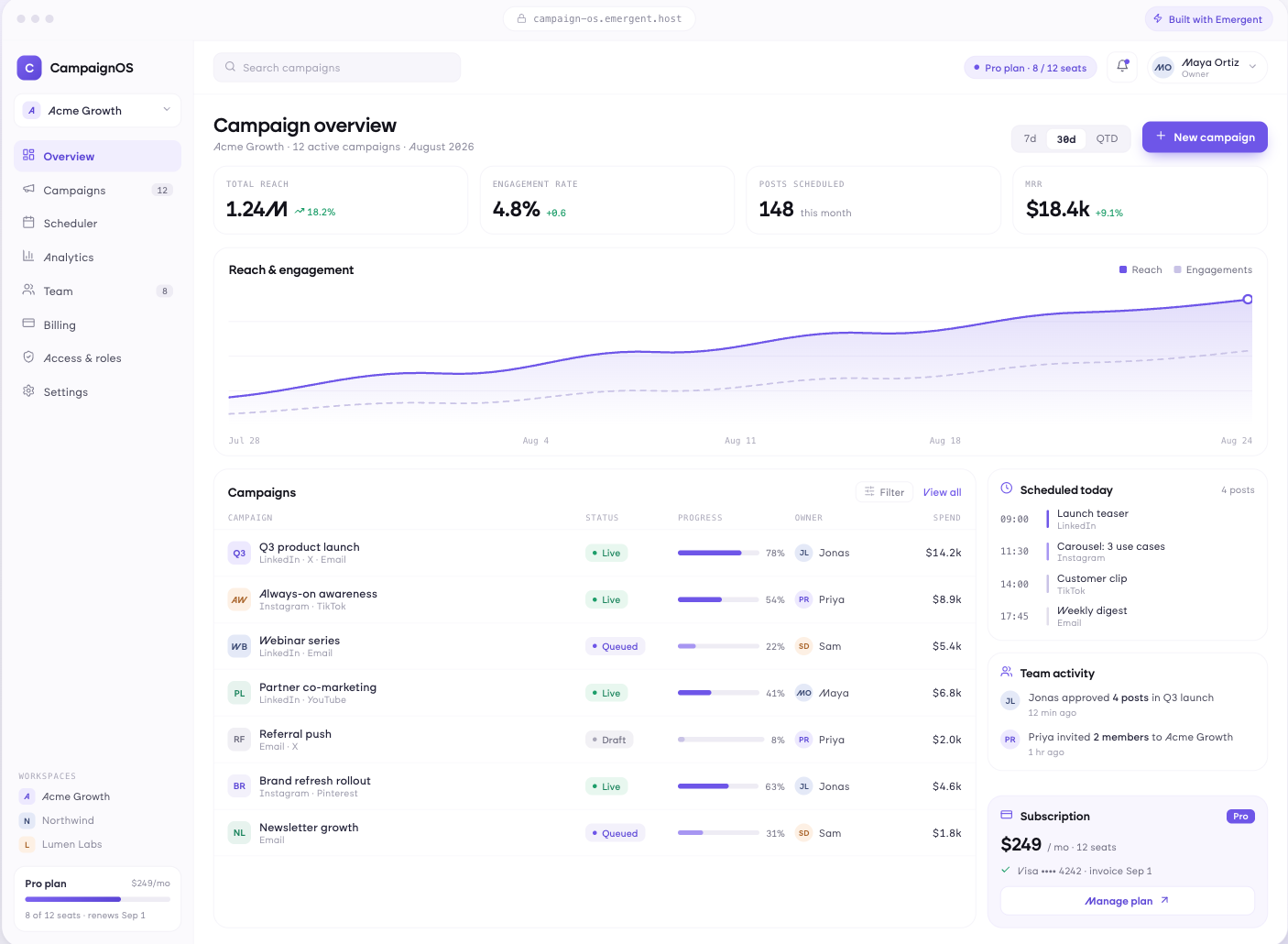
Open Before They Look Up
Menu loading in under a second on venue wifi, straight from the scan without an app or account, readable on any phone size, images where they help, and navigation that works with one thumb.
window.awbMockup = { digitalMenu: "Build a QR menu that loads in under a second on venue wifi, opens straight from the scan with no app or account, reads clearly on any phone size, uses images only where they help, and can be navigated entirely with one thumb.", allergensAndDietary: "Build allergen handling into a digital menu with information on every item derived from recipes, filtering by dietary requirement, clear marking of what can be adapted, and information updated automatically when an ingredient or supplier changes.", availabilityAndUpdates: "Build menu availability control where the kitchen marks an item unavailable and it disappears from every table instantly, menus switch automatically by time of day, seasonal specials are added without a reprint, and pricing updates across all tables at once.", orderingAndPayment: "Build optional table ordering on a QR menu where orders reach the kitchen directly, payment can be taken at the table or at the counter, bills can be split, and the menu still works perfectly with ordering switched off entirely."};
Filter, Do Not Footnote
Allergen information on every item derived from recipes, filtering by dietary requirement, clear marking of what can be adapted, and information kept current when an ingredient or supplier changes.
Hide It the Moment It Sells Out
Items marked unavailable from the kitchen and disappearing instantly, menus switching automatically by time of day, seasonal specials added without a reprint, and pricing updated across every table at once.
Optional, Because Some Venues Do Not Want It
Table ordering where you choose to enable it with orders reaching the kitchen directly, payment at the table or at the counter, split bills, and the menu working perfectly with none of it turned on.
Every integration your
SaaS needs from day one
Email and calendar
Inbox and calendar sync both ways, so every reply, meeting and no-show lands on the contact record without anyone logging it.




Messaging and support
Conversations from chat, WhatsApp and your helpdesk attach to the right contact, so sales and support see the same history.




Payments and billing
Invoices, subscriptions and payment status flow back into the deal, so revenue and pipeline stay in one place.




If it has an API, your CRM can connect to it.
Emergent builds the connection against the API itself, including internal tools your team made. No closed ecosystem, no approved-partner list, no waiting for a connector to ship.


More things you can build
with Emergent
AI Website Builder
Build and publish responsive websites with AI — from landing pages to complete websites.
AI App Builder
Create and launch mobile apps with AI, without the complexity of traditional app development.
AI Web App Builder
Build and ship fully functional web apps with custom interfaces, logic, and workflows.
AI Dashboard Builder
Create interactive dashboards to visualize data, track KPIs, and manage business operations.
AI SaaS Builder
Build complete SaaS products with user accounts, subscriptions, dashboards, and core product workflows.
AI CRM Builder
Build custom CRMs for managing contacts, leads, pipelines, campaigns, and automated workflows.
AI Agent Builder
Create AI agents that can understand tasks, use tools, automate workflows, and work across your business.
Build Your Own
Start with any idea and build exactly what you need with AI — no templates or limits.

Why choose Emergent?
Most tools give you a demo you have to rebuild. Emergent gives you a product that is ready to run.
| Comparison | Other Tools |  |
|---|---|---|
| Built for | Demos and MVPs | Products you keep growing |
| What you get | Front end shell only | Full stack, wired end to end |
| Backend and database | Set it up yourself | Built and connected for you |
| Customization | Surface level styling | Deep workflow control |
| Integrations and APIs | Manual glue work | Connected from a prompt |
| Code ownership | Locked to the platform | Clean code you can export |
| Time to launch | Weeks of patching and setup | Live the same day |
Pick the Pricing Plan That Works for You
Choose the plan that fits your building ambitions. From weekend projects to enterprise applications, we've got you covered.
No credit card required*


Find the Right SaaS Builder
for Your Business
Frequently Asked Questions
Your Questions, Answered
Don't change this element unless you know what you are doing
on Emergent today




