

Build a Service Management SaaS in Minutes With AI
Create your service management saas in minutes with AI. Add user accounts, billing, and backend from a prompt, and launch without coding.










Trusted by Builders Worldwide
Active Builders Worldwide
Apps Successfully Created
Countries Globally Reached



Build your service management SaaS in four steps
Tell Emergent, plainly: your service catalogue, ticket types, asset links and change approvals.
Tell Emergent, plainly: your service catalogue, ticket types, asset links and change approvals.
Your monitoring and directory connect, so tickets carry their context.
Add a service, a ticket type or a change approval.
Raise an incident and check it linked to the asset and the change.
Emergent Key Features for Building a Service Management SaaS
Users do not care about incidents and changes. They care whether the service they rely on is working right now.
Reported in Services, Not Tickets
Availability and issues expressed against the business services people recognise, which is what makes the reporting meaningful outside the team.
A Catalogue People Can Actually Use
Requests raised from a list of things you provide with the information required captured up front, rather than a free text form generating clarification.
Changes Linked to the Incidents That Follow
Every incident checked against what changed immediately before, which turns change failure rate into something you can genuinely reduce.
Problems Separated from Incidents
Recurring incidents grouped into an underlying problem with its own ownership, otherwise the same fault is fixed repeatedly and never resolved.
Service Dependencies Recorded
What each service relies on, so the impact of a component failure is known immediately rather than discovered by users reporting it.
Standards by Service Criticality
Response and resolution targets that differ by how critical the service is, rather than one target applied uniformly and met for nothing important.
Service Management SaaS Use Cases You Can Build in Minutes
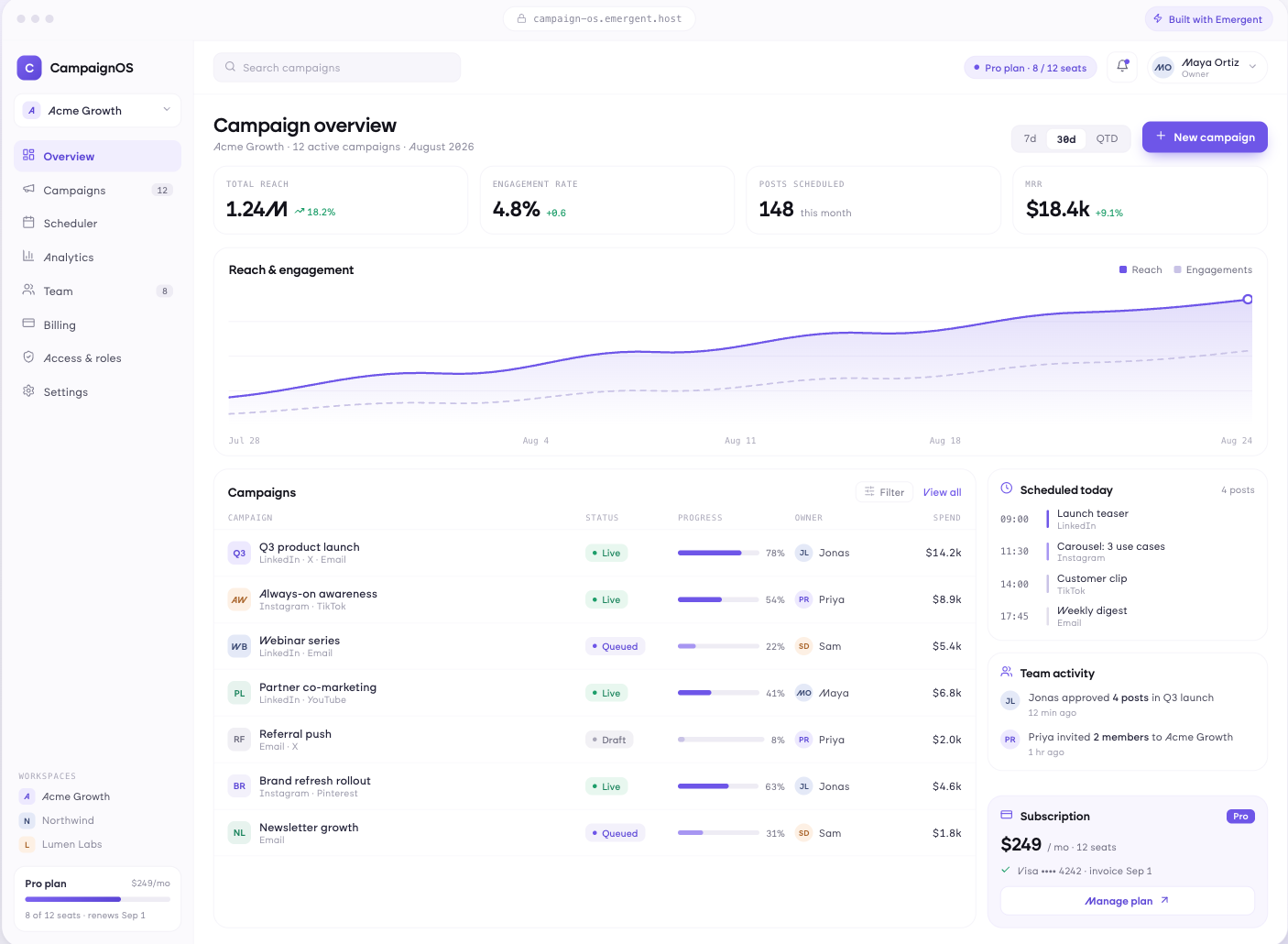
Ask for a Thing, Not Describe a Problem
Requests raised from a catalogue of what you actually provide, required information captured at submission, approvals routed automatically where needed, and expected fulfilment time shown before someone submits.
window.awbMockup = { serviceCatalogue: "Build a service catalogue where requests are raised from a list of what you actually provide, required information is captured at submission, approvals route automatically where needed, and expected fulfilment time is shown before someone submits.", incidentManagement: "Build an incident management app organising incidents by affected business service and severity, showing users impacted, measuring time to acknowledge and resolve against targets set by service criticality, and grouping repeat incidents for problem management.", changeAndProblem: "Build a change and problem app showing changes by service with approval and outcome, incidents occurring within a window after each change, change success rate, recurring incidents raised as problems with root cause, and known errors with workarounds.", serviceReporting: "Build a service reporting app showing each business service with availability against target, current status, open incidents affecting it, the infrastructure it depends on, twelve month trend, and services that have breached their target more than once."};
Prioritise by Service Impact
Incidents by affected service and severity, users and business services impacted, time to acknowledge and resolve against targets set by criticality, major incidents with a timeline, and repeat incidents grouped.
Which Change Caused It
Changes by service with approval and outcome, incidents occurring within a window after a change, change success rate, recurring incidents raised as problems with root cause, and known errors with workarounds.
Availability People Recognise
Each business service with availability against target, current status, open incidents affecting it, the infrastructure it depends on, twelve month trend, and services that have breached target more than once.
Every integration your
SaaS needs from day one
Email and calendar
Inbox and calendar sync both ways, so every reply, meeting and no-show lands on the contact record without anyone logging it.




Messaging and support
Conversations from chat, WhatsApp and your helpdesk attach to the right contact, so sales and support see the same history.




Payments and billing
Invoices, subscriptions and payment status flow back into the deal, so revenue and pipeline stay in one place.




If it has an API, your CRM can connect to it.
Emergent builds the connection against the API itself, including internal tools your team made. No closed ecosystem, no approved-partner list, no waiting for a connector to ship.


More things you can build
with Emergent
AI Website Builder
Build and publish responsive websites with AI — from landing pages to complete websites.
AI App Builder
Create and launch mobile apps with AI, without the complexity of traditional app development.
AI Web App Builder
Build and ship fully functional web apps with custom interfaces, logic, and workflows.
AI Dashboard Builder
Create interactive dashboards to visualize data, track KPIs, and manage business operations.
AI SaaS Builder
Build complete SaaS products with user accounts, subscriptions, dashboards, and core product workflows.
AI CRM Builder
Build custom CRMs for managing contacts, leads, pipelines, campaigns, and automated workflows.
AI Agent Builder
Create AI agents that can understand tasks, use tools, automate workflows, and work across your business.
Build Your Own
Start with any idea and build exactly what you need with AI — no templates or limits.

Why choose Emergent?
Most tools give you a demo you have to rebuild. Emergent gives you a product that is ready to run.
| Comparison | Other Tools |  |
|---|---|---|
| Built for | Demos and MVPs | Products you keep growing |
| What you get | Front end shell only | Full stack, wired end to end |
| Backend and database | Set it up yourself | Built and connected for you |
| Customization | Surface level styling | Deep workflow control |
| Integrations and APIs | Manual glue work | Connected from a prompt |
| Code ownership | Locked to the platform | Clean code you can export |
| Time to launch | Weeks of patching and setup | Live the same day |
Pick the Pricing Plan That Works for You
Choose the plan that fits your building ambitions. From weekend projects to enterprise applications, we've got you covered.
No credit card required*


Find the Right SaaS Builder
for Your Business
Frequently Asked Questions
Your Questions, Answered
Don't change this element unless you know what you are doing
on Emergent today




