



A small US-based software-as-a-service company runs its own customer support with a lean team and no in-house developers. Like most SaaS teams its size, it handles a steady flow of customer problems every day. The quality of that support depends on how quickly the team can understand what a customer is actually seeing. That is where the trouble started. Most support tickets began with a customer trying to describe a problem in text, and the description rarely matched what was happening on screen. The team wanted customers to show the problem instead of writing it out. But every off-the-shelf way of doing that asked the customer to download an app or create an account, which lost most of them before they started.
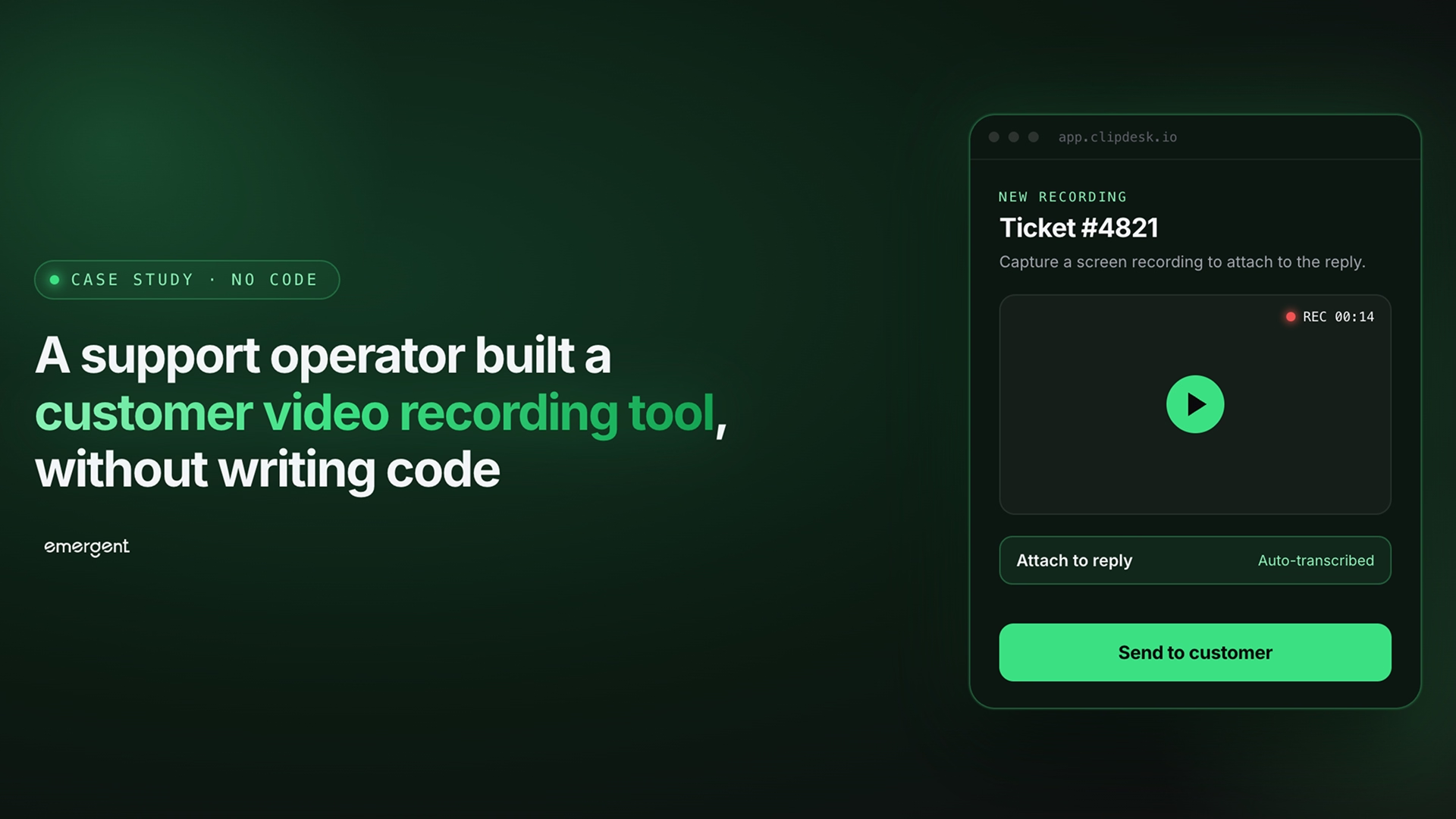
Using Emergent's app builder, the team created a tool that gives them a personal recording link to share anywhere. A customer can record their screen or webcam and send it back, with no account and no software to install.
Challenges
Text-based support tickets rarely show the actual problem
Most support tickets arrived as a few lines of text. A customer would write that a button did not work, or that a page looked wrong, but the words left out the details that mattered. The support agent could not see which screen the customer was on, what they clicked, or what error appeared. This forced a back-and-forth where the agent asked for more information, waited for a reply, and often asked again. The customer got frustrated repeating themselves, and the agent spent time reconstructing a problem they could have seen in ten seconds. A short screen recording would have settled it, but there was usually no easy way to get one.
Asking customers to install recording software kills the request
Screen recording tools exist, but most of them asked the customer to download an app, create an account, or install a browser extension. For a customer who just wanted their problem fixed, that was too much to ask. They were not going to sign up for a new service to file a support ticket. Every step of friction lost more people, and the ones who gave up went back to describing the problem in text or abandoned the ticket entirely. The team needed something a customer could use in seconds, from a link, with nothing to install and no account to make.
There is no simple way to capture the context behind a recording
A raw video on its own was not always enough. The support team needed to know who sent it and, ideally, which support conversation or session the video related to. Without that, an agent received a clip with no name attached and no way to connect it to an open ticket. Collecting that context usually meant building a separate form, wiring it to the video, and storing the two together. For a team with no developers, standing up that kind of intake flow was not realistic.
A support team has no developers to build and host this
The company runs a support function, not a software engineering team. It did not have developers on staff to build a recording tool, set up video storage, handle the browser recording APIs, or deploy and host the result. Hiring an agency for a custom tool would have been expensive and slow. Off-the-shelf products were built for other use cases and rarely fit the exact workflow. The team needed a tool that matched how they actually handled tickets, without writing code or managing infrastructure.
Read more: How a Local Contractor Built a Lead Pipeline CRM
Solution
One personal recording link a customer can use in seconds
The tool gives the operator a single recording link from their dashboard, which they can drop into an email, a chat reply, or a help doc. When a customer opens the link, they land on a clean page that asks how they want to record: their screen or their webcam. A checkbox lets them include microphone audio so they can talk through the problem while they show it, and the page notes that recordings are capped at five minutes.
There is nothing to download and no account to create. The customer picks screen or camera, allows access through the browser's own prompts, and starts recording. A live timer counts down the remaining time so they know how long they have. This is the design decision that makes the tool work: the customer never leaves the browser, never signs up, and can send a video in under a minute.
A review, submit, and context-capture step before anything is sent
After recording, the customer is taken to a review screen where they can watch the clip back before sending it. If it did not come out right, a re-record option lets them start over.
Below the playback, a short form collects the context the support team needs. The customer enters their name and an optional email to get a copy of their own recording. They can also add an optional job ID that links the video to the support conversation it relates to. Once they submit, a confirmation screen tells them the recording was sent and gives them a personal link to view or share it later. The customer is told what happens next, so the handoff feels finished rather than left open.
Read more: How a General Contractor Built a Lead-Capture Quote Form
An inbox where every recording arrives ready to watch
On the operator's side, submitted recordings land directly in a video inbox. Each entry shows who sent it and whether it was a screen or camera recording. It also shows the time it arrived and a status that turns to ready once the video is processed.
Opening a recording brings up a full player with playback speed controls and skip buttons, alongside the sender's details and a shareable watch link. The operator can download the video or remove it. The tool also includes a forms feature. The team can build custom intake forms with their own fields, using templates for cases like support tickets, testimonials, or feedback, each with its own link. Everything the team needs to receive, review, and act on a recording sits in one place.
Conclusion
The tool shows what happens when the people who handle support every day get to build the tool they need. A support operator knows that a ten-second video beats a paragraph of text. They understand that every install step loses a customer, and they know exactly what context a ticket needs to be actionable. That makes them the right person to design a customer recording tool.
The team described what they wanted in plain English on Emergent, and the finished product went from prompt to a live, publicly accessible application in a single session. It handles browser-based screen and webcam recording, microphone capture, a five-minute cap, in-browser playback and review, and a re-record option. It also captures the sender's name, email, and job ID, delivers shareable watch links, and includes a processed-video inbox and a custom form builder. If you have a product idea that solves a clear problem, Emergent can take you from description to deployment in the same session.
Emergent turns your idea into a full-stack web or mobile app, no coding required.
 No coding required
- Web & mobile apps
- Deploys instantly
on Emergent today




