



TL;DR
- Emergent: Best for non-technical staff who need a volunteer portal, intake form, or event tool without hiring a developer.
- Virtuous Momentum: Best for gift officers who need a daily outreach plan and donor emails written in their voice.
- DonorSearch Ai: Best for prospect research teams who need to know who can give and who is likely to give next.
- Instrumentl: Best for grant teams who want discovery, deadlines, and applications in one pipeline.
- Grantable: Best for small grant writers who need proposal drafts that remember the org’s programs and voice.
- ChatGPT: Best for bulk drafting, brainstorming, and first-pass copy when you still edit the final version.
- Google Workspace with Gemini: Best for teams already living in Docs, Sheets, and Gmail.
- Canva (Magic Studio): Best for fast social graphics, flyers, and campaign visuals.
- Otter.ai: Best for turning board meetings and staff calls into notes and action items.
- Slack AI: Best for distributed teams who lose decisions inside long threads.
- Zapier: Best for connecting the tools you already pay for so handoffs stop living in someone’s inbox.
- Julius AI: Best for program and finance leads who need charts and answers from spreadsheets without a data analyst.
These AI tools for nonprofits are grouped by the job they do: fundraising, grants, custom apps, comms, ops, and data.
Each tool addresses an aspect of nonprofit work, from donor outreach to grant deadlines to a volunteer intake form. Two or three of them will match your bottleneck. For each one you get the real price and the point where it stops helping.
How I Researched and Tested These AI Tools for Nonprofits
I tailored this test to the work a two- or three-person nonprofit does in a week. I used free plans and trials where they existed.
Two tools, Virtuous Momentum and DonorSearch Ai, are demo-gated with no self-serve access, so those two assessments come from vendor walkthroughs, case studies, and reviews.
The tools were evaluated on the following:
Features: Could the tool finish the core job, or did it stop at a draft you still had to rebuild elsewhere?
Usability: Could a non-engineer get a usable result in one sitting without a training week?
Integrations: Did it talk to Gmail, Sheets, Slack, a CRM, or a form tool without a custom project?
Pricing: What did the free tier allow, and when did the paid plan stop making sense for a small budget?
Use Cases: Fundraising, grants, internal apps, comms, ops, and data. One tool rarely won more than one of those.
That process showed which tools hold up on a Tuesday afternoon, when nobody has time for a vendor webinar.
12 Best AI Tools for Nonprofits: Quick Comparison
Use this table after you’ve scanned the list. Category tells you the job. Best For tells you who should bother. Starting Price is the retail floor before any nonprofit rate. Before you pay any of these numbers, check TechSoup and each vendor’s own nonprofit program: several of the tools below are free or heavily discounted for a verified 501(c)(3), and one validation token often unlocks more than one of them.
| Tool | Category | Best For | Starting Price |
|---|---|---|---|
| Emergent | Custom apps | Internal tools, no engineer | $0; $20/mo ($17/mo annual) |
| Virtuous Momentum | Fundraising | Gift-officer outreach | Quote/demo |
| DonorSearch Ai | Fundraising | Prospect scoring | Quote/demo |
| Instrumentl | Grants | Full grant pipeline | $349/month ($299/mo annual) |
| Grantable | Grants | Proposal drafting | $0; $50/month ($42/month annual) |
| ChatGPT | Content | Fast first drafts | $0; $8/month |
| Google Workspace + Gemini | Content | Docs/Sheets teams | $0 nonprofit SKU; retail from $8.40/user/month ($7/user/month annual) |
| Canva Magic Studio | Design | Social and print visuals | $0 nonprofit SKU; $180/year (about $15/user/month annual) |
| Otter.ai | Operations | Meeting notes | $0; $16.99 ($8.33/user/month annual) |
| Slack AI | Operations | Thread summaries | $8.75/user/month ($4.38/user/month annual); no AI on Free |
| Zapier | Operations | Tool-to-tool handoffs | $0; $29.99/month ($19.99/month annual) |
| Julius AI | Data | Spreadsheet analysis | $0; $20/month ($16/month on annual) |
Confirm live rates on each vendor’s pricing page before you budget. Quote-only tools (Momentum, DonorSearch Ai) have no public starting number.
Best AI Tools for Building Custom Nonprofit Apps and Internal Tools
Donor tools and grant tools assume your workflow already lives in their product. A lot of nonprofit work doesn't. Volunteer intake, event check-in, a client waitlist, a simple staff portal. That work still sits in Forms plus Sheets plus someone’s memory.
You need something that ships sign-in, data storage, and hosting, and that you can hand off later.
Churches count as nonprofits too, and the tool they usually need first is a full-fledged website or an app. If that’s you, see best church website builders.
Emergent: Best for Non-Technical Staff Building Internal Apps
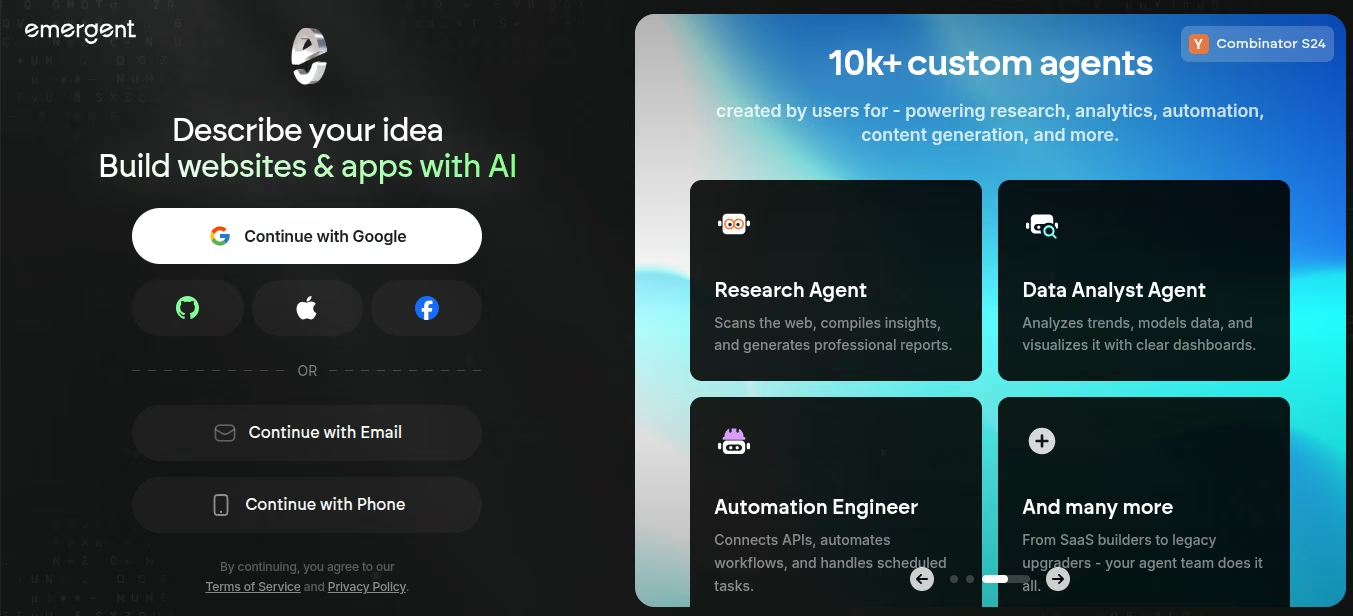
What it does: You describe your app in plain language. Emergent is an AI app builder: it builds the app, gives you a preview, and can publish it live. On paid plans you can push the code to GitHub.
Emergent is our own product, so treat this entry as a disclosed pick rather than a neutral one. It is here for one job: internal software.
Best for: Program leads, ops staff, and two-person shops who need a volunteer portal, intake form, or event tool, who track volunteer hours or shifts for grant reporting, and can't hire a developer.
I gave it one prompt: “Build a volunteer intake app with email sign-in, a short availability form, a staff list view of everyone who applied, and a status field a coordinator can set to applied, approved, or placed.”
The first build cost 21 credits, and fixes added another 5, 26 total, in 12 minutes from prompt to a working preview. That’s more than double the 10 credits Free gives you in a month. The first preview was a working app: I could sign in, submit the form, and see the row land in the staff list view. Fixes burned credits when the agents retried a broken piece. Budget for that: the sticker price is the floor, not the ceiling.
For a broader look at this category, see AI tools for small business.
Key Features
- Prompt-to-working app: The interface, the logic, and the hosting all come out of the same conversation.
- Login and storage in the first pass: A real sign-in flow and a real database. Start with volunteer and staff records. Before you put donor payment details, client case notes, or anything under a funder’s data rules into it, run the app past whoever owns data policy at your org.
- GitHub export on Standard and up: You can take the code for a contractor or staff engineer to pick up later.
- Web and mobile paths: Same prompt workflow for a staff site or a simple mobile app, which matches how field teams work.
- Build the connection you need: You describe the connection in the prompt, and the agents write the API call into the app itself.
Pros and Cons
Pros:
- Non-engineers can get a working internal tool live, with sign-in and stored data, without a six-month IT ticket.
- Code ownership matters if you might hand the app to a developer later.
- Free credits let you test the motion before you put it on a card.
Cons:
- Significant credit burn on anything beyond a bare-bones first build.
- Retries cost money even when the run fails. So budget above the sticker price.
What Users Say
“Emergent is very easy to use, even for someone without a programming background.” - Luis F., G2
“I’ll set a budget, but sometimes I end up stuck partway through building the full app and then have to buy more credits to finish it end to end.” - Himanshu J., G2
Pricing
- Free: $0. 10 credits/month. Fine for a first prompt, thin for a finished app.
- Standard: $20/month, or $17/month billed annually. 100 credits. GitHub + private hosting.
- Pro: $200/month, or $167/month billed annually. 750 credits, plus stronger agent settings.
- Business: Custom. Role-based access control, single sign-on, shared team workspaces, and real-time co-editing.
- Enterprise: Custom. Everything in Business plus user-level credit limits, audit logs, self-hosted database support, user groups, and the option to deploy in your own cloud.
Bottom Line
I’d recommend Emergent to a nonprofit ops lead who needs an app urgently. If the work is donor scoring or grant search, stay in those tools. If the work is a custom intake flow you'll own, Emergent is the honest pick on this list for that job.
Best AI Tools for Fundraising & Donor Engagement
These two tools help you decide who to contact and what to say. They sit on top of the donor data you already have.
Virtuous Momentum: Best for Donor Outreach Drafting and Daily Prioritization
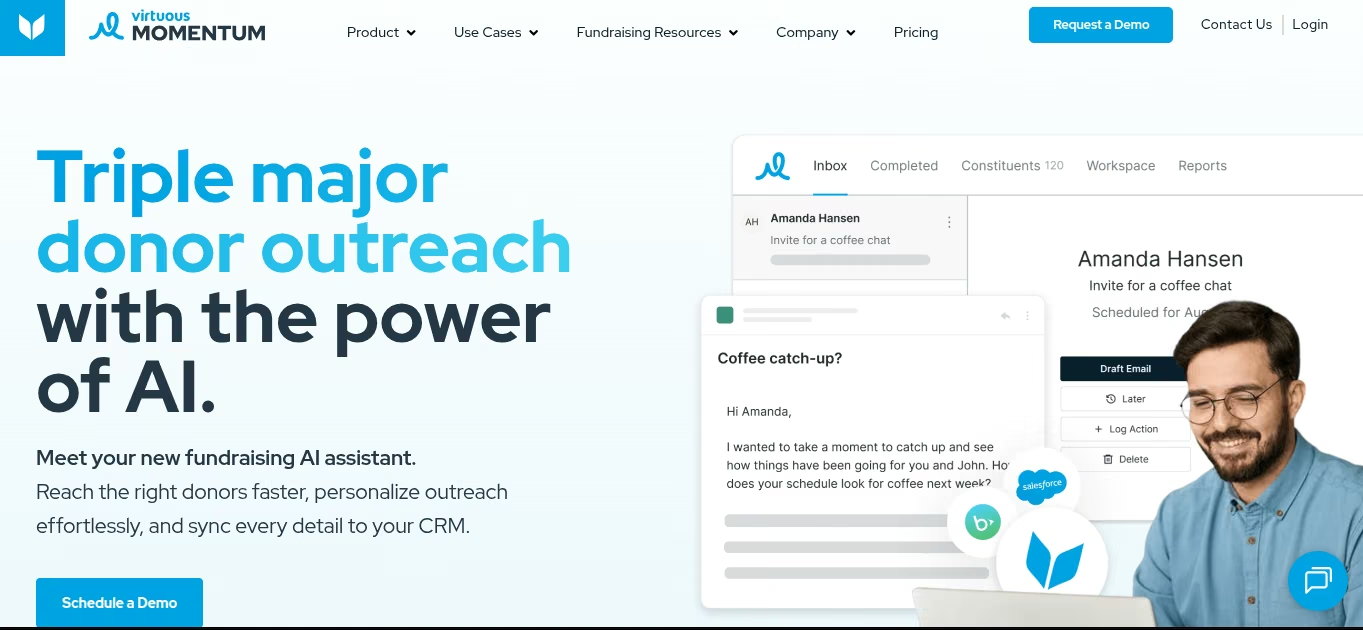
What it does: Momentum is an AI fundraising agent that ranks who to contact today and drafts the email in your voice.
Best for: Mid-level and major gift officers who already have a CRM and a portfolio that’s grown past what a spreadsheet can run.
Momentum is demo-gated, so this assessment comes from a vendor walkthrough, Virtuous’s own case studies, and G2 reviews, not a hands-on test with my own donor file.
What stands out across those sources is the ranking logic: it doesn’t treat every $500 giver like a major prospect. Whether the voice-matched drafts hold up on your donor list is something to confirm in your own demo.
Key Features
- Prioritized inbox: You open the day with a short list of who to call or email, and why that person rose to the top.
- Voice-matched drafts: It writes from your past messages so the first version sounds closer to you than to a template pack.
- Donor plans that update: After a reply or a gift, the next step changes instead of sitting in a static moves-management board.
- CRM write-back: Activity can sync to Virtuous, Bloomerang, Salesforce, or Blackbaud so you don’t log the same touch twice.
- Built for gift officers: The prioritized list and drafts are usable from day one inside the CRM you already log into.
Pros and Cons
Pros:
- Cuts the “who do I email first?” stall that eats a gift officer’s morning.
- Syncs activity back to Virtuous, Bloomerang, Salesforce, or Blackbaud, so you're not logging the same touch twice.
- Works as a standalone layer if you're not ready to rip out your CRM.
Cons:
- No public price. You book a demo.
- Weak fit if you have no mid-level or major-gift work and only send mass appeals.
What Users Say
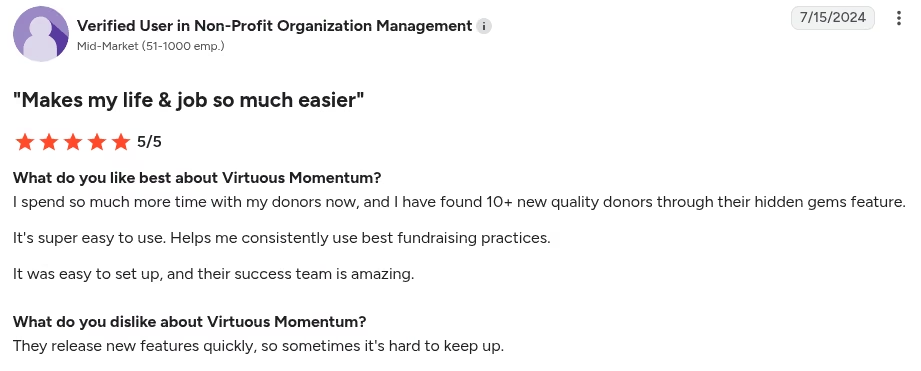
“I spend so much more time with my donors now, and I have found 10+ new quality donors through their hidden gems feature. It’s super easy to use.” - Verified User, G2
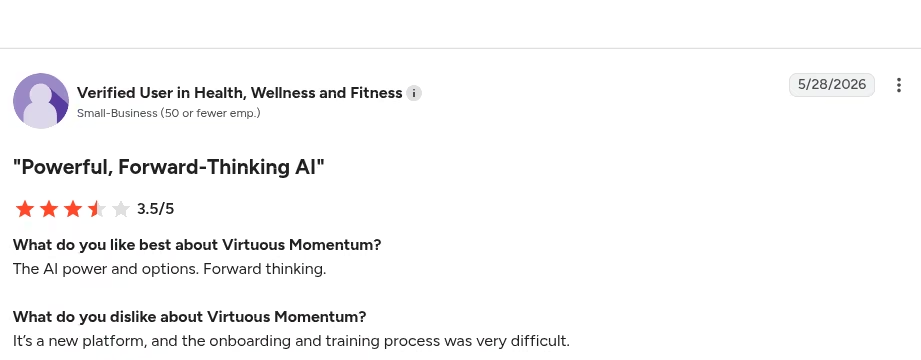
“It’s a new platform, and the onboarding and training process was very difficult.” - Verified User, G2
Pricing
Virtuous doesn't list a dollar amount for Momentum on its official pricing page. Momentum is sold as its own product. You request pricing. CRM+ Platform and CRM+ Enterprise tiers are also quote-based.
Confirm the number on a sales call.
Bottom Line
Use Momentum if a gift officer’s week is buried in “who next?” and first-draft email. Look elsewhere if you only need a cheap AI writer or you don’t have a CRM worth syncing.
DonorSearch Ai: Best for Prospect Research and Wealth Screening

What it does: DonorSearch Ai scores your list so you can see who has capacity and who is likely to give in the next 12 months.
Best for: Development shops with a real prospect list, a CRM export their data policy allows them to send out, and at least one person whose job is major or mid-level gifts.
DonorSearch Ai is also demo-gated, so this read comes from the vendor’s own materials, third-party write-ups, and G2 reviews rather than a hands-on run against a real constituent file.
What those sources point to is the ranked shortlist as the real value: who to call this month. It won't write the email either way. That’s Momentum or your own draft, and it’s worth confirming the ranking logic against your own data in a demo before you commit.
Key Features
- Predictive scores on your data: Models look at your giving history plus DonorSearch’s philanthropic database, then rank likely gifts in a rolling year.
- Wealth plus affinity: Profiles mix capacity markers with past giving to other nonprofits, so you also see willingness.
- Custom models built on your file: An acquisition model that flags likely first-time givers and a retention model that flags who will give again or lapse, both trained on your data rather than national benchmarks.
- CRM handoff: DonorSearch lists 40+ integrations so scores can land back in the database your gift officers already open.
- No technical setup: Development staff run searches and read scores directly, no analyst or IT ticket needed to get a shortlist.
Pros and Cons
Pros:
- Turns a messy constituent file into a call order you can defend in a standup.
- Stronger than “this person looks rich”, since philanthropic history sits next to wealth.
Cons:
- Direct DonorSearch Ai pricing is sales-led. You demo first.
- It won't send mail, take gifts, or replace a CRM.
- Common-name matches and LLC-owned property still need a human check.
What Users Say
“I value the algorithm’s predictions and the insights I can gather from them, because they help us build stronger relationships with our donors and prospects.” - Maya A., G2

“There is a bit of a learning curve, but dedicating the time and effort is definitely worthwhile.” - Anna T., G2

Pricing
DonorSearch doesn't publish a public price for DonorSearch Ai on its site. You book a demo.
Bottom Line
Pick DonorSearch Ai when your problem is “we don’t know who to ask.” Skip it if you need copy, forms, or a cheap AI chat box. Pair it with an outreach tool if the next bottleneck is the actual email.
Best AI Tools for Grant Writing and Management
Grant work fails in two places: You miss a fit, or you miss a deadline. Instrumentl is built for the full pipeline. Grantable is built for the draft that has to sound like your organization.
Instrumentl: Best for Full-Lifecycle Grant Tracking

What it does: Instrumentl finds open grants, tracks the pipeline, and (on higher plans) helps you draft and manage the award after you win.
Best for: Grant writers and development directors who need one place for matches, due dates, and team tasks instead of a spreadsheet plus three browser tabs.
I set up a sample org profile, saved three searches, and pushed three live deadlines into a tracker. Matches were useful once I tightened geography and program area.
The first pass still surfaced funders I’d skip. Apply’s AI drafts got better after I uploaded past proposals. On Discover, you get the database and tracker, but not the writing layer.
Key Features
- AI matching against a large funder set: Official plans cite 36,000+ active RFPs and 450,000+ funder profiles, with a prospecting assistant on every paid tier.
- Pipeline and deadline tracking: Saved searches, tasks, and a calendar so a due date doesn't live in one person’s inbox.
- Apply (Pre-Award and up): Uses your past language to fill application questions instead of starting from a blank page.
- Post-award tools (Full Lifecycle): Spenddown views, accounting connections, and budget-vs-actual reports after the award letter lands, useful for tracking restricted grant funds against your unrestricted budget.
- CRM sync (Pre-Award and up): Push funder and deadline data to Salesforce or your CRM so you don't re-enter it by hand.
Pros and Cons
Pros:
- One system for find, track, and (on paid-up tiers) write.
- 14-day trial with no credit card, so you can test matches against your real programs.
Cons:
- Price hits small shops first. Discover starts at $299/month if you pay the year up front.
- AI writing sits on Pre-Award ($499/month annual), not available on the entry plan.
- Expect a real first session rather than a five-minute setup. Saved searches and program-area filters need tightening before the matches stop being noisy.
What Users Say
“Instrumentl lets you drill down to a granular level of detail when performing searches.” - Erik D., G2

“The funder profiles on Instrumentl could be more detailed, with more information on each funder's giving history.” - Lauren S., G2

Pricing
- Discover: $349 month-to-month ($299/month paid annually). Up to three users. Matching + pipeline.
- Pre-Award: $579 month-to-month ($499/month paid annually). Up to five users. Adds Apply AI, CRM sync, collaborators.
- Full Lifecycle: $1,159 month-to-month ($999/month paid annually). Up to 15 users. Adds spend tracking and accounting integrations.
- Enterprise: Custom quote.
14-day free trial on the public plans.
Bottom Line
Buy Instrumentl when grant search and deadline control are the bottleneck and you can defend a few thousand dollars a year. If you only need a cheaper writing workspace, Grantable is the better first test.
Grantable: Best for Proposal Drafting That Remembers Your Organization
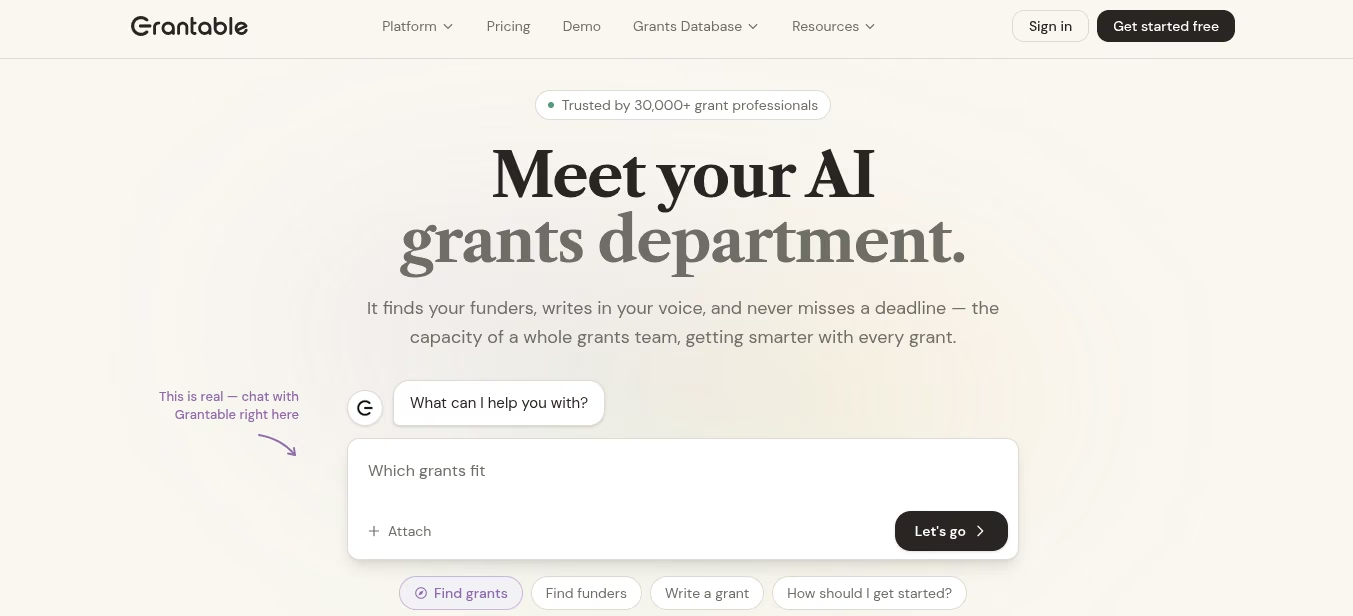
What it does: Grantable is an AI workspace for grant writing. You load programs, past proposals, and funder notes once. Later drafts pull from that file, so you don't re-explain the mission every session.
Best for: Solo grant writers and small shops that submit often and need reusable language.
I uploaded a short org packet and asked for a need statement plus a project summary against a sample RFP. The first draft used my program names and outcomes. It still sounded a bit stiff. It saves time spent on boilerplate sections.
Human stories and local proof still had to come from me. Discovery exists, but the funder set is smaller than Instrumentl’s.
Key Features
- Org memory: Past proposals, 990s, and program docs stay in the workspace, so the model stops inventing a generic nonprofit and can reuse the same material for funder progress and final reports on your grant reporting cycle.
- RFP-to-outline workflow: Paste or upload the guidelines and get section tasks.
- Funder research in the same tab: Search and scoring sit next to the draft, so you're not hopping to a second product for a 990 snapshot.
- Usage-based plans: You buy monthly AI capacity. Free is five chat messages a day. Paid plans raise the cap.
- Same-day start: If you can use a chat window, you can load your first proposal draft the same day.
Pros and Cons
Pros:
- You can try it at $0 before you touch Instrumentl-level money.
- Qualifying 501(c)(3)s under ~$500K budget get 50% off Starter and Pro for a year.
- Drafts improve after you feed real proposals.
Cons:
- Free tier hits a wall fast if you write more than a few sections a day.
- Funder coverage is thinner than Instrumentl if discovery is the main job.
- No CRM sync: you copy finished sections into your CRM or grant portal by hand. It does answer email, you can send work to the workspace from your inbox, but that's not the same as a real CRM connection.
What Users Say
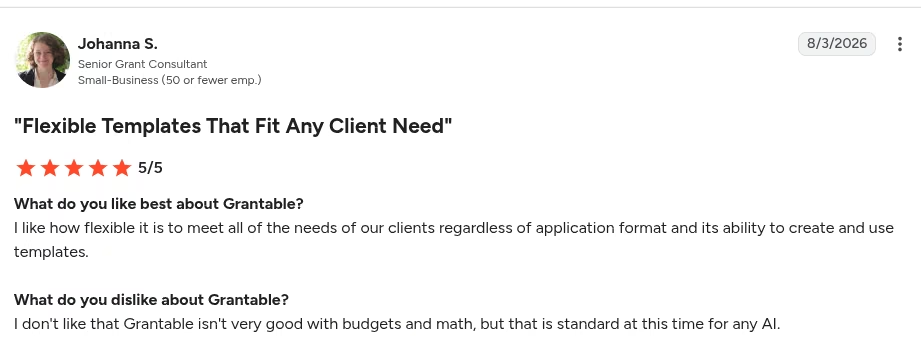
“I like how flexible it is to meet all of the needs of our clients regardless of application format and its ability to create and use templates.” - Johanna S., G2
Public review volume for Grantable is too thin to source a critical quote alongside this one, so treat it as a single data point.
Pricing
- Free: $0. Five AI messages/day. File imports up to 10 MB.
- Starter: $50/month, $42/month billed annually ($25/month for one year if you qualify for the nonprofit discount).
- Pro: $150/month, $125/month billed annually ($75/month for one year if you qualify).
- Agency Hub add-on (coming soon): $300/month.
Bottom Line
Use Grantable when the blank page is the problem and the budget can't absorb Instrumentl’s Pre-Award tier. Keep Instrumentl if missed deadlines and a weak prospect list cost you more than slow drafts.
Best AI Tools for Content, Communication and Design
These three cover the work that hits every inbox: first drafts, docs your team already lives in, and visuals for the campaign that launches Thursday. None of them replace a gift officer or a grant writer, but they cut the blank-page hour.
ChatGPT: Best for Bulk Drafting and Brainstorming
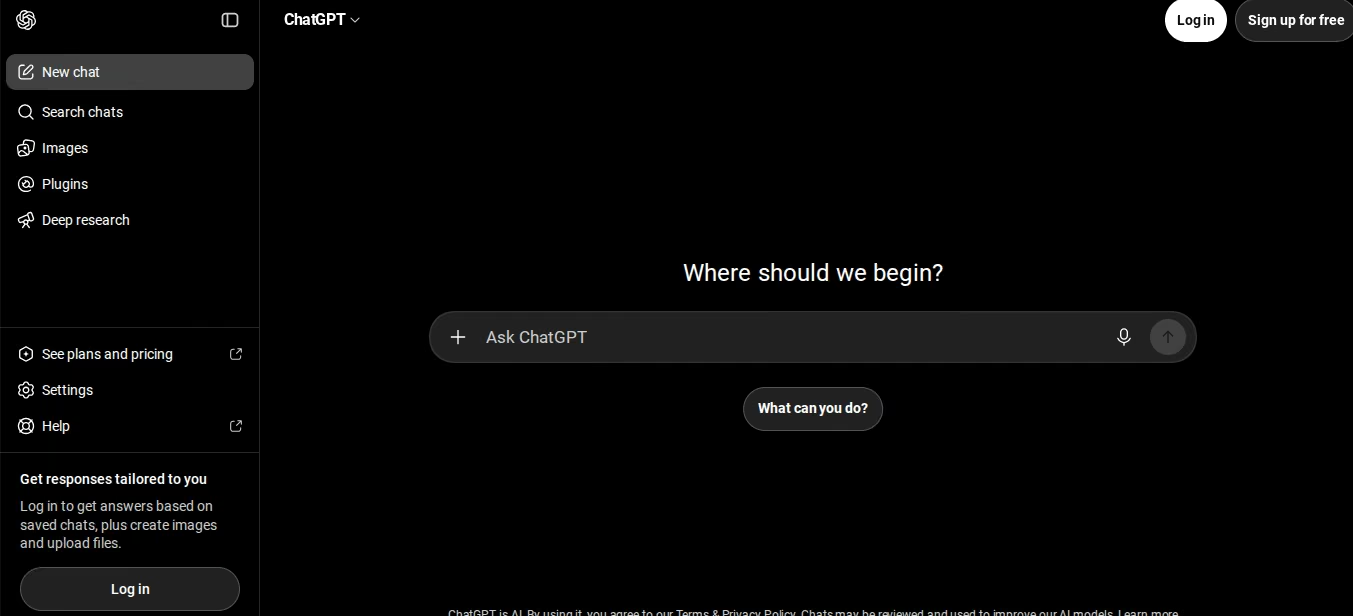
What it does: You type a brief. ChatGPT returns copy, outlines, and options you can edit. That's the job.
Best for: Comms leads, founders, and one-person shops who need 10 subject lines, a newsletter skeleton, a social batch before lunch, or the year-end donor acknowledgment and tax-receipt run.
I fed it messy program notes and asked for a donor update, three Instagram captions, and a board-friendly summary. Volume was the win, the way it is with most generative AI tools. Voice was the miss until I pasted two real emails and said “match this.” Stats and citations still needed a source check.
Key Features
- Fast first drafts: Appeal copy, thank-you notes, job posts, event blurbs. You still own the final pass.
- Projects and custom GPTs (Plus and up): Park your style guide and boilerplate in one thread so every draft starts closer to your voice.
- File uploads: Drop a PDF or outline and ask for a shorter public version.
- Team workspace (Business): Shared space and admin controls beat five personal Plus logins when more than one staffer writes.
- Connectors on paid plans: Plus and up can pull Gmail or Google Drive files directly into a chat. Free accounts can't connect any apps.
Pros and Cons
Pros:
- Lowest friction tool on this list. Free tier exists. Most staff already know the box.
- Strong for quantity: caption packs, outline variants, rewrite passes.
Cons:
- It will invent a statistic or a client story if you let it.
- Text chat is unlimited on every plan now, but image generation, file uploads, and voice still cap out, and that’s where a deadline crunch actually bites.
What Users Say
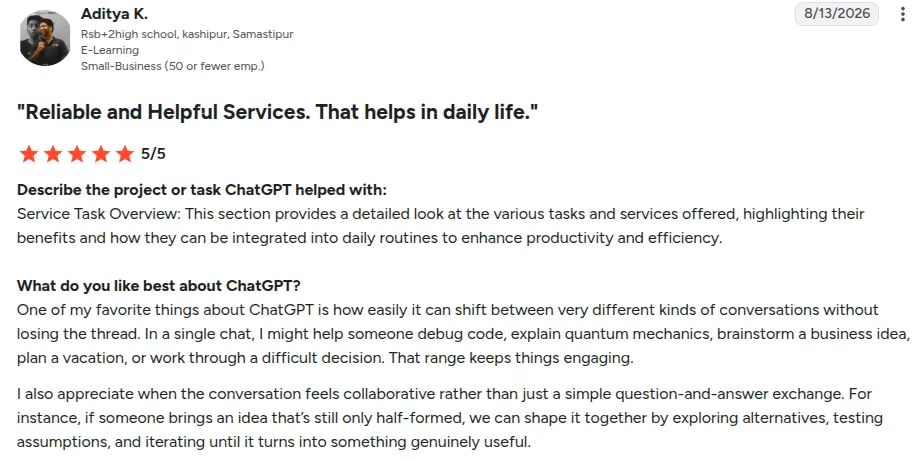
“One of my favorite things about ChatGPT is how easily it can shift between very different kinds of conversations without losing the thread.” - Aditya K., G2
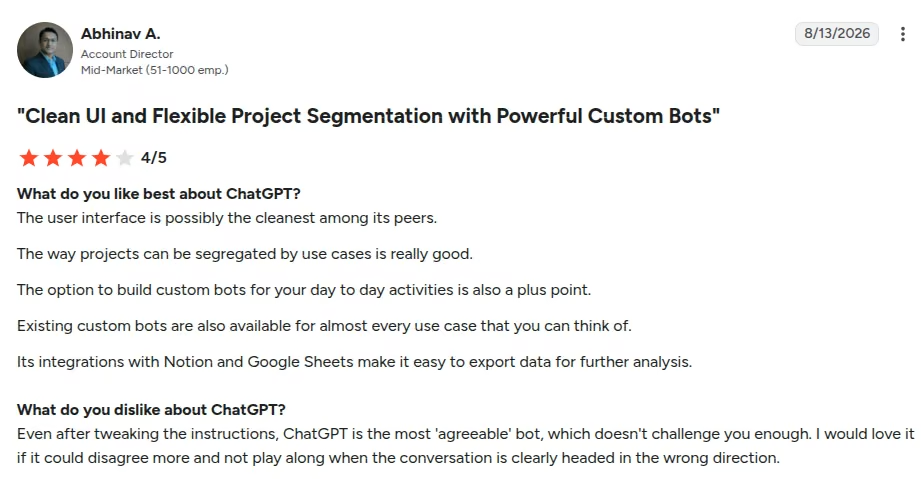
“Even after tweaking the instructions, ChatGPT is the most 'agreeable' bot, which doesn't challenge you enough.” - Abhinav A., G2
Pricing
- Free: $0. Limited messages and uploads.
- Go: $8/month. The cheapest paid plan, with higher message limits than Free. OpenAI notes this plan may include ads.
- Plus: $20/month for one person. Advanced models, higher limits, projects, custom GPTs.
- Pro: From $100/month. Higher individual tier for heavy use.
- Business: Per-seat team plan with admin controls. Standard seats cost $25/user/month or $20/user/month billed annually. Premium seats cost $125/user/month or $100/user/month billed annually (2-seat minimum).
- Enterprise: Custom.
Through OpenAI for Nonprofits, eligible orgs get up to 75% off ChatGPT Business or Enterprise. OpenAI routes this through its sales team, so confirm your rate there.
Bottom Line
Keep ChatGPT as the default scratch pad. Don't treat a free personal chat as your CRM, and don't publish a number it “remembered.” If your team already writes in Docs all day, Gemini may save more clicks.
Google Workspace with Gemini: Best for Teams Already in Docs and Sheets
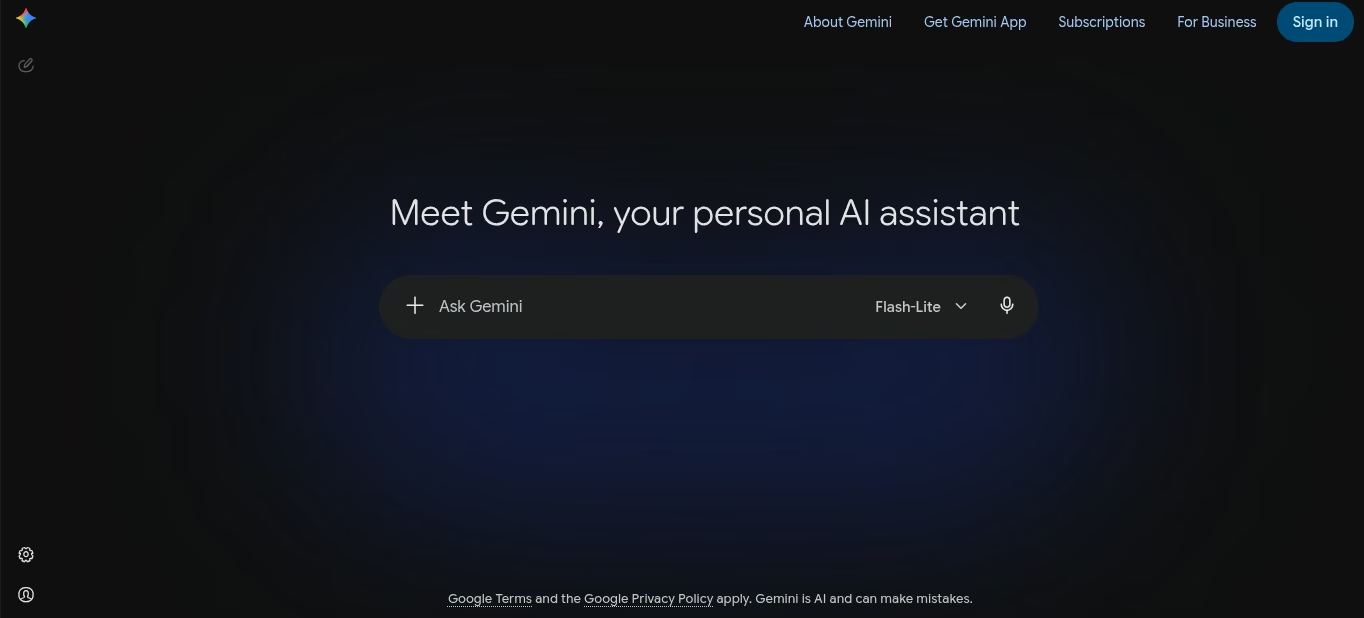
What it does: Gemini sits in Gmail, Docs, Sheets, Slides, and Meet. You draft and summarize inside the file you already share, with no copy-paste into a separate chat window.
Best for: Nonprofits on Google Workspace who write board packets, program reports, and staff email in the same Drive.
I opened a Docs brief and used Help me write, then asked Sheets to explain a small program table. The win was location. I didn't have to export the file. Quality trailed a careful ChatGPT pass on long appeal copy.
It's great for shortening or summarizing an email and turning bullets into a one-pager.
If you're eligible, you can get a lot of this through Google for Nonprofits instead of a retail Business seat.
Key Features
- Help me write in Docs and Gmail: Rewrite a staff draft without leaving the document or the thread.
- Sheets side panel: Ask what the columns mean and get a first-pass summary for a board packet.
- Meet notes (higher editions): Recap a staff call inside the same Workspace account.
- Nonprofit Workspace offer: Google for Nonprofits includes a no-cost Workspace edition for eligible orgs, with Gemini access under Workspace data protections. Paid Business/Enterprise upgrades come with listed nonprofit discounts.
- No new interface to learn: Gemini sits inside Docs, Sheets, and Gmail as a side panel, so staff already in Workspace can start the same day. The only briefing they need is to edit before they send.
Pros and Cons
Pros:
- No new login if the team already lives in Drive.
- Workspace commercial terms: Gemini submissions on licensed Workspace accounts aren’t used to train models without your prior permission or instruction, per Google’s Workspace Gemini FAQ.
- For many 501(c)(3)s, the free Nonprofit edition plus Gemini is the cheapest “AI in the tools we use” path.
Cons:
- Starter/Nonprofit limits are tighter than Business Standard. Side-panel depth and research caps vary by edition.
- Hospitals, schools, universities and government entities do not qualify for the nonprofit SKU, though the charitable arms and foundations attached to them do.
- Long-form fundraising copy still needs a human edit. Gemini will flatten voice if you accept the first insert.
What Users Say
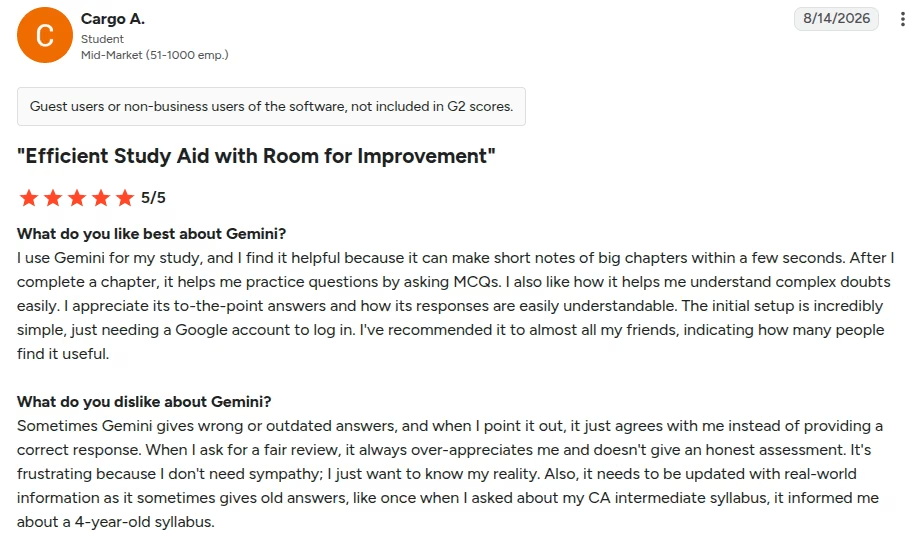
“I use Gemini for my study, and I find it helpful because it can make short notes of big chapters within a few seconds.” - Cargo A., G2
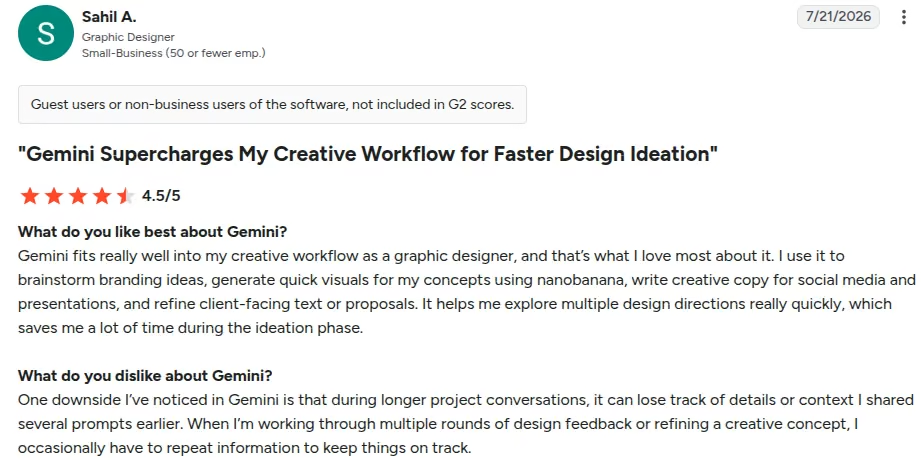
“I’ve noticed in Gemini is that during longer project conversations, it can lose track of details or context I shared several prompts earlier. [sic]” - Sahil A., G2
Pricing
- Starter: $8.40 per user per month flexible, or $7 annual.
- Standard: $16.80 flexible, or $14 annual.
- Plus: $26.40 flexible, or $22 annual.
Gemini is bundled into these editions at different depths.
Nonprofits (official Google for Nonprofits / Workspace Help):
- Google Workspace for Nonprofits: No charge for eligible orgs. New accounts can add up to 300 users, and Google Workspace support can raise that to 2,000.
- Business Standard: 75%+ nonprofit discount, $3.50/user/month with a 1-year commitment or $4.20/month billed monthly.
- Business Plus: 72%+ nonprofit discount, $6.16/user/month with a 1-year commitment or $7.40/month billed monthly.
- Enterprise Standard/Plus: 70%+ nonprofit discount.
Apply at Google for Nonprofits and activate each product in Admin. Don't assume Gemini is on until an admin turns it on.
Bottom Line
If your files already live in Google, start here before you buy another writer. If your org runs on Microsoft 365, the equivalent move is the Copilot layer inside Word, Excel and Outlook rather than a second Google account. Check what your nonprofit grant already covers before you add a seat. If donor PII is in a personal Gmail, move that work onto a Workspace nonprofit domain first.
Canva (Magic Studio): Best for Fast Visual Content
What it does: Magic Studio is Canva’s AI layer. You describe a flyer, social post, or event graphic. It builds a layout you can resize and brand.
Best for: Comms and program staff who ship Instagram, flyers, and slide decks every week and don't have a designer on payroll.
I prompted a Giving Tuesday square, a letter-size volunteer flyer, and a simple story set. Magic Design got me to a usable first frame in minutes. Magic Write filled headline boxes.
Both needed a Brand Kit pass so the set didn't look like every other Canva nonprofit post.
Key Features
- Magic Design: Prompt a campaign graphic and get layout options instead of a blank artboard.
- Magic Write: Draft on-canvas headlines and short body copy. Edit in place.
- Magic Resize / Brand Kit: One approved look across Stories, posts, and print.
- Background remover and Magic Edit: Clean a program photo without Photoshop.
- Slack and Drive connections: A Canva for Slack app posts design links and comments to channels, and Google Drive or Dropbox import pulls existing brand assets straight in.
Pros and Cons
Pros:
- Staff who aren't designers can ship on-brand assets the same afternoon.
- Canva’s official pricing page states K-12 and not-for-profits can use most premium features free. Nonprofits apply through Canva Nonprofits; K-12 schools apply separately through Canva for Education.
Cons:
- Free AI credits run out if you generate every asset from scratch.
- It's not a print-production or pixel-level editor. Designers still bounce to Adobe for that.
What Users Say
“Canva stands out for its ease of use and quick implementation—you can start designing within minutes without needing professional skills.” - LOKENDRA T., G2

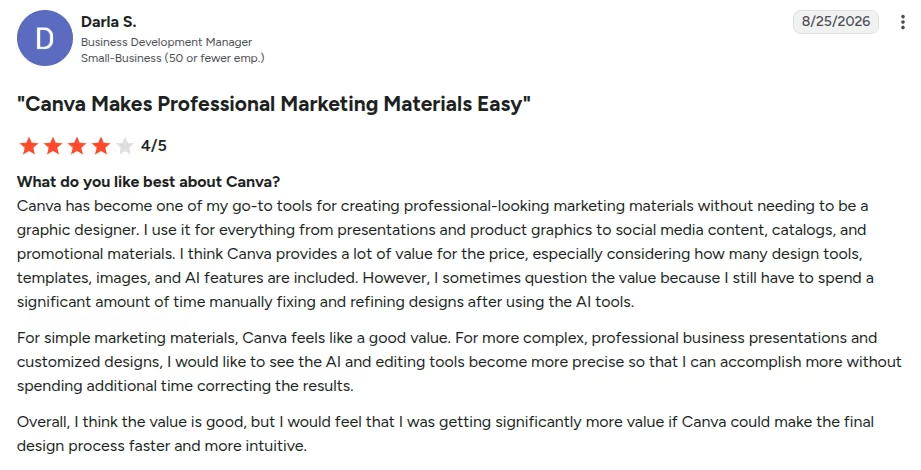
“I often find myself spending a lot of time adjusting layouts, spacing, images, fonts, and other elements to get the design exactly the way I want it.” - Darla S., G2
Pricing
- Free: $0. Limited templates, assets, and AI allowance.
- Pro: $180/year for one person, about $15/month when billed annually. Individual paid plan. Full Magic Studio and Brand Kit.
- Business: $25/month/user ($250/year/user). Per-user team plan.
- Enterprise: Custom.
- Canva Nonprofits / Education: Most premium features free for qualifying not-for-profits and K-12. Typical nonprofit program: verified orgs, often up to 50 seats.
Bottom Line
If you qualify for Canva Nonprofits, turn it on. Use Magic Studio for volume. Keep a human on brand and photo rights. Don't treat AI images as documentary photos of your clients.
Best AI Tools for Operations and Team Workflow
Meetings and email threads eat a small team’s week. These three tools don't raise money, but they stop work from dying in a notebook nobody opens.
Otter.ai: Best for Meeting Transcription and Action Items

What it does: Otter joins Zoom, Meet, or Teams, writes a live transcript, then turns the call into a summary and a task list.
Best for: EDs and program leads who run board calls and staff standups and can't assign a human note-taker every time.
I ran a short board-style call with two speakers and deliberate crosstalk, then a longer 16-minute staff meeting to see whether the summary held up past the 10-minute mark. The action items survived it. The summary named decisions and owners well enough to paste into a follow-up email.
The raw transcript mixed speakers when they overlapped. The free tier isn't suitable for longer calls. For consent purposes, tell every attendee you're recording before AI Meeting Agent joins.
Key Features
- Auto-join on Zoom, Meet, and Teams: Notes start without someone hitting record at minute four.
- Summary and action items: You leave with a decision list and a name against each one, so the follow-up email writes itself.
- AI Chat on the meeting: Ask “what did we decide about the gala date?” instead of scanning.
- Search across meetings: Find the quote from last month’s finance check-in.
- Slack and CRM sync: Meeting notes can post to a Slack channel automatically, and paid tiers sync insights into Salesforce or HubSpot records.
- No setup for attendees: AI Meeting Agent joins the call and staff read the summary afterward, nobody installs anything or learns a new tool.
Pros and Cons
Pros:
- Free plan exists. You can test one short staff meeting this week.
- Live notes beat “who wants to type?” on a two-person team.
Cons:
- Free cap: 300 minutes/month and 30 minutes per conversation. A real board meeting blows through that.
- Accuracy drops with noise, accents stacking, or three people talking at once.
What Users Say
“It allows me to stay fully engaged during client calls and meetings without having to worry about taking manual notes.” - Kayreal P., G2

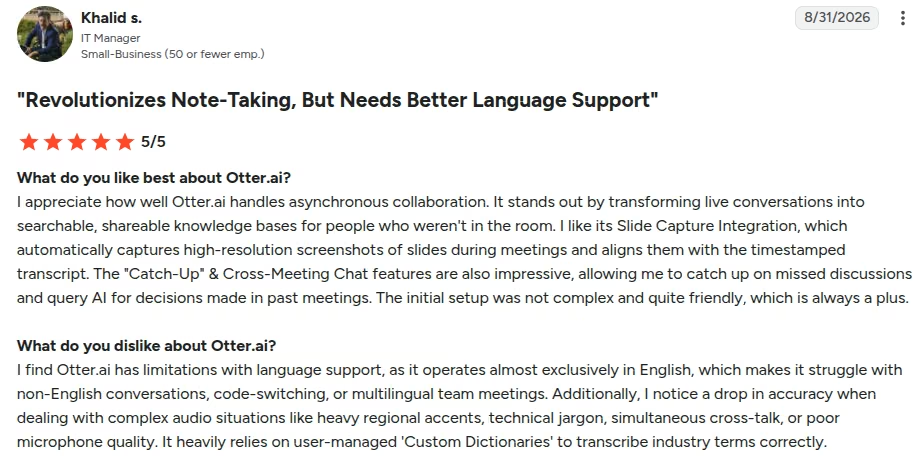
“Otter.ai has limitations with language support, as it operates almost exclusively in English, which makes it struggle with non-English conversations, code-switching, or multilingual team meetings.” - Khalid s., G2
Pricing
- Basic: Free. Light minutes. Tight per-meeting cap.
- Pro: $16.99 month-to-month ($8.33/user/month billed annually). 1,200 minutes/month. Up to 90 minutes per meeting.
- Business: $30 month-to-month ($19.99/user/month billed annually). Longer meetings, admin tools.
- Enterprise: Custom demo.
- Otter discounts its Business plan for organizations with valid charitable status, redeemable through TechSoup only and requiring annual billing.
Bottom Line
Use Otter when the cost of a missed board action is higher than $17 a month, or $8.33 if you can prepay the year. Announce recording. Don't drop a bot into a confidential client case conference.
Slack AI: Best for Channel and Thread Summaries on Distributed Teams
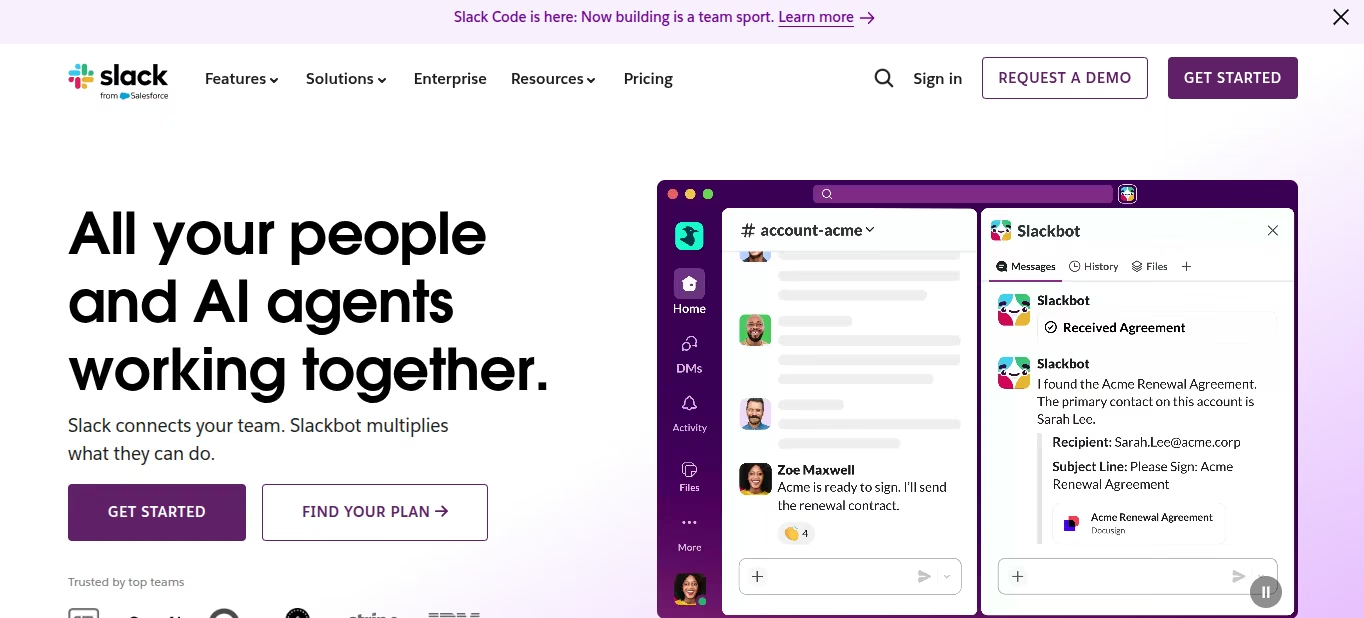
What it does: Slack AI recaps a thread or a channel so you can catch up without scrolling 80 messages from yesterday’s volunteer ops chat.
Best for: Hybrid and remote nonprofit teams already running on Slack, free or paid, who lose decisions inside long threads.
I dropped a noisy campaign channel and used Summarize on a 50-reply thread. The recap named the decision and the open question. It didn’t draft the donor email. Free Slack doesn't include this layer. You're paying for the workspace first, then using AI that ships with the paid plan.
Key Features
- Thread and channel summaries (Pro and up): Catch up after a day of site visits.
- Huddle notes: Informal call notes without spinning up Otter.
- Daily recaps and file summaries (Business+ and Enterprise+): A morning digest across the channels you follow.
- AI search (Business+ and up): Ask “what did we decide about the silent auction?”.
- Works with what's already connected: If Google Drive or your CRM already posts updates into channels, Slack AI can summarize and search that activity too.
Pros and Cons
Pros:
- Lives where the conversation already is. No extra app to teach volunteers.
- Thread recap is the feature reviewers keep coming back to, and it is the one staff notice in week one.
- No separate AI add-on on current plans. AI is bundled into paid tiers.
Cons:
- Per-user price stacks at retail, but nonprofits under 250 members get Pro free and 85% off Business+, which turns a 15-person workspace into a small line item.
- Slack still floods notifications. AI doesn't fix a team that @channels everything.
- Slack’s nonprofit discount excludes religious organizations, schools, hospitals, and government offices.
What Users Say
“Slack has truly transformed the way of communication and collaboration among teams. The best feature is that it easily integrates with trello, github and google drive etc.” - Lalit R., G2

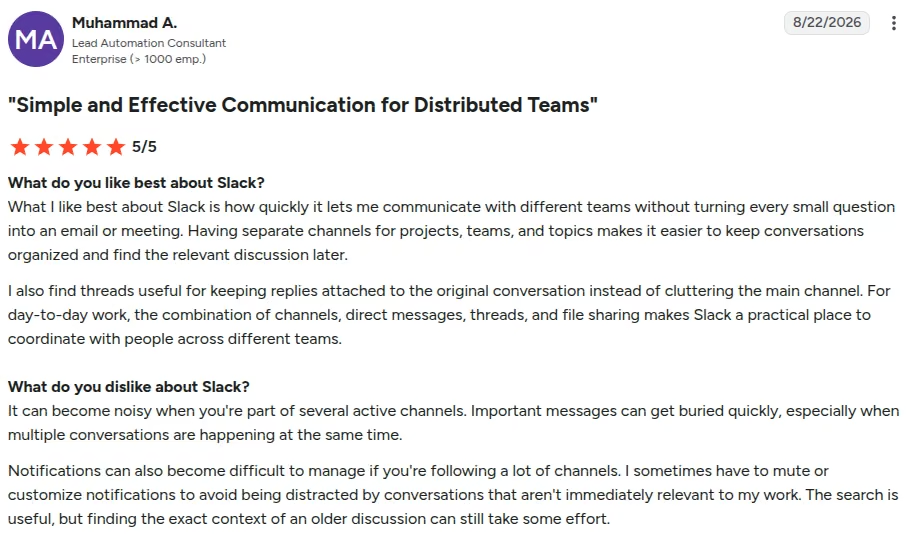
“It can become noisy when you're part of several active channels. Important messages can get buried quickly.” - Muhammad A., G2
Pricing
- Free: $0. 90-day history. No full AI recap suite.
- Pro: $8.75/user/month billed monthly, or $4.38/user/month billed annually. Thread/channel summaries and huddle notes.
- Business+: $18/user/month monthly, or $9/user/month annually. Recaps, file summaries, AI search, Slackbot agent, workflow AI.
- Enterprise+: Custom.
Bottom Line
Buy Slack AI only if Slack is already the team’s hallway. Recaps earn the upgrade. If your team lives in email and Meet, spend the money on Gemini or Otter instead.
Zapier: Best for Connecting Tools and Automating Handoffs
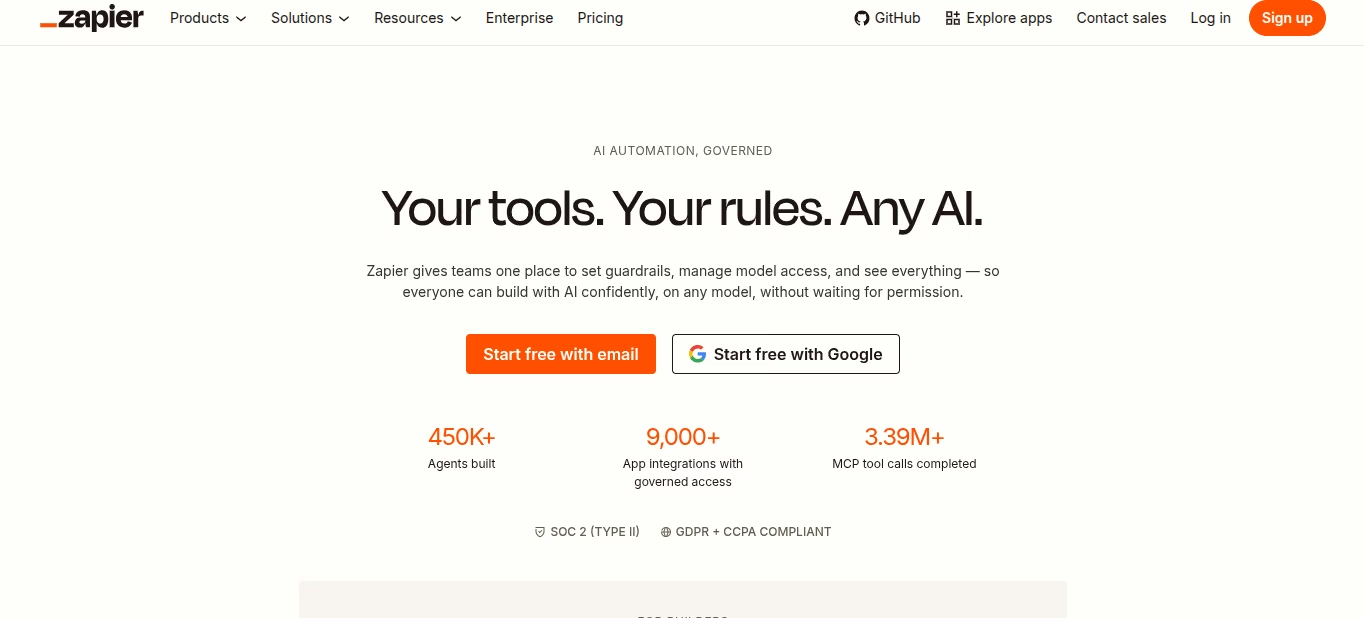
What it does: Zapier watches one app and pushes data into another. Form submit becomes a Sheet row, a Slack ping, and a thank-you email. No one copies it by hand. Map what each Zap carries first: a donation amount or a client name landing in a public Slack channel is a policy problem, not a workflow win.
Best for: Ops leads who already pay for Forms, Gmail, Slack, and a CRM and still run the glue through one person’s inbox.
I built form → Sheets → Gmail on the free tier, then added a Slack step. Two-step Zaps fit Free. Multi-step and AI steps belong on paid plans and eat tasks fast. AI by Zapier bills extra tasks by model tier (1x / 3x / 5x per run). Leave a Zap looping and the invoice follows. For more in this category, see best AI productivity tools.
Key Features
- 9,000+ app catalog: The reason most nonprofits start here. Your form tool and your CRM are probably listed.
- Multi-step Zaps (paid): Branch paths for “new volunteer” vs “new donor” without a developer.
- AI by Zapier: Classify a message or draft a short reply inside the Zap.
- Tables and Forms now on Free/Professional/Team: Simple internal lists and forms without a second product.
- No-code builder: Drag-and-drop triggers and actions, so a non-engineer can launch a first Zap without an IT ticket.
Pros and Cons
Pros:
- A non-engineer can ship a handoff in an afternoon.
- Free plan is enough to prove one workflow before you budget.
Cons:
- Tasks multiply. A five-step Zap run 1,000 times is 5,000 tasks, more if an AI step is 3x or 5x.
- Copilot can build a messy Zap you then have to untangle.
What Users Say
“No more sifting through emails manually and answering tedious quote requests; everything gets done for you. You just set the rules.” - Shelagh O., G2

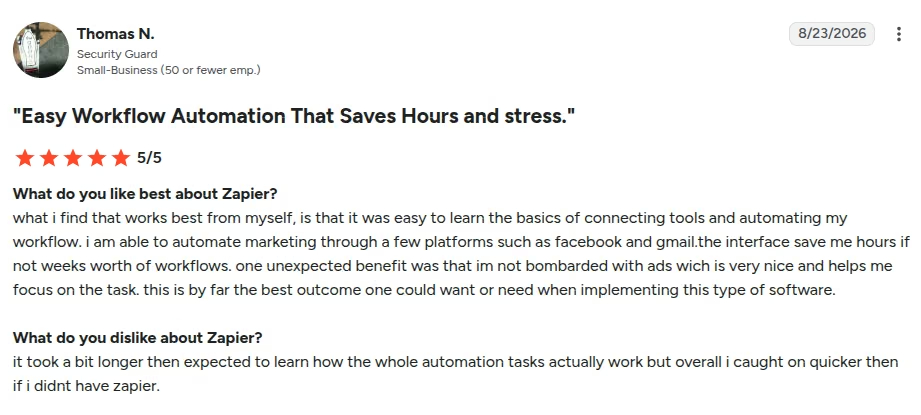
“It took a bit longer then expected to learn how the whole automation tasks actually work. [sic]” - Thomas N., G2
Pricing
- Free: $0. Tight task cap. Two-step Zaps.
- Professional: $29.99/month ($19.99/month annual). Multi-step Zaps.
- Team: $103.50/month ($69/month annual). Shared workspace, more seats, higher task packs.
- Enterprise: Custom.
- Zapier offers verified nonprofits a 15% discount, applied for through its nonprofit page.
Turn off pay-as-you-go if you can't absorb an overage, and watch AI step multipliers.
Bottom Line
Use Zapier to kill copy-paste between tools you already own. Start with one Zap and a task alert. If the job is a custom app with login, that's Emergent territory. If the job is “form to sheet to email,” this is Zapier.
Program and finance leads still dump outcomes into a spreadsheet and then fight Excel the night before a board meeting. Julius is the “ask the sheet a question” layer.
Julius AI: Best for Data Viz and Analysis Without a Data Analyst
What it does: You upload a CSV or connect a sheet. Strip names and case identifiers first: totals and site codes answer the board’s question without sending client records to a third party. You ask a question in English. Julius writes code in the background and returns charts plus a written take.
Best for: EDs and program managers who need “how did attendance change by site?” before Thursday’s packet, and who will still check the numbers.
I uploaded a tidy program CSV and asked for monthly totals, a simple chart, and a one-paragraph board note. First chart was usable. Follow-up questions drifted when column names were sloppy.
Same prompt twice didn't always land on the same method. Fine for exploration. Not fine as the only source for an audit or a grant report you'll sign.
Key Features
- Chat-on-a-spreadsheet: No Python class. You ask. It plots.
- Code under the hood: You can inspect what it ran, which beats a black-box “insight” card.
- Exports: Charts and slides for a board deck on paid tiers.
- Credit metering: Heavy analysis costs more than a short question. Free daily credits exist. Paid plans buy a monthly pool.
Pros and Cons
Pros:
- Fast path from a clean CSV to a chart a board can read.
- Free tier lets you test on a dummy file with no card.
- Cheaper than hiring an analyst for monthly program snapshots.
Cons:
- Results can change if you rerun the same question. Bad for anything you must defend.
- Messy columns and small samples produce confident nonsense. You still own the math.
- On lower tiers, Julius only reads a CSV or a connected Google Sheet, and you share the chart yourself. Business adds a Slack agent you can query in a channel plus Postgres, BigQuery and Snowflake connectors.
What Users Say
“My productivity increased four folds by using Julius AI for my work. [sic]” - Verified User, G2

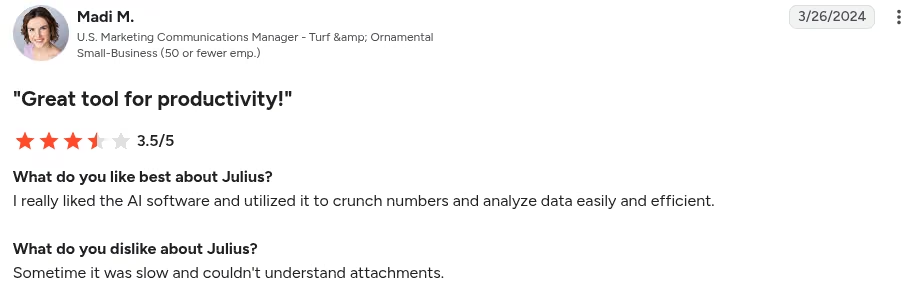
“Sometime it was slow and couldn't understand attachments. [sic]” - Madi M., G2
Pricing
- Free: $0. A small welcome bonus to start; daily credit refreshes are a Plus-and-up feature.
- Plus: $20/month ($16/month on annual in some listings). About 2,000 credits/month.
- Pro: $45/month (about $37 annual). About 5,000 credits/month.
- Max: $200/month ($166 annual). 25,000 credits/month.
- Business: From $450/month ($375/month annual).
Bottom Line
Use Julius to see the story in a spreadsheet before you build the slide. Don't paste its p-values into a federal report. If the “data” is donor wealth, that's DonorSearch. If the “data” is a grant pipeline, that's Instrumentl.
Which AI Tool Should You Choose?
These 12 tools are grouped by the job they do, not ranked against each other. You need the two or three that match this quarter’s bottleneck.
Choose Emergent if You:
- Need a volunteer portal, intake app, or event tool
- Have no engineer on staff and still need login, data, and hosting
- Want code you can hand to a contractor later
Choose Virtuous Momentum if You:
- Run a mid-level or major-gift portfolio
- Need a morning call list and a first-draft email in your voice
- Already have a CRM worth syncing
Choose DonorSearch Ai if You:
- Have a constituent file and no idea who to ask next
- Need capacity plus likelihood
Choose Instrumentl if You:
- Miss deadlines more than you miss adjectives
- Want discovery, tracker, and (on Pre-Award+) drafting in one system
- Can defend $299/month on an annual commitment, or $349 month to month
Choose Grantable if You:
- Write often and the blank page is the bottleneck
- Need org memory more than a 450k funder database
- Qualify for the sub-$500K nonprofit discount
Choose ChatGPT if You:
- Need volume: captions, outlines, rewrite passes
- Will edit every public sentence
- Can keep donor PII off a personal Free chat
Choose Google Workspace with Gemini if You:
- Already live in Docs, Sheets, and Gmail
- Qualify for Google for Nonprofits
Choose Canva Magic Studio if You:
- Ship graphics every week
- Qualify for Canva Nonprofits (turn that on first)
Choose Otter.ai if You:
- Lose board decisions because nobody took notes
- Will announce recording every time
Choose Slack AI if You:
- Already pay for Slack Pro or Business+
- Lose work inside threads, not inside email
Choose Zapier if You:
- Copy the same row from form to sheet to inbox
- Can watch task usage so a loop doesn't bill you
Choose Julius AI if You:
- Have a clean program spreadsheet and a board packet due
- Will verify every total against the raw file
Skip This Category Entirely If:
- You need a full donor CRM as the system of record. Buy the CRM. Layer AI after.
- Your funder bans AI in proposals. Write those sections by hand.
- The “problem” is an empty pipeline. Software won't invent donors.
Final Verdict
Pick by job.
Fundraising-specific platforms beat a general chatbot when the work is “who do I call” and “what do I say to this donor.” Momentum and DonorSearch win that lane. Instrumentl wins the grant operating system lane. Grantable wins cheap, memory-heavy drafting.
General tools still earn a seat. ChatGPT, Gemini, Canva, Otter, Slack AI, Zapier, and Julius cover comms, meetings, glue, and charts. They don't replace a gift officer.
Emergent is here for one job: internal software. If the pain is a volunteer workflow trapped in Forms, that's the tool.
Start with the AI tools for nonprofits that fit your team's bottleneck this quarter. Use the free or nonprofit tiers you already qualify for, and add one paid specialist when a missed gift, missed deadline, or missed handoff costs more than the subscription.

Most AI app builders stop at prototypes. Emergent creates production-ready apps you can actually launch.
- Production-ready apps
- Web & mobile apps
- Deploy in minutes







