



TL;DR
- HotSheet is a free CRM for realtors looking for a specialized CRM tool that supports up to 1,000 contacts and deal tracking.
- HubSpot is a strong general-purpose free CRM for businesses, providing functionalities like contacts, deals, email tools, tasks, and reporting.
- Zoho CRM is a suitable option for small businesses, as it allows for up to three users and provides 5,000 records.
- Agile CRM, Freshsales, Bitrix24, and EngageBay are some free CRMs with unique selling points.
- Free CRM plans can help small teams, but they often miss out on features such as automation, integration, reporting, and communication.
- If you don't find any CRM software that fits your needs, Emergent can build a customized real estate CRM with AI-driven processes.
Missed queries mean missed opportunities, which is why the right CRM is non-negotiable. Tracking leads, responding to inquiries and following up can be challenging without the right tools.
The best CRM software for real estate agents can help you collect leads, communicate with customers, schedule follow-ups, and monitor your sales process in a single dashboard. Whether you are an agent, builder, developer, or broker, you need to manage client data effectively to close deals.
In this article, we will discuss the top free real estate CRM software for 2026, analyze their advantages and disadvantages, and help you decide.
Free Real Estate CRM: What It Actually Gives You
A real estate CRM is a complete solution designed to manage, attract, and develop relationships between real estate businesses and their clients, whether existing or potential.
A free CRM must be more than a replacement for a notebook and spreadsheets. The minimum set of features would include:
- Contact management: Store buyers, sellers, leads, past clients, and referrals.
- Lead management: Source and track leads.
- Sales pipeline: Qualify leads from the point of initial inquiry into viewing and closing a sale.
- Task management: Set follow-ups to make sure the lead does not fall through the cracks after the first contact.
- Integration with email: Connect your mailbox and tie correspondence to the right lead.
- Activity history: View all calls, meetings, emails, and correspondence.
- Mobility: Manage your leads on the go when traveling between property viewings.
- Reporting: Understand your lead base and what causes deals to stall.
The main drawback of free software is its limitations. HubSpot CRM, for instance, allows for up to two users and 1,000 contacts, whereas the free version of Zoho CRM provides for three users and up to 5,000 records.
It may be a fair enough limit for a single agent, but not for a fast-growing brokerage firm.
Best Real Estate CRMs at a Glance
| CRM | Best for | Free users | Key free-plan strength | Main limitation |
|---|---|---|---|---|
| HotSheet | Solo real estate agents | 1 | Real-estate-specific CRM | Team features require paid plan |
| HubSpot | Overall free CRM | 2 | Contacts, deals, tasks, email tools | 1,000-contact limit |
| Zoho CRM | Small teams | 3 | Strong CRM and pipeline features | Advanced features need paid plan |
| Agile CRM | Sales + marketing | 10 | Lead scoring, deals, email marketing | 1,000 contacts |
| Freshsales | Simple sales pipeline | 3 | Contact, account and deal management | Free plan has limited advanced features |
| Bitrix24 | Team collaboration | 1–2 on current pricing page | CRM + tasks + collaboration | Limited free storage/features |
| EngageBay | CRM + marketing | Free tier | Contacts, deals, tasks and email tools | 250 contacts |
*Free-plan limits can change, so check the vendor's pricing page before making a purchase.
The Best Free CRMs for Real Estate in 2026
1. HotSheet
What it does
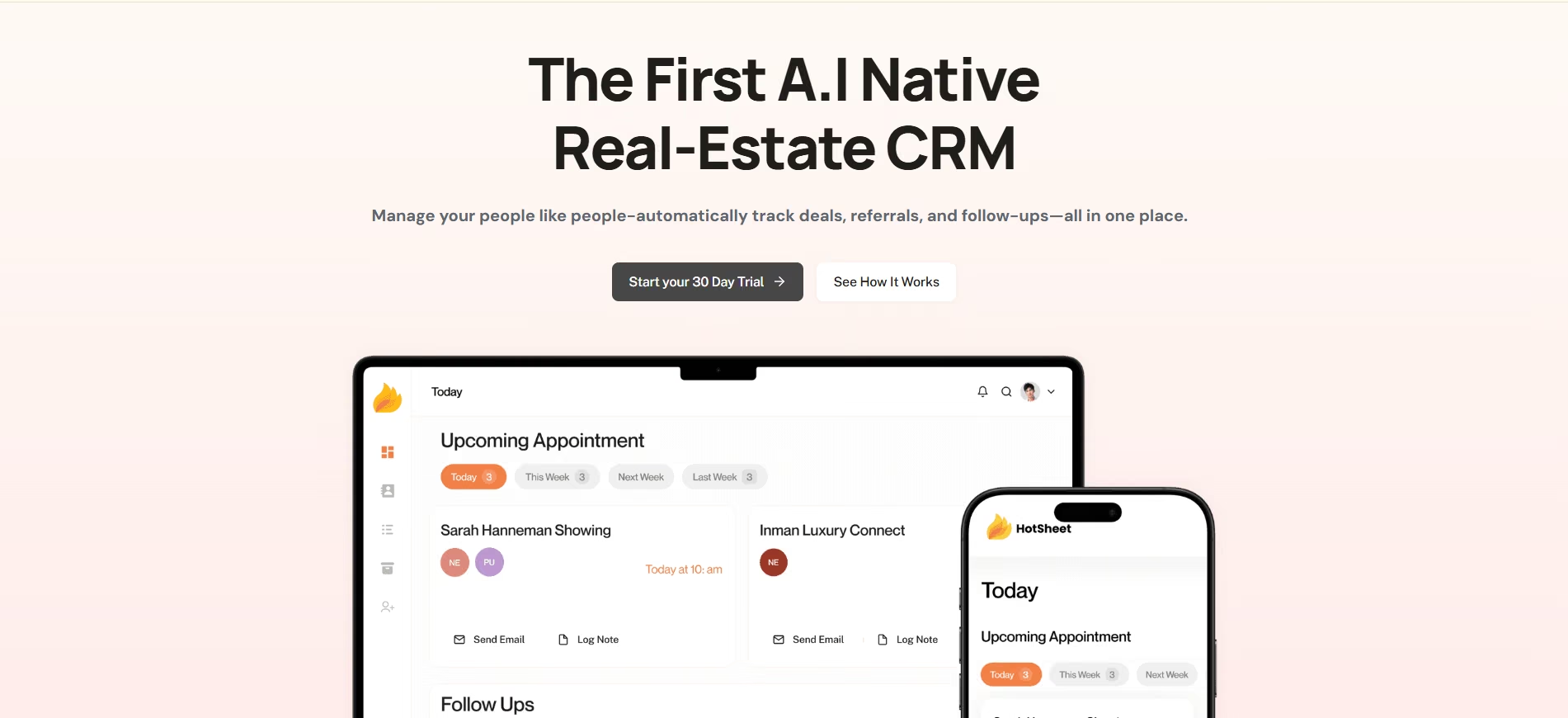
HotSheet has taken a unique approach compared to the standard CRM systems. The Lite version of HotSheet offers 1,000 contacts, deal tracking, Gmail integration, CSV import, and task management, plus more, at no cost. This means that it is one of the very few free CRMs designed especially for real estate.
Key features
- Contact management and prospecting, deal tracking, and follow-ups all in one.
- Save and organize up to 1,000 contacts with the Lite plan at no cost.
- Prospect and track your potential deals and prospects as they move through your pipeline.
- Integrate Gmail so that all email communications with prospects remain easy to access.
- Import your list of contacts via a CSV file rather than having to enter them manually.
- Add tasks so that important follow-up and sales activities aren't missed.
- Workflows based specifically on real estate contacts and deals.
Pros and cons
Pros
- Built specifically for real estate
- Generous contact limit for a solo agent
- Comprehensive tracking included
- Gmail integration
Cons
- Free plan is designed for solo users
- Team features are on the paid plan
- Lead-source integrations are not included in the free tier
What users say
HotSheet does not currently have the same volume of G2 reviews as established general-purpose CRMs, so there is less independent review data to draw on. Its own site highlights adoption among real estate professionals, but you shouldn't treat that as equivalent to a third-party review score.
Pricing
The Lite plan is free. Pro starts at $39/month, while the Team plan is $249/month according to HotSheet's current pricing.
Bottom line
Choose HotSheet if you are a solo agent who wants a real estate-specific workflow without paying for a CRM. It is the closest match to the phrase "free CRM for real estate" because the product itself is designed around the industry.
2. HubSpot
What it does
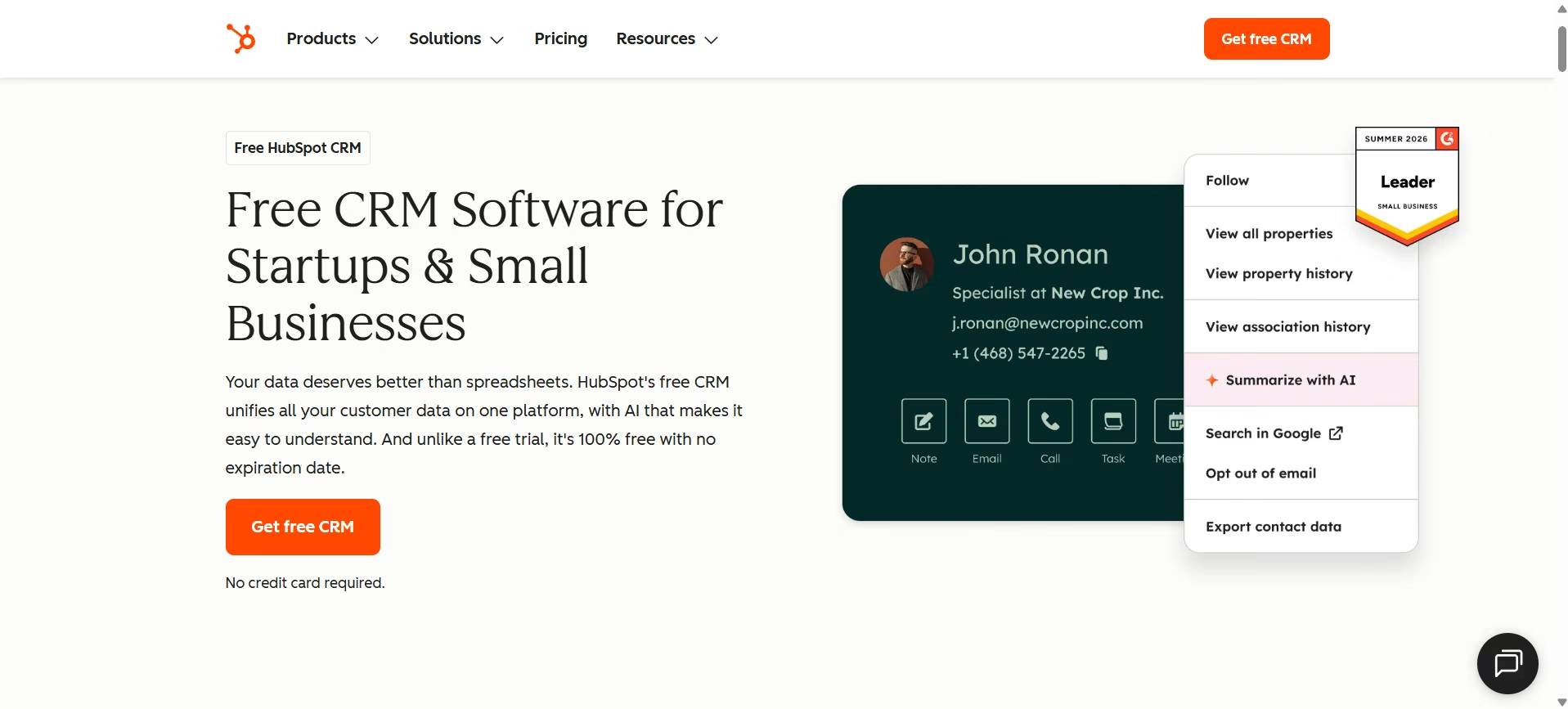
HubSpot is a general CRM rather than a real estate CRM; however, its free plan includes most of what an agent needs.
Features include contact management, deal pipelines, task management, email tracking, email templates, appointment setting, document exchange, live chat, and reporting dashboards.
Key features
- Centralization of Contacts, Leads, Deals, and Interactions under one platform
- Organization of prospect information and association of contacts with their deals
- Understanding where each lead is at and advancing prospects in sales process
- Reminder creation and activities tracking such as calls, emails, meetings and other sales activities
- Information about prospect email interaction and keeping of communication organized
- Availability to let prospects schedule meetings based on your available slots
- Sales activity information via centralized reports and dashboards
- Importing existing contacts and CRM information into HubSpot
- (B) Use HubSpot's AI assistant Breeze for tasks such as generating content and helping with CRM workflows.
- Manage contacts, deals, and sales activities while working from a mobile device.
Pros and cons
Pros
- Polished interface
- Strong contact and pipeline management
- Good ecosystem of sales and marketing tools
- No time limit on the free CRM
- Easy starting point for agents new to CRM software
Cons
- Free plan is limited to two users
- Contact limit is 1,000
- Advanced automation requires paid plans
- Not specifically designed for property management or real estate.
What users say

HubSpot is widely reviewed on G2 with a rating of 4.4 / 5 with more than 15,000 reviews, and is popular for its usability and broad CRM ecosystem. The trade-off is that some advanced functionality sits behind paid tiers.
Pricing
HubSpot's free CRM is $0, with no expiration. Its current free plan supports up to two users and 1,000 contacts.
Bottom line
HubSpot can be the best free CRM for real estate if you want a polished, general-purpose CRM rather than a real estate-specific system. It is particularly useful for solo agents or very small teams building their CRM process from scratch.
3. Zoho CRM
What it does
Zoho CRM offers additional features to the smaller real estate group looking for greater control of their sales process.
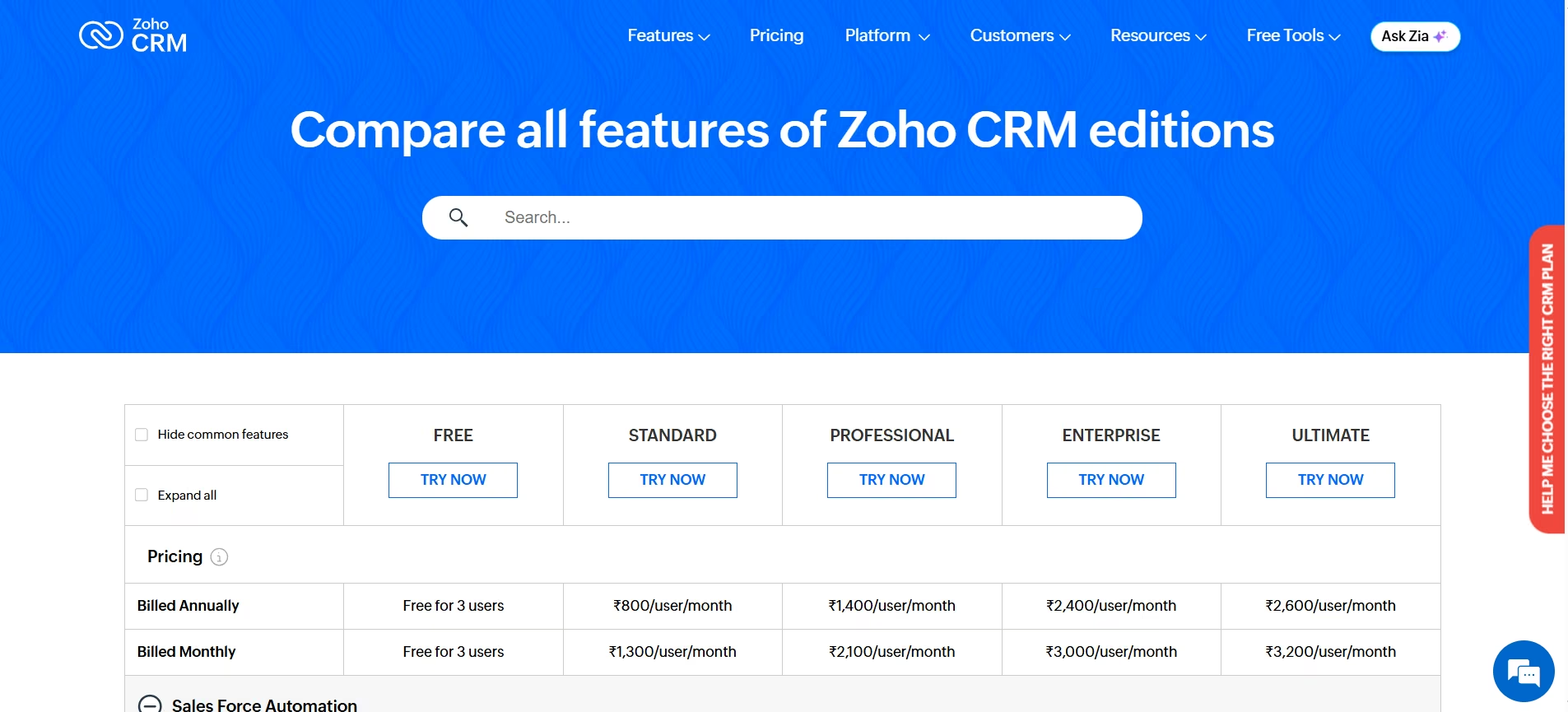
It has a free version that can accommodate up to three users with features such as leads, accounts, contacts, deals, activities, tasks, calls, reminders, and many other sales management features. It also allows up to 5,000 records.
Key features
- Manage leads, contacts, accounts, deals, and sales activity through one centralized CRM.
- Gather, sort, and manage potential customers in the process of sales.
- Maintain your customer and company data in separate yet connected records.
- Manage deal opportunities at various stages from lead generation to closing.
- Plan and track tasks and sales activities such as follow-ups, calls, and meetings.
- Schedule reminders for follow-ups and sales activities.
- Integrate Zoho CRM with compatible Google Workspace applications.
- Include custom fields on your CRM record forms.
- Access your CRM records when you are out of your office.
- (n) Automate selected repetitive sales activities and workflows.
Pros and cons
Pros
- More CRM depth than many free alternatives
- 5,000-record limit
- Three free users
- Strong customization potential
- Large integration ecosystem
Cons
- Can take time to configure
- Interface can feel complex for beginners
- Advanced automation and reporting require paid plans
What users say
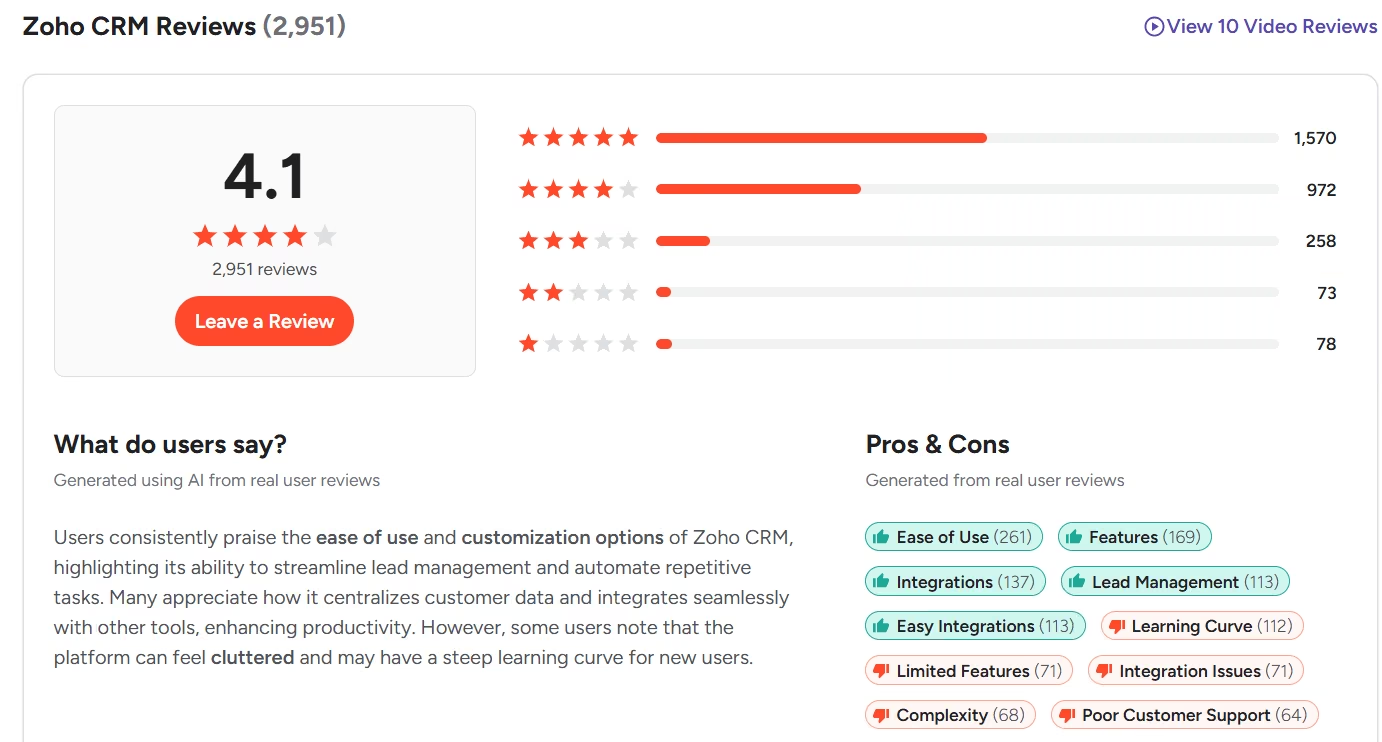
Zoho has thousands of G2 reviews with a 4.1/5 rating. Users regularly appreciate Zoho for its customization, lead management, automation capabilities, and features. However, some users have mentioned that the software's learning curve and more complex interface are issues.
Pricing
Zoho CRM's Free edition is available for up to three users. Paid editions vary by region and billing cycle.
Bottom line
Zoho CRM is a strong choice when three people need a proper CRM without paying for seats. It is particularly appealing to small brokerages willing to spend some time configuring the system.
4. Agile CRM
What it does
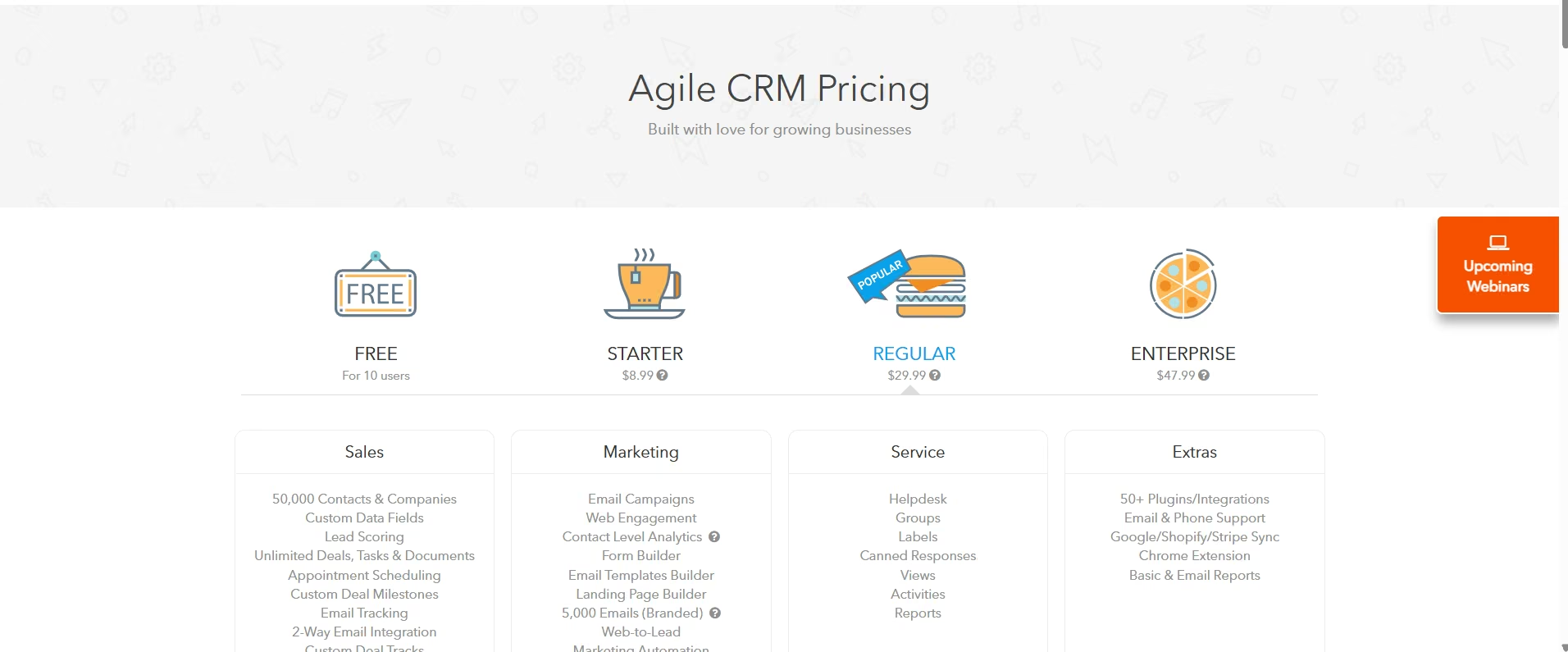
Agile CRM combines CRM, sales, marketing, and service functions instead of focusing exclusively on pipeline management.
Its free plan supports up to 10 users and 1,000 contacts, along with deals, tasks, appointment scheduling, lead scoring, email tracking, web-to-lead, email campaigns, and basic automation.
Key features
- Lead scoring
- Deal management
- Appointment scheduling
- Email tracking
- Web forms
- Email campaigns
- Marketing automation
- Google sync
- Basic reporting
Pros and cons
Pros
- Supports up to 10 users
- Strong free feature set
- Combines sales and marketing
- Lead scoring included
- Scheduled Meetings
Cons
- 1,000-contact limit
- Interface is less modern than some competitors
- Some advanced functionality requires upgrading
What users say

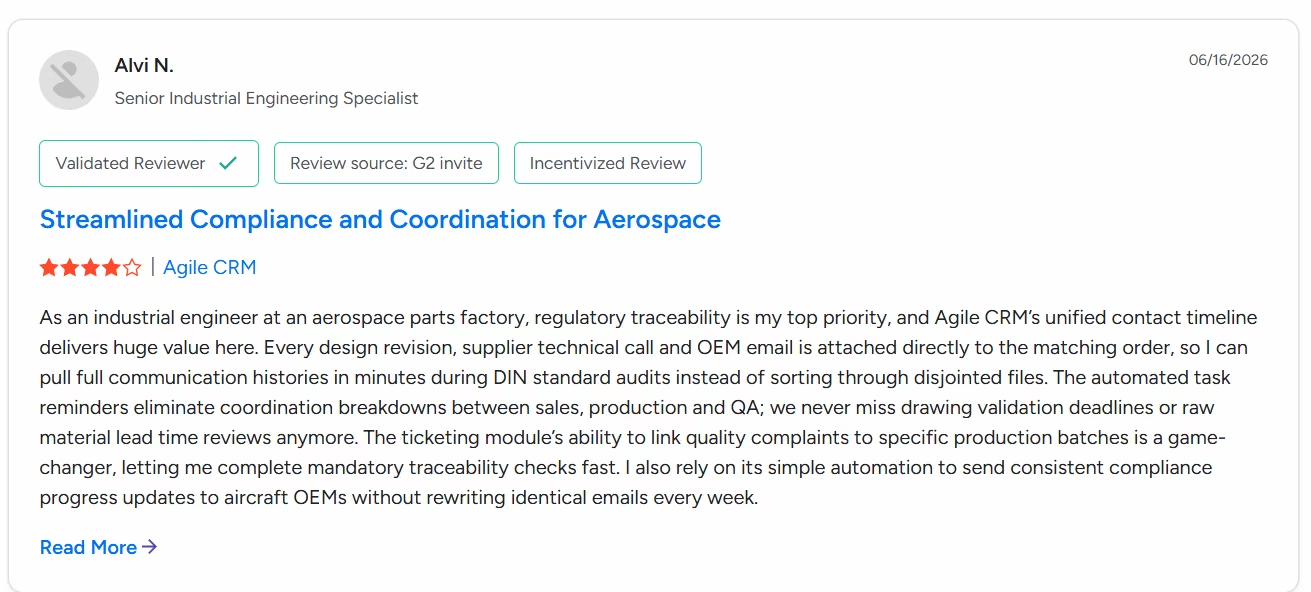
Agile CRM is rated 4.0/5 on over 360 reviews at G2. Users commonly cite cost-effectiveness, ease of use, an all-in-one solution, automation, and pipeline management as strengths.
Pricing
The free plan supports 10 users. Paid plans start at $8.99 per user per month.
Bottom line
Agile CRM makes sense for a small real estate team that wants more than a contact database and plans to combine lead management with email marketing and basic automation.
5. Freshsales
What it does
Freshsales is the CRM tool for sales by Freshworks. Its free version targets tiny teams and provides basic features: contacts, accounts, deals, tasks, appointments, notes, and pipeline management. The current free version is designed for three users.
Key features
- Contact and account management
- Deal management
- Organize records in a visual board-style layout
- Tasks and appointments
- Notes
- Sales dashboard
- Custom fields
- Mobile access
- Productivity integrations
Pros and cons
Pros
- Simple interface
- Useful for basic lead pipelines
- Three free users
- Good fit for small teams
- Strong broader Freshworks ecosystem
Cons
- Limited advanced AI features with free plan
- Restricted automation compared to paid tiers
- Not specifically built for real estate
What users say
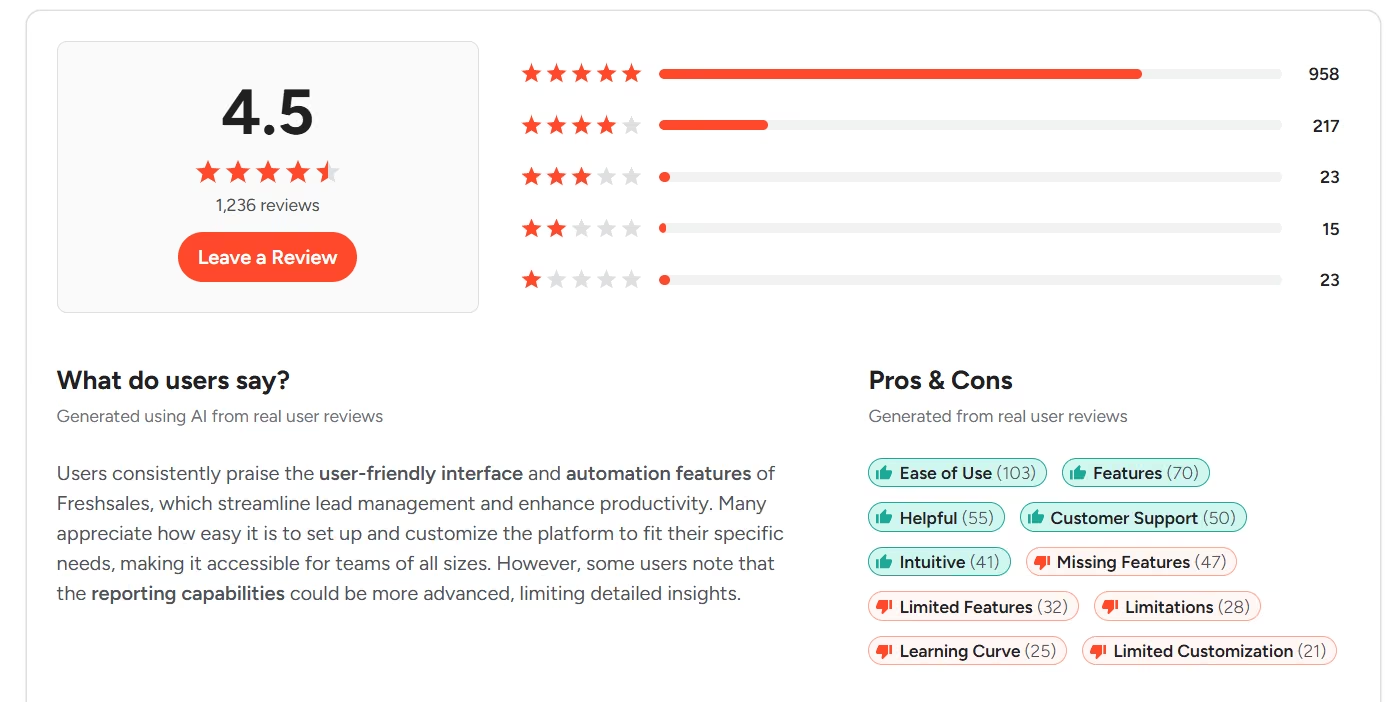
Freshsales has more than 1000 reviews on G2 with a rating of 4.5/5. The Freshsales CRM is normally positioned as a user-friendly CRM tool for small organizations. Freshsales' main strength for real estate isn't so much its real estate-specific tools as having all contacts and deals in one pipeline.
Pricing
Freshsales has a $0 free plan for up to three users. Growth starts at $9 per user per month when billed annually.
Bottom line
Choose Freshsales if you are looking for a simple free CRM for managing leads and deals without the configuration overhead of a more complex platform.
6. Bitrix24
What it does
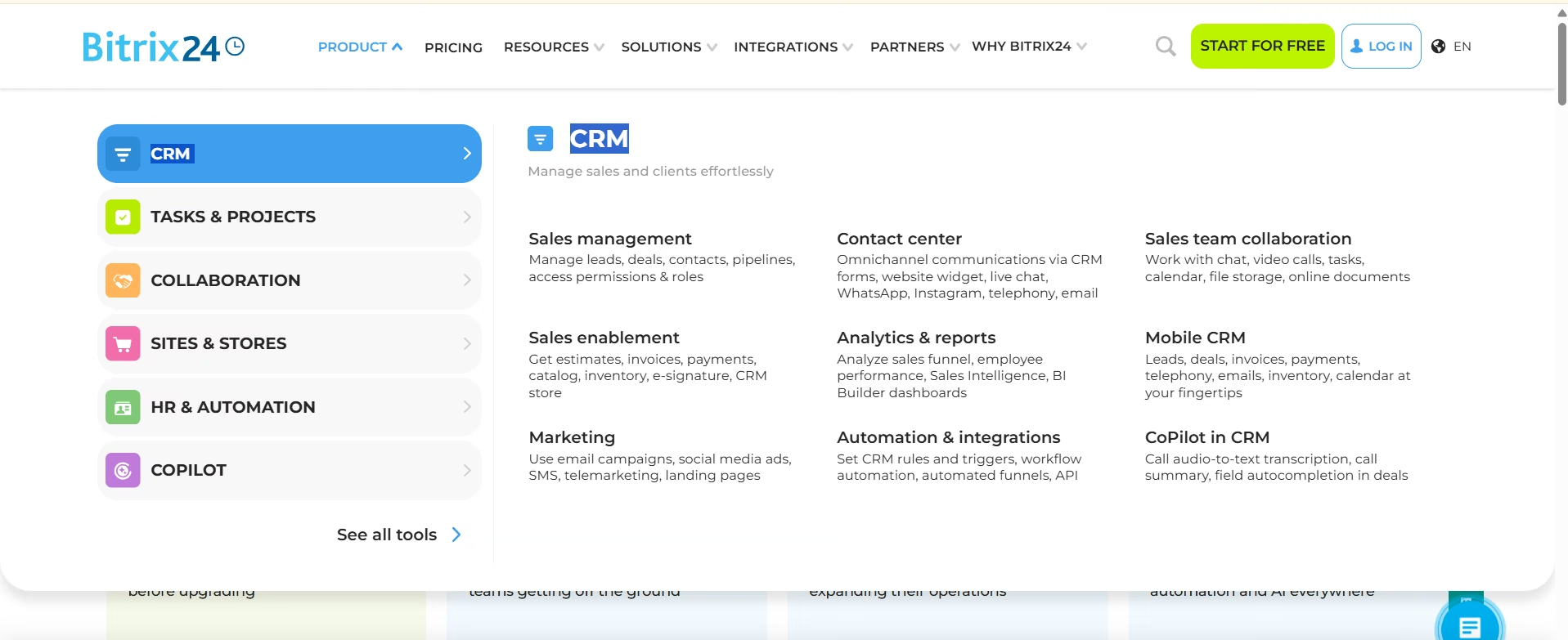
Bitrix24 integrates the use of CRM, tasks, calendars, chat features, video calls, and teamwork functionalities. It is useful for real estate teams looking to go beyond sales pipeline functionalities.
The pricing page for Bitrix24 currently shows a free plan with CRM, storage up to 5 GB, tasks, calendar sharing, and chat/video call features.
Key features
- Contacts and deals
- Assign, organize, and monitor tasks
- Visualize deals and projects using board or timeline-based views.
- Shared calendars
- Chat and video calls
- Team collaboration
- 5 GB storage
Pros and cons
Pros
- CRM and collaboration both in one platform
- Useful task management
- Sharing calendars
- Strong team-driven feature set
- No-cost entry point
Cons
- Limited users in the Free plan
- Overwhelming Interface
- More advanced sales and communication features require paid plans
What users say
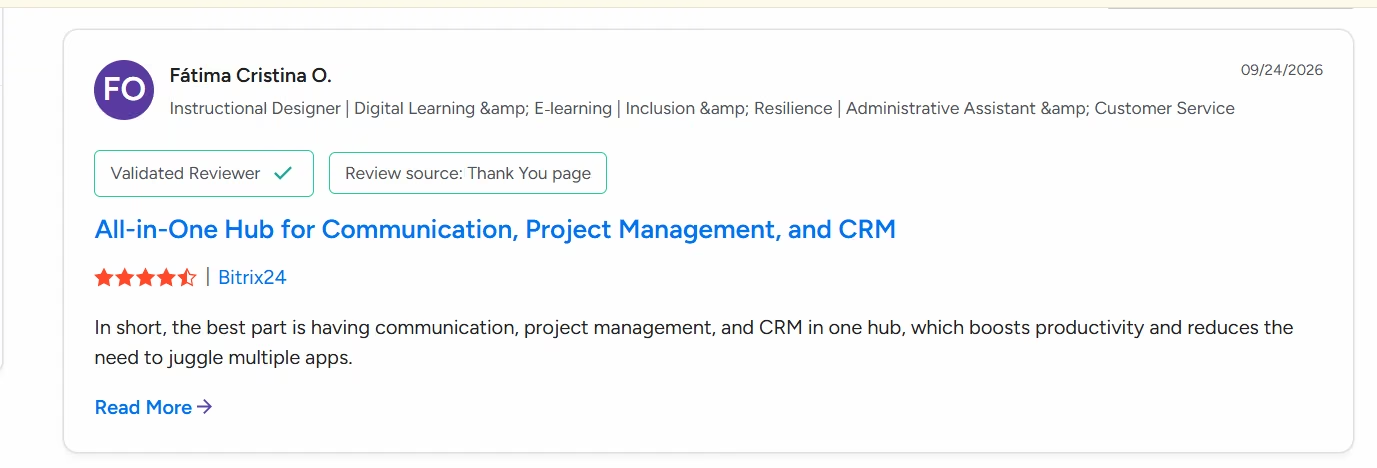
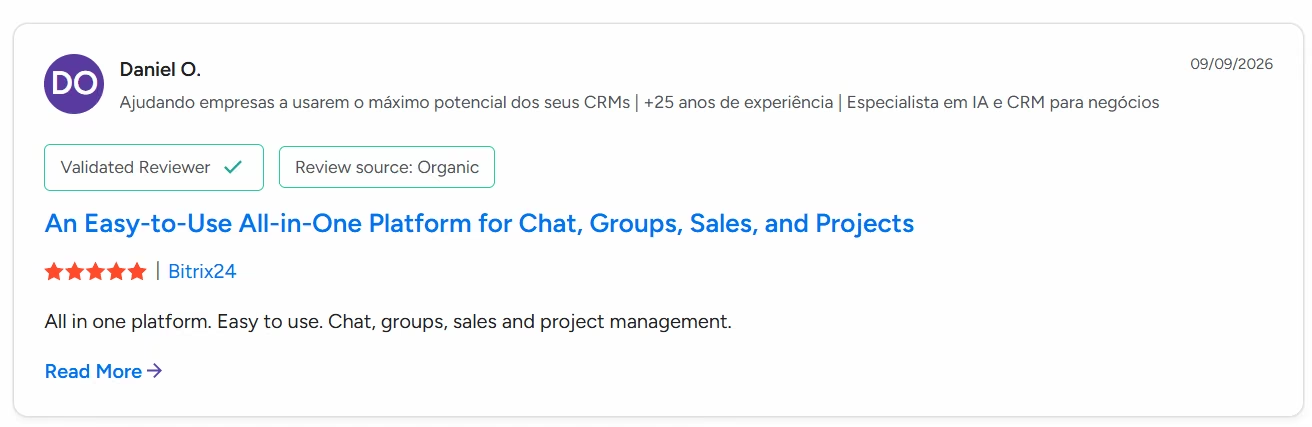
Bitrix24 has a 4.1/5 rating across more than 600 G2 reviews. Its breadth is one of its main strengths, although the large number of tools can make the platform feel more complicated than a CRM focused solely on sales.
Pricing
The current free plan is $0 and includes basic CRM, tasks, calendars, chat, video calls, and 5 GB of storage. Paid plans are priced at the organization level rather than per user.
Bottom line
Bitrix24 is worth considering if your real estate team wants CRM + project management + communication in one place rather than another standalone CRM.
7. EngageBay
What it does
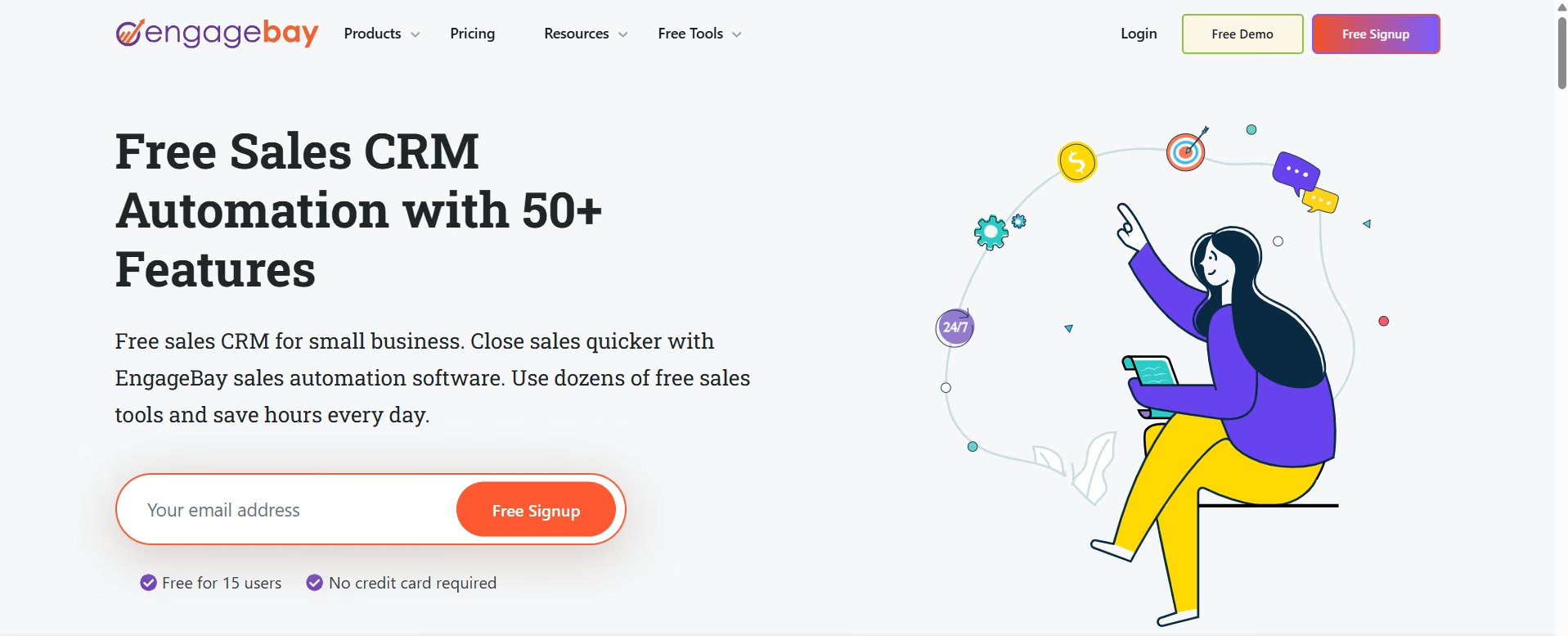
EngageBay combines CRM and sales functionality with marketing features. Its free CRM plan includes contact management, deals, tasks, appointment scheduling, email tracking, Gmail and Outlook integrations, and live chat.
Key features
- Contact management
- Deals tracking
- Tasks management
- Appointment scheduling
- Email tracking
- Email templates
- Gmail and Outlook integration
- Live chat
- Basic reporting
Pros and cons
Pros
- CRM and marketing tools in one platform
- Free contact and deal management
- Appointment scheduling
- Email tracking
- Useful for small businesses
Cons
- Free plan is limited to 250 contacts
- Advanced calling requires a paid plan
- Limited compared with dedicated real estate CRMs
What users say
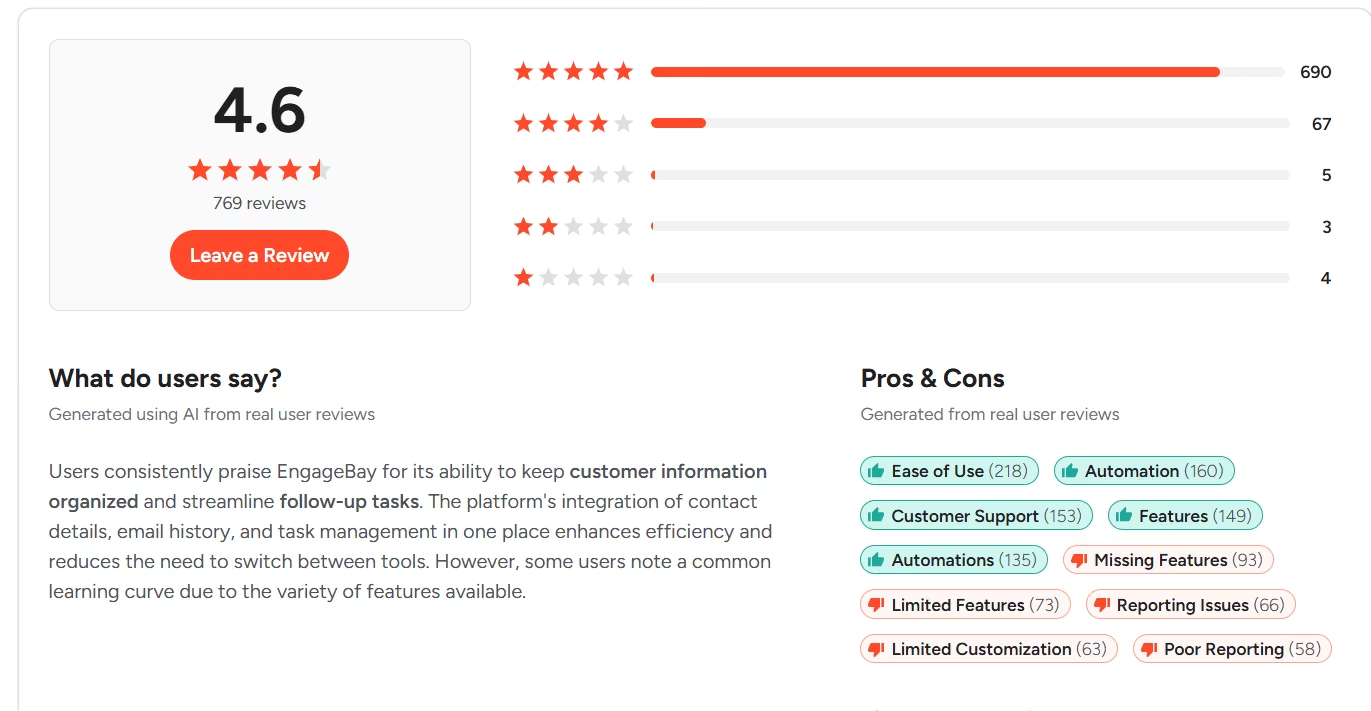
With around 700 reviews and a 4.6/5 on G2, EngageBay is aimed at small businesses that want to combine marketing, sales, and customer management. Its appeal is the amount of functionality bundled into a low-cost platform, while the main limitation for a growing agency is the relatively small free contact allowance.
Pricing
The free CRM and Sales Bay offer is 250 contacts and companies. Paid plans offer more contacts, calling, integrations, automation, and analytics.
Bottom line
EngageBay works well for a small real estate operation that wants basic CRM and marketing functionality without paying for separate platforms.
How to Choose the Right Free CRM
We have compiled a checklist to help you select the best free CRM for real estate based on your unique requirements:
All-in-one: The best free CRMs will have a full set of features where sales tools will be at the core and depending on which particular software you select, there may be customer service, marketing or finance tools as well.
Build your own: The best CRM lets you build a customized CRM system to match your specific workflows.
Email inbox: The best CRMs integrate your email app, such as Gmail or Outlook, with sales tools, letting you manage deals right from your inbox.
AI-powered: The best CRMs with AI features in the free plan use AI to automate certain processes and deliver insights, giving you more features than other free plans.
Niche: Best CRMs are perfect for project management, prospecting or email marketing. These applications are great for people who already use various sales tools and need a simple CRM to complement their existing solutions.
When Free Stops Being Enough
A free CRM may suffice for one agent and a small number of contacts, but problems usually arise when your business starts bringing in more leads and hiring new agents.
You may want to upgrade to a paid plan when:
- You reach the contact cap in your free CRM.
- Additional agents need access.
- Multiple sales funnels are needed.
- Lead assignment should be automated.
- Reporting is required.
- SMS or WhatsApp automation is needed.
- Integrations with the lead source are required.
- AI-powered lead scoring is desired.
- Role-based permissions are required.
- Advanced follow-up sequences are needed.
The biggest downside of any free CRM software is its inability to provide industry-specific communications and integrations with lead sources. While a free CRM may work with the leads you enter, it may not capture and process leads coming in from all property portals.
This is an important detail. While a CRM itself may be free, integrations with lead sources can still cost money.
Build Your Own Real Estate CRM With Emergent
Sometimes the problem is not finding the best free CRM. It is finding a CRM that matches how your business works.
Real estate workflows can differ drastically from one another. The first agent might require only the buyer’s pipeline. The second company might need buyer and seller stages, property matching, feedback after a showing, commission, and lead routing. The third one might require projects, lots, inventory, booking, and buyer management.
This is where a vibe coding platform like Emergent takes a different approach.
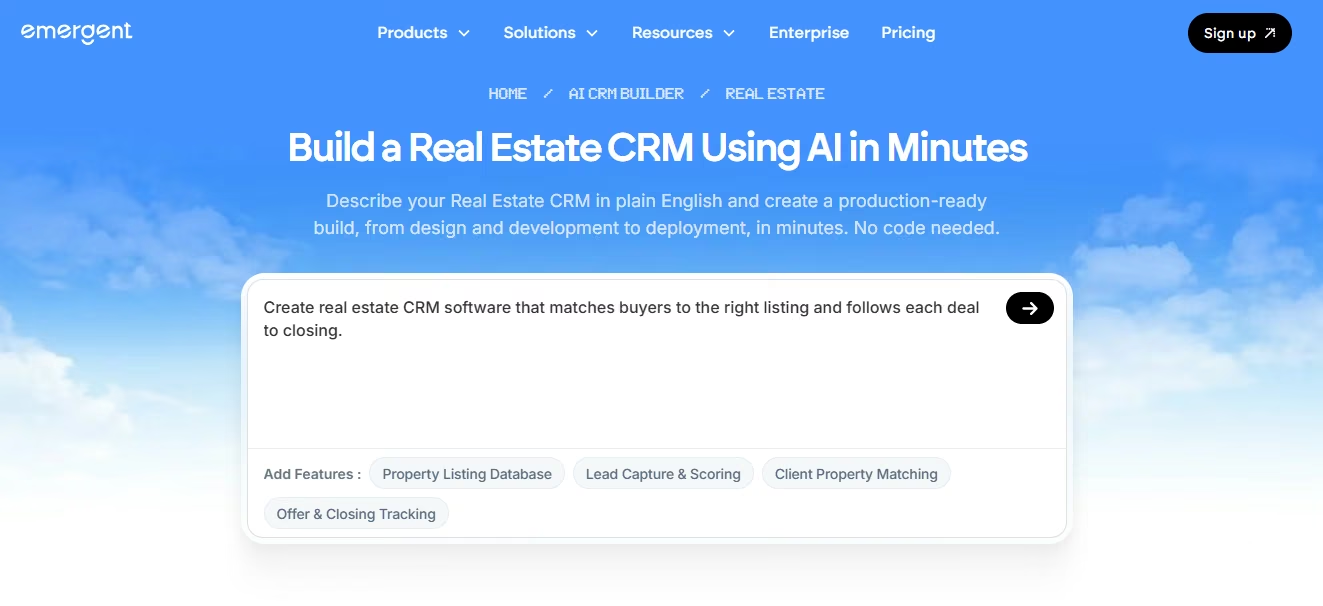
Instead of adapting your workflow to an existing CRM, you can use an AI real estate CRM builder to describe the CRM you want in plain English. Emergent's real estate CRM builder can generate property and client management, buyer and seller pipelines, inquiry intake, follow-up automation, showing coordination, and deal and commission tracking.
Emergent generates the application around that description. You can then refine the fields, stages, views, and workflows by prompting it again.
It is important to distinguish this from a conventional free CRM. Emergent is a vibe coding platform, not a prepackaged free real estate CRM. Its free plan currently includes 10 monthly credits, while paid plans provide more credits and additional capabilities.
That makes the approach particularly interesting when existing CRMs force your business into workflows you don't actually use.
If you want to go further, you can also build a CRM with AI and create the system around your own data, processes, and requirements rather than starting with a fixed CRM template.
Refer to our guide on how to create a Real Estate App With Emergent in 2026 and start building with Emergent today!

Most AI app builders stop at prototypes. Emergent creates production-ready apps you can actually launch.
- Production-ready apps
- Web & mobile apps
- Deploy in minutes







