



TL;DR
- An AI website builder like Emergent turns a written description into a working site in one session, including features (like client proofing or booking logic) a template usually doesn't offer without a plugin.
- A traditional builder like Squarespace gives you a professionally designed template you customize by hand, which takes longer upfront but hands you more granular visual control over spacing, fonts, and layout.
- Key difference: On a template builder, a feature like client proofing is a separate plugin with its own subscription and its own look. On an AI builder, it's part of the same build as the rest of the site. Everything else follows from that.
- The practical difference shows up in the first 10 minutes: One asks you to describe what you want; the other asks you to pick from what's already built.
An AI photography website builder generates your site from a written description, while a traditional builder like Squarespace or Wix hands you a template you fill in and adjust by hand.
Most comparisons of AI photography website builders vs traditional website builders either sell you on one side or list 10 tools without walking through either path.
This piece does one thing: it walks through what changes when you swap "customize a template" for "describe a site," using real platforms, real pricing pulled from official pages, and a same-day build on each side.
What Is a Traditional Website Builder?
A traditional website builder gives you a library of pre-designed templates, then a drag-and-drop or block-based editor to customize colors, fonts, images, and layout inside that template's structure.
Squarespace, Wix, and SmugMug all work this way, and all three show up repeatedly across current "best photography website builder" roundups for exactly this reason: the template does the heavy lifting on design, and you spend your time on content and fine-tuning.
Photographer-specific platforms like Pixieset, Format, and Zenfolio sit in the same category, trading a smaller design library for gallery and proofing tools built in. WordPress with a photography theme is the same tradeoff with more setup.
The tradeoff is time and flexibility in opposite directions.
A polished template gets you a professional-looking page fast. Going beyond what it supports (a specific client-proofing flow, a booking form tied to your calendar, a layout it wasn't built for) usually means installing a third-party plugin or accepting the limit.
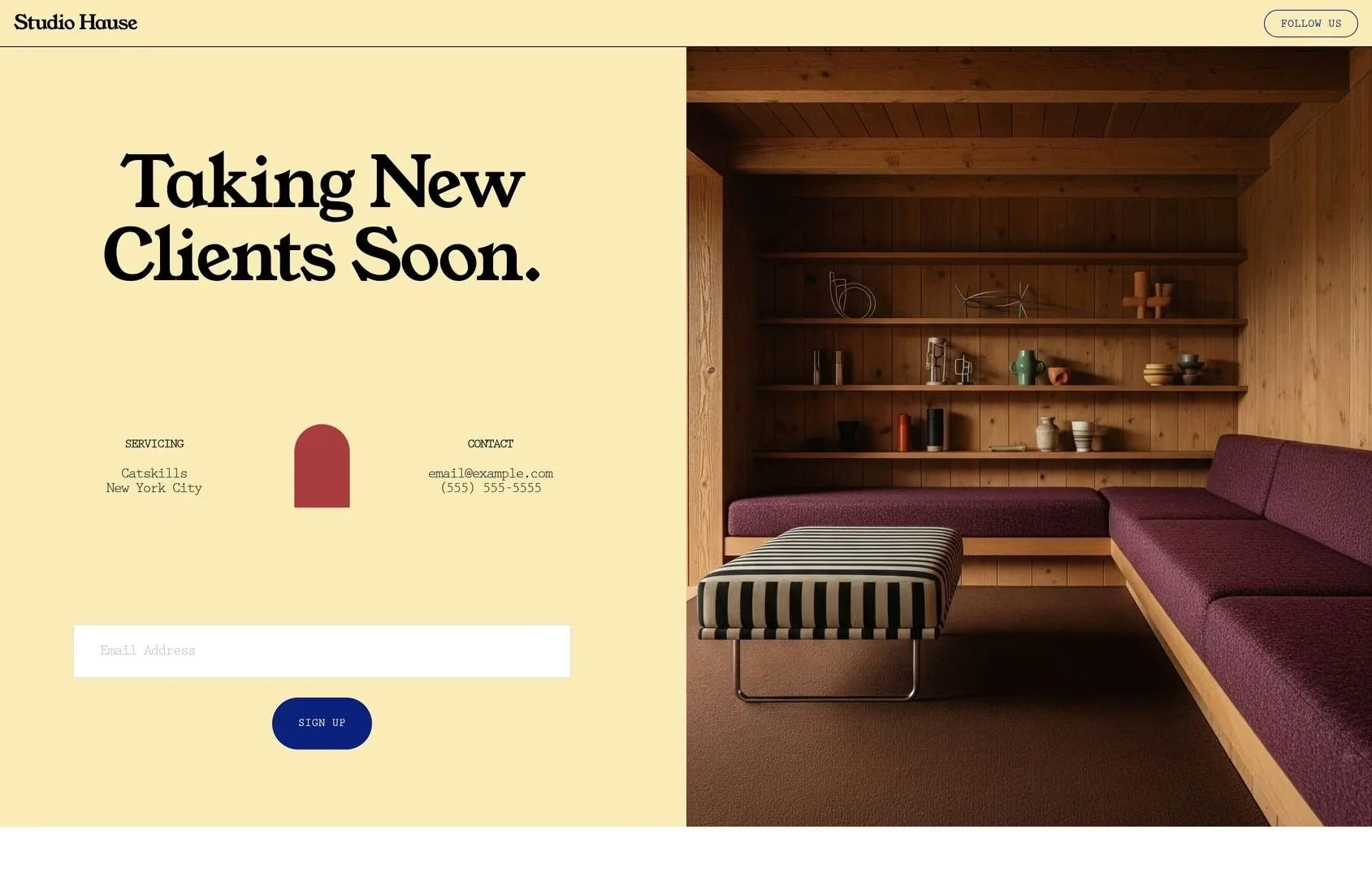
A live Squarespace template (Studio Hause), shown here to illustrate the visual polish typical of the platform's template library. Not a photography-specific template.
Squarespace doesn't offer a permanent free plan. Every account starts with a 14-day free trial, no credit card required, with nearly every feature unlocked except publishing publicly and processing real payments. After the trial, plans start at $25/month ($19/month billed annually) for the Basic tier.
What Is an AI Website Builder?
An AI website builder generates a working site from a written description instead of a template you fill in. You describe the layout, the features, and the workflow you need, and the tool builds the pages, the logic behind them, and the integrations in one pass; then you refine it with follow-up prompts instead of manual editing.
Emergent works this way with its AI photography site builder: describe a gallery structure, a password-protected client proofing area, or a booking form tied to shoot inquiries, and it builds all three from that single description rather than assembling them from separate template blocks or plugins.
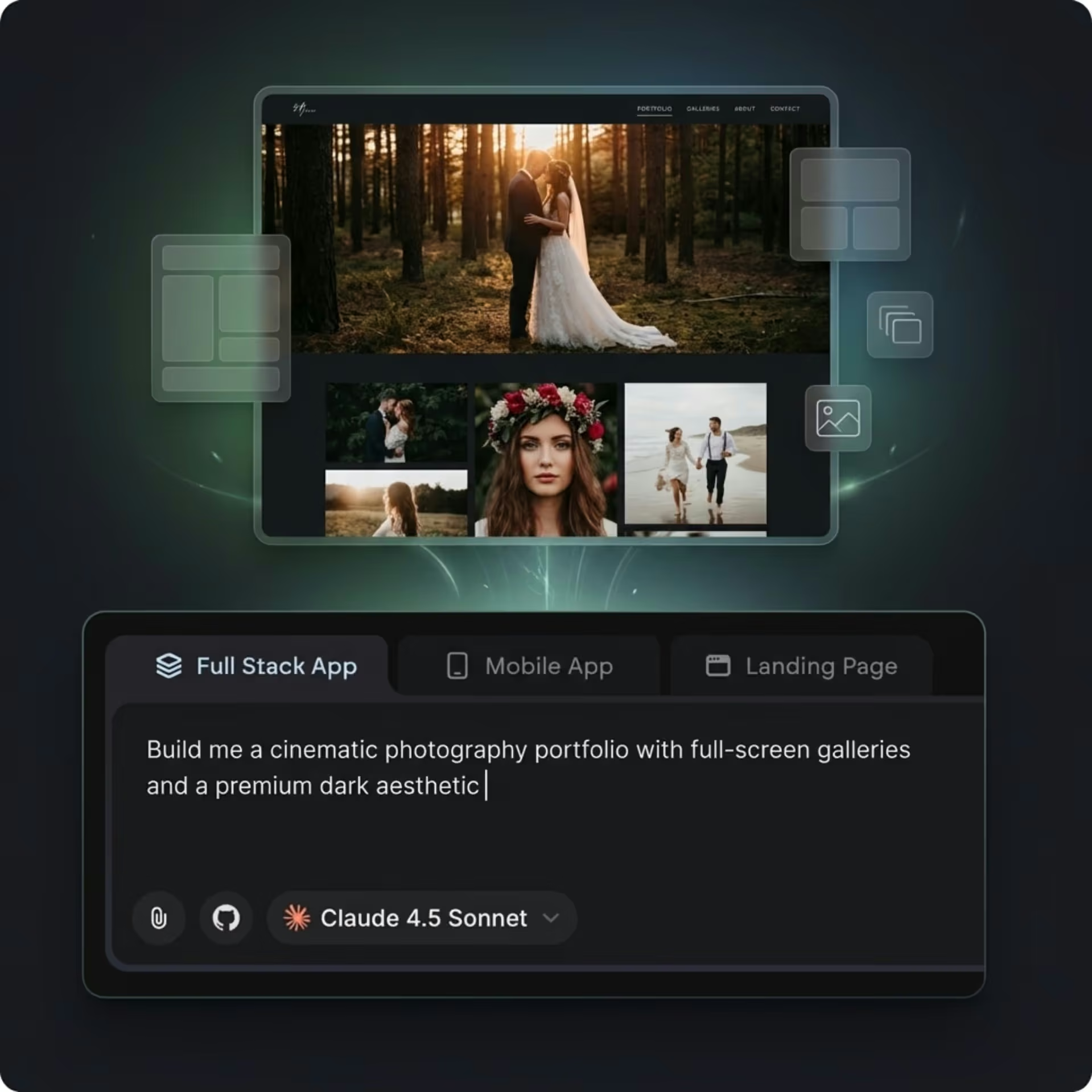
Prompting a photography portfolio on Emergent: describe the site, and it gets built around that description instead of a fixed template.
The free plan includes 10 credits a month, enough to prompt out a real first version of a site, with paid plans starting at $20/month ($17/month billed annually) for 100 credits, per Emergent's official pricing.
AI vs Traditional Website Builders: Key Differences
The difference between these two approaches goes deeper than "one uses AI." Three specific factors decide which one fits how you work.
Starting Point: Description vs Template
A traditional builder's starting point is a template someone else designed for a general audience. You're editing toward your vision from a fixed structure.
An AI builder starts from your own description, so the first draft already reflects what you asked for: gallery style, page count, specific features. A template gives you a generic layout you adapt instead.
Custom Features Without a Plugin Marketplace
Client proofing, booking logic tied to a calendar, or a specific gallery interaction are often core features requested by photographers, but on a template builder these usually mean installing a separate app or plugin, each with its own subscription and its own design language that doesn't always match your template.
An AI builder can build these directly into the site from the same prompt that built the rest of it, since there's no plugin marketplace standing between the request and the result.
Where the Time Goes
On a traditional builder, most of the build time goes into visual fine-tuning: adjusting spacing, swapping fonts, testing how a gallery looks across three template variations before picking one.
On an AI builder, the time goes into describing what you want clearly enough the first time, then reviewing and requesting specific changes.
Neither is faster in every case. A photographer who already knows exactly which template variation they want can move fast on a traditional builder; a photographer who doesn't want to compare templates at all moves faster describing the outcome directly.
Also read our best website builders for photographers guide for how each platform handles the things a portfolio lives or dies on.
How the Two Approaches Compare
How the two approaches differ at a glance:
| Factor | AI Website Builder | Traditional Website Builder |
|---|---|---|
| Starting point | A written description of the site you want | A pre-built template you customize |
| Time to first draft | Minutes | 30 minutes to a few hours, template-dependent |
| Custom features (proofing, booking logic) | Built from the description, no plugin needed | Usually needs a paid plugin or app |
| Visual control | Constrained by what you describe and approve | Granular, drag-and-drop control over every element |
| Free tier or trial | Emergent: 10 credits/month, no card required | Squarespace: 14-day trial, no permanent free plan |
| Best for | A specific workflow (proofing, booking, a custom layout) | Photographers who want to fine-tune every visual detail by hand |
Real Build Test: Same Photography Site, Two Approaches
I ran the same brief through both approaches: a photography portfolio with a public gallery and a password-protected client proofing area.
On a traditional builder (Squarespace):
I chose Quincy, a photography-oriented template from the library, then customized it: replaced placeholder images and text, and set up navigation. That took 15 minutes total.
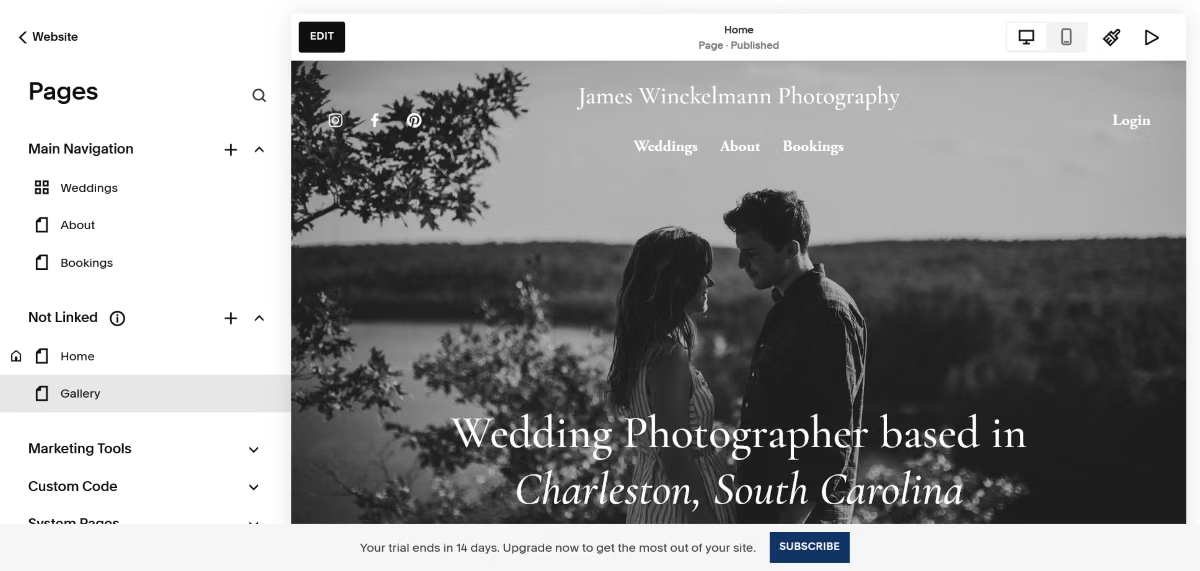
While it doesn’t offer dedicated client proofing functionality, Squarespace allows you to password-protect your site’s pages, which can come in handy when you need to share photos with only some clients. I created a gallery page and added a password to test this feature. It is not comparable to what Pixieset offers, but it works in a pinch.
On an AI builder (Emergent), I gave it this prompt:
“Build a photography portfolio for a wedding and portrait photographer. Include a public gallery organized by shoot type: weddings, portraits, and editorial. Add a separate password-protected client proofing area where couples can view and download their session photos once I upload them.”
The Emergent agent’s questions filled gaps about client access and proofing functionality in the brief.
The build came back in 14 minutes with a working public gallery and a password-gated proofing page pulling from the same code as the public gallery, no separate tool, no separate login to manage.
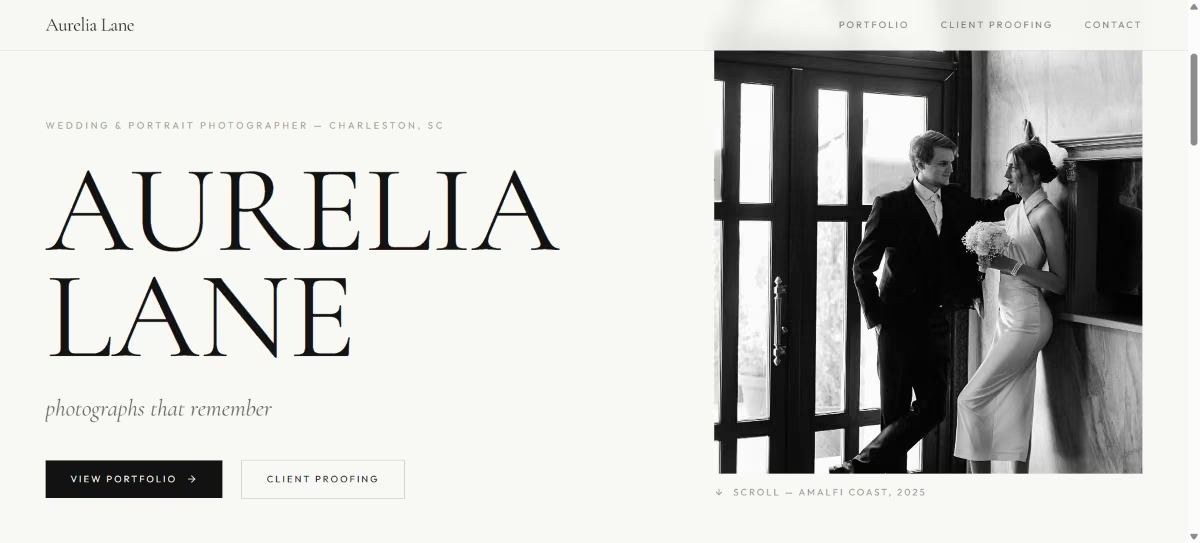
Total: 14 minutes and 8 credits, on the $20/month Standard plan (100 credits included), for a live site with proofing built into the same build as the public gallery.
The honest caveat: the AI-built version still needs a human pass on photo selection, copy, and brand-specific details.
When to Use Each
Use an AI website builder when:
- You need a specific feature (proofing, a booking form tied to your calendar, a particular layout) that a template doesn't offer natively.
- You'd rather describe the outcome you want than compare template variations.
- You want the public site and a client-facing feature built together instead of stitched from separate tools.
Use a traditional website builder when:
- You already have a strong visual reference and want granular, manual control over every element.
- Your needs are fully covered by an existing template category (portfolio, blog, basic store).
- You want the widest possible library of professionally designed starting points to browse before committing to a look.
How Emergent Fits Into This Comparison
Emergent's photography website builder is built around the exact gap this comparison keeps surfacing: features that templates don't include by default.
Describe a proofing workflow, a booking flow, or a gallery structure specific to how you shoot, and it gets built as part of the site instead of layered on top of it as a separate app.
Worth knowing: if what you need is a standard portfolio with no custom workflow behind it, a template builder's library may get you there just as fast with less back-and-forth in the prompt.
Emergent's advantage shows up specifically when the site needs to do something a generic template wasn't built to do.
For the full walkthrough of building a photography site end to end, our guide on how to make a photography website covers the process step by step.
For a broader look at AI website builders across any industry, see our roundup of the best AI website builders, and if you're new to building with AI entirely, our guide to the best AI website builders for beginners covers the basics first.

Most AI app builders stop at prototypes. Emergent creates production-ready apps you can actually launch.
- Production-ready apps
- Web & mobile apps
- Deploy in minutes





