




Choosing an AI portfolio website builder vs traditional platforms was a simpler decision two years ago. The AI options produced generic single-page sites while the template builders produced real ones. That gap has closed.
So I wrote a single brief for a freelance brand designer's portfolio and built it twice. Once in Emergent, an AI website builder, and once in Squarespace, a template platform popular with designers. Wix, Webflow, and WordPress sit in the same category, and the tradeoffs below apply to any of them.
By the end of this, you'll know which approach handles case study pages properly, and how much of a detailed brief each one builds for you.
How I Tested Both Approaches
I wrote one brief and held both builds to it:
"Build a portfolio website for a freelance brand and web designer. Home page leads with three featured projects. A work page with a gallery of six projects in a grid. Two of those projects need full case study pages with sections for the brief, the process, and the results, each with room for four or five images and captions.
An about page with a short bio, a list of services, and client logos. A contact page with an inquiry form that captures name, email, project type, and budget range. Clean, typography-led design with plenty of white space."
Only one of the two builders would take the brief as written. Emergent builds from a written description using AI agents that design, code, test, and deploy together.
Squarespace is a hosted platform built around templates, with an AI setup flow sitting in front of it and nowhere to enter a brief. So I translated mine into the closest options its setup offered and built the rest by hand. I timed both from the start of setup to a browsable site, building in August 2026 on Emergent's free plan and Squarespace's 14-day trial.
Building the Portfolio With an AI Builder
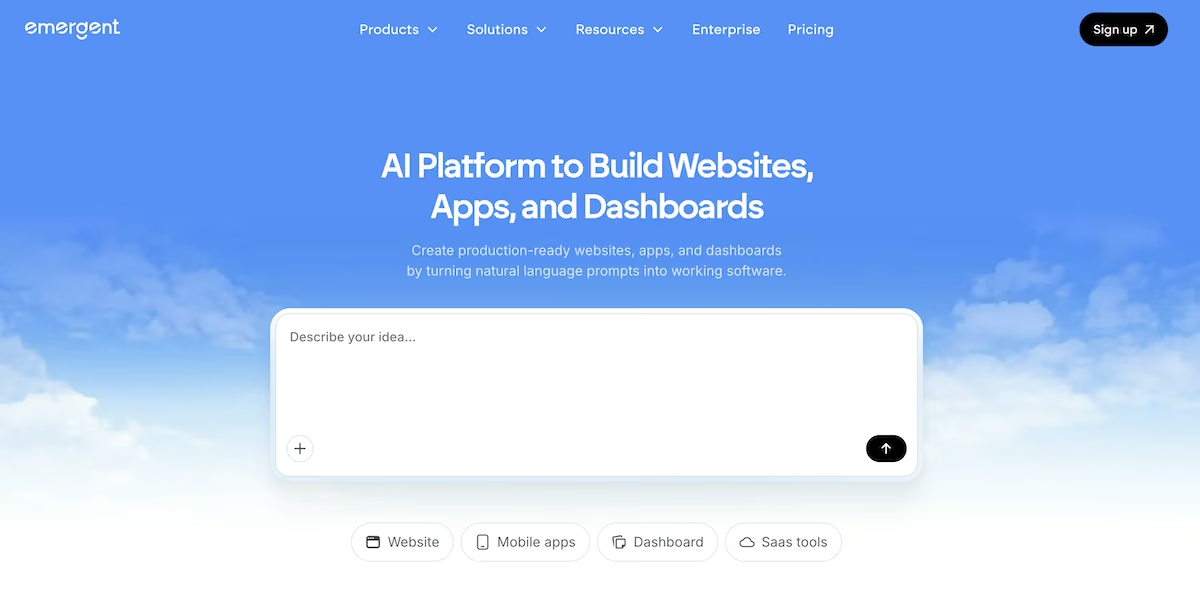
Emergent's homepage, with the prompt box that starts every build.
What it does: Emergent’s portfolio website builder covers web and mobile apps, and it builds the pages, the motion, and the data behind a contact form in one pass.
Best for: Designers whose portfolio needs custom interaction, stored client inquiries, or page types a template system doesn't offer.
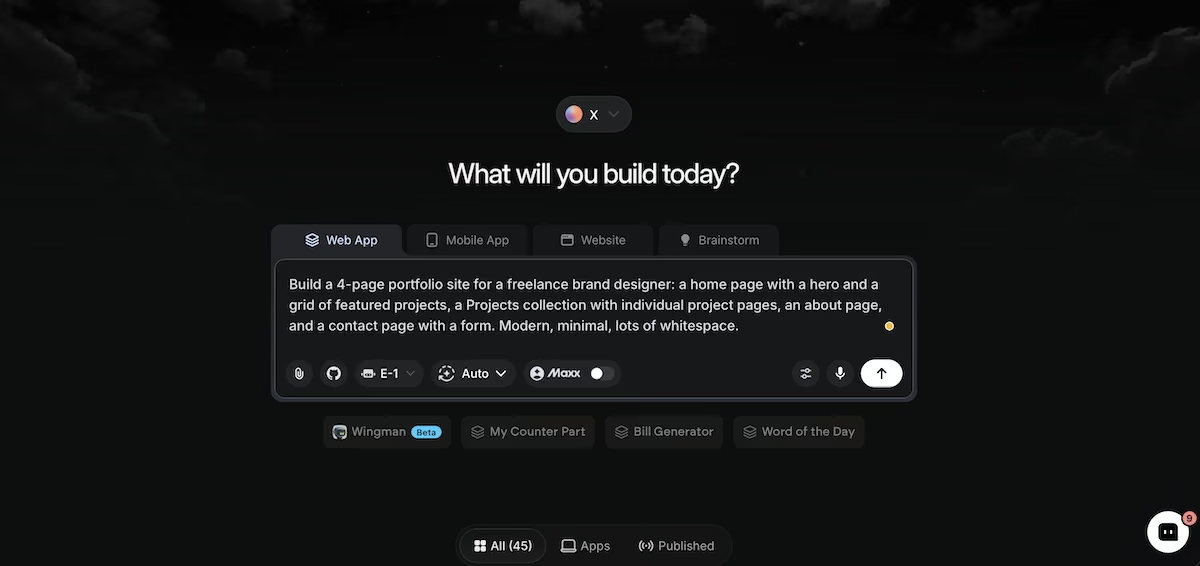
The portfolio brief entered into Emergent's builder.
I pasted the brief into the chat box and pressed send. Before it started building, Emergent asked me how the contact form should behave: email the inquiries, or store them? I chose to store them so I could sort and filter them later.
The build took 27 minutes and used 9.59 credits. The projects page listed all six from the brief, numbered and dated by discipline, and each case study got its own address instead of nesting inside the work page.
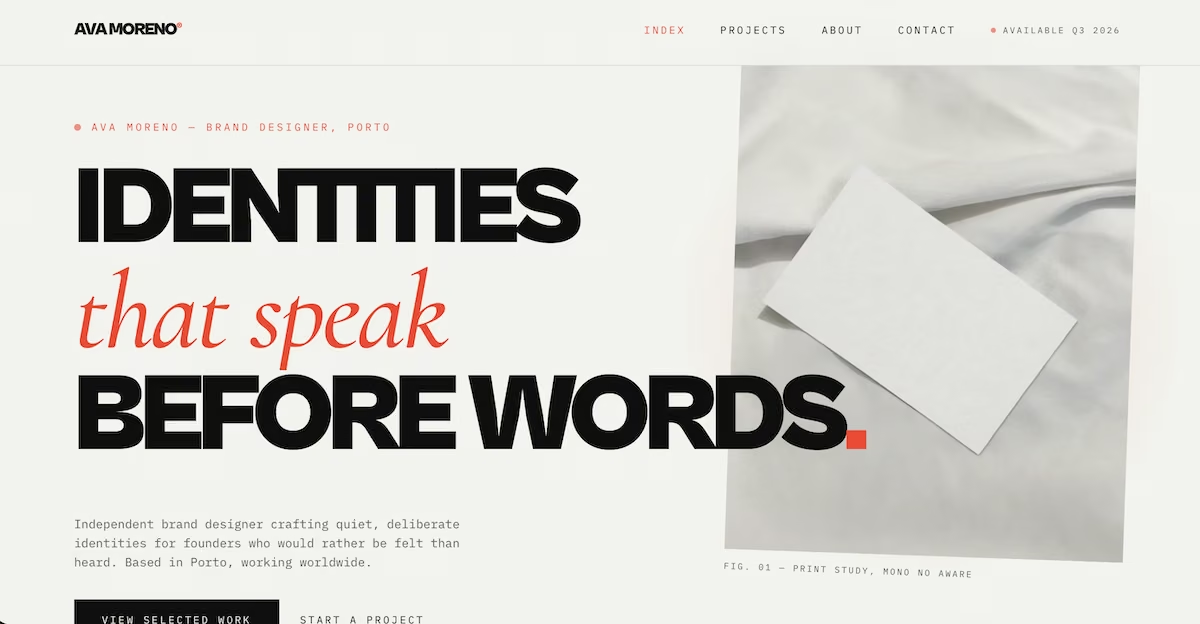
The finished portfolio home page in Emergent's preview.
The home page headline came in line by line as I scrolled. On the work page, hovering a project row floated up a photo preview. Each case study opened on a full-width image that moved as I scrolled, and closed with a link to the next project. The brief, process, and results sections were all accounted for, with space for the image sets I'd asked for.
The inquiry form captured all four fields, and the agents reported back on what they had checked, including a test submission they had sent themselves. I sent my own and received a thank you panel, with the entry stored and retrievable. The first 10 minutes went to watching the case study structure repeat cleanly across both projects.
Key Features
- Coordinated agents: Agents split the work across the build and check it before you see it.
- Clarifying questions: The system asks about identity, forms, and visual direction before writing anything.
- Stored form submissions: Contact forms can write to a database rather than sending email.
Pros and Cons
Pros
- Builds custom interaction and motion instead of template layouts
- Reads detailed briefs as requirements rather than as a page list
- Builds repeated page types, like case studies, as their own pages with their own addresses
Cons
- Credit costs climb on larger builds
- Fewer ready-made starting points than a template platform
- Describing a site takes practice if you're used to editing one
What Users Say
“One of the best vibe coding apps out there, with one of the lowest pricing ranges.” – Himanshu J. (G2)
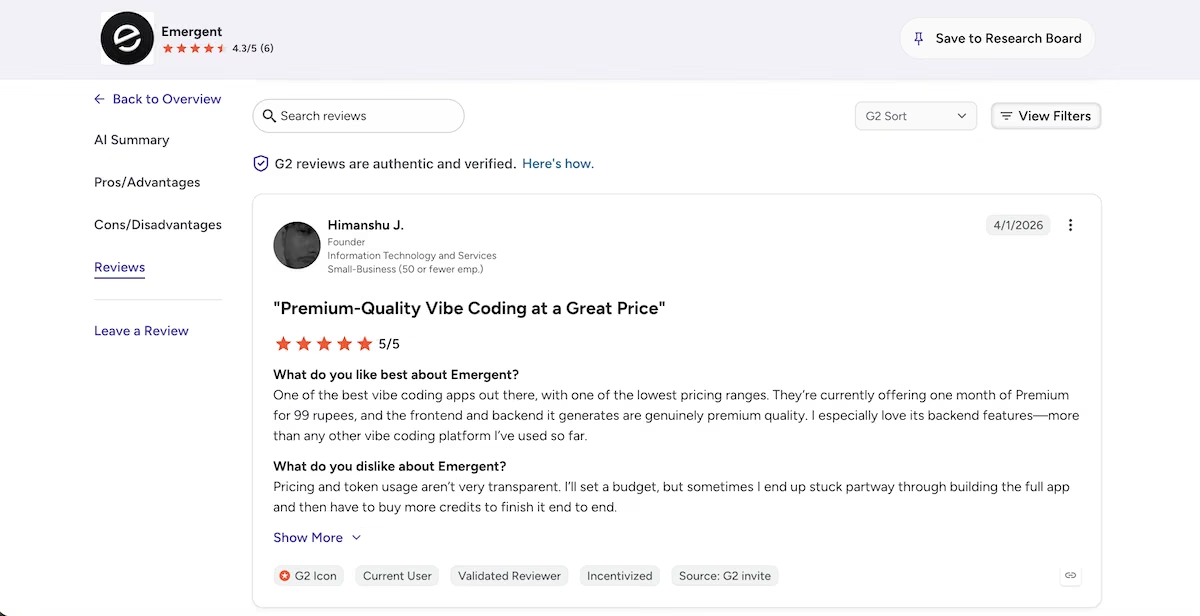
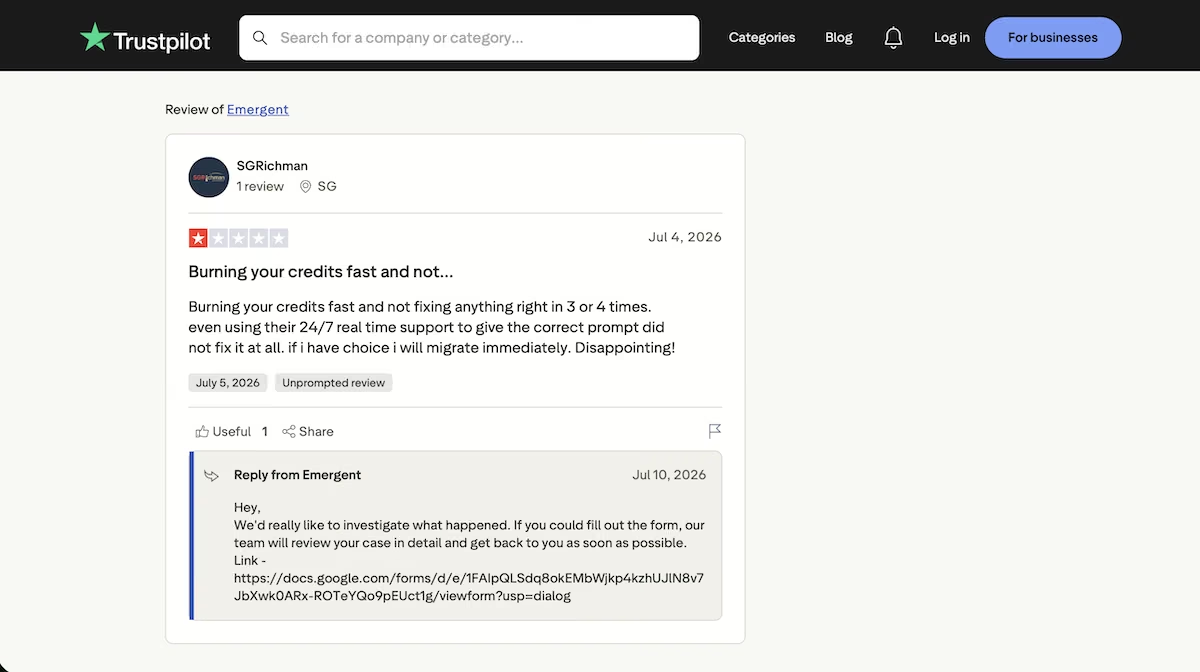
“Burning your credits fast and not fixing anything right in 3 or 4 times.” – SGRichman (Trustpilot)
Pricing
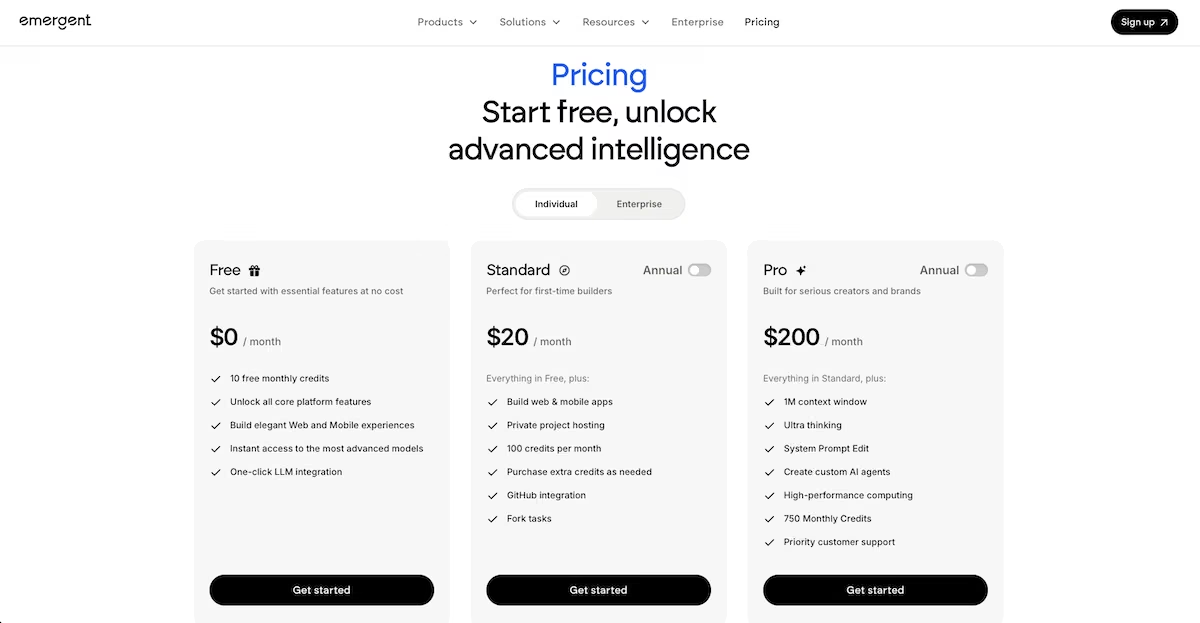
Emergent's pricing page as of September 2026.
The free plan includes 10 credits a month. Standard is $20/month for 100 credits; Pro is $200/month for 750 credits; and Business and Enterprise are both custom-priced.
Credit use varies with what you build, so check the pricing page before you start prompting. Deploying costs 50 credits per app per month, and deployment isn't available on the free plan.
Building the Portfolio With a Traditional Builder

Squarespace's homepage, with template previews below the sign-up prompt.
What it does: Squarespace is a hosted website platform with templates, managed hosting, and a dedicated portfolio page type for showing project work. We go into more detail in our Squarespace review.
Best for: Photographers, artists, and designers who want templates, hosting, and search tools in one subscription.
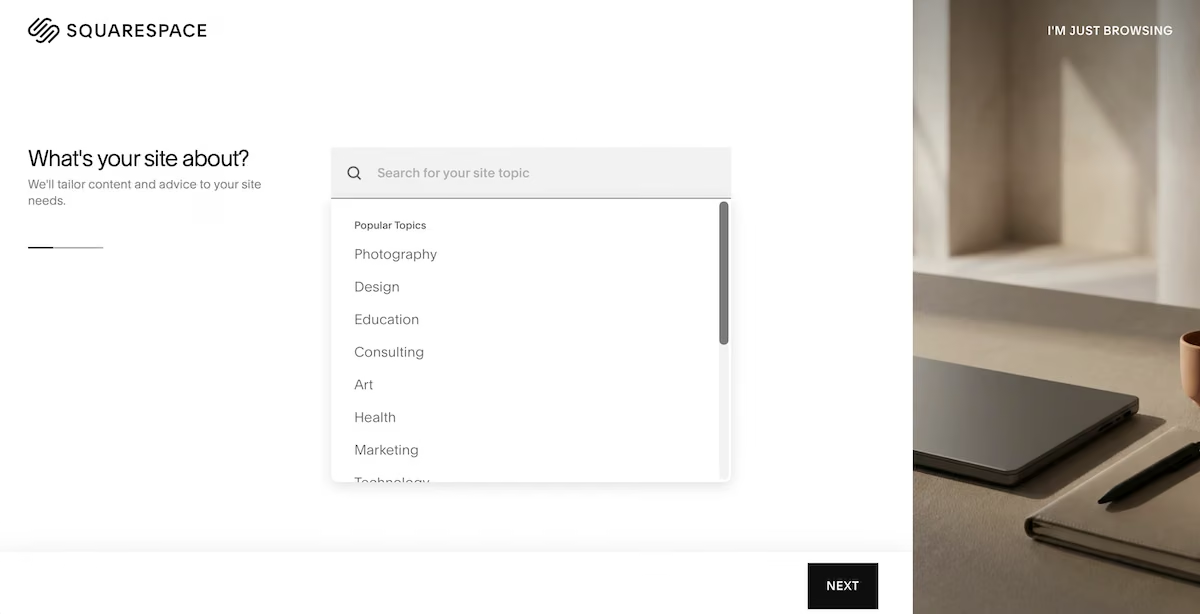
Squarespace opening with a topic picker rather than a prompt field.
The topic list is where my brief had to go. I picked Design, then ticked two goals from a checklist: showcase work, and offer a contact form. Everything else in that brief, the six-project grid, the case study structure, and the four form fields, had to wait.
Blueprint AI then ran a six-step wizard covering topic, goals, site information, pages, colors, and fonts. It moved fast and produced a polished result. The page list it offered left out the portfolio page.
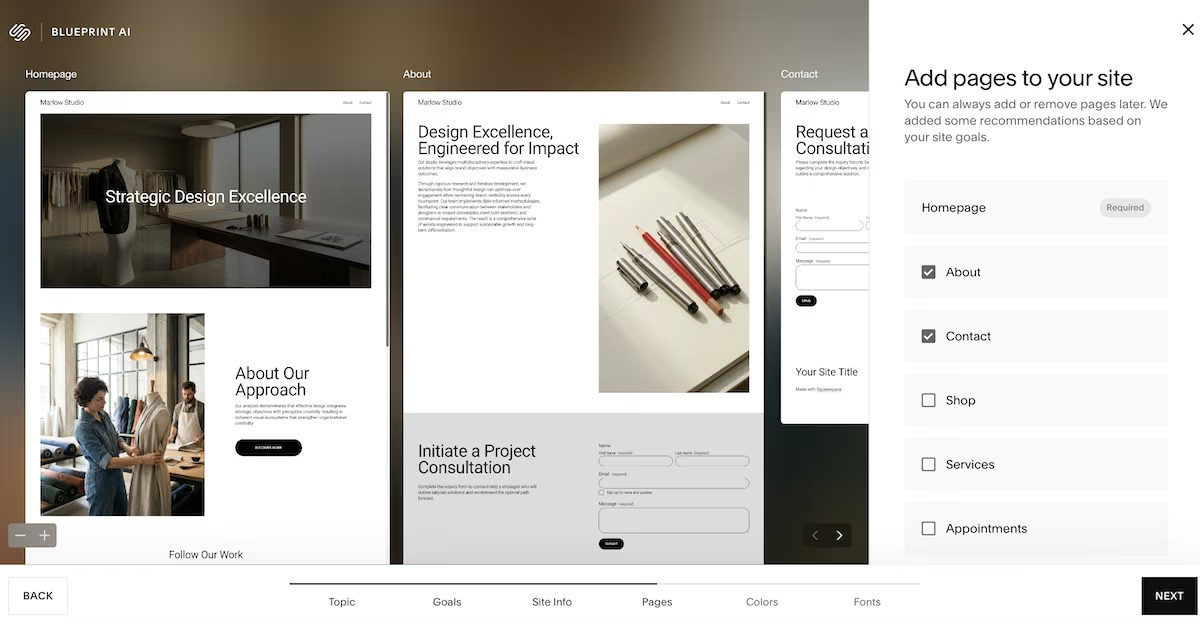
The page list Blueprint AI offered, with no portfolio option available.
Once I had the foundations of a site, I found the portfolio page in the editor under the Showcase group in the Add a Page panel, alongside Gallery, Blog, Calendar, and Videos. The picker surfaced three layouts to start, and I took one of the grid options. It arrived seeded with four sample projects, two short of the six the brief asked for, so the last two were mine to add.
Each sample project opened as a page with editable sections and an Add Section control, so a case study could grow section by section.
The whole thing took 23 minutes, four minutes faster than the AI build. Squarespace gave me a good-looking site with the shape of a portfolio, and about half the brief still to build.
Key Features
- Dedicated portfolio pages: A built-in page type creates project grids with individual project pages beneath them.
- Managed hosting: Hosting, security, and updates are included in the subscription.
- Design-led templates: Layouts built around images and typography for visual work.
Pros and Cons
Pros
- Six-step setup wizard got me a finished-looking site in 23 minutes
- Portfolio page arrives seeded with sample projects, so there is something to edit from minute one
- Gets you to something presentable without having to describe what you want
Cons
- No free plan, only a time-limited trial
- The AI setup flow skips the portfolio page type
- Custom layouts outside the template structure get difficult
What Users Say
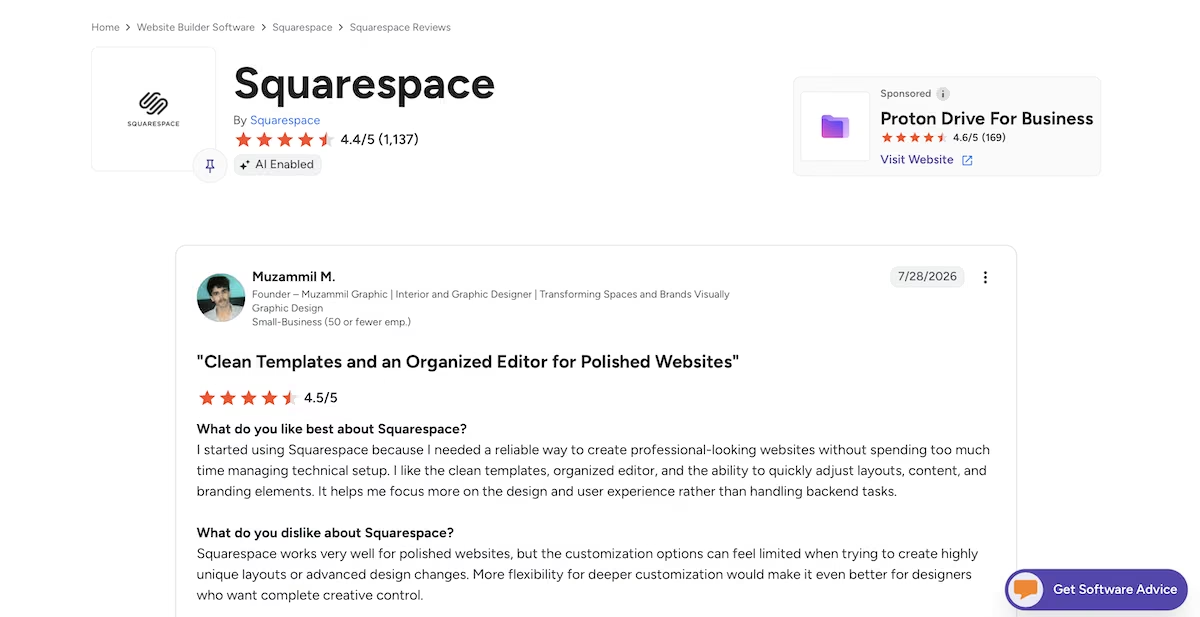
“I like the clean templates, organized editor, and the ability to quickly adjust layouts, content, and branding elements.” – Muzammil M. (G2)
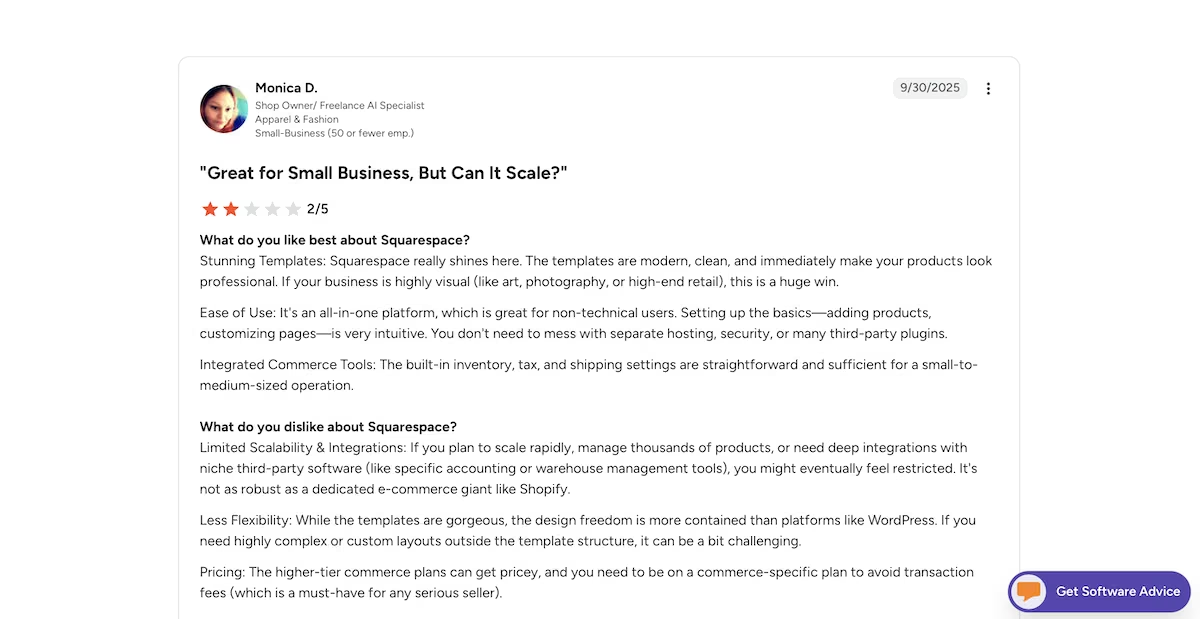
“If you need highly complex or custom layouts outside the template structure, it can be a bit challenging.” – Monica D. (G2)
Pricing
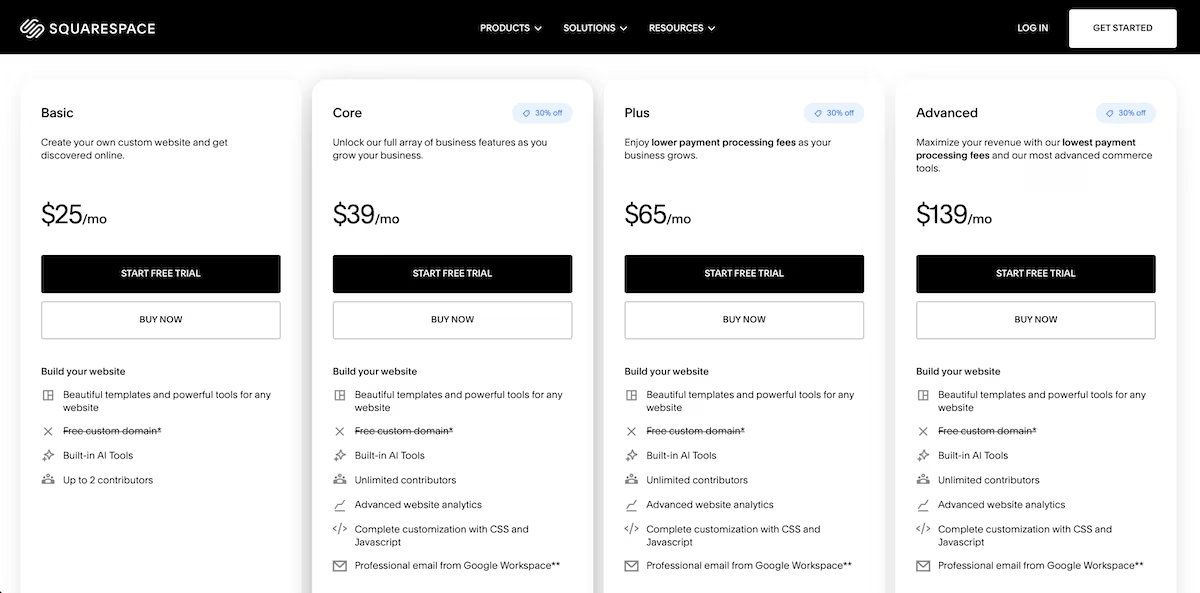
Squarespace's pricing page at the time of testing.
Squarespace has no free plan, only a 14-day trial with no card required. Basic is $25/month billed monthly, or $19/month billed yearly, and covers a portfolio site with two contributors and a one-time grant of 10 AI credits. Core at $39/month adds unlimited contributors and ecommerce analytics, while Plus and Advanced add heavier commerce tooling.
For the full breakdown, read our Squarespace pricing guide.
AI vs Traditional Builders: At a Glance
How the two approaches differ at a glance:
Feature-by-Feature Comparison
Case Study Pages
Case studies are the part of a design portfolio that wins the work, and there isn't long to make them land. UXfolio's portfolio playbook, built from 74 UX recruiters and design leaders, says reviewers typically spend three to five minutes skimming a portfolio.
Emergent gave each one its own address, with the brief, process, and results sections built out. Squarespace supplied four sample projects as editable pages, a real head start, with the structure inside them left to me.
Winner: AI builder
Inquiry Forms
Emergent asked how the form should behave before it built anything, then captured all four fields and stored every entry where I could sort and filter them. Squarespace didn't ask. Its contact page arrived with first name, last name, email, and message, so project type and budget range, the two fields that qualify an inquiry, were mine to add.
Winner: AI builder
Speed to a Finished Site
Squarespace took 23 minutes against Emergent's 27. It got there without me learning how to describe a site. What the two builds contained at that point is a different question: Squarespace had a filled template, Emergent had the case study pages and the stored inquiry form.
Winner: Traditional builder
Running Costs
Squarespace bills $25 a month on Basic, and that covers hosting, security, and updates for as long as the site is up. Emergent charges 50 credits a month to keep an app deployed, and the free plan cannot deploy at all, so a live portfolio means Standard at $20 a month.
The credit route is the cheaper of the two, and the subscription is the predictable one: $25 covers the site whatever you do to it, while credits move with how much you rebuild.
Winner: Traditional builder
Design Control
Squarespace keeps you inside the template, where fonts, colors, and section layouts are all editable, and Core adds full CSS and JavaScript customization at $39 a month. Emergent produced motion and layout I couldn't have picked from a menu, though changing any of it later means describing the change rather than dragging a block.
Winner: AI builder, for the first build. Traditional builder, for everything after it.
AI or Traditional: Which One Should Build Your Portfolio?
For this brief, the AI builder produced the better portfolio. Emergent read the brief and built what it asked for. Squarespace turned the same brief into a topic and two checkboxes, then handed the rest back to me to build by hand.
That's a verdict about this brief rather than every portfolio. Plenty of designers want a grid of images, an about page, and a contact form, with hosting, security, and updates handled on the subscription. Squarespace does that job well, does it faster, and leaves a page you can edit yourself later.
So if your portfolio has custom motion, stored inquiries, or case studies that repeat a structure, describe it and let an AI builder handle it. For an image-led site where the template does the design work, the traditional route gets you there sooner.
Try Building Your Portfolio With AI
If your portfolio has requirements a template won't cover, describe them once and see what comes out.
Emergent builds from your brief and lets you keep refining it in the same conversation. The free plan's 10 monthly credits are enough to build once and look at the result, and this build used 9.59 of them. Publishing is a paid feature, since the free plan doesn't cover deployment or a custom domain.

Most AI app builders stop at prototypes. Emergent creates production-ready apps you can actually launch.
- Production-ready apps
- Web & mobile apps
- Deploy in minutes







