



TL;DR
- Emergent: Best for describing the app you want in plain terms and taking it live.
- Glide: Best for spreadsheet-driven apps.
- Softr: Best for client-facing portals built on an existing database.
- Baserow: Best for teams that want an open-source database they can host themselves.
- Stacker: Best for customer portals without per-seat pricing.
- Retool: Best for internal tools over data you already store elsewhere.
- Noloco: Best for internal apps that need tight permissions.
- Budibase: Best for self-hosted deployments.
- Bubble: Best for complex apps with custom logic.
- Tadabase: Best for detailed relational databases you design yourself.
Every database app builder shows you a beautiful-looking demo. You type a sentence, a table appears, some cards render, and the whole thing looks finished in minutes. Then you upload real data, and the differences show up fast.
So I put 10 app builders through the same two tests. The first was an identical build prompt with a deliberate integrity trap in it. The second was a single messy CSV, the kind you'd pull out of a shared drive. I imported it into each tool without cleaning it first.
By the end of this article you'll know which of these tools can take real data, which ones are better suited to internal use, and which one fits the way you like to work.
Why Picking a Database App Builder Is Harder Than It Looks
Most comparisons in this category only test the easy path. They open the tool, type a prompt, and score whatever appears. That misses the two things most likely to cause you problems later.
The first is messy source data. Your spreadsheet probably has a blank cell where a price should be, the same product listed twice with different capitalization, and a status column where somebody typed "N/A" instead of picking from the list.
That's the normal starting point for most people building a database app with a no-code app builder. It’s why a shortlist of app builders often falls apart on contact with real records. You need a tool that will either fix the data, flag it, or at minimum, leave it intact.
The second is arithmetic. A dashboard that says "12 tasks" is only useful if there are 12 tasks in the table underneath. Counts drift, and rollups get configured against the wrong relationship, so an app can look correct and still be wrong.
Both tests come back to the same two questions. Can it count, and can it handle your data?
How I Tested
Over three weeks I gave ten of the tools the same build prompt. It describes a small equipment rental business and contains a trap:
"Build a database app for a small equipment rental business. Track equipment items with a name, category, daily rate, and status (Available, Rented, In Repair). Track bookings with a customer name, the equipment rented, a start date, and an end date.
Add a view that shows each equipment item with a count of how many times it's currently booked, and flags any item that's booked but still marked Available. Seed it with eight equipment items and fifteen bookings, three of them overdue for a status update."
The flag is the important part. To pick out an item that's booked but still marked Available, the tool has to compare two tables and act on the mismatch. Plenty of platforms can display data, but fewer can notice when the data disagrees with itself.
I didn't give every tool the same brief. Emergent, Bubble, Budibase, and Tadabase build a different way, so I tested them on their own terms. I ran several of the AI builders earlier on a project tracker that asks the same arithmetic question, as a dashboard count still has to match the rows underneath it.
So while the brief changed, the test didn't. Every tool had to give me a figure I could check against the source records.
As Emergent builds apps a different way, I tested it on a build that poses the same integrity problem in a different form. It's a booking app where two people must never be able to take the same slot. If the app lets that happen, the booking records contradict each other.
Then I ran the second test. I dropped a seven-row equipment inventory file into eight of the 10 tools, and I've noted the two exceptions in their sections. It had four columns: equipment name, category, daily rate, and status.
I planted four problems in there: a missing daily rate, a duplicate that differs only by capitalization, an undefined status value, and a straight contradiction where the same camera shows up as both Available and Rented.
I cut Airtable before testing. It's the reference point for this whole category, and most of the tools here connect to it as a data source rather than competing with it. Its Interfaces feature builds app-like views over your tables, but those views live inside Airtable and don't publish as a standalone app with its own users and permissions.
AppSheet went for a different reason. Google has signalled that new feature development is being significantly reduced, which is reason enough not to migrate into it now. If you're already on it and it works, stay. We've covered the AppSheet alternatives worth considering if you're not.
Three more didn't make the list. Knack and Zoho Creator are both capable, and both sell primarily to teams already committed to a wider platform, which makes them awkward to assess on a standalone build.
Smartsheet is a project management product with database features attached rather than a database app builder, so it fails the same test Airtable Interfaces did. All three are worth your time if one of those conditions already applies to you.
Database App Builders Compared
How the 10 Compare at a Glance:
| Tool | Best for | Starting price | Core strength |
|---|---|---|---|
| Emergent | Describing an app and getting it deployed | Free, then $20 / month | Builds and hosts the whole app, payments included |
| Softr | Client portals over existing data | Free, then $59 / month | Strong type detection on import |
| Glide | Spreadsheet-driven apps | Free, then $25 / month | Flags data problems before it builds |
| Baserow | Open source teams | Free, then $12 / month | Accurate calculated fields, self-hostable |
| Retool | Internal tools over existing data | Free, then $12 / month per builder | Fast dashboards with real conditional logic |
| Stacker | Customer portals | $50 / month | Explicit field mapping, no per-seat charges |
| Noloco | Internal apps with permissions | Free, then $79 / month | Record-level and field-level access control |
| Budibase | Self-hosted deployments | $23 / month | Full control of infrastructure and data |
| Bubble | Complex custom logic | Free, then $32 / month | Depth no template can match |
| Tadabase | Detailed relational databases | $50 / month | Granular field types and rollups |
1. Emergent: Best for Describing the App You Want in Plain Terms and Taking It Live

Emergent’s homepage.
What it does: Emergent is an AI app builder that goes from a written prompt to a live database app. Separate agents take care of the UI, data structure, integrations, and deployment, so you can clean up and reshape messy data just by chatting with it.
Best for: Anyone who wants a custom database app with real business rules attached, and would rather describe those rules than configure them.
I asked for a booking app for a personal trainer:
"I want to build a booking app for a personal trainer. Clients should be able to create an account, see my available times on a calendar, book a session, pay when they book, and get a confirmation. I offer two services: a 60-minute one-on-one training session for $70, and a 30-minute consultation call for $30. Clients see a calendar of open time slots. I'm available Monday to Friday, 7am to 7pm. Leave a 15-minute gap between sessions so I have prep time. Once a client books a slot, that slot should immediately show as unavailable so two people can't book it."
That last sentence is a database integrity problem, as the two records must never claim the same resource.
Before building, the agent asked me five questions. One of them was whether to use my own Stripe keys or a pre-configured test key, which saved me manually entering data into a Stripe dashboard.

Five clarifying questions before the build starts, including Stripe key setup.
Partway through I added a rule about unpaid bookings expiring. It wrote a background task that runs every minute and releases pending bookings older than 15 minutes.

A cron job to auto-expire unpaid bookings, added mid-conversation.
The result was FitCoach, a live site with a four-step booking flow. The calendar showed 15-minute increments from 7:00 AM, service pricing pulled through correctly at $70 for the 60-minute session, and Stripe checkout closed the flow. Slots I'd already taken were gone from the list when I went back to test it.
Emergent has no import screen, so I attached the CSV to the chat with a one-line request:
"I've attached a CSV of existing equipment inventory. Import it and build a page that lists all the records."
The agent wrote the loading code itself and pulled all seven records into a new equipment collection. Then it listed what it had changed: statuses normalized to available, rented, and unknown, with "N/A" mapped to Unknown, the missing daily rate stored as null instead of zero, and the duplicate rows kept as separate units.
No other tool here told me what it had done to my data after the fact. Emergent is the one I'd trust with a file I hadn't read myself.
It also flagged that A/V rental gear has no place in a personal trainer's booking app, and offered to wipe the collection if I'd attached the wrong file.
Key Features
- Conversational building: Describe the app and refine it through chat, with no configuration screens to learn.
- Specialized agents: Design, integration, testing, and deployment agents split the work across a build.
- Managed hosting: Apps deploy to Emergent's infrastructure with SSL and custom domain support.
Pros
- Enforces real business rules, not only displays data
- Works for web and mobile from the same description
- Code exports to GitHub from Standard up, so you're not locked in
Cons
- Credit consumption varies a lot by app complexity
- Less visual control than a drag-and-drop editor
- Weaker fit for heavy PDF reporting
What Users Say
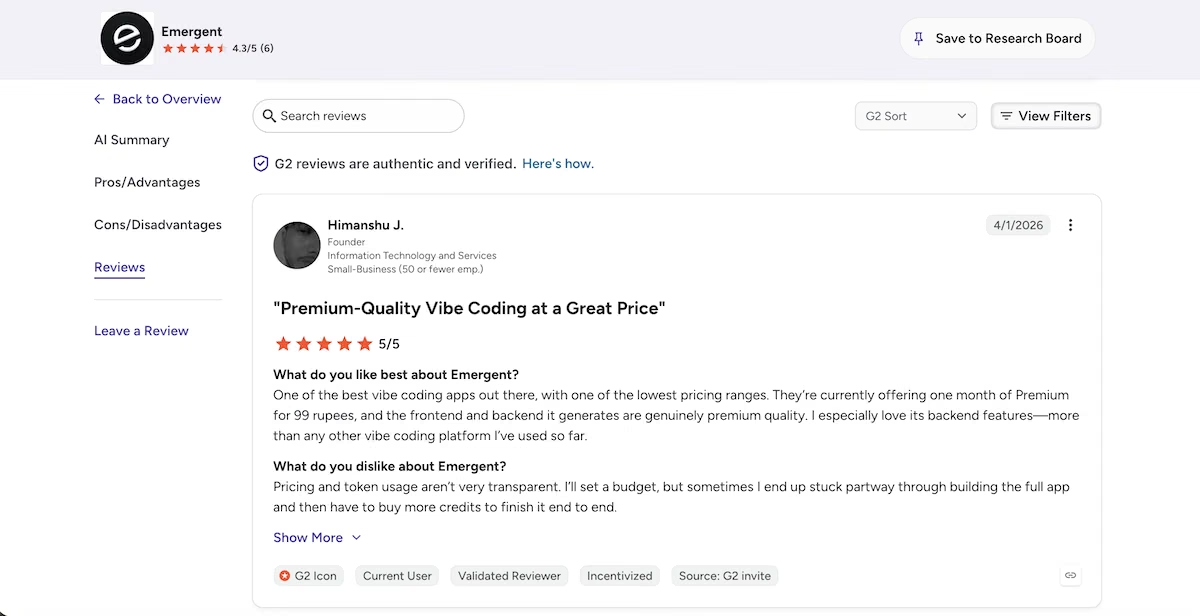
“One of the best vibe coding apps out there, with one of the lowest pricing ranges.” - Himanshu J. (G2)
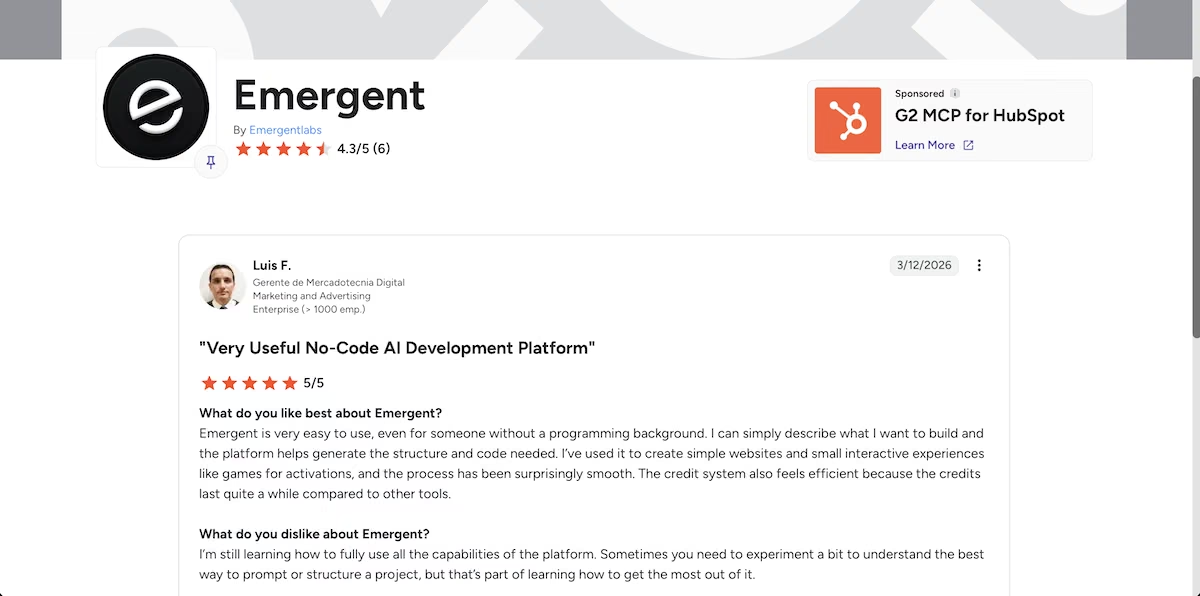
“Emergent is very easy to use, even for someone without a programming background.” - Luis F. (G2)
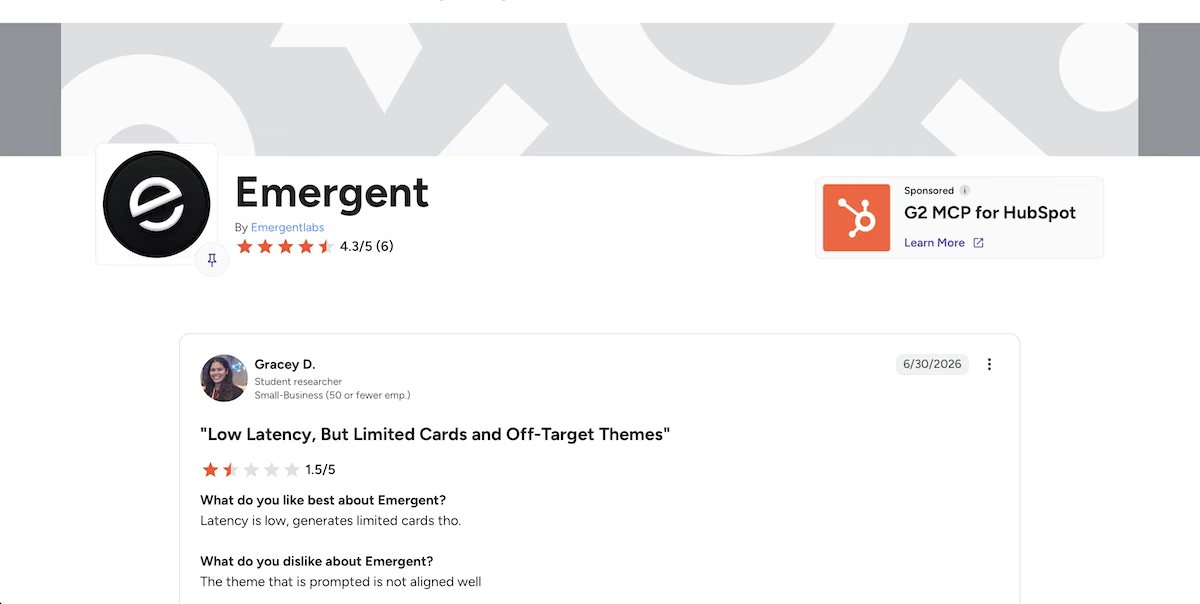
“The theme that is prompted is not aligned well” - Gracey D. (G2)
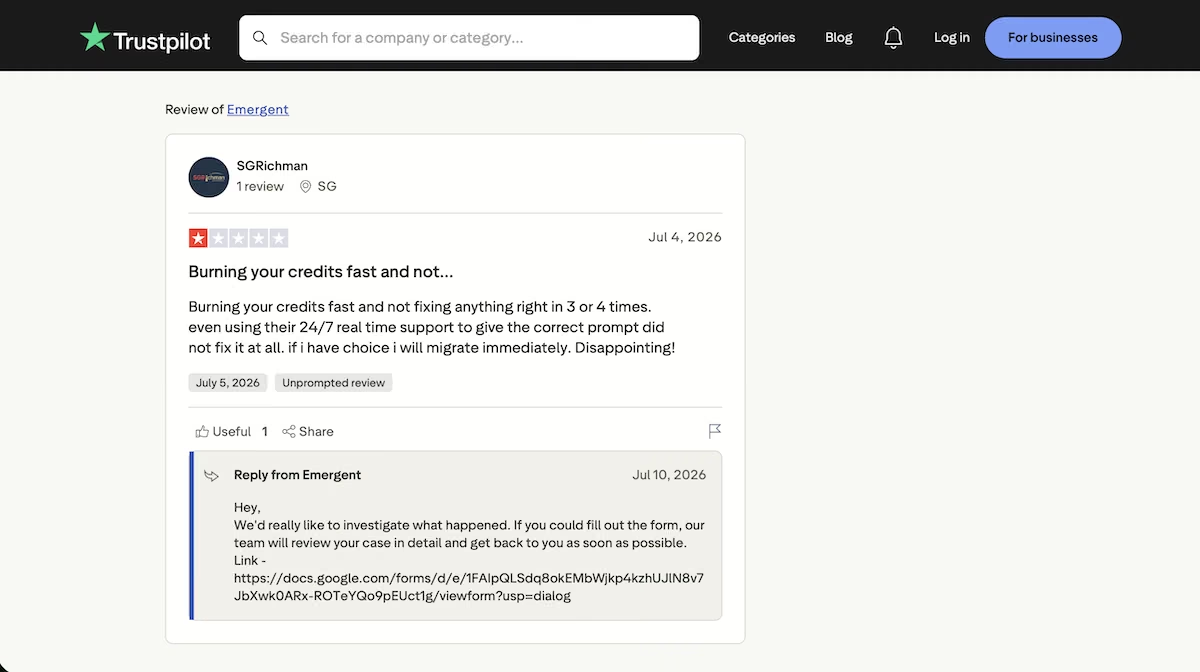
“Burning your credits fast and not fixing anything right in 3 or 4 times.” - SGRichman (Trustpilot)
Pricing
Emergent’s pricing page.
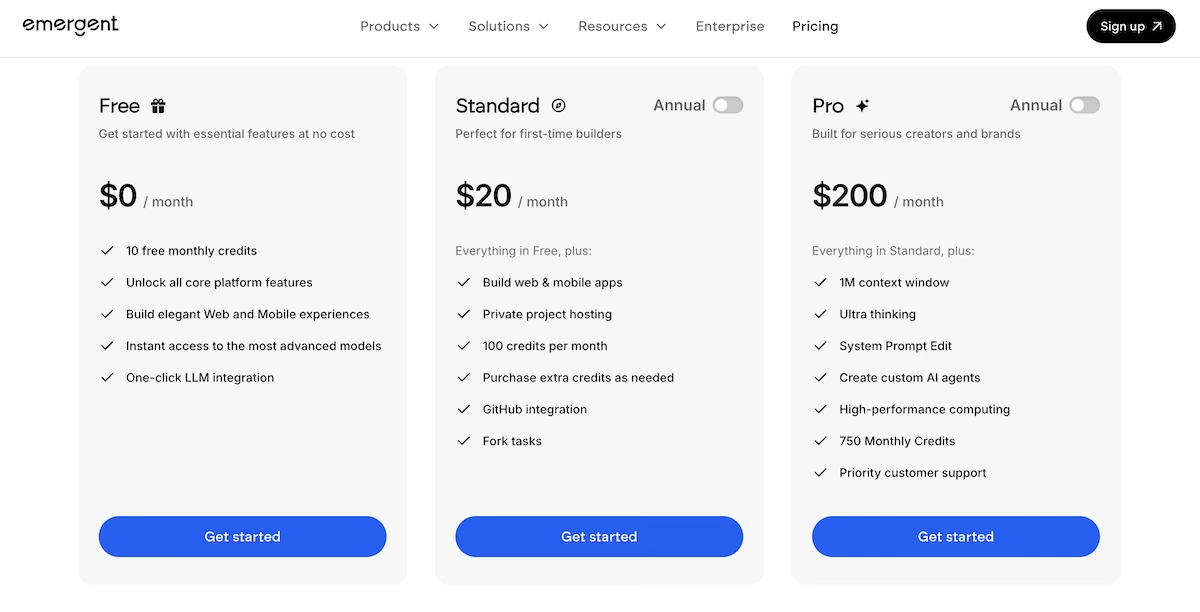
The free plan includes 10 credits. Standard is $20/month ($17 billed annually) for 100 credits, Pro is $200/month ($167 annually) for 750 credits, and Enterprise is custom. Credit use varies with what you build, so check the pricing page against your own plans.Deployment starts on Standard at $20/month, and each live app consumes 50 credits a month.
2. Glide: Best for Spreadsheet-Driven Apps
Glide’s homepage.
What it does: Glide turns spreadsheets and databases into mobile and web apps, with an AI layer that generates the app structure from a description or an uploaded file.
Best for: Teams who already keep their data in Google Sheets or Excel and want an app without migrating it first.
I pasted the build prompt into Glide's AI builder. It then asked what the app was for, offering an equipment rental tracker, an internal asset register, or both. I said both, and it started building.
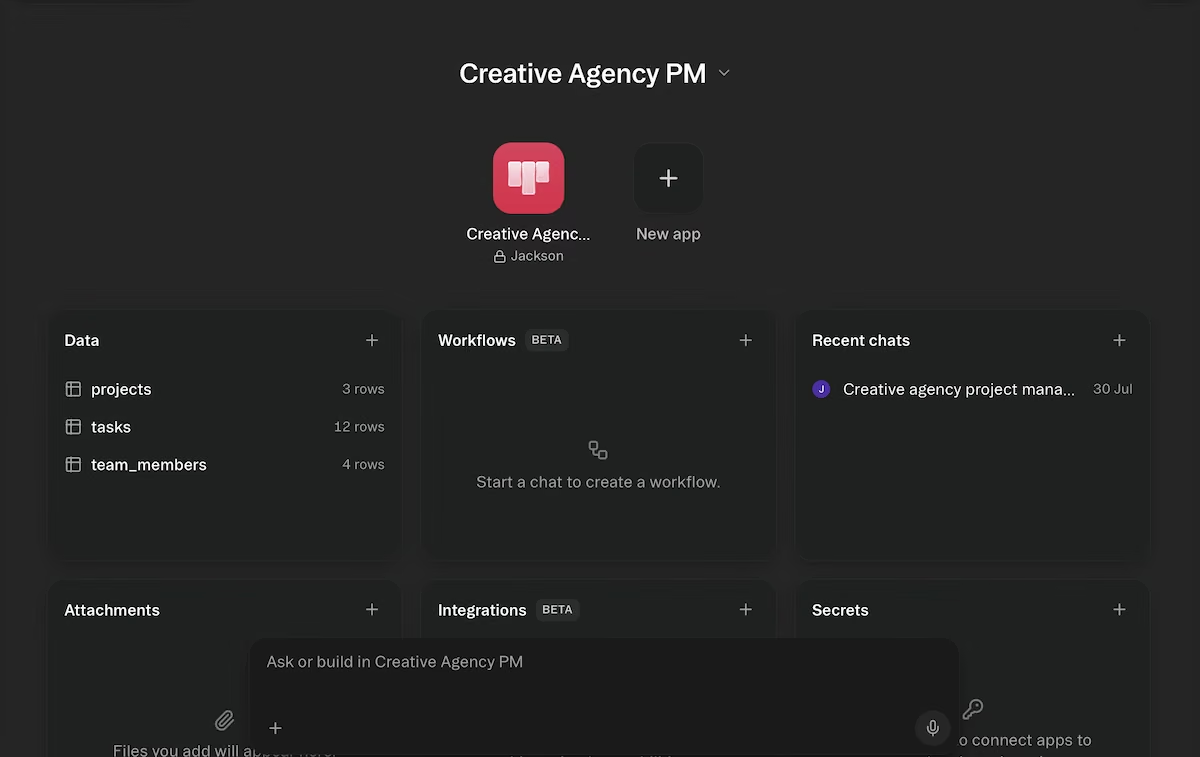
Glide's generated workspace. Three tables from one prompt: 3 projects, 12 tasks, 4 team members.
Minutes later I had something I could click through. The app was clean. It showed three project cards, each showing percentage complete, a task count, and a breakdown of to do, in progress, and done. Two projects showed an Overdue badge and the arithmetic checked out against the underlying tables.
There was one rough edge. Some date fields rendered as "Invalid Date" in the generated views. That was a formatting issue and not a data one, and it cleared up once I set the column type explicitly.
Then I ran the CSV test, and this is where Glide separated itself from the rest. I uploaded the file through Attachments in the main workspace.
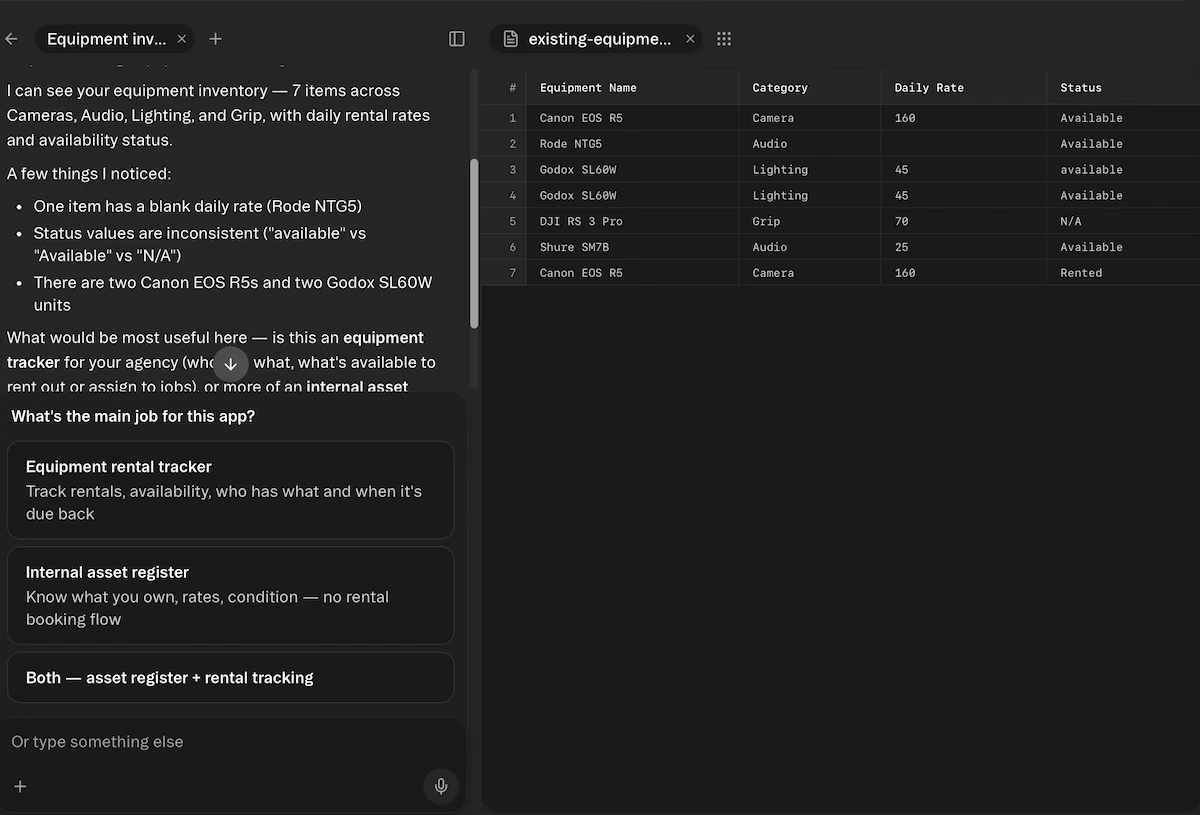
The CSV going in through Attachments in the main workspace.
Before it built anything, Glide reported three of the four problems in my data: the blank Daily Rate on the Rode NTG5, the inconsistent status values across "available," "Available," and "N/A," and both sets of duplicate rows. Other tools showed me a mapping screen or a preview. Glide was the only one that read the contents and told me what was wrong with them.
Worth knowing is what Glide did with the file once I'd answered. It built the tables around the four columns it had found, kept the blank daily rate empty, and left the duplicate rows in place for me to deal with. It reported the problems and then made no decisions about them on my behalf, which is what I want from something handling data I didn't write.
Key Features
- Spreadsheet-native: Connects directly to Google Sheets, Excel, and Airtable.
- AI data checks: Reviews uploaded files for missing values, duplicates, and inconsistent formatting.
- Mobile-first design: Apps work well on phones without separate configuration.
Pros
- Only tool here that reviews your data before building
- Free plan to test on before you pay
- Strong mobile output
Cons
- Update-based pricing is hard to forecast
- Row and update caps push you up a tier quickly
- Date columns need manual type setting
What Users Say
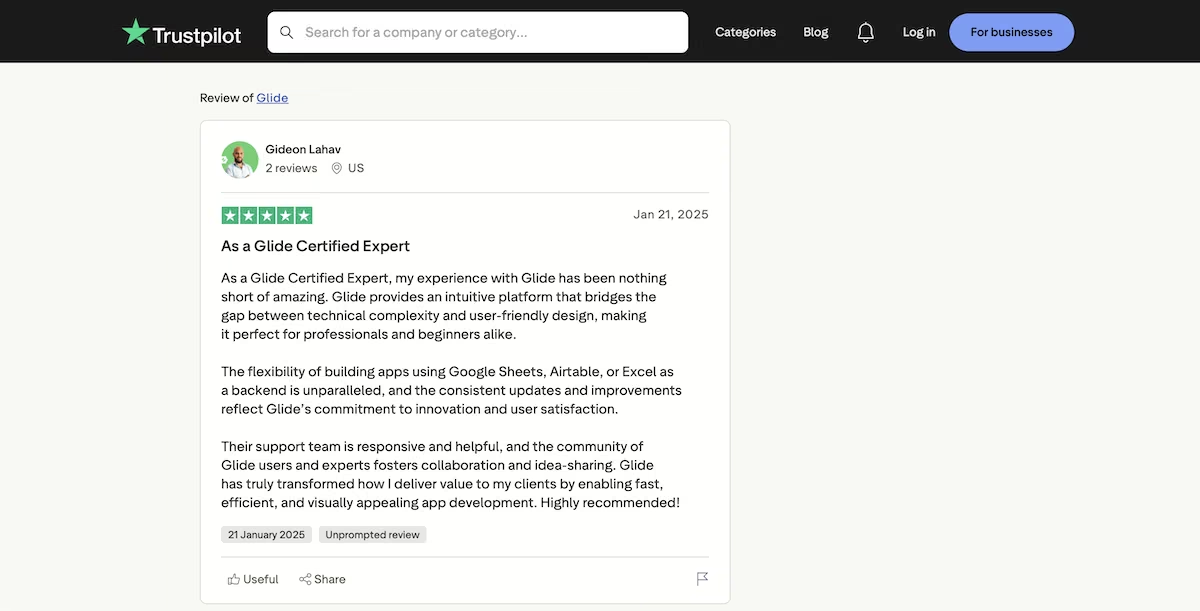
“Glide provides an intuitive platform that bridges the gap between technical complexity and user-friendly design.” - Gideon Lahav (Trustpilot)
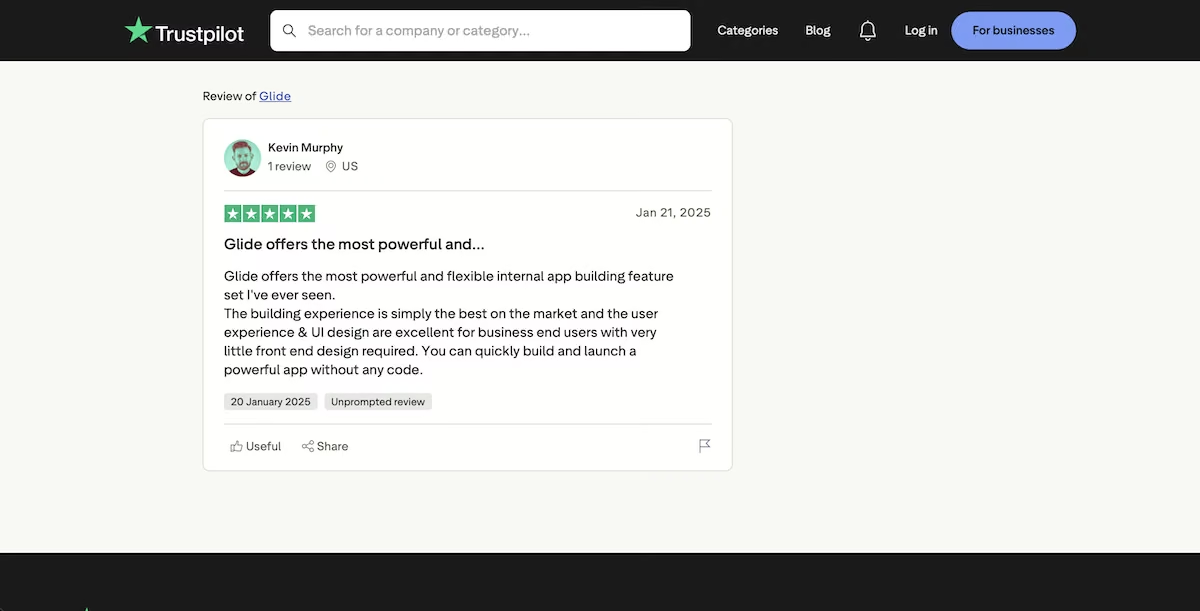
“Glide offers the most powerful and flexible internal app building feature set I've ever seen.” - Kevin Murphy (Trustpilot)
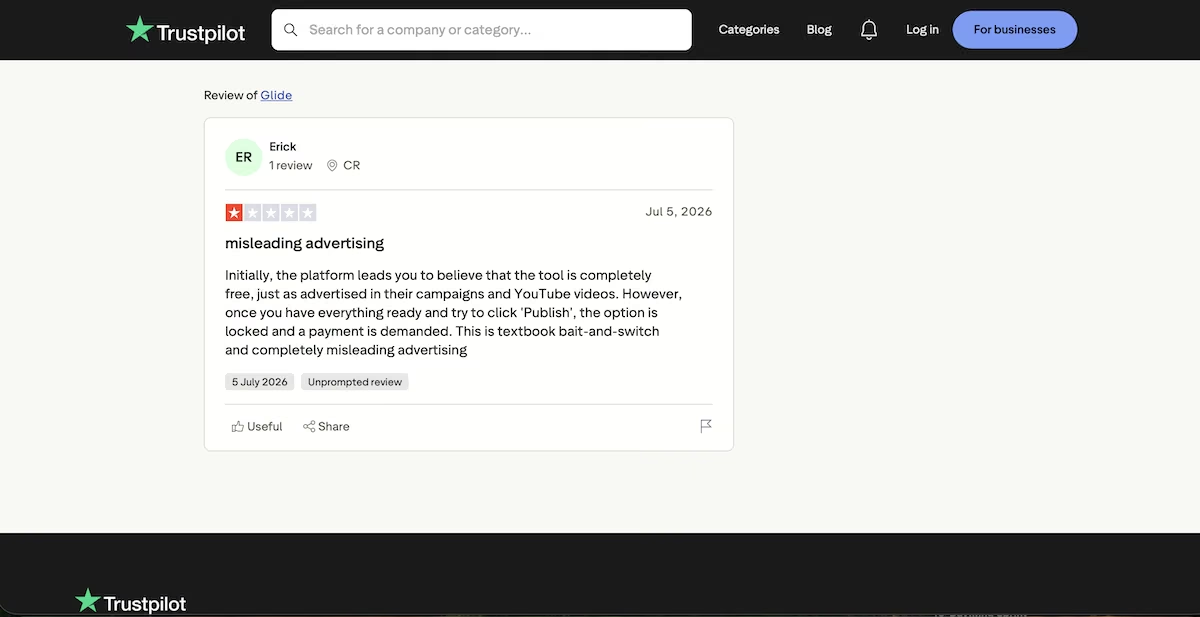
“Once you have everything ready and try to click 'Publish', the option is locked and a payment is demanded. This is textbook bait-and-switch and completely misleading advertising.” - Erick (Trustpilot)
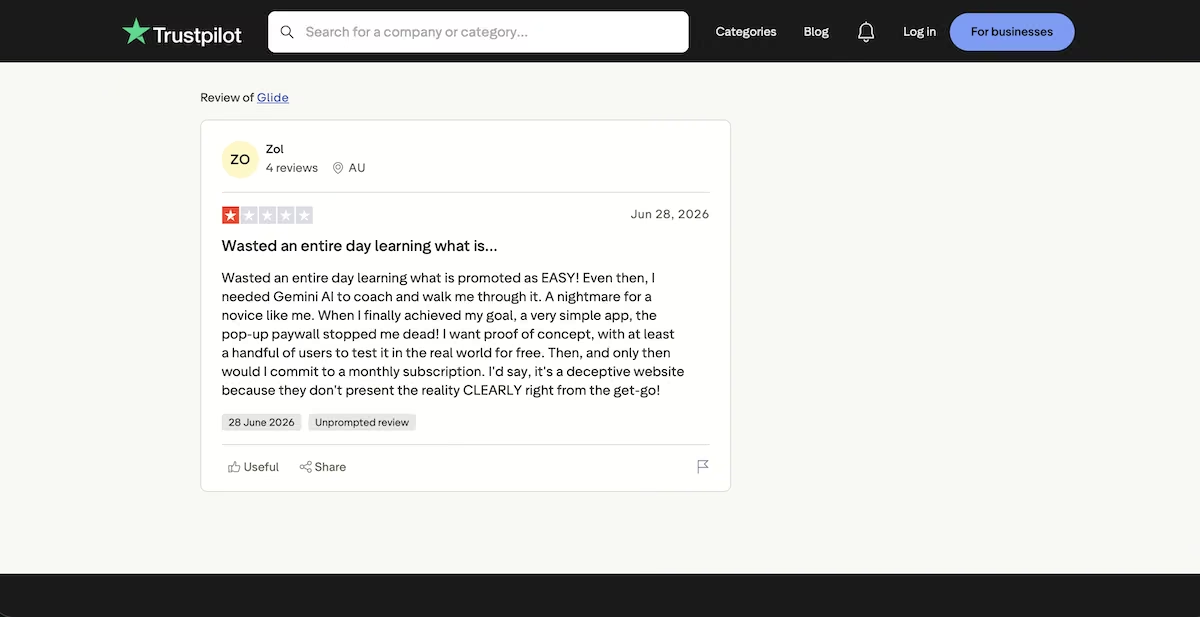
“I needed Gemini AI to coach and walk me through it. A nightmare for a novice like me.” - Zol (Trustpilot)
Pricing
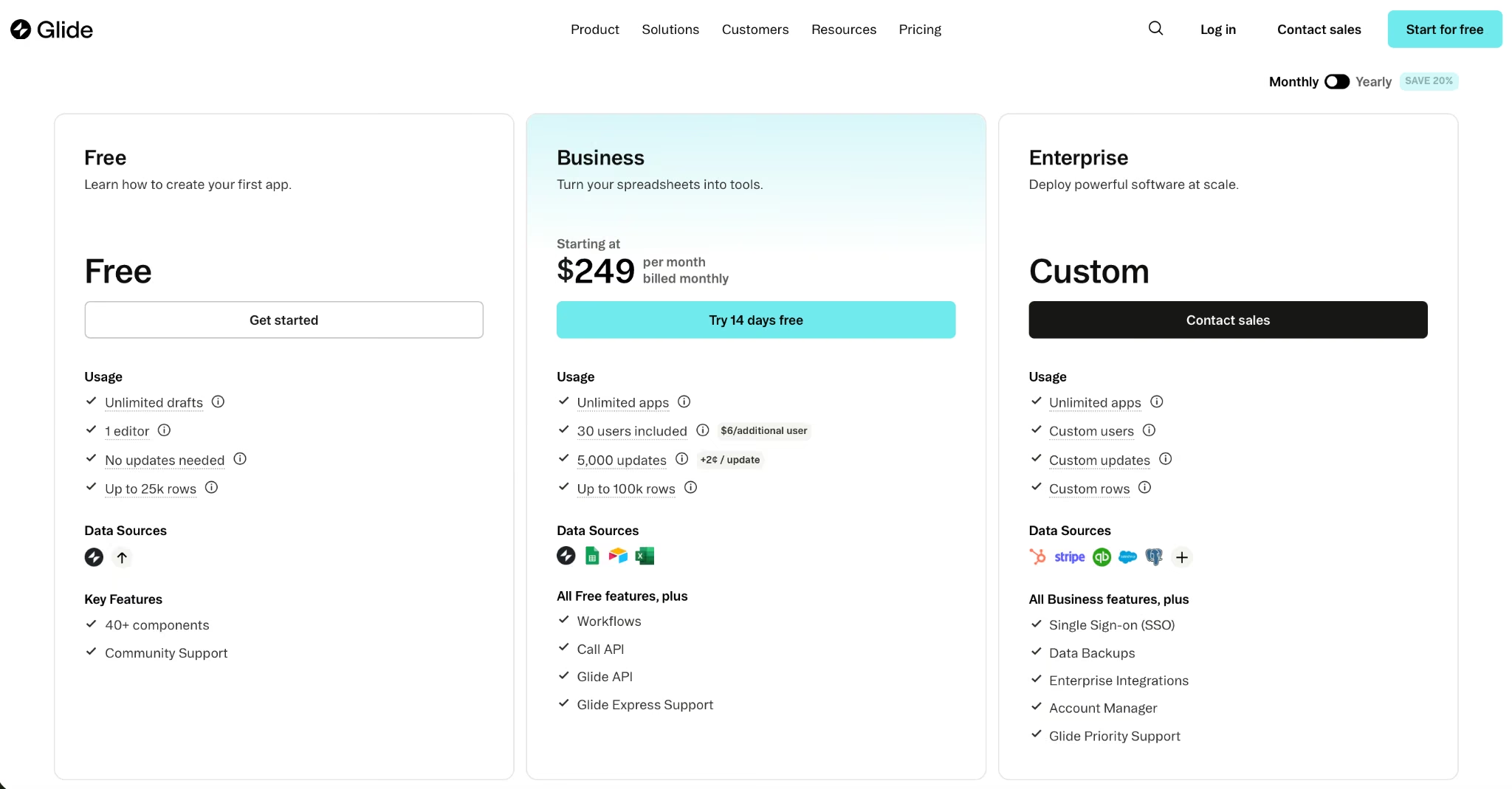
Glide’s pricing page.
The Free plan includes up to 25,000 rows, one editor, and unlimited drafts. Explorer is $25/month and Maker is $60/month. Business starts at $249/month billed monthly with 30 users, 5,000 updates, and up to 100,000 rows. Enterprise is custom.
3. Softr: Best for Client-Facing Portals Built on an Existing Database
Softr’s homepage.
What it does: Softr builds client portals, internal tools, and customer-facing apps from data held in Airtable, Google Sheets, HubSpot, SQL databases, or its own built-in database.
Best for: Agencies and service businesses that need a polished, permission-controlled portal for clients to log into.
I pasted the build prompt into Softr's AI builder and, instead of guessing at what I meant, it stopped and asked me one question. Should clients have access to the app, or is it internal only? I chose internal-only, and it built from there.
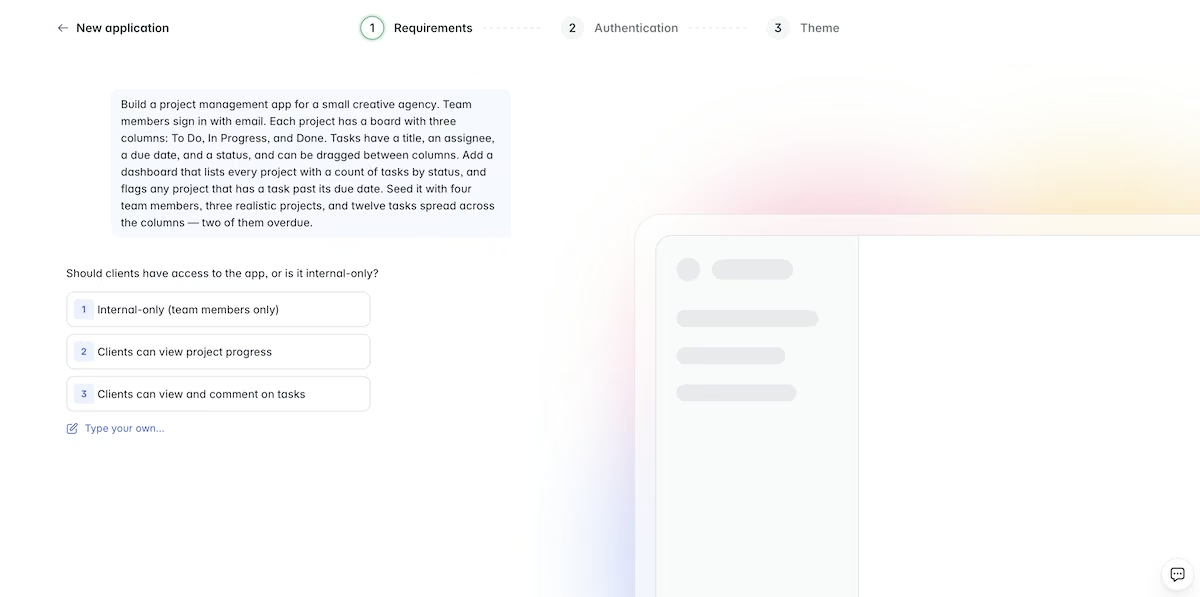
Softr asks about the access model before generating anything.
It generated 48 sample records across two tables, eight projects and 40 tasks. Before it built a single screen it set up the relationships between Projects, Tasks, and Users, then created a Tasks To Do field, a Tasks In Progress field, a Tasks Done field, and an Overdue Task Count field.
Those last four are the ones that matter. A dashboard count is only useful if it reads from a rollup rather than a number somebody typed in, and Softr set the rollups up before it built a single screen.
The interface it produced showed Active Projects, Projects With Overdue Tasks, and Completed Projects as metric cards, with project cards underneath listing overdue counts, project lead, and target due date. I checked every overdue figure against the task rows underneath it, and they matched.
Then I ran the CSV test. Softr pulled in all seven rows and made its own decisions about them. It turned Category and Status into single-select fields with color chips and read Daily Rate as a number, so the columns arrived already typed
It left the blank rate blank instead of filling it with a zero, which is the right call, because an empty rate and a rate of nothing are two different things.
Softr does the most work for you of anything here, and it does it well. If you want an app that looks finished the moment it appears, this is the one.
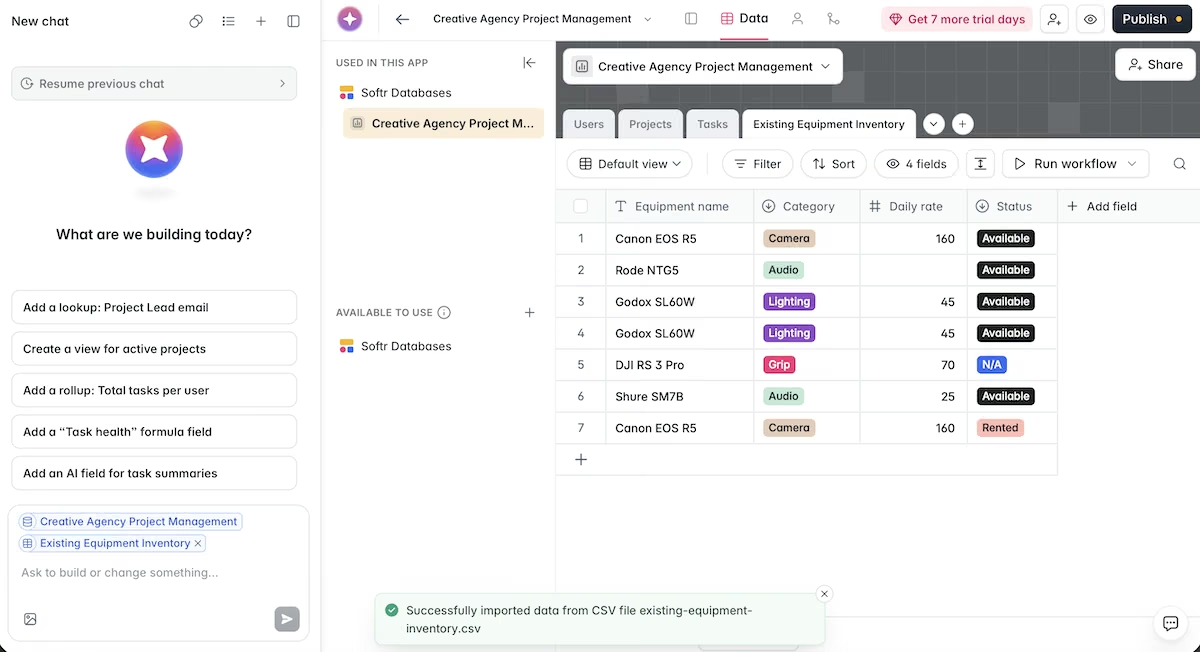
The imported CSV, with Category and Status typed as single-select fields.
Key Features
- Multiple data sources: Airtable, Google Sheets, HubSpot, SmartSuite, SQL, and a native database.
- User groups and permissions: Control what each client or team member sees at the record level.
- Workflow automations: Trigger emails and record updates from user actions.
Pros
- Client-ready design out of the box
- Unlimited apps and collaborators, even on the free plan
- Strong permission controls
Cons
- Cost climbs fast once you outgrow Basic
- App user limits bite before record limits do
- Less flexible than a full development platform
What Users Say
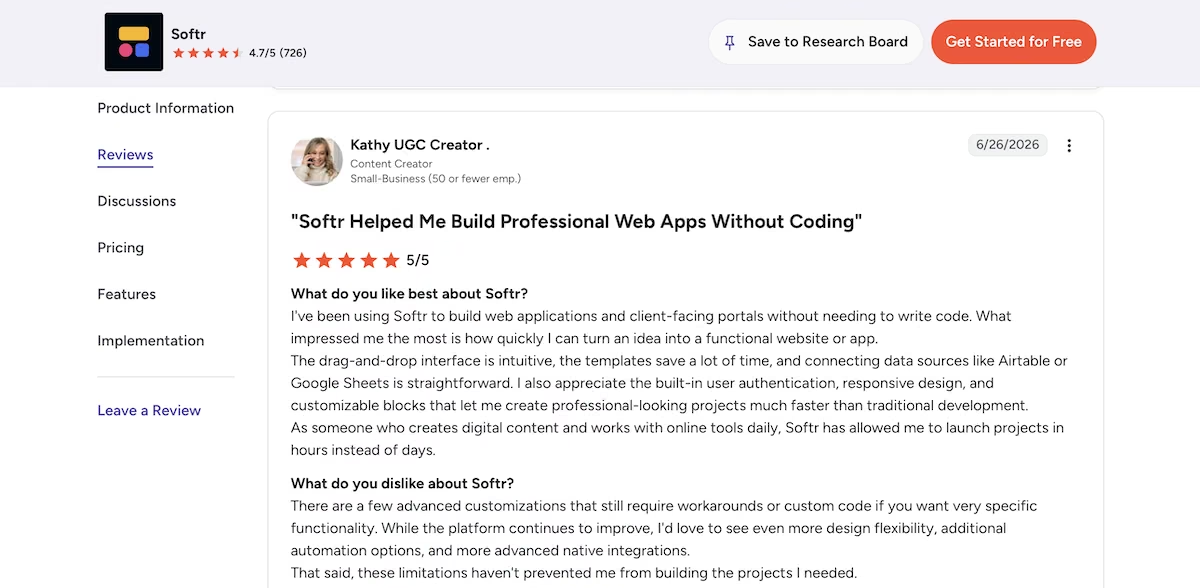
"I've been using Softr to build web applications and client-facing portals without needing to write code. What impressed me the most is how quickly I can turn an idea into a functional website or app." - Kathy, Content Creator (G2)
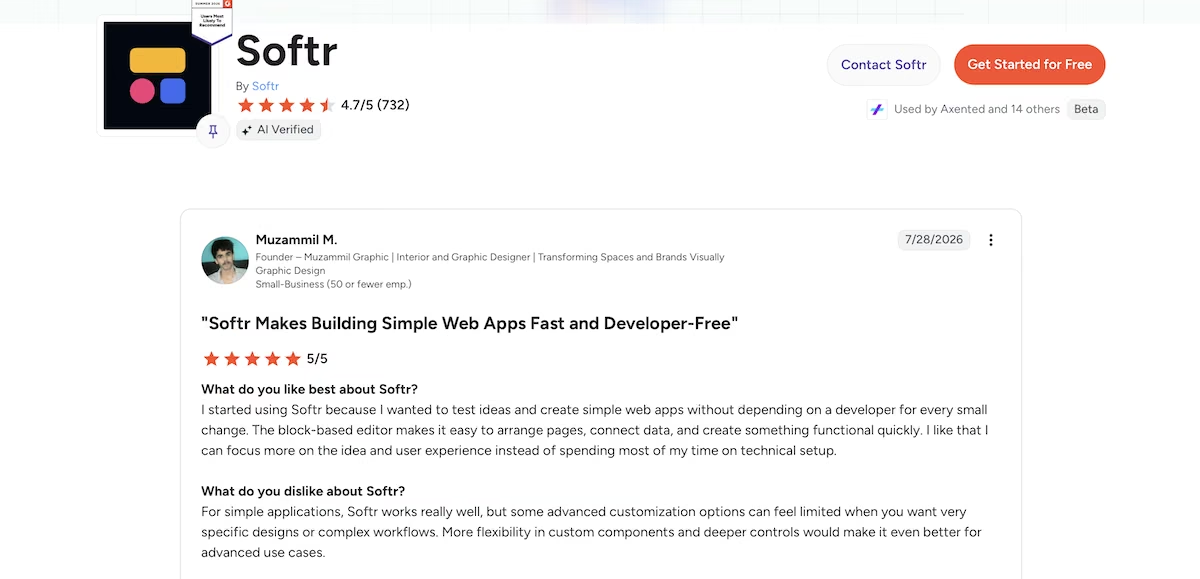
“The block-based editor makes it easy to arrange pages, connect data, and create something functional quickly.” - Muzammil M. (G2)
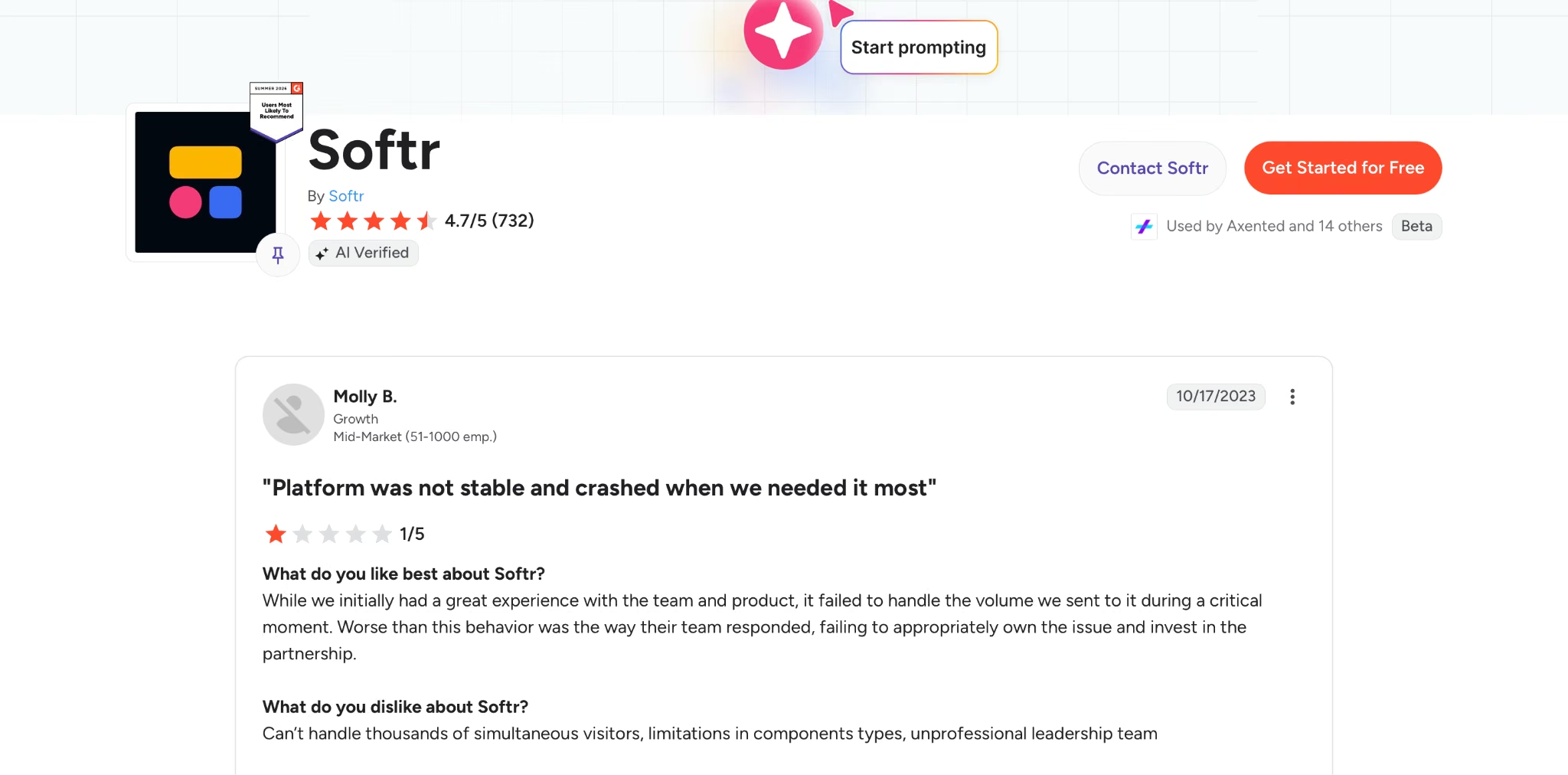
“While we initially had a great experience with the team and product, it failed to handle the volume we sent to it during a critical moment.” - Molly B. (G2)
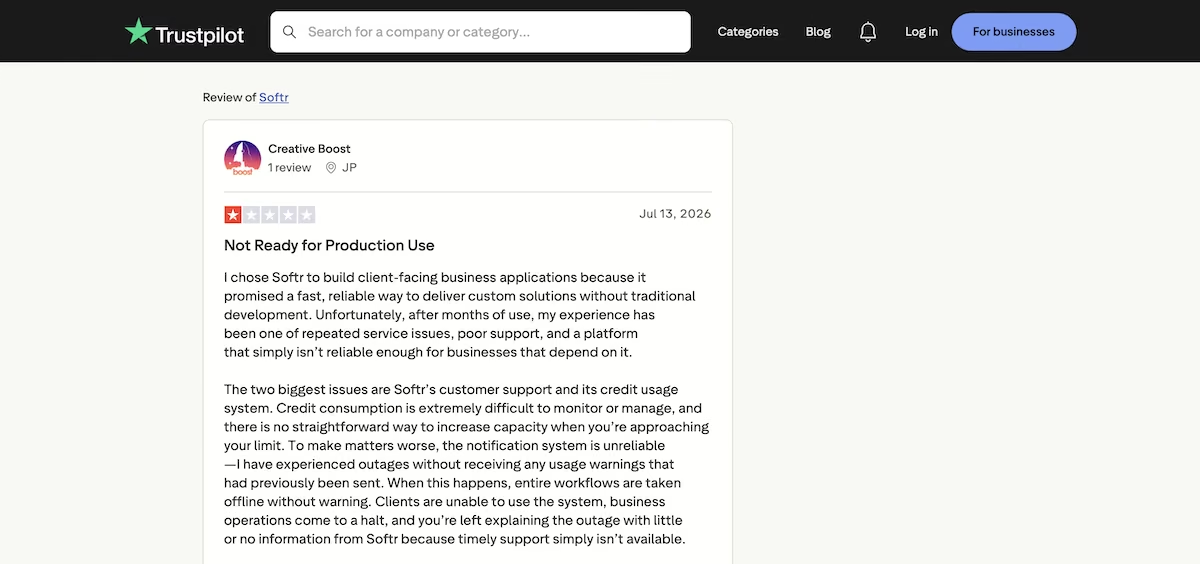
“Unfortunately, after months of use, my experience has been one of repeated service issues, poor support, and a platform that simply isn’t reliable enough for businesses that depend on it.” - JP (Trustpilot)
Pricing
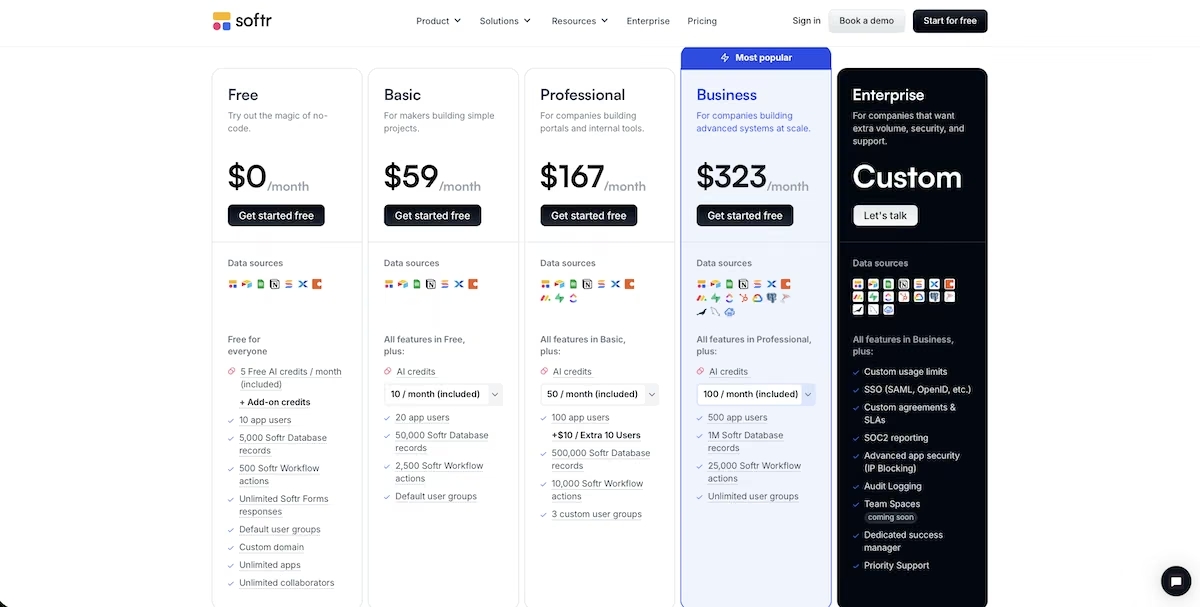
Softr’s pricing page.
The Free plan includes 5,000 database records and 10 app users. Basic is $25/month, Pro is $119/month, and Business is $395/month. Enterprise is custom.
4. Baserow: Best for Teams That Want an Open-Source Database They Can Host Themselves

Baserow’s homepage.
What it does: Baserow is an open source database platform with a built-in application builder, available as a hosted service or self-hosted on your own servers.
Best for: Teams who want an Airtable-style database without vendor lock-in, and developers who need to host their own data.
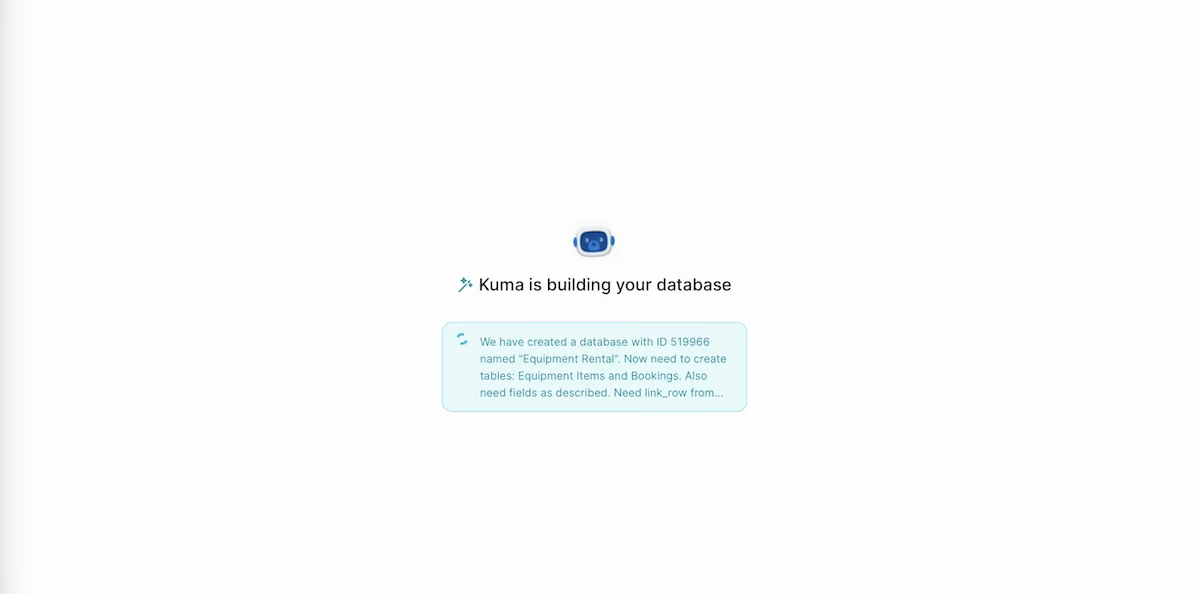
The equipment rental prompt going into Kuma, Baserow's AI builder.
I gave the equipment rental prompt to Baserow's AI builder, Kuma, and it built the database in full: an Equipment Items table with eight rows and a Bookings table alongside it. It then wrote a summary saying it had created 15 bookings. The table showed 20 rows, so the description didn't match the actual work.
The numbers themselves were fine. The Booking Count rollup column totaled 20, which matched the actual table, so the calculated field was reading the real relationship.
The Status Flag picked out the items booked while still marked Available and ignored the In Repair and Rented items, which is what the brief was actually testing.
I then connected the Application Builder to an imported external table. All seven rows rendered in the app and the count matched the source, so the link between the database and the interface held.
The CSV test is where Baserow separated itself. It created a new table straight from the file with no pre-built structure needed, and it preserved every messy row in the file exactly as I'd written it.

The imported table, with every messy row intact and nothing normalized.
Blank remained blank. The lowercase "available" kept its lowercase and stayed a separate value from "Available." The "N/A" came through as literal text rather than being read as an empty cell, and both contradictory Canon EOS R5 rows were included.
Nothing was cleaned up, and nothing was decided on my behalf. If you're bringing in data you'll need to audit later, Baserow is the safest place to put it.
Key Features
- Application builder: Publish web apps directly from your tables.
- Kuma AI: Generates tables, fields, and seed data from a description.
- API and webhooks: REST API on every table.
Pros
- Self-hosting available at no license cost
- Accurate calculated fields
- Imports without altering your data
Cons
- No type detection on import
- AI summaries need verifying against the table
- Smaller template library than commercial rivals
What Users Say
“What I appreciate most about Baserow is its simplicity combined with great flexibility.” - Sabri S. (G2)
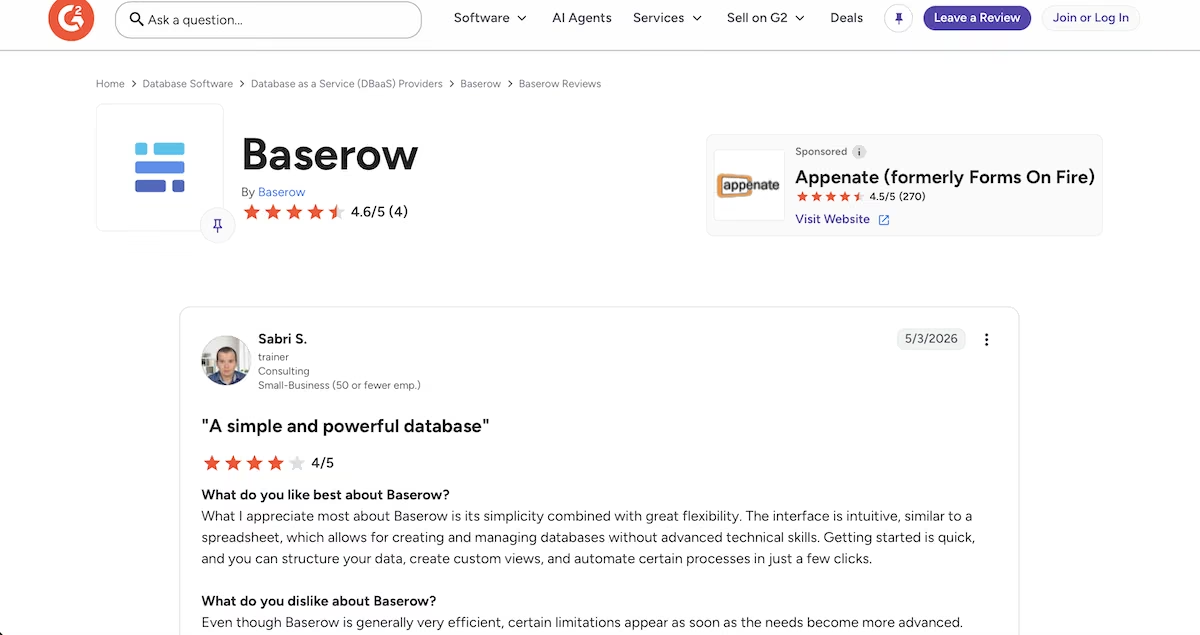
“Baserow's flexibility truly stands out.” - Louise M. (G2)
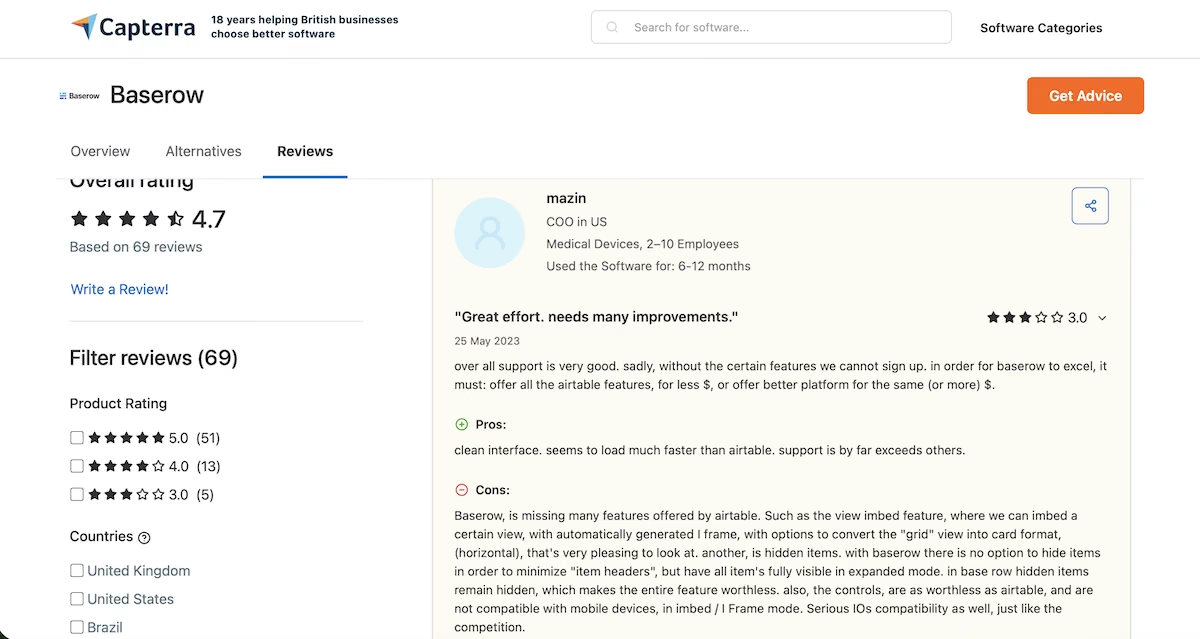
“Baserow, is missing many features offered by airtable.” - Mazin (Capterra)
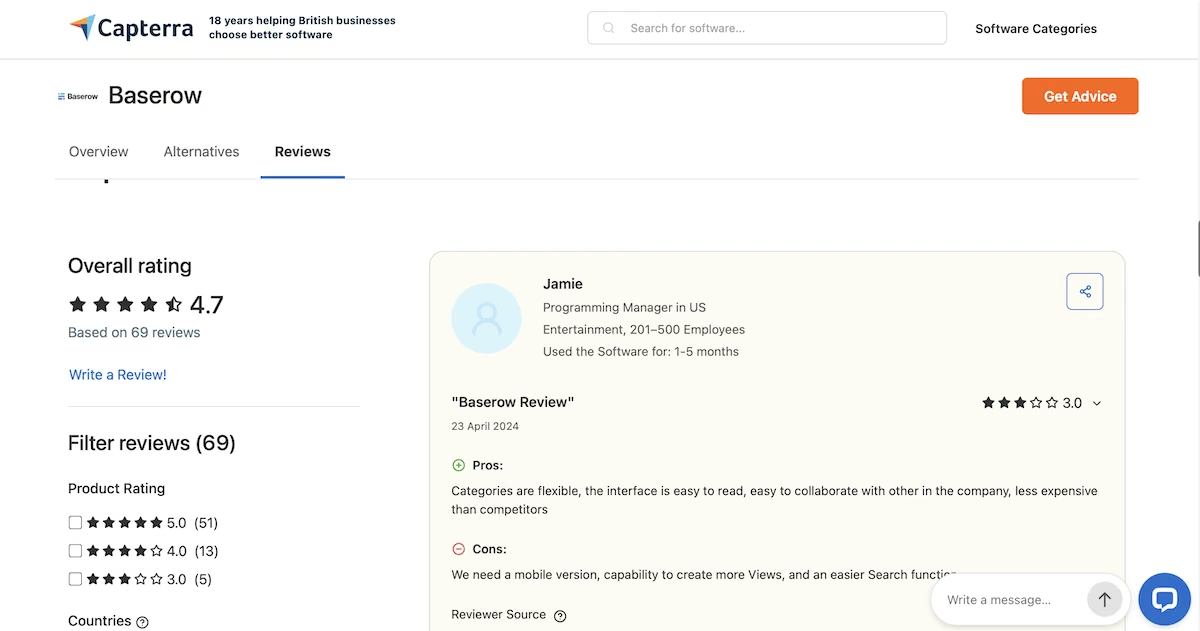
“We need a mobile version, capability to create more Views, and an easier Search function.” - Jamie (Capterra)
Pricing
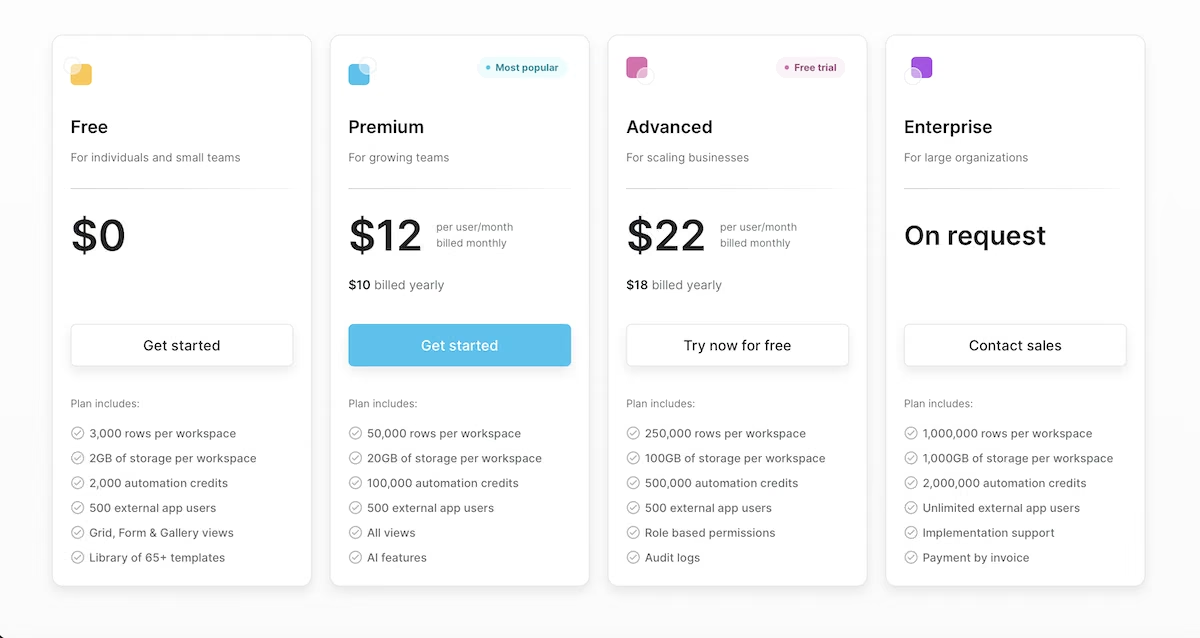
Baserow’s pricing page.
Baserow is free forever for individuals and small teams, with the Free plan covering 3,000 rows per workspace, 2GB of storage, and up to 500 external app users. Premium is $12 per user per month and includes 50,000 rows and adds the AI features.
Advanced is $22 per user per month with 250,000 rows and role-based permissions. Enterprise is on request and covers a million rows and unlimited external users. If you self-host, the core is open source at no license cost.
5. Stacker: Best for Customer Portals Without Per-Seat Pricing
Stacker’s homepage.
What it does: Stacker builds customer portals and internal apps with AI agents attached, connecting to over 2,000 integrations and billing on credits instead of seats.
Best for: Businesses giving a large number of external users access to an app, where per-seat pricing would become the deciding cost.
Stacker prices for scale, and it shows in how the product is put together.
I gave it the shared build prompt and it produced a project dashboard covering three projects, 12 total tasks, and four in progress. It picked its own client names for the seed data, so I got ElevenLabs, Lindy, and Standard Bots.
The overdue count is where it went its own way. I'd asked for two overdue tasks and the dashboard reported nine, with all three projects carrying an Overdue flag. Each project card named its most overdue task with an owner and a date, so the detail was right even though the total wasn't what I'd specified.
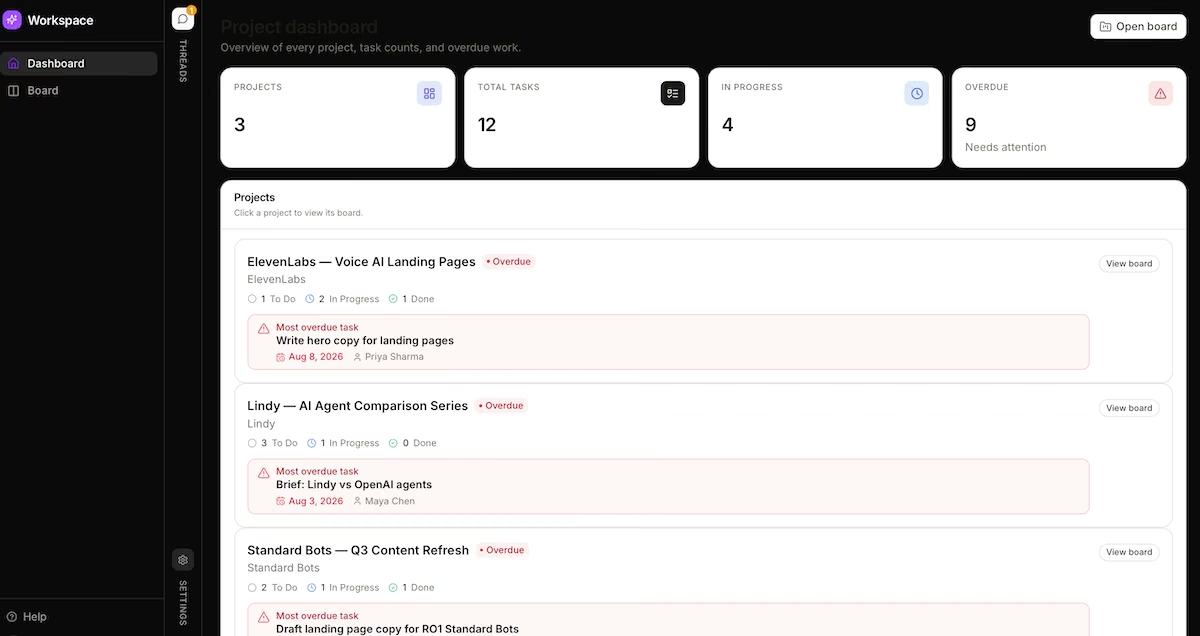
Three projects, 12 tasks, four in progress, and nine flagged overdue.
When I imported the CSV file, it showed me seven records and zero errors. The field mapping screen showed exactly what it planned to do before it did it: Category detected as a Select with four options, Daily Rate as a Number, and Status as a Select with four options.

The field mapping screen, showing exactly what Stacker planned to do before it did it.
I counted four status options where I'd expected three. Stacker kept "Available" and "available" as separate values instead of merging them, so if your spreadsheet has casing drift in it, you'll be cleaning that up yourself after import.
That's the direct opposite of Softr's approach, and both are valid. Softr's normalization gives you a cleaner app immediately. Stacker's approach gives you an honest picture of what your data contains and lets you decide whether those two values are the same thing.
Stacker showed the blank Daily Rate as a dash instead of a zero, which again keeps "no value" and "zero dollars" apart.
Key Features
- No per-seat charges: Unlimited customer portal users on the Standard plan.
- 2,000+ integrations: Connects to most business systems without custom work.
- Knowledge base and memory: Agents retain context across sessions.
Pros
- Predictable cost as user numbers grow
- Explicit field mapping before import
- Preserves data exactly as supplied
Cons
- Only one paid tier below Enterprise
- Credit model needs modeling for heavy automation
- Requires you to build the table structure first
What Users Say
“We love the capabilities of Stacker to build interfaces and multiple ways to interact with data.” - Mauricio D. (G2)
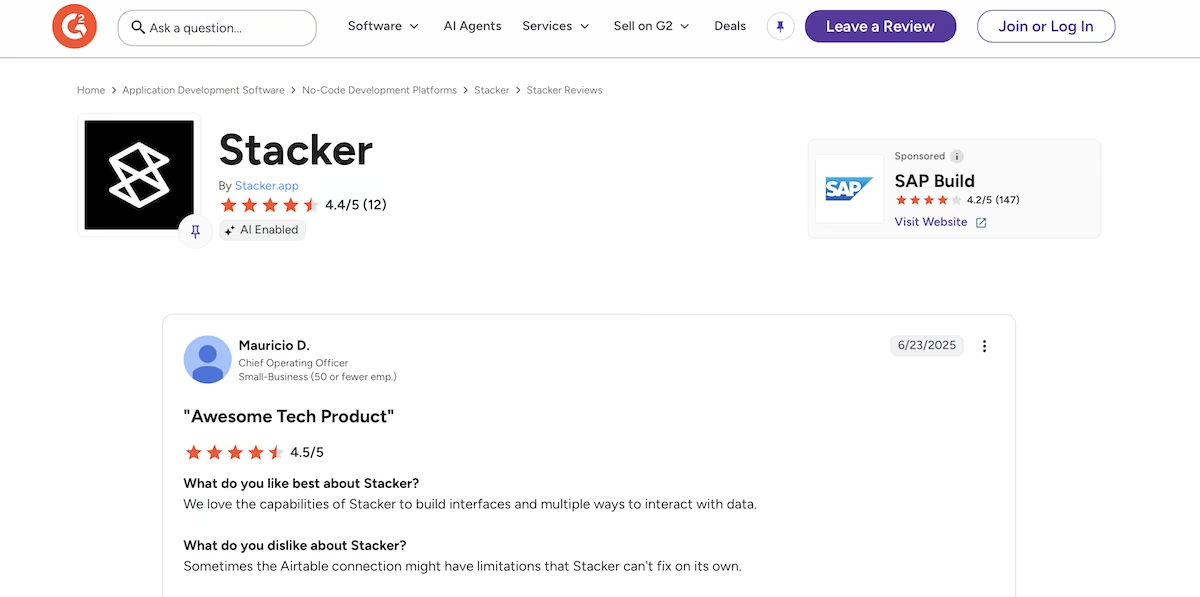
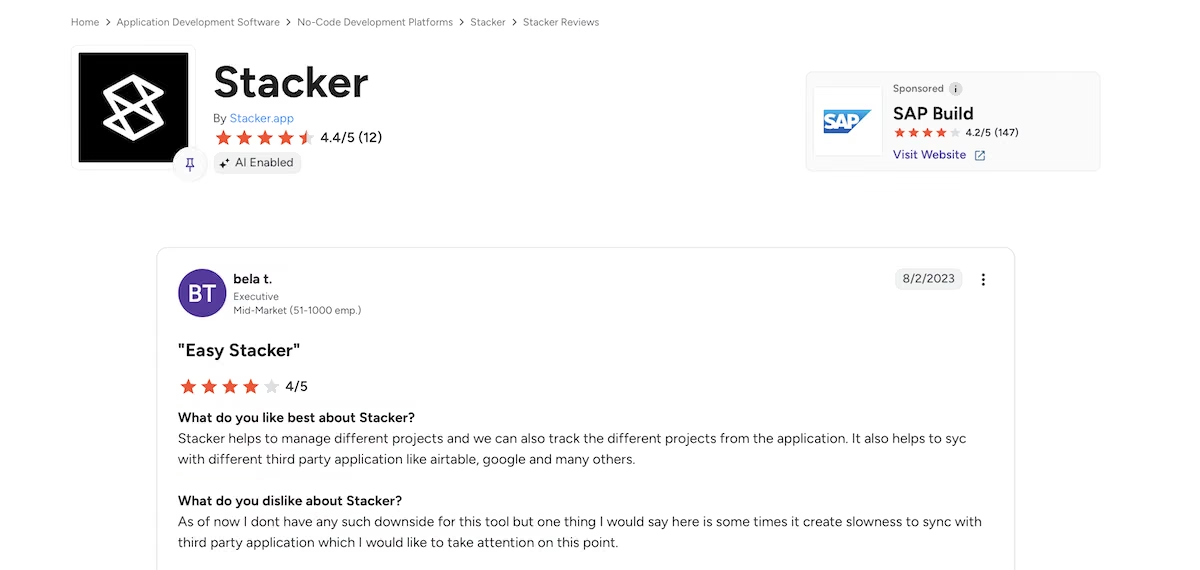
“Stacker helps to manage different projects and we can also track the different projects from the application.” bela t. (G2)
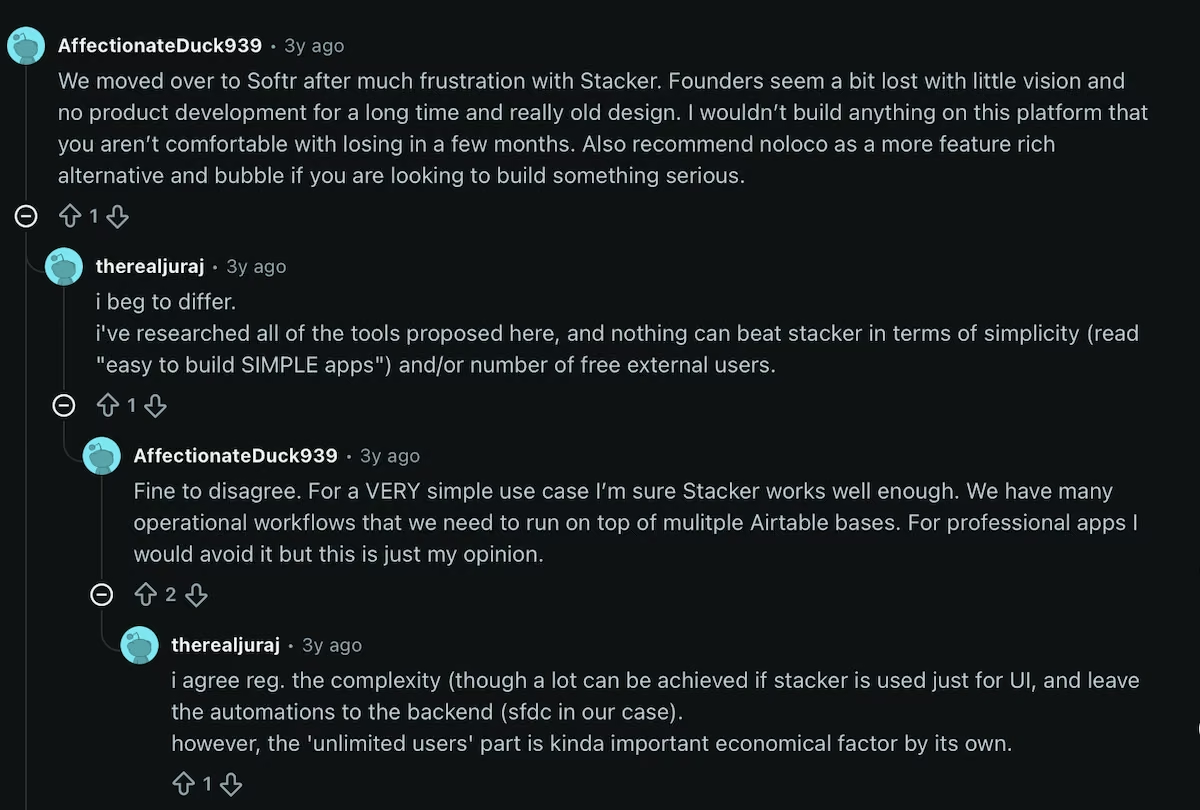
“Was never a good platform. Admin interface was terrible. Go with Softr, WeWeb, Bubble etc.” - seanmarshdesign (Reddit)

“I wouldn’t build anything on this platform that you aren’t comfortable with losing in a few months.” - AffectionateDuck939 (Reddit)
Pricing
Stacker’s pricing page.
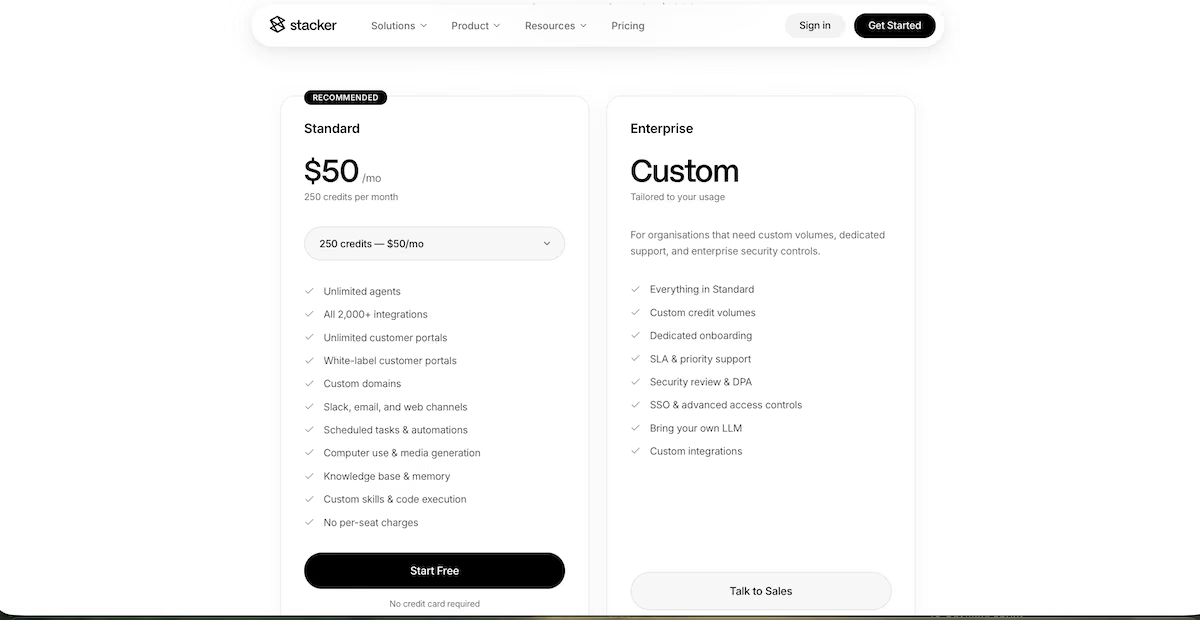
The Standard plan is $50/month with 250 credits, including unlimited agents, unlimited customer portals, white-label portals, custom domains, and no per-seat charges. Enterprise is custom. There's $100 in free credits to start with and no credit card is required.
6. Retool: Best for Internal Tools Over Data You Already Store Elsewhere
Retool’s homepage.
What it does: Retool builds internal tools and dashboards on top of databases and APIs you already run, using a drag-and-drop editor plus a growing AI layer.
Best for: Technical teams building admin panels, support tools, and other internal tools over a database they already run.
Retool makes the most sense when you already have a database and want a clean interface over it. I gave it a project tracker brief with the same counting problem in it, and it built the dashboard I'd asked for.
It showed three projects, each with To Do, In Progress, and Done counts, plus an amber Overdue Tasks panel that named the specific task, its owner, and its due date.
The team roster included four seeded teammates and their roles. A Delivery Notes panel summed 12 total tasks, two overdue tasks, and four assigned teammates.
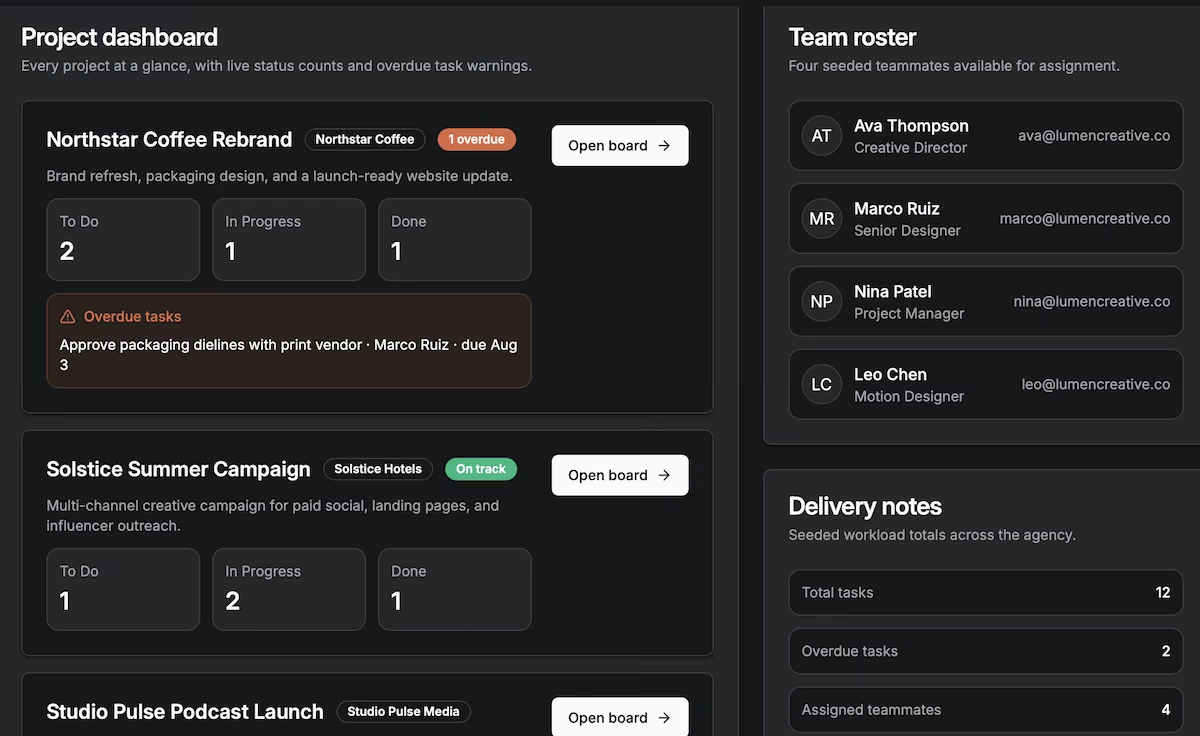
Status counts, an overdue panel, team roster, and totals, all from one prompt.
I cross-checked those totals against the project boards and they matched. The kanban board also behaved as expected, with drag-to-update moving a task from To Do into Done and the counts updating alongside it.
The counts updated live as I moved cards, and the overdue panel cleared once the task it named moved into Done. Plenty of generated dashboards write their numbers once and never recalculate, so it's worth checking rather than assuming.
I uploaded the CSV file through the Chat tab and asked it to import and build a page. In about a minute it had created an equipment_inventory table and an /equipment-inventory page, and the status bar confirmed "Test inventory query · 7 found," so all seven rows were in.
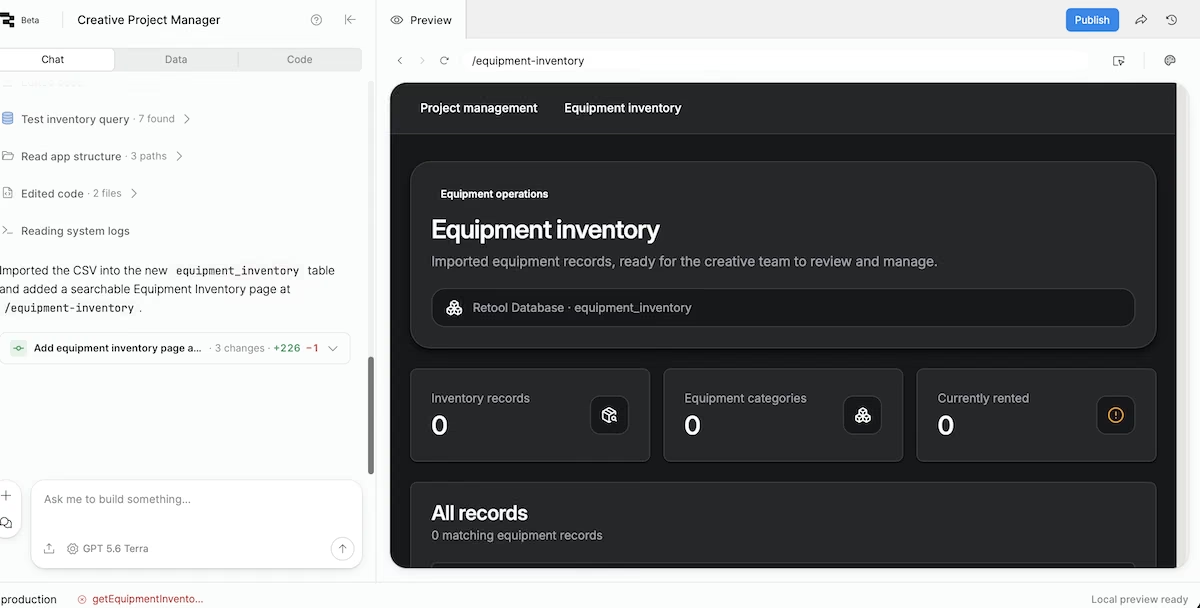
The status bar confirming seven rows found after the import.
The published page showed zero inventory records, zero categories, and zero rented, with an error on the equipment inventory query. It hadn't lost any data, and I sorted the connection out in a few minutes.
Key Features
- Workflows: Scheduled and triggered background jobs.
- Self-hosting: Available on paid plans for regulated environments.
- Version control and staging: Release management on Team and above.
Pros
- Best-in-class for connecting to existing data
- Functional dashboard in under a minute
- Free plan is usable for small teams
Cons
- Per-builder and per-user pricing adds up
- Developer-oriented interface
- Generated pages need checking before you share them
What Users Say
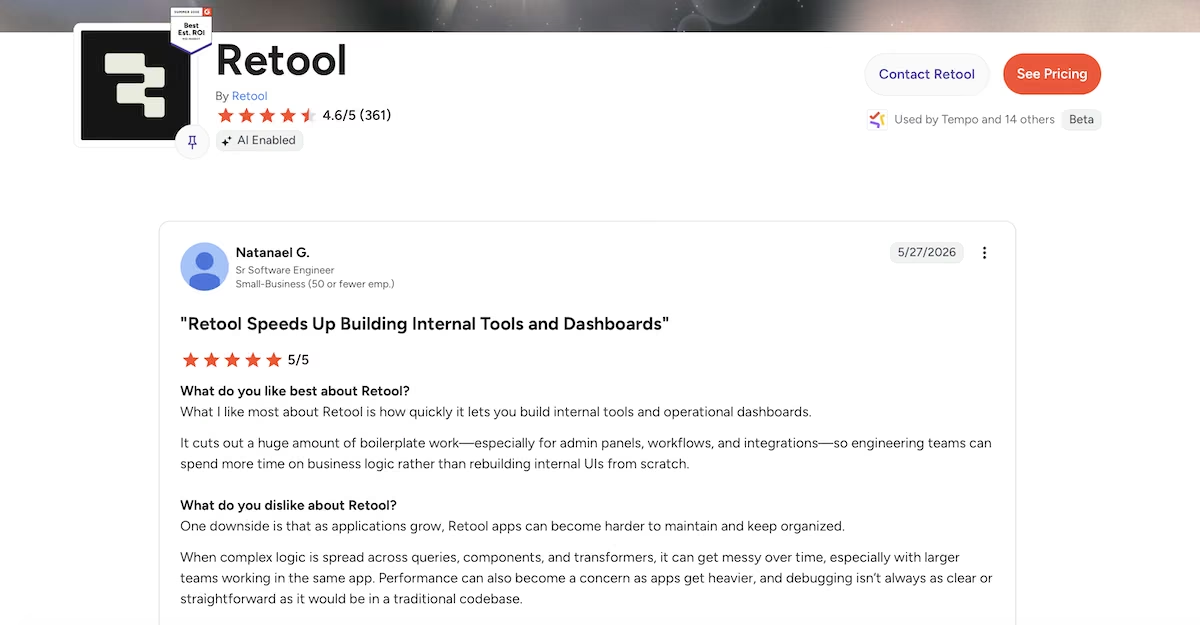
“What I like most about Retool is how quickly it lets you build internal tools and operational dashboards.” - Natanael G. (G2)
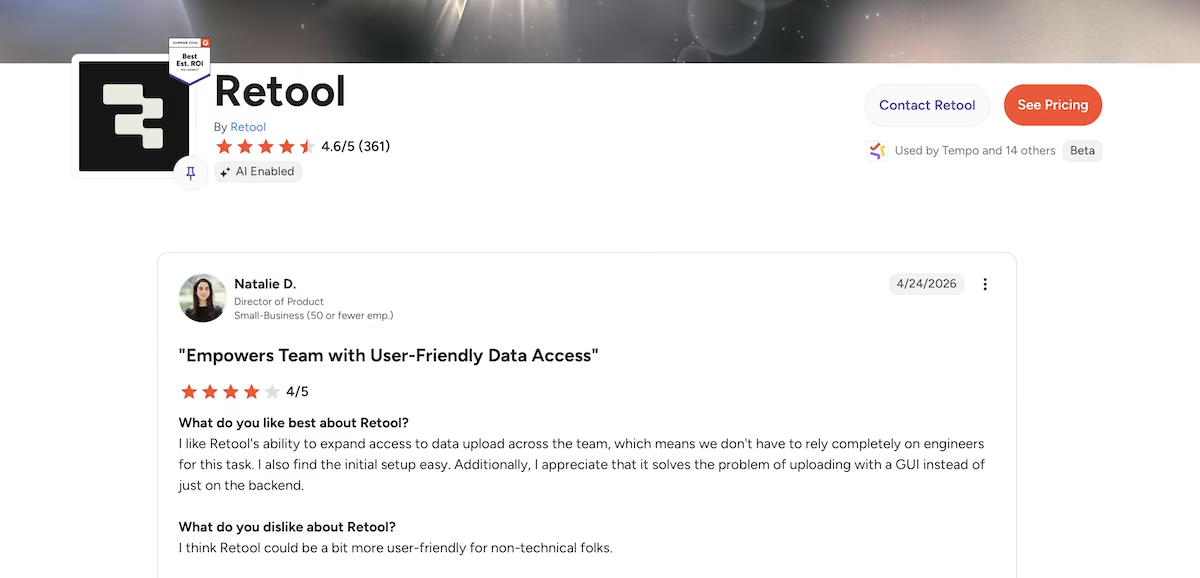
“I like Retool's ability to expand access to data upload across the team, which means we don't have to rely completely on engineers for this task.” - Natalie D. (G2)
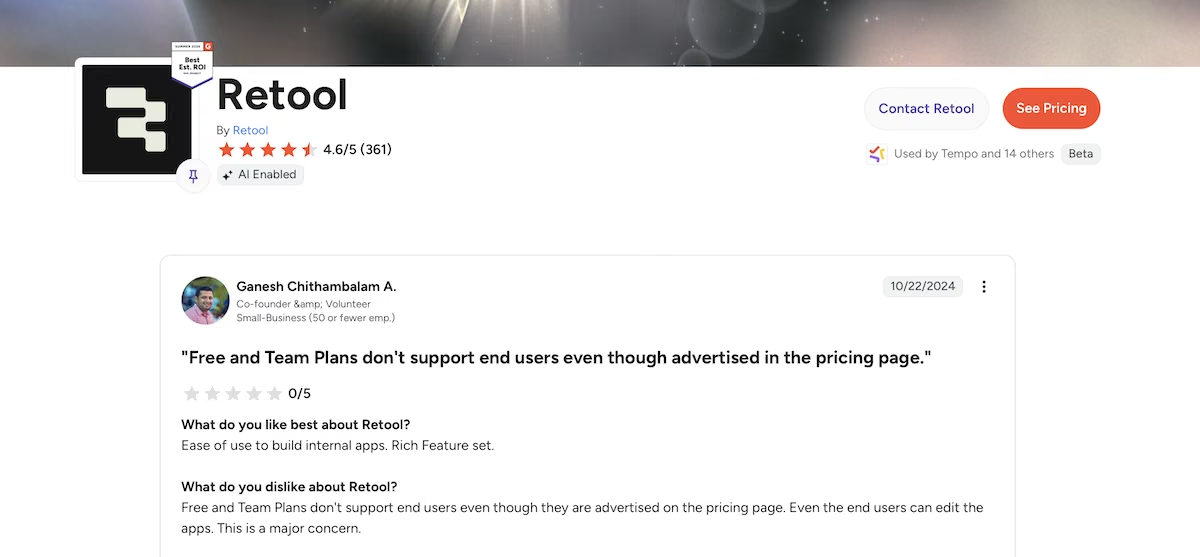
“Even the end users can edit the apps. This is a major concern.” - Ganesh Chithambalam A. (G2)
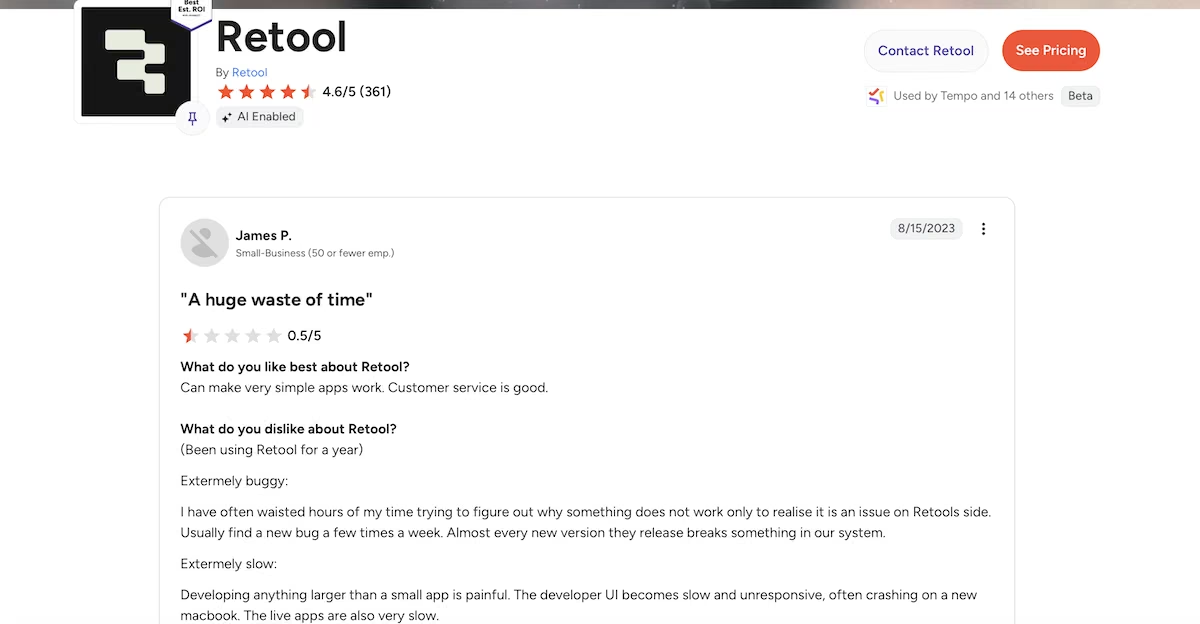
“Developing anything larger than a small app is painful.” - James P. (G2)
Pricing
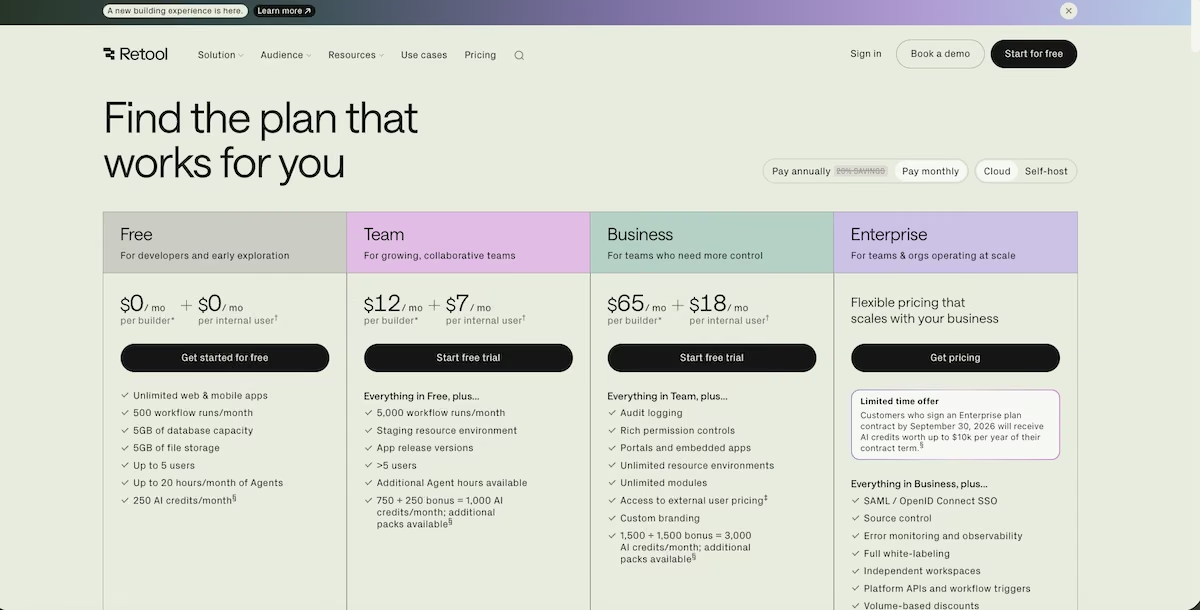
Retool’s pricing page.
The Free plan allows up to five users and 5GB of database capacity. Team is $12 per month per builder plus $7 per month per internal user. Business is $65 per month per builder plus $18 per month per internal user. Enterprise is custom.
7. Noloco: Best for Internal Apps That Need Tight Permissions
Noloco’s homepage.
What it does: Noloco builds internal tools and client portals from data held in Airtable, Google Sheets, HubSpot, SmartSuite, or PostgreSQL, with record-level and field-level permissions.
Best for: Teams who need different people seeing different parts of the same data.
I gave Noloco the project management prompt:
"Build a project management app for a small creative agency. Team members sign in with email. Each project has a board with three columns: To Do, In Progress, and Done. Tasks have a title, an assignee, a due date, and a status, and can be dragged between columns.
Add a dashboard that lists every project with a count of tasks by status, and flags any project that has a task past its due date. Seed it with four team members, three realistic projects, and twelve tasks spread across the columns, two of them overdue."
Noloco produces the most corporate-looking output on this list. The record page it built had a five-stage pipeline across the top running Kickoff, Planning, In Progress, Monitoring / Complete, and Delayed, with the current stage highlighted and an "Update to In Progress" action button beside it.
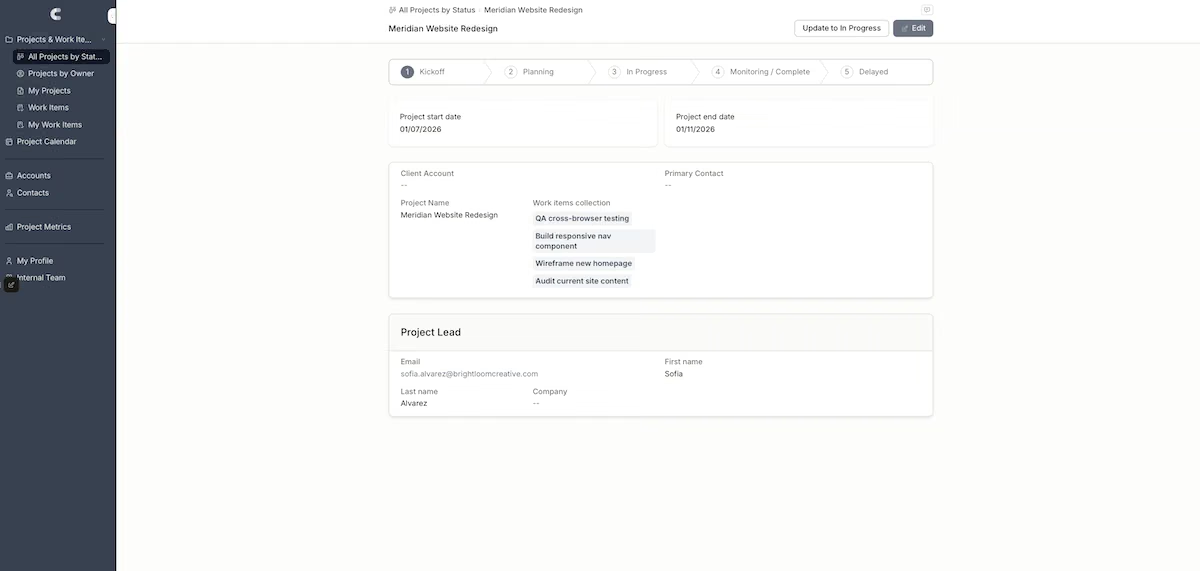
Pipeline stages, linked work items, and a project lead card, all from one prompt.
Underneath that were project start and end dates, a client account block, a linked work items collection listing four tasks, and a project lead card pulling through the contact's name, email, and company.
The left navigation gave me All Projects by Status, Projects by Owner, My Projects, Work Items, My Work Items, a Project Calendar, plus Accounts, Contacts, and a Project Metrics section.
Every one of those views came from the single prompt, with no page-building step from me.
That's a full relational structure from one prompt, and Noloco had configured it correctly. I ticked the overdue checkbox on a record and watched it flow through to the metrics view the way it should.
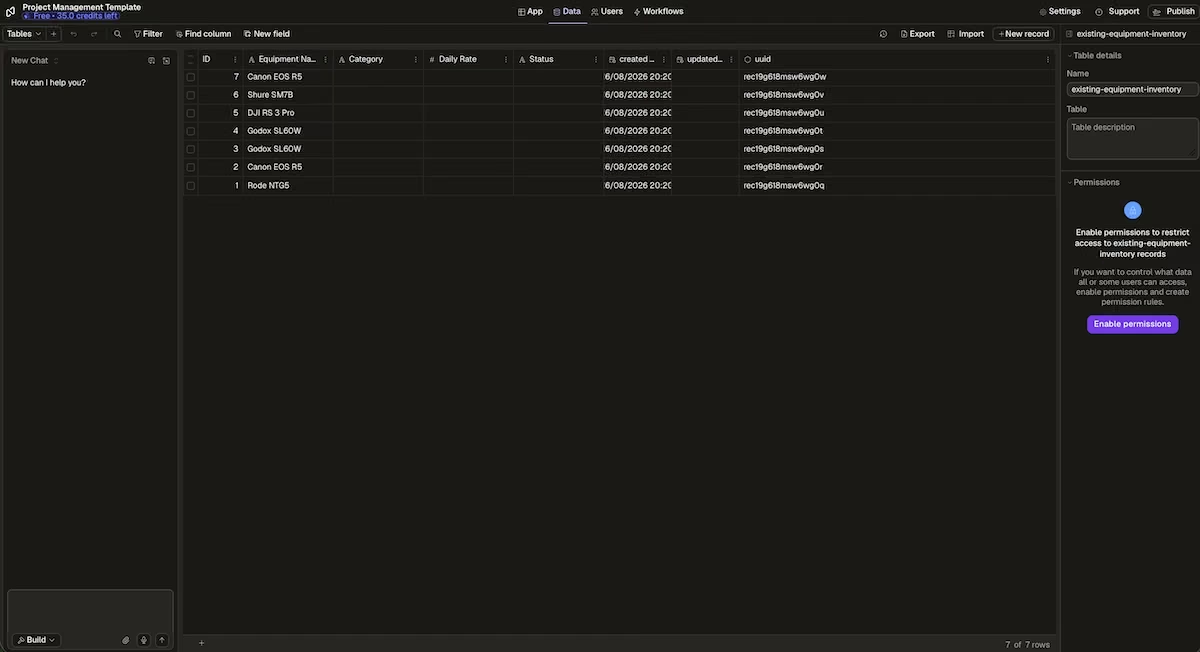
Status counts and overdue flags across 13 projects in the metrics view.
The import needed two attempts. Going into the existing Users table failed, because none of my four columns matched Email or Name and the dialog listed all four as unmapped. So I created a new table and imported into that instead.
The preview looked right, showing all four columns and all seven rows. Then I clicked Import, and Noloco brought in seven rows with Equipment Name filled and the other three columns empty. No error, and the row count read as a success.
That's the worst kind of import failure, because nothing tells you it happened. Skip Noloco if bulk import is part of your workflow, or budget time to check every column by hand after each one.
Key Features
- Record-level permissions: Control access down to individual rows and fields.
- Multiple backends: Airtable, Google Sheets, HubSpot, SmartSuite, SQL.
- Nola AI assistant: Included in all plans.
Pros
- Best permission model in this roundup
- Client seats priced separately from team seats
- Polished, professional output
Cons
- Jump to Pro is a big step at $149/month
- Row limits on lower tiers are modest
- Import needs checking column by column
What Users Say
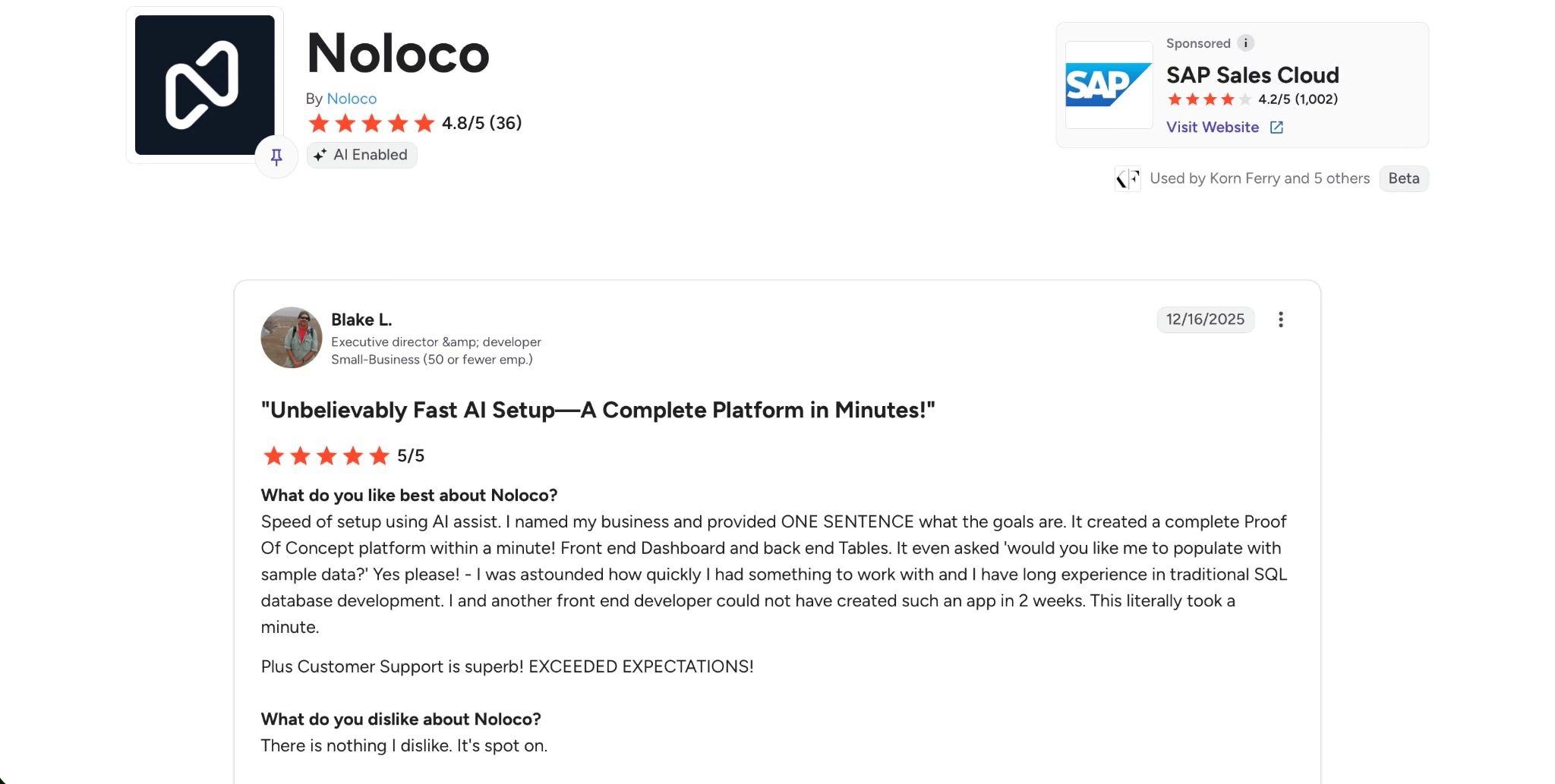
"Unbelievably Fast AI Setup—A Complete Platform in Minutes!" - Blake L. (G2)
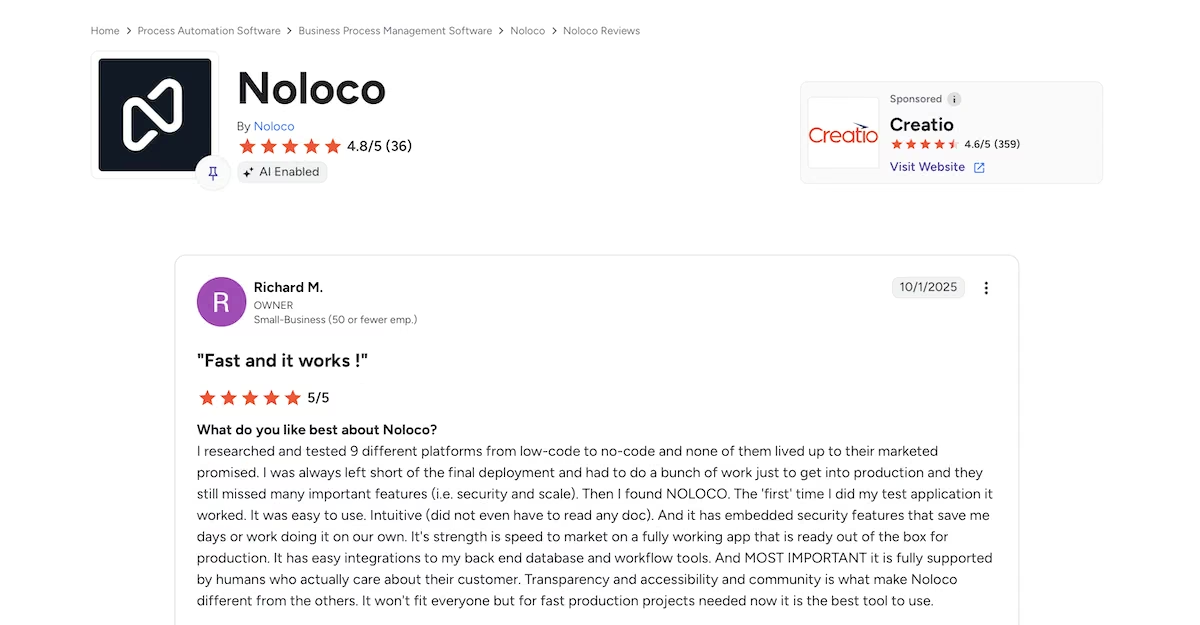
“The 'first' time I did my test application it worked.” - Richard M. (G2)
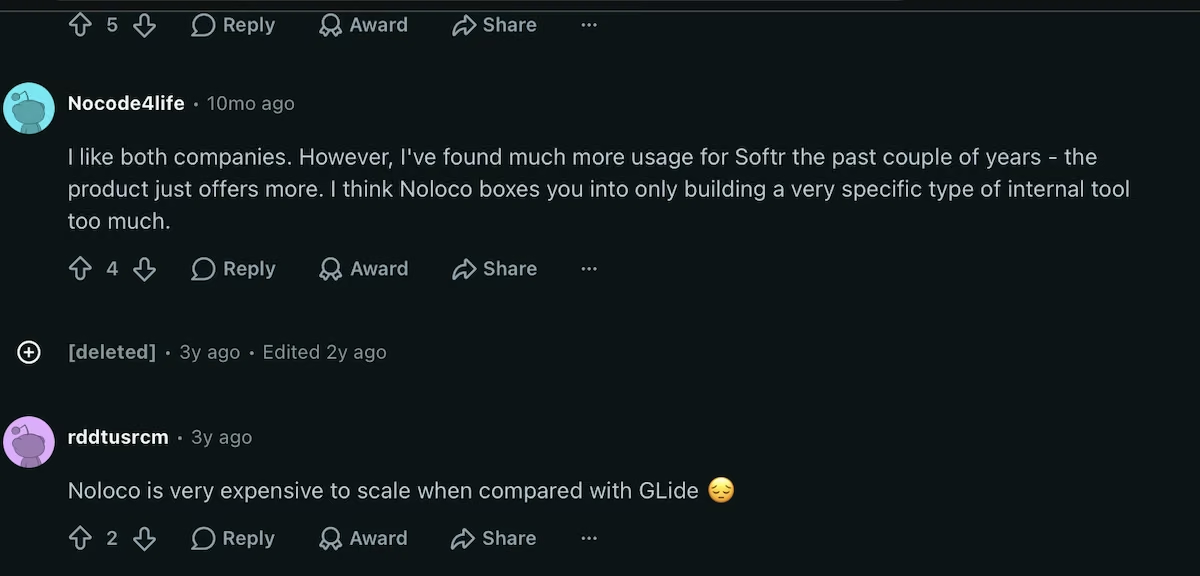
“I think Noloco boxes you into only building a very specific type of internal tool too much.” - Nocode4life (Reddit)
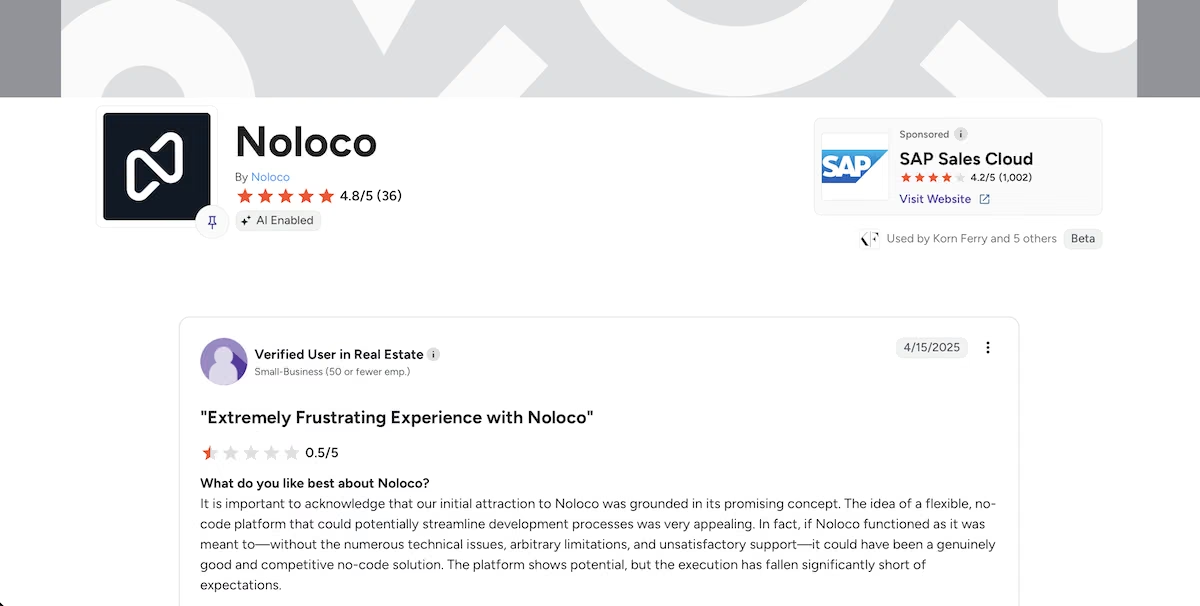
"Extremely Frustrating Experience with Noloco" - Verified User in Real Estate (G2)
Pricing
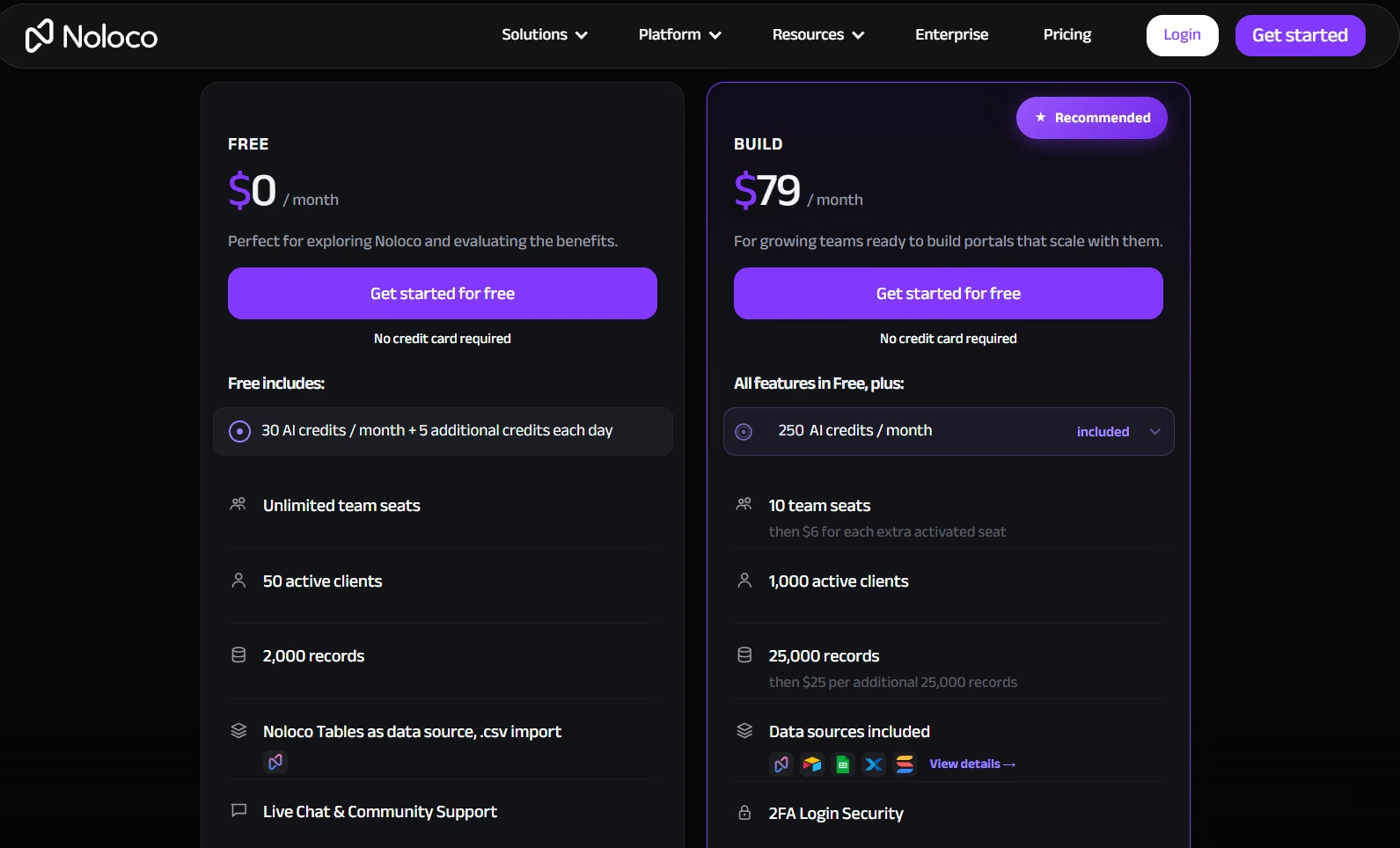
Noloco’s pricing page.
The Free plan includes unlimited team seats, 50 activated clients, 2,000 rows, unlimited apps, and 100 workflow runs. Build is $79/month with 10 team seats (+$6 per extra seat), 1,000 activated clients, 25,000 rows, a custom domain, and record-level and field-level permissions. Enterprise is custom.
8. Budibase: Best for Self-Hosted Deployments
What it does: Budibase is an open source low-code platform for internal tools, agents, and automations, available as a cloud service or self-hosted.
Best for: Organizations with data residency or compliance requirements that rule out hosted platforms.
I built an equipment tracker with Budibase manually, creating an Equipment table and a Loans table inside Budibase DB.
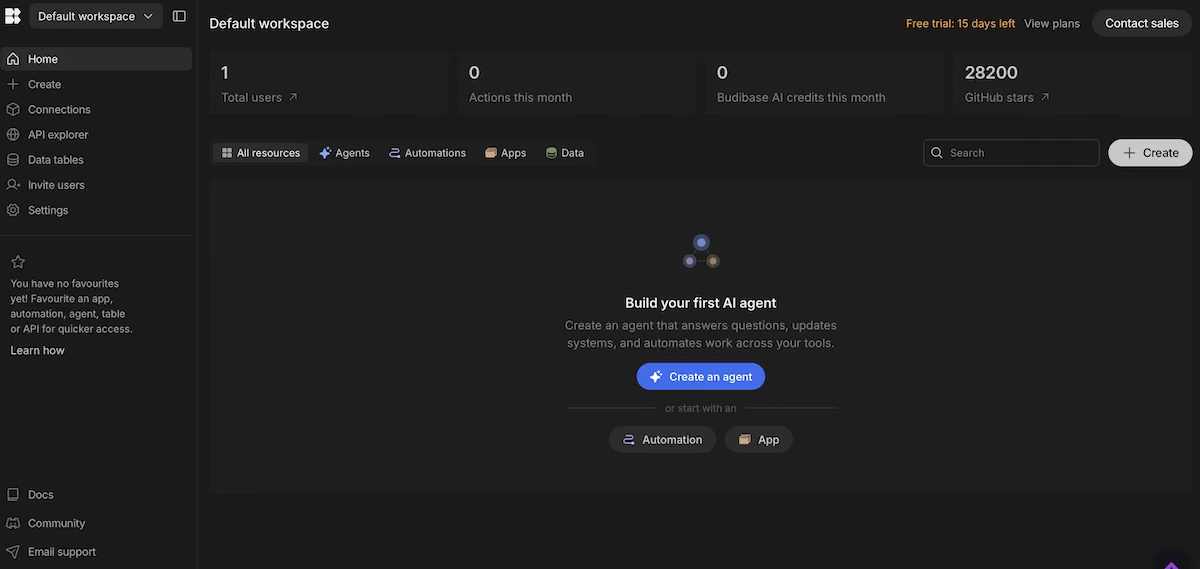
A fresh workspace, with agents, automations, and apps as starting points.
The Equipment table took Name as text, Category as a select with color-coded options across Power, Computer, Audio, and Visual, ConditionRating as a number, and Status as a select covering Maintenance, On Loan, and Available.
I seeded four rows: a Goal Zero Yeti 500X rated 3.9 in Maintenance, a MacBook Pro 16" M2 rated 4.8 On Loan, a Rode NT1 Microphone rated 5.0 and Available, and a Sony A7IV Mirrorless rated 4.5 and Available.
The relationship configuration between Equipment and Loans is where Budibase shows its depth. You pick the relationship type explicitly and name both sides of it, so the schema reads clearly from either table.
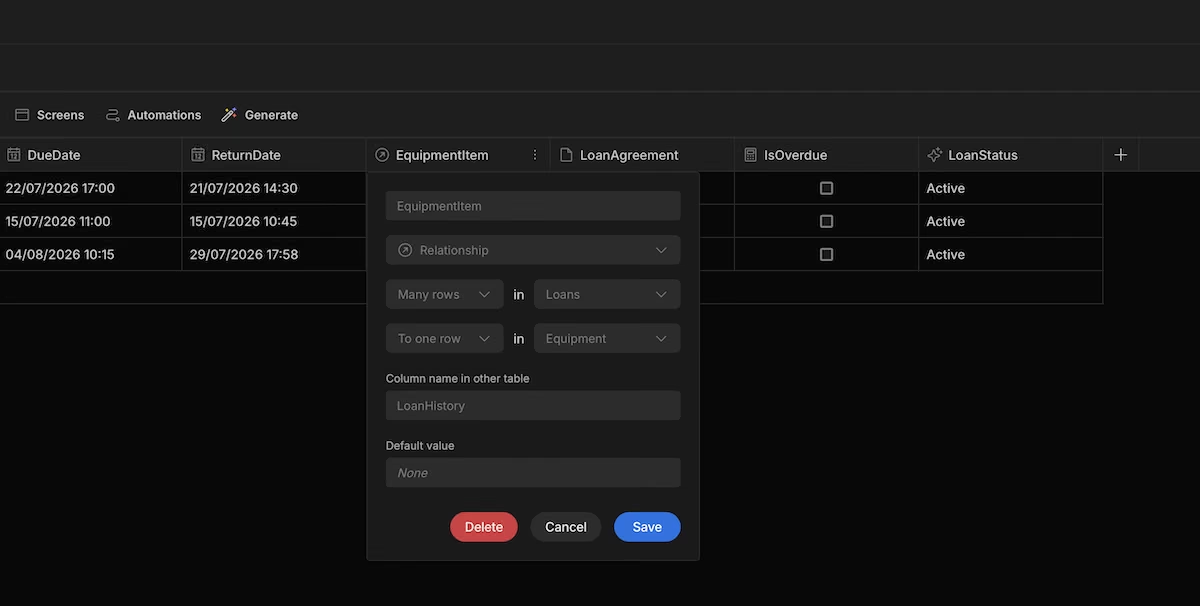
Many-to-one relationships, with both sides named explicitly.
The Loans table also took file attachments directly, so each loan record carried its signed agreement as a PDF or text file alongside the dates. For an equipment tracker that's the difference between a database and a filing system you can actually use.
Publishing gave me a live app, and I checked it as a public user to confirm the permission boundary held.
I couldn't run the import test on Budibase. The account had expired between the build session and the CSV round, and getting back in meant either upgrading or starting a fresh account, neither of which would have matched how I tested the others.
Access controls are at the table level with an Access dropdown right in the data view, alongside Import, Export, Row actions, Screens, Automations, and Generate.
Key Features
- Role-based access: Table-level and screen-level permissions.
- Automations: Approvals, routing, and notifications.
- AI agents: Answer employee questions and handle requests across channels.
Pros
- Strong relational modeling
- Clear, explicit permission controls
- Large open source community
Cons
- Manual build process with no app generation from a prompt
- Action-based pricing needs forecasting
- Cloud pricing climbs steeply above Premium
What Users Say
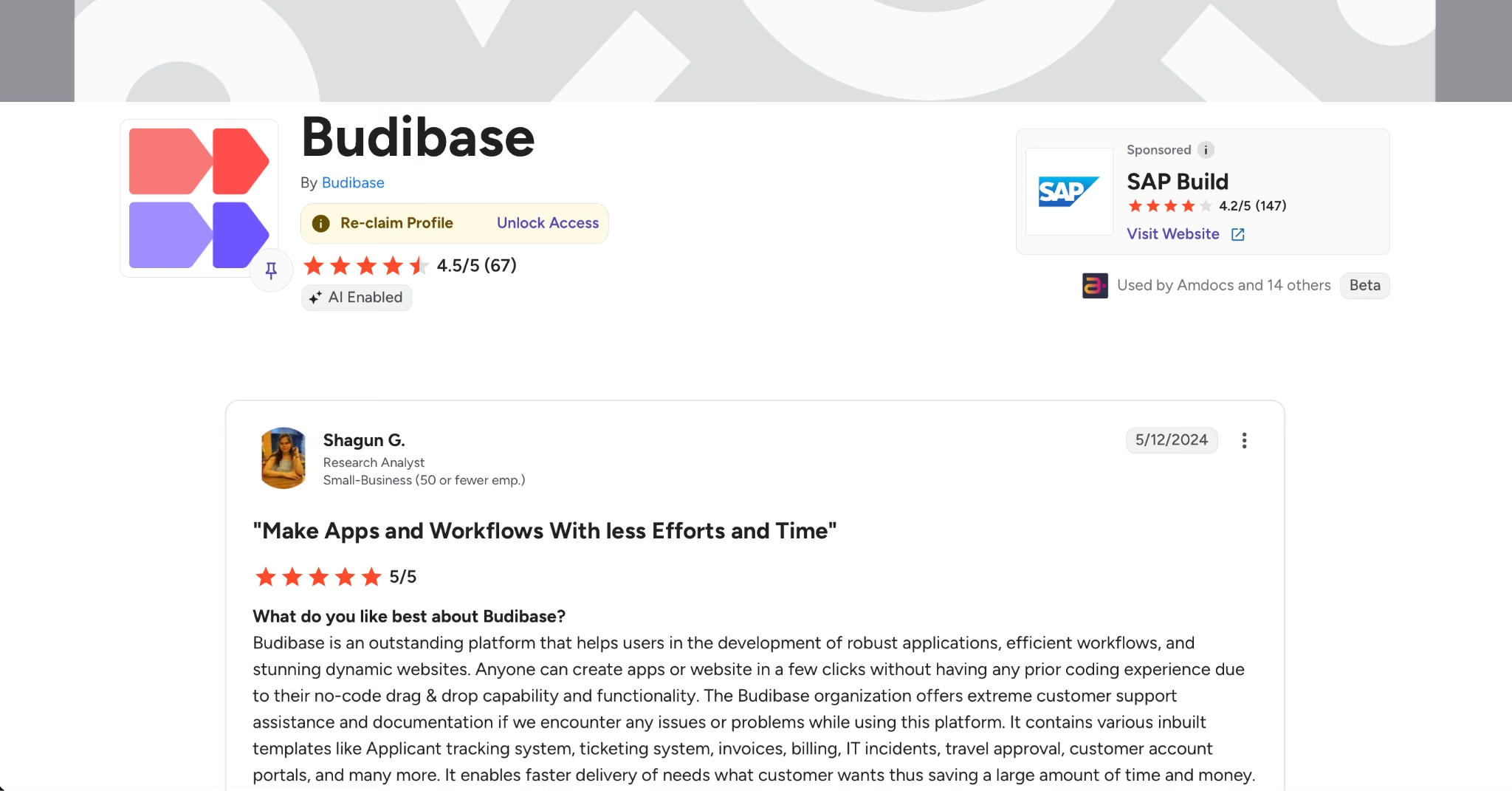
“Anyone can create apps or website in a few clicks without having any prior coding experience due to their no-code drag & drop capability and functionality.” - Shagun G. (G2)
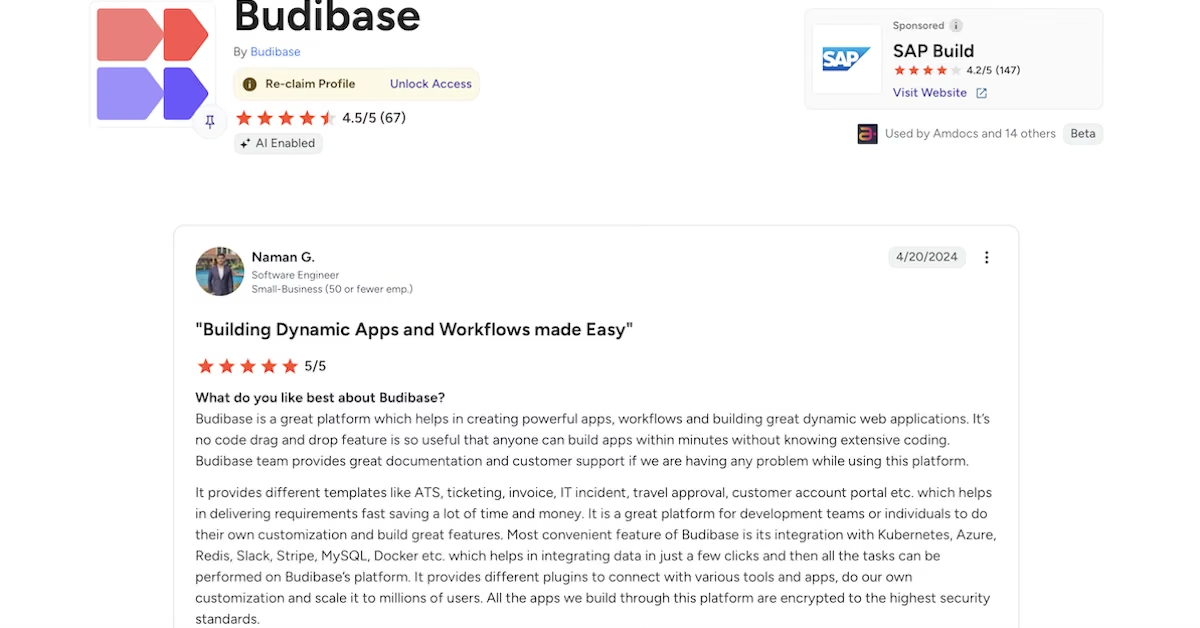
“It’s no code drag and drop feature is so useful that anyone can build apps within minutes without knowing extensive coding.” - Naman G. (G2)
“You can't really hide that you're running in Budibase. Despite my best efforts, my users call all my apps "Budibase" instead of the actual name that I gave to them.” - Electroly (Hacker News)

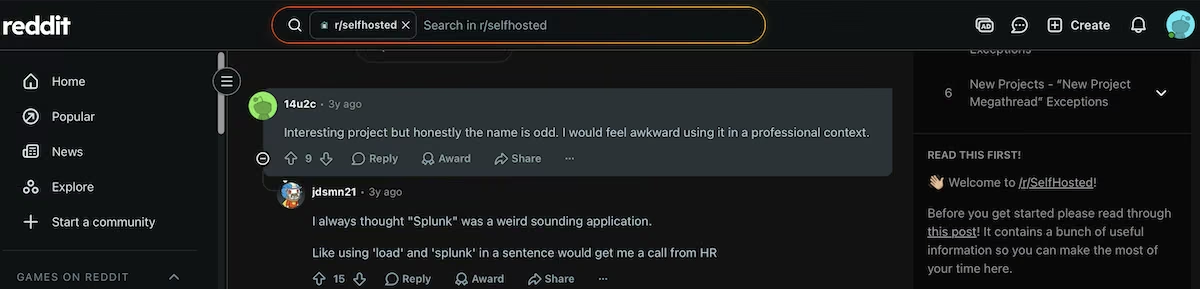
“Interesting project but honestly the name is odd. I would feel awkward using it in a professional context.” - 14u2c (Reddit)
Pricing
Budibase’s pricing page.
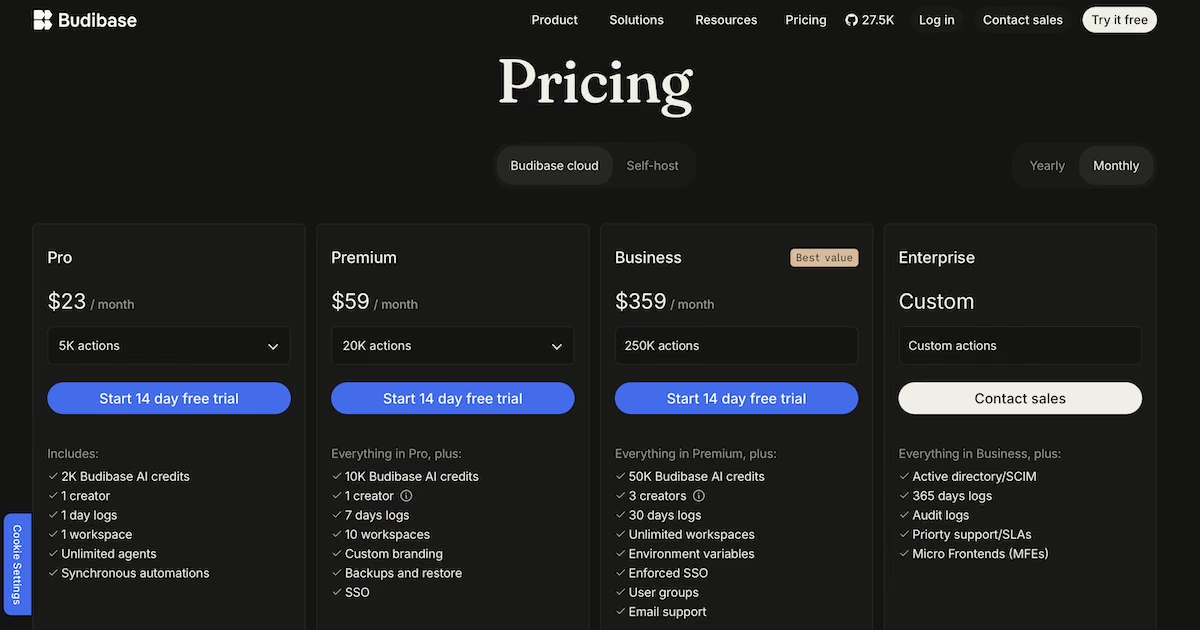
Cloud plans are Pro at $23/month for 5,000 actions with 2,000 AI credits, Premium at $59/month for 20,000 actions with custom branding, backups, and SSO, Business at $359/month for 250,000 actions, and Enterprise is custom. Each paid tier includes 14 days free, and Budibase lists self-hosted pricing separately.
9. Bubble: Best for Complex Apps With Custom Logic
Bubble’s homepage.
What it does: Bubble is a full visual development platform for web and mobile apps, with its own database, workflow engine, and plugin ecosystem.
Best for: Founders and teams building something a template can't cover and who have the time to learn a deeper tool.
I used a portfolio and archive build, which put Bubble’s data handling under a different kind of pressure. The Folio site I ended up with had a filterable collection page pulling from a project’s database, with a category dropdown driving the filter and project cards rendering image, title, and discipline for each record.
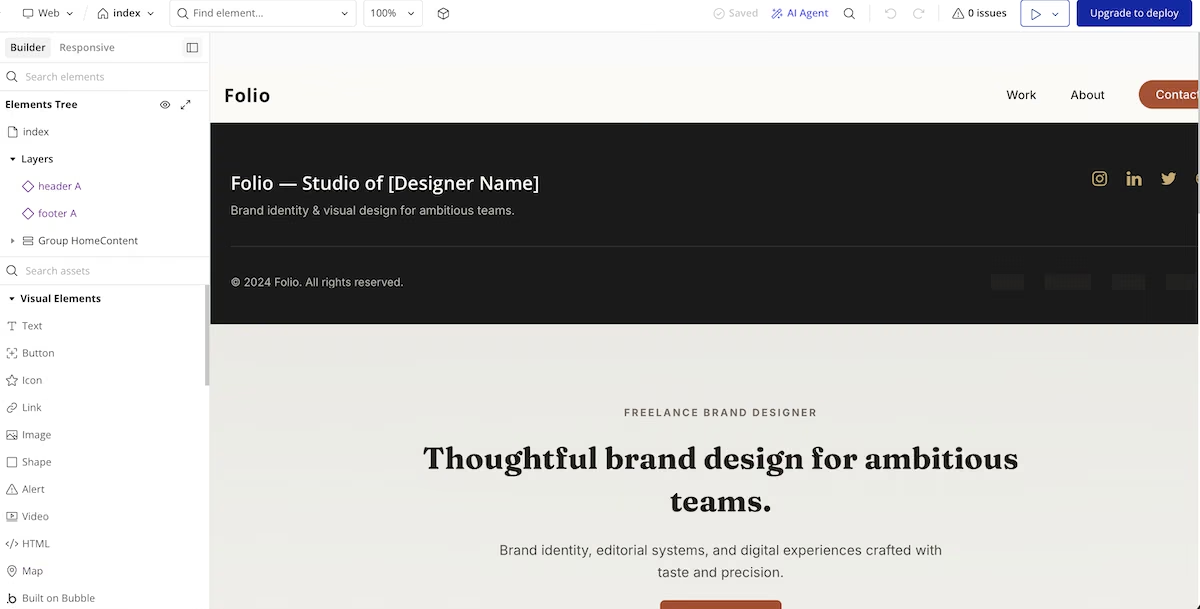
A filterable archive, with each card pulling from the projects database.
Two projects sat under Brand Identity and one under Logo Design, and the filter worked against the category field on each record. Adding a project to the database put it into the collection without touching the page.
That's the trade-off with Bubble. You configure the data source, the filter condition, and the repeating group yourself, and it takes longer than typing a sentence into a chat box. But when your requirement is unusual, and the AI-generated tools keep producing something adjacent to what you need, this is where you go.
Bubble also plans before it builds. It laid out the five pages it intended to create, listed the features under each, and gave an estimated generation time of five to seven minutes before I hit the button.
The data side is where it showed its age in a good way. It created six data types for a portfolio site, and the privacy defaults differed between them. User came with privacy rules applied; everything else was publicly visible by default. That's a distinction most tools here don't make at all, and on a database app it's the one you want made for you.
I couldn't run the import on Bubble either, for a different reason. Uploading a CSV is a paid-plan feature, and on the free plan the option prompts you to upgrade to Starter. That's a deliberate product decision, so if bulk import is part of your workflow, your entry point is $32/month.
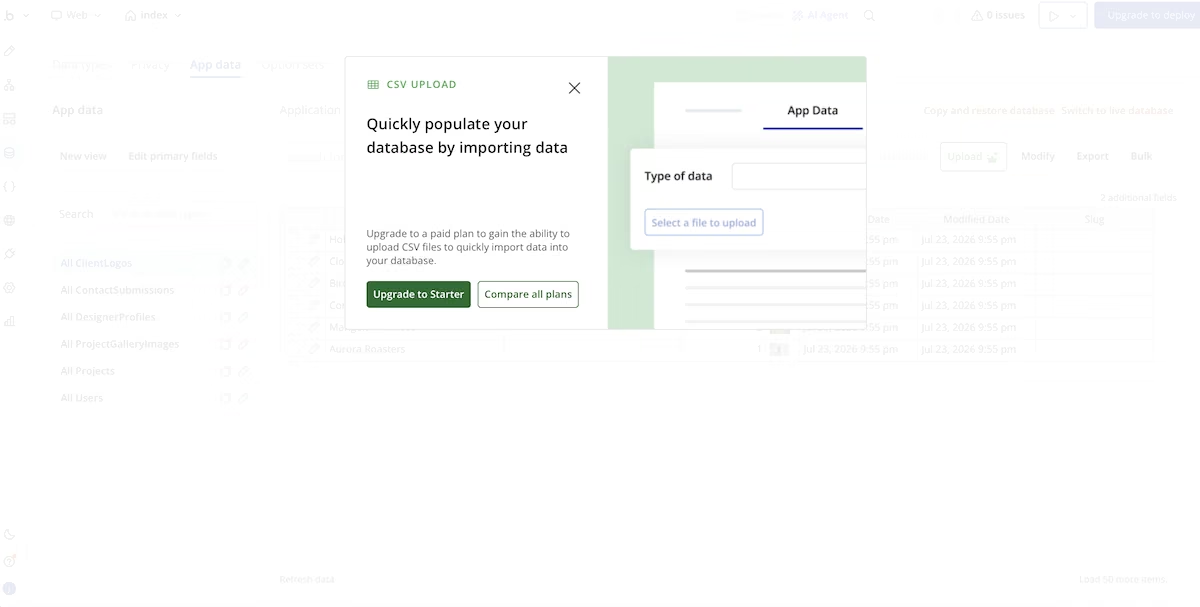
The upgrade prompt that appears when you try to import a CSV on the free plan.
Key Features
- Visual workflow editor: Complex conditional logic without writing code.
- Built-in database: Privacy rules, field-level permissions, and full-text search.
- Plugin ecosystem: Thousands of community and commercial plugins.
Pros
- Deepest customization available in this category
- Mature platform with a large community
- Strong privacy and permission rules
Cons
- Steepest learning curve here by a distance
- Workload unit pricing is hard to predict
- CSV import requires a paid plan
What Users Say
“Strong community & resources: templates, tutorials, forums, plugin marketplace help you accelerate development” - Murugappan v. (G2)
“The speed that you can create fully functional and scalable web applications is unbelievable.” - Andre F. (G2)
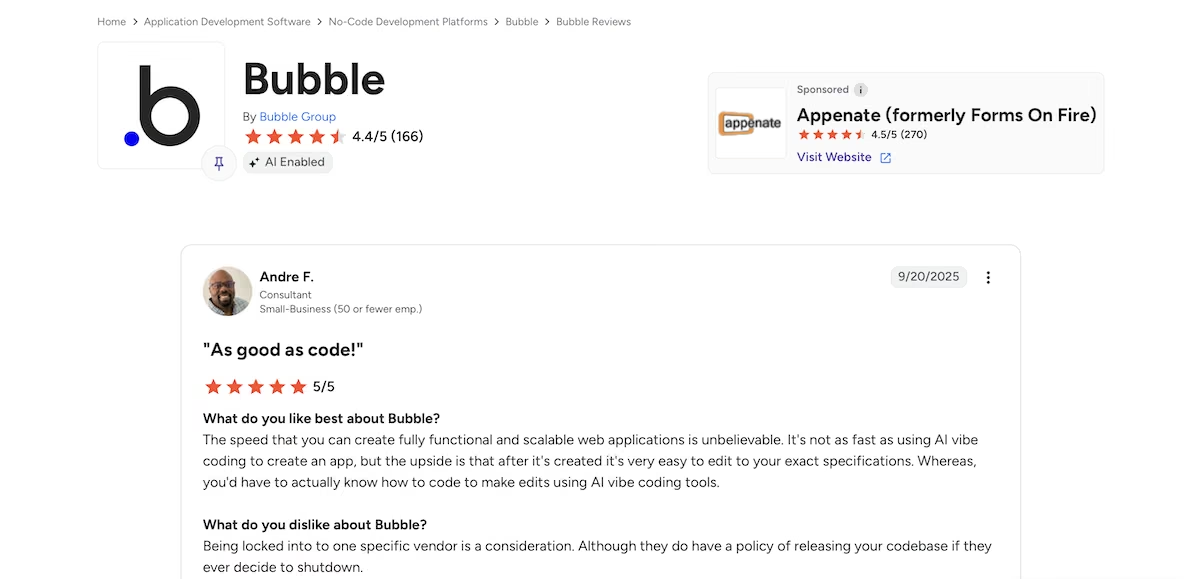
“You can basically do anything with it but its going to be a pain doing it and the pricing is far from affordable.” - Lloyd P. (G2)
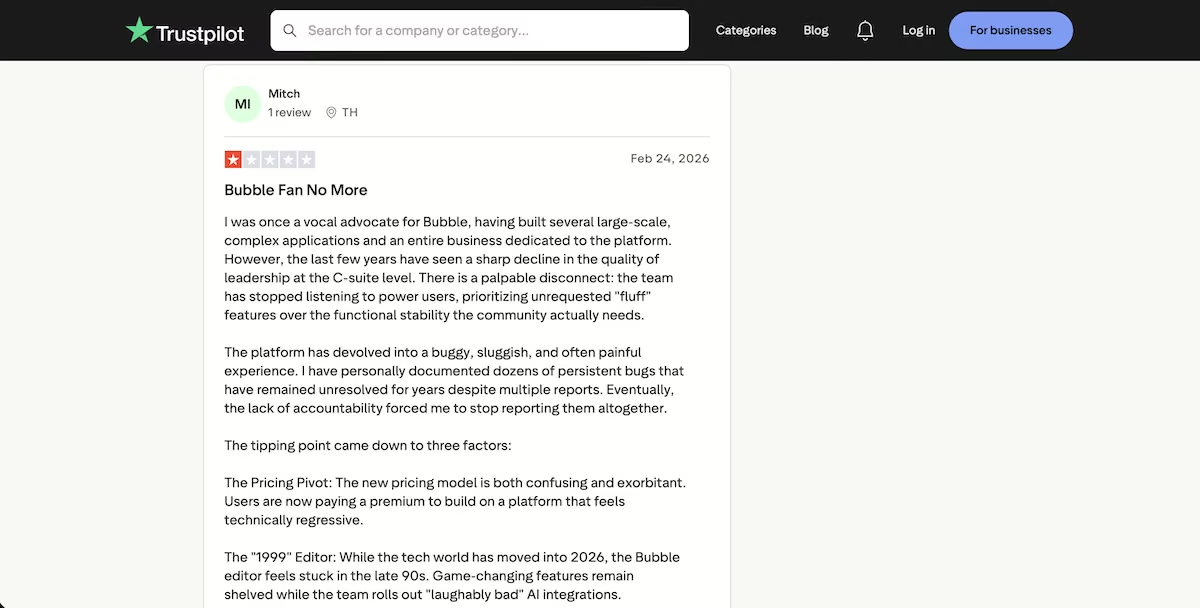
“The last few years have seen a sharp decline in the quality of leadership at the C-suite level.” - Mitch (Trustpilot)
Pricing
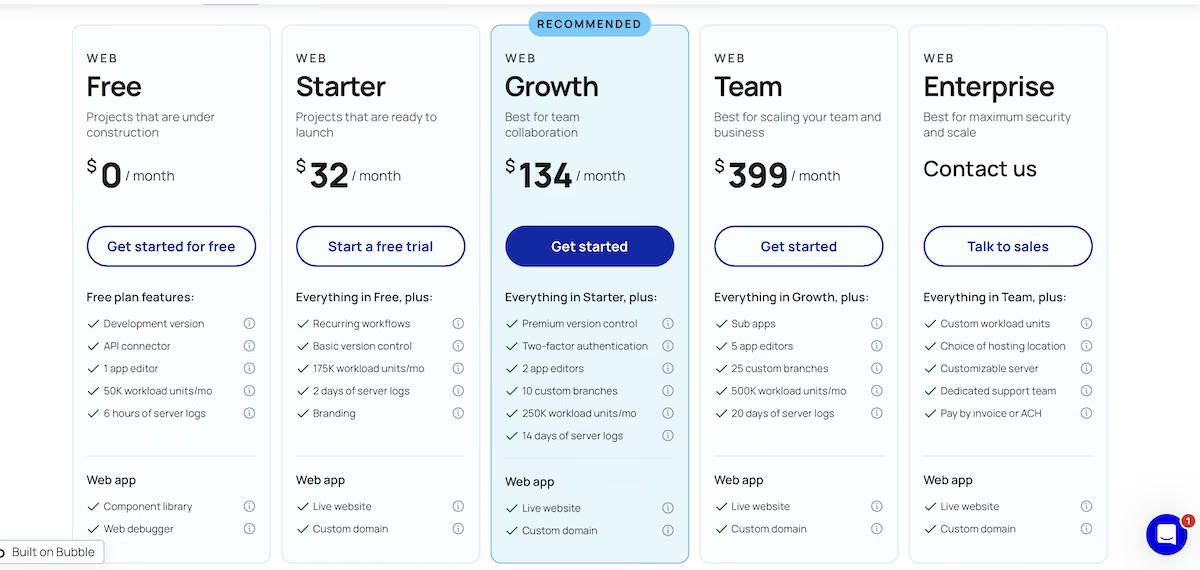
Bubble’s pricing page.
The Free plan includes 50,000 workload units and one app editor. For web only, Starter is $32/month, Growth is $134/month with two app editors and 250,000 workload units, Team is $399/month, and Enterprise is custom.
10. Tadabase: Best for Detailed Relational Databases You Design Yourself

Tadabase’s homepage.
What it does: Tadabase is a no-code platform for building relational databases and web apps, with detailed field types, rollups, and role-based access.
Best for: People who want to design the schema themselves and care about getting the field types exactly right.
There's no AI app generator in Tadabase. Its AI handles automations and workflows, so I built the database by hand, with a Clients table, a Tasks table, and the relationship between them.

The Clients and Tasks tables, built field by field.
Tadabase gives you more field types to work with than most tools here. Onboarding Stage went in as a Select with three options, and Complete as a Decision Box, which is Tadabase's name for a true or false field. The connection field defaults to the Users table, but you can point it at any table from a dropdown, so I connected Tasks to Clients that way.
I seeded eight clients and 15 tasks, then set three clients to Complete with one open task each. I wanted to see whether the counts would hold up once the data had some depth to it.
They did. The Open Tasks rollup counted one open task for each of those three clients, matching the rows underneath. I added a second rollup to total the daily rates across each client's equipment, and that came back correct too, so the calculated fields hold under a bit of weight.
Tadabase also lets you set validation rules on a field, so I made Daily Rate reject anything below zero. It held when I tried to enter a negative number.
For the import test, Tadabase wouldn't build a table from my file. It returned an error saying the CSV contained invalid fields, because it expects the table to exist first and your columns to map onto it. You build the structure, then bring the data in.
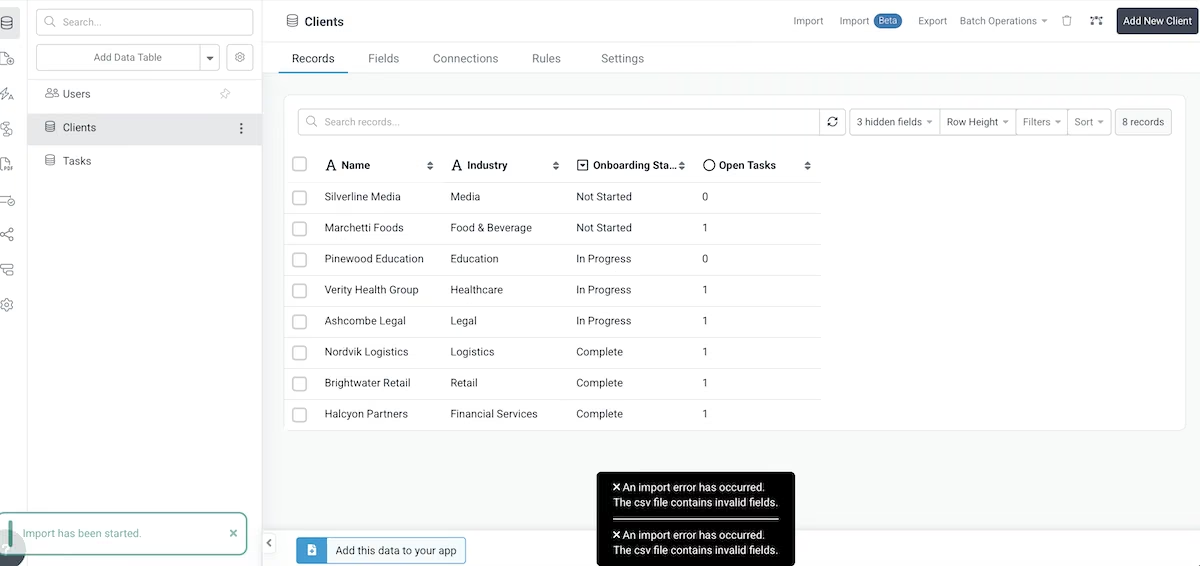
Tadabase rejecting the CSV, because the table has to exist first.
Key Features
- Role-based access: Granular user roles and record-level rules.
- Component library: Tables, forms, charts, calendars, and detail pages.
- Automations: Task-based workflows and scheduled jobs.
Pros
- Precise control over the data model
- Accurate rollup and equation fields
- Mature role and permission system
Cons
- No app generation from a description
- No AI generation, so every table and field is manual
- More setup time than AI-first competitors
What Users Say
“Tadabase has automated my business which has allowed me to scale with hiring fewer employees, and avoid mistakes.” - Ben R. (G2)
“Our onsite techs have a clean dashboard that makes perfect sense” - Alex T. (G2)
Pricing
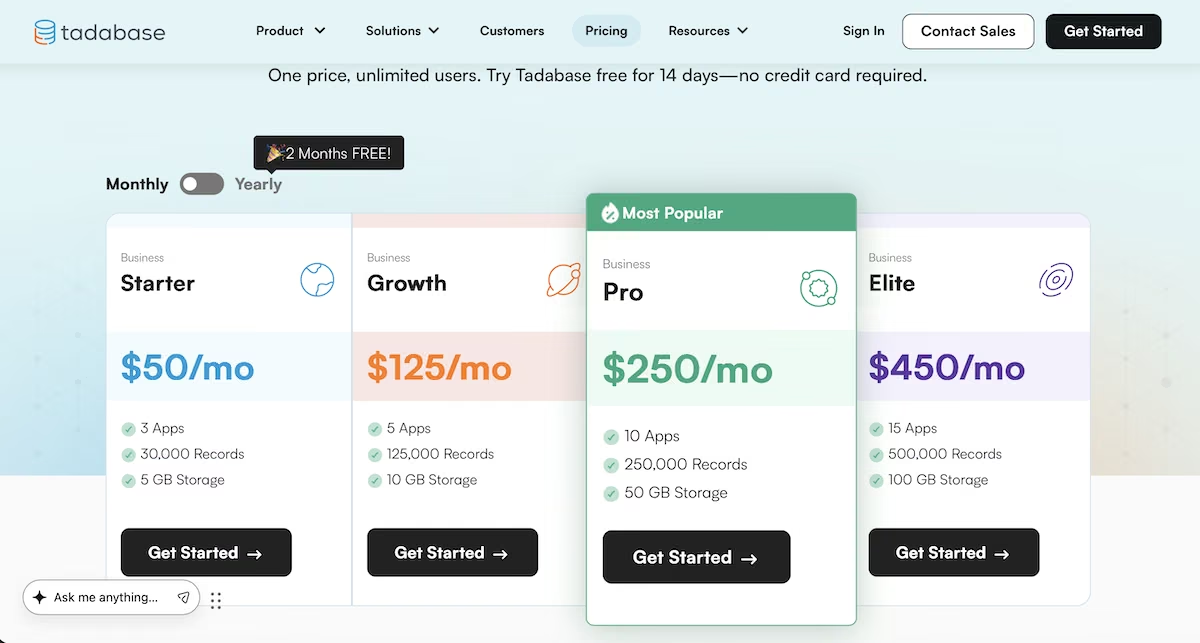
Tadabase’s pricing page.
The Starter plan is $50 /month for three apps and 30,000 records, Growth is $125/month for five apps and 125,000 records, Pro is $250/month for 10 apps and 250,000 records, and Elite is $450/month for 15 apps and 500,000 records.
There's a HIPAA add-on at $450/month, custom Enterprise plans above that, and a 14-day free trial on every tier with no card required.
Which One Should You Pick?
Best free option: Glide. Its free plan runs to 25,000 rows with unlimited drafts and no time limit, which is more headroom than anything else here gives you without a card. Baserow is the better answer if you'd rather self-host, since the open source core costs nothing to run and the hosted free plan covers 3,000 rows per workspace.
If you want an app that enforces its own rules, takes payments, and goes live without configuring a single field, Emergent is the pick. Pick Emergent when the logic is the hardest part of your app.
If clients will log into it, choose Softr. If your starting point is a spreadsheet that hasn’t been cleaned since 2024, choose Glide. If your data can't leave your servers, choose Budibase or Baserow. If you need something that doesn’t give you a template, budget the extra time and choose Bubble.
For everything else, Retool, Stacker, Noloco, and Tadabase all do the job. The right tool depends on the rest of your setup.
If you'd rather describe the app than build it field by field, you can start free and see what comes out. You can also build straight from Claude Fable 5 or ChatGPT using the MCP connector if that’s how you already work.
If you'd rather see how Emergent handles this specific job, there's a walkthrough of building a database app with a live signup at the end of it.

Most AI app builders stop at prototypes. Emergent creates production-ready apps you can actually launch.
- Production-ready apps
- Web & mobile apps
- Deploy in minutes







