




TL;DR
Budibase is quick at the part most builders dread: turning a written description into linked tables and working screens. It stops there, so every rule and calculated value inside the app is on you. Expect $23/month once the two-week trial ends.
If you're looking at Budibase, you probably need an internal tool for something you’re currently using a spreadsheet for. It's open source, connects to databases you already run, and can be self-hosted.
For this Budibase review, I signed up for an account and built an equipment loan tracker. It included two linked tables, generated screens, and a published app. From opening a blank workspace to a live URL took about 10 minutes and 10 AI credits.
Here's what that told me about where Budibase is quick, where it makes you do the work yourself, and whether it's the right fit for you.
Budibase is quick at the part most builders dread: turning a written description into linked tables and working screens. It stops there, so every rule and calculated value inside the app is on you. Expect $23/month once the two-week trial ends.
What Is Budibase?
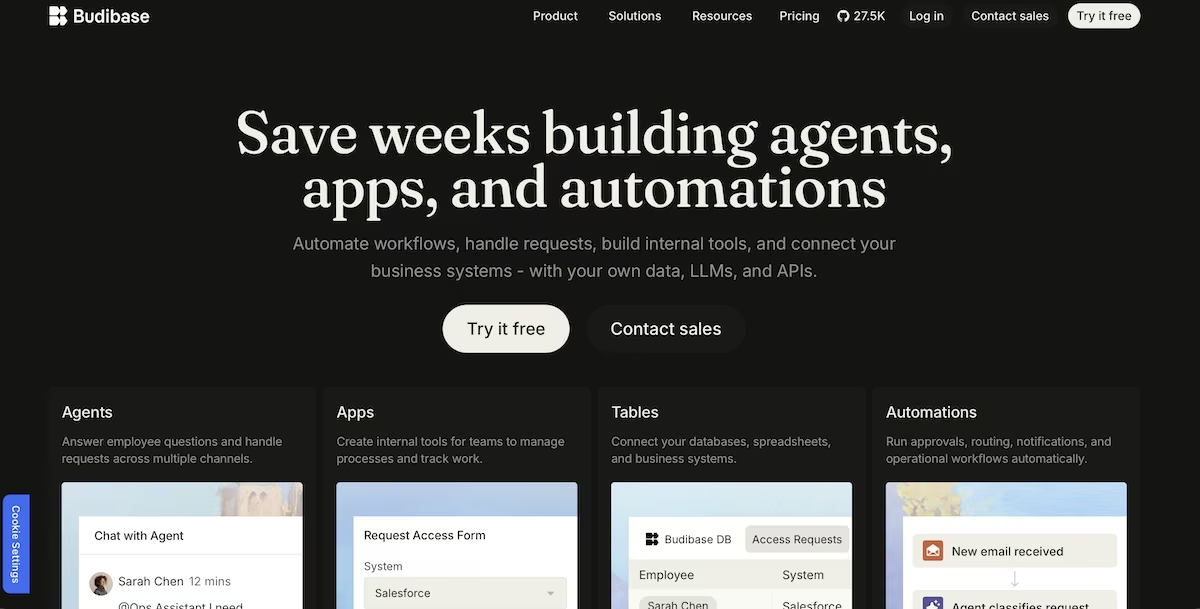
Budibase is an open-source, low-code platform for building internal tools: dashboards, admin panels, request forms, and trackers. You connect a data source or use its built-in database, then design screens on top of that data and publish them to your team.
Best for: teams with some technical confidence who want internal tools built on their own databases, and organizations that need self-hosting for data or compliance reasons. It's aimed squarely at operations, IT, and support work rather than customer-facing products.
The platform has expanded into AI agents over the past year, and the homepage now leads with them.
If you're comparing this to conversational builders, it helps to understand vibe coding as a category first, because the two approaches solve the same problem in completely different ways.
How I Tested Budibase
I created a new account on Budibase Cloud and set myself one job: an equipment loan tracker for a small team, the kind an agency or a production company would use. I wanted two tables, linked together, with screens on top and a published URL at the end.
I wanted to know three things: whether the AI could produce the data structure from a plain description, whether the relationship between the two tables would be set up correctly, and how much of a working app I'd have at the end without writing any logic myself.
I tested on the cloud version rather than self-hosting. Self-hosting is Budibase's headline free option, but it needs Docker and managed infrastructure, which isn't what most people evaluating this platform are ready for on day one.
My Testing: 10 Minutes From Blank Workspace to Live App
The first thing Budibase showed me was an empty workspace with "Build your first AI agent" as the main action, and Automation and App demoted to small links underneath. Anyone arriving to build an internal tool has to navigate past the agent pitch to get where they're going.
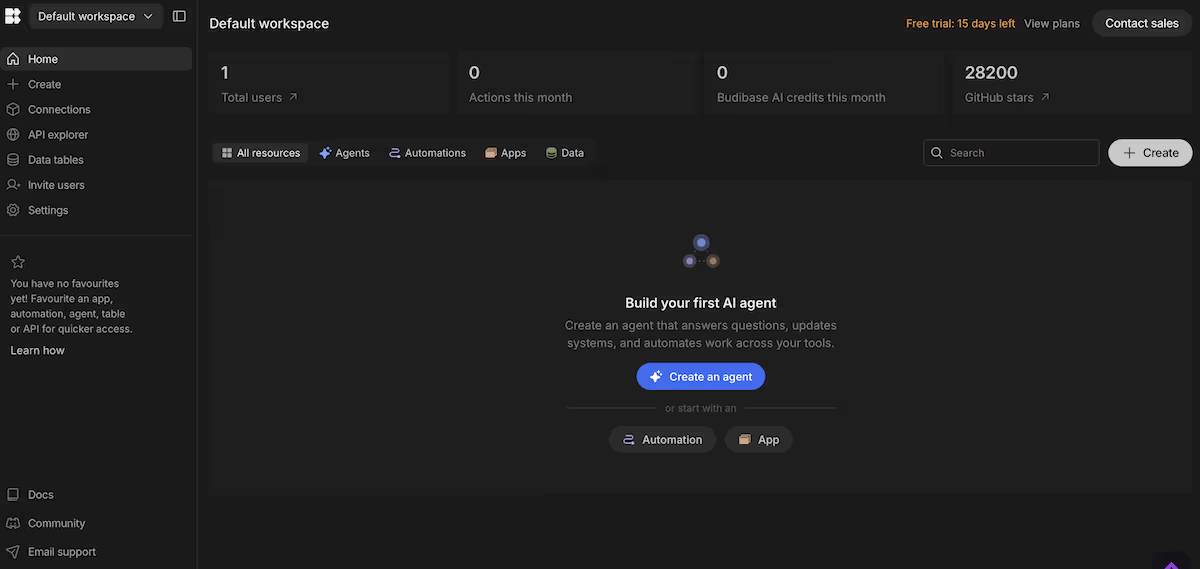
Two counters were set at zero at the top of that screen: Actions this month and Budibase AI credits this month. Both are metered, so I could watch exactly what the build cost as I went. The trial showed 14 days remaining.
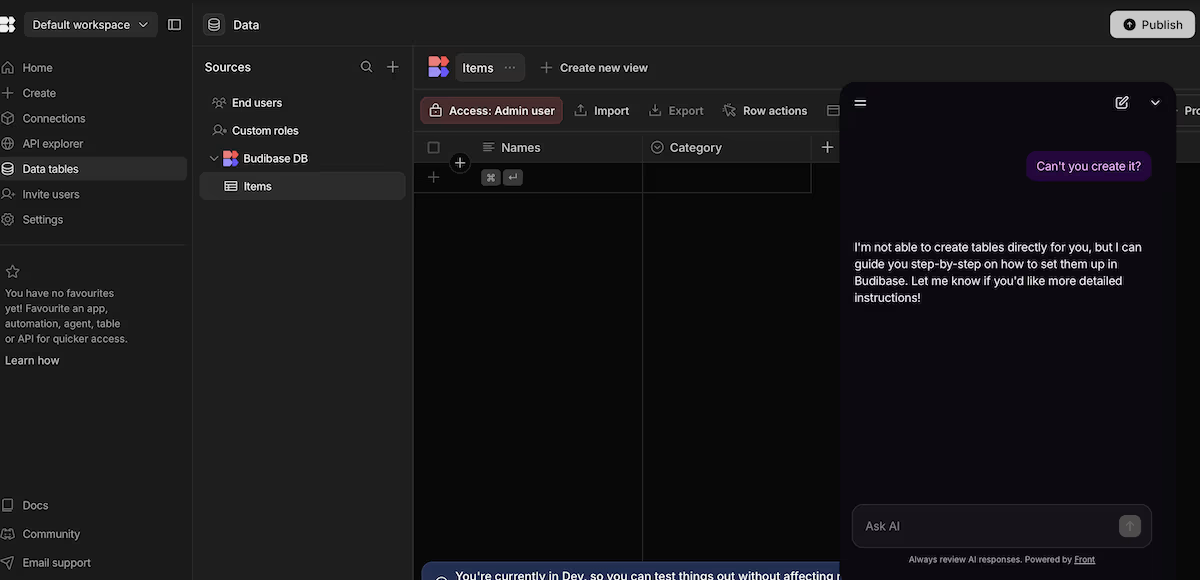
My first mistake was the AI panel in the corner of the screen, which I took for the AI builder. It turned out to be a support bot. I pasted my build description into it:
"An equipment loan tracker for a small team. One table for equipment items with a name, a category, a condition rating, and whether the item is currently on loan.
A second table for loans with the borrower's name, the item borrowed, the date it went out, the date it's due back, and the date it was returned. Link each loan to one item."
It cited six sources and gave me a numbered list of instructions for building the tables myself. When I asked it directly whether it could create them, it said it couldn’t.
The table generator is a separate feature in the panel for adding a data source. I pasted the same prompt there, and it created both tables in under a minute.
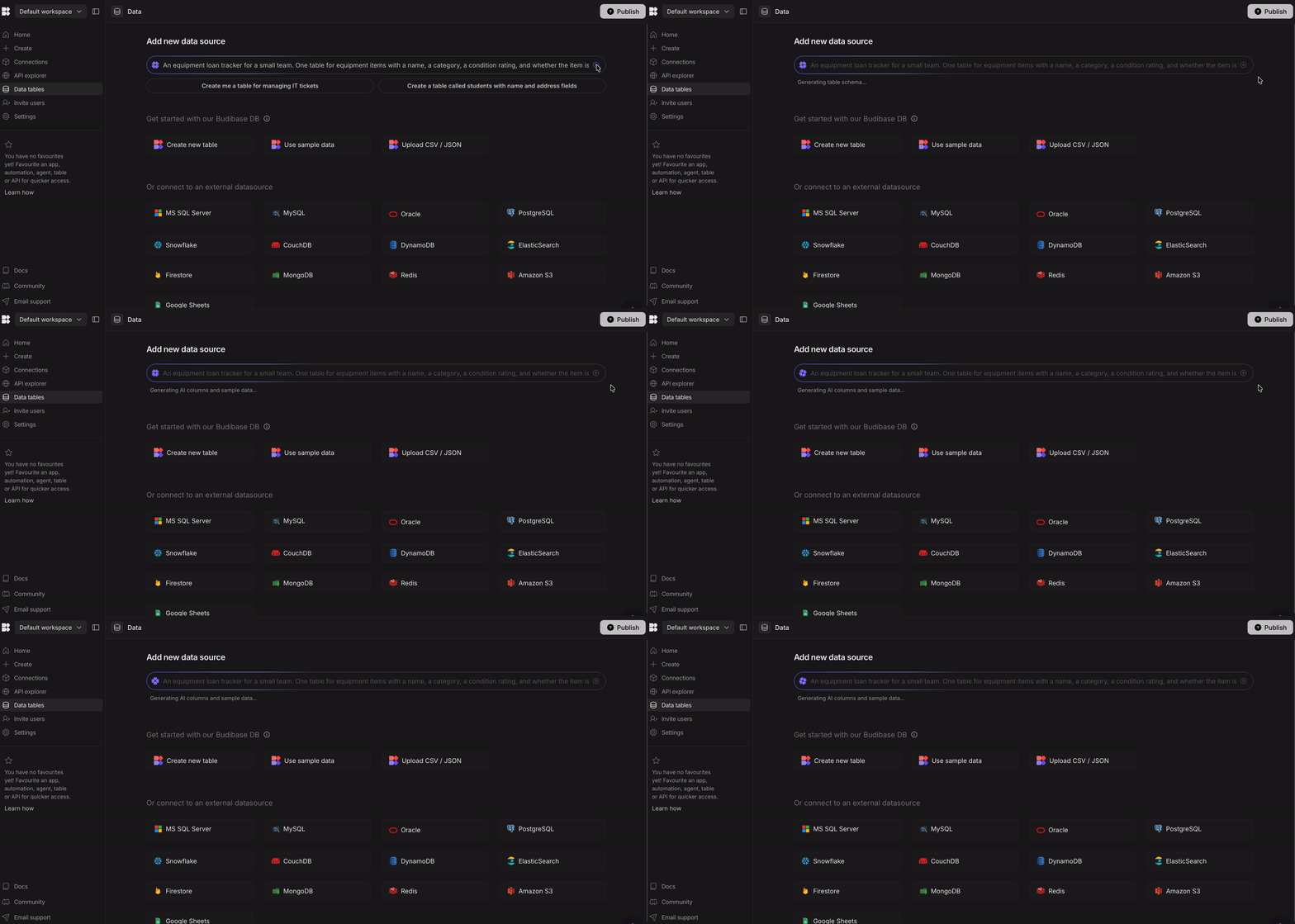
It built two tables, filled them with plausible sample rows (a Sony A7IV, a Rode NT1, a MacBook Pro, a Goal Zero power station), set Category and Status as single-select fields with colored pills, and made Condition a number.
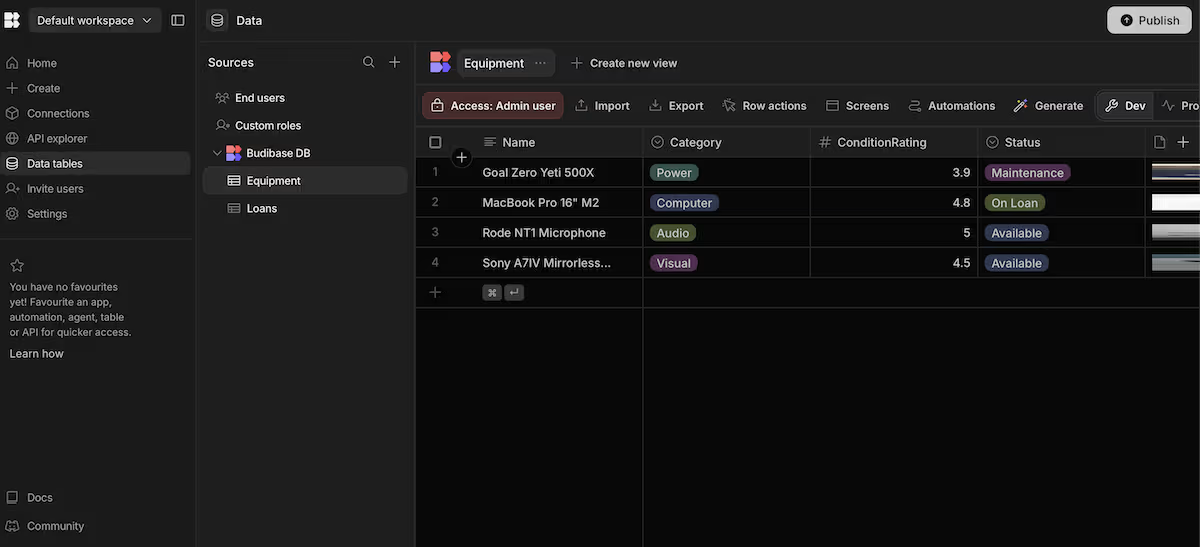
It also did its own thing. I asked for a table called Items and got one called Equipment. It added a file attachment field for loan agreements, an AI-powered LoanStatus column, and a checkbox called IsOverdue that I never specified.
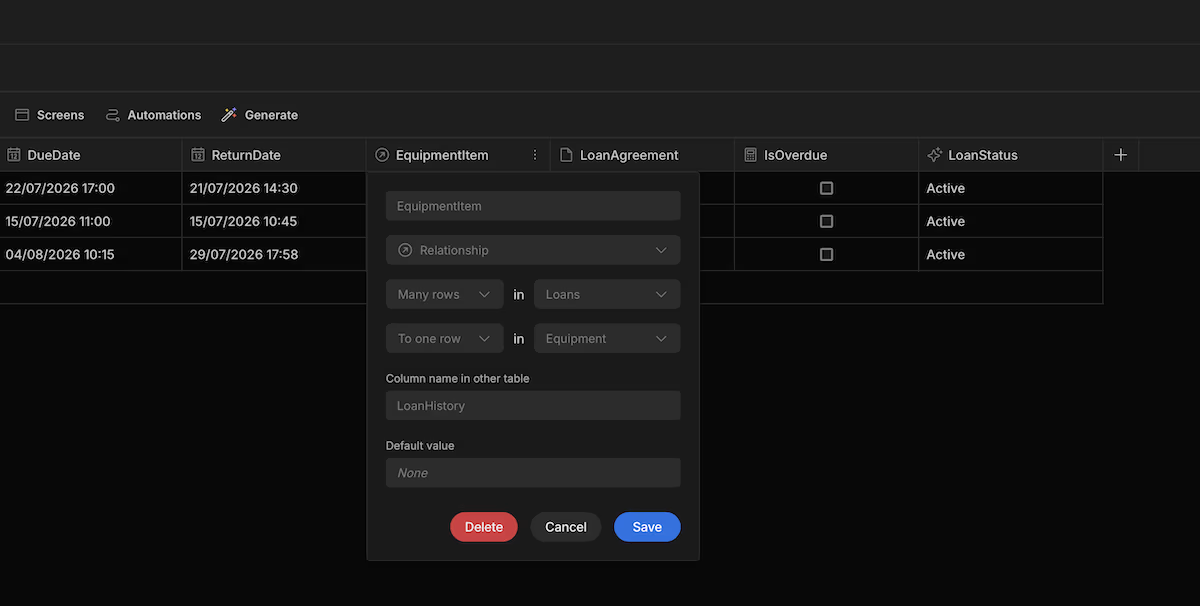
That last one was an issue. IsOverdue sat unchecked on all three loans, including one due on July 15 that hadn't come back. It generated the field name my build needed and left it as a manual checkbox with nothing behind it. Anyone relying on that column would see a tracker telling them nothing is late.
The relationship, though, it got right. Many rows in Loans to one row in Equipment, with the reverse column on the Equipment side named LoanHistory. That's the correct structure, and getting it wrong would have let one loan hold several items at once.
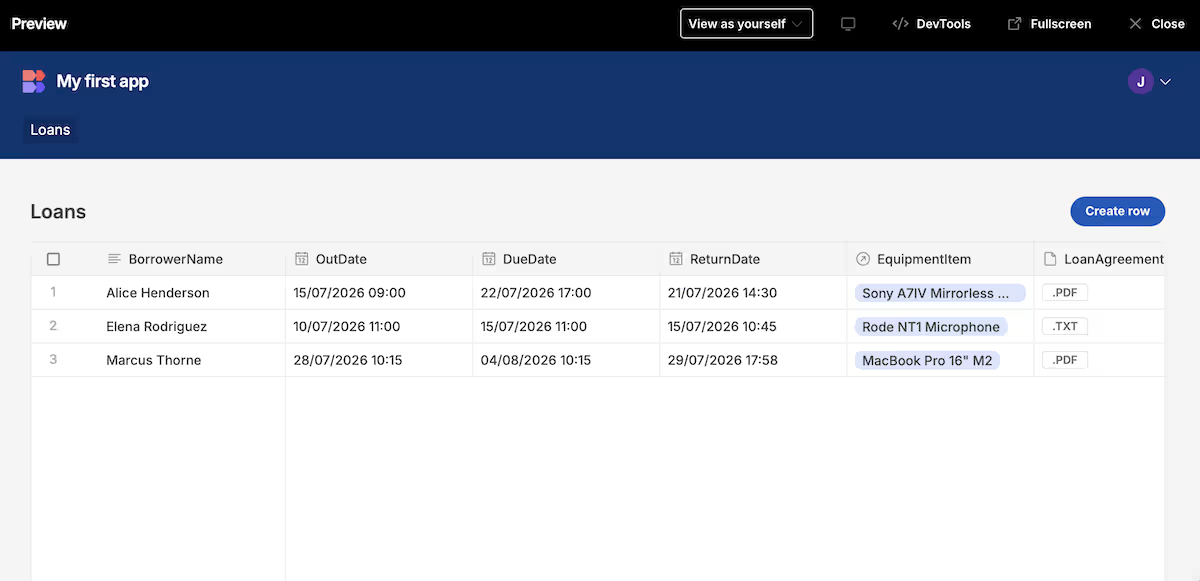
Building screens took two clicks. Budibase asks how you want to manage rows (inline, side panel, modal, or a separate screen), and generates a table view plus create and edit panels from your data.
Ten minutes after I opened the blank workspace, I had a published app.
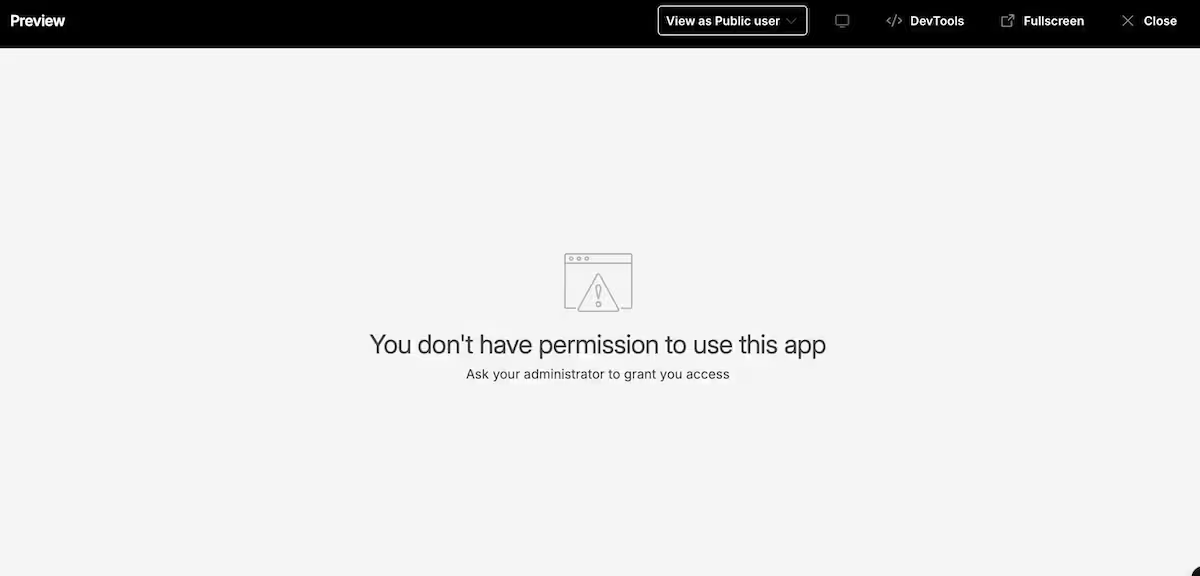
Then I switched the preview to view as a public user and got "You don't have permission to use this app." The generated screens inherit an admin access role, so the app I'd just published was invisible to anyone who isn't already a member of my workspace.
The total cost of the build was 10 AI credits and zero actions. The generation is cheap, and publishing the app didn't touch the action allowance at all.
My take: Budibase is excellent at turning a data structure into screens, but the AI stops at the schema. You build the rest yourself: the overdue flag, the availability check, the notification when something's late. If you were expecting to describe an app and get one, this isn’t your best bet.
Key Features
- AI table generation: Produces multiple linked tables with sample data from a single description, and gets relationship cardinality right.
- Screen generation from data: Turns any table into a list view with create and edit panels in two clicks, with four different layouts for managing rows.
- Automations: A visual builder for approval flows, notifications, and scheduled tasks, triggered by row changes, cron jobs, or webhooks.
- Self-hosting: The platform can run entirely on hardware you control, which is the deployment route regulated teams tend to need.
Pros and Cons
Pros:
- Generating a linked data structure from one prompt saves real time, and the relationship setup was correct the first time.
- Screens come out of the data source fast, with sensible defaults for creating and editing rows.
- Connector coverage is broad enough that you probably won't need to move your data to use it.
Cons:
- The table generator adds extra fields beyond the ones described, and anything it creates as a flag or status has no calculation behind it.
- Conditional logic isn't generated at all. Calculated values have to be set up by hand in bindings or automations.
- There's no longer a permanently free cloud option, only a 14-day trial.
Pricing
.avif)
Budibase Cloud no longer has a free tier. New accounts get a 14-day trial, and the only permanently free option is self-hosting the open-source version on your own infrastructure.
The Pro tier is $23/month for 5,000 actions, 2,000 AI credits, one creator, and one workspace. Premium is $59/month and raises that to 20,000 actions and 10,000 AI credits, with 10 workspaces, custom branding, backups, and single sign-on. You still get one creator at this tier: extra creators are $50 each per month on Premium and Business alike.
Business is $359/month for 250,000 actions, 50,000 AI credits, three creators, and unlimited workspaces. Enterprise is custom priced and adds air-gapped deployment, Active Directory and SCIM, audit logs, 365-day log retention, and priority support with SLAs.
Budibase Reviews: What Real Users Are Saying
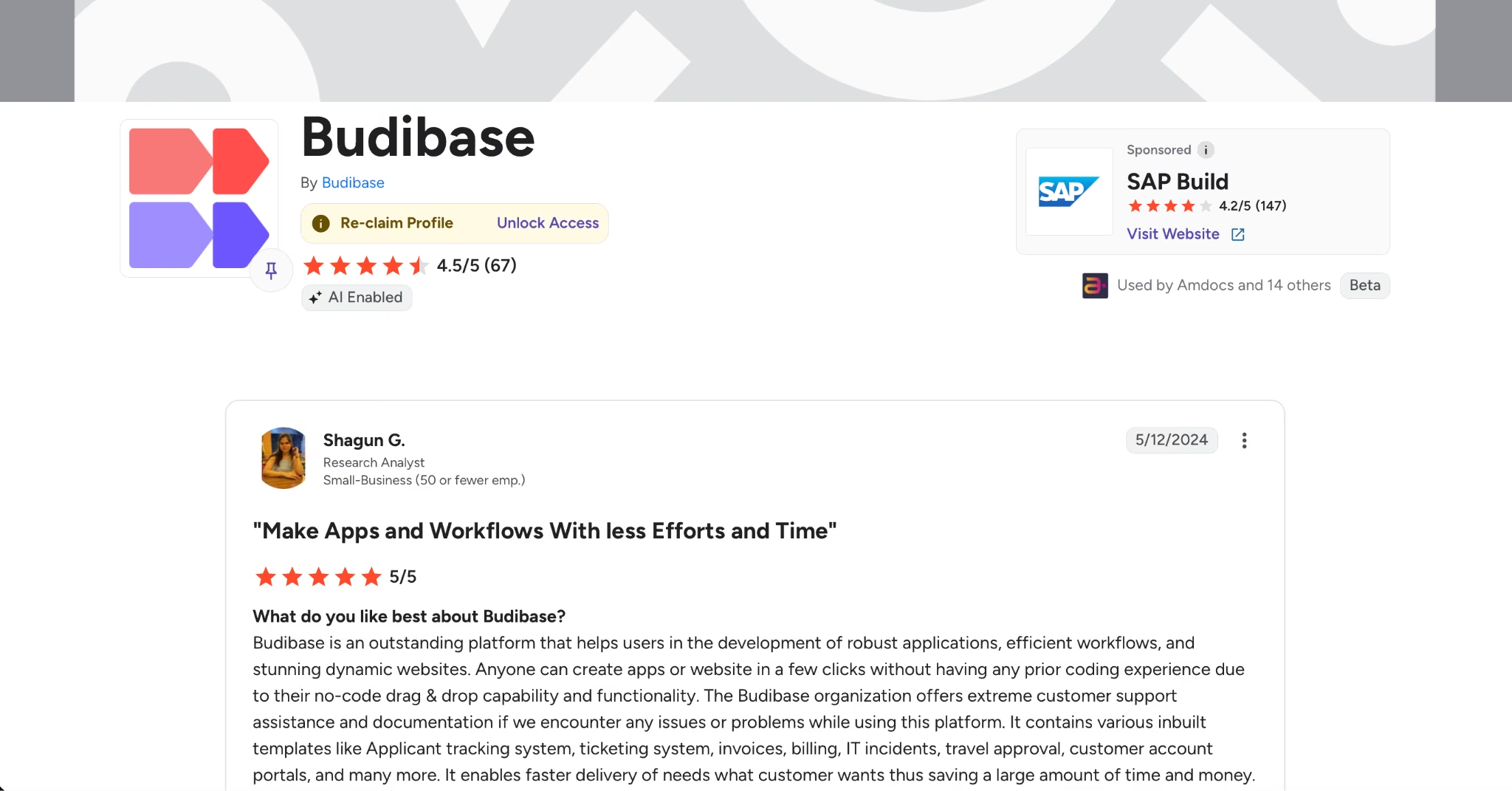
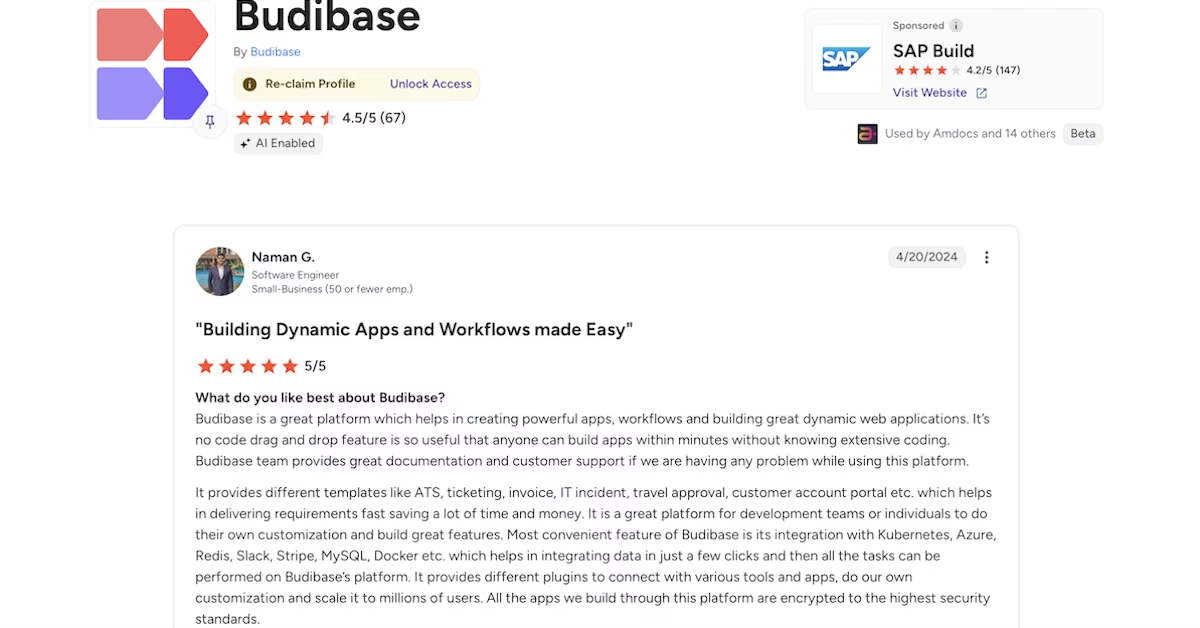
On G2, Budibase averages 4.5 out of 5 across 67 reviews; Gartner Peer Insights shows a perfect score from a single review, so that one is thin.
“Anyone can create apps or website in a few clicks without having any prior coding experience due to their no-code drag & drop capability and functionality.” - Shagun G. (G2)
“It’s no code drag and drop feature is so useful that anyone can build apps within minutes without knowing extensive coding.” - Naman G. (G2)
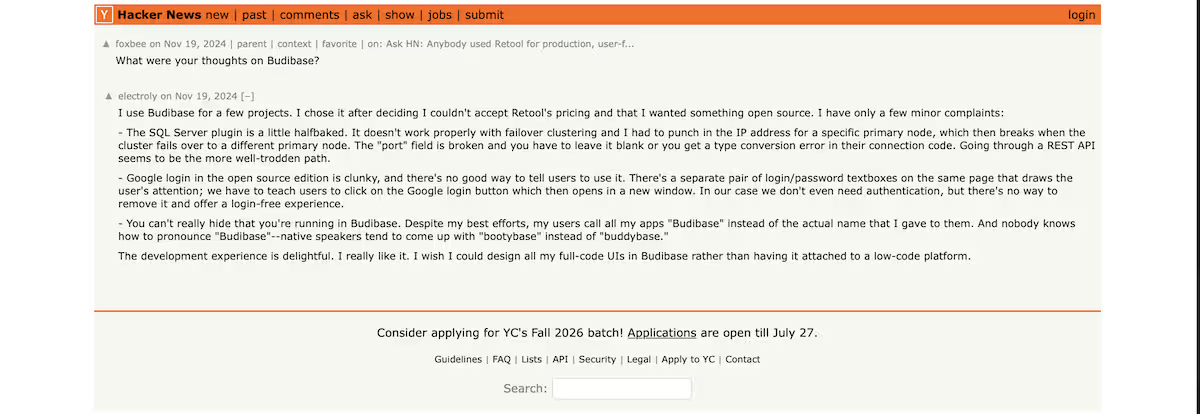
“You can't really hide that you're running in Budibase. Despite my best efforts, my users call all my apps "Budibase" instead of the actual name that I gave to them.” - Electroly (Hacker News)
“Interesting project but honestly the name is odd. I would feel awkward using it in a professional context.” - 14u2c (Reddit)

Is Budibase Right for You?
Who will love it:
- Operations and IT teams who already run a database and need an interface for it.
- Anyone with a hard self-hosting requirement, whether that's regulation, procurement, or a security team that won't approve managed cloud.
- Teams comfortable setting up table relationships themselves, since Budibase expects you to know how your data fits together.
Who should look elsewhere:
- Anyone who wants to hand over a description and get a finished app back.
- Solo builders shipping customer-facing products, where the permissions model and the internal-tools framing work against you.Anyone who needs longer than the trial window to decide.
The Best Budibase Alternative: Emergent
If your problem is genuinely an internal tool sitting on a database you already run, Budibase handles that well, and self-hosting is a real advantage; and if you want that same shape from a different vendor, Retool and Appsmith are the closest direct swaps. Where Budibase fits less comfortably is the case where you don't have a database yet, don't want to design one, and want a finished product rather than a data layer with screens attached.
Emergent works differently. You describe what you want in conversation, and specialized agents split the work across the build, shaping the interface, handling the logic and integrations, and testing the result before anything goes live.
On Emergent, the overdue check and the availability rule are things you'd describe in the same prompt as the rest of the app, instead of wiring them up afterward.
Three differences that count when deciding between them:
- Everything deploys together: Emergent produces the interface, the data handling, and the deployment together, so you're not left configuring permissions on something you thought was ready.
- Conditional logic is built in from the prompt: You describe the rules you want in the same prompt as everything else, and Emergent builds that behavior into the app. Calculated values and conditional states don't have to be added separately once the screens exist.
- You can build from where you already work: The Emergent MCP connector lets you build straight from Claude or ChatGPT without opening a separate builder.
Emergent's pricing starts free with 10 credits, then $20/month, or $17/month billed annually. It's credit-based rather than action-based, so the cost tracks what you build instead of what your tool does once it's running.
If your data has to stay on your own servers, Budibase does that, and Emergent doesn't. If you'd rather describe what you need and get a complete app, Emergent is the better fit. It's an AI app builder where specialized agents split the build between them, so the result is closer to finished than a set of generated screens.
Final Verdict
Budibase earns its place if you already have the database and want screens over it fast. I'd pass if you expect the app's rules to arrive with the app, or if two weeks isn't long enough to make the call. The table generator is what I'd come back for; that empty IsOverdue column is what I'd budget time around.
Ready to build the whole thing instead? If you'd rather describe what you need and get the whole thing back, you can start free with Emergent.

Most AI app builders stop at prototypes. Emergent creates production-ready apps you can actually launch.
- Production-ready apps
- Web & mobile apps
- Deploy in minutes







