



Here’s what held up, what didn’t, what it actually costs once you need to publish, and who should use something else.
TL;DR
FlutterFlow is a strong option if you want a real, native mobile app with exportable Flutter code, and you're willing to learn some of the platform's low-code logic to get there.
The Firebase and Supabase integrations are genuinely deep, and code export means you're never locked into the platform the way you are with most no-code tools.
FlutterFlow is a low-code tool, and it says so itself. Non-technical builders will hit a wall fast once they need custom logic, state management, or API authentication. If that's you, budget real time to learn it, or look elsewhere.
Traditional app development is slow, expensive, and painful to change: you wait weeks for a build, then wait again for the next round of fixes.
FlutterFlow is built around a simpler workflow: design the UI, set up actions, connect APIs, and manage data all in one visual builder, and see each change instantly instead of waiting on a new build.
It sits in an unusual spot: more structure and control than a typical no-code tool, more speed than hand-coding every screen yourself.
I spent a week testing that promise: building a habit-tracking app from scratch to see what was really underneath the visual builder.
FlutterFlow is a strong option if you want a real, native mobile app with exportable Flutter code, and you're willing to learn some of the platform's low-code logic to get there.
The Firebase and Supabase integrations are genuinely deep, and code export means you're never locked into the platform the way you are with most no-code tools.
FlutterFlow is a low-code tool, and it says so itself. Non-technical builders will hit a wall fast once they need custom logic, state management, or API authentication. If that's you, budget real time to learn it, or look elsewhere.
What Is FlutterFlow?
FlutterFlow is a visual app builder built directly on top of Flutter, Google's UI framework for native mobile and web apps. Instead of a proprietary rendering engine, it generates real Dart code you can export and keep developing outside the platform.
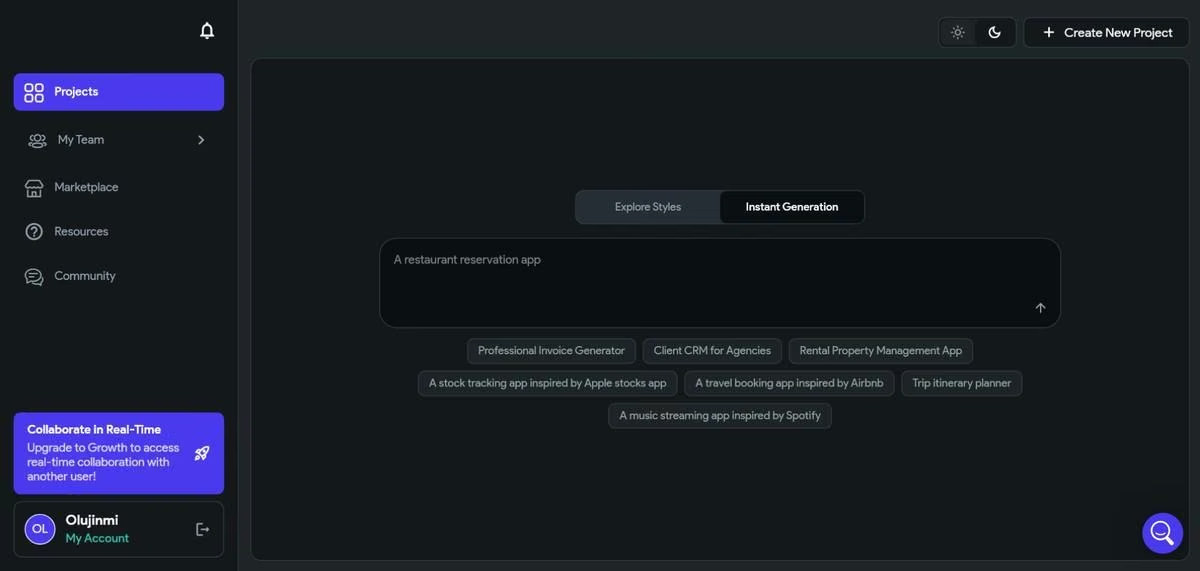
It's built for developers, technical founders, and agencies who want to move faster than hand-coding a Flutter app from scratch, without giving up code ownership at the end. If you are particularly wary of platform lock-in with low-code builders, FlutterFlow is for you.
How I Built a Habit Tracker in FlutterFlow
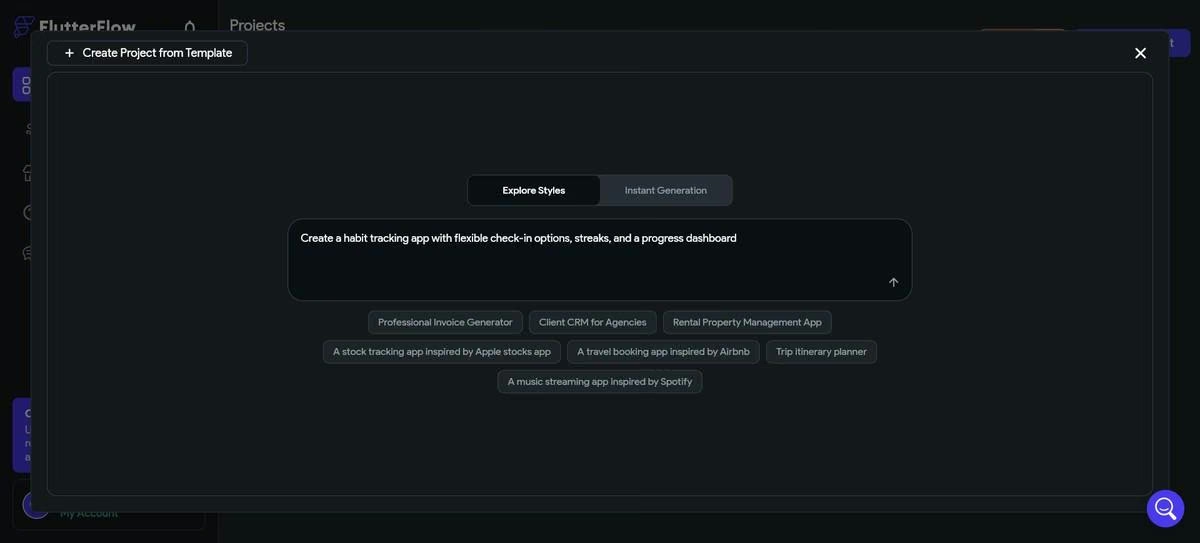
I started with a single prompt: “Create a habit tracking app with flexible check-in options, streaks, and a progress dashboard.” It took about two minutes to go from prompt to the first HabitFlow app draft, which included Firebase setup. There were a few UI quirks, like icons going out of frame, icons overlapping, poor text contrast, and bad copy.
The app had 49 issues, including duplicate backend queries, database configuration problems, and App State errors. My habit tracker app was not yet ready to be a commercial product, not without significant visual and backend work.
I went back to the dashboard and tried a simpler prompt: “Create a basic habit tracking app with a habit list and daily reminders.” The UI quirks persisted and dart analyze reported 28 errors that had to be fixed before the project could be compiled.
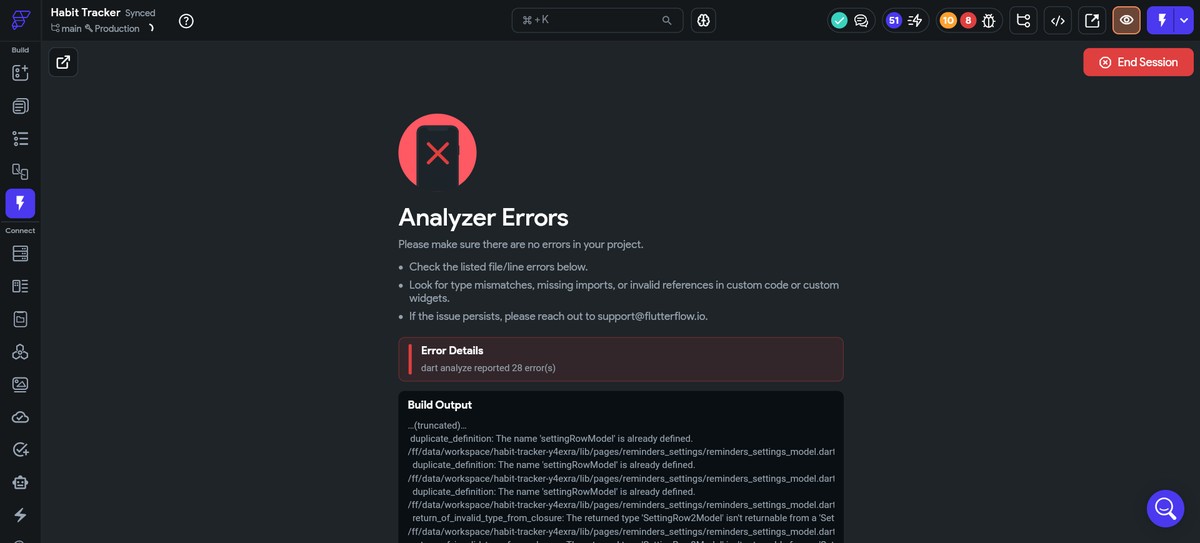
Clearly, FlutterFlow’s prompt-to-page feature wasn’t designed for someone with my current skillset in mind. If I wanted to get a functional app, I would have to either design one from scratch or use one of the free or paid templates.
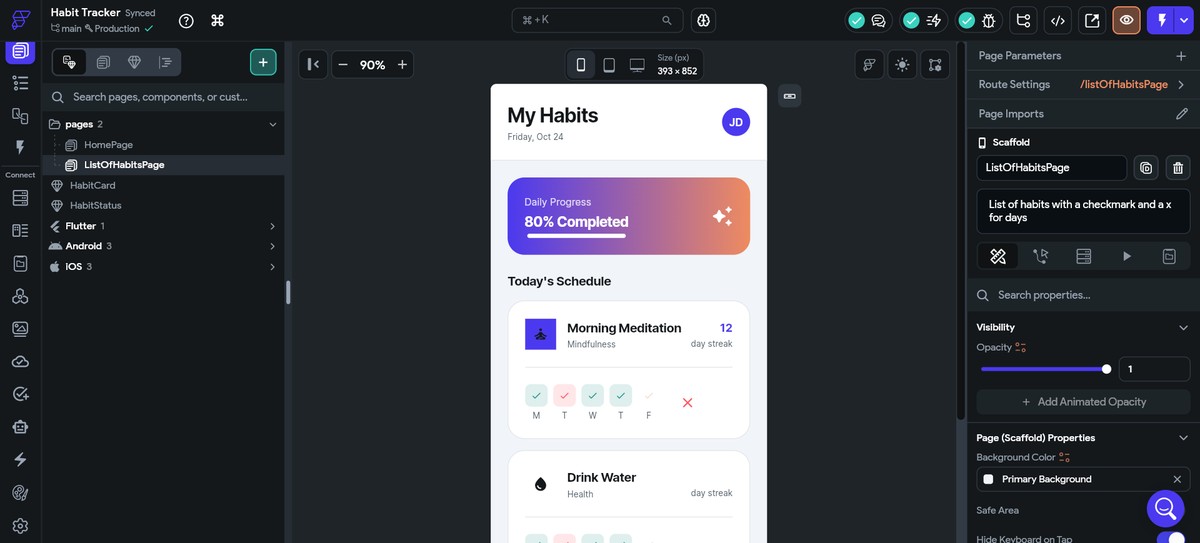
A fully functional habit tracker was starting to look like a tall order, so I settled for a one-screen prototype. The documentation wasn’t much help here, but I was able to get something that looked like it could work.
Features
FlutterFlow offers a pretty solid feature set for its price. It compares favorably with other products in the same category and even vibe coding services like Lovable and Bolt. Here are the features that stand out the most:
- Visual builder on real Flutter widgets: Drag-and-drop UI that compiles to actual Flutter and Dart, not a proprietary format you're stuck rendering through FlutterFlow forever.
- Firebase and Supabase integration: Connect a real backend and database inside the builder, including an existing project, instead of bolting one on after export.
- Code export: Download the full Flutter and Dart project on the Basic plan and above, then keep building outside FlutterFlow whenever you want.
- One-click app store deployment: Publish directly to the Apple App Store and Google Play from inside the builder, with an active developer account.
- Custom API integration: Connect any REST API directly, useful for anything beyond what Firebase or Supabase cover.
- Real-time preview: See changes reflected live across web, iOS, and Android preview simultaneously, without a separate build step for each platform.
- Debug panel: A dedicated view for tracing state and variable values while testing, gated behind paid plans rather than available on Free.
How Much Does FlutterFlow Actually Cost?
FlutterFlow's pricing looks simple until you factor in seats. The base plan price only covers one editor; every additional teammate on Growth or Business is billed separately, and that's where a lot of budgets get surprised.
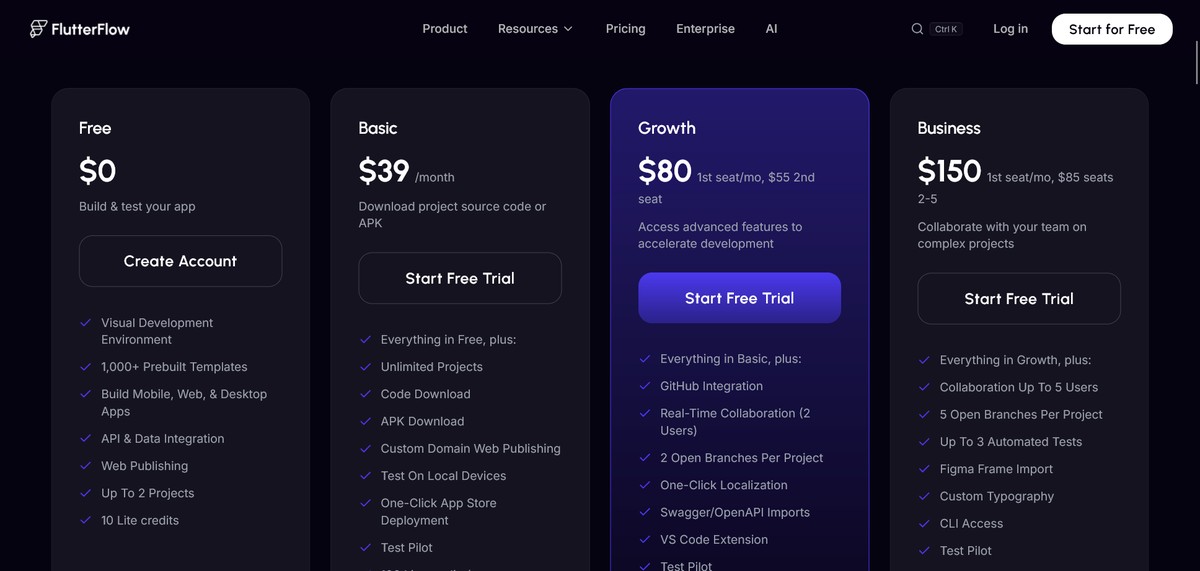
- Free ($0): The full visual builder, Firebase and Supabase connections, and up to two projects. No code export, no app store publishing, and just 5 lifetime AI generation requests. Good for learning, not for shipping.
- Basic ($39/month, $29.25/month annual): Unlocks code export, APK download, custom domain support, and app store deployment. This is the first tier where a real, publishable app is possible.
- Growth ($80/month, or $60/month billed annually, for the first seat; a second seat is +$55/month, and Growth caps at two seats total): Adds GitHub integration, real-time collaboration, project branching, and localization tools.
- Business ($150/month for the first seat, $112.50/month annual, plus $85/month per additional seat for seats two through five): Expands automated testing (up to three tests per project) and collaboration for agencies and larger teams.
- Enterprise (custom pricing): Unlimited AI requests, unlimited editors and branches, custom domain deployments, dedicated support, and tailored onboarding.
A few costs sit outside the FlutterFlow subscription entirely: an Apple Developer account runs $99 per year, Google Play registration is a $25 one-time fee, and Firebase or Supabase usage is billed separately once you're past their free tiers.
Worth knowing if you're outside the US: FlutterFlow offers regional pricing in markets like India, Saudi Arabia, and Brazil, with discounts of roughly 20 to 25% off the Basic and Growth plans.
If FlutterFlow’s pricing is a dealbreaker for your project, see our guide on 9 best FlutterFlow alternatives worth considering in 2026.
FlutterFlow Reviews: What Real Users Are Saying
FlutterFlow holds roughly 4.5 out of 5 on G2 as of August 2026, and the pattern in the reviews matches what I found testing it: real praise for speed and flexibility, paired with consistent pushback on response times.
Pros
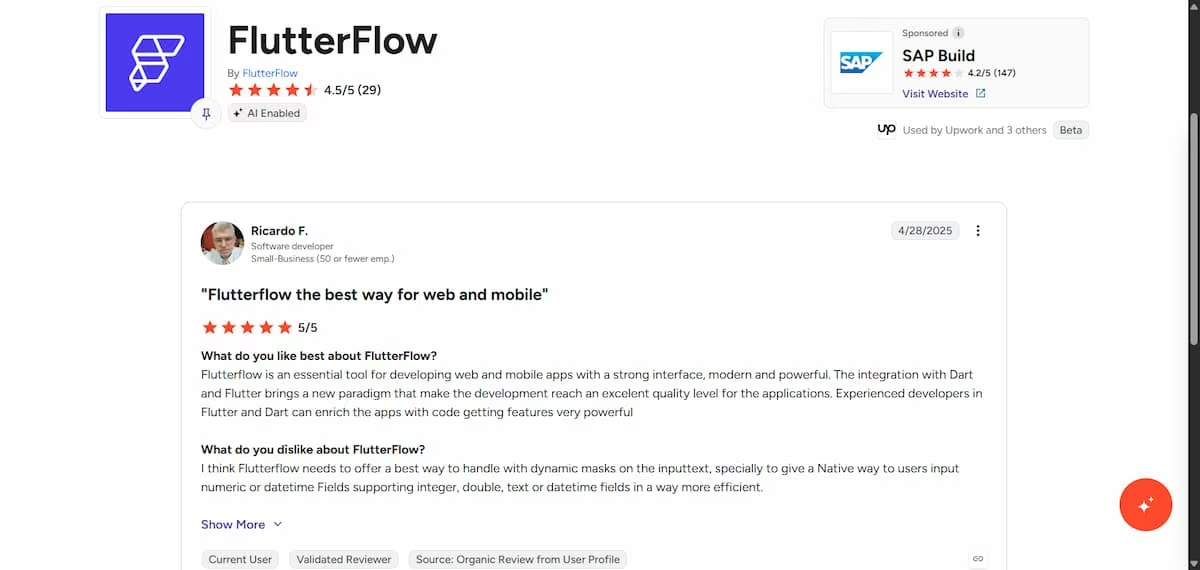
- Reviewers repeatedly point to Dart/Flutter integration as a strength, with Ricardo F, a G2 reviewer noting that “the integration with Dart and Flutter brings a new paradigm that makes app development reach an excellent quality.”
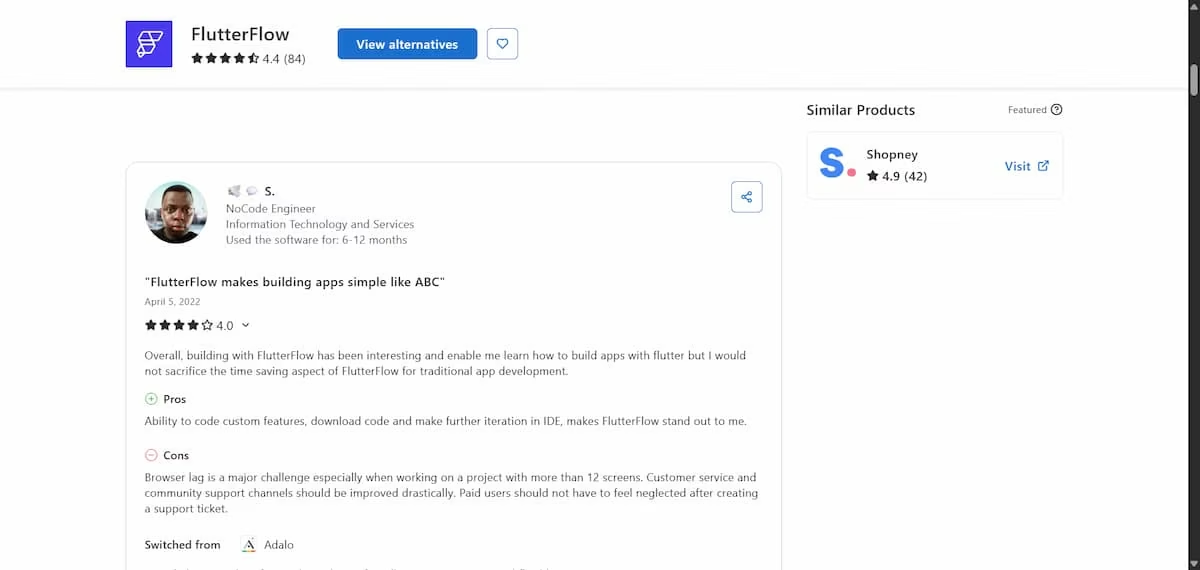
Code ownership comes up constantly. S., a Capterra reviewer said the ability to “code custom features, download code and make further iteration in IDE” makes FlutterFlow stand out to them.
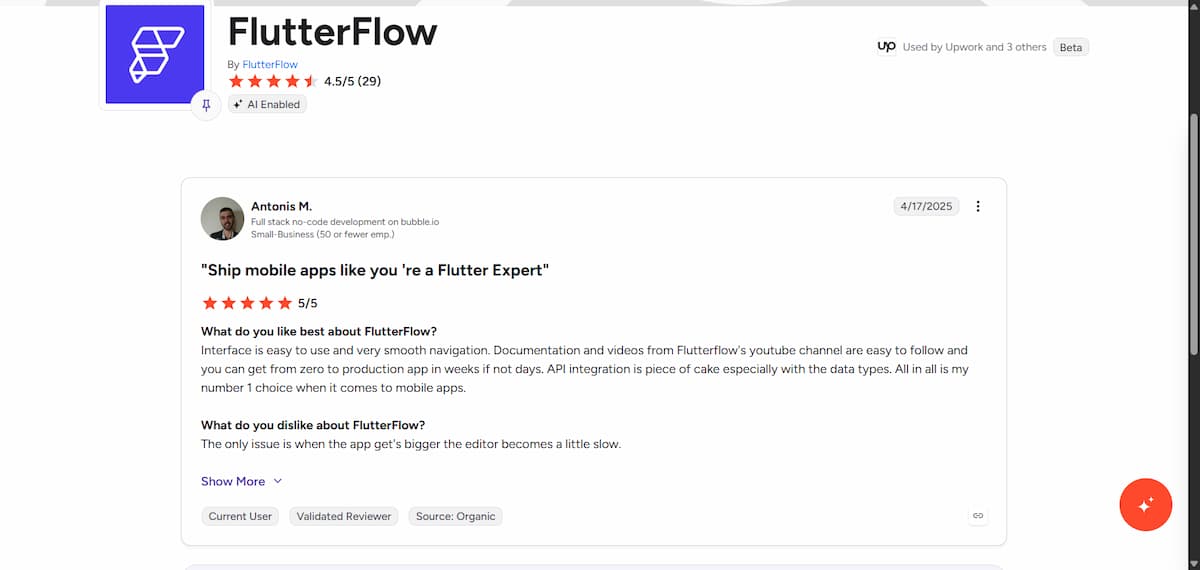
- Reviewers credit FlutterFlow’s training content. Antonis M., in his G2 review noted that “documentation and videos from FlutterFlow’s YouTube channel are easy to follow and makes app production faster.”
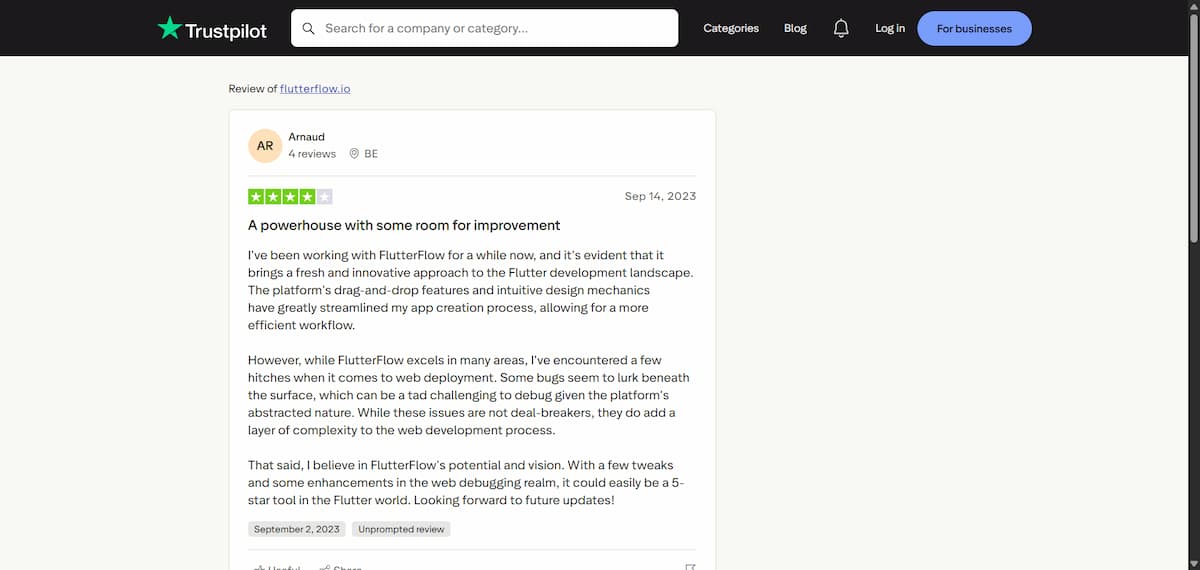
- The visual builder itself receives consistent praise. Arnaud, a Trustpilot reviewer, wrote that FlutterFlow’s “drag-and-drop features and intuitive design mechanics have greatly streamlined his app creation process.”
Cons
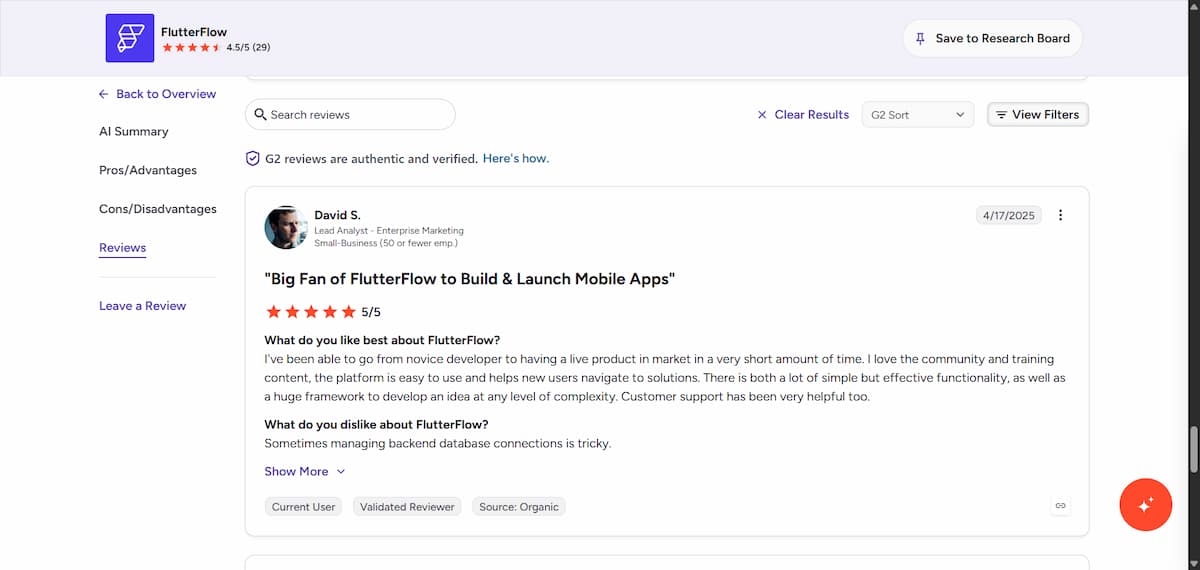
- Backend work still trips people up. A G2 reviewer, David S., noted that “managing database connections can get tricky once a project grows past the basics.”
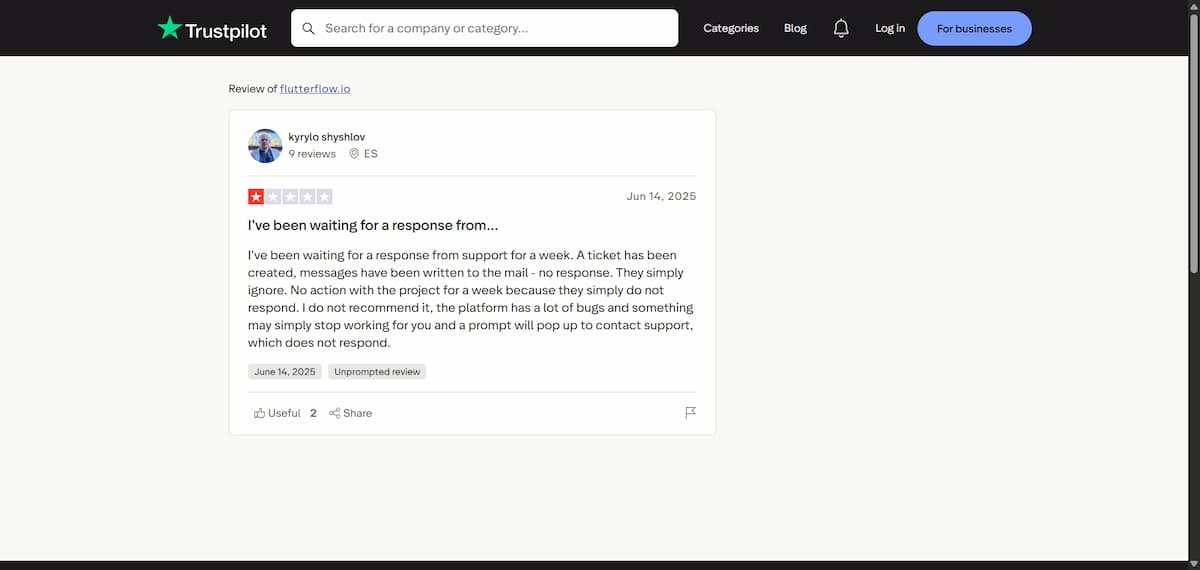
- Support response times are a recurring complaint. Kyrylo S., wrote in his Trustpilot’s review: “I've been waiting for a response from support for a week. A ticket has been created, messages have been written to the mail - no response. They simply ignore.”
Need more app-building options? Check out our guide to the 5 best app-building software tools that help you save time and effort in 2026.
My Personal Take on FlutterFlow
FlutterFlow includes some AI generation, but it asks more of you than a vibe coding platform: you need a clear idea of what you want to build and how to structure it before the tool helps.
Building the habit tracker prototype took much longer than I expected, even without touching action logic or data models. It goes to show that FlutterFlow isn’t a platform for absolute beginners.
FlutterFlow’s pricing is expensive but still competitive. The free plan only offers two projects and 5 lifetime AI generation requests before you need to pay for one of the premium plans, which start at $39 per month (about $29 a month billed annually).
Also, I kept running into “Out of Memory” issues, which is one of my gripes with low-code builders. They are often not very efficient with memory. You should use FlutterFlow’s desktop app if you want the best performance.
Despite its no-code reputation, FlutterFlow demands real low-code understanding. If you don’t already understand basic app logic like conditionals, variables, and API calls, budget real time to learn it, or the platform will frustrate you before you ship anything.
Is FlutterFlow Right for You?
Who will love it
- Developers and technical founders who know Flutter and Dart, or are willing to learn, and want a real, exportable native app.
- Agencies building client MVPs who need to hand off real, unobfuscated code at the end of the engagement.
- Teams already using Firebase or Supabase who want a visual layer on top of an existing backend.
- Anyone who has used FlutterFlow's YouTube or training content and wants to build past what those tutorials cover.
Who should avoid it
- True non-technical builders expecting a drag-and-drop, no-logic experience. You need to know how front-end and back-end development works.
- Anyone who needs a fast marketing site or landing page; FlutterFlow is built for app screens and logic, not content-first web pages.
- Solo founders on a tight budget who need real-time collaboration or GitHub integration, both sit behind the $80/month Growth plan.
- Anyone who can't tolerate slow support; reviewers report waiting days for a first reply, and it's a pattern, not a one-off.
The right FlutterFlow alternative depends on your app, code requirements, and level of control, and 9 Best FlutterFlow Alternatives by Use Case in 2026 breaks down the options by use case.
The Best FlutterFlow Alternative: Emergent
FlutterFlow and Emergent solve a similar problem from different directions. FlutterFlow gives you a visual builder on top of real Flutter code, but you're still working inside an app-building workflow: screens, widgets, action flows, and eventually Dart.
Emergent skips that layer. You describe the app in plain language, and a coordinated system of specialized agents builds the interface, the logic, and the data together — web and mobile from the same project, with no widget tree to learn first.
- No low-code logic to learn: Emergent's build comes from a plain-language description, not FlutterFlow's action-flow editor and variable system.
- Data and logic built alongside the interface: There's no separate step to wire up and configure a database by hand.
- Web and mobile from one build: The same project generates both, where FlutterFlow's web output is secondary to its native mobile focus.
Unlike Emergent, FlutterFlow still wins on one thing: if you're a developer who wants hands-on control of real Flutter code from the first screen, that's FlutterFlow's whole reason for existing. Emergent optimizes for describing what you want, then handling the code for you.
Want to see the plain-language approach in practice? Start with Emergent.
Final Verdict
If you already know how to build apps, or you're willing to learn, and you want real Flutter code you can take anywhere, FlutterFlow is worth the learning curve. If you just want the app to exist without becoming a part-time app developer to get there, Emergent is the more direct path.

Most AI app builders stop at prototypes. Emergent creates production-ready apps you can actually launch.
- Production-ready apps
- Web & mobile apps
- Deploy in minutes







