



TL;DR
- Softr: Best for the fastest portal built directly from your existing Airtable or Sheets data.
- Glide: Best for a mobile-first portal your external users can add to their home screen.
- Airtable Interfaces: Best if you want to stay entirely inside the tool your data already lives in.
- Retool: Best for technical teams who need real code access for complex internal logic.
- Bubble: Best for full custom design freedom, if you can accept a real learning curve.
- Zite: Best for a simple, no-code AI-built portal with zero per-user fees, even on the free plan.
- Emergent: Best for building a portal with its own real database instead of staying tied to a spreadsheet.
Stacker is a front-end platform that turns Airtable bases into client-facing portals and internal tools.
I've been using it for years, and in my experience, it works fine until you need to make a design change that the platform doesn't support, or you get tired of paying per external user.
That's when most people start looking for a Stacker alternative.
So I tested seven real alternatives against the same job: building a client portal with a login, a data table, and a submission form. Some of these lean on Airtable or Google Sheets like Stacker does, and one doesn't need a spreadsheet at all.
Why Look for a Stacker Alternative?
Stacker is good at one thing: turning an Airtable or Google Sheets base into a usable portal fast. For a lot of simple internal tools, that's enough.
The limitations show up once your needs grow past that. Here's what pushes most people to look elsewhere.
You're locked to Airtable or Sheets as the source of truth. Everything you build sits on top of that spreadsheet. If you ever want to move off it, or your data model outgrows what a spreadsheet can represent cleanly, you're stuck reworking and rethinking everything at once.
External user pricing adds up fast. Client and vendor portals mean external users, and per-user costs on spreadsheet-tied tools scale quickly once you're serving more than a handful of clients.
You can't publish to an app store. If a client ever asks for something in the App Store or Google Play, Stacker (and most of its direct competitors) simply can't get you there.
Design customization has a ceiling. Stacker's templates get you moving fast, but it runs into a wall when you need more control over layout and design.
How I Tested These Stacker Alternatives
I scoped every test to what's actually possible on each tool's free plan, in well under an hour.
The shared brief: “Build a client portal with a login, a data table pulled from a sample dataset, and a submission form that writes new entries back to that table.”
Where a tool's free plan couldn't support part of that brief exactly as written, I noted the workaround.
I tried two additional low-code tools, including Noloco, that I cut from this list entirely, because their free tier couldn't complete even a scoped-down version of this test without a sales call or a paid add-on.
- Features: whether the tool could actually replicate a Stacker-style portal, not just a form or dashboard.
- Usability: how long it took to get from a blank workspace to something a non-technical client could log into.
- Integrations: how cleanly each tool connected to the same sample Airtable base.
- Pricing: what the free tier actually lets you ship versus what forces an upgrade.
- Use cases: how each tool performed specifically on external, client-facing access, not just internal use. This is what actually separates these tools: what breaks the moment you add a second type of user.
Pricing can be an important factor when evaluating Stacker alternatives, and Stacker pricing gives you a closer look at the platform’s plans and costs.
Best Stacker Alternatives: Quick Comparison
How the seven compare at a glance:
| Tool | Best For | Starting Price | Limitation |
|---|---|---|---|
| Softr | Fast portals from existing Airtable/Sheets data | Free | Design customization has real limits |
| Glide | Mobile-first spreadsheet-driven portals | Free | Airtable/Excel sources need a paid plan; free plan tests with Sheets |
| Airtable Interfaces | Staying entirely inside Airtable | Free | External guest access is a paid add-on; free plan is internal-only |
| Retool | Technical teams, complex internal logic | Free | Real coding knowledge required |
| Zite | No-code AI portal with no per-user fees | Free | No code export; you stay on Zite |
| Bubble | Full custom design freedom | Free | Free plan builds and previews but doesn't deploy live |
| Emergent | A portal with its own real database | Free (10 credits) | 10 free credits cover build/preview, not a full deploy |
Still Relying on Airtable or Sheets? Start Here
If your data already lives in Airtable or Google Sheets and you just want a better front end on top of it, these three are the direct Stacker replacements.
1. Softr
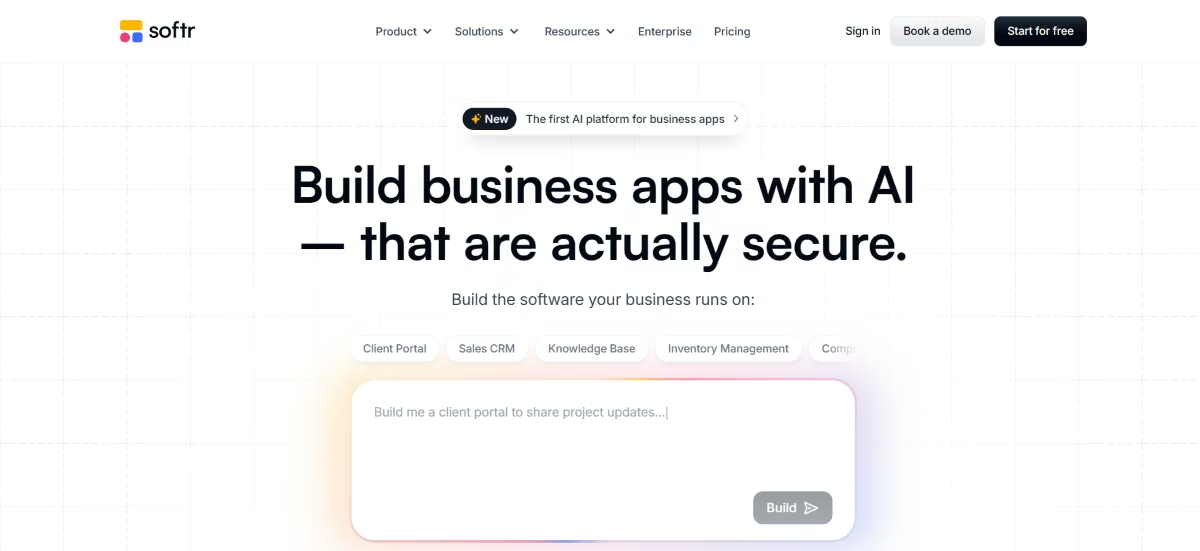
What it does: Softr turns Airtable, Google Sheets, or its own native database into a client portal, internal tool, or membership site without code.
Best for: Agencies and ops teams that want the fastest possible path from an existing spreadsheet to a polished, branded portal.
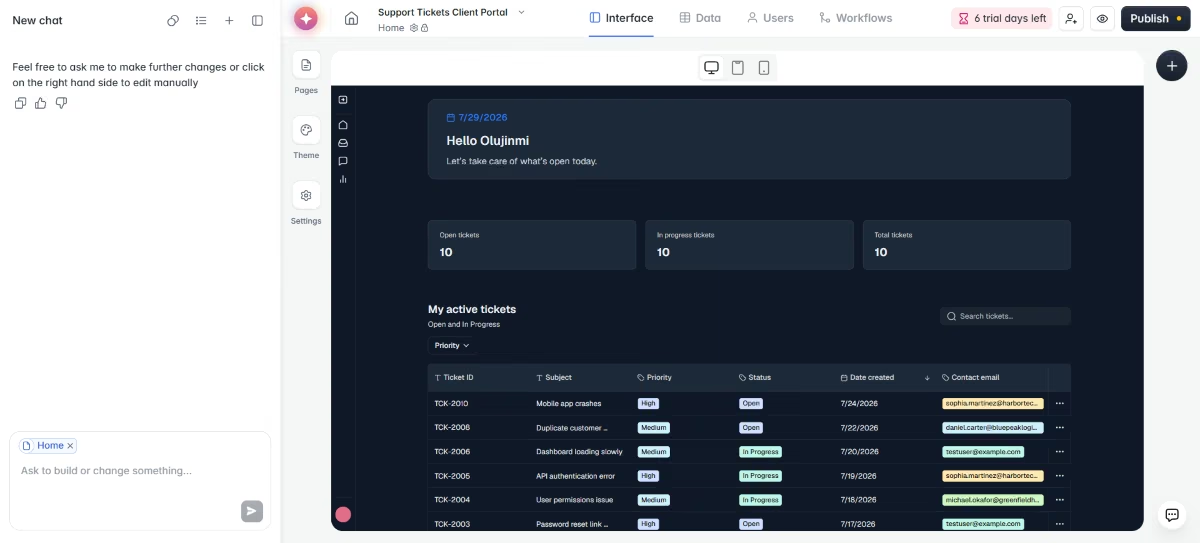
I connected the same mock Airtable base I used for every other tool, a client support ticket database, and gave Softr the identical brief: “Build a client portal with a login, a data table pulled from this base, and a submission form that writes new entries back to it.”
The block-based editor had a working, login-gated table view running in seven minutes. Softr's AI Co-Builder read the base's field types and generated a matching form without me specifying each one by hand.
Key Features
- AI Co-Builder: Describes what you want in plain language and generates the matching page or component, cutting setup time for common portal layouts.
- Native database option: Lets you skip Airtable entirely and store data directly in Softr if you don't want a spreadsheet as your backend.
- 17+ native integrations: Connects to Stripe, Calendly, and other common tools with real-time sync, so a portal can do more than display data.
Pros and Cons
Pros:
- Fastest path from an existing Airtable base to a live, branded portal of anything I tested.
- Free plan supports up to five real logged-in users, so you can test with live users.
- Customer support is repeatedly praised as fast and helpful, with real answers instead of canned replies.
Cons:
- Design customization has a real ceiling once you want something outside the default blocks.
- Performance depends partly on Airtable's own performance, which shows up on large databases.
What Users Say
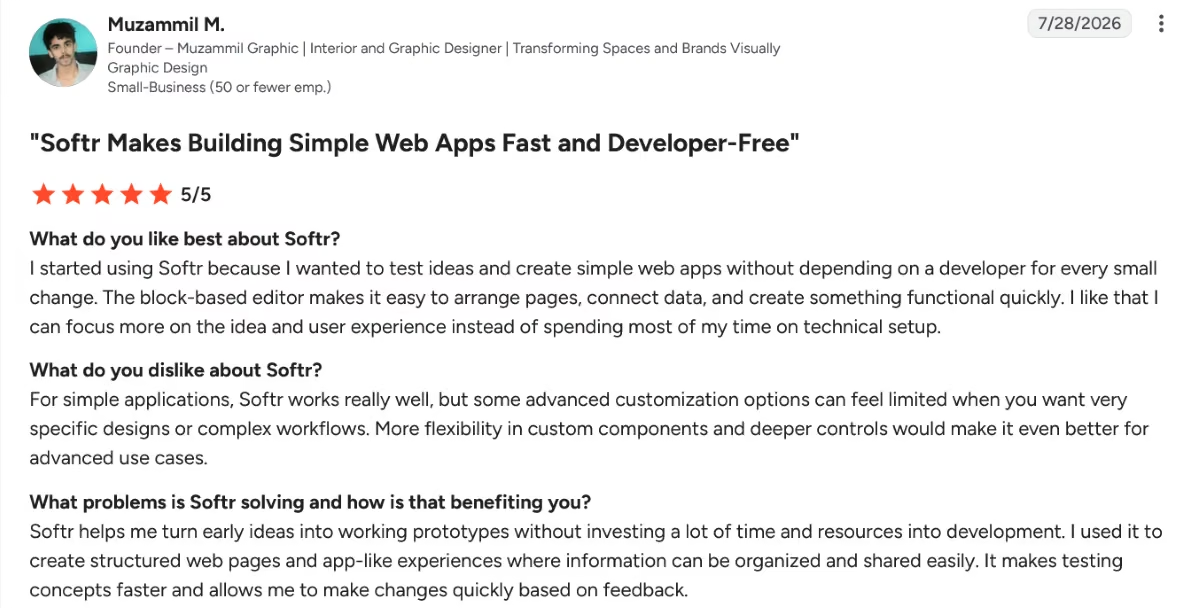
“I started using Softr because I wanted to test ideas and create simple web apps without depending on a developer for every small change. The block-based editor makes it easy to arrange pages, connect data, and create something functional quickly. I like that I can focus more on the idea and user experience instead of spending most of my time on technical setup.” - Muzammil M., G2
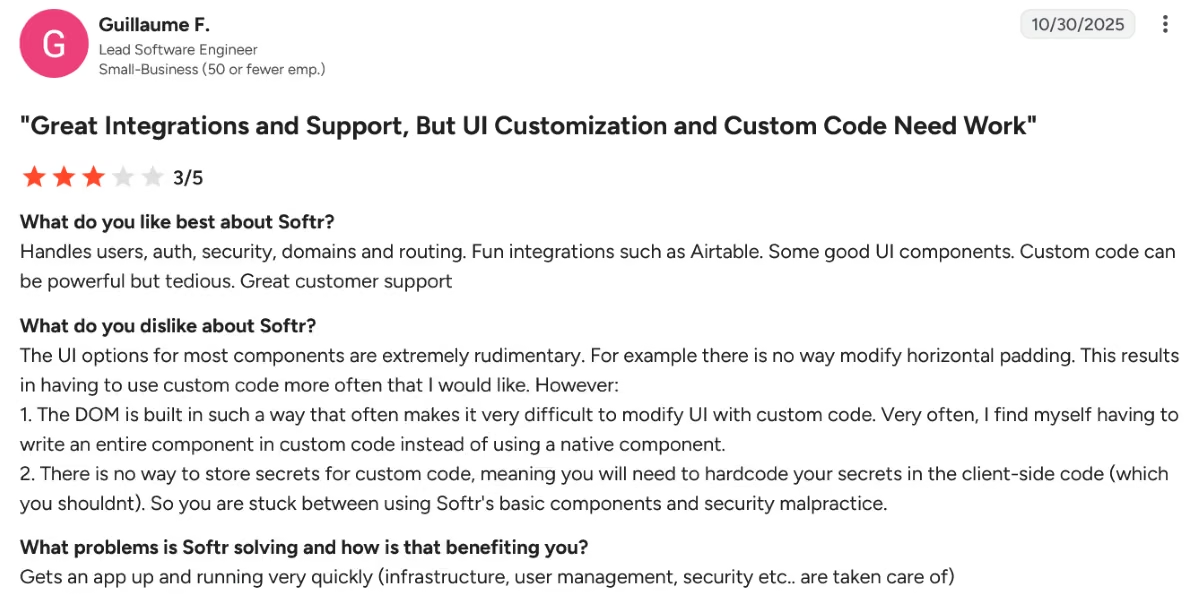
“The UI options for most components are extremely rudimentary. For example, there is no way to modify horizontal padding. This results in having to use custom code more often [than I] would like.” - Guillame F., G2
Pricing
Softr's pricing plans include: Free ($0/month, unlimited apps, 5 AI credits/month), Basic ($25/month, or $19/month billed annually, 10 AI credits/month), Pro ($119/month, or $99/month billed annually, 50 AI credits/month), Business ($395/month, or $329/month billed annually, 100 AI credits/month), and Enterprise (custom).
Bottom Line
Softr is one of the fastest of the tools here to build something you could actually hand a client today, and the AI Co-Builder cuts setup time. It's not the tool to reach for if the client wants something that doesn't look like it came from a template library.
2. Glide
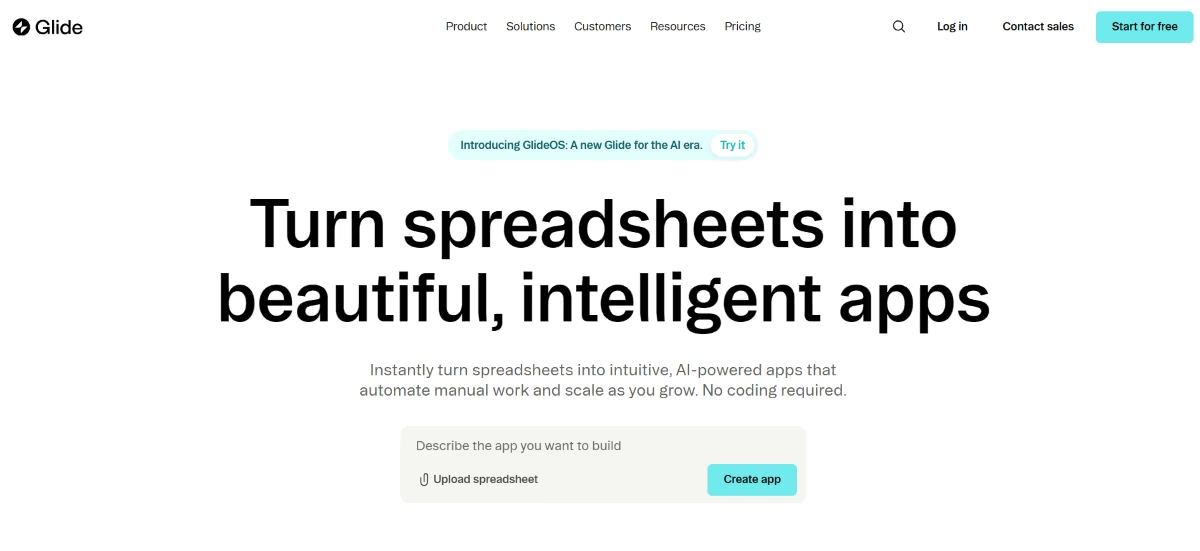
What it does: Glide turns a spreadsheet (Google Sheets, Airtable, Excel, or its own tables) into a mobile-first web or mobile app.
Best for: Teams whose portal will mostly be used on a phone, where a native-feeling app matters more than a desktop dashboard.
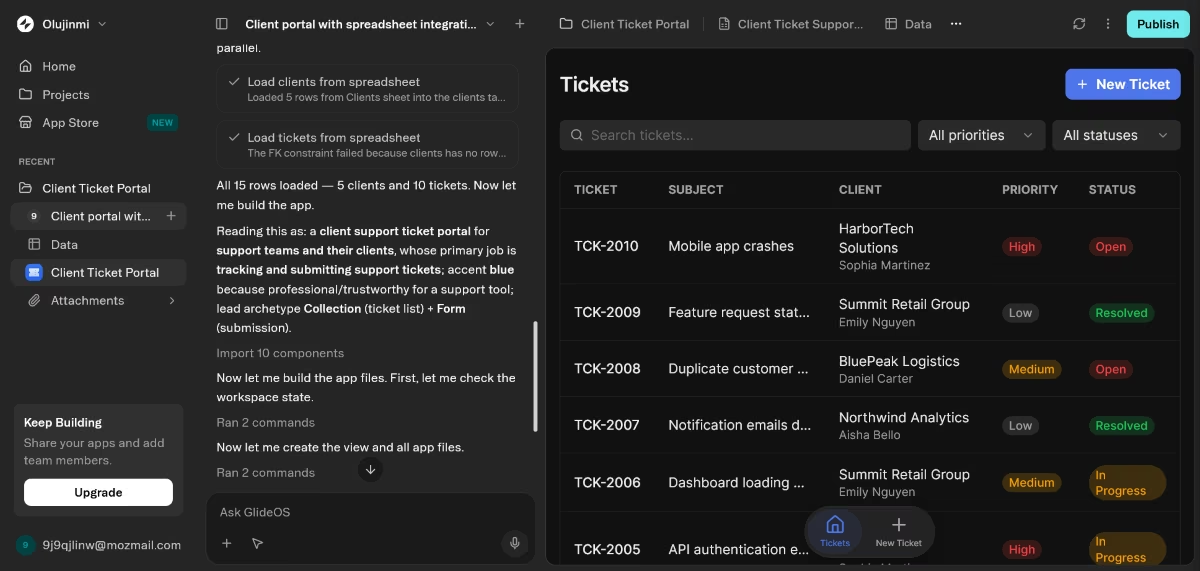
Glide's free plan doesn't include Airtable or Excel as a data source; that's locked behind a paid plan, so testing the brief exactly as written wasn't possible on the free plan. I rebuilt it against a Google Sheet with the same sample data instead.
Glide took roughly the same amount of time as Softr, seven minutes, to build the client ticket support app. The interface was simpler and less refined than what Softr gave me, but it worked. Also, it didn’t build a custom login page since authentication is handled automatically.
Key Features
- Spreadsheet-driven app creation: Maps rows and columns directly to screens, lists, and detail views without a separate data-modeling step.
- Home screen installability: External users can add the app to their phone's home screen so it behaves like a native app without app store approval.
- Glide AI: Generates text, summarizes content, and extracts data from images directly inside app logic.
Pros and Cons
Pros:
- The fastest of all seven tools for going from a spreadsheet to something that feels like a real mobile app
- Free plan is genuinely usable for a small internal test, not just a demo
- Large template library means most common portal layouts are close to a starting point
Cons:
- Desktop web experience feels secondary to the mobile design
- Airtable and Excel as data sources are locked behind a paid plan, not the free tier
What Users Say
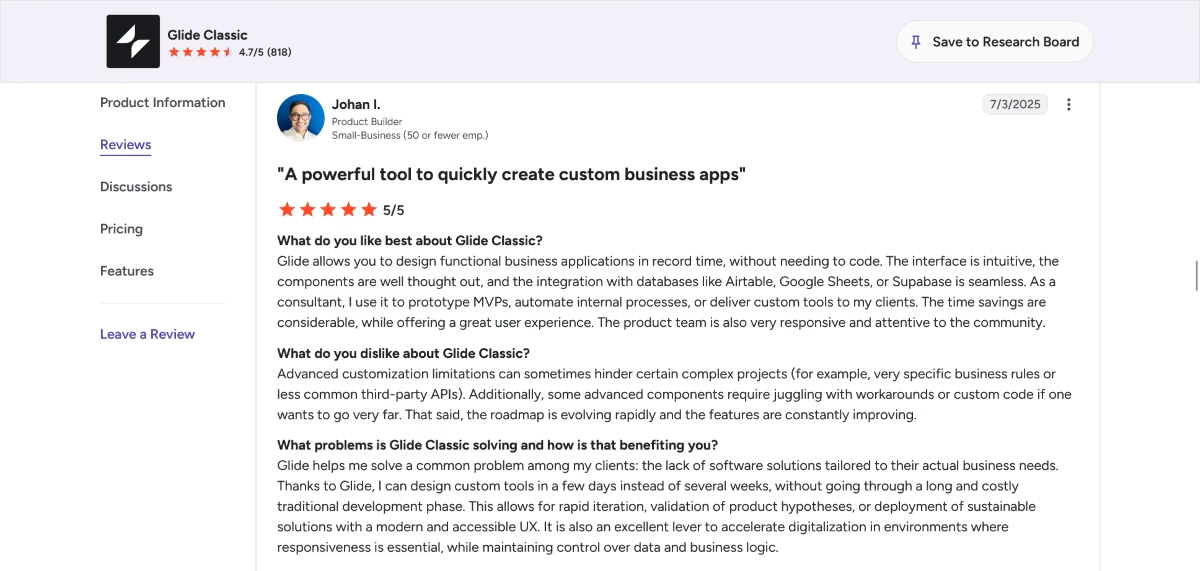
Glide allows you to design functional business applications in record time, without needing to code. The interface is intuitive, the components are well thought out, and the integration with databases like Airtable, Google Sheets, or Supabase is seamless. As a consultant, I use it to prototype MVPs, automate internal processes, or deliver custom tools to my clients. The time savings are considerable, while offering a great user experience. The product team is also very responsive and attentive to the community.” - Johan F., G2
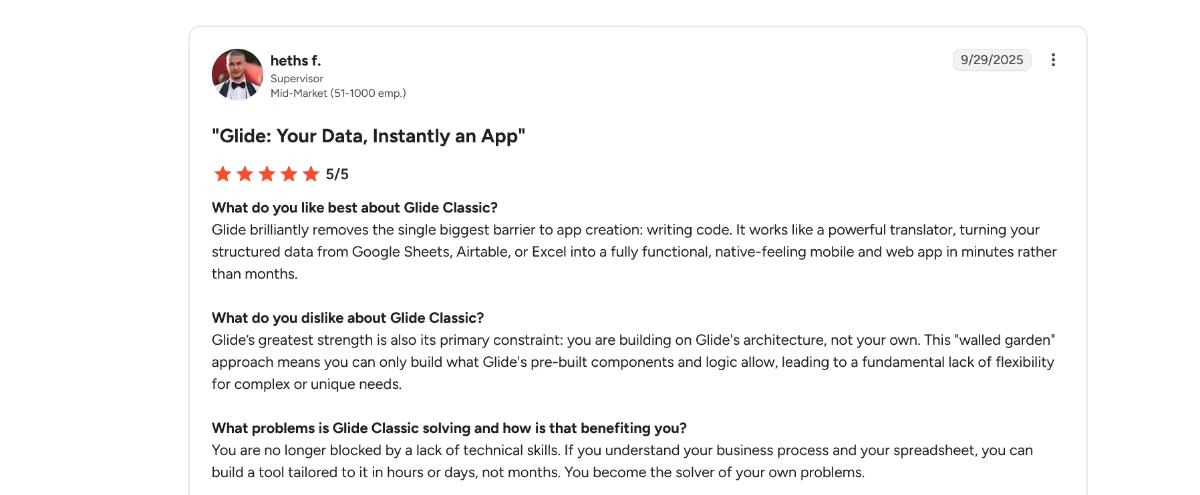
“Glide’s greatest strength is also its primary constraint: you are building on Glide's architecture, not your own. This "walled garden" approach means you can only build what Glide's pre-built components and logic allow, leading to a fundamental lack of flexibility for complex or unique needs.” - heths f., G2
Pricing
Per Glide's official pricing page, the plans are: Free ($0/month), Solo ($25/month), Team ($125/month base, plus $10 per member), and Enterprise (custom). Annual billing is listed as coming soon, so these are the monthly rates.
Bottom Line
If I already knew the portal's real audience would be checking it from their phones, I'd build in Glide first and adjust the login flow.
3. Airtable Interfaces
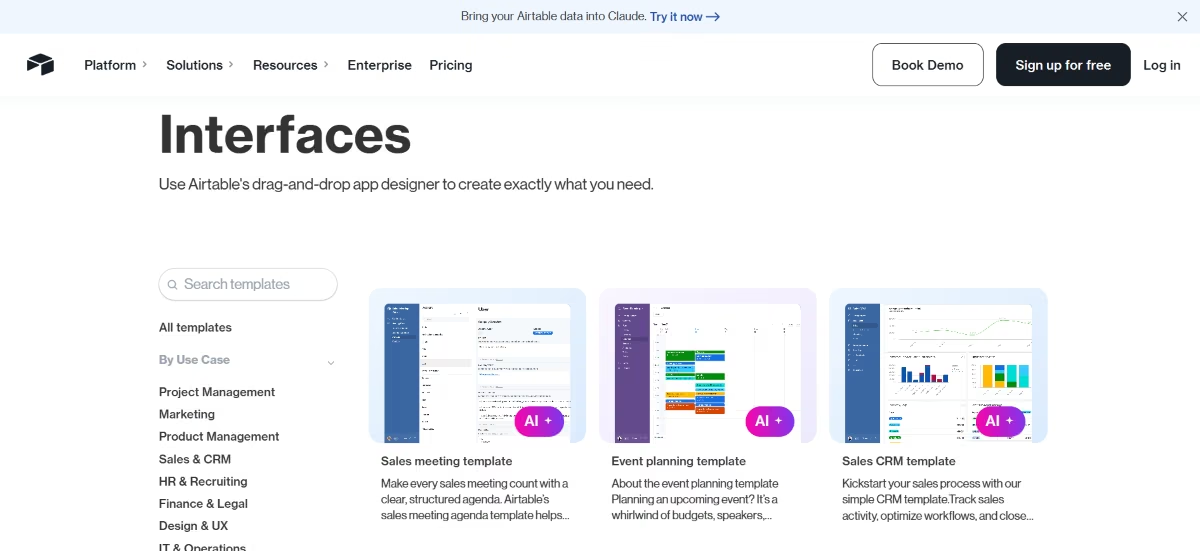
What it does: Airtable's own Interfaces feature lets you build a simplified, permission-controlled front end directly on top of your existing Airtable base, no separate tool required.
Best for: Teams that don't want to manage a second platform at all and are fine with a more basic front end in exchange for that simplicity.
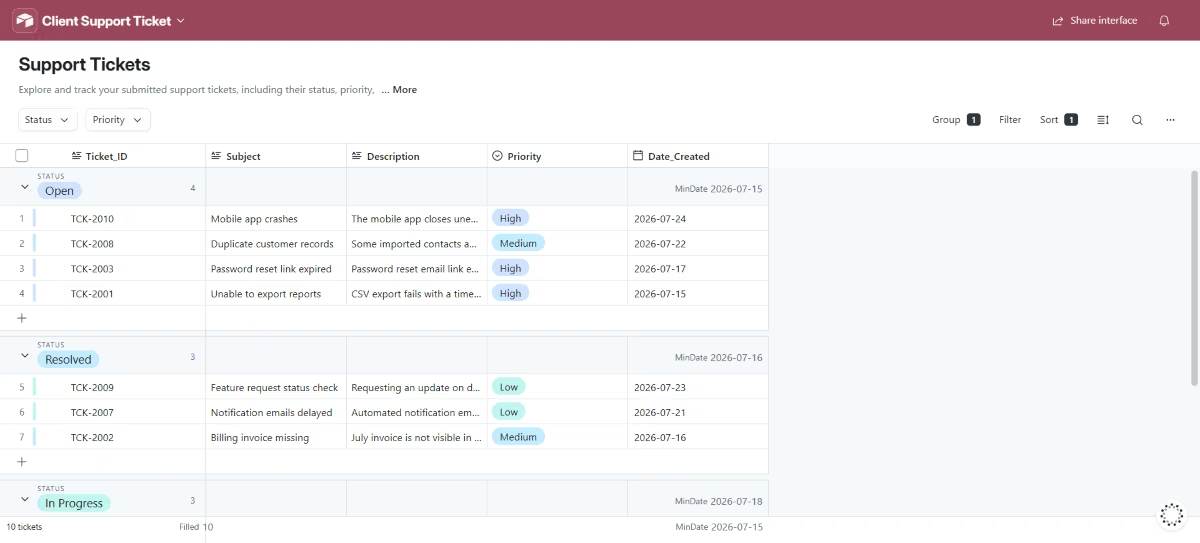
External guest and portal access on Airtable is a paid add-on, so a true external client login wasn't something I could test on the free plan. I scoped this one down to what the free plan actually supports: an internal collaborator view on the same base.
With that adjustment, this was the fastest build of the seven. I opened Interface Designer on the same base and had a record list view with the table and submission form running almost immediately, since it's just a native Airtable form pointed at data that was already there.
Key Features
- Interface Designer: Builds custom views (record lists, dashboards, forms) directly from existing tables, with layout options tailored to different roles.
- Native automation: Conditional-logic workflows run in the same platform as the data, without a separate integration layer.
- Granular permissions: Control exactly what each collaborator or guest can see and edit at the field and record level.
Pros and Cons
Pros:
- Zero data-sync risk, since the interface and the data live in the same base
- Extensive integration options (1,000+ apps) if the portal needs to pull from beyond Airtable
- Highly flexible and scalable as a team's underlying data model grows
Cons:
- Design and branding options are far more limited than a dedicated portal tool like Softr.
- External guest/portal access is a paid add-on, and starts around $120/month for a modest number of guests.
What Users Say
“I love Airtable's flexibility. It's amazing because it's like having a user-friendly, no-code, visual database which is the cornerstone of any software. I appreciate that even without technical expertise, I can build nearly any internal business application I need, without having to purchase new software.” - Vykintas G., G2
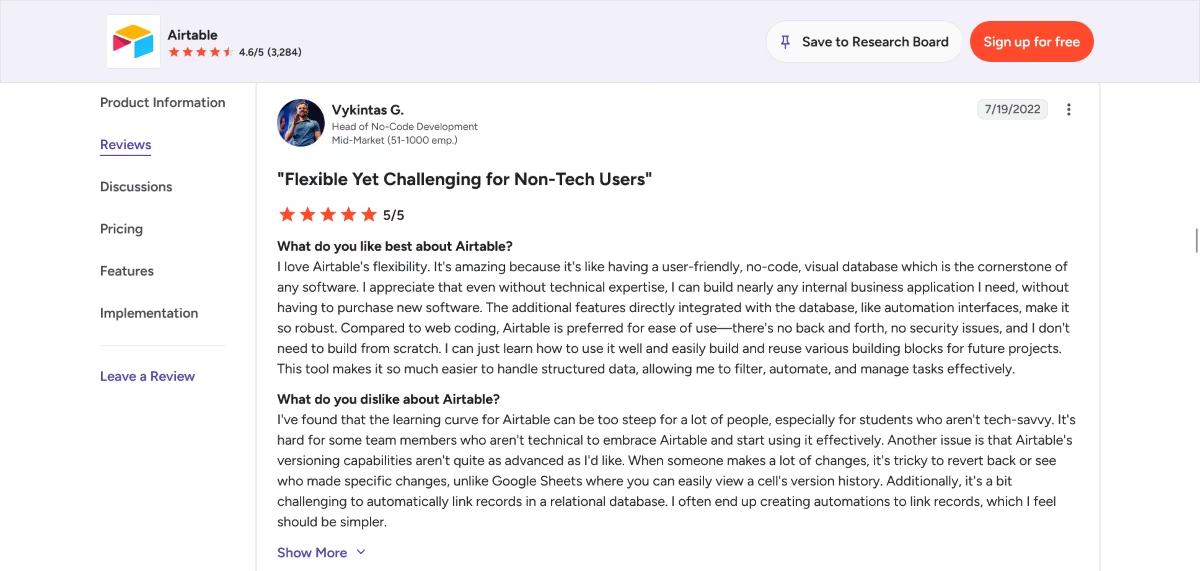
“While Airtable’s flexibility is its greatest strength, it can also become its biggest operational liability if not heavily governed. Because the platform makes it so easy to grant creation privileges to different parties, a workspace can very quickly suffer from base and field bloat.” - Yuksel Berk Y., G2
Pricing
According to Airtable's official pricing page, plans are: Free (up to 5 editors, 1,000 records/base), Team ($24/user/month, or $20/user/month billed annually), Business ($54/user/month, or $45/user/month billed annually), and Enterprise (custom). External guest/portal access is a separate paid add-on.
Bottom Line
If the audience is internal or a small trusted group of guests, this is the least amount of new tooling to manage of anything I tested. I wouldn't use it for anything a client would judge on appearance.
Need Real Code Access for Complex Logic? Start Here
If your internal tool needs custom logic that a template can't handle, and you have an engineer who'll own it, this is the one tool on this list built for that specifically.
Before comparing Stacker with other platforms, Stacker review takes a closer look at its features, usability, pricing, and overall experience.
4. Retool
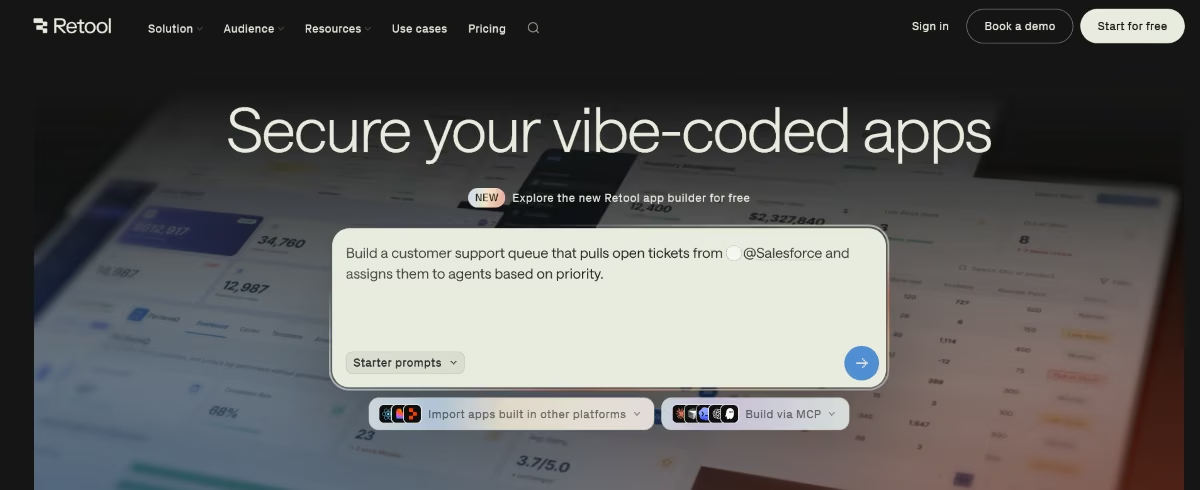
What it does: Retool is a low-code platform for building internal tools with a drag-and-drop editor, backed by real JavaScript and SQL when the visual builder isn't enough.
Best for: Teams with at least one technical person who wants speed without giving up the ability to drop into real code.
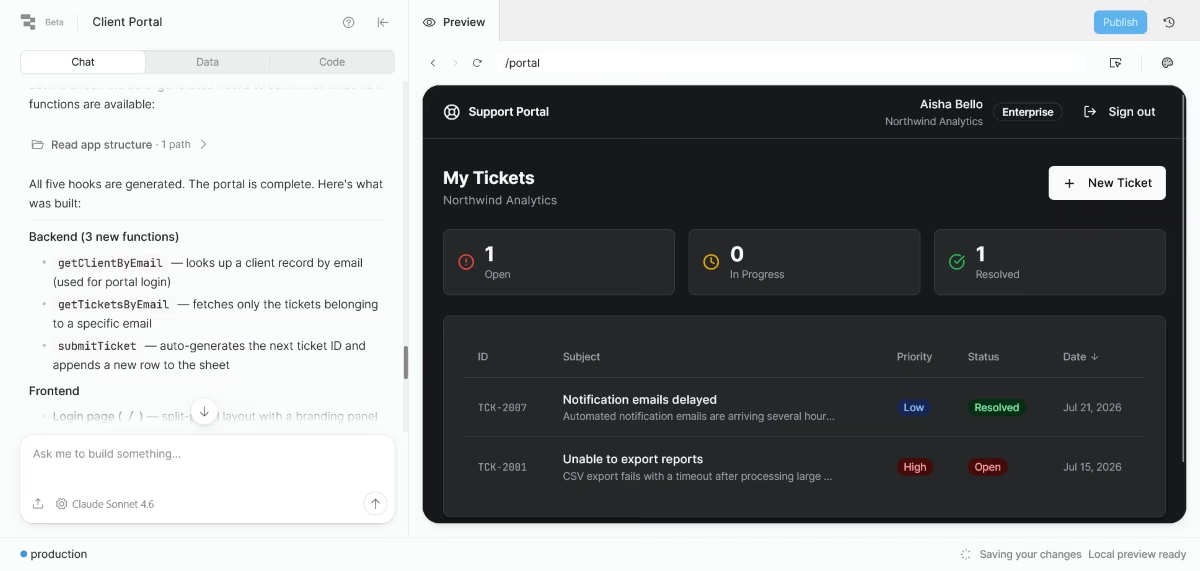
Retool doesn’t offer a direct way to connect an Airtable database, so I used the Google Sheets resource instead. The OAuth connection screen timed out twice before it recognized the sheet, and I had to regenerate the API credentials to get a stable connection.
Once that was sorted, dragging a table component onto the canvas and binding it to the sheet took about five minutes, and the full portal (login, table, submission form) was up in less than fifteen minutes total.
The editor feels closer to a real IDE than anything else here, so more of the effort lands upfront during setup.
Key Features
- 70+ native data source integrations: Connects directly to PostgreSQL, MySQL, MongoDB, and REST APIs, going well beyond spreadsheets.
- AI Assist: Describes the app you want in natural language and generates pages, queries, and event handlers as a starting point to refine.
- Drag-and-drop editor with JavaScript escape hatch: Covers most UI needs visually, then lets you extend anything with real code.
Pros and Cons
Pros:
- Capable of internal tools that spreadsheet-tied builders simply can't handle
- Free tier includes 5 users, 500 workflow runs, and 5GB of database storage, enough for a real pilot
- Used in production by large engineering teams, so it holds up past the prototype stage
Cons:
- Real coding knowledge is genuinely required once you go past the prebuilt components.
- Apps can get harder to maintain and stay organized as logic spreads across queries and transformers.
What Users Say
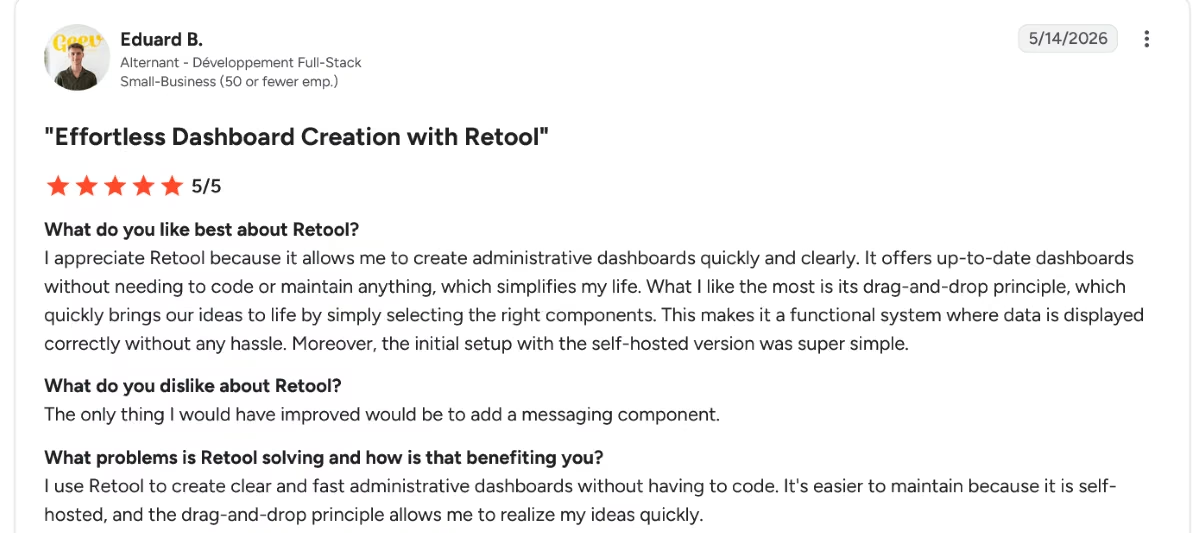
“I appreciate Retool because it allows me to create administrative dashboards quickly and clearly. It offers up-to-date dashboards without needing to code or maintain anything, which simplifies my life. What I like the most is its drag-and-drop principle, which quickly brings our ideas to life by simply selecting the right components. This makes it a functional system where data is displayed correctly without any hassle.” - Eduard B., G2
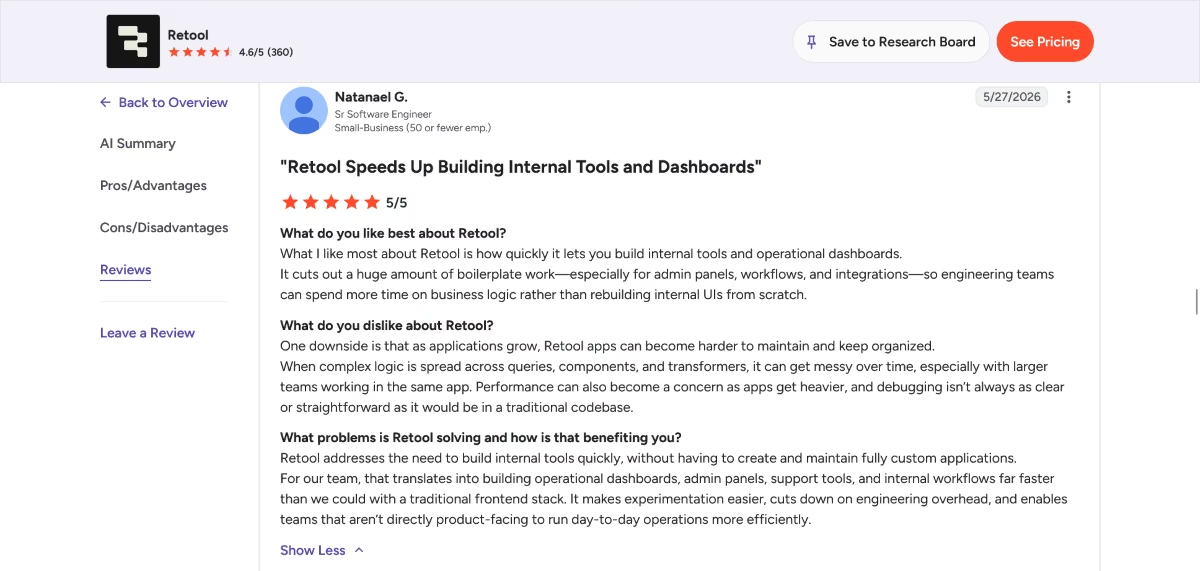
“One downside is that as applications grow, Retool apps can become harder to maintain and keep organized.” - Natanael G., G2
Pricing
According to Retool's official pricing page, plans are: Free ($0/month, 5 users, 500 workflow runs), Team ($12/builder/month, or $10/builder/month billed annually), Business ($65/builder/month, or $50/builder/month billed annually), plus a lower per-internal-user fee on top, and Enterprise (custom).
Bottom Line
Retool offers a lot of functionality and customization that you might not need for a basic client portal. It offers a generous free tier but might be overkill for simple applications.
Want Full Design Freedom? Start Here
If the portal needs to look and behave exactly the way you want, with no template ceiling, this is the tradeoff to consider.
5. Bubble
What it does: Bubble is a no-code platform for building fully custom web applications, with a visual editor covering both front-end design and back-end workflow logic.
Best for: Teams that need a portal (or a full product) with custom design and complex logic, and have the patience for a real learning curve.
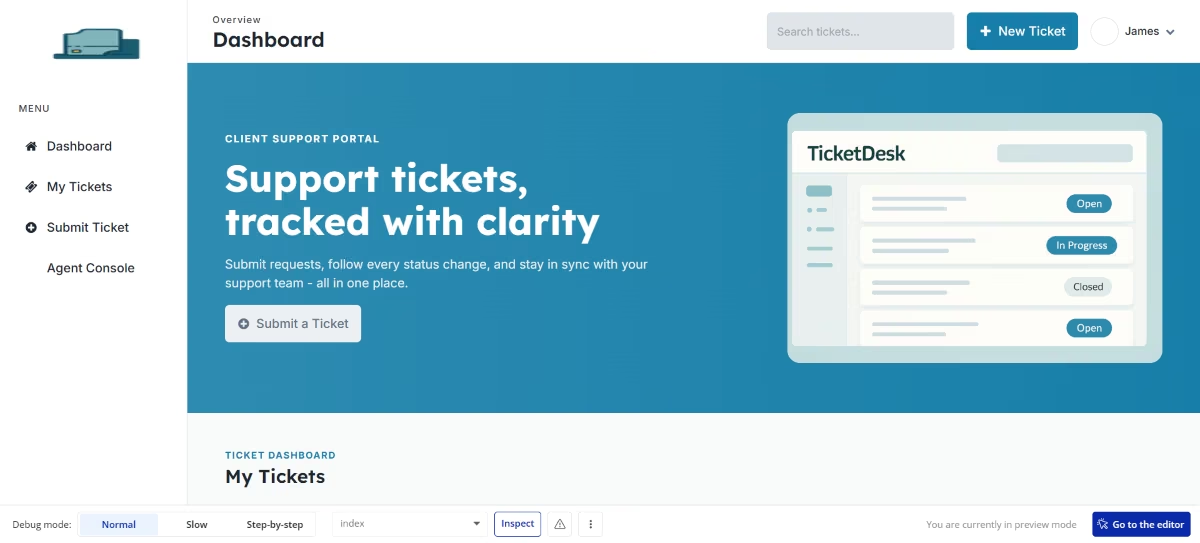
Bubble was particularly challenging to work with. The website was very slow to load, and it kept throwing up errors during the test.
Working with the same brief as the other tools, I found out that importing data was a paid feature on Bubble. It still threw up a dashboard and ticket submission form, but I only had one client profile on the portal, so not exactly up to spec.
Key Features
- Full visual app builder: Designs front-end layouts and back-end workflows in one environment, without a template ceiling.
- Native database: Bubble apps use their own relational database, so they sidestep the sync issues spreadsheet-tied tools can hit.
- Large plugin marketplace: Extends functionality well beyond what's built in, from payments to advanced integrations.
Pros and Cons
Pros:
- The most design and logic freedom of any tool on this list, closely comparable to custom development for many use cases
- A large plugin marketplace and active user community fill gaps the core platform doesn't cover
- Free plan includes the full builder, useful for learning before committing
Cons:
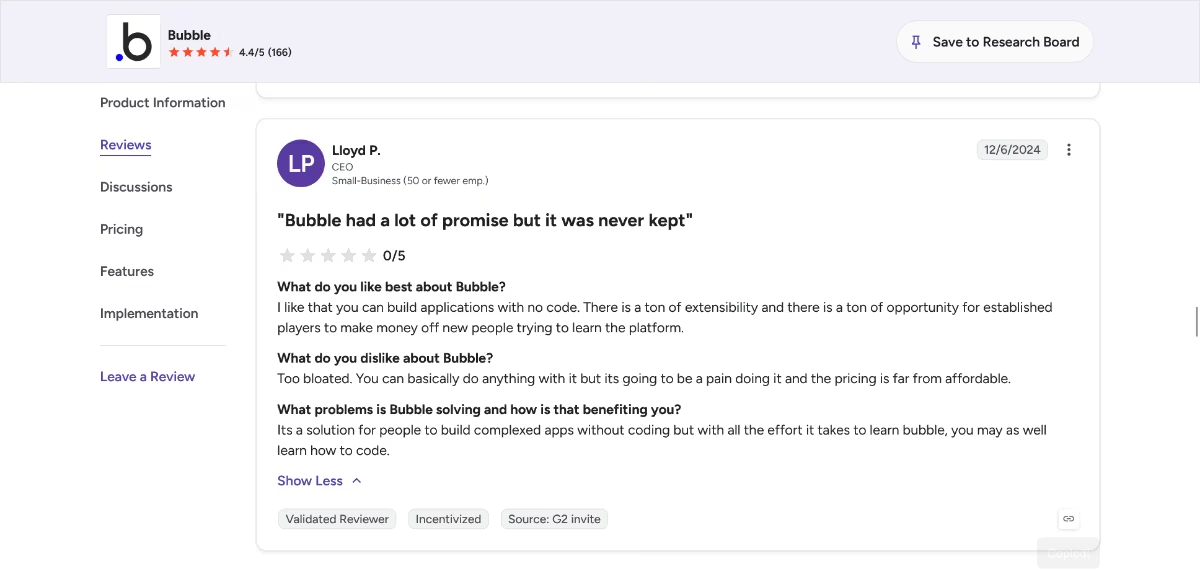
- Real learning curve. One G2 reviewer joked that with the effort it takes to learn Bubble, you might as well learn to code (Lloyd P., G2).
- The free plan doesn't include live deployment, so testing free means staying inside the editor's preview.
- Workload-unit pricing means cost scales with app complexity, not just user count, which makes budgeting harder upfront.
What Users Say
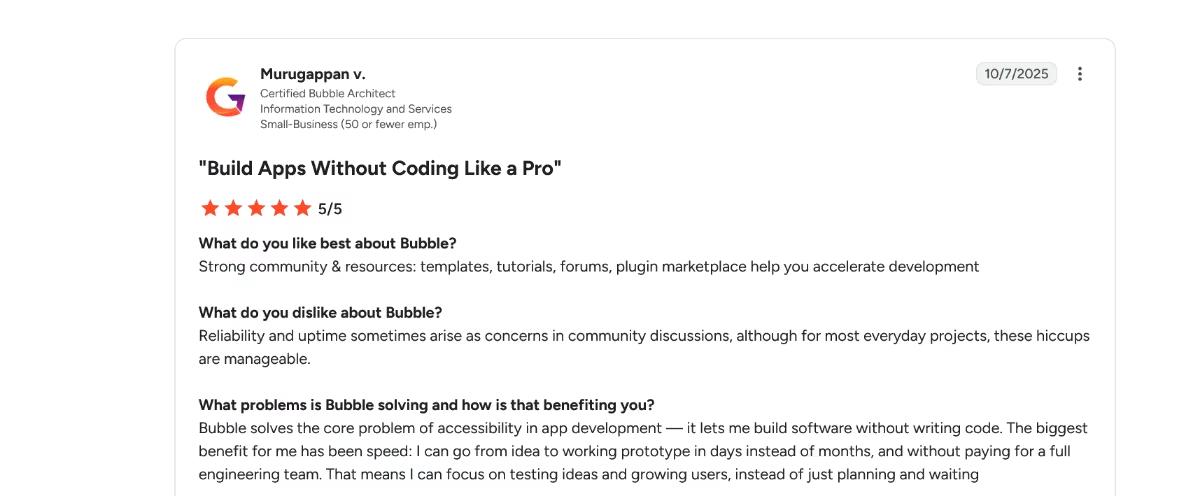
“Bubble solves the core problem of accessibility in app development — it lets me build software without writing code. The biggest benefit for me has been speed: I can go from idea to working prototype in days instead of months, and without paying for a full engineering team. That means I can focus on testing ideas and growing users, instead of just planning and waiting.” - Murugappan v., G2
Pricing
Based on Bubble's official pricing page, Web plans include: Free ($0/month, 50,000 workload units, no live deployment), Starter ($32/month, or $29/month billed annually), Growth ($134/month, or $119/month billed annually), Team ($399/month, or $349/month billed annually), and Enterprise (custom).
Bottom Line
I wouldn't choose Bubble for this specific brief, a simple client portal, due to its complexity and workload-based pricing. I’d consider using it for a more complex internal tool due to its flexibility.
Done Depending on a Spreadsheet Entirely? Start Here
Every tool above still assumes your data lives in, or should live in, a spreadsheet-style base. These two build a portal with its own real database from the start, at two different levels of depth.
6. Zite
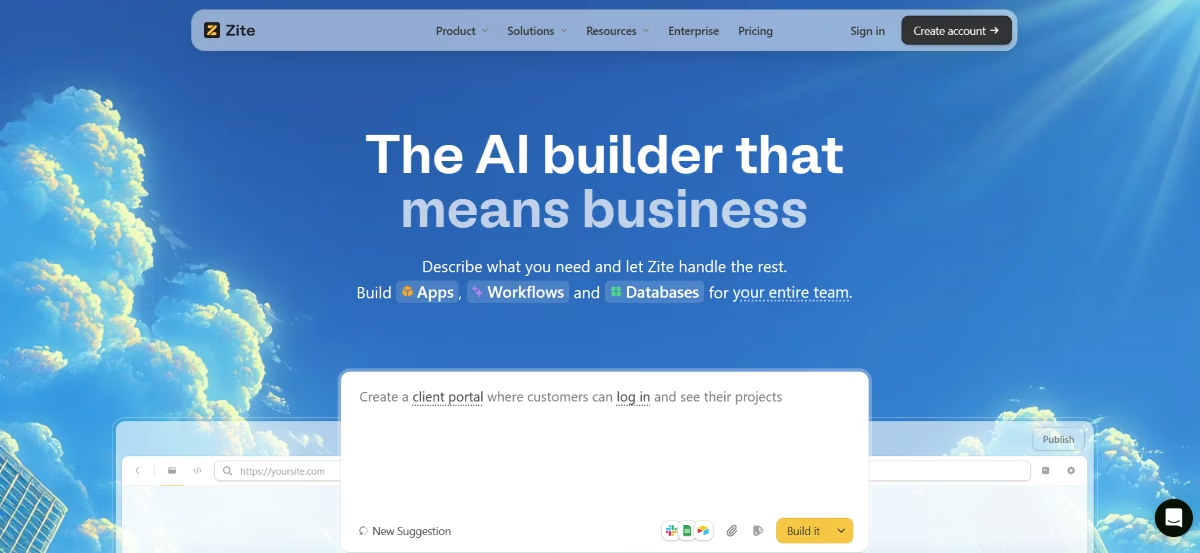
What it does: Zite is a no-code AI app builder that generates production-ready business apps, including client portals, from a plain-language description, with its own database and no per-user fees on any plan.
Best for: Ops teams and SMBs who want a portal built with real authentication and a real database, without touching code and without external-user costs creeping up as the portal grows.
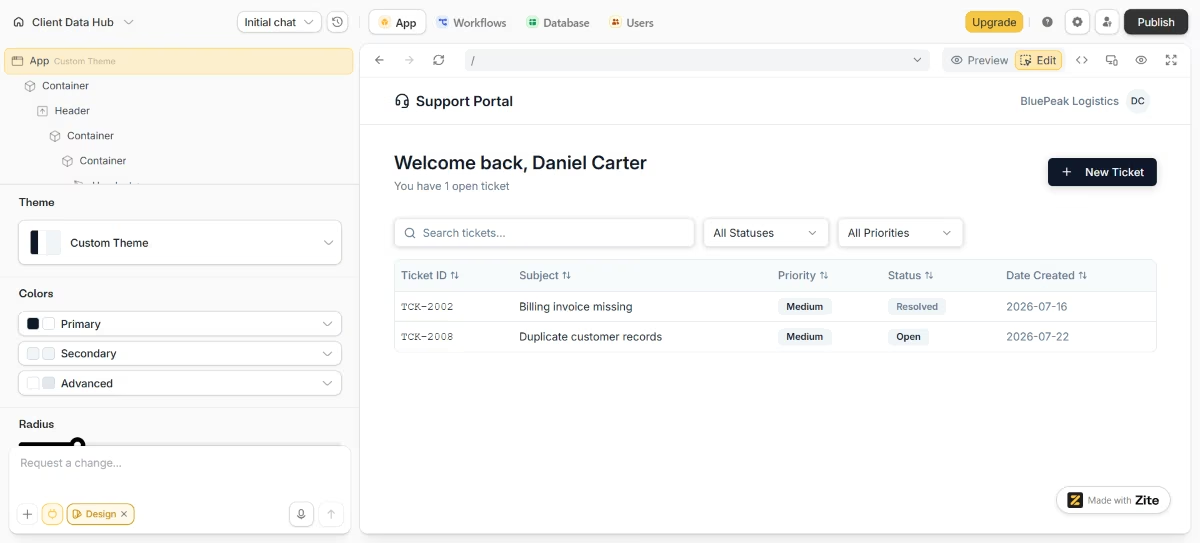
Zite can work with an existing database or build one from scratch. I chose to use my existing Airtable base and retain the same brief as the other tools. I connected Zite to the Airtable, entered the prompt, and the AI scaffolded a working client portal in six minutes.
The first pass got the table and login right, but generated the submission form with the wrong field types, so I re-prompted with the exact column names, and it corrected itself in under a minute.
Watching the backend workflow render as a flowchart made that fix easy to spot without digging through code, and for a build this fast, that's a real advantage over the tools that hide their logic.
Key Features
- No per-user fees, on any plan: Client and vendor portals with dozens of external users cost the same as one, since Zite prices by AI credits and workflow runs, so seat count never drives the bill.
- Visual refinement after AI generation: Once the AI scaffolds the app, you can resize or restyle components visually and see backend workflows as a flowchart, without re-prompting for small fixes.
- Built-in auth, hosting, and SSO: Apps ship production-ready with login via magic link, Google, or SSO, and granular permissions by group or workspace.
Pros and Cons
Pros:
- Zero per-user fees on every tier, including Free, which directly solves Stacker's external-user cost problem
- Visual editing after the AI build means small fixes don't require burning credits on a re-prompt
- SOC 2 Type II compliant with SSO available, which is unusual this low in a pricing ladder
Cons:
- No code export. Unlike Emergent, apps stay on Zite's platform with no path to hand the codebase to a developer later.
- AI credits and workflow runs are two separate metered limits, which makes usage hard to estimate upfront.
What Users Say
“Implementation was straightforward — connecting forms to the ERP was much faster than expected, with no custom glue code to maintain afterwards. And the support is genuinely fast and useful: real answers to real questions, not ticket-flow runaround. For a piece of infrastructure that sits between our website and our backend, it's been refreshingly low-maintenance.” - Alvaro H., G2
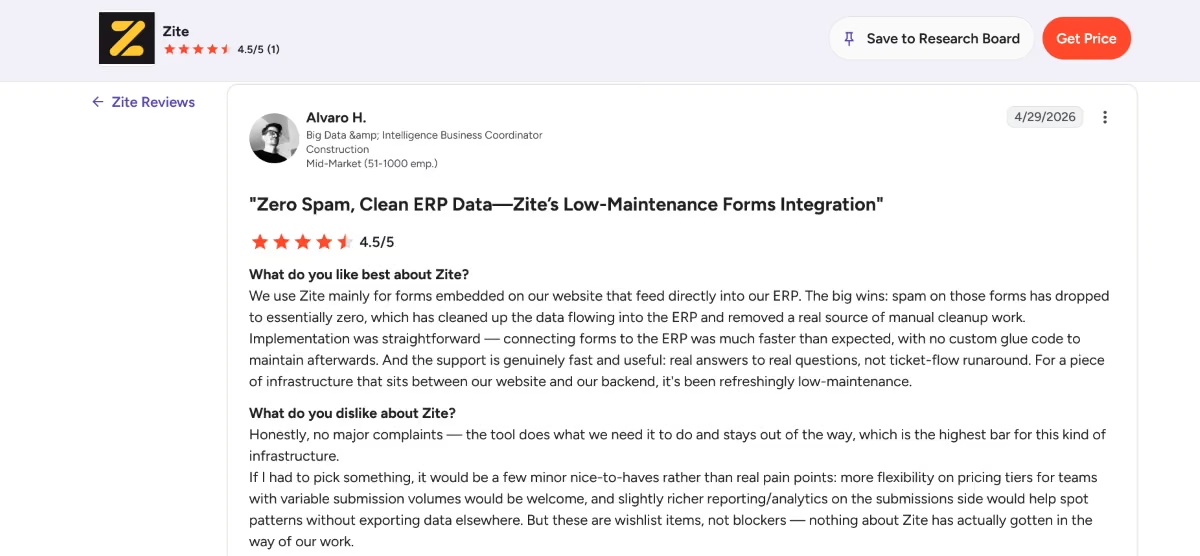
The same reviewer, while recommending Zite, wanted more pricing flexibility for teams with variable submission volumes.
Pricing
Per Zite's official pricing page, plans are: Free ($0/month, 50 credits, unlimited apps and users), Pro ($19/month, or $15/month billed annually; 100 credits/month, 100,000 database records), Business ($69/month, or $55/month billed annually; 200 credits/month, 250,000 database records), and Enterprise (custom).
Bottom Line
Zite offers a speedy workflow and a generous free tier. However, apps remain on the platform with no option to export generated code.
7. Emergent
What it does: Emergent builds a working portal from a plain-language description. You describe what you want, and the multi-agent system generates the pages, the logic behind them, and the database together, then deploys it automatically.
Best for: PMs, founders, and ops teams who want a client portal with a real database and real authentication, without ever being tied to Airtable or Google Sheets as the system of record.
Emergent's free plan gives you 10 credits, and deployment alone typically runs around 50 credits, so a full build-and-deploy version of this test isn't possible on the free plan alone.
I scoped it down to what 10 credits actually covers: building and previewing the data table and submission form without publishing a live link. That's the realistic free-tier test, and it's still enough to judge whether the tool is worth paying for.
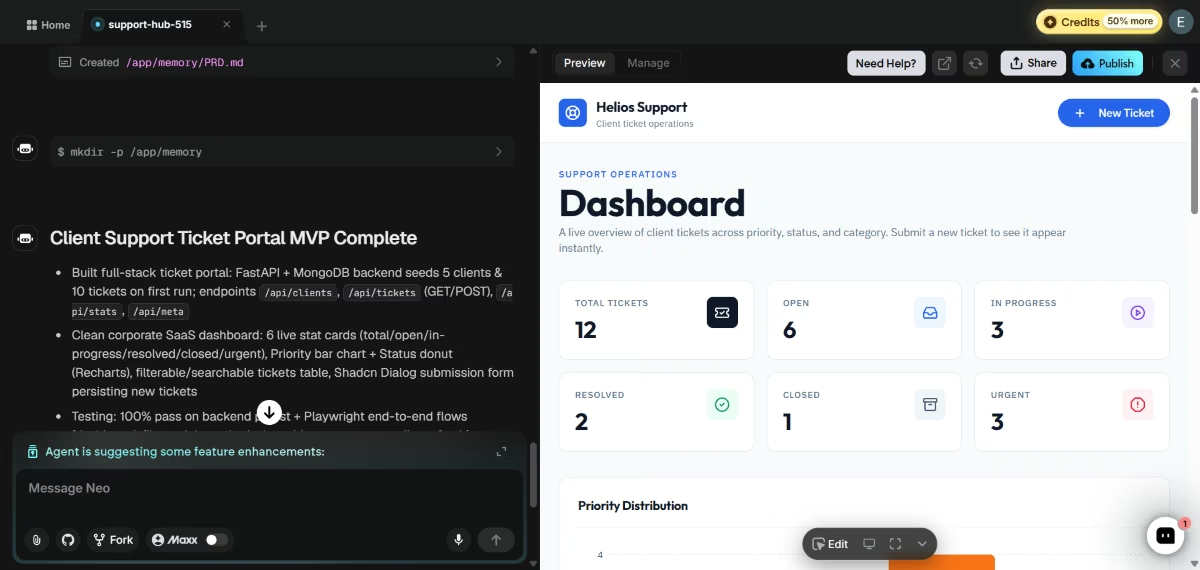
The prompt:
“Create a full-stack client support ticket portal. The database schema must include a ‘clients’ table (with five mock clients) and a ‘tickets’ table (with ten tickets).
The frontend portal should have a dashboard and a submission form that writes new ticket entries to the database.”
That generated a working frontend, backend, and database together in preview. Adding a full login flow and deploying it live would require the $20 Standard plan's 100 credits.
If you're weighing this tool category against Bolt or Base44, I've run that comparison too.
Worth a mention if you're already living inside Claude or ChatGPT: the Emergent MCP Connector lets you kick off a build like this one directly from either chat interface, without opening Emergent's own site first.
Key Features
- The site, the logic, and the data from one prompt: Builds the frontend, backend, and database together, so the portal isn't limited by what a connected spreadsheet can represent.
- Multi-agent architecture: Specialized agents split the work across the build. Some shape the interface, others handle the logic and integrations, and testing agents check the work before anything ships, which helps catch and rewrite broken logic.
- Managed deployment: Apps deploy automatically with monitoring and health checks built in, so a portal can go live without a separate hosting step.
- Named integrations built in: A portal built for client payments can wire up Stripe directly during the build, so the payment setup happens as part of the build instead of afterward.
Pros and Cons
Pros:
- Builds a genuine database from scratch, so there's no spreadsheet ceiling to eventually hit
- Free tier exists, so you can test a real build before paying anything
- Deployment is automatic, with no separate hosting or DevOps step required
Cons:
- No prebuilt “portal permissions” template, the way Stacker or Softr have; role-based access has to be prompted for, since there's no ready-made toggle for it
- Credit-based pricing means cost depends on what you're building, which takes more upfront thought than a flat per-seat price, and the 10 free credits won't cover a full login-plus-deploy version of this test on their own
What Users Say
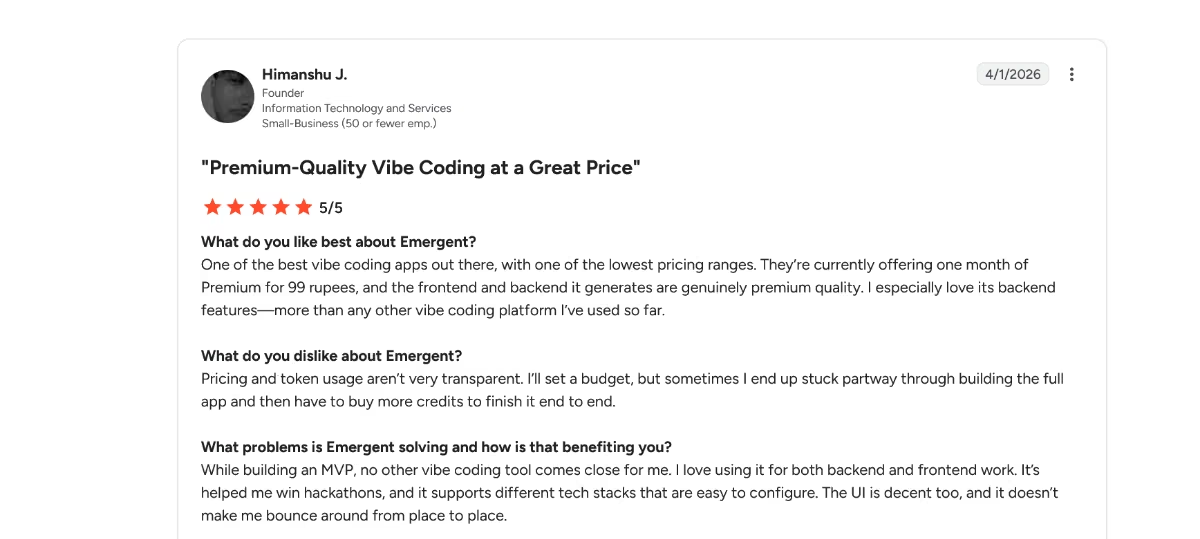
“One of the best vibe coding apps out there, with one of the lowest pricing ranges. They’re currently offering one month of Premium for 99 rupees, and the frontend and backend it generates are genuinely premium quality. I especially love its backend features—more than any other vibe coding platform I’ve used so far.” - Himanshu J., G2
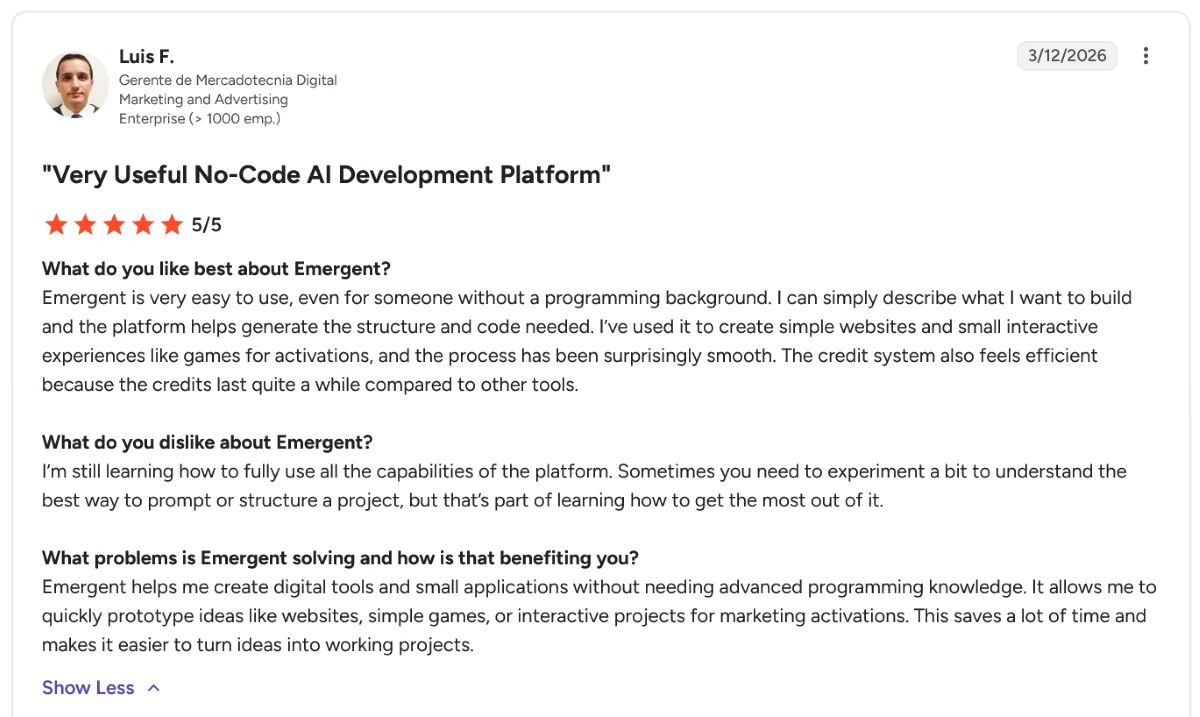
“I’m still learning how to fully use all the capabilities of the platform. Sometimes you need to experiment a bit to understand the best way to prompt or structure a project, but that’s part of learning how to get the most out of it.” - Luis F., G2
Pricing
Per Emergent's official pricing page, plans are: Free ($0/month, 10 credits), Standard ($20/month, or $17/month billed annually, 100 credits), Pro ($200/month, or $167/month billed annually, 750 credits), and Enterprise (custom). Because pricing is credit-based, the real cost depends on how complex the portal is, not a flat seat count.
Bottom Line
Emergent was the only tool here that updated the data and the interface together, so I never had to keep the two in sync myself. That matters more the longer a portal stays in use and keeps changing, which is exactly the point where Stacker-style tools start to strain.
What 50 External Portal Users Actually Cost You
Here's what 50 external portal users cost on each tool, based on the official pricing above.
- Softr: $119/month ($99/month billed annually) on the Pro plan, which includes 50 client users. 50 external users cost the same as 20; past 50, extra client users are $1 each (up to 250).
- Glide: No clean per-external-user rate is published; the paid plans price around team members and usage (Solo $25/month; Team $125/month plus $10 per team member, with monthly credits), so the cost of 50 external users depends on your plan and how heavily the app is used.
- Airtable Interfaces: Native collaborator seats cost $20–45/user/month, so 50 full seats would be impractical. Airtable's separate guest/portal add-on starts around $120/month for a limited guest count, and scaling to 50 external guests likely requires a sales conversation, since exact per-guest overage pricing isn't fully public.
- Retool: Billed per builder, not per external user. Business runs $50/builder/month billed annually plus a smaller per-end-user fee, so 50 external portal users cost far less than 50 builder seats would; the steepest cost here is only if you're paying for 50 builders, which a client portal wouldn't need.
- Bubble: No per-user fee at all. Cost is driven by Workload Units (server usage), so 50 light-usage external users might cost nothing beyond the base Starter or Growth plan, while 50 heavy-usage users could push you into overage charges.
- Zite: $0 extra on every tier, including Free. No plan meters by user count; the only variables are AI credits and workflow runs.
- Emergent: No per-seat cost. Since pricing is credit-based and tied to what you build, 50 users on an already-built portal don't consume additional credits on their own; ongoing cost depends on how much the portal's workflows run, so headcount doesn't drive it.
The pricing pattern worth noticing: the spreadsheet-based tools lean toward per-external-user pricing. Softr and Airtable both bill by client or guest count (the traditional SaaS model they inherited), while Glide's newer plans meter team seats and usage instead.
The tools built around AI generation (Zite, Emergent) and Bubble's workload-based model don't meter by headcount at all. If external users are the specific reason you're leaving Stacker, the difference in billing philosophy matters more than any single feature.
Which Stacker Alternative Should You Choose?
There's no single best replacement, because the right one depends entirely on why you're actually leaving Stacker.
Choose Softr if you:
- Already have your data in Airtable and want the fastest possible portal on top of it
- Don't need design freedom beyond what a polished template offers
Choose Glide if you:
- Know your portal's users will mostly be on their phones
- Are comfortable with a weaker desktop experience in exchange for mobile polish
Choose Airtable Interfaces if you:
- Want zero additional platforms to manage or pay for
- Don't need a heavily branded, client-facing design
Choose Retool if you:
- Have an engineer who'll own and maintain the build
- Need integrations or logic a spreadsheet can't support
Choose Bubble if you:
- Need full custom design and logic with no template ceiling
- Have time to invest in a real learning curve
Choose Zite if you:
- Want a real database-backed portal without touching code
- Have external users where per-seat pricing elsewhere would add up fast
Choose Emergent if you:
- Want a portal built on its own real database from day one
- Are fine prompting for role-based permissions rather than toggling a prebuilt setting
Skip this category entirely if:
- Your current Stacker setup already does everything you need. A working tool with a minor annoyance isn't a good enough reason to re-platform.
Final Verdict
If your data lives in Airtable and you just want a better front end, Softr is the closest thing to a direct upgrade from Stacker, with Glide as the better pick if your users are mostly on mobile.
If you're done depending on a spreadsheet at all, Emergent is built around that decision specifically, though it's a different kind of build than the other six and worth testing with a real project first.

Most AI app builders stop at prototypes. Emergent creates production-ready apps you can actually launch.
- Production-ready apps
- Web & mobile apps
- Deploy in minutes







