

Templates for your business
Made with Emergent's AI Video Agent
See what one prompt can make. Every video shows the prompt behind it.
Create, direct and refine a video in four steps
No editing skills, no timeline. Describe your idea, approve the plan, and Emergent's ai video generator makes the video and keeps improving it with you.
Describe your video
Tell Emergent the video you want in plain words, like “a 30-second launch ad for my bakery’s new sourdough, warm morning light, a calm voice-over.” Add your app, a website URL, images, video or audio as references, and pick a shape from 9:16 to 16:9.
Approve the plan
Emergent asks a few questions before it guesses, then writes the script for you to check. Explainers come with research and a list of sources, and you can direct in film language: a close-up, golden hour, a slow push-in.
Watch it come to life
Emergent designs an original cast from a moodboard and keeps them the same from the first shot to the last. Voice-over, music and word-by-word subtitles are added, and a quality check runs before the video reaches you.
Refine by prompting
Say what to change, like “make the music warmer”, and Emergent updates the video. Fix one scene without redoing the film; every change is kept as a new version you can go back to.
Ways to Make AI Videos with Emergent
Pick where you want to start. Generate AI videos from text, images, GIFs, audio, video, a URL or the app you built.
Type an idea or a full script. Emergent writes the script, renders every scene and adds voice, music and subtitles.
Upload photos, product shots or designs. Emergent plans the scenes and adds motion, sound and subtitles.
Add a GIF as a reference and Emergent builds a full video around it, with voice, music and subtitles.
Built an app on Emergent? Attach it and Emergent turns its screens into a launch video.
Add a voice-over, a podcast clip or a song, and Emergent builds the scenes around it.
Paste a website URL and Emergent turns the page into scenes, with voice, music and subtitles.
Add an existing video and Emergent builds a new one from it, with voice, music and subtitles.
More than an AI video generator
Emergent creates videos from images, audio, links or any app, and edits long footage with one prompt. When you’re ready, it can even publish your video campaigns. Compare it with the tools you already know.
 | Runway | InVideo | Kling AI | Higgsfield | |
|---|---|---|---|---|---|
| Image, audio or URL to videoStart from a photo, a voice note or a web page | Image only | Text, script, media | Image only | Image, product URL | |
| Edit long videosUpload up to 2 hours and edit with a prompt | Short clips only | Limited upload length | Short clips only | Short clips only | |
| Any app or website to videoWebsites, mobile apps and web apps, turned into video | |||||
| Google Ads video campaignsTakes your video campaigns live from the same chat | |||||
| Free planWhat you get without paying | 10 credits / month | 125 credits, one time | Watermarked exports | Daily credits | Limited credits |
| Paid plans fromLowest monthly price, in USD | $20 / month | $12 / month, yearly | $28 / month, yearly | $10 / month | $9 / month |
Competitor details from official websites and documentation, checked [Month] 2026. Prices in USD.

InVideo Alternatives: 5 Best AI Video Tools for Business Ads
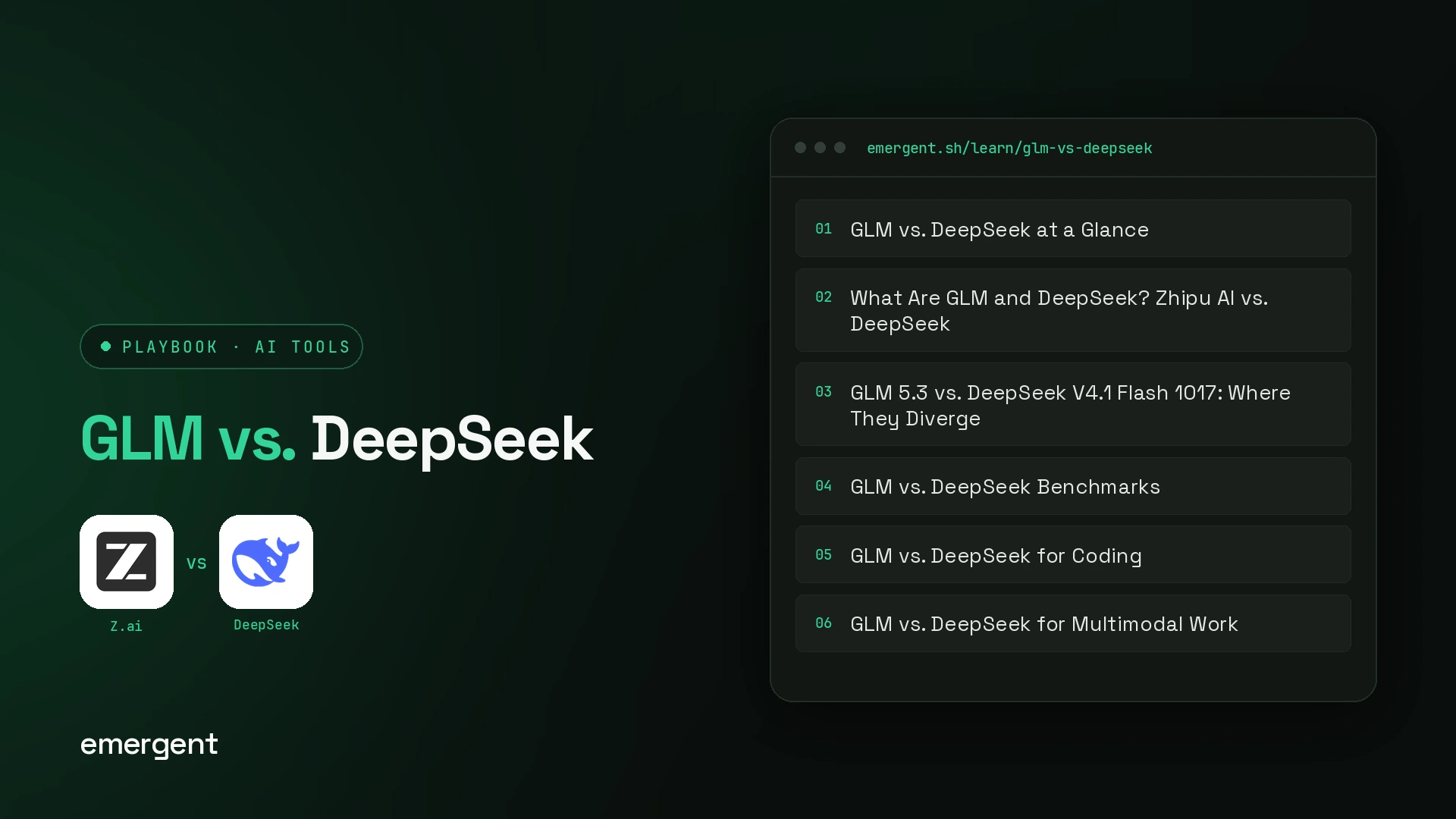
GLM vs. DeepSeek: Open Weights, Benchmarks, and Pricing
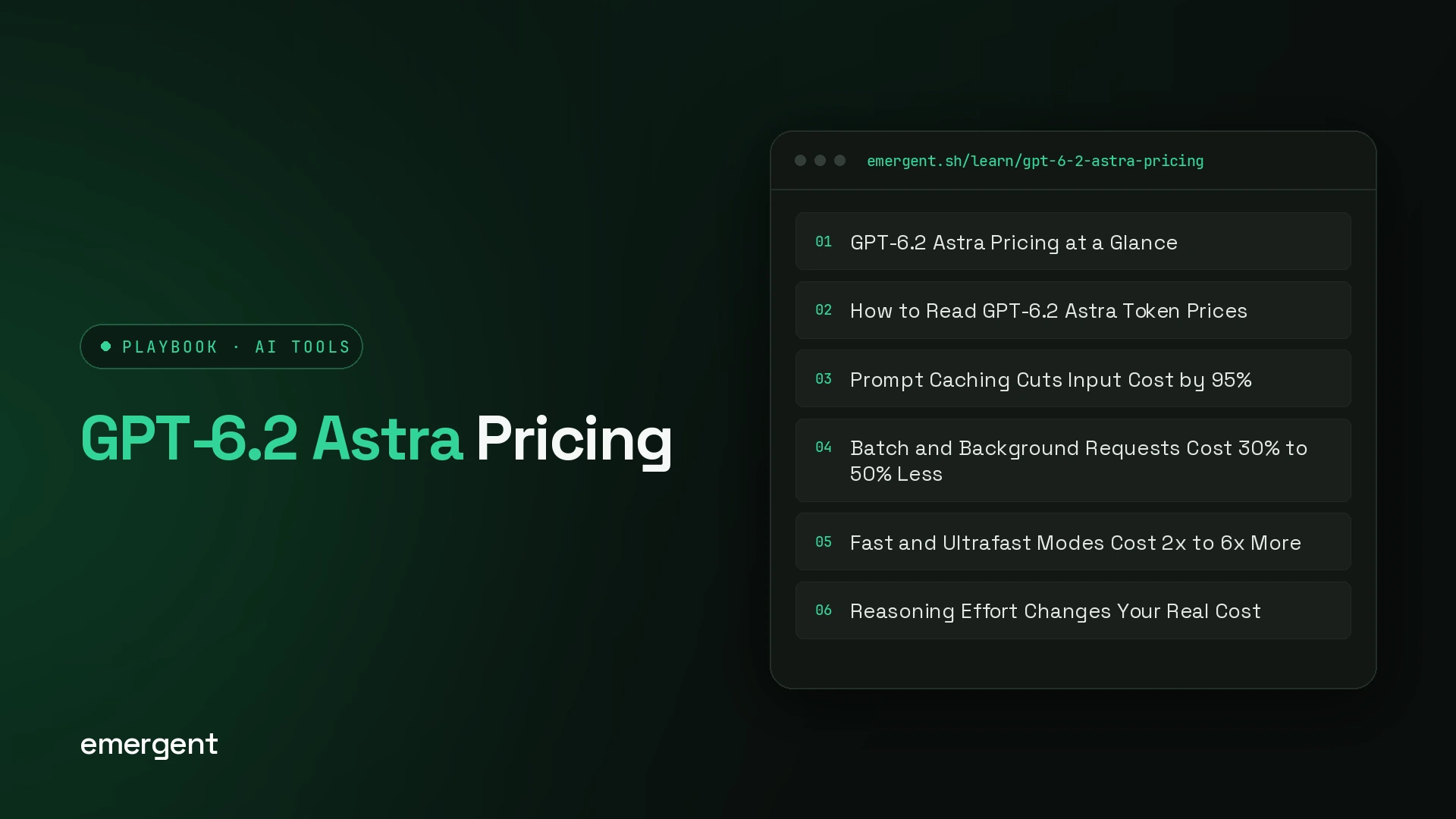
GPT-6.2 Astra Pricing: API Rates, Real Costs, and How to Cut Your Bill
How to Build an App on Emergent With Emmy
How to Build an App From ChatGPT Using Emergent MCP
How to Build an App From Claude Using Emergent MCP

Medical Events Organiser Built and Shipped a Paid Conference Registration Site for Hospital Clinicians

Courier Company Built a Booking Portal with an Instant Price Calculator for Private and Business Customers, Without Writing Code
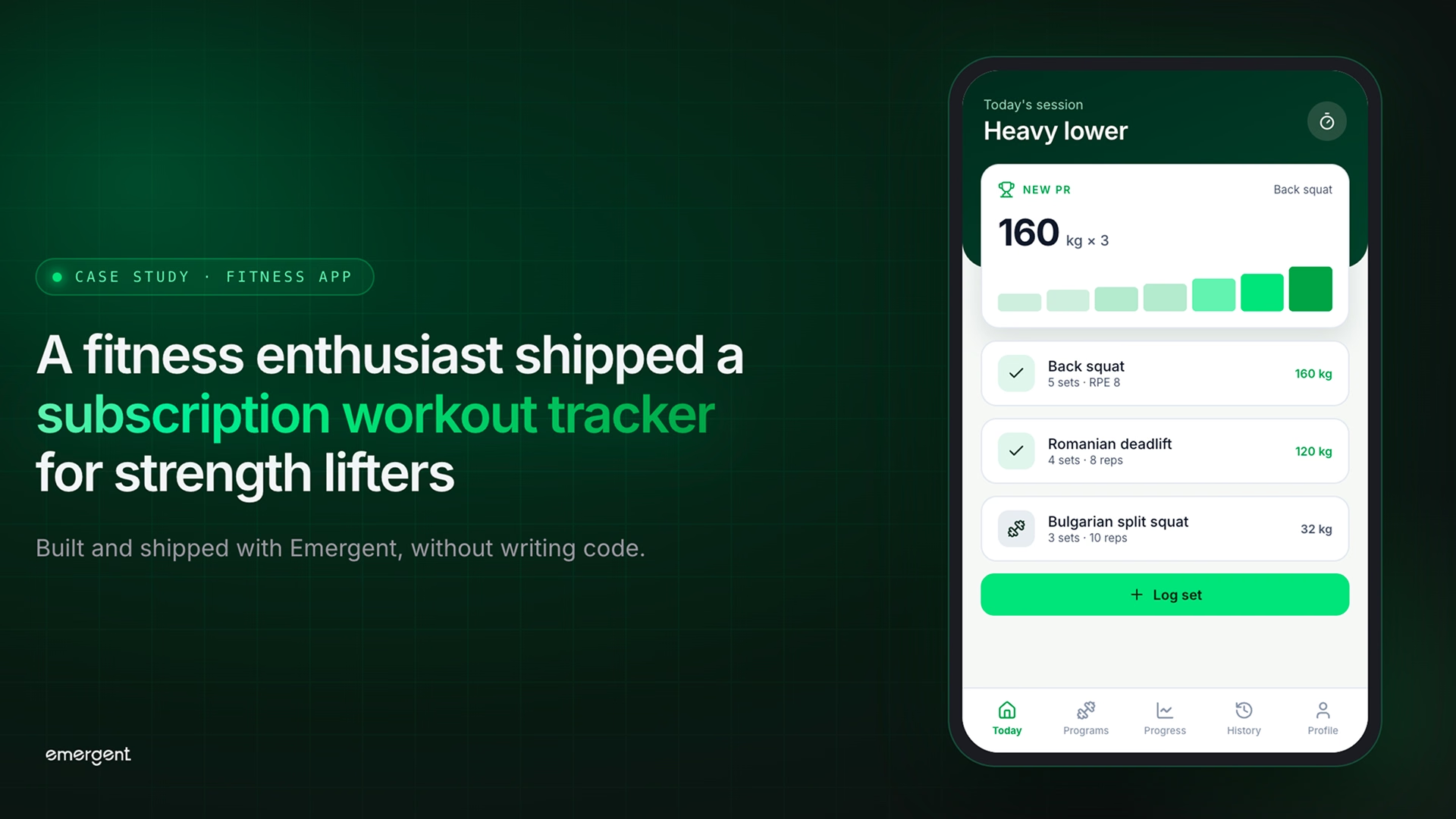
Fitness Enthusiast Built and Shipped a Subscription Workout Tracker for Strength Lifters, Without Writing Code
Pick the Pricing Plan That Works for You
Choose the plan that fits your building ambitions. From weekend projects to enterprise applications, we've got you covered.




Frequently Asked Questions
Curious about Emergent? We got you covered
Emergent’s AI video agent does more than generate a clip. It plans the video, writes a script for your approval, keeps characters consistent, adds voice, music and subtitles, and checks the result before delivery.
Emergent’s AI video agent creates almost any type of video for any use case. Make UGC-style videos, product demos and launch videos, ad videos, animations, short clips and GIFs. Describe what you need in a prompt, and Emergent handles the rest.
Yes. Attach your Emergent project as a reference, and Emergent turns it into a launch video with voice, music and subtitles.
Every video is saved in My videos, where you can download it or share a link.
9:16, 3:4, 1:1 and 16:9, up to 1080p. Download your video, share a link or use the web-ready MP4.
Yes. Add them as references in the chatbox, and Emergent builds a finished video around them.
Yes. Describe the change in plain words. Every change is saved as a new version, and you can fix one scene without redoing the film.
Sign in to Emergent, open Home and choose Video. Describe your idea or add a reference, and Emergent starts planning your video.
Start building on Emergent today




