



7 Best AI Tools for Agencies: TL;DR
If you only have 15 seconds, this is the list in ranked order:
- Zite: best for client portals and internal tools without per-user fees.
- Emergent: best for building client-facing apps that take payments.
- Lindy: best for an AI assistant that executes your admin work.
- Zapier: best for connecting the tools your agency already uses.
- Perplexity: best for client research with verifiable citations.
- ChatGPT: best for brainstorming, strategy drafts, and everyday coding.
- ElevenLabs: best for life-like voiceovers and multilingual dubbing.
Most agency owners are drowning in AI tools. Between the pitch decks, the LinkedIn hype, and a new "essential" app launching every week, choosing the right AI tools for agencies has become a job of its own.
So I skipped the 30-app mega-list reviews and narrowed the field to seven tools that each own one job an agency runs every day, from client portals to voiceovers. For each one, I pulled the numbers from the official pricing page, read through verified user reviews on G2 and Trustpilot, and compared how the tools stack up against their closest rivals.
By the end, you'll know which tool covers each job in your stack, what each one costs at agency scale, and where the sticker price stops telling the whole story.
Why Agencies Are Rebuilding Their Stacks Around AI
Agencies are rebuilding their stacks around AI because the time savings are now measurable, and clients have started expecting that pace. Marketers recover an average of 6.1 hours per week with AI tools, and 87% now run generative AI in at least one recurring workflow.
For an agency, those hours compound across every account. The catch is that most teams collect overlapping subscriptions and never assign one tool per job. Three chat apps and two automation platforms cost more than one of each and deliver less, because nobody knows which one is the source of truth.
The list below fixes that by picking one tool for each of the seven jobs that eat the most agency hours: internal tools, client-facing software, admin, hand-offs between apps, research, drafting, and audio production.
How I Researched These AI Tools
I built this list through desk research, so every claim below traces back to a source you can check.
Over the past week, I opened each tool's live pricing page and recorded the current plans, pulled verified user reviews from G2 and Trustpilot (the critical ones as well as the glowing ones), read each vendor's own documentation, and compared positioning against the strongest competitor in each category.
I also cut tools along the way. Jasper, Notion AI, and Surfer SEO all show up in competitor roundups, but each duplicates a job that ChatGPT, Zite, or Perplexity already covers on this list.
To keep the comparison fair, I scored every tool on the same five criteria:
- Job fit: Whether the tool fully owns one agency job instead of doing five things halfway.
- Pricing at agency scale: What the bill looks like with a full team and multiple client accounts, using figures from the official pricing page only.
- What paying users say: Patterns across verified G2 and Trustpilot reviews, with the critical reviews weighted as heavily as the positive ones.
- Integrations: How the tool connects to a typical agency stack of CRM, email, and project boards.
- Client-facing polish: Whether the output (a portal, a report, a voiceover) can carry your agency's brand in front of a client.
This approach helped me separate tools that hold up under daily agency use from tools that only look good in a launch video.
The 7 Best Agency AI Tools: Quick Comparison
With the criteria set, here's how the seven stack up:
| Tool | Best For | Core Strength |
|---|---|---|
| Zite | Client portals and internal tools | Unlimited users on every plan |
| Emergent | Client-facing apps and products | Payments, mobile, and GitHub sync |
| Lindy | Inbox, scheduling, and follow-ups | Executes admin work over text |
| Zapier | Connecting your existing stack | 9,000+ app integrations |
| Perplexity | Cited client research | Every claim links to a source |
| ChatGPT | Brainstorming, drafts, and coding | Widest range in one app |
| ElevenLabs | Voiceovers and dubbing | Natural voices in 70+ languages |
1. Zite: Best for Client Portals and Internal Tools
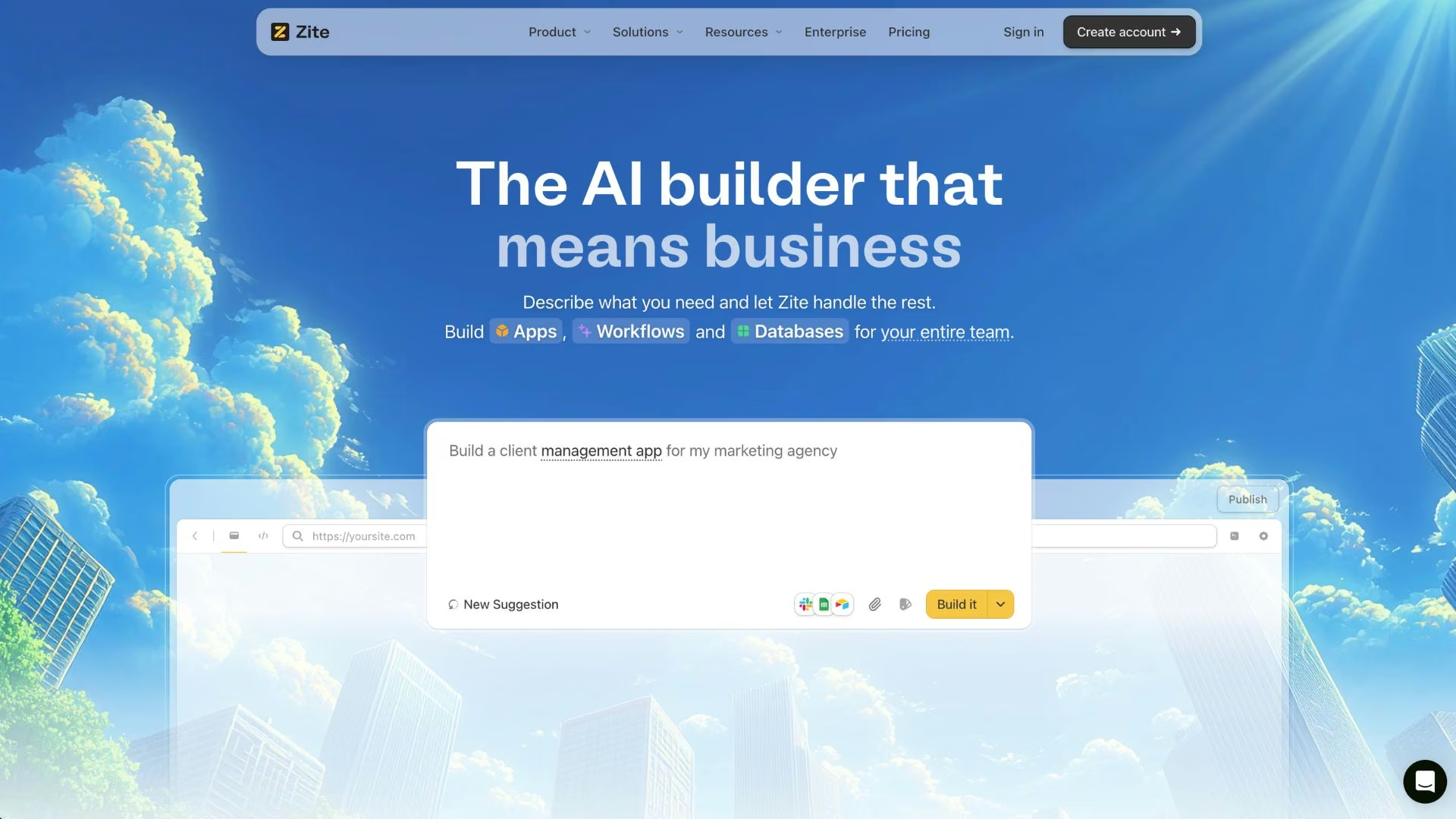
What it does: Zite is an AI app builder that turns a plain-English description into a working business app, with sign-in, stored data, and workflows included.
Best for: Agencies that want to ship branded client portals, dashboards, and internal tools without paying per user.
Zite's pitch to agencies comes down to one pricing decision. Every plan, including the free one, allows unlimited users, so a portal you build for a 40-person client costs the same as one you build for a four-person client. Most competing app builders charge per seat, which kills the margin on white-label work.
You describe the app in a prompt and Zite generates it with login built in (email link, Google, or SSO), stored data, and email notifications, or you start from a template like its CRM or onboarding hub.
The permission controls are what make it agency-ready: you set which client sees which app, what each role can do, and whose branding shows, with custom domains and white-labeling on the Pro plan and up.
Key Features
- AI app generation: Describe the tool you need and get a working app with sign-in and stored data, then refine it in chat instead of rebuilding.
- Unlimited users on every plan: Deploy a portal to an entire client organization without the per-seat math that breaks white-label pricing.
- Granular permissions and roles: Decide exactly what admins, managers, and viewers can see and do inside each app.
- Brand matching and custom domains: Ship client-facing tools that carry the client's design system on the client's own web address.
- One-click data connections: Build on top of the spreadsheets and tools a client already uses, and leave their records where they live.
Pros and Cons
Pros:
- The free plan is a real build environment, with 5,000 records and 1,000 workflow runs a month
- Sign-in, hosting, and security (SOC 2 Type II) are handled for you
- Enterprise-grade references like Domino's France signal it survives real deployments
Cons:
- You manage two separate usage meters (AI credits and workflow runs), which makes cost forecasting harder
- Advanced security features like SSO and audit logs sit on the Team and Enterprise tiers
What Users Say
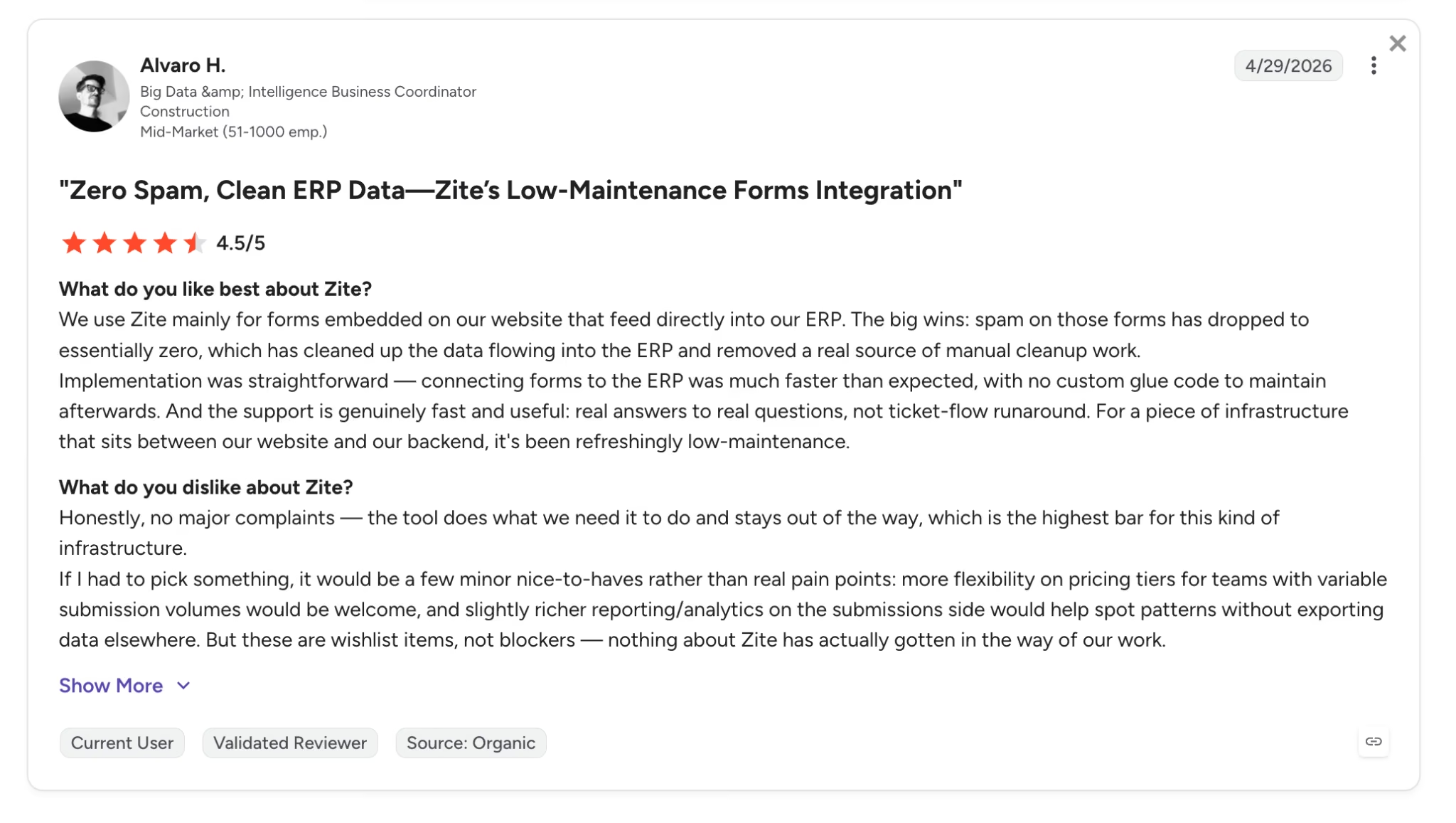
"It's been refreshingly low-maintenance." — Alvaro H., G2, on running Zite forms that feed directly into his company's ERP.
The same reviewer's wish list is mild but worth knowing. He'd like more flexible pricing tiers for teams with variable submission volumes and richer reporting on the submissions side. Zite is newer to review platforms than the giants on this list, so expect a thin review trail for now.
Pricing
Zite's plans, per its official pricing page:
- Free: $0/month with limited AI credits, 5,000 records, 1,000 workflow runs per month, and unlimited users and apps.
- Pro: $19/month ($15/month billed annually) with 100 credits per month, 100,000 records, one custom domain, and Zite branding removed.
- Business: $69/month ($55/month billed annually) with 200 credits per month, 250,000 records, unlimited custom domains, and white-label emails.
- Team and Enterprise: Custom pricing with higher limits, priority support, SSO, and audit logs.
Bottom Line
Zite takes the top spot because it's the only tool here you can roll out to a client's whole company without the per-seat bill other app builders charge. If your builds need payments, mobile apps, or product-level complexity, you'll outgrow it, and Emergent (next on this list) is the better fit.
2. Emergent: Best for Building Client-Facing Apps That Take Payments
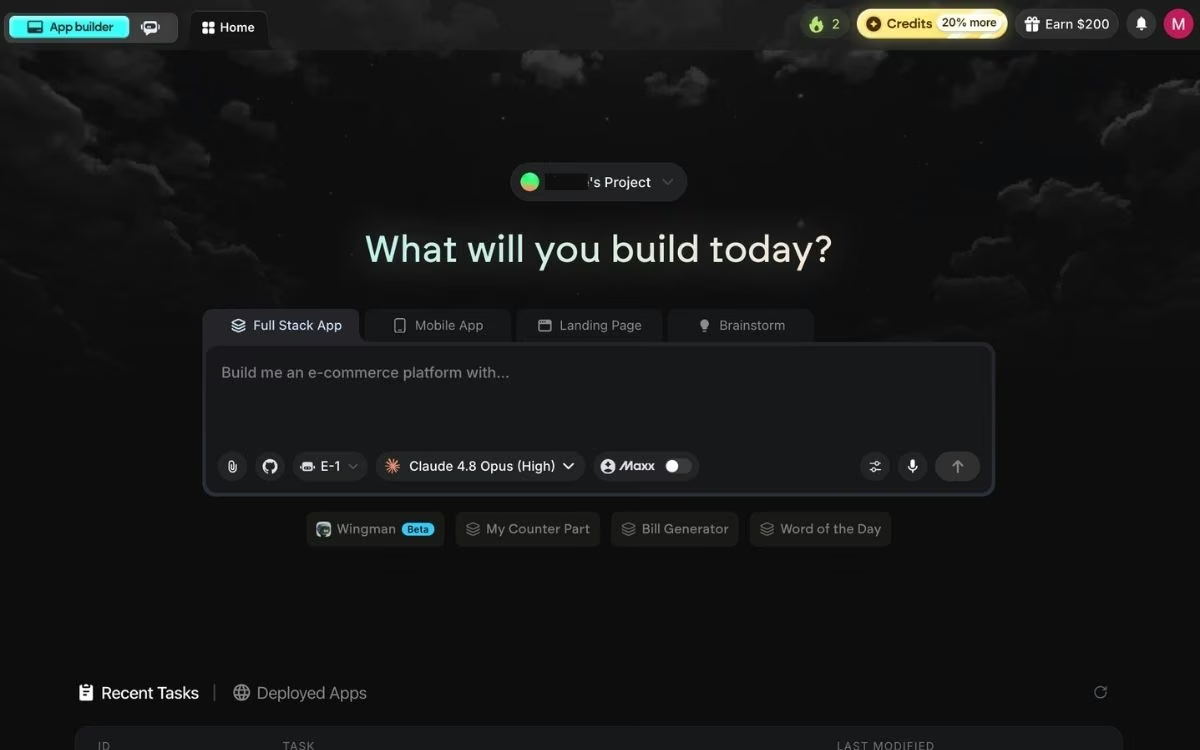
What it does: Emergent is an AI app builder that turns a plain-English description into a working web or mobile app, with sign-in, stored data, payments, and hosting included.
Best for: Agencies whose clients need software that doesn't exist yet, like a booking product, a marketplace, or a portal that charges its own customers.
Zite covers the internal side of client work. Emergent covers the side a client's own customers touch. A build starts as a conversation: you describe the app, Emergent asks clarifying questions, and its planning, design, and testing agents take the project from there.
Mobile builds come out as React Native and Expo code, payments run through Stripe or Razorpay, and finished apps go live on an emergent.host address or your client's own domain. Code syncs to GitHub from the Standard plan up, so nothing you hand over stays locked inside the tool.
The caveat is the credit model. Every build run spends credits, including runs that stall and need repeating, so a complicated app can cost more than the plan price suggests. Trustpilot reviewers split sharply on this point, and the free plan's 10 credits are enough to judge output quality, not to finish a client project.
Key Features
- Built-in guidance from Emmy: Emmy is Emergent's free, always-on assistant. She refines your idea into a build-ready prompt, explains unfamiliar options, answers questions about your project, and helps when you get stuck.
- Multi-agent builds: Planning, design, and testing agents work on the same project, so the build gets checked as it goes.
- Payments and integrations: Stripe and Razorpay for taking money, plus 100+ integrations for the services a client already runs on.
- Web and mobile from one description: Mobile apps come out as real React Native and Expo code.
- Hosting and GitHub sync: Apps go live on an emergent.host address or a custom domain, and the code syncs to GitHub from Standard up.
Pros and Cons
Pros:
- Builds the client-facing product itself, including logins and payments, which nothing else on this list touches
- The free plan is enough to judge output quality before you spend
- Code syncs to GitHub, so a client isn't locked into the platform
Cons:
- Credits are spent on failed runs too, which makes a build budget hard to predict
- Trustpilot reviews split sharply, with credit burn the recurring complaint
What Users Say
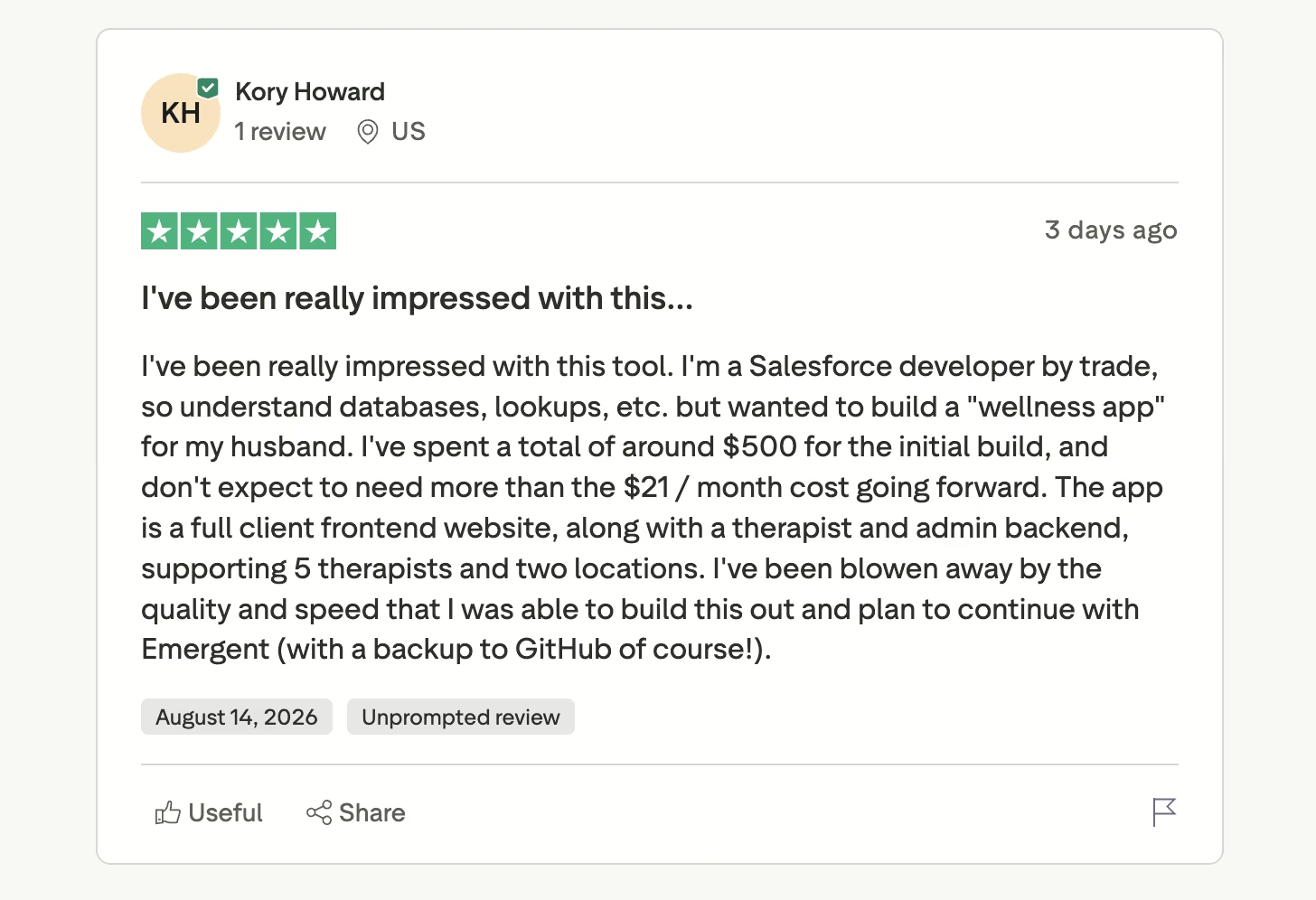
Pro: "I've been really impressed with this tool." — Kory Howard, Trustpilot, a Salesforce developer who built a wellness app with a client-facing site plus therapist and admin views
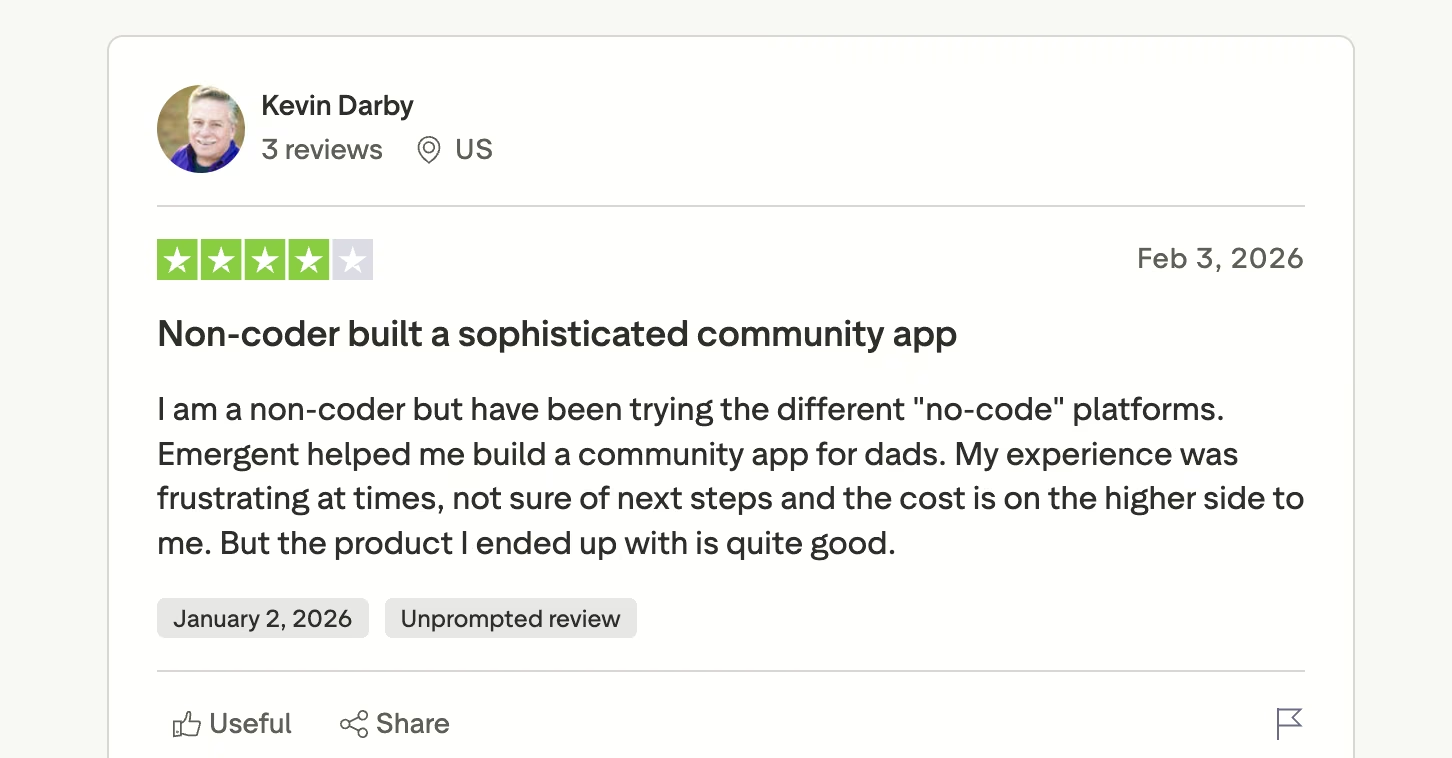
Con: "the cost is on the higher side to me" — Kevin Darby, Trustpilot, a four-star reviewer who built a community app as a non-coder and found the process frustrating in places
Pricing
Emergent starts free, and paid plans start at $20/month, per its official pricing page:
- Free: $0/month with 10 credits per month.
- Standard: $20/month (17/month billed annually) with 100 credits per month.
- Pro: $200/month (167/month billed annually) with 750 credits per month.
- Business and Enterprise: Quoted directly.
New to this way of building? Read about what vibe coding is before picking a plan.
Bottom Line
Emergent is the one to reach for when the deliverable is software a client will run their business on, and the one to skip when a spreadsheet and a form would do the job. Price the build with headroom, because credits go faster on complex apps than the tier names suggest.
3. Lindy: Best for an AI Assistant That Executes
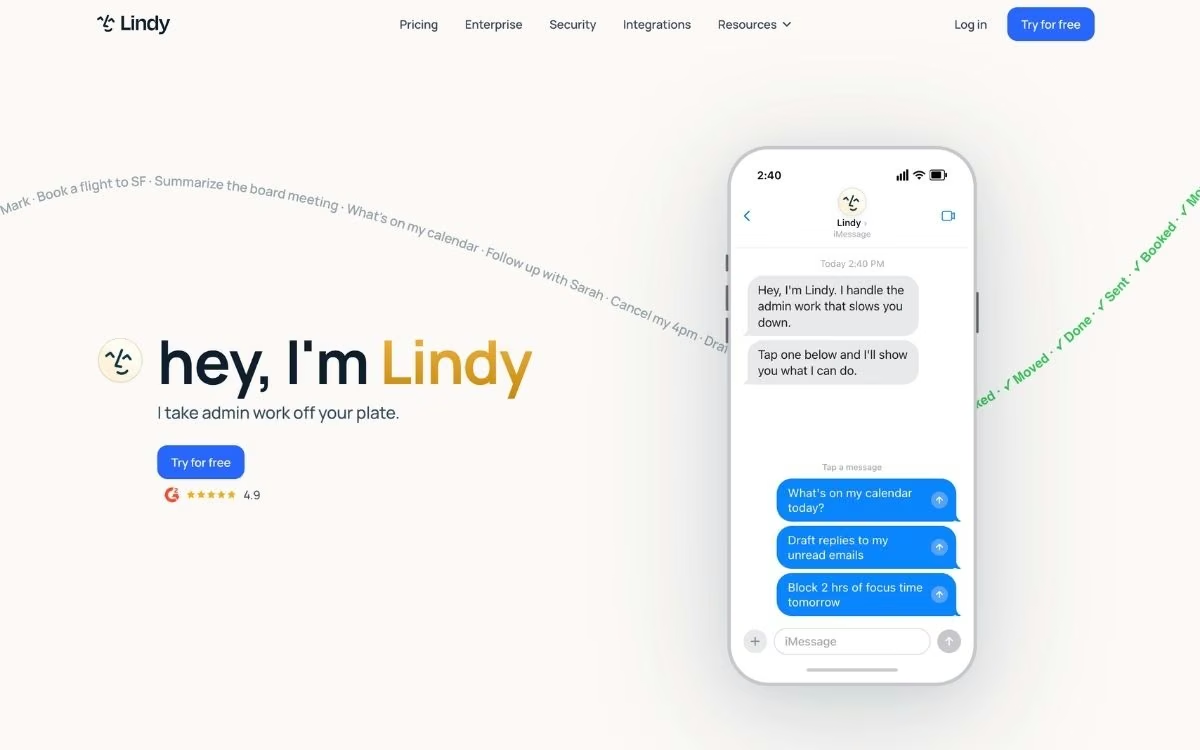
What it does: Lindy is an AI assistant you text over iMessage or SMS. It triages your inbox, drafts replies in your voice, schedules meetings, takes meeting notes, and chases follow-ups.
Best for: Agency owners and account leads whose first two hours of every day disappear into email and calendar work.
Lindy changed shape in 2026. Earlier versions asked you to build automation workflows; the current product is a personal work assistant that acts when you text it. You forward a thread and say "handle this," and it drafts the reply, proposes times, or books the meeting.
It also connects to 100+ integrations (Gmail, Outlook, Slack, HubSpot, Salesforce), joins calls to take notes, and keeps approvals built in, so nothing goes out under your name without your sign-off.
Two things need watching: trust and metering. Lindy publishes usage as multipliers ("3x more than Plus") with no hard numbers behind them, the assistant pauses when you hit the limit, and reviews split sharply between happy G2 users and frustrated Trustpilot ones. Start with the seven-day trial, watch your usage, and set a reminder before it converts.
Key Features
- Assistant over text: Delegate work from iMessage or SMS the way you'd text a human assistant, with no dashboard required for daily use.
- Inbox triage and drafting: Lindy sorts what matters, drafts replies that mimic your writing, and queues them for your approval.
- Meeting notes and follow-ups: It joins calls, summarizes them, extracts action items, and drafts the follow-up email before you're back at your desk.
- Lead follow-up: Point it at your CRM and it keeps warm leads from going cold while you're in delivery mode.
Pros and Cons
Pros:
- Does the actual task (drafting, scheduling, booking), where most assistants stop at summaries
- Setup is fast: connect an inbox and a phone number, and it texts you first
- Works on iPhone and Android since standard SMS is supported
Cons:
- Usage limits are published as multipliers, so you can't budget a hard task count
- No free tier, monthly billing only, and Trustpilot reviews flag billing and cancellation complaints
What Users Say
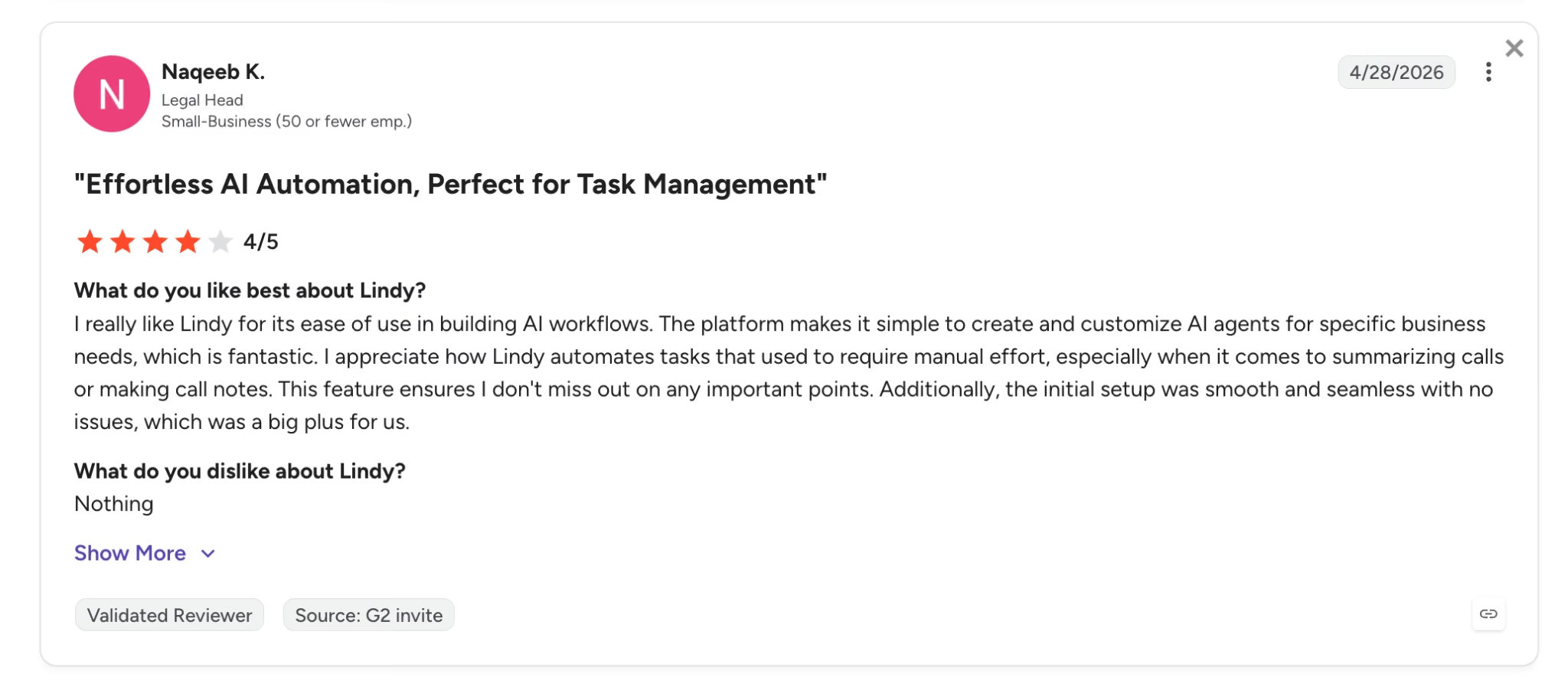
Pro: "Lindy automates tasks that used to require manual effort." — Naqeeb K., G2
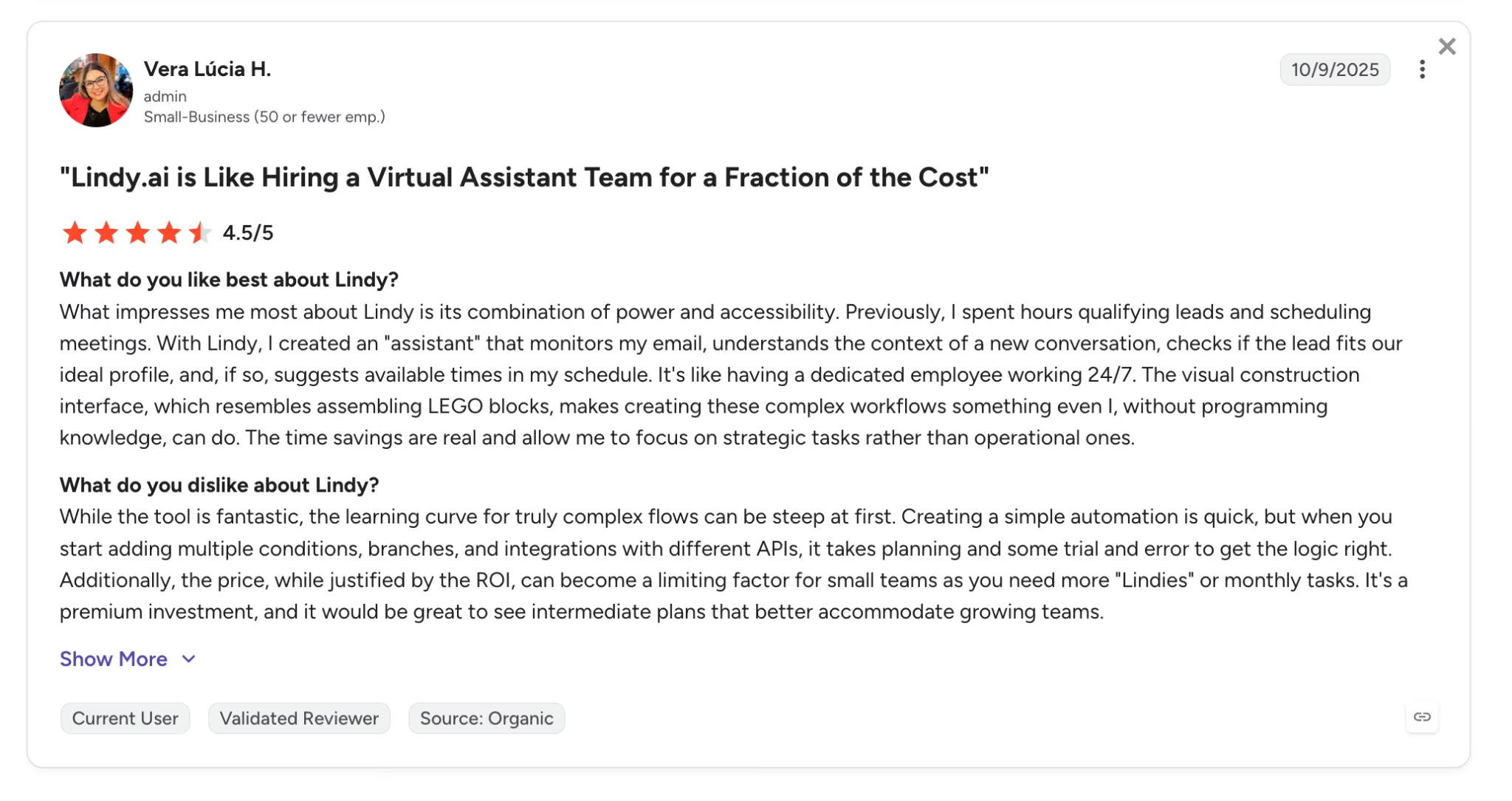
Con: "The learning curve for truly complex flows can be steep at first." — Vera Lúcia H., G2, who also notes the price can limit small teams as usage grows
Pricing
Lindy's plans, per its official pricing page:
- Plus: $49.99/month with standard usage and up to two connected inboxes.
- Pro: $99.99/month with 3x the usage of Plus, up to three inboxes, and computer use (Lindy can operate browser-based tools for you).
- Max: $199.99/month with 7x the usage of Plus and up to five inboxes.
- Enterprise: Custom pricing with SSO, SCIM provisioning, audit logs, and HIPAA compliance.
Every individual plan starts with a seven-day free trial, and there is no free tier. Billing is month-to-month with no annual option shown on the pricing page.
Bottom Line
Lindy is the tool on this list I'd hand to a founder whose inbox eats the morning, and the one I'd skip for anyone who checks email twice a day. At $49.99/month for the entry plan, roll it out to the two or three people drowning in admin first, and prove the hours saved before the whole team gets it.
4. Zapier: Best for Connecting the Tools Your Agency Already Uses
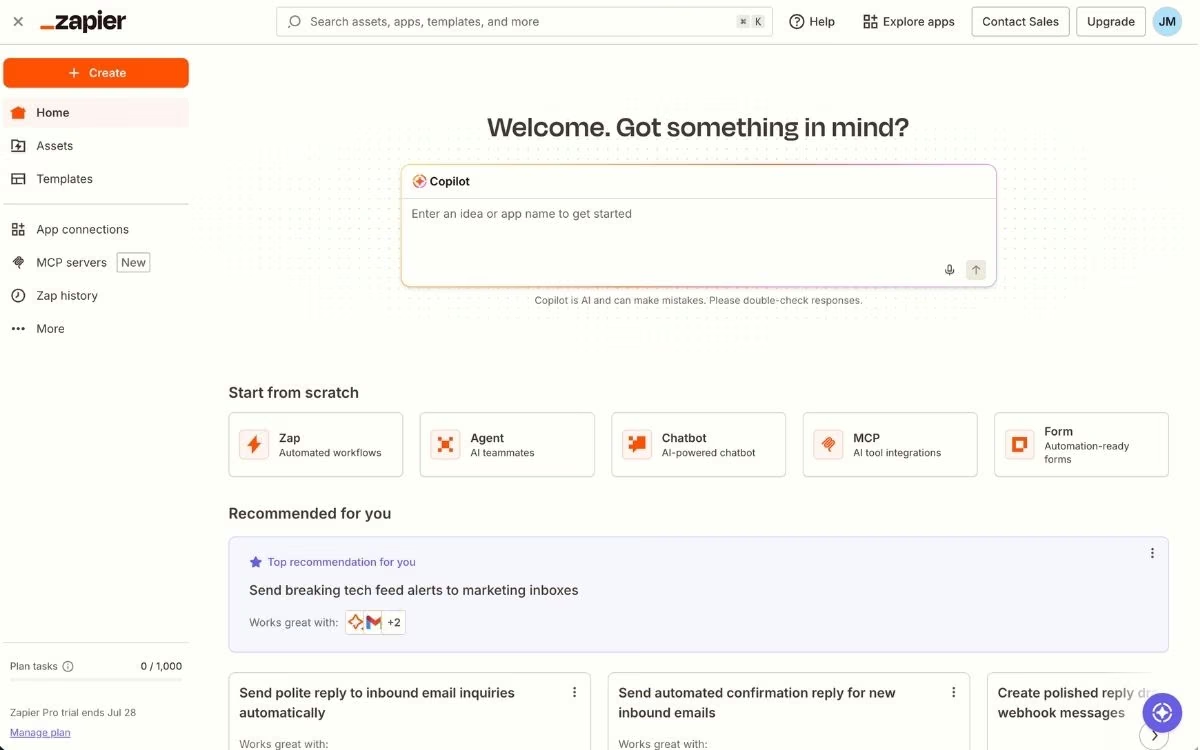
What it does: Zapier moves data between the apps in your stack automatically, so a form fill in one tool becomes a CRM record, a Slack ping, and a task card without anyone touching a keyboard.
Best for: Agencies whose lead hand-offs, reporting, and onboarding steps still depend on someone remembering to copy-paste.
Zapier earns its place on integration coverage alone. It connects 9,000+ apps, so when a client refuses to drop some obscure proposal tool, there's almost certainly a ready-made integration for it.
Use Zapier's visual builder to wire your CRM, email, and task boards together, with Copilot building Zaps from a plain-English description. Zapier MCP now lets AI assistants act across that same library, so today's automations become tomorrow's agent plumbing.
The pricing model is where agencies get surprised. Zapier bills per task, and every action step consumes one, so a five-step workflow firing 100 times a month burns 500 tasks. Multi-step automations across several clients climb the tiers faster than the entry price suggests.
Key Features
- 9,000+ integrations: The widest app library in the category, covering the mainstream stack and the long tail of client-specific tools.
- Visual, multi-step workflows: Build branching automations with filters and paths in a point-and-click editor.
- Copilot: Describe the automation in plain English and Zapier assembles the draft Zap (a single automated workflow) for you.
- Tables and Forms included: Capture inputs and store records inside Zapier, with no extra tool to wire up.
Pros and Cons
Pros:
- Zapier links the apps that have no native integration with each other, which is most of a client stack
- Non-technical staff can build and maintain automations after an afternoon of practice
- 14-day free trial of Professional, no credit card required
Cons:
- Task-based pricing multiplies with workflow complexity, so costs climb
- Advanced features have a real learning curve once you go past simple two-step Zaps
What Users Say
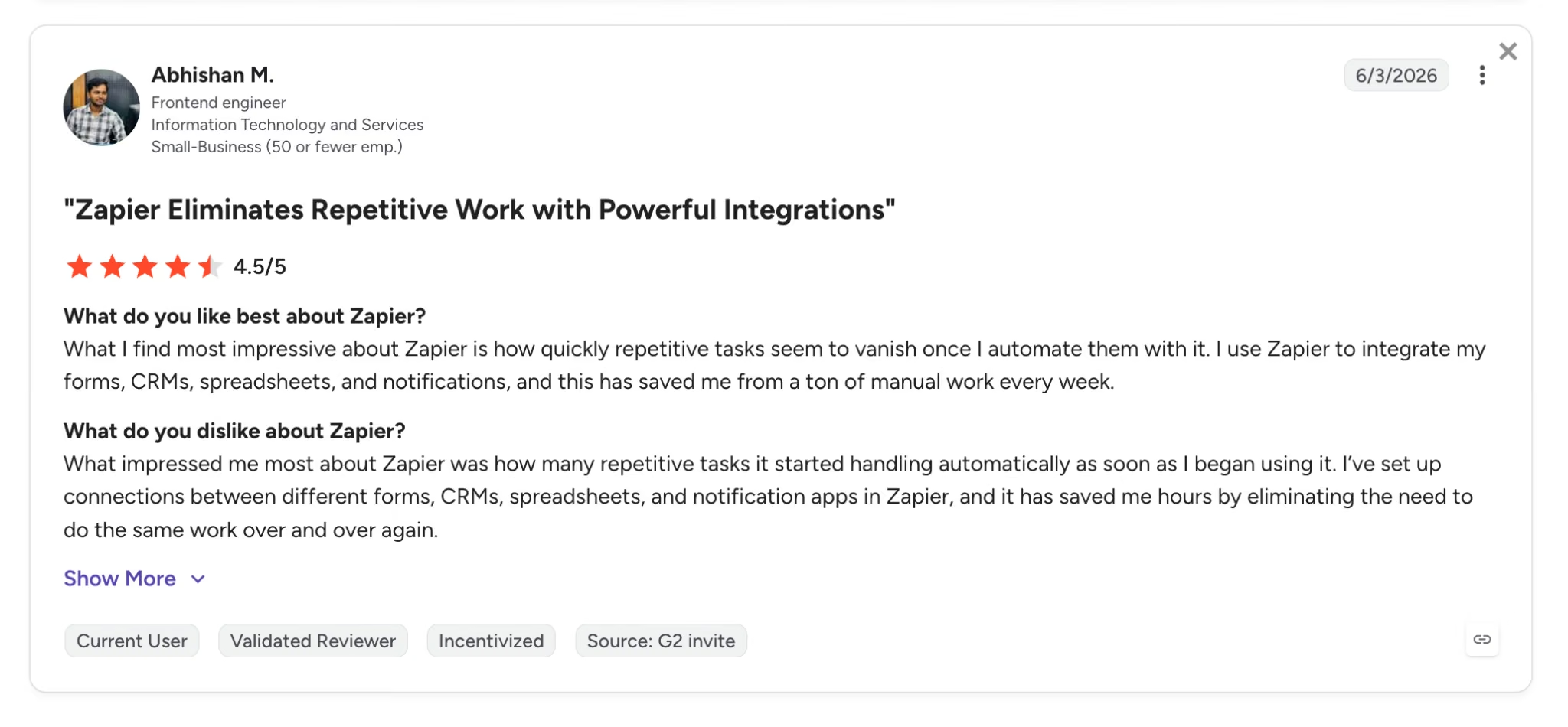
Pro: "I use Zapier to integrate my forms, CRMs, spreadsheets, and notifications, and this has saved me from a ton of manual work every week." — Abhishan M., G2
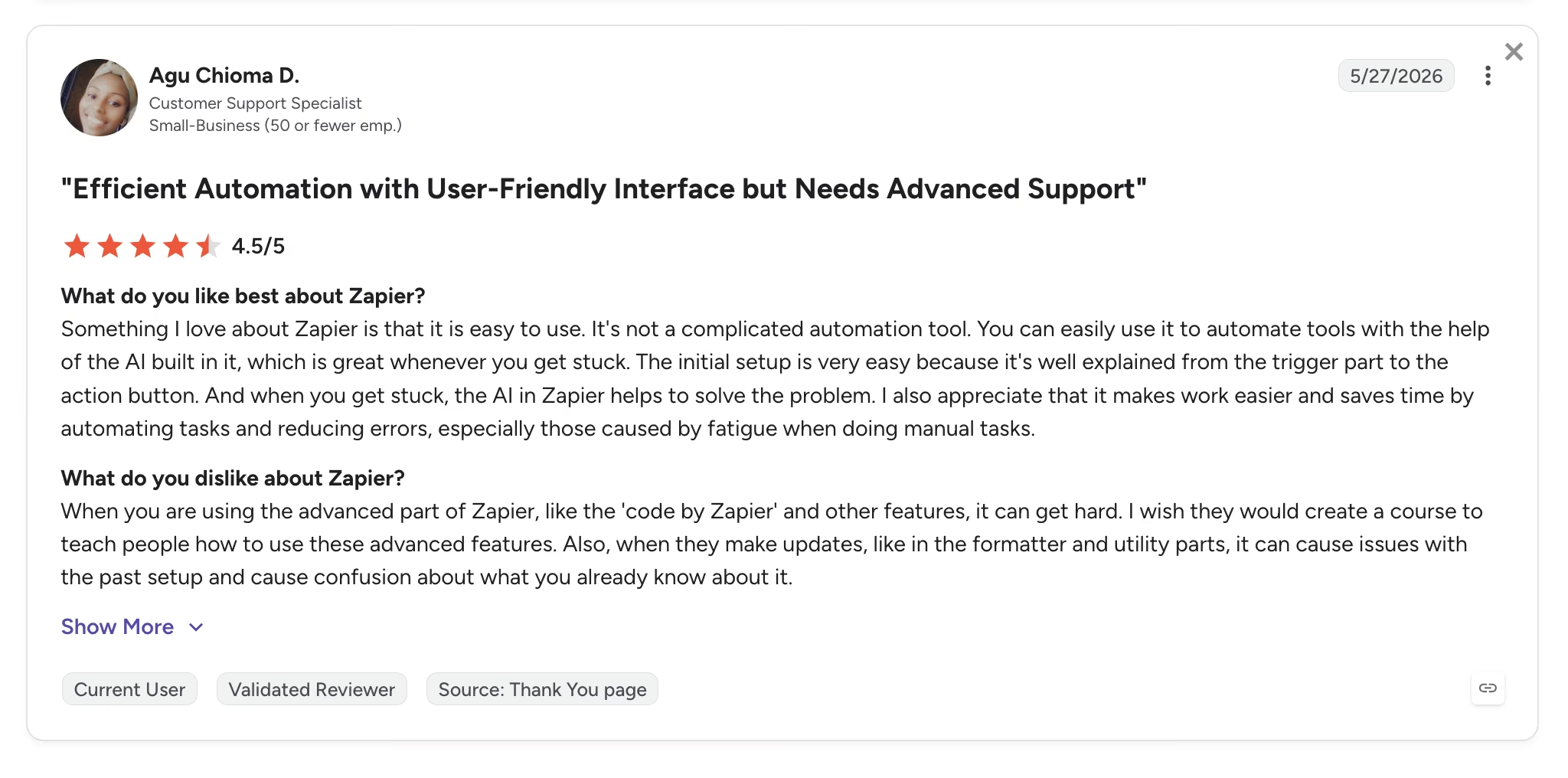
Con: "When you are using the advanced part of Zapier ... it can get hard." — Agu Chioma D., G2
Pricing
Zapier's plans, per its official pricing page:
- Free: $0/month with 100 tasks per month and two-step Zaps.
- Professional: From $29.99/month ($19.99/month billed annually) at the 750-task tier, with multi-step Zaps, unlimited premium apps, and webhooks. Higher task tiers cost more.
- Team: From $103.50/month ($69/month billed annually) with 25 users, shared Zaps, and SAML SSO.
- Enterprise: Custom pricing with unlimited users, advanced admin controls, and annual task limits.
If those task tiers look expensive at your volume, read about Zapier alternatives in 2026.
Bottom Line
For stitching an agency's existing tools together, Zapier is still the default answer, and the right one for most teams. Just price it from your task math, because the plan card alone understates what multi-step workflows cost, and that difference is where every Zapier complaint starts.
5. Perplexity: Best for Client Research With Verifiable Citations
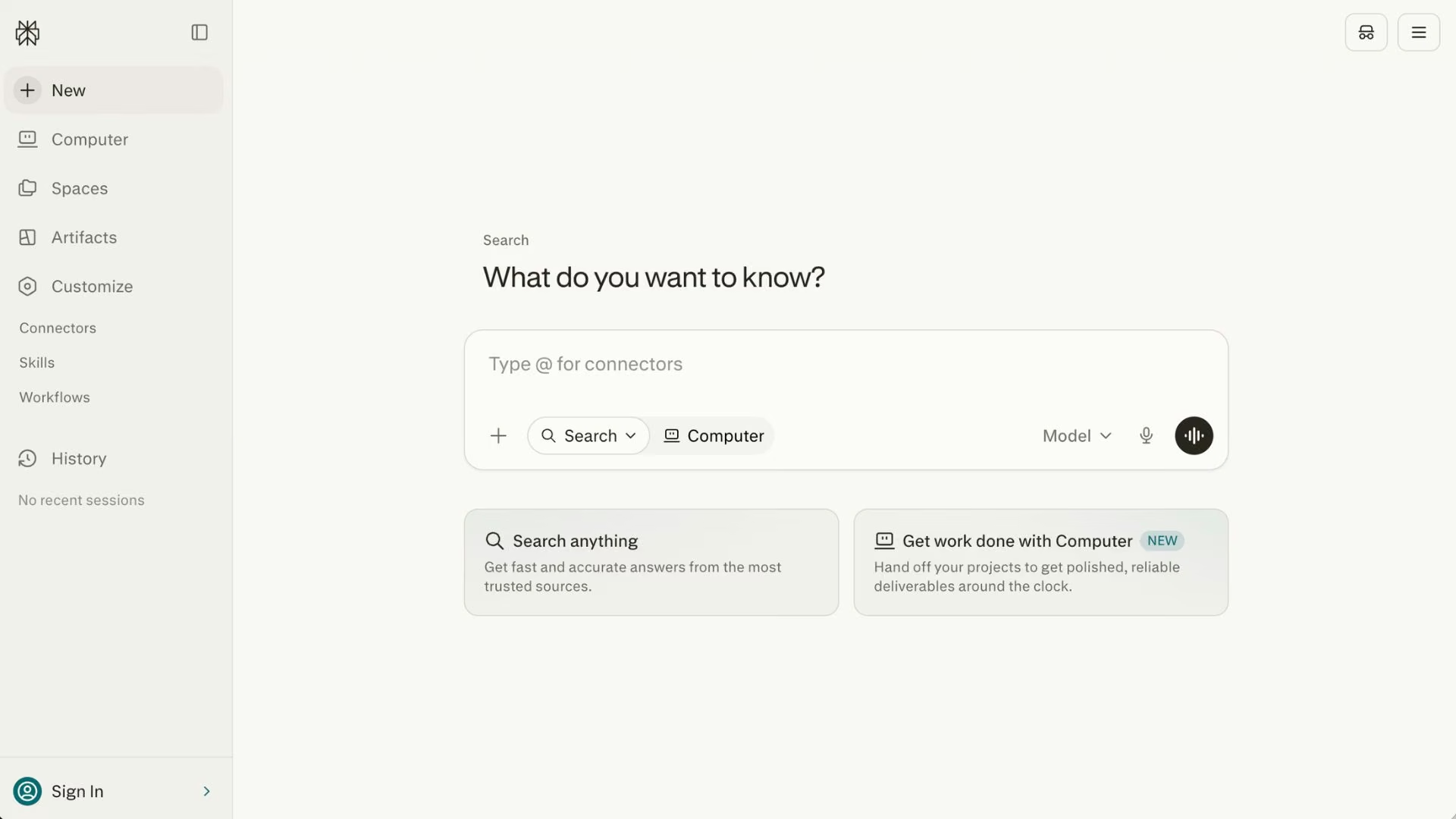
What it does: Perplexity is an AI answer engine that searches the live web and returns structured answers with numbered citations that link every claim back to its source.
Best for: Strategists and account teams who need market, competitor, and industry research they can defend in front of a client.
Perplexity is essential for deep research because of one design choice: every sentence links back to a source you can click, so research goes into a client deck without a separate verification pass.
That separates it from general chat tools, where a confident answer and an accurate answer look identical. Its Deep Research mode runs multi-step research across dozens of sources and returns a cited report, and focused modes (academic, Reddit, YouTube) let you steer where answers come from.
Perplexity also matters on the other side of the desk. Your clients are increasingly discovered inside AI answers instead of blue links, and new tools now track whether a brand shows up when generative platforms answer questions in its category.
Key Features
- Inline citations on every answer: Verify any claim in one click before it reaches a client deliverable.
- Deep Research: Multi-step research across dozens of sources, returned as a structured, cited report.
- Focus modes: Restrict answers to academic sources, Reddit, or video when the source type matters.
- Model choice on Pro: Run queries through frontier models from multiple AI labs inside one interface.
Pros and Cons
Pros:
- Research holds up when a client questions it line by line
- The free tier is a working research tool, with unlimited standard searches
- Fast: cited multi-source answers typically land in under a minute
Cons:
- Answers can lean on a small set of sources, so big decisions still deserve your own source check
- It retrieves and synthesizes well but writes plainly, so final copy needs a drafting tool
What Users Say
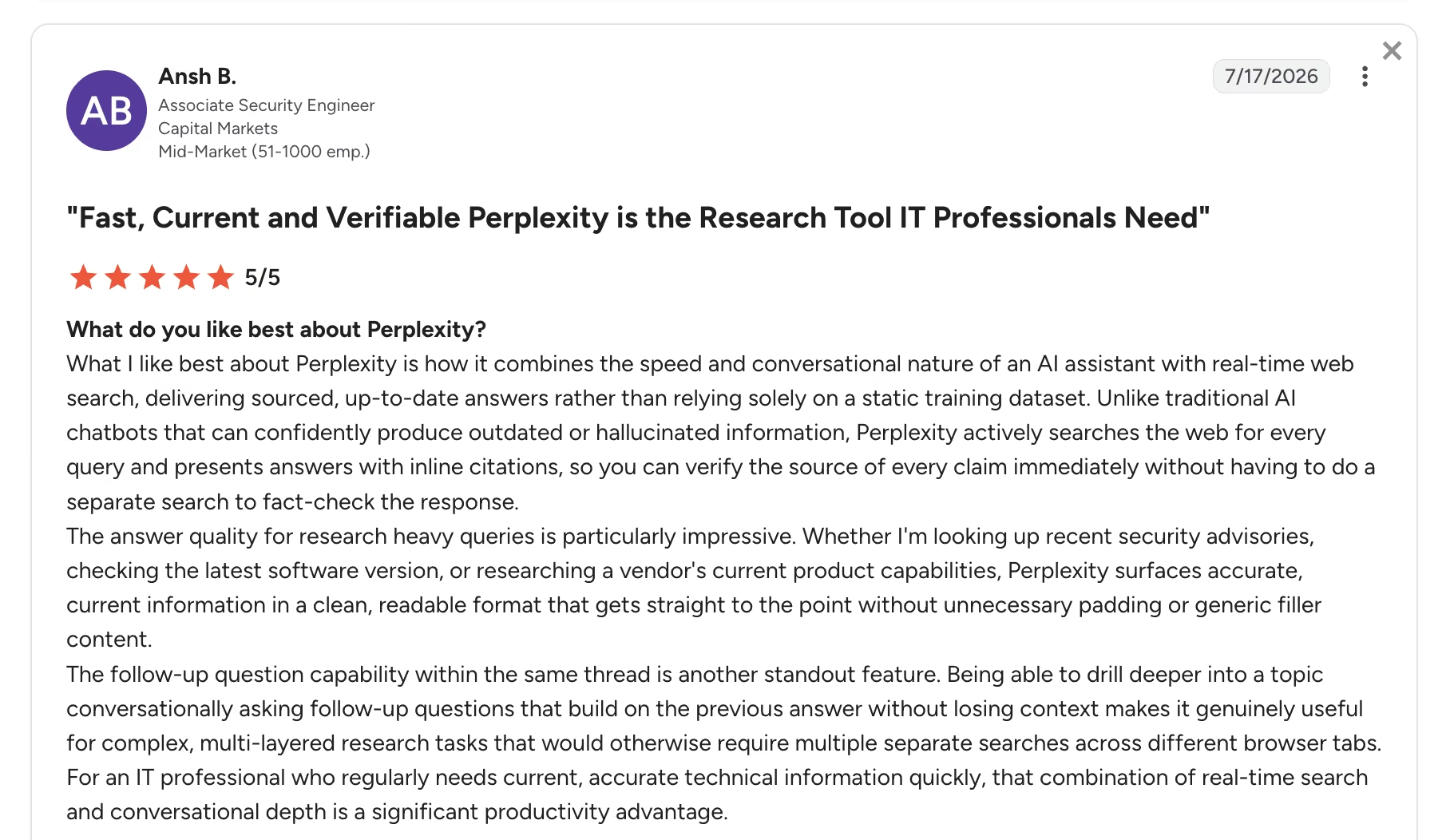
Pro: "[Perplexity] combines the speed and conversational nature of an AI assistant with real-time web search." — Ansh B., G2
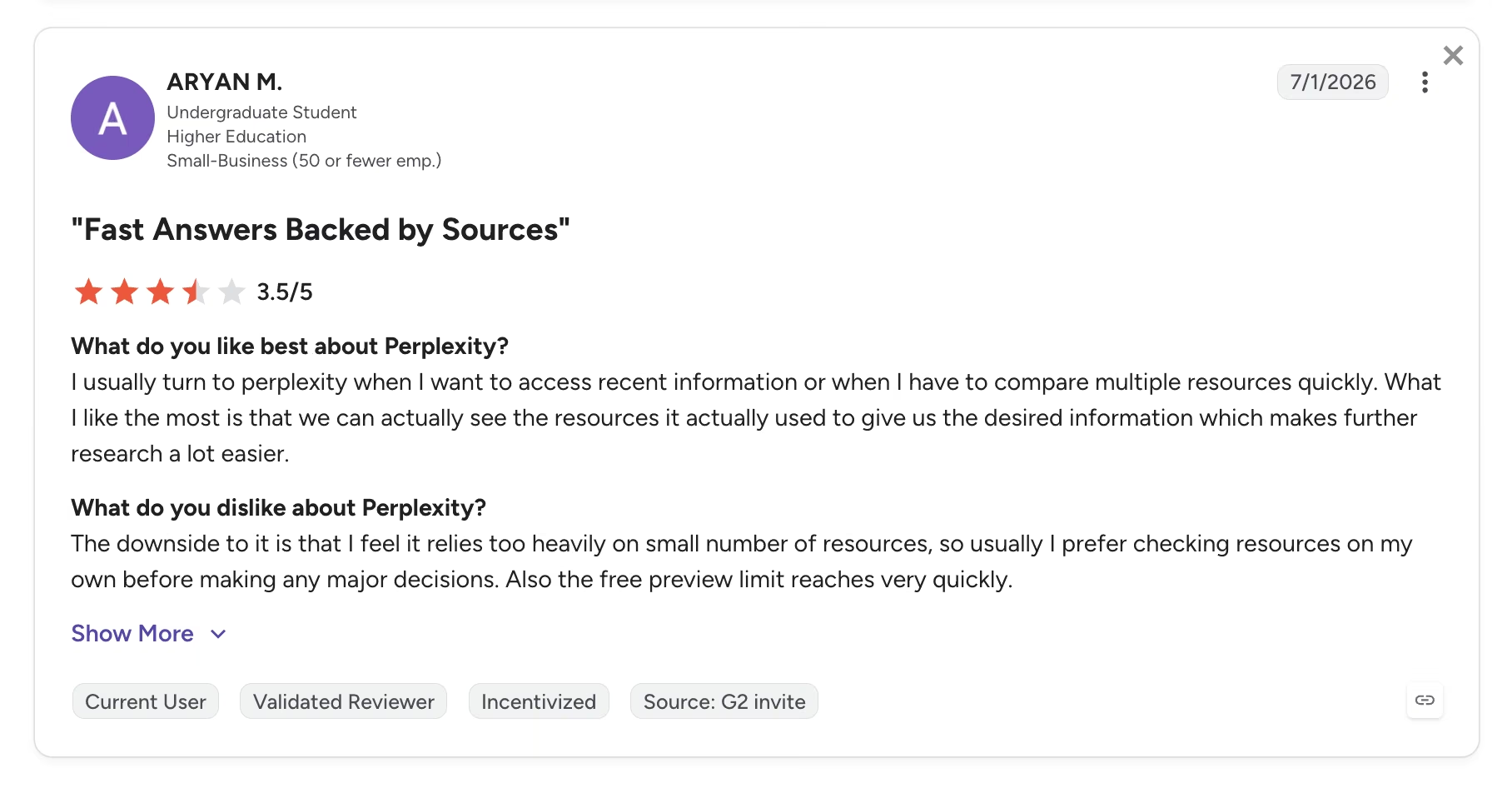
Con: "I feel it relies too heavily on a small number of resources." — ARYAN M., G2
Pricing
Perplexity's plans, per its official pricing page:
- Free: $0/month with unlimited standard searches and a small daily allowance of Pro searches.
- Pro: $20/month ($200/year) with extended Pro Search limits, frontier model access, file uploads, and a daily Deep Research allowance.
- Max: $200/month with the highest model access, far higher limits, and early access to new products.
- Enterprise Pro: $40/seat/month with admin controls, SSO, and team management.
Read about the best Perplexity alternatives and competitors before settling on a plan.
Bottom Line
If your agency bills for strategy, Perplexity Pro at $20/month is the cheapest credibility insurance you can buy. Skip it only if your research stays internal and never goes in front of a client.
6. ChatGPT: Best for Brainstorming, Strategy Drafts, and Coding
What it does: ChatGPT is OpenAI's general-purpose AI assistant covering writing, brainstorming, coding, data analysis, image generation, and research in one interface.
Best for: Teams that want one flexible tool for open-ended thinking work, from campaign concepts to quick scripts.
ChatGPT is the strongest generalist of the seven. When the task is fuzzy (name this campaign, poke holes in this positioning, outline three options for a skeptical CMO), it produces usable raw material faster than any specialist tool, and Projects keep each client's context in its own persistent workspace between sessions.
The coding side matters more than most expect: account teams use it to write reporting scripts, clean a messy spreadsheet export, or debug a tracking snippet, work that used to wait for a developer.
The weakness becomes clear when you give it work that really belongs to a specialist. ChatGPT can attempt cited research or build a client portal and return something that looks convincing, but Perplexity and Zite handle those jobs properly. Use ChatGPT as a thinking partner, then route specialized tasks to the tools built for them.
Key Features
- One assistant, many formats: Text, images, code, voice, file analysis, and web search in a single interface.
- Projects: Persistent, per-client workspaces that hold context, files, and instructions between sessions.
- Custom GPTs: Package your agency's repeatable processes into shareable internal tools.
- Codex and agent features: Delegate small coding and multi-step web tasks on paid plans.
Pros and Cons
Pros:
- The widest capability range of any single AI subscription
- Plus at $20/month covers most agency use cases
- Massive ecosystem: most third-party tools integrate with it first
Cons:
- Confident tone regardless of accuracy, so factual output needs verification
- Free tier now shows ads to some US users in a limited test and caps the newest models
What Users Say
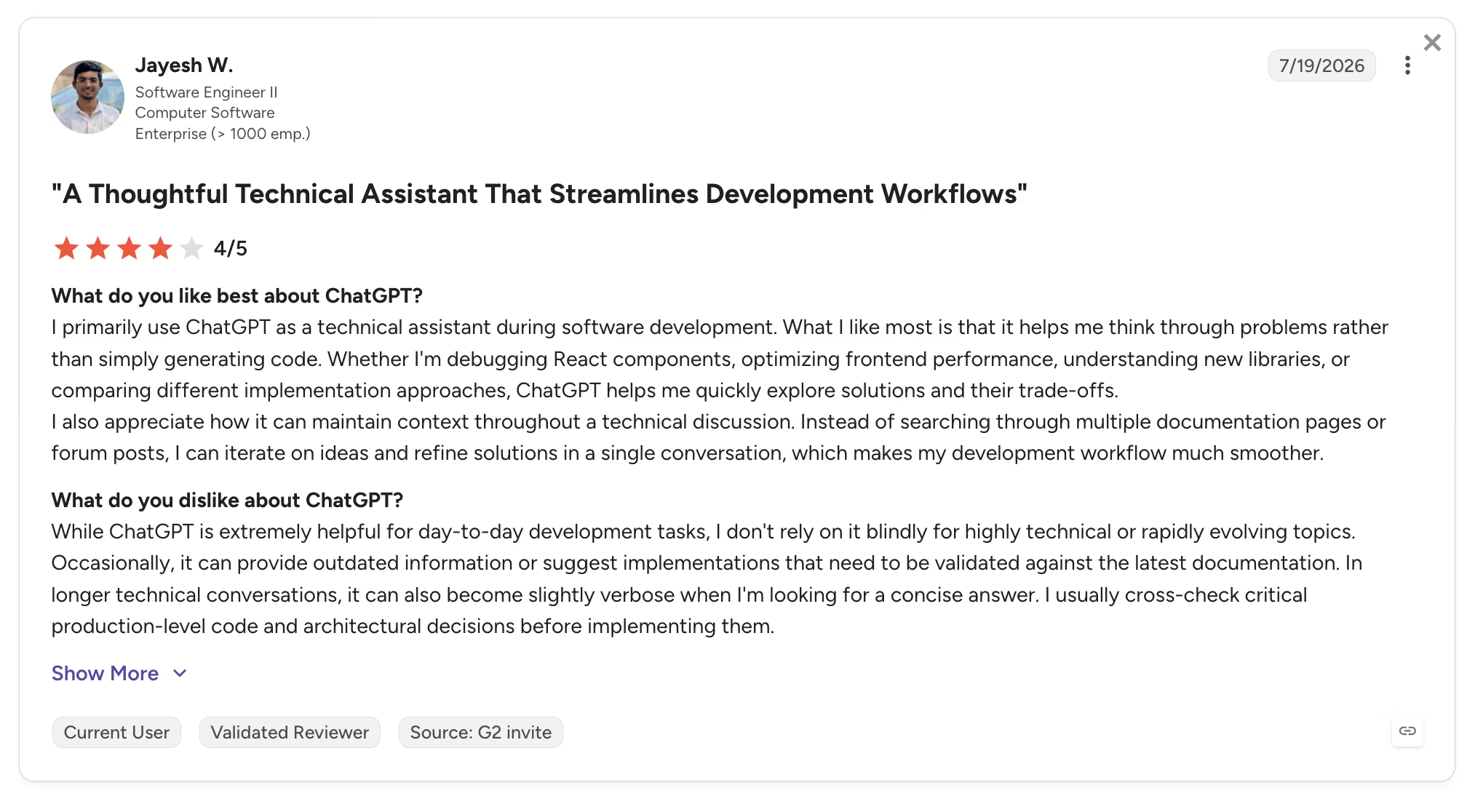
Pro: "It helps me think through problems rather than simply generating code." — Jayesh W., G2
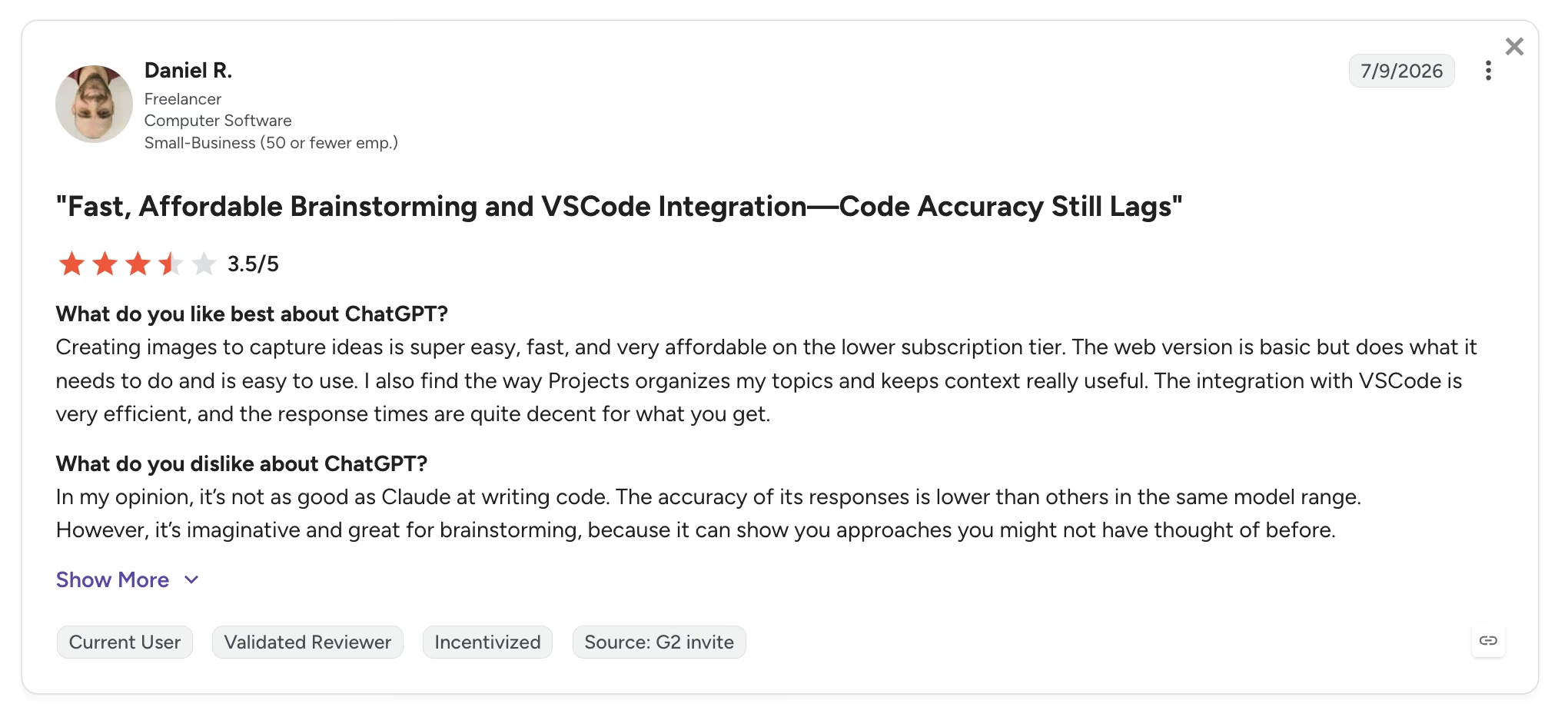
Con: "It's not as good as Claude at writing code." — Daniel R., G2
Pricing
ChatGPT's plans, per OpenAI's pricing pages:
- Free: $0/month with limited access to the standard model, and ads in a US test.
- Go: $8/month in the US with roughly 10x the messages of Free, though it keeps the test ads and skips the reasoning tools.
- Plus: $20/month with the flagship models, Deep Research, image generation, Codex, and agent features.
- Pro: $100/month for 5x Plus usage or $200/month for 20x, with the Pro model tier.
- Business: $25/user/month ($20/user/month billed annually) with workspace controls and no training on your business data.
The tiers changed twice this year, so read this ChatGPT pricing breakdown before committing a whole team.
Bottom Line
Every agency needs one generalist, and ChatGPT is the safest pick for the seat. My advice is to buy Plus for the people doing thinking work and resist upgrading anyone to Pro until they hit the Plus ceiling in a normal week.
If you're weighing it against other assistants, this ChatGPT alternatives guide breaks down the options by use case.
7. ElevenLabs: Best for Life-Like Voiceovers and Dubbing

What it does: ElevenLabs generates natural-sounding AI voiceovers, clones voices, and dubs audio and video across 90+ languages.
Best for: Agencies producing video ads, explainers, e-learning, or localized campaigns without booking studio time.
ElevenLabs solves a specific agency bottleneck: voice talent is slow, and revisions are expensive. When a client changes one line in a 60-second ad, you paste the new script into ElevenLabs and have the corrected voiceover back in about a minute, with no session to rebook, and the voices carry emotional range older text-to-speech never managed.
Dubbing also turns localization into a service line, because one English campaign video ships as Spanish, German, and Japanese versions with matched voice character, a deliverable that used to need studios in three countries.
The thing to manage is the credit meter. Generation, regeneration, and dubbing all draw from the same monthly pool, so revision-heavy work burns through it fast. The free plan also carries no commercial rights, so client work starts at the paid tiers.
Key Features
- Text-to-speech with emotional range: Voices that handle pacing, emphasis, and tone well enough for client-facing ads.
- Dubbing across 90+ languages: Localize one master video into multiple languages with consistent voice character.
- Voice cloning: Recreate a consented voice for ongoing content without repeat recording sessions.
- Sound effects and audio tools: Generate effects and clean up audio inside the same credit pool.
Pros and Cons
Pros:
- Output quality is strong enough for paid media, which few voice tools can claim
- Commercial license starts at just $6/month, far below hiring voice talent
- Revisions take minutes, which changes how you scope video projects
Cons:
- Credits vanish fast on long projects and regenerations, making costs spiky
- Free plan is testing only, with attribution required and no commercial use
What Users Say
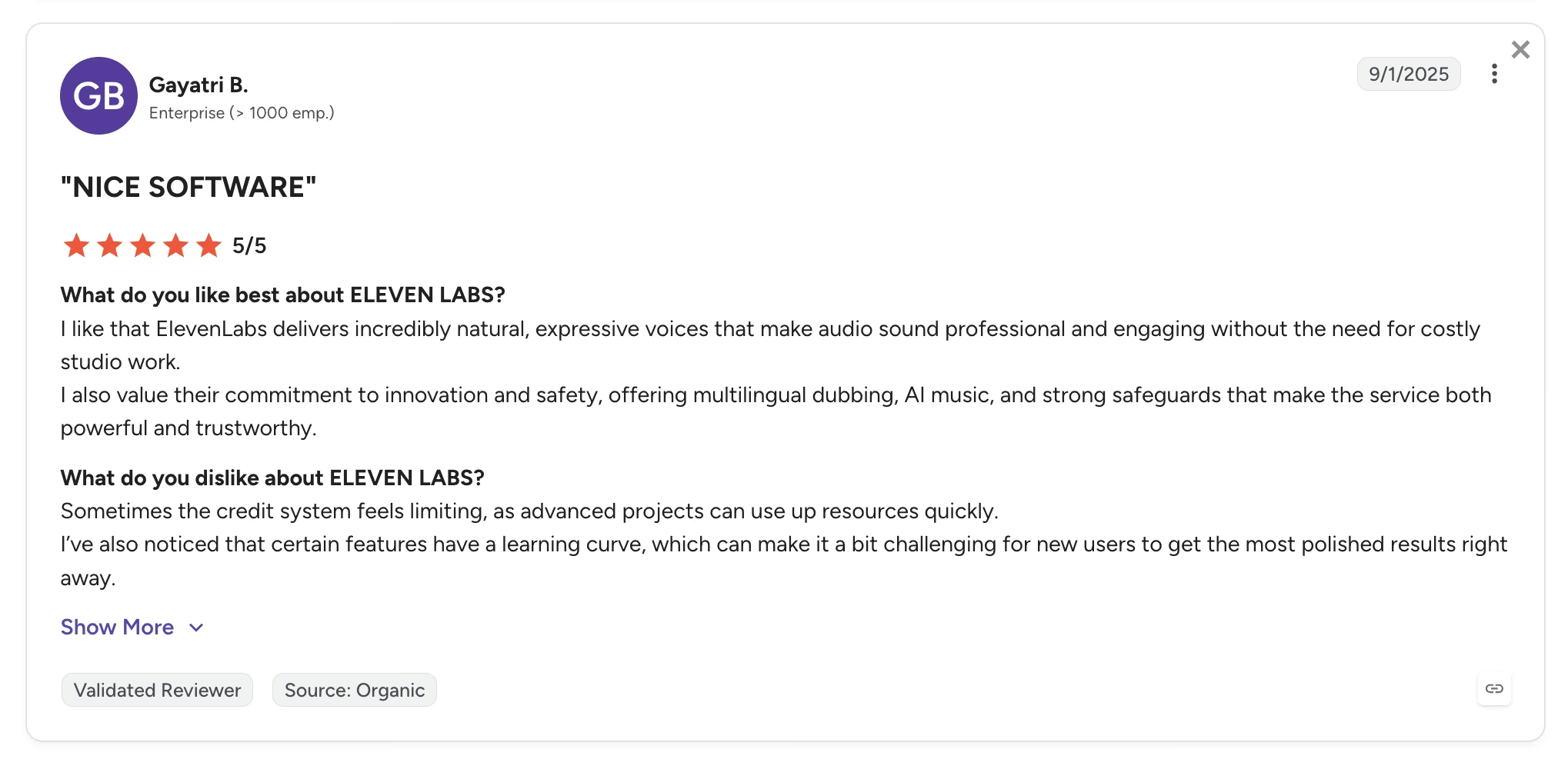
Pro: "[It] delivers incredibly natural, expressive voices that make audio sound professional and engaging." — Gayatri B., G2
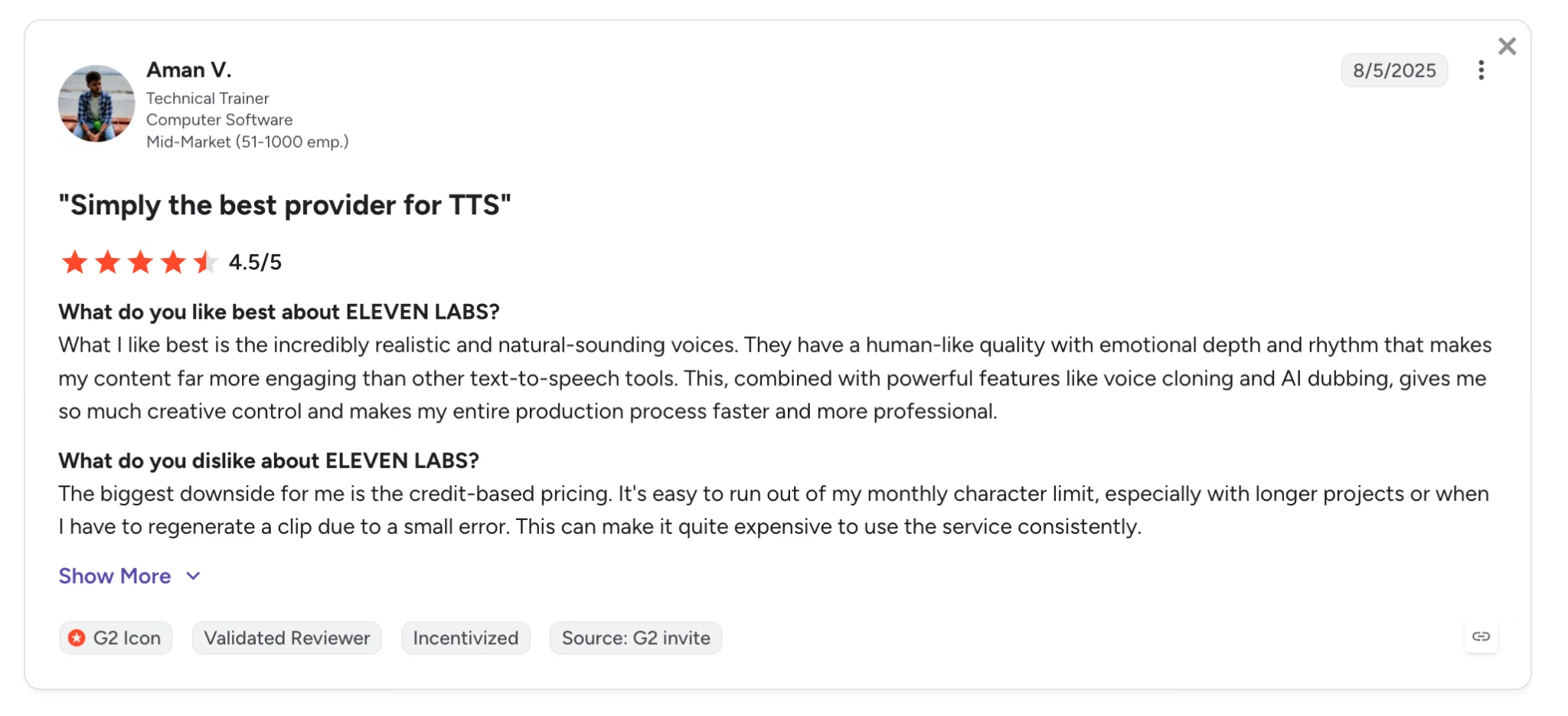
Con: "It's easy to run out of my monthly character limit." — Aman V., G2
Pricing
ElevenLabs' plans, per its official pricing page:
- Free: $0/month with 10,000 credits (roughly 10 minutes of speech), no commercial rights, and required attribution.
- Starter: $6/month with 30,000 credits, a commercial license, and instant voice cloning.
- Creator: $22/month with about 121,000 credits, professional voice cloning, and higher-quality audio output.
- Pro: $99/month with 600,000 credits for production-scale volume.
Bottom Line
For any agency with video in its service list, ElevenLabs pays for itself on the first revision round. Voice-heavy shops should start at Creator, because Starter's credit pool runs out mid-project the moment a client asks for changes.
Which AI Tool Should Your Agency Choose?
No agency needs all seven on day one, so match the tool to the job that's costing you the most hours right now.
Choose Zite if you:
- Deliver client portals, dashboards, or internal tools and want them white-labeled
- Need unlimited end users without per-seat pricing eating the margin
Choose Emergent if you:
- Build client-facing products that need logins, payments, or a mobile app
- Want the code to sync to GitHub so the client isn't locked in
Choose Lindy if you:
- Lose the first hours of each day to inbox triage, scheduling, and follow-ups
- Want an assistant that executes tasks over text instead of another dashboard
Choose Zapier if you:
- Run hand-offs between a CRM, email, and project boards that still depend on copy-paste
- Have a stack of niche client tools that need to talk to each other
Choose Perplexity if you:
- Produce research, audits, or strategy decks that clients will question line by line
- Want every claim in a deliverable linked to a checkable source
Choose ChatGPT if you:
- Need one flexible tool for brainstorming, drafting, and everyday coding help
- Want per-client workspaces that remember context between sessions
Choose ElevenLabs if you:
- Produce video, audio ads, or e-learning and revisions are killing your margins
- Want to sell localization as a service line without studio partners
Skip this category entirely if:
- Your agency is one person with two clients, in which case ChatGPT alone covers most of these jobs at $20/month
- You sell strategy only and never ship delivery software, in which case research and drafting tools cover you
Final Verdict
Each of the best AI tools for agencies in 2026 owns one job in your stack, and nothing else. Zite for internal tools and portals, Emergent for client-facing products, Lindy for admin execution, Zapier for the plumbing, Perplexity for defensible research, ChatGPT for thinking work, and ElevenLabs for voice.
A stack of seven specialists beats a drawer of overlapping generalists on both cost and output quality.
If I had to start an agency stack from zero, I'd buy ChatGPT Plus and Perplexity Pro this week ($40/month combined), add Zapier when the copy-paste pain arrives, and layer in Zite, Emergent, Lindy, and ElevenLabs as portals, admin load, and video work show up in the pipeline.
The one job worth testing before you quote it is the build job. When a client needs software that doesn't exist yet, that's vibe coding territory, and it's the only entry here where you can see the output quality for nothing.
Try building your first app on Emergent with the free plan's 10 credits before you put a number in front of the client.
Pick the tool for the job in front of you, and let the stack earn each new subscription.

Most AI app builders stop at prototypes. Emergent creates production-ready apps you can actually launch.
- Production-ready apps
- Web & mobile apps
- Deploy in minutes







