
TL;DR
- A web app is an interactive application that runs in a browser rather than a simple website designed mainly to display information.
- You can build a web app from scratch using traditional coding, no-code/low-code tools, or AI-powered development tools.
- Before you start, define the app's purpose, target users, core features, user flows, data requirements, and technical requirements.
- Building a web app typically involves planning, designing the interface, developing the frontend and backend, connecting a database, testing, deploying, and improving the product.
- You do not necessarily need coding skills to create a web app in 2026. AI-powered tools can turn plain-language requirements into working applications.
- A tool such as an AI web app builder like Emergent can help you go from an idea to a working web application without manually writing every line of code.
Today, being digital means everything. But not every solution works the same way in every situation. That's why custom web application development matters: it delivers unique digital solutions that help businesses address specific issues. Developing a web app from scratch can seem daunting. A lot needs to be done, including creating a user experience, designing an interface, developing the app's frontend and backend, handling data, adding security, testing and ultimately deploying it.
The right strategy depends on whether you want to know how to build a web app with AI, how much control you need, your technical skills, your budget, and how quickly you want to release your product. In this blog, we have outlined the steps to create a web application from scratch.
What Is a Web App (and How Is It Different From a Website)?
A custom web application is software developed specifically for your business requirements and accessed through a web browser. The difference between commercial software packages, which require you to change how you work, and custom software is that the latter is built around how you work.
The advantages of custom software include uniqueness, scalability and better security control. You don't just purchase a tool; you develop a solution that helps you gain a competitive advantage. This can confuse many, but it is crucial to understand the difference.
- A website is mainly informational. Consider a business card or a blog – the main aim here is to provide information to the user with minimal interactivity.
- A web application, by contrast, is functional and interactive. It is software running in your browser, such as Gmail, Trello, or an online bank site.
- One of the most distinctive features here is user authentication. Web apps require account logins, while traditional sites have no login at all.
| Website | Web app |
|---|---|
| Displays information | Lets users perform actions |
| Mostly content-focused | Functionality-focused |
| Users browse pages | Users interact with workflows |
| Example: company website | Example: project management tool |
| Usually simpler data requirements | May require databases and user accounts |
Three Ways to Build a Web App From Scratch
Let's understand the 3 different ways you can build a web app from scratch.
1. Build It with Traditional Coding
The traditional way requires you to code the app yourself or hire developers to do it for you.
An example of a traditional web app stack is the following:
- HTML, CSS, and JavaScript for the front end
- Front-end framework like React
- Backend programming languages like Python, Node.js, etc.
- Database
- External service integrations via API
- Deployment tools
This method allows for full control over the app's architecture and functionality.
But this approach requires a certain level of technical skills. You will have to be familiar with front-end and back-end programming, databases, authentication, API's, deployment, testing, security, and so on.
Traditional coding is appropriate when you need very specific functionality or have a team of developers ready to support the product.
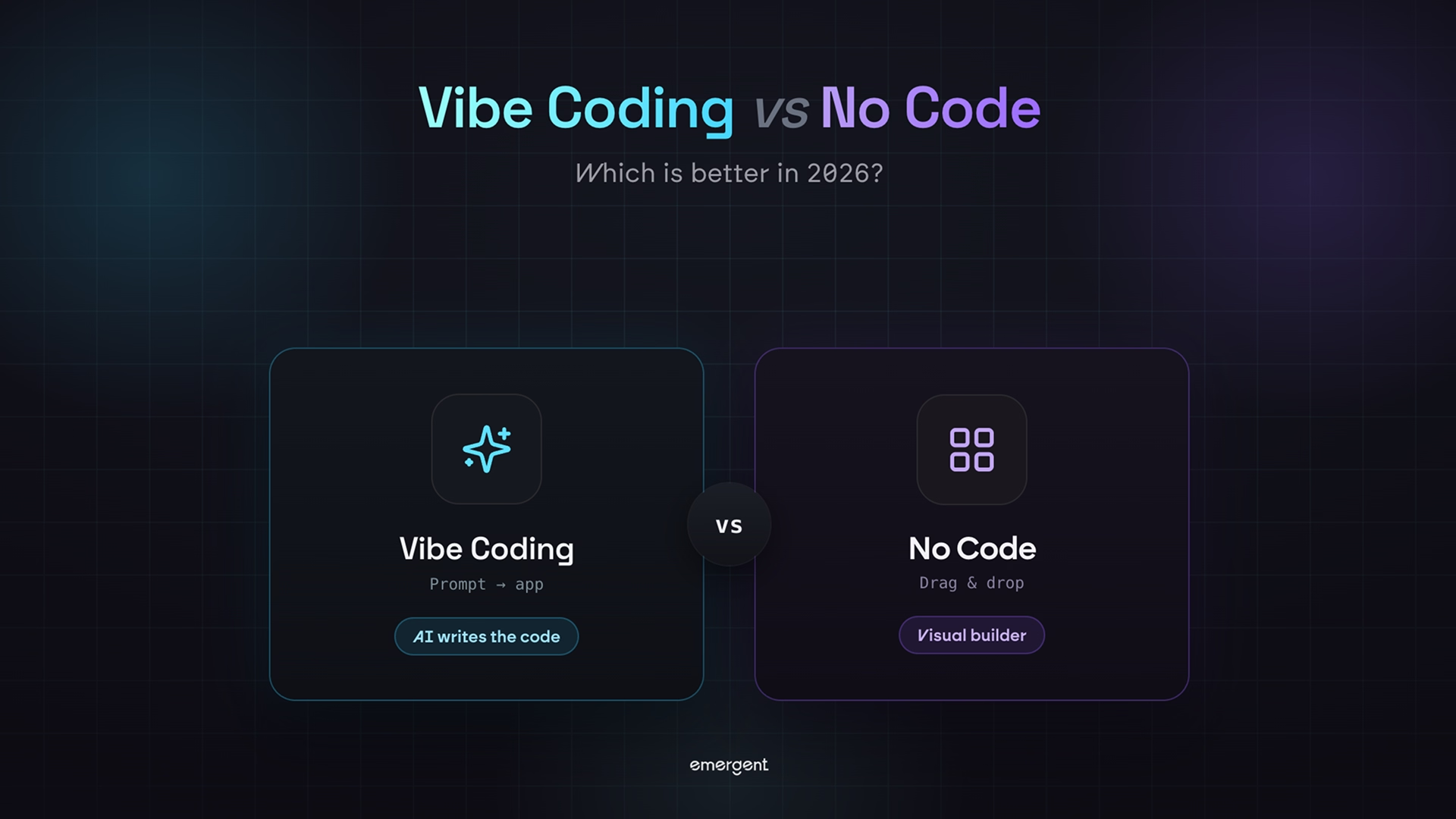
Understand how traditional coding differs from vibe coding in our blog: Vibe Coding vs Traditional Coding
2. Use a No-Code or Low-Code Platform
No-code and low-code applications mean there is less manual coding required.
You are able to do things visually rather than coding each element yourself, using elements, workflows, databases, and integrations.
Examples of areas where development may become easier using no-code/low-code are:
- In-house business software
- Simple dashboards
- Booking software
- Forms and portals
- Customer management software
- Simple marketplaces
- Minimal viable products
The downside is that you are often limited by what the platform can do. A no-code platform is a good choice if your requirements are quite standard.
Understand the difference between no-code and low-code development on our blog Low-Code vs No-Code: What's the Difference in 2026?
3. Build With AI
AI-based development is yet another method.
Instead of coding everything from scratch, you describe what you want the application to do. The AI development system can create components and work with them.
One such system is Emergent, which builds web applications using prompts, including the user interface, backend, databases, authentication, workflow, integration, and deployment.
It is especially helpful if you know what you want to build but have no idea how to implement it in code.
The main thing to understand is that using AI does not eliminate the need to plan. The more detailed the specification, the better the initial version will be.
What You Need Before You Start
While you don’t have to be a coding expert to build an app, you still need some knowledge of the “Big Three” pillars of development.
Frontend Development: Frontend development consists of what the user sees. You need to know HTML (structure), CSS (styling), and JavaScript (programming language). While we don't write JS for complex applications in 2026, we use frameworks such as React and Vue to build frontend UIs.
Backend Programming: This is the "brain" of an application. It handles data manipulation, security, and database interaction. Popular tools for backend include Node.js, Python (FastAPI/Django), and Go.
DevOps Knowledge: This sounds scary, but this pillar is really just about getting your application deployed on the internet. It means you'll need to learn about version control systems, unit testing and CI/CD pipelines.
Don’t let the technical wall stop you from building your dream application.
How to Build a Web App From Scratch: Step-by-Step
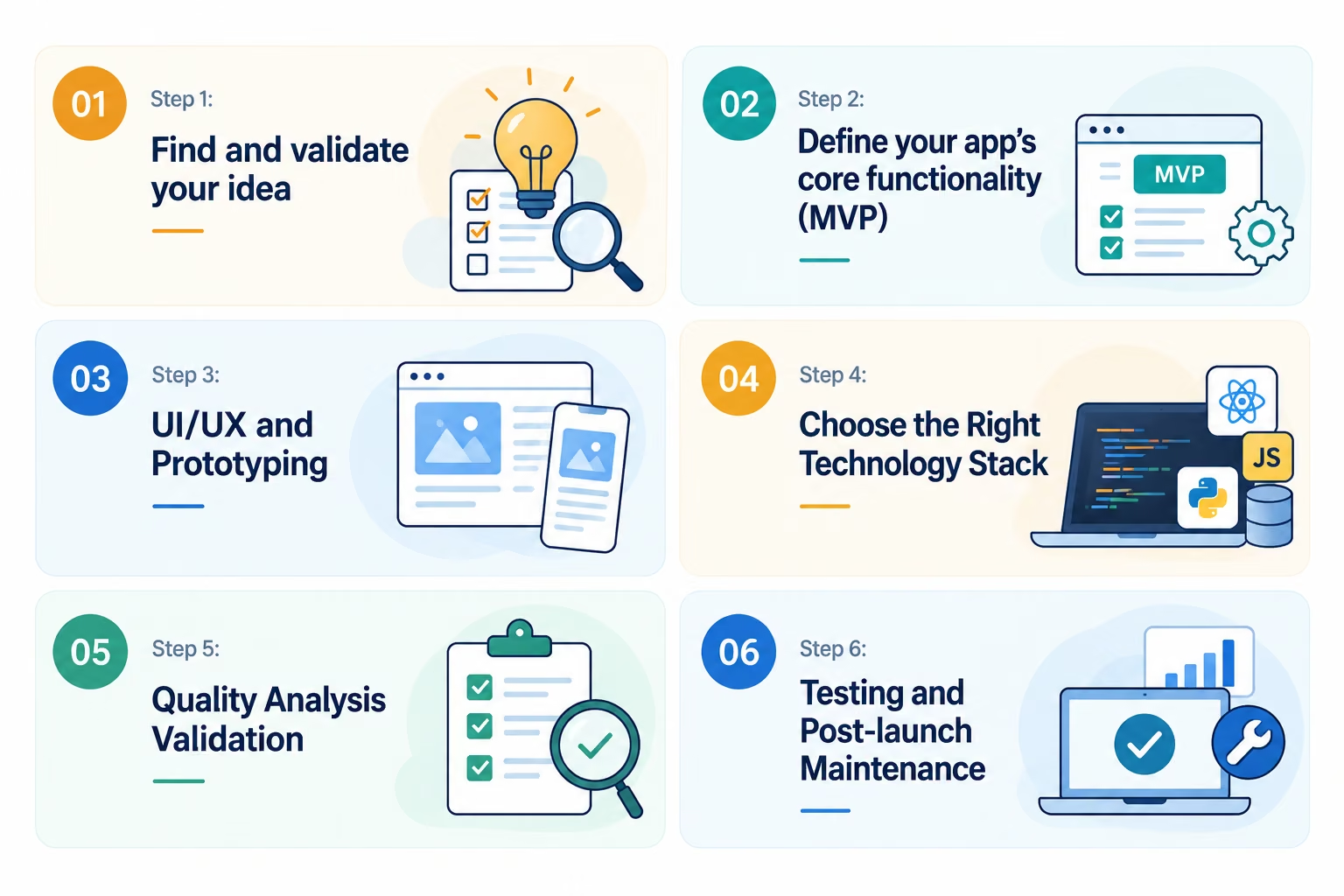
Turning your vision into a real product is the most critical stage in how to make a web app from scratch. Careful planning saves time, reduces risk, and ensures your app targets a real need. Here’s a step-by-step breakdown, so each task feels achievable even if you have no technical background.
Step 1: Find and validate your idea
A successful web app always starts with an issue that needs solving. First, identify pain points in your industry, preferably ones you have experienced yourself. Is it a big enough issue that needs addressing?
Research your competitors on Google, Product Hunt, and Betalist. Look for similar products and identify any weaknesses. Also, do basic patent and trademark checks to avoid trouble down the road.
Find out how many people actually need your product through Google Trends and SEO research. Get involved in industry forums and LinkedIn groups and listen to what people say. The key to learning how to make a web app from scratch is not just talking but mostly listening.
Talk to real users. Often, simple discussions can tell you if your idea will work. Make sure you’re not building a “solution in search of a problem.” The most common cause of startup failure is a lack of product-market fit.
Step 2: Define your app’s core functionality (MVP)
Now, specify what features your web app should have in order to address the core user problem. Concentrate on MVP – just those features that will allow you to release and validate your solution.
First of all, identify the must-haves such as user accounts, database, and core workflow of your web application. For example, a CRM app must support user registration, password recovery, and basic contact management. Any feature that is not needed for your first release must be cut.
Write down all your ideas, but be tough when cutting them. Your aim is to release, collect customer feedback and improve iteratively. If you want to move fast, consider building an MVP with No-Code.
This approach is crucial for building a web app from scratch.
Step 3: UI/UX and Prototyping
Visualizing your app before actually building it will revolutionize your process. Start by sketching low-fidelity wireframes on pen and paper or digitally via applications like Figma.
Map the user journey from start to finish, through to the main goal. All states should be determined - logged in, logged out, admin or user. Get access to competitors' apps in order to understand how they work and what not to do.
Wireframes allow you to map navigation and forms as well as to identify other important interactions. Add annotations to your design, including notes about user tasks and edge cases. This type of visual design is indispensable for building a web app in 2026.
Step 4: Choose the Right Technology Stack
Make sure your technology stack can scale, perform well, support AI and remain maintainable.
For the frontend, the most popular technology stacks are React, Next.js and Vue. These frameworks provide a high-performing, interactive user interface and scalable, component-based development.
Popular backends for web development are Node.js, Python, and serverless backends. On the backend, you can implement business logic, process data, provide authentication, and handle necessary integrations.
The most popular database choices are SQL for transactional systems, NoSQL for flexible and scalable applications, and vector databases for AI-powered search and personalization.
Make sure your tech stack fits your scalability, AI, security, and development needs.
Step 5: Validate your App
Share your wireframes or clickable prototype with others and gather honest feedback on your product and value proposition.
It helps to test your sales pitch in advance and pay attention to the objections you hear. It will help you to improve your design without spending money on development. Building strong relationships with early adopters increases your chances of getting your first users or testimonials.
Early validation saves you development time and makes your product more likely to succeed at launch. If you are learning how to build a web app in 2026, this step is crucial.
Step 6. Testing and Post-launch Maintenance
Launch is just the beginning, not the end. Testing is very important to ensure functionality.
Unit Testing: The goal is to achieve a very high coverage rate. This will help in ensuring that introducing new functionality won’t break the existing one.
Monitoring Performance: Apps like New Relic or Sentry help you find out as soon as someone faces any kind of performance lag or error.
User Feedback: Observe how people actually use your product. If everyone gets stuck on the “Sign Up” page, it’s the number-one task to address in the next version of your app.
Common Mistakes to Avoid
Building a web app from scratch becomes much easier when you avoid common planning mistakes.
Trying to Build Everything at Once
Adding too many features increases development time and complexity. Start with the core workflow and expand after you validate the idea.
Starting Without a Clear User Flow
A collection of screens isn't necessarily a useful application. Define what users need to accomplish and build the screens around those actions.
Choosing Technology Too Early
Don't start with: "Which framework should I use?"
Start with: "What does the user need to do?"
Your requirements should influence the technology rather than the other way around.
Ignoring Mobile Users
Even if you're building a web app rather than a mobile application, users may access it from phones and tablets. Design responsive interfaces from the beginning.
Skipping Testing
A web app that works in your browser during development may still have problems for real users. Test the main workflows before launch.
Overcomplicating the First Version
An MVP should be small enough to build, test, and improve. You can always add functionality later.
Using Vague AI Prompts
If you're using an AI development tool, a prompt such as:
"Build me a business app."
leaves too much room for interpretation.
Instead, describe:
- Who uses it
- What they need to do
- The screens required
- The data stored
- User roles
- Key workflows
- Design preferences
- Important constraints
For a deeper look at the AI development process, you can also read how to build an AI app in under an hour.
Build Your Web App Faster With Emergent
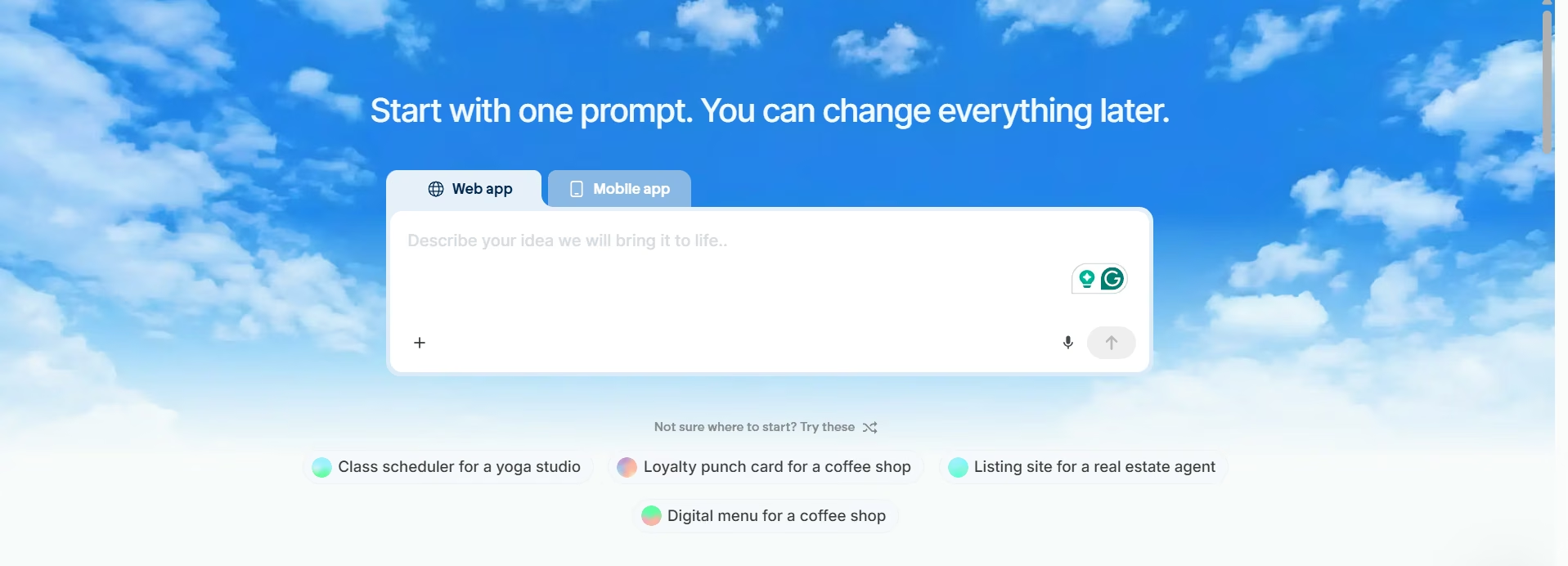
Traditional development gives you extensive control, but it can also require significant technical knowledge and development time.
A vibe coding tool such as Emergent offers another way to approach web app development.
Instead of starting by manually writing every component, you describe what you want to build and refine the application through prompts.
Emergent’s AI web app builder is designed to take a web application from an idea to a working build. Its official product page describes capabilities across the frontend, backend, database, authentication, business workflows, API integrations, and deployment.
Step 1 - Enter the prompt
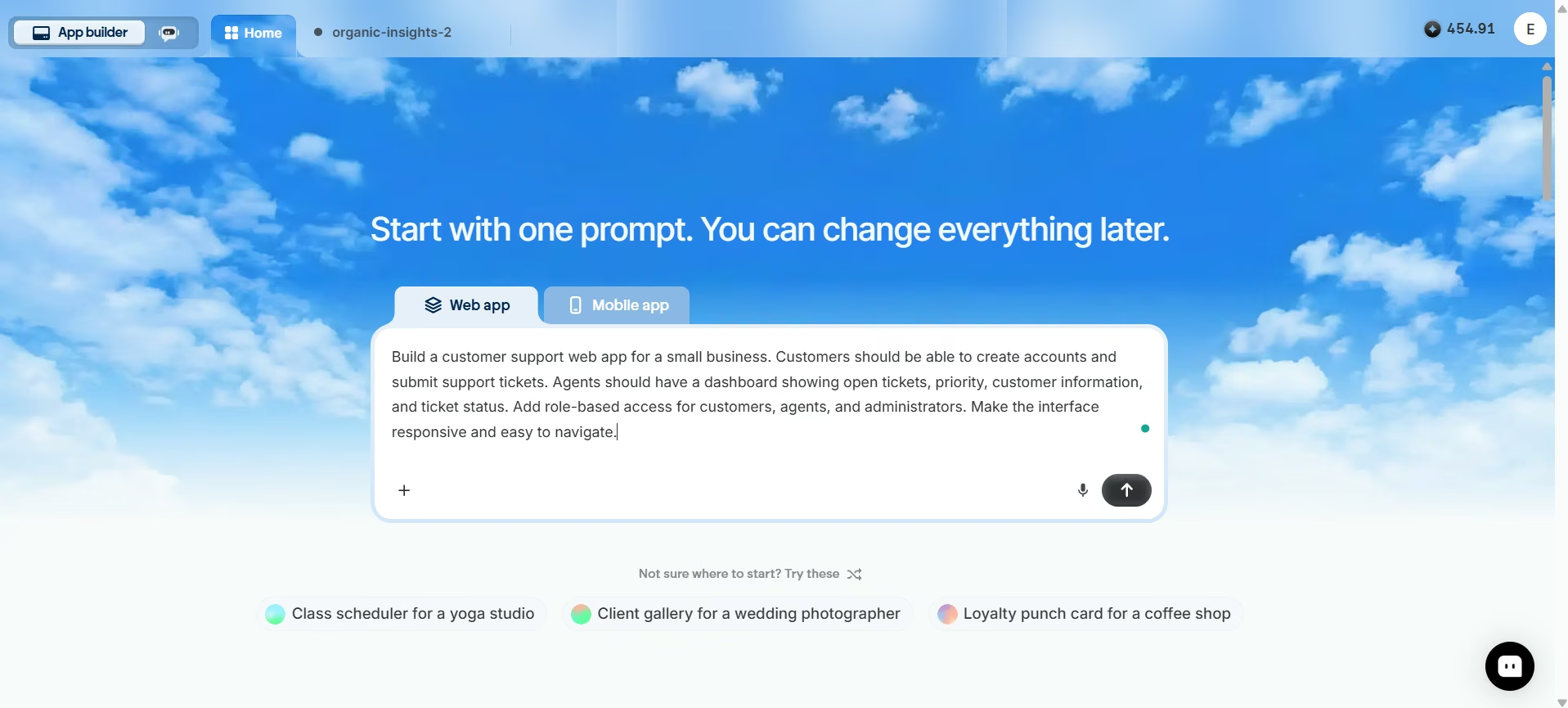
For example, you could describe an application like this:
Build a customer support web app for a small business. Customers should be able to create accounts and submit support tickets. Agents should have a dashboard showing open tickets, priority, customer information, and ticket status. Add role-based access for customers, agents, and administrators. Make the interface responsive and easy to navigate.
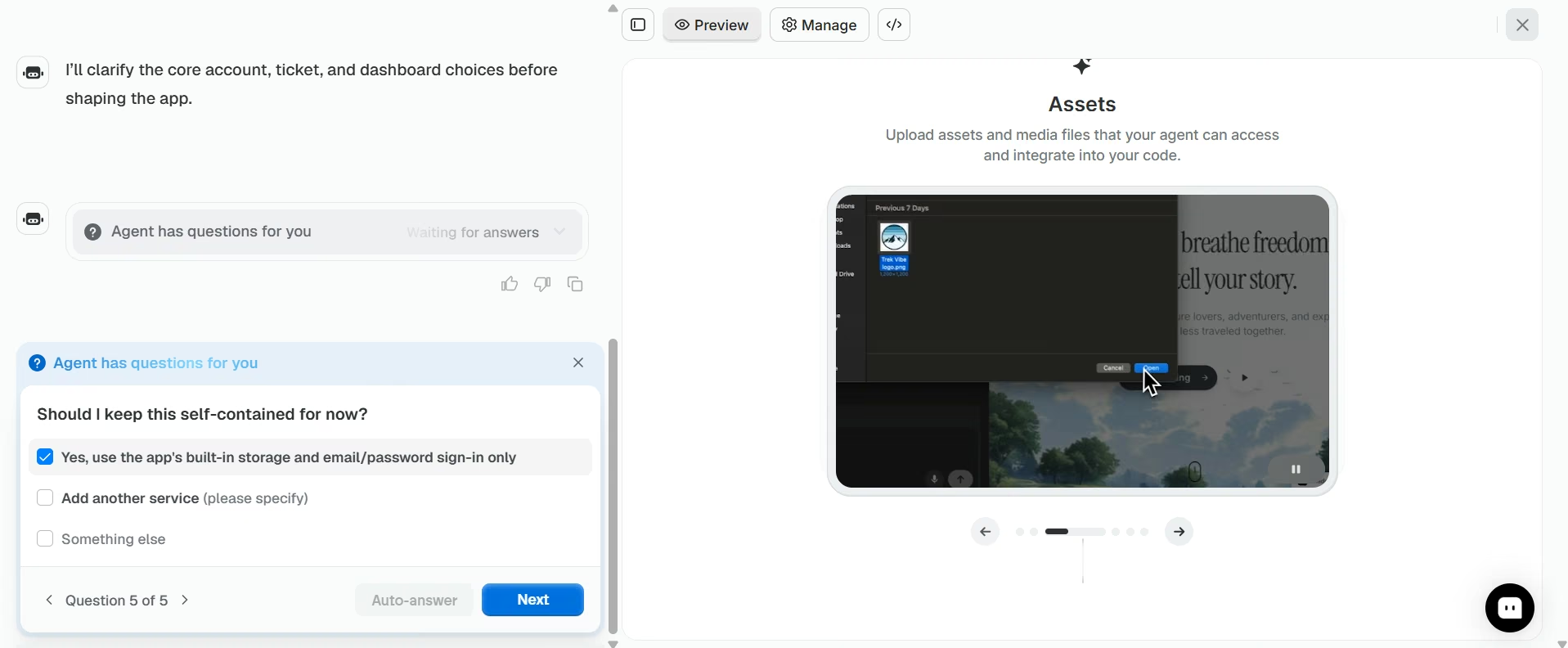
The AI can then generate a starting point that you can review and refine.
You can continue prompting the application as requirements change:
Add a search function to the support dashboard.
Or:
Add a filter for high-priority tickets.
Or:
Allow administrators to assign tickets to specific support agents.
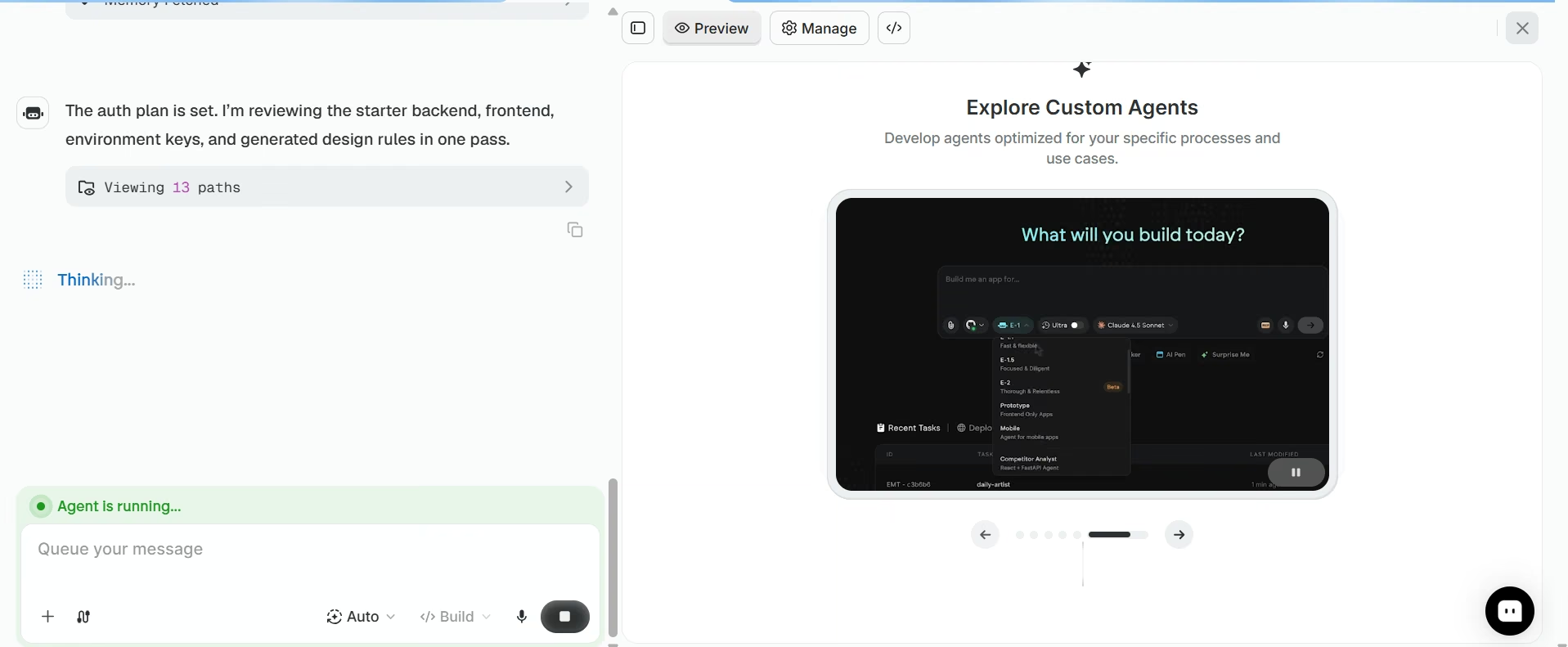
Your app is now ready to be published!
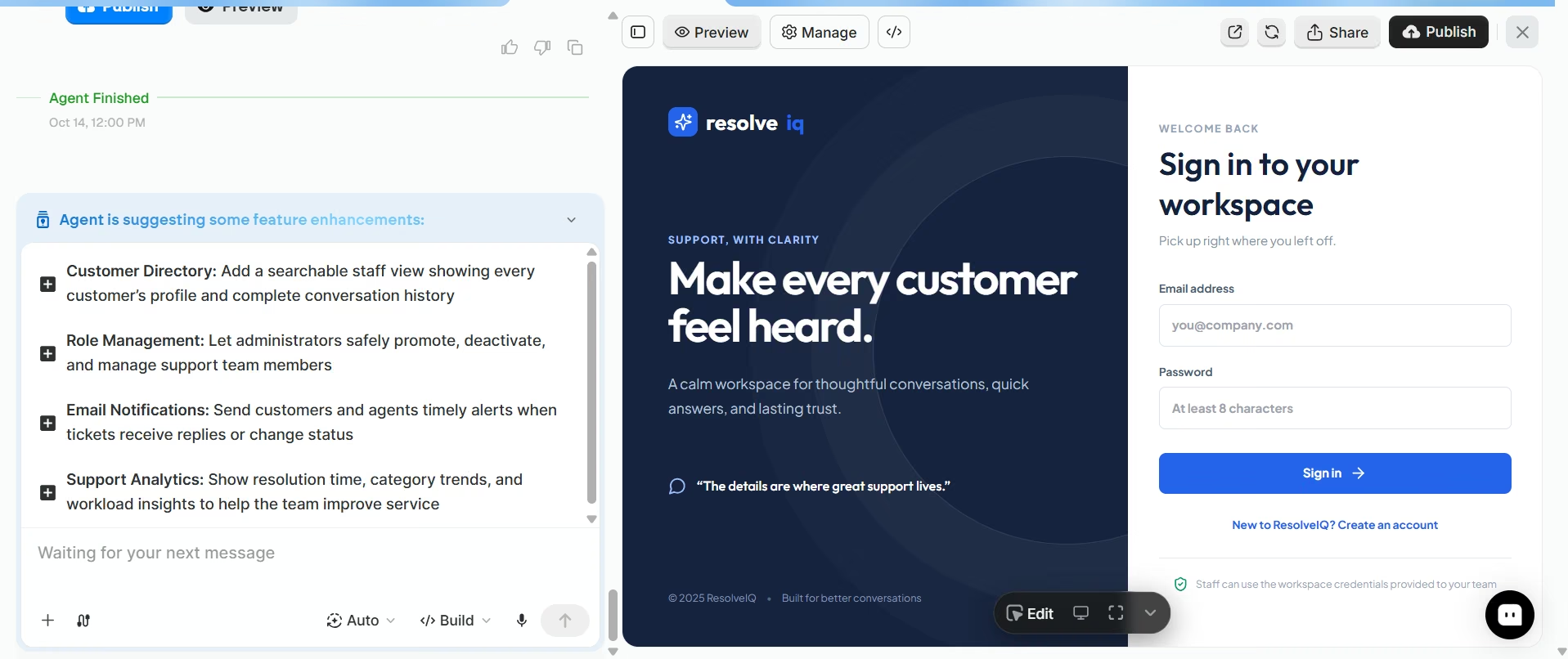
This makes the development process conversational rather than requiring you to manually implement every change.
Emergent also supports web and mobile app development, while its Standard plan currently includes web and mobile builds, private project hosting, 100 monthly credits, and GitHub integration.
The important distinction is that AI doesn't mean you can skip product thinking. You still need to define the problem, understand your users, review the generated application, test key workflows, and decide what the product should do.
The AI handles more of the implementation work, while you remain responsible for defining what you're building. Start building with Emergent today.
Final Takeaway
You can build a web app from scratch in several ways in 2026.
Traditional coding gives you maximum control but requires technical expertise. No-code and low-code platforms simplify development for certain types of applications. AI-powered development provides another option by letting you describe an application in plain language and refine the generated build through conversation.
Regardless of the approach, the fundamentals remain the same: define the problem, understand the users, plan the workflow, build the smallest useful version, test it, launch it, and improve it based on feedback.
Now that you know how to make a web app from scratch, you can build without writing every line of code yourself; an AI web app builder can make the process more accessible and iterative.
Describe it. Build it. Launch it.
- End-to-End Creation
- No Code Needed
- Live in Minutes
Most AI app builders stop at prototypes. Emergent creates production-ready apps you can actually launch.
- Production-ready apps
- Web & mobile apps
- Deploy in minutes