



TL;DR
Softr is one of the fastest ways to build a login-gated client portal or internal tool from your data. It handles the two things that those apps need the most: secure role-based access and conditional logic.
Where it loses its appeal is scale and price, since it bills per app user and locks advanced features behind higher tiers. It's a strong pick if you know exactly who logs in, and a poor one if you're looking to build a large or public audience.
A client portal is one of the most common things teams ask a no-code builder for. The real question is whether one can actually deliver it, or just a good-looking demo. That's probably what brought you to this Softr review.
I used Softr's AI app builder to create a client project tracker with email logins, role-based access, and a rule that flags overdue tasks and pushes them to the top. It took around 14 minutes of setup, including a few questions I had to answer along the way.
The build seeded 48 sample records across 3 tables, and I had a live preview of the app in under 15 minutes.
By the end of this, you'll know whether Softr fits the kind of app you’re looking to build, where the price makes sense, and the point at which you may want to look elsewhere.
Softr is one of the fastest ways to build a login-gated client portal or internal tool from your data. It handles the two things that those apps need the most: secure role-based access and conditional logic.
Where it loses its appeal is scale and price, since it bills per app user and locks advanced features behind higher tiers. It's a strong pick if you know exactly who logs in, and a poor one if you're looking to build a large or public audience.
What Is Softr?
Softr is a no-code platform for building client portals, internal tools, and web apps from a data source, whether that's its own built-in database, Airtable, Google Sheets, or others. It's aimed at people who want a secure, login-gated app built from their data without writing code or managing a backend.
The data source comes first. You connect one during onboarding before you can build anything, although that can be Softr's own database rather than an external tool.
How I Tested Softr
I built the kind of app Softr is designed for: a client project tracker where clients log in to see only their own projects, an internal team manages everything, and overdue tasks get flagged automatically. I used Softr's own AI app builder on its built-in database, rather than bringing in an external one, so I could build solely with Softr.
What I wanted to test was whether the logins and permissions really did limit each client to their own records, and whether the "overdue" rule could tell a late task from a finished one.
One Prompt, a Full Portal, and the Overdue Test

Softr's AI builder opens with a single box asking what you want to build. I gave it this:
"Build a client project tracker where clients log in and see only their own projects. Each project has a status, a due date, and a list of tasks. Tasks past their due date should be flagged as overdue and shown separately at the top."
Softr then asked me a few setup questions: who creates and manages records (I chose both internal team and clients); whether clients could comment or upload files (no); whether tasks have an assignee (internal team only); how people log in (email, invite-only, no self-signup); and my preferred navigation layout and theme.
Giving the builder a description and letting it generate the app is what’s known as vibe coding. It’s a quick way of building, and the entire flow here was completed in around 14 minutes.
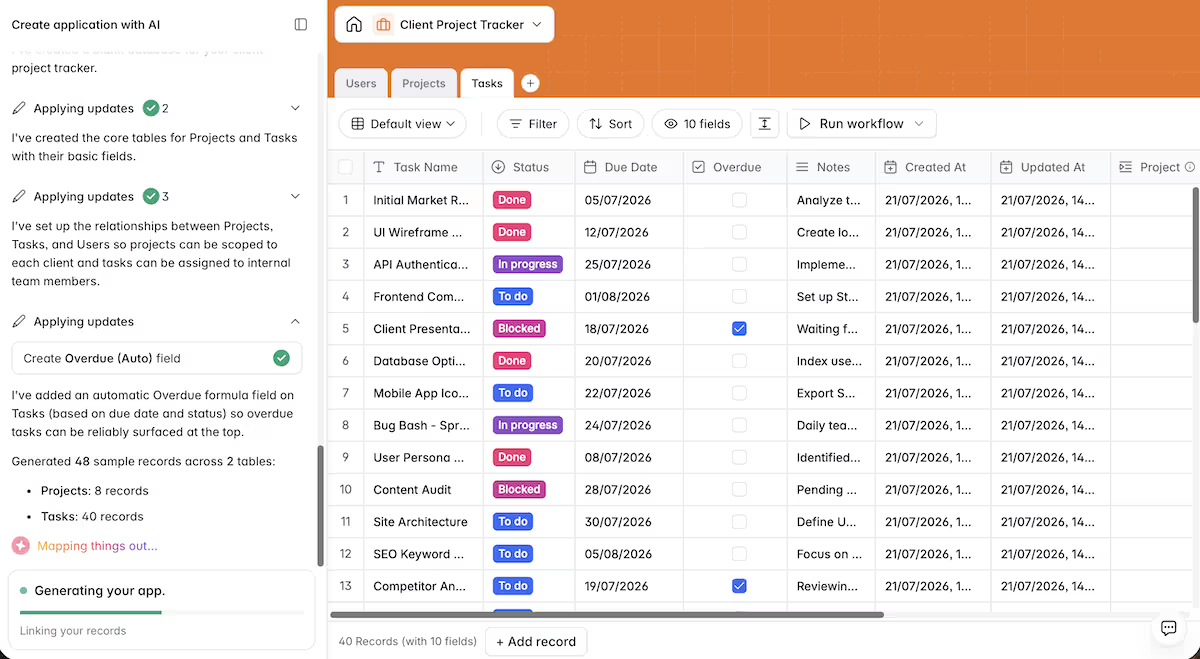
Softr then created 3 tables, Users, Projects, and Tasks, configured the relationships between them, and added an automatic Overdue formula field derived from due date and status.
It seeded 48 sample records, 8 projects and 40 tasks, plus 7 users.
It also generated a set of pages: a client home, a projects list, a project details view, an internal Kanban board, and an internal-only analytics page with charts. A generation step errored partway through the projects page and had to recover before it finished, which was the only visible stumble.
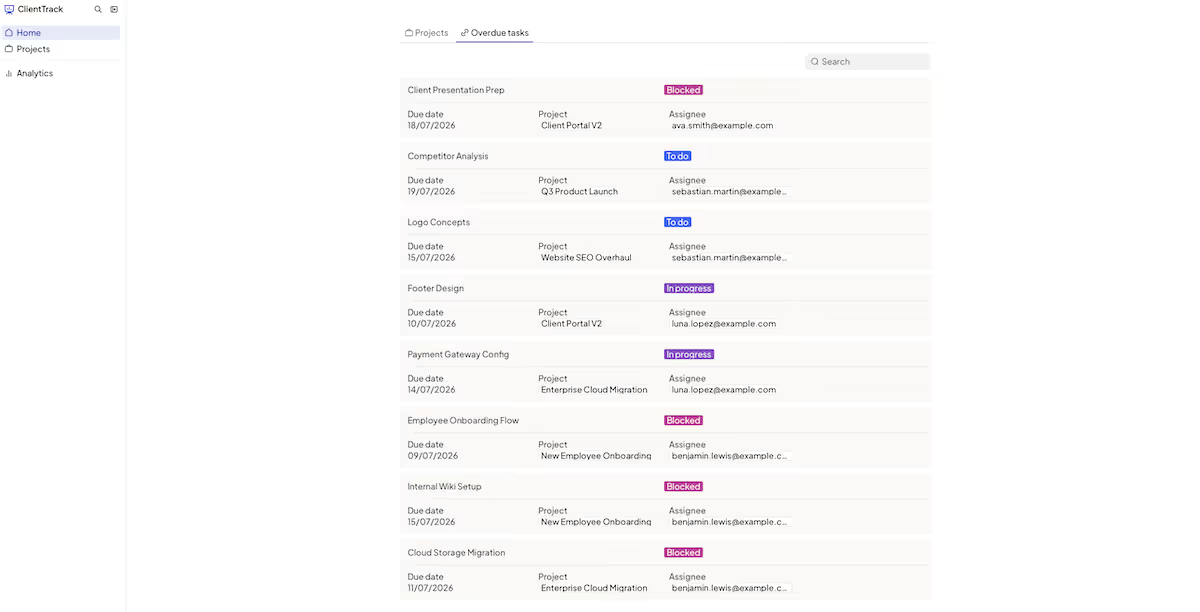
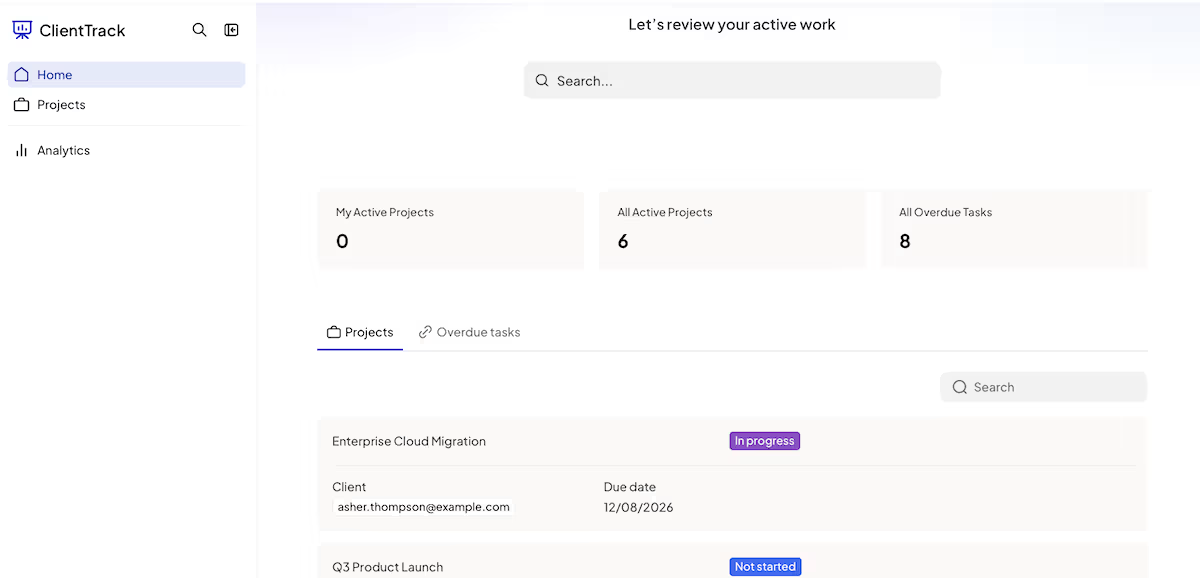
The important part was the overdue rule, and this is where Softr delivered. The client home showed 8 overdue tasks. When I opened that list, every task in it was Blocked, To do, or In progress, and past its due date.
Not one completed task appeared, even though several finished tasks had due dates well in the past. The formula was checking two things at once: past the due date and still unfinished. A task that was late but already done never showed up. That’s the conditional another no-code tool might fumble, but Softr expressed it without me writing a line of formula.
The permissions were correct too. Previewing as a client, "My Active Projects" read 1 while "All Active Projects" read 6. That client was on a single project, and that was all the app showed her.
Publishing took only a couple of clicks. I hit Publish in the studio and Softr pushed the app live to its own URL in seconds. The live site loaded, rendered its login gate, and matched what I saw in the Preview window.
Note
Note: if you're on the trial, published apps carry a "Made with Softr" badge, and custom domains require a paid plan. So the live address stays a Softr subdomain until you upgrade.

My take: For a login-gated portal, Softr got the access control and the conditional logic right, and it took under 15 minutes from prompt to a published app. If you want secure client access and working conditional rules on your data, it delivers. Look elsewhere if you need a public app with open sign-ups or heavy custom logic, because that isn't what this tool is built for.
Key Features
- AI app builder: one prompt plus a short guided setup produced a three-table app with logins and a live formula field. The limitation: the free-text prompt is really just a scaffold, and the wizard questions do the heavy lifting.
- Role-based access and logins: user groups scoped each client to their own projects and tasks on the first try, which is Softr's core strength. The limitation: billing is per app user, so a large or public audience gets expensive quickly.
- Data binding on a built-in database: you can build without bringing your own database, then bind list and detail pages straight to it. The limitation: you have to connect a data source as a mandatory first step before you can build anything at all.
Pros and Cons
Pros:
- Logins and role-based visibility worked the first time, with clients seeing only their own data
- Conditional overdue logic held up, finding 8 overdue tasks and excluding completed ones
- Fast from prompt to a live app you can log in to: roughly 14 minutes of setup plus a short build
Cons:
- Per-app-user pricing scales badly for large or public audiences
- A generation step errored mid-build and had to recover before the app finished
Pricing
.avif)
Softr's free plan includes 5 AI credits a month, which is enough to try the builder. Paid tiers start at $49 a month for the Basic plan (billed annually), which gets you 10 credits and 20 app users, then $139 a month for Professional at 50 credits and 100 app users.
The Business plan is priced from $269 a month (billed annually) and gives you 100 credits and 500 app users. Above that, Enterprise pricing is custom, and you'll need to speak to Softr directly.
Softr Reviews: What Real Users Are Saying
Softr holds a 4.4/5 rating across 70 Trustpilot reviews.
Where users agree with me
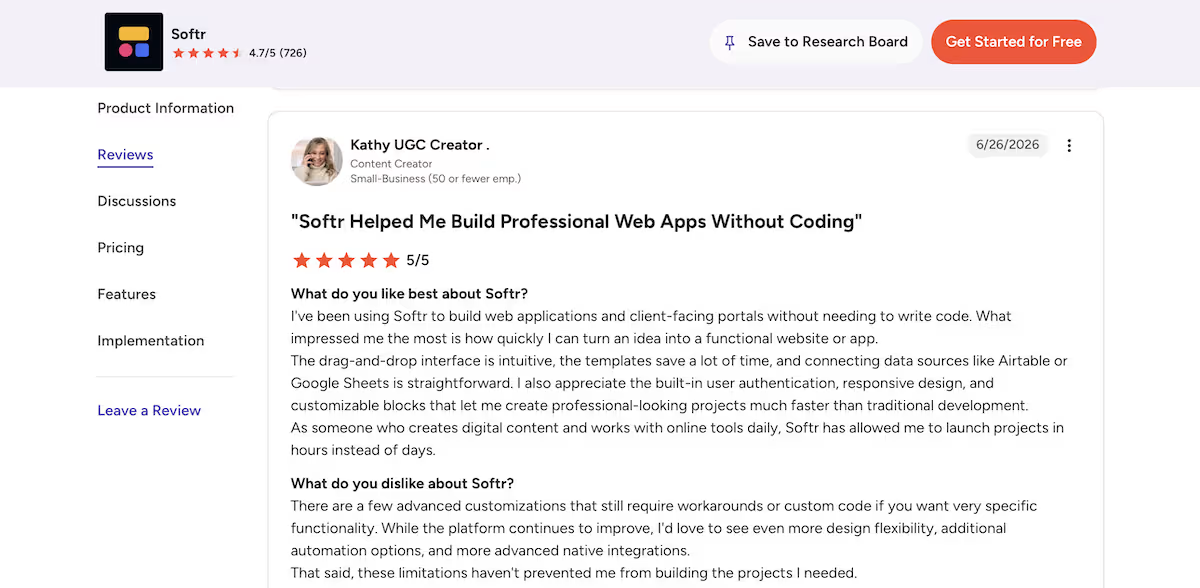
"The drag-and-drop interface is intuitive, the templates save a lot of time, and connecting data sources like Airtable or Google Sheets is straightforward. I also appreciate the built-in user authentication, responsive design, and customizable blocks that let me create professional-looking projects much faster than traditional development." – Kathy, Content Creator (G2)
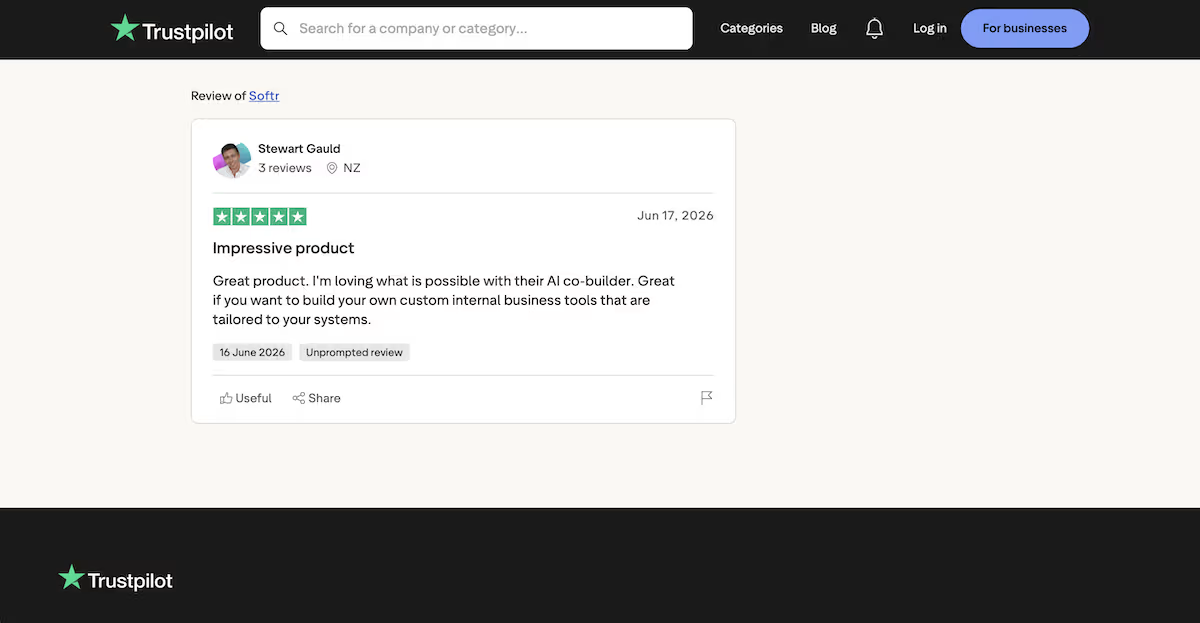
“I'm loving what is possible with their AI co-builder.” - Stewart Gauld (Trustpilot)
Where they don't
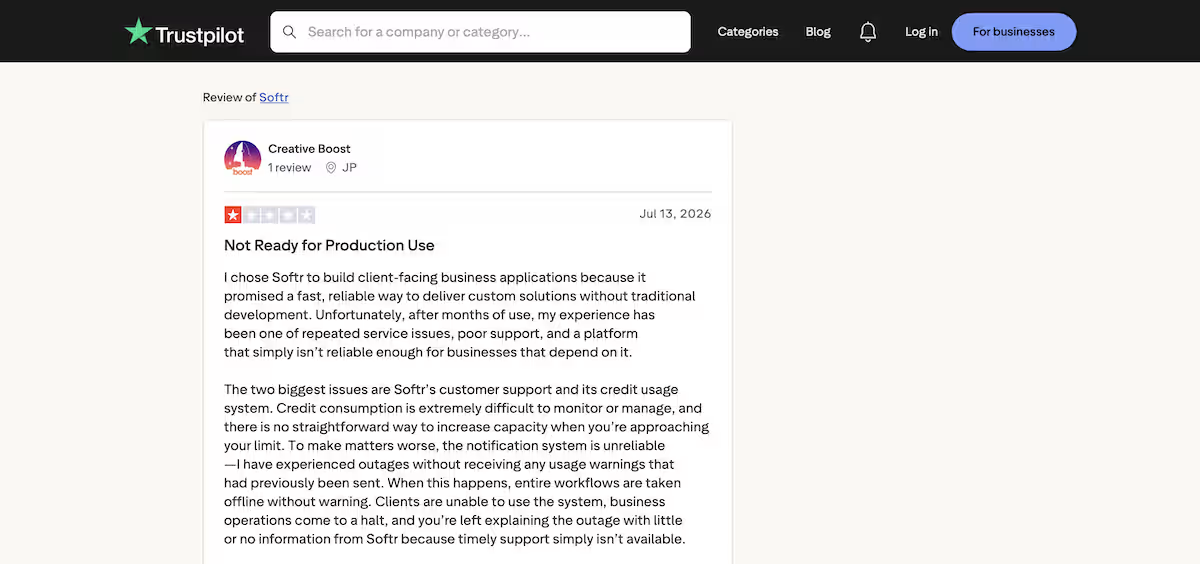
“The two biggest issues are Softr’s customer support and its credit usage system. Credit consumption is extremely difficult to monitor or manage, and there is no straightforward way to increase capacity when you’re approaching your limit.” - Creative Boost (Trustpilot)
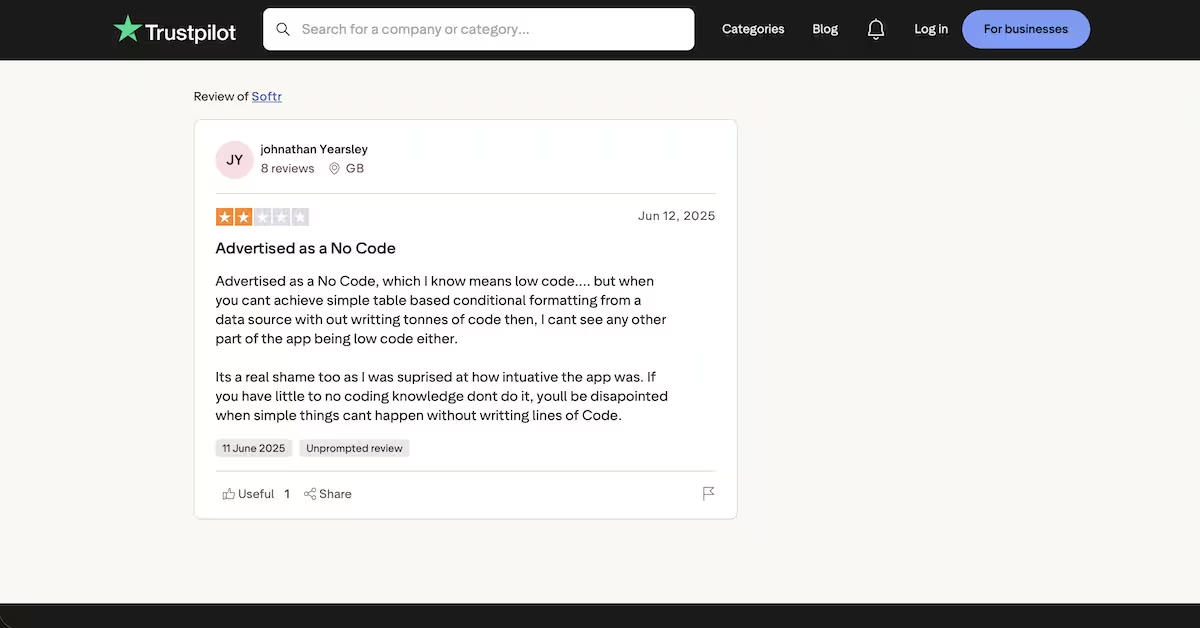
“You can’t achieve simple table based conditional formatting from a data source with out writting tonnes of code” - Johnathan Yearsley (Trustpilot)
Is Softr Right for You?
Who will love it:
- Agencies and teams using client portals with a known contained set of logins, where role-based access is central
- Anyone who wants an internal tool configured to existing data live in a day, without managing a backend
Who should skip it:
- Anyone building a public app with open sign-ups or tens of thousands of users, where per-user pricing becomes out of reach
- Teams that need deep custom logic, complex branching, or a full custom backend, rather than a configured front end on data
If you’re looking beyond Softr for more flexibility, Softr Alternatives: 8 Best App Builders Compared in 2026 compares other app-building platforms across different use cases.
The Best Softr Alternative: Emergent
If your use case is a login-gated portal on a contained audience, Softr is well suited to it, and you may not need an alternative at all. Where Emergent becomes the better fit is when you need custom logic, apps that aren't portal-shaped, or an audience that makes per-user pricing difficult to justify.
The difference is in how each one builds. Softr binds pages to a data source you configure. Emergent builds the application itself from your description, with specialized agents splitting the work across the build, so that the data model, logic, and interface come together.
You can even build straight from a chat with the Emergent MCP Connector, and compare where each lands on cost using Emergent's pricing.
If that sounds like your build, Emergent is a tool to consider.
Final Verdict
Softr is a strong, honest pick for login-gated client portals and internal tools with a known audience, since it handled real authentication and conditional logic in my testing. Its per-user pricing makes it the wrong tool for anything at scale.

Most AI app builders stop at prototypes. Emergent creates production-ready apps you can actually launch.
- Production-ready apps
- Web & mobile apps
- Deploy in minutes







