




TL;DR
Our verdict: 4/5
Bubble remains the most capable visual platform for building a custom web app, with a full database, workflows, and privacy rules you fully control. It falls short on the learning curve, on costs that climb with usage through Workload Units, and on the lack of code export.
It's best for founders and teams building logic-heavy web apps or internal tools at manageable scale who will invest the hours to learn it.
Bubble spent years as the go-to platform for building custom web apps without a developer. Then AI app builders arrived, promising a finished app from a sentence. So, is Bubble still worth it in 2026, when you can describe an app and watch it appear?
I went back to find out. For this Bubble review, I built a job-application tracker from scratch. I started with Bubble's AI app builder and finished it myself in the visual editor, across about two weeks. The AI produced a working first pass in roughly six minutes.
By the end, you'll know where Bubble still earns its keep and where newer AI builders caught up on the easy part. You'll also know what it costs and whether it fits how you build.
What Is Bubble?
Bubble lets you build web apps visually, no hand-written code required. You get a database, a workflow engine, integrations, and hosting, all under one roof. It now adds an AI app builder that scaffolds a first version from a prompt, plus a maturing native-mobile builder for iOS and Android.
It's built for founders, product teams, and operators who need a logic-heavy app, a marketplace, an internal tool, or a full SaaS app, and who've outgrown template-based builders. It fits the gap between apps that are too complex for a simple site builder and teams that cannot afford developers.
Features
Here's what stands out, and the limit on each.
- AI app builder: Turns a prompt into a working first version fast, but it stops after that first pass. There's no conversational sidebar to keep iterating, so you finish in the visual editor.
- Visual workflow engine and database: Bubble's core strength here is the visual editor. You can build complex conditional logic and relational data visually, though it has a steep learning curve.
- API connector and plugins: Thousands of plugins and a flexible API connector help Bubble connect to outside tools, but plugin quality varies.
- Privacy rules: You control Bubble's detailed data-access settings yourself, so a wrong setting is yours to catch.
- Native mobile: Bubble now builds iOS and Android apps too. This side of the product is younger, though, and not as polished as the web builder.
- Responsive design: Capable layouts, with occasional friction when you want precise, native-CSS control.
One structural limit is code export. There's no way to take your app's code out of Bubble. Your data exports, but the design and workflows stay locked inside the platform, so switching to another builder later means starting over on both.
Pricing
Bubble uses usage-based pricing, metered by Workload Units (WU), on top of tiered plans.
The web-app plans below show the monthly price, with the cheaper yearly rate. Adding native iOS and Android through the Web & Mobile bundle raises each tier.
| Web-Only Plan | Price | Best For |
|---|---|---|
| Free | Free | Building and testing before launch |
| Starter | $32/month ($29/month, billed annually) | A solo project ready to go live |
| Growth | $134/month ($119/month, billed annually) | Small teams collaborating |
| Team | $399/month ($349/month, billed annually) | Scaling teams and traffic |
| Enterprise | Custom (talk to sales) | Maximum security and scale |
The free plan is generous enough to build and test on, and it's where I scaffolded my tracker. You can't deploy a live app with a custom domain until Starter, though.
During testing, I watched the Workload meter tick up as I added logic and database calls. That meter runs during building and on live apps, so costs climb quickly when traffic picks up after launch. Bubble emails you at 75% and 100% of your allowance, and you can cap overages so a spike doesn't surprise you.
Native mobile sits outside those web-app prices. Bubble sells it as a separate Mobile plan, or bundled with web as a Web & Mobile plan:
| Bundle | Starting Price |
|---|---|
| Mobile only | $49/month ($42/month, billed annually) |
| Web + Mobile | $69/month ($59/month, billed annually) |
Those are entry-level, Starter-tier starting prices. The mobile plans scale up through the higher tiers the same way the web-only plans do.
Want the full breakdown of what each plan actually covers? Read our Bubble pricing guide before you commit.
Bubble Reviews: What Real Users Are Saying
Pros
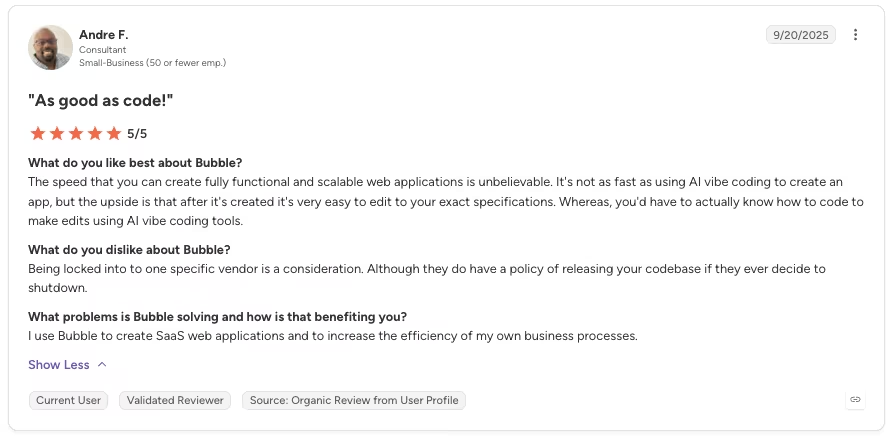
“The speed that you can create fully functional and scalable web applications is unbelievable. It's not as fast as using AI vibe coding to create an app, but the upside is that after it's created, it's very easy to edit to your exact specifications.” - Andre F., G2
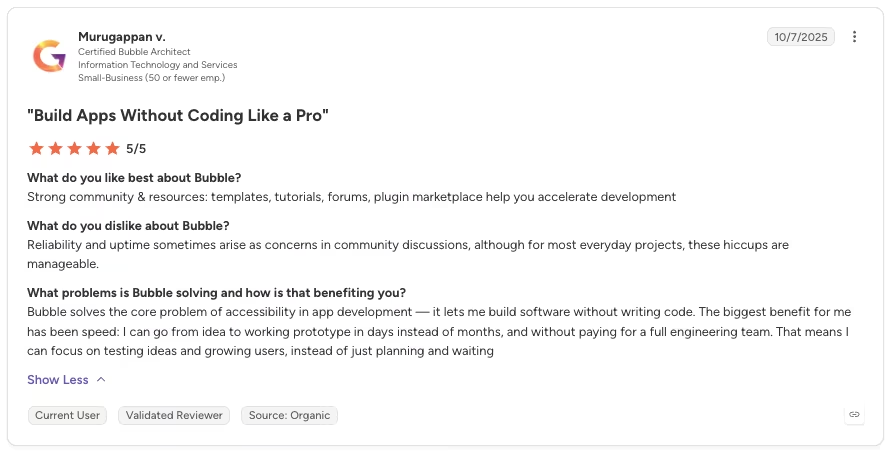
“The biggest benefit for me has been speed: I can go from idea to working prototype in days instead of months, and without paying for a full engineering team.” - Murugappan V., G2
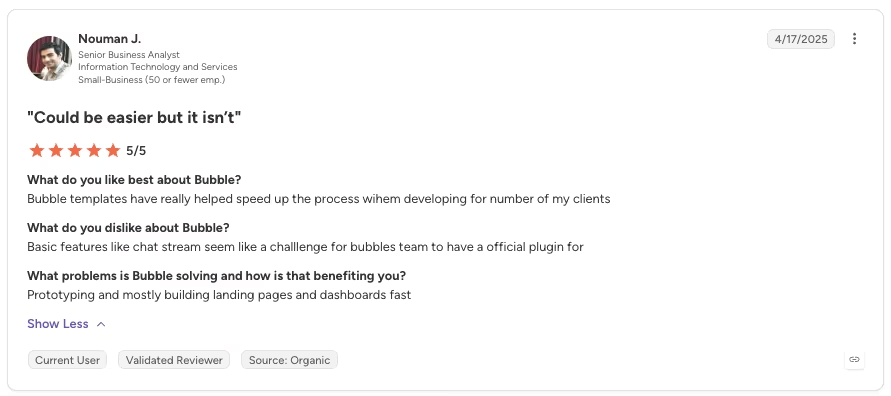
“Bubble templates have really helped speed up the process [when] developing for [a] number of my clients.” - Nouman J., G2
Cons
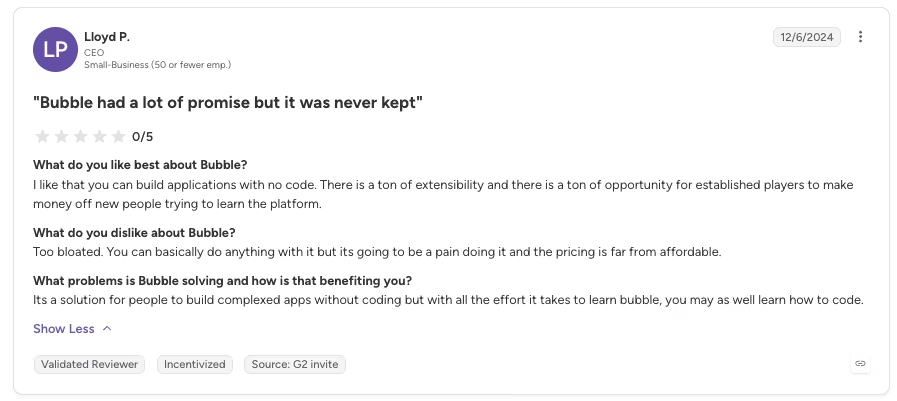
“The pricing is far from affordable.” - Lloyd P., G2
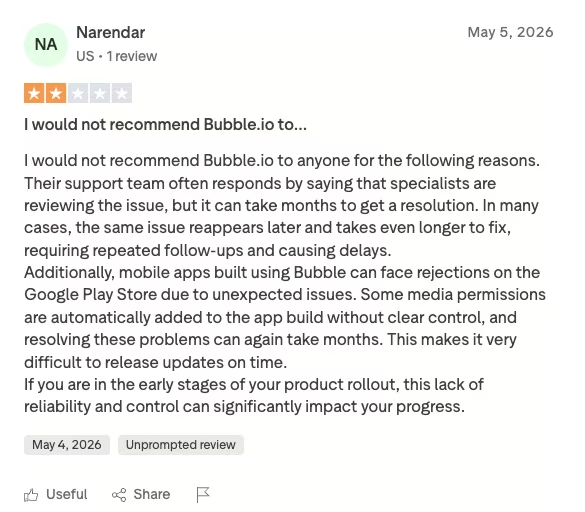
“Their support team often responds by saying that specialists are reviewing the issue, but it can take months to get a resolution.” - Narendar, Trustpilot
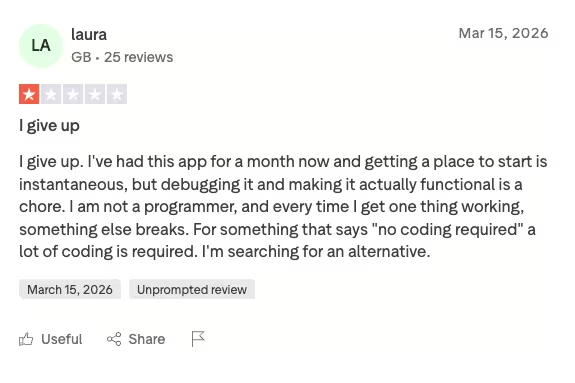
“I've had this app for a month now and getting a place to start is instantaneous, but debugging it and making it actually functional is a chore.” - Laura, Trustpilot
My Personal Take on Bubble
I came into this planning to test whether Bubble's 2026 AI builder could help a non-technical person finish an app, so I gave it a single prompt:
"Build a job application tracker where I can add jobs with company, role, status, and date applied, move each job through stages from Applied to Offer, search and filter by status, and get reminded when an application has had no update for 10 days."
What the AI Builder Produced
About 6 minutes later, I had a working first pass: a clean interface with the structure in place to start building. That impressed me.

Then the AI handed off, and the rest was up to me. Several buttons had no workflows attached, and the "stale reminder" wasn't built yet. Finishing meant learning the visual editor, because there's no conversational "ask for the change" loop after that first pass.
The first screens came together quickly. The scheduled event that flags an application stale after 10 days took more work, sending me into Bubble docs and forum threads for a few hours.
I also hit Bubble's classic fragility firsthand. Renaming a status option broke a conditional filter elsewhere in the app, and it stopped returning results until I traced it back. A small change rippled into something far away, the kind of fragility you have to design around in a bigger Bubble app.
That was one person working alone, tracing one broken filter. That fragility compounds when more than one builder edits the app.
Collaborator seats only become available from the Growth plan up, and a rename or workflow edit can silently break a screen a teammate built. Larger Bubble teams do not get a lightweight feature-branch-style safety layer before changes touch the shared app.
On a bigger, multi-developer Bubble app, that ripple effect is the price you pay for Bubble's visual convenience. The bigger the team, the more time goes into catching breaks before they reach the shared app.
The reward for that effort was real, though. Once wired, the visual workflow was legible. I could see precisely what fired on every action, which a black-box AI builder rarely shows you. That visual control is the reason to still choose Bubble.
In 2026, it's the tool I'd pick for a logic-heavy web app I mean to grow, because I own every piece of logic. I wouldn't hand it to a beginner who expects to finish by chatting.
Is Bubble Right for You?
Who will love it:
- Founders building logic-heavy web apps, marketplaces, or full SaaS apps at manageable scale.
- Product and ops teams building internal tools that need a proper database and custom workflows.
- Builders who want visual control over every workflow and are willing to spend the time learning the editor.
Who should avoid it:
- Anyone building a high-traffic, real-time consumer app where Workload costs would climb fast.
- Teams that need guaranteed code portability, or that handle HIPAA-regulated health data.
- True beginners who expect to finish an app by chatting with an AI instead of learning an editor.
The Best Bubble Alternative: Emergent
The one Bubble limit that follows you longest is the lack of code export. If owning your code is the priority, that's the wall to plan around.
That's where Emergent fits as an alternative. Emergent generates an app whose code is exportable and GitHub-integrated on its Standard plan and up, so you keep what you build.
You describe the app you want, and it produces a hosted working app with logins, a database, and logic wired together.

I ran the same prompt in Emergent to see how it compared. Here is what came back:
Bubble's Workload Units meter database writes, workflow runs, and outside-tool requests in a live app. Emergent's credit-based plans charge for the work its agents do while building and deploying.
Traffic to your finished app doesn't factor into the bill, so a busy app doesn't automatically land in a pricier tier the way it can under Bubble's usage-based model.
Native mobile is the other contrast between the two. Bubble lists Mobile only and Web & Mobile as separate paid paths, starting at $49/month ($42/month, billed annually) and $69/month ($59/month, billed annually). Emergent's Standard plan builds web and mobile apps from the same prompt, with no separate mobile tier to add.
Emergent won't replace Bubble's visual editor for someone who wants to drag every workflow into place by hand, and it's weaker for things like video games or heavy PDF reporting.
But if you hit Bubble's no-export wall and want to own the code, you can try Emergent free before deciding.
Also read our best Bubble alternatives guide for what else is worth trying when the no-export wall or workload pricing becomes a constraint.
Final Verdict
If you want deep visual control over a logic-heavy web app and will invest time to learn it, Bubble in 2026 is still worth using. I found it capable enough to handle a job tracker with database rules, workflows, filters, and scheduled logic.
But if you need to own your code, expect to finish only by chatting with an AI, or are building a high-traffic consumer app, look elsewhere. Bubble's AI builder gives you a running start, but plan for real hours in the visual editor before your app is done.

Most AI app builders stop at prototypes. Emergent creates production-ready apps you can actually launch.
- Production-ready apps
- Web & mobile apps
- Deploy in minutes







