



TL;DR
- Claude Code is Anthropic's coding agent. It lives in your terminal (the text window where developers type commands) and reaches into the editor, browser, and chat tools you already have open. Starts at $20/month, with nothing usable on the free plan.
- Google Antigravity is Google's agentic coding platform. It's a standalone desktop app, plus its own terminal tool and code editor, built for running several agents at once. Free for individuals, with paid tiers for higher limits.
Choose Claude Code if you maintain a codebase you'll still be working in six months from now, and you want the agent inside the setup you've already tuned.
Choose Google Antigravity if you want to try serious agent work without paying, or your job is mostly screens, and you want the agent to open a browser and check them.
Claude Code vs Google Antigravity is the same pitch sold twice. You describe a job in plain English, an AI agent plans it, writes the code, runs the tests, and hands back something finished. What separates them starts after that promise. Claude Code costs $20/month and slots into the setup you already use. Antigravity costs nothing and gives you a second window plus a browser that checks its own work.
I cover vibe coding tools for a living, and I've followed both since Antigravity launched in November 2025, through its 2.0 rebuild this past May.
Six differences decide this matchup. Where each tool runs, which AI models it reaches, how you review what it did, whether it can check its own screens, what a team can lock down, and what you pay.
Each one gets a winner. And if neither tool fits you, the last section has a third answer.
Meet Claude Code: Features and Highlights
Claude Code is an agentic coding tool that reads a codebase, edits files across it, runs commands, and hands back committed code.
It runs on macOS, Linux, and Windows, and it shows up almost everywhere you already work: the terminal, VS Code and JetBrains extensions, a standalone desktop app, the web, the iOS and Android apps, GitHub Actions, and Slack.
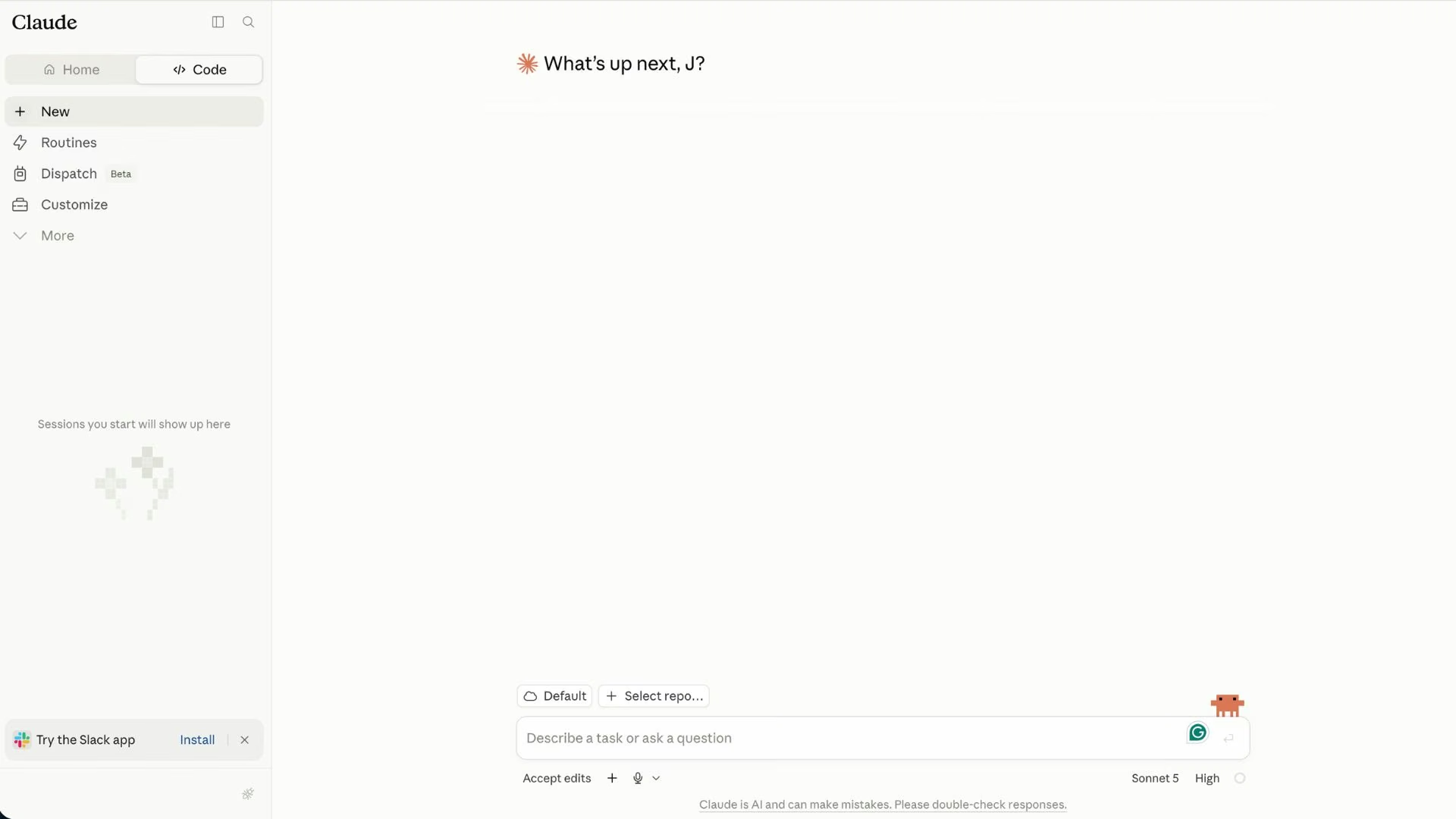
Its default habit is asking first. Before it edits a file or runs a shell command, it shows you what it plans to do and waits, and permission modes let you loosen that when you want it running unattended. A CLAUDE.md file in your project holds your conventions and decisions, and it loads at the start of every session.
Anthropic spent 2026 stacking on delegation. Routines let you configure a job once and have it fire on a schedule, when an event happens, or from another program. Dynamic workflows spread one hard task across dozens to hundreds of helper agents, up to 16 working at a time, and have them check each other's findings before anything reaches you.
Every paid Claude plan includes the tool, and Claude Code's plans break down what each tier buys.
Meet Google Antigravity: Features and Highlights
Google Antigravity launched in November 2025 as an agent-first code editor. In May 2026, Google rebuilt it around agents that run without an editor at all, then added a terminal tool and a developer kit alongside it.
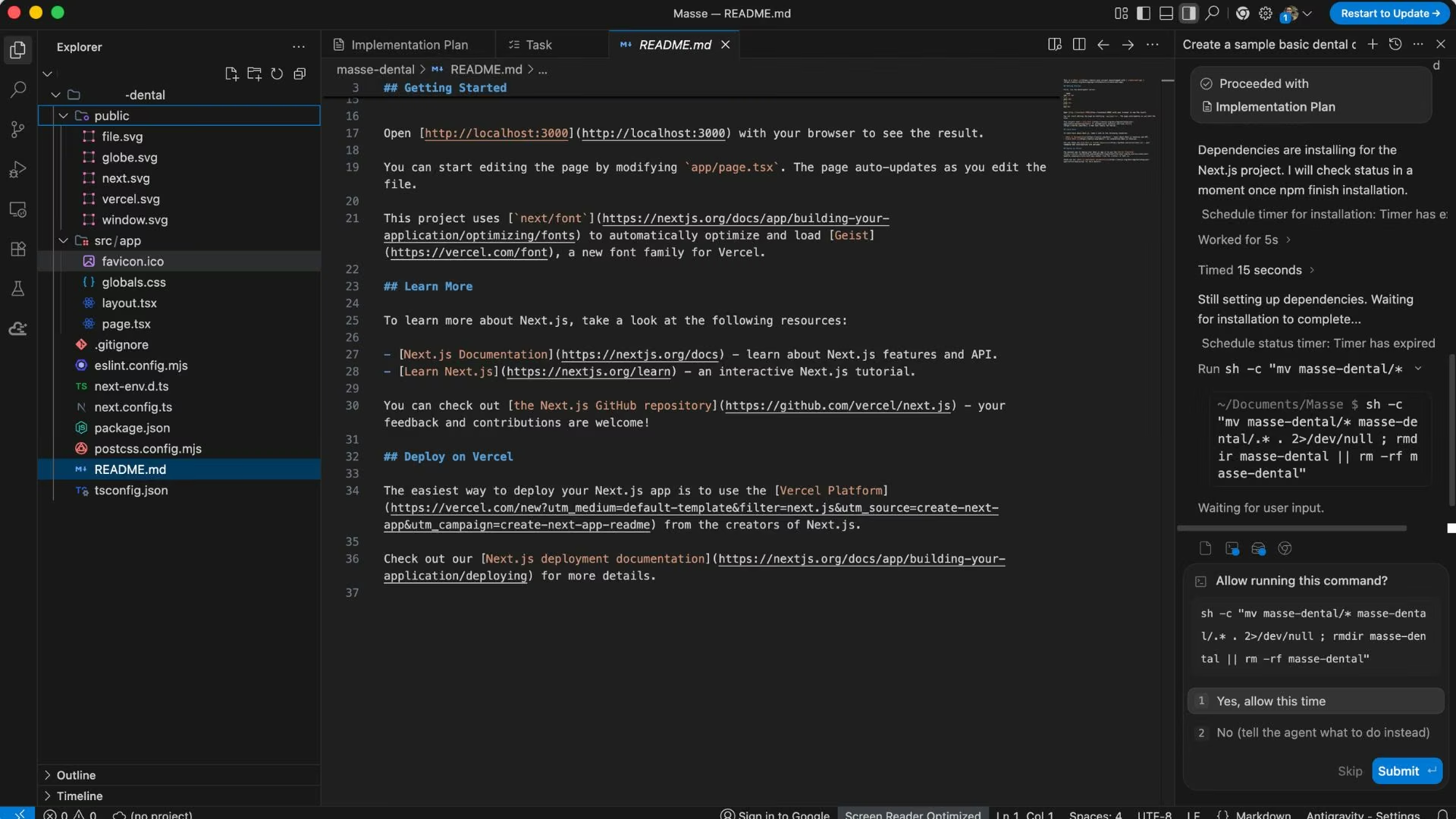
Antigravity comes in four pieces today.
- Antigravity 2.0 is the desktop app, and it's where most people will start
- Antigravity CLI does the same job from a terminal
- Antigravity IDE is the original code editor
- Antigravity SDK lets you build agents into your own software, available in preview
The idea holding it together is the artifact. Rather than watching the agent work line by line, you read what it produced: a plan, a written walkthrough, screenshots, or a recording of it clicking through your app.
You leave comments on those artifacts the way you would on a shared document, and the agent picks up your notes without stopping.
Version 2.0 added what long jobs need. The main agent creates its own helpers when a task calls for them, Scheduled Tasks run agents at set times, and related conversations group into projects that can cover several folders at once.
Typed commands set the tone. /goal tells the agent to keep working until the job is done, and /grill-me makes it ask questions before it starts.
At a Glance: How the Two Stack Up
The six-row version, if you're skimming:
| Feature | Claude Code | Google Antigravity |
|---|---|---|
| Best for | Maintained production codebases | Interface work and agent experiments |
| Where it runs | Terminal, VS Code, JetBrains, desktop app, web, mobile, Slack | Desktop app, own terminal tool, own code editor |
| Models | Claude models only | Gemini, Claude, and GPT-OSS |
| Starting price | $20/month($17/month billed annually) | No subscription needed |
| Key strength | Reviewable work in code you own | Browser checks and parallel agents |
| Main weakness | Nothing usable without paying | Younger product, thinner team controls |
Pricing checked against each vendor's official pricing page in Aug 2026. Plans change often, so confirm before you buy.
Claude Code vs Google Antigravity: Feature-by-Feature Comparison
Here's how the six shook out: three to Google Antigravity, two to Claude Code, one tie.
Where Each One Runs
Both tools now offer a visual app and a command-line version, so the old terminal-versus-editor split no longer tells you much. Claude Code started as a command-line tool and grew outward, so it drops into a setup you have spent years customizing without asking you to change any of it.
Claude Code: A command-line tool first, with editor extensions, a web version, and mobile apps on top. Your editor stays exactly where it is.
Google Antigravity: Antigravity 2.0 either replaces your editor or sits beside it. Google recommends running the desktop app alongside whatever editor you already like, and the Antigravity CLI covers the terminal side.
Winner: Tie. Both cover terminal and app. Break it on one question: do you want the agent inside your existing editor (Claude Code), or in a separate app beside it (Antigravity)?
Model Choice
Antigravity wins this one outright. Google's model picker sits under the prompt box and holds Gemini 3.7 Flash, Gemini 3.6 Flash, Gemini 3.5 Flash, Gemini 3.1 Pro, Claude Sonnet 4.6, Claude Opus 4.6, and GPT-OSS-120b. Your choice stays selected across the conversation, and switching mid-run only takes effect after the current turn finishes.
Claude Code: Claude models, and that's the list. You can pick among them and set how hard the model thinks, but you can't route a task to Gemini because it suits that task better or costs less.
Google Antigravity: Three vendors in one dropdown, so you can plan with one model and grind through implementation on a faster one.
Winner: Google Antigravity. Being able to switch vendors mid-project without leaving the tool is a practical edge I use constantly, and Anthropic is unlikely to match it.
How You Review What It Did
I couldn't find a head-to-head benchmark on output quality from either company. One independent test that ran both, alongside a third agent, on the same research task found Antigravity 2.0 finished quickest but returned the least complete result.
Speed versus completeness is worth remembering. The bigger split is how each tool lets you inspect and undo the work.
Claude Code: Connected changes land in sequence, so the finished set of edits is easier to follow. Checkpointing captures your code before every prompt, so you can rewind an ambitious rewrite that went sideways, and /compact trims a bloated session before quality slides.
Google Antigravity: The artifacts are the review surface. Plans, walkthroughs, and recordings show you what happened at a task level, and 2.0 added a dedicated flow for reviewing changes.
Winner: Claude Code. It shows your changes in a clear order and lets you return to an earlier version. This makes the final result easier to review than piecing together decisions from several agents.
Checking Its Own Screens
Antigravity was built with this in the box. The Antigravity IDE drives a real Chromium browser, so agents click through pages, capture screenshots, and record browser walkthroughs that show whether the screens they built behave. In 2.0, the /browser command turns that behavior on deliberately.
Claude Code: The Claude in Chrome extension drives Chrome, so it can open your app, click through a flow, read console errors, and record the session as a GIF. It uses your own browser and your own logins, which makes testing a signed-in app easy and makes a stray click your problem.
There's also computer use for native apps the browser can't reach, a research preview on macOS for Pro and Max subscribers only.
Google Antigravity: The browser subagent runs Chrome in an isolated profile with allowlist and denylist control, so it never touches your signed-in sessions, and the recordings double as proof for whoever reviews the work.
Winner: Google Antigravity. Both drive Chrome, but Antigravity runs sandboxed and files the recording as a reviewable artifact, and that's the version you can hand to someone else.
Team Pipelines and Admin Controls
Claude Code has the longer paper trail here. It ships an official GitHub Actions integration and a GitLab CI/CD integration in beta; you can tag it in a pull request (the set of changes a developer proposes before merging) to trigger a review, and Team and Enterprise plans add single sign-on, audit logs, and central billing.
Claude Code: Per-seat team plans with admin controls, plus Code Review, a research preview on Team and Enterprise plans that runs several agents over each pull request in parallel.
Google Antigravity: Organizations get in through Google Cloud and the Gemini Enterprise Agent Platform, billed by consumption. Individual accounts sign up on Google's standard terms. Google's plans documentation says there's still no company-wide plan you can buy under a contract.
Winner: Claude Code. Every time a security review has stood between me and a tool, the documented answers were what got it approved.
What You Pay
Both tools charge for how much work the agent does, not how many messages you send, so a heavy afternoon can eat a week's allowance on either one. What differs is the entry price.
Claude Code: There's no standalone price. It comes with every paid Claude plan, starting at $20/month for Pro, or $17/month billed annually at $200 up front. Max runs $100/month for five times Pro's usage and $200/month for 20 times, each available on monthly or annual billing.
Team seats cost $25/seat/month ($20/seat/month billed annually), with heavier Premium seats at $125/seat/month ($100/seat/month billed annually). The Free plan doesn't include the coding agent, so there's no way to try it without paying.
Google Antigravity: The individual tier needs no subscription and still includes the full model picker, unlimited tab completions, and every product feature, capped by weekly rate limits.
Paying lifts the ceiling through Google's consumer plans, with Google AI Pro at $19.99/month and Google AI Ultra from $99.99/month for five times Pro's usage up to $199.99/month for 20 times.
Underneath, both meter the same way. Claude usage resets on a rolling five-hour window with weekly caps on top, and your chats and coding sessions draw from one pool. Antigravity's paid tiers refresh every five hours until you hit a weekly limit, while the unpaid tier refreshes weekly.
Winner: Google Antigravity. A free tier you can build on beats a cheaper paid tier, and Antigravity's caps slow you down without locking you out.
Beyond features and capabilities, Google Antigravity pricing gives you a closer look at what it costs to use the platform and how its plans compare.
What Real Users Are Saying
Claude Code has a long review trail on G2. Antigravity is newer, so its feedback mostly sits on Product Hunt.
Claude Code
Claude Code holds a 4.7 out of 5 rating across 112 G2 reviews, and the praise clusters on codebase understanding.
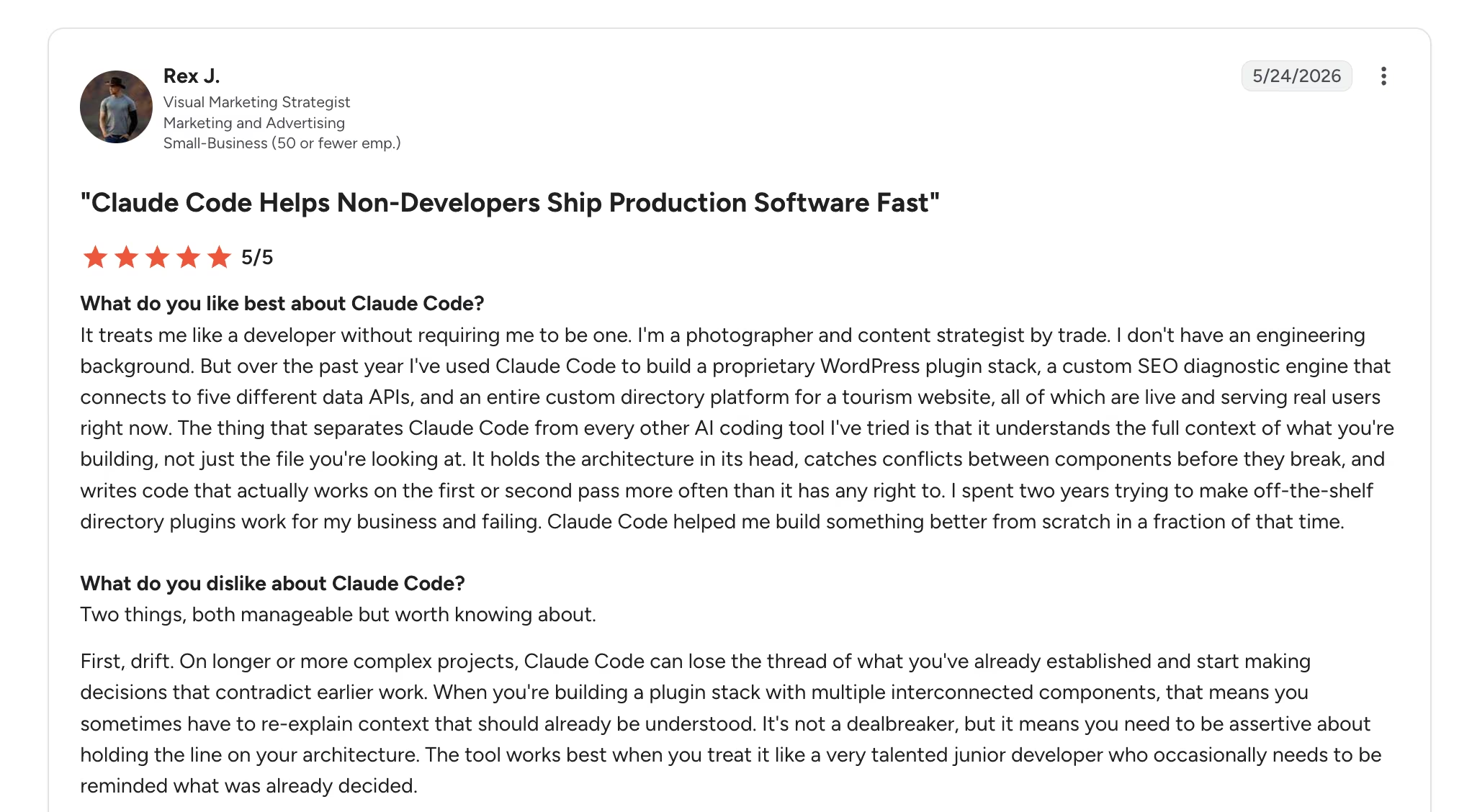
- Pros: Rex J. credits it with letting him ship software he couldn't otherwise build, and he writes that it "treats me like a developer without requiring me to be one." (G2)
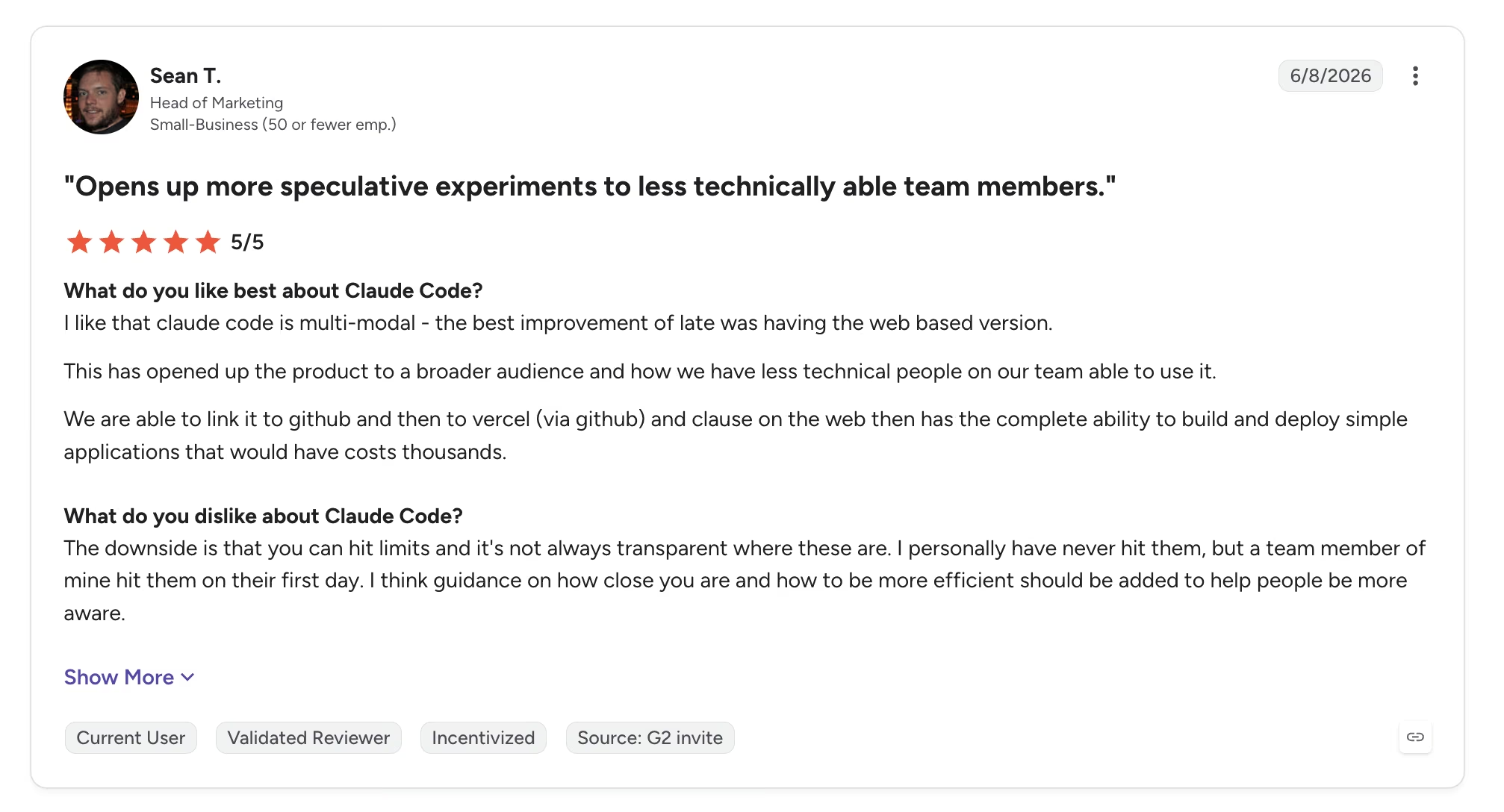
- Cons: Sean T. flags the usage ceiling, noting that "you can hit limits and it's not always transparent where these are." (G2)
Google Antigravity
Antigravity averages 4.6 out of 5 across 18 Product Hunt reviews, and the complaints land squarely on quotas.
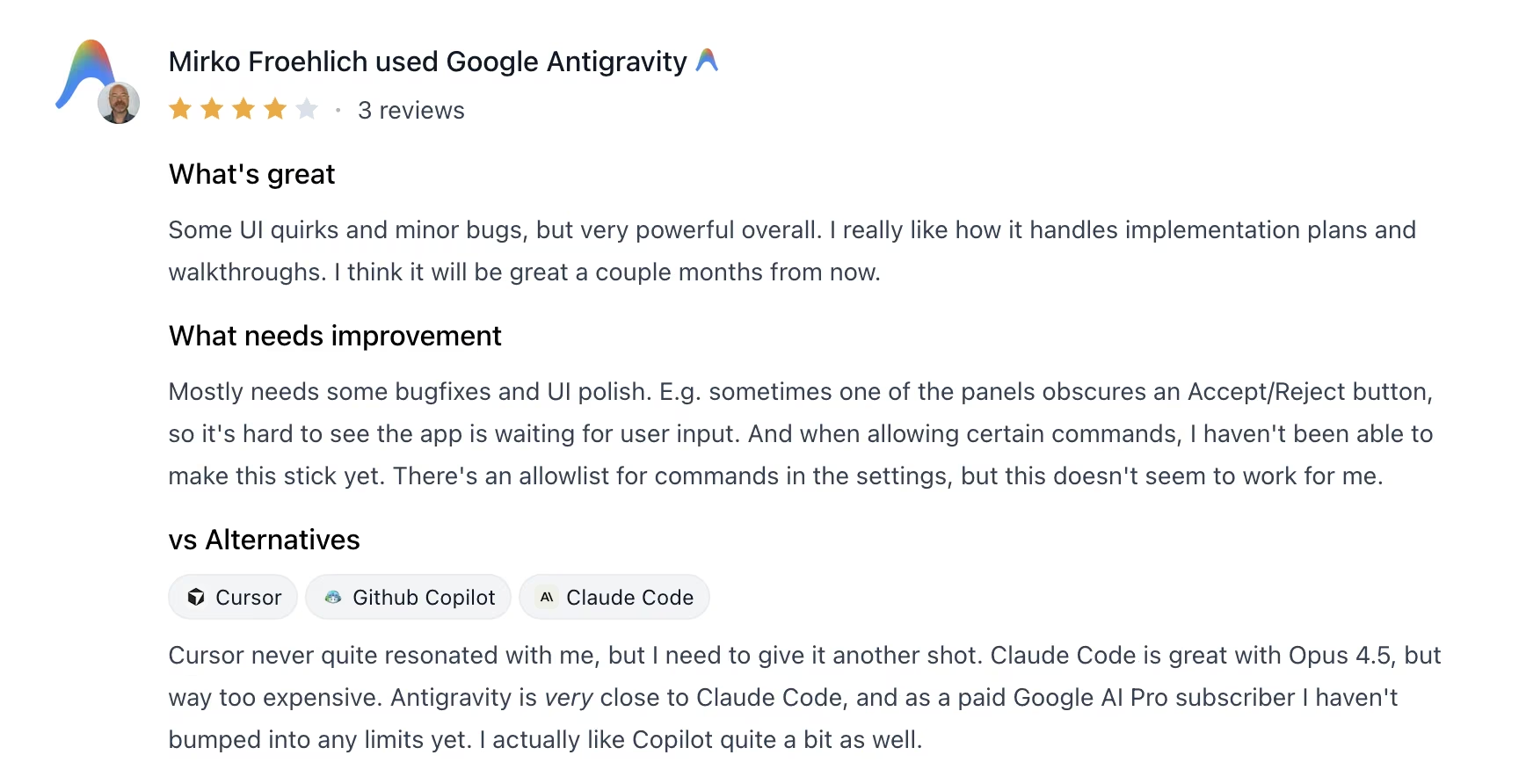
- Pros: Mirko Froehlich singles out the artifact system, saying he likes "how it handles implementation plans and walkthroughs." (Product Hunt)
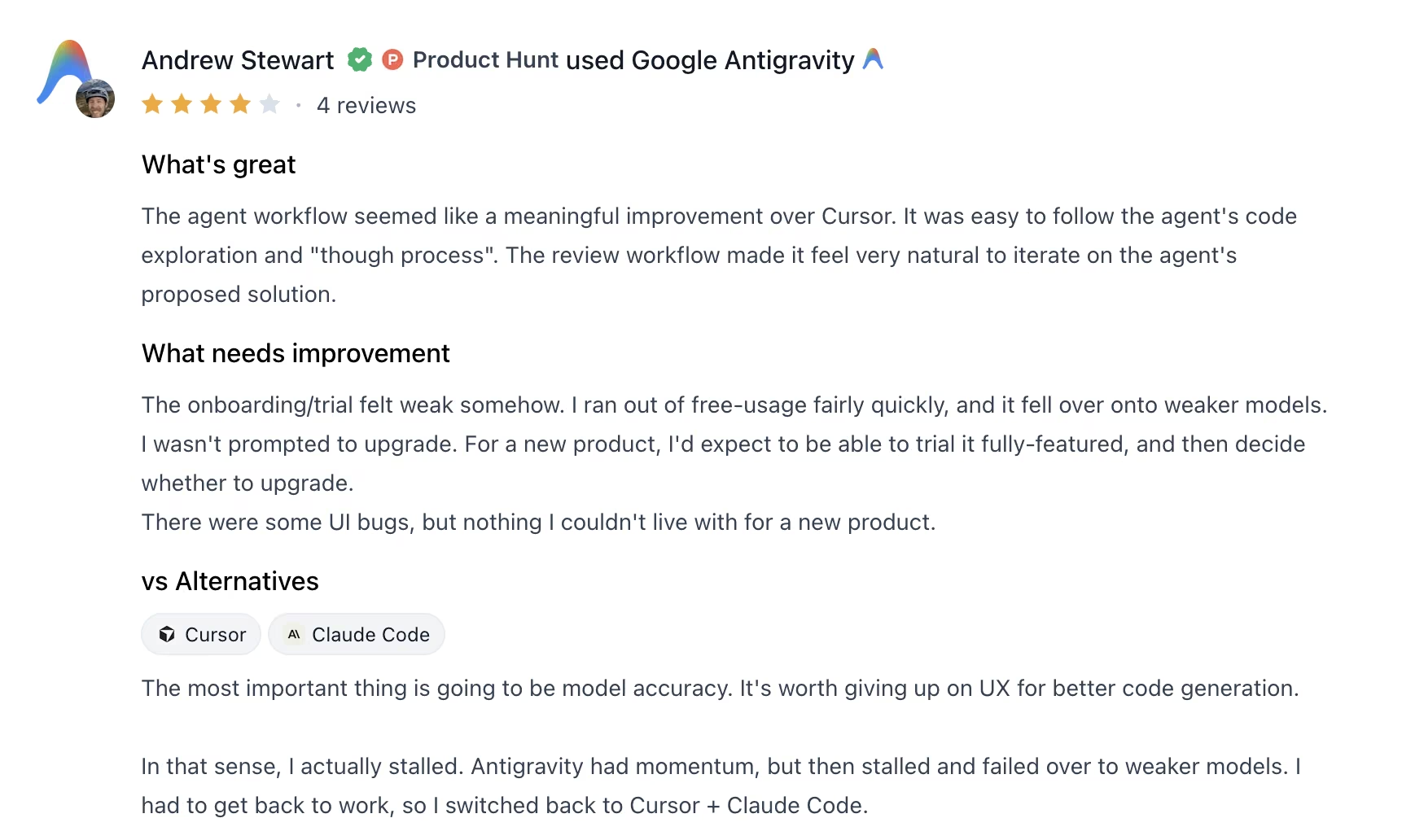
- Cons: Andrew Stewart ran dry fast. He "ran out of free usage fairly quickly, and it fell over onto weaker models." (Product Hunt)
How to Make Your Choice
Claude Code is the safer pick when the software has to survive contact with paying customers, because sequential work you can rewind is easier to review and easier to repair. Antigravity is the better first move if you want to test agent-driven building without a card on file, and its browser checks earn their keep on anything with a user interface.
Claude Code fits these situations best:
- Long-lived code: You'll still be opening these files a year from now.
- Procurement gates: Your team needs single sign-on, audit logs, and pull request reviews before anything gets approved.
- A code review habit: Your team reads diffs before merging, and you want the agent's work to arrive in that shape.
Google Antigravity is the better call in these cases:
- No budget yet: You want to test agent workflows before spending anything.
- Screen-heavy work: The agent should click through what it built and prove it works.
- Model shopping: You want Gemini, Claude, and GPT-OSS in one picker.
If you’re exploring what else is available beyond Claude Code, 8 Best Claude Code Alternatives Compared in 2026 compares other AI coding tools and where they fit.
My Verdict
Claude Code vs Google Antigravity comes down to this for me: if I could keep only one, I'd keep Claude Code, even though Antigravity took three of the six rows above. Breadth and a free tier are worth a lot. Reading a sequential diff and rewinding to a state I trust is worth more to me, every single week.
Antigravity is still the one I'd hand a newcomer. The unpaid tier is generous enough to learn on, the artifacts explain what the agent did in plain sight, and nobody has to justify a subscription to find out whether agent coding suits them.
There's a step before all this that both tools skip. Both assume you're comfortable reading a diff and running a command, and if you aren't, the winner of this comparison is still the wrong tool for you.
Ship the App Without Opening a Terminal
If the goal is a live product and you'd rather not touch the command line, that's a different category of tool. Emergent is an AI app-building platform built for vibe coding, where you describe the app you want and get a complete one back, with the screens, the data, sign-in, and payments handled for you.
- Skip the setup entirely: You describe the app in plain English and specialized agents take it from there. Some shape the screens, others wire up the logic and integrations, and testing agents check the result.
- Go live the same day: Click Deploy and the app publishes to its own web address, no hosting setup on your side.
- Keep what it builds: On the Standard plan and up, you can sync each build to a GitHub account you control, then export the code and host it anywhere.
- Test the idea before you pay: Emergent has a free plan with 10 monthly credits, enough to build a first app and judge it yourself.
Credits stretch further on a simple page than on a full app, so include the details in your first prompt. Try building your first app on Emergent and see how far one description gets you.

Most AI app builders stop at prototypes. Emergent creates production-ready apps you can actually launch.
- Production-ready apps
- Web & mobile apps
- Deploy in minutes







