



TL;DR
- Fastest to a standard store: A theme plus a store platform gets a normal catalog live in days.
- Best when your rules are odd: A store built around the pricing and fulfillment rules you actually sell by.
- What templates cost: Paid ecommerce themes run from $19 on marketplaces to $500 in the Shopify Theme Store, plus a platform subscription every month.
- What an AI build costs: Emergent starts free with 10 monthly credits, then $20/month for 100 credits.
- How to choose: Standard products point to the template. Quoting, rentals, or wholesale tiers point to a prompt-built store.
You want to quote shipping by crate size and keep wholesale prices hidden behind a customer login. Those are two ordinary requirements, and the ecommerce website template you buy on ThemeForest or in the Shopify Theme Store won't cover either one.
Everything else about that theme, from the product pages to the checkout, is finished the day you install it, for about $79.
I pulled theme prices from the marketplaces, platform costs from the official pricing pages, and agency costs from Clutch's client-reported data. Commissioning the build outright is priced too, since many owners cost that route out before choosing one of the other two.
By the end, you'll know which one fits the store you're opening and where each starts costing more than it saves.
What Is an Ecommerce Website Template?
You install an ecommerce website template on a store platform, then fill it with your products, colors, and copy. The layout, product pages, cart, and checkout arrive finished. Your first week goes to copy and photos.
Prices sit in two bands. ThemeForest starts at $19, with the top of its best-seller list running $39 to $129 and most of it clustered around $79 to $89. Platform-native themes cost more and track the platform's own update cycle, which is why they tend to survive store software updates better.
Paid themes in the Shopify Theme Store are one-time purchases running about $100 to $500, with the best-known ones between $320 and $420, licensed to a single store.
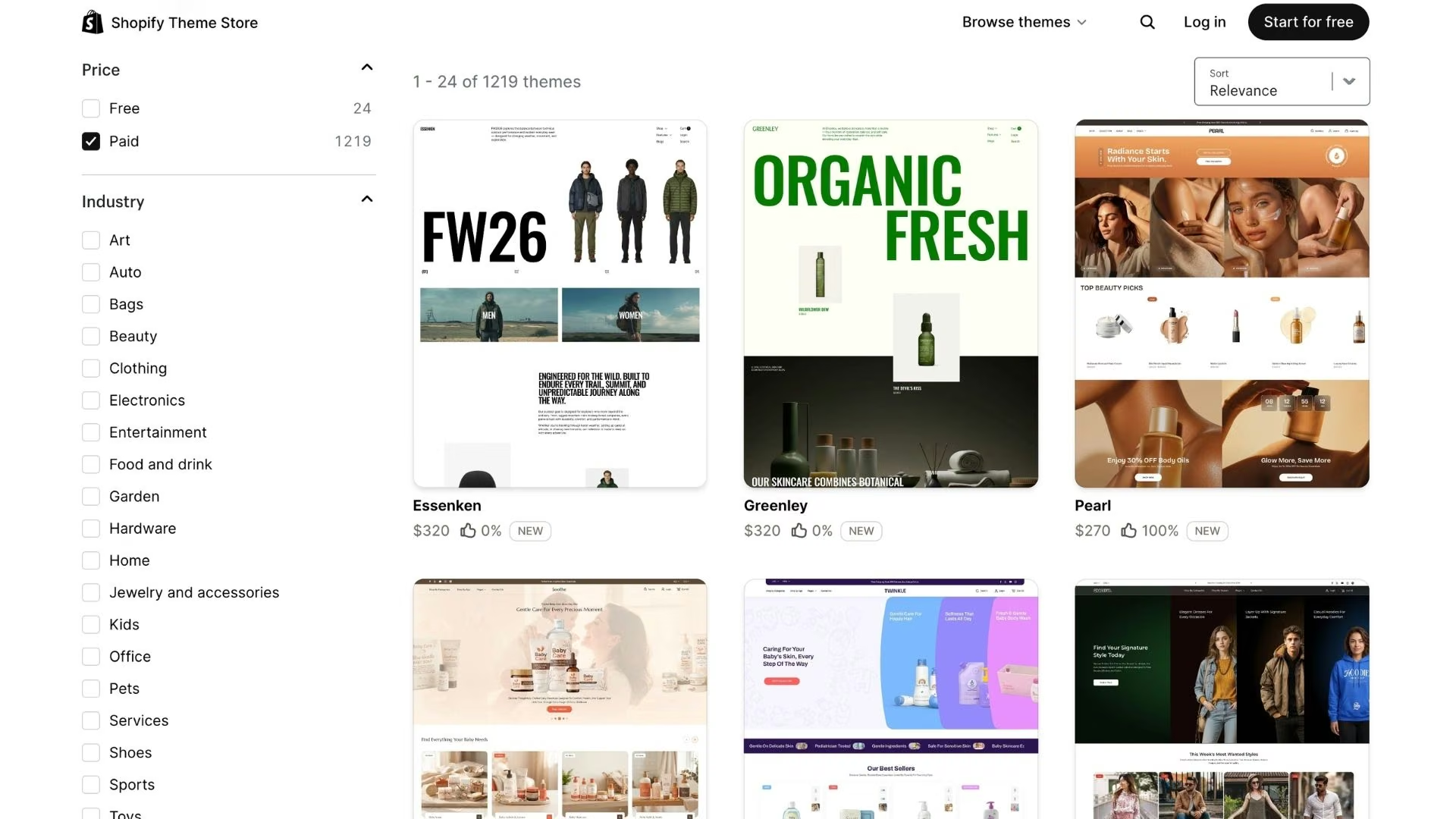
The theme price is the small number. A free theme still needs a paid plan underneath it, and Shopify's entry tier is $39/month ($29/month billed annually), while Wix pricing requires its Core plan or higher to sell online.
For the platform comparison, read our best Shopify alternatives guide.
Where to Get Ecommerce Website Templates
Six places cover almost every ecommerce website template worth starting from, and they split by what you're willing to trade.
ThemeForest is the widest net, with more than 4,500 ecommerce templates for Shopify, WooCommerce, Magento, PrestaShop, and OpenCart.
The Shopify Theme Store is smaller and stricter. Every theme is reviewed by Shopify and built against its update cycle, which is what the premium buys.
Wix takes the opposite approach and gives its store templates away, since the cost sits in the plan. Blocksy does the same for WordPress, with free ecommerce starter sites like Barber Shop and Modern Shop.
Free Ecommerce Website Templates
Free ecommerce website templates get a first store live, and Shopify's own set is the strongest place to start: 24 free themes built in-house, alongside more than 1,200 paid ones.
What you give up is range. Free themes ship fewer section layouts, fewer product-page variations, and less built-in merchandising.
For a standard catalog, that trade holds for the first few months. Budget for a paid theme once you know which pages actually sell.
What Is an AI Ecommerce Build?
An AI ecommerce build is a store you get by describing it in plain English while an AI agent generates the screens, the product logic, and the checkout.
Emergent is one of these platforms, built for vibe coding. You describe how your business sells, and the build comes back with the product data, the sign-in, and payments handled. It's the route people take to build an online store with AI.
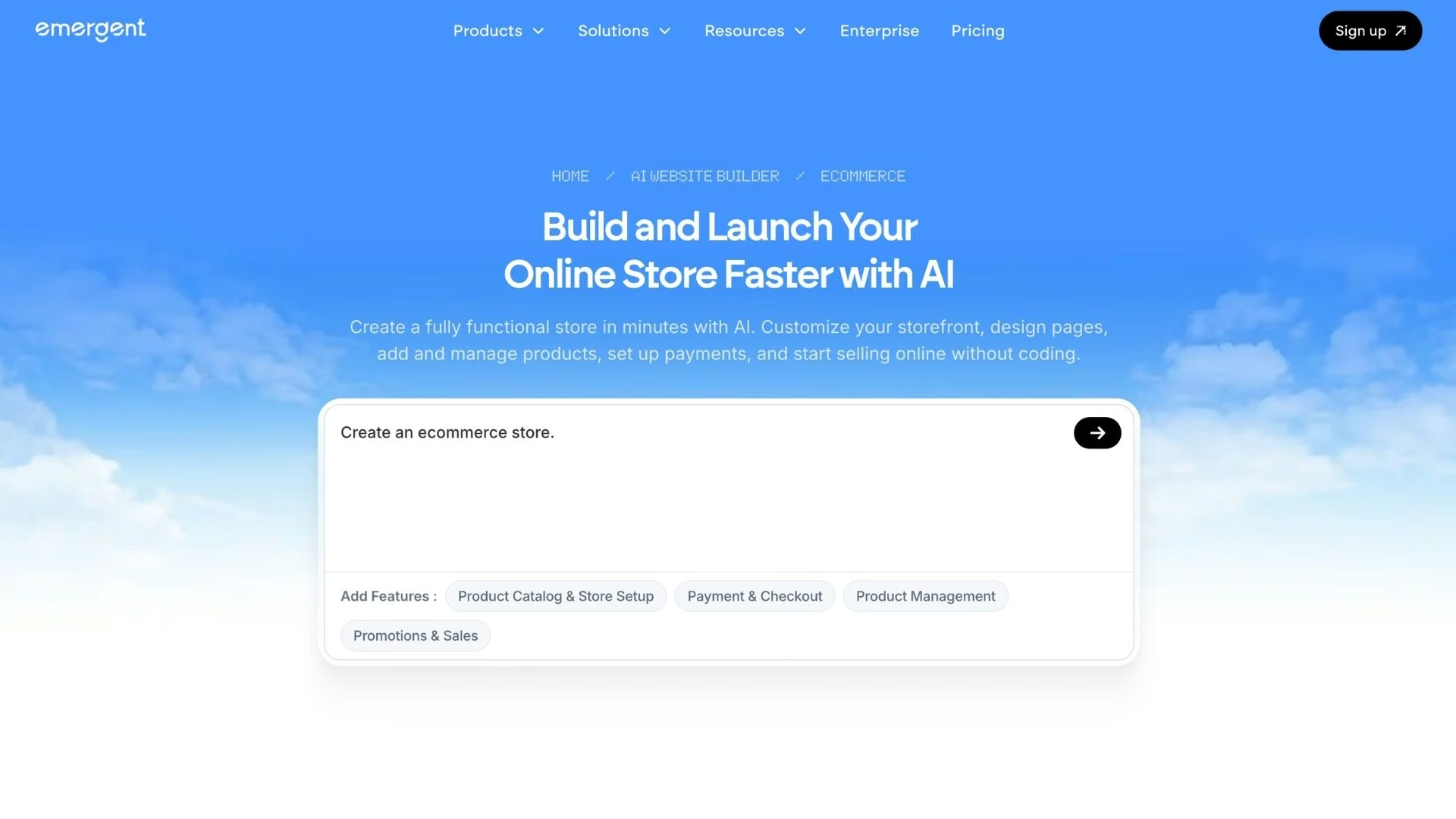
The session looks like a conversation. You describe the store, the agent asks clarifying questions about your products and pricing, and specialized agents handle different parts of the job at once. Some build the screens shoppers see, others wire up the logic behind pricing and orders, and testing agents check the build.
Ask for payments, and Emergent connects the checkout to Stripe, so the store can take a card before launch day. Click Deploy, and roughly 15 minutes later it's live on its own emergent.host address.
From there, buy a web address through Emergent's domain partner, IONOS, free for the first year, or point a domain you already own at the store.
Emergent's pricing runs on credits. There's a free plan with 10 monthly credits, a Standard plan at $20/month ($17/month billed annually) for 100 credits, and Pro at $200/month ($167/month billed annually) for 750 credits.
Our how to build a store website guide works through the five questions that decide a build path, starting with how complex your pricing gets.
Template vs AI Build, Side by Side
The short version, before the details:
| Aspect | Store template | AI build |
|---|---|---|
| Upfront cost | Free to $500 for the theme | Nothing to start |
| Recurring cost | $39/monthand up for the platform | $20/monthfor 100 credits |
| Time to a live store | Days | One build session, then a 10-to-15-minute deploy |
| Adding a custom feature | An app off the store, or a developer | Another prompt |
| The code | Licensed to one store, maintained by the theme author | Yours to export |
| Best for | Standard catalogs and fast launches | Stores whose selling rules no theme supports |
Cost, Flexibility, and What You Own
Both routes end with a live store. The difference is what each one costs you after launch.
Apps, Speed, and Conversions
Themes get heavy once you start adding to them. Every app you bolt on adds more code for the shopper's phone to download, and that shows up in revenue, since a 0.1 second improvement in mobile load time lifted retail conversions by 8.4%.
A handful of well-chosen apps rarely slows a normal catalog down, and a store built from a description carries only the features you asked for.
Who Owns the Store at the End
Ownership splits the two options the same way cost does. A theme license covers one store on one platform, and the store lives inside that platform. For a store that will live on one platform for good, a license that doesn't travel costs you nothing. You own the code Emergent writes and can export it or host it anywhere.
GitHub is an integration you connect, and on the Standard plan and up, you can sync a build to a repository under your own account. That's the tidiest handoff if you hire a developer later.
When to Choose a Template and When to Prompt Instead
A storefront that looks good and sells a normal catalog is a design problem, and themes solved that a long time ago. A store that has to price a crate or gate a wholesale tier is a software problem.
Take the template route when:
- You only need a storefront: Products, variants, a cart, and a checkout, with no operating rules on top.
- You'd rather assemble than specify: A theme's editor is comfortable to work in, and whatever add-on you need next quarter has probably already been built for Shopify or WooCommerce.
Prompt the store instead when:
- Your rules are the product: Quoting, rentals, made-to-order, wholesale tiers, or booking logic no theme's settings screen exposes.
- You want the code: A store you can export, hand to a developer, and host anywhere.
The dividing line is whether the software has to run something. If it takes money and follows rules only your business has, describing it beats decorating a theme.
The Verdict: Match the Route to the Store
The template route is hard to argue with for a plain catalog store you want live this week. Somebody already solved product pages and checkout on Shopify, and paying $79 for a marketplace theme, or $500 for a Shopify one, is a fair trade when a storefront is all you need.
That holds only while the theme can do the job. The moment your store needs something it wasn't designed for, the savings go the other way, because each app you install to force the behavior adds cost and one more thing to break at checkout.
Neither route replaces skilled engineering on a complex production system. Both get you a store people can buy from without an agency quote and a nine-month runway, and only the prompt-built store keeps absorbing changes after launch.
Build a Store Around Your Rules With Emergent
Emergent generates the store from your description, pricing rules, and checkout included.
- Get a store from a description: Explain the products, the pricing rules, and the checkout you want, and the agents build the screens and logic.
- Skip the app hunt for the basics: Checkout, sign-in, and order records come from the same prompt as the storefront.
- Change the store after launch: Ask for a wholesale tier or a new shipping rule, and the change lands in the store you already have.
- Keep the code: Export any build and host it wherever you want, including a repository in your own GitHub account on the Standard plan and up.
- Turn a rough idea into a build-ready prompt: Emmy, Emergent's built-in chat assistant, is free to use and asks the questions that sharpen a vague brief.
Emergent's free plan includes 10 monthly credits, enough to build a first version and judge it yourself. The best AI tools for ecommerce roundup and the AI website builder hub cover the wider options.

Most AI app builders stop at prototypes. Emergent creates production-ready apps you can actually launch.
- Production-ready apps
- Web & mobile apps
- Deploy in minutes







