




Google Antigravity: Quick Verdict (TL;DR)
Google Antigravity 2.0 is a standalone multi-agent coding platform for developers. Five AI agents run in parallel, powered by Gemini 3.5 Flash at launch, with Claude and GPT options alongside.
You watch them all from one Manager View as they go, and heavy engineering tasks move faster.
Where Antigravity struggles is uptime. Google cut its usage quotas on the original Antigravity repeatedly between December 2025 and March 2026, none with advance notice. That pattern carried into 2.0 after its May 2026 launch, and Pro subscribers reported multi-day lockouts after hitting weekly caps.
Pair that with rate limits Google reserves the right to change at any time, and you get a tool that's hard to depend on for serious work.
If you're a developer already deep in the Google ecosystem and comfortable with that unpredictable access, Antigravity 2.0 is worth evaluating. If you don't write code, it will fight you from the first screen.
I spent a week on this Google Antigravity review, working through its own documentation, the Google I/O 2026 launch coverage, developer forums, and interviews with engineers who've run it in production projects.
It's one of the more ambitious agentic coding platforms shipping right now, but its pricing history and technical barriers make it a bad fit for many of the people searching for it.
What Is Google Antigravity?
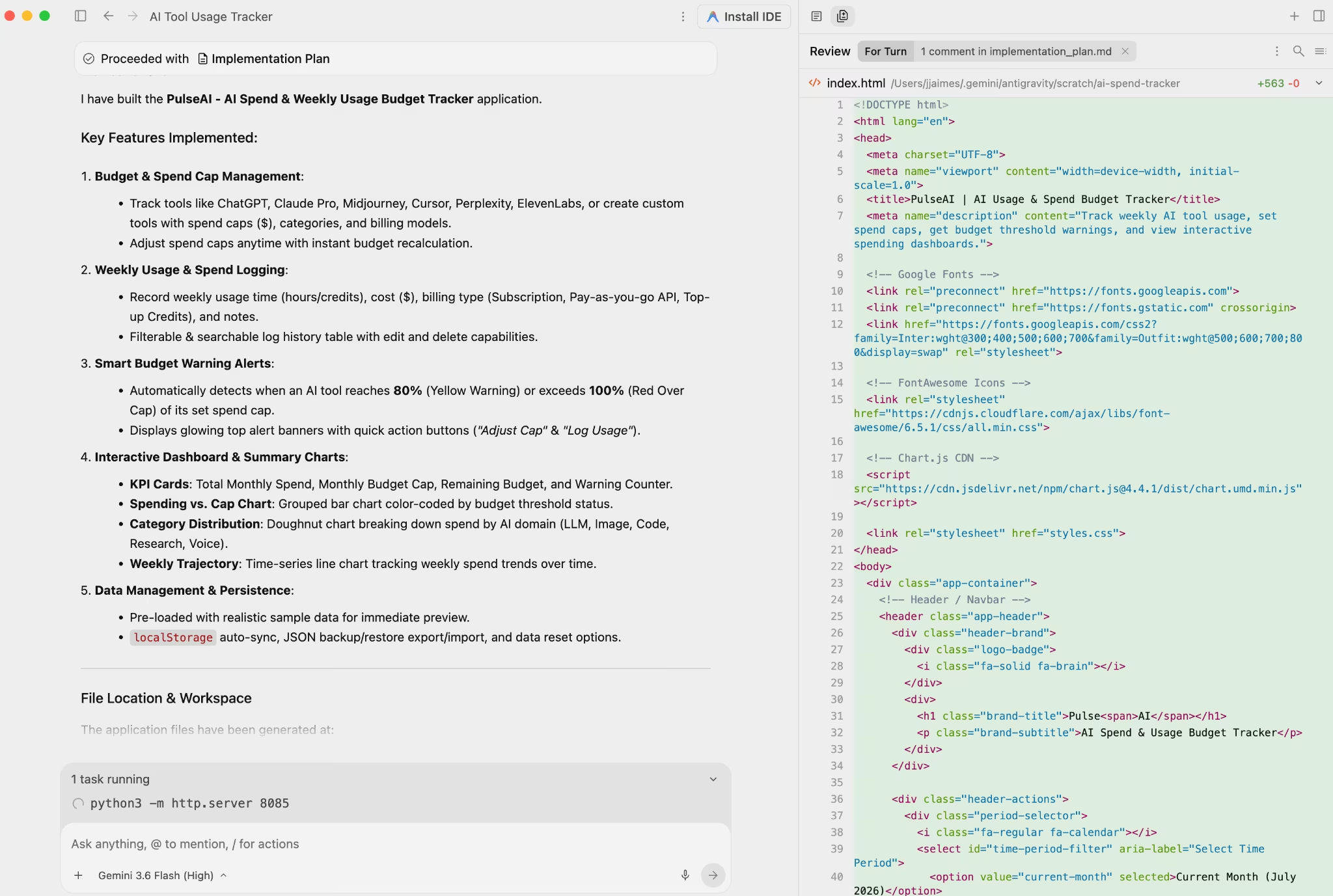
Google Antigravity 2.0 is a multi-agent coding platform that launched at Google I/O on May 19, 2026. It runs as a standalone desktop application for macOS, Windows, and Linux.
From there, it connects to your existing code editor and lets you run multiple AI coding agents simultaneously.
The original Antigravity was a full IDE on top of VS Code, bundling the editor, terminal, and agent workspace into a single window. Version 2.0 strips that out.
Antigravity 2.0 becomes the agent command center, sitting alongside your existing editor rather than replacing it. Stripping the IDE out was a fundamental change in category, and it caught many early users off guard.
The platform is powered primarily by Gemini 3.5 Flash at launch (with Gemini 3.6 Flash since added), Google's fast frontier model, in a version optimized specifically for Antigravity.
If a task needs a different model, you can also route it to Claude Sonnet 4.6, Claude Opus 4.6, and GPT-OSS-120B from within the same interface.
Google Antigravity Features
Antigravity 2.0 runs several agents in parallel, and each part of that setup has a catch worth knowing before you commit to it.
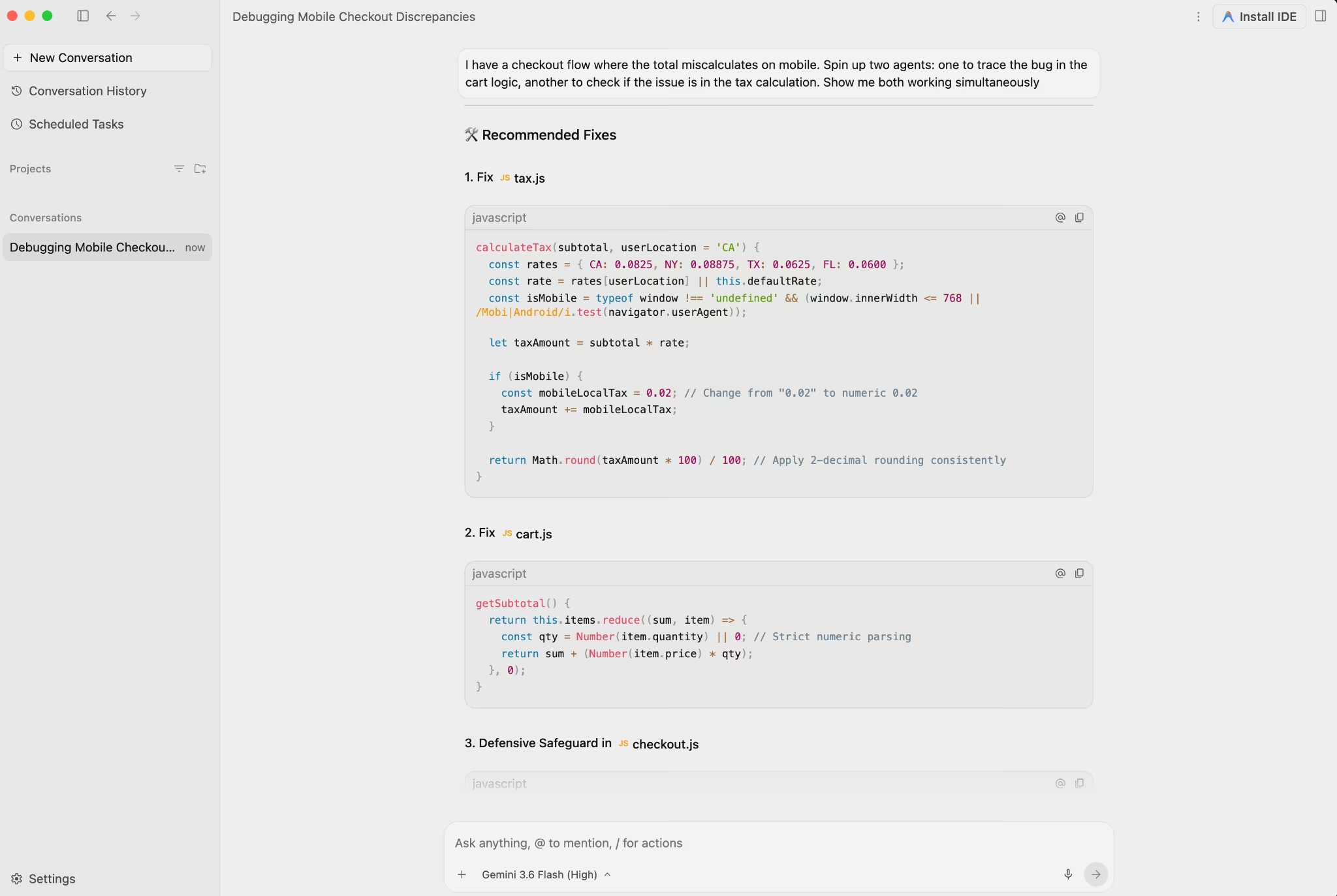
Multi-agent Manager View: You can dispatch up to five agents at once, setting one to work through a broken auth callback while another traces why the checkout total miscalculates on mobile. You then watch them work simultaneously from a single Manager View.
Each agent captures its artifacts as it goes. For solo developers juggling multiple concerns, that's a meaningful time-saver. The cap of five agents will frustrate power users, since some competing tools allow more parallel sessions.
Antigravity also gives you model choice per sub-agent. You can run Gemini 3.5 Flash on fast tasks and Claude Opus 4.6 on deeper reasoning inside one workflow.
Lovable and Bolt keep you on one default model, while Antigravity lets you switch between them mid-session, which makes your usage harder to forecast.
Built-in browser testing: Antigravity spins up a live Chrome instance to check your layouts visually, clicking through the UI, catching broken elements, and grabbing error screenshots as the agents work.
AgentKit 2.0 skills: Antigravity ships with 16 specialized agents and 40+ domain-specific skills covering frontend, backend, testing, debugging, SEO, and database management.
A few users report pushing these skills beyond code into everyday task handling, though Google doesn't document that use.
The Antigravity CLI replaces the deprecated Gemini CLI, and the migration is mandatory. A Python SDK lets you host agents on your own infrastructure and call agentic workflows the same way you'd call a chat completion.
Agents can also run scheduled tasks while you're away from the machine, and, per the I/O 2026 launch, Antigravity accepts voice input for hands-free control. Both are new behaviors for an IDE-adjacent tool and signal where Google is taking it.
Important limits to know before you enable it: Google has not published SOC 2 certification for Antigravity as of this writing. It supports GitHub only, with nothing for GitLab or Bitbucket. If your team uses JetBrains (IntelliJ, PyCharm, WebStorm), Antigravity has nothing for you there either.
Paid Gemini Code Assist Standard and Enterprise license holders keep Gemini CLI, but everyone else has to switch before the deadline.
Also read our Lovable vs Bolt vs Emergent breakdown to see how these tools compare against the broader field before you commit to Antigravity.
Google Antigravity Pricing
Google dropped daily prompt limits and switched to a compute-based model. In practice, heavier sessions cost more than lighter ones.
| Plan | Price | Antigravity access |
|---|---|---|
| Free | $0 | Rate-limited (see note below) |
| AI Pro | $20/month | Expanded rate limits |
| AI Ultra (5x limits) | $100/month | Higher rate limits (5x Pro) |
| AI Ultra (20x limits) | $200/month | Highest rate limits (20x Pro) |
Pricing per Google's plan-change announcement, which introduced the $100 Ultra tier and lowered the top Ultra tier from $250 to $200.
On the quota cuts: The cuts landed without warning, and each one reset what a Pro plan could actually do in a week.
One developer documented a dramatic drop in his weekly token allowance on Pro after the March cuts, going from a workload he could sustain to hitting his cap in a fraction of the usage.
Pro users reported five- to seven-day lockouts, full multi-day outages that made the tool unusable, with no quick reset. Google's own documentation states that usage limits are subject to modification.
Google launched the $100 AI Ultra 5x tier, which many read as a response to the lockout complaints. Whether it fixes the underlying problem depends largely on your workload.
The pattern points to one precaution to take. Run a representative week at your normal pace before you commit to any paid tier, and set a spend cap before your first heavy session.
Want the full breakdown of what each plan actually covers before the compute costs add up? Read our Google Antigravity pricing guide before you commit.
Google Antigravity: What Users Are Saying
Reviews split along one line: whether people got the hang of the multi-agent workflow before they hit an access cap. Developers who learned it find the platform fast and easy to follow. The ones who hit access caps landed somewhere between frustrated and furious.
Pros
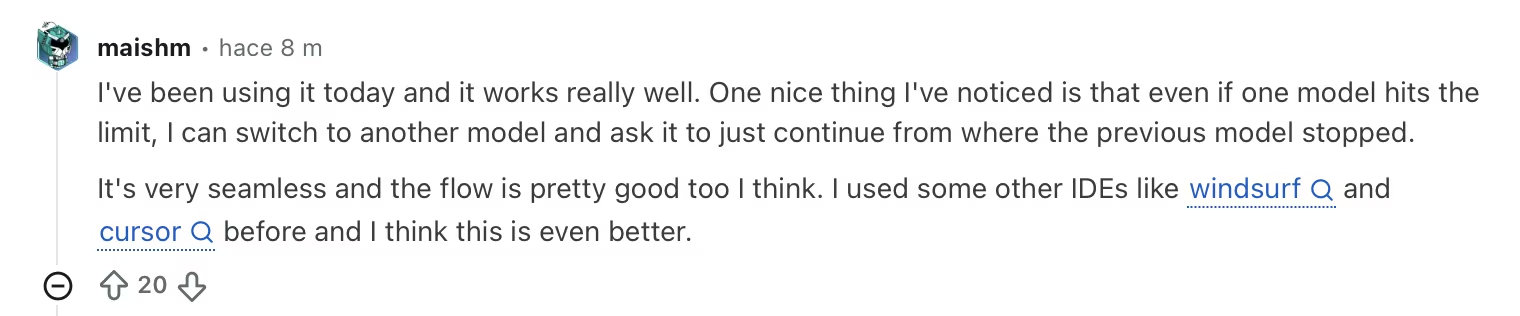
"I've been using it today, and it works really well. One nice thing I've noticed is that even if one model hits the limit, I can switch to another model and ask it to just continue from where the previous model stopped." — Verified User, Reddit
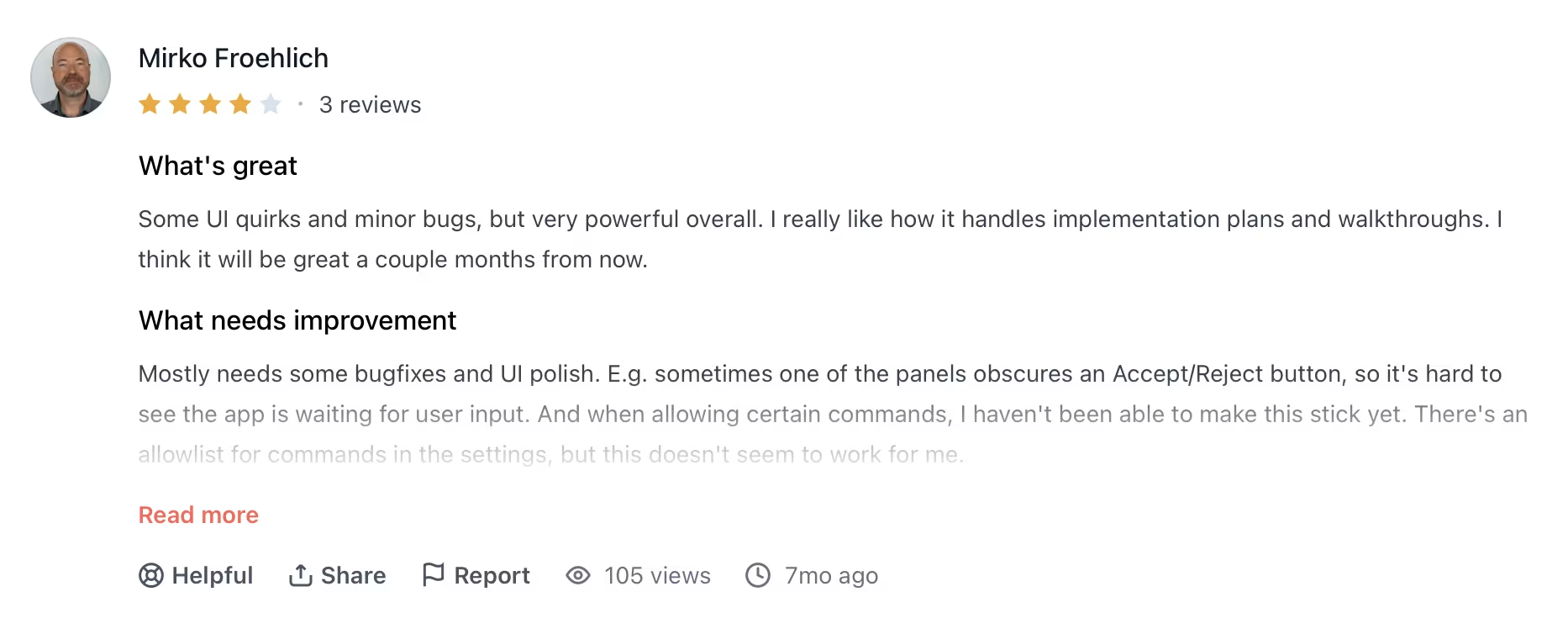
"Some UI quirks and minor bugs, but very powerful overall. I really like how it handles implementation plans and walkthroughs. I think it will be great a couple months from now." — Mirko Froehlich, Product Hunt
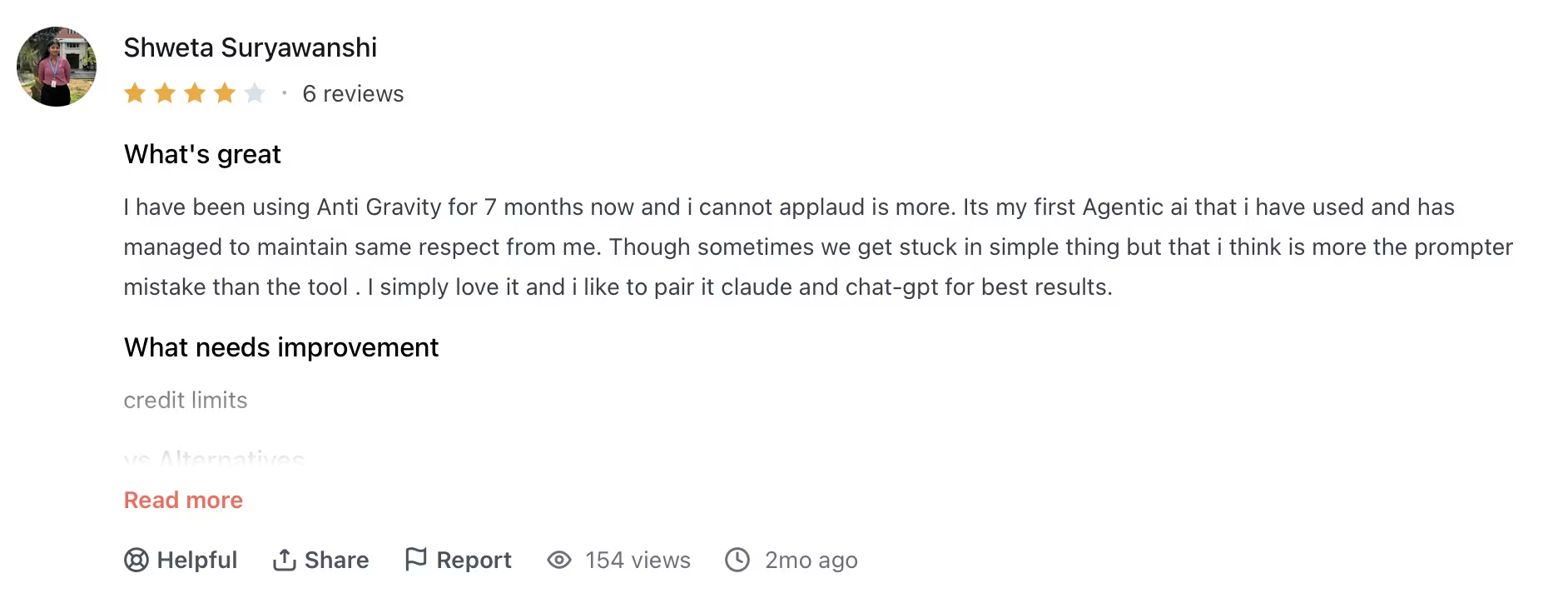
"I have been using Antigravity for 7 months now, and I cannot applaud it more. It's my first agentic AI that I have used, and it has managed to maintain the same respect from me." — Shweta Suryawanshi, Product Hunt
Cons

"It's cool and all, and Gemini 3.5 Flash is just stupid fast, but if you want heavy assistance in coding, Claude Pro is the better option; their models just deliver way more reliably. Antigravity is good for quick fixes or small projects." — Verified User, Reddit

"Just updated and removed the old Antigravity right now because there was an error when updating to the new 2.0 version. That it is insane to not be IDE anymore. Is it possible to return an old client?" — Verified User, Reddit

"I bailed on AG months ago for Codex; I don't honestly even know why I'm still subscribed to this subthread. I really did like AG, but their limits sucked, and it felt so old compared to Claude or Codex." — Verified User, Reddit
Overall, developers who've put in the time praise how openly it shows its work and how fast the agents move. But the praise keeps colliding with the same problem. You can't plan around a tool that might lock you out for a week.
Also read our Claude Code vs Google Antigravity comparison, where Antigravity takes three of six rows and Claude Code still wins the verdict.
My Personal Take on Google Antigravity
Five agents run in parallel, each on a different problem, with a single Manager View showing every artifact as it happens. That's a meaningful step past single-agent tools, and it's an ambitious piece of engineering.
That visibility matters just as much as the speed. Watching the agents work through the codebase step by step is what several reviewers said made them comfortable trusting its output.
What undercuts all of it is the access. Four cap cuts in four months, none with advance notice, each producing multi-day access freezes on a paid Pro plan.
Antigravity 2.0 has also changed significantly since launch, and not everyone welcomed the direction. If you tried the original IDE and are coming back to 2.0, expect a different tool than the one you remember.
Is Google Antigravity Right for You?
Antigravity 2.0 is designed for developers with a codebase who want to fire off concurrent agents on demanding engineering work. Using it without coding experience will likely mean hitting a wall fast.
Who will love it:
- Developers already in the Google ecosystem on AI Pro ($20/month) who want multi-agent coding without switching platforms, especially for frontend and backend work where running several agents at once saves time.
- Engineers working on focused, bounded tasks like reworking session handling or tracing a data sync bug across two services, where the Manager View's agent orchestration shines.
- Technical PMs and BAs doing lighter exploratory work, mockups, and idea drafting, where the free tier is enough and the tool's visible reasoning helps you follow what's happening.
Who should avoid it:
- Teams on GitLab, Bitbucket, or JetBrains. The managed service is GitHub-only, and the platform has no answer for JetBrains IDEs.
- Security-conscious teams. No published SOC 2 certification as of publication is a hard blocker for many enterprise environments.
- Non-technical founders and operators without a codebase. Antigravity requires an existing codebase. Going from idea to working software without an engineering background calls for a different category of tool entirely, one designed around your idea from the start.
- Anyone who can't afford a multi-day tool outage. If your business depends on your development tooling being available every day, Antigravity's cut history poses a hard-to-price risk.
Also read our best Google Antigravity alternatives guide for what else is worth trying when the access limits or GitHub-only constraint becomes a problem.
A Better Fit for Non-Developers: Emergent
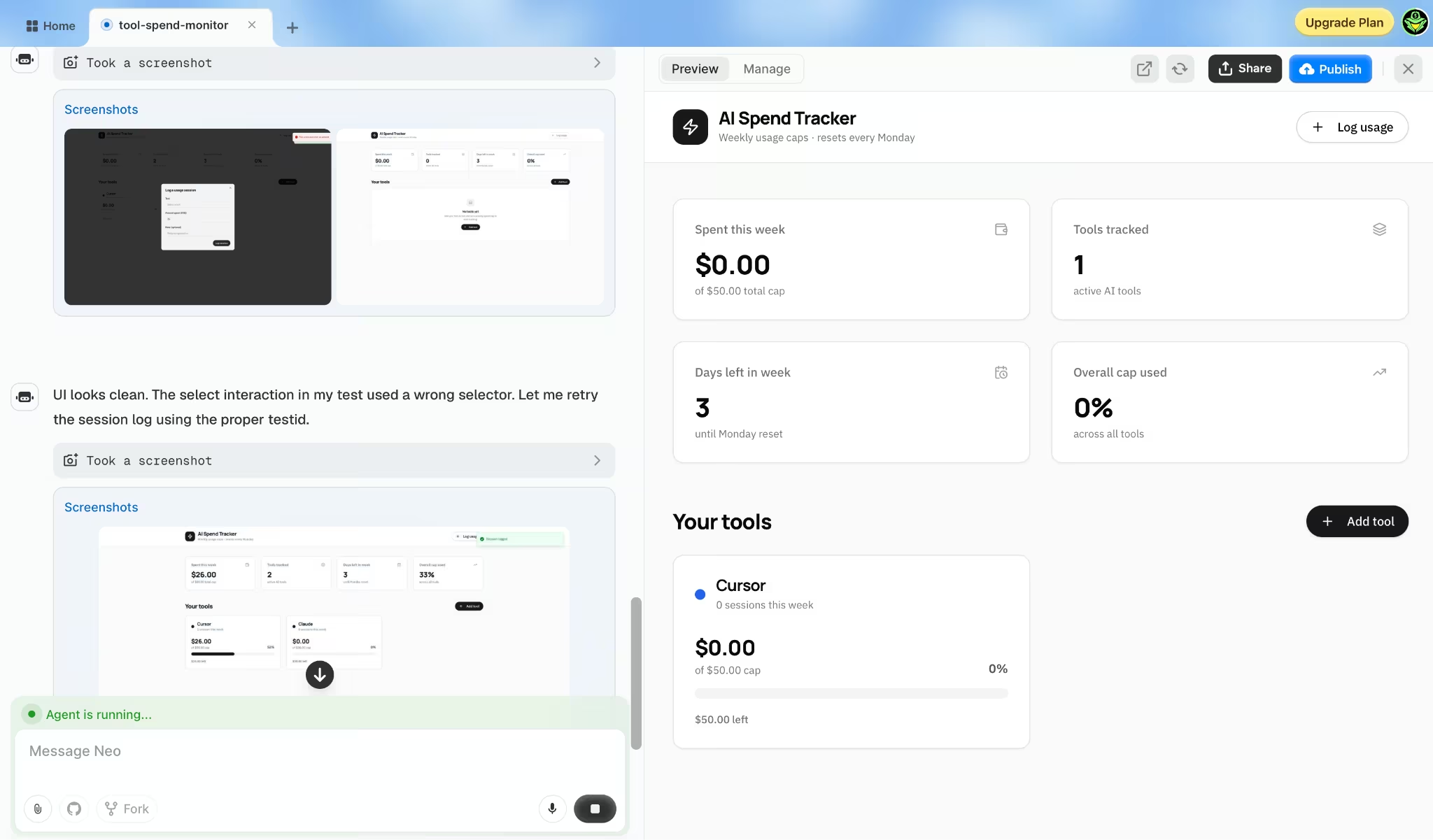
If you landed here looking for a way to build an app without writing code, Antigravity 2.0 will work against you from the start, because it assumes you're already working in code and want agents to move through it faster.
Non-technical founders and operators are better served by an app builder.
Emergent is an AI app-building platform that turns a plain-English description into real, working software you can launch, with the database, sign-in, and payments handled for you.
You describe the app you want, and a team of agents handles the whole build from planning through testing. Emergent is one of the vibe coding tools made for people who don't write code at all.
A few things stand out for non-developers:
- Start from a description: You describe what the app should do, and Emergent creates it. No terminal to configure, no agent setup required.
- It ships software you can launch: The multi-agent system handles the working app behind the scenes, so what you get can take payments and go live instead of stalling at a demo.
- It connects to tools you already use: Emergent integrates with GitHub, Figma, and Notion, so your code, designs, and docs stay in sync.
- You own what you build: Your code and data stay yours, and you can export everything and take it with you whenever you want.
There's a free tier if you want to test the workflow before committing.
My Final Verdict
For a developer on GitHub handling heavy engineering workloads who wants to run several agents at once and can tolerate unpredictable access, Google Antigravity 2.0 deserves a serious look, especially at the AI Pro price point. The step-by-step transparency and the raw speed are there.
For teams that can't tolerate multi-day outages or that need SOC 2 and non-GitHub support, the current state of the platform makes it hard to recommend as a primary tool.
And if you're not writing code at all, an app builder will get you far closer to a working product than Antigravity can.

Most AI app builders stop at prototypes. Emergent creates production-ready apps you can actually launch.
- Production-ready apps
- Web & mobile apps
- Deploy in minutes







