



TL;DR
- Bolt: Best for seeing an idea running in five minutes without spending anything.
- Emergent: Best for an app that checks its own work before you open it.
- v0: Best for a real database and logins with nothing left to configure.
- Retool: Best for internal tools on data that already lives in a database.
- Claude Code: Best for keeping every file on your own machine.
- Glide: Best for an internal app your team will actually use on a phone.
- Stacker: Best for pairing the app with an agent that can act on your data.
- Softr: Best for the fastest route to a portal with roles already set up.
- Lovable: Best for something presentable enough to show people today.
- Budibase: Best for internal tools you need to host yourself.
Every tool in this category produces something that looks finished. You describe an app, a dashboard appears, a count says Overdue, and the numbers look about right.
Whether they're right is a separate question. So I built a real app in 10 Noloco alternatives, then checked what each one claimed to have done against what was actually in the data. Nine of them got an identical brief, and Budibase got one better suited to what it’s made for.
Four of the 10 handed me a dashboard I couldn’t take at face value. This article covers which ones were straight with me, which are worth paying for, and when staying on Noloco is the right call.
Why Look for Noloco Alternatives?
Noloco is a capable tool, but these are the four things that send people looking elsewhere.
It might report building something it hasn't built. My build plan promised a per-project board with three columns and drag-and-drop, and the summary at the end confirmed it was done. What was actually on the record page was four static chips.
Schema changes can make a mess. Restructuring the data left 11 template tasks with no status and no due date in the same table as the real ones.
Seeded users aren't real users. Personal views open on error states until the people in your data have accounts, which makes testing what you just built harder than it should be.
The bill scales with people and records. Pro is $149 / month ($99 billed annually) and Business is $319 / month ($213 billed annually), and team seats, client seats, and row limits all tier separately on top. So growth costs you on three axes at once. Teams with a lot of external users tend to feel this first.
How I Tested These Noloco Alternatives
I tested 13 tools and cut three before writing this. I built a four-page site with Bubble, but it didn’t tell me anything about permissions, external users, or whether I could trust a figure on a dashboard. Cursor and Cline both ran as agents inside a code editor, which put them too far from what a Noloco user is replacing.
I gave nine tools the same brief, pasted in verbatim:
Build a project management app for a small creative agency. Team members sign in with email. Each project has a board with three columns: To Do, In Progress, and Done. Tasks have a title, an assignee, a due date, and a status, and can be dragged between columns.
Add a dashboard that lists every project with a count of tasks by status, and flags any project that has a task past its due date. Seed it with four team members, three realistic projects, and twelve tasks spread across the columns, two of them overdue.
I ran that same brief through Noloco itself. That build is where the four limitations above come from, and it's also behind the section further down on when staying put is the right call.
Counting tasks by status is simple filtering. Flagging a project because one of its child records is late is a different kind of problem, as it requires a calculation per task, an aggregation up to the project, and the sense to leave out completed tasks carrying old dates.
I gave Budibase a brief better suited to what it's built for, since it's aimed at internal trackers on your own data: an equipment loan tracker with two linked tables, screens, and a published address. I left out the rule that anything past its return date has to show as late.
That rule was never spelled out in the prompt, so the pass mark is the same everywhere: does the tool work out a rule you didn't give it, and does it tell you the truth about what it built?
I ran each prompt directly in the builder rather than through a chat window, though that's an option now too. Emergent's Model Context Protocol (MCP) connector lets you build from a conversation in ChatGPT or Claude.
10 Best Noloco Alternatives at a Glance
| Tool | Best for | Core strength |
|---|---|---|
| Bolt | Non-technical founders testing an idea | Correct overdue logic in minutes inside the free tier |
| Emergent | An app that verifies itself | Testing agents run against the build before you see it |
| v0 | A real database from the start | Six tables, hashed passwords, and its own error fixes |
| Retool | Ops teams on existing databases | Connects to the databases and systems you already run |
| Claude Code | Owning every file | Reloaded the page to prove a dragged card had saved |
| Glide | Internal apps used on a phone | Mobile-first apps on data you already keep |
| Stacker | Pairing an app with an agent | More than 2,000 integrations, with agents that act on them |
| Softr | A portal with roles configured | Guided setup covering access, sign-in, and navigation |
| Lovable | Something you can show today | A styled, clickable app minutes after the prompt |
| Budibase | Self-hosted internal tools | Open source and self-hostable |
1. Bolt: Best for Seeing an Idea Up and Running in Five Minutes
What it does: Bolt takes a written prompt and builds an app in your browser, with a database included. It then offers a preview and allows you to publish it to a live URL.
Best for: Founders, designers, and product people who want to see an idea on screen quickly, with nothing to install.
I pasted the prompt into Bolt on the free plan and left it alone. It confirmed what it would build, read the project files, and about a minute later wrote a plan: database schema, seed data, sign-in screen, dashboard, kanban board, and a design pass.

Five minutes after I gave it the prompt, it was done. It had named the agency Studio Bloom, set up a database on Bolt Cloud, and created a demo account with the details printed on the sign-in screen so I could access it right away.
The dashboard listed all three projects with task counts by status and a red banner reading two overdue tasks across the studio. Aurora Skincare and Halcyon Coffee showed one each. Northwind Festival showed On track.
That last one was what I was watching for. The boards were full of completed tasks with dates well in the past, and none of them were flagged. Northwind stayed green, which meant Bolt understood that finished work can't be late.
All 12 tasks were present across the three boards, each with an assignee avatar and a due date. Bolt couldn't open the app itself to test the dragging, and said so in its summary.
The build used about 101,000 tokens, which is roughly a third of the daily free allowance, leaving room for several more attempts in a day. If you want an idea on screen inside 10 minutes without spending anything, Bolt is a great option.

Key Features
- Database included by default: Bolt Cloud sets up the tables and seeds the data during the build, with no separate account to configure.
- Preview beside the chat: The app appears next to the conversation as it builds, so you can sign in and click around without leaving the page.
- One-button publishing: Puts the app online immediately, with custom domains on the paid plans.
Pros and Cons
Pros
- The free allowance resets daily, so you can iterate without paying anything
- Nothing to install and no separate database account to set up
- A live URL from the first build
Cons
- Free plan output shows Bolt branding
- The agent can't open the published app itself, so interactive behavior needs your own testing
- Token pricing is harder to predict than a flat seat price
What Users Say
"It lets me prototype ideas fast without wasting time on the initial project setup." - Ishita S. (G2)
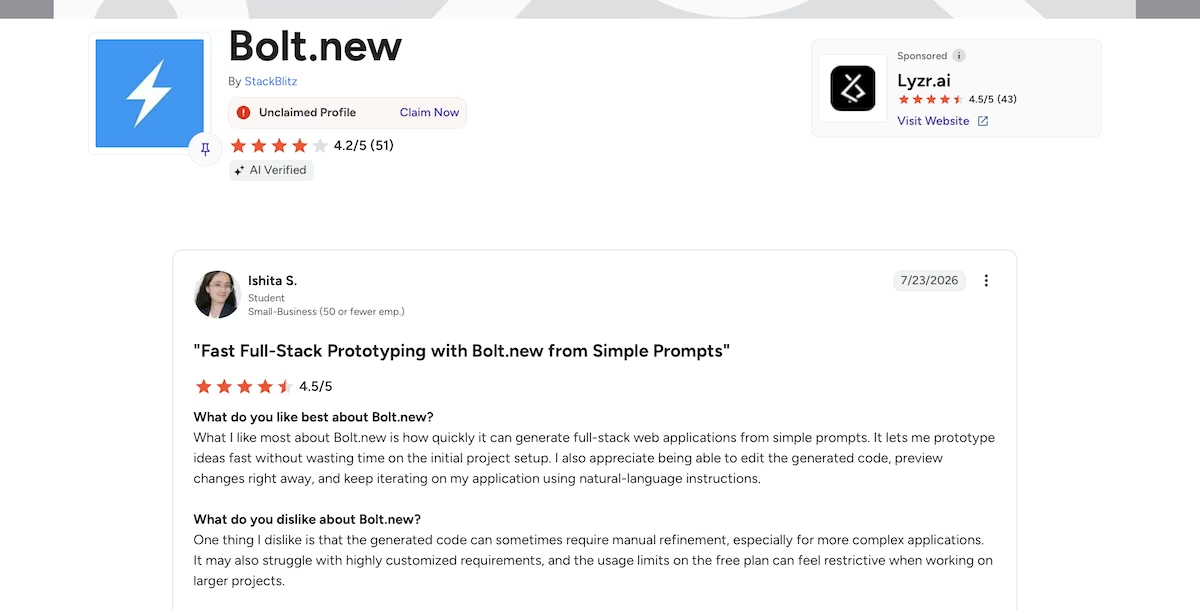
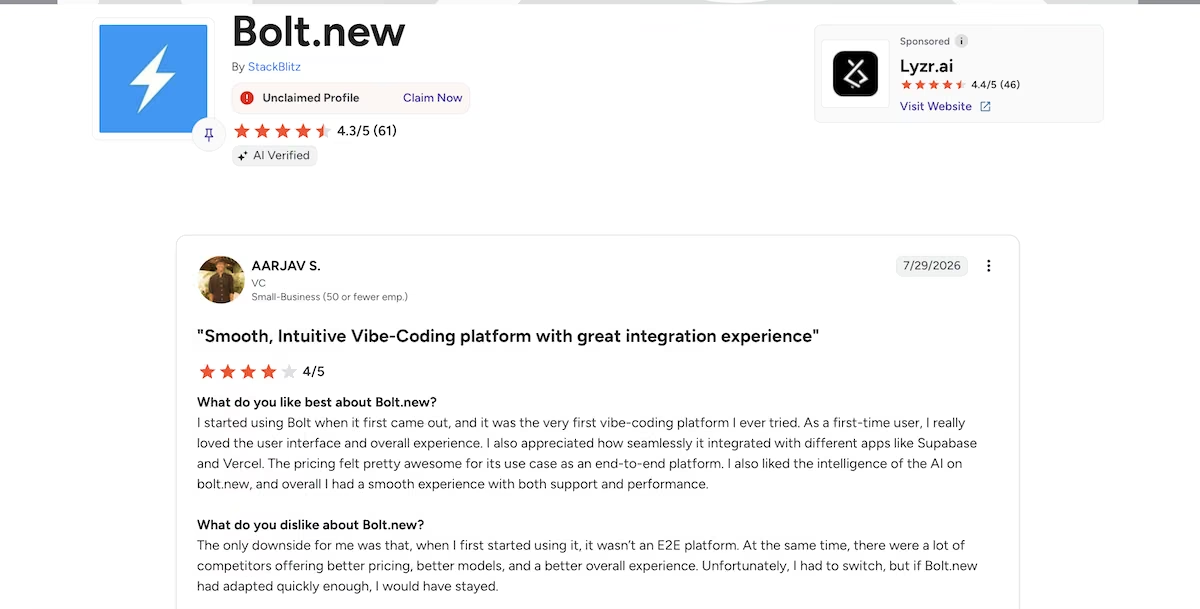
“As a first-time user, I really loved the user interface and overall experience.” - Aarjav S. (G2)
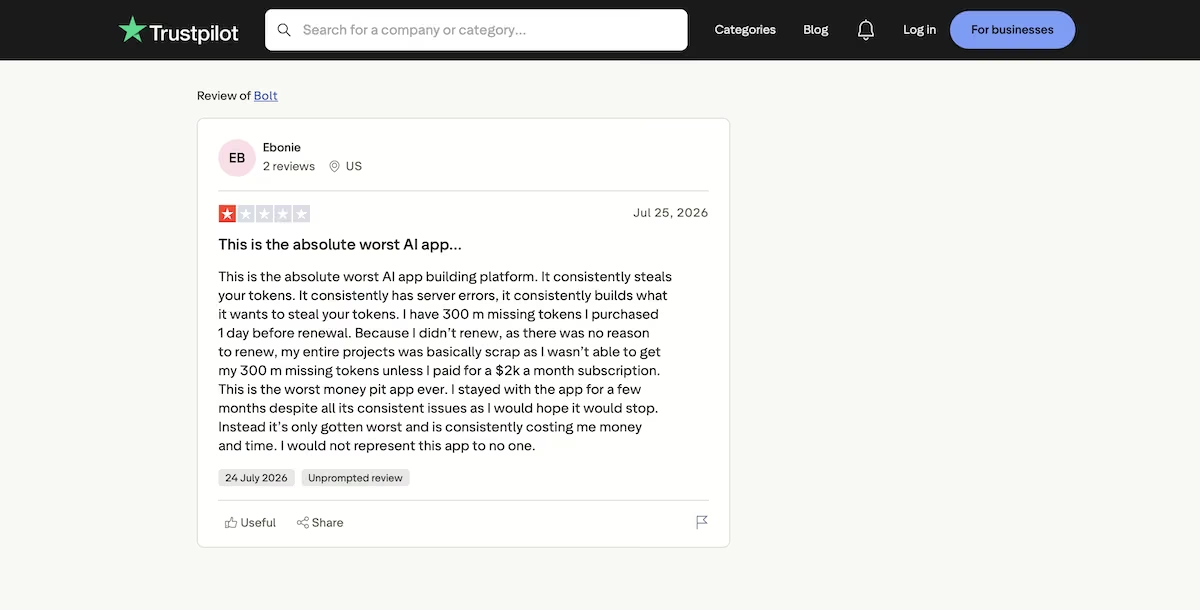
“It consistently steals your tokens.” - Ebonie (Trustpilot)
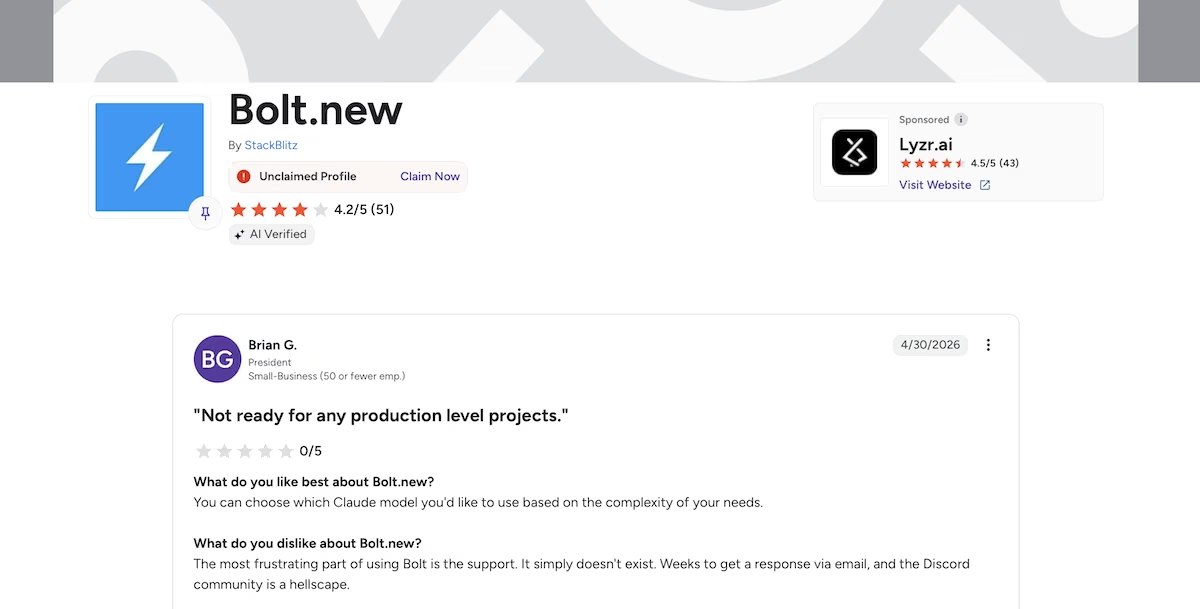
"The most frustrating part of using Bolt is the support. It simply doesn't exist." - Brian G. (G2)
Pricing

Bolt's free plan gives you 300,000 tokens a day and one million a month, plus unlimited databases and hosting. Pro is $25 / month ($18 billed annually), gives you 10 million tokens, removes the daily cap, and takes Bolt's branding off anything you publish. Teams is $30 per member per month ($27 billed annually).
Read More: Best Bolt Alternatives and Competitors
2. Emergent: Best for an App That Checks Its Own Work
What it does: Emergent takes a written prompt and builds a complete web app with its own database. It then tests the result and shows it to you in the Preview tab.
Best for: Founders and small teams who want a working app they can sign into the same day, with the data, sign-in, and hosting already handled.
After I prompted Emergent, it wanted to know whether I wanted a web app, a mobile app, or a landing page. I picked web app, and it got going.
Before it started building, it wrote a product requirements document into the project and saved a set of test credentials. Then its testing agents ran against the finished build before it told me it was done. The whole thing took 13 minutes.
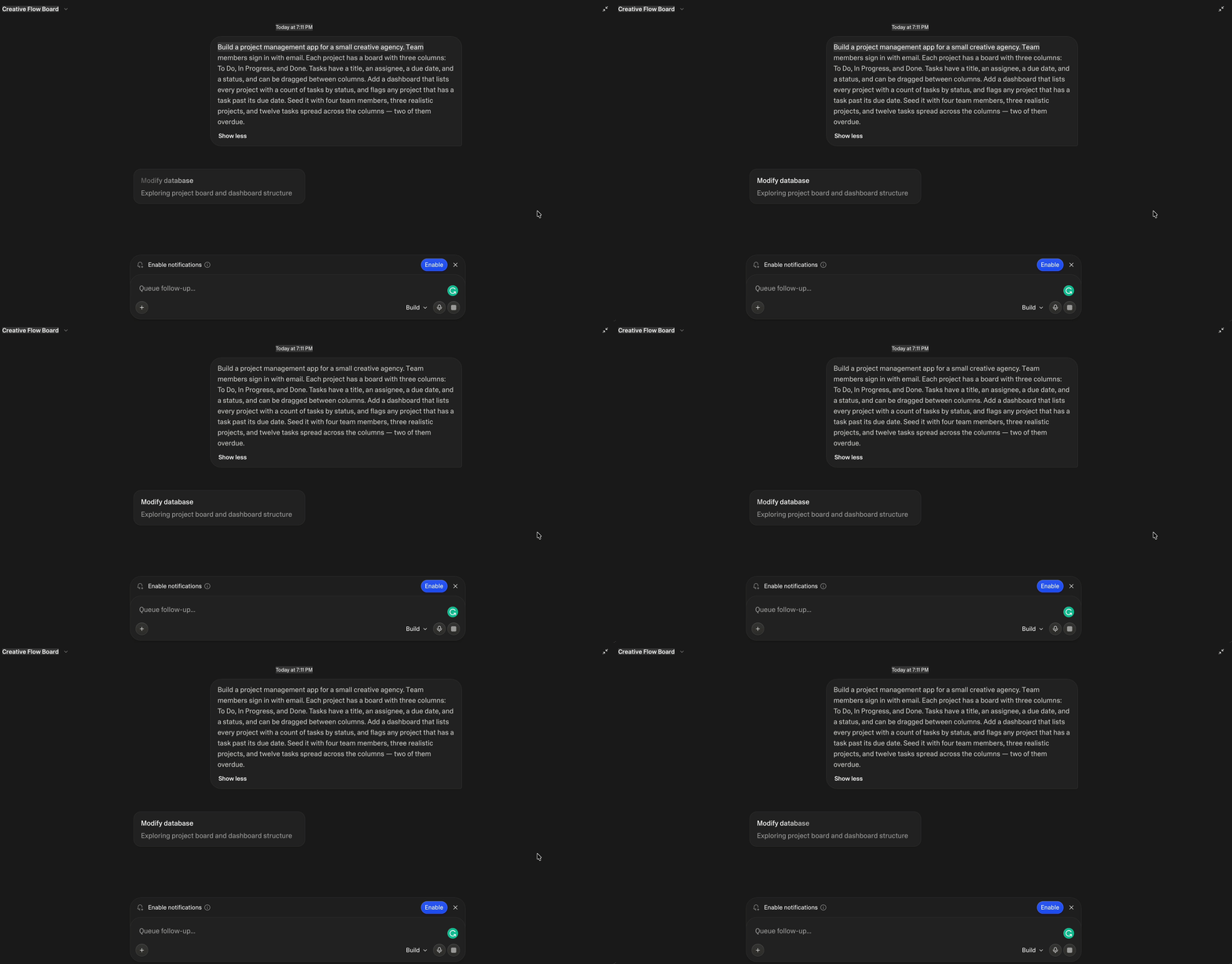
It had also made some branding decisions. It named the agency Meridian Studio, picked a color palette and a typeface pairing, and also wrote the copy for the sign-in screen.
The dashboard was right. It showed four team members, three projects, 12 tasks, and two overdue flags, on Kestrel Coffee Rebrand and Solstice App Launch. Meridian Editorial stayed clear. Emergent had also put the two late tasks in separate projects rather than bundling them into one.
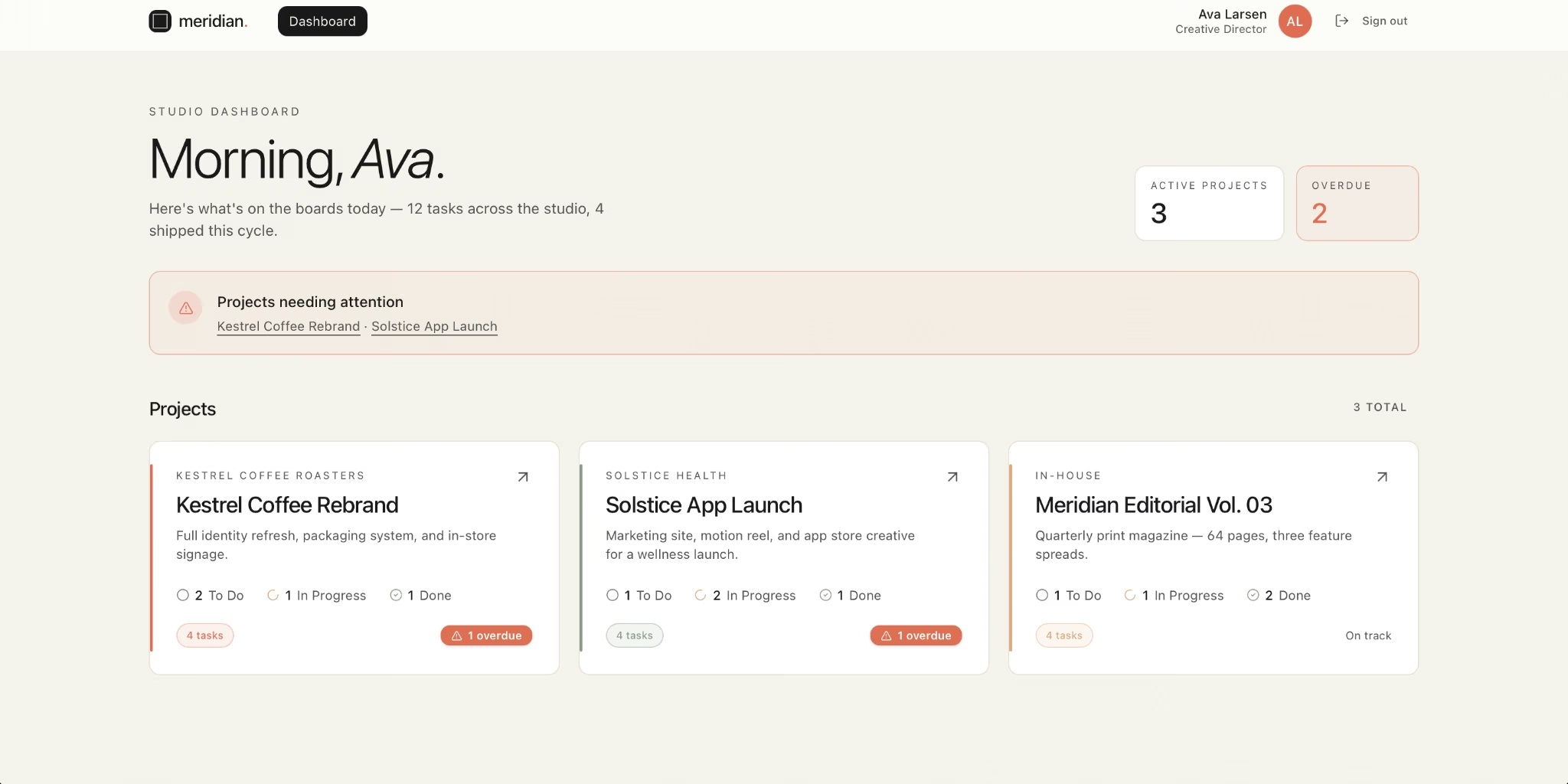
There was a bug. The dashboard greeted me with "Morning, Ava" at 7 pm. The bigger issue, however, was cost. The build used 15.19 credits, and a free account comes with 10 a month, so it wouldn't have finished on the free plan. I was on a paid plan, so it wasn’t a problem. Starting from scratch, though, you'd be paying $20.
Emergent does state its ownership position clearly: your idea, your content, and any intellectual property (IP) in the app are yours. That's reassuring when the thing you're building is the business.
Key Features
- Tests itself before you see it: Testing agents run against the build, so the first version you open has already been checked.
- App and database from one prompt: You’re signing in and clicking around within minutes, with the database and server setup already done for you.
- You own what it builds: the app, its data, and the code can all move with you.
Pros and Cons
Pros
- Runs its own tests on the finished build before handing it over
- Wrote a requirements document and saved test credentials before it started building
- Produces an app with a sign-in you can access the same day
Cons
- The free plan's 10 monthly credits won't cover a build of any real size
- Deploying and editing both consume credits, so ongoing changes add up
- Credit-based pricing makes budgeting harder than a flat monthly seat
What Users Say
“One of the best vibe coding apps out there, with one of the lowest pricing ranges.” Himanshu J. (G2)
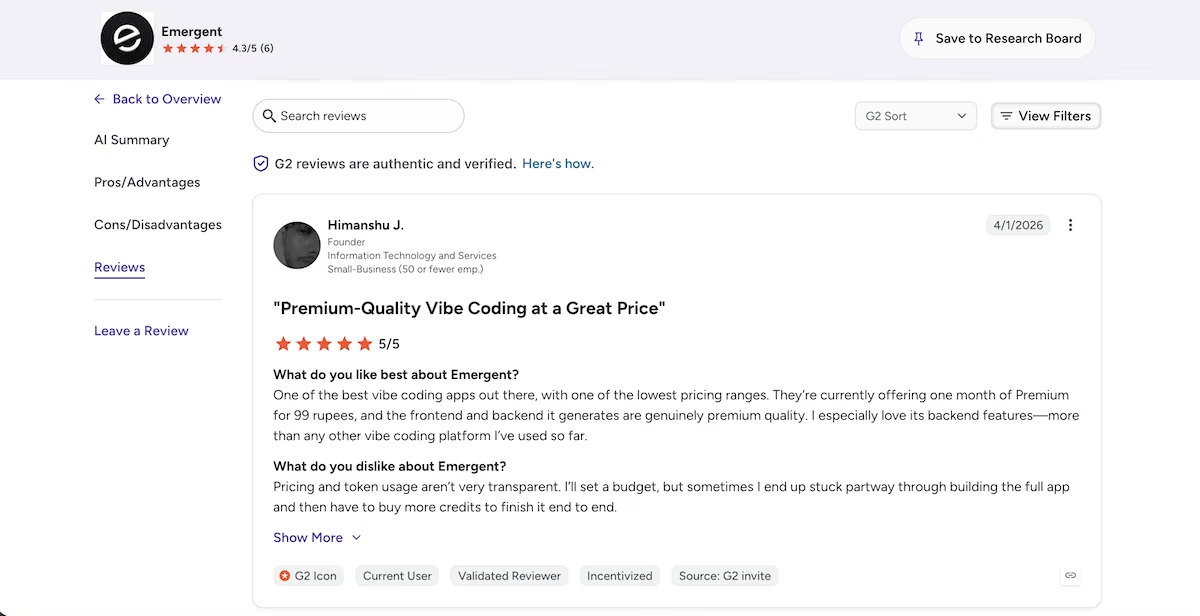
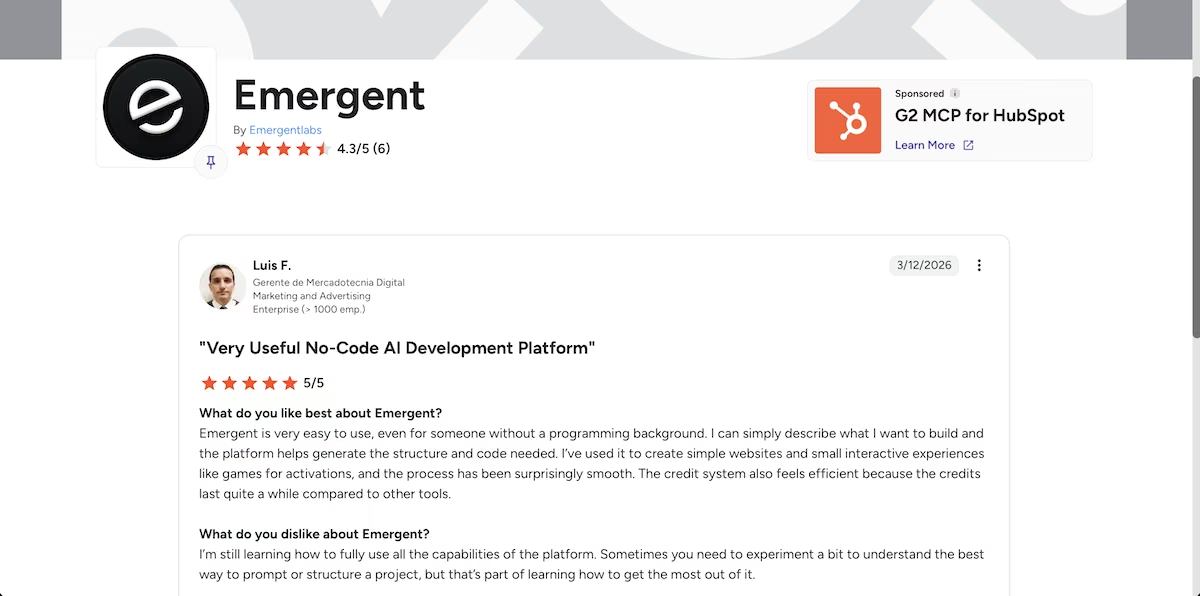
“Emergent is very easy to use, even for someone without a programming background.” - Luis F. (G2)
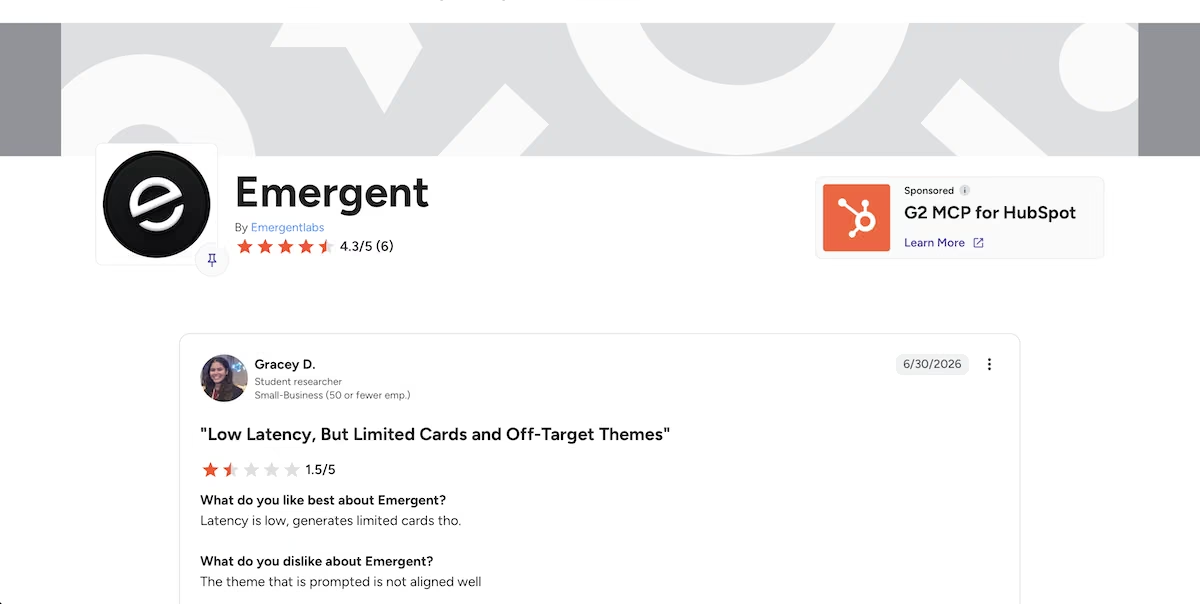
“The theme that is prompted is not aligned well” - Gracey D. (G2)
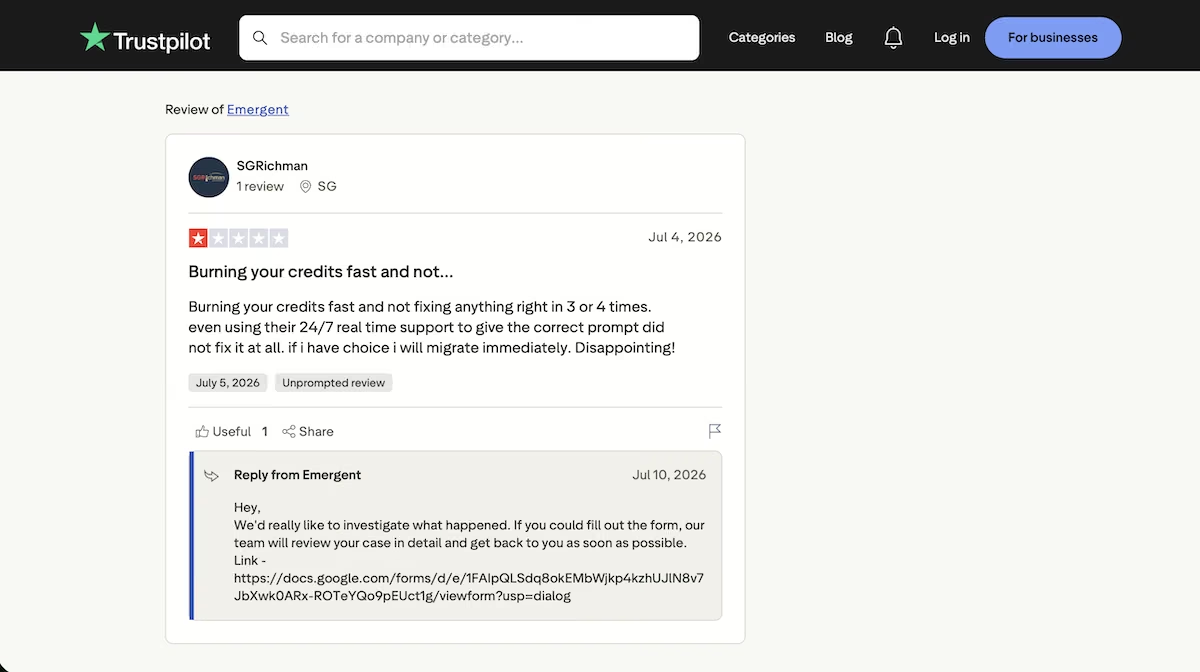
“Burning your credits fast and not fixing anything right in 3 or 4 times.” - SGRichman (Trustpilot)
Pricing

Emergent's free plan gives you the essentials and 10 credits/month. Standard is $20 / month ($17 billed annually) and is the realistic entry point for anyone building something they intend to use. Pro is $200 / month ($167 billed annually) for heavier or more sustained work.
3. v0: Best for a Real Database and Logins From the First Build
What it does: v0 turns a written prompt into code. While its reputation was built on interfaces, it also produces the database, the sign-ins, and the logic running on the server.
Best for: People who want a real database and logins ready from the first build, with nothing left to configure afterward.
Before writing code, v0 asked me a number of questions: which sign-in method, where the data should live, and whether the seeded accounts should share a demo password so I could sign in immediately. It recommended Neon Postgres with Better Auth over Supabase and explained why.
It then created all six database tables in a single step, so a failure partway couldn't leave the schema half-built.

The seeding is what separated it from everything else I tested. It ran all four team members through Better Auth’s real sign-up, so every password was hashed the way a live user’s would be. It then set up a repeatable seed step for the three projects and 12 tasks.
The build used v0's GPT-5.5 and took 19 minutes, after which it opened the app in a browser and started debugging itself. When I first signed in, I got an Invalid origin error. v0 traced it to localhost missing from Better Auth's trusted origins, patched it, and signed back in.
The dashboard confirmed it had followed the brief: three projects, five tasks to do, four in progress, three done, two overdue, and the third project correctly left alone. I clicked into each project to check the boards behind the counts, and the numbers held.
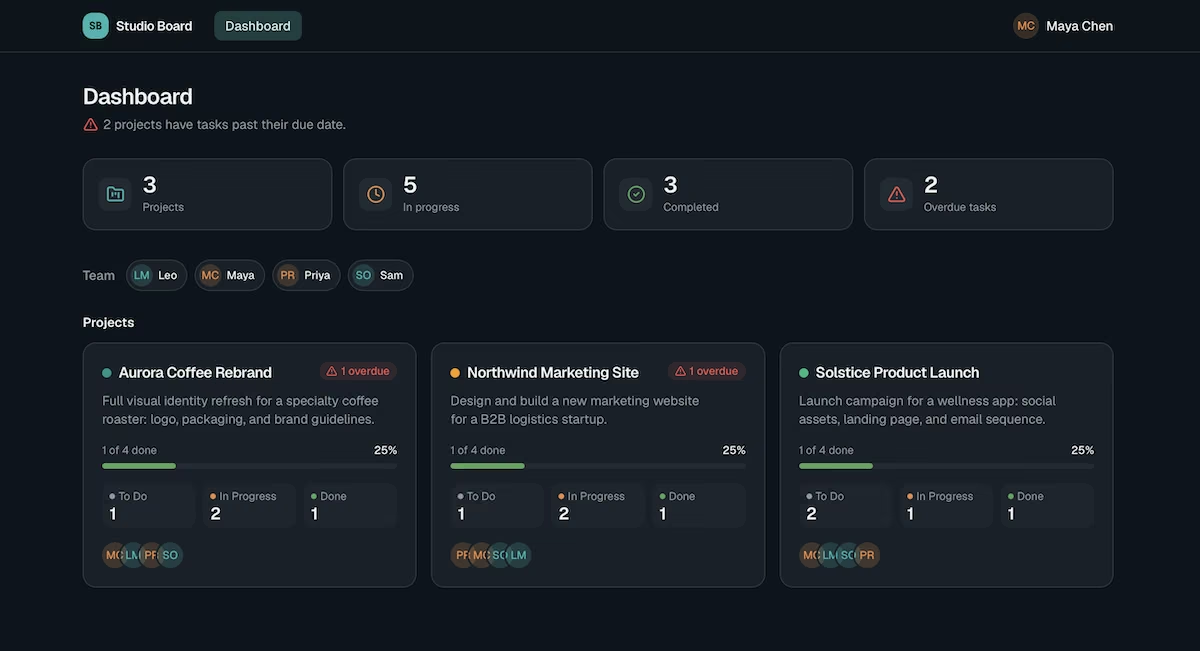
The app’s dashboard
The build then paused, as it had used the entire $5 free allowance. It was partway through its own final verification. Going further meant v0 Plus at $30 a month.
Key Features
- A real database and logins out of the box: Neon Postgres and Better Auth arrive configured, with every seeded password hashed.
- Debugs itself in the browser: It opens the finished app, finds its own errors, and fixes them before reporting it’s done.
- Confirms the setup first: It asks how sign-in, data storage, and seeding should work before writing anything.
Pros and Cons
Pros
- Real sign-ups for every seeded account
- Catches and repairs its own errors before reporting that it's finished
- Explains its architectural recommendations
Cons
- The $5 free allowance might not cover a complete build
- Closely tied to Vercel, so moving elsewhere means reworking deployment
- At $30 per user a month, Plus is one of the pricier entry points here, and the only one that charges per user
What Users Say
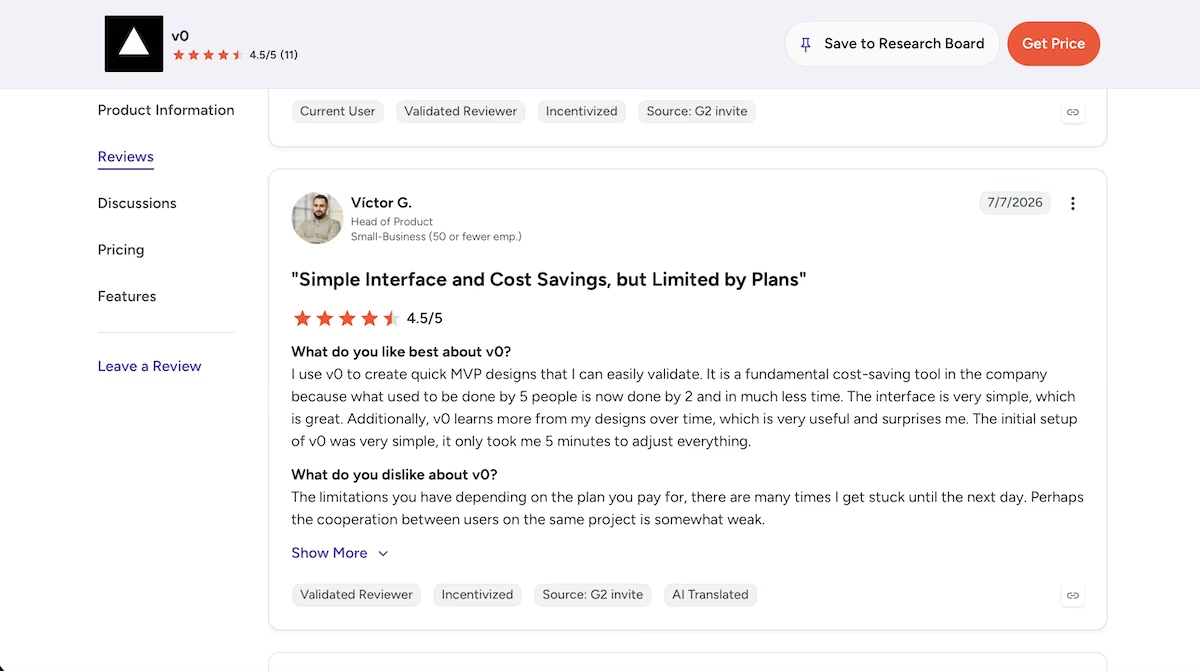
“I use v0 to create quick MVP designs that I can easily validate.“ - Victor G. (G2)
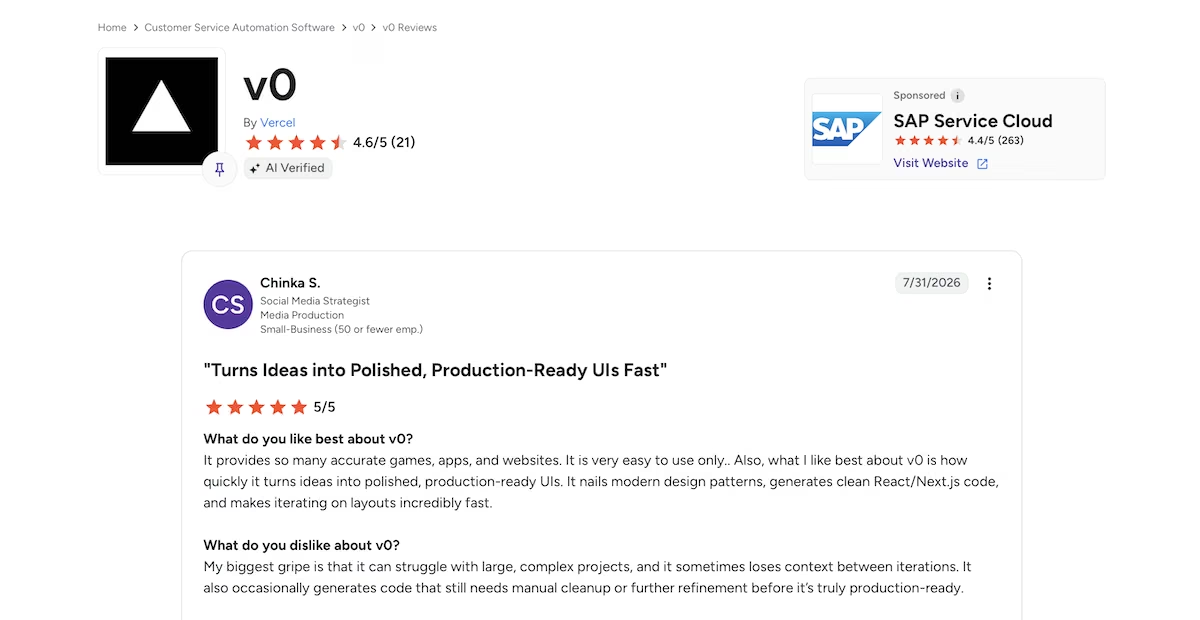
“What I like best about v0 is how quickly it turns ideas into polished, production-ready UIs.” - Chinka S. (G2)
“This has great potential..But it also feels like it is not mature enough for the pricing model.” - Lasse (Trustpilot)

“I ran out of credits so I started manually editing my code and it shut me out.” - Bella (Trustpilot)

Pricing
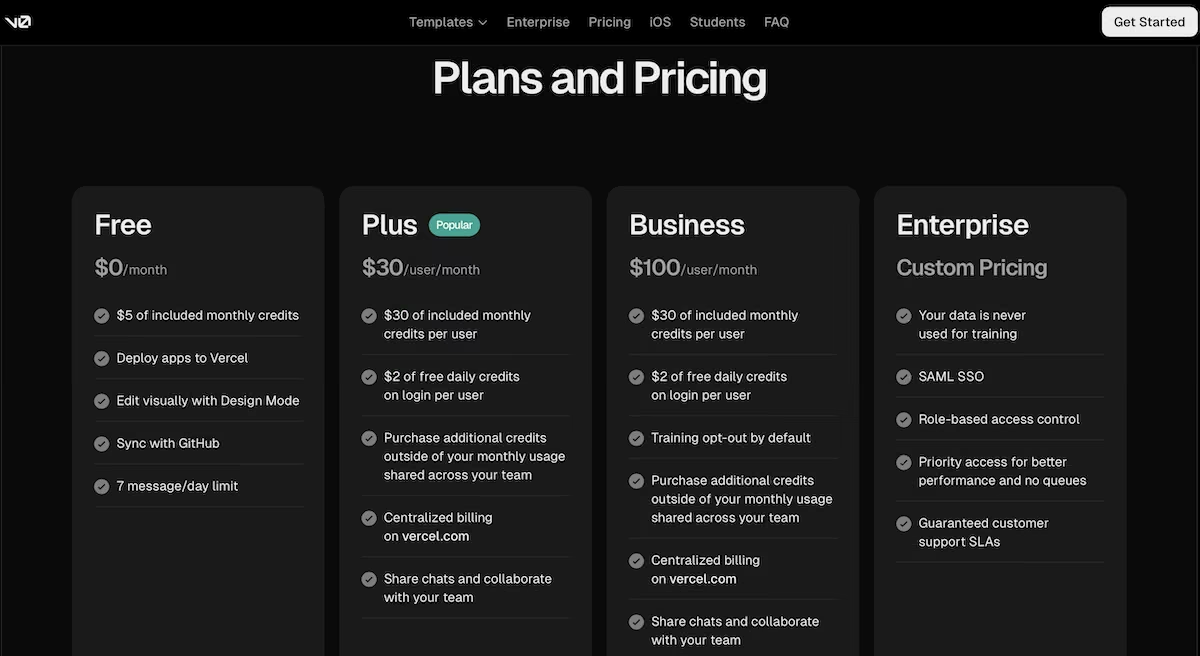
v0's free plan gives you $5 in credits. Plus is $30 per user per month, which is where most individuals will land. Business is $100 per user per month and switches off training on your data by default, which is important to know if you're building on anything confidential. Enterprise is custom priced.
4. Retool: Best for Internal Tools on Data You Already Have in a Database
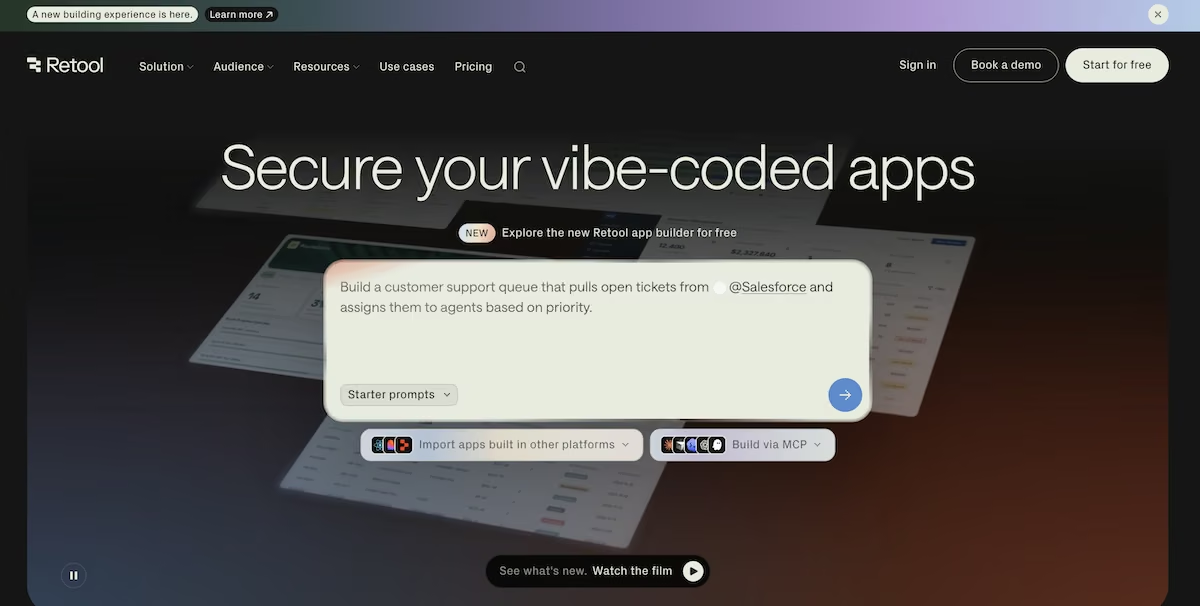
What it does: Retool builds internal software from a written prompt or from components you arrange, connecting to databases, application programming interfaces (APIs), and the business tools your company runs.
Best for: Teams building internal tools on data inside a database or a business system, with the permission controls a larger organization needs.
Retool started the moment the prompt landed. It read the app structure across 12 paths, edited three files, and added a seeded data helper. Four minutes later it had finished.
Once I published the app, it opened at its own address and I was already signed in as Nina Patel, one of the seeded team members. The dashboard showed three projects and two overdue projects, with a Delivery notes panel confirming 12 tasks and four teammates: four to do, four in progress, and four done.
Two projects showed an orange badge and Solstice Summer Campaign stayed On track. Retool also named the late work rather than just counting it, listing the task, its assignee, and a due date three days before I ran the build.
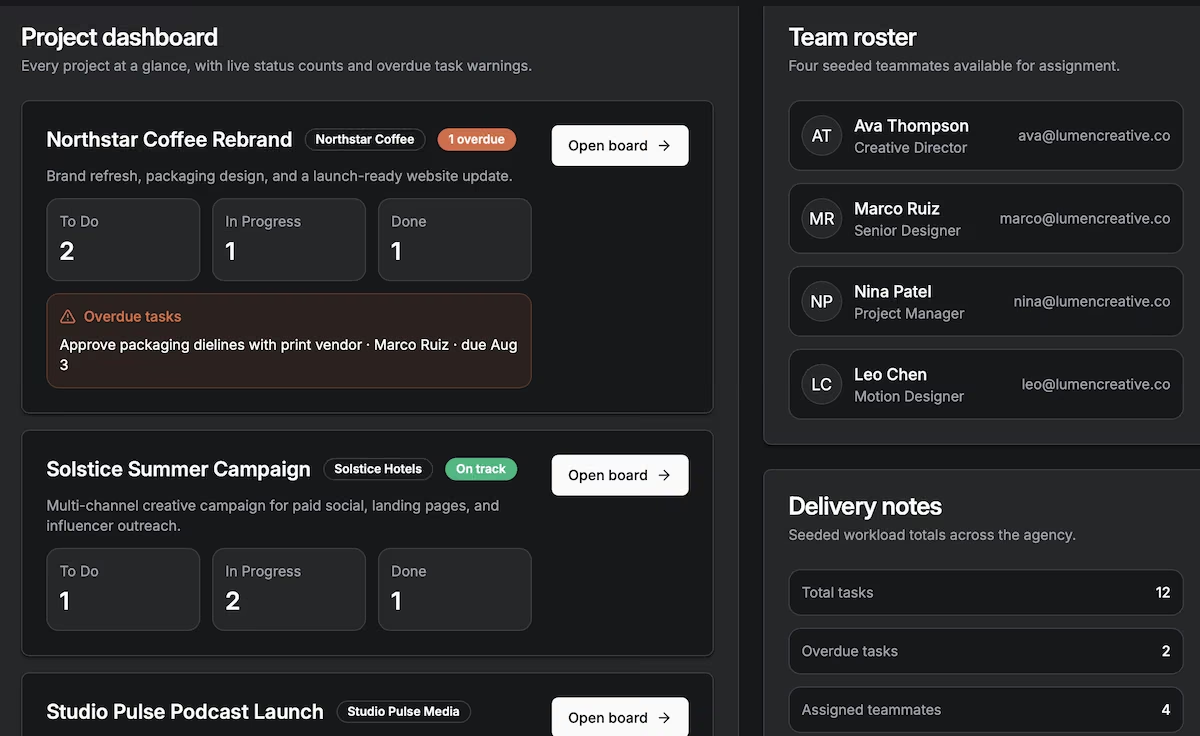
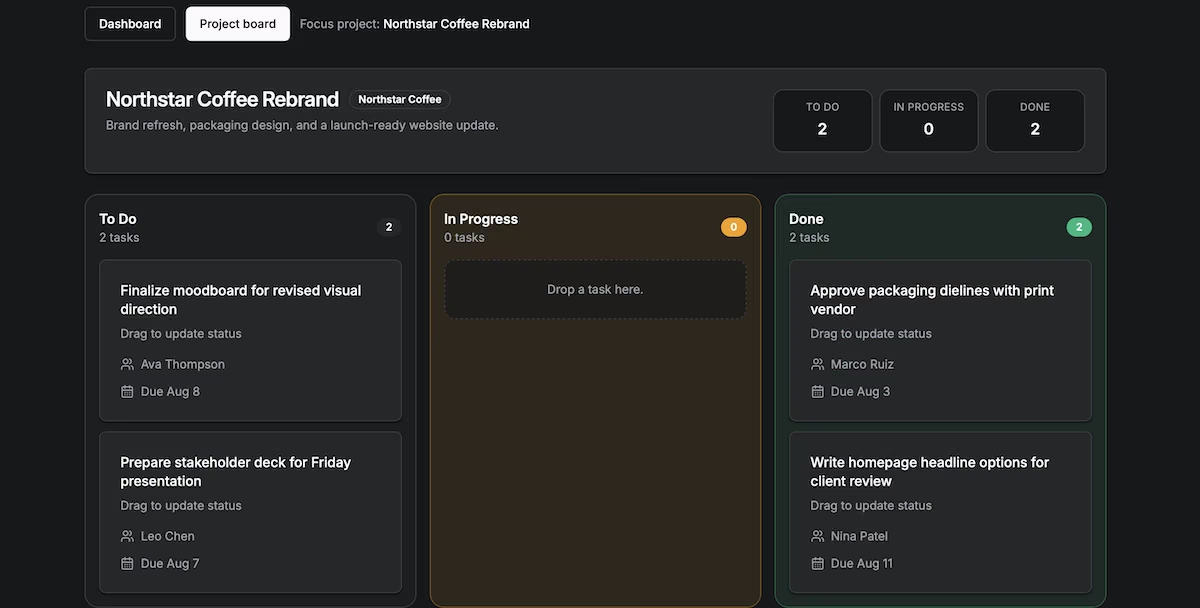
Every finished task in the seed data had a future date, so nothing tested whether Retool could distinguish between a completed task and a late one. I dragged an Overdue task into Done to find out.
The badge cleared straight away. On that project’s board, In Progress dropped to zero and Done rose to two, and the header stopped saying Attention needed, all without a refresh. Retool recalculated the flag as the data changed. That’s the one thing on this list I’d trust to stay right after your team starts moving cards around.
Key Features
- AI builder alongside the visual editor: Describe the app in the chat panel, then edit the generated code or rearrange components in the same workspace.
- Connects to systems you already run: Databases, APIs, and business tools rather than a spreadsheet, which is what separates Retool from most builders.
- Release versions and staging: Apps move through a publish checklist, with a staging environment and version history on the paid plans.
- Permission controls and audit logging: Detailed access rules for teams that need to show who can see what.
I spent the rest of the time in the editor, where the chat panel, the generated code, and the visual components were in one workspace. Moving between the three took some adjustment, since a change in one doesn't always show in the others until you switch across.
Pros and Cons
Pros
- Plugs into Postgres, MySQL, Snowflake and the business systems your company already runs
- Recalculates conditional values as records change, without a page refresh
- The free plan runs unlimited web and mobile apps
Cons
- The free plan is limited to five users, so a growing team will require a paid tier
- Apps can't publish from Drafts, which adds a step before you can ask for feedback
- The component-based builder takes longer to learn than the prompt-only tools on this page
What Users Say
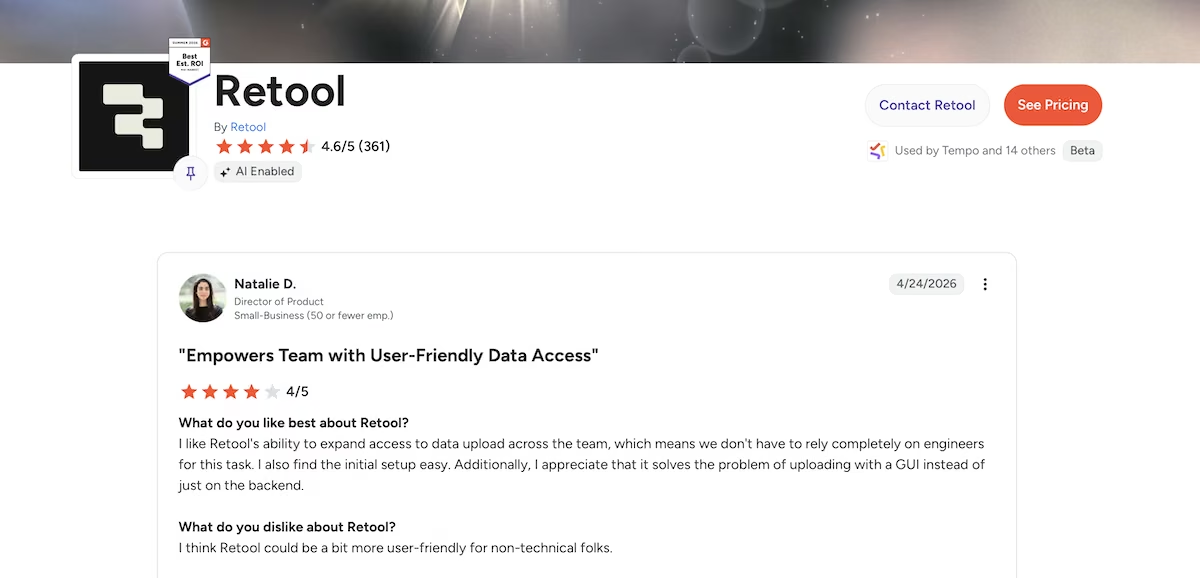
“What I like most about Retool is how quickly it lets you build internal tools and operational dashboards.” - Natanael G. (G2)
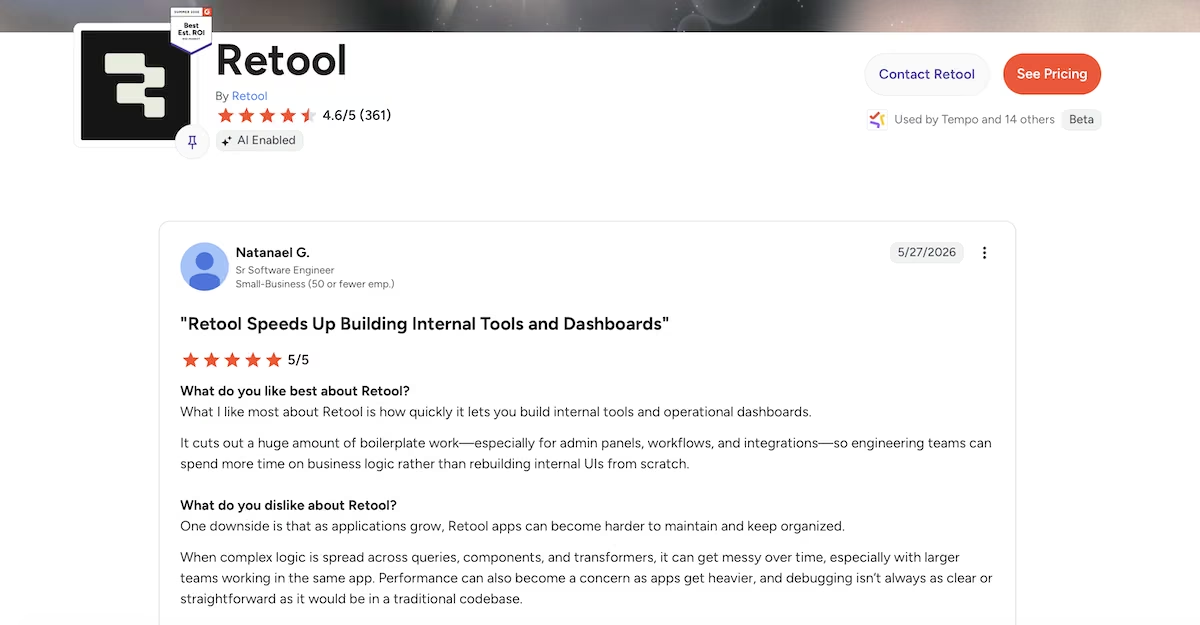
“I like Retool's ability to expand access to data upload across the team, which means we don't have to rely completely on engineers for this task.” - Natalie D. (G2)
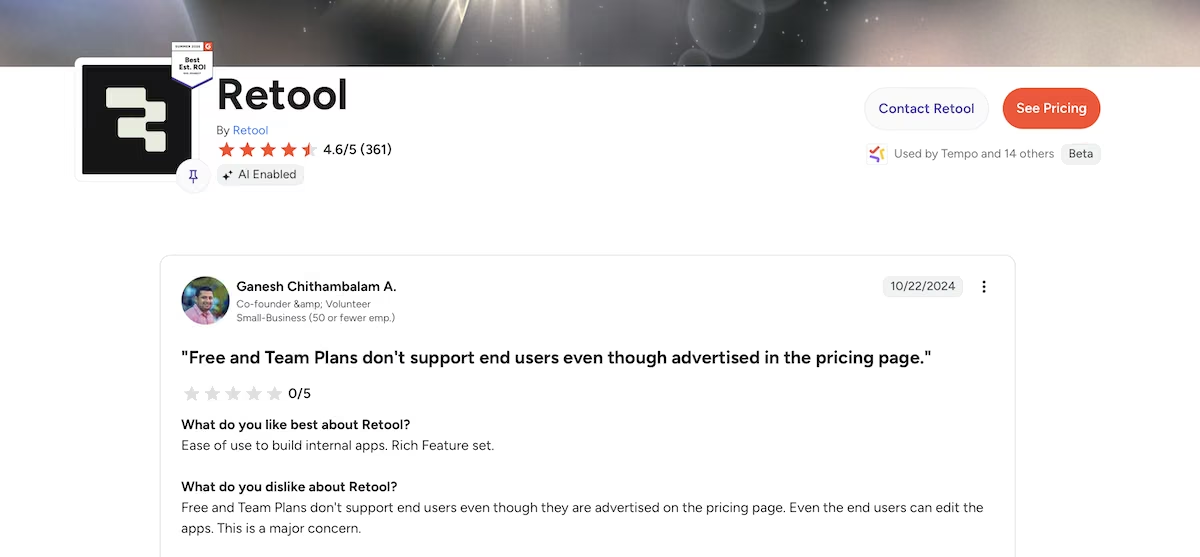
“Even the end users can edit the apps. This is a major concern.” - Ganesh Chithambalam A. (G2)
“Developing anything larger than a small app is painful.” - James P. (G2)

Pricing
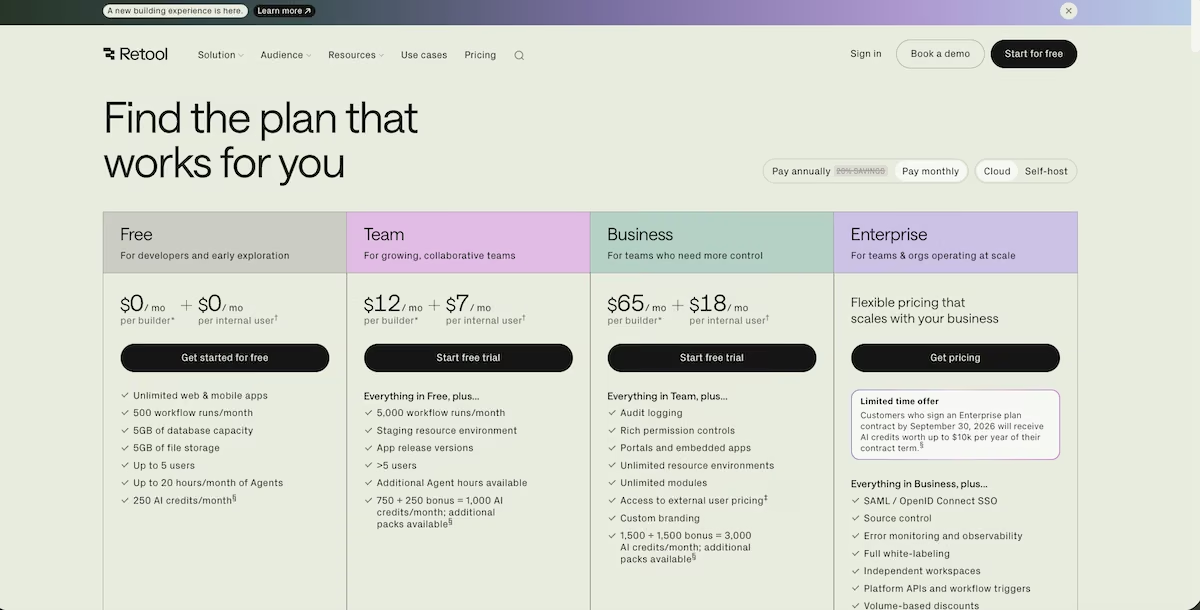
Retool's free plan costs nothing for both builders and internal users. It includes unlimited web and mobile apps, 500 workflow runs / month, 5GB of database capacity, 5GB of file storage, up to five users, up to 20 hours of agents a month, and 250 AI credits a month.
Team is $12 per builder plus $7 per internal user per month ($10 and $5 billed annually), which adds 5,000 workflow runs, a staging environment, app release versions, more than five users, and 1,000 AI credits.
Business is $65 per builder plus $18 per internal user per month ($50 and $15 billed annually), bringing audit logging, rich permission controls, portals and embedded apps, custom branding, and 3,000 AI credits. Enterprise is custom priced and adds single sign-on, source control, full white-labeling, and volume discounts. Annual billing saves 20% on all three paid tiers.
5. Claude Code: Best for Keeping Every File on Your Own Machine
What it does: Claude Code runs as a coding agent in your terminal, turning a written prompt into a codebase on your own machine. It writes the files, runs the commands, and checks its own work as it goes.
Best for: People who'd rather direct an agent from the terminal than click around a visual builder, and who want every file to belong to them.
Running on Sonnet 5, Claude Code started by telling me what it intended to do: set up a modern web-app stack with a built-in database.
It set up the database structure, added a drag-and-drop library, wrote the sign-in flow, and built the board. Partway through it caught a code-style error and fixed it, then ran a production build to look for anything broken.
It's the only tool I tested that showed me no builder at all. The experience is closer to watching someone code than watching an app come to life. It set up the database structure, added a drag-and-drop library, wrote the sign-in flow, and built the board.
Partway through, it caught a code-style error and fixed it before continuing. It then ran a production build to look for anything broken.
Then it opened the app in a browser to check its own work. I watched it sign in as [email protected], open a board, drag "Finalize logo concepts" from To Do to In Progress, and reload the page to confirm the move had persisted. It created a test task, then deleted it so the seed data was left untouched.
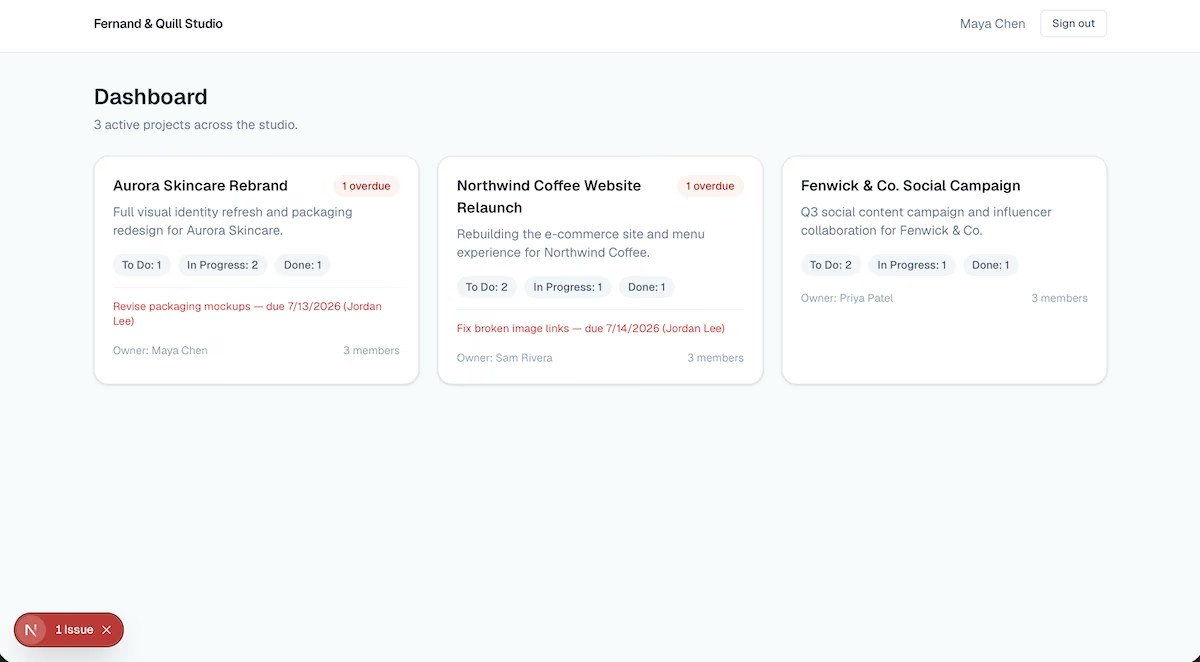
Every figure on the dashboard matched what I counted in the data: three projects with the right splits and two overdue flags.
However, Claude Code leaves you a folder on your machine rather than hosting anything, so there's no link to send anyone. Getting a shareable URL means deploying it through a host yourself. It also asked permission on nearly every command, and at 20 minutes it was slower than the browser builders, much of that spent on its own testing.
Key Features
- Verifies the build in a browser: It opens the finished app, clicks through it, and fixes what it finds.
- Every file belongs to you: The app and its database are stored in a folder on your machine with nothing held on a platform.
- Runs as an agent in your terminal: It issues its own commands and cleans up its own errors while it works, with no visual builder in front of it.
Pros and Cons
Pros
- Verification goes past compiling and into actual behavior
- You own every file outright and can move the project wherever you like
- No platform holds your app or your data
Cons
- Nothing is hosted, so a shareable link means deploying it yourself
- Requires a paid Claude subscription, since the free plan has no access
- The permission prompts mean you have to sit with it while it works
What Users Say
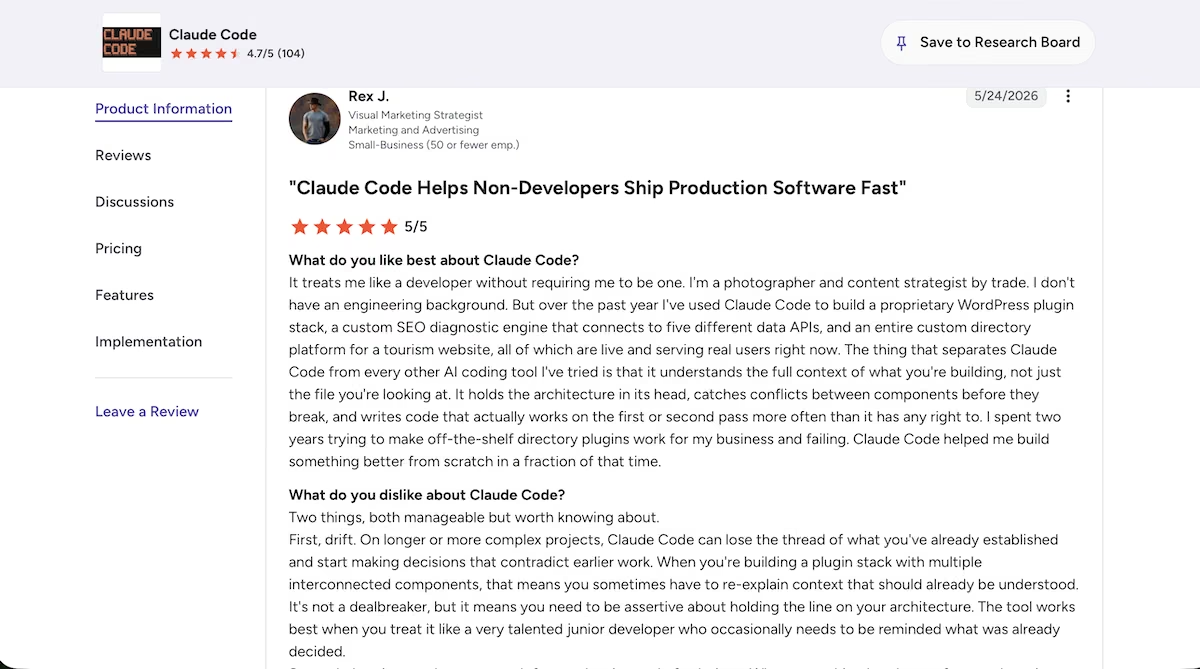
"I spent two years trying to make off-the-shelf directory plugins work for my business and failing. Claude Code helped me build something better from scratch in a fraction of that time." Rex J. (G2)
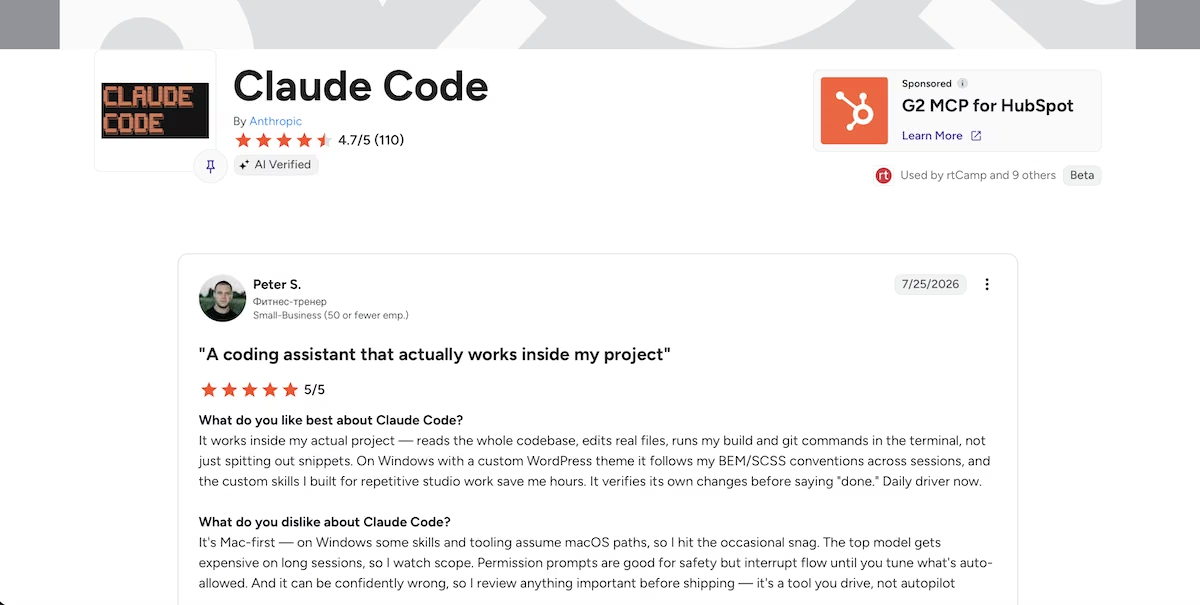
“It works inside my actual project — reads the whole codebase, edits real files, runs my build and git commands in the terminal, not just spitting out snippets.” - Peter S. (G2)
“So their business model is to deliver me buggy code and then charge me to fix it?“ - Nemo44x (Hacker News)

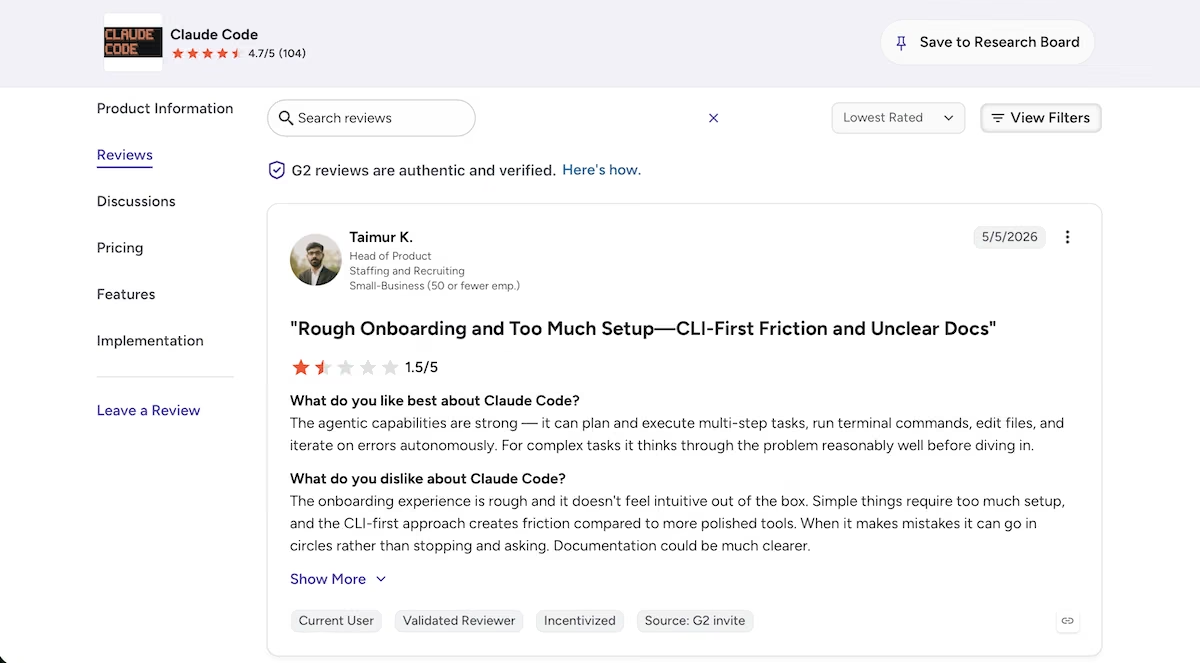
"The onboarding experience is rough and it doesn't feel intuitive out of the box.” - Talmur K. (G2)
Pricing
Claude Code isn't sold separately. It comes with Claude's paid subscriptions, and the free plan gives you Claude without any Claude Code access at all, so there's no way to try this particular route for nothing.
Pro is $20 / month ($17 billed annually) and covers the kind of build described above comfortably. Max starts at $100 / month for sustained or heavy use, with a higher $200 / month tier above that. For teams, Claude Code is included on both Team seat types: Standard at $25 per seat and Premium at $125 per seat.
6. Glide: Best for Internal Apps Your Team Will Use on a Phone
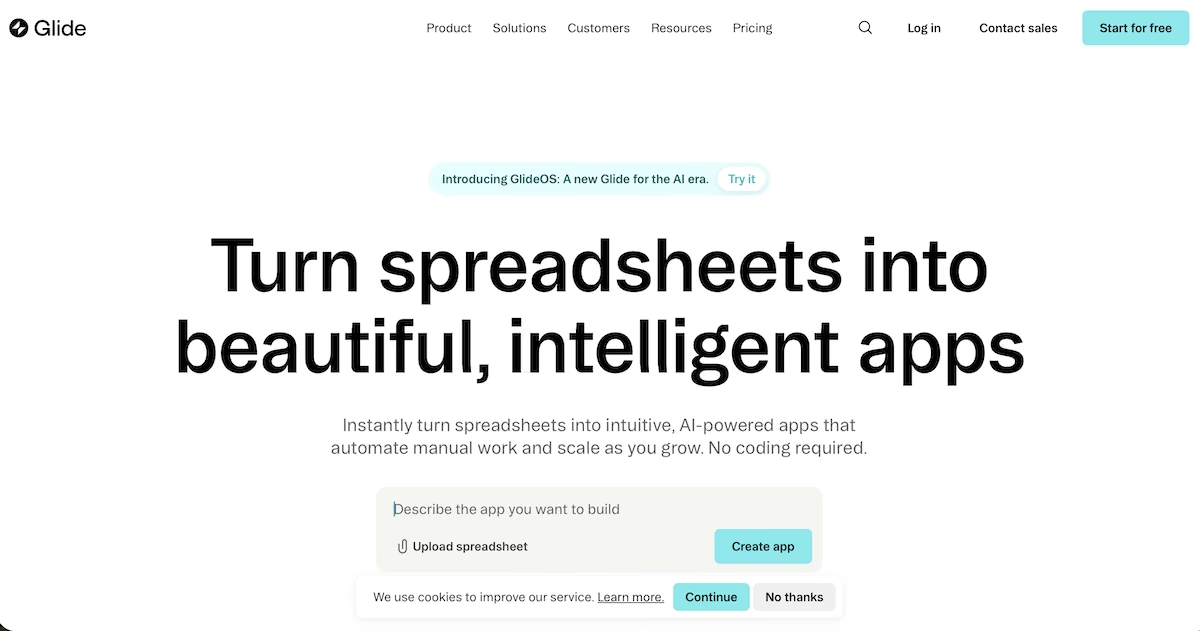
What it does: Glide turns data into apps your team can use on a phone or a laptop. GlideOS, its newer prompt-driven version, builds the database and the app together from a written description, with a spreadsheet import still an option if your data already exists.
Best for: Teams who want an internal app that works properly on a phone, built on data they already keep in a spreadsheet.
Glide is the one tool here I opened expecting a spreadsheet step. Its home page still leads with turning spreadsheets into apps, and the prompt box sat above Upload a spreadsheet and Connect Google Sheet. I pasted the prompt and pressed send anyway.
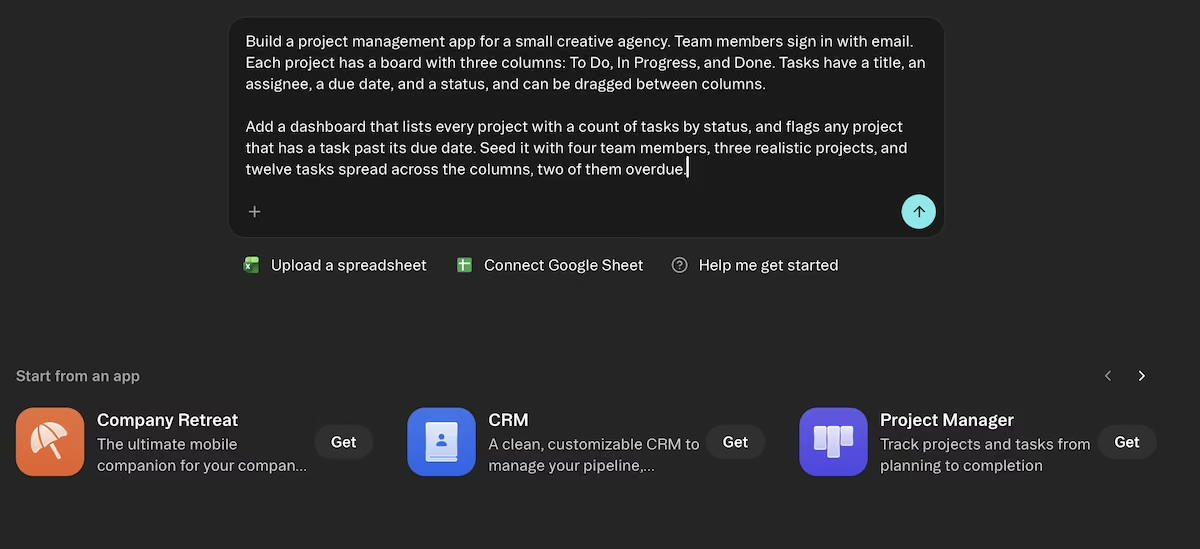
It created a project, then the app inside it, telling me every app and chat in that project would read from the same database. The build ran for about eight minutes behind a countdown, and Glide filled the wait with setup cards for design preferences and business objectives.
It created three linked tables for team members, projects and tasks, so a task always belongs to a real project, then wired up the per-status counts and an overdue marker for each project. Before deploying it removed an unused constant, noting warnings rather than errors.
The seed data showed four team members, three projects, and 12 tasks. Five of those tasks had due dates before the day I built it, and three of the five sat in Done columns.
The dashboard flagged the other two: Opal Studio Website and Northfield Rebrand. Harvest Co. Campaign stayed clear. Each project card showed the right split and 25% complete.
When I opened a board in each of the three projects, every card read Invalid Date under its title. The dates were in the database, and the dashboard counted them correctly. So the flag worked, even though the cards couldn't display the date.
Glide was also upfront about what it hadn’t checked: it never got confirmation that the app loaded correctly in a browser, so it couldn’t say whether the first screen worked. Skip Glide if the app’s job is to display dates. Pick it if the job is getting your team something usable on a phone.

Key Features
- Project, database, and app from one prompt: Everything built in a project shares a database, so a second app reads the same records without a new connection.
- Editable data tables: Projects, Tasks, and Team Members are there as tables you can sort, filter, and edit directly after the build.
- Spreadsheet import: Upload a file or connect a Google Sheet if the data already exists somewhere.
Pros and Cons
Pros
- The strongest mobile experience of anything on this list
- A free plan with no time limit, so there’s no clock on trying it
- Publishing is in the toolbar throughout, so the app has an address straight away
Cons
- Credit consumption isn't published for the free tier, so cost is hard to plan against
- Workflow depth is limited next to tools designed around multi-step logic
- Every board card showed Invalid Date after the build, even though the dates were in the database.
What Users Say
“Glide provides an intuitive platform that bridges the gap between technical complexity and user-friendly design.” - Gideon Lahav (Trustpilot)
“Glide offers the most powerful and flexible internal app building feature set I've ever seen.” - Kevin Murphy (Trustpilot)
“Once you have everything ready and try to click 'Publish', the option is locked and a payment is demanded. This is textbook bait-and-switch and completely misleading advertising.” - Erick (Trustpilot)

“I needed Gemini AI to coach and walk me through it. A nightmare for a novice like me.” - Zol (Trustpilot)
Pricing
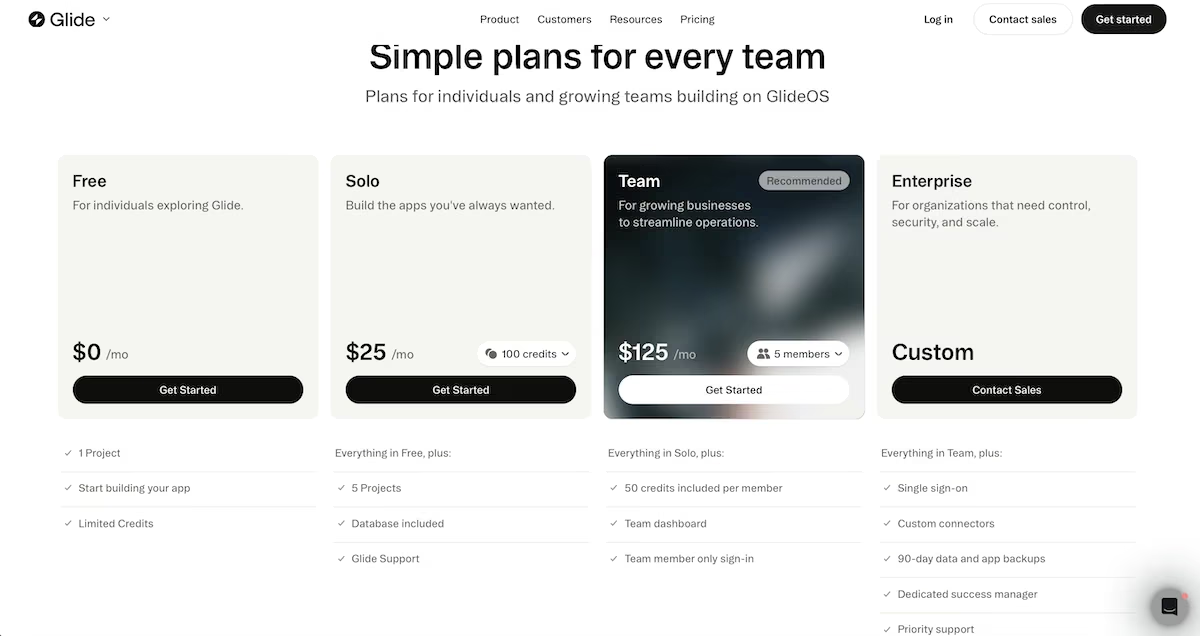
Glide's free plan covers one project with a limited pool of credits, which is enough to build an app and see how the approach suits you.
Solo is $25 / month and adds five projects, a database, and 100 credits. Team is $125 / month for five members, with 50 credits per member, a team dashboard, and team-member sign-in. Enterprise is custom priced and includes single sign-on, custom connectors, 90-day backups, and a dedicated success manager.
7. Stacker: Best for Pairing an App with an Agent
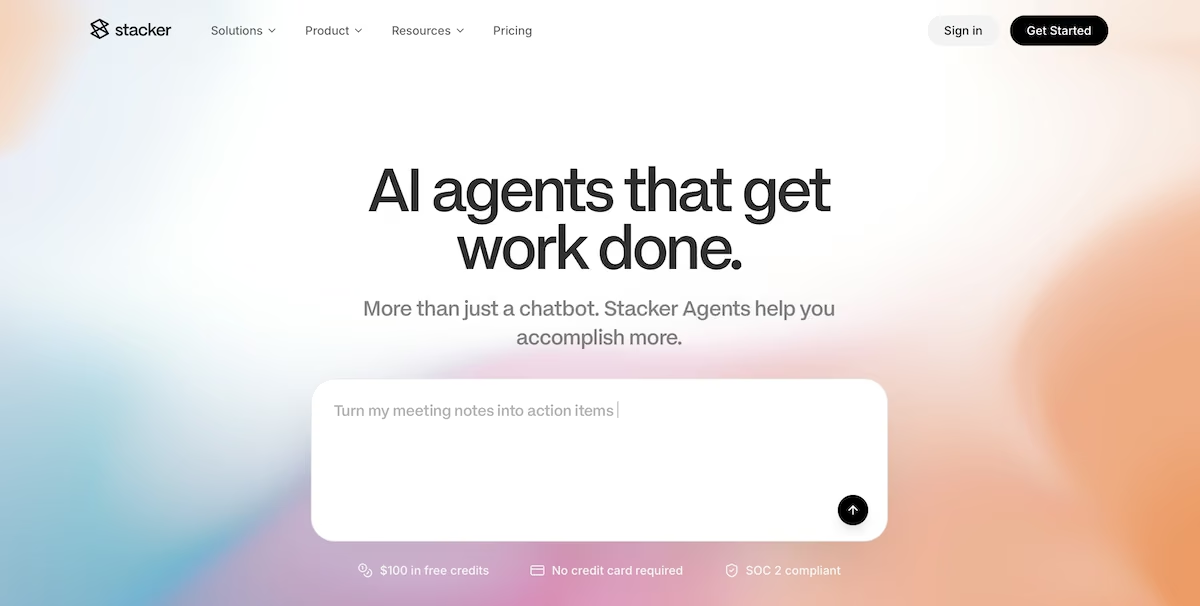
What it does: Stacker builds customer portals, internal tools, and AI agents on your own data, connecting to more than 2,000 outside services and letting an agent act on what it finds.
Best for: Teams that want the app and an agent that can work inside it on data spread across the tools they already use.
Before I prompted, Stacker asked what I wanted to build: a portal for customers, an agent for my team, or an internal tool. I chose “internal tool,” and it then offered to connect Slack and any of more than 2,000 integrations, with 20 bonus credits for each one. I skipped both.
Then once I’d given it the prompt, it ran four parallel research tracks to learn about my business, searched the web, and read whatever it could find in the workspace.
It gave me a summary of my company, including headcount and the services it sells. It again offered to connect to Slack so it could read project channels and message colleagues about deadlines.
When it had finished researching, Stacker came back with four things it could build and asked me to pick one. I chose a project management app. It wrote a three-step plan, and step three committed to verifying the seeded data, the drag-and-drop, the dashboard counts, and the overdue flags.
A schema agent went first, creating three tables and seeding 19 records: exactly the four team members, three projects, and 12 tasks I'd asked for. A separate builder agent then put the dashboard and the board on top of them.
Stacker then read back its own records, found the one brief marked Done with a date three days past, and reasoned that the dashboard filters completed tasks out of the overdue count. Rather than leave it, it changed the task's status so that the number would match my brief.
The finished dashboard showed three projects, 12 tasks, four in progress, and two overdue. The board matched. The build cost $3.12 across 13.2 million tokens, around 3% of the free credit. Cheap and thorough, then. Just know it will quietly fix your data to make its own numbers look right.
Key Features
- Agents that act on your data: Beyond generating an app, agents can research, triage, and handle follow-ups across the tools you connect.
- More than 2,000 integrations: Gmail, Drive, Airtable, HubSpot, and a long list of others, with bonus credits for connecting them.
- Customer portals with white labeling: Login-gated portals on a custom domain, unlimited on the paid plan.
- Live cost tracking: Every thread shows the running dollar cost and token count as it works.
Pros and Cons
Pros
- Costs are visible while the work happens, so nothing arrives as a surprise
- Agents can act on your data wherever it already lives, across the tools you connect
- No per-seat charges, which makes it predictable for a growing team
Cons
- Credits are consumed by research and planning as well as building, so a single request can cost more than expected
- Setting up agents means learning how credits, skills and channels fit together before you get much out of it
- Edited one of my own records so the dashboard count would match my brief, instead of reporting the mismatch.
- Everything above the starter volume is priced purely by credits, so working out what you’ll actually spend means estimating credit use first
What Users Say
“We love the capabilities of Stacker to build interfaces and multiple ways to interact with data.” - Mauricio D. (G2)
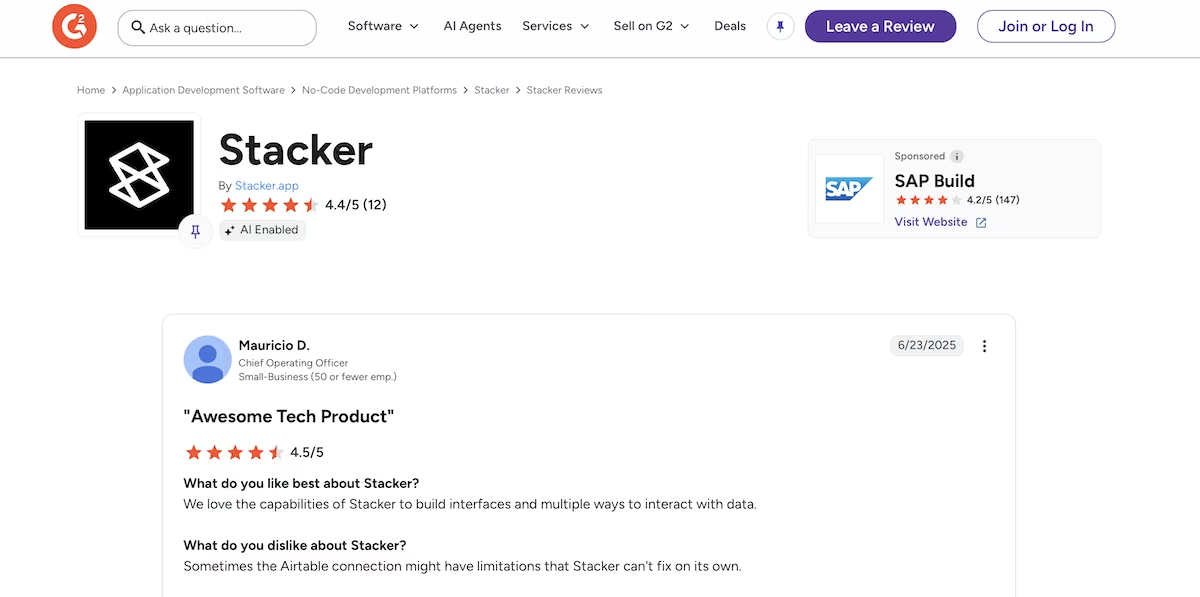
“Stacker helps to manage different projects and we can also track the different projects from the application.” bela t. (G2)
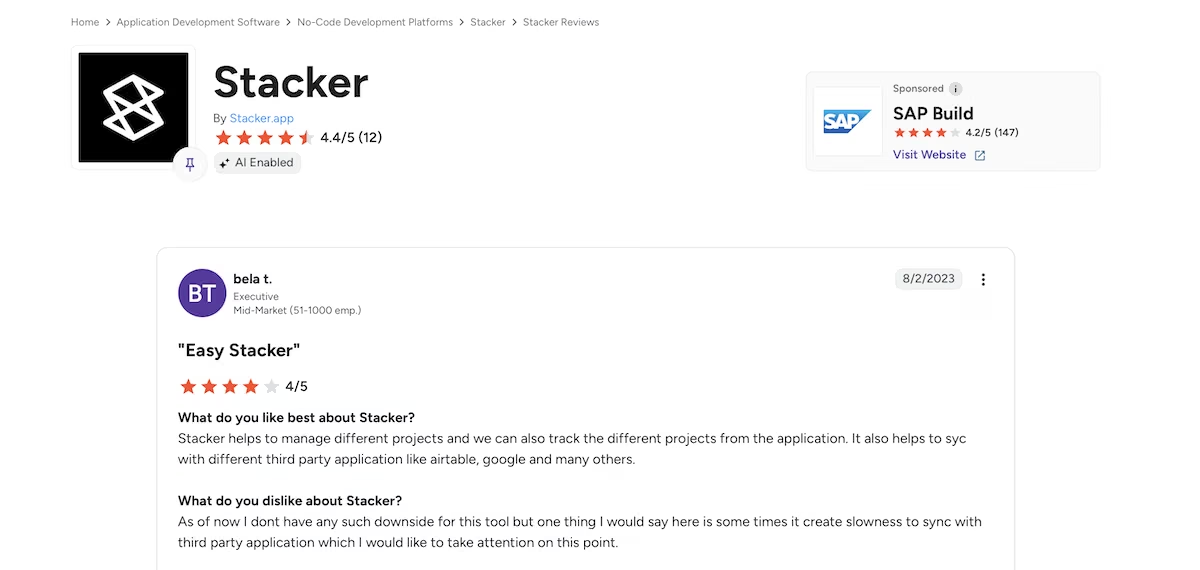
“Was never a good platform. Admin interface was terrible. Go with Softr, WeWeb, Bubble etc.” - seanmarshdesign (Reddit)

“I wouldn’t build anything on this platform that you aren’t comfortable with losing in a few months.” - AffectionateDuck939 (Reddit)
Pricing
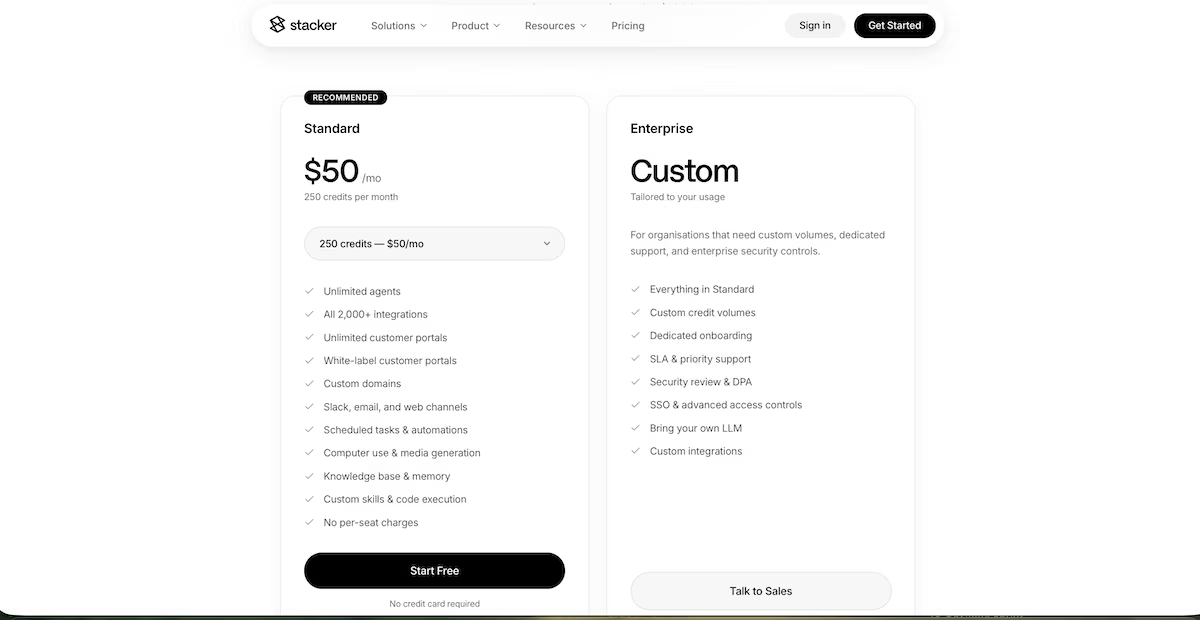
Stacker’s free plan gives you $100 in free credits with no card required, which covered my build several times over.
The Standard plan starts at $50 / month for 250 credits and scales in published steps: 500 credits for $100, 1,000 for $200, 2,500 for $500, 5,000 for $1,000, and 10,000 for $2,000 a month. There’s no annual discount published. Every step includes: unlimited agents, all 2,000-plus integrations, unlimited white-labeled customer portals with custom domains, Slack, email and web channels, scheduled tasks and automations, a knowledge base, custom skills, and code execution.
Enterprise is custom priced for organizations needing larger credit volumes, dedicated onboarding, a service level agreement (SLA), security review, SSO, and the option to bring your own large language model (LLM).
8. Softr: Best for a Portal With Roles Already Configured
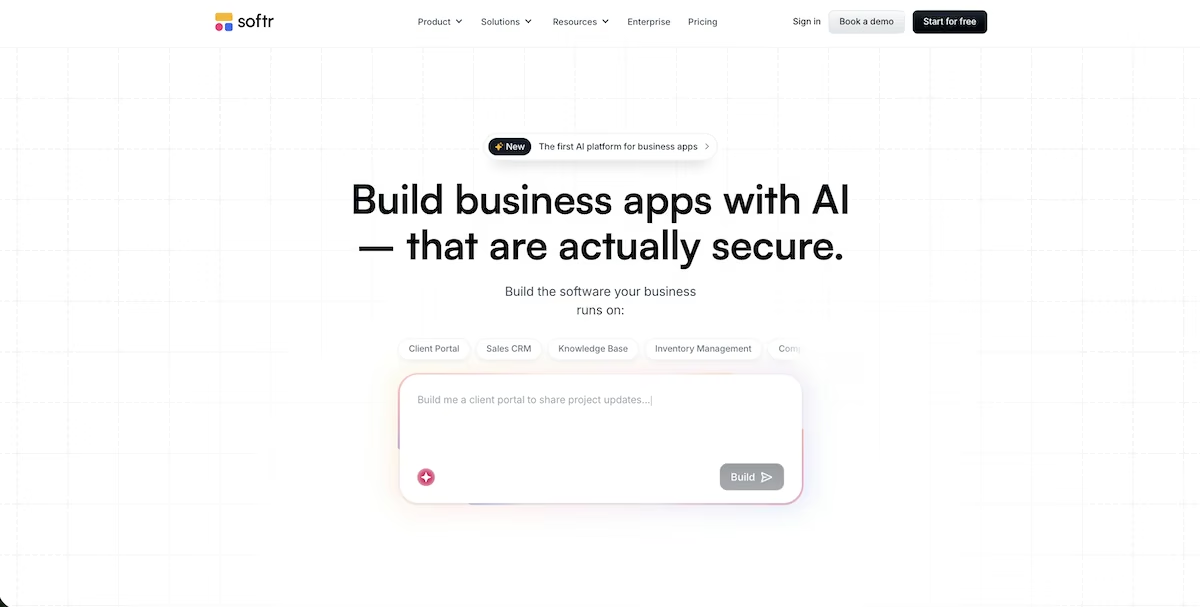
What it does: Softr builds business apps and portals from a written description, generating the database, the pages, and the user permissions together. It connects to Airtable, Google Sheets, and other outside sources if your data is already somewhere else.
Best for: Teams who want a portal their staff or clients can sign into this week, with roles and access already in place from the first build.
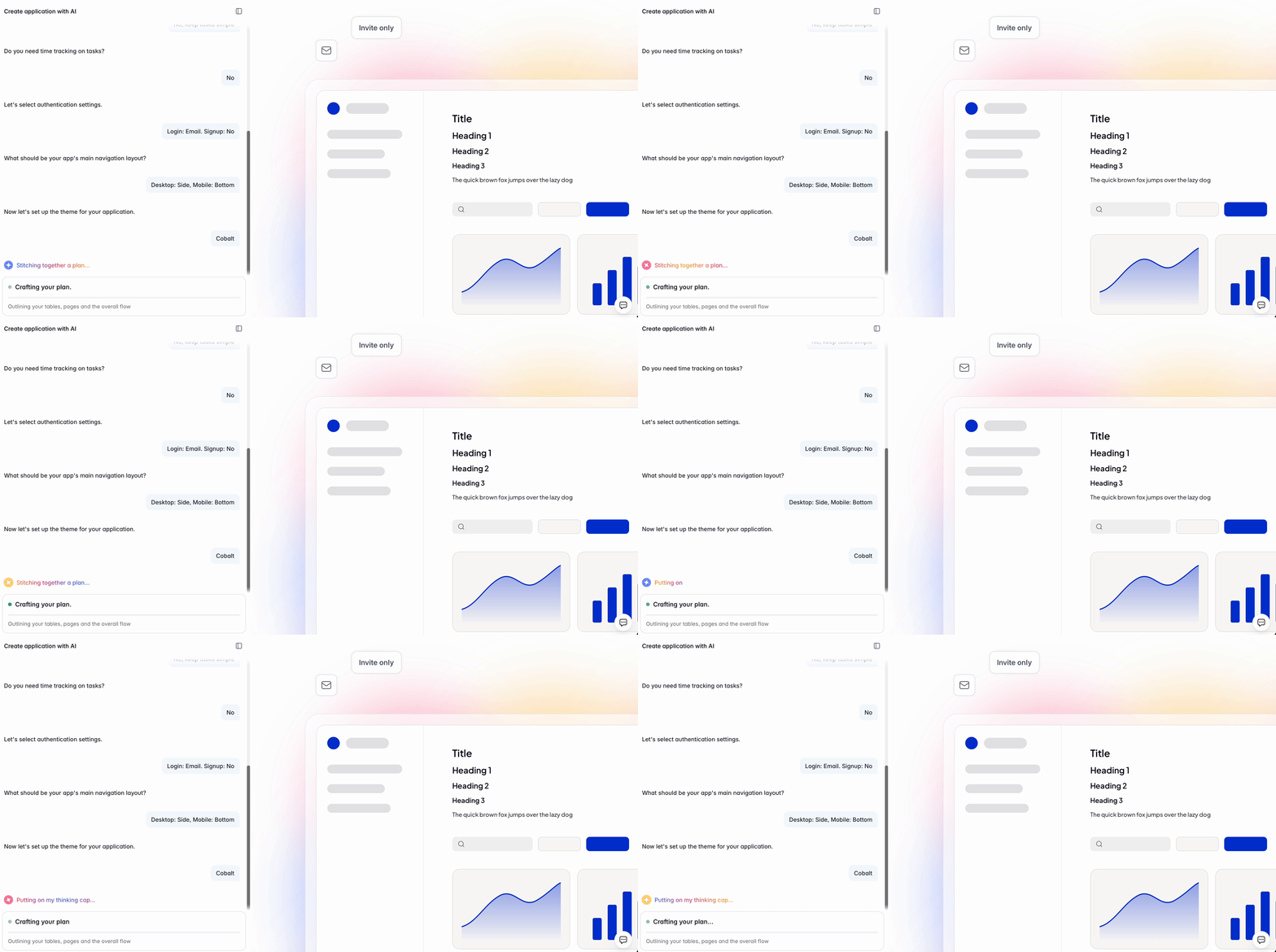
Softr asked me seven questions before it built anything: client access or internal only, comments, time tracking, login method, self-signup, navigation layout, and theme. My prompt covered none of that, and every answer I gave influenced the finished build.
The build took nine minutes and narrated as it went. Partway through, it told me it had added rollup fields on Projects to count tasks by status and flag projects with overdue tasks. It had worked out on its own that flagging a project because a child task is late needs a rollup, and it created a field called Overdue Task Count.
Then the seed data arrived. I'd asked for four team members, three projects, and 12 tasks. Softr made seven users, eight projects, and 40 tasks, all with plausible client names and sensible leads.
The Home dashboard showed Active Projects, Overdue Projects, and Open Tasks. The Tasks page had a kanban board at 13, 11, and 16, and cards dragged between columns and wrote their status back to the database.
Then I compared two pages. Tasks reported Overdue: 0. Home, reading the same 40 records, reported Overdue Projects: 7. The project cards showed overdue counts of 6, 5, 0, 6, 1, 1, 1, and 4, totaling 24, which is also the Open Tasks figure. The rollup had counted every task that wasn't Done and labeled the result overdue.
Nine minutes and 6.64 trial credits for a portal with sign-in and roles already configured is a genuinely strong return. Just don’t make a decision from the overdue figures until you’ve counted the rows yourself.
Key Features
- Guided setup before it builds: Asks about client access, sign-in method, self-signup, navigation, and theme, so those decisions are made during the build.
- Native database with rollups: Softr Databases handles relationships and rollup fields directly, so you don't need an Airtable or Sheets connection to start.
- Kanban that writes back: Moving a card between columns updates the status field underneath, not just the view.
Pros and Cons
Pros
- Asks about permissions and sign-in before it builds, then wires them in
- Reads straight from Airtable or Google Sheets if your records already live there
- The free plan has no time limit and publishes unlimited apps
Cons
- The kanban block starts at the Basic tier, so boards can't be tested on the free plan
- The free plan caps you at 5 app users and 5,000 database records
- No native mobile apps, so reaching phones means a progressive web app (PWA)
- Two pages reported contradictory overdue figures from the same 40 records.
What Users Say
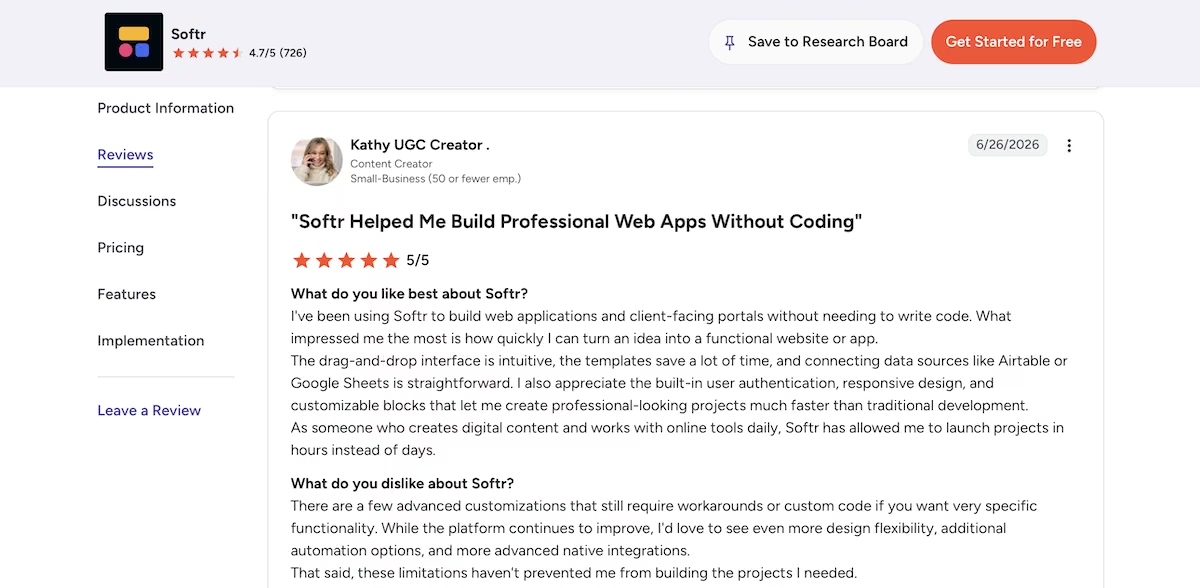
"I've been using Softr to build web applications and client-facing portals without needing to write code. What impressed me the most is how quickly I can turn an idea into a functional website or app." Kathy, Content Creator (G2)
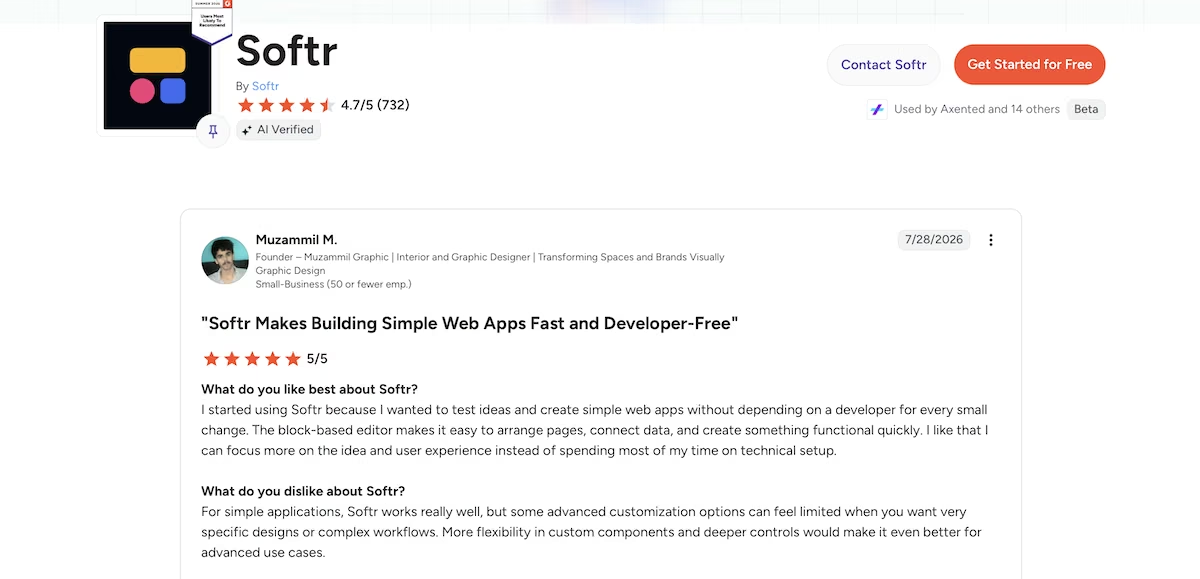
“The block-based editor makes it easy to arrange pages, connect data, and create something functional quickly.” - Muzammil M. (G2)
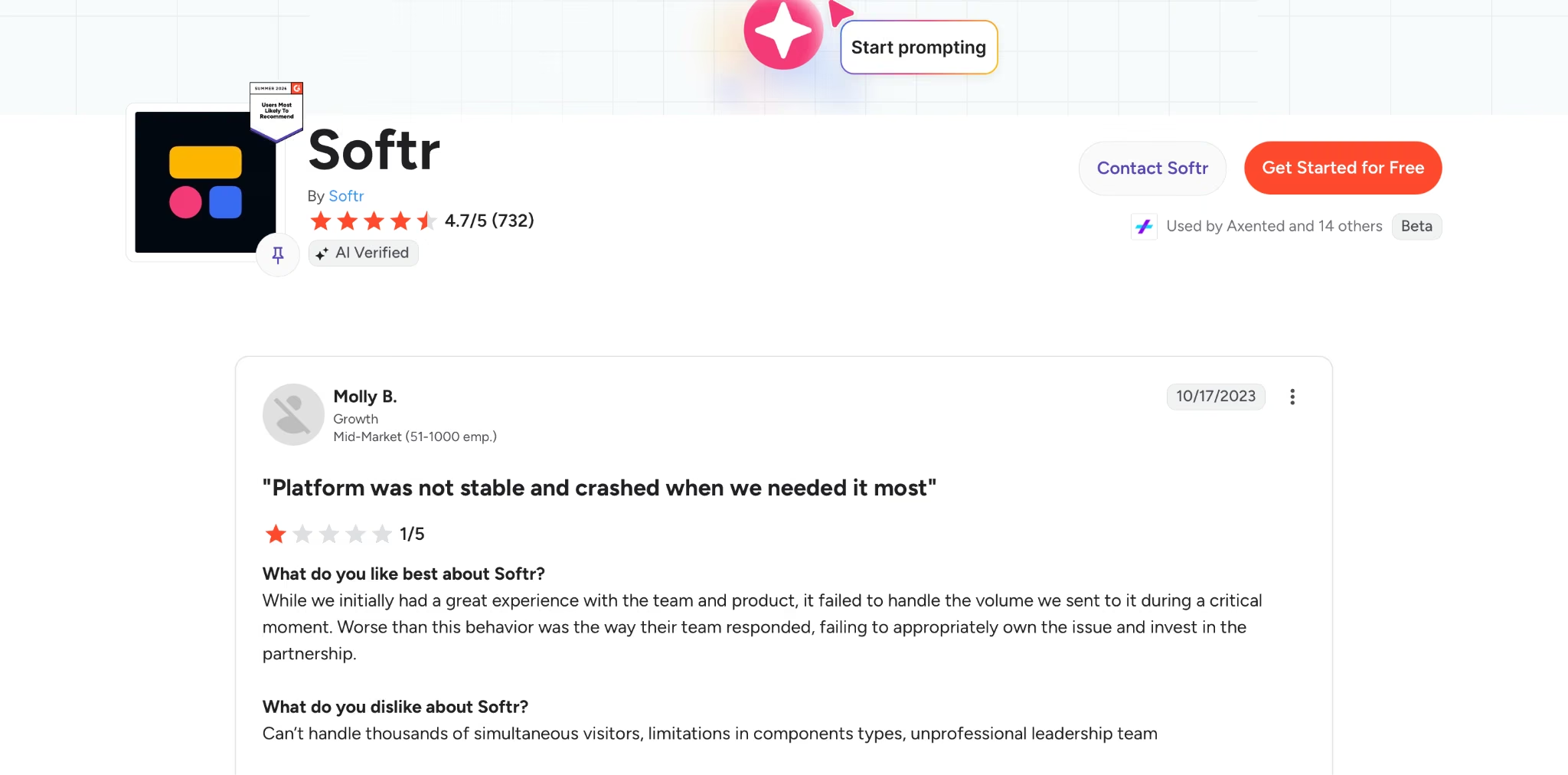
“While we initially had a great experience with the team and product, it failed to handle the volume we sent to it during a critical moment.” - Molly B. (G2)
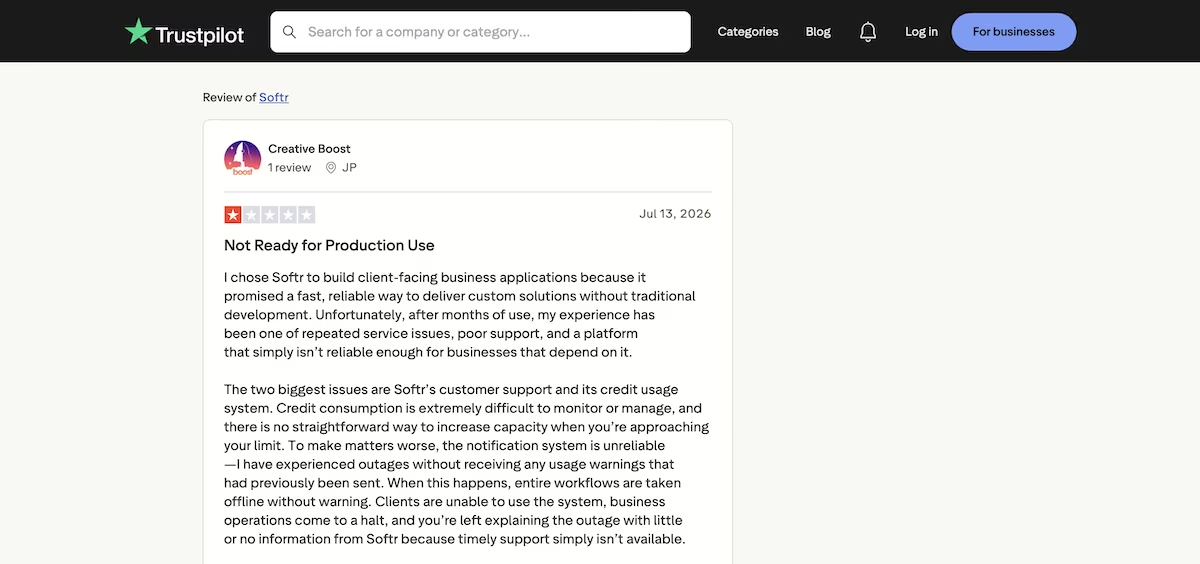
“Unfortunately, after months of use, my experience has been one of repeated service issues, poor support, and a platform that simply isn’t reliable enough for businesses that depend on it.” - JP (Trustpilot)
Pricing
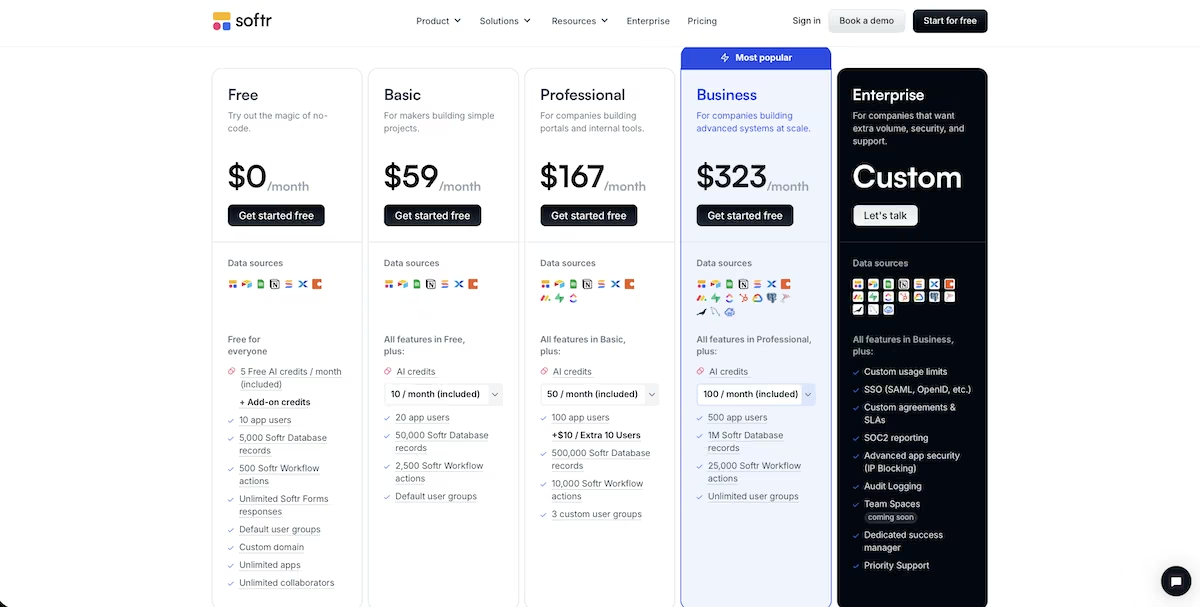
Softr's free plan publishes unlimited apps and five AI credits a month. My build alone used 6.64 credits, so plan on paying if you're building anything real. Basic is $59 / month ($49 billed annually) and is where the kanban block unlocks.
Professional is $167 / month ($139 billed annually) with 100 app users, and Business is $323 / month ($269 billed annually) with 500. The number that sets your bill is app users, and team members and client users share one limit. Enterprise is custom and adds single sign-on (SSO), audit logging, and advanced security controls.
9. Lovable: Best for Something Presentable Enough to Show Today
What it does: Lovable turns a written prompt into a web app with a polished interface and a real database behind it.
Best for: Founders who want something presentable and clickable to show people quickly, and who can work in short bursts.
Five minutes after I gave it a prompt, Lovable reported a clean build and gave me a summary naming the two projects it had flagged as overdue.
However, I couldn't verify it because I couldn't create an account. I filled in the form at /auth, hit the button, but nothing happened. There was no error and no redirect.
So I told it that the sign-up wasn't responding and asked it to fix the flow and switch off email confirmation. It rebuilt the sign-up flow, but that didn’t change anything. On its second attempt, it reported that the sign-up was fixed, confirmation was off, and that creating an account had worked.
The real cause turned out to be that the password I'd chosen had appeared in a known data breach, and Lovable's sign-up refused it. Blocking breached passwords is the right call. At the same time, a single warning at the point of failure would have saved me the whole back-and-forth.
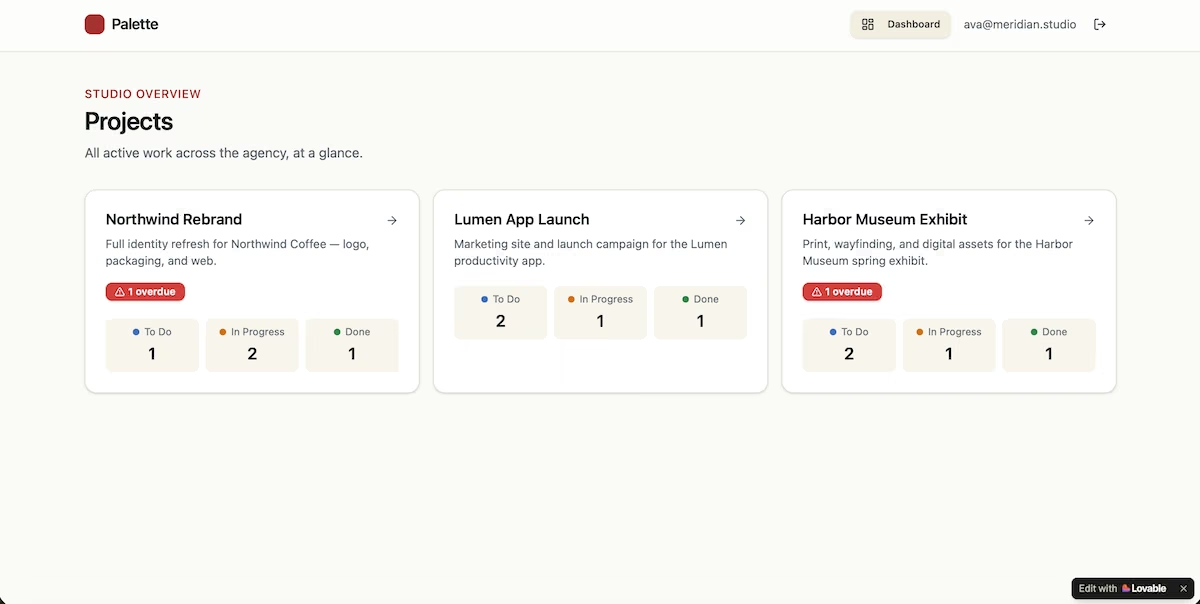
Once I was in, the experience improved. The dashboard listed all three projects with counts by column, 12 tasks in total, and overdue flags on Northwind Rebrand and Harbor Museum Exhibit. The seed data was correct.
By the time I could see any of it, the counter showed zero free credits remaining. The free plan gives you five a day, and one build plus two rounds of fixes had taken all of them, so any further change would have meant waiting until the following day.
Key Features
- Speed from prompt to app: The interface arrives styled, with no design work from you.
- A real React and Supabase stack underneath: Working data and sign-in from the first build.
- Chat-driven edits: Changes after the first build are made by describing them.
Pros and Cons
Pros
- The quickest route to something good-looking enough to show people
- A genuine database behind the interface, so there's something to build on
- A free plan that lets you start without paying
Cons
- The daily credit allowance is small, so one build and two rounds of fixes emptied it
- Web only, so reaching an app store means exporting the code and rebuilding elsewhere
- Error messages can be vague, which makes some failures slow to diagnose
What Users Say
"Lovable speeds up application development by using AI assistance to turn ideas into working features. The interface is straightforward, integrations with tools like Supabase and GitHub are smooth, and the generated code gives a solid foundation for further custom development." - Kavish V. - (G2)
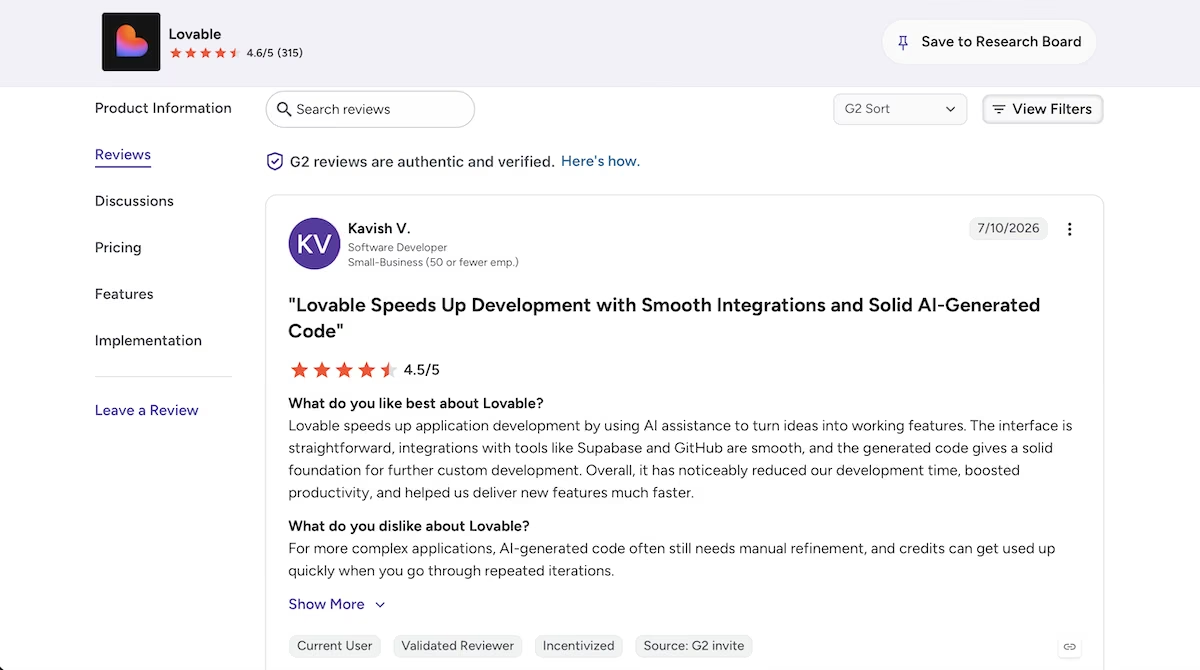
“What I like most about Lovable is the speed with which I can transform an idea into a functional system.” - (G2)

“Built to be dependent on the platform and is too credit hungry.” - Emad R. (Trustpilot)

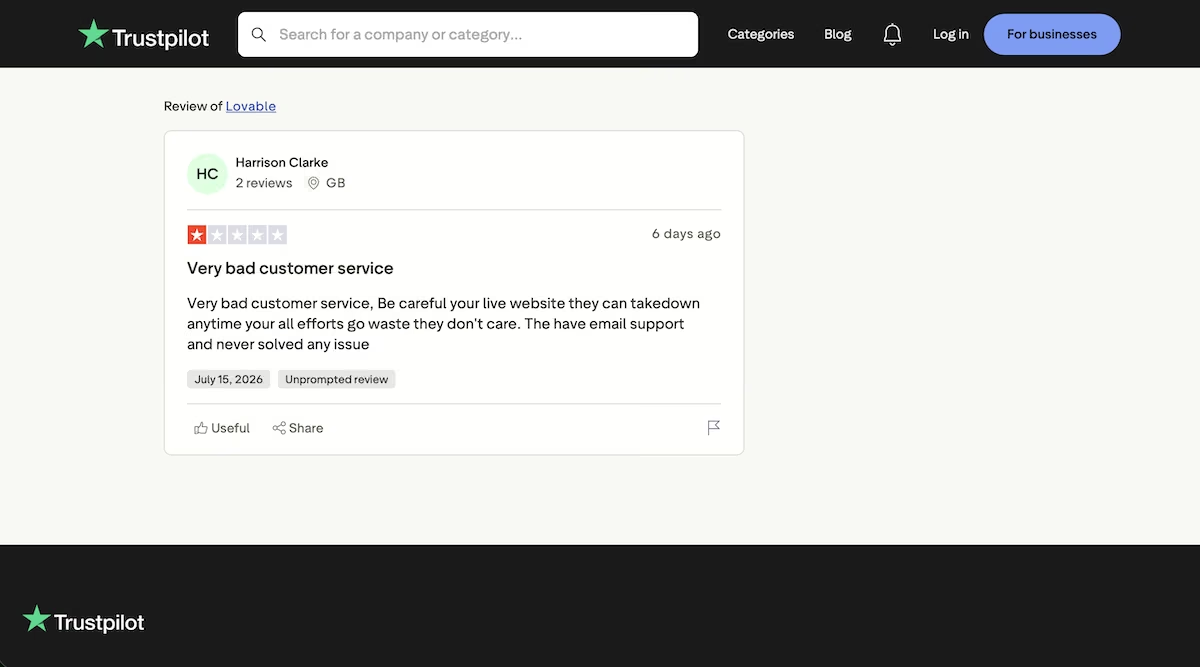
“They have email support and never solved any issue.” - Harrison Clarke (Trustpilot)
Pricing
Lovable's free plan gives you five credits a day and up to 30 a month. The Pro plan is $25 / month for 100 monthly credits ($250 a year, about $21 / month billed annually), which is the tier most solo builders will need. Business is $50 / month and adds single sign-on, restricted projects, and the option to keep your data out of training, which is what makes it the tier for teams handling anything sensitive.
10. Budibase: Best for Internal Tools You Need to Self-Host
What it does: Budibase is an open-source platform for internal tools like dashboards, admin panels, request forms, and trackers.
Best for: Operations and IT teams with some technical confidence, and organizations that need to self-host for data or compliance reasons.
Budibase is built for internal trackers on your own data, so I gave it a brief better suited to that than the project management app brief. I asked for an equipment loan tracker with two linked tables, screens, and a published address at the end.
I still wanted the same rule applied: anything borrowed and not returned by its due date had to show as late.
The first screen showed me "Build your first AI agent," with Automation and App as smaller links underneath. Two metered counters sat at zero (Actions this month and Budibase AI credits this month), so I could watch what the build cost as I went.
My first wrong turn was the AI panel in the corner, which I mistook for the builder. It gave me a numbered list of instructions for building the tables myself. The table generator is a separate feature inside the data source panel. I pasted the same description there, and both tables appeared in under a minute. Here’s what I gave it:
An equipment loan tracker for a small team. One table for equipment items with a name, a category, a condition rating, and whether the item is currently on loan. A second table for loans with the borrower's name, the item borrowed, the date it went out, the date it's due back, and the date it was returned. Link each loan to one item.
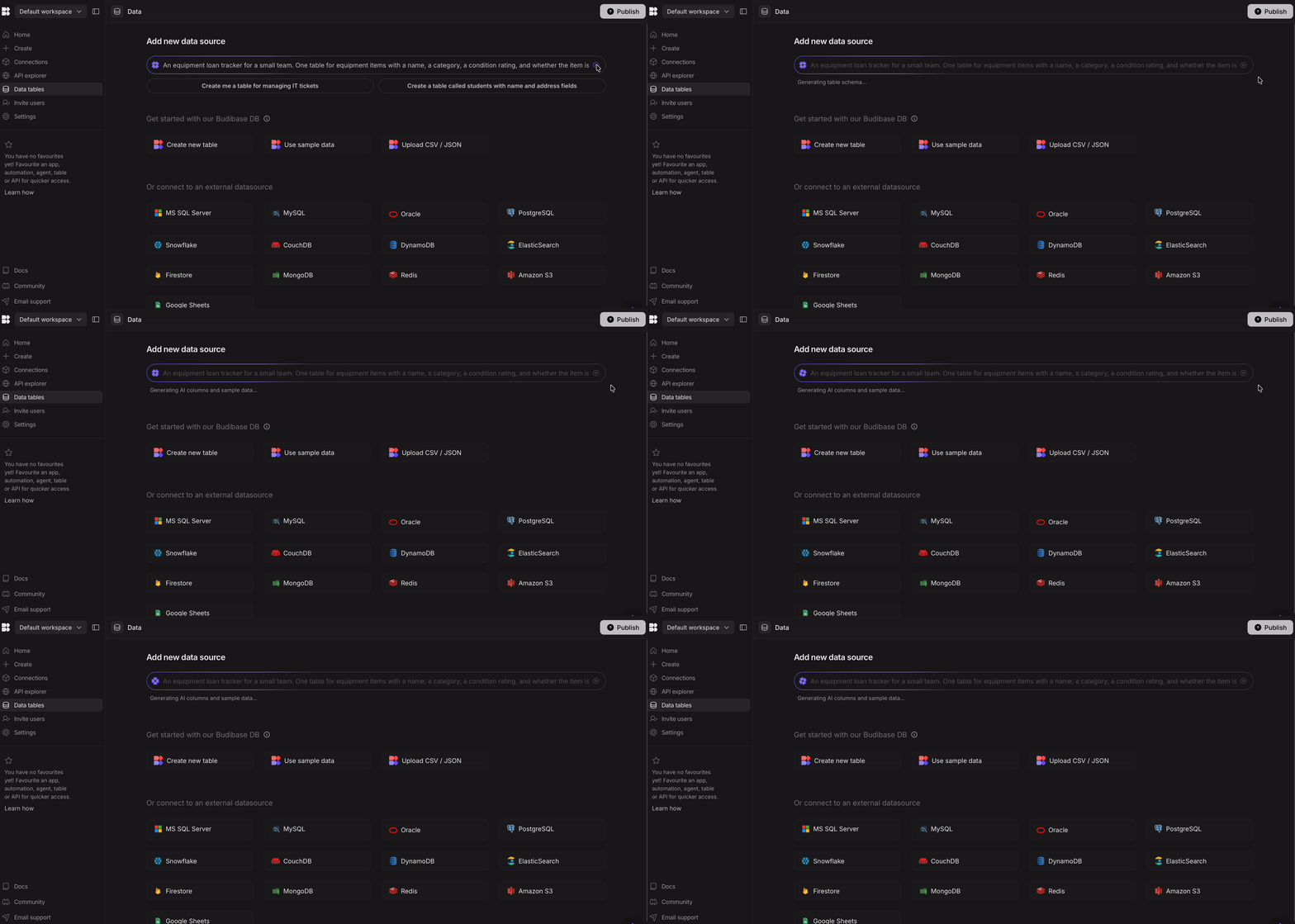
It filled them with plausible sample rows and set Category and Status as single-select fields with colored pills. It also made its own additions. I asked for a table called Items and got one called Equipment, plus a file attachment field for loan agreements, an AI-powered LoanStatus column, and a checkbox called IsOverdue.
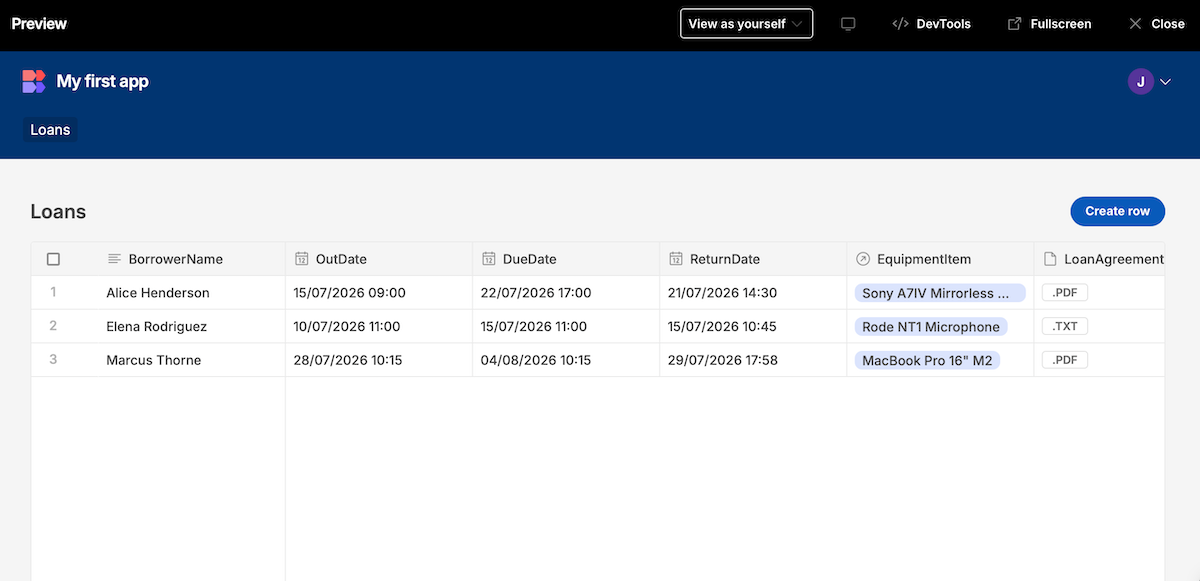
That checkbox sat unticked on all three loans, including one already past its return date. Budibase generated the field name the tracker needed and left it as a manual checkbox with no calculation behind it.
It did display the correct structure, however. The relationship showed many rows in Loans to one row in Equipment, with the reverse column on the Equipment side named LoanHistory.
Screens came next, and Budibase asked how I wanted to manage rows before generating a table view along with create and edit panels from my data.
Then I switched the preview to view as a public user and got "You don't have permission to use this app." The generated screens inherit an admin access role, so the tracker I'd just published was only visible to those inside my workspace.
It took 10 minutes to go from a blank workspace to a published app, costing me 10 AI credits and zero actions. Generation is cheap here, and publishing didn't use any of the action allowance at all.
Key Features
- AI table generation: Produces multiple linked tables with sample data from one description, and gets the relationship cardinality right.
- Screen generation from data: Turns any table into a list view with create and edit panels in two clicks, with four layouts for managing rows.
- Automations: A visual builder for approval flows, notifications, and scheduled tasks, triggered by row changes, cron jobs, or webhooks.
Pros and Cons
Pros
- Got the many-to-one relationship right first time, which is the part that's expensive to fix later
- Ten minutes from empty workspace to a published URL, for 10 AI credits and no actions
- Connector coverage is broad enough that you probably won't need to move your data to use it
Cons
- Generated a checkbox called IsOverdue with nothing driving it, unticked on a loan already past due
- Generated screens inherit an admin role, so a freshly published app is invisible to anyone outside your workspace
- Conditional logic isn't generated at all, so calculated values are built by hand in bindings or automations
What Users Say
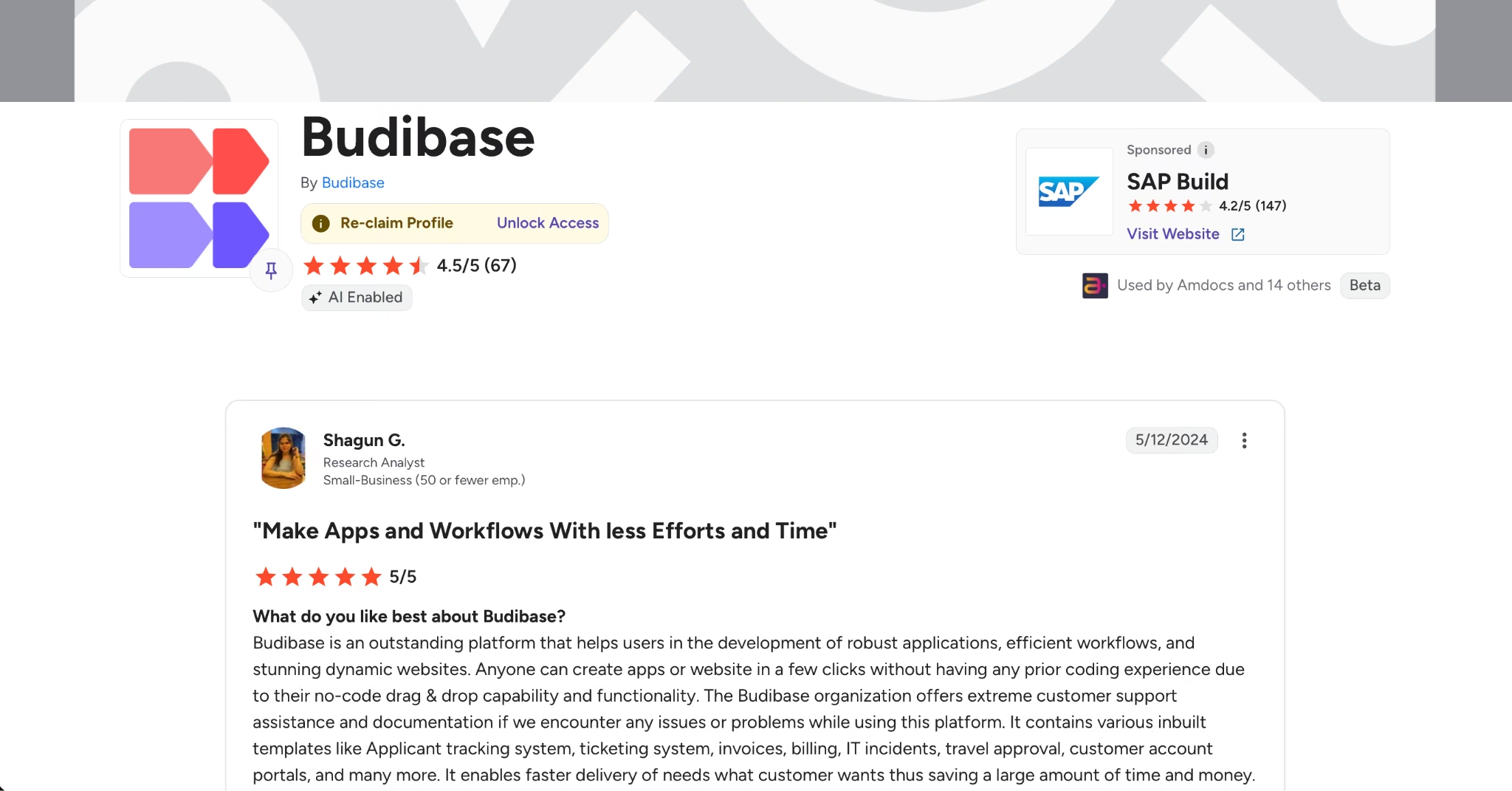
“Anyone can create apps or website in a few clicks without having any prior coding experience due to their no-code drag & drop capability and functionality.” - Shagun G. (G2)
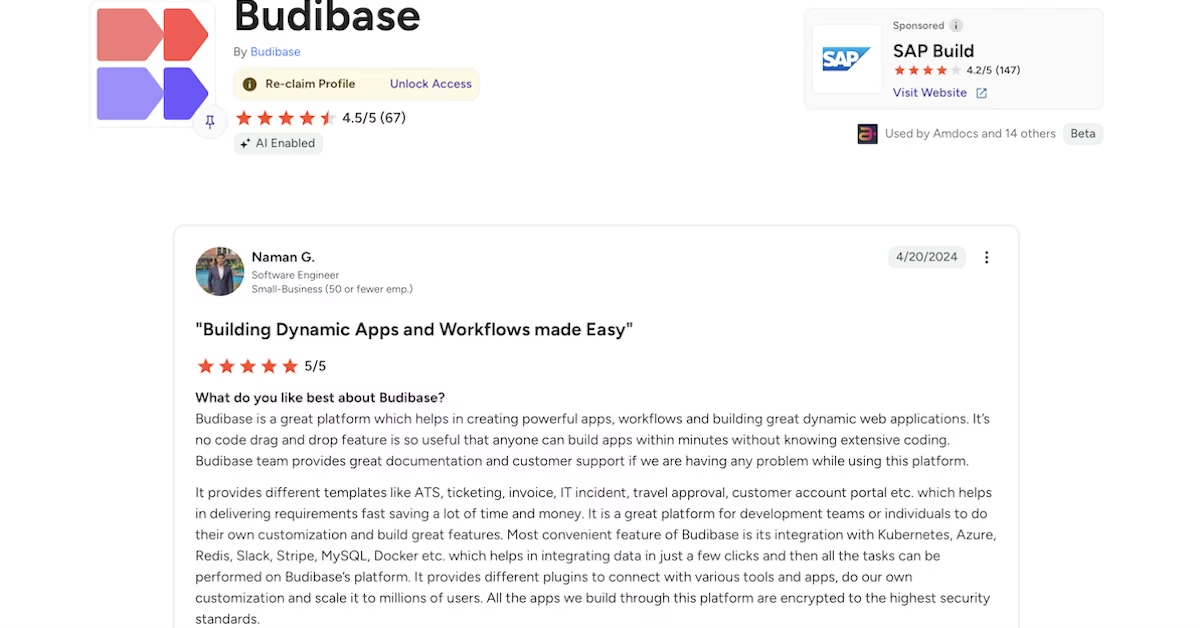
“It’s no code drag and drop feature is so useful that anyone can build apps within minutes without knowing extensive coding.” - Naman G. (G2)
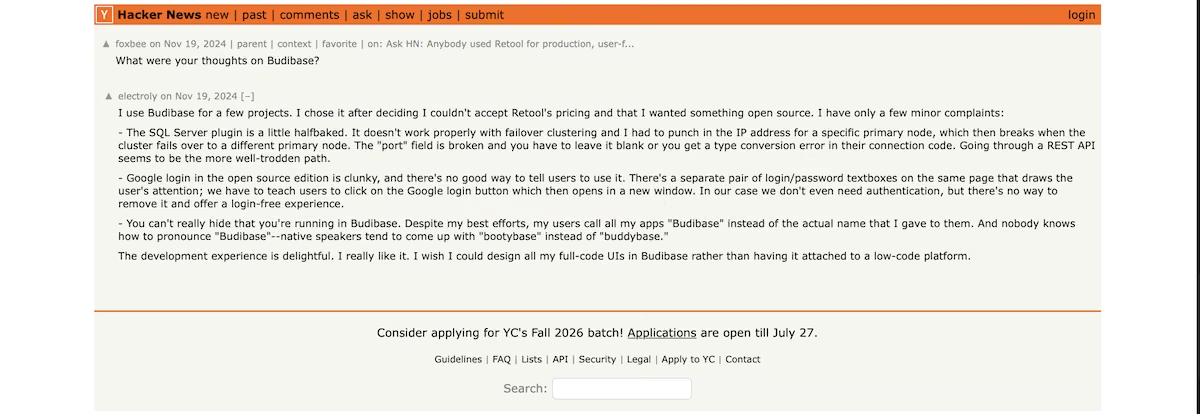
“You can't really hide that you're running in Budibase. Despite my best efforts, my users call all my apps "Budibase" instead of the actual name that I gave to them.” - Electroly (Hacker News)
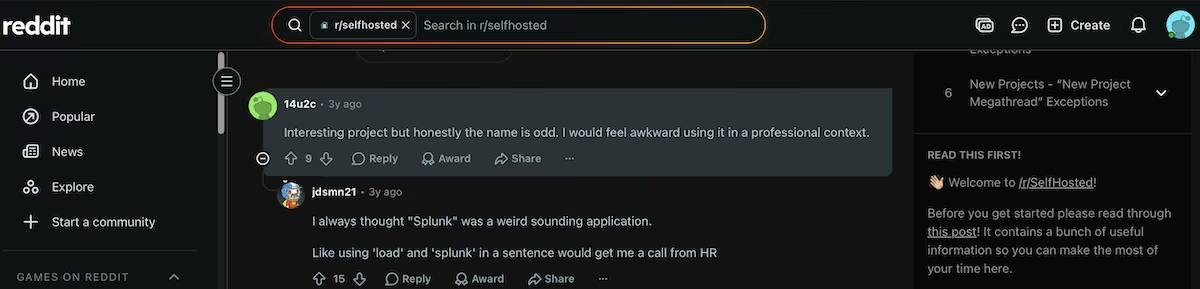
“Interesting project but honestly the name is odd. I would feel awkward using it in a professional context.” - 14u2c (Reddit)
Pricing
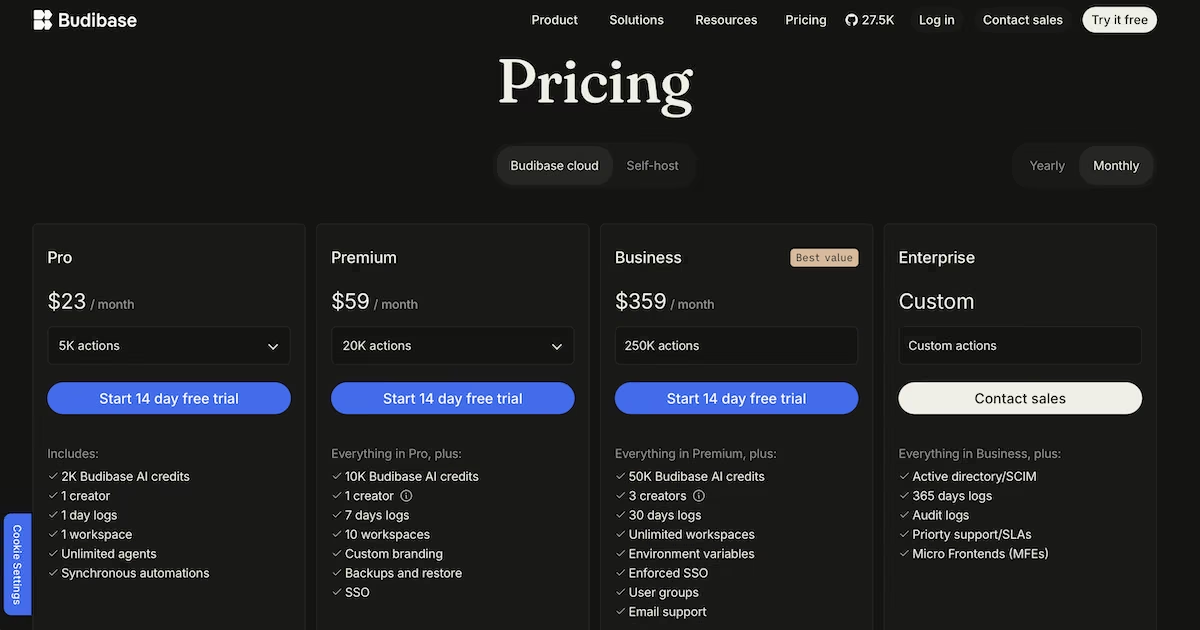
Budibase Cloud no longer has a permanently free tier. New accounts get a 14-day trial, and the only indefinitely free route is self-hosting the open-source version on your own infrastructure.
The Pro plan is $23 / month ($19 billed annually) for 5,000 actions, 2,000 AI credits, one creator, and one workspace. Premium is $59 / month ($49 billed annually) with 20,000 actions and 10,000 AI credits, along with 10 workspaces, custom branding, backups, and single sign-on.
Business is $359 / month ($299 billed annually) for 250,000 actions, 50,000 AI credits, three creators, and unlimited workspaces.
When to Stick with Noloco
Noloco’s thinking was the best of anything I tested. Its reporting was not, and those are two different things. Noloco is the only tool in this article that worked out the hard part on its own, before building anything.
Given the same prompt, it produced a six-step plan and waited for approval. Step two proposed adding a calculation to each task to determine whether it was late, then a second calculation on each project checking whether any of its tasks were.
It also spotted that a checkbox marking tasks complete had to go, since something that's either ticked or not can't drive three columns.
Then it seeded exactly what I asked for: four team members, three projects, 12 tasks, two of them late. The board itself still came back as four static chips, which is the gap covered further up. Noloco also volunteered that the flag recalculates when a record is created or edited rather than against a live clock, so a task that passes its due date overnight won't flag until someone touches it. No other tool told me how its own flag behaved.
Compare that with Softr, which is faster and considerably cheaper, and which produced two dashboards reporting figures that contradicted each other.
So if the numbers in your app help you make decisions, and being right is more important than speed, Noloco is doing something the cheaper options aren't. Verify that what it reports building is actually on the page, and you have a tool that thinks about your data before it draws anything.
How to Evaluate a Noloco Alternative
If you're testing these yourself, these are the five things worth checking.
Does it reason about your data, or just design pages? Ask for something conditional, where one record's state depends on another's. Every tool can count rows in a column. Far fewer work out that a project is late because of an overdue task, and fewer still exclude the finished tasks with old dates.
Does it check its own work before telling you it's done? Some tools open the finished app, click through it, and fix what they find. Others write a summary describing features they didn’t even build.
What does one build cost on your intended plan? Free tiers vary enormously here. One build consumed an entire month's free credits on one tool, a third of a daily allowance on another, and about 3% of the free credit on a third. Run your real project once before you compare monthly prices.
What do external users see by default? One tool published apps that nobody outside my own workspace could open. Another asked about access, sign-in method, and self-signup during setup and configured roles as it built.
Where does the finished app end up? Some tools publish to a URL you can send someone to immediately. Others create a folder on your machine, which gives you more control, but also more work, since deploying it is then your job.
Why Honesty Counted for More Than Features
Four of the 10 Noloco alternatives I tested handed me numbers that didn’t survive a check. A rollup counted every open task and labeled the total overdue. A field named for exactly the right thing sat empty on a loan already past due. An app announced a clean build while its sign-up form refused every password.
One edited its own records so the numbers would match what I'd asked for. Noloco did the same thing to me before I started, which is what sent me looking in the first place.
The only way to see any of this is to check a figure on screen against the rows behind it. A comparison table won’t show you, a demo won’t show you, and hardly anyone does the check before handing their team a new tool.
That's the thing to test for, whichever of these you choose. Give it something conditional, and then count the rows yourself.
If you'd rather the tool did that checking for you, Emergent was the only tool that finished its own testing before I opened it, and its dashboard numbers held up when I counted the rows behind them. Noloco still reasoned about the data more carefully, so that's the trade: you give up some of that care and get an app you can sign into today.

Most AI app builders stop at prototypes. Emergent creates production-ready apps you can actually launch.
- Production-ready apps
- Web & mobile apps
- Deploy in minutes







