


TL;DR
- Softr is a web-first app builder focused on client portals, internal tools, and dashboards, with strong permissions and native connections to Airtable and other data sources.
- Glide is a mobile-first builder that turns spreadsheets and its own tables into fast, app-like tools your team installs on a phone.
- Choose Softr if: your app lives on the web, different people should see different data, and your records already sit in Airtable.
- Choose Glide if: your app lives on phones, the people using it are your own team, and speed to a working tool matters more than deep access rules.
- In my build, the split was obvious within a day. Volunteers wanted the app on their phones, while the coordinator needed a laptop dashboard that limited each volunteer to their own sign-ups. Each tool clearly suited one side of that split.
You've got an Airtable base or a Google Sheet holding the data your team runs on. Now you need a real app on top of it, something people can open, tap through, and update without touching the raw table. Two names come up fast: Softr and Glide.
I spent about two weeks putting both to the test. I built the exact same thing in each: a volunteer shift scheduler, the kind a community food bank might use, using the same data and the same brief in both tools.
Softr connected directly to my Airtable base. Glide mirrored the same data in its own tables, since Airtable sync there sits behind a higher-tier plan I wasn't testing. The point was to see where each one pulls ahead when you hand it real work.
The tools handle different jobs, so the right pick depends on who opens the app and on what device. Here's what I found and how to choose the one that fits your use case.
Meet Softr: Features & Highlights
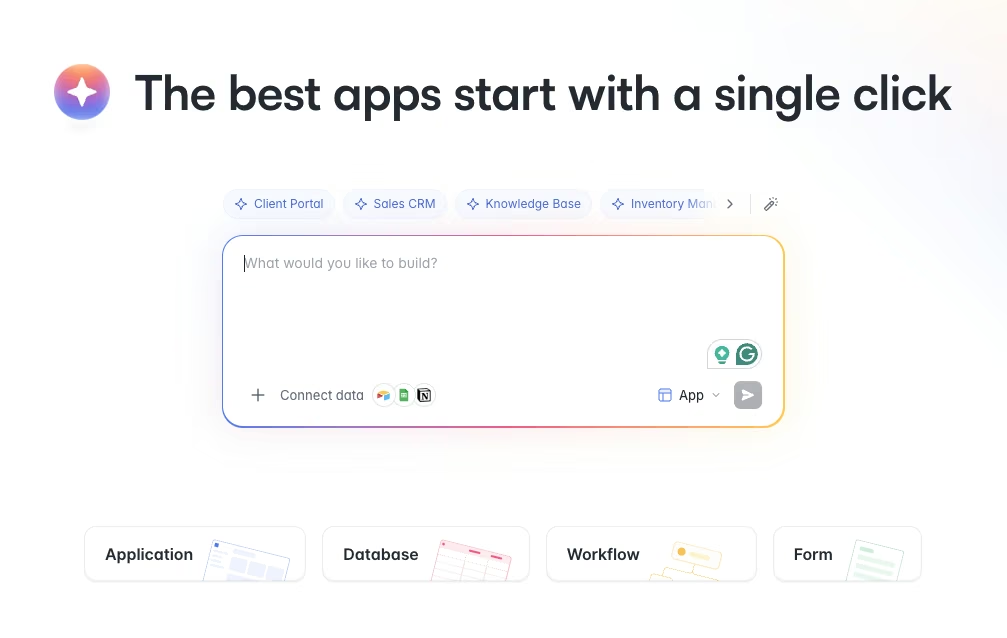
Softr is built for the person standing up a portal, an internal tool, or a client-facing dashboard on the web. You point it at your data, arrange blocks into pages, set who can see what, and you have a working app.
I connected my shared Airtable base to Softr first, and the connection was native and quick. The volunteers, shifts, and sign-ups tables showed up as data I could drop into lists, detail pages, and forms. I gave Softr's AI builder this brief:
"Build an app on my Airtable base where volunteers can browse open shifts, sign up for one, and check in on the day, and a coordinator can see which shifts still need people. Volunteers should only see their own sign-ups."
It scaffolded a multi-page app that I refined visually. Softr earned its keep on the coordinator side with a dashboard that showed which shifts still needed people and read cleanly on a laptop. I set the per-volunteer rule with user groups and a data restriction, and each person saw only their own sign-ups on the first try.
Softr repriced its plans on August 5, 2026. The cheapest paid plan, Basic, now runs $25/month ($19/month, billed annually) and includes one builder, five team users, and five client users. That is a tight allowance for a portal, so most client-facing builds land on Pro. Permissions also get more granular as you climb: custom user groups start on Pro at $119/month ($99/month, billed annually), and single sign-on remains an Enterprise feature. Existing paying customers keep their legacy plans, so older Softr figures elsewhere may still apply to accounts opened before the change.
Softr's limits showed up on mobile. The experience is responsive and designed for web use first. The block system keeps layouts clean but limits pixel-level design control. If you want to place an element somewhere the blocks don't support, you run into those constraints.
My take: For the coordinator, the permissions, and anything Airtable-backed on the web, Softr is the one I'd build on. If its block limits or user caps are deal-breakers, compare other Softr alternatives before choosing.
Meet Glide: Features & Highlights
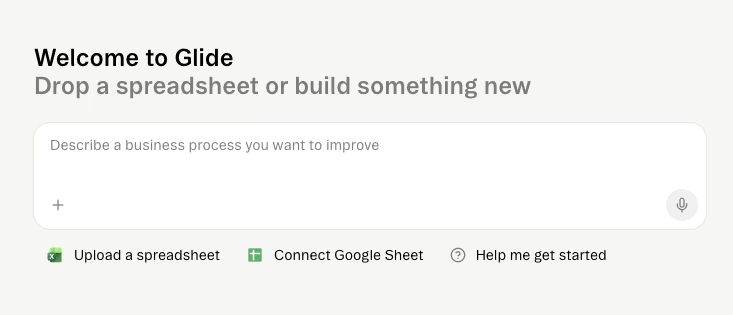
Glide comes at the same problem from the phone. It turns a spreadsheet or its own Glide Tables into an app that installs to a home screen and feels close to native, without an app store in sight.
I gave Glide the same brief, starting with the volunteer side of the scheduler, which is where the tool shines. Browsing open shifts, claiming one, and checking in on the day all felt right on a phone almost immediately.
I pulled up the app on my own phone in the browser, and checking into a shift took about two taps.
The phone-first layout meant volunteers checking in at 7 a.m. never had to pinch-zoom a desktop view. Glide's components are mobile-optimized by default, so the result looked polished without much manual adjustment.
The friction showed up when I tried to match the coordinator side. Connecting Airtable is where Glide and Softr part ways on cost. Glide's cheaper plans lean on Glide Tables and Google Sheets, and Airtable sync only arrives on the Business plan at $249/month ($199/month, billed annually).
Glide's own cheapest paid plan, Explorer, is $25/month ($19/month, billed annually), but it only connects to Glide Tables and Sheets. Pricing also scales with activity. You get a set number of updates, then pay about two cents per update beyond it, plus $6 per user/month, or $5 per user/month billed annually.
Giving volunteers a permission split as tight as Softr's took more fiddling. Glide handles email and PIN sign-in and user-specific data well for a team, but complex external access isn't its home turf.
My take: For the phone-first volunteer side, Glide is the app I'd hand to the people on the ground. If its usage pricing or spreadsheet model feels restrictive, compare other Glide alternatives before choosing.
Softr vs Glide: At a Glance
| Feature | Softr | Glide |
|---|---|---|
| Best For | Web portals, client access, Airtable-backed tools | Mobile-first internal and field apps |
| Starting Paid Plan | $25/month ($19/month, billed annually) | $25/month ($19/month, billed annually) |
| Key Strength | Granular permissions and native data sources | Mobile-first apps built fast |
| Main Weakness | Web-first mobile, limited pixel control | Airtable gated to top plan, costs scale with usage |
| User Context | Clients, partners, and admins | Internal teams and field crews |
Softr vs Glide: Feature-by-Feature Comparison
I judged each area against the same shared build, so every call below comes from running the volunteer scheduler through both tools.
Mobile Experience: Whose App Feels Right on a Phone
Mobile experience follows each tool's design focus.
Softr builds responsive web apps that adapt to a phone screen. They look professional, and a volunteer could absolutely use one on mobile. But you can feel that the layout was designed for a browser first and shrunk to fit.
Glide starts with the phone experience. The app installs to the home screen as a progressive web app, opens like a native icon, and the components are built for thumbs. The whole volunteer flow felt at home on a phone.
One thing that surprised me: Neither tool publishes to the Apple App Store or Google Play. Both are web apps you install as PWAs. For internal tools that's usually fine, and it skips app-store review entirely.
Winner: Glide, for anything phone-first.
Data Sources and Where Your Data Lives
For most people asking about Softr vs Glide, one question decides it: Which one plays nicely with the data I already have? Often that data is in Airtable.
Softr connects to Airtable natively, right from its paid entry plan, alongside Google Sheets and other sources, plus its own Softr Databases if you'd rather keep data in-house. My Airtable base synced in without ceremony, and edits flowed both ways.
Glide leans toward Glide Tables and Google Sheets on its lower plans. Airtable sync is real, but it lives on the Business plan at $249/month ($199/month, billed annually). On the plans I tested, Airtable wasn't an option. That's a meaningful gap if your data already lives in Airtable and you don't want to migrate it.
Winner: Softr, especially for teams committed to Airtable.
User Permissions and External/Client Access
The coordinator-versus-volunteer split was the sharpest test here, because volunteers had to see only their own sign-ups.
Softr's permissions fit the coordinator-versus-volunteer setup. Custom user groups, per-record data restrictions, and single sign-on on higher tiers let you control who sees each record. I set the per-volunteer rule once, and it held. The same controls support client and partner access.
Glide covers the basics well: Email and PIN sign-in, and user-specific columns that hide other people's rows. For an internal team that's often enough. For layered external access with many roles, you're working harder to get where Softr starts.
Winner: Softr.
Design Flexibility and Customization
Both tools keep you from shipping something ugly, and both do it by fencing in your choices.
Softr uses stacking blocks for web layouts. The output looks clean and businesslike, which suits a portal. You get less pixel-level control when you want something the blocks don't natively support.
Glide uses mobile-optimized components. On a phone, the result looks modern with almost no effort. On a wide desktop screen, though, a Glide app can feel like a phone app stretched out.
Winner: Tie. Softr wins the web look, while Glide wins the mobile polish. The result depends on where people use the app.
AI Features and Workflow Automation
Both tools can generate a starting app from a plain-English description, and both handle automation, so I ran the same brief through each.
Softr's AI App Builder built the app from my brief, and its visual Workflows handle logic like sending a confirmation when a volunteer signs up, with each step laid out clearly. Ask AI lets people query app data in plain language while respecting permissions.
Glide generates apps from a prompt too, and its AI columns and formulas are strong for transforming data without spreadsheet gymnastics. Its workflows cover triggers and actions for the kinds of operational nudges a field team needs.
Winner: Softr, for its visual Workflows and Ask AI.
Pricing and How Costs Scale
The two tools price on different axes, and that difference changes your bill more than the sticker price does.
Softr pricing works per plan by app-user count and features. Basic is $59/month ($49/month, billed annually), and costs climb as you add users and user groups. It's predictable, because your bill scales with headcount and plan features alone.
Glide pricing starts cheaper at $25/month ($19/month, billed annually) for Explorer, but it bills on updates and users. After the included updates, each extra update costs about two cents and each added user costs about six dollars a month, or five if you pay annually.
A low-traffic app may stay near the starting price, while a busy app or one that needs Airtable at $249/month ($199/month, billed annually) can cost more.
Winner: It depends. Softr's plan and user limits make costs easier to forecast for Airtable-backed apps, while Glide starts cheaper on Glide Tables or Google Sheets if usage stays light.
What Real Users are Saying
Softr
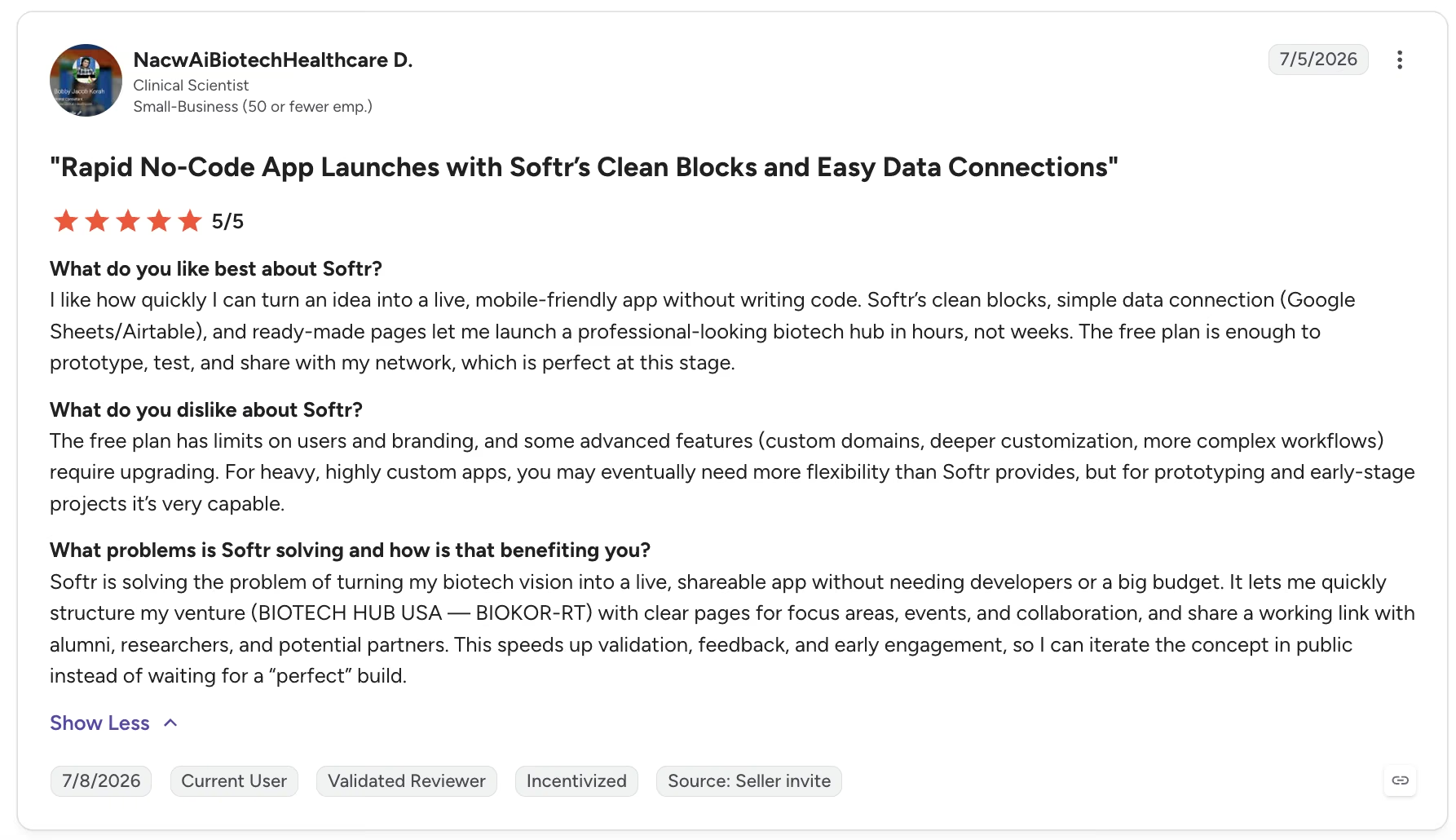
Softr’s overall rating on G2 is currently 4.7/5, with a total of 730 reviews, at the time of writing.
“Softr’s clean blocks, simple data connection (Google Sheets/Airtable), and ready-made pages let me launch a professional-looking biotech hub in hours, not weeks.” - NacwAiBiotechHealthcare D., G2
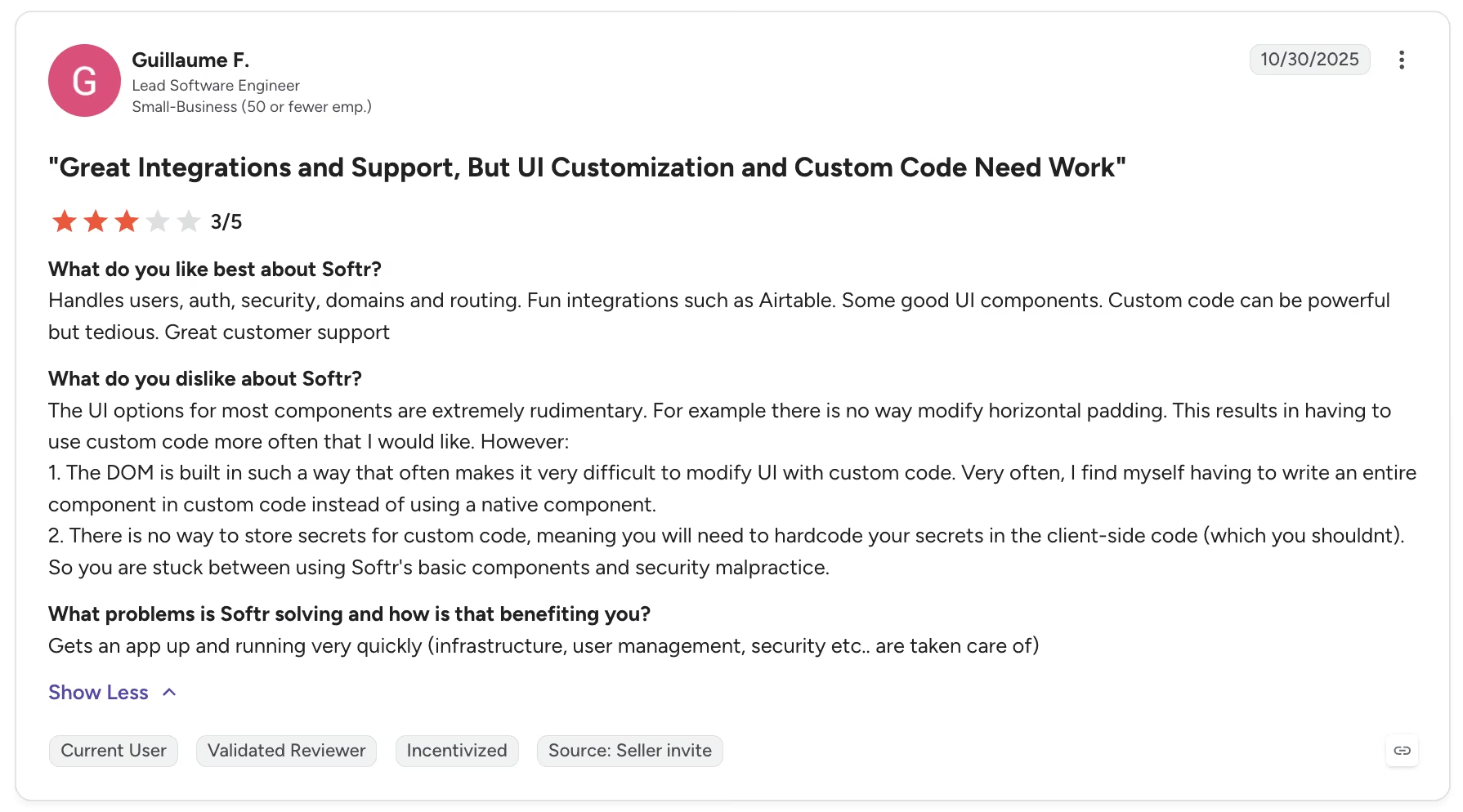
“The DOM is built in such a way that often makes it very difficult to modify UI with custom code. Very often, I find myself having to write an entire component in custom code instead of using a native component.” - Guillaume F., G2
Glide
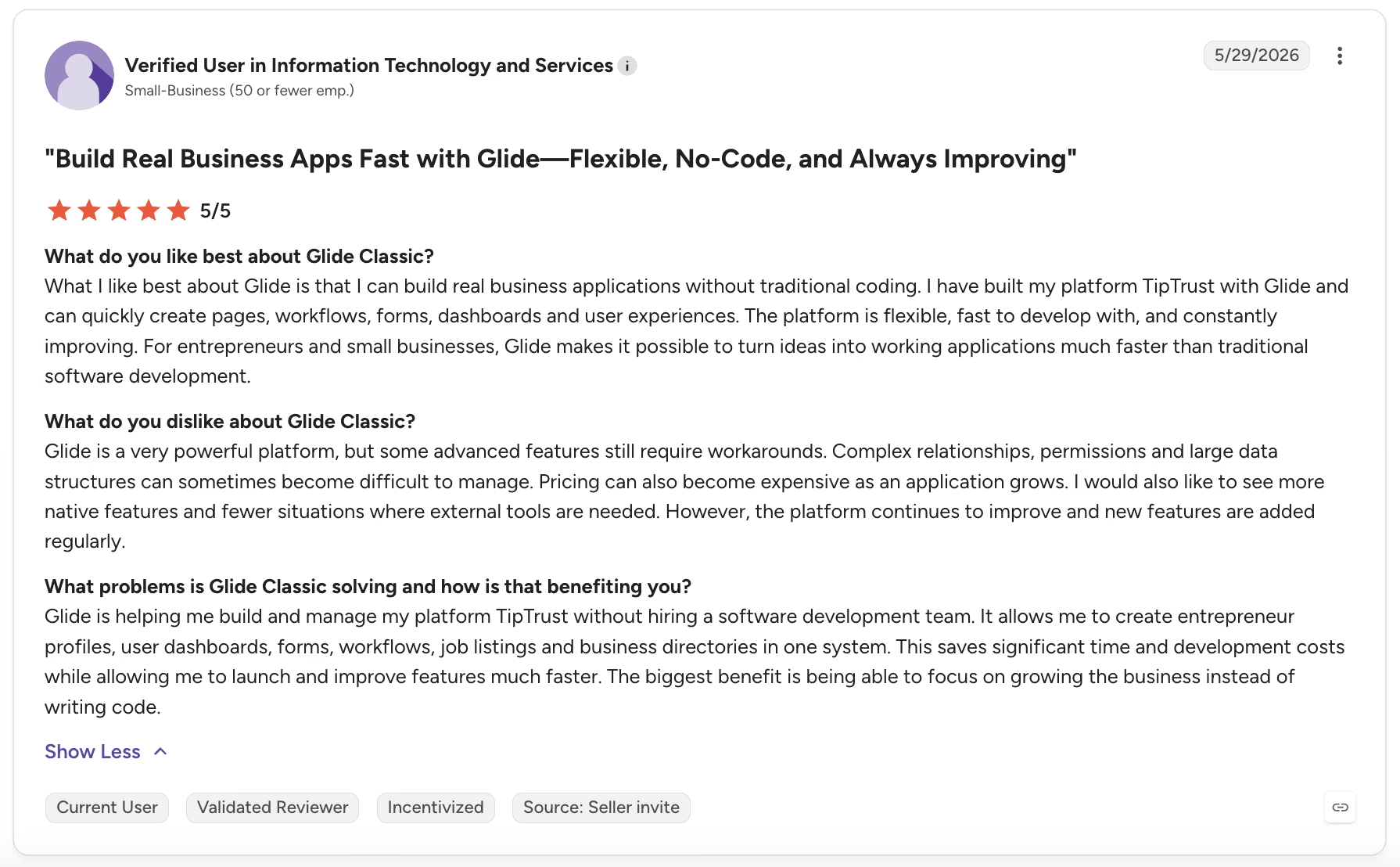
Glide Classic’s overall rating on G2 is currently 4.7/5, with a total of 818 reviews.
“The platform is flexible, fast to develop with, and constantly improving. For entrepreneurs and small businesses, Glide makes it possible to turn ideas into working applications much faster than traditional software development.” - Anonymous, G2
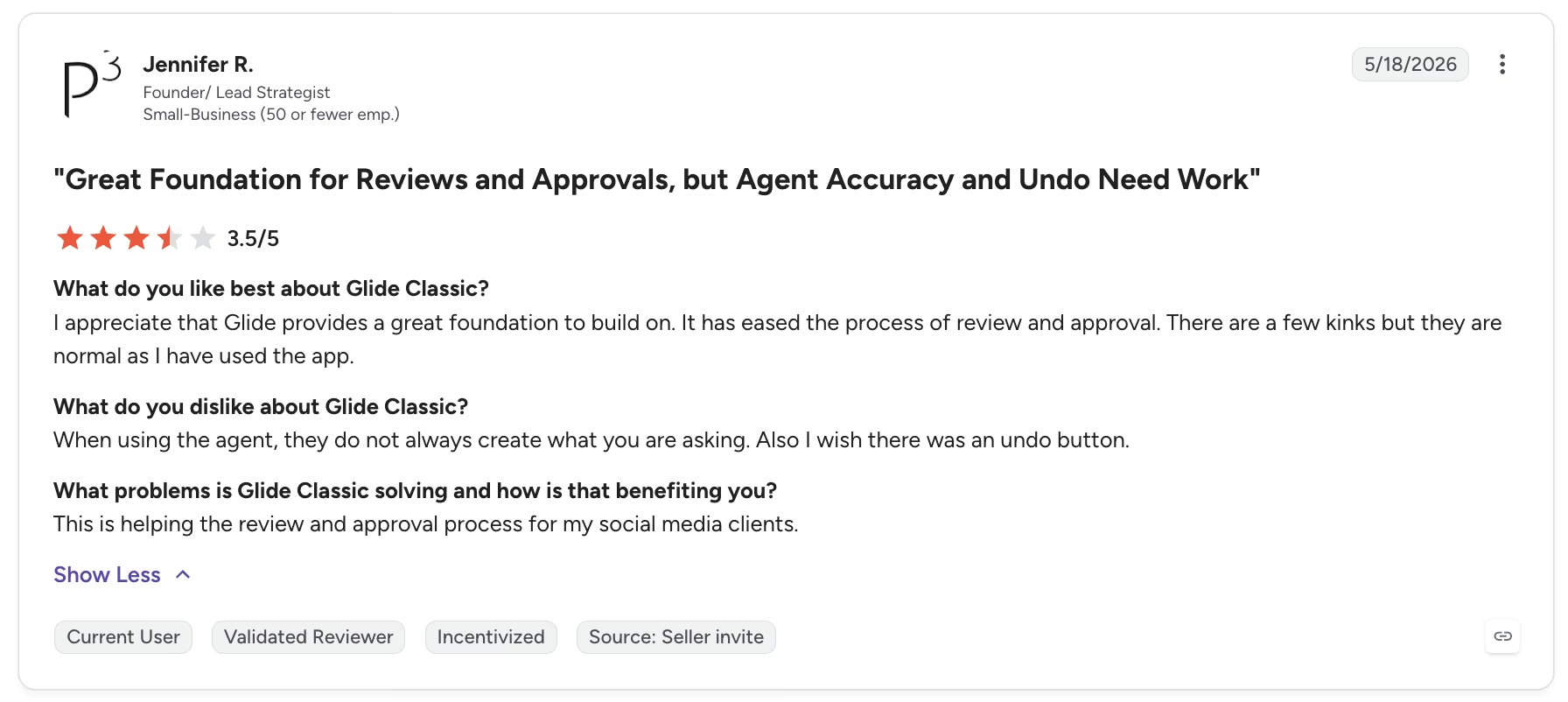
“When using the agent, they do not always create what you are asking.” - Jennifer R., G2
Match the Tool to Your Users
After two weeks in both, the volunteers and the coordinator each landed on a different tool.
Softr is Better For:
- Teams building client or partner portals with real login and access rules.
- Anyone whose data already lives in Airtable and should stay there.
- Coordinators and admins who work from a laptop and need a proper dashboard.
- Mixed-device teams where people jump between desktop, tablet, and phone.
Glide is Better For:
- Field teams and internal crews who work from their phones all day.
- Quick operational apps you want live within days.
- Simple internal tools where everyone using the app is on your team.
- Anyone who wants Glide's installed, app-like feel without an app store.
For a broader shortlist, compare Softr and Glide with other internal tool builders.
My Verdict
This specific build made the call for me: I'd hand the volunteers Glide. Its phone experience was faster and more natural for their shift-browsing and check-in flow, so Glide won the volunteer side of the build.
On the coordinator side of the same build, I'd choose Softr. Glide held its own here, but Softr's dashboard, per-person permissions, and Airtable connection fit the coordinator's needs more directly.
Next Steps: Try the One That Fits Your Use Case
The Softr vs Glide question rarely has a single answer, and that's a good thing. Pick by your first real user. Phones and your own team? Spin up Glide's free tier and build the core flow. If it's the web, outside users, and Airtable data, do the same on Softr.
Both let you build something for free before you pay. Treat this comparison, or any other, as a starting point, and test your own use case. Try the same flow in each tool to see which version fits your users.
How Emergent Helps When You Need More Than a Data Interface
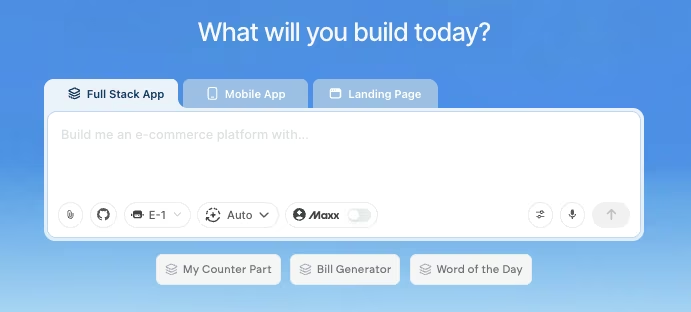
Softr and Glide share one ceiling: They put an interface on data you already own. That's exactly what you want for a portal or a mobile tool. But some apps outgrow that model. When your volunteer scheduler needs custom logic, its own place to store data, payments, or behavior a table can't express, you've moved into full-custom-app territory.
That's the job Emergent, an AI app builder, is built for. You describe the app in plain language, and it generates a working app with its own data, logins, logic, and user-facing screens. It tests the app as it builds to catch changes that break earlier parts as the app grows.
For a quick Airtable portal, Softr or Glide are a good starting point. Once your idea has grown past what a data interface can carry, Emergent is the natural next step.

Most AI app builders stop at prototypes. Emergent creates production-ready apps you can actually launch.
- Production-ready apps
- Web & mobile apps
- Deploy in minutes







