



TL;DR
Four free plans worth your time, each for a different situation:
- Emergent: the free plan builds a site that takes payments and logins. It won't publish it for you.
- Wix: the free site that goes live and stays live, ads and all.
- Lovable: the free allowance that comes back every morning.
- Base44: the cheapest, fastest build of the four.
Every list of the best free AI website builders starts from the same homepage promise: describe your business, get a website, pay nothing. Then you finish the site and learn that publishing it, removing the ads, or pointing your own domain at it is the part that costs money.
I ran one brief through 13 free plans over about two weeks in August. Four are worth writing about, and I'm starting with Emergent because we built it. The honest way to handle it is to show our free plan's ceiling before anyone else's.
This isn't a survey of the whole category either. I tested what I could sign up for without a card. By the end of this, you'll know which free plan gets a site online and keeps it there, which ones ration your prompts, and where each one starts charging.
What Every Free Plan Holds Back
Every AI website builder free plan I tested holds back the same three things, and they don't arrive in the order you'd plan for.
Your domain is the first paywall. Not one of the four lets you connect a domain you own. You get a subdomain: siteprefix.wixsite.com/siteaddress on Wix, myapp.base44.app on Base44.
Branding is the second. Wix puts ads on every page and in the favicon. Lovable keeps an "Edit with Lovable" badge on free projects until you upgrade.
The newest limit is the one that stops you: credits. Older builders capped storage. AI builders cap how many times you can ask for a change: 25 message credits a month on Base44, 30 build credits on Lovable, and 10 credits on Emergent.
A free plan with unlimited pages and 25 prompts a month is one you'll outgrow in an afternoon.
How I Tested These Free AI Website Builders
I gave every builder the same prompt, on a fresh account, on the free plan, with no card attached:
"Build me a one-page site for a mobile dog grooming business in Austin: services and prices, a photo gallery, three customer reviews, and a booking form that takes a $20 deposit."
Any builder can handle the first three items, but the $20 deposit is where the free plans split apart. For each tool, I tracked time to a first draft, credits burned, what I could get live, and the moment it asked for money.
Emergent was the one exception to the $0 rule: the free plan's 10 credits ran out partway through the build, so I finished it and tested publishing on a borrowed paid account.
The nine below I didn't build with. I read their pricing pages, checked what the free plan actually allows, and cut them for the reason given:
- Framer: Closest call. The free site is real, but its 500 AI credits are a one-time sample.
- Replit: Publishes one live project on free and hands out daily agent credits, but doesn't publish the amount anywhere.
- Jotform: Publishes a live site for free, then stops at 100 form submissions a month, the wrong ceiling for a booking form.
- Durable: A real free plan, but 10 messages a month is a demo.
- Canva: The "Designed with Canva" footer stays on free.
- Squarespace, Hostinger, Dorik, 10Web: Trials and money-back windows, no free plan.
Emergent: Our Own Tool, and What Its Free Plan Really Does
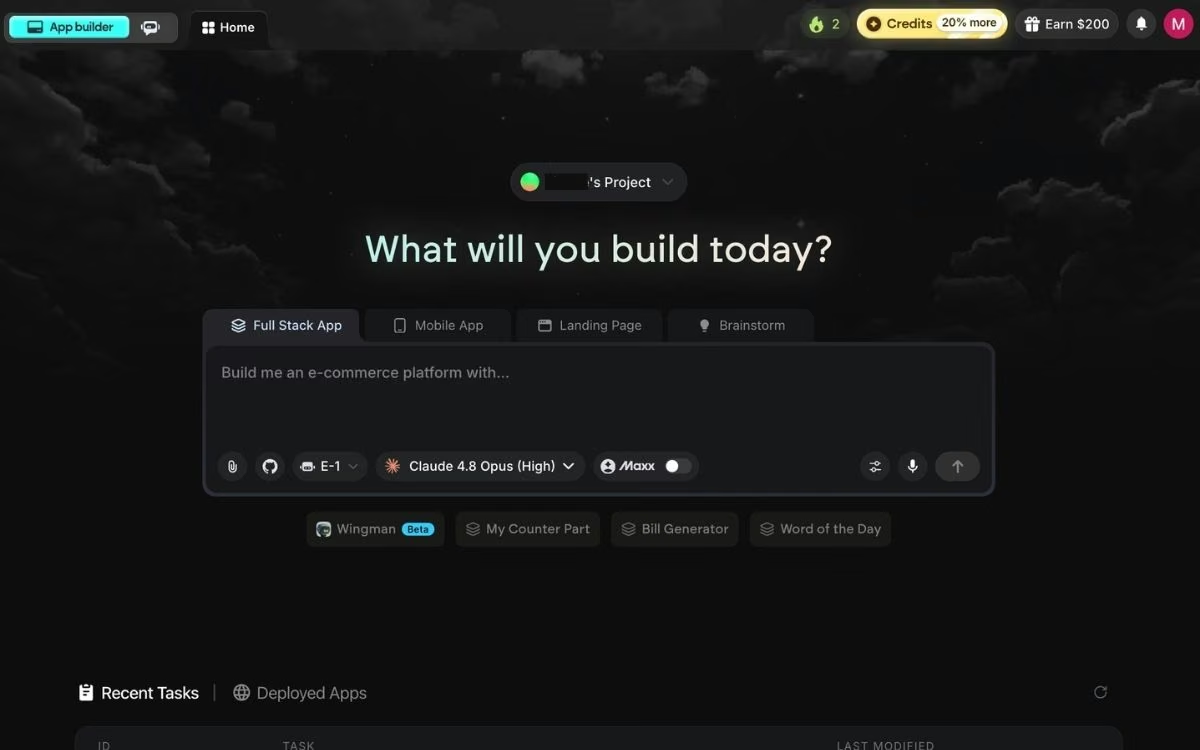
What it does: Emergent is an AI app-building platform built for vibe coding: describe the site in plain English and get a complete working version, with the screens, the data, sign-in, and payments all handled.
Best for: A site whose real job is taking bookings, payments, or logins.
Emergent let me pick which AI model ran the build, which none of the others did. It also has Emmy, a chat assistant in the corner of every page. She's free on every plan and costs no credits, so I used her before spending anything: I described the grooming business in a few messages, and she turned that into the prompt I submitted.
I picked a step-by-step building agent from the dropdown, the kind available on the lower plans. The page it returned was the best of the four: everything I asked for, laid out well, with a working deposit flow, a Stripe checkout behind a "Pay & Book" button, and Google sign-in.

The cost is the problem. That build ran for 11 minutes and 17 credits, and the free tier is $0 with 10 monthly credits, so a site this size spends past the free allowance before it's done. Publishing starts on Standard too. Against the four criteria, Emergent was the slowest to a live site and the most expensive in credits, and it's the only one that won't publish for free at all.
What You Get
- Emmy, the built-in chat assistant: Free on every plan, costs no credits, and turns a conversation into a build-ready prompt.
- Payments and sign-in built in: Stripe, Razorpay, and Google sign-in.
- Publishing on your click: The Deploy button, then about 15 minutes to a live .emergent.host address.
What Users Say

"Publish was clean, and my app is live. I didn't realize there was a monthly cost to keep the app live initially." (Steve Grady, Product Hunt)

"The final output needs to be refined as it was not accurate in some places." (Sherry Jindal, Product Hunt)
Pricing
Standard is $20 per month, or $17 per month billed yearly, adding 100 credits, private project hosting, and GitHub integration. A published app then costs 50 credits a month to stay live.
Bottom Line
Emergent isn't the pick if you want a marketing site and nothing more, or if you're a developer looking for a faster way to write code yourself. It earns its keep when the site is what runs the business, and 10 free credits show you whether it can handle yours.
Read More: Best AI Website Builders for Small Businesses.
Wix: Best Free Site That Stays Online
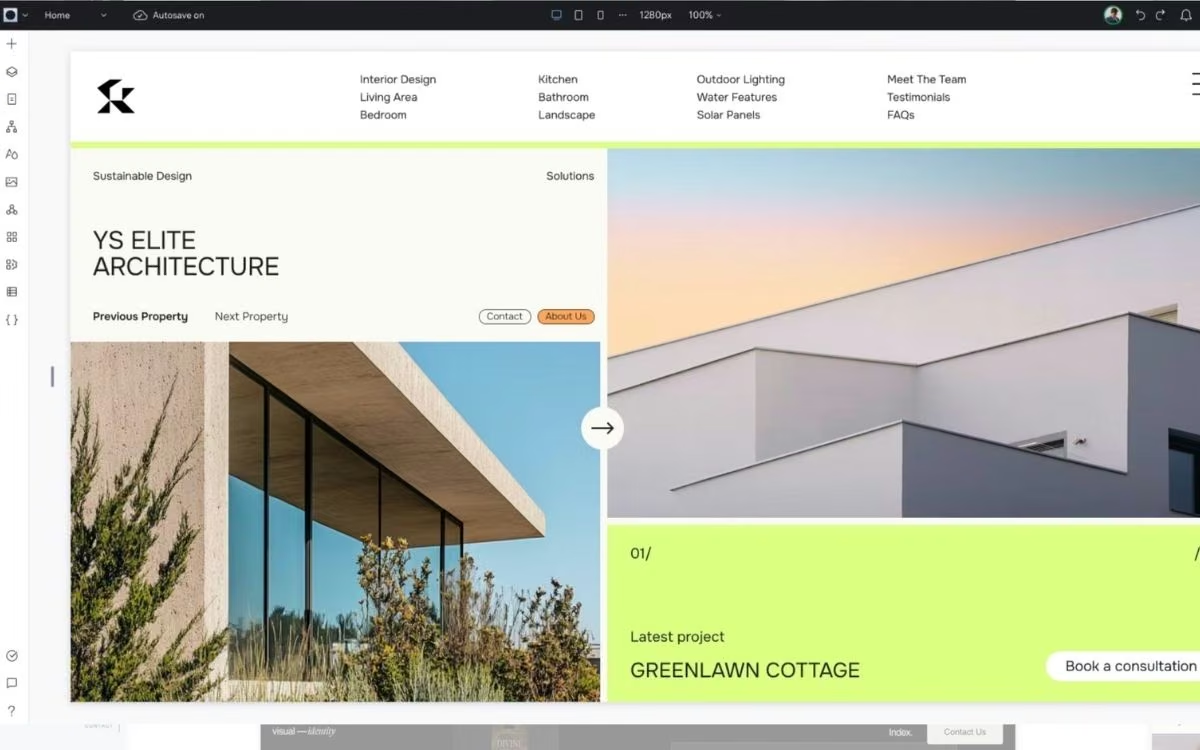
What it does: Turns a short business description into a multi-section site you can edit by dragging things around.
Best for: Anyone who wants a real address on the internet this afternoon and no intention of paying for one.
Wix is the only tool here where "free" means what a normal person thinks it means. The grooming site went up weeks ago, and it's still there, with nothing on file to cancel.
Getting there took work. Wix asked me no questions before it started, and there's no way to pick which AI model runs the build. The first version took 13 minutes, more than twice what Base44 needed, and the editor isn't intuitive: I kept hunting through menus for settings that should have been obvious.

The free limits pile on from there. Wix ads sit on every page, the URL is a mouthful, and my booking form took a name and phone number but no deposit, because collecting payments online requires a Premium plan.
Storage caps at 500MB with 1GB of bandwidth, which my photo gallery ate into faster than expected.
What Users Say

"You can make a nice website using the free plan, making it very cost-effective." (Verified User in Insurance, G2)
"It is moving away from its all-inclusive promise and getting closer to an all-paid model." (Francisco V., G2)
Pricing
The free plan gets you a live site with ads and 500MB of storage. Removing the ads and connecting a domain means Light, the cheapest paid tier, at $17/month billed yearly. Learn more about Wix’s pricing breakdown.
Bottom Line
If the site is a page with your hours on it, Wix is the one to beat, as long as you're willing to fight the editor.
Lovable: Best Free Allowance That Refills
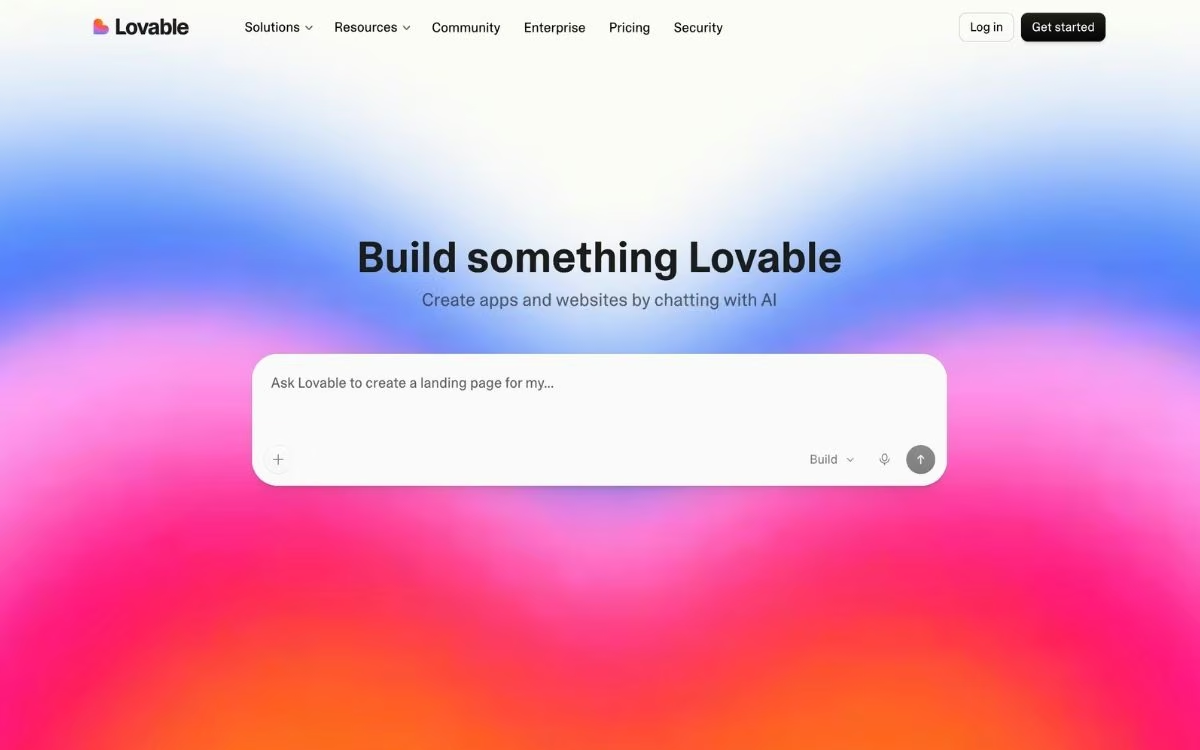
What it does: A chat-first builder that writes a working site from a description, then edits it as you keep talking.
Best for: People who want to keep poking at a site over weeks.
Lovable asked what I wanted the hero section to look like before it designed anything, which no other tool did. The images it generated are the best-looking here, apart from the AI dogs, which look fake on a page selling dog grooming.
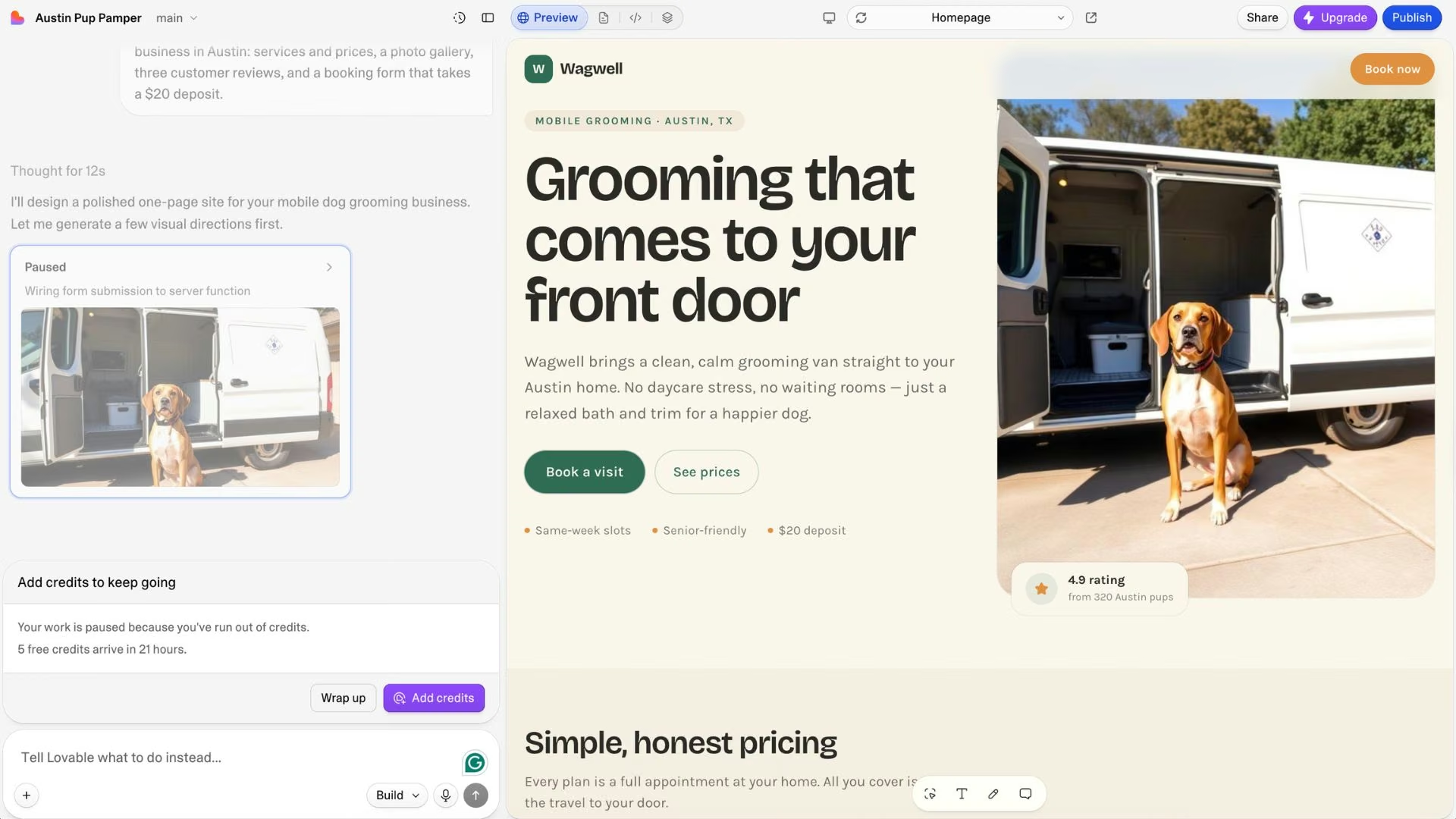
The build stopped before it finished. My 5 daily credits ran out mid-build, about 9 minutes in, and there's the free plan in one line. What I had by then was still the best-looking page of the four, with a hero, a services grid, and a review carousel already styled.
You get 5 build credits a day, up to 30 a month, and the daily grant doesn't roll over, so credits arrive for the first six days of the month and then stop. Publishing to a lovable.app URL is free on every plan.
Pros: Asks about layout before it designs anything, and 5 separate sites can run on one free account.
Cons: Code download and badge removal are paid-only, and one stuck bug can eat a day's credits.
What Users Say
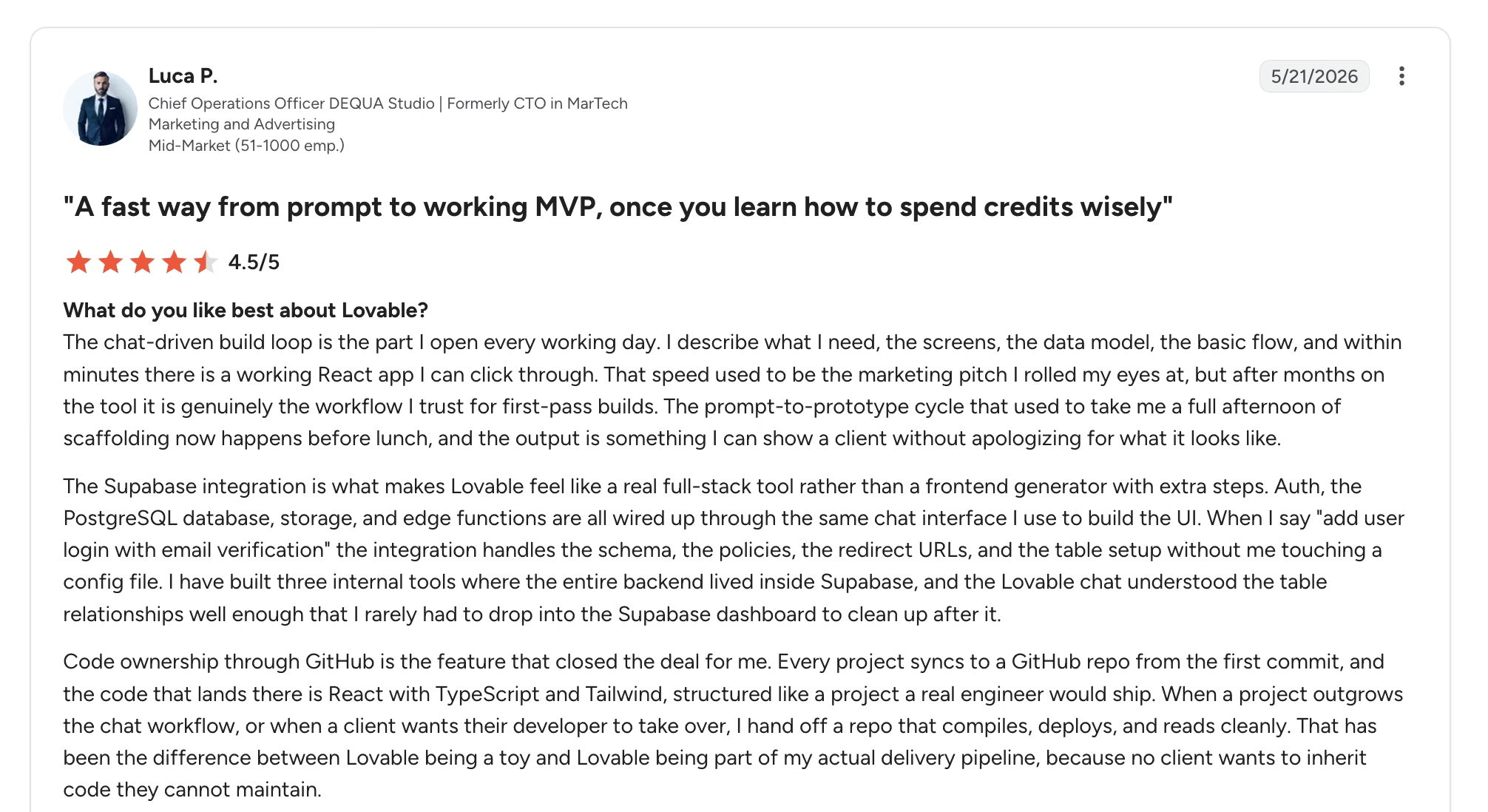
"The chat-driven build loop is the part I open every working day... within minutes there is a working React app I can click through." (Luca P., G2)
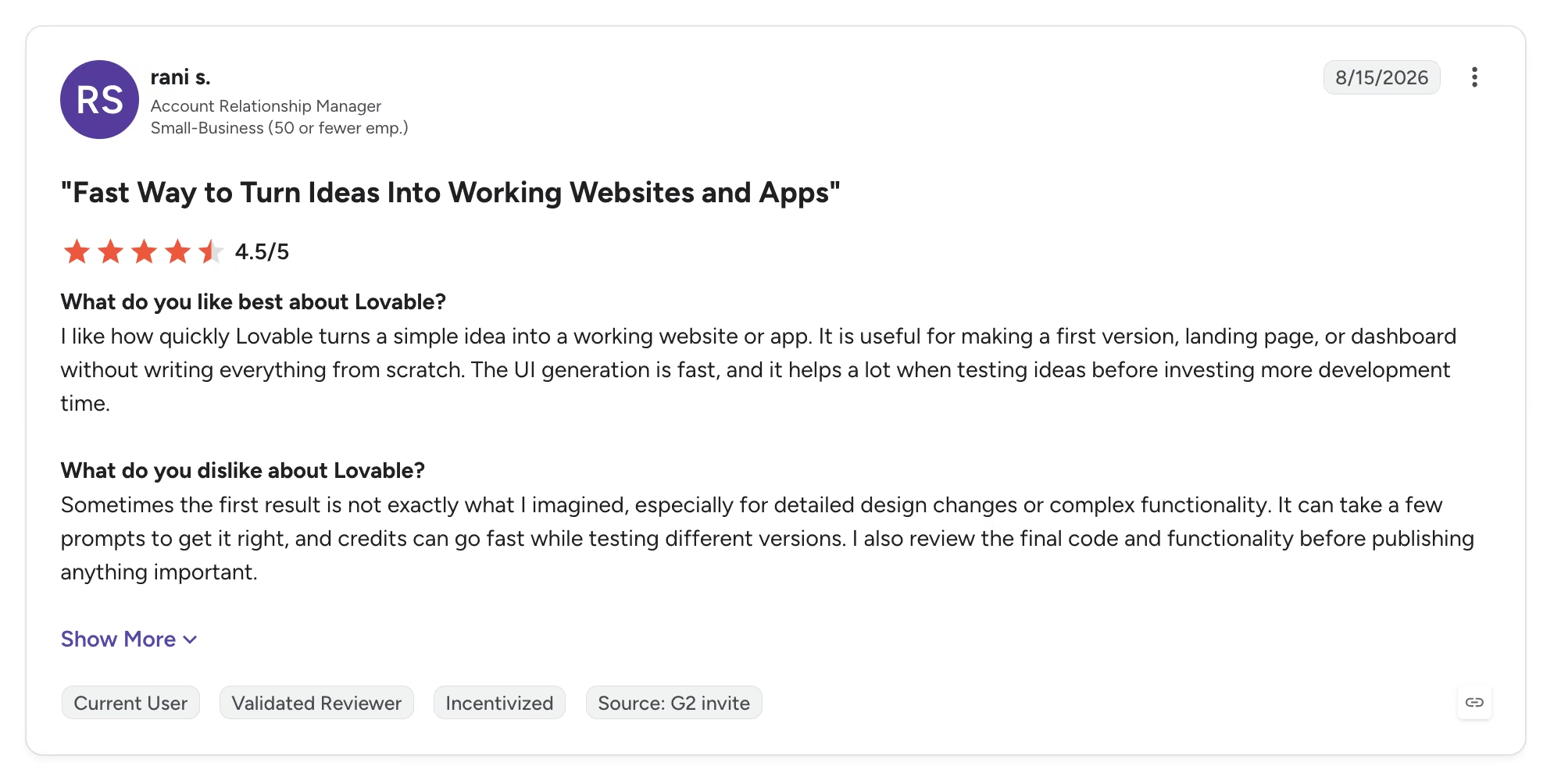
"Sometimes the first result is not exactly what I imagined." (Rani S., G2)
Pricing
Free covers 30 build credits a month and five lovable.app sites. Paid starts with Pro at $25 per month, billed monthly ($21/month billed annually). Check out our detailed breakdown of Lovable pricing.
Bottom Line
Hand this one to somebody learning by messing around, since tomorrow brings five more credits. If you need the code in your own hands, that's a paid feature.
Base44: Best Free Tier for App-Like Sites

What it does: Builds sites that store and use information, so a booking page remembers bookings.
Best for: A site where the useful part is a form, a login, or a list that updates.
Base44 was the fastest and cheapest build of the four. I described the site, it started building right away, and it asked its questions as it went. Six minutes and 3 credits later, I had a page with a color scheme, typeface, and layout I'd have kept.

Base44 is Wix-owned, which makes the free-tier contrast interesting: the parent gives away hosting and rations storage, the subsidiary gives away features and rations prompts. Free covers 25 message credits a month, 5 apps, plus sign-in and data storage, and every app is live at myapp.base44.app the moment you create it, with no publish step at all.
The marketing page skips the daily cap: 5 credits a day, with unused ones expiring at the end of the cycle. Three rounds of small edits put me near it, which is the part to plan around.
Pros: Includes the features other free tiers charge for, and renaming your URL is free and instant.
Cons: 5 credits a day is a hard stop with unused ones expiring, and private apps are paid, so free builds are public.
What Users Say

"It's user friendly, speedy... gives you a lot of good content with just the free credits available." (Diana Rex, Product Hunt)

"The free plan is brutal though. 25 message credits a month, max 5 a day, and you'll burn through them just tweaking UI." (Nolan Vu, Product Hunt)
Pricing
Free covers 25 message credits and 100 integration credits a month. Starter, at $20/month ($16/month billed annually), adds unlimited apps, private apps, and a custom domain. Learn more about Base44’s pricing details in our pricing guide.
Bottom Line
For something presentable today without spending much, Base44 is the one I'd open first. Vague prompts burn the 25 credits fastest, so come in with a tight brief.
Which Free Plan Should You Choose?
The best free AI website builder for you comes down to one question: page, or product?
Choose Wix if you:
- Want a live site today and never plan to pay
- Take bookings by phone or email
Choose Lovable or Base44 if you:
- Want to keep improving a site over several weeks
- Don't mind a public build on a platform subdomain
Choose Emergent if you:
- Need bookings, payments, or logins that hold up with a paying customer on the other end
- Want to test the money path before spending anything
Skip all of them if you:
- Need a content site with hundreds of pages
- Want a full store, since free tiers cap storage first
Where the Free AI Website Builder Ends in 2026
Wix wins the "free" argument outright, and it's the least interesting answer, because what most people call a website in 2026 involves taking money from someone. Free tiers split along that line.
So pick by what breaks first. If a phone number and a photo gallery are the whole job, stop at Wix and keep the $17. If the site has to collect a deposit, free is a fitting room, and the real budget is $20 to $25 a month, or about $16 to $21 if you pay for a year up front.
Try a Build Before You Spend Anything
If your site has a job beyond looking good, Emergent's free plan includes 10 credits, enough to see what it produces for your business before any card comes out.
- Answer questions, don't write specs: Emergent opens by asking about your business, so you don't need the right vocabulary.
- No lock-in: The code stays yours, with GitHub sync available from Standard up.
- Pick your own address: Buy a domain through the built-in IONOS integration or point one you already own.

Most AI app builders stop at prototypes. Emergent creates production-ready apps you can actually launch.
- Production-ready apps
- Web & mobile apps
- Deploy in minutes







