



You have an app idea and no engineering team to build it. That usually leads to the same question: which tool can turn the idea into a finished app without months of work or a developer's salary? For most people weighing that decision, the shortlist starts with Bubble vs Adalo, two of the best-known visual builders, with newer AI tools like Emergent now in the mix.
The three take very different routes to the same finish line. Bubble and Adalo hand you a visual canvas where you drag components into place and connect the logic yourself. Emergent skips the canvas, so you describe the app in plain language, and it writes the software for you.
The decision usually comes down to how you build, what you can build, what you pay, and who owns the code at the end. By the last section, you'll know which one fits the app you have in mind.
Bubble vs Adalo vs Emergent: What's the Difference?
The difference is mostly in how you build and what each one can handle.
- Bubble is the most capable visual builder of the three, built for web apps with real complexity like marketplaces, subscription products, and custom internal tools.
- Adalo is the simplest to learn and the only one focused on true native mobile apps, built for straightforward iOS and Android apps you want in the app stores fast.
- Emergent is the AI option, built for people who would rather describe an app in plain language and get code they own than assemble it screen by screen.
Choose Bubble if you're building a complex web app and you're willing to climb a learning curve to get full control.
Choose Adalo if your project is a simple native mobile app and you want flat, predictable monthly pricing.
Choose Emergent if you want to describe the app in plain words and keep the code at the end.
Bubble, Adalo, and Emergent are three of the stronger picks, but the full list of best no-code app builders is worth a look if your requirements are unusual.
Meet Bubble
Bubble is a visual app builder that runs entirely in the browser. You lay out screens by dragging elements onto a canvas, connect them to a built-in database, and build logic with point-and-click workflows instead of code.
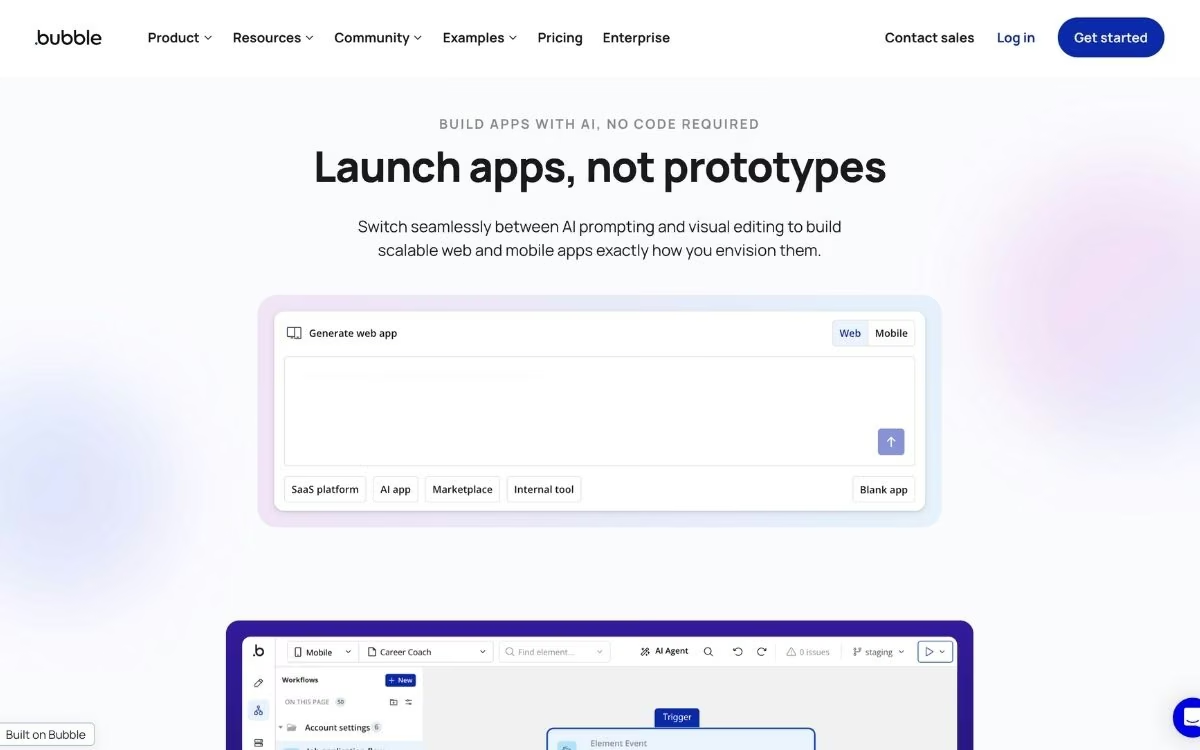
Its strength is range. Bubble can handle web apps that most visual tools can't, from two-sided marketplaces to subscription products with custom permissions and billing. That flexibility is why agencies and funded startups run production apps on it, well beyond quick prototypes.
The trade-off is a steeper learning curve and a pricing model that ties your monthly bill to how much work your app does. More on both of those below.
If Bubble sounds close but the learning curve or pricing is a dealbreaker, there are a few platforms that cover similar ground with less setup. We rounded up the best Bubble alternatives and where each one holds up.
Meet Adalo
Adalo is a visual builder aimed at mobile. Like Bubble, you drag components onto a canvas and connect them to a built-in database, but Adalo's focus is true native apps that publish straight to the Apple App Store and Google Play from a single project. It publishes to the web, too.
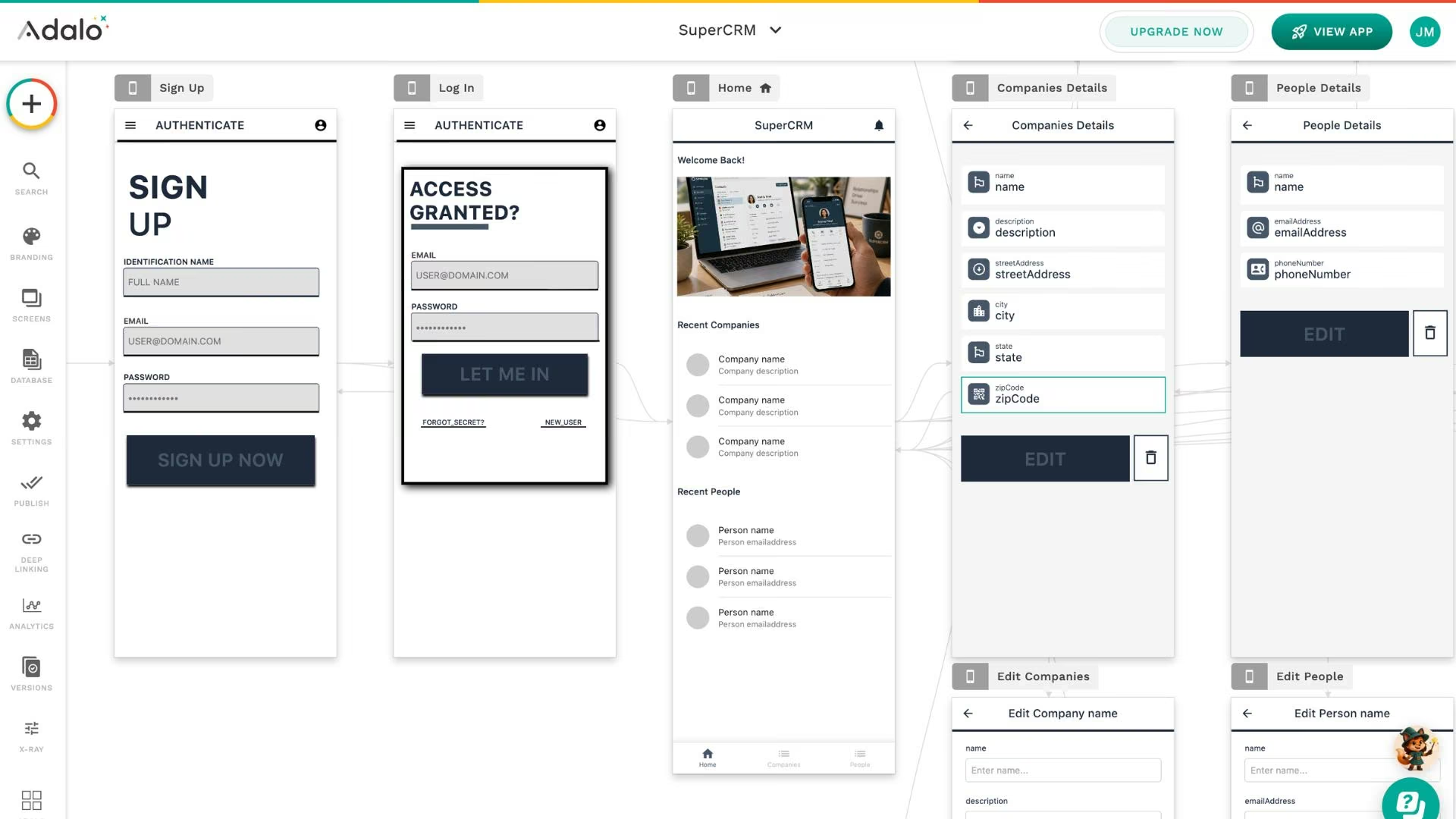
It’s the easiest of the three to pick up. A first-time builder can put together a booking app or community app in an afternoon, which is why Adalo is popular for simple mobile products and MVPs. The platform has been built for non-coders since 2018.
Where Adalo shows its limits is complex logic and heavy scaling.
Advanced workflows get awkward, and demanding multi-screen projects still push some builders toward Bubble. Adalo 3.0, the late-2025 overhaul, went straight at the old speed and scale complaints, lifting record limits on paid plans and making apps three to four times faster. It fits simple apps well and asks more of you once a project gets heavy.
If Adalo feels right but you're unsure it'll scale with the app, compare the best Adalo alternatives and competitors first.
Meet Emergent
Emergent takes a different route. It’s an AI app-building platform built for vibe coding, where you describe the app you want in plain language, and the platform builds it for you.
There’s no canvas to lay out and no workflows to wire by hand. You type what you need, answer a few clarifying questions, and a working version comes back that you can preview and refine with follow-up messages.
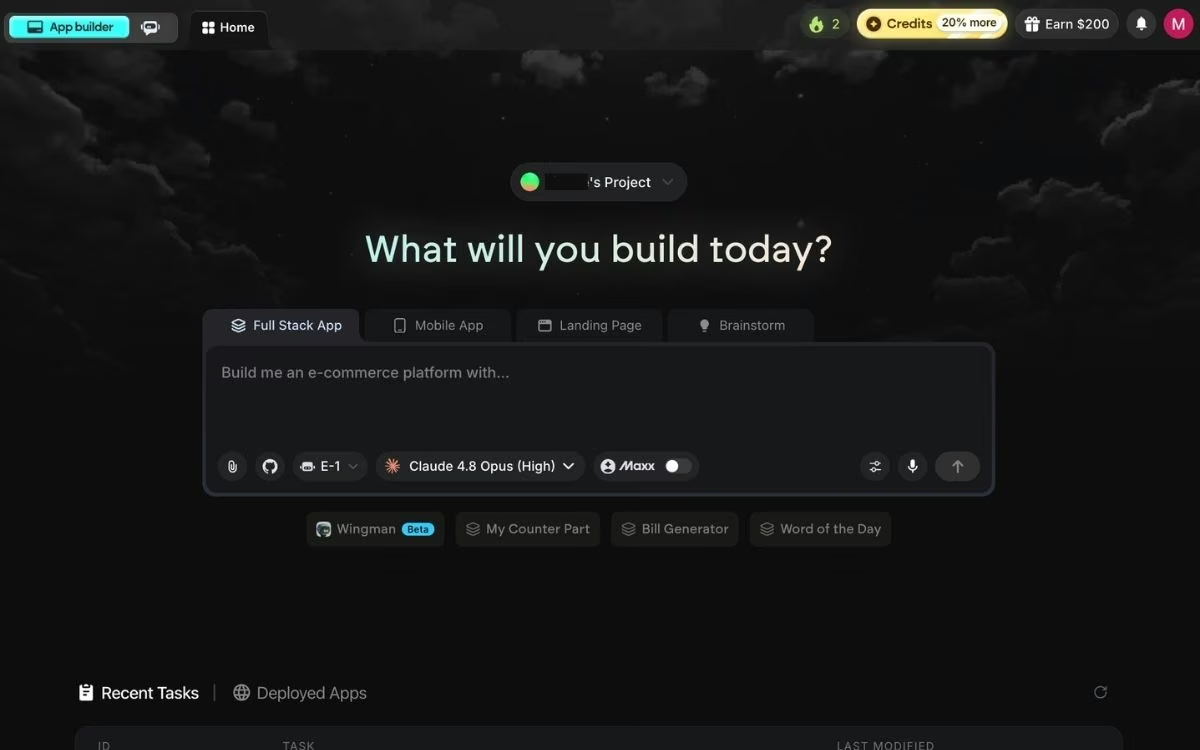
Behind that simplicity is a coordinated system of specialized agents. Some plan the build and shape the screens people see, others handle the logic and where your data lives, and testing agents check the app before you ship it. What comes back is a complete web or mobile app, with sign-in and payments already wired in.
The part that sets Emergent apart from both visual builders is code ownership. It writes standard code (React, Python, and MongoDB) that you can sync to your own GitHub account on the Standard plan and up; the code is yours to take with you. Your app moves with you if you outgrow the tool.
At a Glance
The three tools split along build approach and cost. The table below sums up where each one lands before we get into the details.
| Feature | Bubble | Adalo | Emergent |
|---|---|---|---|
| Best for | Complex web apps, SaaS, marketplaces | Simple native mobile apps, MVPs | AI-built apps you own, operational tools |
| How you build | Visual drag-and-drop | Visual drag-and-drop | Describe it in plain language |
| Pricing from | Free; paid from$32/month ($29/month billed annually) | Free; paid from$45/month ($36/month billed annually) | Free; paid from$20/month ($17/month billed annually) |
| Native mobile apps | Added through mobile plans | Yes, its core focus | Yes, via React Native |
| Code export | No | No | Yes, with GitHub sync |
| Learning curve | Steep | Gentle | Gentle, prompting is a skill |
Feature-by-Feature Comparison
The overviews cover the shape of each tool. This section digs into the five areas that decide most of these choices, with a call on each one.
How You Build the App
The biggest difference between the three is how you get from an idea to working screens.
- Bubble gives you a visual canvas and powerful workflows, so you have deep control over every element and action. That control comes with a lot of manual wiring, and building anything beyond the basics takes time to set up.
- Adalo uses a visual canvas too, but a simpler one. There are fewer options and fewer moving parts, which makes it faster to learn and quicker for a basic app, at the cost of the flexibility Bubble offers.
- Emergent removes the canvas. You write what you want, the platform asks a few questions, and it builds the app for you. The quality of what comes back depends on how clearly you describe it, so prompting well matters here.
Winner: Tie. Visual builders win if you want hands-on control; Emergent wins if you'd prefer to describe the app and move fast. It comes down to how you like to work.
What You Can Build and How Far It Scales
This is where the three separate the most, because their ceilings are very different.
- Bubble has the widest range of the three. People run marketplaces, membership products, and internal business software on it, and it scales with your usage, though heavier apps need careful optimization to stay fast.
- Adalo is built for simpler apps. The 3.0 overhaul lifted the old record caps on paid plans and sped apps up, but complex logic and heavy multi-screen projects still strain it, so it fits light apps better than demanding ones.
- Emergent produces web and mobile apps with real data and payments, and because you own the code, you can keep scaling the app outside the platform if you outgrow it.
Winner: Bubble. For sheer range and depth on a visual build, nothing here matches it, as long as you're building for the web.
Pricing and Predictability
Each tool charges in a different way, and that difference matters more than the sticker price.
- Bubble uses a workload-unit model, where every action your app performs consumes units. Paid plans start at $32/month ($29/month billed annually), but costs rise with usage, and this unpredictability is one of the most common complaints from reviewers.
- Adalo charges flat feature tiers with no usage-based fees, so the bill stays the same whether your app is busy or quiet. Paid plans start at $45/month ($36/month billed annually), and you also pay Apple ($99/year) and Google ($25 one-time) to publish to their stores.
- Emergent runs on credits. Paid plans start at $20/month ($17/month billed annually) for 100 credits, and credits stretch further on a simple page than on a full app, so a light build costs less than a complex one.
Winner: Adalo. Flat pricing with no surprise usage bills is the most predictable of the three, even though Bubble and Emergent start cheaper at the entry level.
Code Ownership and Lock-In
If you might move your app one day, this is the section to read closely.
- Bubble lets you export your data but not your source code. The app can't be run anywhere else, which means you're tied to the platform once you scale.
- Adalo works the same way. You can take your data with you, but there’s no code to export, so leaving Adalo means rebuilding elsewhere.
- Emergent is the exception. It generates standard code you can sync to GitHub on the Standard plan and up, and move to your own repo, so nothing keeps you locked in.
Winner: Emergent. It's the only one of the three that hands you code you can take and run on your own.
Ease of Getting Started
For a first-time builder, how quickly you can ship something matters as much as raw power.
- Bubble is the steepest climb. It's powerful, but there are many concepts to learn before you can build much, and reviewers regularly mention the time it takes to get comfortable.
- Adalo is the gentlest. A non-technical user can ship a simple app in an afternoon, which is a big part of its appeal.
- Emergent is easy to start because you describe what you want in plain words, though getting strong results is a skill, since clear prompts produce better apps than vague ones.
Winner: Adalo. For a first, simple app with the least friction, it gets you to something usable fastest.
If the AI approach is the part you're curious about, start with what a no-code AI platform actually does differently.
What Real Users Are Saying
To balance the feature view, this is what individual reviewers on G2 say about each tool, including the criticism.
Bubble
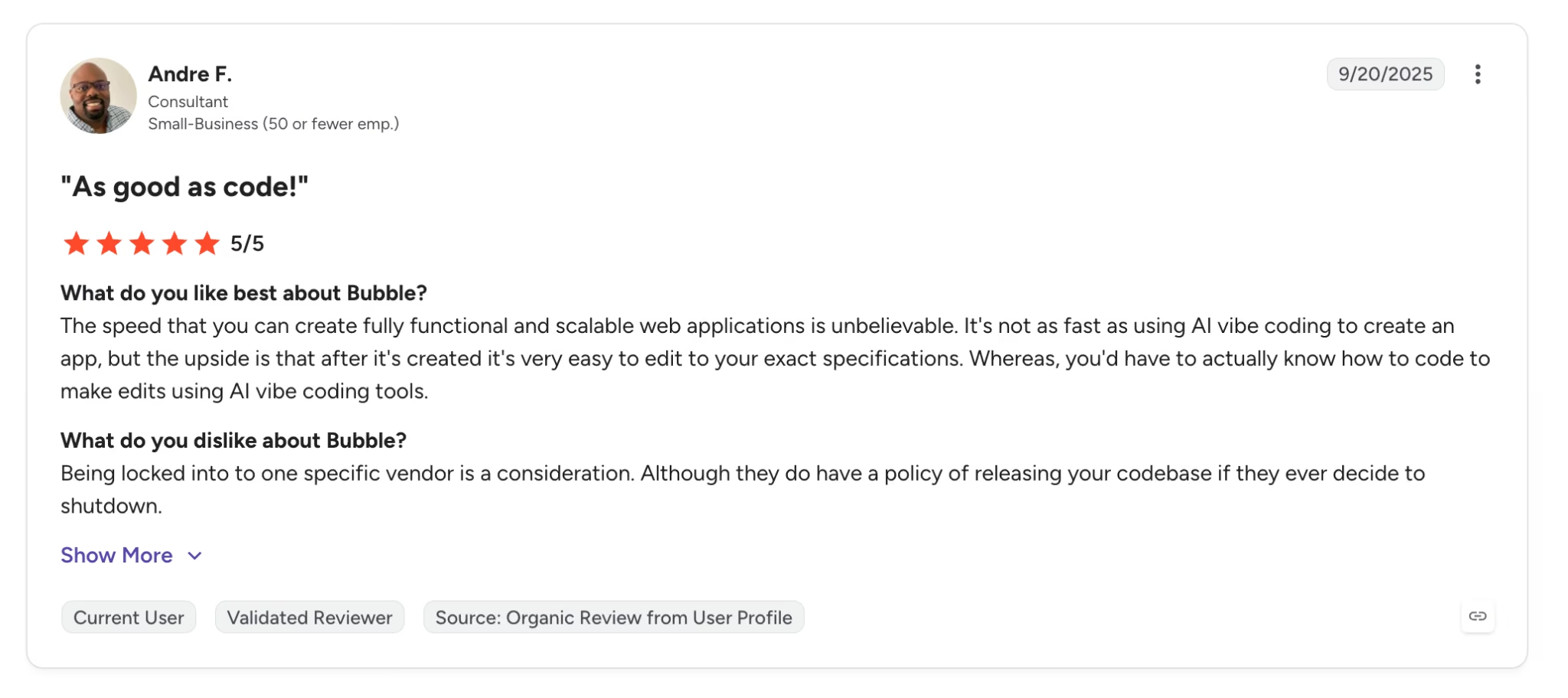
Pro: "The speed that you can create fully functional and scalable web applications is unbelievable," writes Andre F., a consultant reviewing Bubble on G2, where it holds 4.4 out of 5 across 166 reviews.
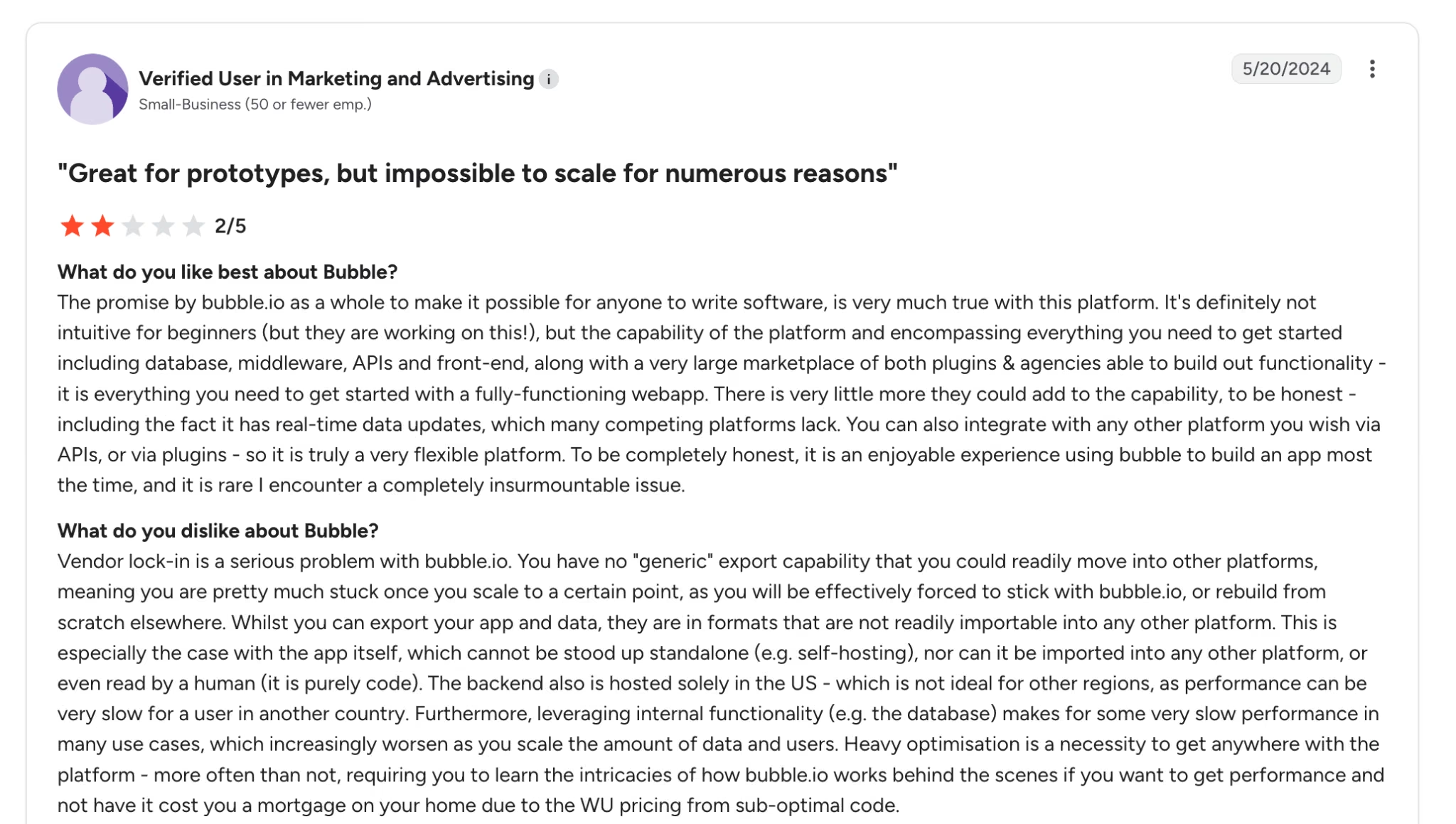
Con: "Vendor lock-in is a serious problem," warns a verified marketing reviewer on G2, who adds that under workload-unit pricing, a consumer app that suddenly grows can run up costs fast with no easy way off the platform.
Adalo
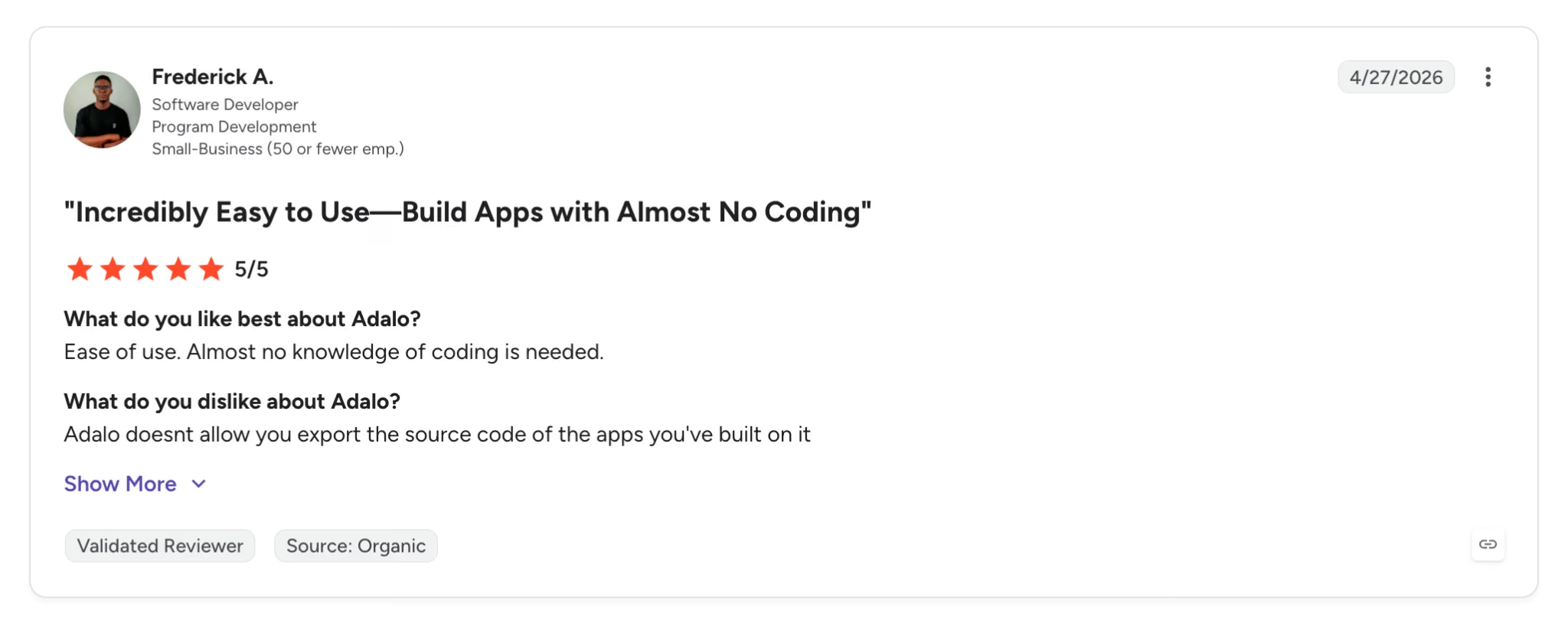
Pro: "Ease of use. Almost no knowledge of coding is needed," writes Frederick A., a software developer reviewing Adalo on G2. He credits it with speeding up how fast he ships MVPs, though he flags that you can't export the source code of the apps you build.
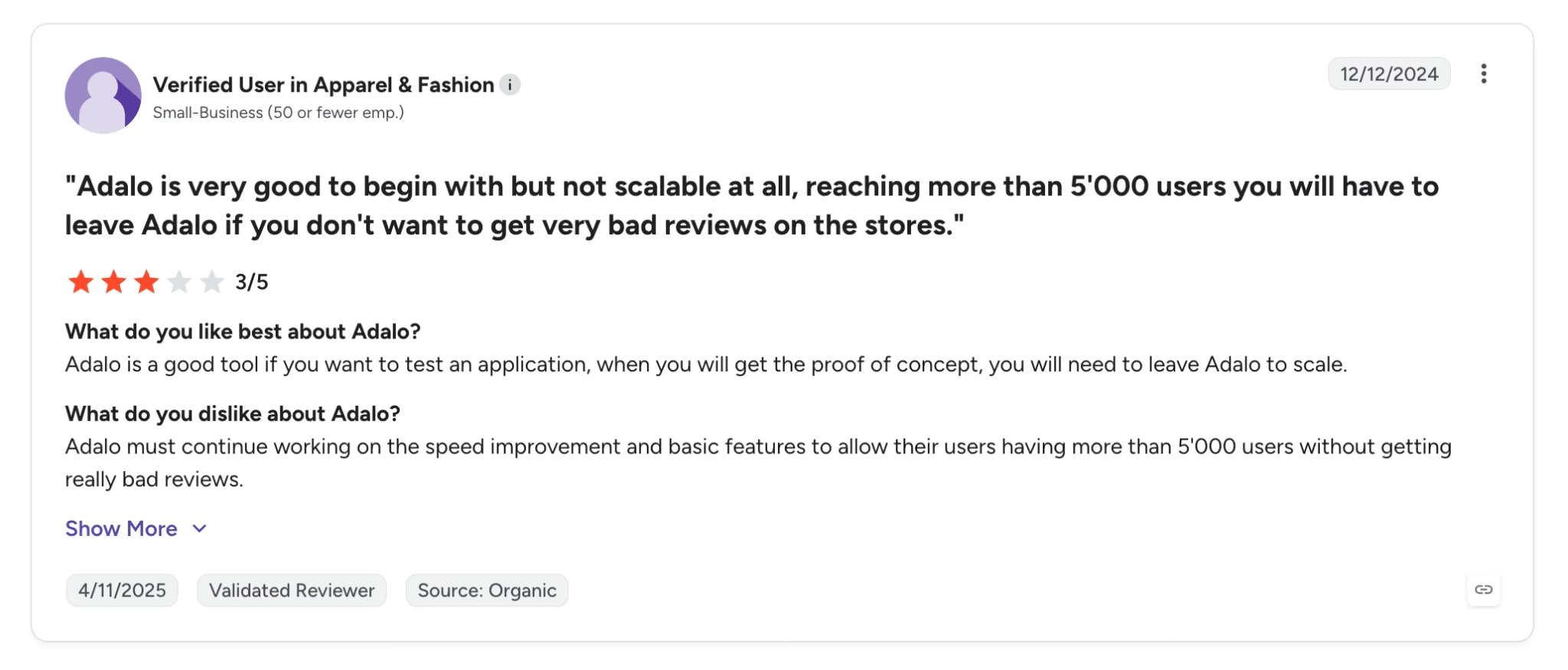
Con: Adalo is "very good to begin with but not scalable at all," warns a verified reviewer on G2, who reports that apps passing roughly 5,000 users ran into performance trouble before the 3.0 overhaul and advises treating it as a proof-of-concept tool.
Emergent
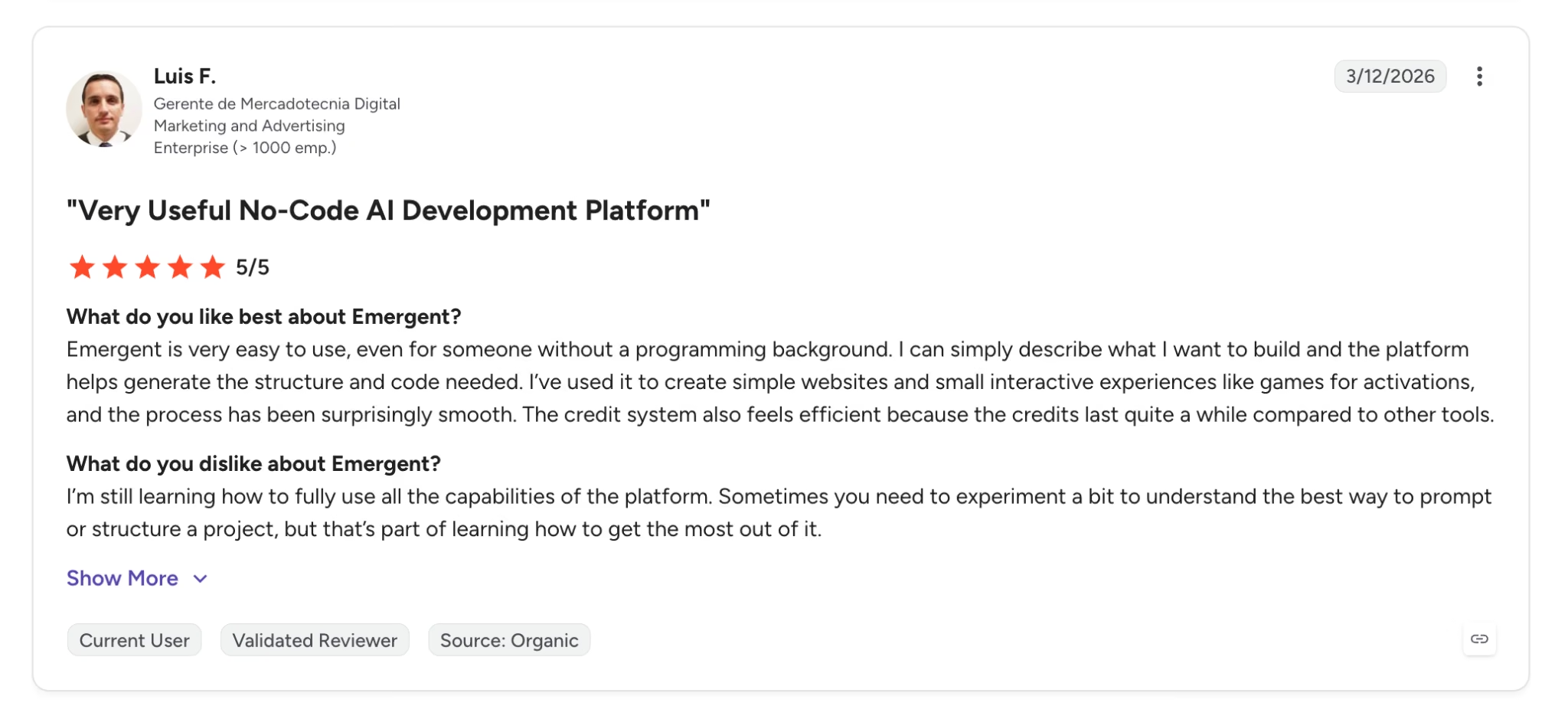
Pro: "Emergent is very easy to use, even for someone without a programming background," writes Luis F., a graphic designer reviewing it on G2. He describes typing what he wants to build and getting the structure and code generated for him, and finds the credits last longer than on other tools he's tried.
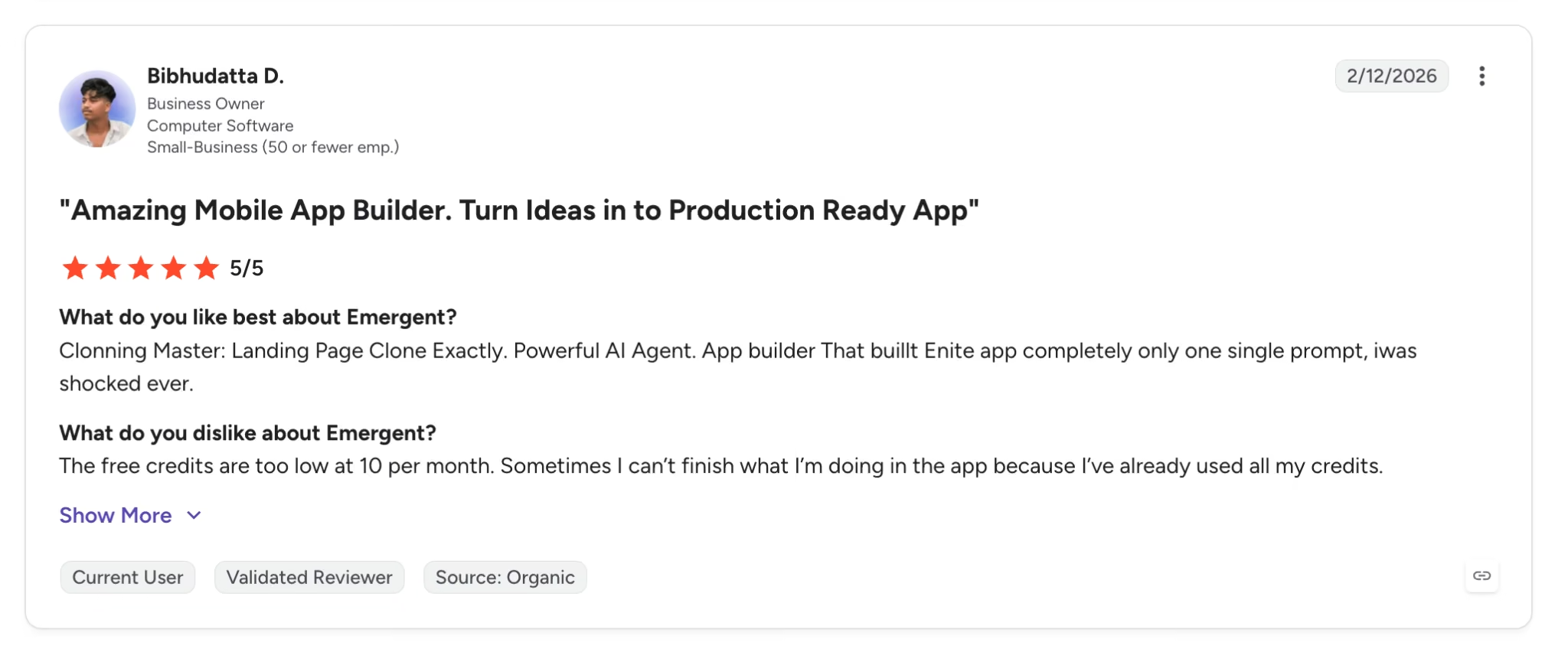
Con: "The free credits are too low at 10 per month," writes Bibhudatta D. on G2, who has built a logistics CRM and a habit-tracking mobile app on the platform but sometimes runs out mid-build. Worth knowing before you commit to a plan, since complex builds burn credits faster than simple pages.
How to Make Your Choice
The three tools serve different builders, so the right pick depends on what you're making. Here's who each one fits.
Bubble Is Better For
- Founders building complex web apps, like marketplaces or subscription products
- Teams that want deep, hands-on control over every screen and workflow
- Projects that will need a large plugin and template library to fill gaps
Adalo Is Better For
- First-time builders who want a simple native mobile app in the app stores
- Booking apps, directories, community apps, and other light mobile projects
- Anyone who wants flat, predictable pricing with no usage surprises
Emergent Is Better For
- Non-technical founders who want to describe an app instead of learning a visual builder
- Business software with real users, sign-in, and payments, like a CRM or client portal
- Anyone who wants to own and export the code and avoid being tied to one platform
The Verdict
In the Bubble vs Adalo matchup, the call comes down to what you're building. Pick Bubble for a web app with serious depth, and pick Adalo for a simple native mobile app you want live fast, with costs that stay easy to predict.
Emergent sits in a different lane. If you're avoiding code because you don't want to learn a visual builder at all, it's the one that turns a plain-language description into a working app you actually own, which neither visual tool offers.
Try Emergent on Your Next App
If you like the idea of describing an app instead of assembling it, Emergent is built for exactly that, and you can start without paying anything.
- Skip the visual canvas entirely: Describe the app you want in plain language, and Emergent builds a version you can preview in minutes.
- Own your code from day one: On the Standard plan and up, sync each build to your own GitHub account, so a developer can pick it up whenever you're ready.
- Ship with sign-in and payments built in: Mention Google sign-in or Stripe checkout once and Emergent wires up the whole flow for you.
- Start a build inside your AI chat: The Emergent MCP connector lets you kick off an app from inside Claude or ChatGPT and get a live preview back.
Emergent's free plan includes 10 credits, enough to build a first app and see the approach for yourself. Try building your first app on Emergent.

Most AI app builders stop at prototypes. Emergent creates production-ready apps you can actually launch.
- Production-ready apps
- Web & mobile apps
- Deploy in minutes







