




TL;DR
- Process Street: for standardizing repeatable, conditional client-setup checklists.
- Dock: for collaborative client workspaces without requiring a login.
- Assembly: for branded client portals with simple automated workflows.
- GUIDEcx: for mid-market implementation with full visibility.
- Rocketlane: for professional services teams managing customer-facing projects.
- ChurnZero: for SaaS teams tracking real-time client health scores.
- Planhat: for automated lifecycle handoffs between sales and customer success.
- Clustdoc: for document and form collection at accounting, legal, and property firms.
- Scribe: for turning a screen recording into a step-by-step onboarding guide.
If you're looking for client onboarding software so you can stop chasing contracts, logo files, and status updates across five different apps, I have you covered.
I researched and tested nine client onboarding software tools: hands-on where free trials exist, and documentation and reviews where they don't. I also built an onboarding workflow to see if buying beats building.
Here's what each tool does, plus real pricing, honest pros and cons, and whether you should skip software entirely.
How I Researched and Tested These Client Onboarding Tools
I hands-on tested five tools with free plans or trials: Process Street, Dock, Assembly, Rocketlane, and Scribe. For each one, I built a working client-facing setup: a conditional intake workflow in Process Street, a client workspace with embedded assets in Dock, a branded intake portal in Assembly, an implementation portal with time tracking in Rocketlane, and a step-by-step onboarding process in Scribe.
GUIDEcx, ChurnZero, Planhat, and Clustdoc are demo-gated with no self-serve access. Those four are based on official documentation, demo materials, and verified reviews from G2 and Capterra.
Asana and Notion didn't make the cut. Both need heavy workarounds to restrict client access, and neither has native milestone sign-offs.
I scored every tool on five things:
- Features: How well each tool handles intake forms, progress tracking, and automated task assignments.
- Usability: Whether the interface is fast and clear for both internal teams and non-technical clients.
- Integrations: How smoothly it connects with CRMs, Slack, and e-signature tools.
- Pricing: The overall value delivered across starter plans, seat minimums, and tier upgrades.
- Use cases: How each platform performs across specific setups, from boutique consultancies to enterprise software rollouts.
This mix of hands-on testing and research shows which tools hold up day-to-day, beyond the sales demo.
How Do You Hand Off Work?
Before picking a tool, identify how your team interacts with new clients. Most service businesses fall into one of four ways of handing off work:
- Task-driven checklists: You need clients to fill out intake forms, upload assets, and complete fixed setup steps. If your process relies on strict sequences, look for checklist automation.
- Shared client workspaces: You want a clean, single destination where clients view project status, approve deliverables, and access links without logging into an account.
- Complex implementation projects: You manage multi-week rollouts with dozens of stakeholders, rigid Gantt charts, and strict milestone sign-offs across teams.
- Customer success and account health: You track long-term SaaS adoption, product usage, and retention metrics after the initial contract signing.
Match how you hand off work to the right tool, and you stop paying for features nobody uses.
9 Best Client Onboarding Software: Quick Comparison
Here's how all nine tools stack up on strengths, use cases, and starting price. Match this against your budget and how you hand off work before you dig into the full breakdowns below.
| Tool | Strengths | Best For | Starting Price |
|---|---|---|---|
| Process Street | Conditional logic, automated checklist triggers | Repeatable operations | 14-day trial, then quote-based |
| Dock | No-login client hubs, shared asset spaces | Collaborative workspaces | Free plan, then$350/month |
| Assembly | Branded client portals, integrated invoicing | Client management | Free plan, then$49/month |
| GUIDEcx | Guest task views, automated email updates | Mid-market implementations | Quote-based |
| Rocketlane | Resource management, time tracking, portal | Professional services | $49 per team member/month billed annually |
| ChurnZero | Live usage tracking, customer health scoring | SaaS retention | Quote-based |
| Planhat | Lifecycle tracking, automated handoffs | Enterprise CS teams | Quote-based |
| Clustdoc | Compliance intake, eSignatures, ID verification | Regulated service businesses (legal, accounting, property) | $190/month |
| Scribe | Free plan, auto-generated step-by-step guides | Solo consultants documenting repeatable processes | Free plan, paid plan starts at $35/user/month($25/user/month annual) |
1. Process Street: Best for Conditional Client-Setup Checklists
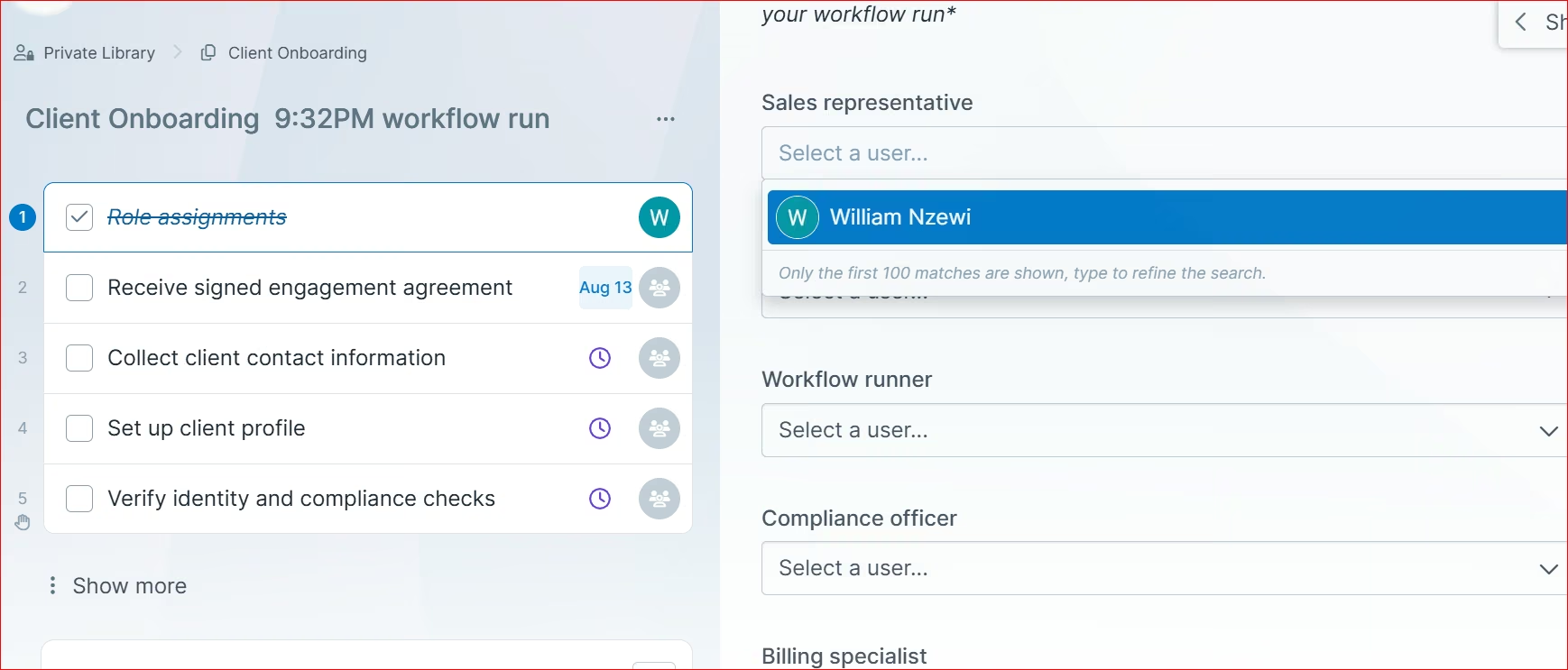
What it does: Process Street automates client onboarding checklists using conditional logic. Different answers on an intake form change which tasks appear next.
Best for: Operations managers and agencies running strict, multi-step intake processes that change based on client inputs.
I opened a new workflow and got three choices: generate with AI, upload a document, or start from a template. I tried the AI route first and had a nine-step client intake workflow in about four minutes, though it guessed wrong on who owned two of the steps.
Choose "Generate with AI" and the platform's AI builds the workflow for you in minutes.
You can go the Templates route, although it's not as fast as having AI do it. You select a template and edit.
Building from scratch gives you the most control. You drag in each step yourself and write your own IF-THEN rules, which is worth it when your process doesn't match any template.
Unless you want something really complex, I'd advise that you have AI do it for you, or edit and customize templates and get set up in minutes.
Key Features
- Dynamic conditional logic: Hides or shows checklist steps based on responses in previous form fields so clients only see relevant tasks.
- Role-based task assignments: Automatically routes specific setup steps to internal designers, account managers, or client guests upon form completion.
- Stop tasks: Enforces hard dependencies that prevent team members or clients from skipping crucial steps before earlier milestones finish.
Pros and Cons
Pros:
- Conditional logic means a client only sees the steps their answers actually trigger, so fewer people stall out halfway.
- Stop tasks block a step from being skipped, which catches the missing contract before kickoff instead of after.
- Form answers push straight into your CRM, so nobody retypes a client's details.
Cons:
• No public pricing is listed anywhere on the site, so solo operators can't gauge cost without booking a sales call.
• Task status views can feel cluttered when running dozens of client instances simultaneously.
What Users Say
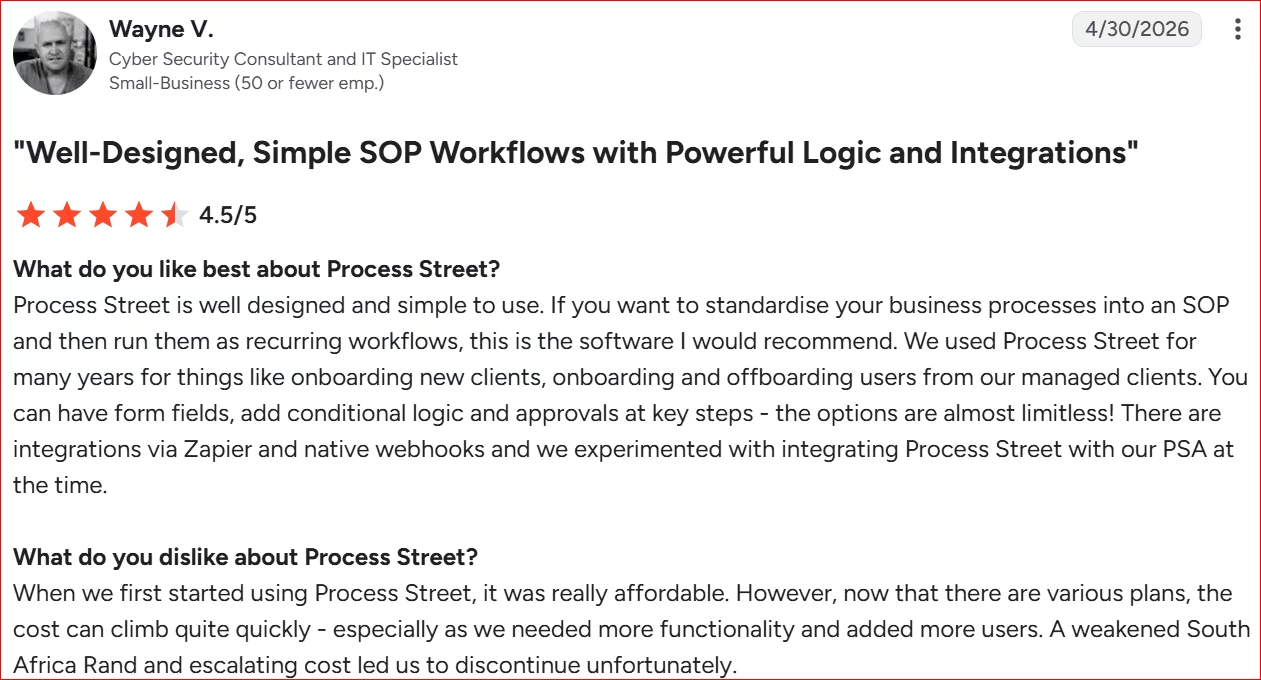
“We used Process Street for many years for things like onboarding new clients, onboarding and offboarding users from our managed clients.” - Wayne V., G2
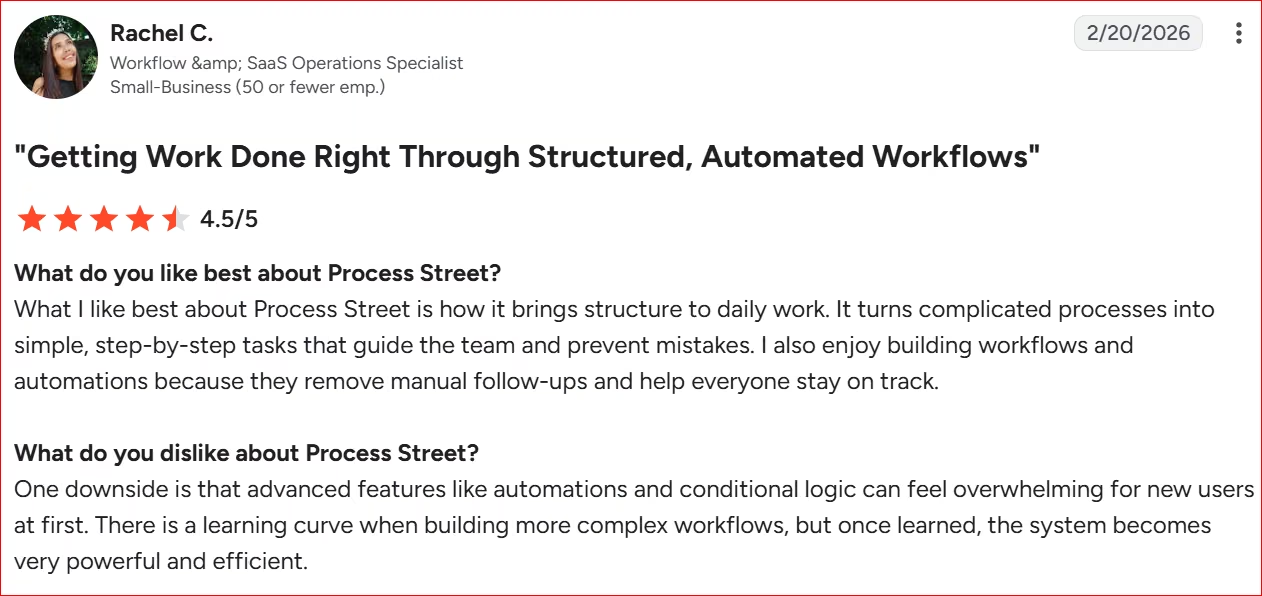
“One downside is that advanced features like automations and conditional logic can feel overwhelming for new users at first.” - Rachel C., G2
Pricing
Process Street offers a 14-day free trial, but pricing itself is fully custom quote-based. All three tiers (Startup, Pro, Enterprise) require contacting sales directly.
Bottom Line
I recommend Process Street if your service delivery relies on rigid, repeatable checklists with conditional steps. If you only need a flexible, casual space to share links and documents, look at workspace tools like Dock instead.
2. Dock: Best for Collaborative Client Workspaces Without Requiring a Login
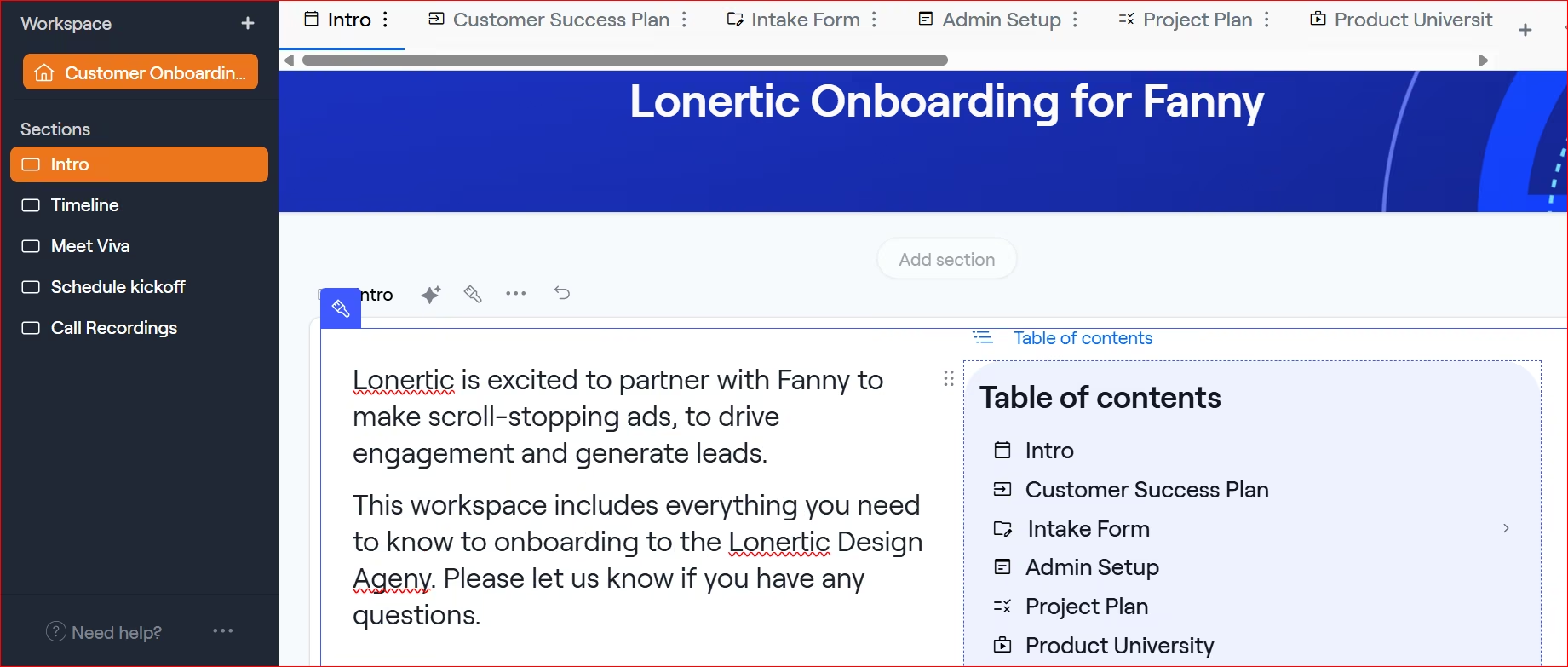
What it does: Dock builds client portals that centralize documents, tasks, and project links in one shared workspace, no login required.
Best for: B2B service agencies, account managers, and sales teams that want to share project materials without forcing clients to create account passwords.
I picked a multi-page client onboarding template and started customizing it for a mock client engagement.
Dock's editor takes about ten minutes to figure out. Once you know where the page settings live, customizing goes fast. You start with a little overview section about the onboarding and stating the timeline of the different phases involved.
Next is a form where your client answers your intake questions and uploads their files. You can schedule a kickoff call inside Dock with a connected meeting scheduler, then have clients move through the onboarding tasks.
The third tab houses the initial setup info and checklist, so clients can get everything they need as they go through the onboarding process. You can customize it to your taste.
The onboarding phases update automatically as clients complete onboarding tasks.
You can add tutorials and training videos for clients to go through, and keep tabs on them as they do so. That allows you to see those who completed their onboarding and those who didn't.
Dock's onboarding method is a bit too old-fashioned for me, especially with AI becoming mainstream. I finished in under 30 minutes, so it's quick enough. It's tedious, though: a lot of clicking through page settings to get one tab looking right.
Some people still prefer doing things the "old" way. If that's how you like to work, Dock is a good fit.
Key Features
- Passwordless client access: Allows external stakeholders to review materials and check off assigned tasks using a unique link.
- Real-time content analytics: Tracks which client team members open files, view videos, or download resources inside the portal.
- Dynamic template engine: Converts successful workspace layouts into reusable client templates for rapid account creation.
Pros and Cons
Pros:
• Removes login barriers so clients complete tasks instantly.
• Tracks real-time client engagement to show exactly when to follow up.
• Free tier supports up to 10 workspaces for small teams.
Cons:
• Customization options feel rigid if you need tailored layout options.
• Building complex custom workspace templates takes upfront setup time.
What Users Say
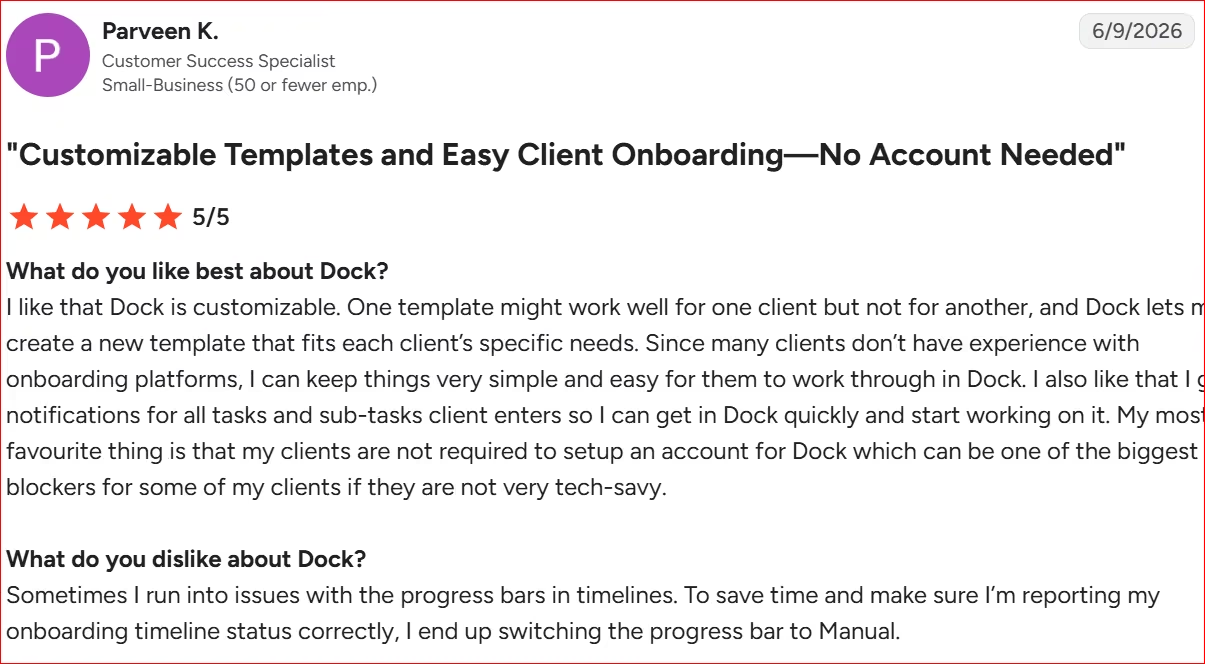
“My most favourite thing is that my clients are not required to setup an account for Dock which can be one of the biggest blockers for some of my clients.” - Parveen, G2
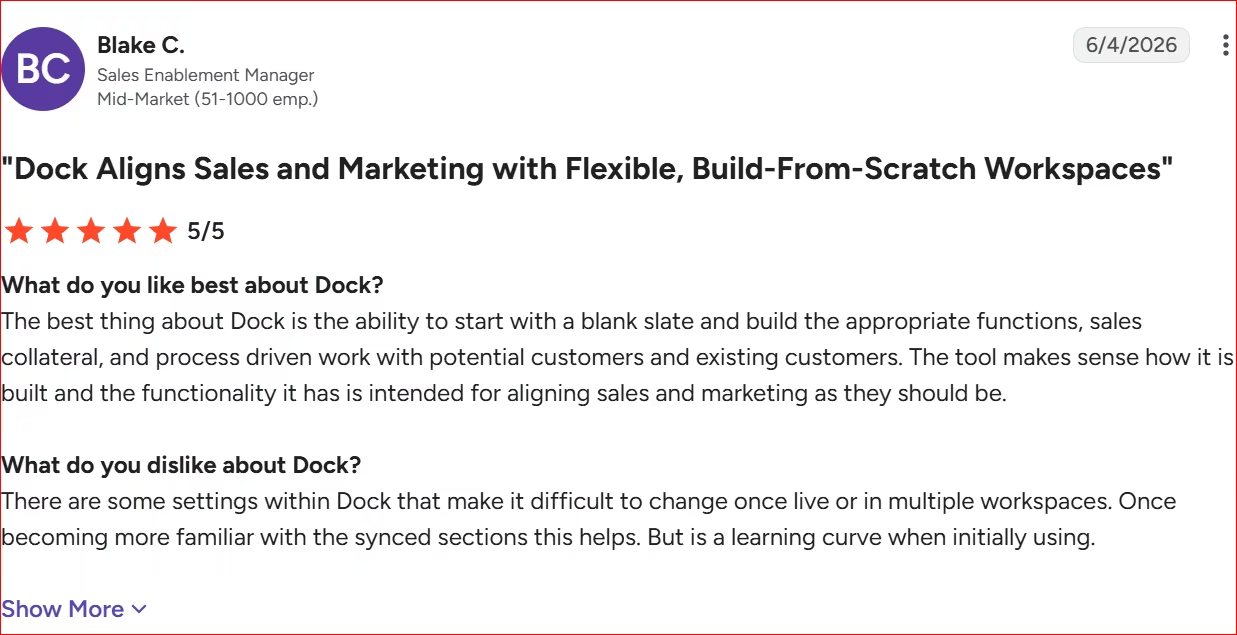
“There are some settings within Dock that make it difficult to change once live or in multiple workspaces” - Blake C., G2
Pricing
Dock offers a Free plan that includes up to 10 customer workspaces and standard integrations like Slack and Loom. Paid tiers start with the Standard plan at $350 a month, which includes five users (extra seats are $50 a month each). Premium is $1,000 per month, billed annually, for larger revenue teams.
Bottom Line
If your clients drop off when forced to create logins for traditional project tools, Dock gives you a frictionless way to deliver updates and assets. Teams that need complex multi-level approval hierarchies might find its portal layout too simple.
3. Assembly: Best for Branded Client Portals with Simple Automated Workflows
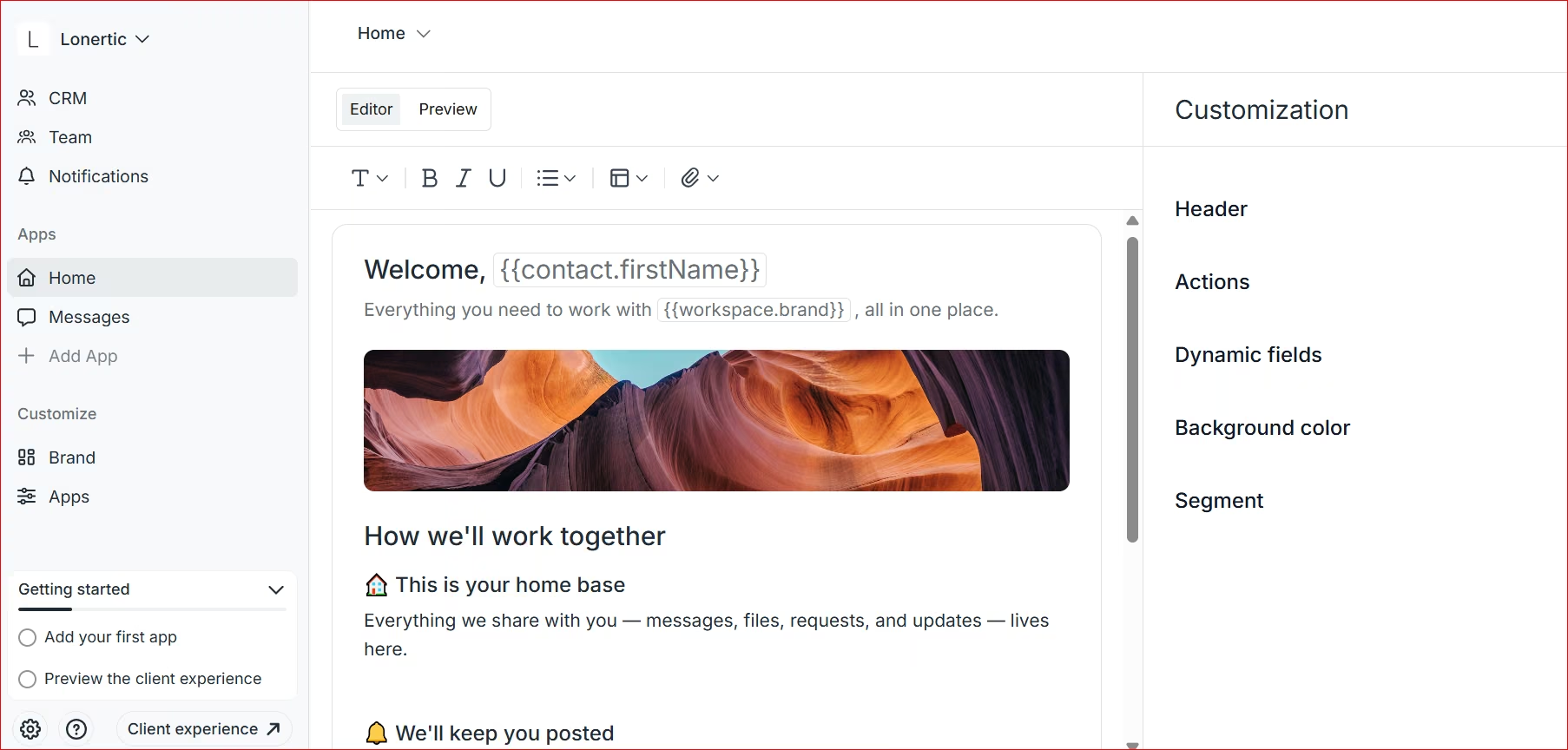
What it does: Assembly combines contracts, invoicing, file sharing, and client communication into one white-labeled portal.
Best for: Boutique marketing agencies, accounting practices, and consultants who want an all-in-one client portal under their own custom brand domain.
Assembly is both a client portal and a CRM, giving you a branded space that pulls all your tools and touchpoints together.
Inside the portal, your clients can handle everything you'd usually guide them through. Things like submitting forms, uploading files, signing contracts, paying invoices, checking tasks, and buying the services you sell.
When your client arrives, they see the client homepage that shows their pending actions, invoices, contracts, forms, the tasks, all in one place. Client onboarding can run automatically.
Use custom intake forms to collect project details and preferences. Then use "if-this-then-that" rules to trigger next steps which could be assigning the intake form to your team members to process.
You customize and assign agreements to clients which they sign directly inside the client environment. They take other actions by clicking on pending ones and going straight to the appropriate app to complete the action.
Assembly is easy to get around. Set up your branding once, and everything else lives in the left sidebar.
Assembly took about 20 minutes to set up, including a rule engine that triggers billing requests and welcome emails the moment a client signs their contract.
Key Features
- White-labeled client portal: Customizes branding, logos, and custom web domains so clients interact directly with your brand.
- Automated workflow rules: Triggers specific actions, like sending follow-up messages or generating invoices, when clients complete checklist items.
- Integrated native billing and contracts: Collects e-signatures and processes credit card payments directly inside the client workspace via Stripe.
Pros and Cons
Pros:
• Slashes tech stack costs and chaos.
• Simple setup allows non-technical business owners to launch a portal in an hour.
• Automates repetitive follow-up emails and billing requests using simple workflow rules.
Cons:
• Contract building tools feel basic compared to dedicated e-signature platforms.
• Billing runs through Stripe, so teams standardized on another processor lose the built-in payment advantage.
What Users Say
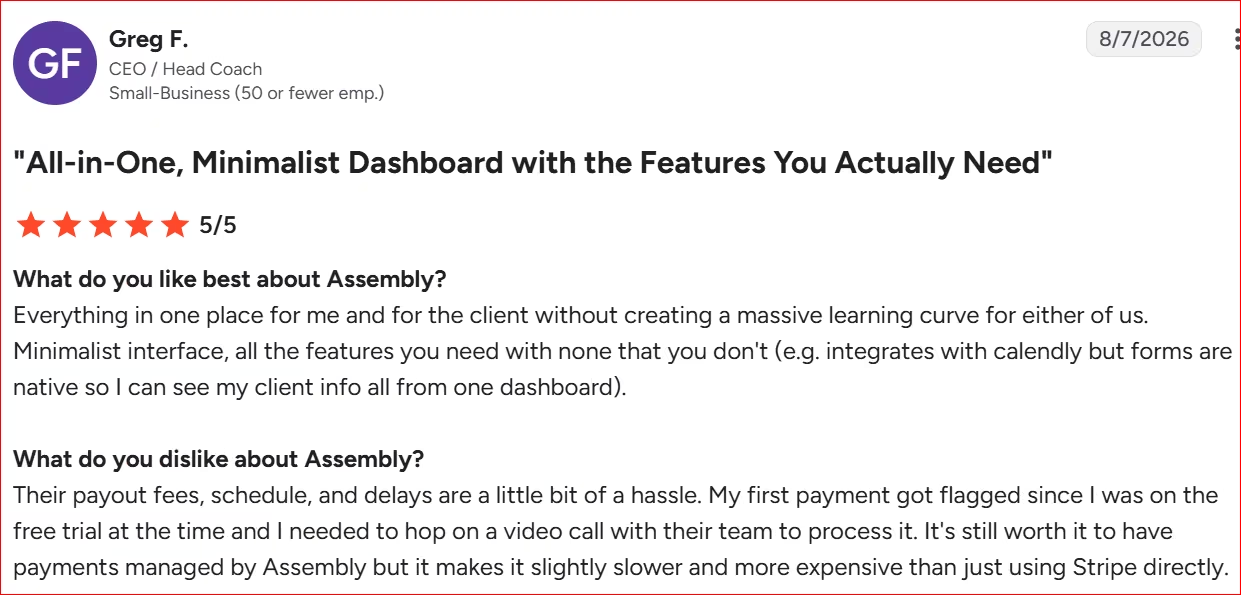
“Everything in one place for me and for the client without creating a massive learning curve for either of us.” - Greg F., G2
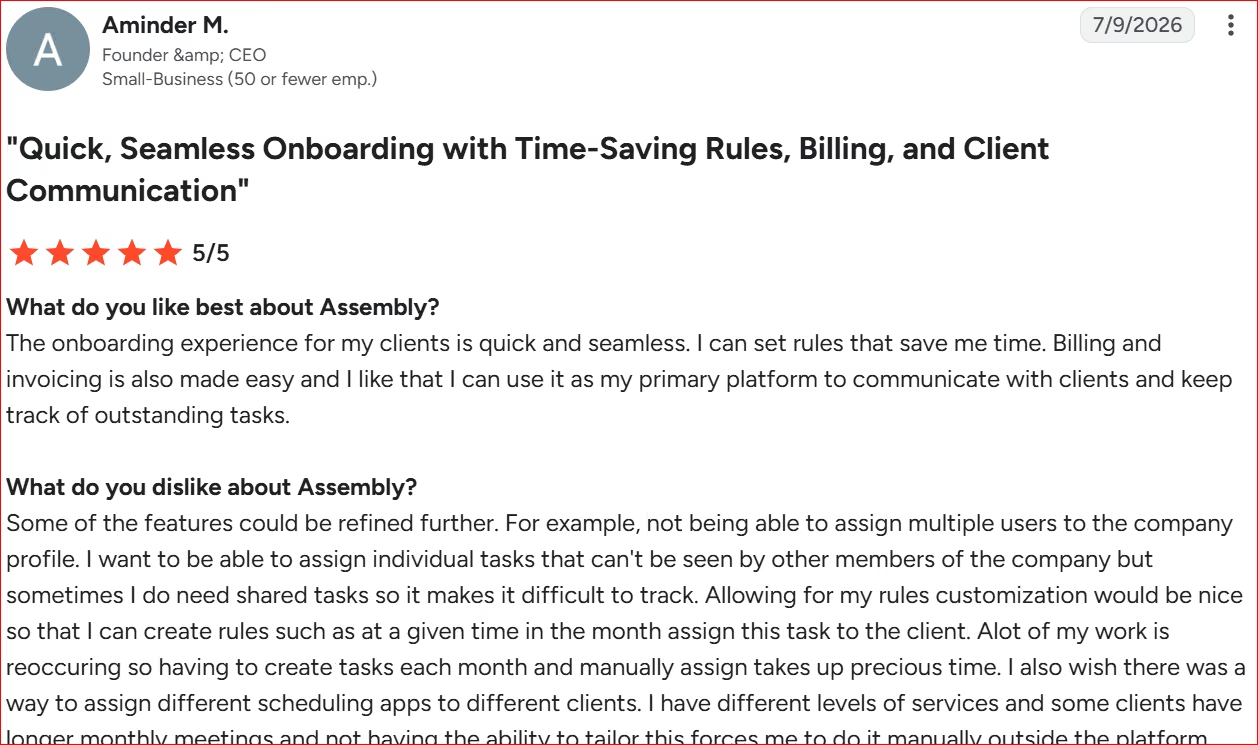
“I want to be able to assign individual tasks that can't be seen by other members of the company but sometimes I do need shared tasks so it makes it difficult to track.” - Aminder M., G2
Pricing
Assembly offers a free plan. Paid subscription plans start at $49/month ($29/month billed annually) for the Starter plan. Higher-tier plans include the Professional plan at $139 per month and the Advanced plan at $599/month for growing service teams.
Bottom Line
Assembly is an ideal match for service businesses that want to consolidate client billing, contracts, and onboarding into a sleek, branded portal. If you already have dedicated tools for invoicing and e-signatures, a simpler workspace tool like Dock might better fit your workflow.
4. GUIDEcx: Best for Mid-Market Implementation Teams
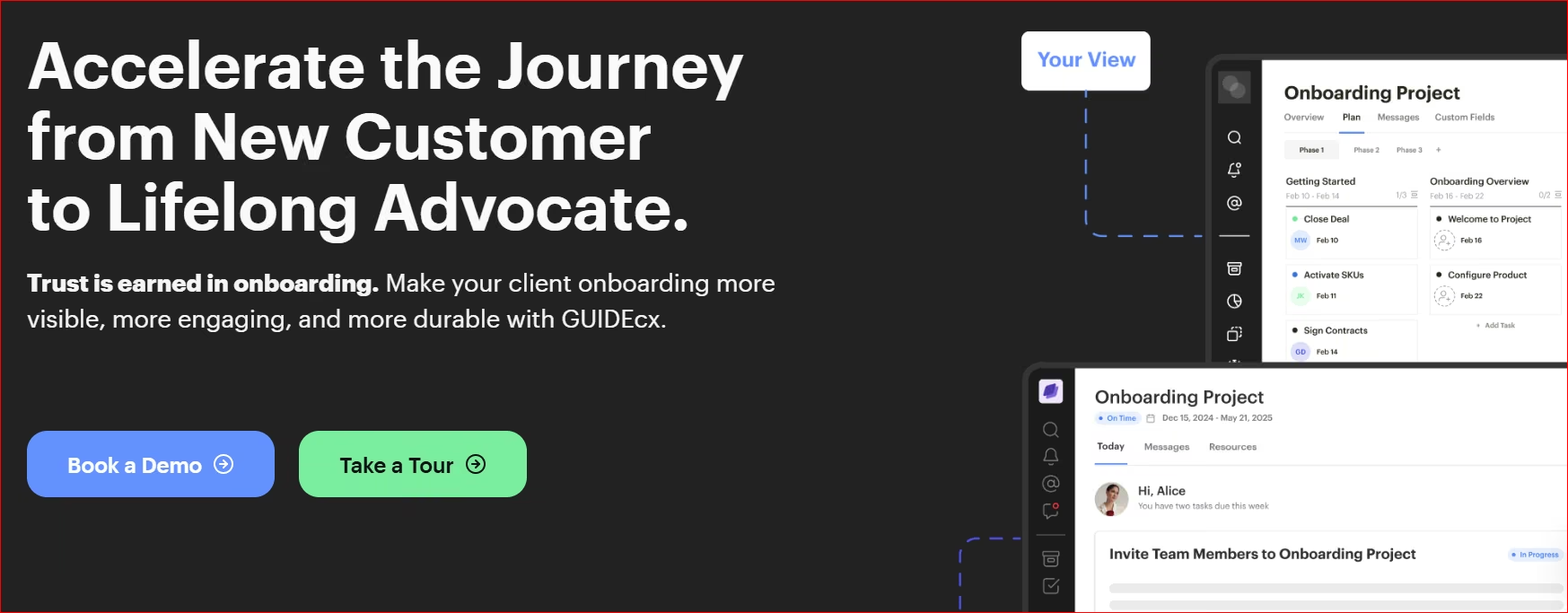
What it does: GUIDEcx manages client implementations with role-based tasks, automated emails, and milestones that clients can see.
Best for: Mid-market software companies and implementation providers managing multi-department client rollouts with external stakeholders.
GUIDEcx doesn't offer a free trial, so this is based on a demo of their Premium tier, the level that unlocks the Salesforce and HubSpot integrations most mid-market rollouts need, plus their documentation and verified reviews.
What stands out is the structure. Teams set up multi-stage rollout templates, assign roles to external client reps, and track completion in real time. The magic-link login lets guest stakeholders finish tasks straight from their email inbox, without ever creating an account.
A good use case would be a 40-person software vendor onboarding a new enterprise client across four departments: legal reviewing contracts, IT provisioning access, finance setting up billing, and end users getting trained, all inside one shared timeline instead of four separate email threads.
On G2, GUIDEcx holds a 4.6/5 rating across 460+ reviews, but a steep learning curve is the most-cited complaint, followed by occasional lag navigating between projects.
Key Features
- Persona-based visibility: Filters task views automatically so executives, project managers, and external clients only see items relevant to their specific role.
- Magic link email tasks: Allows client team members to complete tasks and submit deliverables directly from email notifications without logging in.
- Forecasted completion dates: Calculates projected project finish dates dynamically based on current client completion speeds and past task bottlenecks.
Pros and Cons
Pros:
• Drives immediate executive engagement with magic links.
• Syncs with your CRM to launch client projects automatically, eliminating handoff delays.
• Keeps cross-functional teams aligned with automated progress reporting.
Cons:
• Pricing model carries a high entry cost that pushes it out of reach for solo consultants.
• Interface customization and template creation can require a steep learning curve during initial setup.
What Users Say
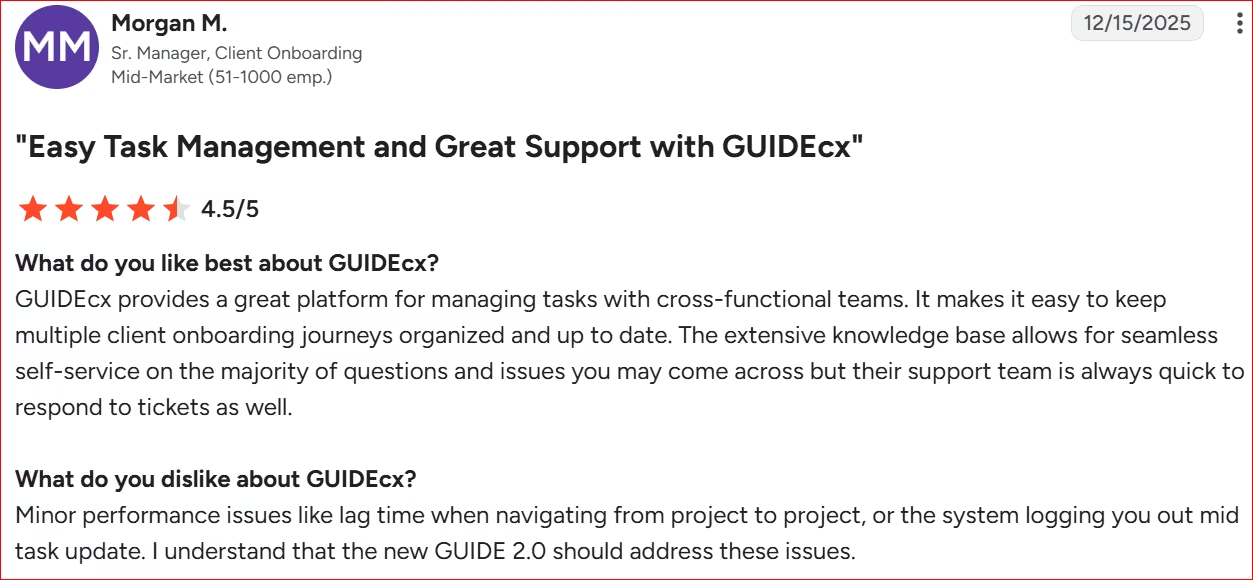
“GUIDEcx provides a great platform for managing tasks with cross-functional teams.” - Morgan M., G2
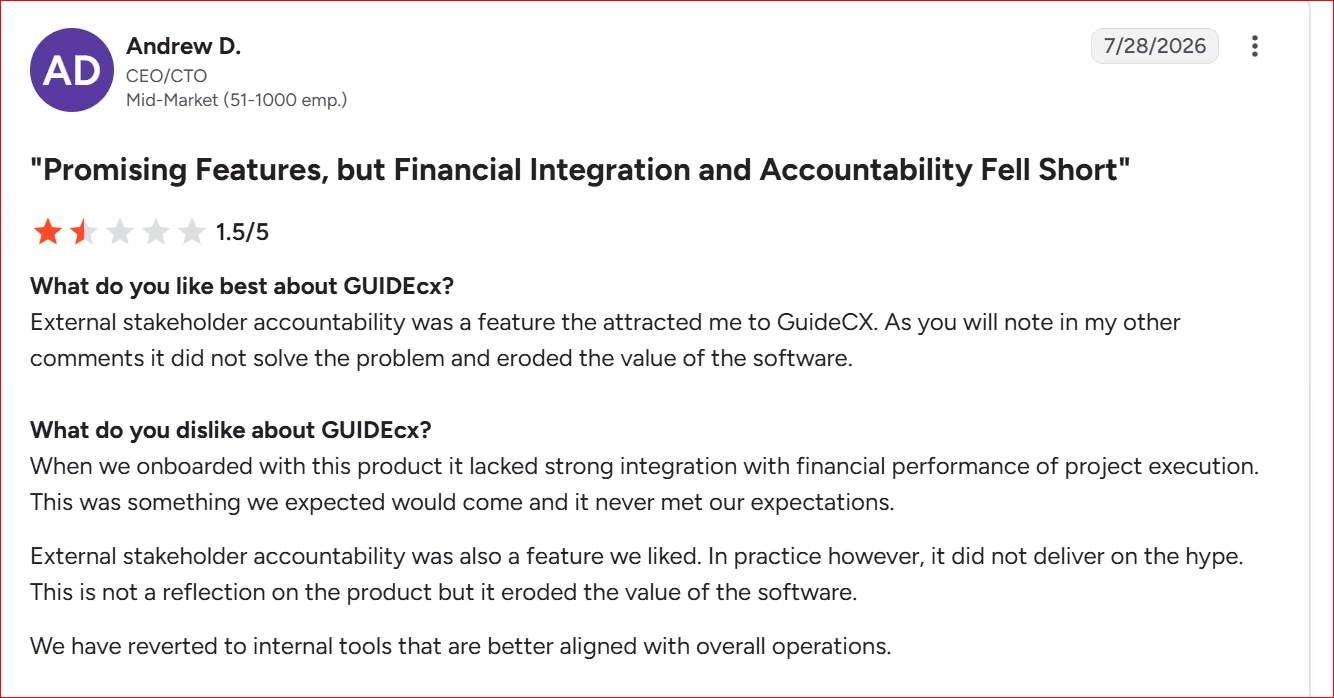
“When we onboarded with this product it lacked strong integration with financial performance of project execution.” - Andrew D., G2
Pricing
GUIDEcx doesn't publish pricing for any tier. Starter, Premium, and Advanced all require speaking to the sales team for a quote, and GUIDEcx doesn't offer a free trial.
Bottom Line
GUIDEcx excels when you manage complex, multi-week client implementations where customer accountability dictates project timelines. If you only run lightweight, single-contact onboarding flows, lighter workspace tools offer better value.
5. Rocketlane: Best for Professional Services Teams
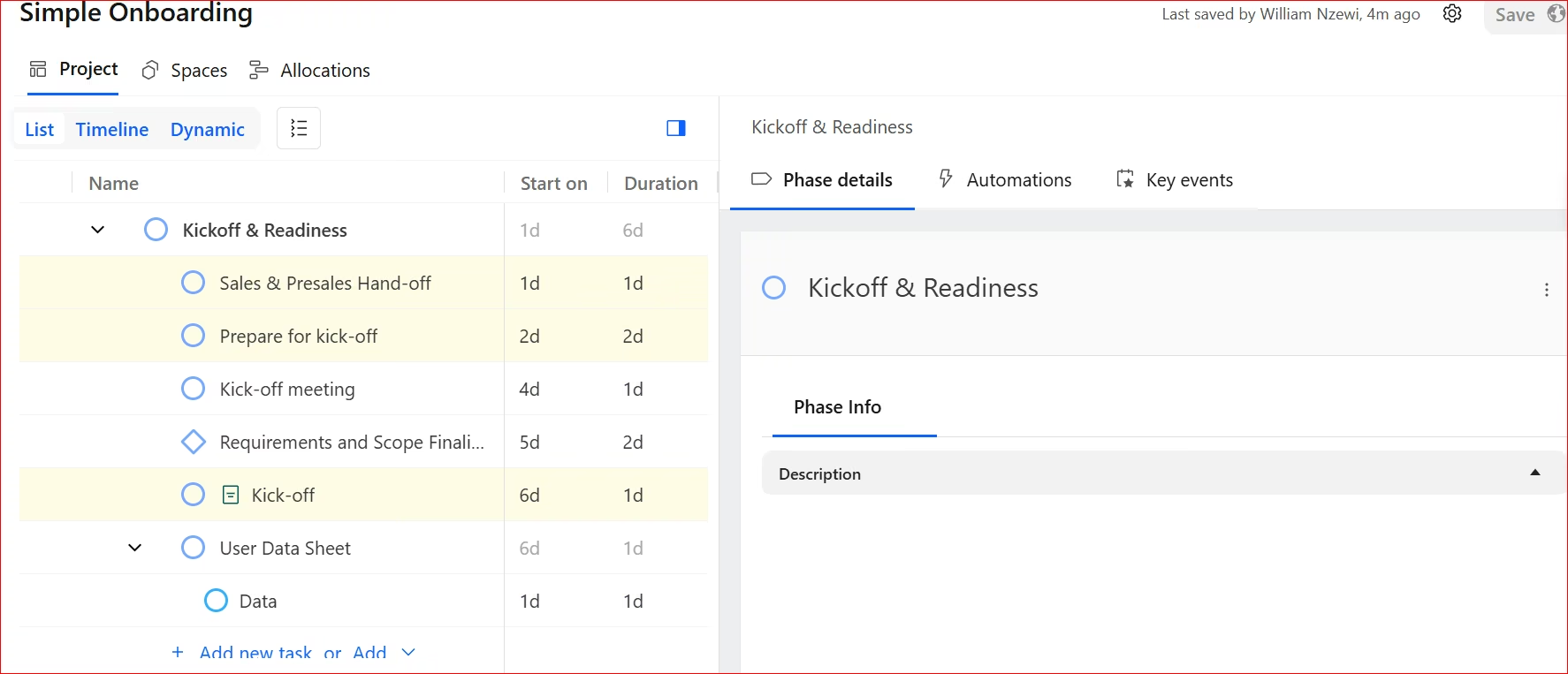
What it does: Rocketlane combines project management, a client portal, and resource tracking into one customer-facing workspace.
Best for: Professional services agencies, implementation managers, and IT consultancies delivering high-touch services with dedicated project milestones.
Rocketlane is right for agencies that bill by the hour.
Setup took about 35 minutes, longer than Dock or Assembly, because Rocketlane makes you define phases and roles before it'll let you invite a client. I built a four-phase implementation portal, turned on time tracking, and connected HubSpot.
The dual view is the real payoff: my margin notes and logged hours stayed on my side of the wall, while the client saw a clean timeline.
There are project templates with predefined phases and tasks, and clients can log into the portal and keep track of projects.
Syncing customer data directly from CRMs like Salesforce or HubSpot is straightforward.
Key Features
- Dual-view workspaces: Keeps internal task notes, margins, and private team conversations hidden while giving clients full visibility into shared milestones.
- Built-in customer satisfaction score and milestone approvals: Prompts clients to submit feedback and formal sign-offs as soon as project phases finish.
- Integrated time tracking and resource planning: Tracks billable hours and team capacity alongside active onboarding milestones to prevent project overruns.
Pros and Cons
Pros:
• Eliminates tool sprawl and double entry.
• Protects confidential internal chat.
• Triggers automatic CSAT surveys at key milestones so you can fix issues before clients churn.
Cons:
• Native reporting tools feel basic when building complex custom data filters.
• Advanced automation features require higher subscription tiers.
What Users Say
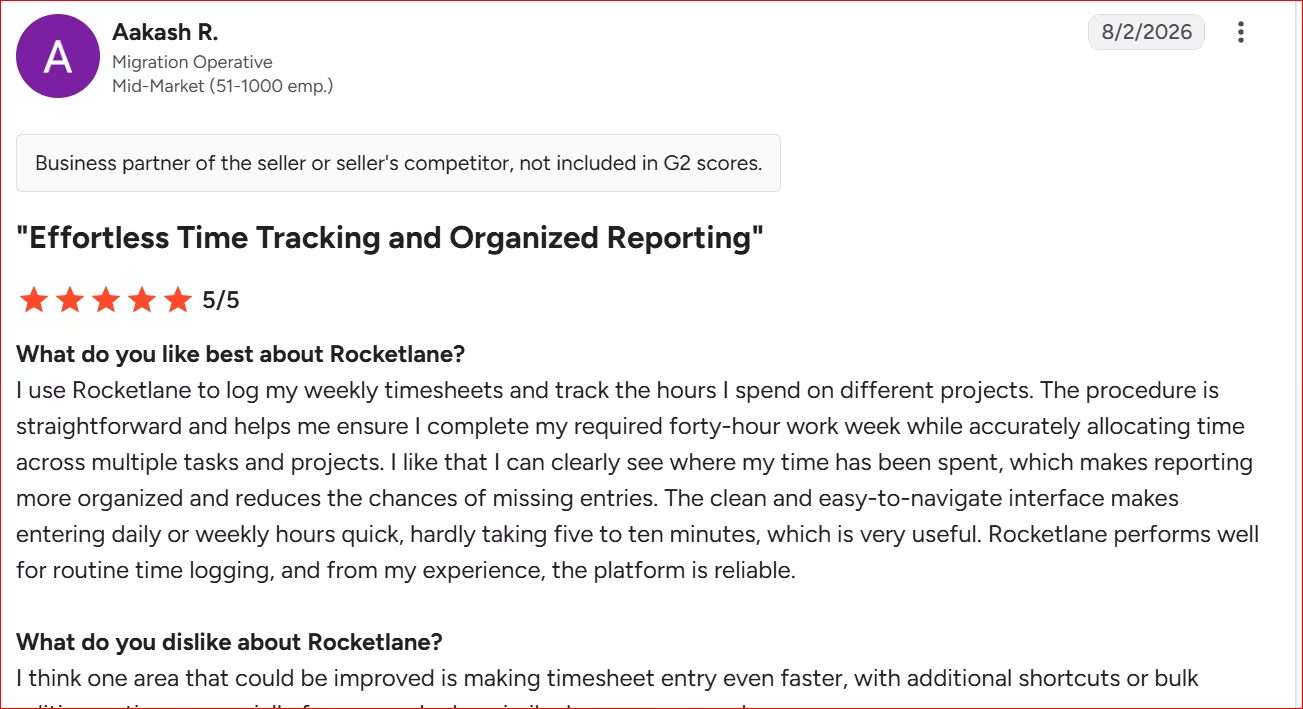
“I use Rocketlane to log my weekly timesheets and track the hours I spend on different projects.” - Aakash R., G2
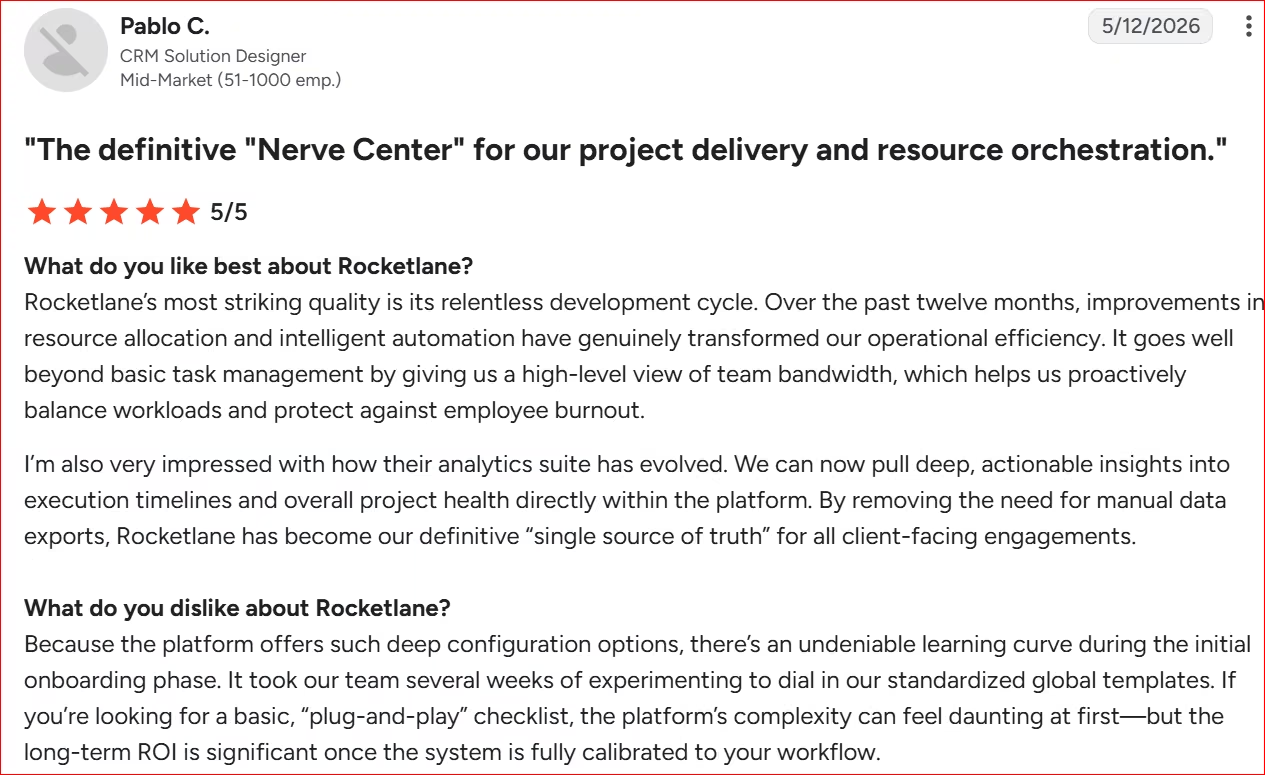
“there’s an undeniable learning curve during the initial onboarding phase.” - Pablo C., G2
Pricing
Billed annually, paid plans start at $49/team member/month (billed annually with a five-seat minimum). Higher tiers include the Premium plan at $69/team member/month and Enterprise at $99/team member/month.
Bottom Line
I recommend Rocketlane if you run a professional services firm that needs to track billable hours and internal resources alongside client work.
If you don't bill by the hour, you're paying for the half of Rocketlane you'll never open. Dock or Assembly cost less and set up faster.
6. ChurnZero: Best for SaaS Teams Tracking Real-Time Client Health Scores
What it does: ChurnZero tracks product usage metrics and automates customer success workflows to reduce client churn during and after onboarding.
Best for: B2B SaaS companies and subscription businesses that manage high-volume customer accounts and need telemetry on account adoption.
ChurnZero doesn't offer a free trial or publish named plan tiers, it's demo-and-quote only, so this reflects a sales demo plus their documentation and verified reviews.
The platform is built around early-warning telemetry for client onboarding. You decide what counts toward a client's health score: logins, finished tasks, connected integrations.
Set a floor. When a client drops below it, ChurnZero emails their account manager the same day.
ChurnZero would be perfect for a 300-account SaaS renewal team pulling health scores from Salesforce and product usage data, not having to check each account by hand.
The tool holds a 4.7/5 rating across more than 1,600+ G2 reviews, but a steep learning curve is the most-cited complaint, and reporting rigidity, difficulty slicing usage data for specific reports, comes up almost as often.
Key Features
- Real-time health scoring: Combines product adoption data, login frequency, and task completion into live risk scores.
- Automated playbooks: Triggers targeted email follow-ups or internal task assignments when client behavior shifts.
- In-app messaging: Delivers walkthrough guides and checklist reminders directly inside your web application interface.
Pros and Cons
Pros:
• Stops churn before it happens.
• Triggers automated, behavior-based check-ins that reach the right clients at the right moment.
• Connects CRM data with live product usage to give your team complete visibility without tool-switching.
Cons:
• Lacks a self-serve tier or lower-cost monthly pricing options.
• Requires substantial technical setup time to connect product data streams properly.
What Users Say
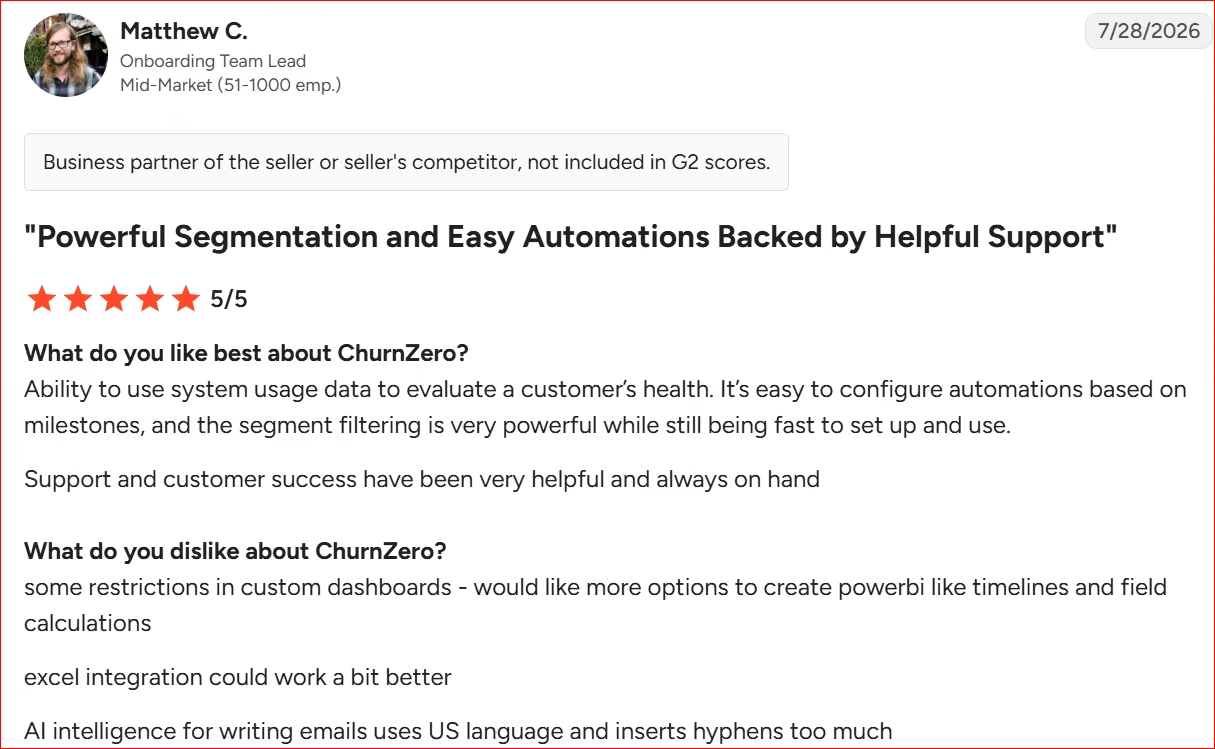
“Ability to use system usage data to evaluate a customer’s health.” - Matthew C., G2
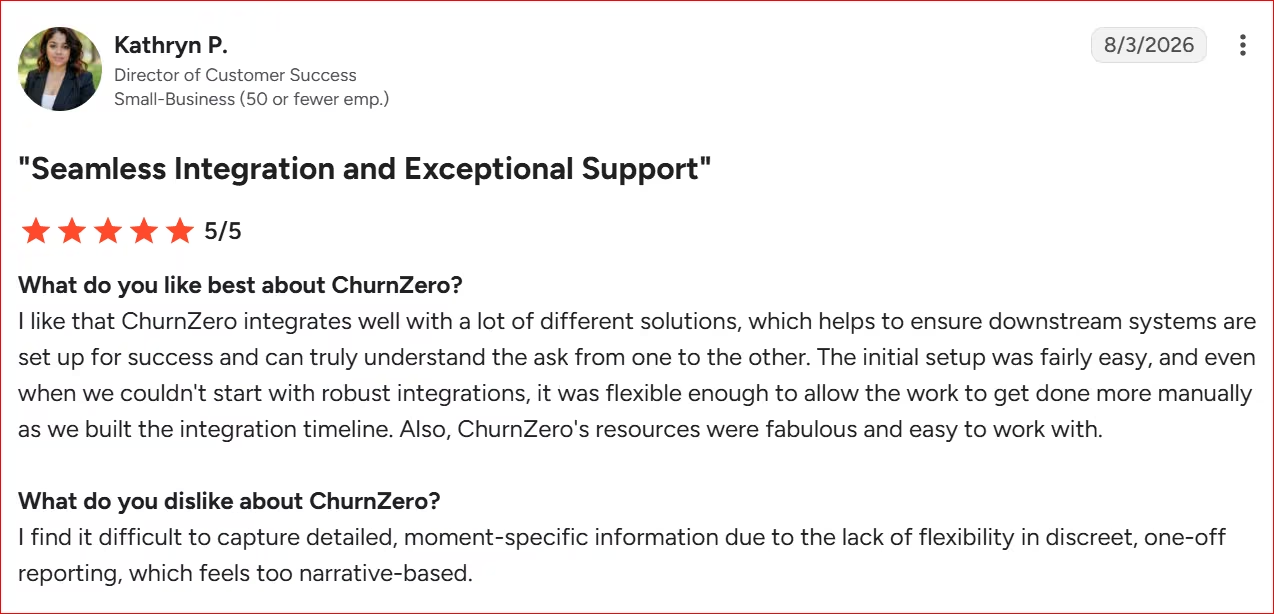
“I find it difficult to capture detailed, moment-specific information due to the lack of flexibility in discreet, one-off reporting.” - Kathryn P., G2
Pricing
ChurnZero doesn't publish pricing anywhere on its website, and unlike the others on this list, it has no dedicated pricing page at all. Cost is quote-based and depends on the number of customer accounts you manage, your seat count, and which modules you need.
Bottom Line
ChurnZero is great for growing B2B software companies that need to monitor user adoption and automate retention workflows.
If your problem is getting clients through week one rather than watching adoption over month six, this is the wrong category. Start with Dock.
7. Planhat: Best for Automated Handoffs Between Sales and Customer Success
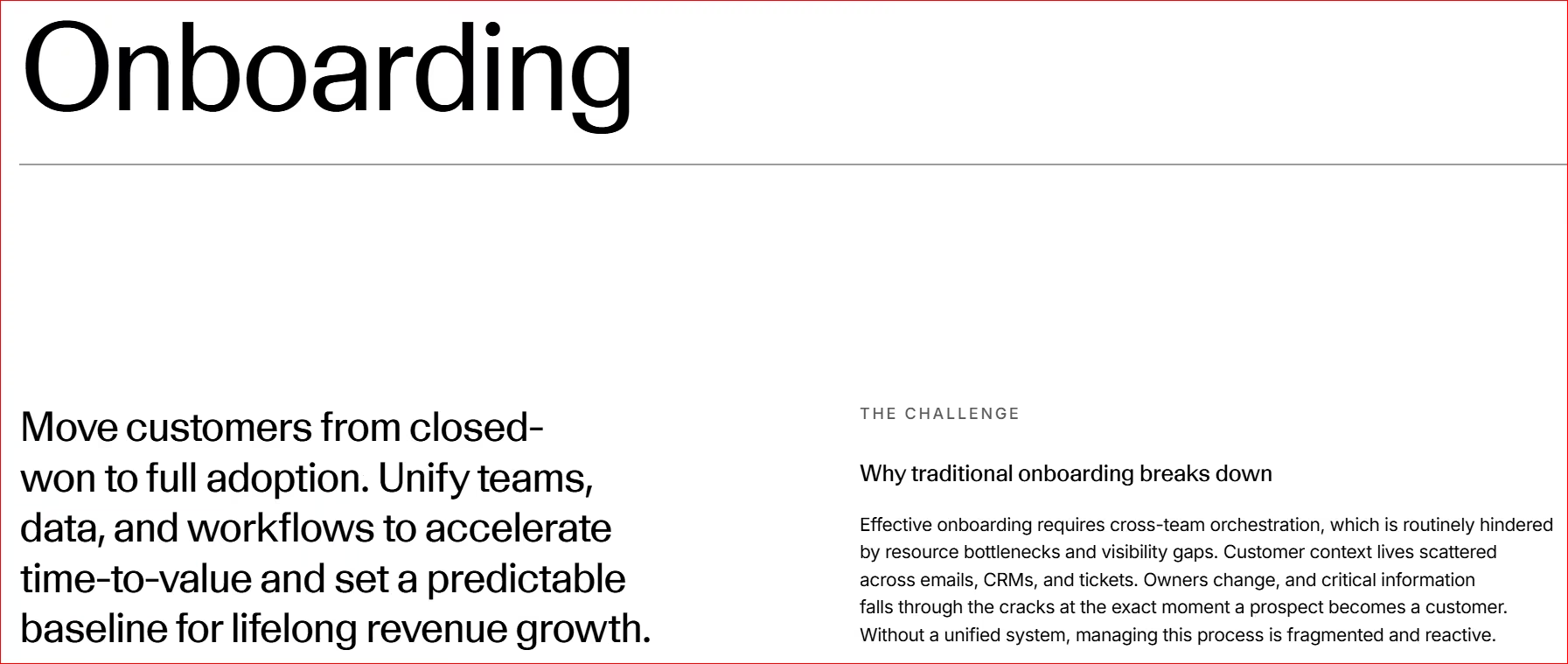
What it does: Planhat unifies customer data, onboarding timelines, and post-sale account management into a single platform for customer success teams.
Best for: Mid-market and enterprise B2B companies that need to coordinate complex team handoffs between sales, onboarding, and account management.
Planhat is demo-gated too, with no named self-serve tiers, so this is based on documentation, verified reviews, and demo materials.
Planhat’s standout feature is automated handoffs. Mark a deal "Closed Won" in a connected CRM, and Planhat generates an onboarding workspace, assigns kickoff tasks, and pulls over sales notes automatically.
Custom playbooks keep internal teams aligned across the customer lifecycle. Great for a multi-region CS team building separate health scores for three product lines, each weighted differently by usage pattern, inside one shared data model.
Planhat holds a 4.5/5 rating across over 950+ G2 reviews, but a steep learning curve tied to complex setup and inconsistent documentation is the top complaint, with interface complexity close behind.
Key Features
- Automated lifecycle handoffs: Triggers internal notifications, task assignments, and workspace creation instantly when accounts transition from sales to onboarding.
- 360-degree customer data view: Brings together product usage data, support ticket history, and onboarding milestones into a central dashboard.
- Configurable success playbooks: Outlines required onboarding steps and automatically alerts account managers if a customer stalls on key tasks.
Pros and Cons
Pros:
• Automates cross-department handoffs so critical client details don't get lost after sales wrap up.
• Pricing scales with the customer accounts you manage rather than headcount, so adding a teammate doesn't automatically add cost. Confirm the seat terms with Planhat for your plan.
• Flexible data structure lets teams track custom onboarding metrics along with overall account health.
Cons:
• Requires dedicated setup time to configure custom workflows and data connections.
• High entry pricing pushes it beyond the reach of solo founders and small agencies.
What Users Say
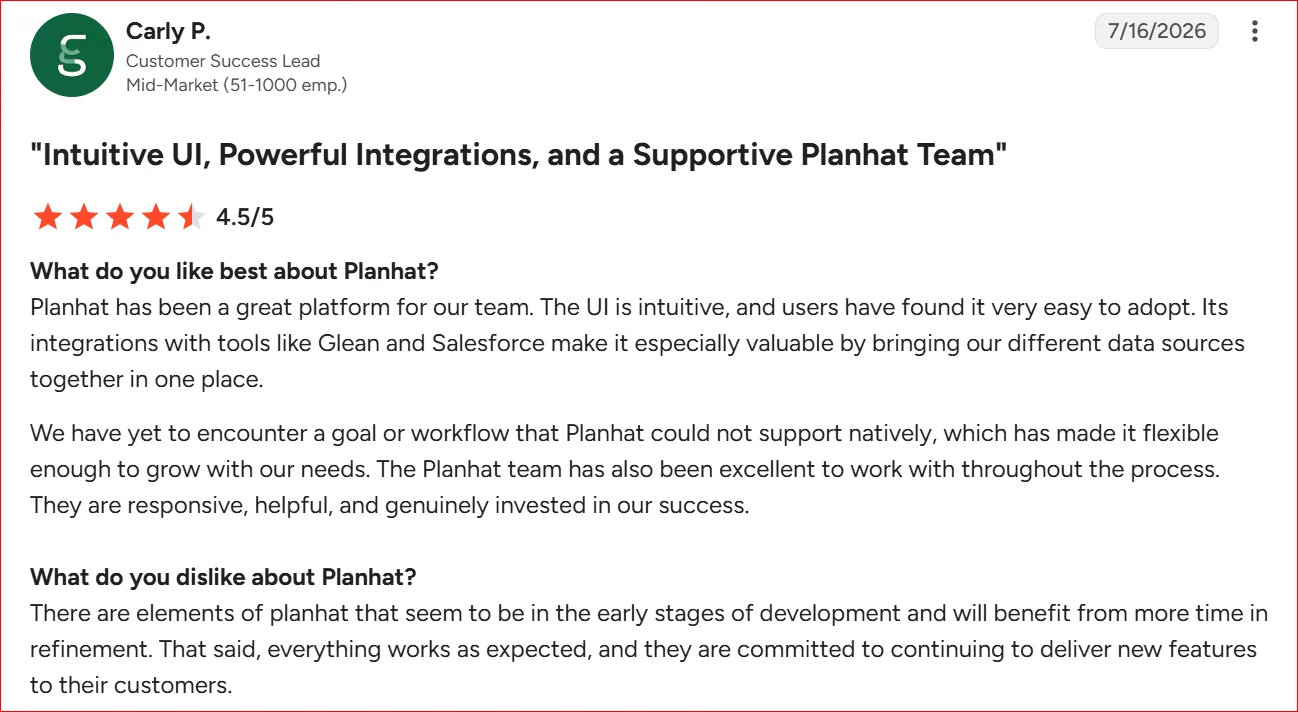
“Planhat has been a great platform for our team. The UI is intuitive, and users have found it very easy to adopt.” - Carly P., G2
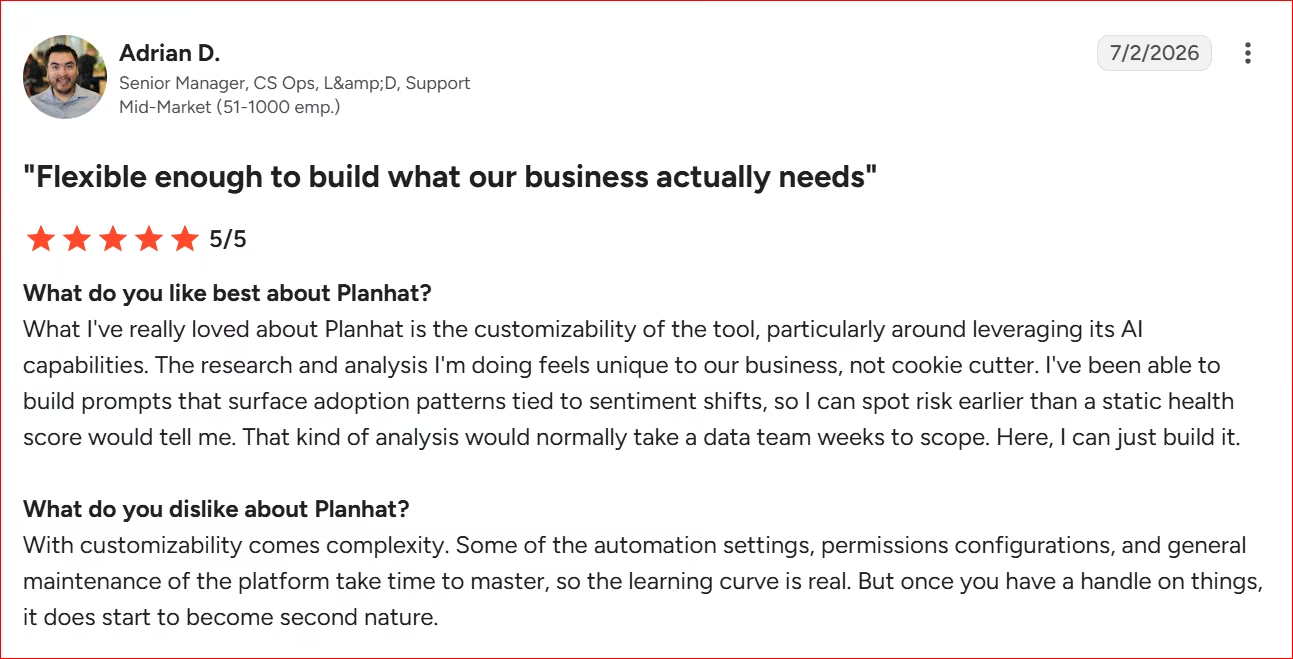
“Some of the automation settings, permissions configurations, and general maintenance of the platform take time to master.” - Adrian D., G2
Pricing
Planhat doesn't publish pricing anywhere on its website. Cost is quote-based and scales with the number of active customer accounts you manage and the modules you select.
Bottom Line
Planhat is good if you manage complex, cross-functional customer success operations with high contract values. If you're a lean agency looking for a quick, plug-and-play onboarding checklist, Assembly offers a much faster path to launch.
8. Clustdoc: Best for Regulated Service Businesses
What it does: Clustdoc combines a client portal, eSignatures, and ID verification into one compliance-focused onboarding flow.
Best for: Regulated service businesses, like law firms, accounting practices, and property managers, that need audit-ready client intake.
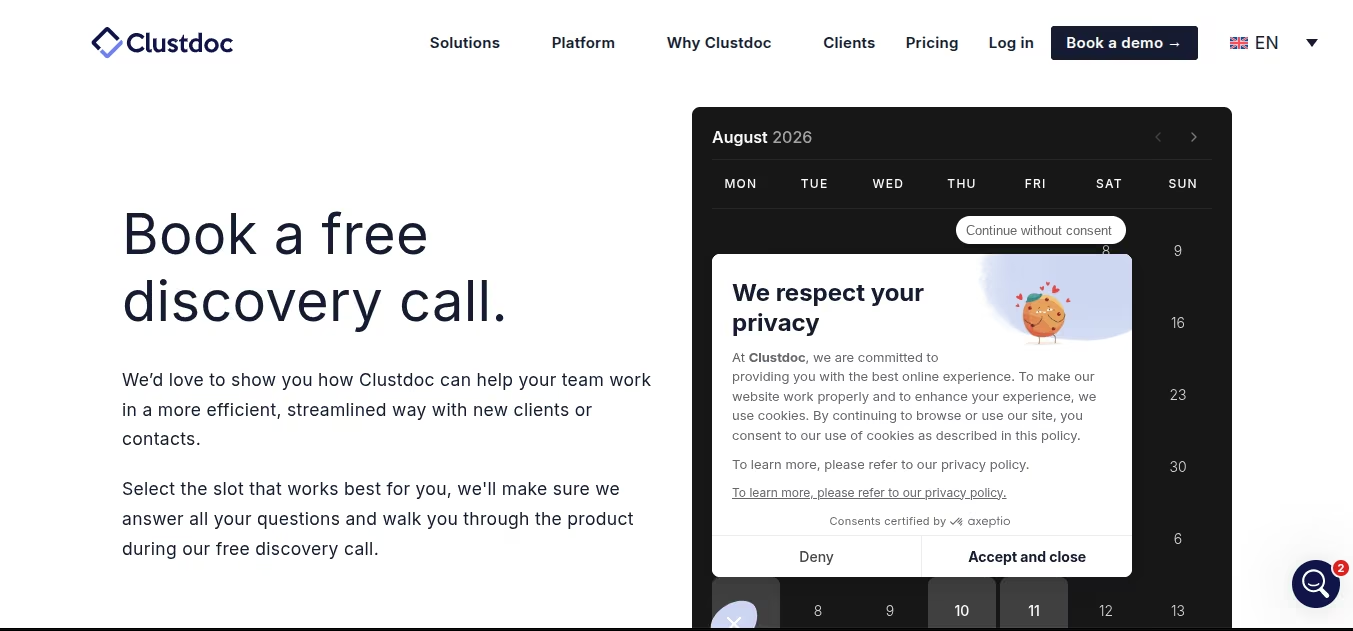
Clustdoc requires a discovery call before you can access the free trial, so this is based on their demo, documentation, and verified reviews rather than independent hands-on use.
The compliance depth stands out. Teams can require an ID verification step, an eSignature, and a document upload inside the same client-facing flow, with an audit trail built for regulated industries.
An ideal use case would be a property management firm onboarding a new tenant: ID verification confirms the applicant's identity, the lease gets signed inside the same portal, and supporting documents land in one place.
Key Features
- ID verification module: Confirms a client's identity against a government-issued document before releasing sensitive intake steps.
- eSignature: Collects a legally binding signature directly inside the same portal.
- Unlimited process templates: Build a distinct intake flow for each service line without paying per template.
Pros and Cons
Pros:
• Easily handles complex KYC, KYB, and regulated intake steps so you can onboard high-friction clients safely without needing custom engineering or secondary audit tools.
• No credit card required to access the trial, once the discovery call is out of the way. Secures immediate hands-on access to test workflows.
Cons:
• Reviewers with long or detailed forms report field character limits that feel restrictive.
• Forms don't auto-save a client's progress, so a lost connection mid-form means starting over.
What Users Say
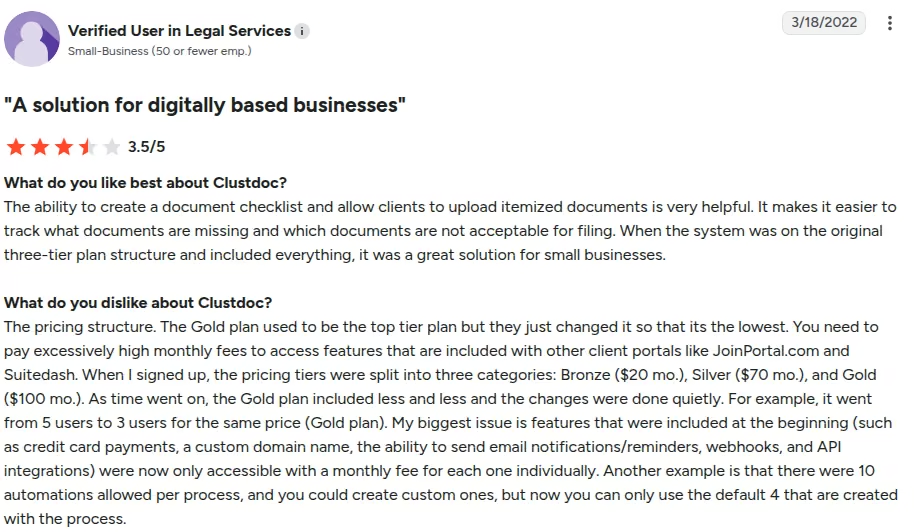
“The ability to create a document checklist and allow clients to upload itemized documents is very helpful” - Verified User in Legal Services, G2
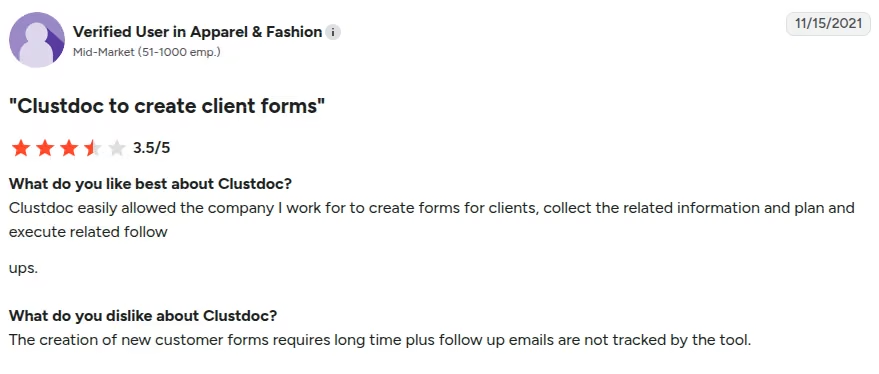
“The creation of new customer forms requires long time plus follow up emails are not tracked by the tool [sic].” - Verified User in Apparel & Fashion, G2
Pricing
Clustdoc's official pricing page lists plans starting around $190 (Pro) a month for three seats, one process type, and 50 applications a month. Expert and Ultimate plans are quote-based.
Bottom Line
I recommend Clustdoc if your intake is regulated, think KYC or KYB checks for lending, legal, or property services, since the compliance tooling is built for that. If your onboarding is simpler, a lighter tool like Dock or Assembly would do.
9. Scribe: Best for Turning a Walkthrough Into a Shareable Guide
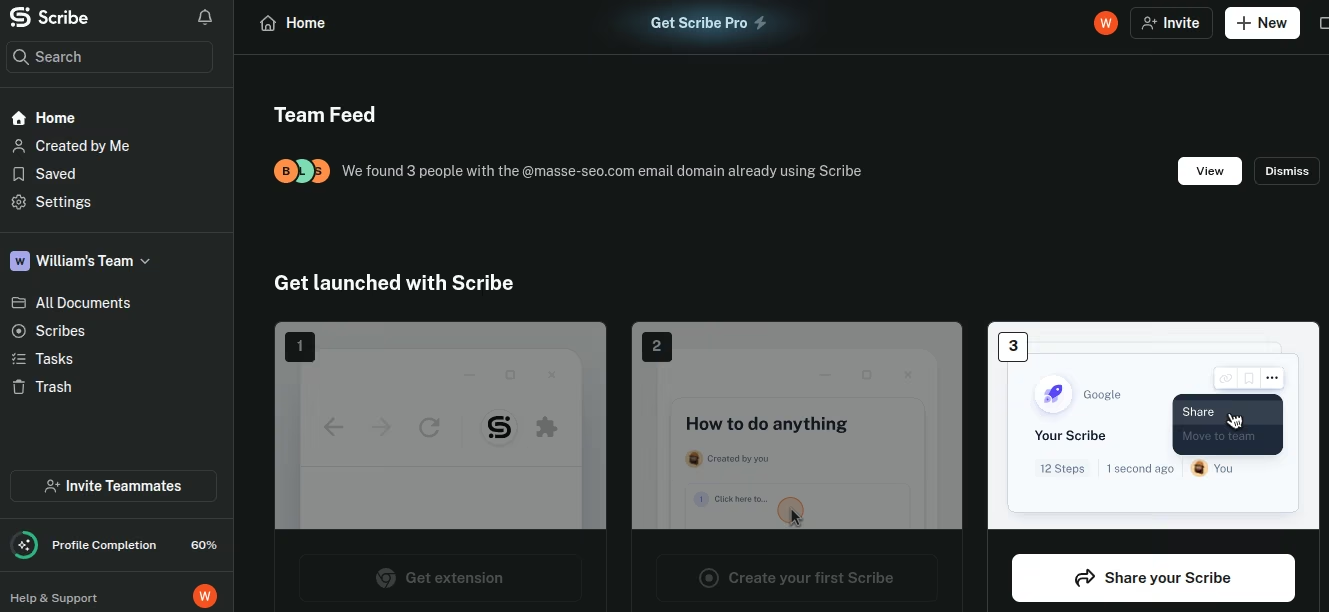
What it does: Scribe auto-generates a step-by-step guide with screenshots and instructions from a screen recording.
Best for: Teams documenting a repeatable onboarding process once and reusing the guide for every new client.
Scribe captures screen actions, then documents them as steps. This makes sense for creating an onboarding workflow and sharing the process with clients.
Getting started, I added their Chrome extension.
To capture a scribe, I clicked on New and opened it in a new tab.
I recorded a simple folder creation and file upload in Google Drive, and Scribe captured the steps beautifully, turning them into an easy-to-follow process.
I like the fact that it generated a formatted guide with screenshots and a written instruction for each click in under two minutes, with no editing required to make it readable. The free plan blocked PDF export and custom branding.
Except for the questions (some of which are unnecessary) during setup, Scribe is pretty fast and easy to use.
Key Features
- Automatic capture: Records every click and page navigation, then writes a text instruction for each step without manual input.
- Screenshot editing: Blurs sensitive fields like account numbers or personal details before a guide gets shared externally.
- Multi-format export: Shares a finished guide as a link, embed, or PDF, depending on your plan.
Pros and Cons
Pros:
• Eliminates hours of manual documentation. Turns a single walkthrough into a shareable guide in minutes, with no editing required to make it readable.
• The free plan covers unlimited personal guides, enough for a solo consultant documenting their own onboarding steps.
• Updating a guide takes the same two minutes as recording the first one.
Cons:
• Screenshot-based guides go stale the moment a button label or menu item changes, and Scribe won't tell you when that happens.
• Screenshot capabilities feel limited and often need additional edits.
What Users Say
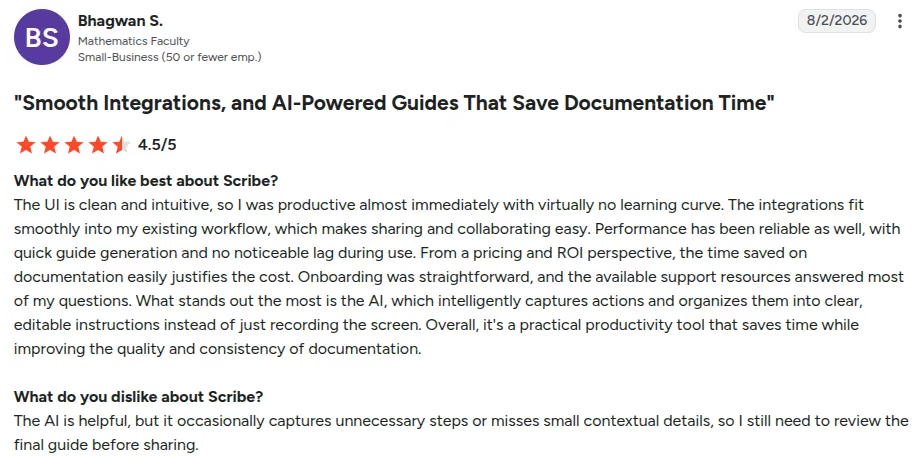
“The UI is clean and intuitive, so I was productive almost immediately with virtually no learning curve.” - Bhagwan S., G2
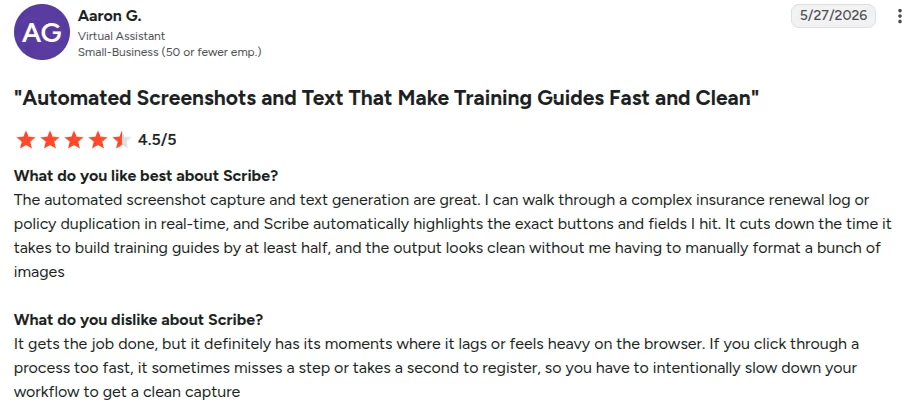
“If you click through a process too fast, it sometimes misses a step or takes a second to register.” - Aaron G., G2
Pricing
There's a free Basic plan. Pro Personal is at $35 a user per month ($25/user/month billed annually), and Pro Team at $17 a seat per month ($13/user/month annual) with a minimum of five seats. A custom Enterprise plan is available.
Bottom Line
Scribe is great if you need to turn a single onboarding walkthrough into a shareable guide fast, and you're fine maintaining it yourself as your product changes. If you need dedicated client task tracking instead of a documentation guide, look at Dock or Process Street instead.
Which Client Onboarding Tool Should You Choose?
Match the platform to how you hand off work.
Choose Process Street if you:
• Run strict, multi-step operations that depend on conditional logic and stop tasks.
• Need to enforce rigid internal standards across a growing delivery team.
Choose Dock if you:
• Want to eliminate onboarding friction by sharing passwordless client portals via secure links.
• Need real-time analytics on when prospective or active clients view your onboarding decks and files.
Choose Assembly if you:
• Want an all-in-one, white-labeled client portal that handles contracts, task tracking, and Stripe billing under your own domain.
• Manage boutique agency clients who want a single login for all communications and deliverables.
Choose GUIDEcx or Rocketlane if you:
• Manage complex, multi-week implementation projects with dozens of external stakeholders.
• Need dual-view project boards that keep internal notes, billable hours, and margin data separate from client views.
Choose ChurnZero or Planhat if you:
• Run a B2B SaaS platform or mid-market enterprise with dedicated Customer Success operations.
• Need live telemetry, product health scoring, and automated account handoffs between sales and CS teams.
Choose Clustdoc if you:
• Handle regulated client intake, KYC, KYB, or identity verification, that generic onboarding tools don't support.
• Need eSignatures and document collection built into the same compliance-ready portal.
Choose Scribe if you:
• Need to document a repeatable onboarding process once and hand clients or new hires a guide instead of a live walkthrough.
• Want a free tool for creating step-by-step guides without committing to a full onboarding platform.
Skip this category entirely if:
• Your onboarding workflow changes wildly for every client, making structured templates and fixed checklists useless.
• Off-the-shelf software built for real implementation work, like Dock or the quote-only platforms, lands well past $300 a month, or forces your clients into rigid vendor workflows that don't fit your service model.
Or, Build Your Own Client Onboarding Portal
The cheap end of this category is real: Assembly and Rocketlane start at $49 a month. But the tools built for real implementation work, like Dock at $350 or the quote-only platforms, land well past $300 a month. That's where building your own starts to pencil out.
Many off-the-shelf platforms force your clients through rigid interfaces or lock simple file-sharing features behind expensive price tiers.
When your onboarding process requires specific steps, like gathering brand assets, signing custom project scopes, or tracking specialized client milestones, building your own lightweight portal offers a practical alternative.
I built the same client portal in Emergent that I'd been setting up in the five tools I tested hands-on: an intake form, a five-step checklist, file uploads, and a scope-approval step. It took one afternoon and cost approximately 26 credits.
You describe your workflow in plain English, and Emergent turns it into a working app, no drag-and-drop or code required.
For example, you can tell Emergent: “Build a secure client portal where new clients sign in with a one-time code sent to their email, view a step-by-step onboarding checklist, upload PDF files, sign a scope document, and pay the deposit through Stripe.”
Emergent then generates the whole web app, complete with user authentication, custom database storage, and external integrations.
Why Building Your Own Portal Works for Lean Teams
- No per-seat charges: You own the app, so adding clients or teammates doesn't add to your bill the way a per-user plan does.
- Complete workflow control: Design intake forms and task flows that match your exact client journey without awkward software workarounds.
- Logins and storage handled for you: Emergent sets up sign-in and secure file storage as part of the build, so your clients get their own account without you wiring anything up. Different access levels for staff and clients are available on the Enterprise plan and the pricing is also custom.
- Easy transfer and iteration: Modify checklist steps, update visual themes, or add new integrations anytime by typing simple prompts.
Emergent runs $20 a month on Standard and $200 on Pro, and it's credit-based, so a portal with logins and file storage burns more credits than a simple landing page.
Maintenance is on you: there's no vendor support line when a client can't upload a file, and if you need a signed audit trail for regulated work, buy a tool built for it. Where building wins is control, and no per-seat bill as your client list grows.
We recommend our post on the Emergent MCP Connector if you'd rather kick off the build from a chat tool you already have open.
Final Verdict
The best client onboarding software depends on how you actually hand off work. If you need a quick way to share files, gather information, and guide clients through onboarding without account logins, Dock is the strongest off-the-shelf pick.
Mid-market implementation teams handling multi-stakeholder projects will get better results from GUIDEcx or Rocketlane.
If your intake needs real compliance work, like KYC or ID verification, Clustdoc is built for that specifically. And if you just need to document a process once and hand off a guide, Scribe gets you there without a full onboarding platform.
If subscription platforms charge hundreds a month for features you barely touch, skip the pre-built software.
Building a custom portal with Emergent gives you full control over your workflow, no per-seat fees, and an afternoon of setup. Pick the tool that removes friction for your clients, or build the exact portal your business needs.
Try Emergent free, no credit card required, and see if building beats buying.
Most AI app builders stop at prototypes. Emergent creates production-ready apps you can actually launch.
- Production-ready apps
- Web & mobile apps
- Deploy in minutes

Most AI app builders stop at prototypes. Emergent creates production-ready apps you can actually launch.
- Production-ready apps
- Web & mobile apps
- Deploy in minutes





