



If you've been comparing website builders, this Webflow review will help you decide whether it's the right home for your project or whether you're about to pay for power you won't use.
Webflow is the tool designers reach for when they want pixel-level control and clean code, and it earns that reputation. It's also the tool that frustrates beginners and runs up a surprising bill once you scale.
I dug into user reviews across G2, Trustpilot, and Capterra and worked through Webflow's own pricing and feature documentation to separate what it does brilliantly from where it quietly falls short.
By the end, you'll know exactly who Webflow is right for, and what to use instead if you need a working web app instead of a marketing site.
TL;DR
- Best for: Design-led marketing and content sites, where Webflow is the most powerful visual website builder on the market.
- What you get: Clean code and near-total control over how every page looks.
- Main tradeoff: A steep learning curve that takes weeks to get past.
- Watch the cost: A layered pricing model that gets expensive as you add sites, seats, and features.
- Right for: Designers, agencies, and marketing teams.
- Wrong for: Beginners who want a site live today, and founders who need an app with logins and business logic.
What Is Webflow?
Webflow is a visual website builder and hosting platform that lets you design responsive sites on a drag-and-drop canvas while it generates clean HTML, CSS, and JavaScript behind the scenes.
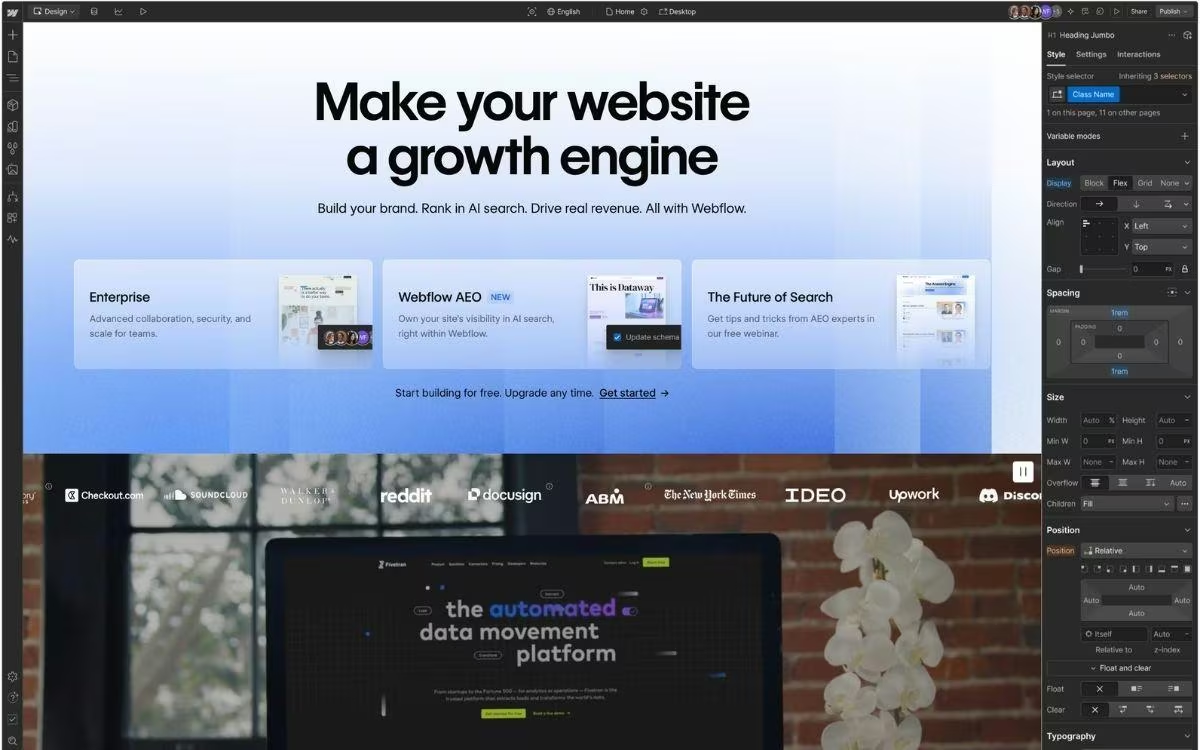
It sits between simple template builders like Squarespace and full custom development, and Webflow reports it's now used by more than 300,000 companies, including The New York Times, Dropbox, and Lattice.
In practice, it's built for people who care about design and content, think marketing sites, blogs, portfolios, and landing pages, more than for building software with user accounts and custom logic.
Webflow Features
Webflow packs a lot into one platform. The features worth knowing, and where each one hits a limit:
- Visual Designer: You build responsive layouts on a canvas that mirrors how a developer thinks about page structure. You control spacing, typography, and how the design adapts across phones, tablets, and desktops, all without writing code. The catch is the learning curve. If terms like padding and flexbox mean nothing to you, expect a few weeks before you feel productive.
- Built-in CMS: Webflow's content management system lets you build dynamic, database-style content like blogs, directories, and product listings from reusable templates. It's excellent for content-heavy sites, though collections carry field and reference limits, and CMS and bandwidth costs climb as your site grows.
- Interactions and animations: Webflow has some of the best scroll, hover, and timeline animations of any builder, with no code required. Complex, multi-step animations still take time to set up and test.
- SEO and hosting: Every site ships with clean, standards-based code plus the SEO basics: editable titles and descriptions, structured data, sitemaps, and redirects. It's hosted on fast global infrastructure (AWS and Fastly) that scores well on Google's page-speed and stability checks.
- Integrations and third-party apps: Webflow connects to Figma, third-party apps, and automation tools. The important caveat is that it has retired its native logins and workflow automation, so anything beyond a content site relies on external tools.
Webflow Reviews: What Real Users Are Saying
Webflow's reputation splits depending on where you look. On G2, it holds a 4.4 out of 5 rating based on more than 970 reviews, with designers repeatedly praising its control and flexibility. On Trustpilot, the picture flips, where the score sits far lower (around 1.5 stars), and most complaints target billing and support rather than the product itself.
The contrast tells you a lot: people who master the tool tend to love it, while people who hit a billing wall or wait on support tend to leave frustrated.
Pros
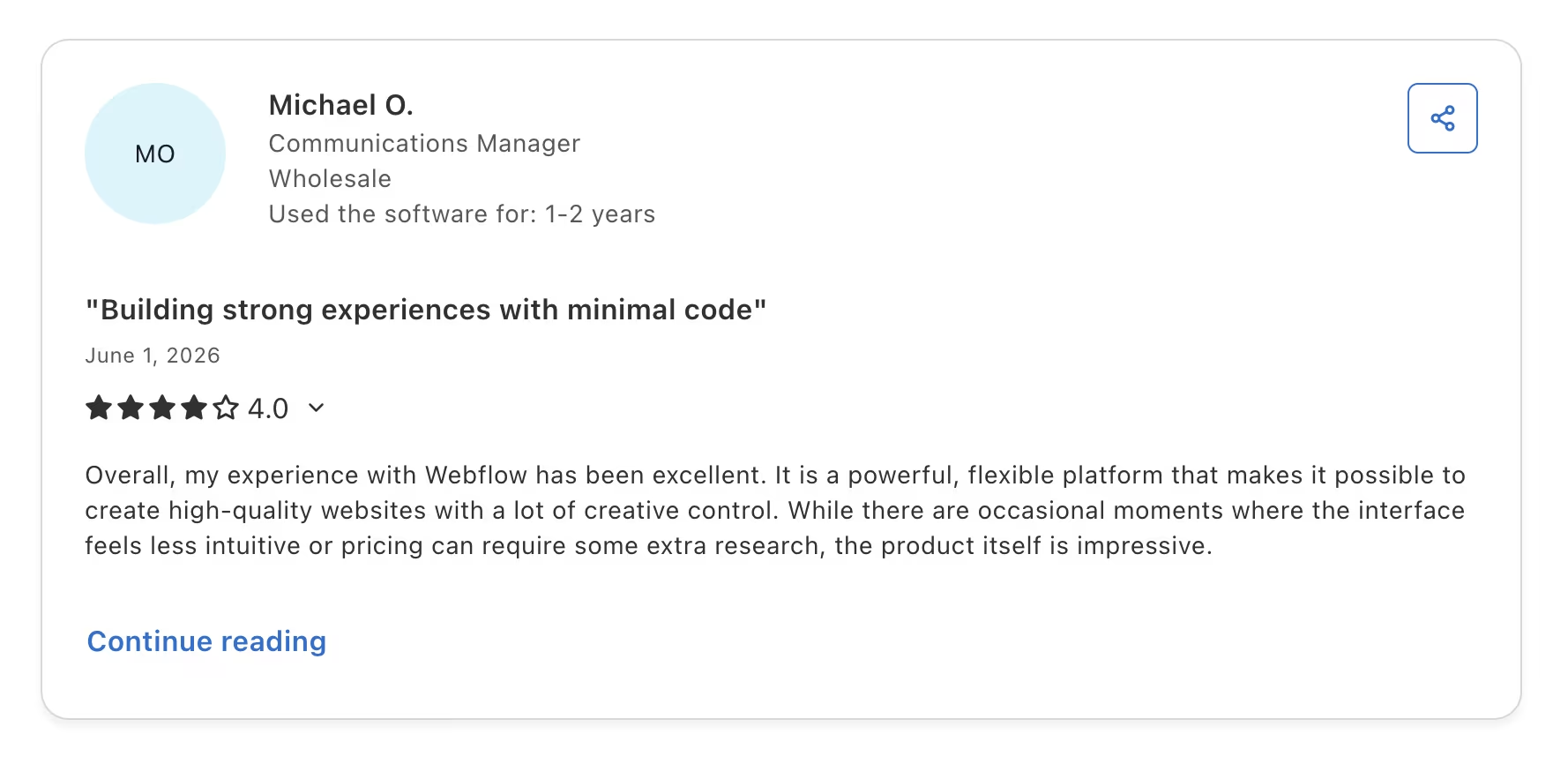
- Design control: One Capterra reviewer, Michael O., called it a "powerful, flexible platform" with ample creative freedom, which aligns with the top praise across sites.
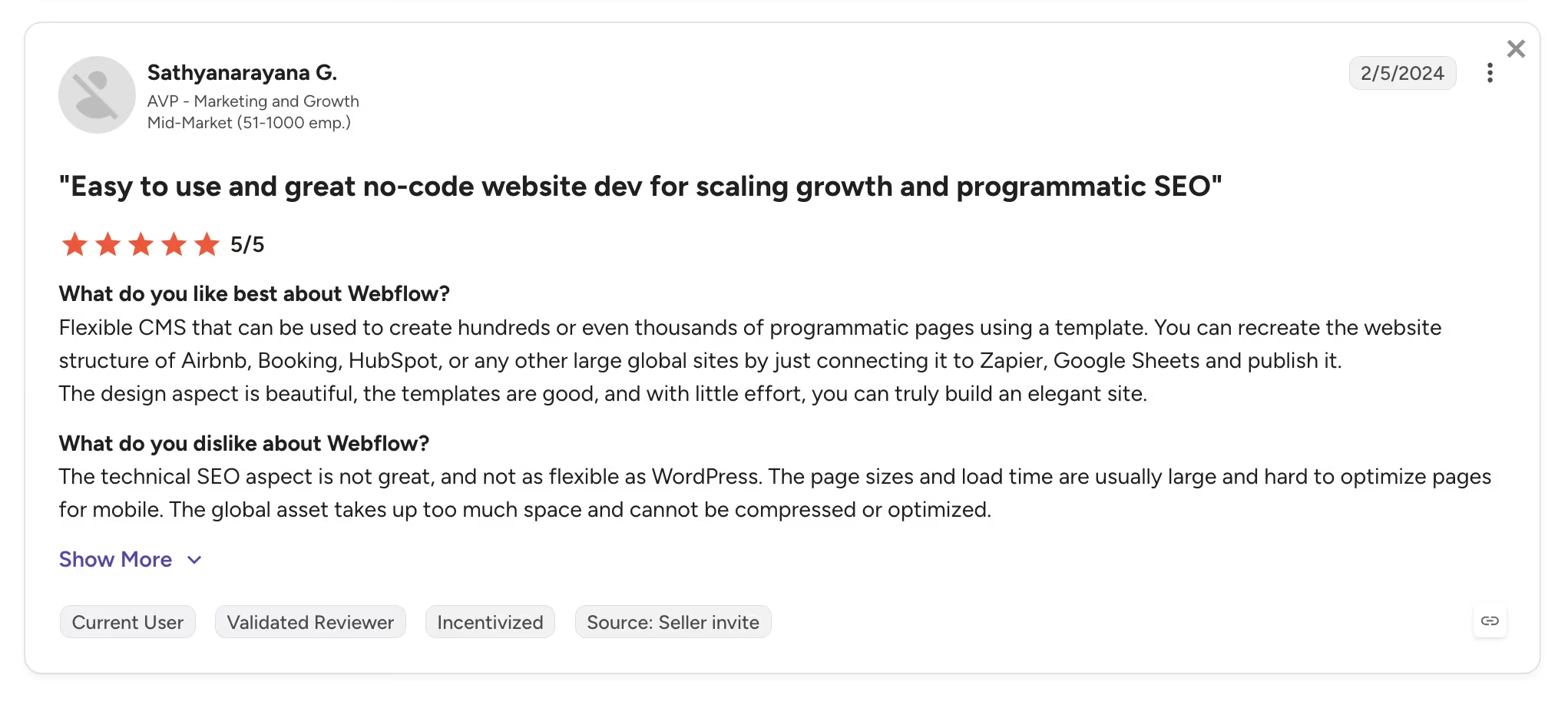
- CMS depth for content: On G2, Sathyanarayana G. highlighted using the CMS to build hundreds or "even thousands of programmatic pages" from a single template.
Cons
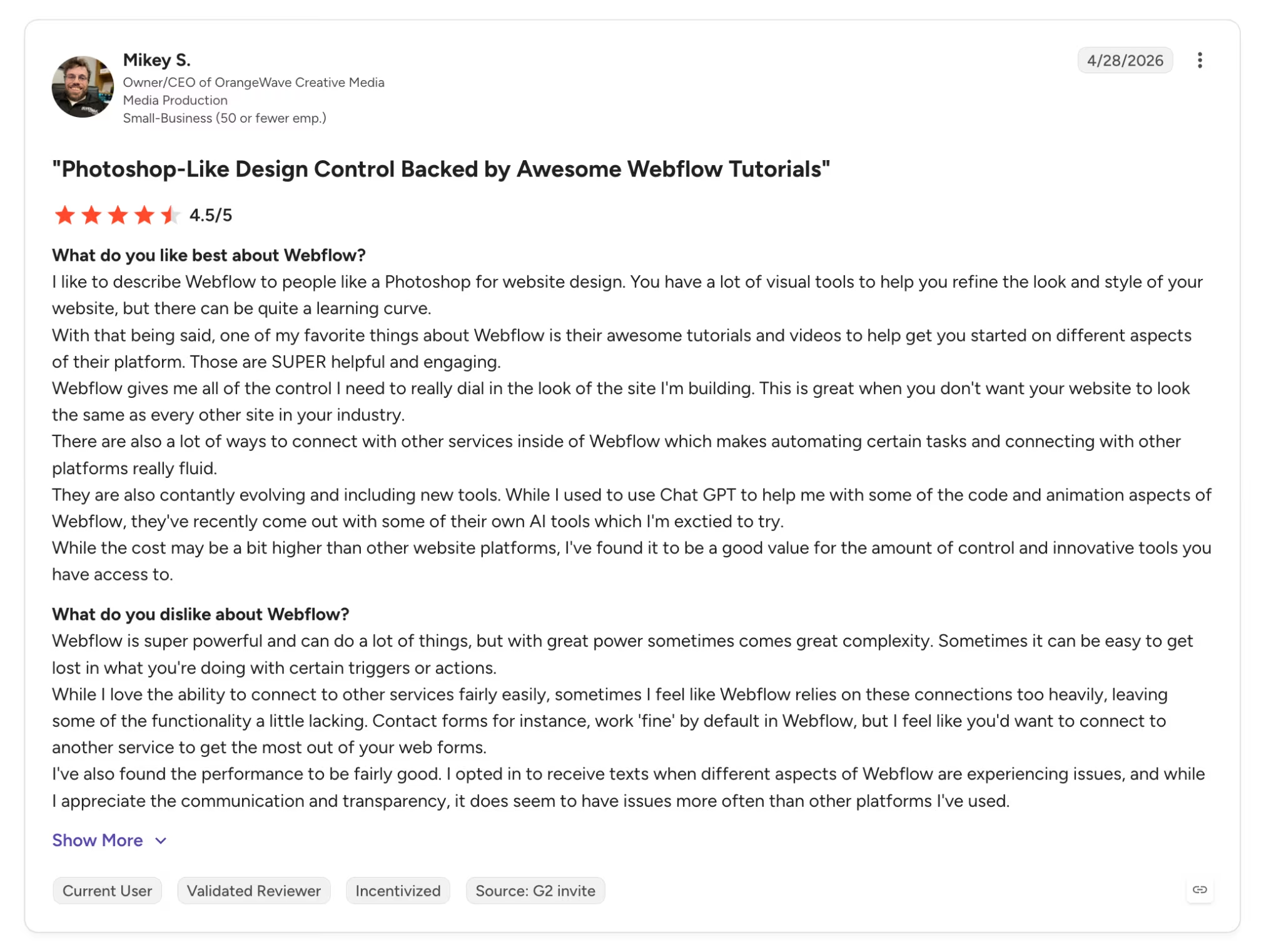
- Steep learning curve: One G2 reviewer, Mikey S., calls it powerful but says it comes with “great complexity,” which trips up anyone new to visual design tools.
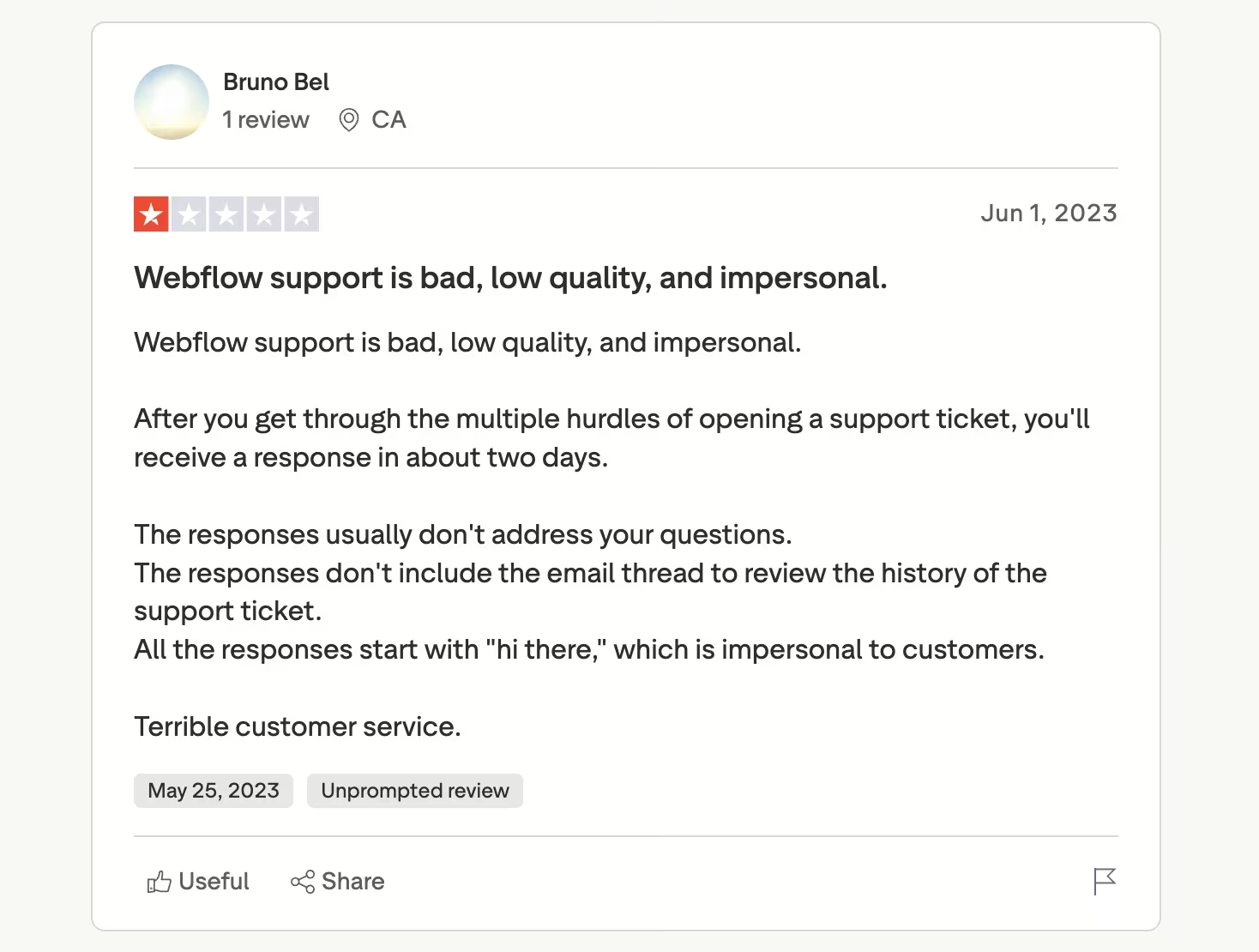
- Slow, thin support: a Trustpilot reviewer, Bruno Bel, described opening a ticket and getting a "response in about two days," a complaint that recurs constantly since support is email-only.
My Personal Take on Webflow
What stands out about Webflow is how honest the product is about what it is. It hands you the same controls a professional designer uses, with no one-click shortcut, and expects you to learn them. Once its way of working clicks, you can build almost anything, and the result looks exactly the way you pictured it.
The hardest part to defend is the pricing structure. Webflow separates the site plan from the workspace plan, then layers seats and add-ons on top. It lines up with what reviewers report: the product is excellent, and the billing is where the goodwill leaks out.
The bigger point to understand is what Webflow decided not to be. Over the past two years, it walked away from native logins and workflow automation. That signals its priorities. Webflow wants to be the best place to build a marketing site.
Is Webflow Right for You?
Webflow rewards the right user and punishes the wrong one. Two quick lists sort out which one you are.
Who will love Webflow:
- Designers and agencies: You want pixel-level control and clean, exportable code for client work, and you're willing to learn the tool to get it.
- Marketing and content teams: You're running a content-heavy site or blog where the built-in CMS and strong SEO pay off.
- Brands that care about craft: You want a site that doesn't look like every template, with animations that feel polished.
Who should avoid Webflow:
- Complete beginners: You want a site live this afternoon with no learning curve. A simpler builder gets you there faster, and it's worth scanning other no-code website builders first.
- Budget-conscious solo users: The stacked Site, Workspace, seat, and add-on pricing adds up quickly, and the domain isn't bundled.
- Anyone building an app: If you need logins, stored user data, payments, or business logic, Webflow isn't built for that anymore, so it's worth weighing Webflow alternatives built for software.
For a closer look at two popular website-building approaches, Webflow vs Squarespace compares their features, flexibility, and overall ease of use.
Webflow Pricing
Webflow's layered pricing is the single biggest source of confusion for new buyers. You pay separately for the Site plan (which hosts one published site) and the Workspace plan (which covers the people building it), then add seats and features on top.
All figures below come straight from Webflow's official pricing page:
- Starter: free, on a webflow.io subdomain, with a hard cap on pages and bandwidth.
- Basic: $25/month ($15/month billed annually), for a simple site with a custom domain and no CMS.
- Premium: $39/month ($25/month billed annually), which adds the CMS, site search, and code components.
- Ecommerce: from $42/month ($29/month billed annually) on the Standard tier, up to $235/month ($212/month billed annually) for Advanced.
- Team and Enterprise: the Team plan runs $2,500/month on an annual contract, and Enterprise is quoted on a custom basis.
On top of a Site plan, paid Workspace plans (Core at $28/month, or $19/month billed annually; Growth at $60/month, or $49/month billed annually) and per-seat and add-on charges mean a team's actual monthly cost usually lands well above the headline Site price.
Also read our Webflow pricing guide for a full breakdown of what each plan actually covers before you commit.
The Best Webflow Alternative for App Builders: Emergent
The cons point in one direction. Webflow is superb at marketing sites and is increasingly hands-off with everything else. It sunset its native workflow automation (Logic) in 2025 and its native logins and memberships (User Accounts) in January 2026. It now steers people toward bolt-on tools like Zapier, Make, and Memberstack.
That's fine if you're building a website. If what you actually need is a working app, say a client portal, a booking system that takes payments, or an internal tool, you end up stitching several products together.
Emergent is built for that second job. It's an AI app-building platform, built for vibe coding, that turns a plain-English description into a complete, working app, with the interface, data, sign-in, and payments handled for you.
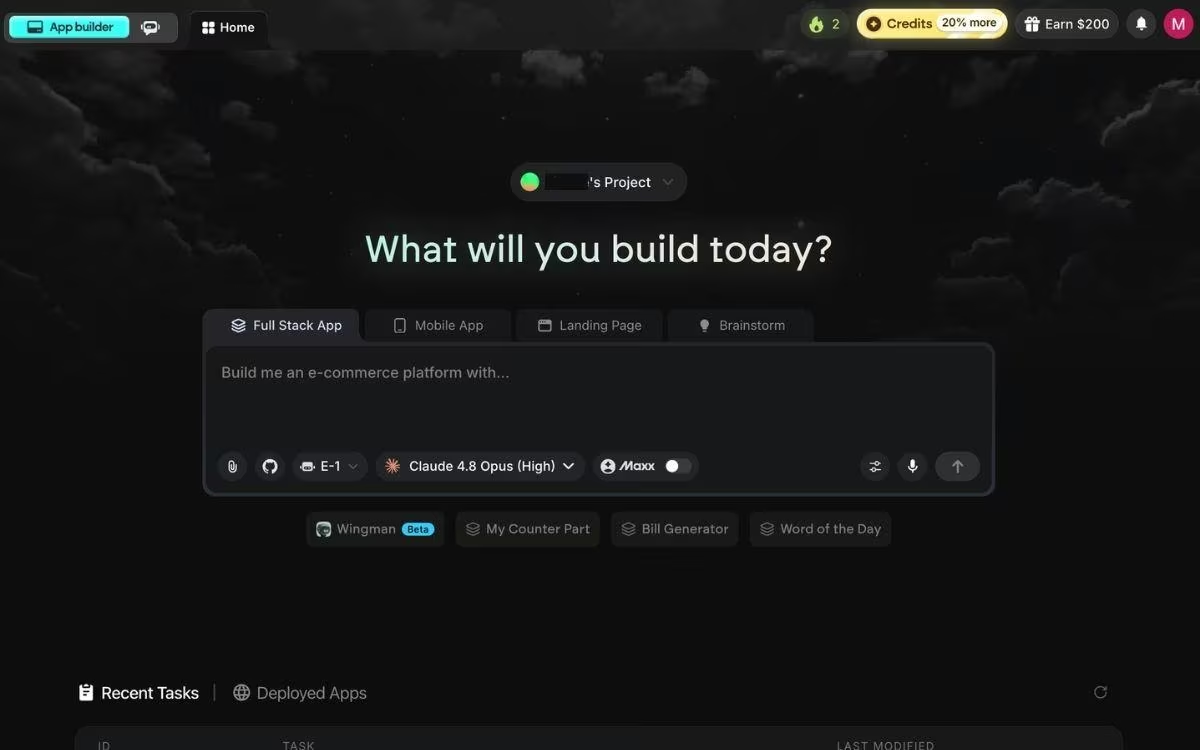
You describe what you want in plain English, and a coordinated system of specialized agents builds it out: some plan it and shape the screens, others wire up the logic and integrations, and testing agents check the work before anything ships.
Where Emergent picks up what Webflow hands off:
- Logins, data, and payments built in: You don't bolt on Memberstack or Outseta, because accounts and Stripe checkout are part of the first build.
- No design learning curve: You write what you want instead of styling every element by hand.
- Code you own and can export: Emergent generates standard, exportable code (React, Python, and MongoDB under the hood) that you can self-host, so there's no lock-in.
When a build is ready, you click Deploy, and after roughly 10 to 15 minutes, the app is live on a free emergent.host web address.
You can point it at a custom domain, either by buying a new one through Emergent's built-in domain registrar (IONOS) or by connecting a domain you already own (here's the custom domain guide).
To be clear about the boundary, if you only need a marketing site or a brochure page, it's more than you need, and Webflow or a lighter builder is the better call. Emergent earns its place the moment your project has to function as working software that manages sign-ups, stored data, and payments.
Its free plan includes 10 credits per month, enough to build a first app and judge it for yourself, so it's worth spinning up a small build to see how far you get, or skimming a few vibe coding examples first for ideas.
The Bottom Line: Buy Webflow or Not
By 2026, the choice comes down to the direction Webflow has chosen. It has stepped out of app-building entirely and drawn a clear line: it wants to be the place you build a marketing site, and nothing more.
That makes the call unusually clean. If your project is a marketing or content site, the design control is worth the learning curve, and pricing is the only thing to weigh. If it needs to work as software, start on a tool built for that, and bring Webflow back only for the marketing pages around it.
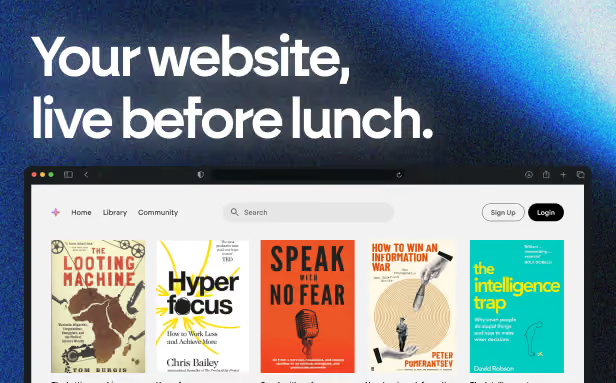
Emergent designs, writes, and publishes your whole site from one prompt. No templates, no drag-and-drop.
- Full site from one prompt
- Custom design, real pages
- Publish in minutes

Emergent designs, writes, and publishes your whole site from one prompt. No templates, no drag-and-drop.
- Full site from one prompt
- Custom design, real pages
- Publish in minutes





