




TL;DR
- Zoho Creator: Best for teams already inside the Zoho ecosystem
- Zite: Best for non-technical teams building custom apps, portals, and dashboards
- Emergent: Best for AI-built apps that take payments from the first pass
- Quickbase: Best for complex project and workflow automation
- Mendix: Best for enterprise IT and pro-developer co-development
- Retool: Best for developer teams building internal dashboards
- WeWeb: Best for teams that want to own and export their code
- Airtable: Best for spreadsheet-style databases with light apps on top
- Lovable: Best for design-first AI app prototyping
- Base44: Best for AI-generated apps with a built-in database
Power Apps is a fast way to build internal tools if your company already lives inside Microsoft 365. The problem starts when the bill arrives.
Premium connectors, Dataverse storage, and per-user licenses stack up, and the moment you need to connect something outside the Microsoft world, the setup gets fiddly. That's why so many teams start hunting for Power Apps alternatives.
The good news is the market has caught up. Some of these tools skip the drag-and-drop maze entirely and let you describe an app in plain English, an approach known as vibe coding. Others give technical teams direct control over data and code. A few are built specifically for the non-technical operations lead who just needs a working internal tool by Friday.
Below are 10 Power Apps alternatives worth considering in 2026, each with what it does well and who it's wrong for. By the end, you'll know which one fits your team and how much control you get to keep.
Why Look for Power Apps Alternatives?
Power Apps earns its place for a reason. If your team already pays for Microsoft 365, it connects to Dataverse, Teams, and SharePoint out of the box, and IT can govern it with the same controls they use everywhere else. For a Microsoft-first company building simple internal tools, it's a sensible default.
That comfort zone has edges, though. Four pain points send most teams looking for something else.
Licensing math. Microsoft's main production plan, Power Apps Premium, runs $20 per user, per month, paid yearly, for unlimited apps, with a pay-as-you-go option billed per active user on top of an Azure subscription.
Integrations outside Microsoft. Power Apps is happiest talking to other Microsoft products. Once you need to sync with tools your team already uses elsewhere, the connectors and configuration get more involved, and the "no-code" promise starts leaning on someone technical.
The learning curve. Between canvas apps, model-driven apps, Dataverse, and Power Automate's flow builder, there's more to learn than the marketing suggests. A business user can get started, but building something dependable usually means climbing that curve or pulling in a developer.
Complex workflows. As logic grows, Power Automate's flow-based setup gets harder to reason about and maintain. Teams running high-volume or cross-departmental processes often want a platform built for that scale from the start.
For a lot of teams, Power Apps was the default that came with the Microsoft bill.
Which Power Apps Alternative Should You Choose?
Pick by situation:
- Choose Zite if you're a non-technical team that needs internal tools, dashboards, or portals live quickly, with unlimited users and no per-seat fees. It's not the pick if you need a public-facing marketing website.
- Choose Quickbase if your core need is structured, governed process automation across departments. Its platform minimum makes it overkill for a handful of people trying something out.
- Choose Retool or Mendix if you have developers on the team who want direct control over data connections and code. Neither is built for a business user working solo.
- Choose Emergent, Lovable, or Base44 if you want to describe an app in plain English and get a working version back, and you're comfortable managing usage-based credits.
- Choose Zoho Creator if your company already runs on Zoho and you want an app builder that plugs straight into the CRM and Books you're already using. Come to it cold and you're buying into the whole suite to get one app builder.
- Choose Airtable or WeWeb if you want a spreadsheet-style database with light apps on top, or a visual builder whose code you can export and self-host. Neither hands you a finished app on the first pass.
- Stick with Power Apps if your whole stack is Microsoft 365, your apps stay inside that ecosystem, and IT wants everything governed under one Microsoft roof.
A few names you'll see on other lists didn't make this one.
Google AppSheet is the closest like-for-like swap if your company is moving from Microsoft to Google Workspace. Bubble is built for consumer-facing products rather than internal tools.
OutSystems and Appian are enterprise platforms sold through sales teams, and OutSystems publishes an entry price of $36,300 a year for 100 users, which prices out the teams this article is written for.
Budibase is a strong open-source pick if you have engineers who want to self-host it for free, though the paid cloud tiers start at $19/month and the free path means you own the maintenance.
How the 10 Tools Compare on Price and Fit
Cheapest entry point first: starting prices below are monthly, with the annual rate in brackets.
| Tool | Best for | Starting price |
|---|---|---|
| Zoho Creator | Zoho ecosystem teams | $12/month per user ($8/month per user billed annually) |
| Zite | Custom apps and portals, unlimited users | $19/month ($15/month billed annually) |
| Emergent | AI apps with payments and logins | $20/month ($17/month billed annually) |
| Quickbase | Complex workflow automation | $35/month per user, billed annually |
| Mendix | Enterprise IT co-development | $1,090/month (Standard, one app; $2,725/month for unlimited apps) |
| Retool | Developer-built dashboards | $12/month per builder + $7/month per internal user ($10 + $5/month billed annually) |
| WeWeb | Code ownership and export | $25/month ($20/month billed annually) |
| Airtable | Spreadsheet databases | $24/month per seat ($20/month per seat billed annually) |
| Lovable | AI design-first prototyping | $25/month ($21/month billed annually) |
| Base44 | AI apps with a database | $20/month ($16/month billed annually) |
Pricing correct as of August 2026. Verify current rates on each vendor's official page.
The 10 Best Power Apps Alternatives
1. Zoho Creator
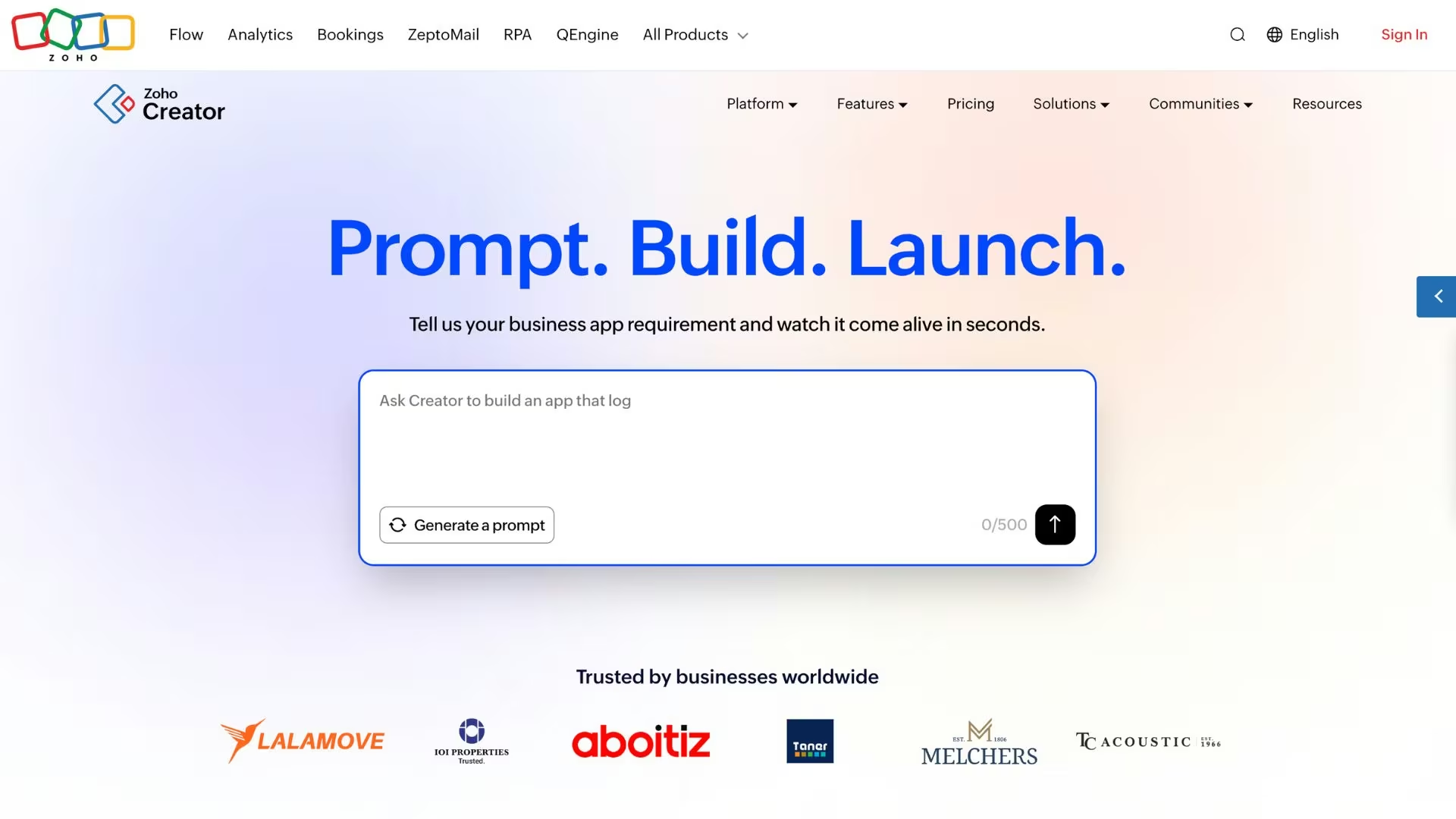
Zoho Creator is the natural pick if you already run on Zoho. It's a low-code platform for building custom business apps with a drag-and-drop builder, and it plugs straight into the wider Zoho suite of CRM, Books, and dozens of other apps.
Where Creator stands out against Power Apps is its built-in business process management. Its Blueprint feature lets you map a process visually, with stages and transitions that follow rules you set instead of living in someone's head.
It also connects to third-party services through prebuilt connectors, which softens the Microsoft-only feeling that pushes teams away from Power Apps in the first place.
Creator is at its best inside the Zoho world. Come to it cold and you're signing up for the suite to get the app builder, and the interface, while friendly, still asks you to learn its way of doing things.
Key features
- Blueprint process automation: Map a business process into stages and rules so work moves through approvals automatically.
- Drag-and-drop builder: Assemble forms, reports, and pages from 30-plus field types without writing code.
- Zoho and third-party integrations: Connect Creator apps to the Zoho suite and outside services through data sources and connectors.
Pros
- Deep integration with the rest of the Zoho ecosystem
- Strong built-in workflow and approval tooling
- Runs natively on web, iOS, and Android from one build
Cons
- Most valuable when you're already a Zoho customer
- Per-user pricing adds up for large teams
Best for
- Businesses standardized on the Zoho suite
- Teams that need approval-heavy internal apps
- Operations leads who want process rules baked in
Pricing
Zoho Creator offers a free edition, then three paid tiers. Standard runs $12/month per user ($8/month per user billed annually), Professional runs $30/month per user ($20/month per user billed annually), and Enterprise runs $37/month per user ($25/month per user billed annually). A custom Flex plan covers tailored requirements.
2. Zite
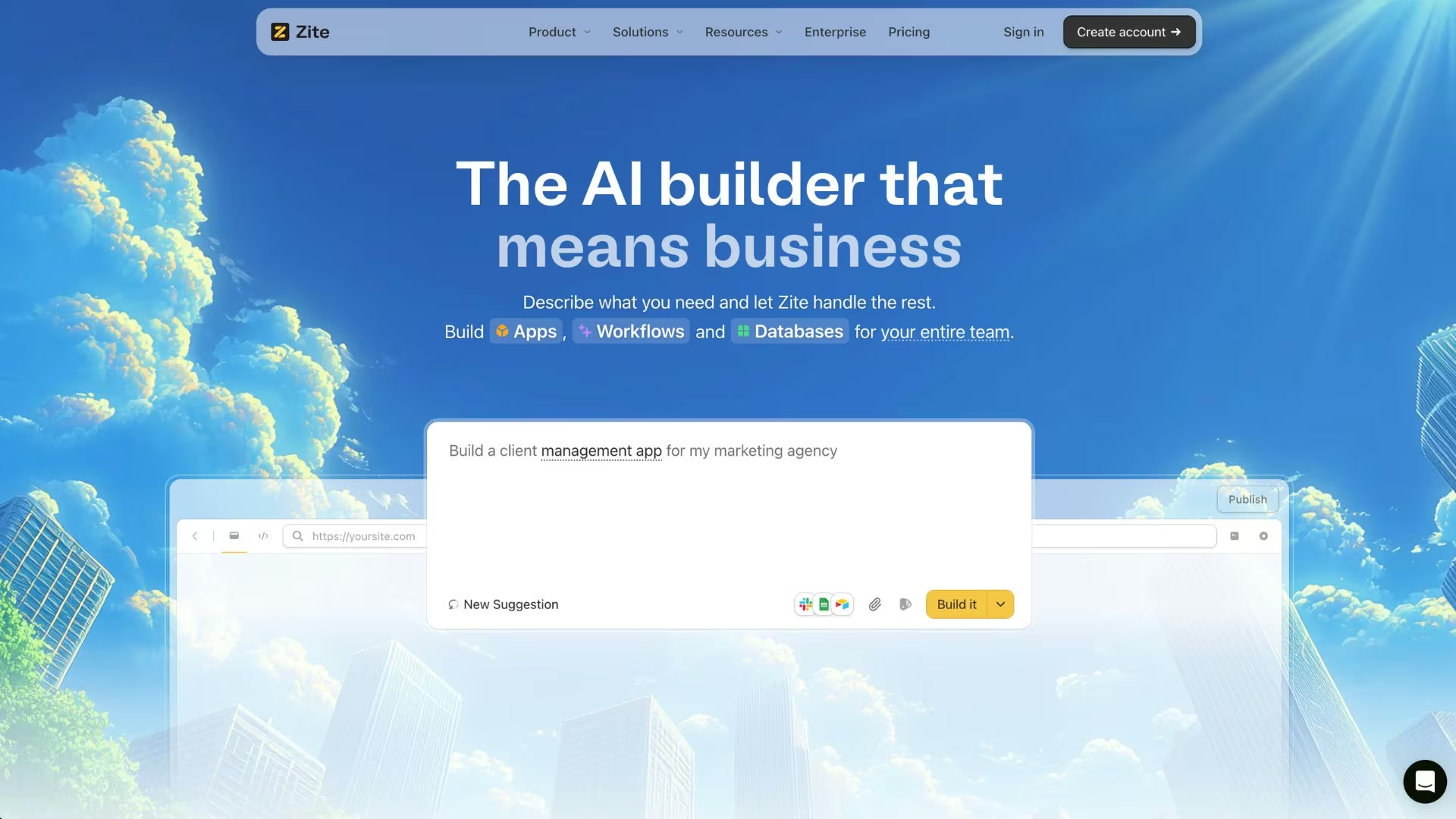
Zite is the friendliest option for a non-technical team that needs a real, working app in production. You describe what you want in plain language, and Zite builds an app with the data, sign-in, and hosting handled for you.
It's aimed squarely at the operations lead, support manager, or small-business owner who would otherwise be stuck learning Power Apps or waiting on a developer.
The contrast with Power Apps comes down to visibility and control without the complexity. Zite gives you a proper database behind your app, controlled internal or public access, and secure hosting. It's SOC 2 Type II compliant, with SSO and audit logs on higher tiers.
It also shows you the logic it built: you can open the workflow it generated, follow it step by step, see what ran when something looks wrong, and fix it yourself without reading a line of code. That's the difference between Zite and the prompt-to-app builders further down this list, where a broken app usually means digging into generated code.
On the integration side, Zite connects natively to the tools most teams already run, including Airtable, Google Sheets, HubSpot, Stripe, Notion, Slack, Gmail, and OpenAI. Anything else runs through a workflow you describe in plain English, so you're not hunting for a premium connector tier.
So you get the governance a business actually needs, minus the Dataverse-and-connectors learning curve. It's built for custom apps, portals, and dashboards: think a job tracker, a client portal, or a quote calculator your whole team can use.
The pricing model is the other headline. Every plan, including the free one, allows unlimited users, which is unusual in a category where internal tools get expensive precisely because vendors charge per seat.
Zite meters the AI building work in credits instead, so credits track how much you build, not how many people use it. That makes it worth planning a build before you start prompting.
Fixing errors doesn't consume credits, so cleanup is free. Where Zite stops is anything public-facing or consumer-scale, and there's no code export, so your apps stay hosted on Zite.
Key features
- Plain-English app generation: Describe the tool you need and Zite builds the interface, data, and logic for you.
- Built-in database and access controls: Every app gets its own database with controlled access, either internal or public.
- Unlimited users and apps on every plan: No per-seat fees and no cap on how many apps you build, so a tool used by the whole team costs the same as one used by three people.
- Enterprise-grade security: SOC 2 Type II compliance, with SSO and audit logs available on higher tiers.
Pros
- Genuinely usable by non-technical people
- Unlimited users on every plan, including free
- Production-ready internal tools your whole team can use
Cons
- Credit-based billing, so heavy building can push you past your plan's monthly allowance
- No code export, so your apps stay hosted on Zite rather than moving to your own servers
Best for
- Operations and support teams building custom apps and dashboards
- Small businesses that need a portal or dashboard without a developer
- Companies that want to add many users without per-seat costs
Pricing
Zite has a free plan with unlimited users, 50 monthly credits, and 5,000 database records. Pro runs $19/month ($15/month billed annually) and adds 100 monthly credits and 100,000 database records, and removes Zite branding.
Business runs $69/month ($55/month billed annually) with 200 credits, 250,000 records, unlimited custom domains, and advanced AI models. Team and Enterprise plans add higher limits, priority support, and advanced security controls.
3. Emergent
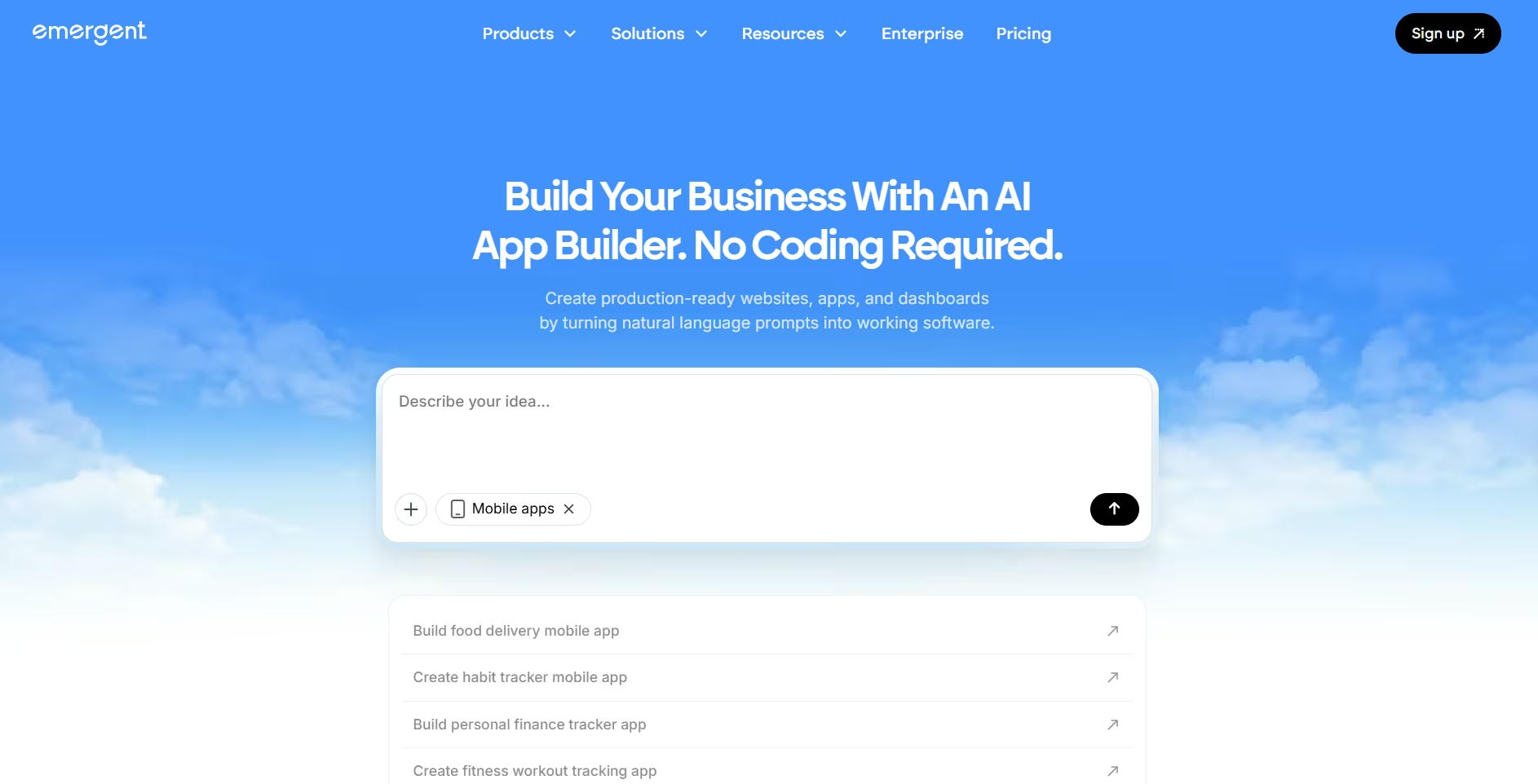
Emergent is the pick when what you need is a whole working product over a single screen. You describe the business in plain English, and specialized agents handle the design, the data, the integrations, and the testing before deploying it to a live URL.
Set against Power Apps, the difference is how much arrives in the first pass. Rather than wiring premium connectors and learning Dataverse, you write one brief covering the pages, the payment, the customer login, and the admin area, and get all of it back together.
Card payments through Stripe arrive with the first build, and transactional email connects through Emergent's SendGrid integration in the same pass rather than as a separate project.
The limits are worth knowing up front. Billing runs on credits instead of seats, so the bill follows how much you build rather than how many people log in.
Printable document output is the weakest area, and Apple Watch and iPad apps aren't supported for deployment yet. Your data is preserved when you redeploy an updated build, so iterating on a live app doesn't put what's already in it at risk.
Key features
- Whole-app generation from one brief: Describe the pages, the payment, the login, and the admin area in a single prompt and get them built together.
- Universal Key: Builds that call a model can run on Emergent's own credential for GPT, Claude, or Gemini, so there's no need to bring your own model key, and usage draws from your Emergent credits.
- Testing agents: The build is checked against what you specified before you see it.
- Code you can take with you: The generated code is exportable, with GitHub integration from the $20 Standard plan up, so the code can live in your own repo.
Pros
- Payments, logins, and a database arrive in the first pass
- Credit-based pricing with no per-seat fee
- Exportable code rather than a locked platform
Cons
- A build with payments and logins runs past the free plan's 10 credits, so plan on Standard at minimum
- Weak at printable document output, and no Apple Watch or iPad deployment
- Output quality tracks how clearly you describe what you want
Best for
- Non-technical founders who need a product that can take money
- Small teams replacing several internal tools with one build
- Builders who want to keep the generated code
Pricing
Emergent has a free plan with 10 monthly credits. Standard runs $20/month ($17/month billed annually) with 100 monthly credits, and Pro runs $200/month ($167/month billed annually) with 750 monthly credits. Business and Enterprise pricing is custom.
Read More: How to Create a Business App walks through a first build from brief to live URL.
4. Quickbase

Quickbase is the pick for complex, cross-team workflows that a simple form can't handle. It centralizes connected data, then automates the multi-step processes that construction, healthcare, and operations teams run every day, with minimal coding.
Compared to Power Apps, Quickbase's strength is handling relationships between data and the stages of a process without falling over as complexity grows.
It offers dashboards, dozens of report types, workflow automation, and role-based security; higher tiers add single sign-on, Gantt charts, and HIPAA compliance. Teams that outgrow a spreadsheet-plus-email process tend to land here.
The catch is the entry price and the seat minimums. Quickbase applies a platform minimum instead of letting you buy a handful of seats, so the real entry cost runs into thousands of dollars a year before you've built anything. It's a serious platform priced for serious, larger deployments, which puts it out of reach for a team that just wants to pilot something.
Key features
- Relational data and reporting: Centralize connected data and build 13-plus report types on top of it.
- Workflow automation: Automate approvals, notifications, and multi-step processes without heavy coding.
- Governed security: Role-based access, encryption, and audit logs, with SSO and HIPAA compliance on higher tiers.
Pros
- Handles complex, connected workflows well
- Strong reporting and dashboards
- Enterprise governance and compliance options
Cons
- Seat minimums make the real cost high
- Learning curve and possible developer costs for advanced setups
Best for
- Operations teams running complex processes
- Construction, healthcare, and field-service workflows
- Larger teams that have outgrown spreadsheets
Pricing
Quickbase has no permanent free plan, only a 30-day trial. Team starts at $35/month per user, billed annually, and a platform minimum applies, so the practical floor is several thousand dollars a year. Business starts at $55/user/month, billed annually. Enterprise pricing is custom. Quickbase quotes these rates annually, so there's no cheaper month-to-month option.
5. Mendix

Mendix is the enterprise choice for building serious apps where IT and business teams work side by side. It's a model-driven, low-code platform designed for agile development, and it lets pro developers extend apps with custom Java, JavaScript, and CSS when the visual tools aren't enough.
Where it pulls ahead of Power Apps is co-development at scale. Mendix is built for large, multi-team projects with mature lifecycle management, so business analysts and engineers can build on the same platform without stepping on each other's toes.
Mendix is priced and built for enterprises. Its capable tiers run into thousands of dollars a month, and support on the lower tiers is limited, so the cost of entry assumes a project with budget behind it.
This is a tool for organizations delivering complex apps across departments, and it's overkill for someone shipping a single internal tool.
Key features
- Model-driven development: Build apps visually with a shared model that business and IT can both work in.
- Pro-code extensibility: Add custom Java, JavaScript, and CSS when the visual layer isn't enough.
- Lifecycle management: Governance and collaboration tools built for large, multi-team delivery.
Pros
- Excellent for IT and business co-development
- Scales to complex, enterprise-grade apps
- Custom code available when you need it
Cons
- Enterprise pricing that climbs quickly
- More platform than a small team or solo builder needs
Best for
- Enterprise IT teams building complex apps
- Organizations that need business and developer co-development
- Companies with formal governance and lifecycle needs
Pricing
Mendix offers a free plan for prototypes and small applications. Its Standard plan starts at $1,090/month for a single app, or $2,725/month for unlimited apps, while Premium pricing is available by quote. Mendix doesn't advertise a discounted annual billing option.
6. Retool

Retool is the go-to for developer teams that need to spin up internal dashboards fast. It's a builder for internal web and mobile apps that connects directly to SQL databases and REST APIs, then lets you drag prebuilt components onto the canvas and drop them into code whenever you want more control.
Against Power Apps, Retool's advantage is that it speaks a developer's language. Instead of Dataverse and canvas apps, you point it at your existing databases and services, write logic in JavaScript, and manage versions with Git integration on higher plans. For an engineering team, that's faster and more flexible than learning the Microsoft way.
The flip side is that Retool assumes its users are technical. A non-technical operations lead will find it harder to use than a plain-English builder. Pricing also splits users into builders, internal users, and external users, with usage-based charges for workflows and AI credits on top. It's built for people who are comfortable connecting a database and reading code.
Key features
- Direct data connections: Connect to SQL databases and REST APIs and build UI on top of them.
- Component library plus code: Drag prebuilt components, then customize with JavaScript when needed.
- Version control: Git integration and release management on higher tiers.
Pros
- Fast for developers building internal tools
- Connects directly to existing data sources
- Drop into code whenever you need control
Cons
- Assumes technical users
- Layered user classes and usage fees complicate the bill
Best for
- Engineering teams building internal dashboards
- Developers who want to connect databases directly
- Teams comfortable customizing with code
Pricing
Retool has a free plan for up to five users with 500 workflow runs a month. Team runs $12/month per builder ($10/month per builder billed annually), plus $7/month for each internal user who only views apps ($5/month billed annually).
Business adds audit logs and runs $65/month per builder ($50/month per builder billed annually), plus $18/month for each internal user ($15/month billed annually). Enterprise is custom, and external users are billed separately on Business and above, with the first 50 included.
Also read our best Retool alternatives guide for what else is worth trying when the technical requirement or layered pricing becomes a concern.
7. WeWeb

WeWeb stands out for teams that want a visual builder with no lock-in. You build visually, keep ownership of the work, and can export your Vue.js code to self-host anywhere you like.
That export freedom is the real contrast with Power Apps, which keeps you inside the Microsoft platform. WeWeb pairs a visual frontend builder with your choice of backend (often Supabase or Xano), so technical teams get the speed of visual building without giving up control of the underlying code. When a project outgrows the platform, you take the code and go.
WeWeb sits on the low-code end of the spectrum. It expects some comfort with APIs, data logic, and connecting a separate backend, so it's a better fit for developers and technical builders than for a business user starting from zero.
Key features
- Code export and ownership: Export your Vue.js code and self-host it wherever you like.
- Visual frontend builder: Design responsive web apps visually with fine control over layout.
- Bring-your-own backend: Pair with Supabase, Xano, or another backend of your choice.
Pros
- Full code ownership with export and self-hosting
- Visual speed without full lock-in
- Flexible backend choices
Cons
- Low-code, so it expects technical comfort
- Backend and hosting are separate pieces to manage
Best for
- Developers who want visual speed plus code ownership
- Teams that need to self-host their app
- Technical builders comfortable wiring a backend
Pricing
WeWeb splits its pricing into two plans you pick separately: a workspace plan that controls who can build, and a site plan that covers hosting a published app. The free workspace plan lets you build in the editor without publishing.
Essential runs $25/month ($20/month billed annually) and is the first tier to unlock code export and self-hosting, with the Pro and Partner tiers above it for teams and agencies. Site plans only apply if you host on WeWeb Cloud, so a solo developer who exports the code and self-hosts pays the workspace fee alone.
8. Airtable
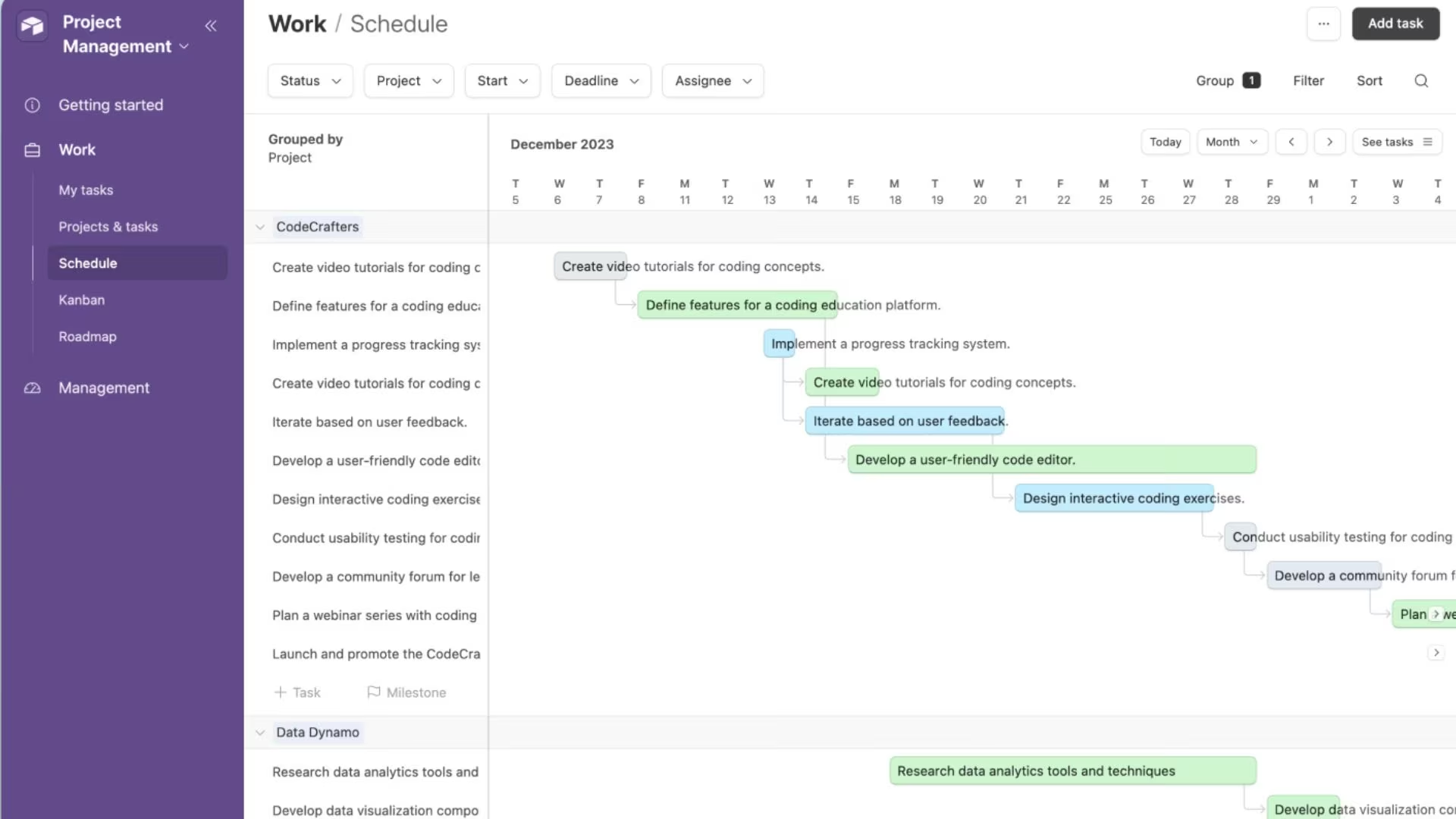
Airtable is the alternative for teams that think in spreadsheets but need more power. It blends the simplicity of a spreadsheet with the structure of a relational database, then lets you build light apps, forms, and automations on top of your data.
Compared with Power Apps, Airtable wins on approachability. Anyone who can use a spreadsheet can build a workable base, and its AI-powered features and collaboration tools make it a comfortable home for project tracking, content calendars, and lightweight internal tools.
Read-only viewers and form submitters are free across all plans, which keeps costs down for stakeholder-heavy teams.
The limits show up when you push it toward full applications. Airtable is a database-first tool, so complex logic, custom interfaces, and client-facing apps often mean pairing it with a separate frontend builder or add-ons. Per-editor pricing also climbs as more people need edit access, and record limits force upgrades sooner than teams expect.
Key features
- Spreadsheet-database hybrid: Work in a familiar grid backed by a relational database underneath.
- Automations and AI: Automate routine steps and use built-in AI features on your records.
- Free viewers: Read-only collaborators and form submitters don't count as paid seats.
Pros
- Easy for anyone comfortable with spreadsheets
- Strong collaboration and free viewer access
- Flexible for databases and light apps
Cons
- Database-first, so full apps need extra tools
- Per-editor pricing and record limits climb with growth
Best for
- Teams that organize work in spreadsheets
- Project trackers and content calendars
- Lightweight internal tools and databases
Pricing
Airtable has a free plan for up to five editors with 1,000 records per base. Team runs $24/month per seat ($20/month per seat billed annually) with 50,000 records per base, and Business runs $54/month per seat ($45/month per seat billed annually) with 125,000 records per base.
Enterprise Scale pricing is custom. Read-only viewers and form submitters are free across all plans.
Also read our best no-code app builders guide for what else is worth trying when a spreadsheet-first tool stops being enough.
9. Lovable

Lovable is the design-first AI builder, turning a description into a polished app fast. It belongs to the newer wave of AI app builders that turn a plain-language prompt into a working interface, and it's known for clean, hosted UIs.
Against Power Apps, the difference is the interaction model itself. Instead of dragging components onto a canvas, you describe what you want, and Lovable's AI generates it; then you refine it with follow-up prompts. A non-coder can get a working login and a clean layout in one sitting, making it a strong choice for prototyping and validating an idea before investing more.
Lovable is frontend-first. Backend logic, custom domains, and scale draw on Lovable's usage-based Cloud credits, so heavy development can push the actual bill past the plan fee.
It's excellent for getting a good-looking prototype in front of people, less so for a complex production system out of the box.
If you want to compare how its credits stretch against other builders, Emergent's breakdown of Lovable's pricing is a useful reference.
Key features
- Prompt-to-app generation: Describe an app and get a working, hosted interface back.
- Iterative refinement: Adjust the result with follow-up prompts in plain language.
- Backend and export options: Ships a built-in Lovable Cloud backend and can export to GitHub.
Pros
- Fast, polished UI from a prompt
- Approachable for non-coders
- Code export and GitHub integration
Cons
- Frontend-first, so complex backends need add-ons
- Credit-based costs can exceed the plan fee
Best for
- Prototyping and validating app ideas
- Non-coders who want a clean UI fast
- Design-first projects
Pricing
Lovable has a free plan with a small daily credit allowance. Pro runs $25/month ($21/month billed annually) with 100 monthly credits, private projects, and custom domains, and Business runs $50/month ($42/month billed annually) with SSO and team features. Enterprise pricing is custom.
10. Base44

Base44 rounds out the list as an AI builder that generates fuller apps with a built-in database. Like Lovable, it turns plain-language prompts into working apps, but it leans toward complete apps with built-in sign-in, a database, and integrations, so you get more than the interface layer on the first pass.
Next to Power Apps, Base44's appeal is speed from idea to working app with no setup. It handles the parts that usually need configuration (sign-in, data, and basic logic) in the first pass, and follow-up prompts can update several parts of the app at once. That makes it a fit for early-stage founders and solo builders who want to iterate quickly on a working product.
Base44's credit model is the thing to watch. Base44 splits usage into message credits (for building) and integration credits (for what your app does once live), and both run out faster than the plan implies during heavy building.
Connecting a custom domain starts on Starter, while GitHub code export sits on the higher Pro and Elite plans. Emergent's look at Base44's pricing walks through where those credits go.
Key features
- Full-app generation: Produce apps with sign-in, a database, and integrations from a prompt.
- Multi-part edits: Update several components at once with a single plain-English instruction.
- In-app code access: Edit the underlying code and, on higher tiers, export it.
Pros
- Generates fuller apps with sign-in and a database built in
- Fast iteration with plain-English edits
- Custom domain from the entry paid tier, code export on higher tiers
Cons
- Two separate credit types to track
- Production features gated behind higher plans
Best for
- Early-stage founders building MVPs
- Solo builders iterating on a working product
- Anyone who wants a database included by default
Pricing
Base44 has a free plan with 25 monthly message credits and 100 integration credits.
Starter runs $20/month ($16/month billed annually). Builder runs $50/month ($40/month billed annually) and adds a free domain for a year plus higher credit limits. Pro runs $100/month ($80/month billed annually) and adds GitHub integration, and Elite runs $200/month ($160/month billed annually).
Also read our Base44 alternatives guide for what else is worth trying when the credit model or production feature gating becomes a concern.
How to Evaluate Power Apps Alternatives
The right tool depends less on feature checklists and more on who's building and what happens after launch. Six things to weigh before you choose.
- Match the tool to who's building. A plain-English AI builder or an unlimited-user tool like Zite suits a non-technical operations lead. A developer-first platform like Retool or Mendix rewards a team that's comfortable with data connections and code. Picking a tool your team can't actually drive is a fast way for these projects to stall.
- Look past the sticker price to the total cost. Per-user pricing balloons as your team grows, seat minimums set a hidden floor, and credit-based tools bill you based on how much you build. Model the cost at the size you'll actually be in a year, using your projected headcount and usage.
- Check how it handles data and integrations. Some tools give you a database out of the box. Others expect you to plug in your own data and hosting. If you need to connect to systems outside a single vendor's ecosystem, confirm that those integrations exist and aren't locked behind a premium tier.
- Decide how much control you need to keep. Code export and self-hosting matter if you want to avoid lock-in or hand a project to engineers later. If you'd rather never touch infrastructure, a fully managed tool is the safer bet.
- Separate internal tools from public products. Internal dashboards, portals, and workflows have different needs than customer-facing apps or marketing sites. Choose a tool built for the job you actually have, and don't force one platform to do both.
- Weigh security and governance early. SSO, audit logs, and a SOC 2 report are easy to ignore until procurement asks, so confirm they're available before you sign. If you handle protected health data, check HIPAA early and confirm the tier, not just the tool:
- Quickbase signs business associate agreements with Business and Enterprise customers on annual or multi-year contracts
- Mendix is attested compliant with HIPAA/HITECH
- Zoho Creator provides ePHI controls and will sign an agreement on request
- Airtable permits protected health data only on its Enterprise Scale plan with a signed Health Information Exhibit
Pick the Tool That Fits How Your Team Actually Works
The reason Power Apps frustrates so many teams is that it was built for one world, the Microsoft one, and most businesses don't live entirely inside it.
The alternatives above win by fitting a specific job instead: process automation for operations teams, code ownership for developers, spreadsheet-style databases for spreadsheet thinkers, and plain-English building for people who never wanted to learn a platform at all.
If you're a non-technical team that just needs a working internal tool, dashboard, or portal without per-seat fees or a Dataverse learning curve, Zite is the most direct answer to what makes Power Apps painful: it gives you a proper database, controlled access, and unlimited users, and you build it by describing what you want.
If what you need is closer to a whole product than an internal tool, with card payments, customer logins, and outside integrations in the first build, try Emergent instead.
Either way, start on the free plan, build one tool your team actually needs, and judge it from there.

Most AI app builders stop at prototypes. Emergent creates production-ready apps you can actually launch.
- Production-ready apps
- Web & mobile apps
- Deploy in minutes





