




A no-code SaaS builder has to answer three questions a slick demo never does: can it take a real subscription, can it remember a returning user, and can it hold up when you change the data model six weeks in?
To find the best no-code SaaS builder for 2026, I compared five leading platforms against their official docs and pricing pages, read hundreds of user reviews on G2 and Trustpilot, and dug through the community threads where builders describe what broke after launch.
Some of these tools are AI-first platforms built for vibe coding, while others are classic drag-and-drop builders that have been around for a decade.
By the end, you'll know which builder fits the SaaS you want to launch, what each one really costs, and which ones stall once you add paying users.
Why Use a No-Code SaaS Builder for Your Product?
A no-code SaaS builder lets you launch a subscription software product without hiring developers or writing code yourself, cutting your first version from months of custom work to days. That matters most at the start, when you don't yet know if anyone will pay for your idea.
A SaaS is also a harder build than a one-off app. It has to handle recurring billing, keep each customer's account and data separate, and hold onto users as some of them churn, so the tool you pick has to do more than generate screens.
The question comes up constantly in builder communities. A recent thread in r/nocode asked exactly this, and it keeps getting asked because the answer depends on what you're building.
A mobile-first product, a payments-heavy web app, and a data-heavy internal tool each point to a different platform, whether that's a classic visual builder or a newer AI app-building tool.
That's why this list ranks tools by fit, and flags where each one starts to strain under a real product.
How I Researched These No-Code SaaS Builders
For each platform, I went through the official documentation and live pricing pages, then read user reviews on G2 and Trustpilot, plus Reddit threads where builders share what happened after launch.
I also cut tools along the way. Softr and Glide came up often but are built around internal tools and client portals, so they're a weaker fit for a customer-facing subscription product.
Each platform was judged on the same five criteria:
- SaaS essentials: Whether the tool handles user sign-ins, payments, and subscription logic without duct tape.
- Ease of use: How much a non-technical founder can get done in the first session.
- Pricing clarity: What the plan costs once credits, hosting, and renewals are counted.
- Code ownership: Whether you can export your work and leave, or you're locked in.
- Scalability: What happens when the app takes on paying users and growing data.
This research showed me which no-code SaaS builders hold up past the demo stage, and which ones users regret three months in.
Quick Comparison of the 5 No-Code SaaS Builders
The table below recaps all five platforms at a glance:
1. Lovable: Best for Turning Prompts Into Polished Web Apps

What it does: Lovable generates complete web apps from natural-language prompts, with a live preview you refine through conversation.
Best for: Founders and designers who want a professional-looking web product fast, without touching a visual editor or a line of code.
Lovable's reputation rests on design quality. Describe a booking tool or a subscription dashboard, and the first version usually comes back looking like something a design agency shipped, which is why it has become the default starting point for many first-time builders.
Its Supabase connection gives your app working sign-ins and data storage, so your product keeps user accounts and data between visits.
The pattern in user reviews is consistent. People love the building experience and get frustrated with the meter. Lovable charges per AI message on a complexity-weighted scale, so a stubborn bug can eat a surprising share of your monthly credits while you prompt your way to a fix. Some builders treat that as the cost of speed.
Key Features
These are the Lovable features that matter most for a SaaS build:
- Prompt-to-app generation: A plain-English description becomes a working web app with layout, copy, and data wired up.
- Visual edits: Click any element and change it directly, so small tweaks don't cost a full prompt.
- Supabase-powered data and sign-ins: Your app stores data and remembers users through a managed Supabase connection.
- GitHub export: Move your project's code to a repository you control if you outgrow the platform.
Pros and Cons
Pros:
- The fastest route on this list to a design-polished, client-ready web app.
- Gentle learning curve; non-coders regularly ship their first working product.
- Code export means you're not trapped if your needs change.
Cons:
- Credit costs are unpredictable, and debugging loops burn them fast.
- Web only; native iOS and Android apps require exporting and rebuilding elsewhere.
What Users Say

Pro: "Lovable helped me focus more on creativity, hospitality, and building a meaningful brand experience instead of spending all my energy on development obstacles." — Ephrem S., G2
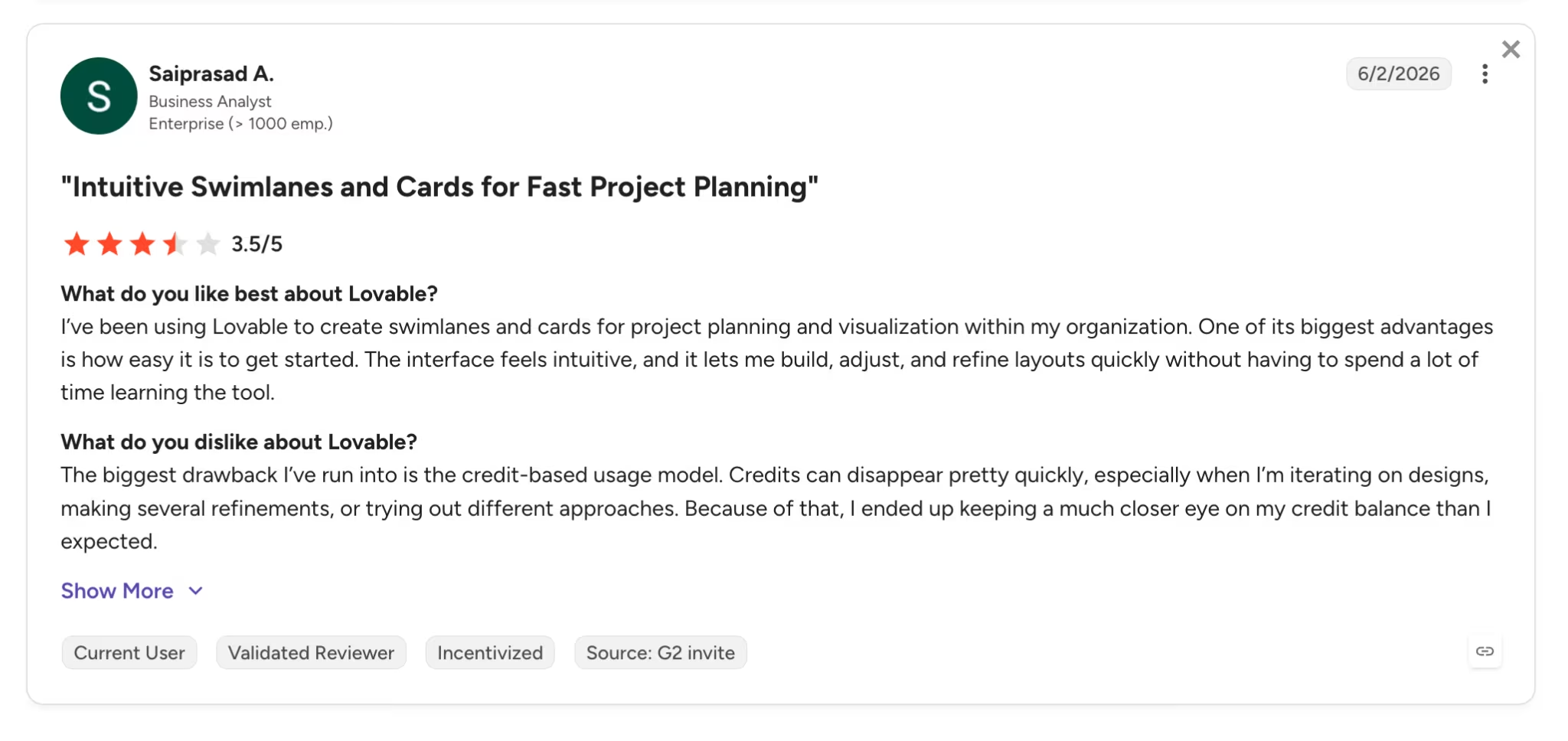
Con: "The biggest drawback I've run into is the credit-based usage model. Credits can disappear pretty quickly." — Saiprasad A., G2
Read More: Our full Lovable review covers its pros, cons, and user complaints in depth.
Pricing
Lovable's pricing starts free, with 5 daily credits capped at 30 per month, which is enough to evaluate the tool but not to ship a product. The Pro plan runs $25/month for 100 monthly credits, and Business starts at $50/month with SSO (single sign-on) and team controls.
Annual billing saves roughly 17%. Budget extra for hosting and in-app AI usage, which bill separately from your build credits.
Bottom Line
I'd point design-conscious founders here first. If your SaaS wins on look and feel, Lovable gets you a credible product faster than anything else in this roundup.
Also read our best Lovable alternatives guide for what else is worth trying when the credit model or web-only output becomes a constraint.
2. Emergent: Best for Launching a Complete SaaS With Payments Built In
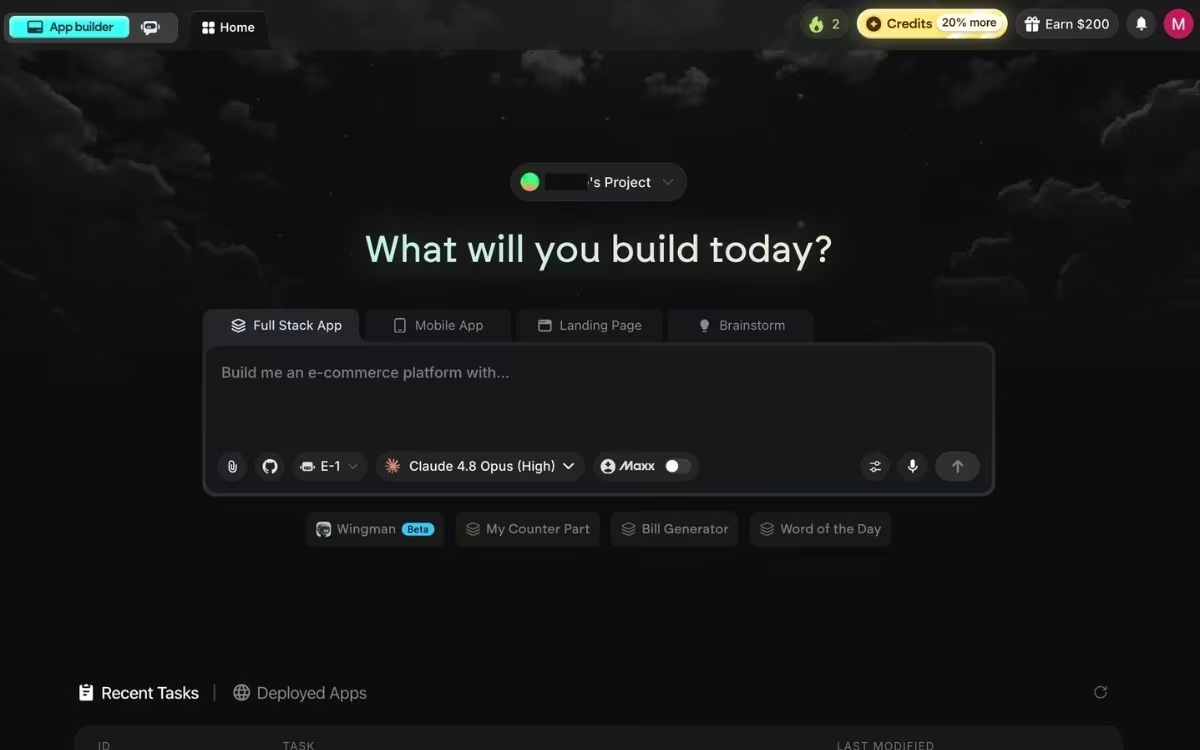
What it does: Emergent is an AI app-building platform built for vibe coding. It turns a plain-English description into a complete, working app, with the screens, data, sign-in, and payments all handled for you.
Best for: Non-technical operators and solo builders who want a SaaS that can take money from day one, without stitching separate tools together.
Emergent earns its spot on a no-code SaaS builder list because you never have to write code, though it goes further than the classic drag-and-drop category. A coordinated system of specialized agents works on your build together. Some shape the screens, others wire up the logic and integrations, and testing agents check the work before anything ships.
For a subscription product, that means Stripe or Razorpay checkout, Google sign-in, and data storage come wired into the first build.
What that looks like at full scale is Plate OS, a multi-tenant SaaS built on Emergent by Toronto meal prep founder Sushen Dang. It handles subscriptions, renewals, and billing for his two brands, other meal prep companies now pay to run their operations on it, and he built the whole thing without writing code, spending about $10,000 in credits against a $200,000 quote for custom development.
Emergent's tradeoff is cost predictability, because credit use is hard to forecast on complex, multi-feature builds.
When you're ready to publish, you click the Deploy button, and after roughly 10 to 15 minutes, your app is live on an emergent.host web address. From there, you can put it on your own domain two ways: by buying one through the built-in IONOS integration or by connecting a domain you already own. The custom domain guide walks through both paths.
Key Features
Four Emergent capabilities carry the most weight for a subscription product:
- Payments from the first prompt: Ask for Stripe or Razorpay checkout and Google sign-in in your description, and they're part of the build.
- 100+ integrations: Connects to the tools a SaaS runs on day-to-day, including SendGrid for email and Twilio for texts.
- Web and mobile: Builds web apps and mobile apps from the same project.
- Code you own: GitHub sync on the Standard plan and up, so you can export your project and host it anywhere.
Pros and Cons
Pros:
- The most complete first build in this roundup; payments, sign-in, and hosting arrive together.
- No lock-in; the generated code syncs to your own GitHub account on Standard and up.
- Standard costs $20/month for 100 credits, less than comparable tiers on Lovable and FlutterFlow.
Cons:
- Credit consumption is hard to predict on complex, multi-feature builds.
- The free plan's 10 credits run out well before a production-ready build is finished.
What Users Say
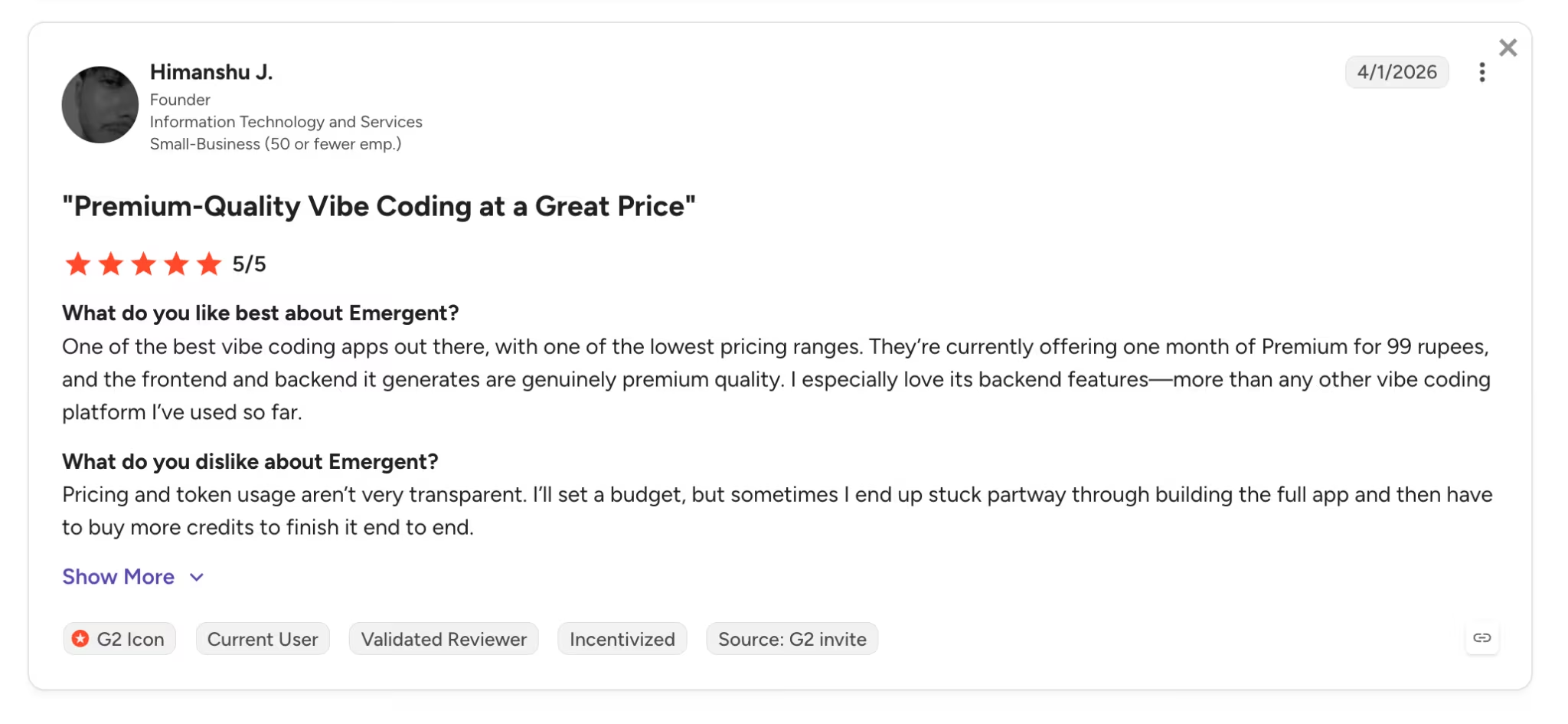
Pro: "One of the best vibe coding apps out there, with one of the lowest pricing ranges." — Himanshu J., G2

Con: "The theme that is prompted is not aligned well." — Gracey D., G2
Pricing
Emergent's pricing includes a Free plan with 10 monthly credits for trying the platform. Standard costs $20/month ($17/month billed annually) with 100 monthly credits, private projects, and GitHub integration.
Pro runs $200/month ($167/month billed annually) with 750 credits, a 1M-token context window (how much the AI can work with at once), and Maxx for reasoning through more complex logic. Enterprise pricing is custom.
Bottom Line
For a first paid product, this is the strongest start-to-finish path here. The same caveat applies across the category. Write specific prompts, because vague ones cost you credits on both the build and the fix.
3. Replit: Best for Building and Hosting in One Workspace

What it does: Replit is a browser-based platform where an AI agent turns your prompt into a working app, with a built-in database and publishing in the same tab.
Best for: Builders who want one place to create the product, store its data, and host it, and who don't mind seeing the code underneath.
Replit sits at the technical end of this roundup. The agent does the building, but you're working in a real development workspace, so the files, the database, and the console stay visible. For a SaaS, that matters because your app, its data, and its hosting live together, and you can publish without moving the project to another service.
Its integrations cover the pieces a paid product needs, including Stripe for payments, and the agent wires them in when you ask. Replit also builds mobile apps, so a phone version doesn't mean starting over.
Cost is where this one needs attention. Replit bills in two parts: a subscription plus usage credits, and those credits cover agent work, hosting, and database usage together. Once they run out, further usage bills as you go, which is why reviewers report months that cost well above the plan price.
Key Features
Four Replit capabilities matter most for a subscription product:
- Agent-built apps: Describe the product, and the agent writes it, sets up the project, and configures publishing.
- Built-in database: Data storage ships with the workspace, so accounts and records persist without a separate service.
- Payment integrations: Stripe connects through Replit's integrations for subscriptions and one-off charges.
- Publishing in the same place: Deployments run inside the platform, including private or password-protected versions.
Pros and Cons
Pros:
- One workspace holds the editor, the database, and the hosting, so there's no stack to assemble.
- The code stays visible and editable, which makes handing the project to a developer straightforward.
- The free Starter plan publishes one project, so you can test the full path before paying.
Cons:
- Two-part billing, a subscription plus usage credits, makes the monthly cost hard to predict.
- The workspace feels more technical than prompt-only builders, which slows non-technical founders down.
What Users Say

Pro: "I can prototype, test, and share a working MVP in minutes directly from a browser." — Amit M., G2

Con: "Replit isn't especially user-friendly in terms of its interface." — Ashwini R., G2
Read More: Our full Replit review covers what users say about its agent and its credit pricing.
Pricing
Replit's free Starter plan includes daily agent credits, the built-in database, and one published project. Core costs $25/month ($20/month billed annually) with $25 in monthly credits and up to 5 collaborators.
Pro runs $100/month ($95/month billed annually) with $100 in monthly credits and up to 15 builders; Enterprise pricing is custom. Credits pay for agent work, hosting, and database usage, so a heavy building month costs more than the subscription alone.
Bottom Line
Pick Replit when you want the whole product in one place, and you're comfortable around code. Founders who only want to prompt and publish will move faster on Lovable or Emergent.
Also read our best Replit alternatives guide for what else is worth trying when the two-part billing or technical workspace doesn't fit.
4. FlutterFlow: Best for Mobile-First SaaS Applications
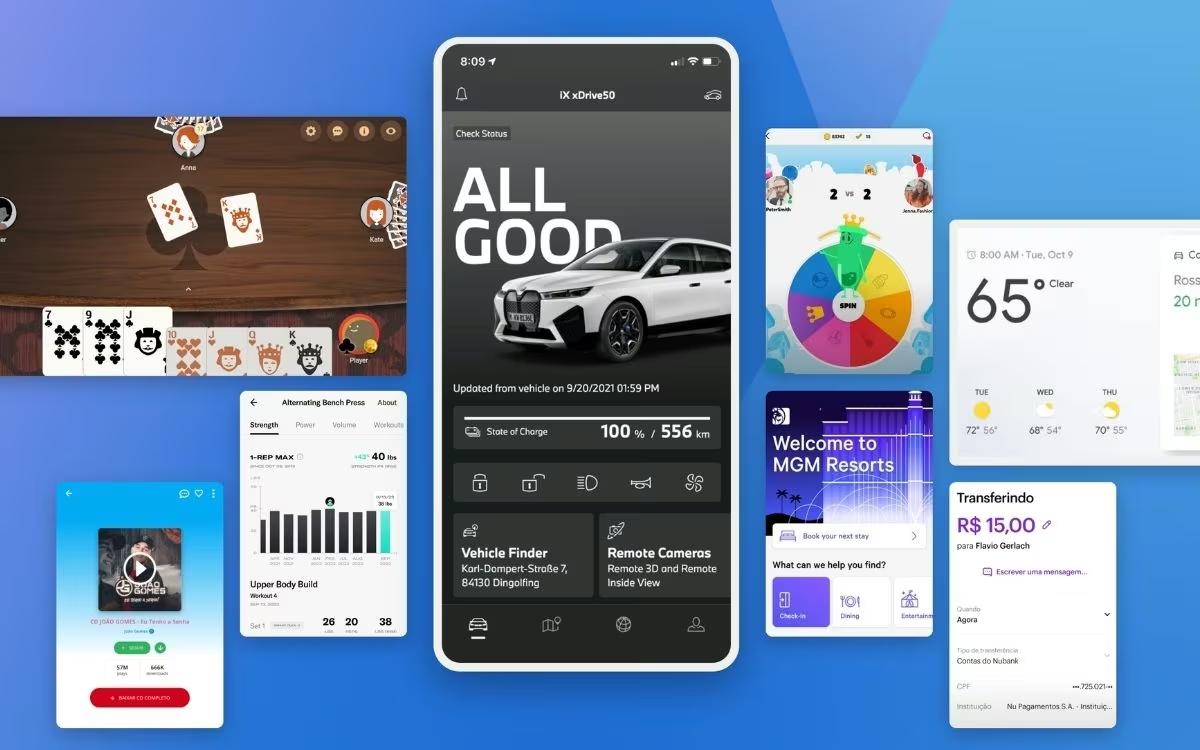
What it does: FlutterFlow is a visual builder on top of Google's Flutter framework that produces native iOS, Android, and web apps from one design canvas.
Best for: Builders whose SaaS lives on phones, and anyone who wants clean, exportable app code as the end product.
If your subscribers use your product on their phones, FlutterFlow is the industry standard. It generates native iOS and Android apps, integrates with services like Firebase or Supabase to store data and handle sign-ins, and lets you download your Flutter source code at any time.
The tradeoff is mindset. FlutterFlow expects you to think a little like a developer about data structures and how services connect, even though you're working visually. Reviewers with coding backgrounds tend to love it for that.
Key Features
FlutterFlow's edge comes from four capabilities built for mobile products:
- Native mobile output: One canvas produces iOS and Android apps you can submit to both app stores.
- Full code export: Download your app's source code (Flutter and Dart) anytime, so there's no vendor lock-in.
- Data integrations: Connects smoothly with Firebase and Supabase for data, sign-ins, and file storage.
- Team workflows: GitHub integration, branching, and real-time collaboration on higher plans.
Pros and Cons
Pros:
- Generates clean, native iOS and Android applications from a single design.
- Code export at any time completely bypasses vendor lock-in.
- Scales into professional team development with branching and testing tools.
Cons:
- Requires a more developer-adjacent mindset around data structures and connected services.
- Data hosting (Firebase or Supabase) bills separately on top of your subscription.
What Users Say
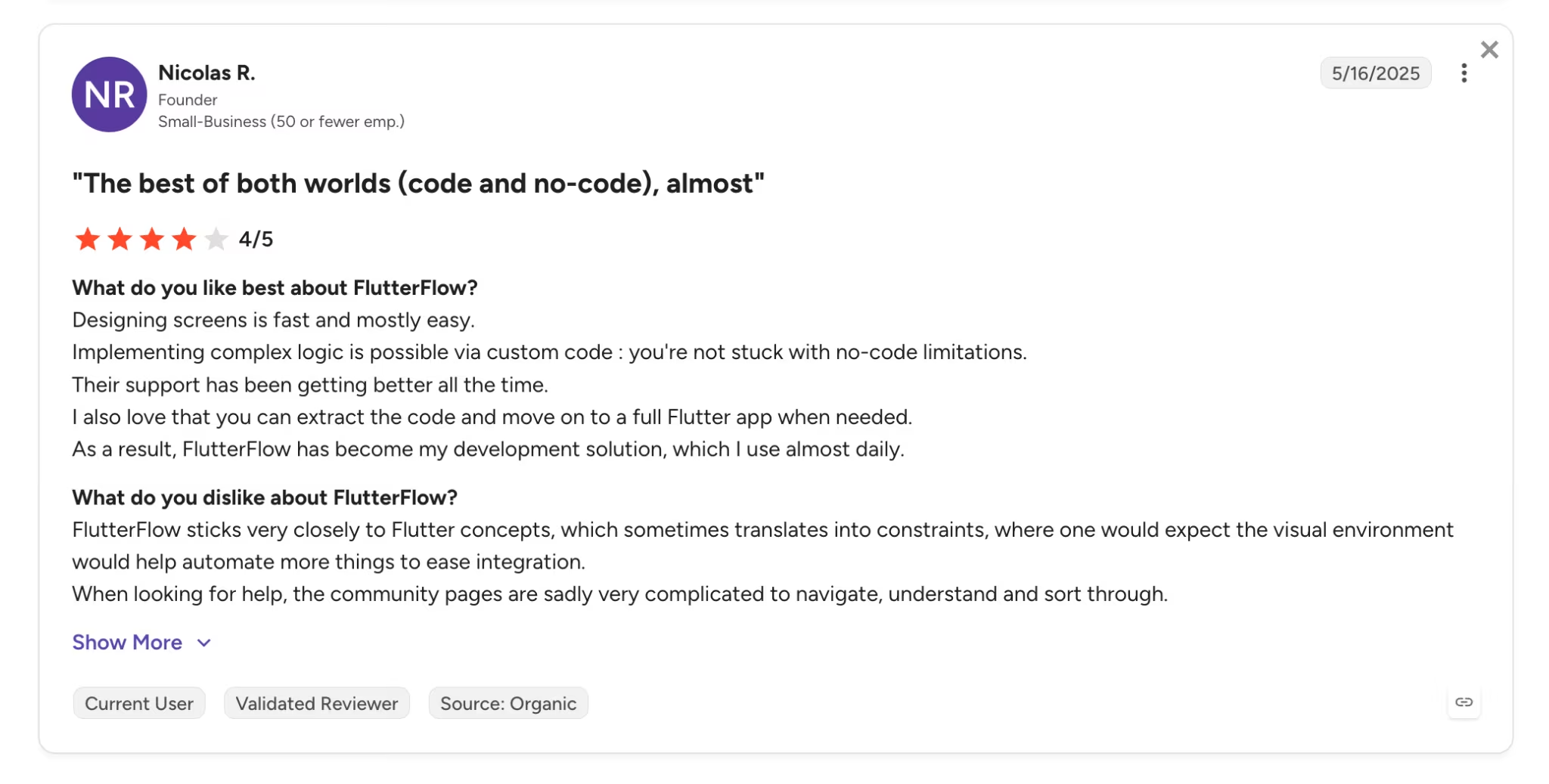
Pro: "Designing screens is fast and mostly easy." — Nicolas R., G2

Con: "For more complex logic or custom interactions, I often need to switch to the raw Flutter code or embed custom functions." — Vladislav, G2
Pricing
FlutterFlow's pricing includes a Free plan for prototyping (no code export). Basic costs $39/month ($29/month billed annually, ~25% off) and adds code download, app-store deployment, and custom domains.
Growth runs $80/month for the first seat ($60/month billed annually, ~31% off) with GitHub integration and branching, and Business starts at $150/month for the first seat ($112.50/month billed annually, ~43% off).
Bottom Line
For a mobile-first SaaS, nothing else on this list competes. Skip it if you're a non-technical founder building a web product, because you'd be paying the learning curve for native output you don't need.
Also read our best FlutterFlow alternatives guide for what else is worth trying when native mobile output isn't the priority.
5. Bubble: Best for Complex Logic and Full Control
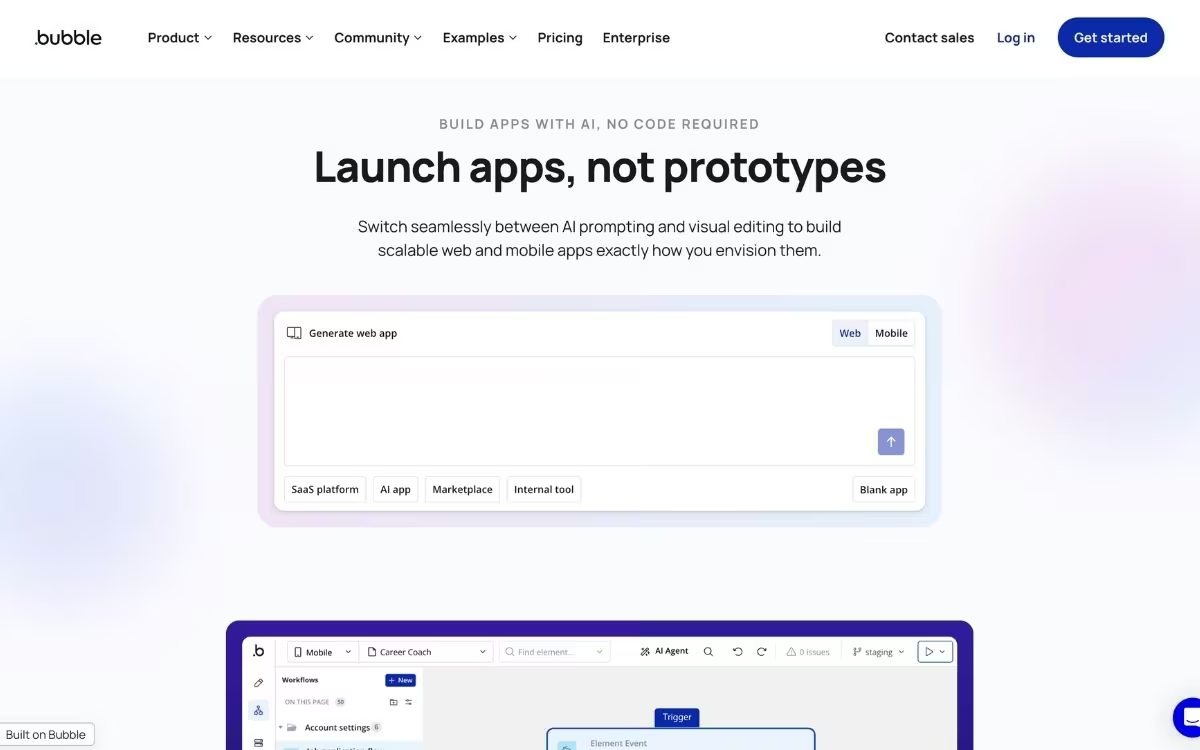
What it does: Bubble is a visual programming platform for web apps, with its own editor for interfaces, data, and step-by-step workflow logic.
Best for: Builders with complex products, like marketplaces and multi-role SaaS platforms, who will trade a learning curve for near-total control.
Bubble is one of the oldest names in no-code, and depth is what all that history bought. Its visual programming language can express logic that prompt-based tools choke on, which is why marketplaces, custom CRMs, and multi-sided platforms still get built here.
Bubble has added AI generation to draft pages and workflows, but it remains a visual builder first, and you should expect to spend serious hours in the editor connecting things.
Cost is the other thing to understand before committing. Bubble charges by workload units, a meter of the server work your app performs, so a busy or inefficiently built app can consume its monthly allowance fast. Users also flag lock-in. Your app runs on Bubble's hosting, and unlike every other tool on this list, you can't export the code and run it elsewhere.
Key Features
Bubble's depth shows up in four areas that matter for complex apps:
- Visual programming: Build multi-step logic with triggers, conditions, and loops, all without code.
- Built-in data engine: Design your app's data structure and permissions inside the same editor.
- Plugin marketplace: Thousands of community plugins extend payments, maps, AI, and more.
- Native mobile track: Newer mobile plans publish native mobile apps (built on React Native) to the iOS and Android app stores.
Pros and Cons
Pros:
- Handles complex, multi-role application logic that prompt-first tools can't.
- A decade-old library of templates, tutorials, and a plugin marketplace to draw on.
- Scales to serious traffic with workload tiers, so you're not forced into plan jumps.
Cons:
- Steep learning curve; many owners end up hiring Bubble specialists to finish apps.
- No code export, so your app lives on Bubble's infrastructure for good.
What Users Say

Pro: "The speed that you can create fully functional and scalable web applications is unbelievable." — Andre F., G2

Con: "Too bloated. You can basically do anything with it but it's going to be a pain doing it and the pricing is far from affordable." — Lloyd P., G2
Pricing
Bubble offers a Free plan for building and learning, though you can't launch a live app on it. Starter costs $32/month ($29/month billed annually) with a 175,000 monthly workload unit limit and a custom domain.
Growth runs $134/month ($119/month billed annually), and Team costs $399/month ($349/month billed annually). Overages bill at roughly $0.30 per 1,000 extra workload units, so efficiency matters.
Bottom Line
Choose Bubble when complex logic is your product's hard part. Founders building a marketplace or a permissions-heavy platform will hit ceilings everywhere else first. Everyone else will move faster on a prompt-based tool.
Read More: If Bubble's learning curve gives you pause, our Bubble alternatives breakdown covers the closest options.
Which No-Code SaaS Builder Should You Choose?
The right pick depends on what your product needs on day one:
Choose Lovable if you:
- Want the most polished-looking web app with the least effort.
- Plan to hand the code to a developer later via GitHub export.
Choose Emergent if you:
- Need payments, sign-in, and hosting working together in your first build.
- Want to own and export your code without paying a premium for it.
Choose Replit if you:
- Want the app, its database, and its hosting in a single workspace.
- Are comfortable reading the code the agent writes, or plan to hand it to a developer.
Choose FlutterFlow if you:
- Need native iOS and Android apps your subscribers download from app stores.
- Don't mind thinking about data structures to get professional-grade output.
Choose Bubble if you:
- Are building a marketplace or multi-role platform with complex logic.
- Can invest weeks of learning, or budget for a Bubble specialist.
Skip this category entirely if:
- You're a developer who wants a faster way to write code; tools like Cursor and Claude Code fit that job better.
- You only need a marketing site; a website builder like Webflow will feel lighter.
Final Verdict
For most people building a subscription product without code in 2026, Emergent and Lovable are the two tools I'd shortlist, and the split is simple. Lovable wins when the product's edge is design, and Emergent wins when the product needs to charge money and handle real users from the first week.
The rest of the field comes down to specifics you've already seen: one workspace for everything, native mobile, or raw complexity. None of them removes the need to think clearly about what you're building, and every one charges you, in credits or in hours, when your requirements are vague.
The category has crossed a line, though. A working SaaS is now a weekend project, and the founders who win with these tools in 2026 will be the ones who can describe their product most precisely.
Start With a Free Build
If a paid product is the goal, Emergent is the one to try first:
- Live in about 15 minutes: Click Deploy and your app goes online on an emergent.host address, with hosting handled for you.
- A complete first build: Coordinated agents wire up the screens, logic, sign-in, and payments, so you can test a working product with real users.
- Free to start: The free plan's 10 credits are enough to build a first app and judge it for yourself.
Try building your first app on Emergent.

Describe what you want and Emergent builds it. A real, production-ready app you can launch the same day.
- One prompt to build
- Zero code required
- Deploy in minutes







