



Cline is a solid tool for developers, but it provides you with raw code and expects you to correct its mistakes. You might struggle if coding isn't in your skill set.
Most “Cline alternatives” lists assume you already code. Half the picks here are for people who don’t.
I compared 8 real alternatives: 4 coding tools for developers, and 4 app-building platforms (that write, host, and launch the whole thing) for non-technical people.
Below: what each one does well, and who it’s actually for.
Why Look for Cline Alternatives?
Cline does its job well. It’s free, open source, and it lets you plug in whatever AI model you want to pay for.
That's a fair trade if you’re a developer who wants full control over your tools and your costs. But it comes with a catch that trips up a lot of people, especially anyone without a coding background.
You need to already know how to code: Cline lives inside VS Code and expects you to read its suggestions, catch its mistakes, and fix what it gets wrong.
That’s like handing someone a chainsaw and assuming they’ll be fine because the manual is clear.
Cline is a great chainsaw. It’s just not the right tool if you’ve never used one, which is why non-technical founders bounce off to something else.
The costs can add up too: Cline itself is free, but you pay for AI usage separately, and that bill scales with how much you use it.
Developers who track their spending can budget around this. Someone without that experience can rack up real charges without knowing it’s happening until the bill shows up.
It stops at the code: Cline writes and edits files. It doesn’t host your app, set up a login system, or connect a database for you.
Once the code is written, you still need to know how to launch it, which is a whole separate skill most non-technical builders don’t have.
It lives inside your editor: some developers want more than an add-on bolted onto VS Code. They want a standalone agent that runs from the terminal, or a full IDE built around AI from the ground up.
These aren’t flaws when you consider who it was built for: developers who want control.
If that’s not you, the rest of this article will point you somewhere better suited to what you’re trying to do.
Which Cline Alternative Should You Choose?
If you code:
- Choose Kilo Code if you’re comfortable managing your own API key, same as Cline. Skip it if you want a polished, all-in-one experience out of the box.
- Choose Claude Code if code quality matters more than price. Skip it if you want a free tool or flexibility across models, since there’s no free plan and you’re locked into Claude.
- Choose Cursor if fast autocomplete is worth paying for. Skip it if you’re watching costs closely, since community cost breakdowns put heavy Pro users at $20–$40 in monthly overages, the point where the $60/month Pro+ tier starts to pay for itself.
- Choose GitHub Copilot if you already live in GitHub and want the lowest entry price. Just know that since June 1, 2026, it bills by usage, so your bill moves with how much you use it.
- Stick with Cline if you want full control over your model choice and you’re comfortable managing your own API costs. It’s still free, open source, and has one of the largest communities among open-source coding agents.
If you don’t code:
- Choose Emergent if you want a launch-ready app without doing the setup yourself. Skip it if the cheapest entry point is your priority, since Standard starts at $20/month, higher than the free tiers on Replit, Lovable, or Bolt.new.
- Choose Replit if you’re learning and want to build in the browser without any local setup. Skip it if you plan to charge real customers, since it isn’t built to hold up at that scale.
- Choose Lovable if you want a great-looking interface fast. Skip it for anything complex, since architecture problems tend to surface late.
- Choose Bolt.new if you’re treating this as a starting point, not a finish line. Skip it if you’re hoping to launch and charge money on what it builds.
The 8 Best Cline Alternatives: At a Glance
A quick look at what each tool does best and what it costs:
Pricing verified against vendor pricing pages as of August 2026. Most of these bill credits or tokens on top of the base price, so real costs can run higher depending on how much you build.
The 4 Best Cline Alternatives
1. Kilo Code
Kilo Code is the closest thing to a free upgrade over Cline. It lets you switch between cheap, premium, or local AI models mid-project, with zero markup on any of them.
It’s a free, open-source fork of Roo Code, built around Architect, Code, Debug, Ask, and Orchestrator modes that keep planning separate from execution.
Connect it to MCP tools, and it can run terminal tests, manage shell installs, and even open a browser to check that a UI change actually looks right.
Key Features
- Multi-model support: switch between free, cheap, and premium models mid-project. You’re not locked into one provider’s pricing.
- Built-in agent modes: Architect plans without touching files, Code implements, Debug fixes, and Orchestrator splits a big job into steps and runs them in order.
- VS Code, JetBrains, and CLI (command line interface) support: works inside the editor you already use, with permission prompts before it changes anything.
Pros
- Free extension with zero markup on whatever model you bring.
- Flexibility to mix cheap and premium models depending on the task.
- More polished than several of the other agents I tried.
Cons
- Lags and can be unstable sometimes, especially around updates.
- It can burn through more tokens than Claude Code for the same task. “Cheaper model” doesn’t always mean “cheaper result”.
Best For
- Developers who want to experiment with different models without switching tools.
- Hobbyists doing cost-conscious side projects, like Unity development or game modding.
- Teams already comfortable managing their own API keys who want Cline’s flexibility with more built-in modes.
What People Say
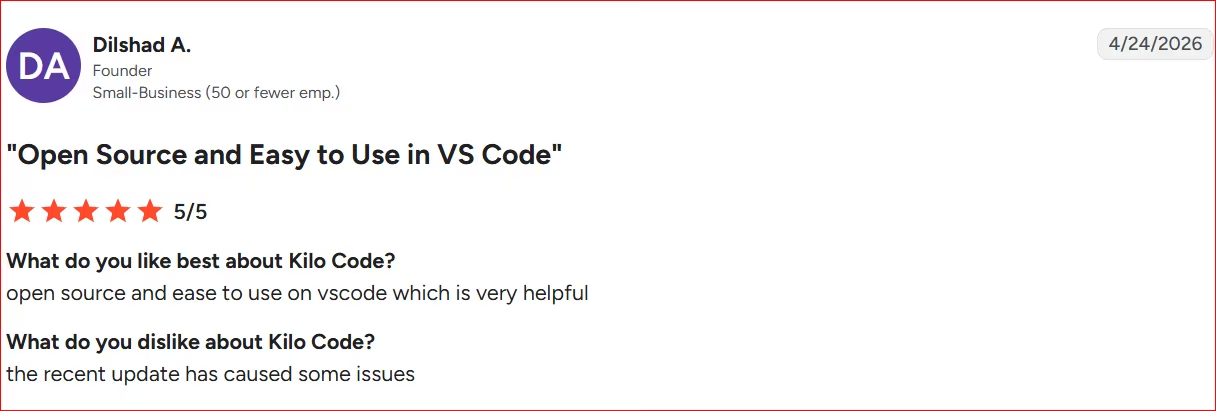
Pro: Open source and easy to use within VSCode.
“Open source and eas[y] to use on VS Code, which is very helpful.” - Dilshad A., G2
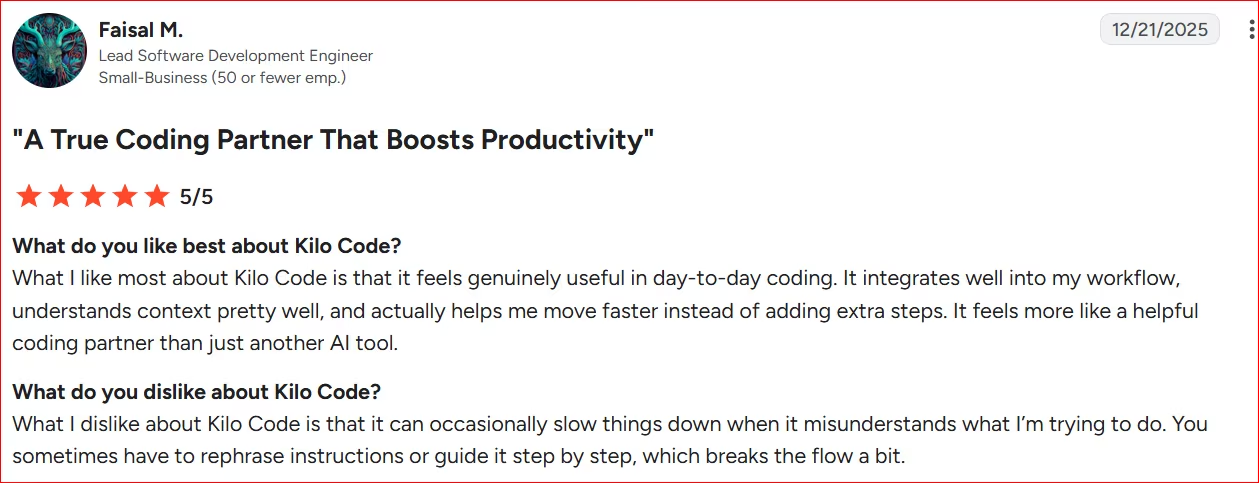
Con: Kilo Code can occasionally slow things down when it misunderstands intent, requiring rephrased or step-by-step instructions that break the workflow.
“What I dislike about Kilo Code is that it can occasionally slow things down when it misunderstands what I’m trying to do” - Faisal M., G2
Pricing
The extension is free and open source. You bring your own API key at no additional cost. Kilo Pass, an optional subscription that converts payment into prepaid credits, starts at $19/month.
2. Claude Code
Claude Code trades Cline’s editor-based workflow for a terminal-first agent that tends to produce fewer follow-up fixes.
Claude Code runs from the command line and remembers your project across sessions. A dedicated CLAUDE.md file stores your coding style, rules, and context, so its first attempt is usually closer to what you asked for.
Remote control lets you trigger and check on a running session from your phone or a browser, so you're not stuck babysitting a terminal.
Key Features
- Persistent memory: a CLAUDE.md file stores your project’s rules and context, so you don’t have to re-explain the project every session.
- Planning mode: a dedicated plan mode makes Claude think through a complex task and outline its approach before touching any files.
- Agent teams: multiple sub-agents can work in parallel on different parts of a task.
Pros
- Gets work done faster without losing track of what you were building.
- Strong at debugging, including tracking down the real cause of a tricky bug.
- Holds context well across a session, which makes it feel like it understands what you’re asking.
Cons
- It can’t build a complete app from a single prompt. Even at its highest effort setting, it still needs a developer reviewing and steering the work.
- Pushing the effort setting too high on a simple task can backfire, leading to overengineered or bloated output.
Best For
- Data engineering and scripting, where you can quickly review and validate what it produces.
- Fast prototyping and small web apps you want to iterate on quickly.
- Personalized tools and automations for niche, specific needs.
What People Say
Pro: Works directly in the codebase. Follows project conventions across sessions and verifies changes before finishing. Custom skills save hours on repetitive work.
“It works inside my project, reads the whole codebase, edits real files.” - Peter S., G2
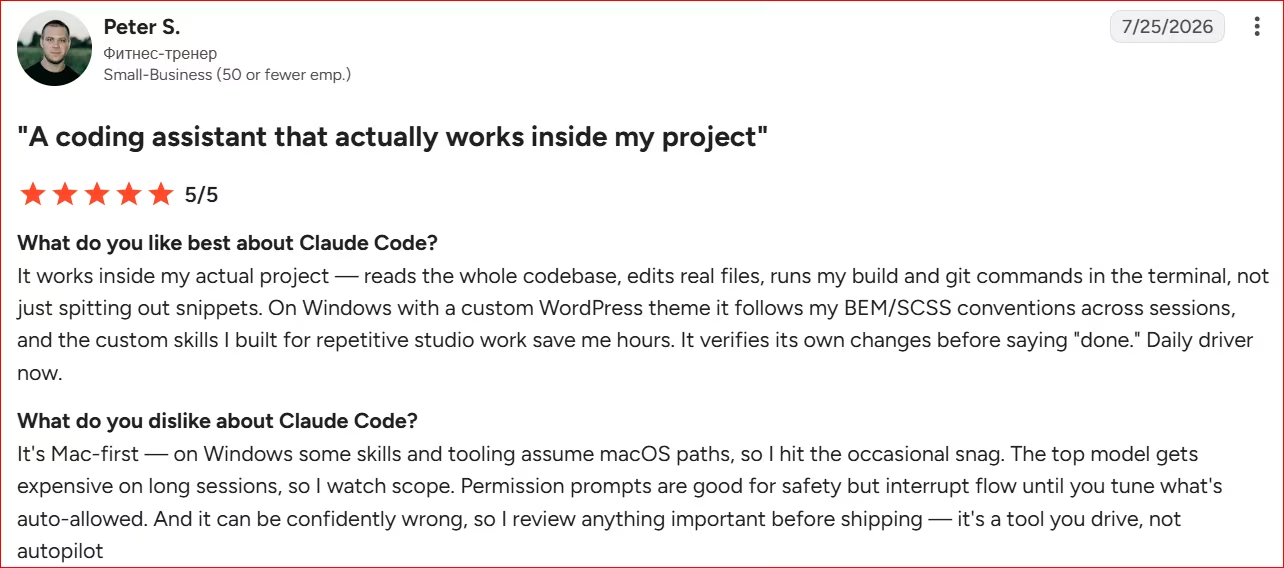
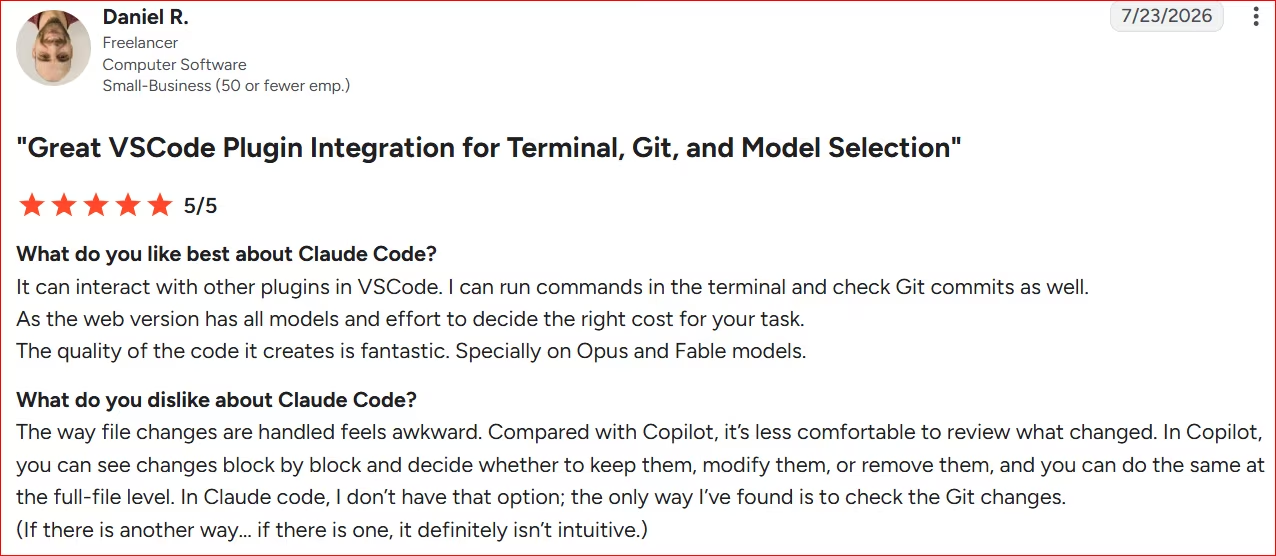
Con: File change review feels awkward compared to Copilot, which allows block-by-block or full-file review to keep, modify, or remove changes. Claude Code lacks that option; the only workaround found is checking Git changes, and it isn't intuitive.
“The way file changes are handled feels awkward. Compared with Copilot, it’s less comfortable to review what changed.” - Daniel R., G2
Pricing
Claude Code isn’t included on the free Claude plan. Pro is $20/month. Max plans run $100 or $200/month for heavier daily use.
Also read our best Claude alternatives guide for what else is worth trying when the terminal-first workflow or lack of visual interface doesn't fit.
3. Cursor
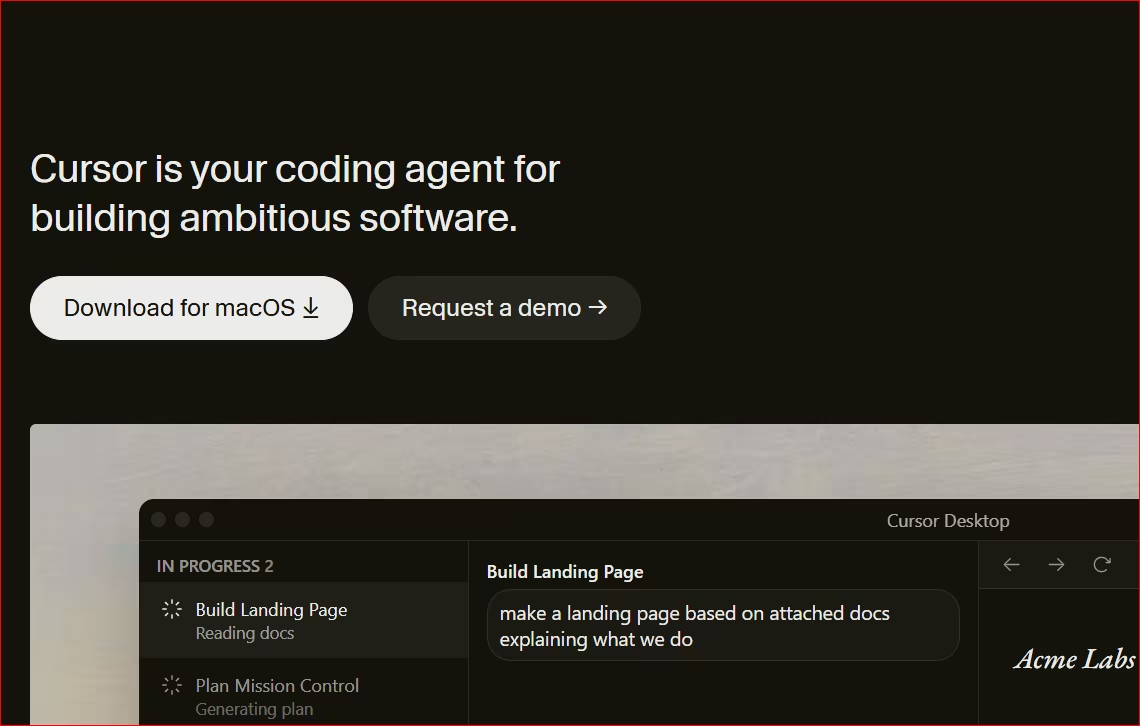
Cursor is what you go for when tab completions are non-negotiable, and you’re willing to switch editors to get them.
It’s a fork of VS Code with AI built into the core, which is the main structural difference from Cline.
You get instant inline tab completions and full codebase indexing, while keeping your existing VS Code themes, keybindings, and extensions.
Background agents can clone your repo into a remote environment and handle long, tedious jobs like refactoring or boilerplate generation without tying up your local machine.
Also read our best Cursor alternatives guide for what else is worth trying when the editor switch or usage costs become a concern.
Key Features
- Fast autocomplete: inline suggestions quick enough to stay in flow while coding.
- Multi-model support: switch between Claude, GPT, and Gemini depending on cost or task.
- Codebase indexing: understands your existing code well enough to suggest changes that fit your patterns.
Pros
- Meaningful time savings once you get used to the workflow.
- Keeps your existing VS Code extensions, themes, and keybindings since it’s a fork.
- Agent mode handles multi-file changes and refactors, beyond single-line suggestions.
Cons
- Costs add up fast, especially once you exceed what’s included in a plan.
- In auto mode, the built-in model sometimes produces code that doesn’t compile, which means more review time.
Best For
- Staying in a flow state while building UI components or writing individual functions.
- Targeted cleanups and small, specific code changes.
- Getting oriented quickly in a codebase you didn’t write.
What People Say
Pro: AI is embedded in the core of the editor. Tab autocomplete is fast, and Composer can launch multi-file refactors, saving time. As a VS Code fork, the learning curve is zero, since it indexes the project and is ready to use from the first minute.
“The AI is embedded in the core of the editor and not attached with a side widget.” - Antonio T., G2

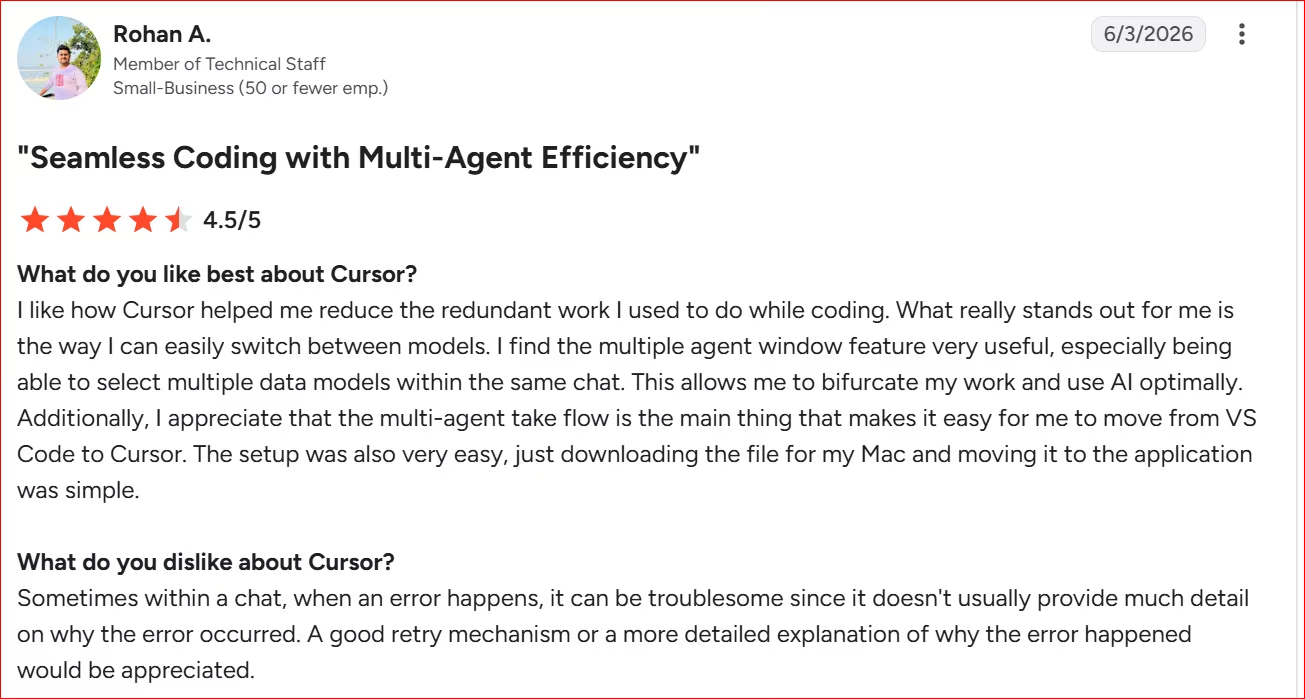
Con: Sometimes it doesn't explain errors when they happen.
“Sometimes within a chat, when an error happens, it can be troublesome since it doesn't usually provide much detail on why the error occurred.” - Rohan A., G2
Want the full picture of what developers are saying? Read our Cursor Reviews for a closer look at what real developers actually ran into.
Pricing
Free (Hobby) plan available. Pro is $20/month and covers about $20/month of premium model use before overages start.
Want the full breakdown of what each plan actually covers? Read our Cursor pricing guide before you commit.
4. GitHub Copilot
GitHub Copilot is the safest default if you want AI coding help without managing API keys or picking models yourself.
Where Cline gives you the wheel on model choice and cost, Copilot combines model access into one subscription instead.
GitHub Copilot bundles access to models like GPT, Gemini, and Claude into one subscription, so you skip separate API keys and pay-as-you-go markup, making it the standard in a lot of professional environments.
It works across all major IDEs with the same enterprise-grade GitHub integration developers already rely on.
Enterprise plans add IP indemnification and automated pull request summaries right inside GitHub, so reviews keep moving.
Read our full Best GitHub Copilot Alternatives guide for a deeper breakdown.
Key Features
- Inline code completion: real-time suggestions as you type, with no separate setup.
- Integrated chat and CLI: ask questions or generate code in plain language from inside your editor or terminal.
- Deep IDE integration: works across VS Code, JetBrains, and other major editors without extra configuration.
Pros
- Widely adopted by large companies and government contractors. So it’s a safe, standard choice for team environments.
- Less time lost to debugging.
- Tight integration with the tools most developers already use daily.
Cons
- Copilot moved to usage-based billing on June 1, 2026, so heavier users may run through it faster than expected. Anyone on an annual Pro or Pro+ plan stays on the old pricing until it expires.
- Model choice is limited on the lower tiers.
Best For
- Teams and individuals already standardized on GitHub who want the lowest-friction option.
- Developers who’d rather not manage their own model choice or API billing.
- Repetitive scaffolding and boilerplate work across common languages.
What People Say
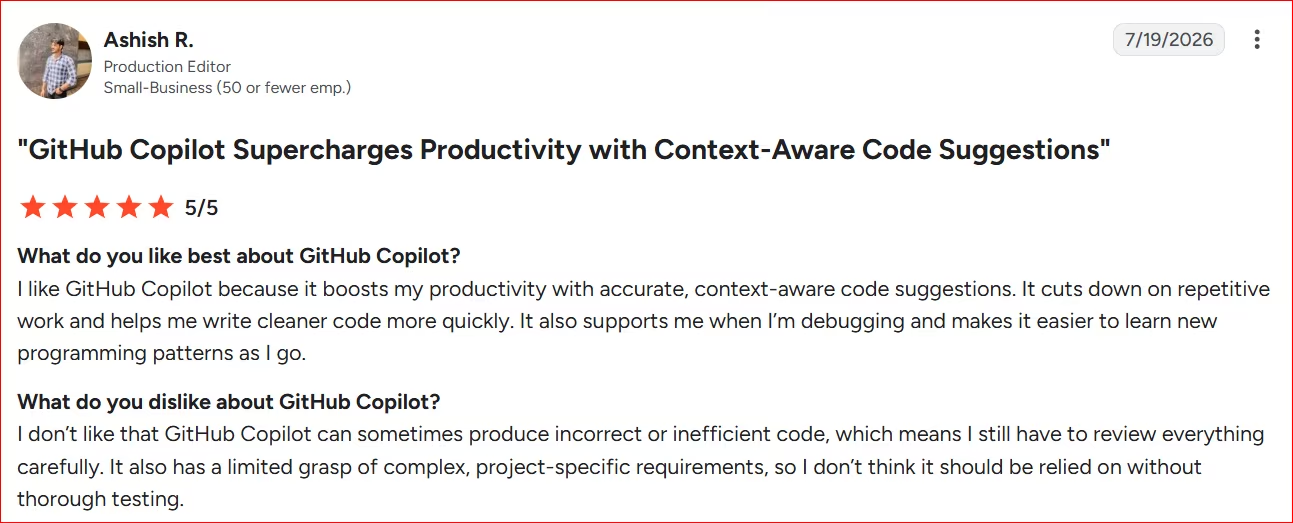
Pro: Boosts productivity with accurate, context-aware code suggestions. Cuts down repetitive work, helps write cleaner code faster, supports debugging, and makes it easier to learn new programming patterns.
“I like GitHub Copilot because it boosts my productivity with accurate, context-aware code suggestions.” - Ashish R., G2
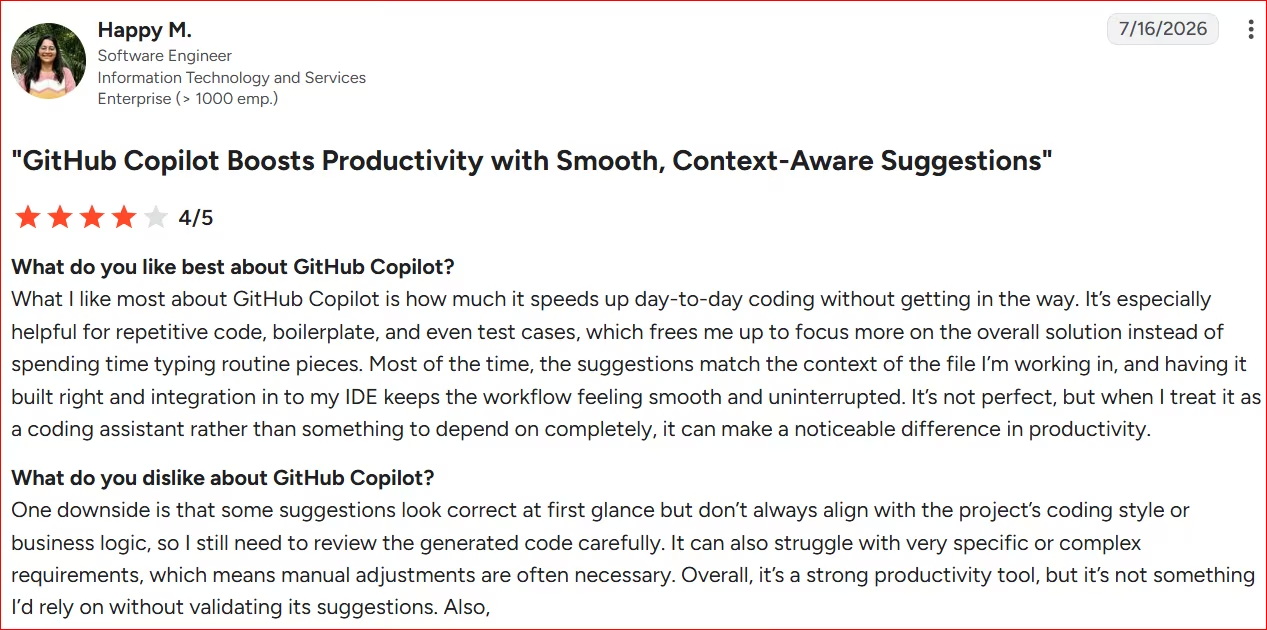
Con: Suggestions sometimes look correct but don't align with the project's coding style or business logic, requiring careful review. It can also struggle with complex or specific requirements, needing manual adjustments.
“One downside is that some suggestions look correct at first glance but don’t always align with the project’s coding style or business logic” - Happy M., G2
Want the full picture of what developers are saying? Read our GitHub Copilot Review for a closer look at what real developers actually ran into.
Pricing
Free tier available. Pro is $10/month. Pro+ is $39/month for access to more advanced models.
Want the full breakdown of what each plan actually covers? Read our GitHub Copilot pricing guide before you commit.
A Few More Developer Tools
Also worth a look: Windsurf is a fuller AI-native editor, Aider is a free terminal-first option, and Continue is an open-source VS Code extension in the same spirit as Cline.
Not a Developer? Here’s 4 Cline Alternatives for You
Everything above still asks you to read code, judge whether it’s good, and fix it when it’s not.
If that’s not something you can do (or want to do), none of those four tools solve your problem.
What you need instead is a different kind of tool. One that builds the whole app, including the parts Cline leaves to you, like putting it online and letting people in.
Here are four options built for exactly that.
5. Emergent
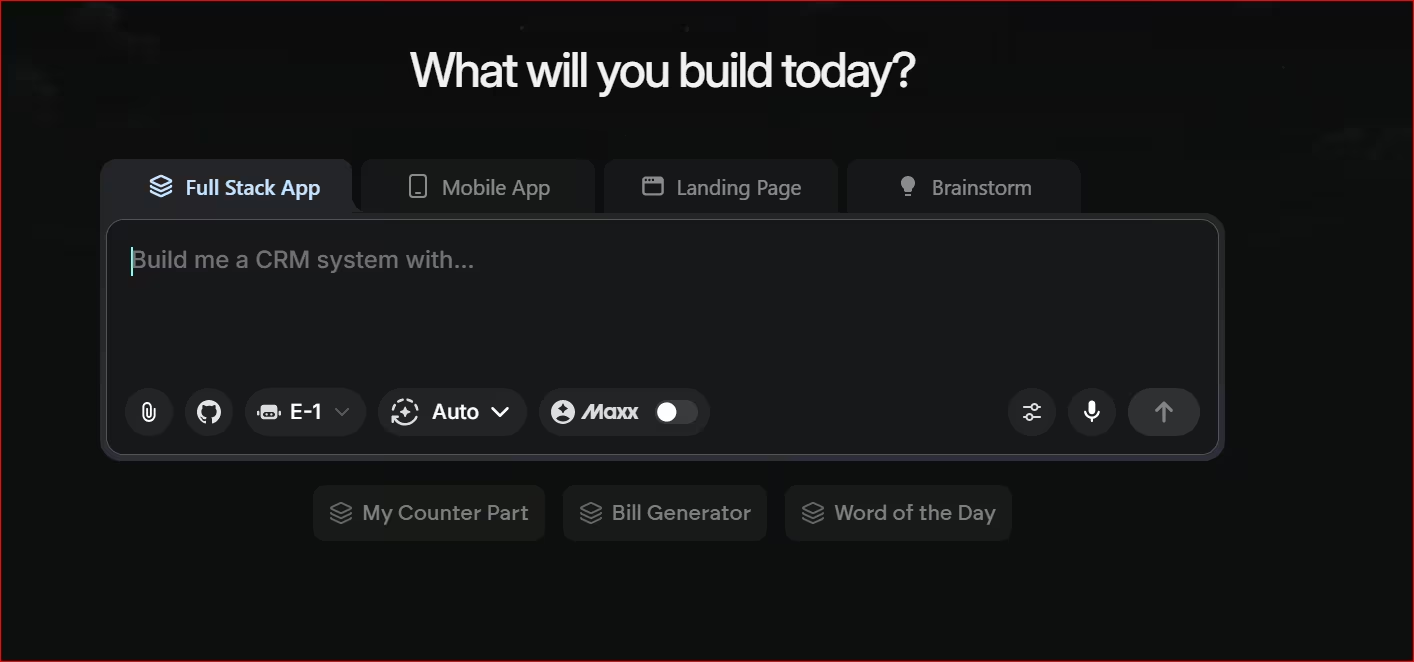
Emergent turns a plain description of your idea into software you can actually launch.
A team of specialized AI agents builds the complete app, including the part most non-technical builders never even know they need.
They write the logic, set up how your data is stored, handle login, and wire up live payments through Stripe, so you get a fully hosted, launchable product.
Dedicated testing agents also try to break the build before you ever see it, catching and fixing issues on their own.
Key Features
- Full app generation: writes the interface and the logic that runs it, so you’re not left with half a product.
- Built-in setup: sign-in, hosting, and payment processing (like Stripe) are wired up before you open the app for the first time.
- Automatic testing: dedicated agents check the build for errors and fix them as it goes.
Pros
- Builds the parts where you’d otherwise hire a developer.
- Handles the parts of app building that trip up non-technical founders most, like getting people logged in and getting paid.
- Works for founders, service business owners building internal tools, and developers who want to skip repetitive setup.
Cons
- Complex, data-heavy builds can drift after several deploys, so check the database wiring before you rely on it in production.
- Emergent defaults to MongoDB for storage, which isn't the right fit for every project. If your app needs relational data (for example, orders linked to customers linked to products), you may need a workaround.
Best For
- Non-technical founders who want a working app they can launch.
- Service business owners who want a custom internal tool without hiring a developer.
- Developers who want to skip boilerplate and get to the interesting part faster.
What People Say
Pro: The building agents are easy to use.
“It's very easy to instruct the building agents to accomplish your task.” - Robert W., G2

Con: The first few builds take some trial and error before you learn how to prompt it well.
“It took a while to understand how best to use at first. [sic]” - Max H., G2

Pricing
The free plan includes 10 credits to start. Standard is $20/month (100 credits), or $17/month billed annually. Pro is $200/month (750 credits), or $167/month billed annually, for larger and more complex builds.
6. Replit
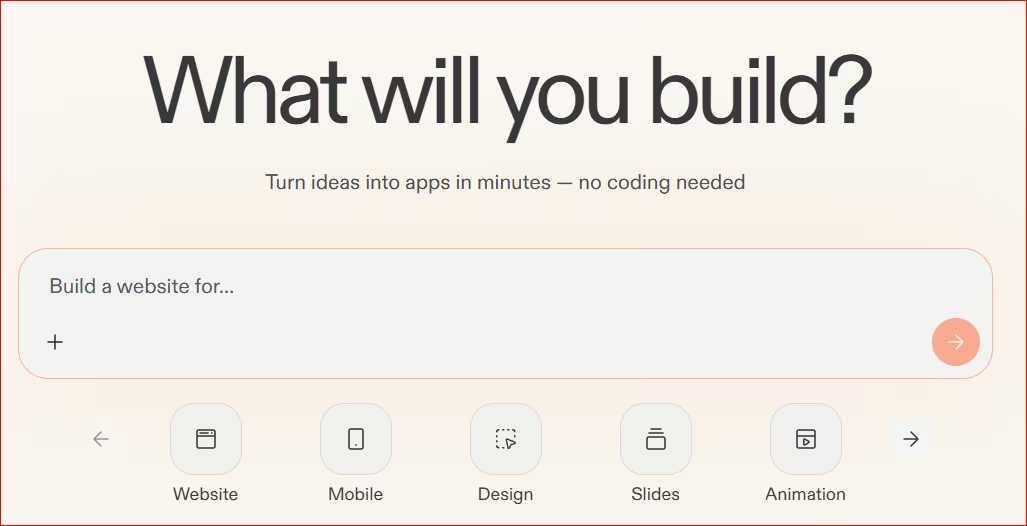
Replit is one of the easiest places to build an app. You watch it happen in your browser in real time, so you skip local setup and terminal configuration completely.
It supports multiple programming languages, and its AI agent can write and run code as you describe what you want.
Multiplayer collaboration lets your whole team, technical or not, work in that same live session together.
I tried building a slightly advanced client portal on Replit’s free plan to see how far it would go. While the execution was fast, I could only generate the interface before I ran out of credits.
You'll likely need a paid plan to ship an app others can use.
Also read our best Replit alternatives guide for what else is worth trying when the credit limits or browser-based environment become a concern.
Key Features
- Live preview: see your app update as it’s being built, which makes the process much less intimidating for a first-timer.
- Browser-based environment: write, run, and host an app without setting anything up on your own computer.
- Beginner-friendly AI assistance: describe what you want and tweak it without needing to read the code yourself.
Pros
- One of the easiest starting points for someone brand new to building anything.
- Almost no friction to get from an idea to something you can click around in.
- Works well for light, simple apps and proof-of-concept ideas.
Cons
- Costs can climb fast and unpredictably, especially around storage and heavier AI use.
- Reliability drops off as a project grows. You might experience crashes once you move past a simple build. It may not be a fit for anything that handles real customer data or payments.
Best For
- Beginners and founders new to app building and how it works.
- Small, simple projects and early idea testing.
- Non-technical users who want an easy entry point, as long as expectations aren't complex.
What People Say
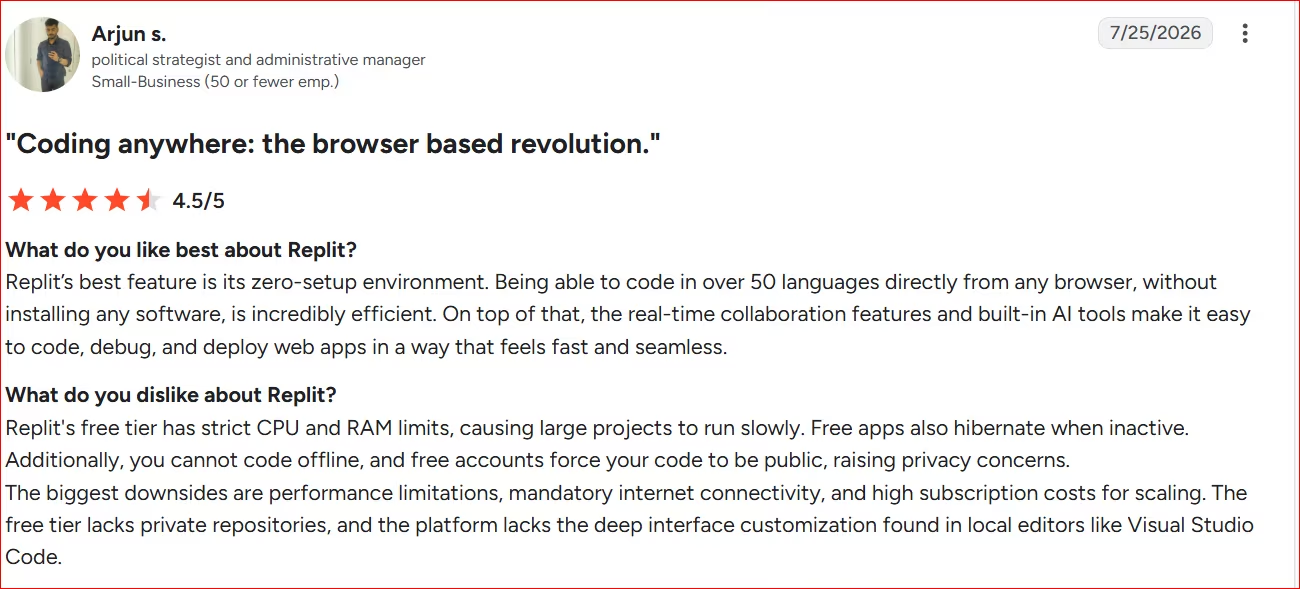
Pro: Zero-setup environment lets you code in over 50 languages directly from any browser without installing software. Real-time collaboration and built-in AI tools make coding, debugging, and launching web apps fast.
“Replit’s best feature is its zero-setup environment.” - Arjun S., G2
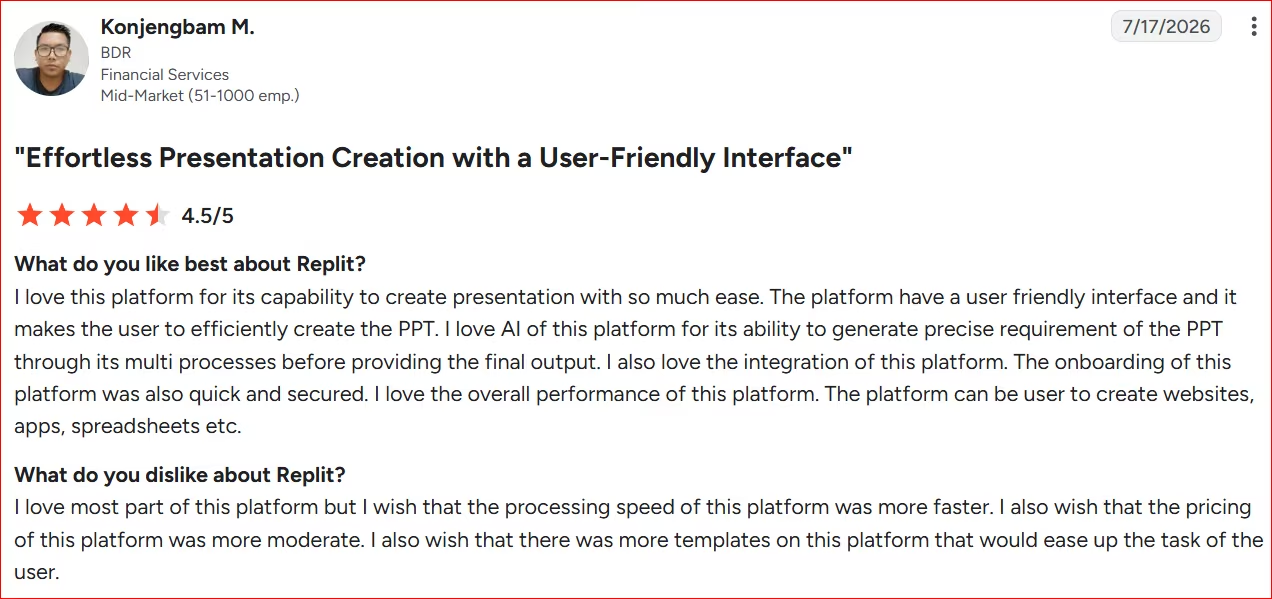
Con: Users wish it ran faster, cost less, and offered more templates to speed up common tasks.
“I love most of this platform but I wish that the processing speed of this platform was faster.” - Konjengbam M., G2
Want the full picture of what users are saying? Read our Replit Reviews for a closer look at what builders actually ran into.
Pricing
Free (Starter) plan available. Core is $20/month, or $18/month billed annually.
Want the full breakdown of what each plan actually covers? Read our Replit pricing guide before you commit.
7. Lovable
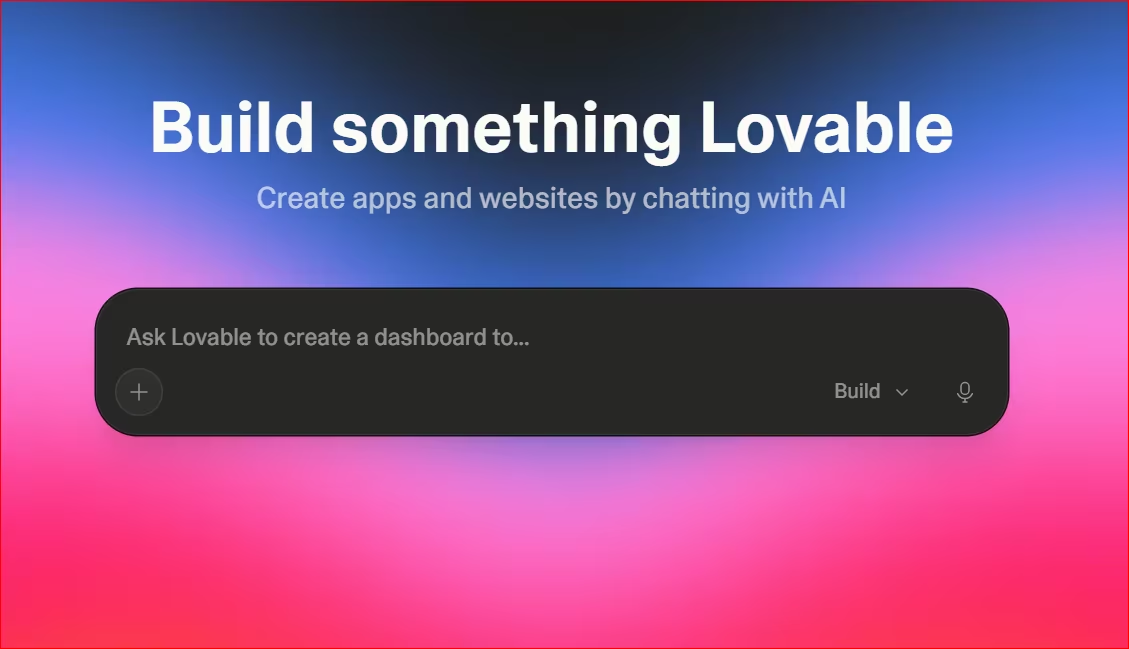
Lovable is the fastest way to turn an idea into something polished you can put in front of real users.
It leans hard into design, generating clean, modern interfaces quickly, and it’s one of the easiest starting points for anyone with no coding background at all.
Two-way GitHub sync means you can hand that build straight to an engineer as clean React and Tailwind code.
I faced the same free credit limits problem building a client portal in Lovable. While Lovable gives 5 free credits every day, they still won't be enough to build a fully functioning app.
Also read our best Lovable alternatives guide for what else is worth trying when the daily credit limits become a constraint.
Key Features
- Fast interface generation: describe what you want and get a clean, styled result quickly.
- All-in-one setup: interface, sign-in, and hosting live in one place. You’re not switching between tools.
- GitHub sync: connect a project to GitHub so a developer can pick up the code later if needed.
Pros
- Fast, and the results look polished right out of the gate.
- One of the lowest-friction starting points for someone who’s never built anything before.
- The all-in-one setup is what some users want, as everything lives in one workspace.
Cons
- There might be a drop in output quality over time, along with higher credit use for the same simple tasks that used to cost less.
- It struggles once a project gets complex. The jump to a production build may be rough, with architecture issues that don’t show up until it’s too late.
Best For
- Quick prototypes and idea testing before you commit further.
- Non-technical users who want the lowest-friction way to see an idea come to life.
- Frontend-only work, often paired with another tool for anything more complex underneath.
What People Say
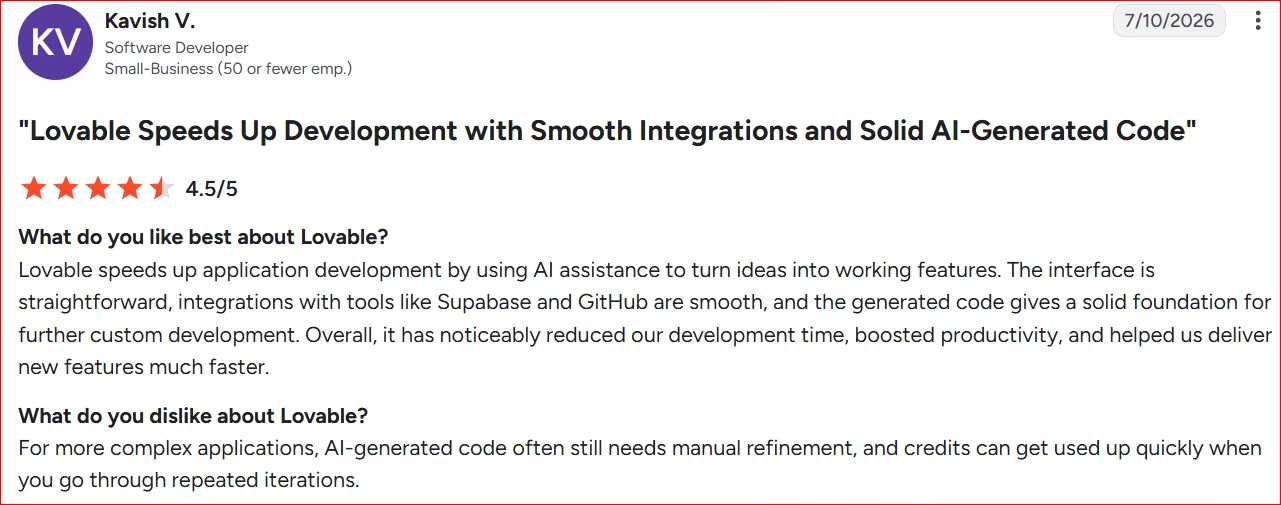
Pro: Speeds up development by turning ideas into working features with AI assistance. Straightforward interface, smooth integrations with tools like Supabase and GitHub, and generated code provide a solid foundation for further customization. Noticed reduced development time and boosted productivity.
“Lovable speeds up application development by using AI assistance to turn ideas into working features.” - Kavish V., G2
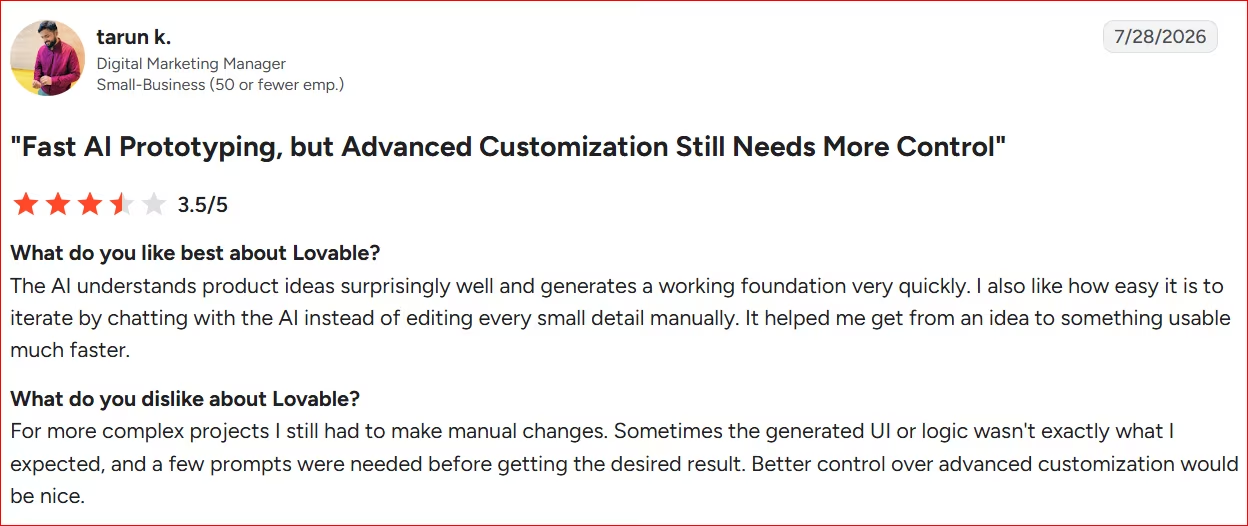
Con: Complex projects still require manual changes. Generated UI or logic sometimes wasn't as expected, needing a few prompts to get the desired result. Better control over advanced customization would help.
“For more complex projects I still had to make manual changes.” - Tarun K., G2
Want the full picture of what users are saying? Read our Lovable Review for a closer look at what builders actually ran into.
Pricing
Free plan available. Pro is $25/month.
Want the full breakdown of what each plan actually covers? Read our Lovable pricing guide before you commit.
8. Bolt.new
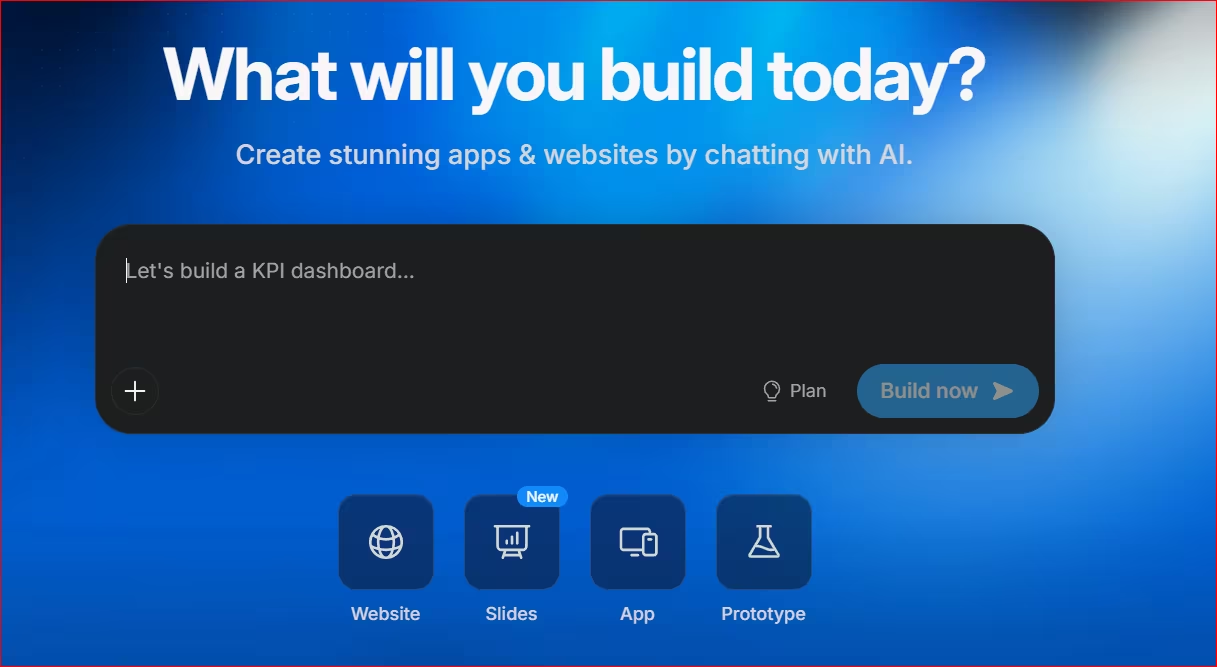
Bolt.new is best treated as a fast way to get a wireframe in front of someone. For a finished product, go with another tool.
Type out what you want, and it generates a full app right in front of you, interface and all. Take it further, and the errors start. I built a client portal on Bolt’s free credits with login, a client dashboard, appointments, invoice management, admin views, and support tickets, and it still wasn’t a clean build.
Rollback lets you undo a bad change quickly, so you can test layouts and user flows without fear of breaking what already works.
It runs a full Node.js environment inside the browser tab itself, so servers and npm packages spin up instantly with no remote build step involved.
Also read our best Bolt.new alternatives guide for what else is worth trying when the errors or free credit limits become a concern.
Key Features
- Instant app generation: describe your idea and watch a working version appear.
- Rollback: undo a change that broke something. This doesn’t cover bigger structural changes.
- External connections: link a project to services like Stripe, though this can take real troubleshooting to get right.
Pros
- Impressive for the first few minutes. Watching a full app appear from a description saves real time on an initial concept.
- Produces good-looking interfaces and working forms quickly, which can save weeks of early design work.
- Has helped non-technical people skip hiring a developer for simple sites.
Cons
- The gap between a working demo and something you could charge money for is much bigger than it looks at first. Security and permissions often aren’t production-ready.
- Connecting outside services can take time and burn through tokens while troubleshooting.
Best For
- Quick wireframes to send over to a developer or agency.
- People with some technical background who can debug and refine what it generates.
- Visualizing an idea fast before committing to a full build elsewhere.
What People Say
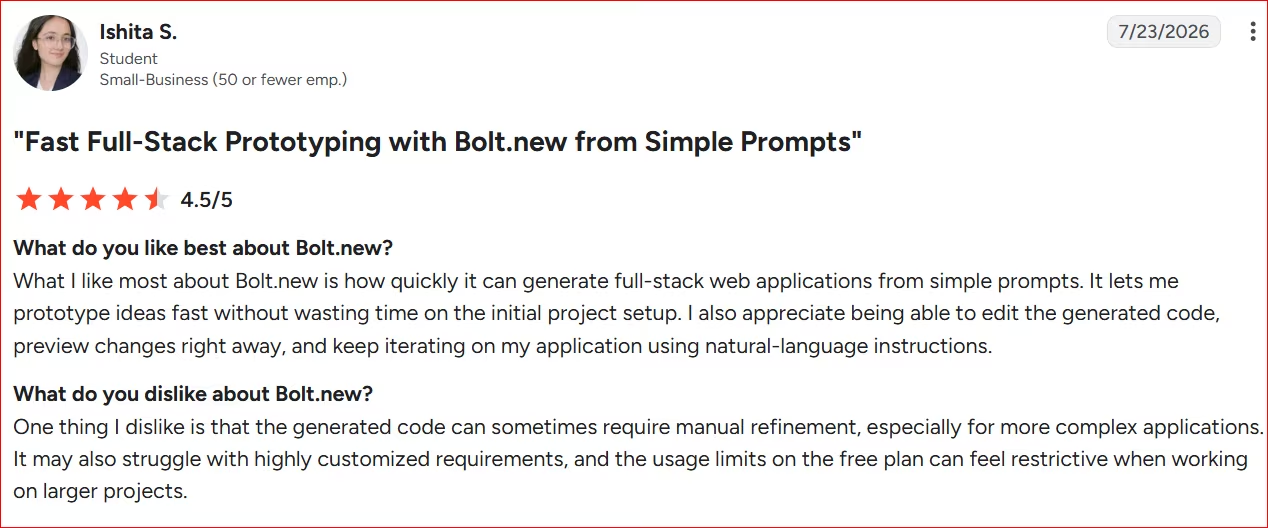
Pro: Quickly generates full-stack web applications from simple prompts, allowing fast prototyping without time wasted on initial setup. Also allows editing generated code, previewing changes immediately, and iterating using natural-language instructions.
“What I like most about Bolt.new is how quickly it can generate full-stack web applications from simple prompts.” - Ishita S., G2
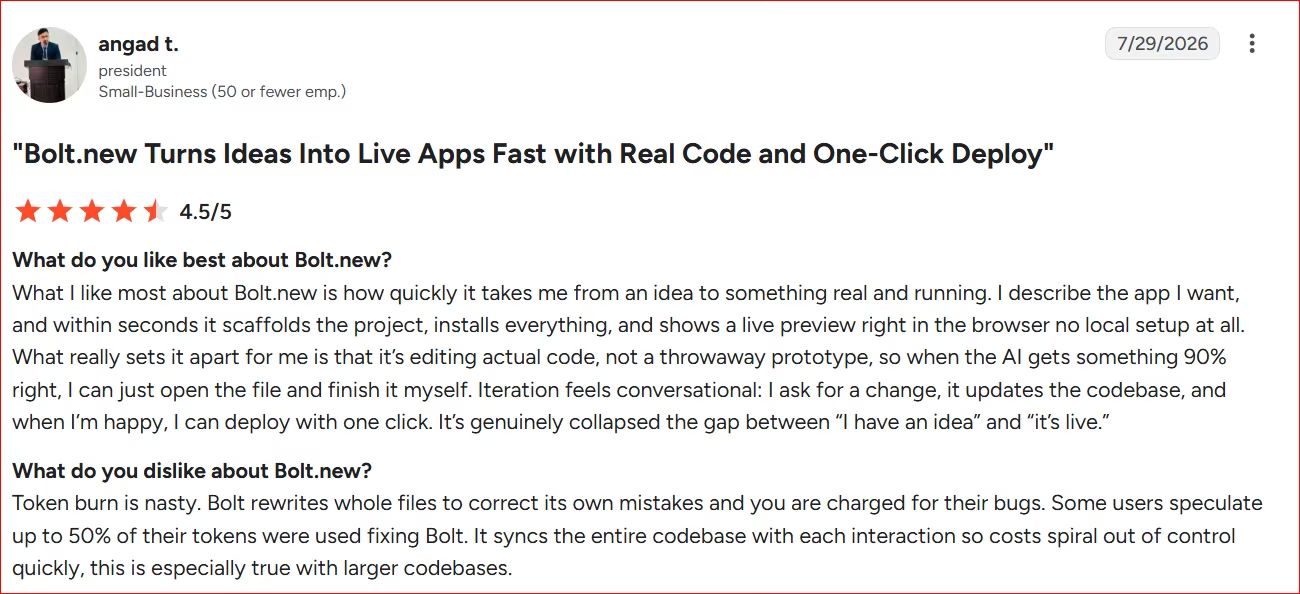
Con: Token consumption is steep. Bolt often rewrites entire files to fix its own mistakes, and users are charged for those corrections, with some estimating up to 50% of tokens spent fixing Bolt's errors. It also syncs the entire codebase with each interaction, causing costs to spiral quickly, especially on larger codebases.
“Token burn is nasty. Bolt rewrites whole files to correct its own mistakes and you are charged for their bugs. Some users speculate up to 50% of their tokens were used fixing Bolt.” - Angad T., G2
Want the full picture of what users are saying? Read our Bolt.new Review for a closer look at what builders actually ran into.
Pricing
Free plan available (1M tokens/month). Pro is $25/month (10M tokens).
Want the full breakdown of what each plan actually covers? Read our Bolt.new pricing guide before you commit.
How to Evaluate Cline Alternatives
Six questions to ask before you pick one:
- Do you need to touch code at all? If you can read code, catch a bug, and fix it yourself, the four developer tools above are worth comparing. If you can’t, none of them will work for you no matter how good their reviews are.
- Who keeps the app running after it’s built? A working app on day 1 doesn’t mean much if nobody can fix it on day 30. Ask whether you, a hired developer, or the platform itself will maintain things once you launch.
- What does it cost once you’re building for real? Every tool on this list advertises a low entry price, and almost every one costs more once you’re past the free tier. Look at how credits or tokens are used. A cheap-looking plan can turn into a $100 or more monthly bill fast if you don't watch it.
- Can you get your project out if you leave? Some platforms let you export your code and take it elsewhere. Others make that harder. If you’re building something you plan to grow, ask this question before you’re a year in, and it’s too late to matter.
- How much hand-holding does it need? Some tools ask you to double-check every step. Others run further on their own before checking in. If you don’t have the background to catch a mistake, choose a tool that builds carefully and asks before making big changes.
- What happens when something breaks? Every tool on this list will get something wrong eventually. What matters is how easy it is to notice, understand, and fix. A rollback button helps. So does a support team you can reach.
The Right Cline Alternative for You
The real split here is simple: are you the one writing the code, or not?
Kilo Code, Claude Code, Cursor, and Copilot all improve on some part of what Cline does, but they’re still built for people who already know how to program. If that’s not you, comparing them is a waste of your time.
For a non-technical founder or a service business owner, the honest answer is a different category of tool entirely. This kind of tool builds and hosts the finished product for you, rather than handing you code to launch on your own.
Replit, Lovable, and Bolt.new each shine at a stage: learning, quick UI, or a wireframe to hand off. If you want the whole app hosted with logins and payments already handled, that's where Emergent fits.
See how Emergent builds a real, hosted app from a plain description.

Every alternative has trade-offs. Emergent just builds production-ready apps from one prompt.
- Production-ready apps
- Web & mobile apps
- Deploy in minutes







