

Build a Creative Request Form That Hands Designers a Full Brief
Get a creative request form that asks each deliverable's specs up front and saves every request to a database you own.
Build a creative request form for a college marketing office that asks for print size and quantity and flags any rush due date.
Trusted by Builders Worldwide
Active Builders Worldwide
Apps Successfully Created
Countries Globally Reached



What a Designer Needs Before the First Draft
Designers start from a complete brief instead of a chat thread. Each request keeps its specs and reference files in one place.
Questions that follow the deliverable
A requester picks print, digital ad, video, or copy first. The form then asks only what that piece needs, such as trim size and quantity for print or running time for video.
A lead time the form holds to
Set how much notice you need before work starts. A due date inside that window marks the request as a rush, and the requester has to give a reason before it can be sent.
Brand files attached at the start
Requesters upload the logo and any reference pieces with the request. Designers open one record that holds everything, instead of asking for the logo again by email.
Alerts when a request changes hands
The app posts in Slack or sends an email when a request is assigned to a designer or ready for review. A reminder goes out when feedback has waited past the date you set.
Requests you can search later
Each request saves as a row in a database you own, with no response caps. Filter by department or deliverable type to see which groups asked for what work last quarter.
Code you can take with you
On paid plans, export the full code of your creative request app to your GitHub repository. Connect it to the project tool you already use for design work through its API.
Four Requests, Each Ready for a Designer
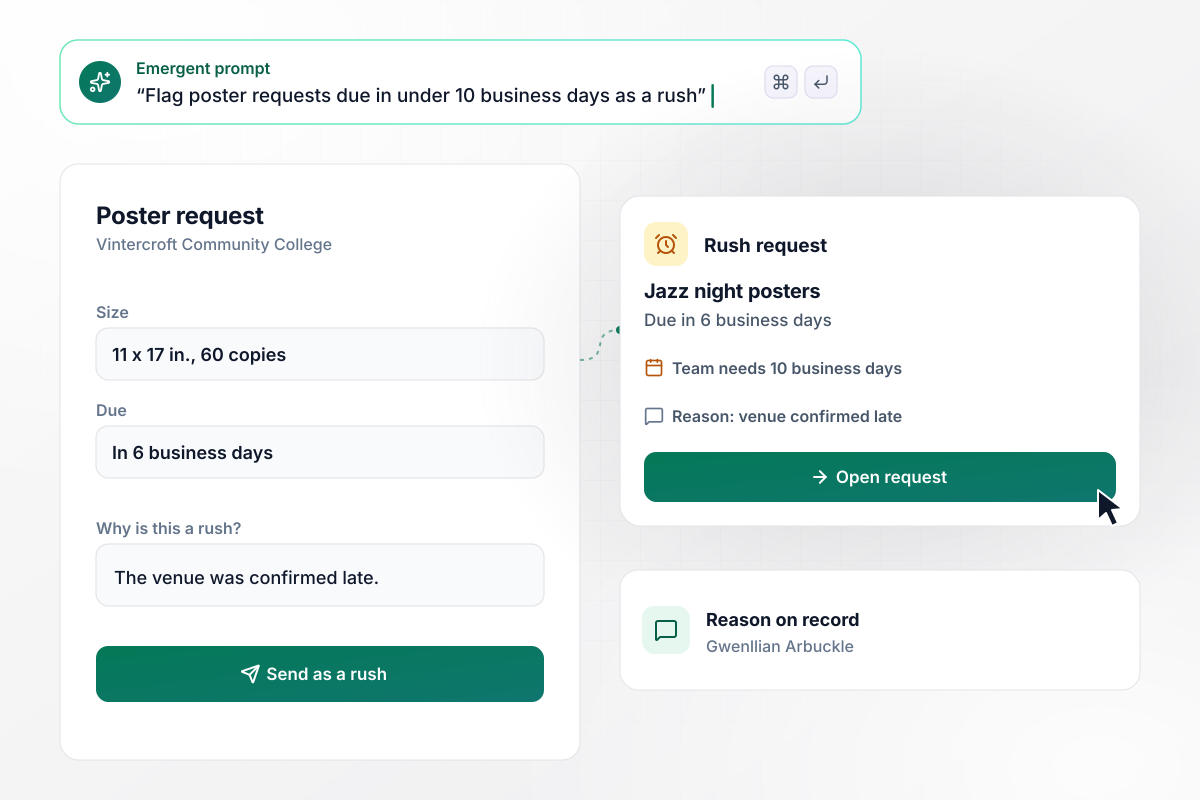
Due in 6 days when the team needs 10, the poster is a rush
Vintercroft Community College's events office orders its posters through the marketing team. Gwenllian Arbuckle asked for 60 jazz night posters at 11 x 17 in., due in 6 business days. The team needs 10, and the form marked her request as a rush. It would not send until she gave a reason: the venue was confirmed late.
window.awbMockup = { printPieces: "Build a creative request form for my college marketing office. Requesters pick a print piece and enter the size, the number of copies, and the due date. If the due date is less than 10 business days away, mark the request as a rush and require a reason before it can be sent.", socialAds: "Make a creative request form for social ads. The requester ticks the placements they need, and the form adds each size: 1080 x 1080 for the feed, 1080 x 1920 for stories, and 1200 x 628 for link ads. Ask how many headline versions they want, and give the designer a list of every file to make.", revisionRounds: "I need a creative request form for video work where each request includes 2 revision rounds. Track each round on the request. If the requester asks for a third round, send it to the creative director to approve, and keep the editor on hold until it is approved.", teamQueue: "Set up a creative request form with a queue for my design team. Show the open requests for each designer, sorted by due date, with a count per person. Let me move a request from one designer to another, and email the new designer the brief when I do." };
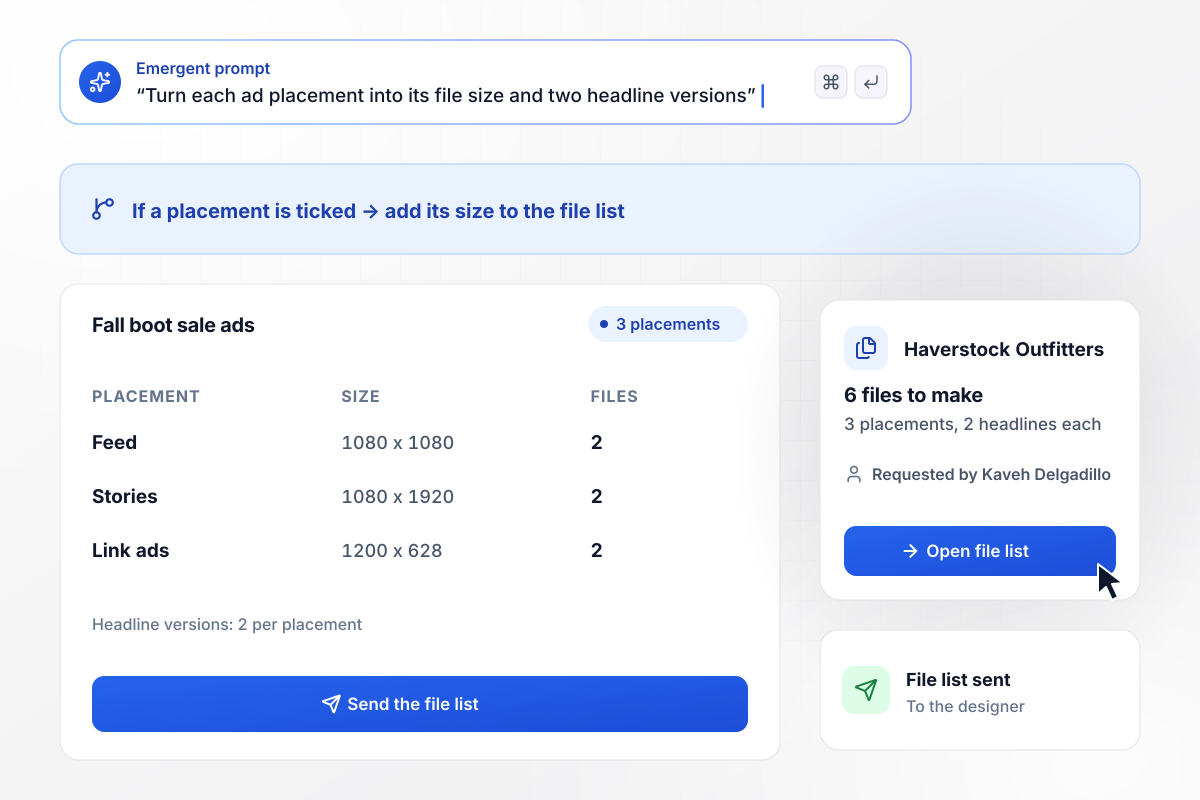
From 3 placements, 6 files with their sizes
Kaveh Delgadillo plans the fall boot sale ads at Haverstock Outfitters. He ticked 3 placements on the form, and it filled in each size: 1080 x 1080 for the feed, 1080 x 1920 for stories, and 1200 x 628 for link ads. With 2 headline versions per placement, the designer got a list of 6 files to make.
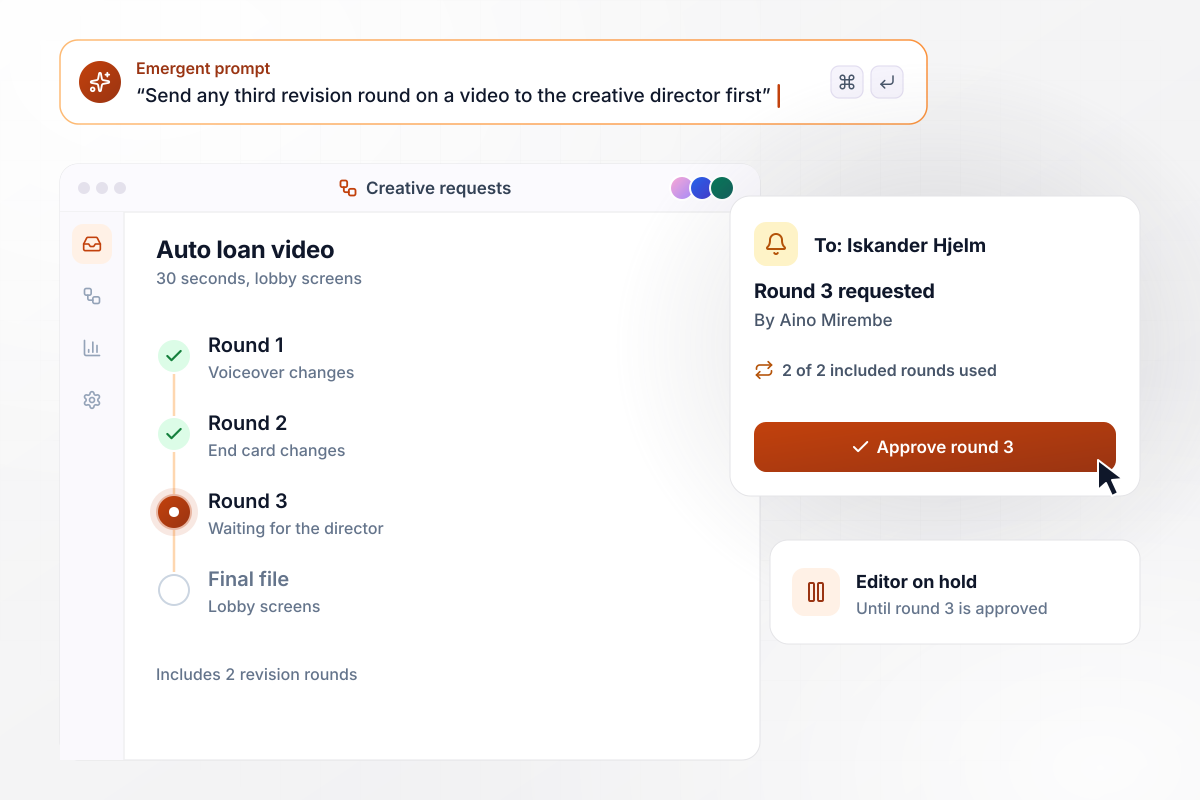
Any round past two waits for the director's yes
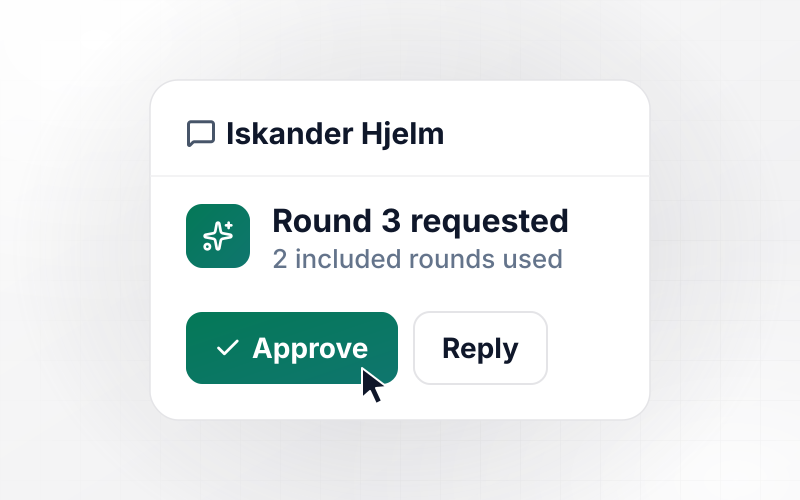
Aino Mirembe ordered a 30-second auto loan video for the lobby screens at Solvay Ridge Credit Union. Her request came with 2 revision rounds, and she used both on the voiceover and the end card. When she asked for round 3, it went to creative director Iskander Hjelm to approve before the editor opened the file again.
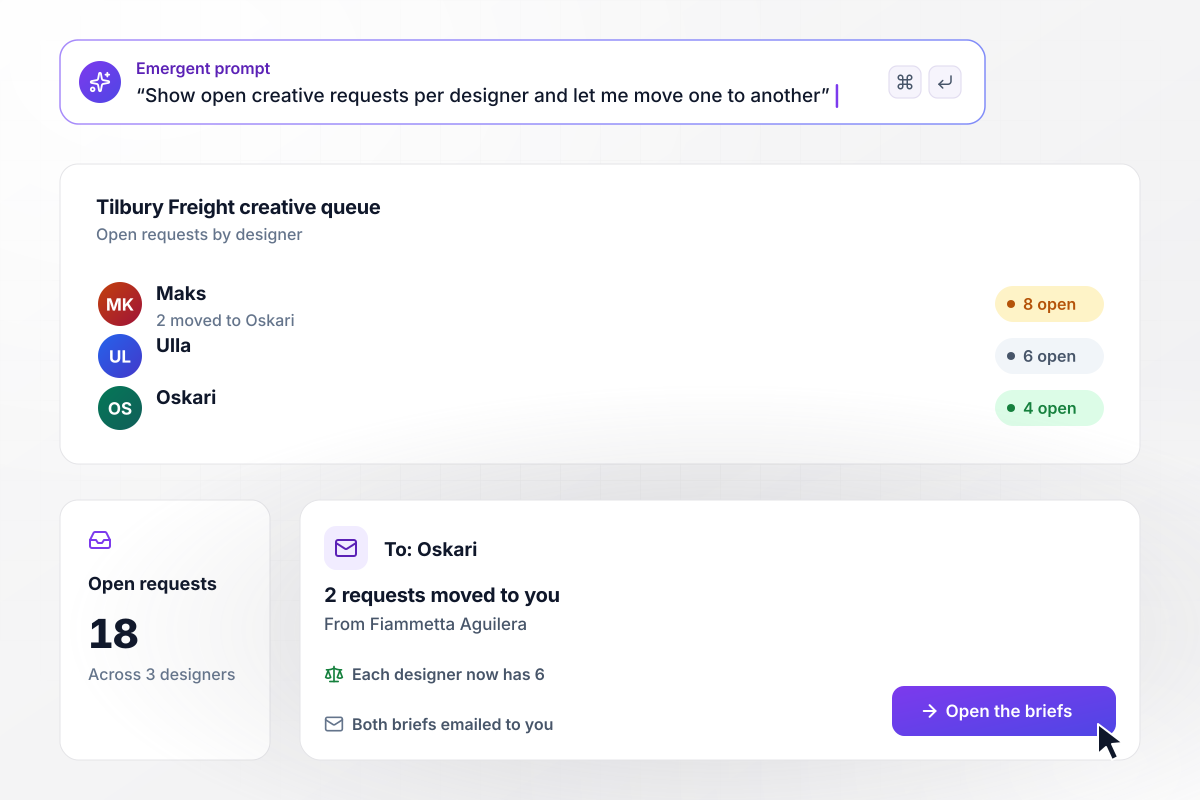
Even at 6 each after two requests move
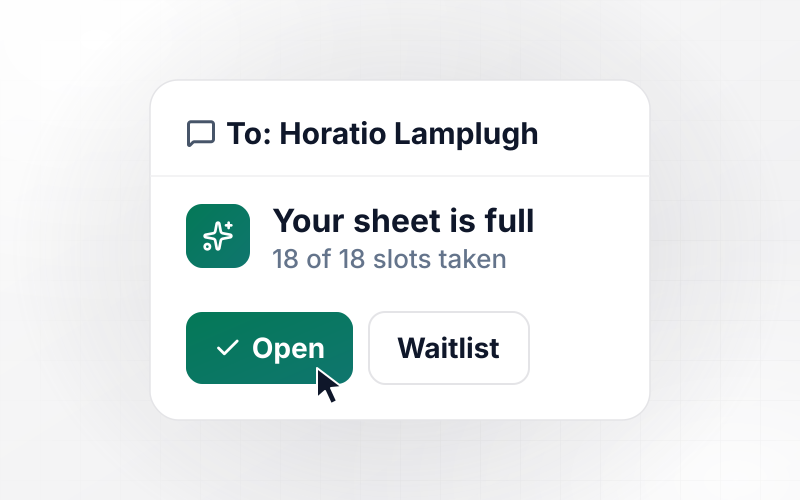
Fiammetta Aguilera runs the in-house creative team at Tilbury Freight. Her queue showed 18 open requests: 8 with Maks, 6 with Ulla, and 4 with Oskari. She moved 2 of Maks's requests to Oskari, and the app emailed him both briefs. Each designer now has 6.






How to Make a Creative Request Form
Seven steps to set up a creative request form that asks the right questions for each piece and keeps rush work on record.
List the pieces people ask your designers for, such as event posters or social ads. Each one becomes a choice at the top of the form, and that choice decides which questions come next.
Ask for trim size and quantity on print, and running time and where it will play on video. Keep each set short. A requester answers only the questions for the piece they picked.
Pick the notice each deliverable needs, such as 10 business days for print and 15 for video. Name the one person who can accept a rush, and put the earliest allowed due date next to the date field.
Add an upload for the logo, the final copy, and any examples the requester likes. Require the copy on pieces that cannot start without it. A designer who has the final words lays the piece out once, around text that will not change.
Pick the number of rounds a request includes, such as 2, and who approves one more. State it on the form above the send button, where requesters read it before they commit to a due date.
Paste your deliverables and their lead times into a prompt, and Emergent builds the form and its database. Send a test request for a poster due tomorrow, and check that it is marked as a rush.
Share one link with every department that asks for creative work, and stop taking requests by email. Check the queue each Monday and move work between designers before anyone falls behind.
Why Build Creative Request Forms on Emergent?
A template takes a brief and stops. Emergent builds a creative request form whose requests stay in a database you own.

|
Jotform | Google Forms | Typeform | |
|---|---|---|---|---|
| How you build | Describe it in plain English | Templates, editor, AI generator | Editor, with Gemini drafting on some Workspace plans | Templates, editor, AI assist |
| Where responses live | A database table you own, plus any integration | Jotform account | Google Sheets | Typeform account |
| Response limits | No response caps | Monthly submission caps by plan; the form stops at the cap | No limit | Monthly response caps by plan; the form closes at the cap |
| Code ownership | Full code export to GitHub on paid plans | None | None | None |

Pick the Pricing Plan That Works for You
Choose the plan that fits your building ambitions. From weekend projects to enterprise applications, we've got you covered.




Find the right form
for whatever you're collecting
Frequently Asked Questions
Your Questions, Answered
Don't change this element unless you know what you are doing
More things you can build
with Emergent









on Emergent today


