

Build an Employee Write up Form Template, Signed and Filed
Build an employee write up form template that shows past warnings and records the employee's signature in a database you own.
Build an employee write up form template my managers fill out on a phone, showing each employee's earlier warnings.
Trusted by Builders Worldwide
Active Builders Worldwide
Apps Successfully Created
Countries Globally Reached



What a Write-Up Needs Before Anyone Signs
Describe your policy and who signs off. Emergent builds the form managers file, the HR review behind it, and the records HR keeps.
Facts first, conclusions left out
Ask for the date, the policy broken, and what the manager saw or heard firsthand. A required field for the expected change and the next step keeps vague wording off the page.
Earlier warnings, already on the page
Pick the employee and the form lists their past write-ups by date and level. The app then suggests the next step on your discipline ladder for the manager to confirm.
HR reads it before the meeting
Write-ups at the final warning level wait for HR approval before delivery. HR gets an email or Slack alert that one is waiting, with a link and no personal details in it.
The employee has a say, then signs
Give the employee a box for their own account, then a signature line that confirms receipt, not agreement. If they decline to sign, the manager marks it and a witness signs.
Review dates that come back around
Each improvement plan carries goals and a review date. The manager gets a reminder 3 days before it, and closes the plan or moves to the next step from the same record.
Your code, in your GitHub repository
On paid plans, export the full codebase to your GitHub repository and run the form beside your HR system. Keep changing it by prompt after export, or edit the code yourself.
Write-Ups for Every Kind of Problem
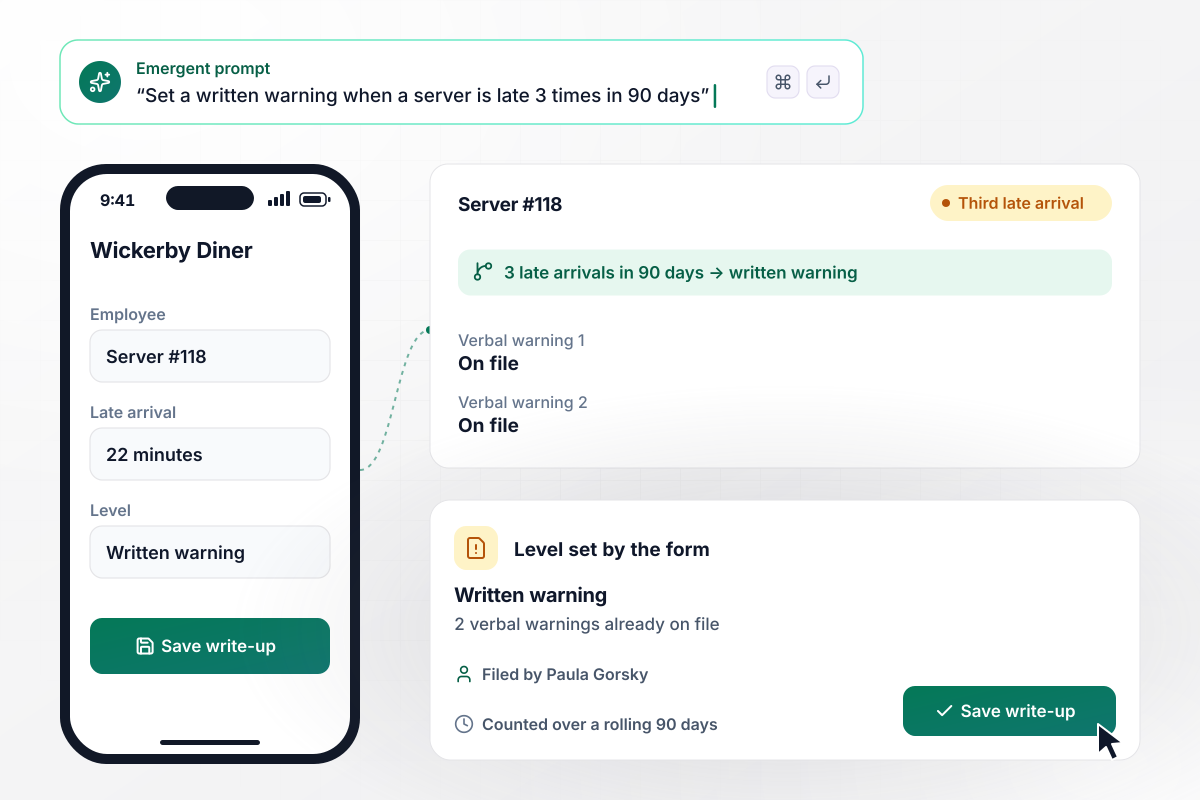
On a third late arrival in 90 days, a written warning
Wickerby Diner gives a written warning for 3 late arrivals in 90 days. Server #118 clocks in 22 minutes late for the third time, and shift manager Paula Gorsky opens a write-up on her phone. The form shows 2 verbal warnings already on file and sets the level. She describes the shift and saves it.
window.awbMockup = { attendance: "Build a write-up form my shift managers fill out on a phone when someone is late. When I pick the employee, show the verbal warnings already on file, and at 3 late arrivals in 90 days set the level to written warning. Ask what happened on the shift and what has to change, then save the write-up to my records.", safetyViolations: "Build a safety write-up form for my warehouse supervisors. Let them attach photos and pick the safety policy that was broken. If the employee already has a safety write-up in the last 12 months, set the level to final written warning and hold it for HR approval. Email HR that a write-up is waiting, with a link and no names in the email.", employeeStatements: "Build the signing step of my write-up form for a tablet in the office. Show the employee the warning, then give them a box to write a statement in their own words. Above the signature, add one line saying the signature confirms receipt, not agreement. Have the office manager countersign, and save the statement and both signatures with the write-up.", followUpReviews: "Build an HR dashboard for write-ups across my 5 gym locations. List every open write-up with its club, its improvement plan, and a review date 30 days after it was issued. Show which reviews are due this week, put overdue reviews at the top in red, and let me email the club manager from the record." };
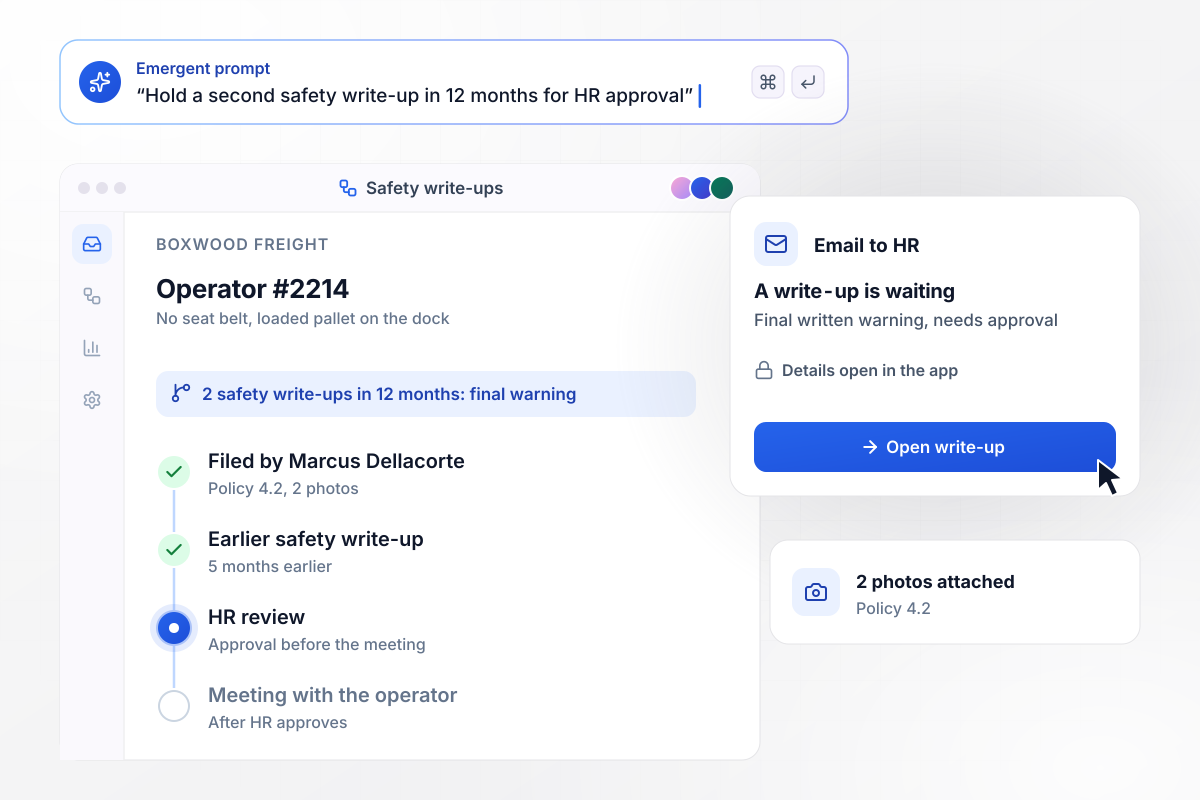
Of 2 safety write-ups in 12 months, the second goes final
Forklift operator #2214 at Boxwood Freight crosses the dock with no seat belt on. Supervisor Marcus Dellacorte attaches 2 photos and cites policy 4.2. A safety write-up from 5 months earlier makes this one a final written warning. HR gets an email that a write-up is waiting and approves it before the meeting.
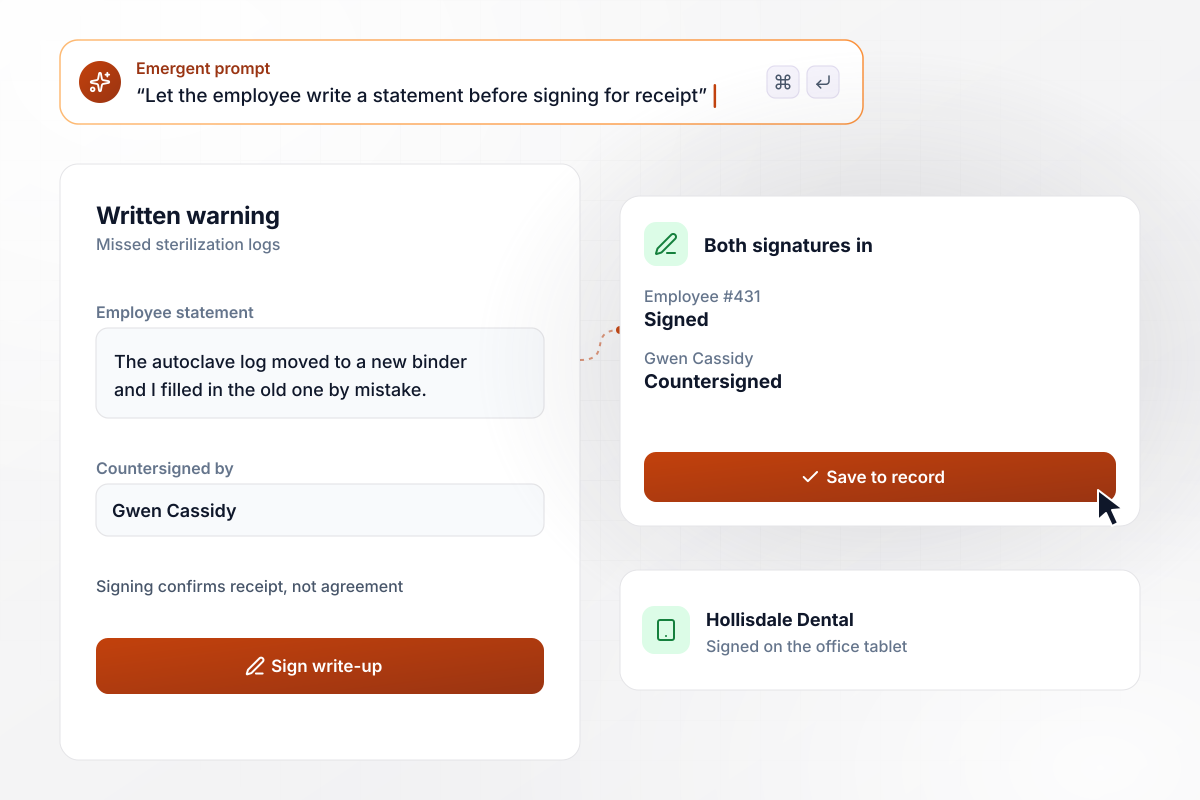
In the employee's own words, before a signature for receipt
At Hollisdale Dental, the form is open on the office tablet during the write-up meeting. Employee #431 reads the warning for missed sterilization logs and types a short statement. A line above the signature says signing confirms receipt, not agreement. Office manager Gwen Cassidy countersigns.
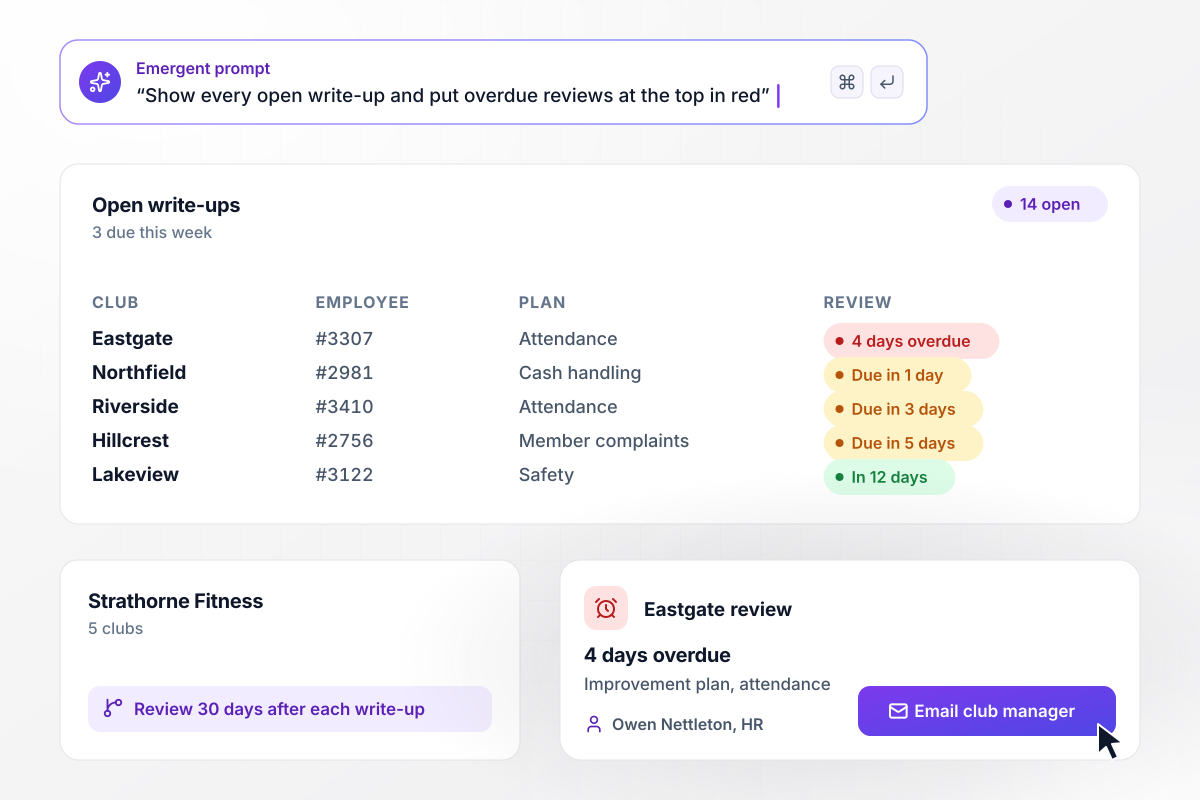
Which of 14 improvement plans are due for review
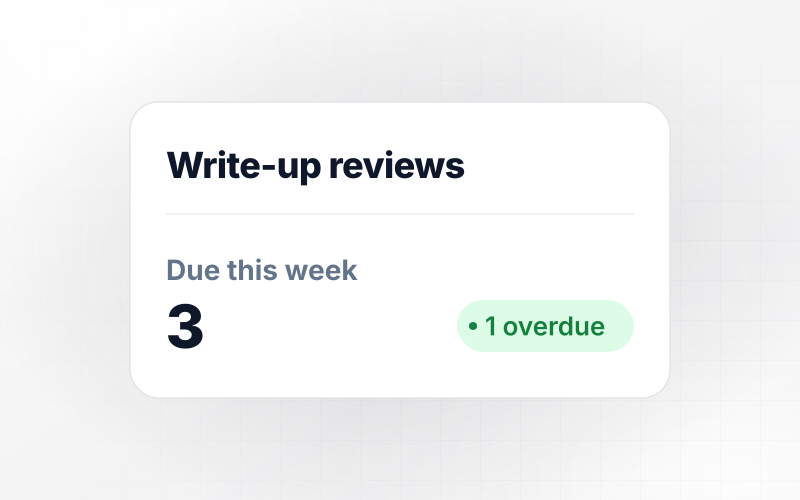
Owen Nettleton runs HR for Strathorne Fitness across 5 clubs. His dashboard lists 14 open write-ups, each with an improvement plan and a 30-day review date. Three reviews fall this week. The one from the Eastgate club is 4 days overdue, so it sits at the top in red, and Owen emails that club's manager from the record.






How to Create an Employee Write-Up Form
Seven steps to create an employee write up form template that records facts and signatures, then build it with Emergent.
Open your handbook and list the levels in order, such as verbal warning, written warning, and final written warning. Note what moves someone up a level, like a second safety write-up within 12 months. The form uses this ladder to suggest each level.
Turn each policy into a numbered choice, such as attendance, safety, or cash handling. A manager who picks from a list writes up the same problem the same way at every location, and HR can count write-ups by policy later.
Request the date and the behavior the manager observed directly. Leave out words about attitude or character. Add a photo upload for safety cases, and a required field for the change the employee is expected to make.
Pick the levels that need HR approval before the meeting, such as every final warning. Alert HR by email or Slack with only a link, so the employee's details stay inside the app and out of inboxes.
Add a statement box the employee fills in at the meeting, then the signature line. Put one plain sentence above it saying that signing confirms receipt, not agreement. Include a way for the manager to record a declined signature.
Give every write-up an improvement plan with goals and a review date, such as 30 days out. Remind the manager 3 days before the date, and show HR a list of open plans with the overdue ones at the top.
Describe the form to Emergent and file 2 past write-ups through it as a test. Check the level it suggests, who gets the alert, and where the signed copy lands. Adjust by prompt, then share the link with managers.
Why Build Employee Write-Ups on Emergent?
Emergent builds the warning history and HR review from your prompt, and every write-up stays in a database you own.

|
Jotform | Google Forms | Typeform | |
|---|---|---|---|---|
| How you build | Describe it in plain English | Templates, editor, AI generator | Editor, with Gemini drafting on some Workspace plans | Templates, editor, AI assist |
| Where responses live | A database table you own, plus any integration | Jotform account | Google Sheets | Typeform account |
| Response limits | No response caps | Monthly submission caps by plan; the form stops at the cap | No limit | Monthly response caps by plan; the form closes at the cap |
| Code ownership | Full code export to GitHub on paid plans | None | None | None |

Pick the Pricing Plan That Works for You
Choose the plan that fits your building ambitions. From weekend projects to enterprise applications, we've got you covered.




Find the right form
for whatever you're collecting
Frequently Asked Questions
Your Questions, Answered
Don't change this element unless you know what you are doing
More things you can build
with Emergent









on Emergent today


