

Build an RSVP Form That Counts Plus-Ones and Caps Seats
<p>Build an RSVP form that counts every yes and plus-one, closes at your cap, and saves each reply to a database you own.</p>
Build an RSVP form for my office holiday party that asks each guest yes or no and whether they will bring a plus-one.
Trusted by Builders Worldwide
Active Builders Worldwide
Apps Successfully Created
Countries Globally Reached



What Happens After a Guest Says Yes
The count on the reply-by date is what an RSVP form is for. Emergent builds the form and the guest list behind it.
Plus-ones counted in the total
Decide which guests may bring someone. A yes with a plus-one adds two to the headcount, and the companion's name goes on the same reply, so the door list matches the count.
A seat cap that starts a waitlist
Set the number of seats the room holds. Once that many guests say yes, later replies join a waitlist in order, and a guest who backs out frees a seat for the next one.
Replies guests can change themselves
Each guest gets a personal link to their own reply. A guest can switch from yes to no or fix a misspelled name, and the host never has to edit the list by hand when plans change.
Follow-up questions only for a yes
Ask about allergies or arrival time only after a yes. Guests who decline answer one question and leave, and the host reads the follow-up answers as totals per question.
Reminders before the reply-by date
Pick a reply-by date and when to nudge the quiet ones. The app emails guests who have not answered, and on the deadline it sends the host the final count of who is coming.
The guest list stays in your database
Every reply is a row in a database you own, with no response cap. Paid plans export the full code to your GitHub repository, so next year's event can start from this one.
One RSVP Form, Four Kinds of Guest List
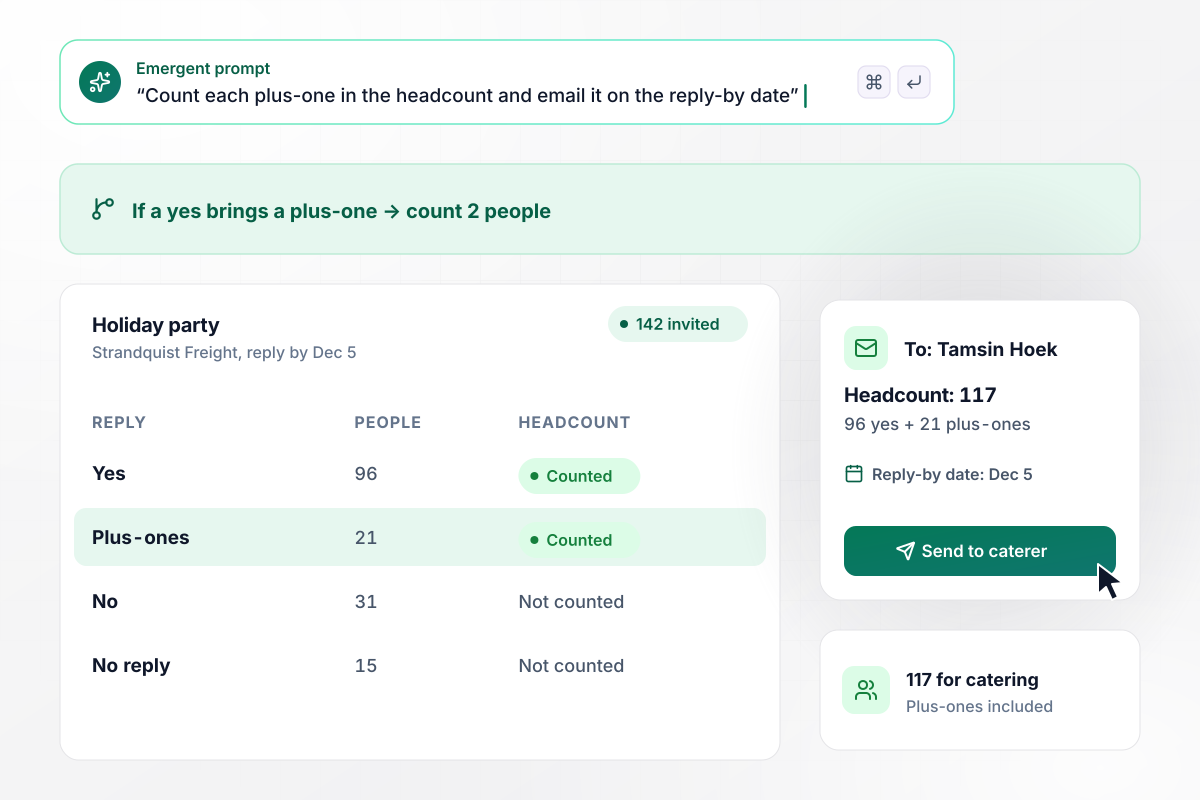
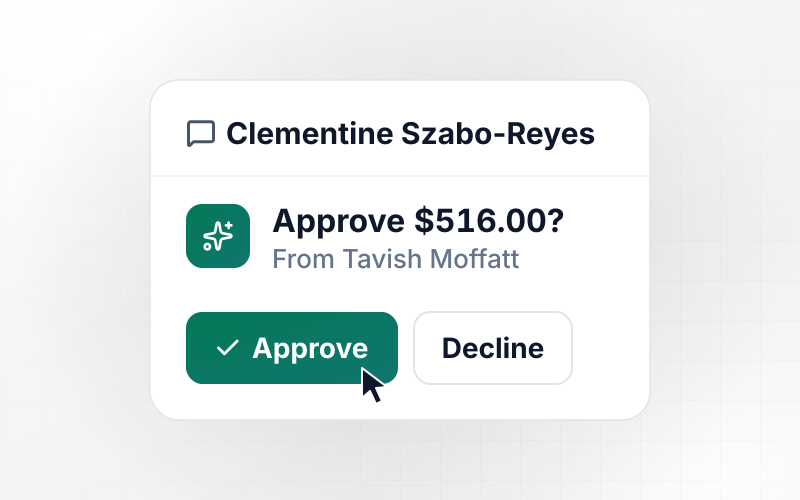
Every yes and every plus-one adds up to 117
Tamsin Hoek sends the holiday party invitation to all 142 people at Strandquist Freight. By the Dec 5 reply-by date, 96 have said yes, 31 have said no, and 15 never replied. Of the 96, 21 are bringing a plus-one, and each of those counts as 2 people. That morning the app emails Tamsin a headcount of 117 for the caterer.
window.awbMockup = { holidayParties: "I'm planning the Strandquist Freight holiday party for 142 people. Build an RSVP form that asks yes or no and lets anyone who says yes bring one plus-one. Count each plus-one in the headcount, set the reply-by date to Dec 5, and email me the final headcount that morning.", cappedEvents: "Dovecote Arts Center's gallery holds 80 people. Build an RSVP form for our members' preview night that stops taking yeses at 80 and puts later replies on a waitlist in order. Give every member a link to change their reply, and when someone switches to No, give their seat to the first person waiting. Email that person a confirmation.", kidsBirthdays: "Build an RSVP form for my daughter Pip's 8th birthday at Crestline Climbing. Ask each family yes or no. If they say yes, ask for the child's name, any food allergies, and whether a parent will stay. Show me the allergy totals and the number of parents staying.", galaTables: "Saltmeadow Food Bank seats its gala by tables of 8. Build an RSVP form where each table host names the guests for their seats. A week before the Oct 30 seating deadline, email any host with open seats a link to finish, and put every named guest on the seating chart." };
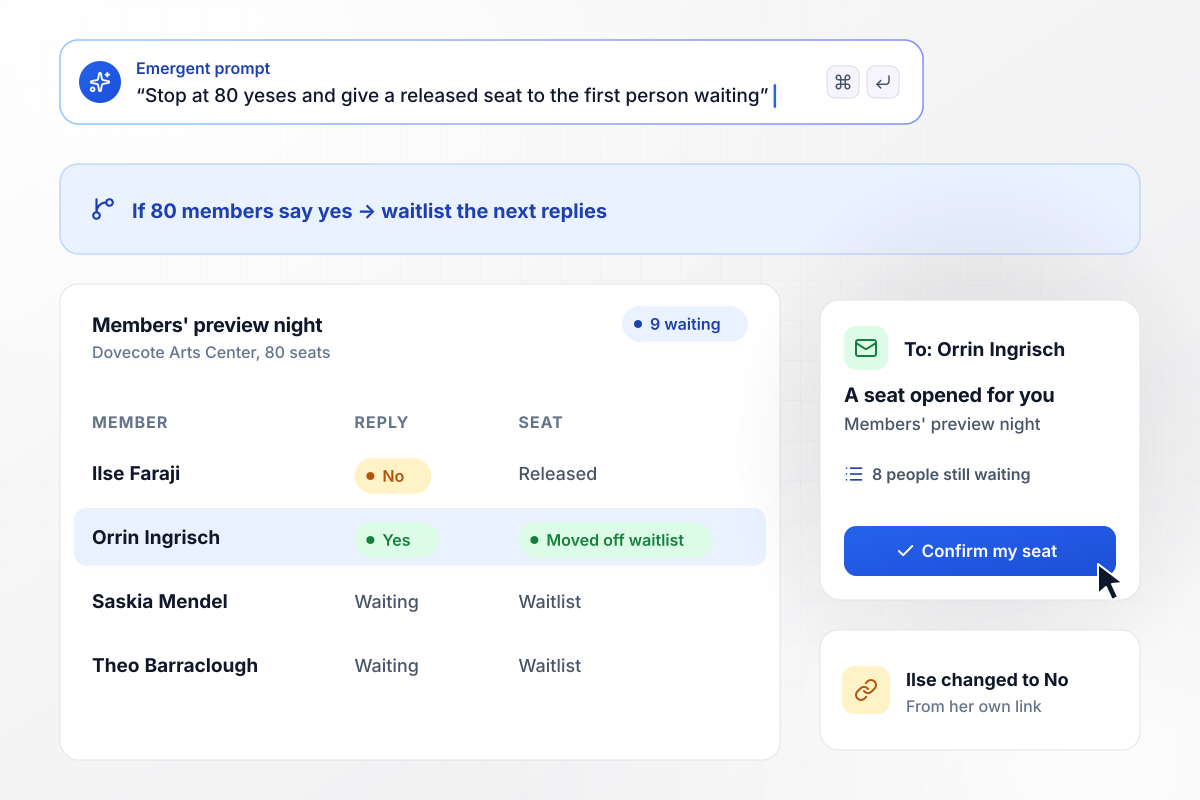
Ilse's No hands her seat to the first name on the waitlist
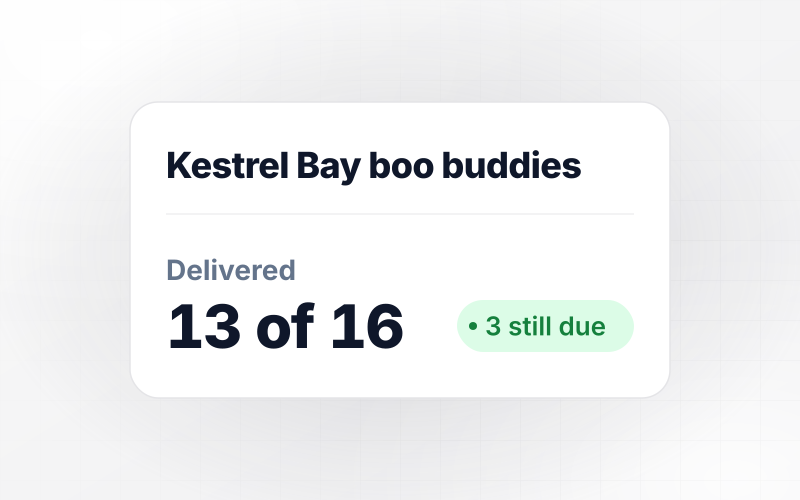
Dovecote Arts Center can fit 80 members in the gallery for its preview night. The form took 80 yeses, then put the next 9 replies on a waitlist. When Ilse Faraji changes her reply to No from her own link, her seat goes to Orrin Ingrisch, first in line. He gets a confirmation email, and 8 people are still waiting.
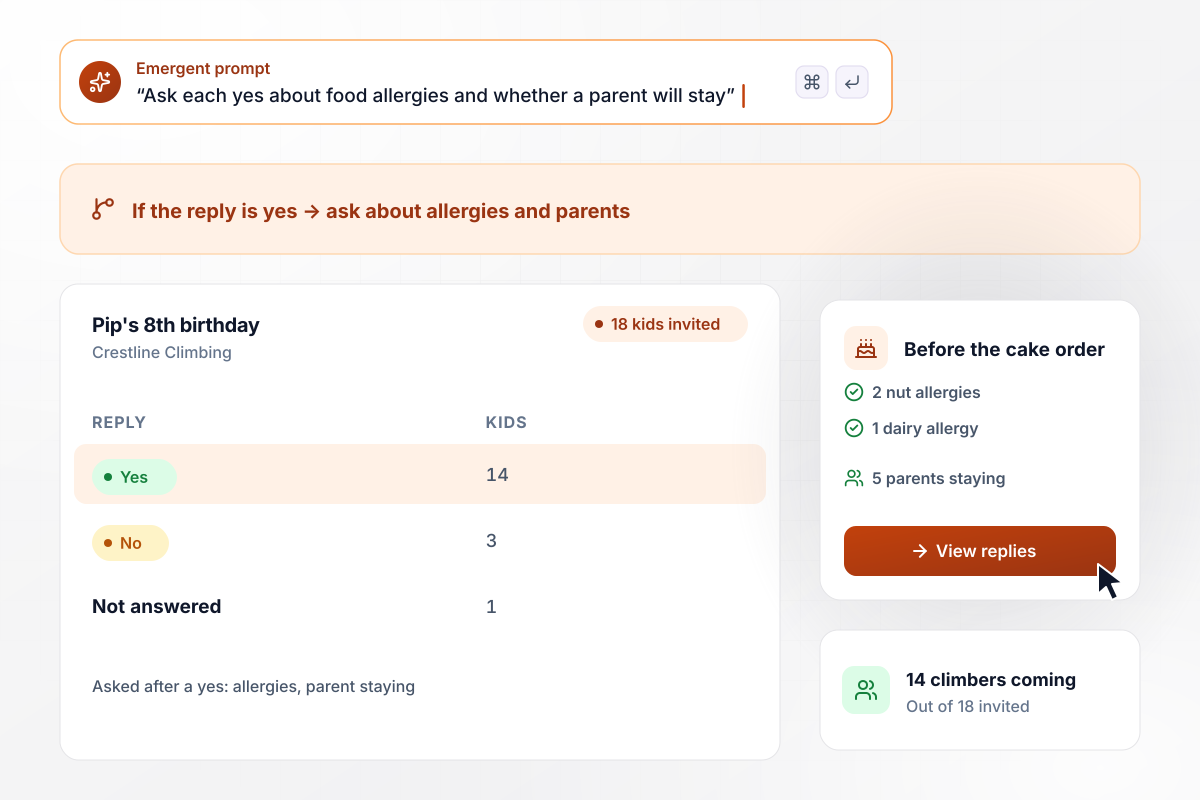
Of 14 yeses, 2 come with a nut allergy
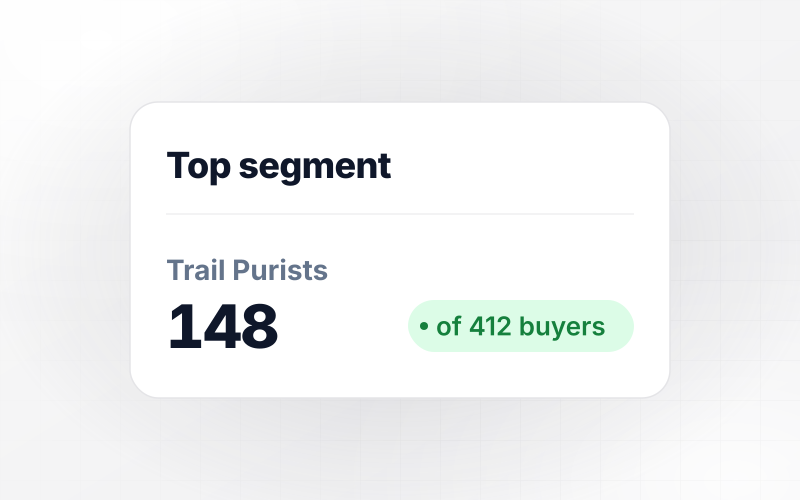
Pip turns 8 at Crestline Climbing, and Ines Duvernay-Pike invites 18 kids from her class. By the weekend, 14 say yes, 3 say no, and 1 has not answered. Each yes is asked about food allergies and whether a parent will stay. Before she orders the cake, Ines sees 2 nut allergies, 1 dairy allergy, and 5 parents staying.
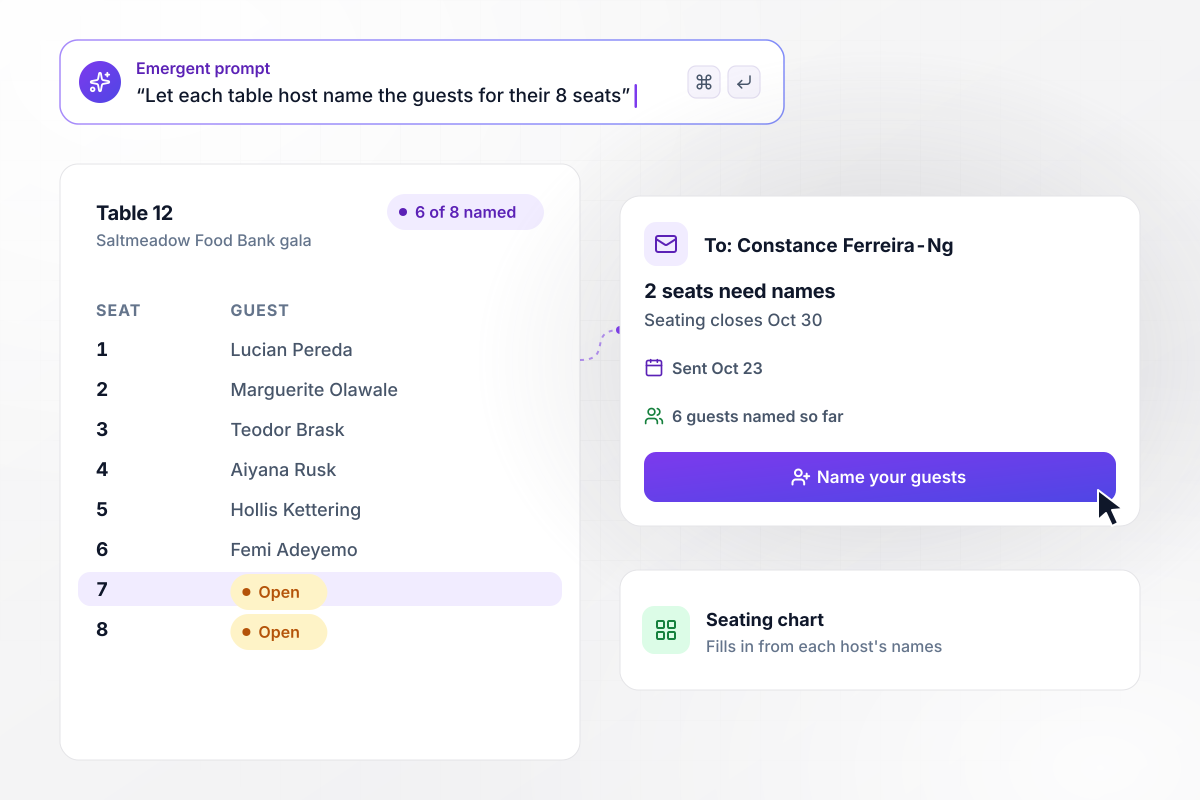
Who sits in the last 2 seats at table 12?
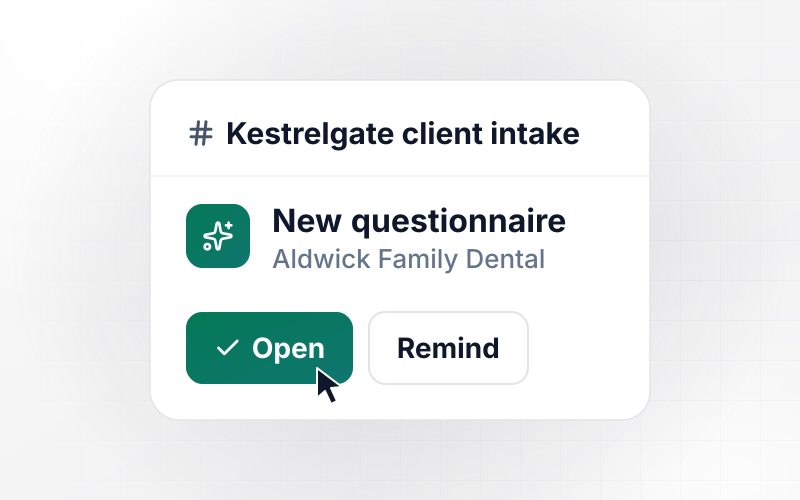
Saltmeadow Food Bank fills its gala by the table, and each table host names the guests in their seats. Constance Ferreira-Ng hosts table 12 and has named 6 of her 8 guests. On Oct 23, a week before the Oct 30 seating deadline, the app emails her a link to name the last 2. Each name she adds goes onto the seating chart.






How to Create an RSVP Form
Seven steps to an RSVP form that keeps an accurate headcount from the first reply to the reply-by date, built with Emergent.
Pick a reply-by date and print it on the invitation itself. The form closes on that date, and the count you get that morning is the one you order food and chairs against. Leave a few days after it before the event for late changes.
Choose whether every invitee gets a plus-one or only some do. For a partial list, mark those names before the form goes out. Write the rule in one line, such as one guest each for staff and none for contractors.
Find the number of people the room holds and subtract staff and speakers. That is your cap. Decide whether replies past it join a waitlist or see a message that the event is full, and how fast a released seat should move.
Keep the first screen to one question: coming or not. Put food allergies and arrival time behind the yes. A guest who declines then finishes in seconds, and the follow-up answers come back only from people who will be there.
Write one prompt with the event name, the reply-by date, the plus-one rule, the cap, and the follow-up questions. Emergent builds the RSVP form, the guest list behind it, and a dashboard with every reply and the running headcount.
Pick when guests who have not answered hear from you, such as 7 days and 2 days before the reply-by date. Have the app email you the headcount on the deadline, with the waitlist shown on its own below it.
Say yes with a plus-one under a test name and check that the headcount goes up by 2. Then open the personal link from the confirmation and change the reply to no. The count should drop by 2, and a waitlisted test guest should move up.
Why Build RSVP Forms With Emergent?
A template collects yes and no. Emergent builds an RSVP form that also counts plus-ones and holds a waitlist behind the seat cap.

|
SurveyMonkey | Jotform | Typeform | |
|---|---|---|---|---|
| How you build | Describe it in plain English | Survey builder with templates | Templates, editor, AI generator | Templates, editor, AI assist |
| Where responses live | A database table you own, plus any integration | SurveyMonkey account, plus export | Jotform account | Typeform account |
| Response limits | No response caps | Response allowance per plan, overage billed on paid plans | Monthly submission caps by plan; the form stops at the cap | Monthly response caps by plan; the form closes at the cap |
| Code ownership | Full code export to GitHub on paid plans | None | None | None |


Pick the Pricing Plan That Works for You
Choose the plan that fits your building ambitions. From weekend projects to enterprise applications, we've got you covered.




Find the right form
for whatever you're collecting
Frequently Asked Questions
Your Questions, Answered
Don't change this element unless you know what you are doing
More things you can build
with Emergent









on Emergent today


