

Build a Customer Information Form That Keeps One Record
<p>Build a customer information form that matches returning customers and keeps each record current in a database you own.</p>
Build a customer information form for my auto repair shop that asks for the phone number first and updates the record if one already exists.
Trusted by Builders Worldwide
Active Builders Worldwide
Apps Successfully Created
Countries Globally Reached



What a Customer Record Needs to Stay Useful
A sheet filled in once is out of date by the next visit. Emergent builds the form and the record behind it, one entry per customer.
Repeat visitors matched by phone number
The form asks for a phone number before anything else. When the number matches a customer already on file, the new answers update that record and the visit is added to its history.
Billing and ship-to addresses kept apart
Customers who pay from one address and receive at another get a second address block. Leave the box checked and the form copies the billing address, so nobody types it twice.
New accounts go to your accounting tool
The app connects to QuickBooks, Xero or any accounting tool with an API. Each new business customer is created there with its addresses and payables email, ready to invoice.
A yearly link to confirm what is on file
Once a year, each customer gets an email with a link to their own record. They confirm it as it stands or fix what changed, and every edit lands on a list for the office to check.
Contact preferences stored with the record
Each customer picks email or phone and the best time to call. The choice sits on the record beside the address, where whoever makes the next call can read it before dialing.
Code you can take to your own servers
On paid plans, export the full code to your GitHub repository when customer records need to sit next to your other systems. Host it where you like and keep changing it from there.
Four Businesses, Four Customer Records
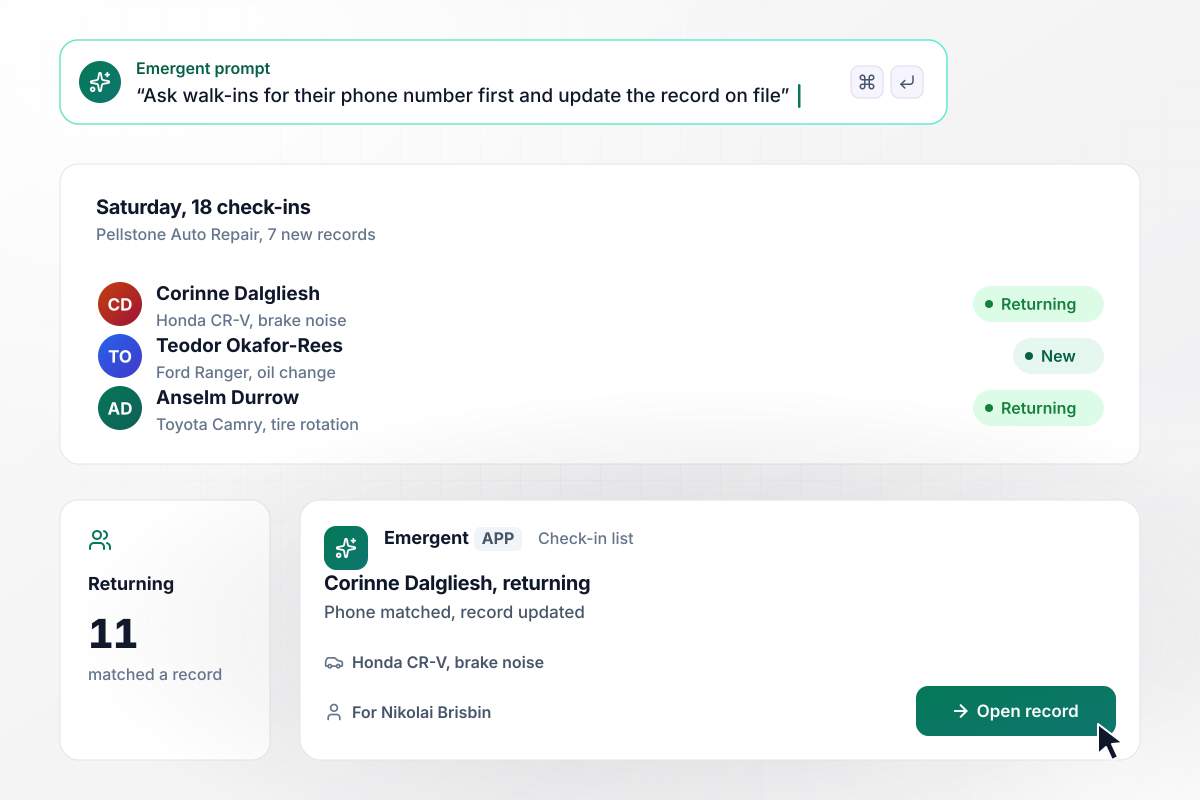
On a Saturday with 18 check-ins, 11 were returning customers
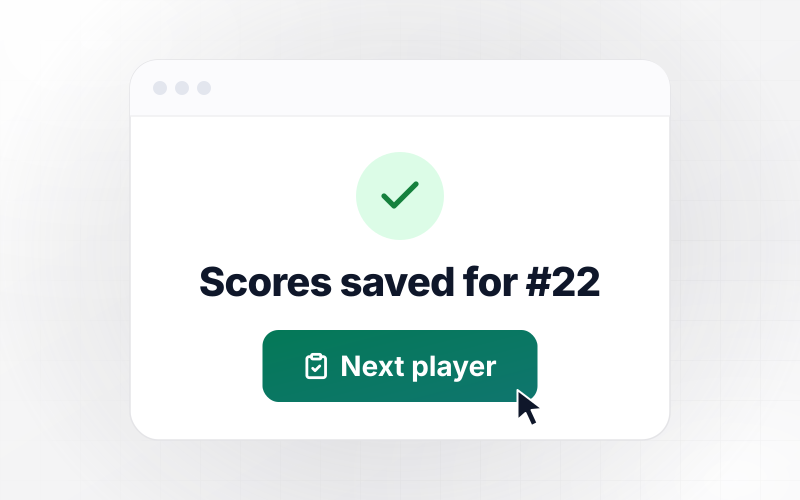
Pellstone Auto Repair checks in walk-ins on a tablet that asks for the phone number first. A number already on file updates that customer's record instead of starting a second one. Last Saturday, 11 of 18 check-ins matched a record and 7 were new. Service writer Nikolai Brisbin sees each tagged Returning or New.
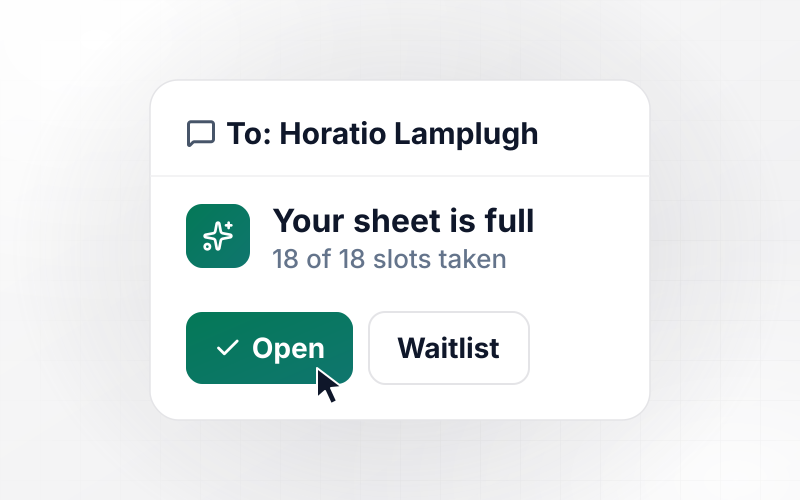
window.awbMockup = { walkInCustomers: "I run Pellstone Auto Repair. Build a customer information form for a counter tablet that asks for the phone number first. If the number is already on file, update that customer's record with the new answers instead of making a new one. Ask for name, email, vehicle, and the reason for the visit. Show my service writer a check-in list with each customer tagged Returning or New.", wholesaleAccounts: "Dunmere Coffee Roasters sells beans to cafes. Build a customer information form for new wholesale accounts that asks for the business name, a billing address, a separate ship-to address, an accounts payable email, and a delivery window. When a cafe submits it, create the customer in QuickBooks with both addresses and email our account manager that a new account is in.", yearlyRecordCheck: "Gorsefield Heating has 340 maintenance plan customers. Every January, email each one a link to their record so they can confirm their phone, service address, and equipment, or change them. Put every change on a review list for my office manager, and send a reminder email to anyone who has not answered after 14 days.", multiSiteCustomers: "My pest control company has property managers with several buildings on one invoice. Build a customer information form that takes the billing contact once, then lets them add each site with its address, gate code, and a parking note. Save each site as its own record under the account, and let my technicians open a site's record on their phones." };
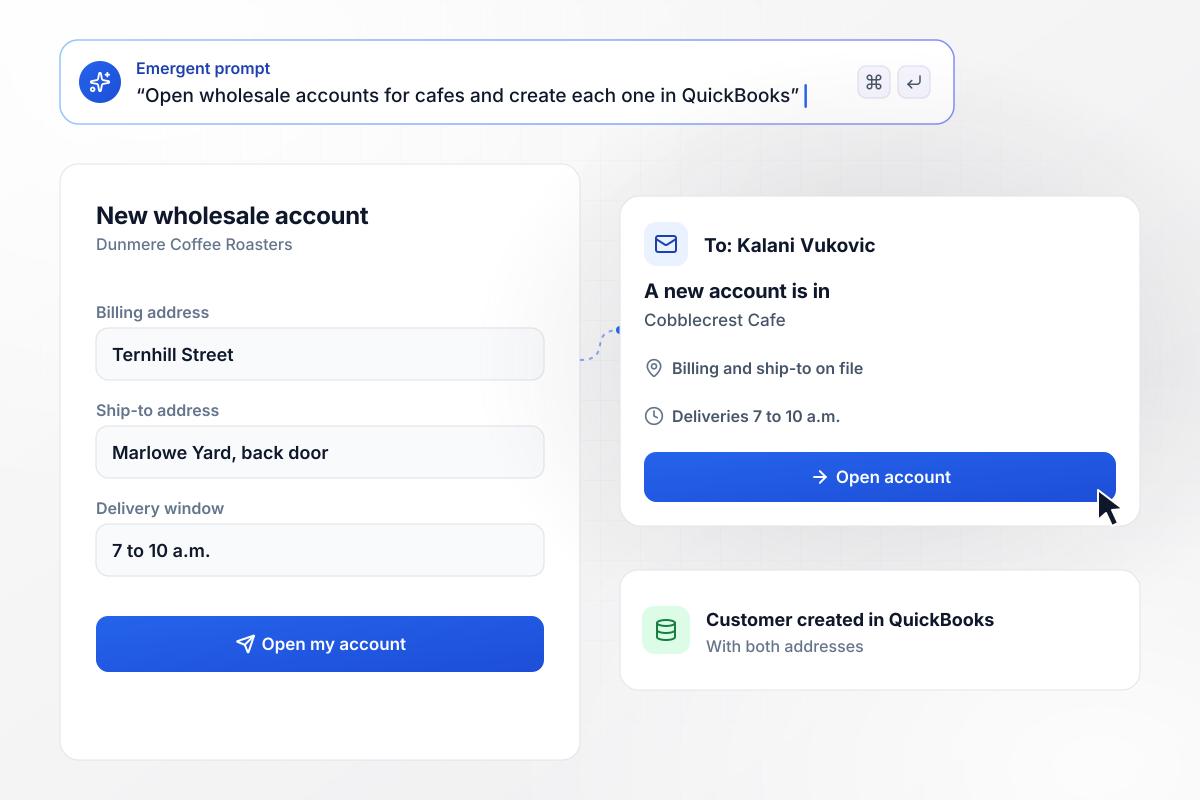
Cobblecrest Cafe goes into QuickBooks with two addresses
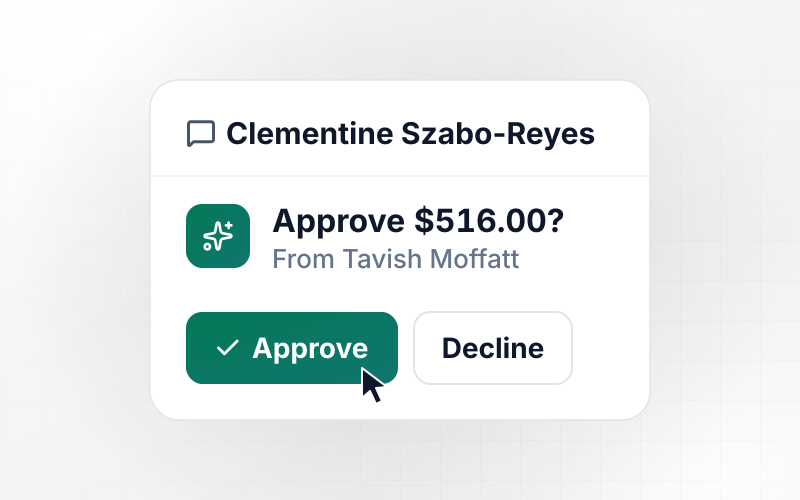
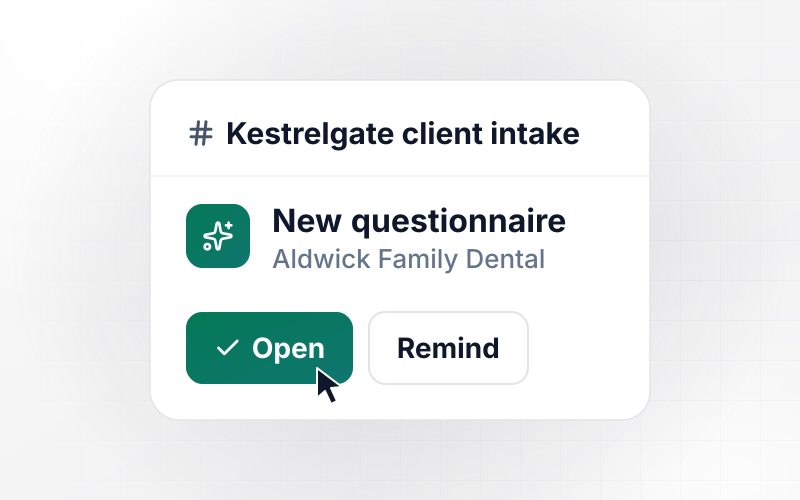
Dunmere Coffee Roasters sells beans to cafes. Cobblecrest Cafe pays from Ternhill Street but takes deliveries on Marlowe Yard, between 7 and 10 a.m. The app creates the customer in QuickBooks with both addresses. Account manager Kalani Vukovic gets an email that a new account is in.
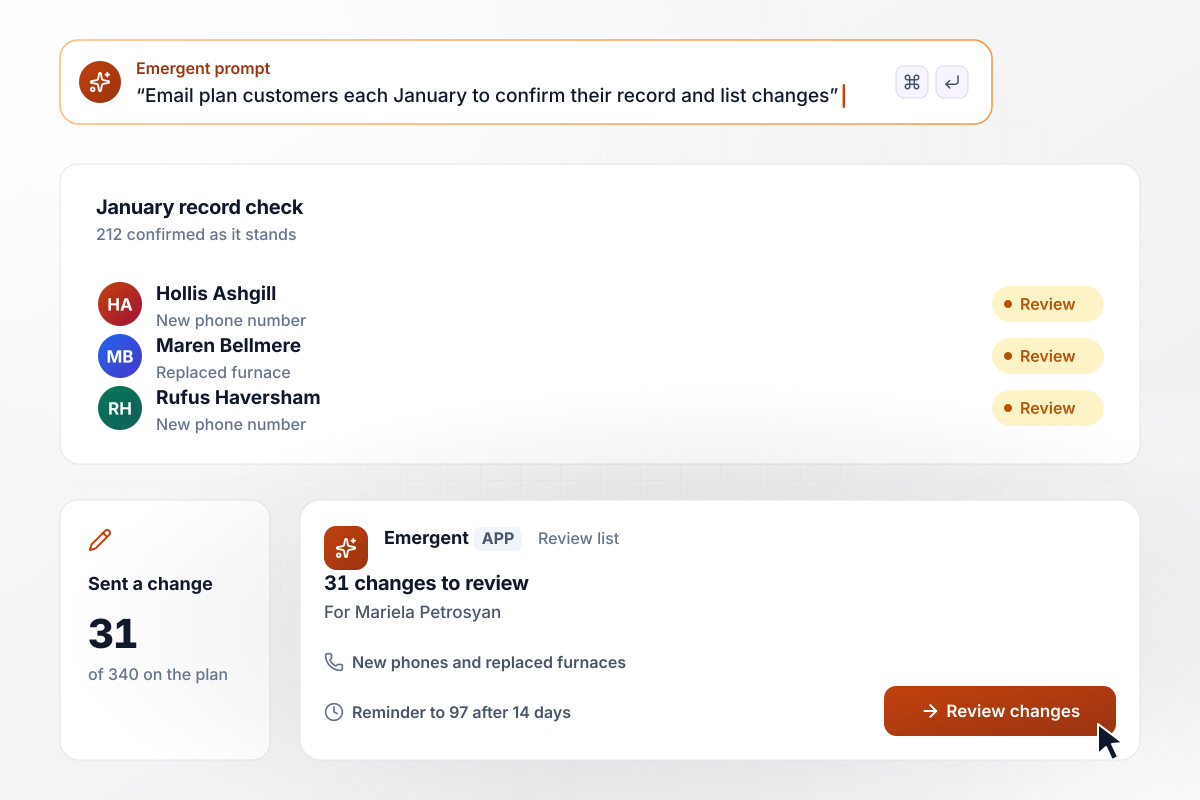
In January, 31 of 340 plan customers sent a change
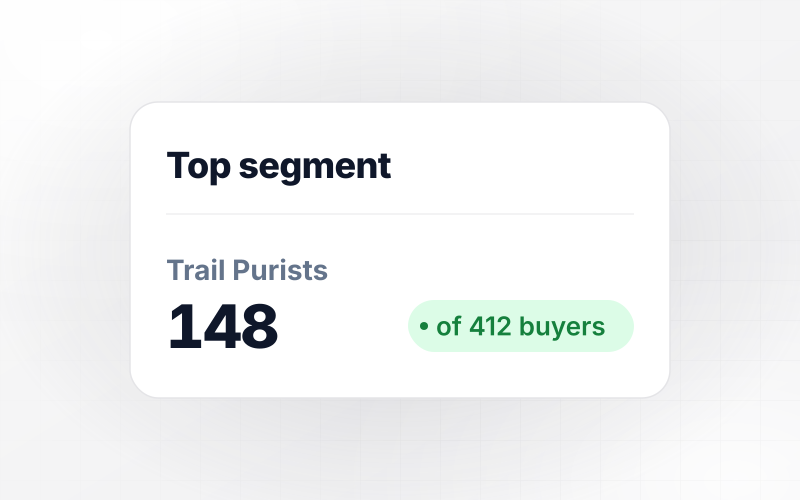
Each January, Gorsefield Heating emails its 340 maintenance plan customers a link to their record. So far, 212 confirmed it as it stands and 31 sent a change, such as a new phone or furnace. Those 31 wait on office manager Mariela Petrosyan's review list. The 97 with no answer get a reminder email after 14 days.
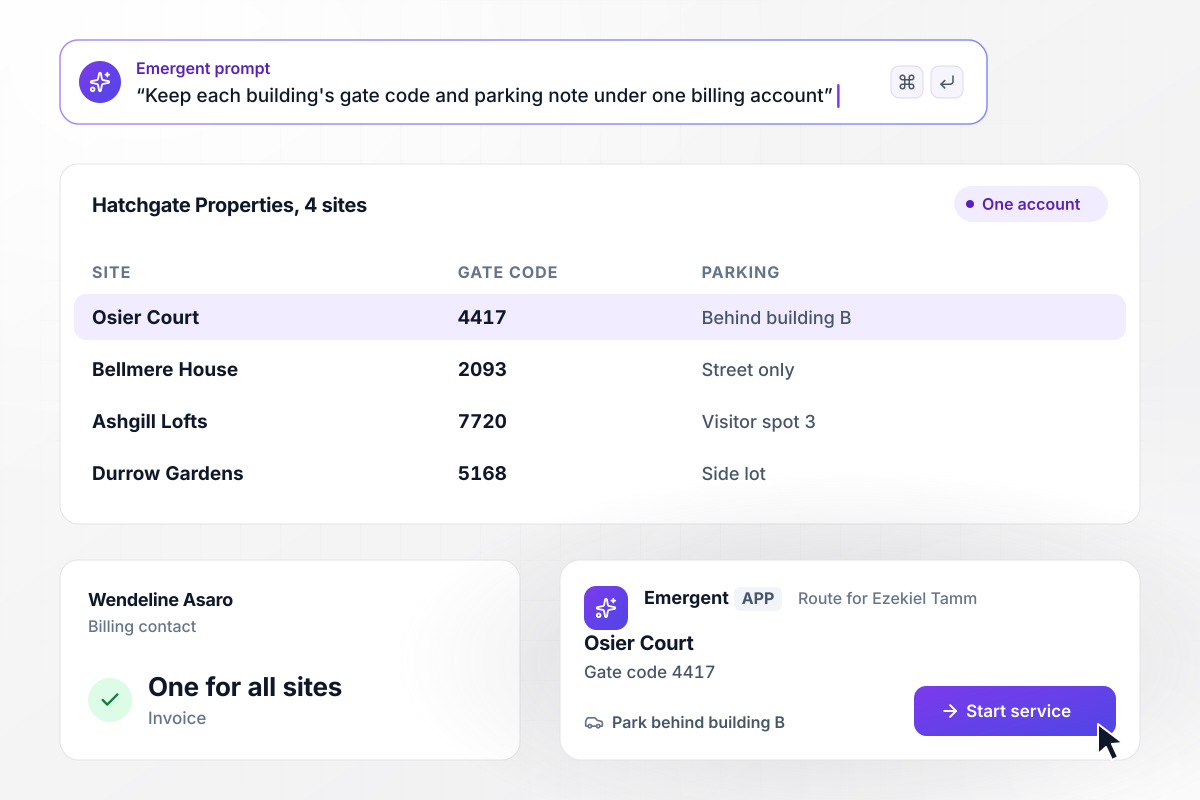
With 4 sites under one account, each keeps its gate code
Hatchgate Properties pays Thistlebrook Pest Control on one invoice for 4 apartment buildings. The form takes billing contact Wendeline Asaro once, then each site with its gate code and parking note. Technician Ezekiel Tamm opens the Osier Court record on his route and has the gate code without calling the office.






How to Create a Customer Information Form
Seven steps to build a customer information form that finds repeat customers by phone and asks each one to confirm their details yearly.
Write down what each answer is for before you add a field: the phone number to find returning customers, the address to bill or ship, the email for receipts. A field nobody uses makes the form longer and the record harder to keep current.
Put the phone number at the top so the form can check it against the records on file. A match updates the existing customer instead of creating a second entry, which keeps past visits and notes on one record.
Add a ship-to block for customers who receive orders somewhere other than where they pay. Default it to the billing address with a checkbox. A homeowner then fills in one address, and a cafe with a back-door delivery fills in two.
Pick the person who acts on each new record and how they find out. A wholesale account might email the account manager, while a walk-in only needs a tag on the check-in list. Keep each alert to a short note and a link.
Tell Emergent the fields, the phone number match, the addresses, and who gets notified, in plain English. It builds the form along with the customer database behind it. Change either one later with another prompt.
Submit the form twice with the same phone number and a new address the second time. You should see one record holding the new address, not two records. Then submit a number that is not on file and confirm a new record starts.
Pick a month to email every customer a link to the record on file. Customers confirm it or correct it. Every change goes to one person to review before it replaces the old details, which keeps stale addresses from piling up.
Why Build It With Emergent?
A template takes an address once. Emergent builds the customer record behind it, with no cap on how many customers fill it in.

|
Jotform | Google Forms | Typeform | |
|---|---|---|---|---|
| How you build | Describe it in plain English | Templates, editor, AI generator | Editor, with Gemini drafting on some Workspace plans | Templates, editor, AI assist |
| Where responses live | A database table you own, plus any integration | Jotform account | Google Sheets | Typeform account |
| Response limits | No response caps | Monthly submission caps by plan; the form stops at the cap | No limit | Monthly response caps by plan; the form closes at the cap |
| Code ownership | Full code export to GitHub on paid plans | None | None | None |

Pick the Pricing Plan That Works for You
Choose the plan that fits your building ambitions. From weekend projects to enterprise applications, we've got you covered.




Find the right form
for whatever you're collecting
Frequently Asked Questions
Your Questions, Answered
Don't change this element unless you know what you are doing
More things you can build
with Emergent









on Emergent today


