

Build Legal Workflow Automation for Every New Matter
Build legal workflow automation that checks new clients against past matters and holds invoices with the wrong rate.
Build legal workflow automation for my litigation firm that checks each new client inquiry against past matters.
Trusted by Builders Worldwide
Active Builders Worldwide
Apps Successfully Created
Countries Globally Reached



What Emergent Builds Into a Law Firm App
Legal workflow automation hands the repeat steps of a matter to software and keeps each judgment call with an attorney.
Describe the firm's process in plain English
Write each rule as a sentence, such as which matter types need a second attorney to approve the letter. Emergent builds the app, its database, and its logic from those sentences.
Connects to the tools the firm runs
The app connects to any tool with an API, so a new matter can sync to your practice management system and a paid invoice to QuickBooks, with data moving in both directions.
Court notices read into the matter record
Upload a court notice, and AI reads the case number and the hearing date into the matter's fields. A field the AI is unsure of goes to a paralegal before the record is saved.
Exceptions reach the attorney who decides
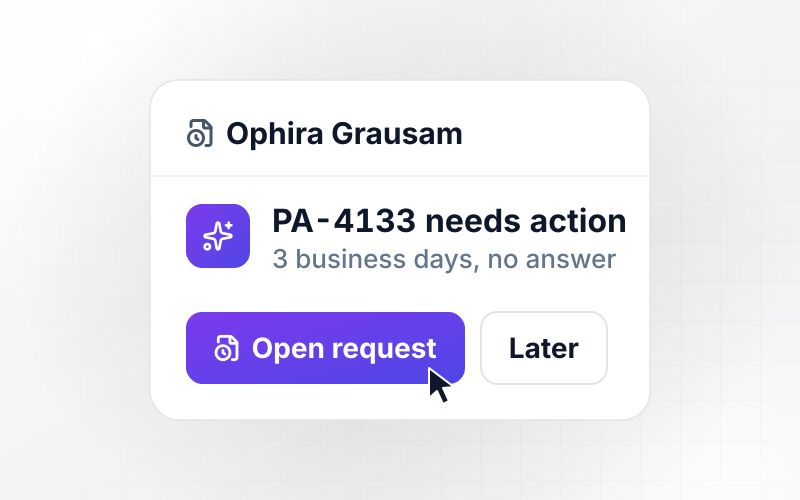
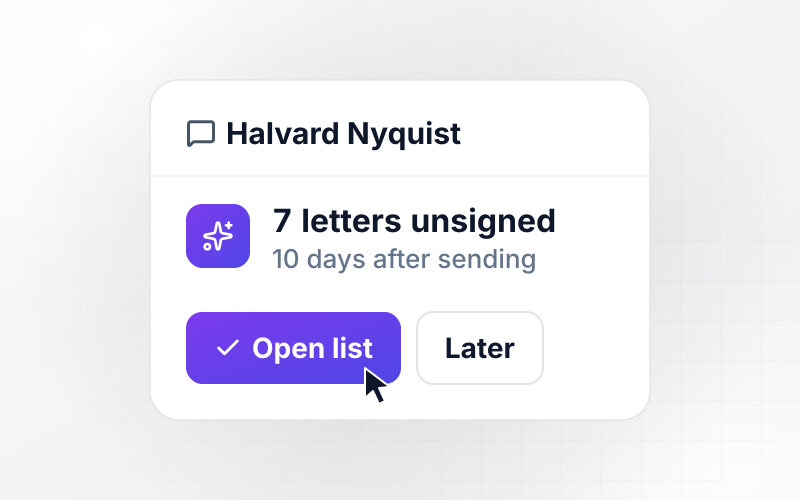
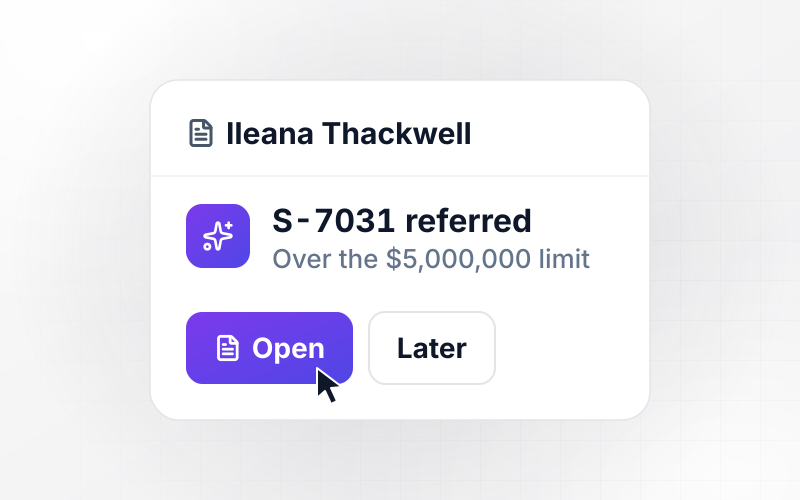
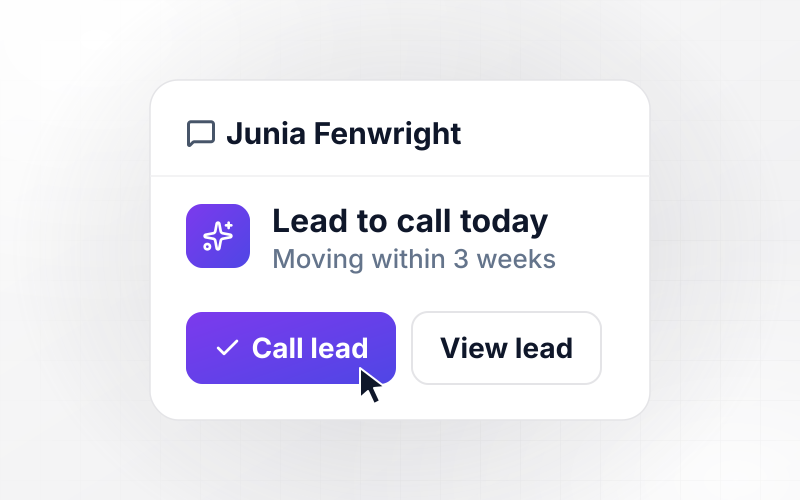
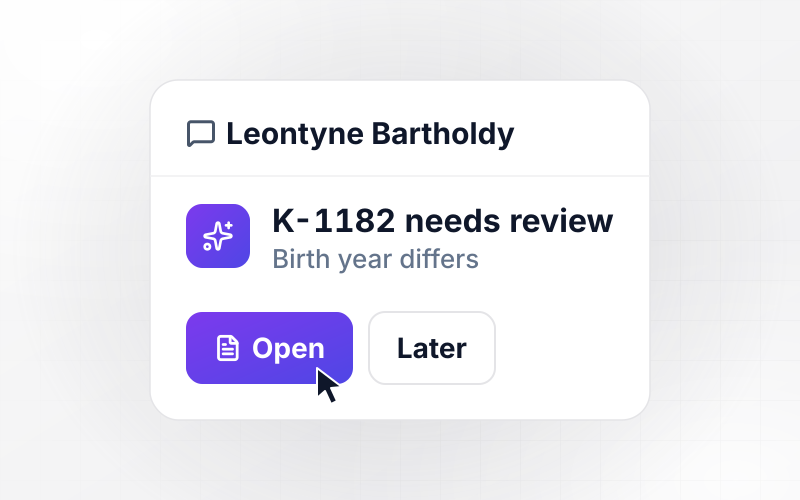
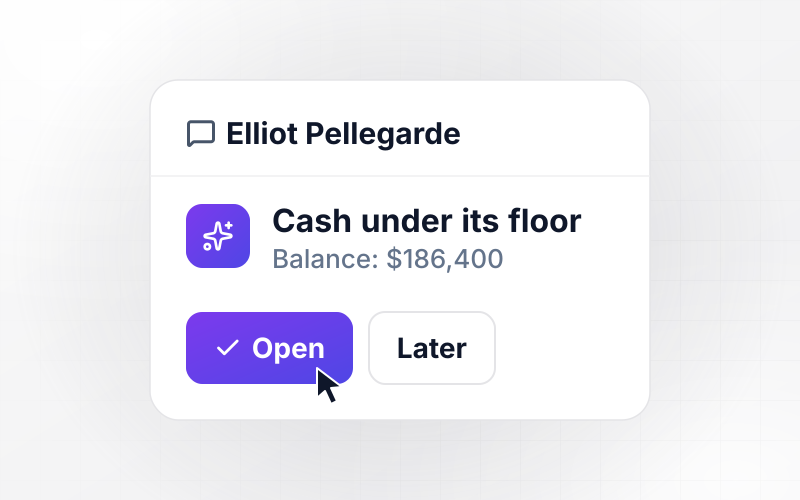
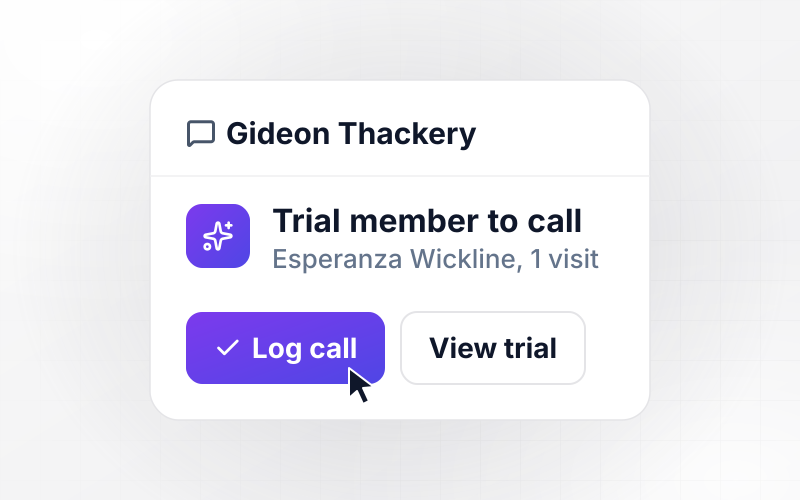
A possible conflict or a rate mismatch goes to one person by Slack, email, or in the app. A reminder follows when nobody acts, then an escalation on the schedule you set.
Matter records in a database the firm owns
Client records and matter records sit in a database you own. Automations run with no task cap, so a busy month with 40 new matters follows the same rules as a month with 4.
Code the firm's IT lead can read
Export the full code of the app to your GitHub repository on paid plans. Your IT lead can then review every rule in it before the app touches a single client file or invoice.
One New Matter, Four Workflows
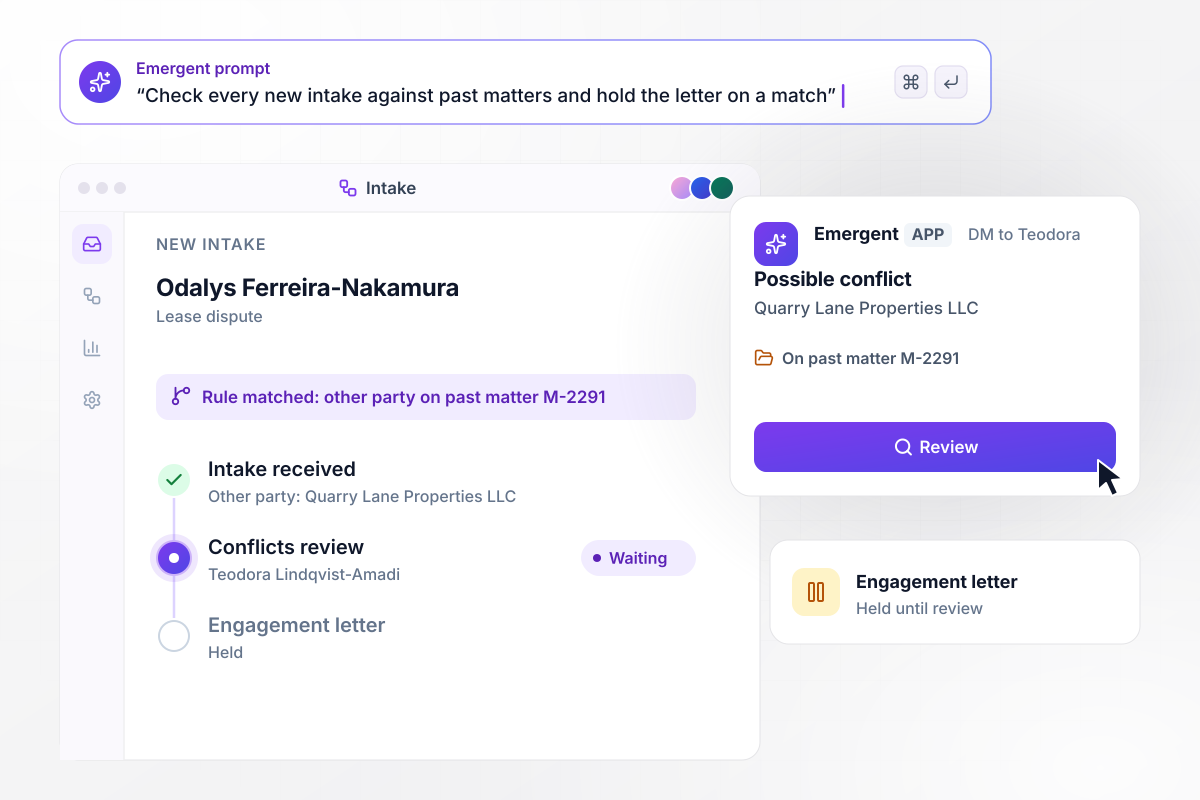
Quarry Lane Properties shows up on a past matter
Odalys Ferreira-Nakamura's intake for a lease dispute names Quarry Lane Properties LLC as the other party. The app finds that name on past matter M-2291 and holds the engagement letter. Teodora Lindqvist-Amadi, the conflicts attorney, gets a Slack direct message marked Possible conflict, with a Review button.
window.awbMockup = { clientIntake: "When a prospective client submits the intake form, match the other party's name against every past matter. If the name appears on a past matter, mark the intake Possible conflict, hold the engagement letter, and send the conflicts attorney a Slack direct message with a Review button.", matterOpening: "When the conflicts attorney clears an intake, email the client the engagement letter with the hourly rate for signature. When the client signs, open a new matter, record the signed letter on it, and assign it to the associate named on the intake.", deadlines: "When a paralegal enters a response date on a matter, remind the assigned associate 14, 7, and 2 days before it. If the draft is not marked Filed 2 days before the date, email the supervising partner with the matter number and the date.", preBillReview: "On the first business day of each month, build a pre-bill for every open matter. Check each time entry's rate against the rate in the matter's engagement letter. If any rate differs, hold that invoice and send the billing partner a Slack direct message with a Review button." };
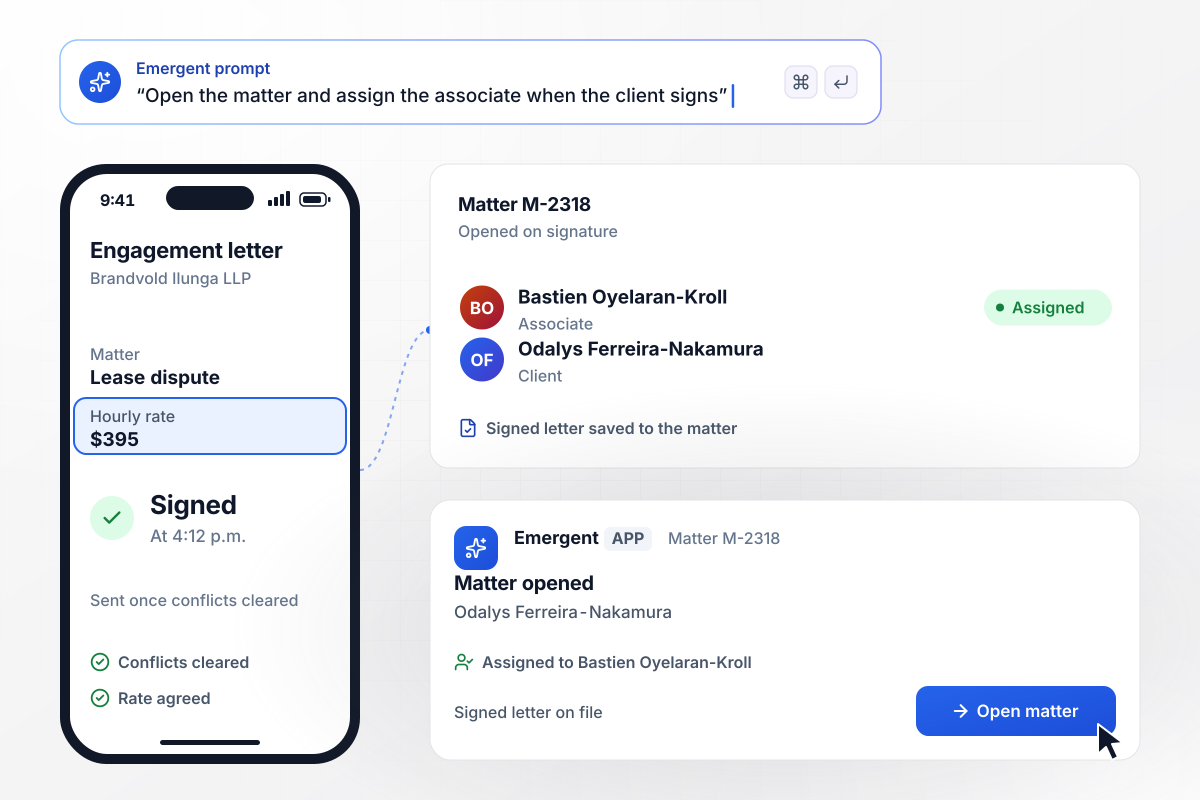
Odalys signs the letter from her phone at 4:12 p.m.
Teodora clears the match, and the app emails Odalys the engagement letter with the $395 hourly rate. She signs it on her phone at 4:12 p.m. The app opens matter M-2318 and assigns it to Bastien Oyelaran-Kroll, the associate who will run the case day to day.
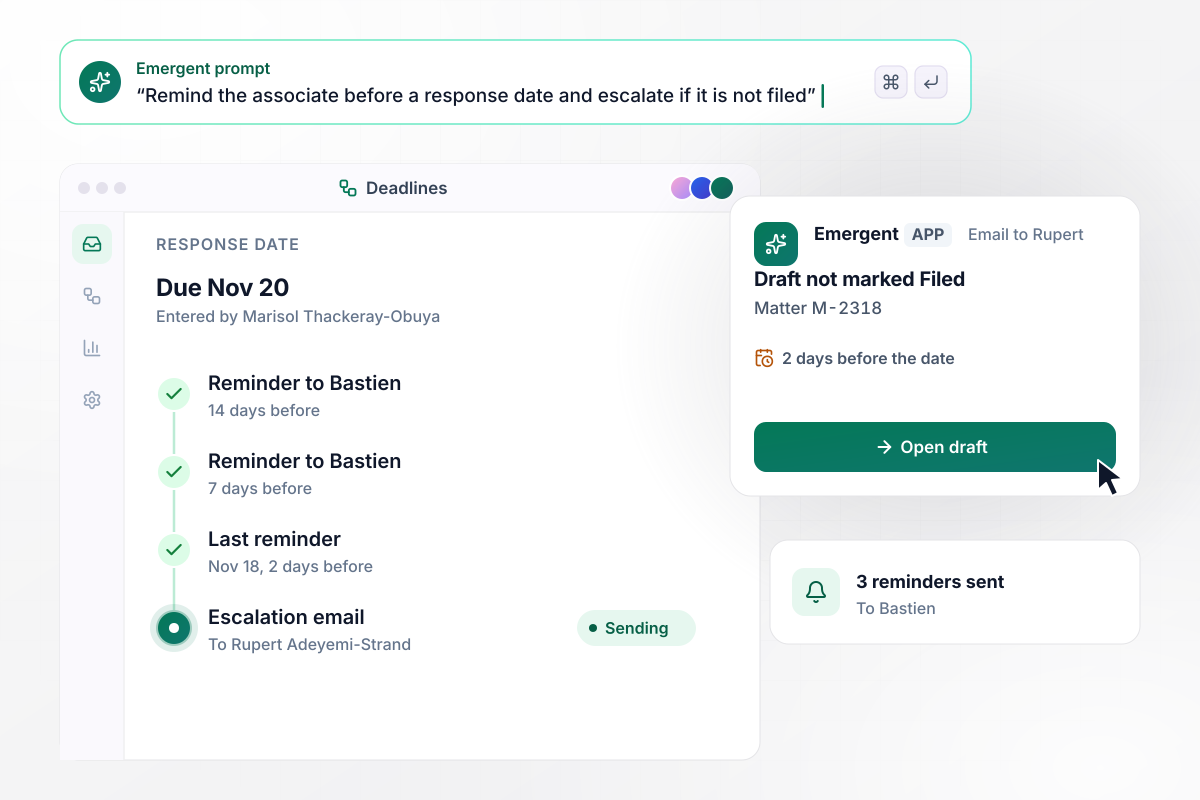
November 20 gets three reminders and one escalation
Paralegal Marisol Thackeray-Obuya enters a response date of November 20 on matter M-2318. The app reminds Bastien 14 days before and again 7 days before. On November 18, 2 days before, the draft is still not marked Filed. The app sends a last reminder and emails Rupert Adeyemi-Strand, the supervising partner.
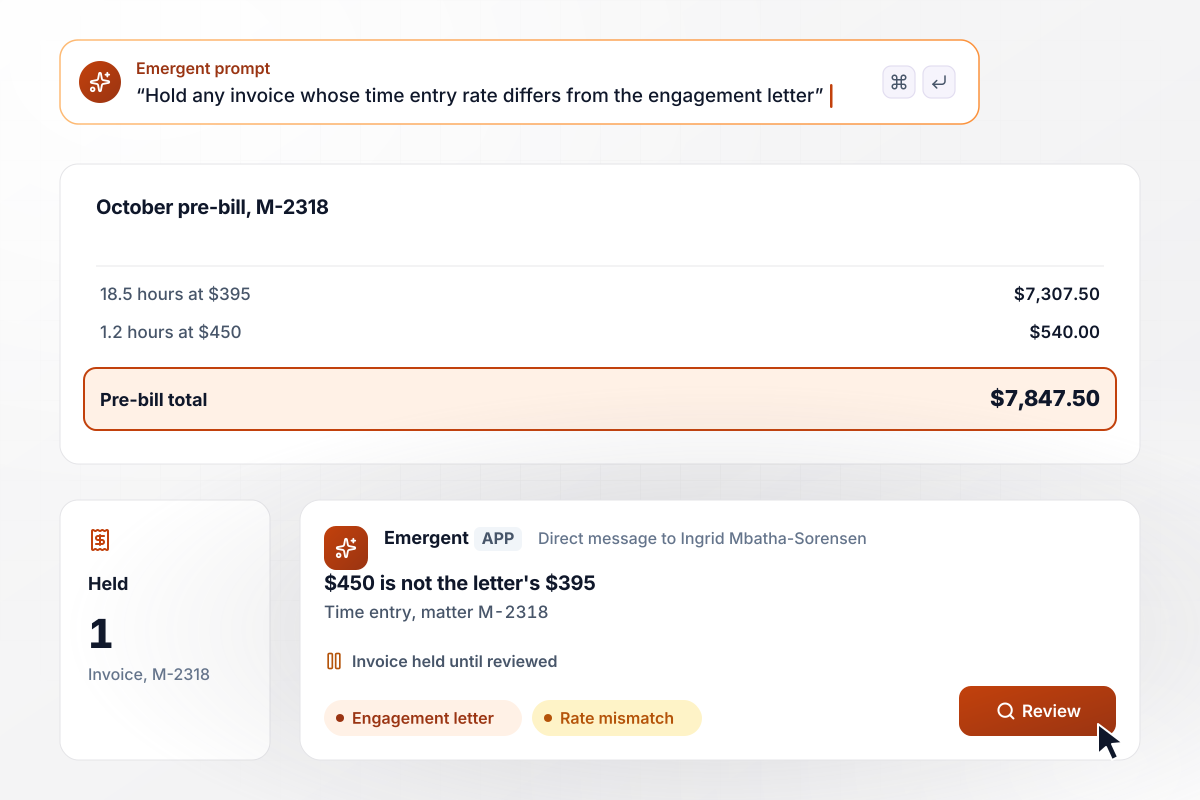
The October invoice waits on one $450 entry
The October pre-bill for matter M-2318 comes to $7,847.50: 18.5 hours at $395 make $7,307.50, and one 1.2-hour entry at $450 makes $540.00. Because $450 is not the letter's $395 rate, the app holds the invoice. Ingrid Mbatha-Sorensen, the billing partner, gets a Slack direct message with a Review button.






How to Build Legal Workflow Automation
Seven steps that take legal workflow automation from one traced matter to four flows the whole firm runs on new clients.
Pick a matter that closed last quarter and list each step a person did by hand for it: the intake call, the name search, the letter, the date entry, and the first invoice. Mark the steps that follow a fixed rule, and start with those.
Note which system holds each fact today, such as client names in the practice management system and time entries in the billing tool. Connect each one through its API, and have the app read every fact from the system that owns it.
Write each rule the way you would explain it to a new paralegal: hold the letter when the other party's name appears on a past matter, and remind the associate 14 days before a response date. Paste those sentences into Emergent as the prompt.
Decide which steps the app finishes and which it hands to a person. A name match goes to the conflicts attorney, who decides whether it is a conflict, and a rate mismatch goes to the billing partner. Name one person for each, not a shared inbox.
Run last quarter's intakes and pre-bills through the app before it emails a single client. Compare each flagged name and each held invoice with what people at the firm caught by hand. Fix a rule by prompting, then run the same quarter again.
Turn on pre-bill review first, because no client ever sees it. Read every held invoice for one billing cycle. Add client intake and matter opening next, and leave deadline reminders for last, once every open matter has its dates entered.
Once a month, read every item a person had to fix by hand, such as a name match that turned out to be a different company or a rate an attorney changed on purpose. Change the rule behind each repeat with a prompt, and watch whether the list shrinks.
Why Automate Legal Workflows With Emergent?
Emergent builds your intake form and the rules behind it as one app, and the free tier covers building and publishing.

|
Zapier | Make (Integromat) | n8n | |
|---|---|---|---|---|
| How you build | Prompt for the workflow and the app around it | Templates and editor, AI copilot | Visual canvas | Visual canvas, self-hosted or cloud |
| What you get | Workflow + trigger form + database + dashboard, as code you own | Zaps, plus Tables and Interfaces inside Zapier | Scenarios inside Make | Workflows inside n8n |
| Behavior at cap | Keeps running, no task cap | Overage billed at up to 1.25× the base rate | Runs pause | Cloud workflows stop until the reset or an upgrade |
| AI and agent steps | Native, share the same credit pool | Priced by model tier, drawn from the task pool | AI modules cost variable credits | Bring your own model API key, billed by the provider |
| Code ownership | Full code export to GitHub on paid plans | None | None | Yes on Community Edition |



Pick the Pricing Plan That Works for You
Choose the plan that fits your building ambitions. From weekend projects to enterprise applications, we've got you covered.




Find the right workflow automation
for you and your business
Frequently Asked Questions
Your Questions, Answered
Don't change this element unless you know what you are doing
More things you can build
with Emergent









on Emergent today


