

Build Workflow Automation for Small Business From a Prompt
Build workflow automation for small business that chases late invoices and slow replies, in a database you own.
Build workflow automation for small business that sends each new service request to the right tech and alerts me after 2 hours without a reply.
Trusted by Builders Worldwide
Active Builders Worldwide
Apps Successfully Created
Countries Globally Reached



What Emergent Builds Into Each Workflow
Each workflow Emergent builds is an app with its own database, and every run leaves a record you can open.
One prompt, one working app
Emergent builds the workflow and the database behind it from a plain-English prompt. When a rule changes, such as a new due date or a second approver, ask for it in a new prompt.
Connected to the tools you already use
The app connects to any tool with an API, such as QuickBooks, HubSpot, Stripe, or Slack. Data syncs in and out, and nobody retypes a client's details from one screen into another.
Alerts for the step that stalls
Pick how long a step can wait and who is told when it waits longer. Reminders go out by email or as a Slack message, and the owner hears once a step runs past the wait you set.
Receipts and invoices read into fields
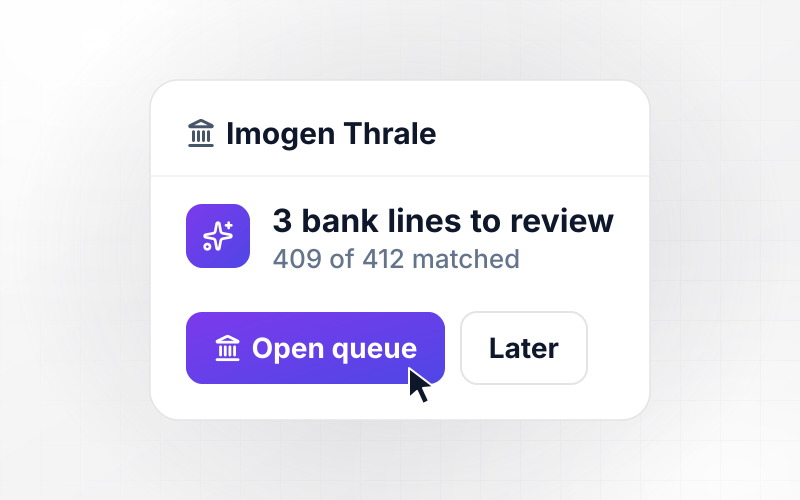
The app reads receipts, invoices, and filled-in forms into structured fields with AI. Any field the AI is unsure of lands in a review queue, and a person confirms it first.
No task cap on a busy month
Workflows Emergent builds carry no task cap. A spring rush of 400 service requests runs through the same rules as a slow week, and the workflow keeps running as volume climbs.
The code behind your workflows, in GitHub
Export the full code of each workflow to your GitHub repository on paid plans. A developer you hire later can read every rule and trigger, and change them like any other code.
Where Small Business Workflows Stall
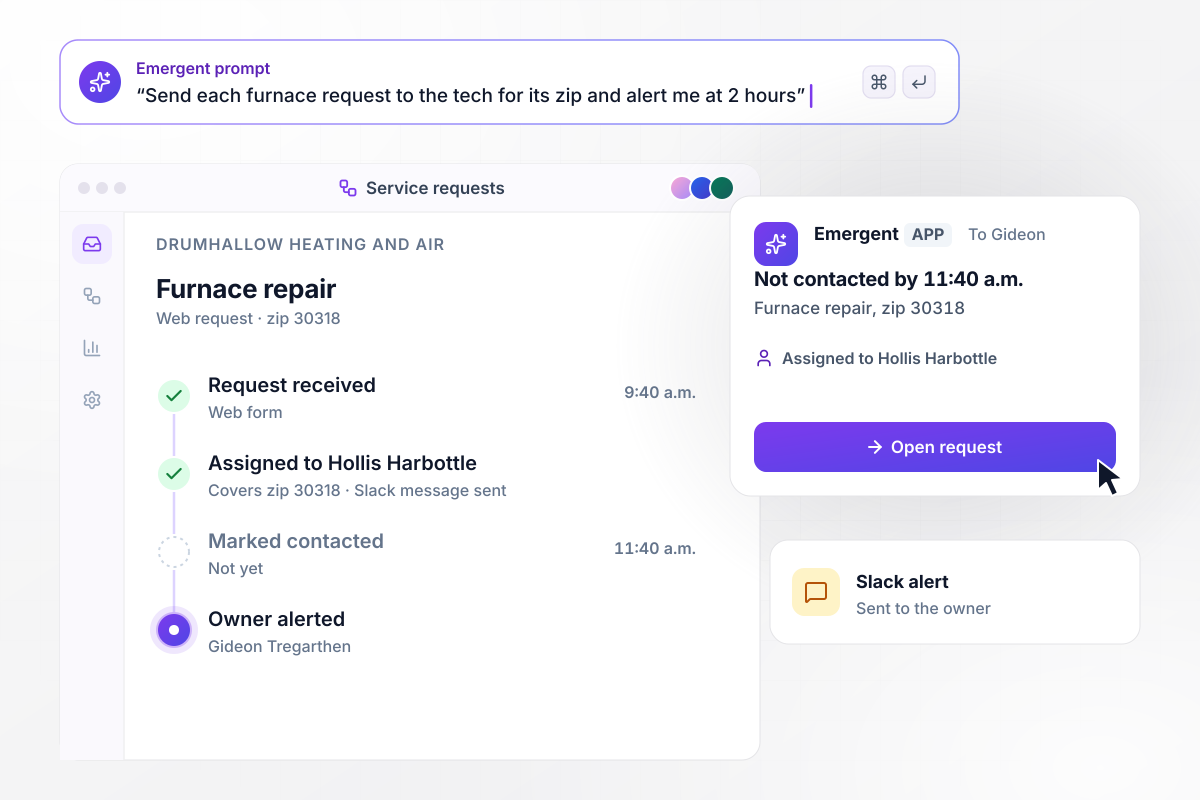
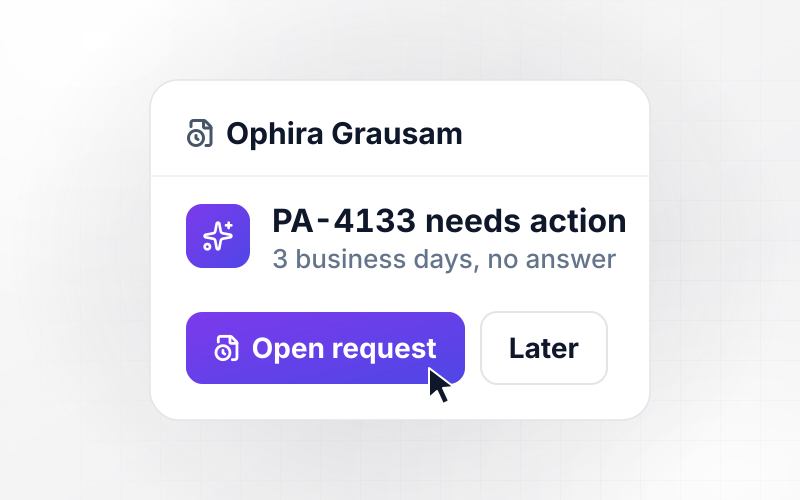
A request nobody answers by 11:40 goes to the owner
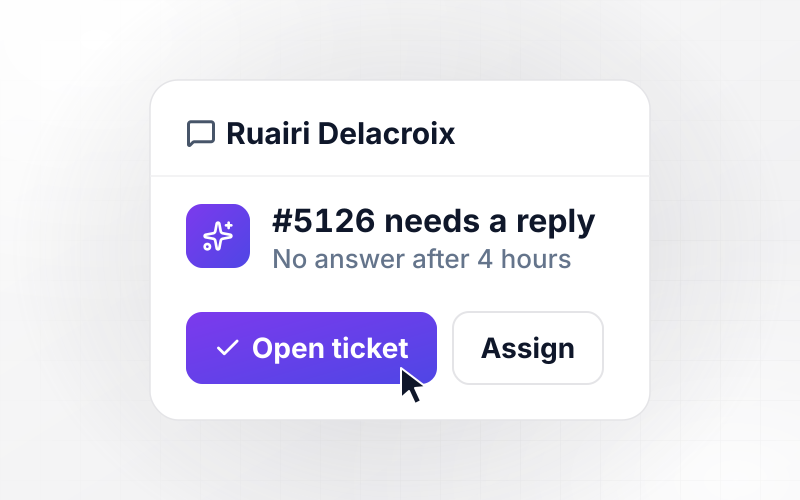
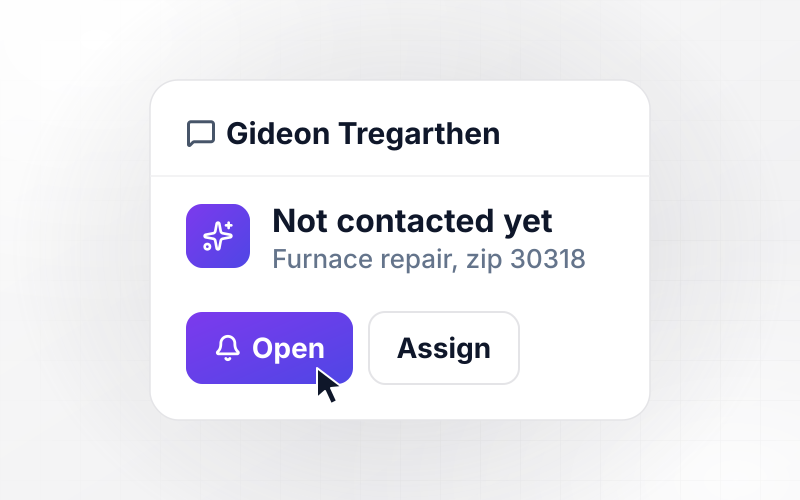
A web request for a furnace repair reaches Drumhallow Heating and Air at 9:40 a.m. from zip code 30318. The app assigns it to Hollis Harbottle, the tech who covers that zip, and messages him in Slack. By 11:40 a.m. nobody has marked it contacted, and the owner, Gideon Tregarthen, gets a Slack alert.
window.awbMockup = { heatingAndAir: "Build a service request workflow for my heating and air company. When a web request comes in, assign it to the tech who covers the customer's zip code and message them in Slack. If nobody marks the request contacted within 2 hours, send me a Slack alert with the request details.", lawnCare: "Build invoice reminders for my lawn care business. Each morning, read open invoices from QuickBooks. Email the client a reminder at 7 days past due and again at 14 days. At 21 days past due, give me a task to call the client, with the invoice number and amount.", designStudio: "Build a new client intake for my design studio. When a client accepts a proposal, email them an intake questionnaire and give the project lead a kickoff task. If the questionnaire is still blank after 3 days, email the client a reminder. Save every answer to the client's record.", coffeeRoaster: "Build stock reorders for my coffee roastery. Log each roast and subtract the green coffee it used from that lot. When a lot drops below its reorder point, draft a reorder for the usual quantity and send it to me to approve in the app. Save each approved order with its date." };
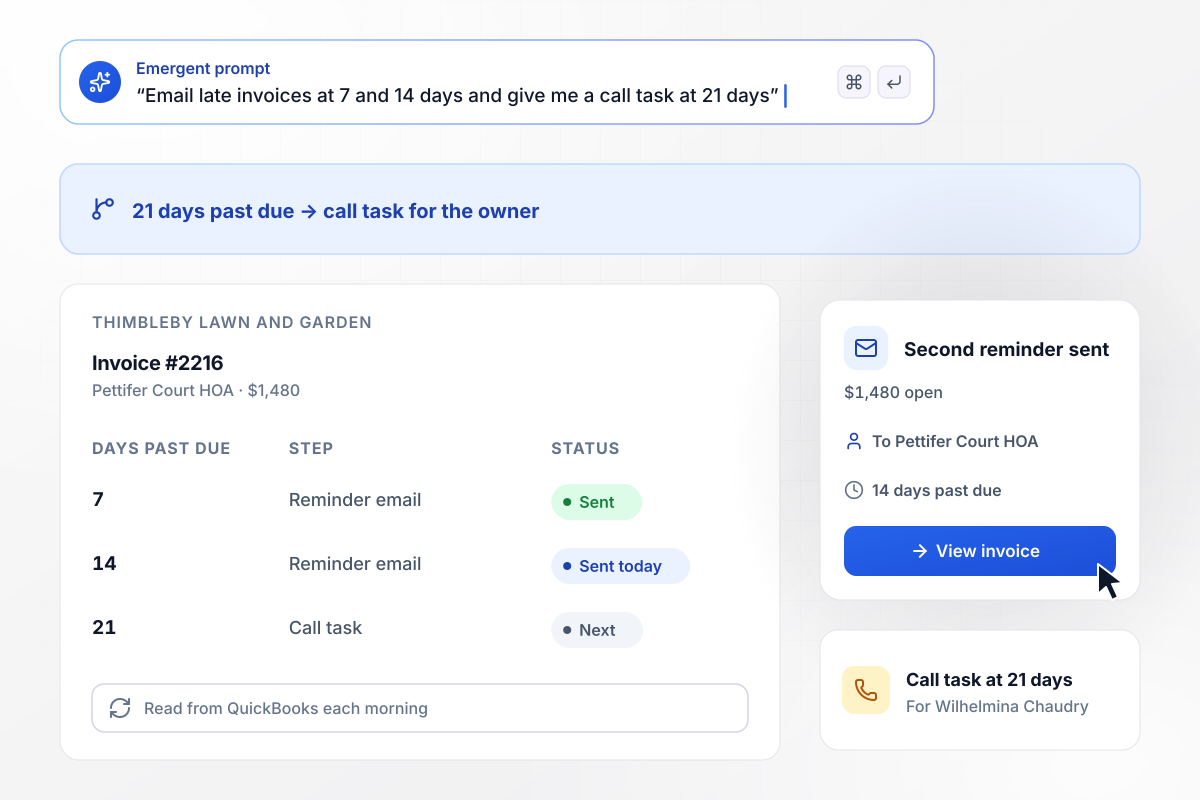
Invoice #2216 for $1,480 gets a second reminder
Each morning, the app reads Thimbleby Lawn and Garden's open invoices from QuickBooks. Invoice #2216 to Pettifer Court HOA for $1,480 is 14 days past due, and the HOA gets its second reminder email. The first went out at 7 days. At 21 days past due, the invoice becomes a call task for the owner, Wilhelmina Chaudry.
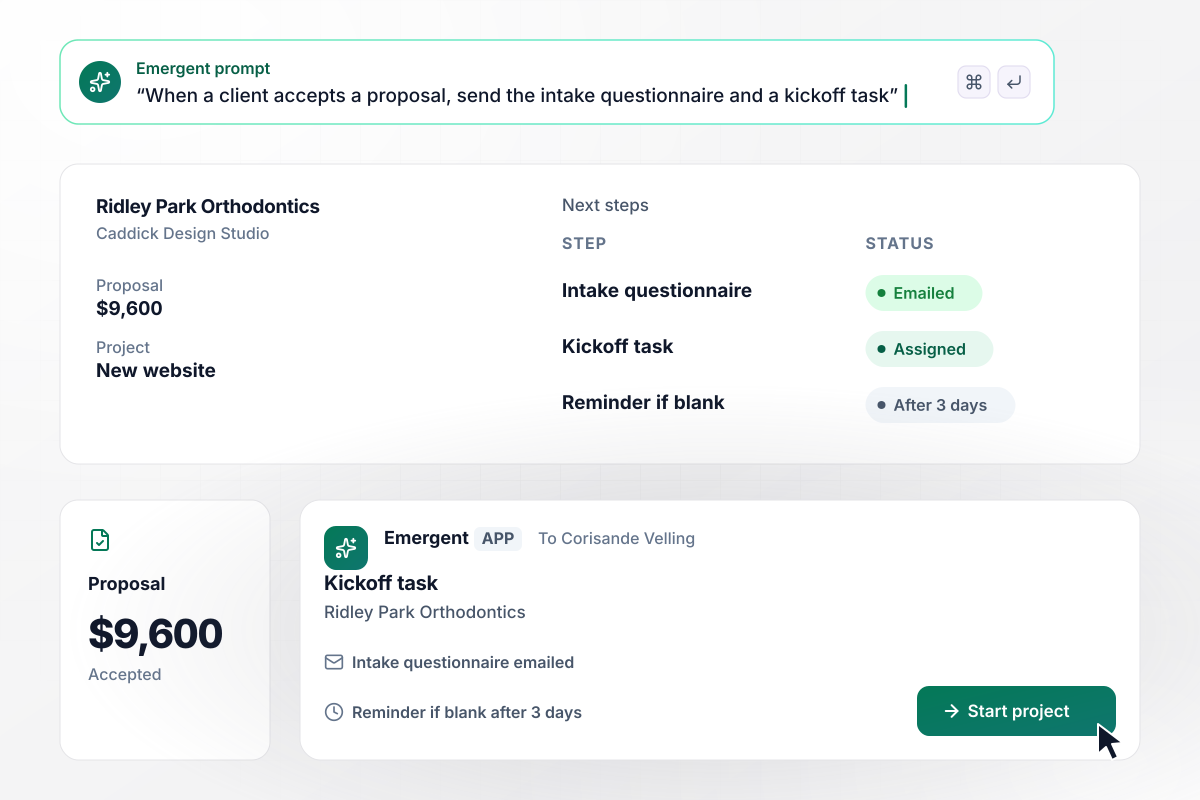
Corisande gets a kickoff task when Ridley Park accepts
Ridley Park Orthodontics accepts a $9,600 proposal from Caddick Design Studio for a new website. The app emails the practice an intake questionnaire and gives the project lead, Corisande Velling, a kickoff task. If the questionnaire is still blank after 3 days, the practice gets a reminder email.
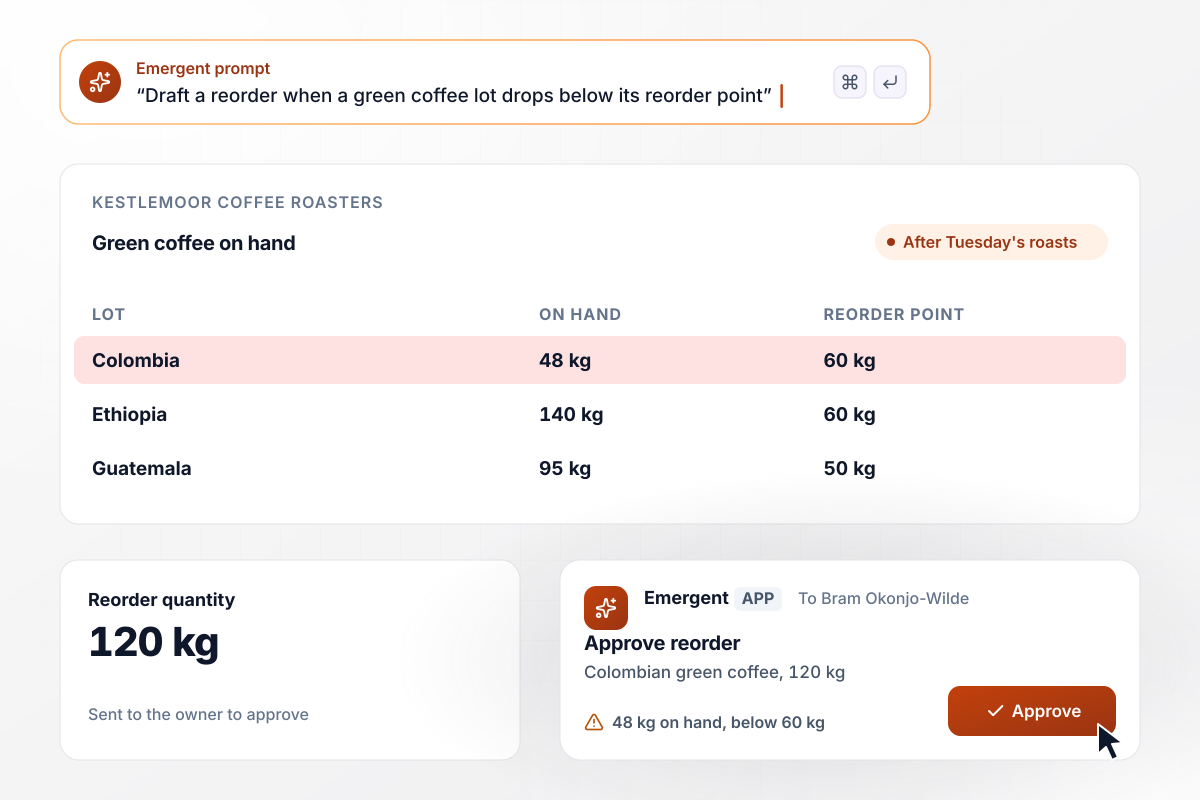
Bram gets a 120 kg reorder to approve at 48 kg
Kestlemoor Coffee Roasters logs each roast in the app, and every batch draws down its green coffee. After Tuesday's roasts, the Colombian lot sits at 48 kg against a 60 kg reorder point. The app drafts a 120 kg reorder and sends it to the owner, Bram Okonjo-Wilde, to approve in the app.






How to Automate Small Business Workflows
Seven steps to pick the first job worth handing off, then build workflow automation for small business around it in Emergent.
Keep a list for one week of every task someone on your team does more than once, such as sending a quote or chasing a payment. Next to each one, write who does it and about how many minutes it takes each time.
Multiply each task's minutes by how often it happens in a month, and start with the biggest total. A 10-minute task done 60 times a month costs 10 hours, more than a 2-hour report you write once.
Describe the workflow in one sentence that names what starts it and what happens next. "When an invoice is 7 days past due, email the client" is a workflow. "Stay on top of invoices" is a wish, and no app can run it.
Decide who hears about it when the rule cannot settle a case, such as a request nobody answers. Give each exception one named person and a wait time, and send the alert to that person instead of a shared inbox.
Paste the sentence from step 3 and the names from step 4 into a prompt. Emergent builds the workflow and its database from that description, and a new rule later arrives the same way, by describing the change in plain English.
Link the apps the workflow reads from or writes to, such as your accounting system for invoices or Slack for alerts. Map each field once, and check that a client's name in the app matches the name on the invoice.
Before the workflow goes live, replay last week's real requests and invoices through it. Check that every alert reached the right person at the right time, then switch it on for new work coming in.
Why Build Small Business Workflows on Emergent?
Emergent writes the trigger, the rules, and the app around them from a prompt, and no workflow stops at a monthly task cap.

|
Zapier | Make (Integromat) | n8n | |
|---|---|---|---|---|
| How you build | Prompt for the workflow and the app around it | Templates and editor, AI copilot | Visual canvas | Visual canvas, self-hosted or cloud |
| What you get | Workflow + trigger form + database + dashboard, as code you own | Zaps, plus Tables and Interfaces inside Zapier | Scenarios inside Make | Workflows inside n8n |
| Behavior at cap | Keeps running, no task cap | Overage billed at up to 1.25× the base rate | Runs pause | Cloud workflows stop until the reset or an upgrade |
| AI and agent steps | Native, share the same credit pool | Priced by model tier, drawn from the task pool | AI modules cost variable credits | Bring your own model API key, billed by the provider |
| Code ownership | Full code export to GitHub on paid plans | None | None | Yes on Community Edition |


Pick the Pricing Plan That Works for You
Choose the plan that fits your building ambitions. From weekend projects to enterprise applications, we've got you covered.




Find the right workflow automation
for you and your business
Frequently Asked Questions
Your Questions, Answered
Don't change this element unless you know what you are doing
More things you can build
with Emergent









on Emergent today


