

Build a DSAR Workflow With a Due Date on Every Request
Build a DSAR workflow that gives each request a due date and an owner, then gathers the data and logs the reply.
Build a DSAR workflow for my software company that logs each request, sets its due date, and collects the data from the CRM.
Trusted by Builders Worldwide
Active Builders Worldwide
Apps Successfully Created
Countries Globally Reached



What Emergent Builds Into a DSAR Workflow
Every request becomes one record that fills in as systems answer and reviewers sign off.
A numbered record for every request
Emergent builds the request form and the database behind it from your prompt. Each request is saved with its number and the date it arrived, and it sits in a database you own.
Due dates from the window you choose
Pick the response window for each privacy law your team works under, and the app sets the due date as each request arrives. An extension cannot be saved without a written reason.
Searches across the systems that hold data
Emergent connects the app to the CRM and other systems holding customer data through their APIs. Each is searched by the requester's email, and matching records land on the request.
An identity check before data moves
The app compares the name and email on each request with the customer record. A mismatch pauses the request for an analyst, who can ask the requester for more detail first.
Alerts that leave the personal data behind
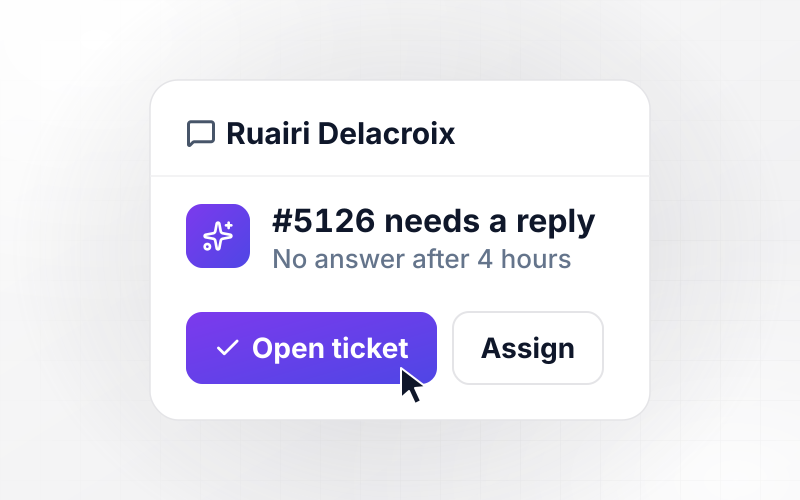
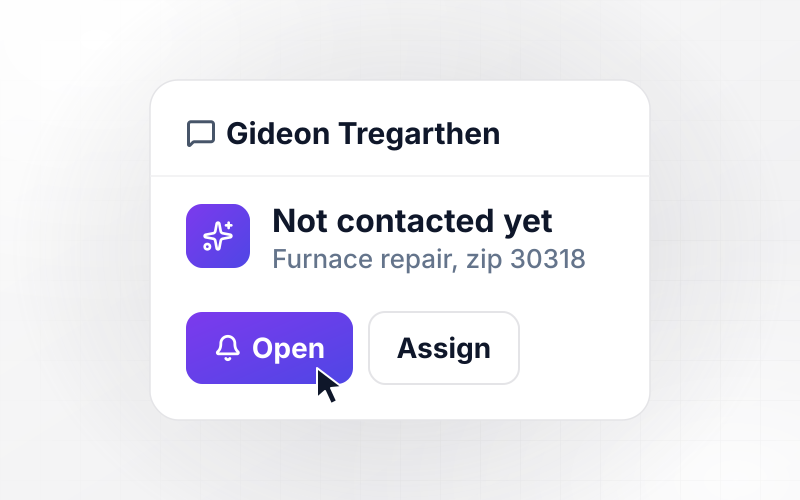
Owners get a Slack or email alert holding a request number and a link. The person's records stay in the database, and a task left open past its due date moves up to the privacy lead.
The request app's code, in your GitHub
Export the full code to your GitHub repository on paid plans. Your security team can read how request files are stored and who can open them, the same way it reviews any other code.
Four Requests a Privacy Team Handles
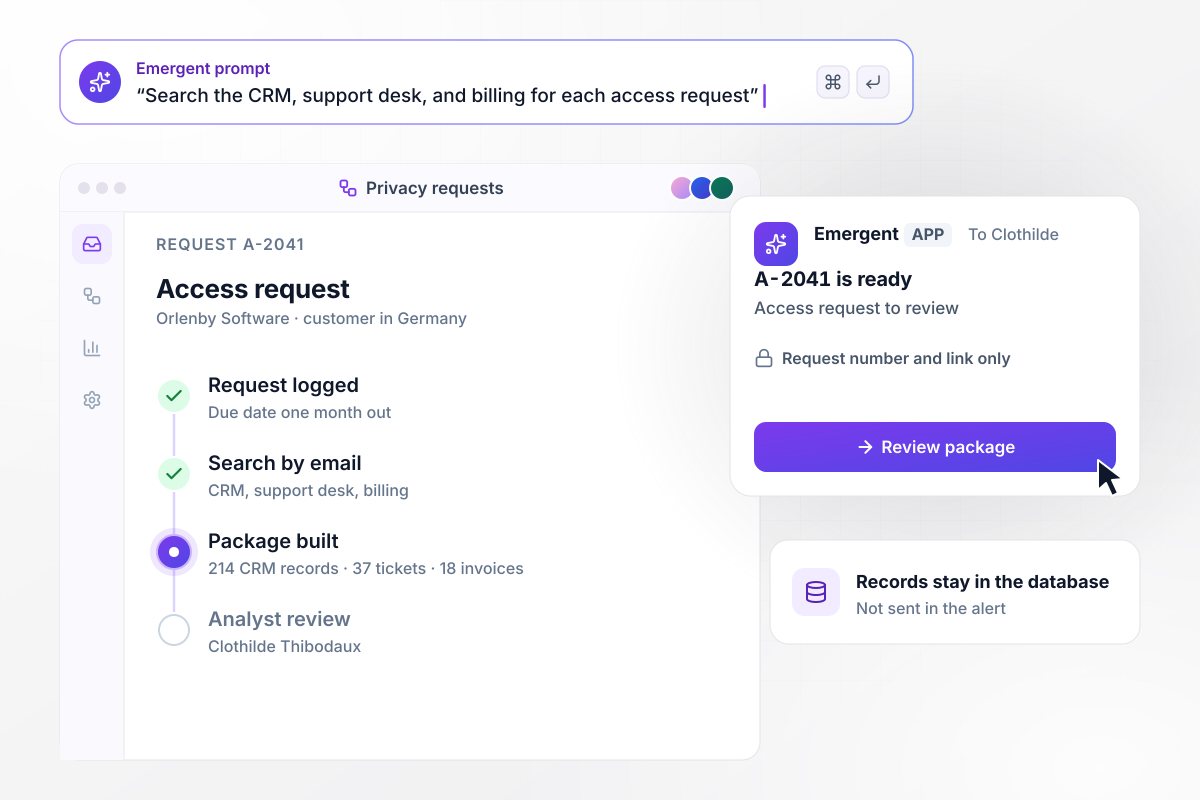
Request A-2041 collects 214 records from the CRM
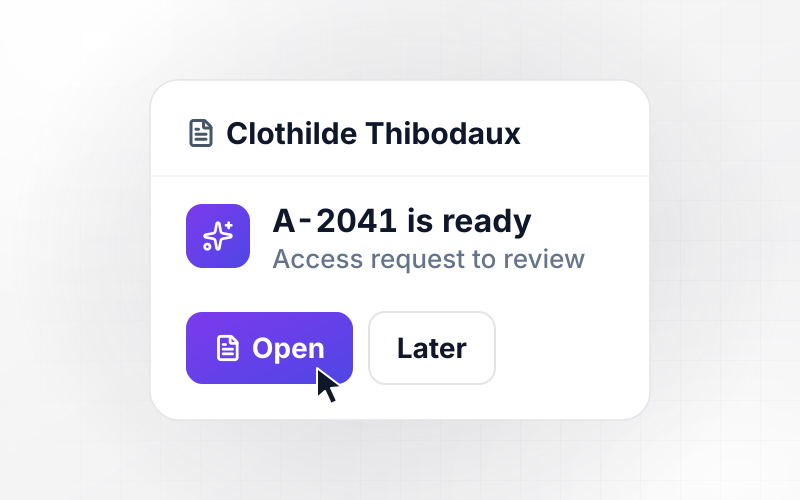
A customer in Germany asks Orlenby Software for a copy of their data, and request A-2041 opens with a due date one month out. The app searches three systems by the customer's email. It finds 214 CRM records, 37 support tickets, and 18 invoices, and analyst Clothilde Thibodaux gets a link to review the package.
window.awbMockup = { accessRequests: "Build an access request intake for my software company. Each request gets a number and a due date one month out. Search our CRM, support desk, and billing tool by the requester's email, collect what you find into one package, and send our privacy analyst a link to review it before anything goes out.", deletionRequests: "Build a deletion request workflow for my online home goods store. Confirm each request to the shopper the day it arrives and set the due date 45 days out. Send a delete task to the owner of each system that holds customer data. If an owner has not replied in 7 days, send a reminder with the request number and a link.", formerEmployees: "Build an employee data request workflow for my freight company. When a former employee asks for their data, gather their HR file, payroll records, and emails that name them into one package. Let our employment counsel mark pages for redaction and add a note. Keep the package locked until counsel approves it.", deadlineBoard: "Build a board for my privacy lead that lists every open data request by due date, with counts by type: access, deletion, and correction. When a request is due within 5 days, send her a direct message that names the request and links to it, and keep personal data out of the message." };
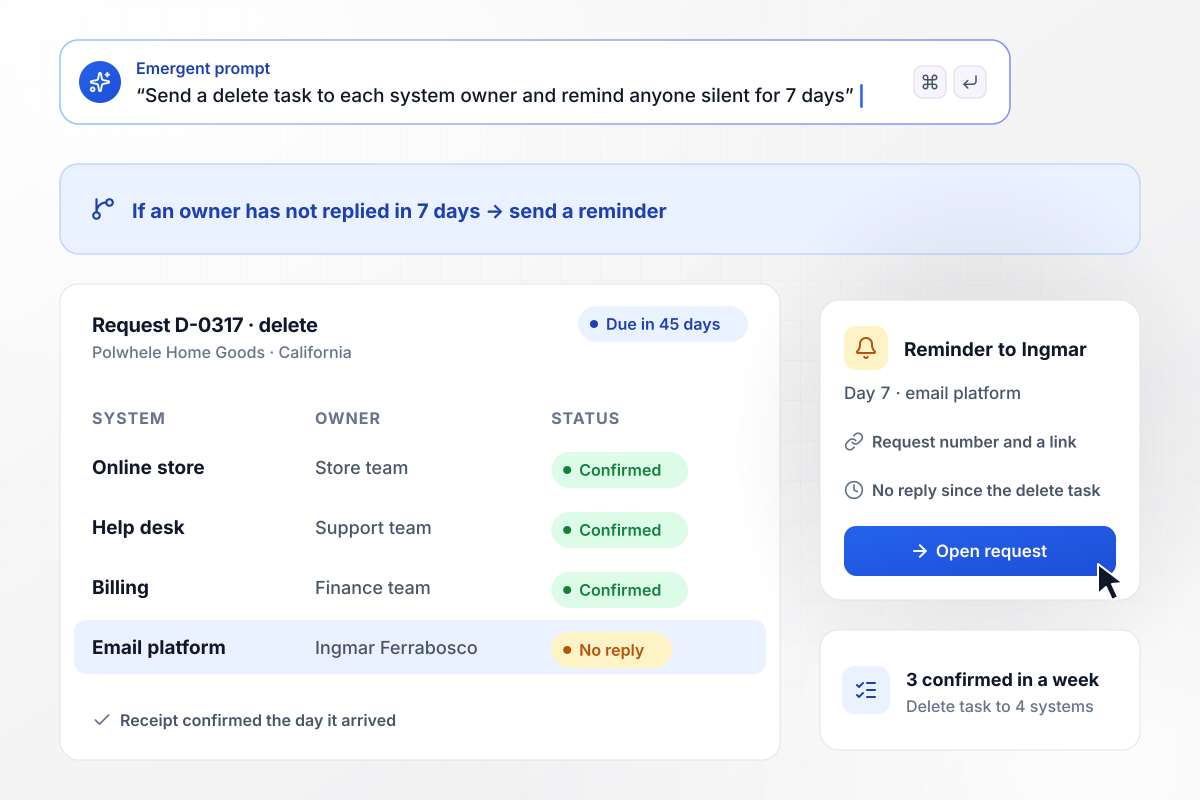
Delete request D-0317 waits on one system owner
Polwhele Home Goods confirms a California shopper's request the day it arrives, and request D-0317 is due in 45 days. Owners of 4 systems get a delete task, and three confirm within a week. Ingmar Ferrabosco owns the email platform and has not replied. On day 7 he gets a reminder with the request number and a link.
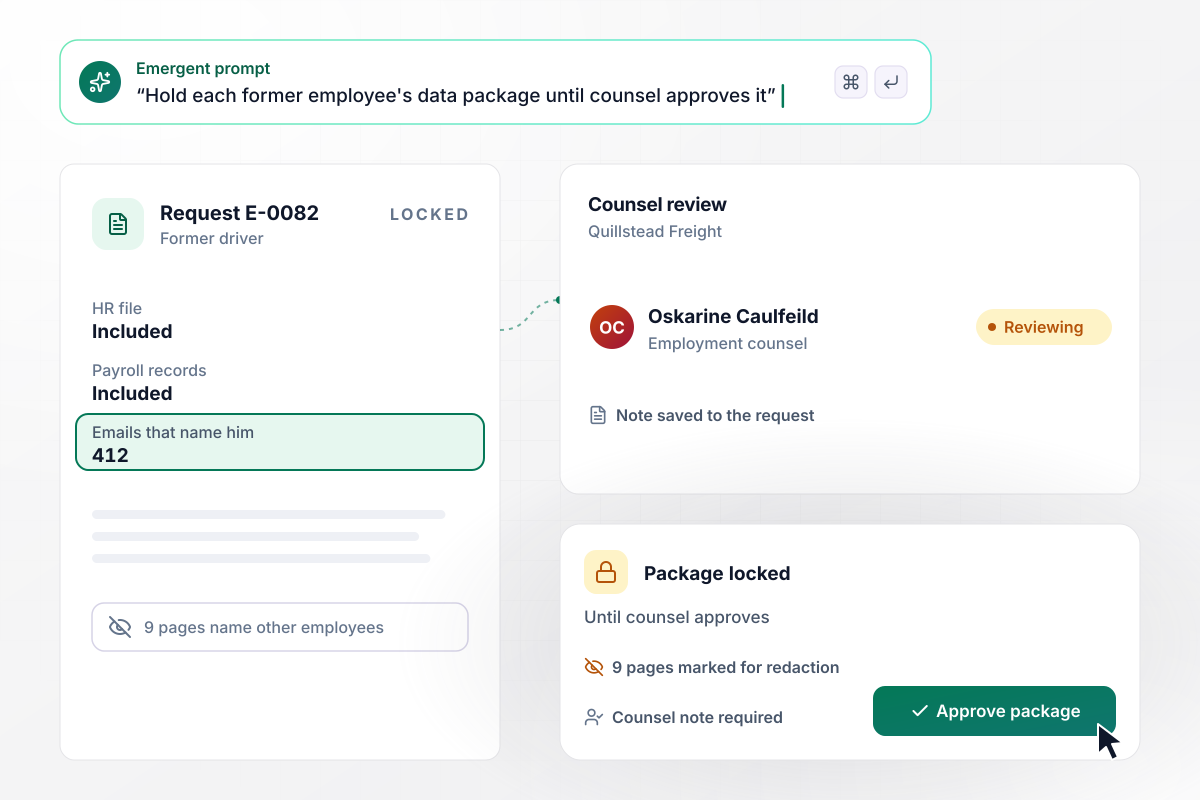
Until counsel approves, nothing goes to the former driver
A former driver asks Quillstead Freight for his data. Request E-0082 gathers his HR file, payroll records, and 412 emails that name him. Employment counsel Oskarine Caulfeild marks 9 pages that name other employees for redaction. The package stays locked until she approves it, and her note is saved to the request.
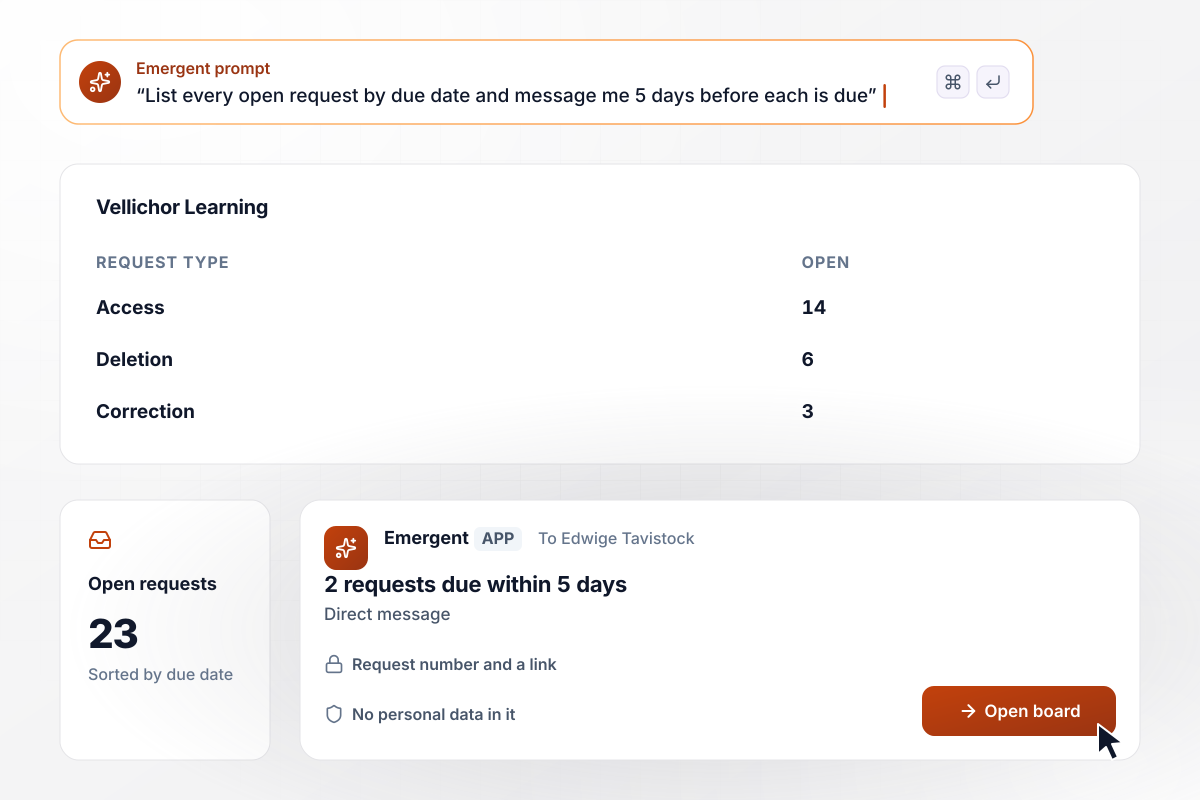
Edwige gets each request with 5 days left
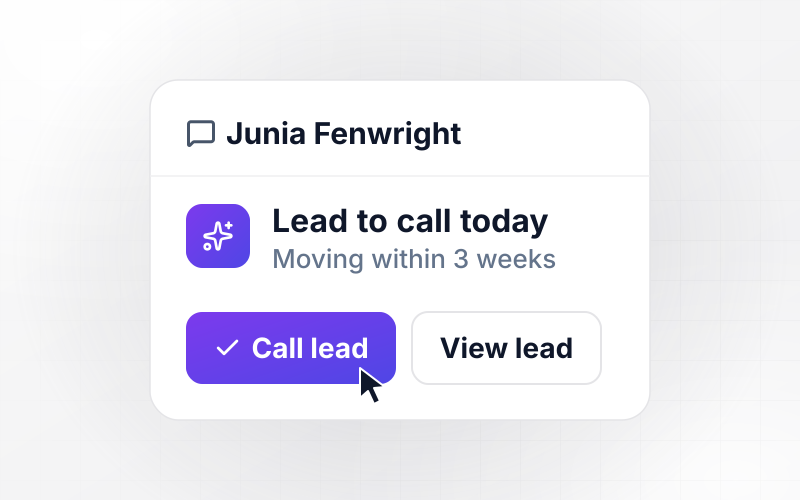
Every Monday, Edwige Tavistock opens the board of open requests at Vellichor Learning. It lists 23, sorted by due date: 14 access, 6 deletion, and 3 correction requests. Two are due within 5 days. Each one reached her as a direct message that names the request and links to it, with no personal data in it.






How to Build a DSAR Workflow
Seven steps to plan the deadlines and reviewers in a DSAR workflow before you build it with Emergent.
List each system that holds personal data about customers and staff, including the email platform and the HR files. Next to each, write who owns it and the field you search by: an email address or an employee ID.
Write down the request types you accept, such as access and deletion, and the response window your privacy team sets for each law it follows. The app turns each window into a due date the moment a request arrives.
Decide how the app checks that a requester is who they say: a match against the customer record, or a code sent to the email on file. Name who handles a mismatch and what extra detail they may ask the requester for.
Describe the systems in your prompt, and Emergent connects the app to each one through its API. A search returns the records that match the requester, and each delete task goes to the owner you named in the first step.
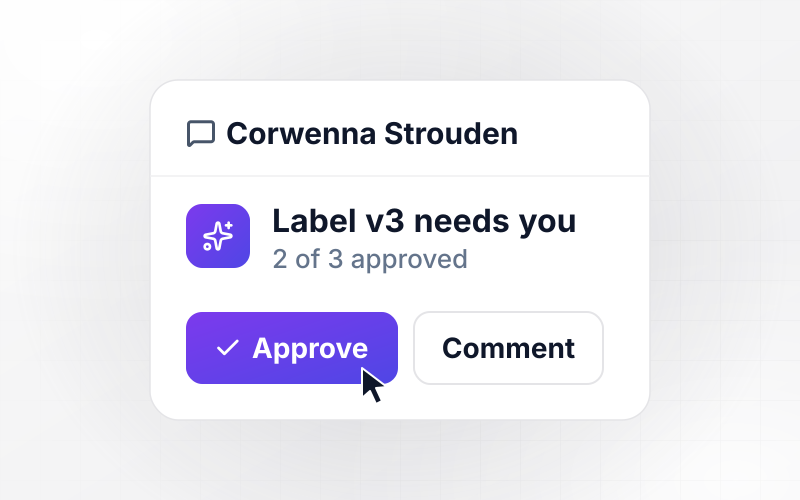
Pick who approves each package before it leaves: a privacy analyst for customer requests, and employment counsel for staff. Require a note with every approval, and keep the package locked until that reviewer signs off.
Choose how many days a system owner can leave a task open before a reminder goes out, and how close to the due date a request moves to the privacy lead. Alerts point to the request and hold no personal data.
Before real requests arrive, run 10 test requests. Make one an employee file and another a request whose identity check fails. Have your privacy team check each due date and approval, and change the rules by prompting until they agree.
Why Build a DSAR Workflow on Emergent?
Emergent builds the request database and every review queue as one app from a prompt, with no task cap.

|
Zapier | Make (Integromat) | n8n | |
|---|---|---|---|---|
| How you build | Prompt for the workflow and the app around it | Templates and editor, AI copilot | Visual canvas | Visual canvas, self-hosted or cloud |
| What you get | Workflow + trigger form + database + dashboard, as code you own | Zaps, plus Tables and Interfaces inside Zapier | Scenarios inside Make | Workflows inside n8n |
| Behavior at cap | Keeps running, no task cap | Overage billed at up to 1.25× the base rate | Runs pause | Cloud workflows stop until the reset or an upgrade |
| AI and agent steps | Native, share the same credit pool | Priced by model tier, drawn from the task pool | AI modules cost variable credits | Bring your own model API key, billed by the provider |
| Code ownership | Full code export to GitHub on paid plans | None | None | Yes on Community Edition |



Pick the Pricing Plan That Works for You
Choose the plan that fits your building ambitions. From weekend projects to enterprise applications, we've got you covered.




Find the right workflow automation
for you and your business
Frequently Asked Questions
Your Questions, Answered
Don't change this element unless you know what you are doing
More things you can build
with Emergent









on Emergent today


