

Build an Artwork Approval Process That Prints the Right Proof
Build an artwork approval process that sends each proof to the right reviewers and releases only the approved version.
Build an artwork approval process for my packaging team that sends each label proof to design, regulatory, and brand reviewers in order.
Trusted by Builders Worldwide
Active Builders Worldwide
Apps Successfully Created
Countries Globally Reached



What Emergent Builds Into Your Proof Approvals
Every job keeps its proofs and each reviewer's decision in one record you can search.
A request form that opens each job
Emergent builds the request form and the job database from your prompt. Each request saves the client, the item, the due date, and the source files as one job in a database you own.
Numbered proofs that keep comments
Every upload becomes the next version of the proof, v1 then v2 then v3. Comments and decisions stay on the version they were made on, and a reviewer can open any earlier round.
Reviewers in the order you set
You name who approves each kind of job and in what order. The app sends a proof to the next reviewer only after the one before approves it, and a rejection sends it back to design.
Reminders when a proof sits too long
The app sends a Slack or email reminder when a proof waits past the time you set for that reviewer. If it still has no decision, the app escalates it to the manager you named.
Only the approved file goes to print
When the last reviewer approves, the app emails the printer a link to that version and no other. Earlier proofs stay in the job history, each one marked as replaced by the next.
Your code, with no per-approver seats
Add every client, designer, and reviewer a job needs, with no per-approver seats to count. On paid plans you can export the full code of the app to your GitHub repository.
Four Teams and the Proofs They Sign Off
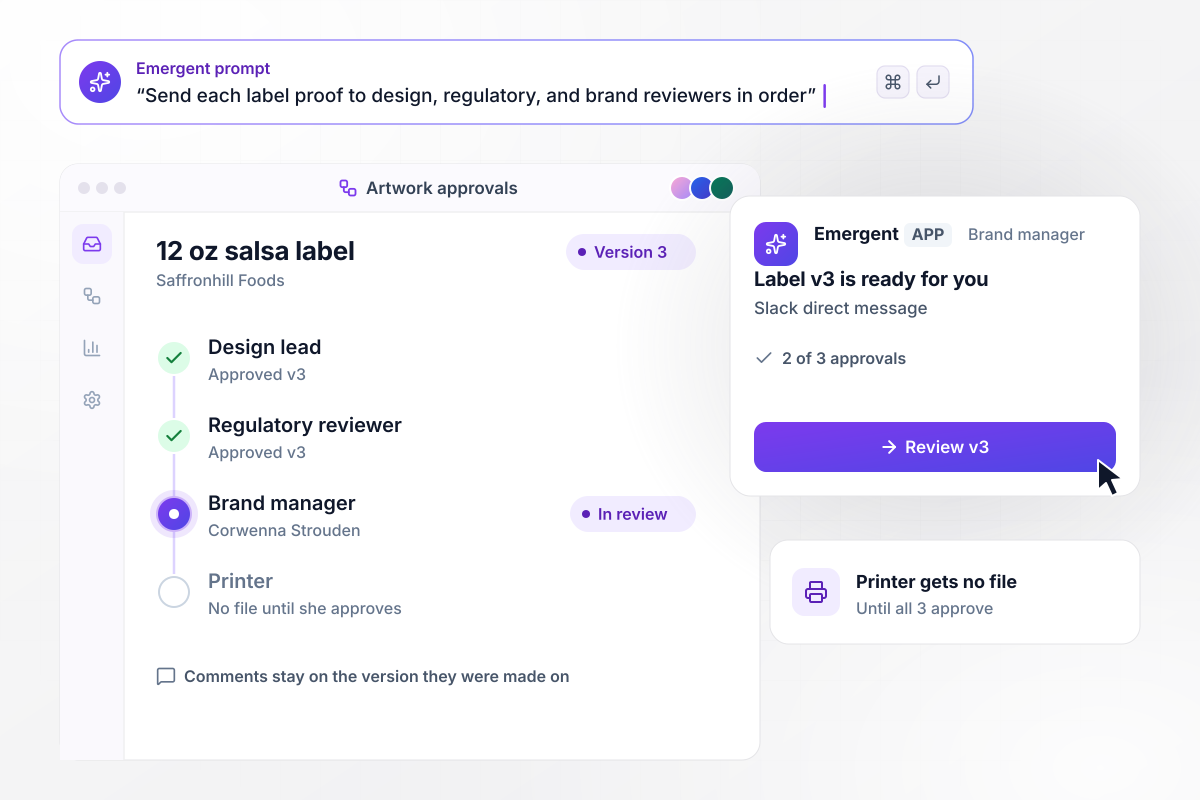
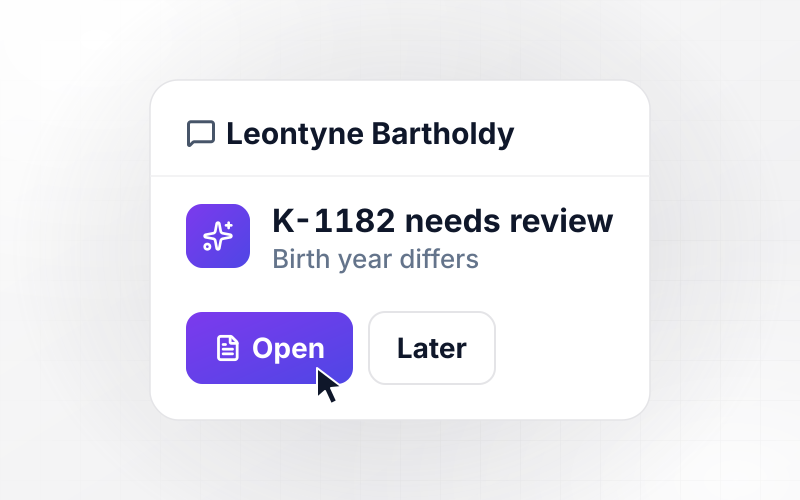
Label v3 waits for its third approver
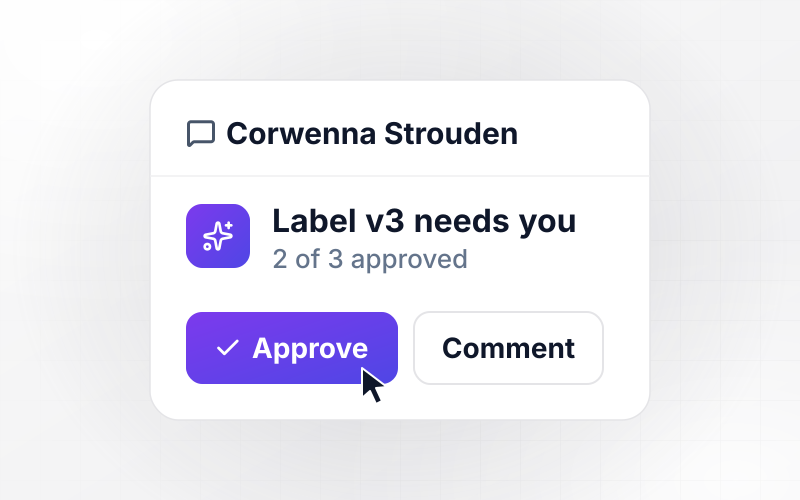
Saffronhill Foods sends every new label to its design lead first, then its regulatory reviewer, then its brand manager. Version 3 of the 12 oz salsa label has 2 of its 3 approvals. Brand manager Corwenna Strouden gets a Slack direct message with a link to v3, and the printer gets no file until she approves.
window.awbMockup = { packagingLabels: "Build an artwork approval app for my food packaging team. Send each new label proof to our design lead, then our regulatory reviewer, then our brand manager, in that order. Number every version and keep comments on it. Message the next reviewer in Slack with a link, and email the printer the approved version only after all three approve.", printShopProofs: "Build a proof approval app for my print shop. When an order's artwork is ready, email the customer a link to the proof with the order number, quantity, and ink colors. Let them approve or ask for changes from a phone. Save each decision on that proof version and move approved orders into our press queue.", agencyRevisions: "Build a client revision tracker for my design agency. Store how many revision rounds each contract includes. Count every change request the client sends against that number. When a request goes past the included rounds, hold it and email the account manager to approve the extra round before any designer sees it.", retailSignage: "Build a signage approval app for my grocery chain. Marketing approves every seasonal sign before printing. Any sign that shows a price also goes to our pricing analyst by Slack direct message. Release signs without a price to the printer as soon as marketing approves, and the priced signs once pricing approves too." };
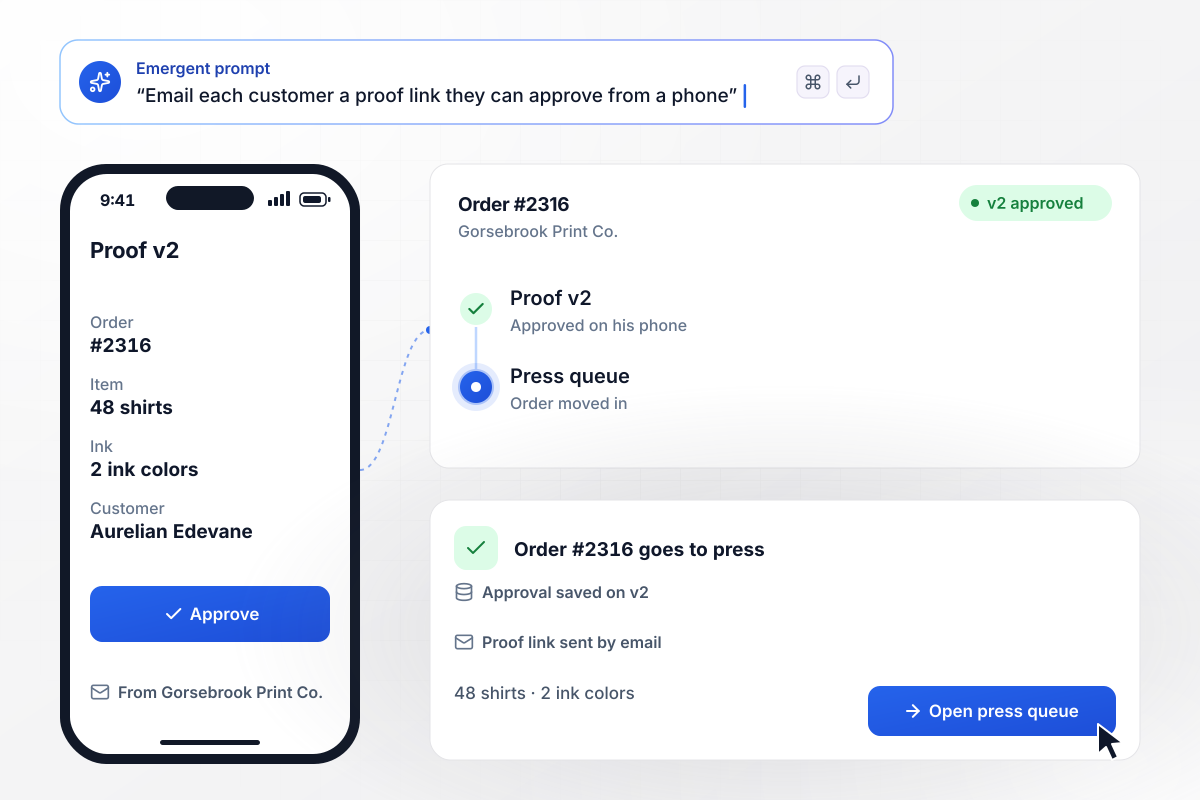
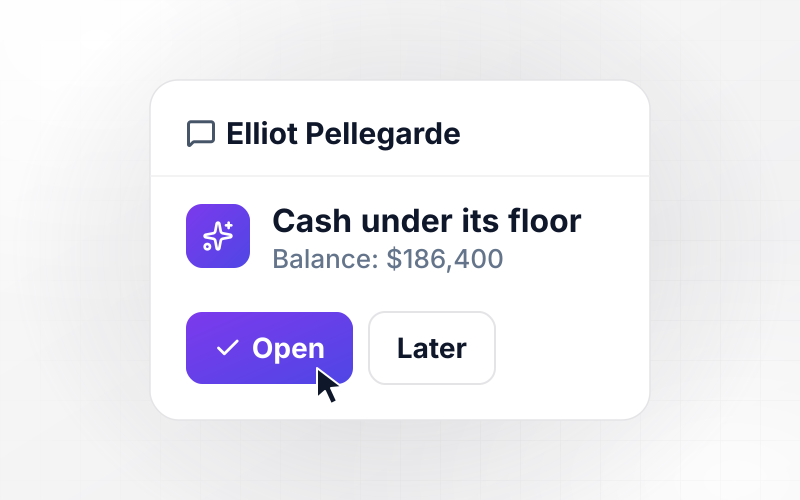
Order #2316 goes to press when Aurelian approves
Gorsebrook Print Co. emails each customer a proof link before a screen is burned. Aurelian Edevane opens proof v2 for order #2316, 48 shirts in 2 ink colors, on his phone and taps Approve. The app saves his approval on v2 and moves the order into the press queue.
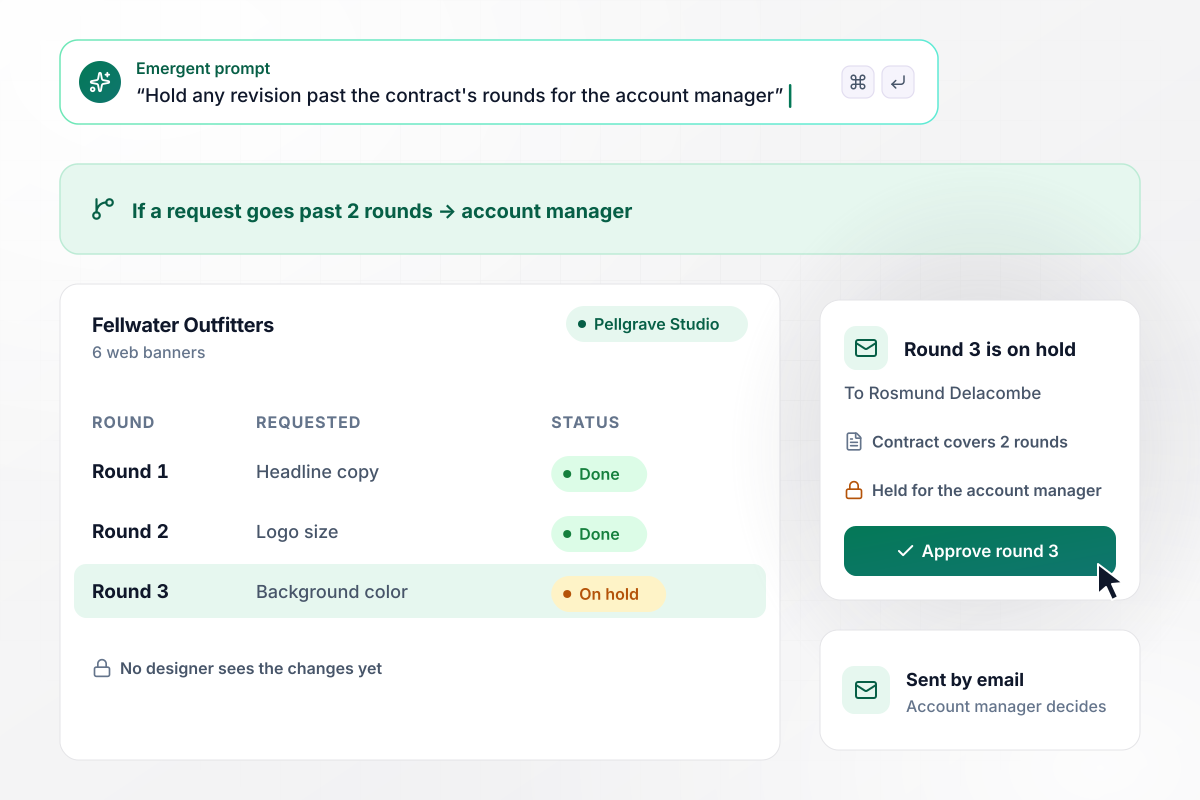
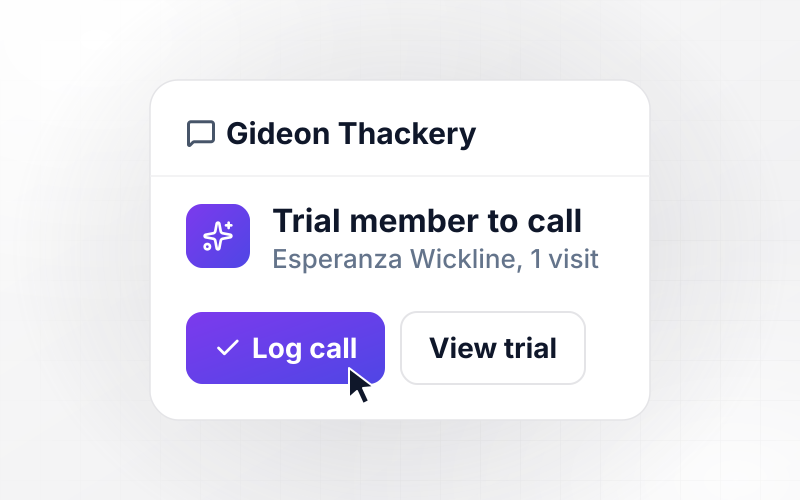
Round 3 waits for Rosmund before any design work
Pellgrave Studio's contract with Fellwater Outfitters covers 2 revision rounds on a set of 6 web banners. When the client asks for round 3, the app holds the request and emails account manager Rosmund Delacombe. No designer sees the new changes until she approves the extra round.
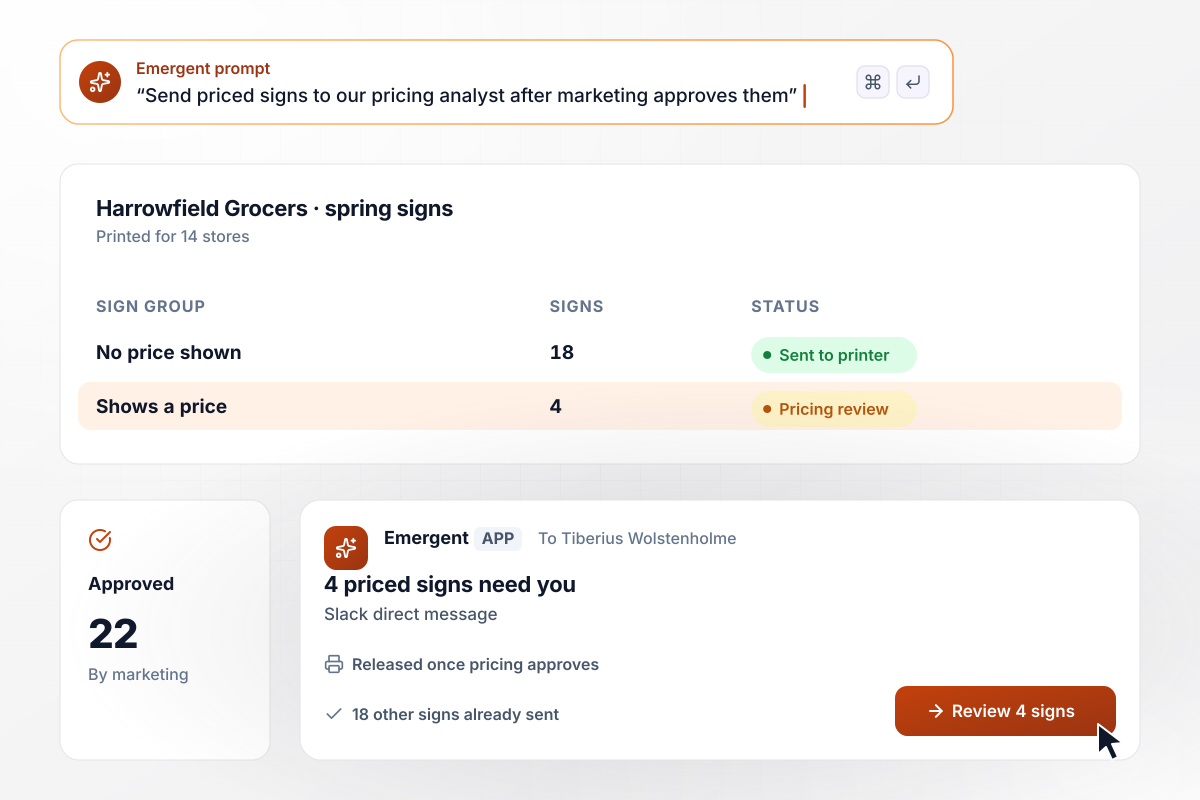
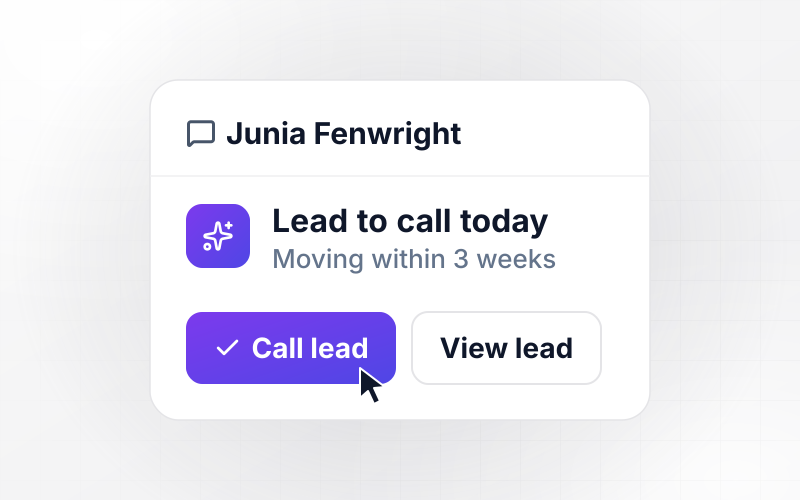
Four signs with a price also go to pricing
Harrowfield Grocers prints 22 spring signs for its 14 stores, and marketing approves all 22. The 4 signs that show a price also go to pricing analyst Tiberius Wolstenholme by Slack direct message. The app releases the 18 signs without a price to the printer now and the other 4 once he approves.






How to Build an Artwork Approval Process
Seven steps to set the reviewers, rules, and printer release for an artwork approval process, then build it with Emergent.
Write down every kind of artwork your team signs off: labels, customer proofs, client banners, store signs. For each one, note who asks for it, which files come with it, and the date it must reach the printer. Each kind becomes a job type in the app.
Name the people who review each kind of job and the order they sign in. Mark any reviewer who only checks some pieces, such as a regulatory check on food labels. Each name becomes a step, and a rejection at any step sends the proof back.
Decide when an upload starts a new version and when it only fixes a file inside the current round. Write down how many revision rounds each contract includes and who signs off on one more, before a designer spends time on it.
Choose how long a proof can wait with each reviewer before a reminder goes out, and who hears about it next if nothing changes. Pick Slack or email for each person, based on where they already read their requests.
Open Emergent and describe the process in plain English: the request fields, the job types, the reviewer order, the reminders, and the printer release. Emergent builds the app from that description, and you change any step later by prompting again.
Connect Slack for direct messages and the email account that sends customer proof links. If your project tracker or print vendor portal has an API, the app can send each approved job and its status there as well.
Run one real job through the app before you switch over, with a comment and a rejection on v1 and an approval on v2. Check that each reviewer got the right message, that the comments stayed on v1, and that the printer received v2 only.
Why Run Artwork Approvals on Emergent?
Emergent builds the proof versions and the printer release as one app from a prompt, with no task cap on the workflow.

|
Zapier | Make (Integromat) | n8n | |
|---|---|---|---|---|
| How you build | Prompt for the workflow and the app around it | Templates and editor, AI copilot | Visual canvas | Visual canvas, self-hosted or cloud |
| What you get | Workflow + trigger form + database + dashboard, as code you own | Zaps, plus Tables and Interfaces inside Zapier | Scenarios inside Make | Workflows inside n8n |
| Behavior at cap | Keeps running, no task cap | Overage billed at up to 1.25× the base rate | Runs pause | Cloud workflows stop until the reset or an upgrade |
| AI and agent steps | Native, share the same credit pool | Priced by model tier, drawn from the task pool | AI modules cost variable credits | Bring your own model API key, billed by the provider |
| Code ownership | Full code export to GitHub on paid plans | None | None | Yes on Community Edition |



Pick the Pricing Plan That Works for You
Choose the plan that fits your building ambitions. From weekend projects to enterprise applications, we've got you covered.




Find the right workflow automation
for you and your business
Frequently Asked Questions
Your Questions, Answered
Don't change this element unless you know what you are doing
More things you can build
with Emergent









on Emergent today


