

Build Education Workflow Automation for the School Front Office
Build education workflow automation that follows up on unexplained absences and books a substitute before the first bell.
Build education workflow automation that runs on its own and logs every step.
Trusted by Builders Worldwide
Active Builders Worldwide
Apps Successfully Created
Countries Globally Reached



What Emergent Builds Into a School Office App
Each flow runs on the rules your office already follows, and every case those rules cannot settle lands with one named staff member.
Rules written the way the handbook reads
Describe a rule in plain English, such as who hears about an absence nobody explains. Emergent builds the app, its database, and the logic, and a new prompt changes any rule.
Connects to the systems the office runs
The app connects to any tool with an API. A student information system with an API can feed attendance in and take updates back. Slack and email connect the same way.
Family forms that work on a phone
Enrollment packets and permission slips ask one question per screen, so a guardian can finish one at school pickup. The app saves the signature with the student record.
Every exception has one owner
An unanswered absence email or an uncovered class goes to one named staff member by email, Slack, or in the app. If nobody acts, a reminder follows, then an escalation.
Paper forms read into fields
Scan a paper form a family hands in, and AI reads the student name, the guardian, and the phone number into fields. A low-confidence field waits for the registrar to check.
Student records in a database you own
Records sit in a database you own, and paid plans export the full code to your GitHub repository. With no task cap, the first week of school runs like any other week.
Four School Office Flows to Run This Term
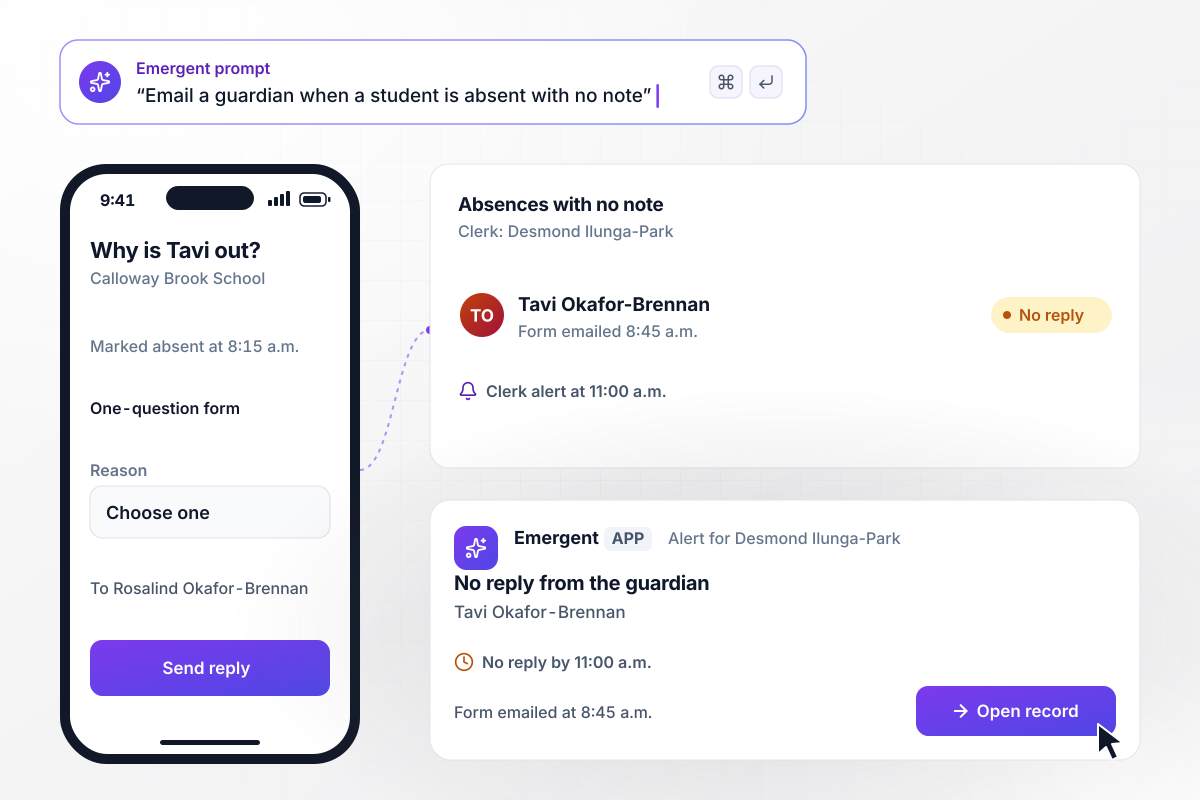
No reply by 11:00 a.m. puts the absence in front of the clerk
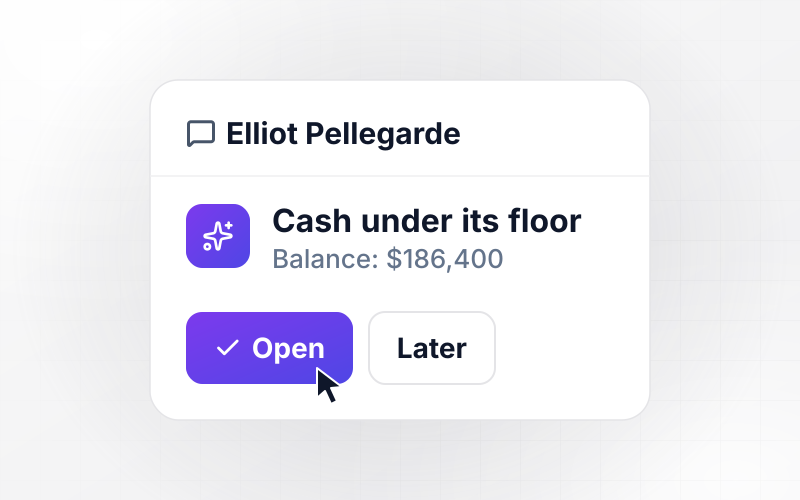
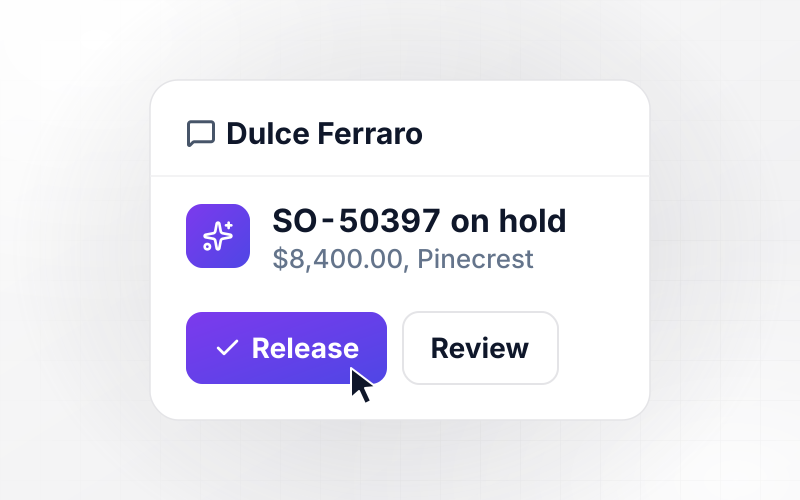
Tavi Okafor-Brennan is marked absent at Calloway Brook School at 8:15 a.m. with no note on file. At 8:45 a.m., the app emails his guardian, Rosalind Okafor-Brennan, a one-question form. No reply comes by 11:00 a.m., so Desmond Ilunga-Park, the attendance clerk, gets an in-app alert with an Open record button.
window.awbMockup = { absenceNotes: "When a student is marked absent with no note on file by 8:45 a.m., email the guardian a one-question form asking why the student is out. Save the reply to the attendance record. If no reply comes by 11:00 a.m., send the attendance clerk an in-app alert with an Open record button.", enrollmentPackets: "Build an enrollment packet for new families that asks one question per screen: the student's grade, 2 emergency contacts, then a signature on the family handbook acknowledgment. When a packet is finished, mark the student Enrolled, place them in a homeroom, and add them to that teacher's class roster.", permissionSlips: "For each field trip, email guardians a permission slip they can sign on a phone. Two days before the trip, email a reminder with a link to the slip to every guardian who has not signed, and show the trip lead the names, each marked Not signed.", substituteCover: "When a teacher reports an absence on the staff absence form, offer their classes to the substitute list in the order the office set. When a substitute accepts, email them the room number and the lesson plan, and mark the classes Covered on the front office board." };
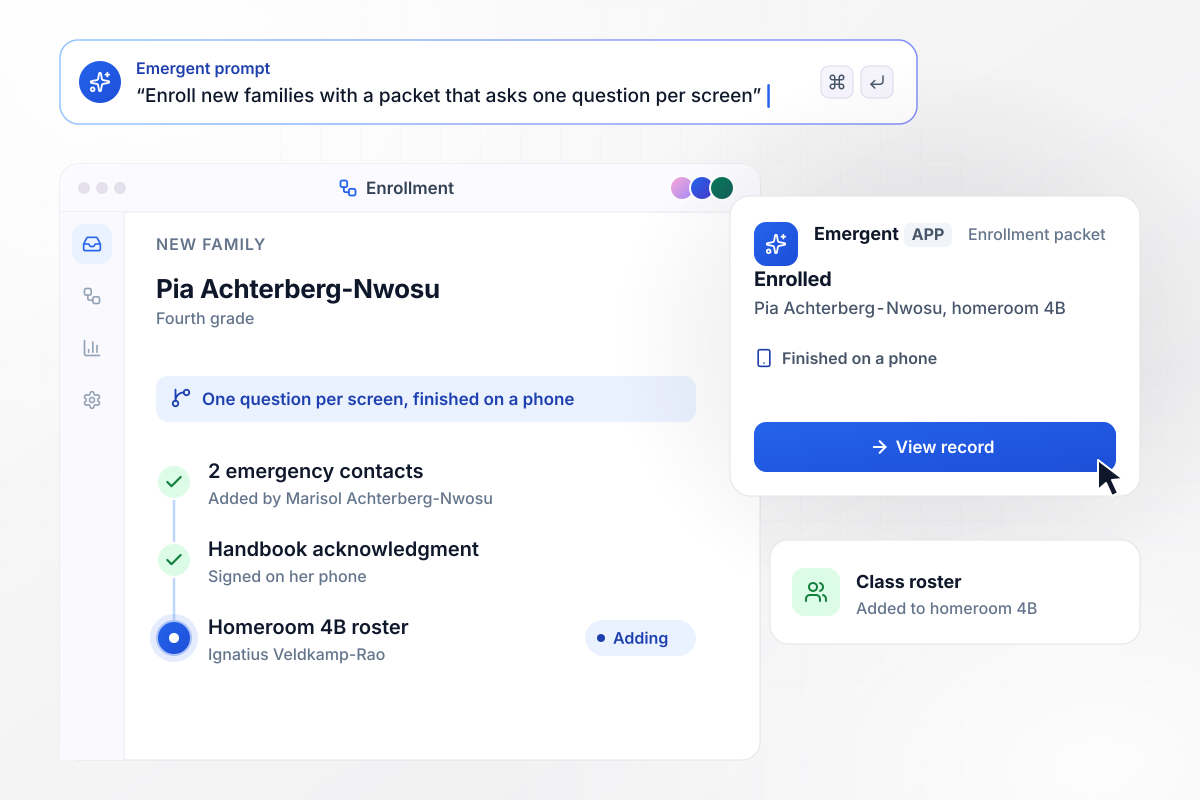
A new family finishes enrollment from a phone
Marisol Achterberg-Nwosu enrolls her daughter, Pia, in fourth grade with a packet that asks one question per screen. She adds 2 emergency contacts and signs the handbook acknowledgment on her phone. The app marks Pia Enrolled, places her in homeroom 4B, and adds her to Ignatius Veldkamp-Rao's roster.
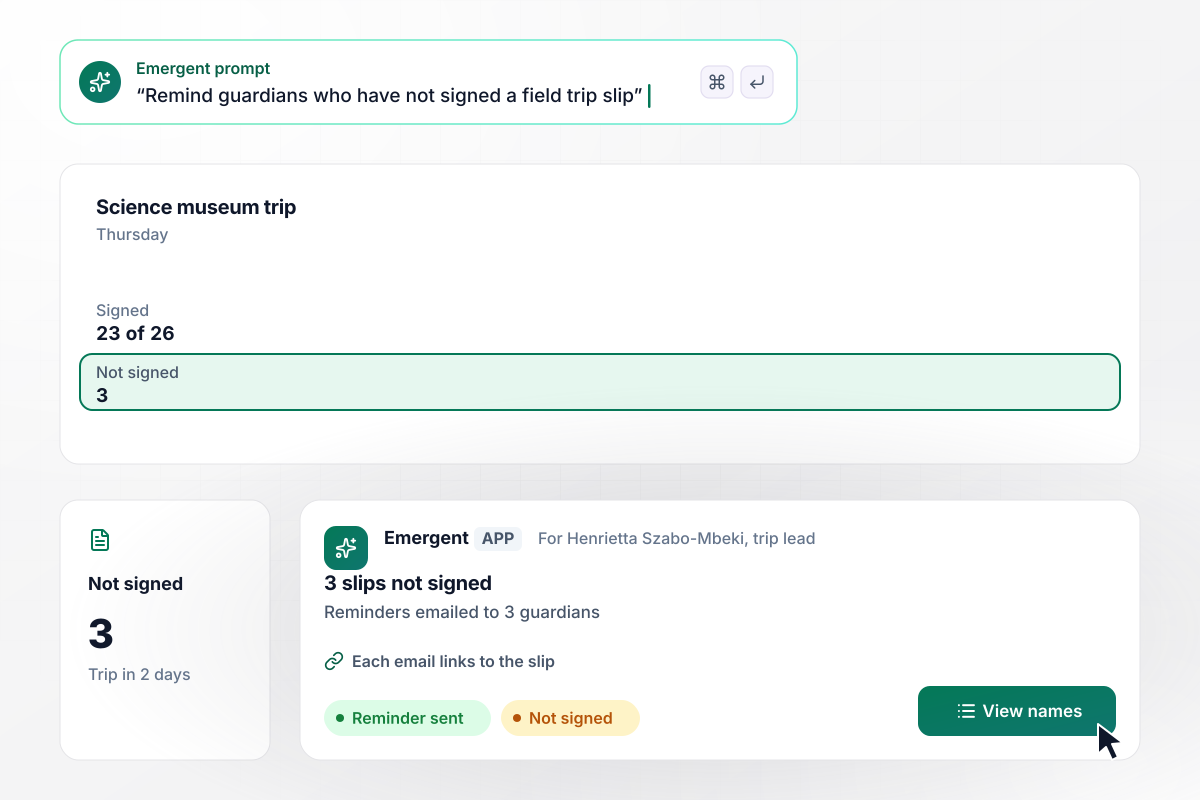
Each unsigned slip gets its own reminder
Two days before Thursday's science museum trip, 23 of 26 permission slips are signed. The app emails each of the 3 guardians who have not signed a reminder with a link to the slip. Henrietta Szabo-Mbeki, the trip lead, gets the 3 names in the app, each marked Not signed.
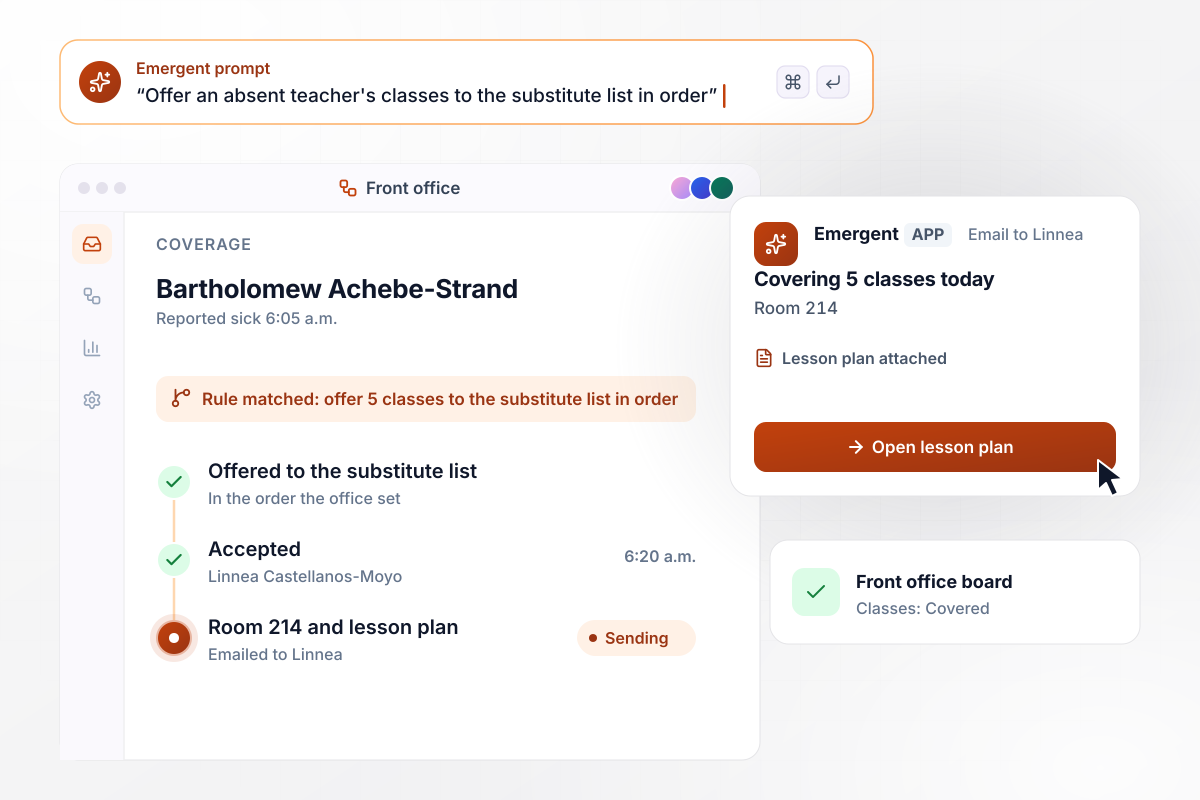
A substitute takes all 5 classes by 6:20 a.m.
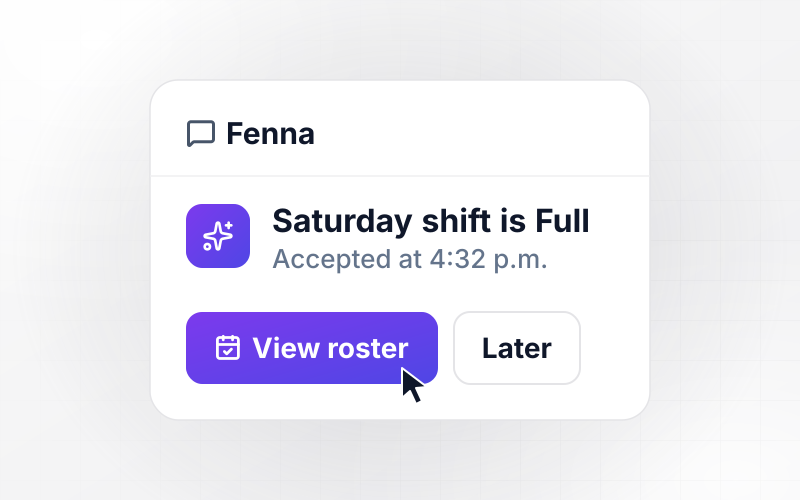
At 6:05 a.m., Bartholomew Achebe-Strand reports he is sick on the staff absence form. The app offers his 5 classes to the substitute list in the order the office set. Linnea Castellanos-Moyo accepts at 6:20 a.m. The app emails her room 214 and the lesson plan, and the front office board shows his classes Covered.






How to Build Education Workflow Automation
These 7 steps turn your office's paperwork into tested rules and launch education workflow automation one flow at a time.
For one school week, have the front office write down every task done by hand, from the morning absence calls to the last permission slip chased at pickup. Circle the tasks that follow the same rule every time, and build those first.
Note which system holds each record at your school, for example attendance in the student information system and trip rosters in a spreadsheet. Connect each one through its API. Every rule should read the record the office already trusts.
Write each rule as you would explain it to a new office hire: flag a student who misses 3 days in a row, and remind a teacher whose grades are due Friday. Emergent builds the app and its logic from those sentences.
Decide before launch who hears about each exception: the attendance clerk for an unexplained absence, the registrar for an unclear form field, the assistant principal when no substitute accepts by 7:00 a.m. Set a reminder for when nobody acts.
Before a single family gets an email, run last month's attendance and staff absences through the app. Compare each flagged absence with what the clerk logged by hand, then adjust the rule in a prompt and replay the month.
Turn on substitute cover first, because it reaches staff and substitutes but no families. Watch it for 2 weeks. Add absence notes next, then enrollment packets and permission slips once guardian contact details are clean.
At the end of each term, read every case a person had to fix by hand: absences closed by phone, forms retyped, classes covered by calls. Change the rule behind each repeat with a prompt, and check whether the list is shorter next term.
Why Build School Workflows With Emergent?
Emergent builds the forms families fill in and the rules behind them from one prompt, on a database you own, with no task cap.

|
Zapier | Make (Integromat) | n8n | |
|---|---|---|---|---|
| How you build | Prompt for the workflow and the app around it | Templates and editor, AI copilot | Visual canvas | Visual canvas, self-hosted or cloud |
| What you get | Workflow + trigger form + database + dashboard, as code you own | Zaps, plus Tables and Interfaces inside Zapier | Scenarios inside Make | Workflows inside n8n |
| Behavior at cap | Keeps running, no task cap | Overage billed at up to 1.25× the base rate | Runs pause | Cloud workflows stop until the reset or an upgrade |
| AI and agent steps | Native, share the same credit pool | Priced by model tier, drawn from the task pool | AI modules cost variable credits | Bring your own model API key, billed by the provider |
| Code ownership | Full code export to GitHub on paid plans | None | None | Yes on Community Edition |


Pick the Pricing Plan That Works for You
Choose the plan that fits your building ambitions. From weekend projects to enterprise applications, we've got you covered.




Find the right workflow automation
for you and your business
Frequently Asked Questions
Your Questions, Answered
Don't change this element unless you know what you are doing
More things you can build
with Emergent









on Emergent today


