

Build a Testimonial Form That Gets Quotes Cleared to Publish
Build a testimonial form that records consent, sends edited quotes for approval, and saves each one to a database you own.
Build a testimonial form that saves every response to a database I own.
Trusted by Builders Worldwide
Active Builders Worldwide
Apps Successfully Created
Countries Globally Reached



What Happens Between Submit and Publish
A quote is usable once the client has agreed to its wording and to the name beside it. The form gets both answers in writing.
Permission asked in its own question
A checkbox asks whether the quote may be published, and the next question asks how the name should read: full name, first name and initial, initials only, or no name at all.
Questions that pull out a before and after
The form asks what was going wrong before the work began and what changed once it ended. A quote built from both answers reads like a short story, not a general line of praise.
Edited wording goes back to the client
When you shorten a quote, the app emails the client the new wording with an Approve button. The quote's status changes to Client approved only after that click is recorded.
A headshot or logo filed with each quote
Clients can attach a headshot or a company logo beside their answers. Each file is saved with its quote, so the face or logo on your site belongs to the person you are quoting.
Every testimonial is a searchable row
Each testimonial lands as a row in a database you own, tagged with the service, the date, and the display name. Sales can search it for a quote about the exact service a buyer wants.
Your form's code, yours to keep
On paid plans, export the full code of the form and its database to your GitHub repository. A developer can then show the approved quotes on your own site or add new fields.
Where Each Quote Goes After Submit
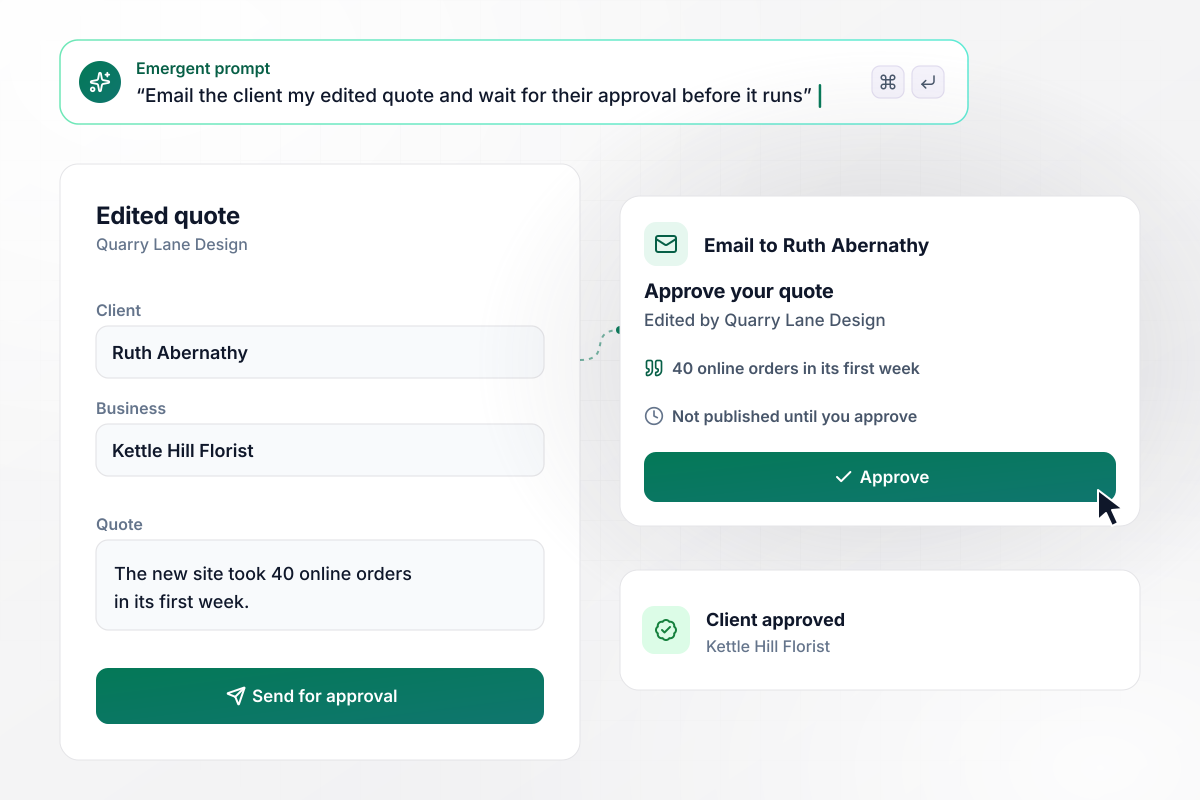
Before any quote runs, the client approves it
Quarry Lane Design sends the form when a website project closes. Ruth Abernathy of Kettle Hill Florist writes a long answer, and the studio cuts it to one claim: 40 online orders in its first week. The app emails Ruth that wording with an Approve button, and the status reads Client approved after she clicks.
window.awbMockup = { designStudios: "Build a testimonial form my design studio sends when a website project closes. Ask the client what changed after launch and whether we may publish their words. When I edit their answer into a shorter quote, email them the new wording with an Approve button, and mark the quote Client approved only after they click it.", coachingPrograms: "Build a testimonial form for my coaching business that goes out in the last week of my 12-week program. Ask clients for one result they can count, like discovery calls booked, and how their name should appear: full name, first name and last initial, or initials only. Save that choice in the same row as their quote.", realEstateAgents: "Build a testimonial form I send home sellers on closing day. Ask what selling with me was like and how fast the house sold, and tag each quote with the neighborhood. Give me a testimonials table I can filter by neighborhood, so I can pull every quote from one area before a listing presentation.", onlineStores: "Build a testimonial form for my coffee roasting shop. Ask which blend the customer bought, a 1 to 5 star rating, and a short quote. Email every customer who submits a $10 store credit, whatever rating they give, and save the credit with their answers so the product page can show Received a $10 store credit under the quote." };
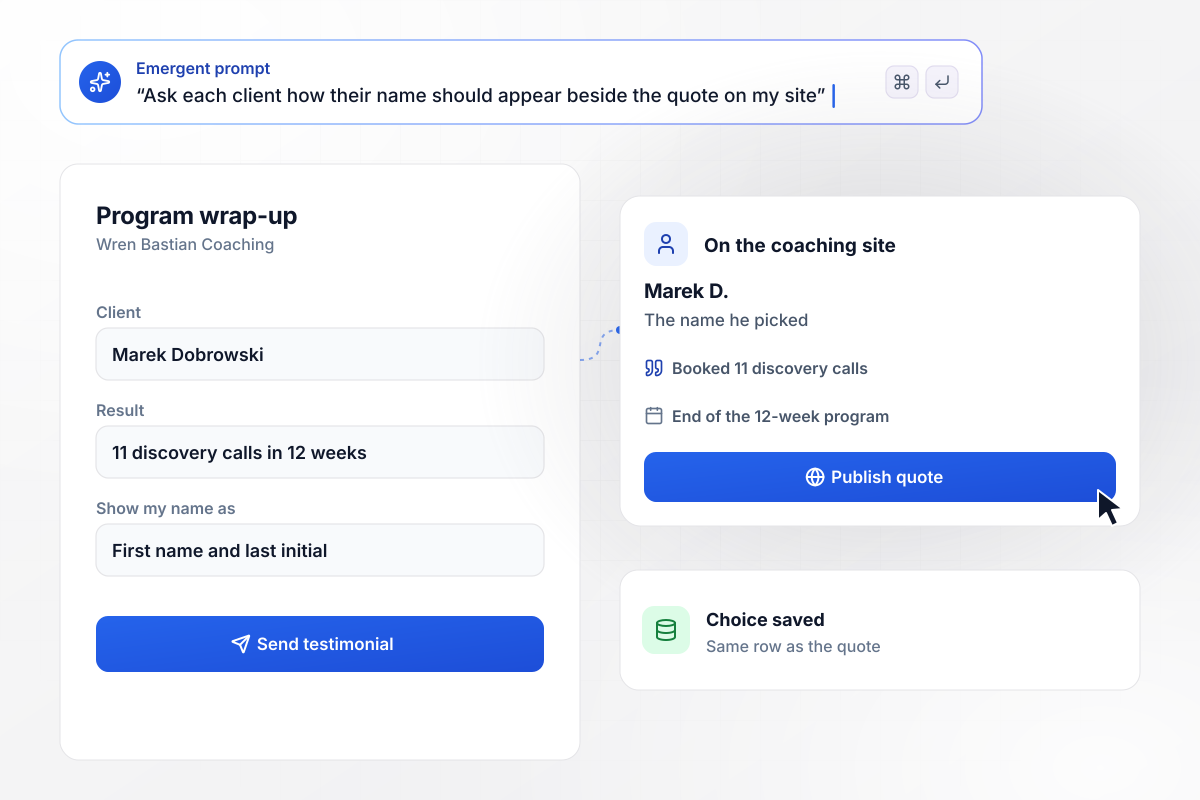
On the site he is Marek D., the name he picked
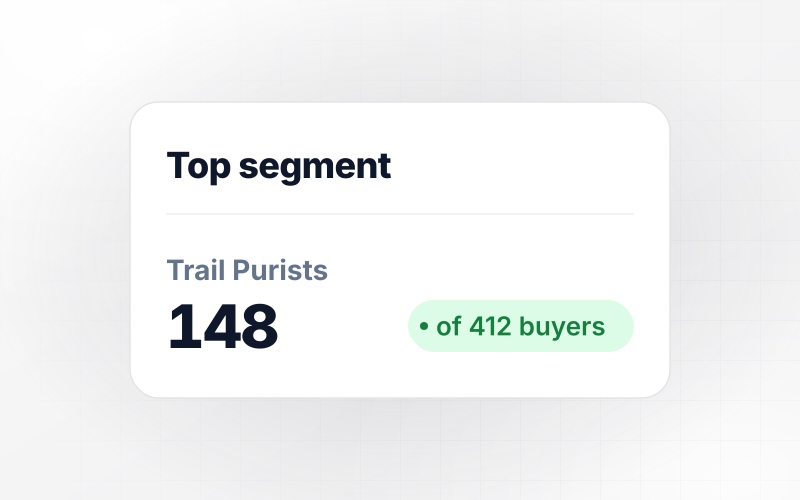
Wren Bastian Coaching sends the form at the end of its 12-week program. Marek Dobrowski writes that he booked 11 discovery calls in 12 weeks. Asked how his name should appear, he picks first name and last initial, so the site runs his quote as Marek D. That choice is saved in the same row as the quote.
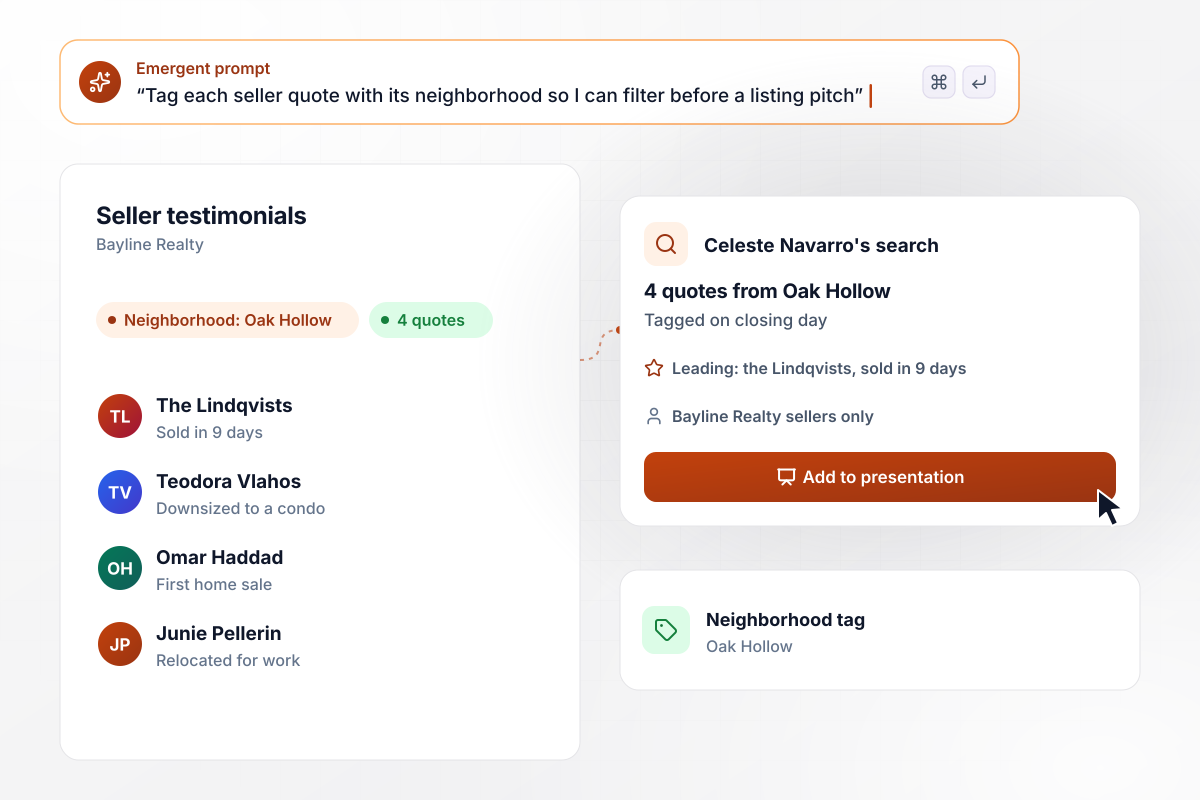
Oak Hollow quotes on hand when a listing comes up
Celeste Navarro of Bayline Realty sends sellers the form on closing day, and each quote is tagged with its neighborhood. When an Oak Hollow owner asks her to list a house, she filters by Oak Hollow and finds 4 quotes from past sellers. The Lindqvists, who sold in 9 days, lead her listing presentation.
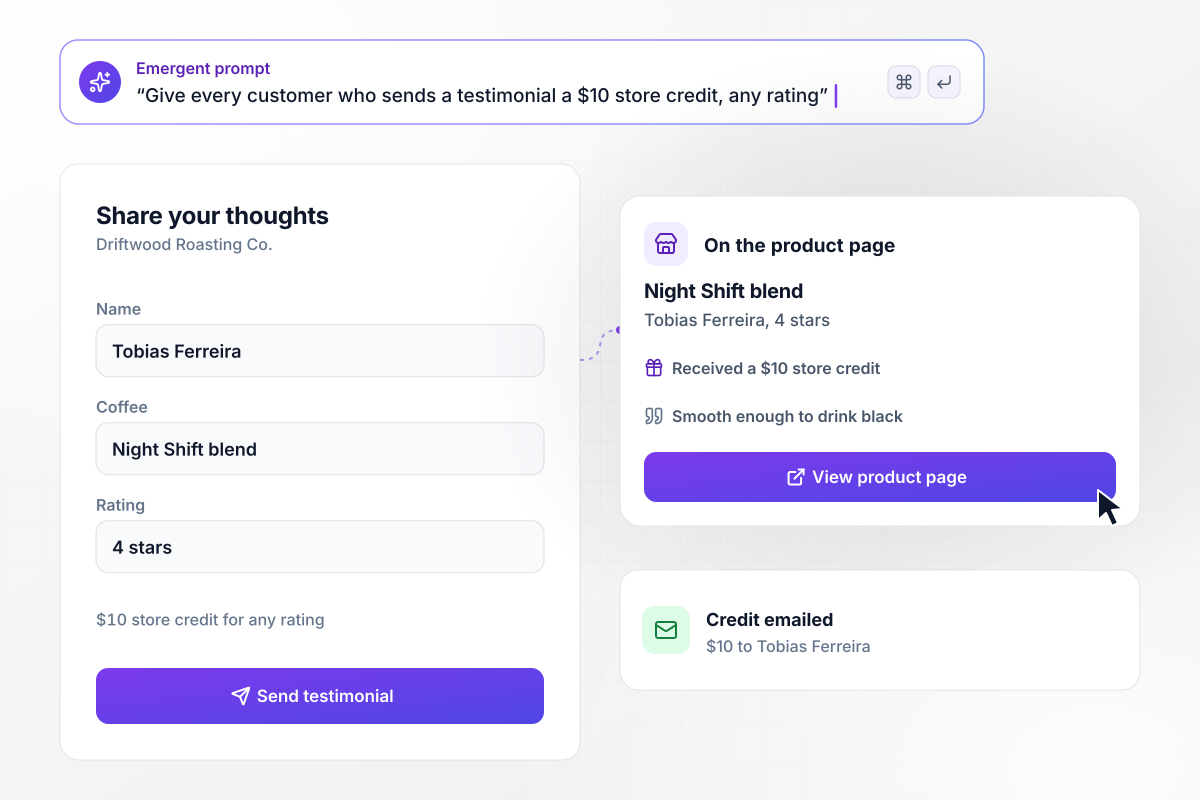
A $10 thank-you, noted under every quote
Driftwood Roasting Co. gives a $10 store credit to every customer who sends a testimonial, at any rating. Tobias Ferreira rates the Night Shift blend 4 stars and gets the credit by email. On the product page, his quote carries the line Received a $10 store credit, because the credit is saved with his answers.






How to Create a Testimonial Form
Seven steps to plan the questions, consent and approval for a testimonial form, then build it with Emergent.
List the places a quote will appear, such as the homepage or a sales deck. Where it runs decides what you ask. A quote for a pricing page needs a result with a number in it, while a homepage quote can be one plain sentence.
Open with the problem the client had before hiring you, then ask what changed. Add one question for a number they can stand behind, such as hours saved or calls booked. Keep the form short enough to finish in a few minutes.
Ask for consent after the answers, when the client can see what they wrote. Use a checkbox for permission to publish and a separate choice for how the name appears. Getting both in writing gives you a record to point to later.
Write a prompt that lists your questions, the consent checkbox, and the name choices. Emergent builds the form and the database behind it. Change any part by prompting again, for example to add a photo upload for headshots or company logos.
Decide who edits quotes and how the client signs off on the edit. Ask for a status field on each quote and an email that sends the client the edited text. The status should change to approved only when the client confirms it.
Add tags the answers fill in, like the service bought or the client's industry. When a prospect asks about one service, you can filter for quotes about exactly that service instead of scrolling through every testimonial you have.
Send the link right after the client sees the result, while the details are fresh. Before that, submit a test answer yourself and confirm the row saved with its tags, its consent choice, and the display name.
Why Build Your Testimonial Form With Emergent?
A template stops at the questions. Emergent builds what comes after: a consent record for each quote and a database that files it.

|
Google Forms | Typeform | Jotform | |
|---|---|---|---|---|
| How you build | Describe it in plain English | Editor, with Gemini drafting on some Workspace plans | Templates, editor, AI assist | Templates, editor, AI generator |
| Where responses live | A database table you own, plus any integration | Google Sheets | Typeform account | Jotform account |
| Response limits | No response caps | No limit | Monthly response caps by plan; the form closes at the cap | Monthly submission caps by plan; the form stops at the cap |
| Code ownership | Full code export to GitHub on paid plans | None | None | None |


Pick the Pricing Plan That Works for You
Choose the plan that fits your building ambitions. From weekend projects to enterprise applications, we've got you covered.




Find the right form
for whatever you're collecting
Frequently Asked Questions
Your Questions, Answered
Don't change this element unless you know what you are doing
More things you can build
with Emergent









on Emergent today


