

Build a SaaS Landing Page and the App Behind It
Build a SaaS landing page from one description, with a signup form and a table that records every new account.
Build a SaaS landing page that explains what my software does and asks visitors to start a free trial.
Trusted by Builders Worldwide
Active Builders Worldwide
Apps Successfully Created
Countries Globally Reached



What Ships With Each SaaS Page
The sections a software buyer reads, plus the signup data and the follow-up rules that run after launch.
Every section from one description
Describe the product and the one action you want from its buyer. Emergent writes every section down to the signup form, and you change any of them by sending another message.
Signups saved to a table you own
Each signup becomes a row in your own database, stamped with the plan picked and the campaign that sent the visit. Filter and export the rows, or sync each new one to your CRM.
Calculators that run your formula
Write the math as a sentence, such as seats times price minus the annual discount. Emergent builds the inputs and the result, then saves each calculation next to the visitor's email.
A second headline on request
Ask for a variant with a different headline or a shorter form. Emergent builds it, splits visitors between the two, and records which version each new account saw on its visit.
Alerts for the accounts that matter
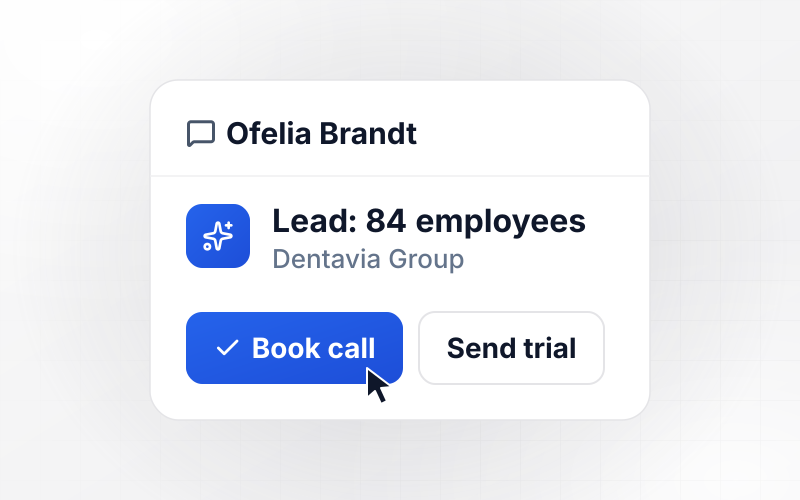
Set a rule such as a work email domain or a team of 50 or more. When a signup matches, its owner gets a Slack message or an email with the details as soon as the row is saved.
Code that leaves with you
The page code and the tables behind it export to your GitHub on paid plans. Host on Emergent with a custom domain, which uses credits, or deploy the export beside the app you ship.
Four SaaS Pages Beyond the Homepage
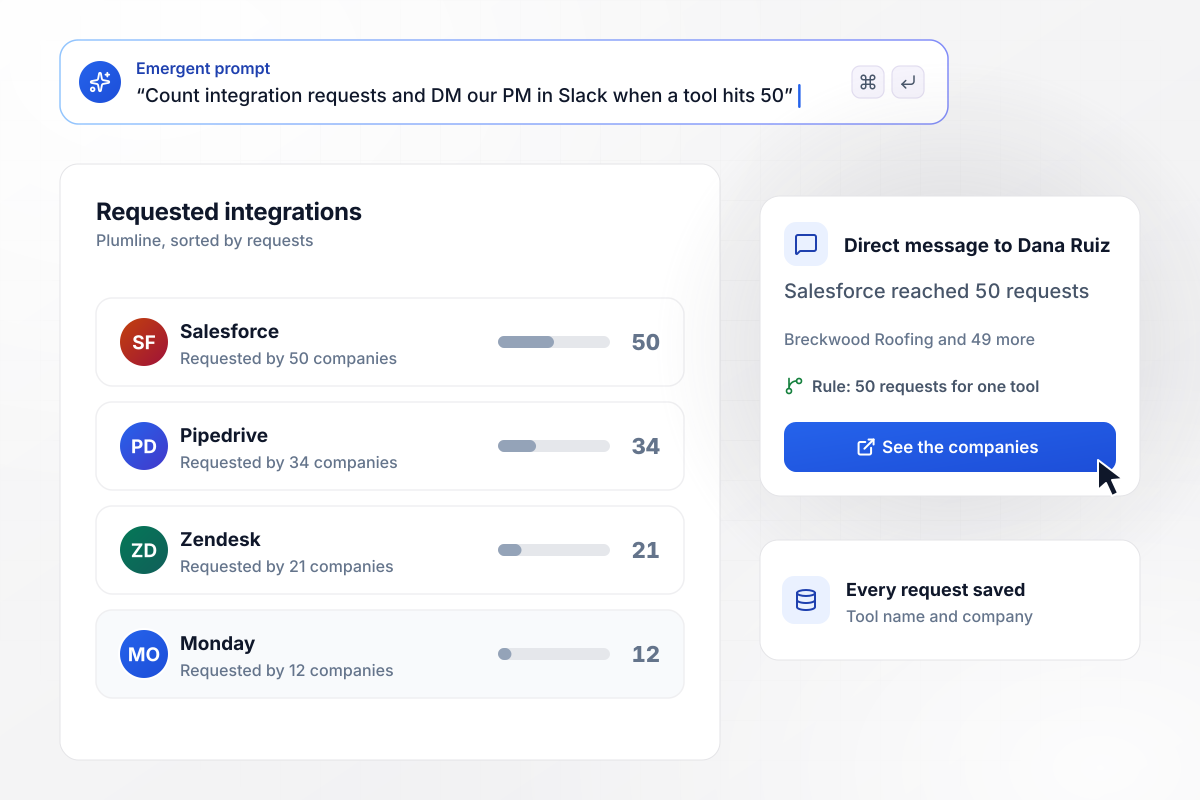
Fifty requests, then the product manager hears about it
Plumline sells invoicing software to contractors, and its integrations page shows a Request button for every tool it does not support. Each request is saved with the tool name and the company asking. When a tool reaches 50 requests, product manager Dana Ruiz gets a Slack direct message naming those companies.
window.awbMockup = { integrationRequests: "Build an integrations page for my invoicing software for contractors. List each tool we connect to, and show a Request button for tools we do not support yet. Save each request with the tool name and the company asking. When any tool reaches 50 requests, send our product manager Dana Ruiz a Slack direct message with the names of the companies that asked.", savingsCalculator: "Build a calculator page for my time-tracking software for agencies. Visitors enter team size, hours per person per month spent on timesheets, and their hourly billing rate. Show the total hours and what they cost per month in dollars. Under the result, add an email field that sends the estimate and saves the inputs with the lead.", productChangelog: "Build a changelog page for my project management software. Readers can subscribe with their email and tick the topics they follow, such as Reporting, Integrations or Mobile. When I publish a release, tag it with a topic and email it only to subscribers who picked that topic. Log every send against the release in the subscriber table.", partnerProgram: "Build a partner program page for my marketing analytics software. Agencies apply with their name, website, the number of client accounts they manage, and the channels they run. Send any agency with 10 or more client accounts to our partner manager Ken Adeyemi by email with the application attached. Email everyone else the self-serve partner kit." };
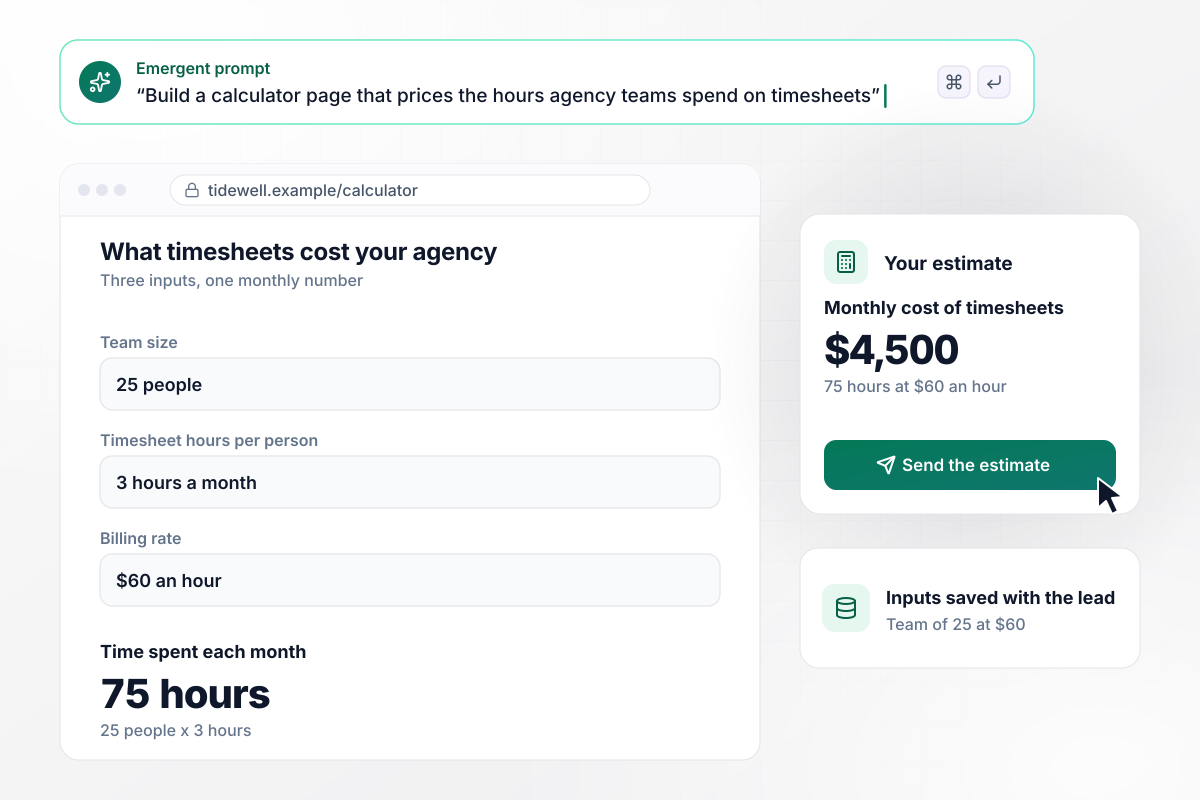
The calculator puts $4,500 a month on timesheets
Agency owners on Tidewell's calculator page enter their team size, the hours each person spends on timesheets, and their billing rate. A team of 25 at three hours a month and $60 an hour comes to 75 hours, or $4,500. An email field under the result sends the estimate and saves the inputs with the lead.
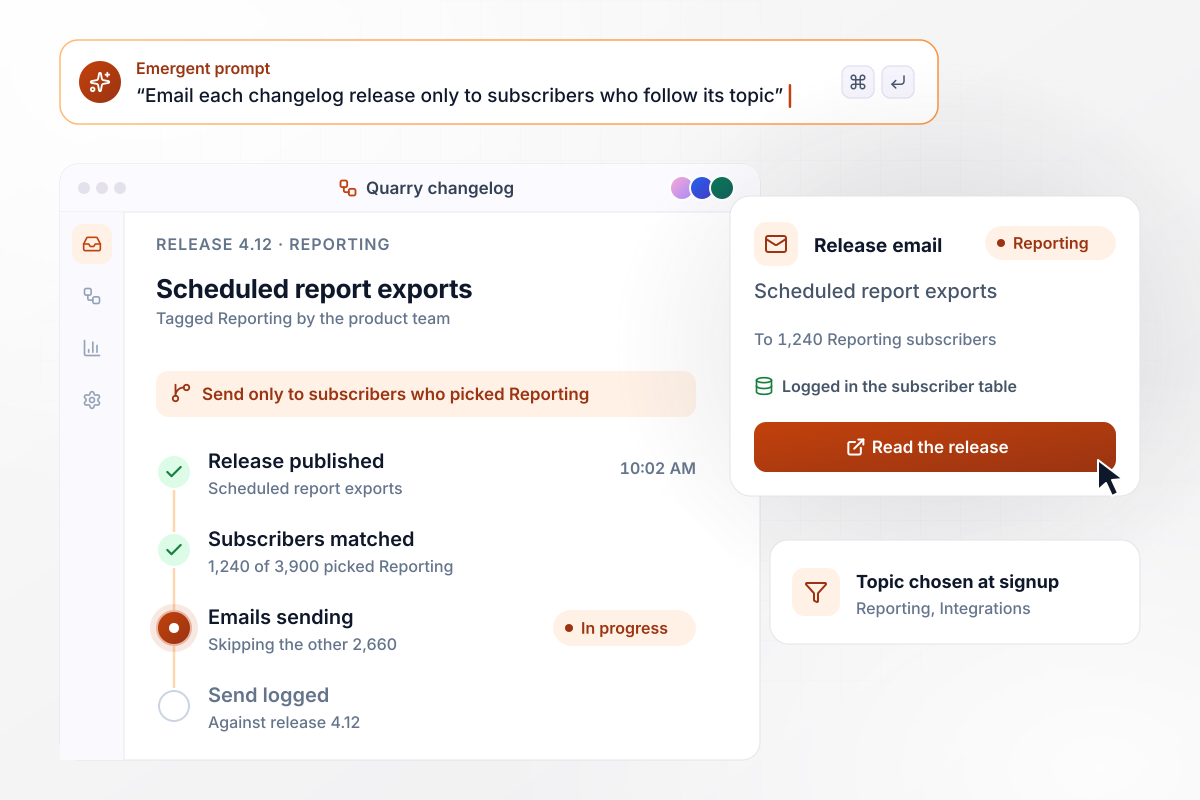
Release notes reach only the readers who asked
Every reader of Quarry's changelog can subscribe and tick the topics they follow, such as Reporting or Integrations. A release tagged Reporting goes only to the 1,240 subscribers who picked Reporting and skips the other 2,660. Each send is logged against the release in the subscriber table.
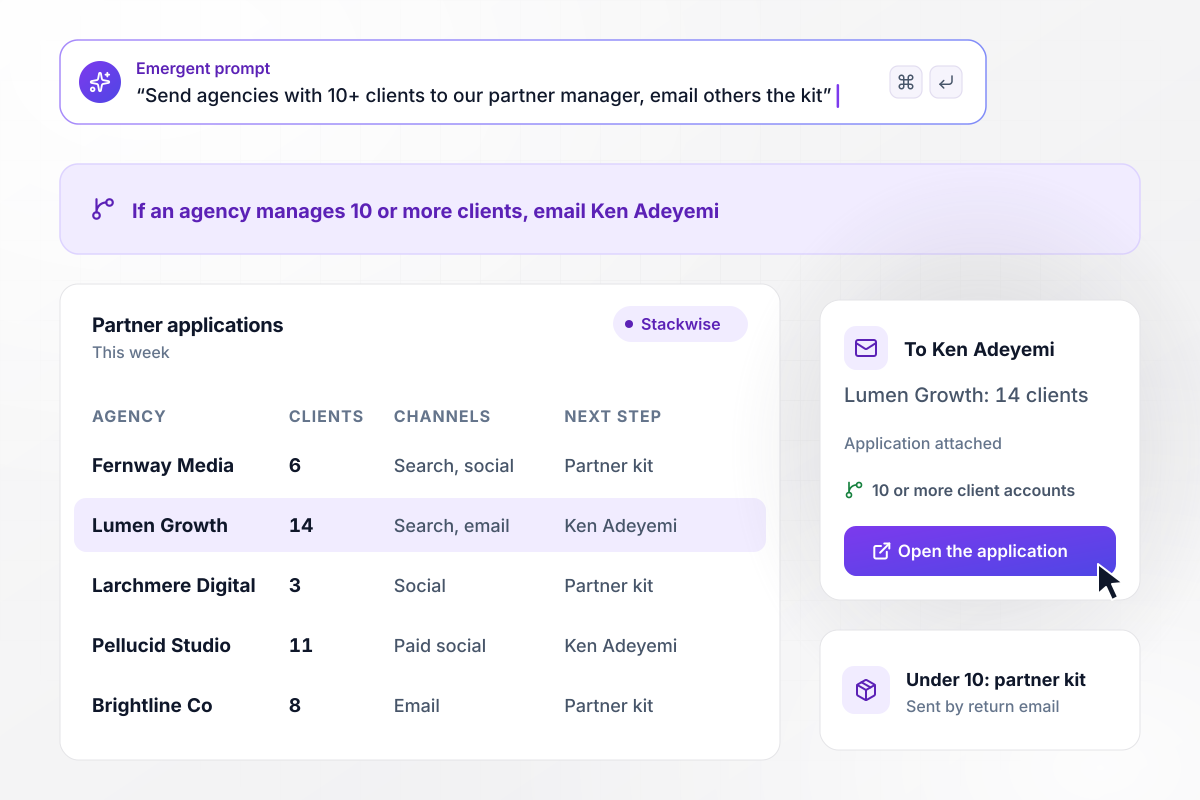
Agencies with 10 clients get a partner manager
Applications to the Stackwise partner program ask how many client accounts an agency manages. An agency with 10 or more goes to partner manager Ken Adeyemi as an email with the application attached. Smaller agencies receive the self-serve partner kit by return email and can reapply as they grow.






How to Build a SaaS Landing Page
Seven steps to a SaaS landing page that asks for one action and shows which campaigns bring accounts that go on to pay.
Decide whether visitors start a trial, book a demo or join a waitlist, and build the page around that single button. Landing pages usually drop the site navigation for the same reason: every extra link is a way out before the visitor acts.
Write the headline for one buyer and one job. Invoicing for contractors who wait 60 days to get paid tells a roofer more than a line about the future of finance. Put the product category in the subhead so nobody has to guess what you sell.
Use screenshots or a short screen recording of the actual interface, cropped to the screen that does what the headline promises. Abstract illustrations look polished and explain nothing. A buyer wants to see the screen they will spend their working day in.
Show the plans on the page or link to them from the header, and state what a trial gives the visitor. If a plan needs a sales conversation, say so plainly and give the visitor a way to book one without leaving the page.
A named quote from a company the visitor sees as a peer outweighs a wall of logos. Match the proof to the audience: an agency testimonial on a page for agencies, a contractor's numbers on a page for contractors. Place it where hesitation happens, beside the signup.
Every signup field should change what happens next. Team size can decide whether sales gets involved, and a company name can prefill the workspace. Anything else can wait until the person is inside the product and has a reason to answer.
Add utm_source and utm_campaign to every ad and email link, then store both values with each signup. Judge each campaign by how many of its signups become active or paying accounts a month later, not by the signup count on launch day.
Why Build SaaS Pages With Emergent?
Landing page builders host the page and keep signups in their dashboard. Emergent builds the page and its signup data as code you own.

|
Unbounce | Landingi | Wix | |
|---|---|---|---|---|
| How you build | Prompt for a campaign page | Templates and drag-and-drop, AI copy assist | Templates and drag-and-drop, AI assist | Prompt for a full site |
| Where submissions go | A database table you own, plus integrations | Unbounce lead storage and integrations | Vendor lead storage and integrations | Wix dashboard submissions and Contacts |
| A/B testing | Generate variants by prompt | A/B testing on higher-tier plans only | Higher plans | Limited or add-on |
| Visitor limits | No per-visitor pricing | Monthly visitor caps by plan | Tiered by traffic on most plans | Site plan bandwidth |
| Code ownership | Full code export to GitHub on paid plans | Hosted only | Hosted only | Hosted only |




Pick the Pricing Plan That Works for You
Choose the plan that fits your building ambitions. From weekend projects to enterprise applications, we've got you covered.




Find the right landing page for you

Frequently Asked Questions
Your Questions, Answered
Don't change this element unless you know what you are doing
More things you can build
with Emergent









on Emergent today


